Hand Holding Sticker Mockups for Logo Preview
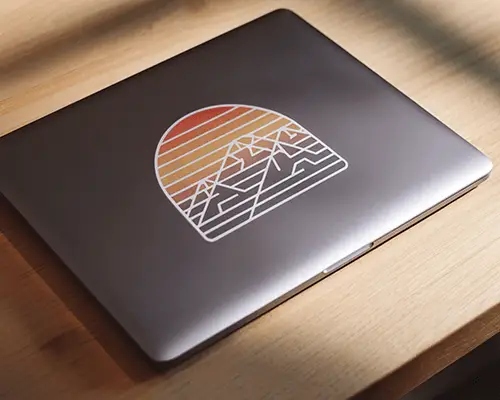
Create a realistic hand holding sticker mockup with Mockey AI. Upload your sticker design and customize it easily to showcase your branding in a natural hand holding scene.



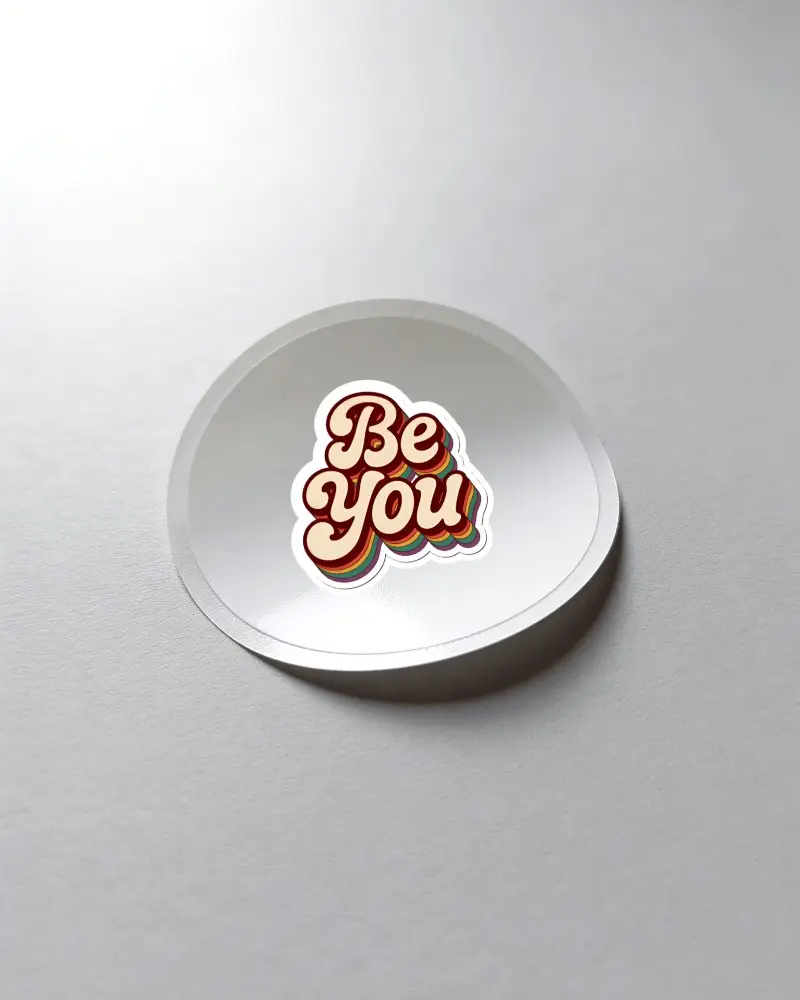
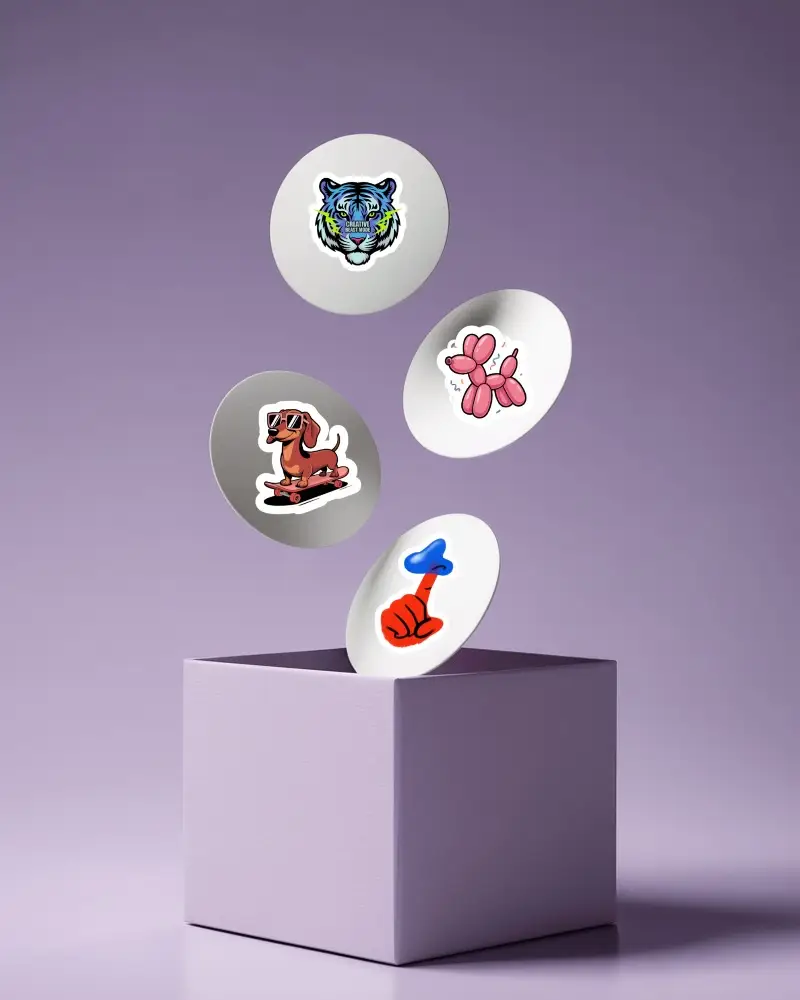
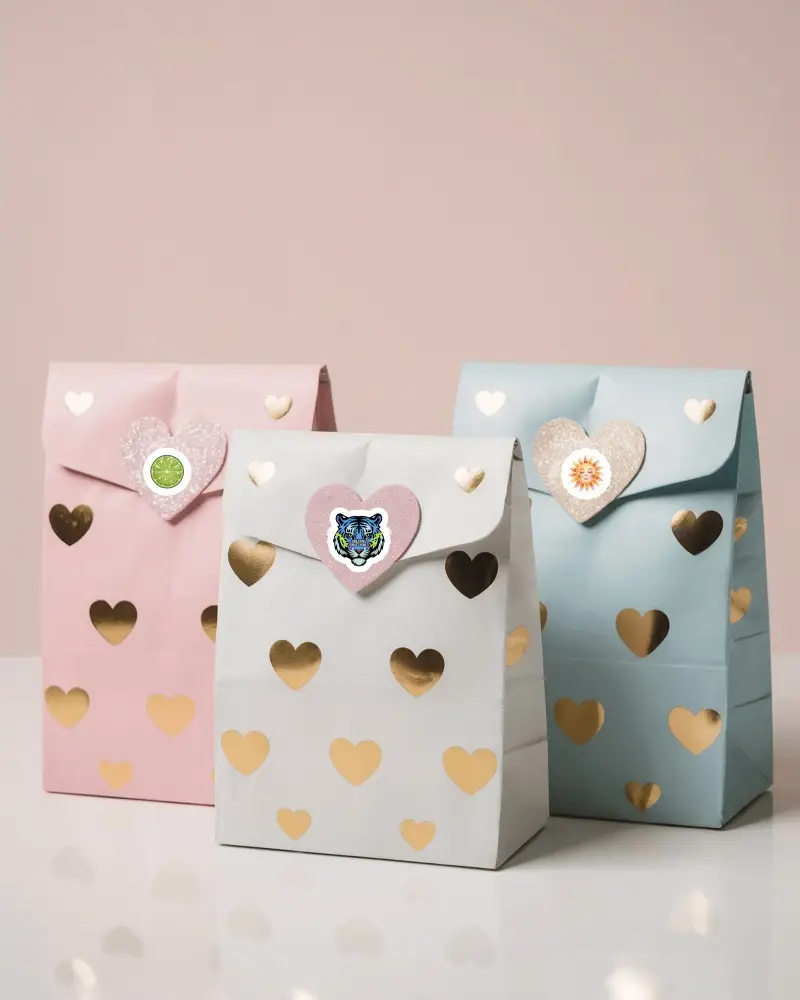
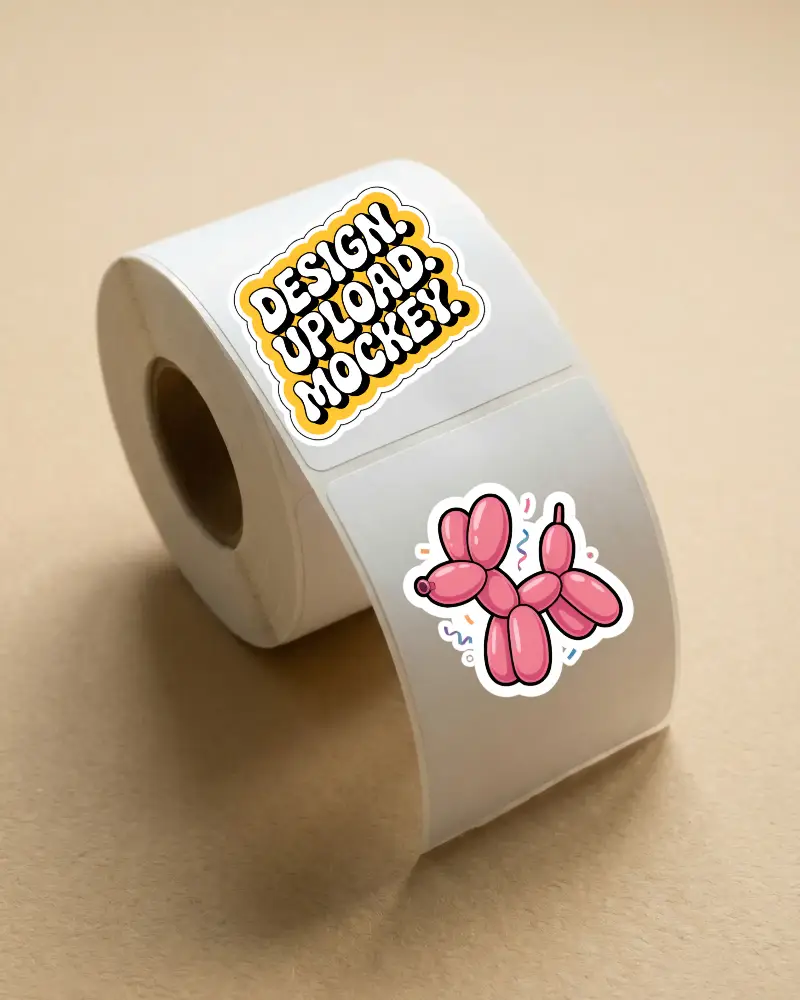
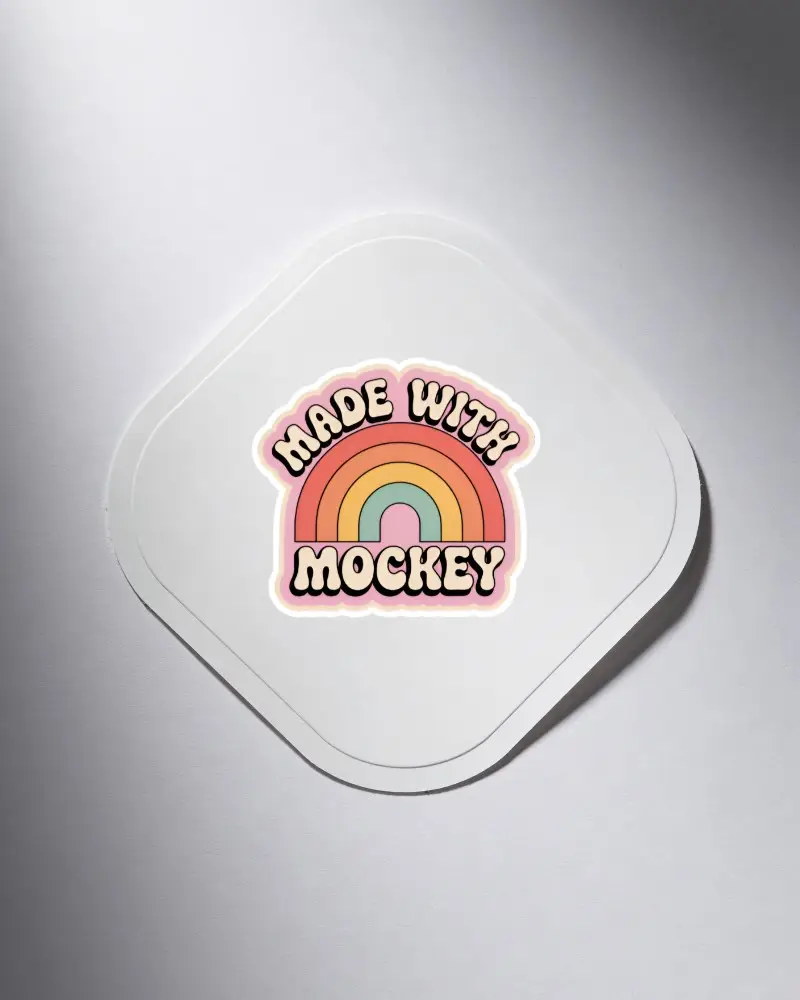
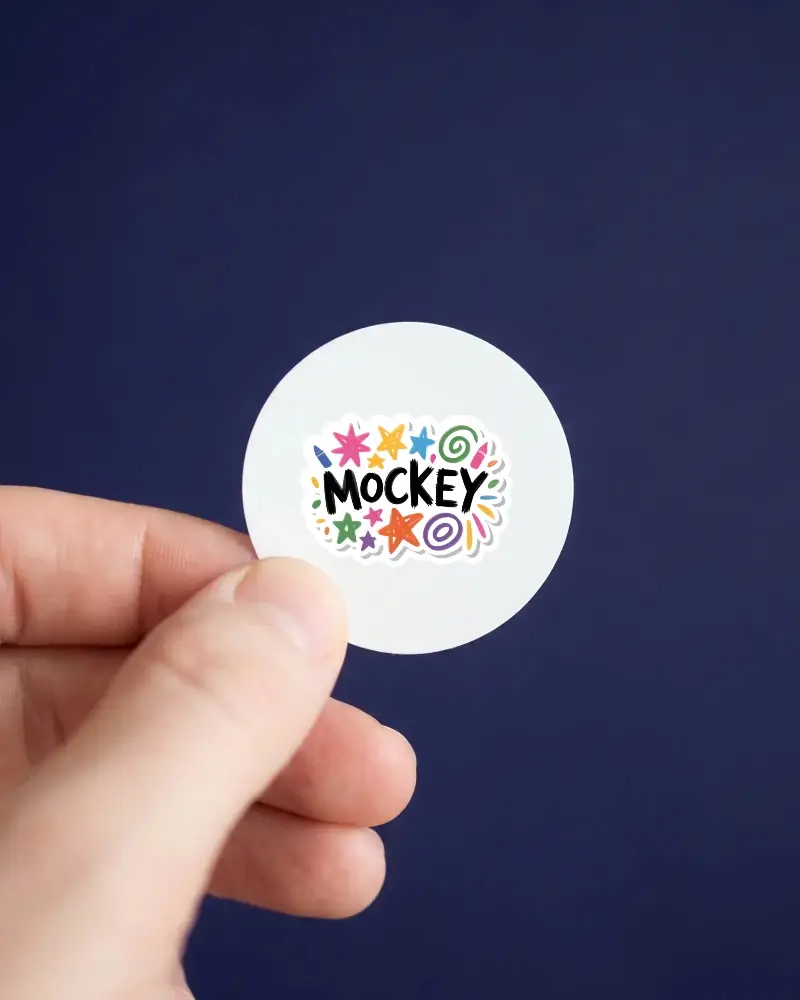
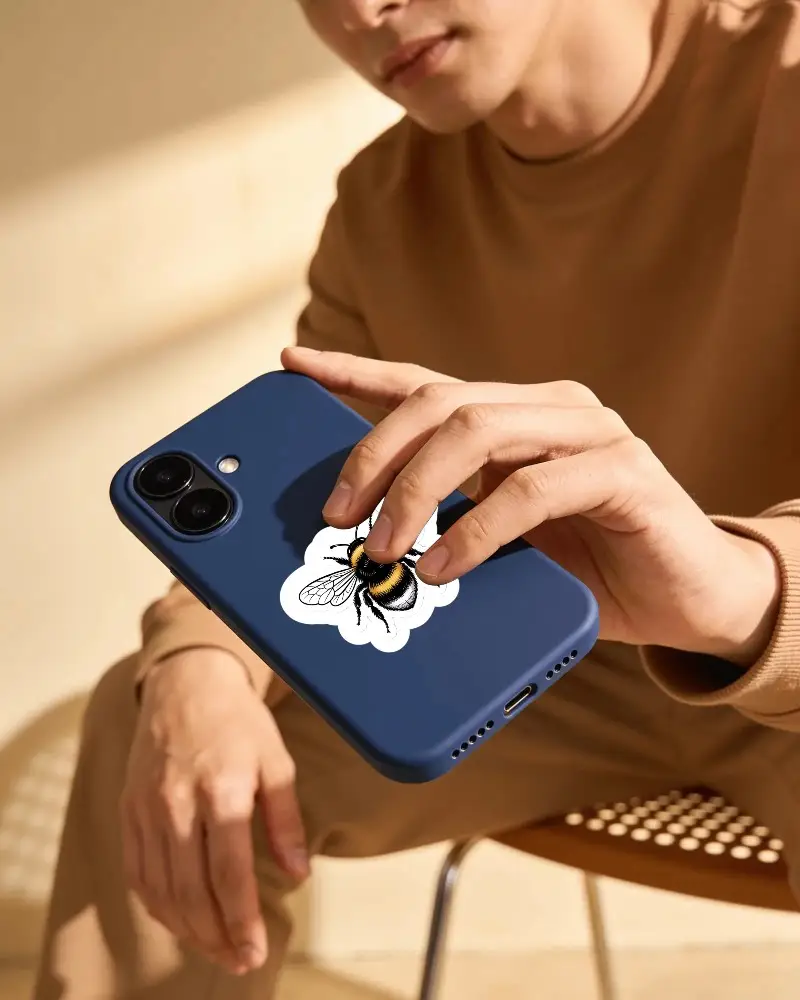
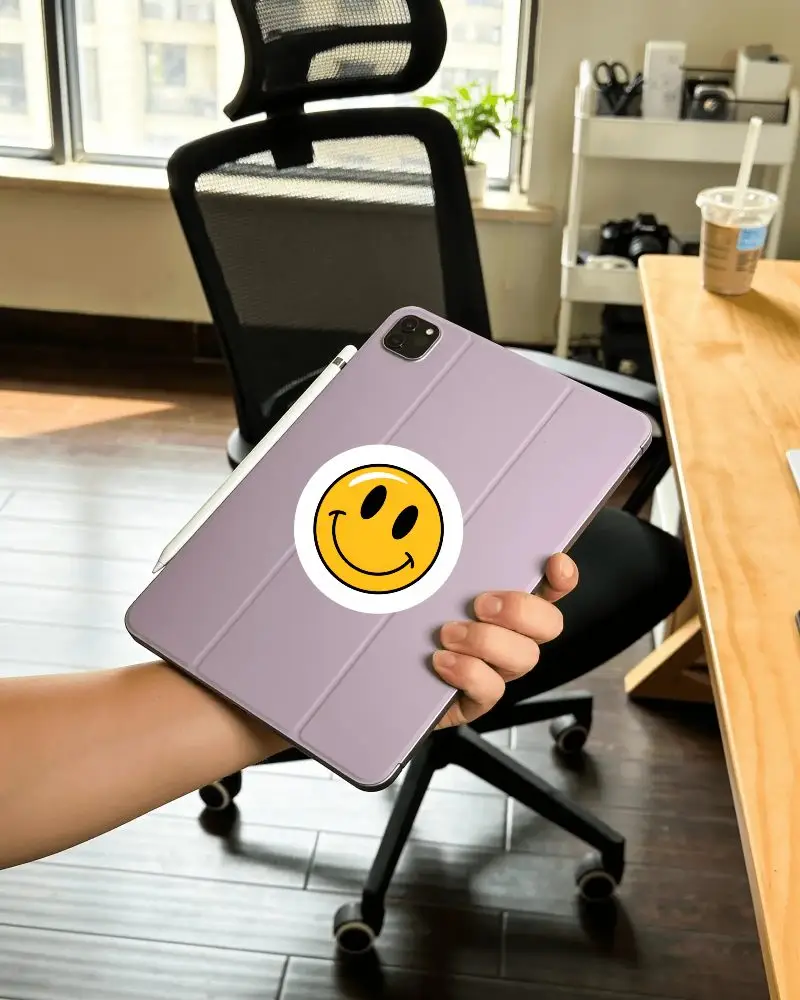
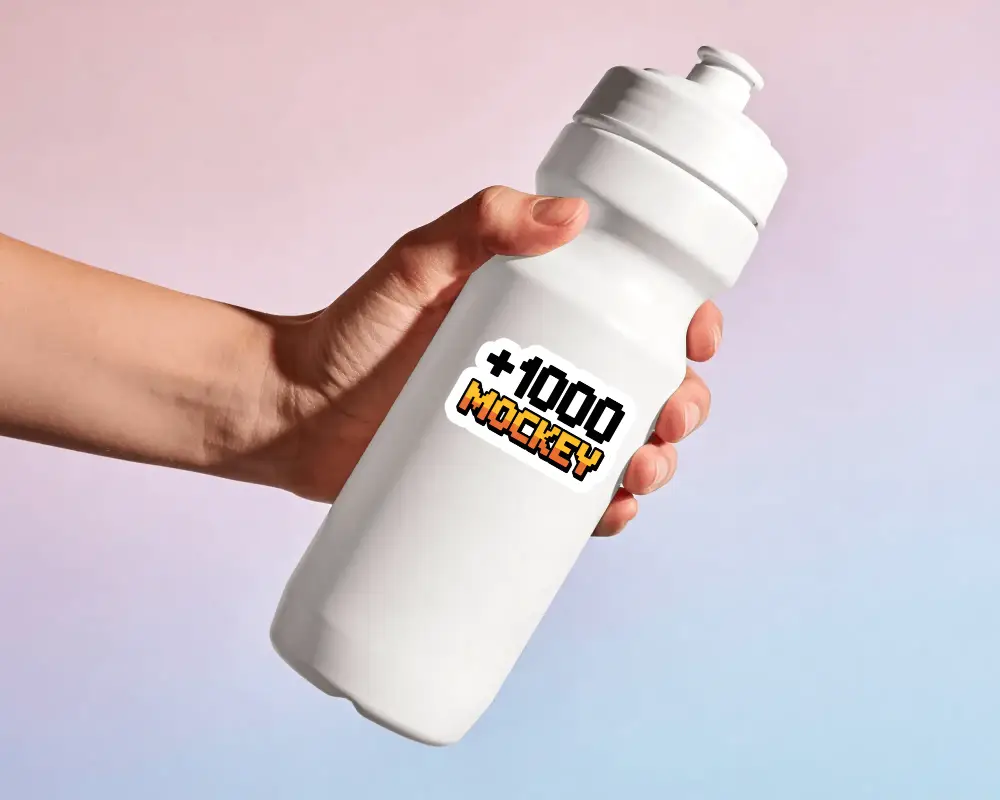
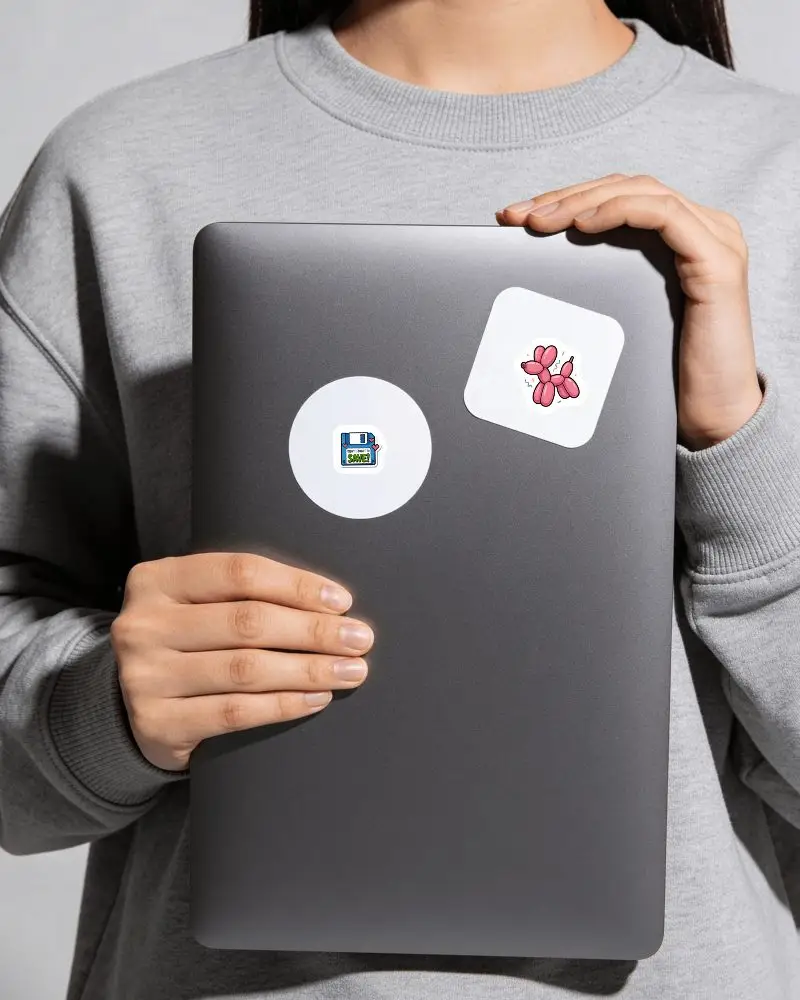

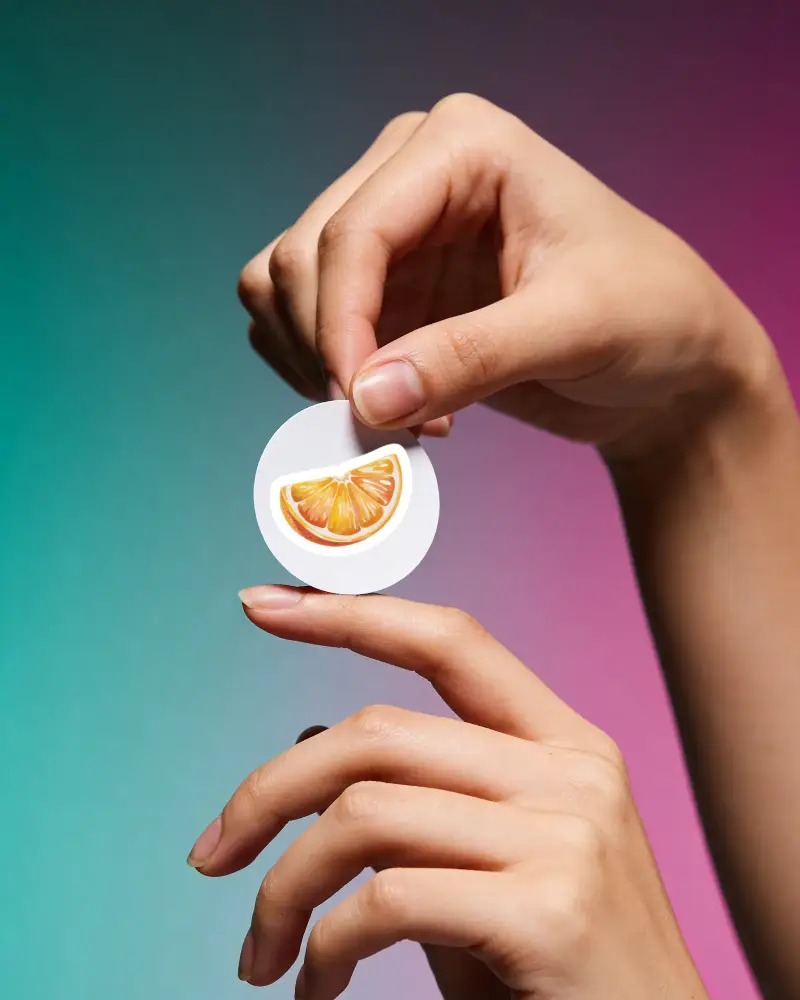
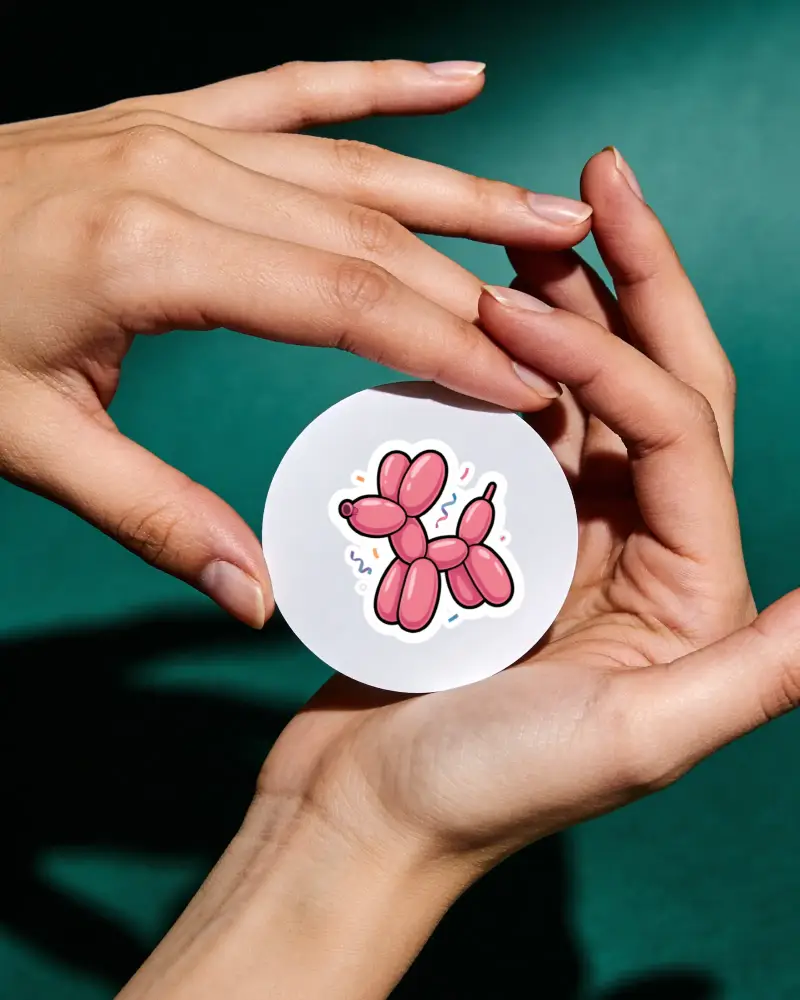


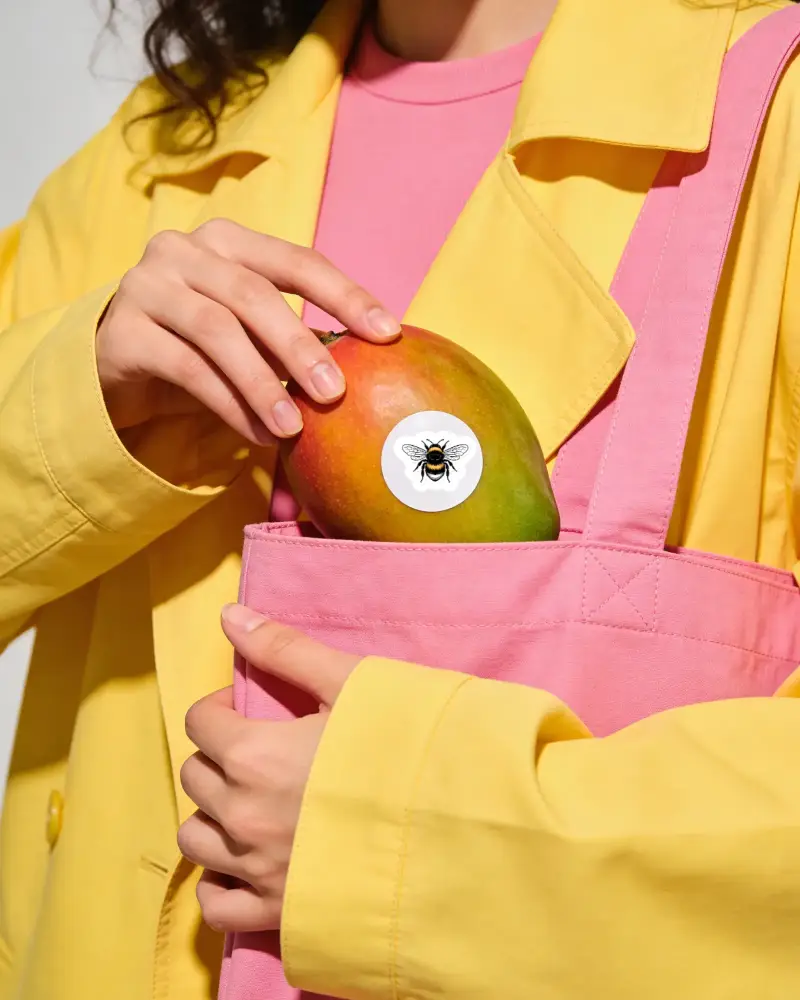
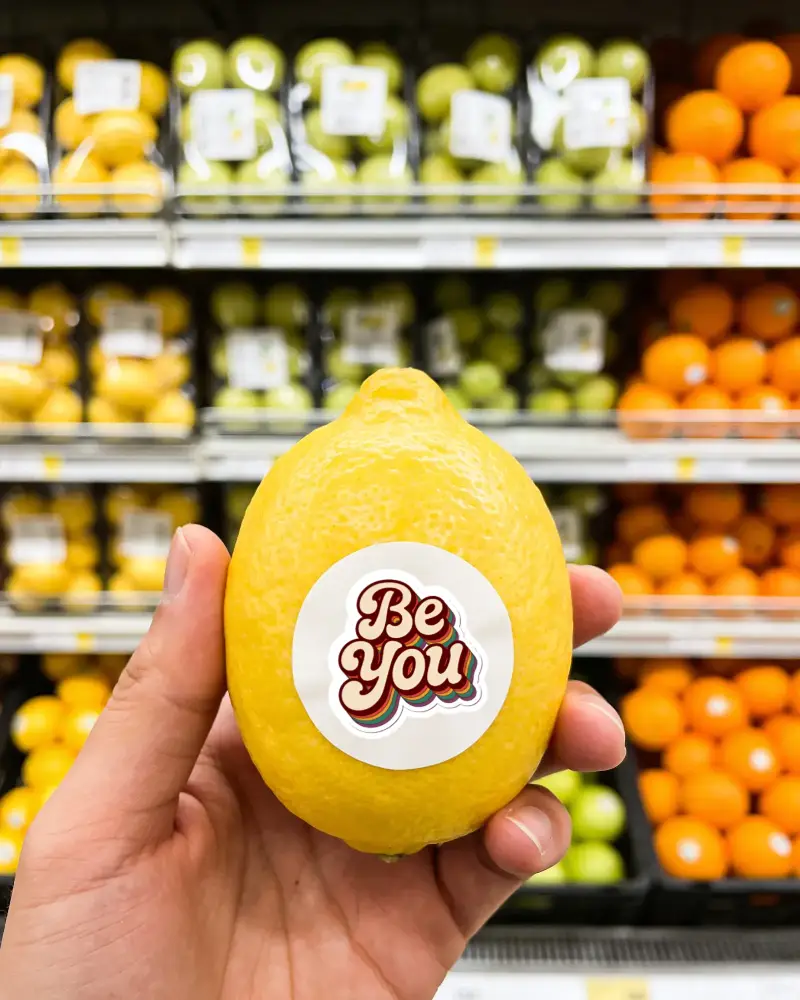
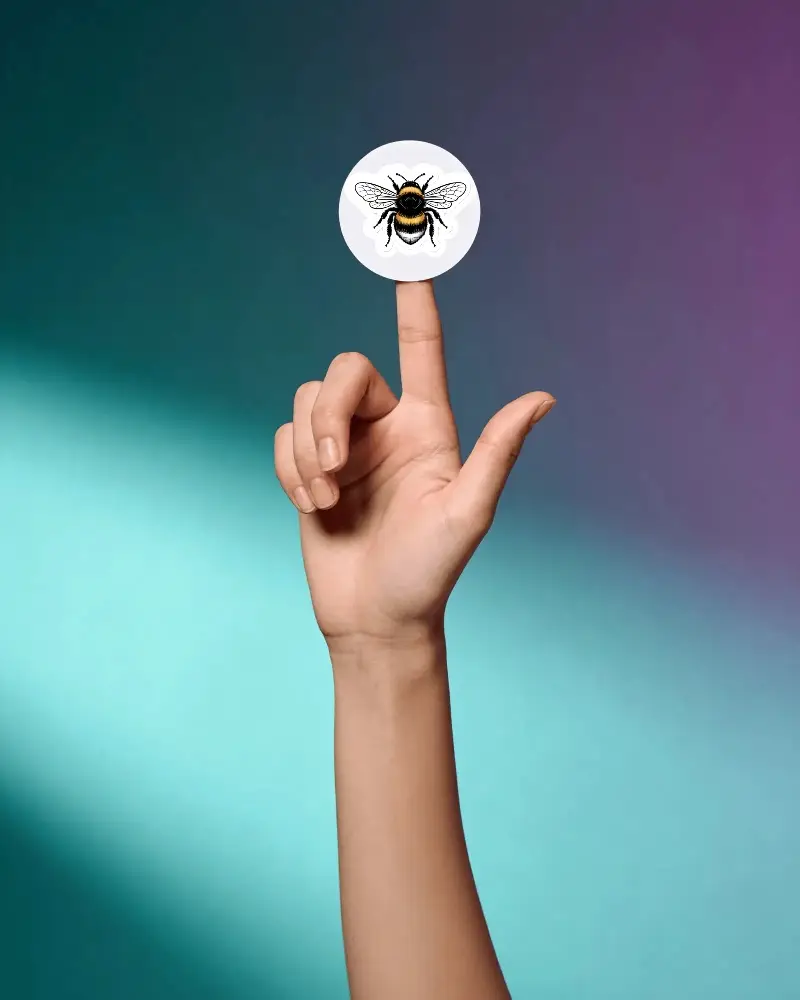
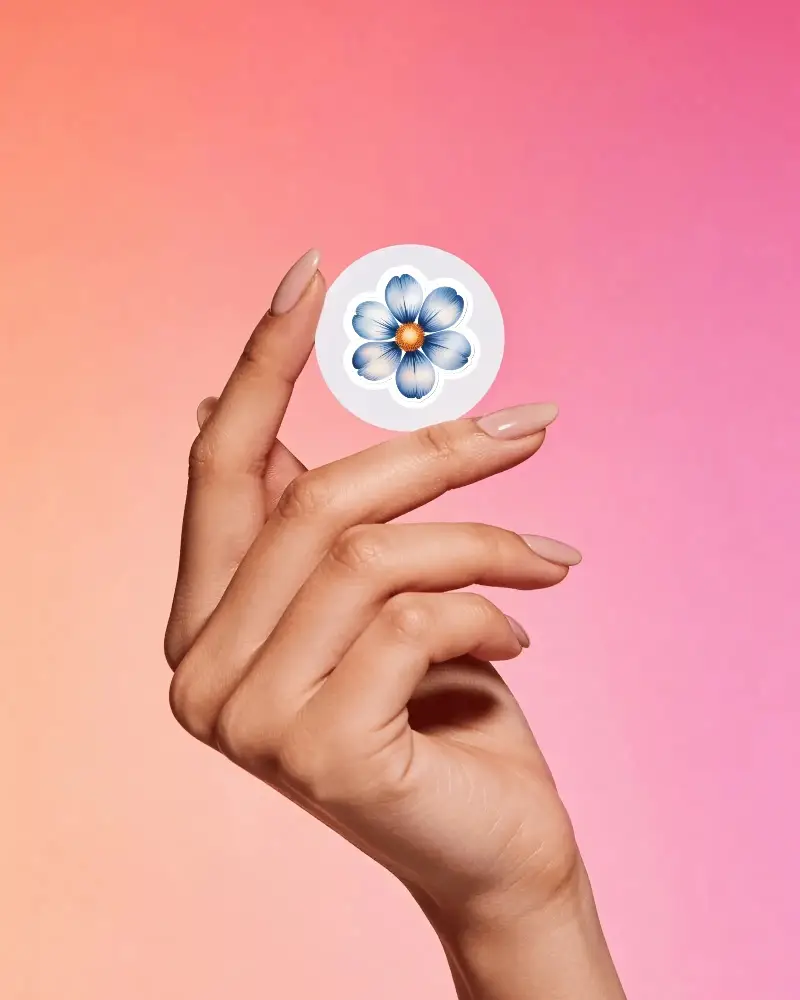
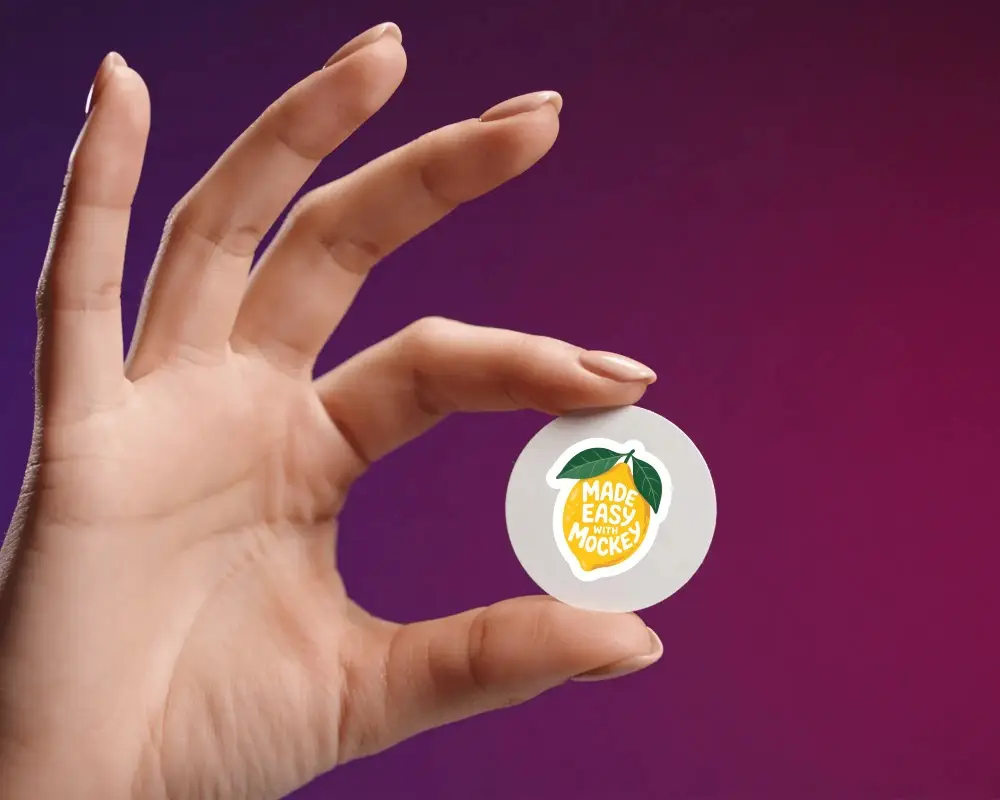
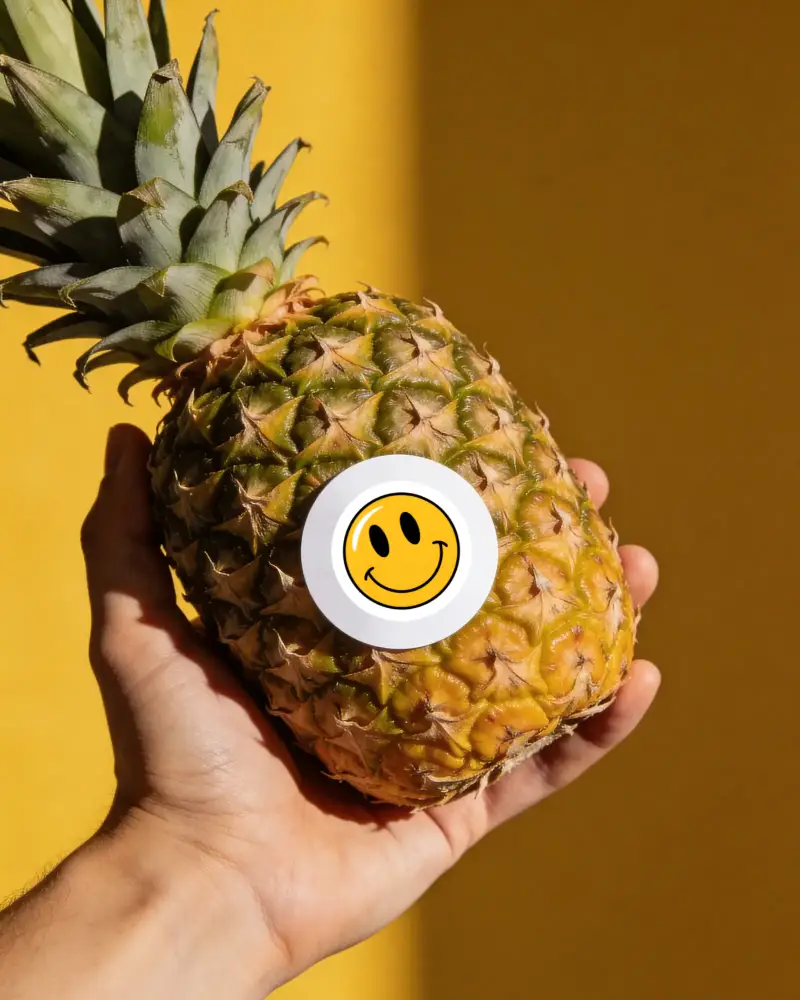
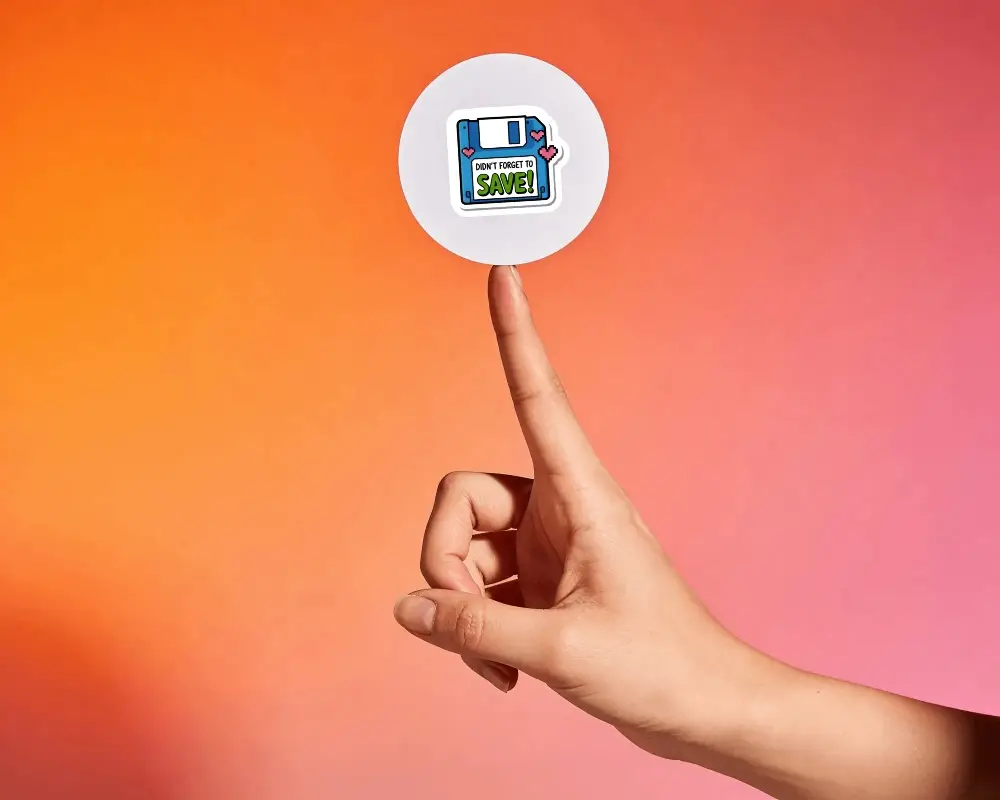
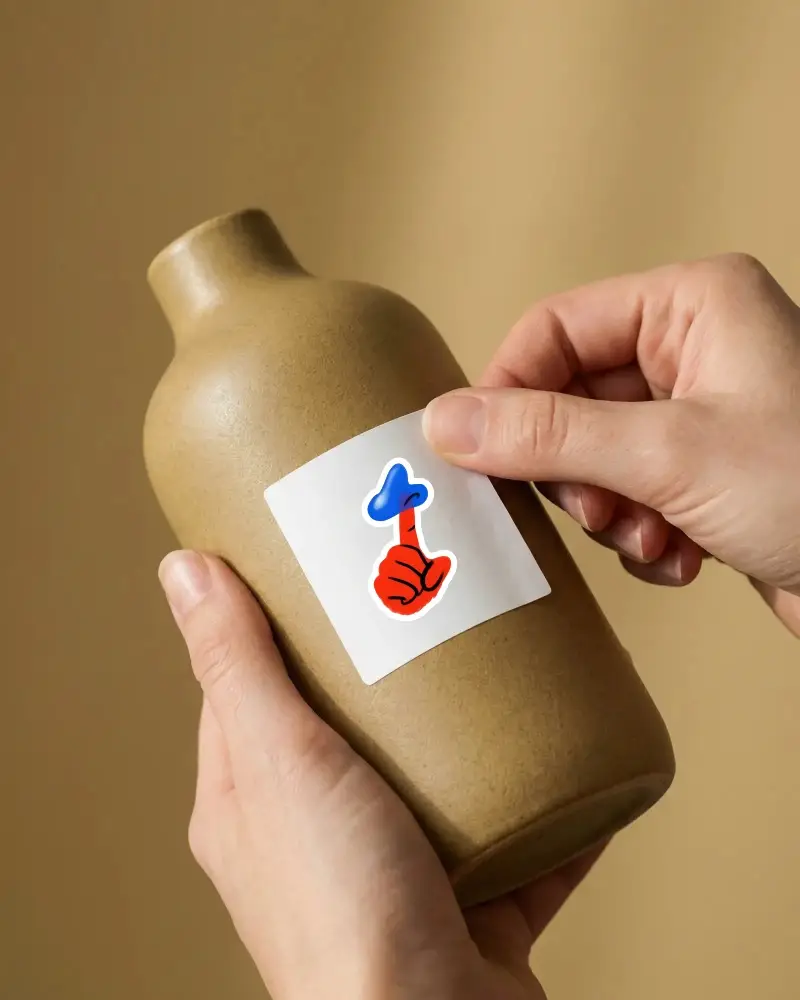
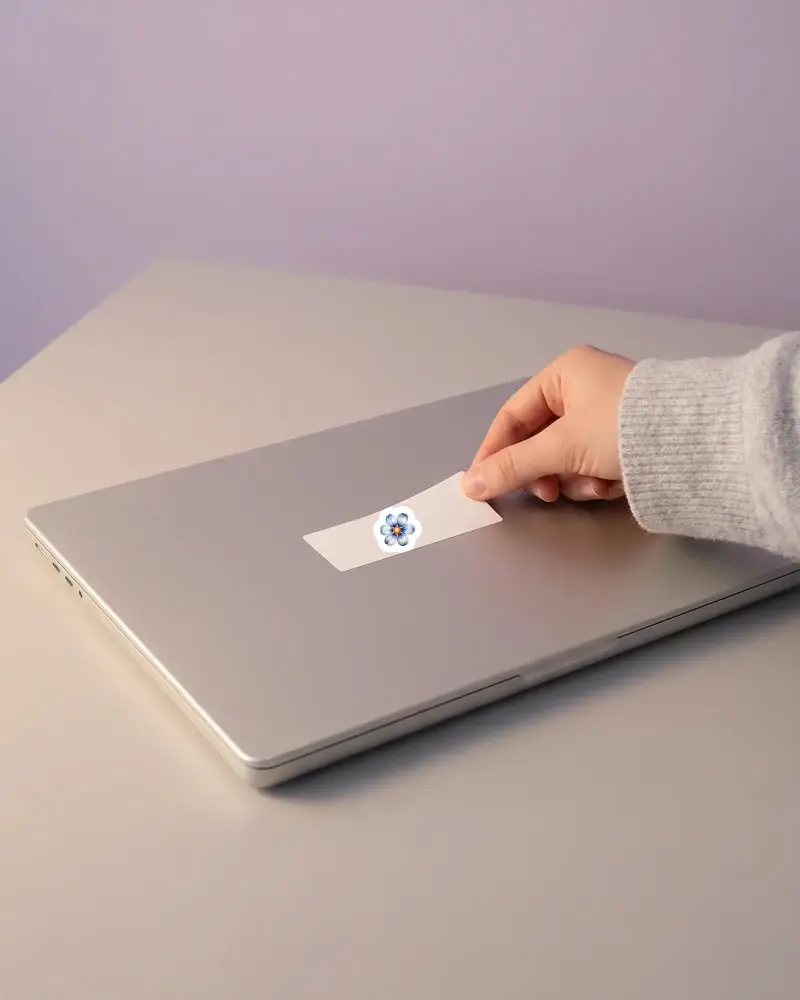

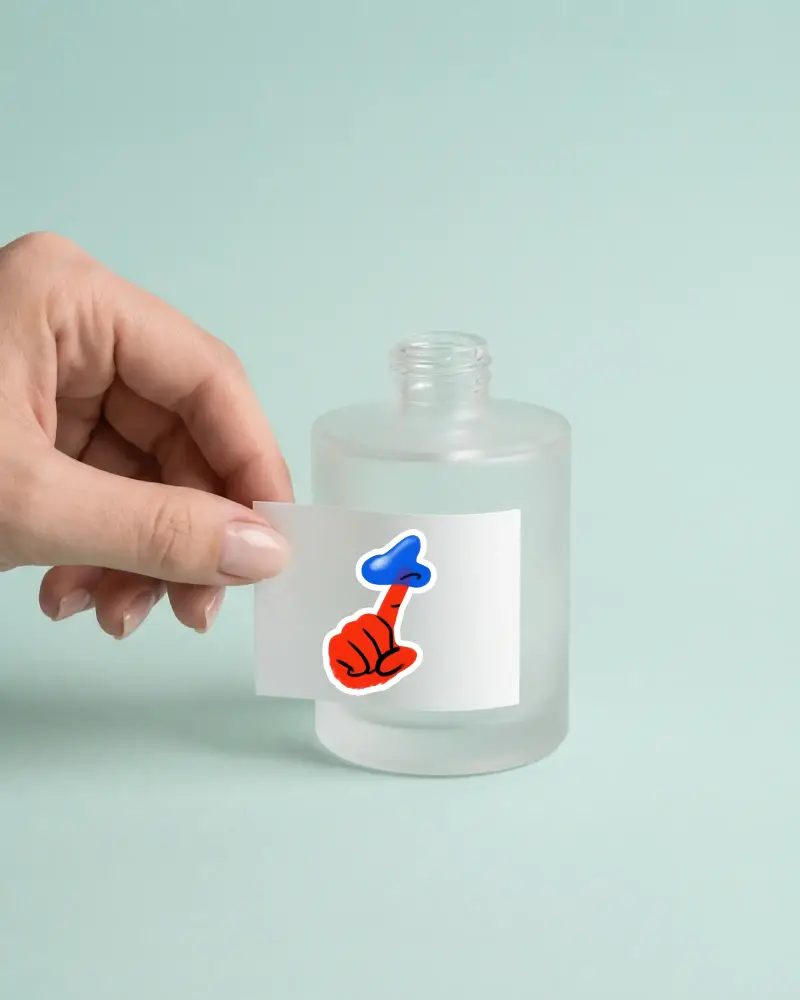
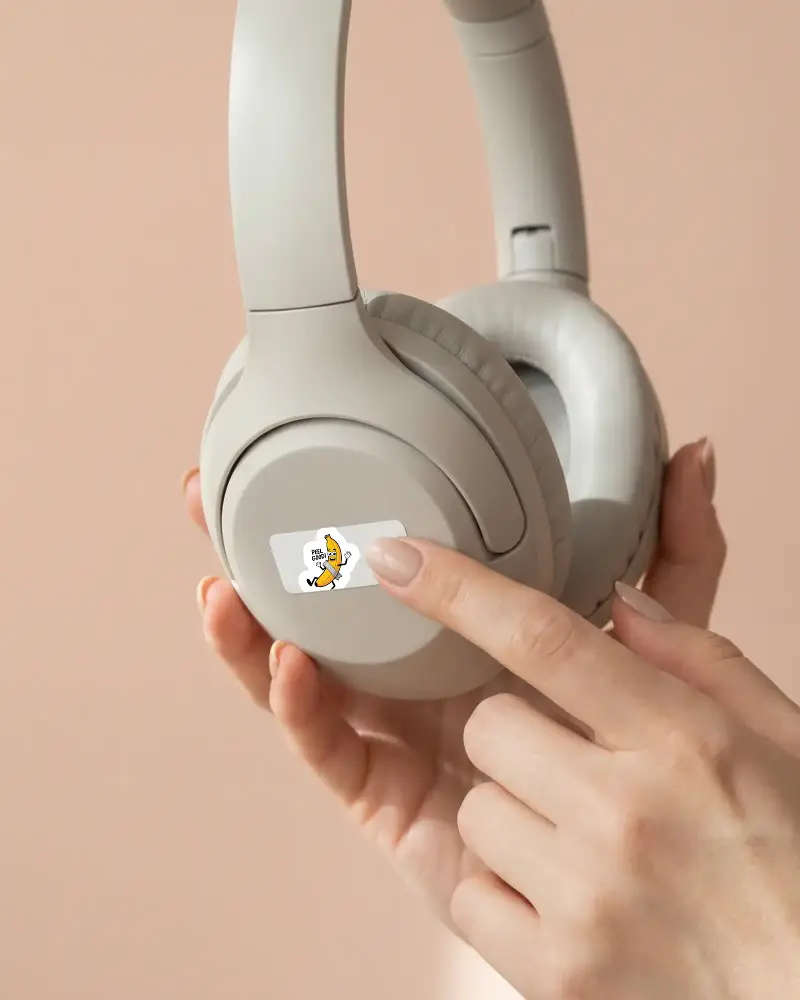
How to Create a Hand Holding Sticker Mockup
To create a hand-holding sticker mockup:
- Step 1: Go to Mockups and open the Print category. Select Sticker, then click Hand holding from the tag bar.
- Step 2: Pick a template, upload your design, and adjust the sticker thickness if needed.
- Step 3: Check the preview and save the hand holding mockup after clicking the Download button.


FAQs on Hand Holding Sticker Mockups
What is a hand holding sticker mockup?
A hand holding sticker mockup is a template that shows a sticker being held in a hand. With the help of the Mockey AI mockup generator, find many hand holding sticker mockup templates with different backgrounds that you can personalize.
Who should use a hand holding sticker mockup?
Artists and small business owners use hand holding sticker mockups because they are much better than doing a real photoshoot, and the cost is almost negligible.
Are hand holding sticker mockups useful for online shops?
Hand holding sticker mockups are useful for online shops because buyers get an idea of the actual size of the sticker when it is held in a hand. For online store owners, this is also a more affordable option compared to arranging a professional photoshoot.
Why use a hand holding sticker mockup instead of a flat mockup?
A hand holding mockup also gives a lifestyle feel. Compared to flat mockups, hand holding sticker mockups are better for displaying the product because they help buyers understand the exact size more clearly.
