Box Sticker Mockup Free to Download
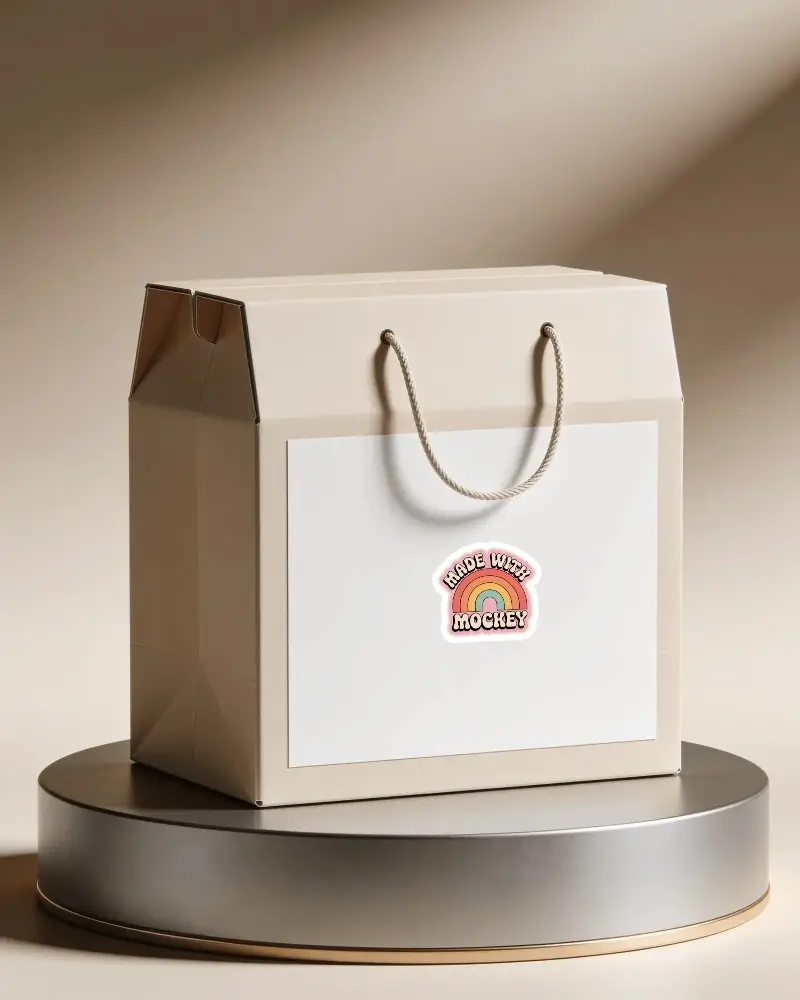
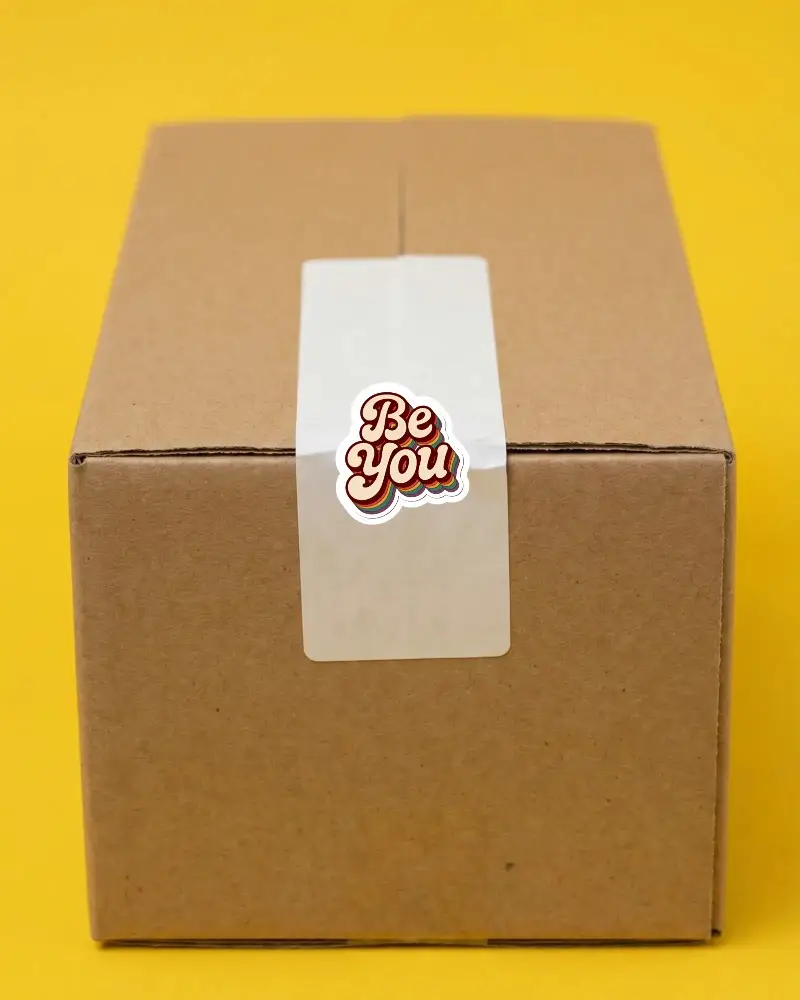
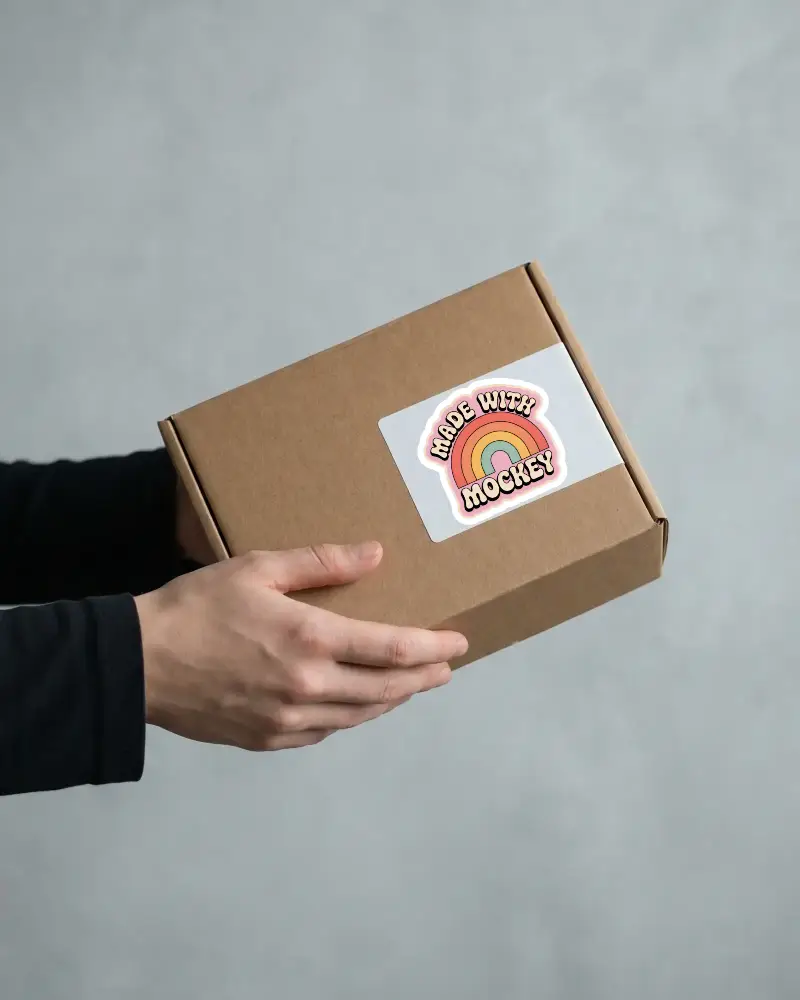
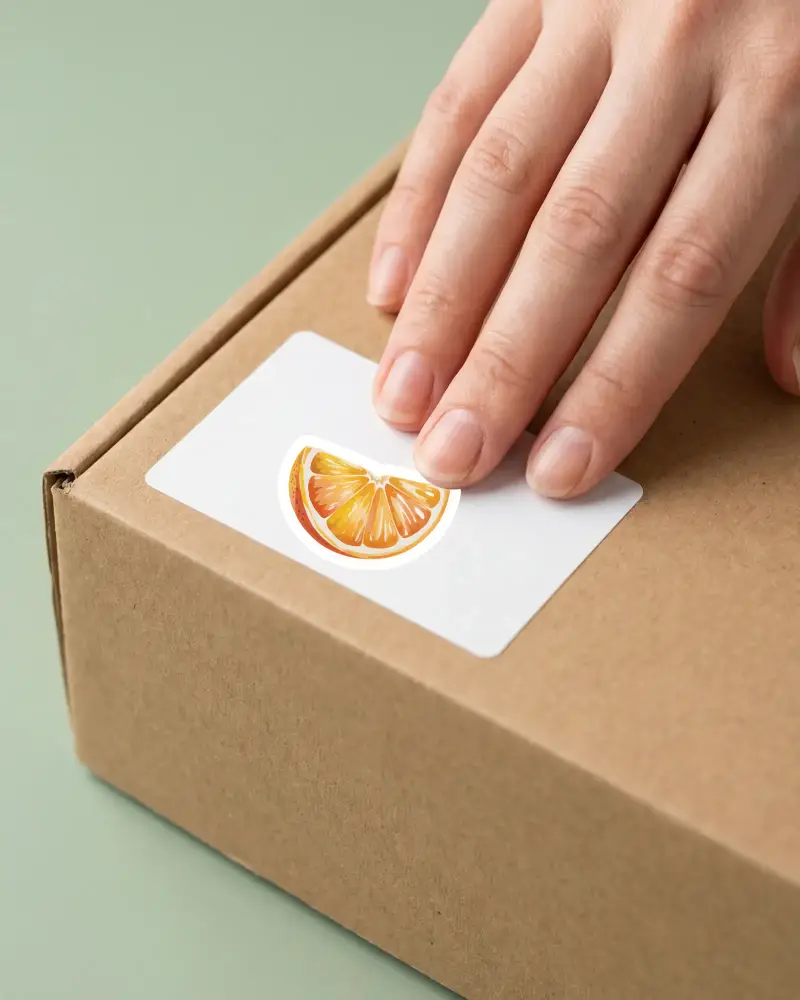
Bring Your Mockup Designs to Life with Mockey's Box Sticker Mockups and showcase your brand like a pro. Try it now!
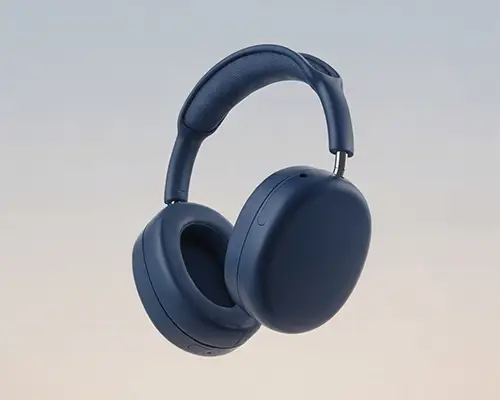
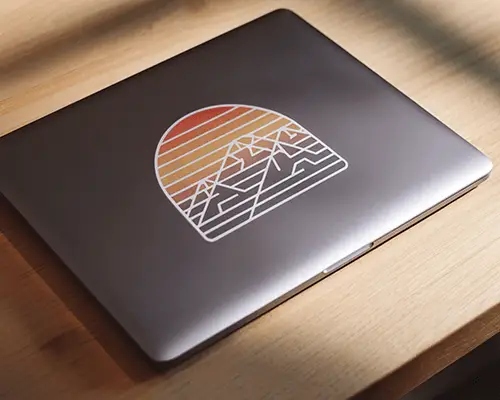


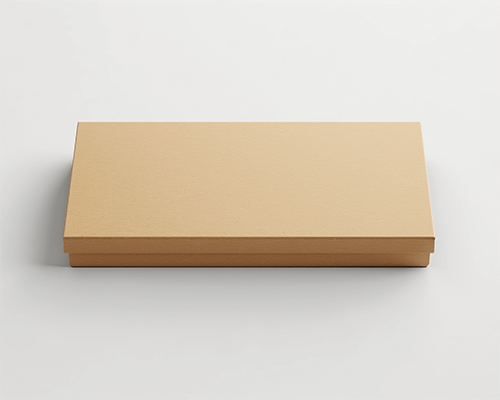
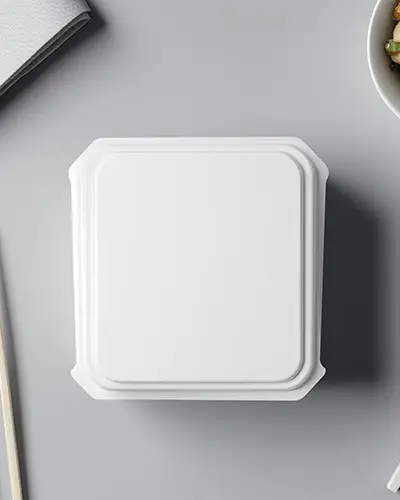
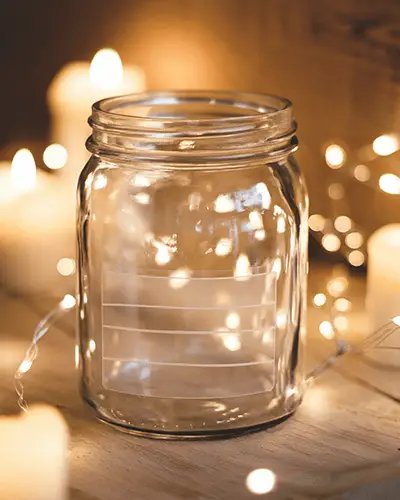
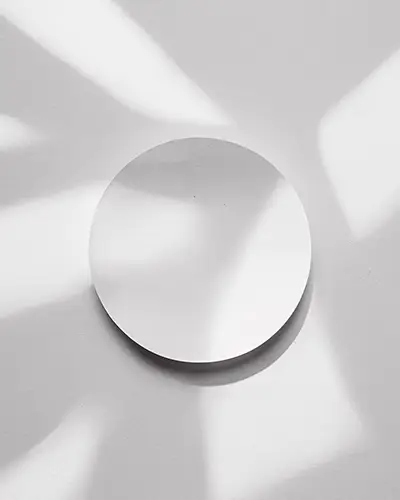
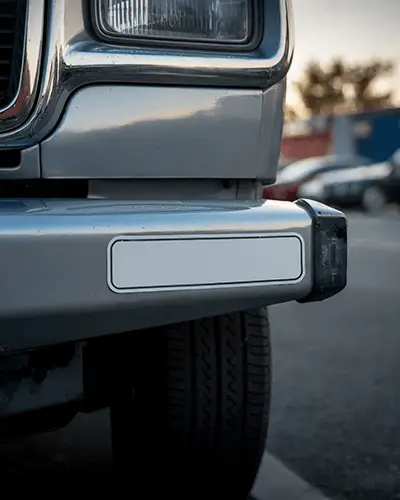

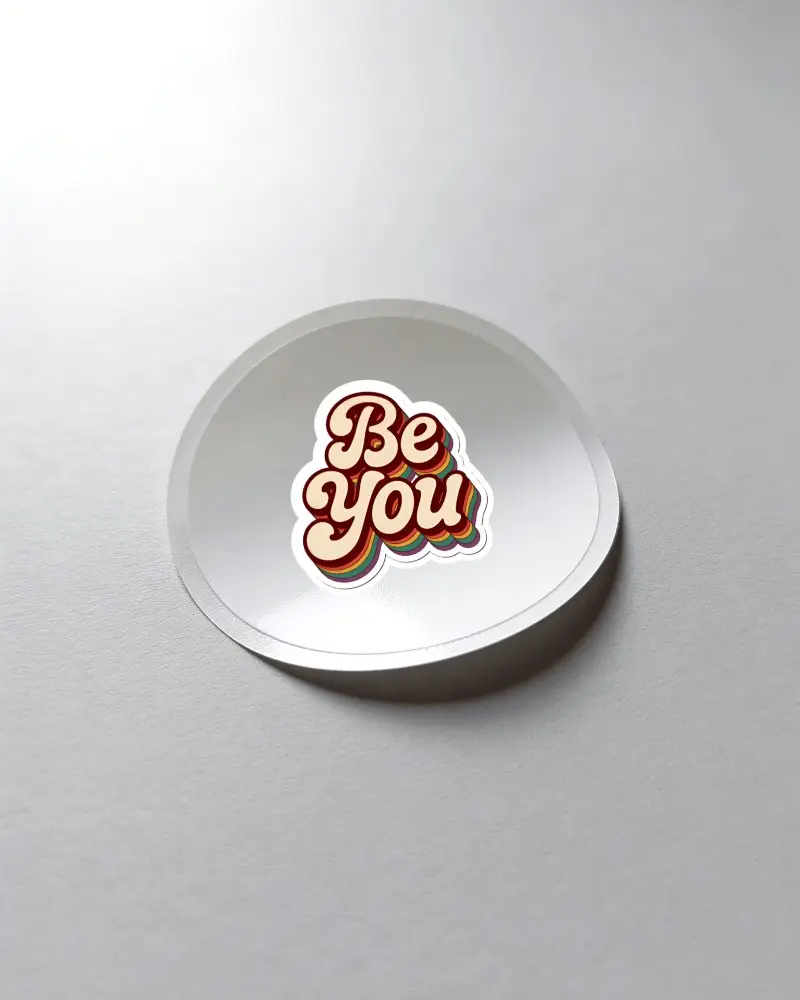
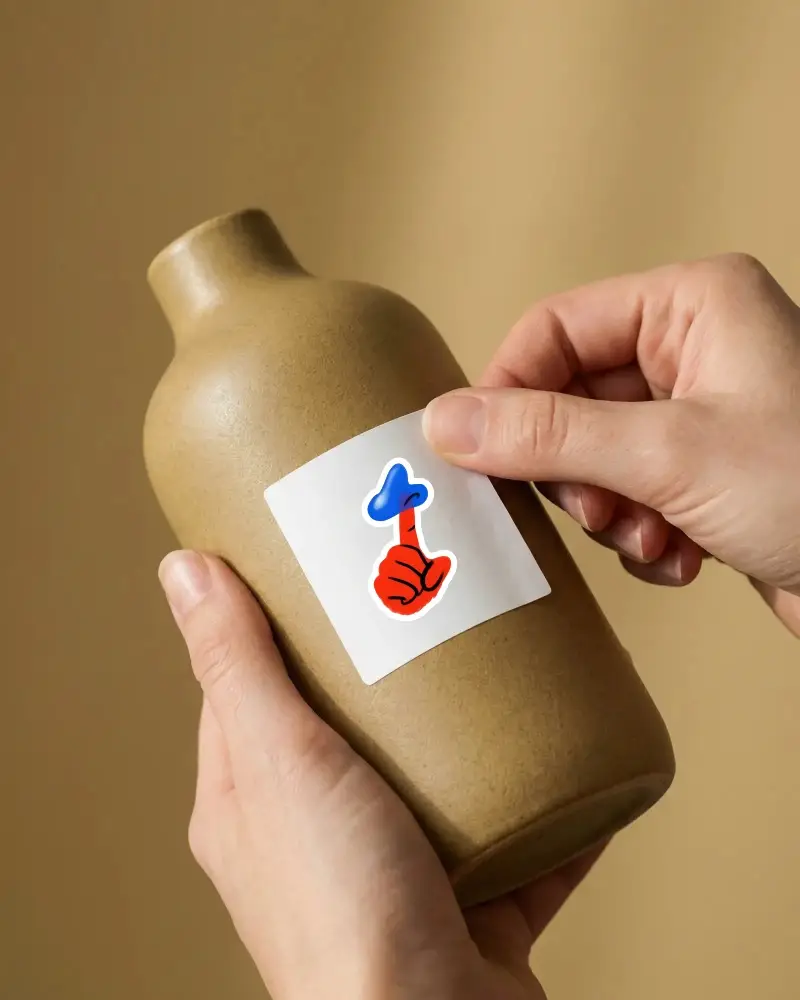
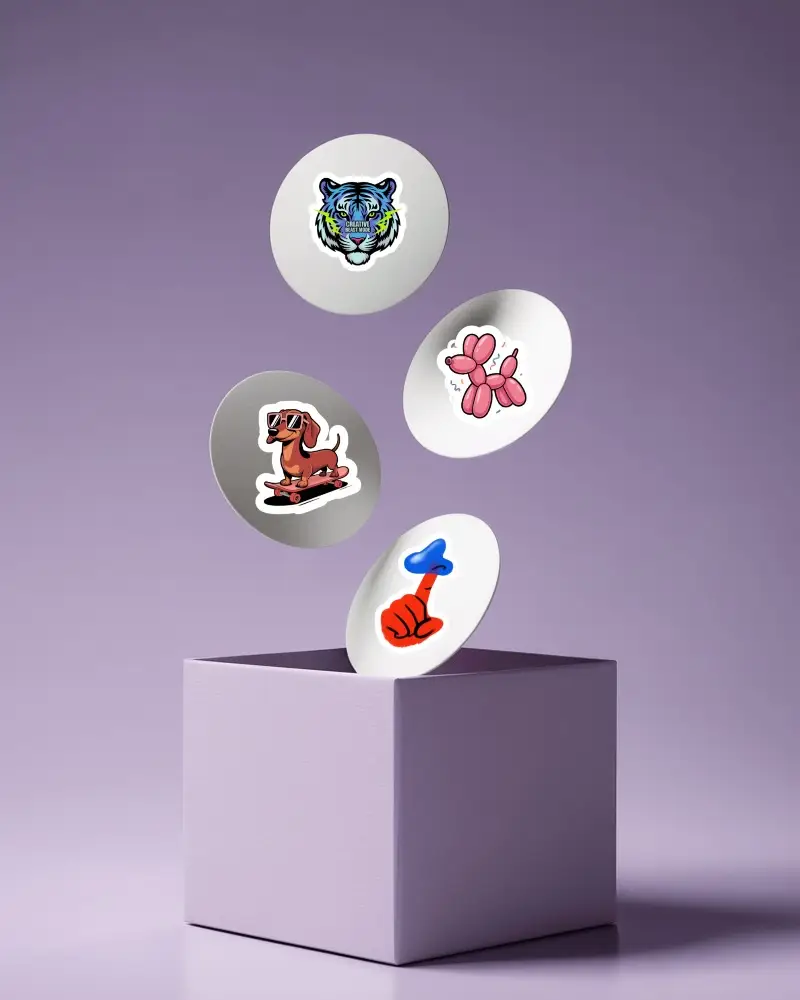
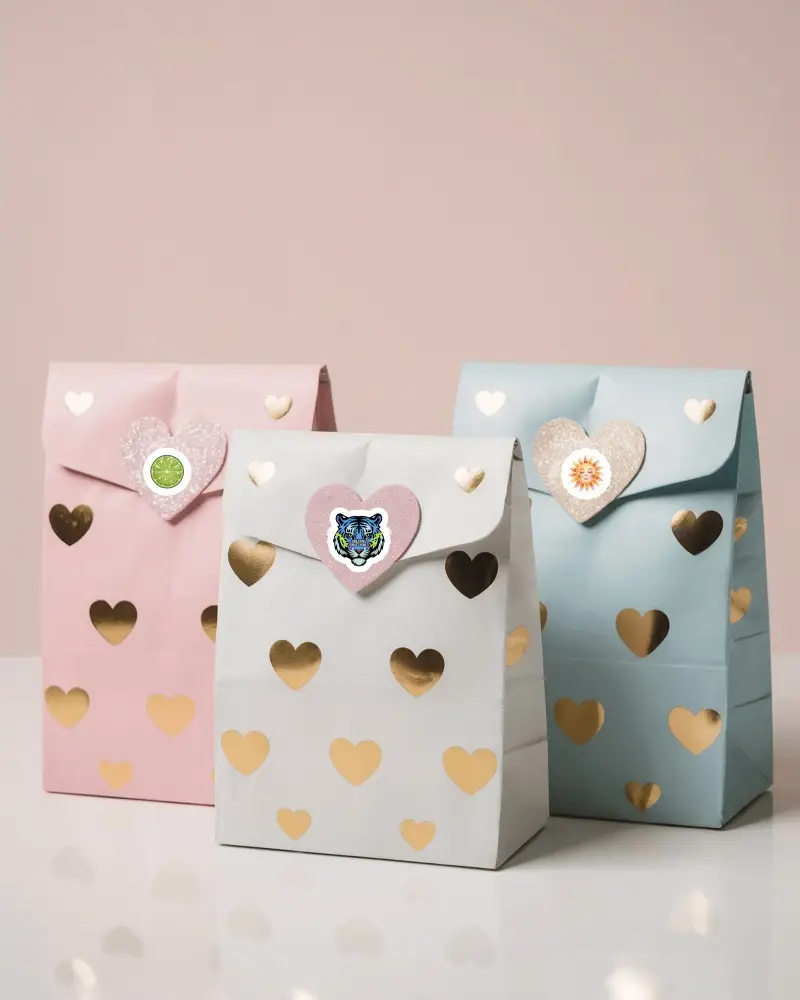
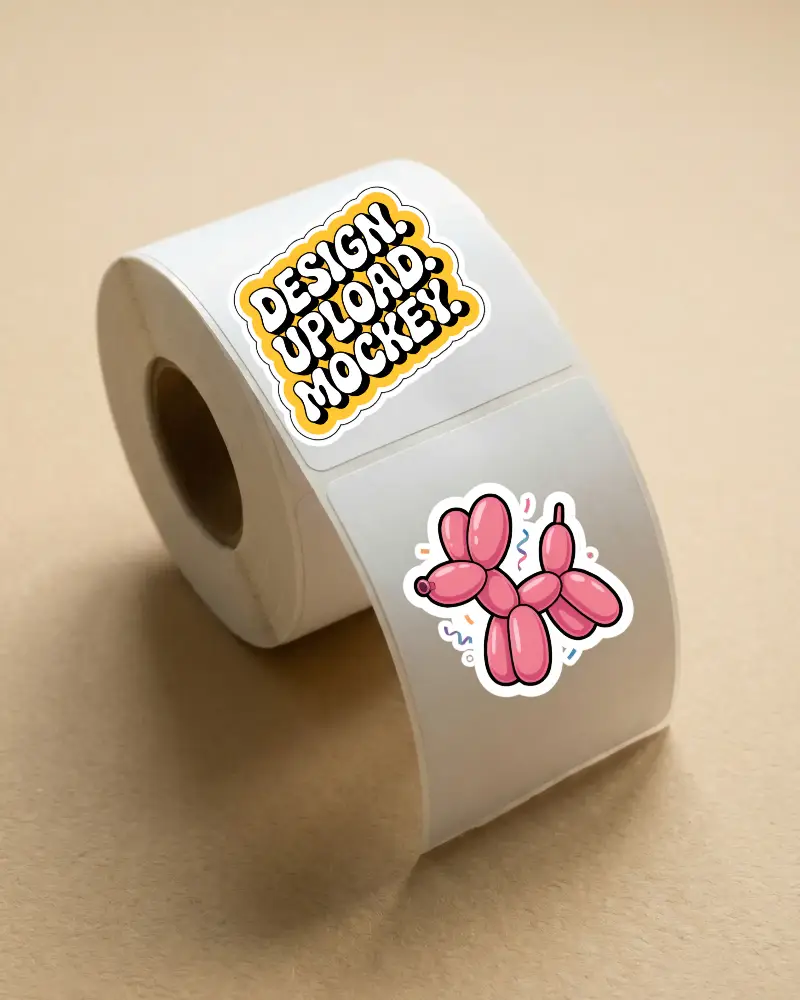
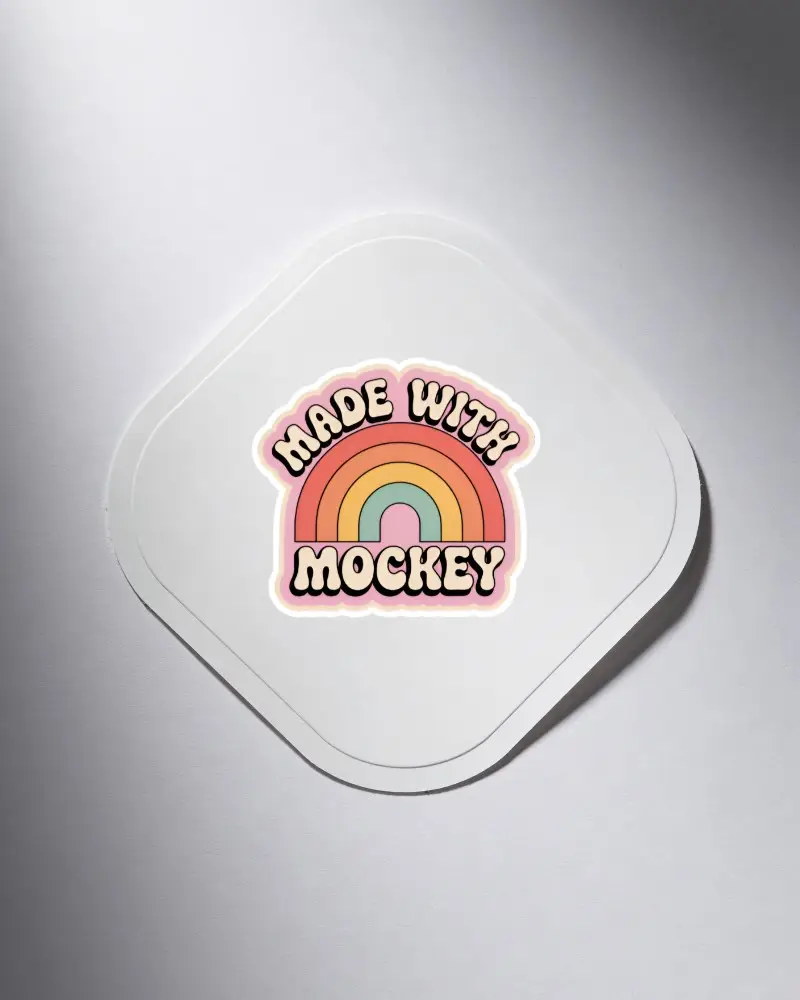
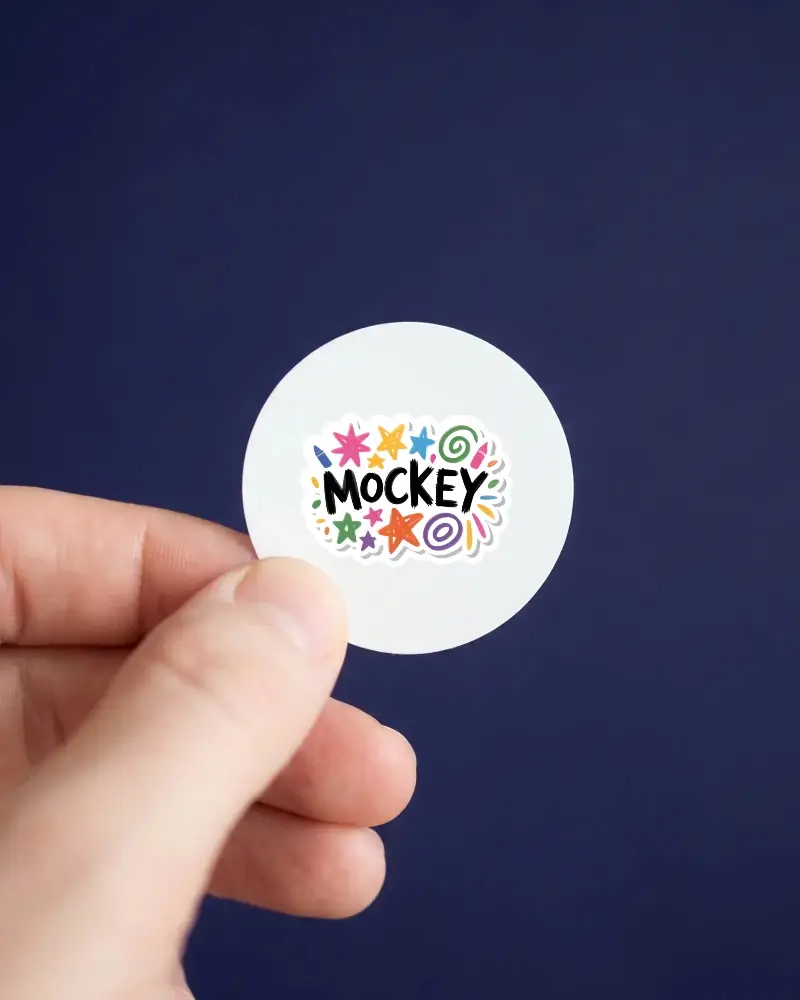
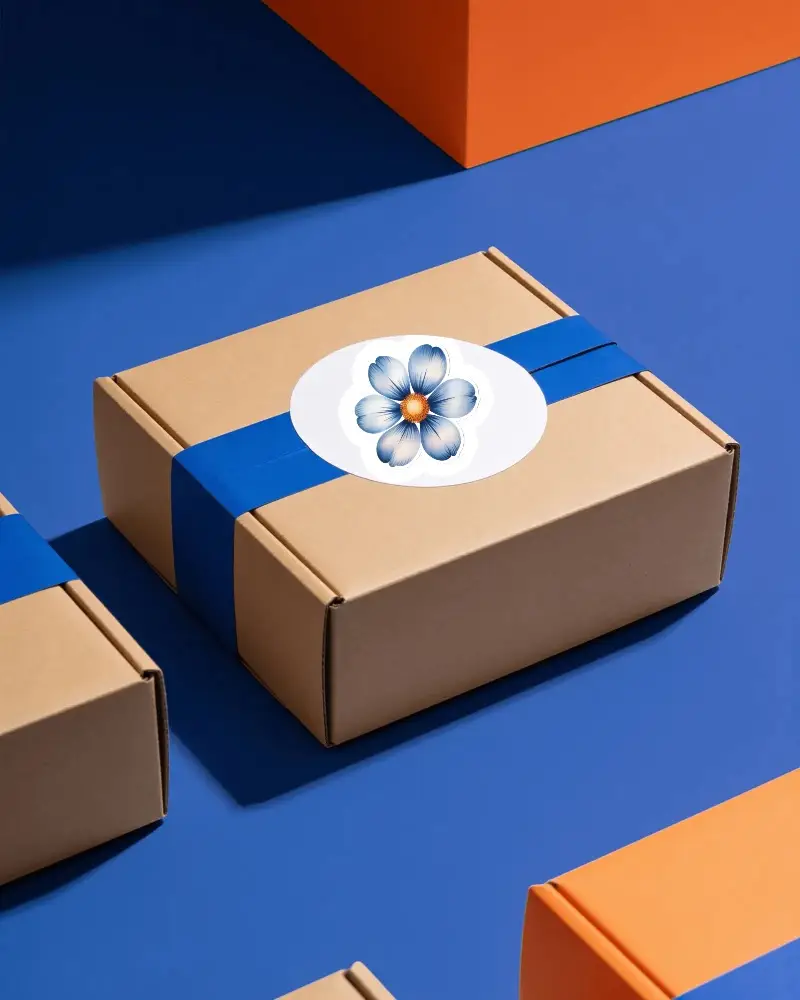
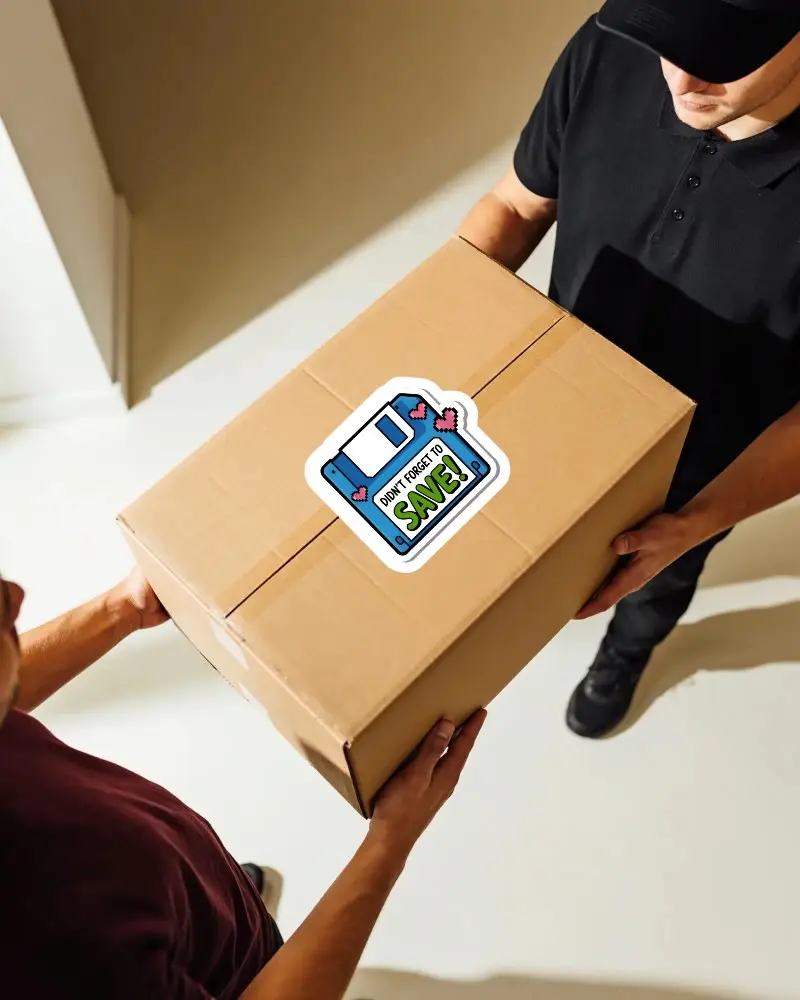
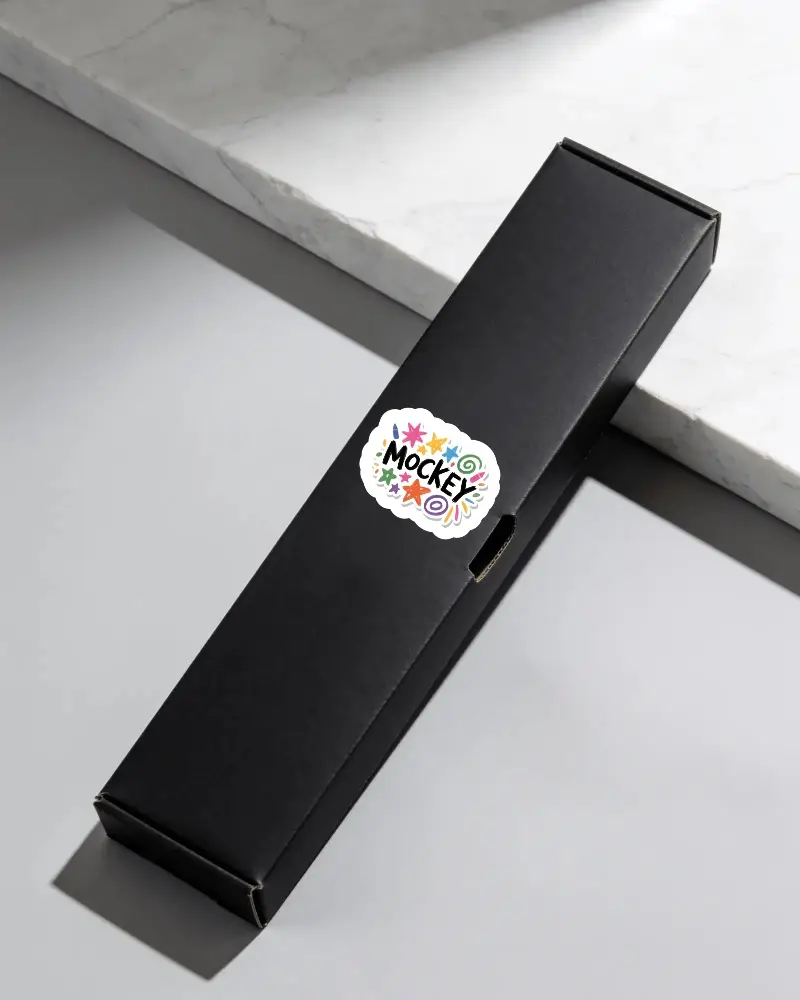
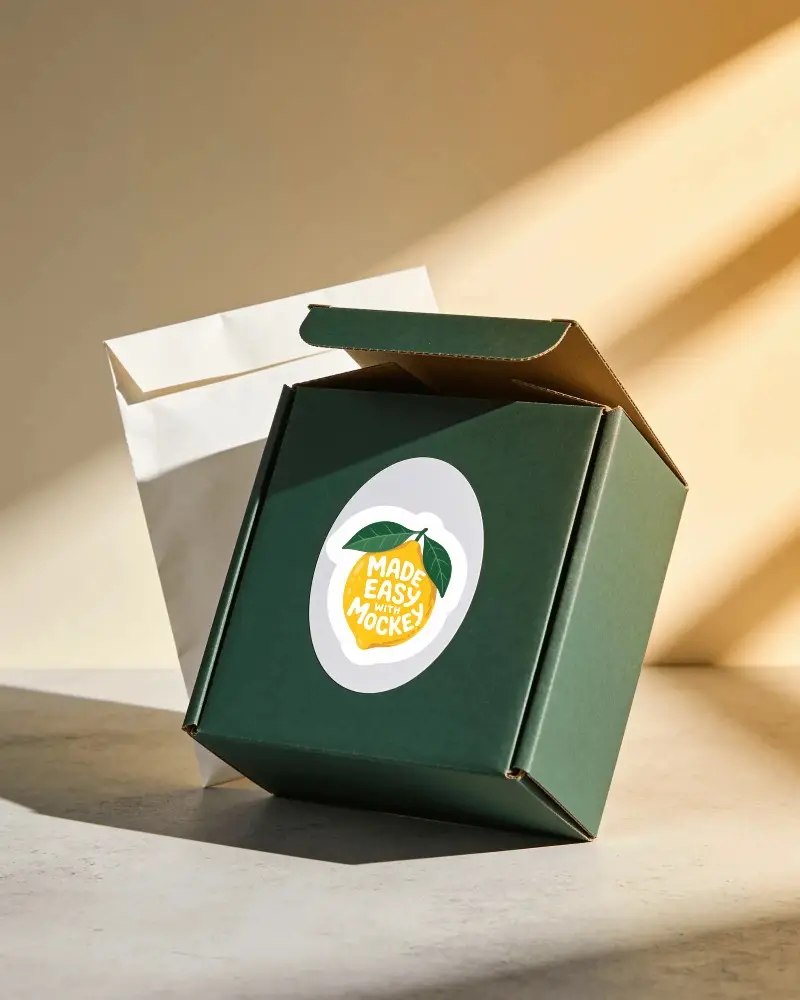
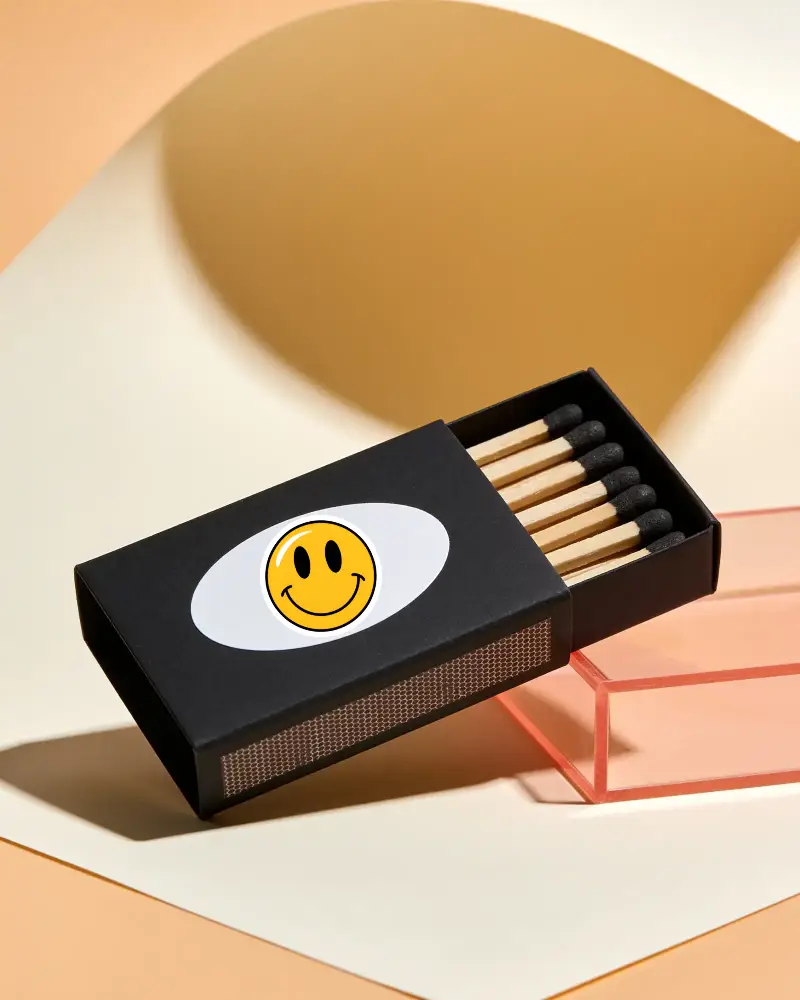

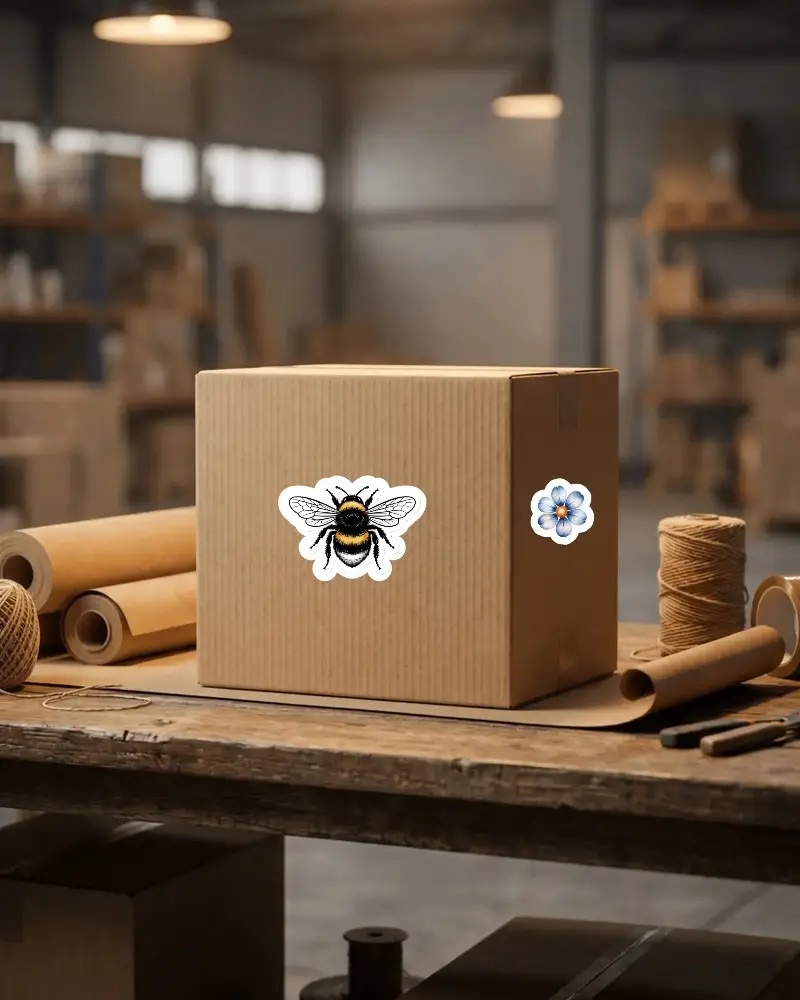
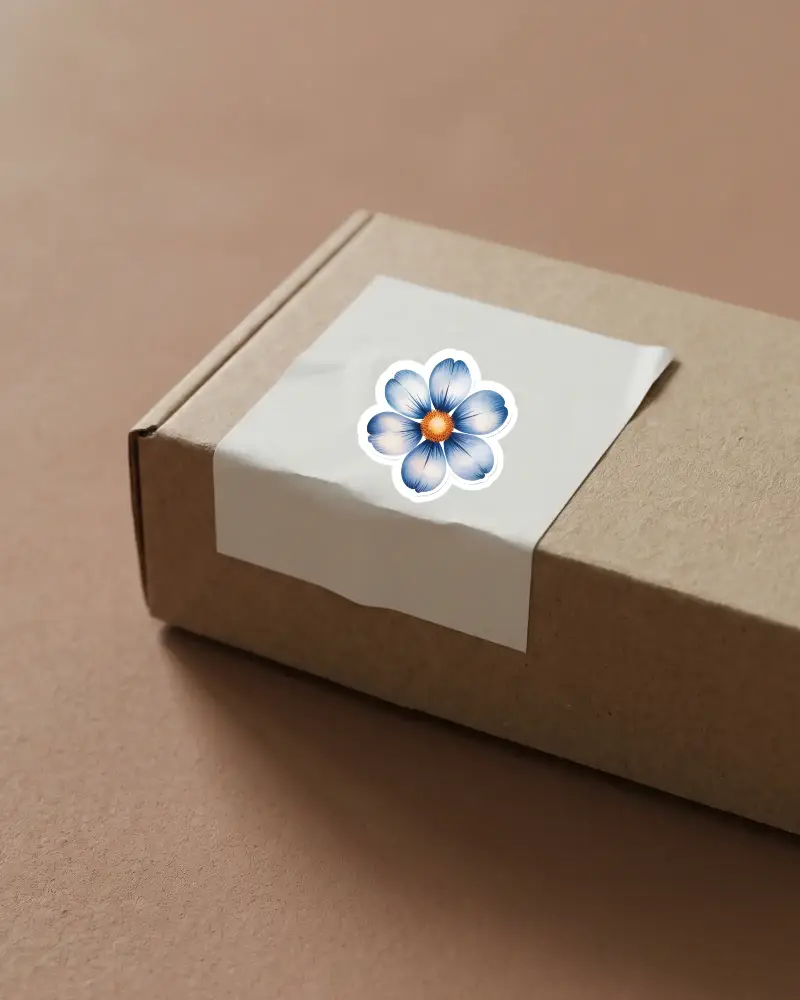
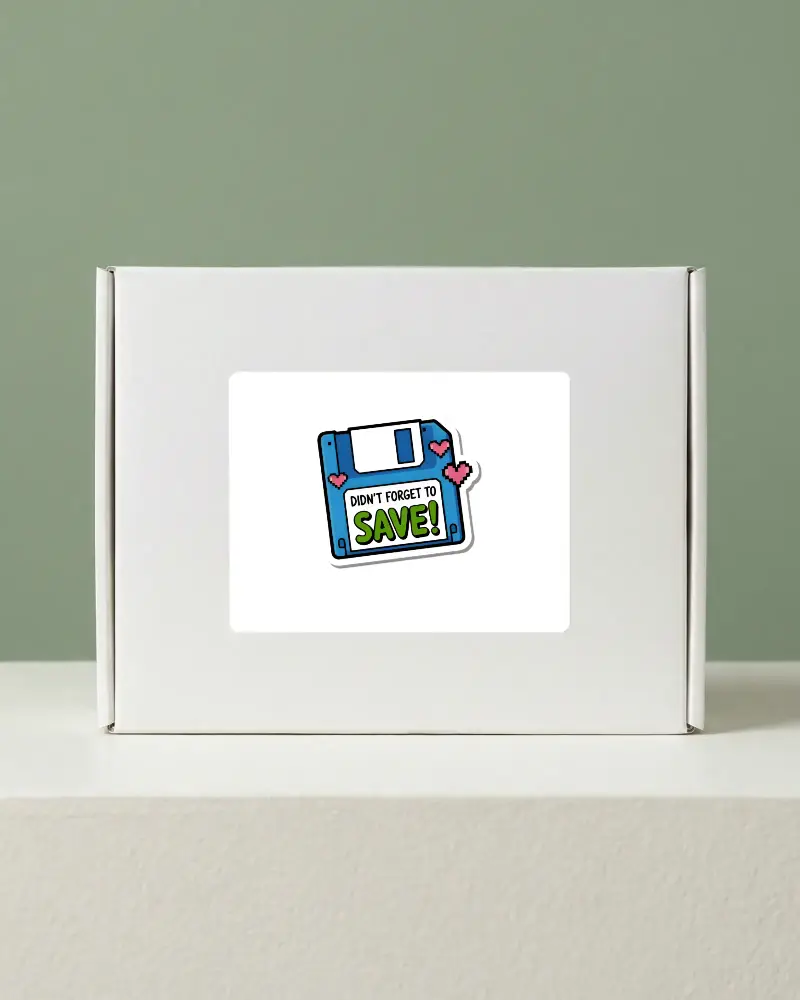
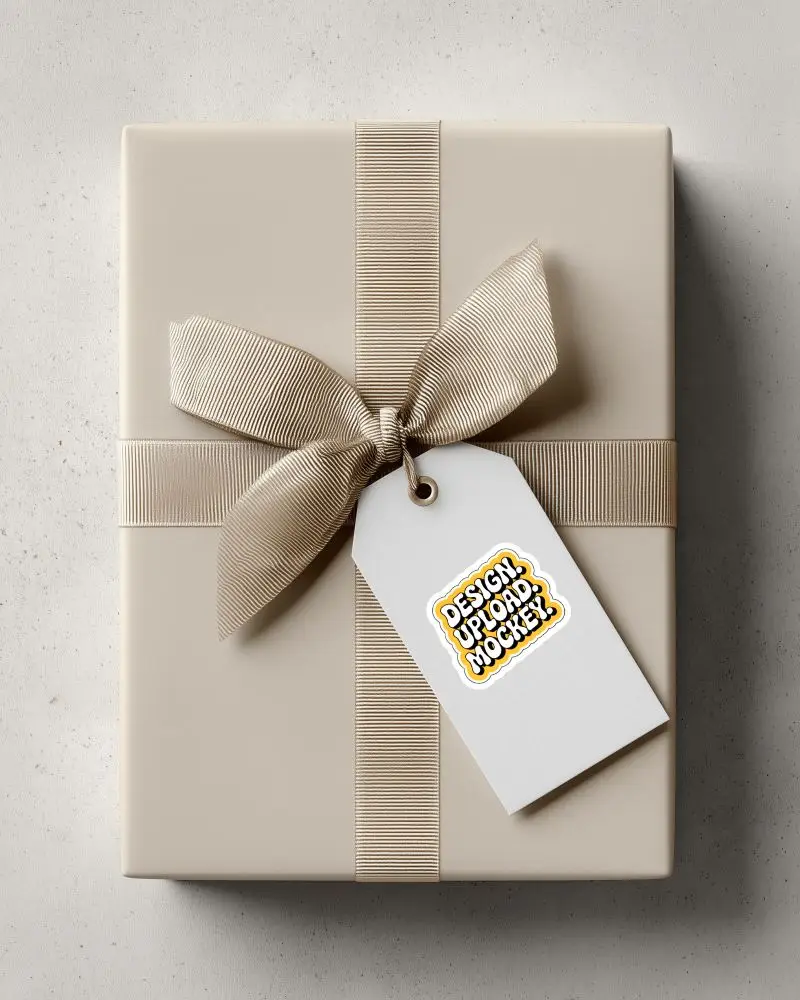

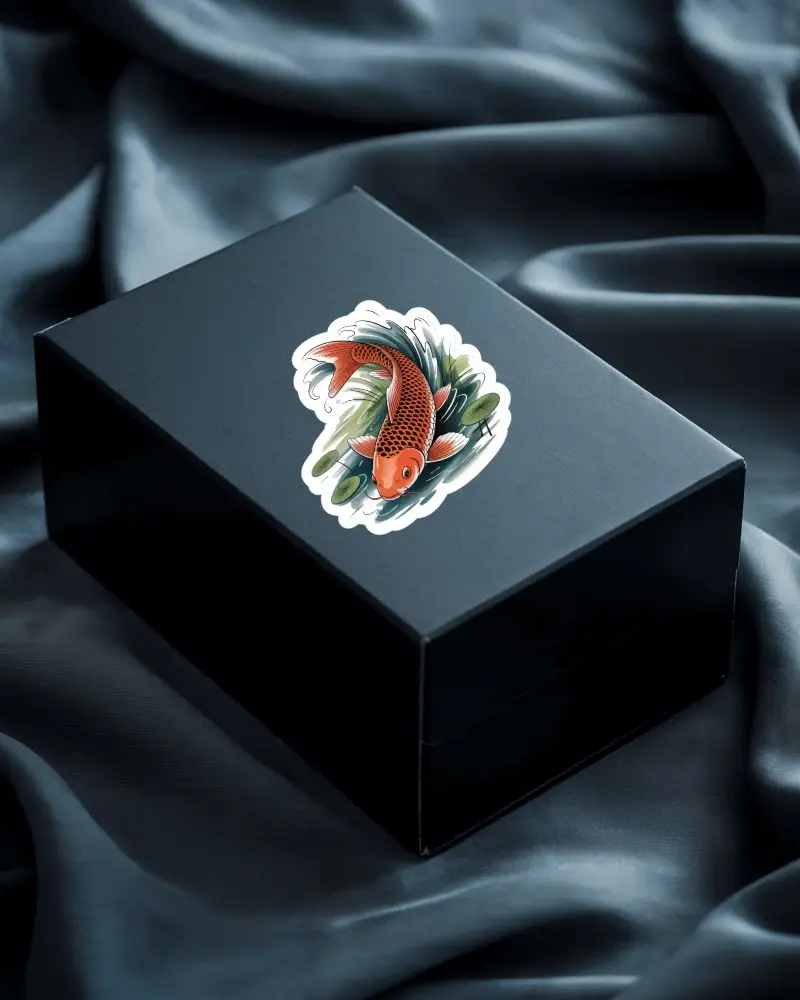
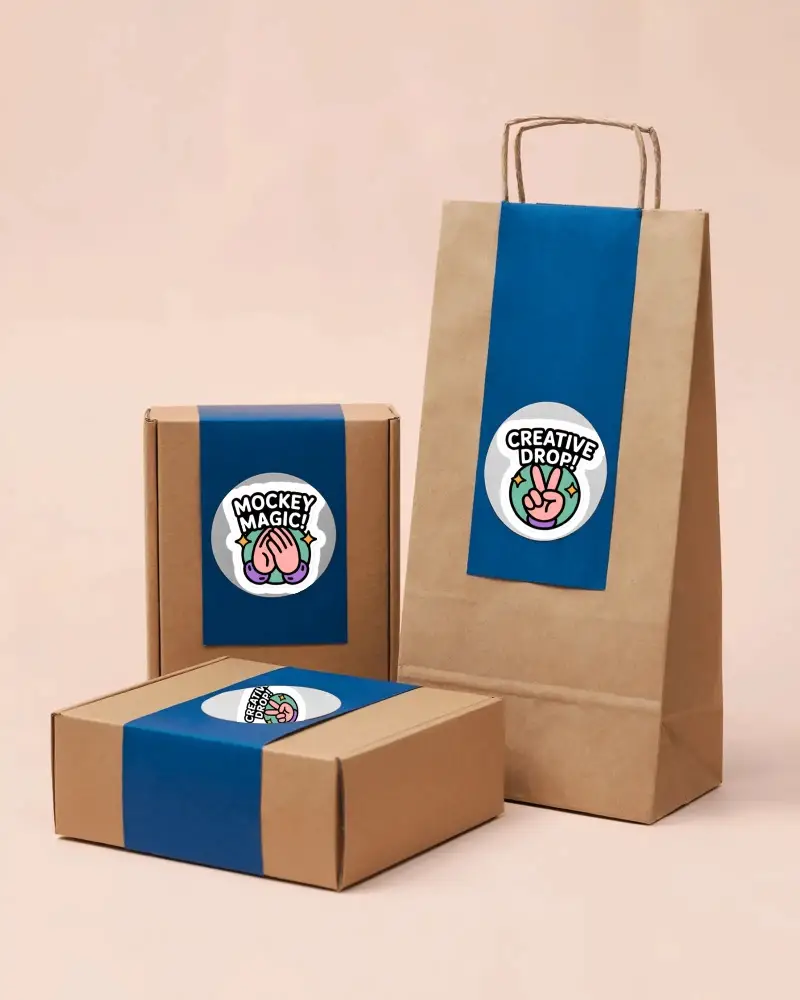
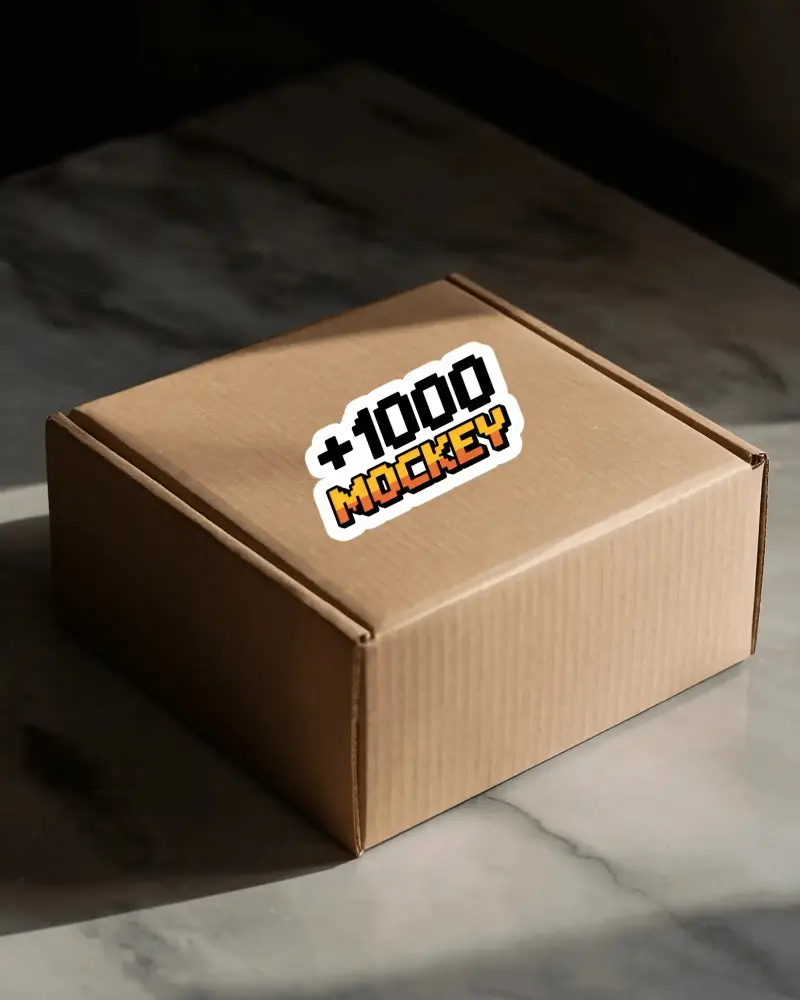
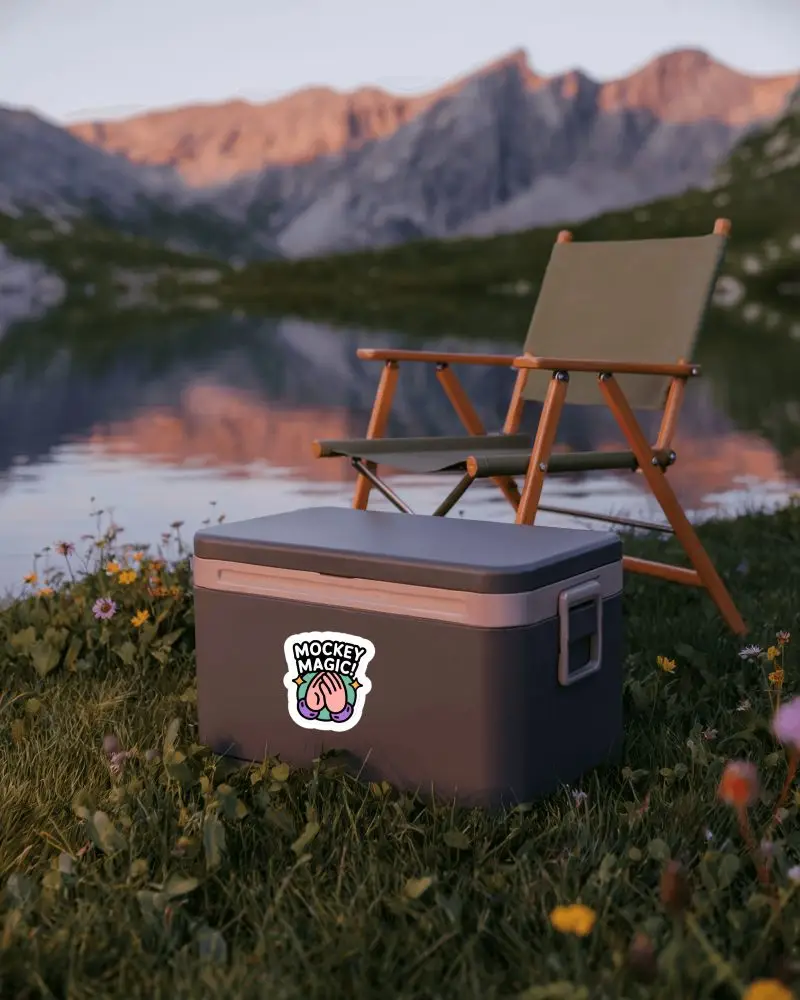
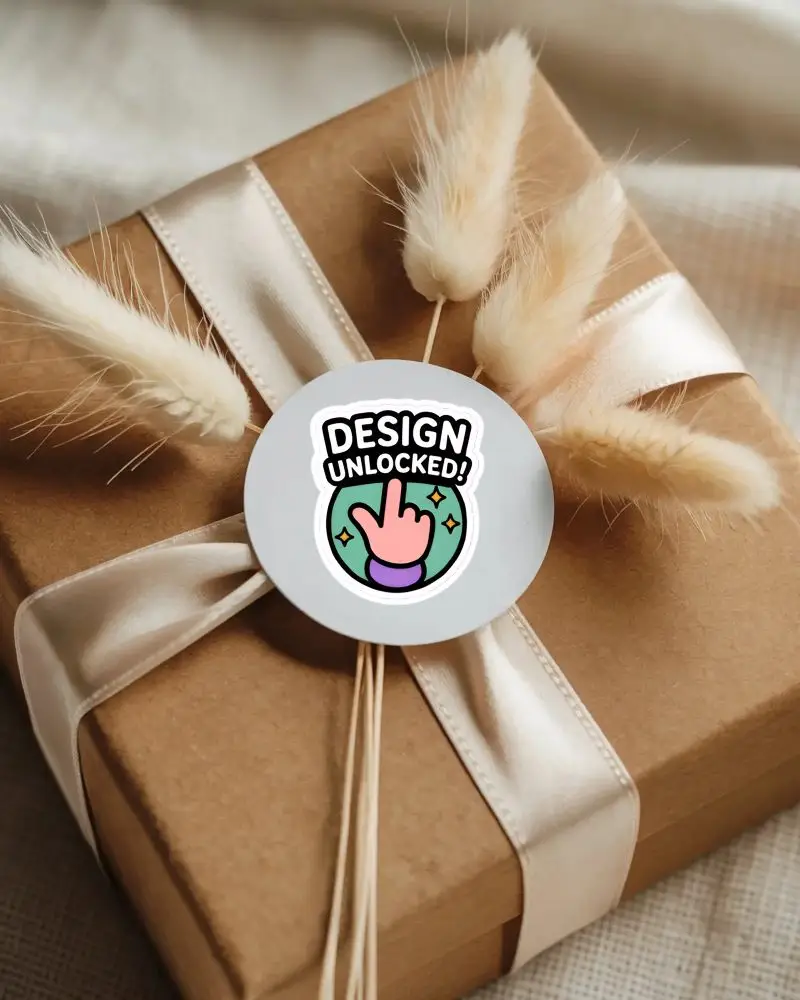
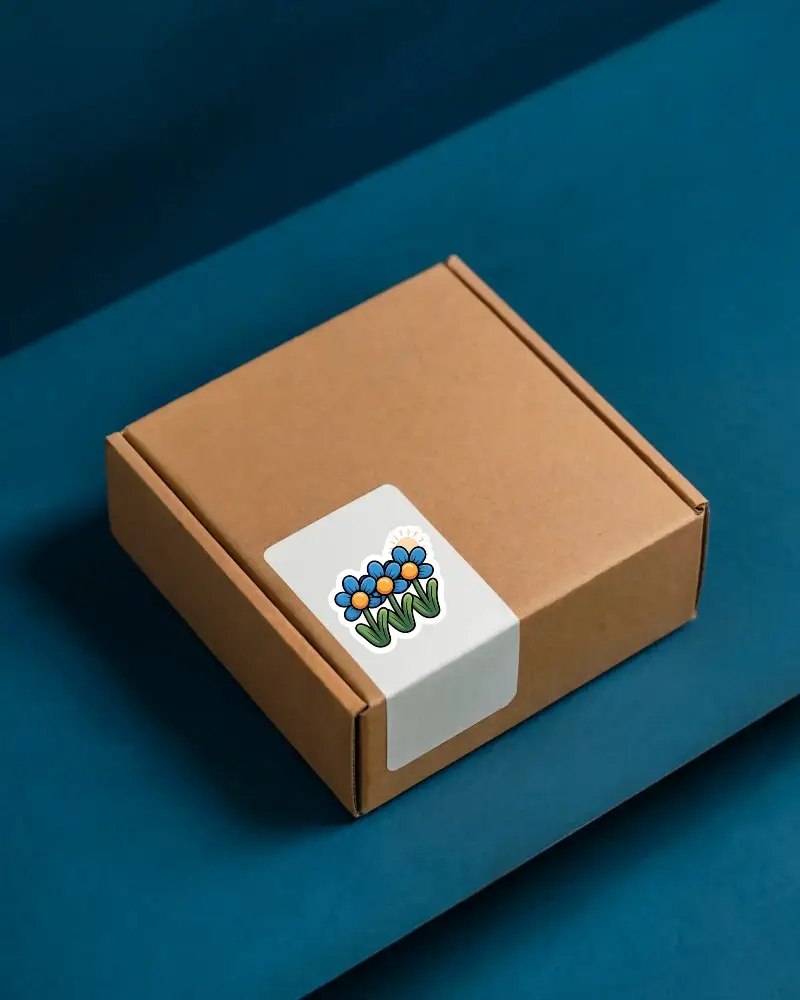
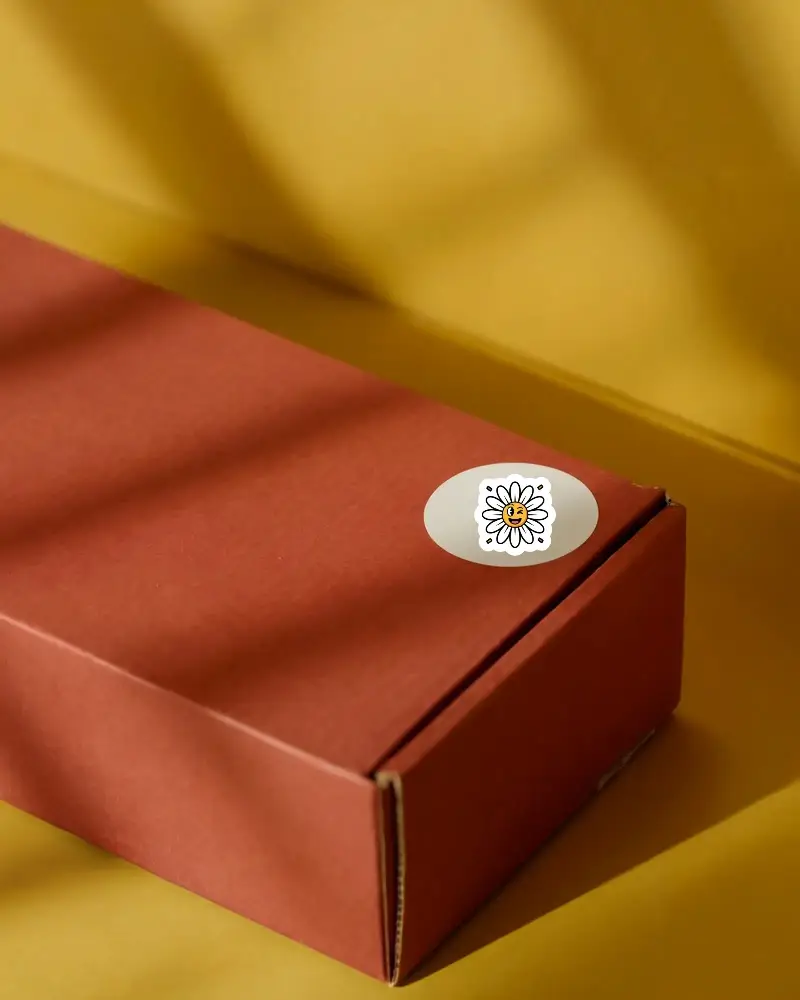
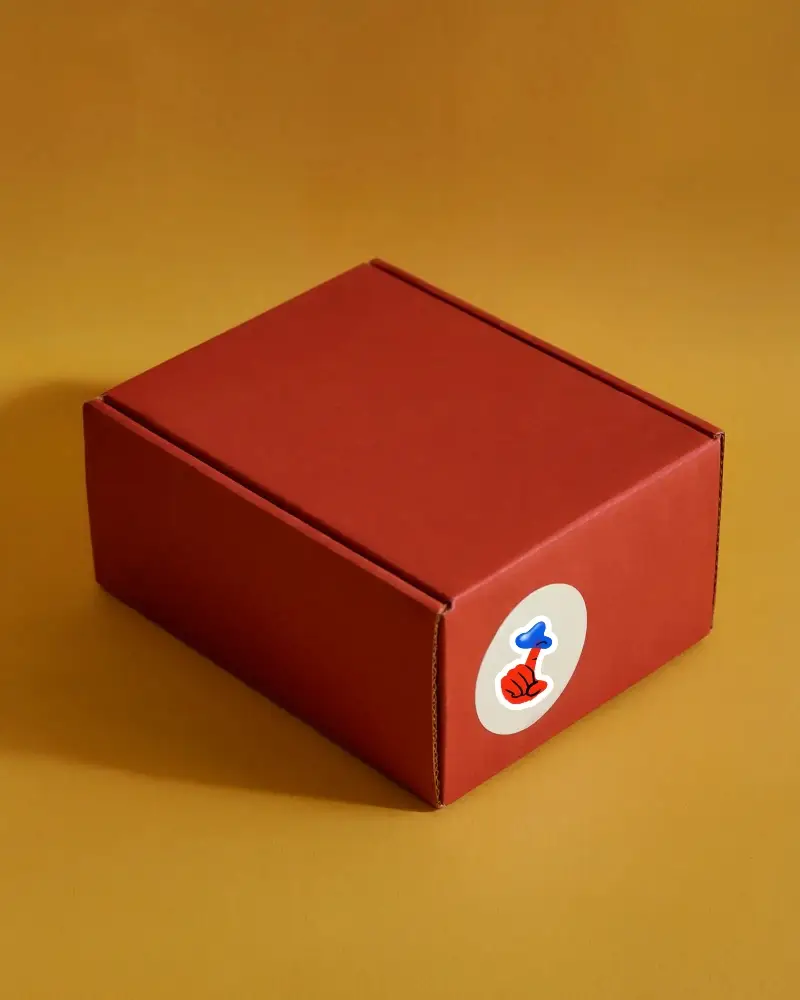
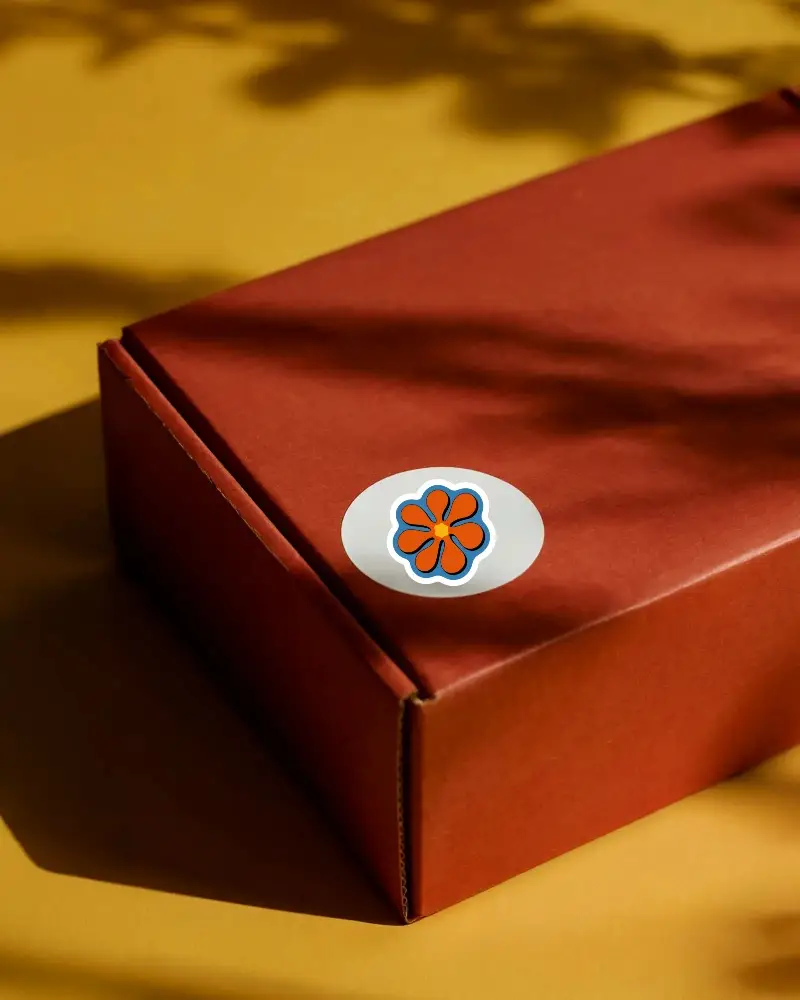
How to Create Box Sticker Mockup with Mockey
Follow the steps to create Box Sticker Mockups in Mockey AI
- Step 1: Follow Mockups > Print > Sticker > Box Sticker in the navigation bar.
- Step 2: Choose a template and add your design.
- Step 3: Customize your Box Sticker mockup to make it unique and download it in high quality.


FAQs on Box Sticker Mockups
What is a Box Sticker Mockup?
A Box Sticker mockup is a digital preview that shows how your Box Sticker design will look when printed and applied to a surface. It helps visualize the final product before actual production.
Why create a Box Sticker mockup?
Creating a Box Sticker mockup helps you see and fix any issues with your design before production. It allows you to make changes and ensure the Box Sticker looks as intended, saving time and money.
Why Use Mockey’s Box Sticker Mockup?
Mockey's Box Sticker mockup generator offers unlimited free downloads of high-quality, customizable Box Sticker mockups. With advanced design warping and real-time previewing, you can easily create professional visuals for your Box Stickers.
Is this Box Sticker Mockup Free?
Yes, the Box Sticker Mockup Generator on Mockey.ai is free. It provides over 1,000 customizable Box Sticker mockup templates that you can download without any watermarks or restrictions.
