Free Envelope Sticker Mockups Online
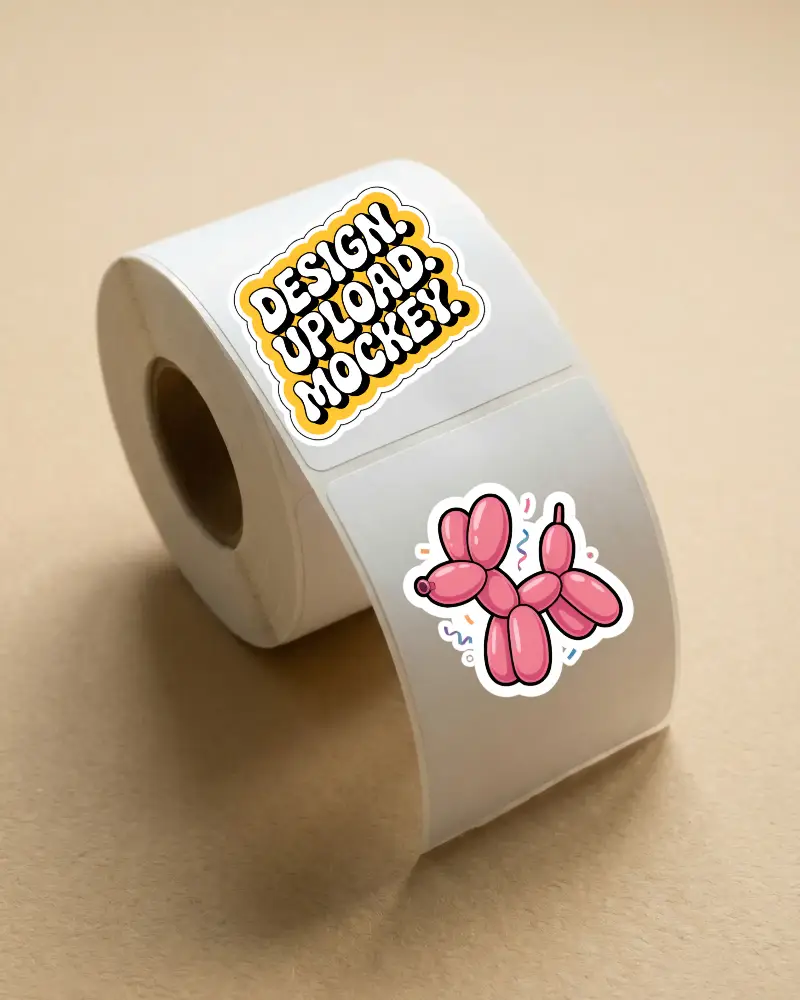
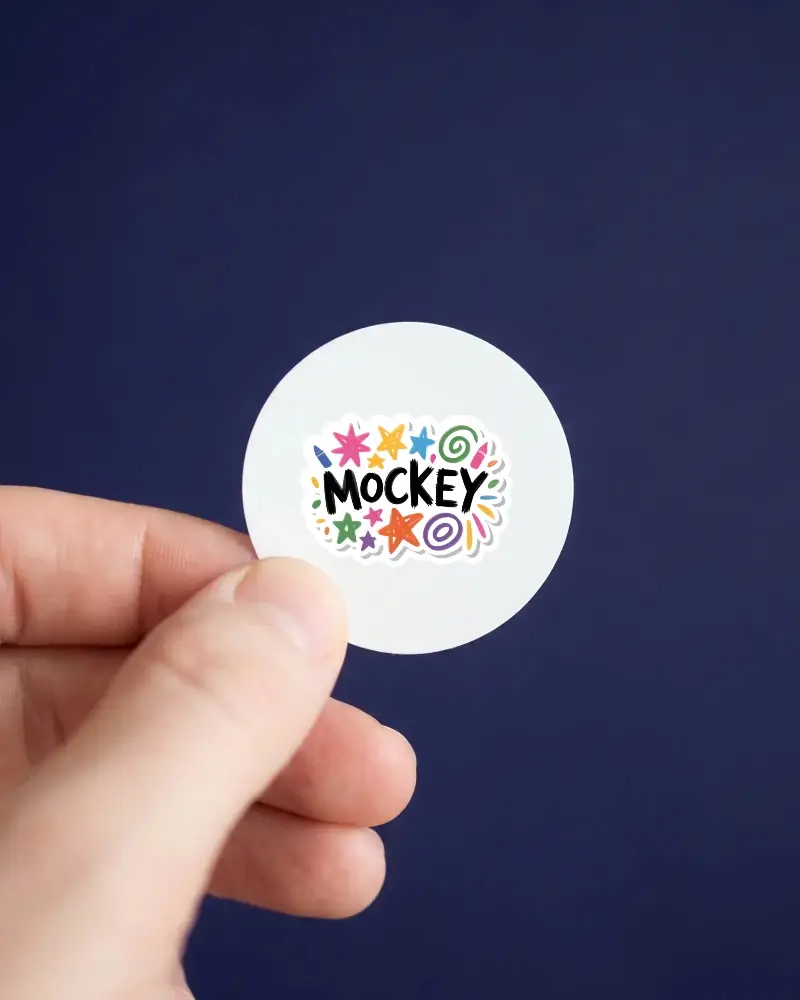
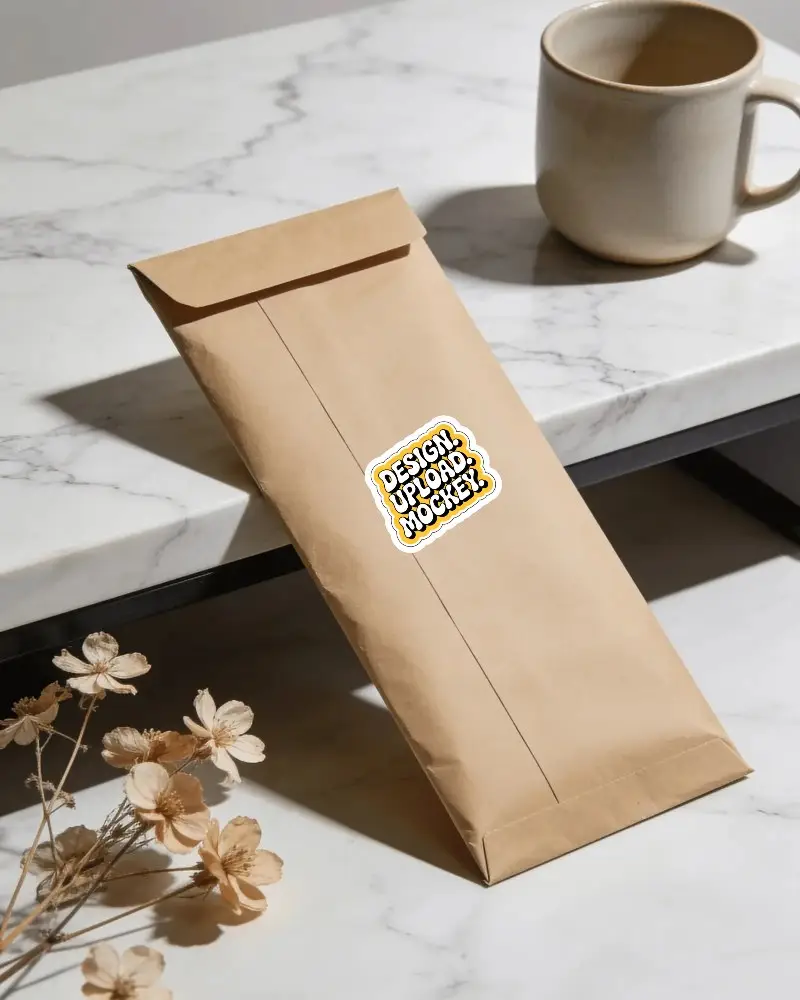
This envelope sticker mockup helps you present label designs in a clean and realistic way. The scene is fully editable, so you can quickly place your artwork and customize the sticker to match your branding idea.



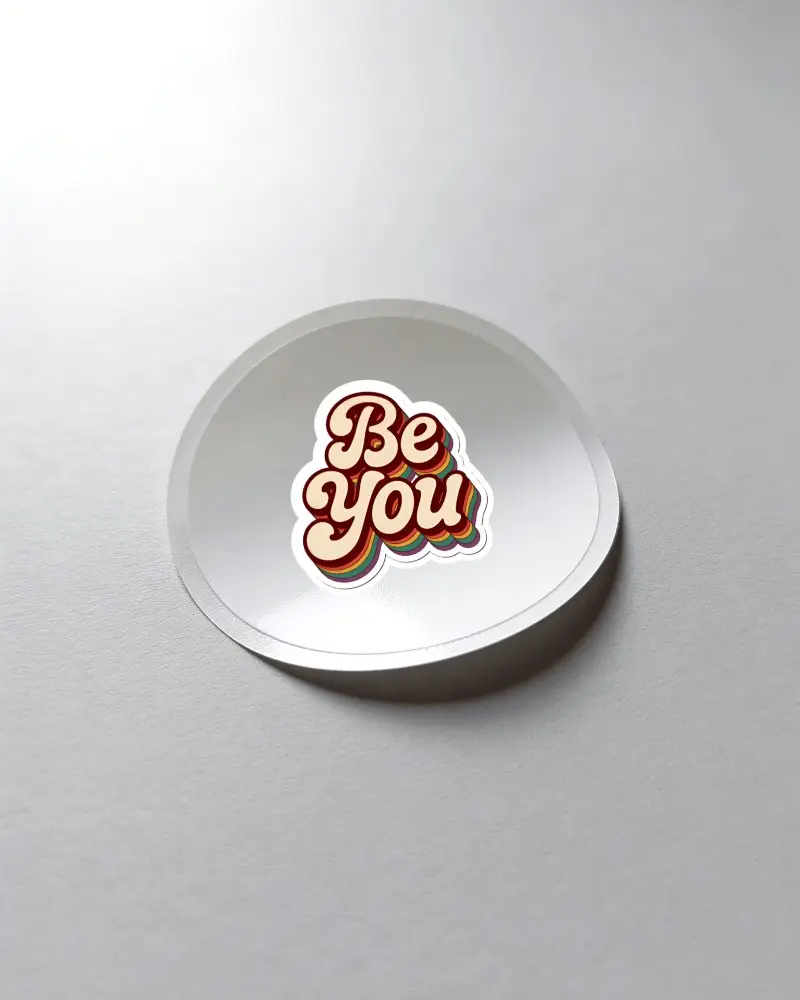
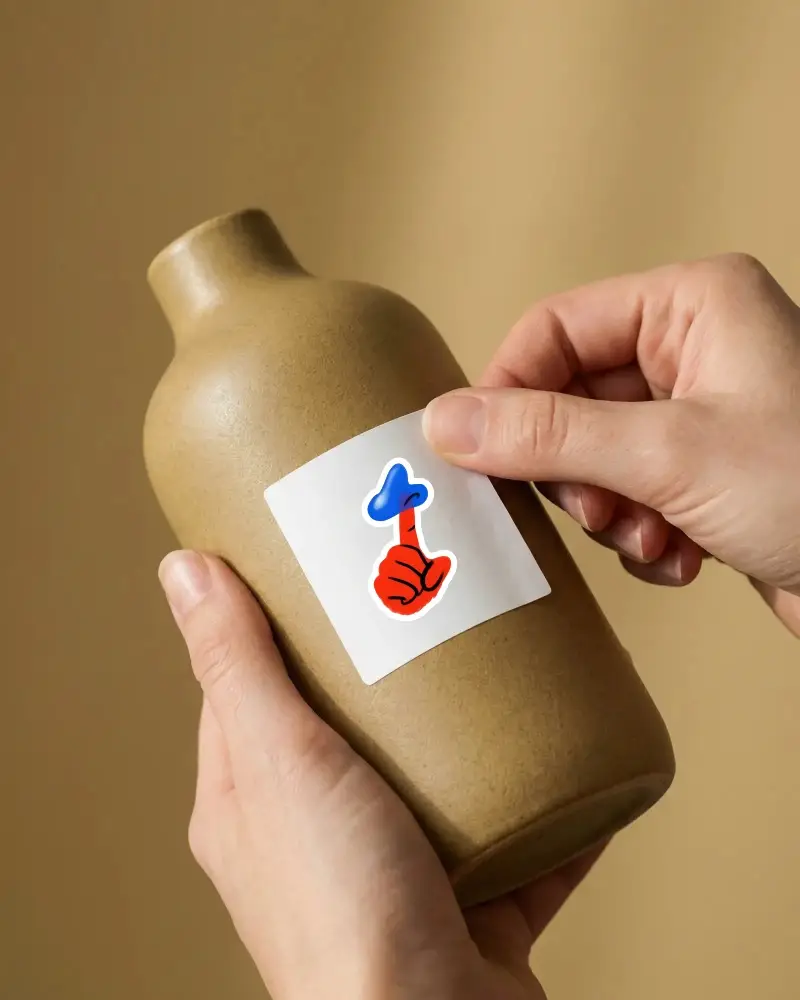
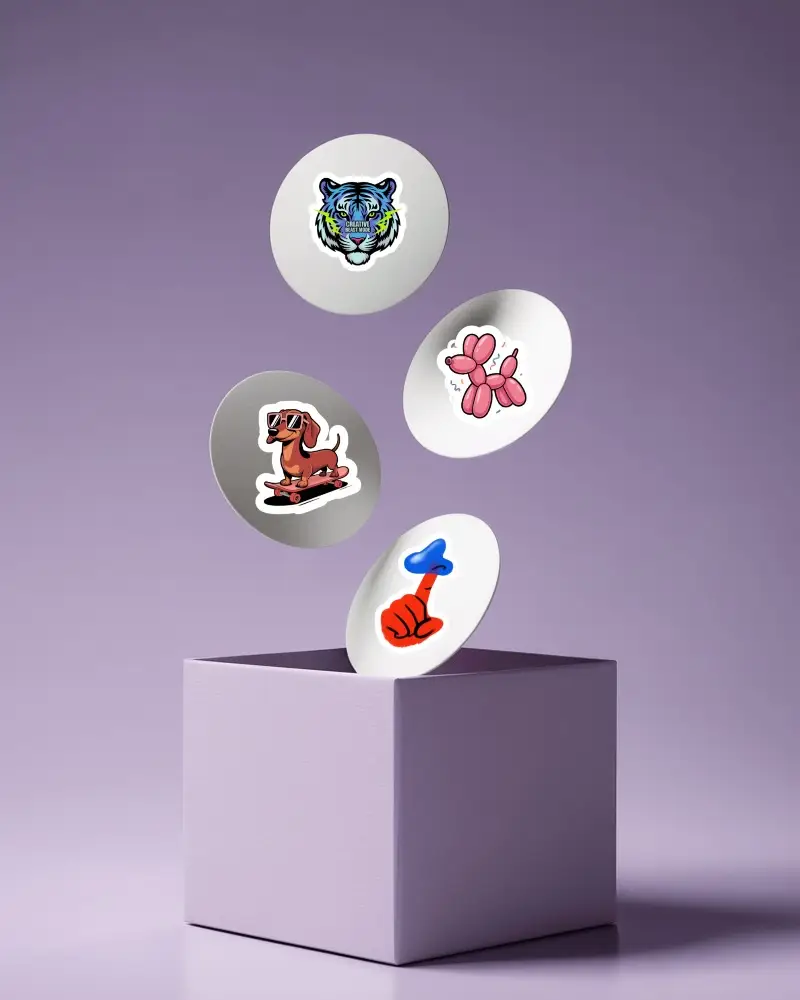
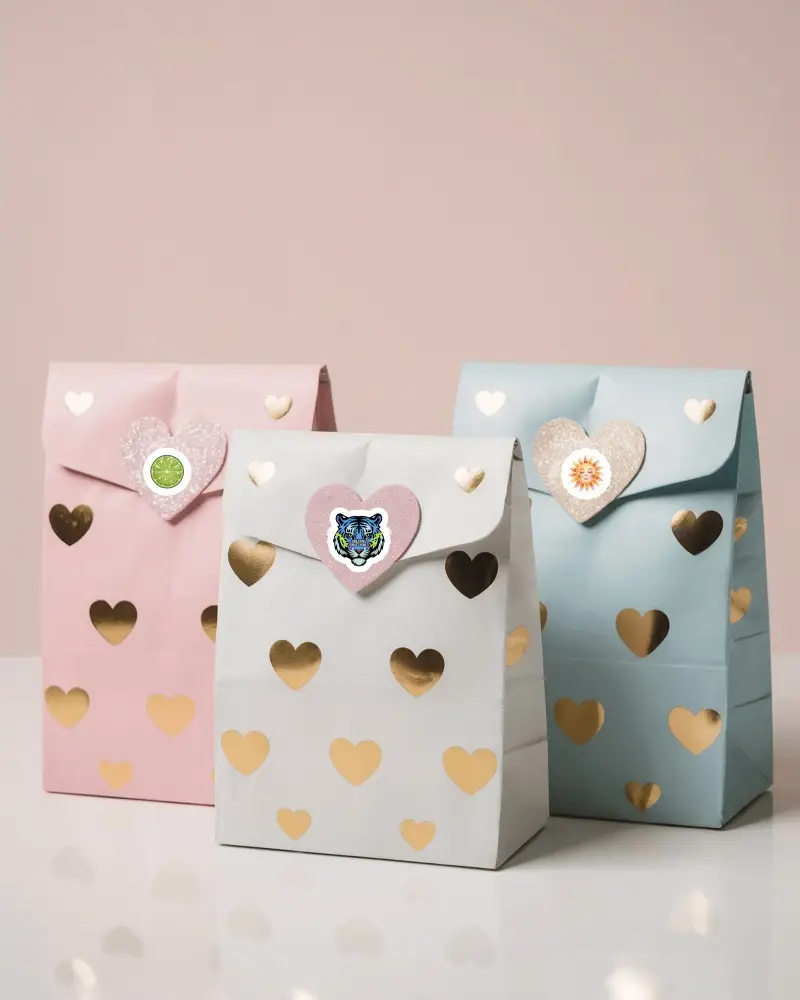
How to Create an Envelope Sticker Mockup
To create an envelope sticker mockup:
- Step 1: Go to the Print category in the Mockups. Then select Envelope from the tag bar in the Sticker section.
- Step 2: Choose a template for uploading designs and adjust the sticker thickness if required.
- Step 3: Click Download to save the envelope sticker mockup after preview.


FAQs on Envelope Sticker Mockups
What is an envelope sticker mockup?
The envelope sticker mockup shows a template with a sticker attached to the closure of the envelope. With the help of Mockey's ready-made templates, you can upload your design and preview it in high resolution.
Are envelope sticker mockups useful for stationery businesses?
Envelope sticker mockups are useful for stationery businesses. They preview how an address label, logo, or decorative sticker design will look on an envelope.
What types of envelope sticker mockups are available?
Envelope sticker mockups are available in different sizes, such as C4, C5, and C6, which are used for address stickers. They are also available in A2 or square sizes for social media presentations.
Do I need design experience to create an envelope sticker mockup?
You don't need any design experience to create an envelope sticker mockup because navigating Mockey, using the editing tools, or purchasing a paid plan is kept simple and easy.
