macbook
Free Dark MacBook Mockups
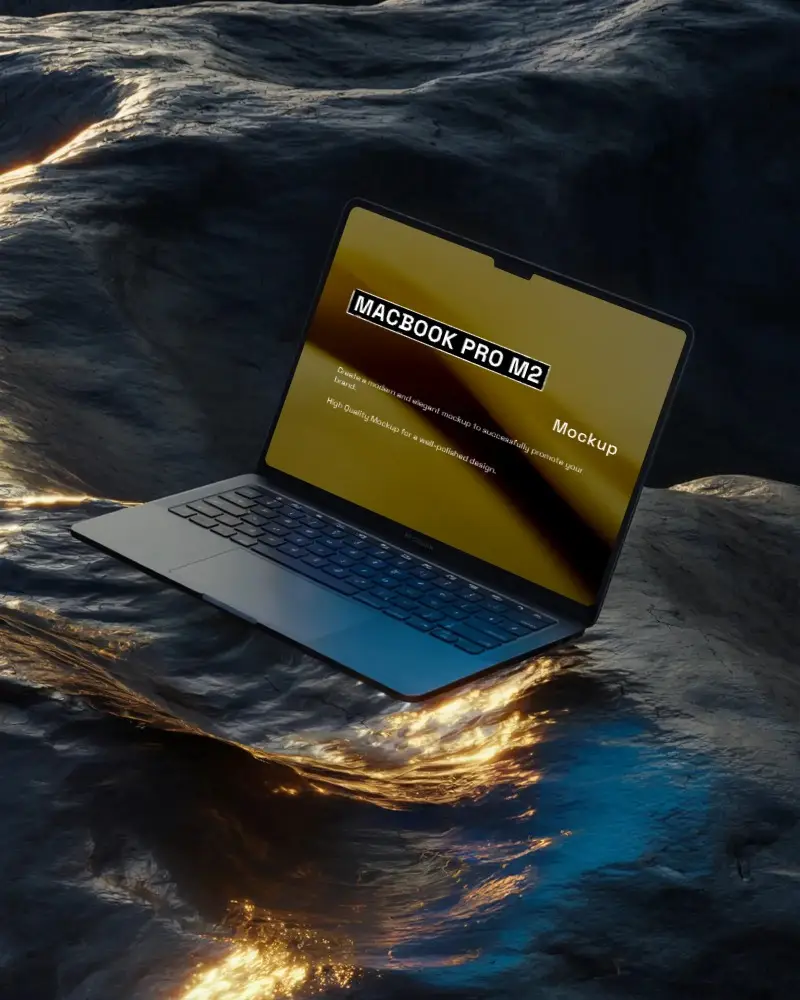
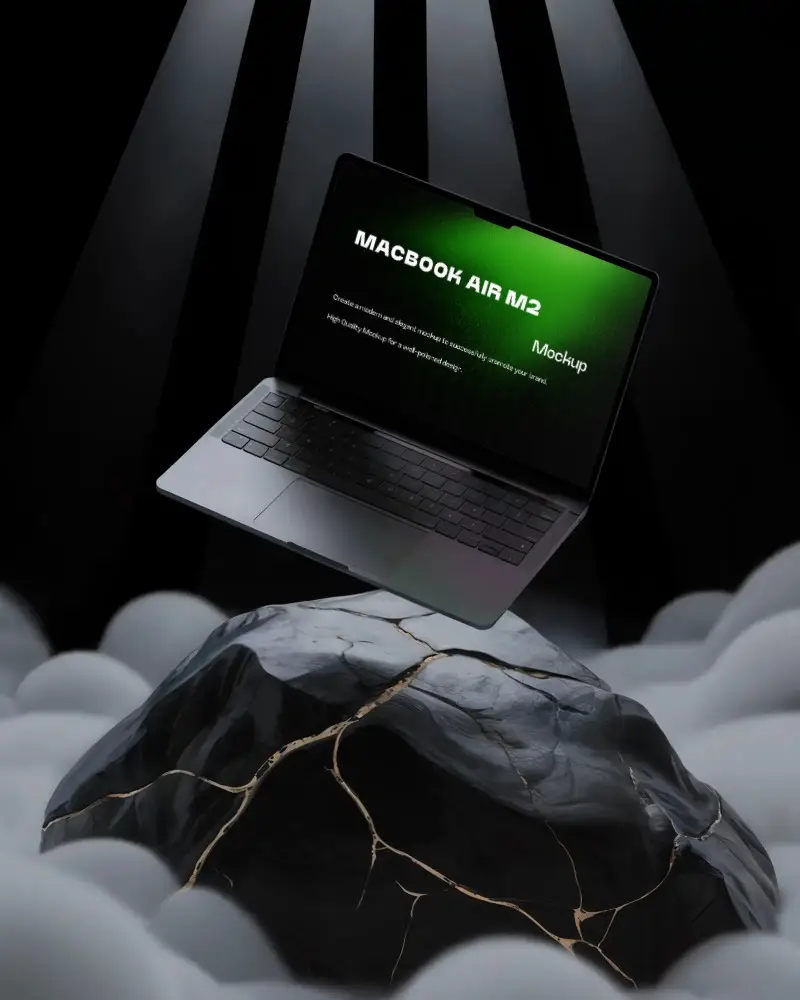
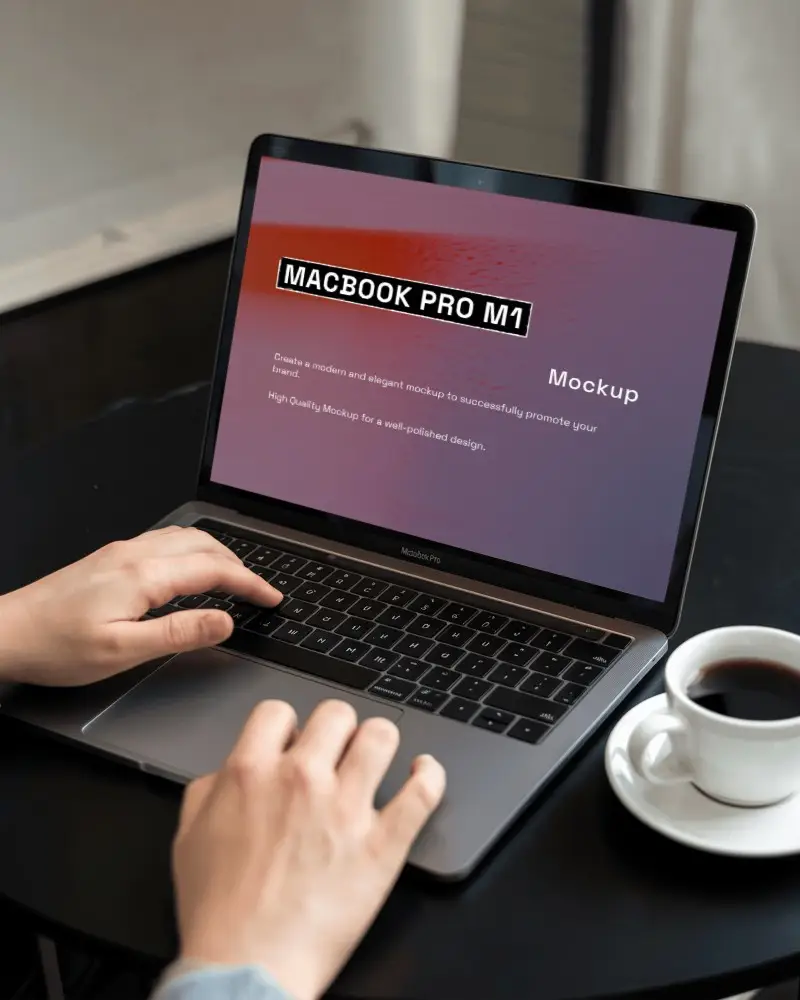
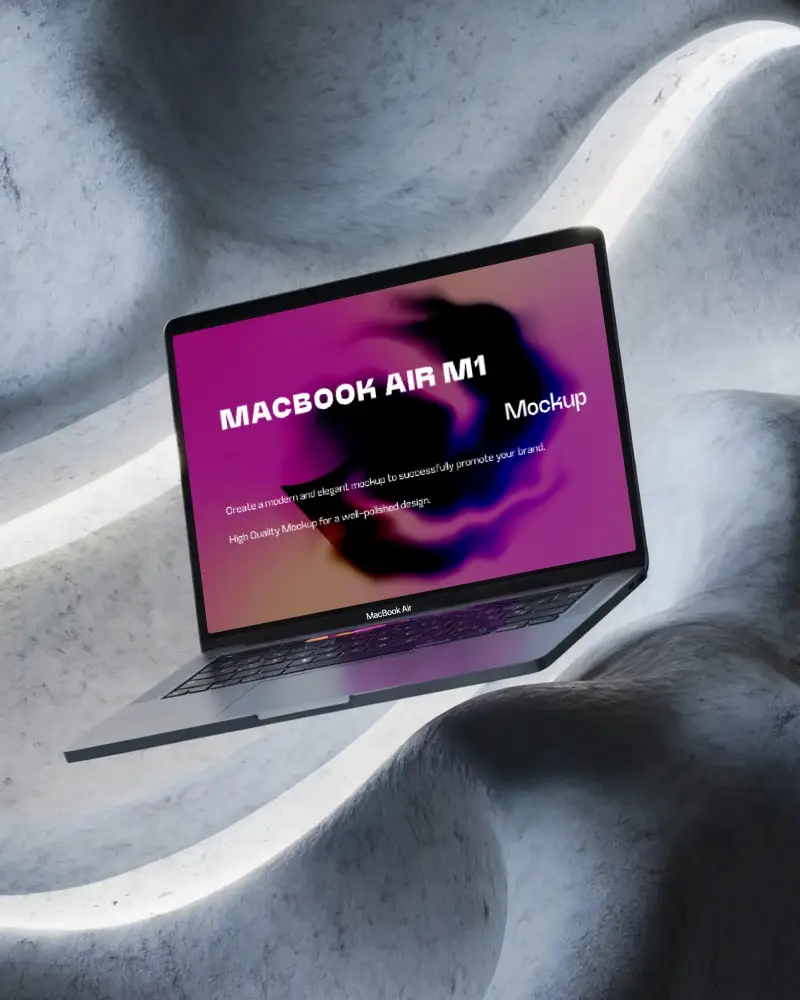
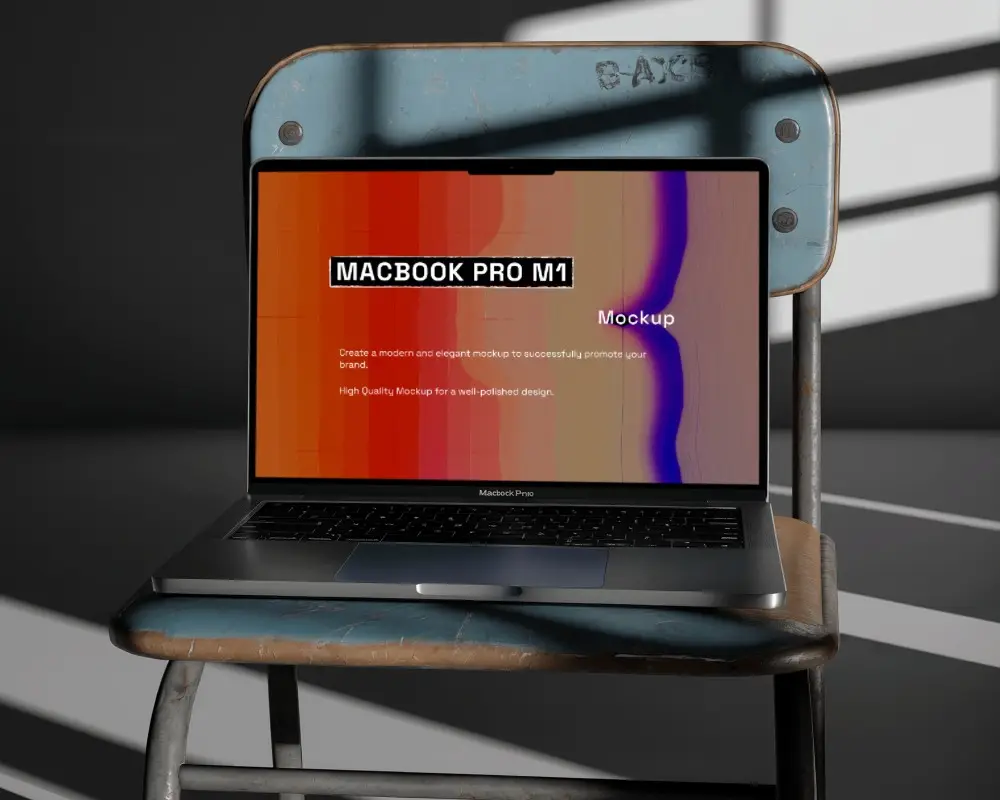
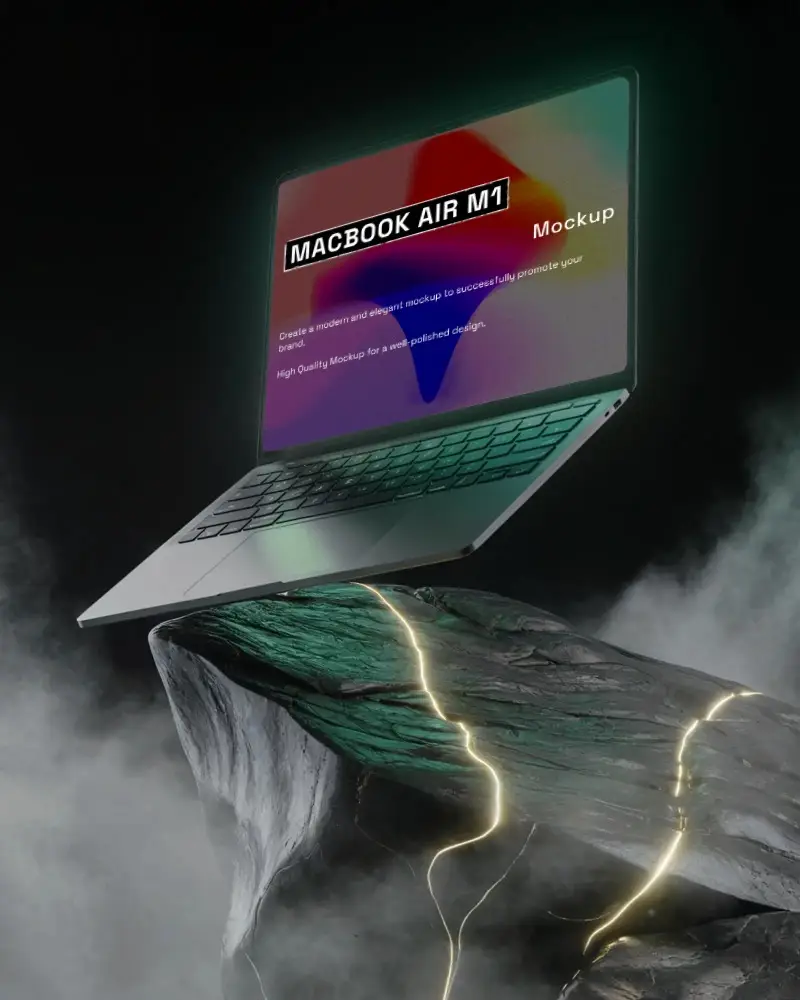
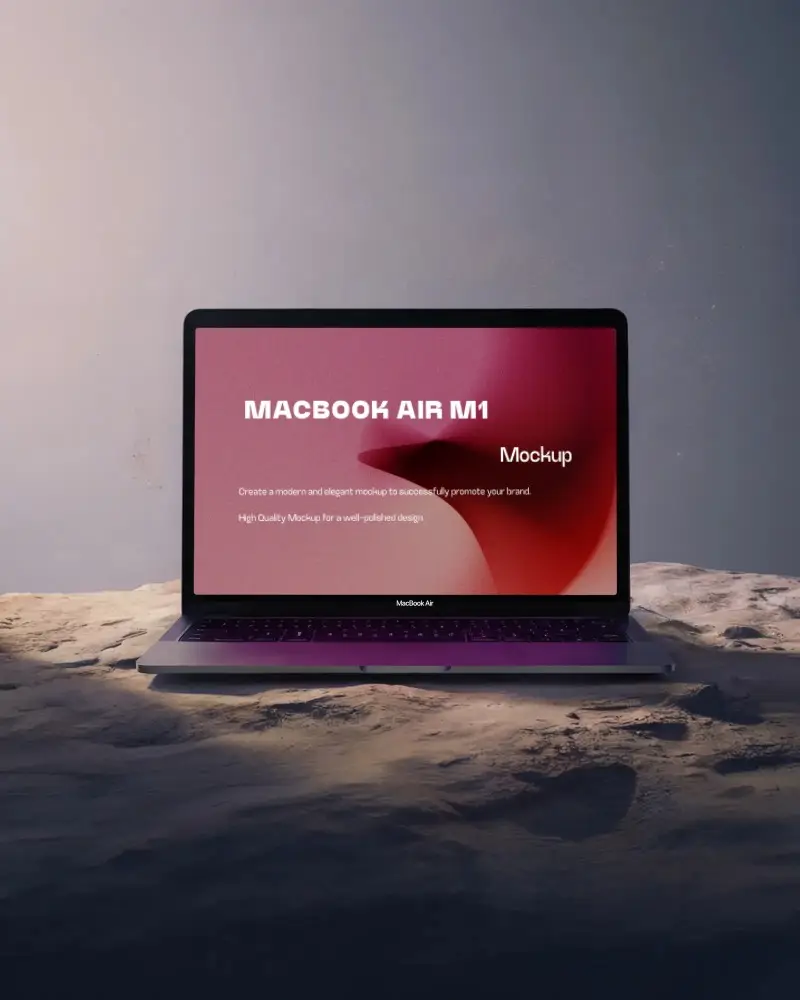
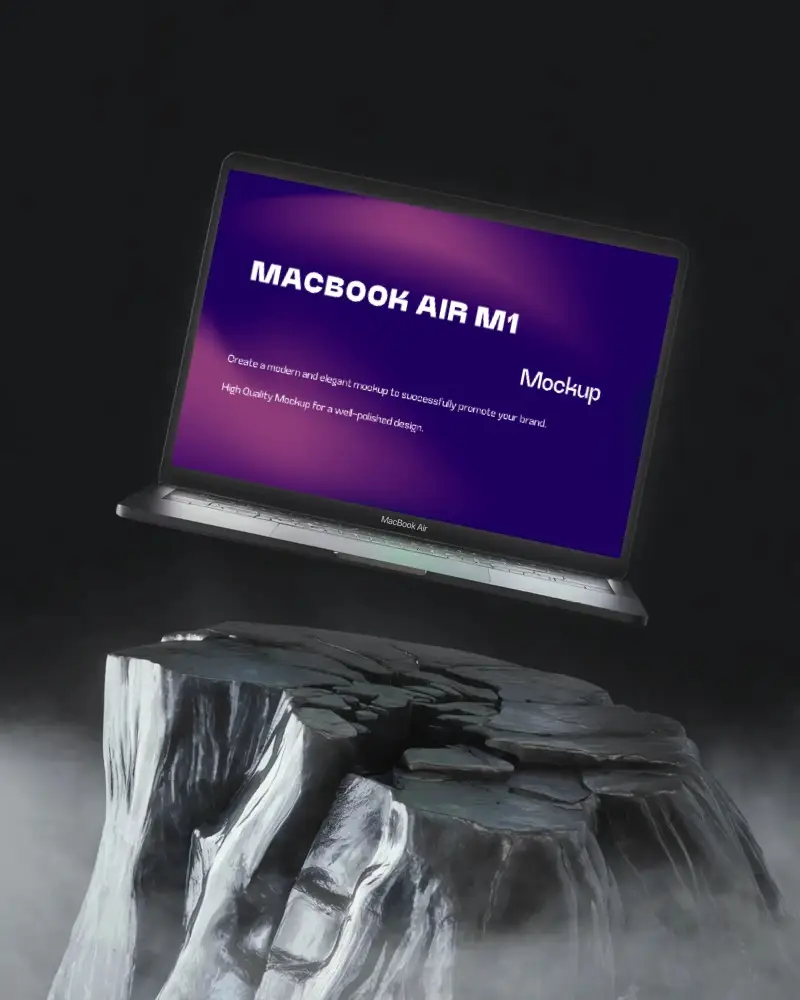
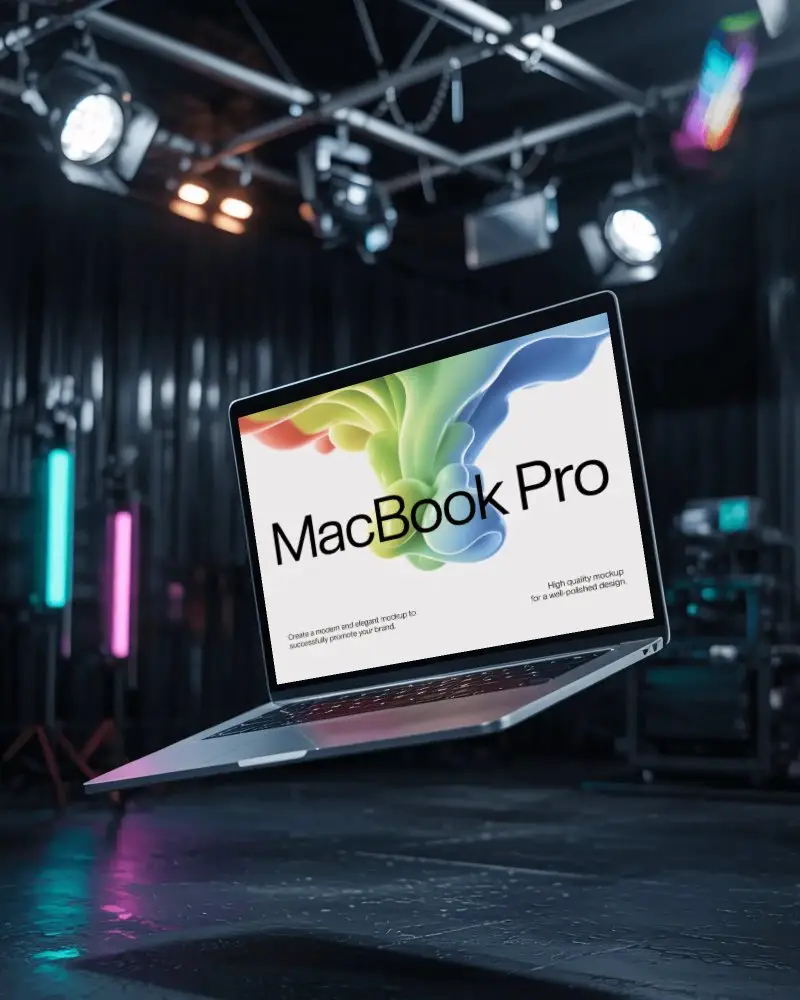
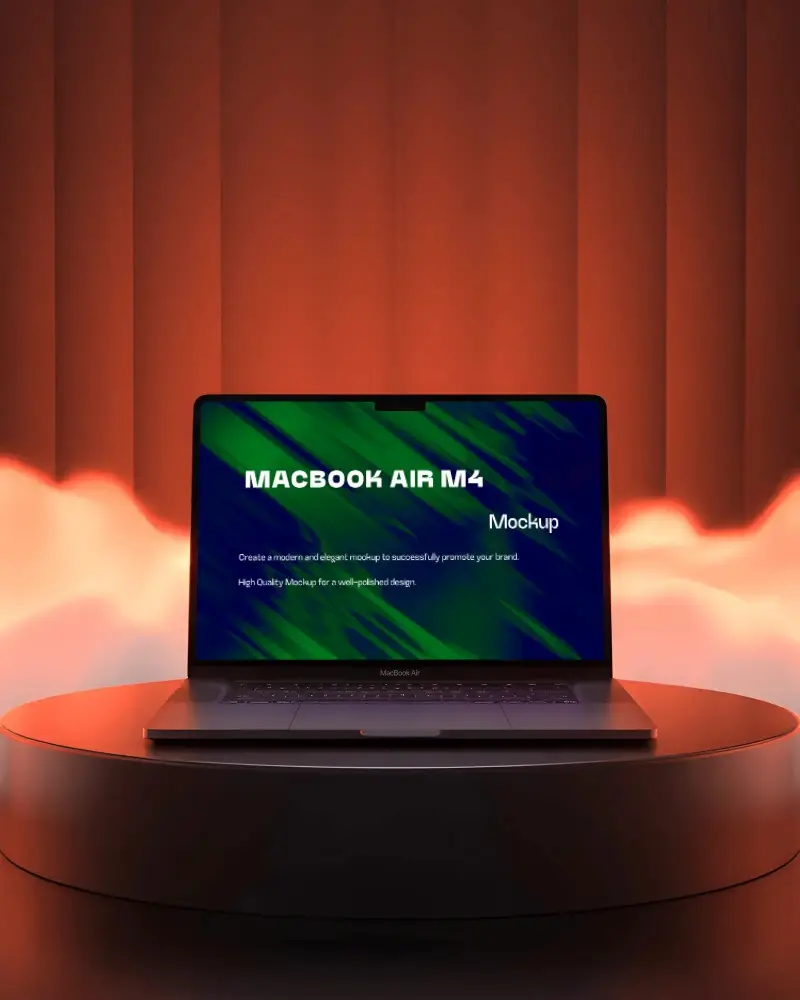
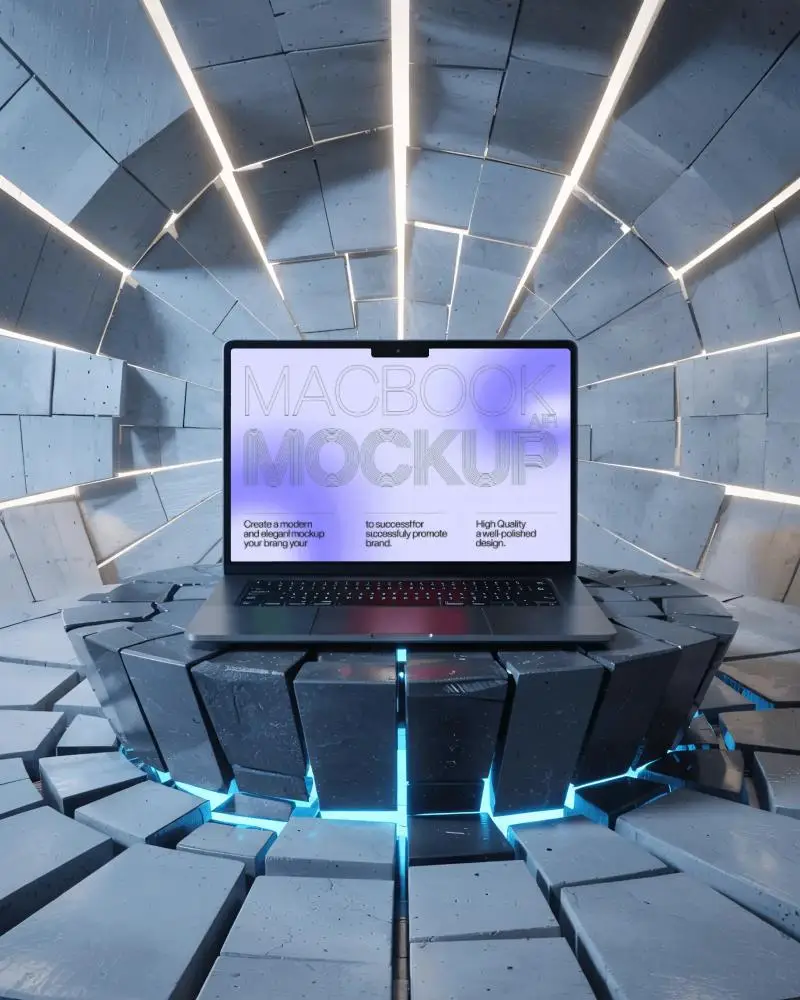
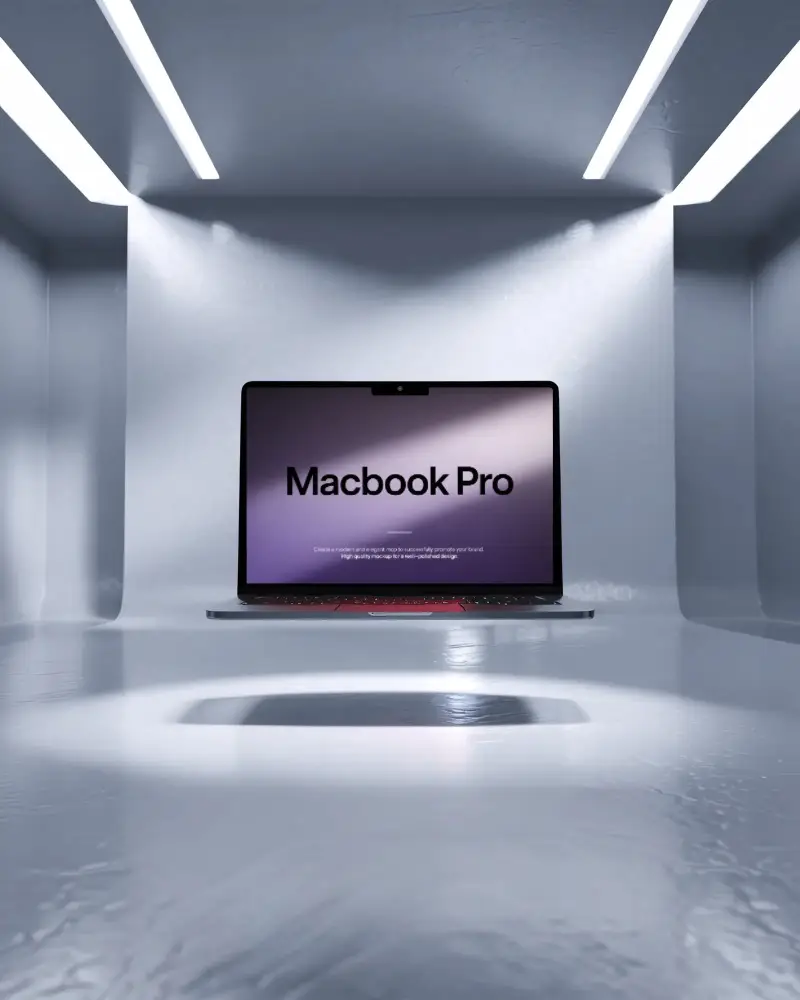
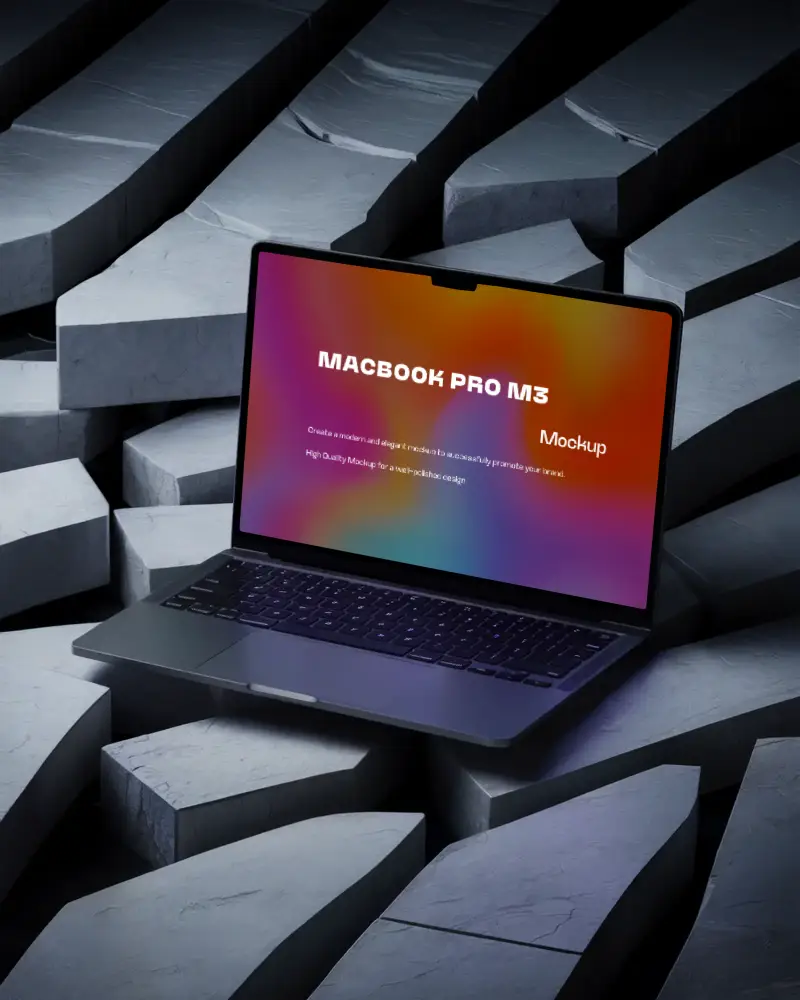
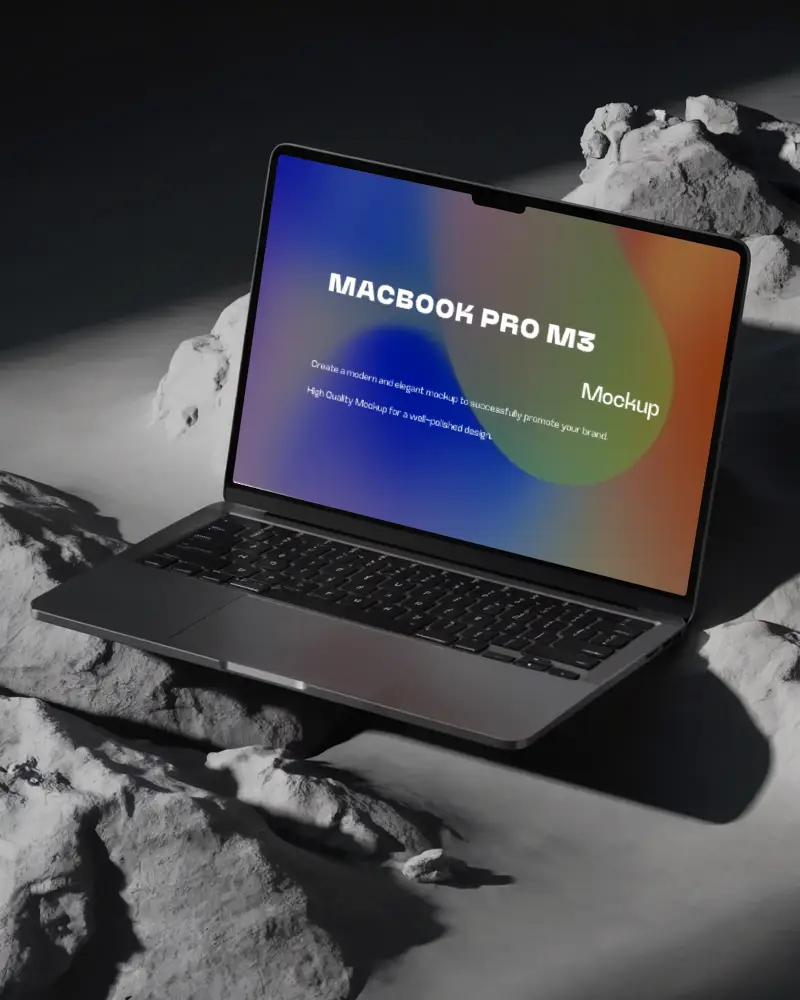
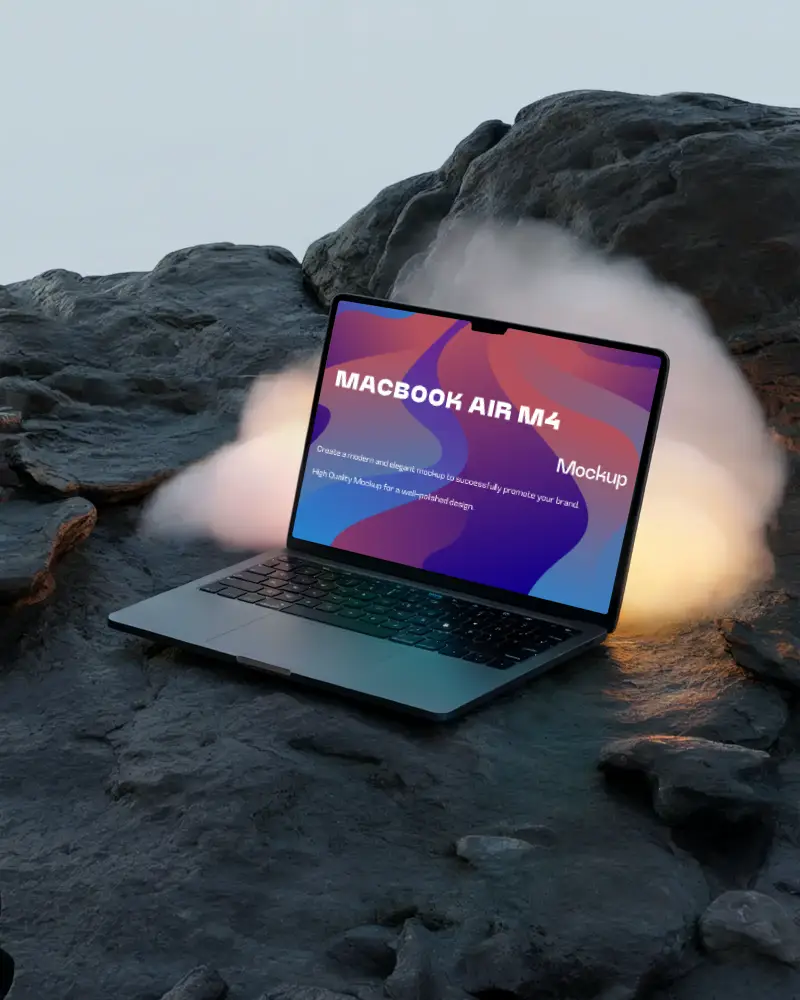
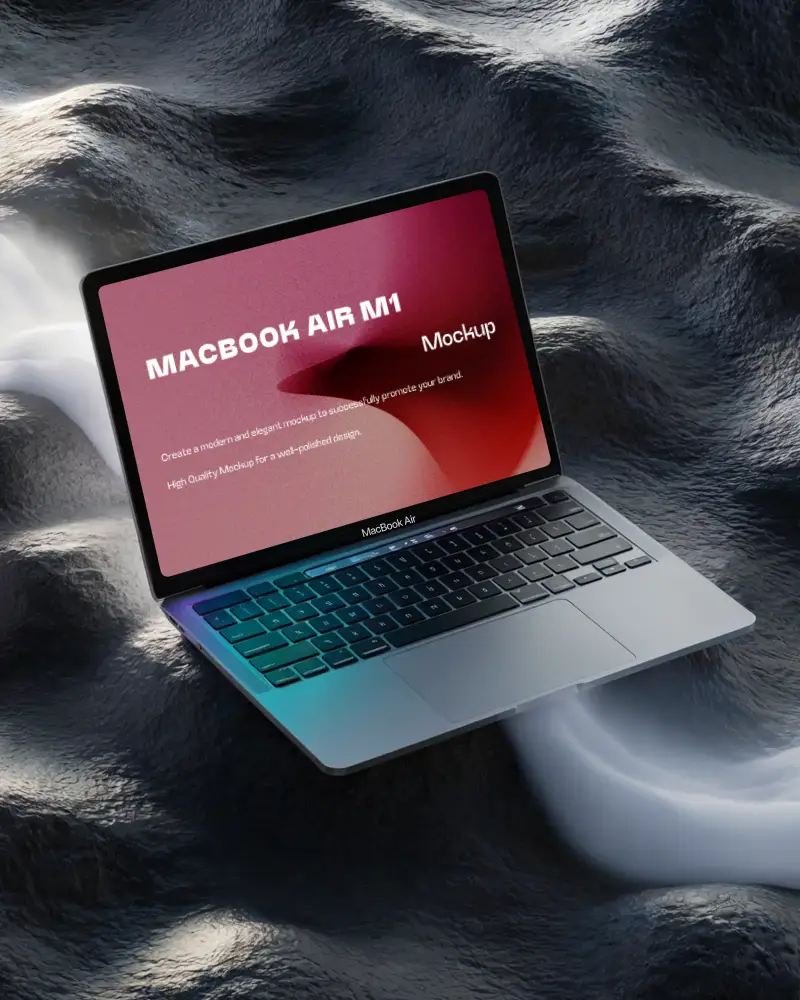
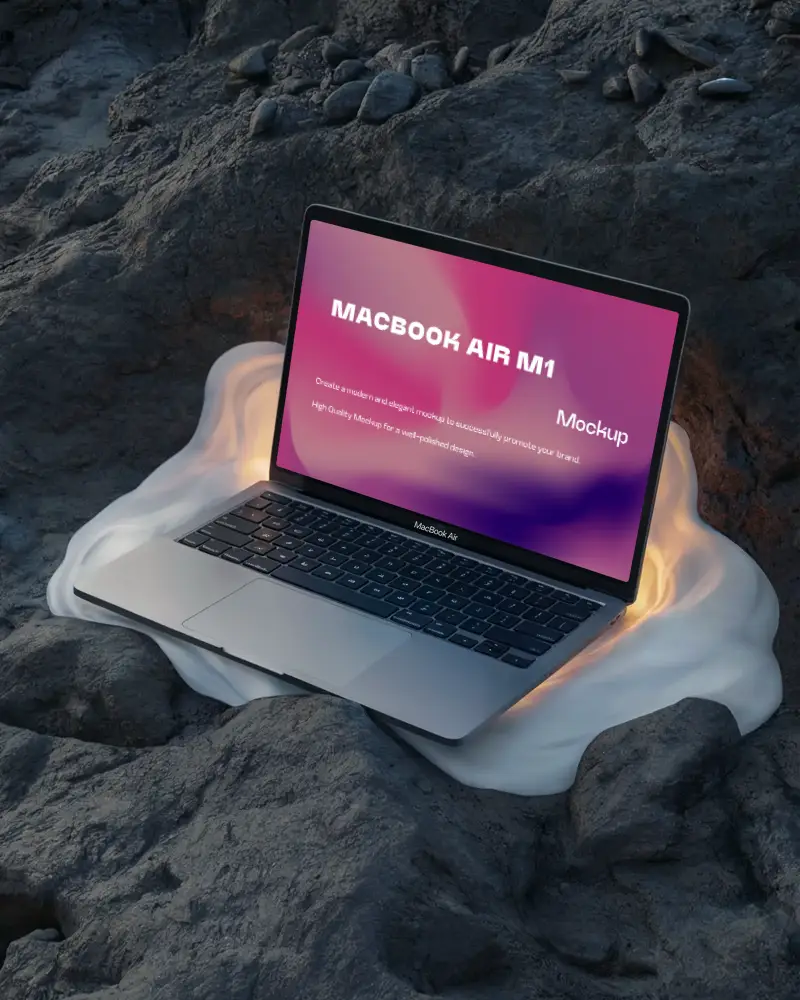
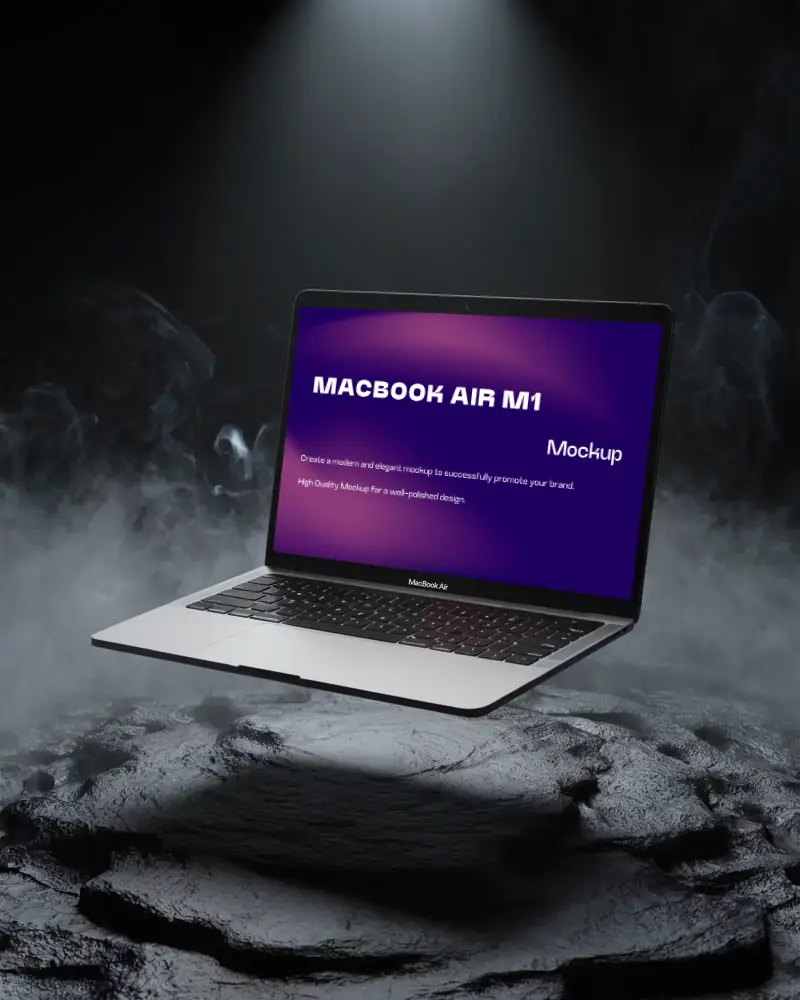
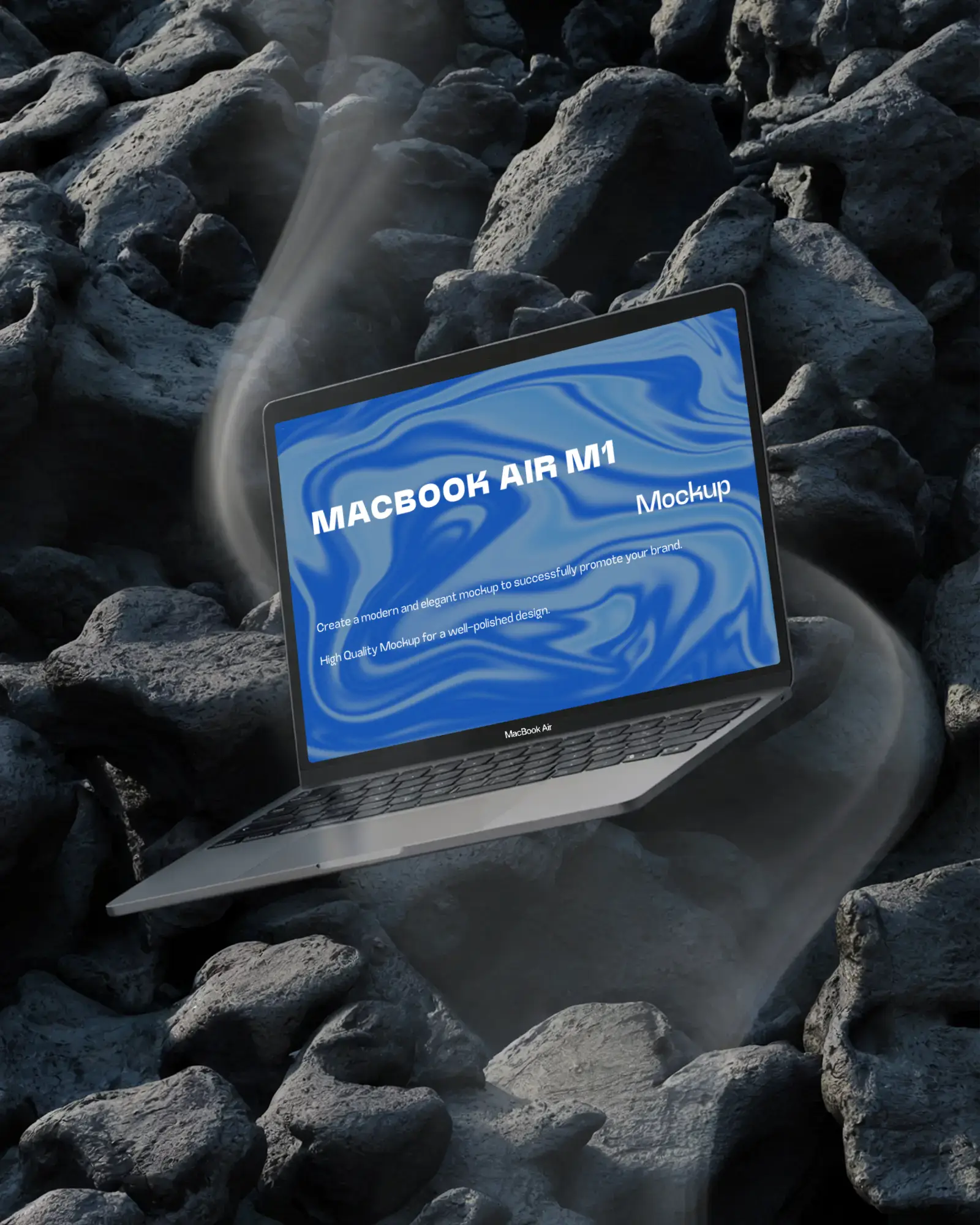
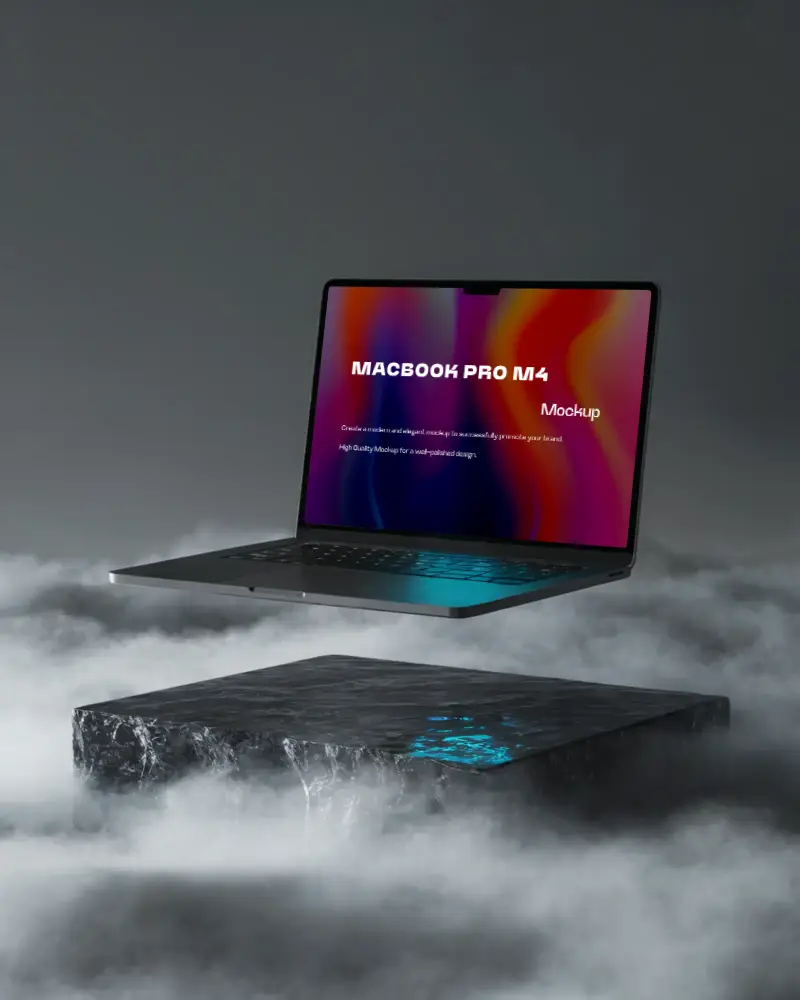
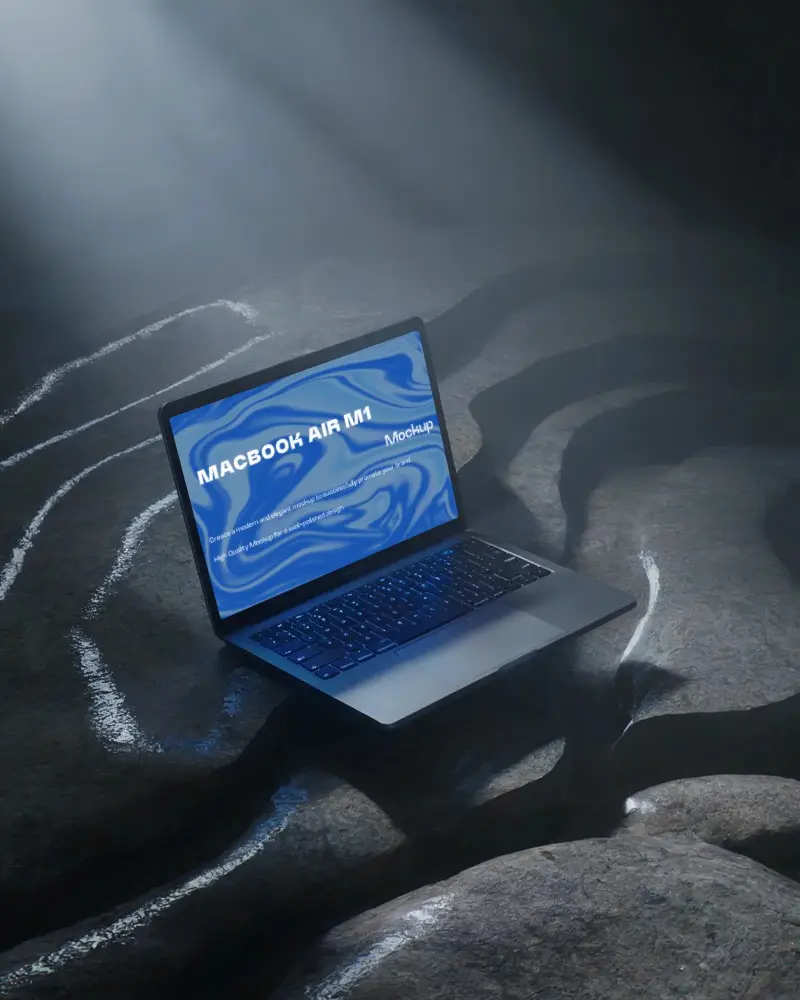
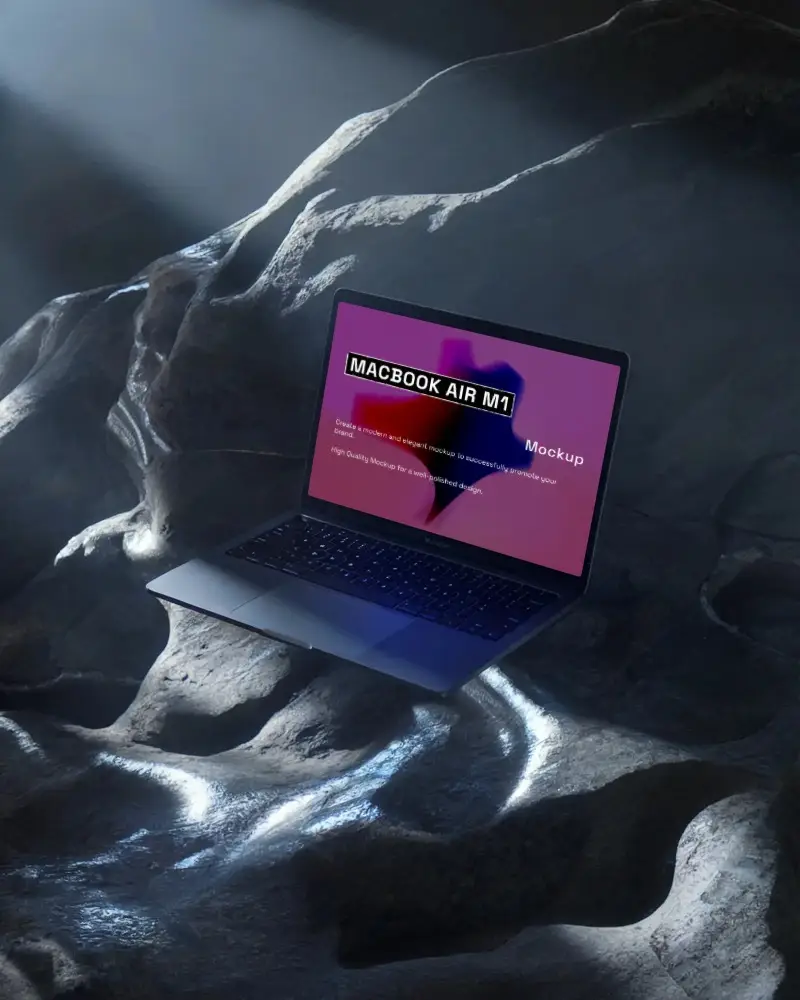
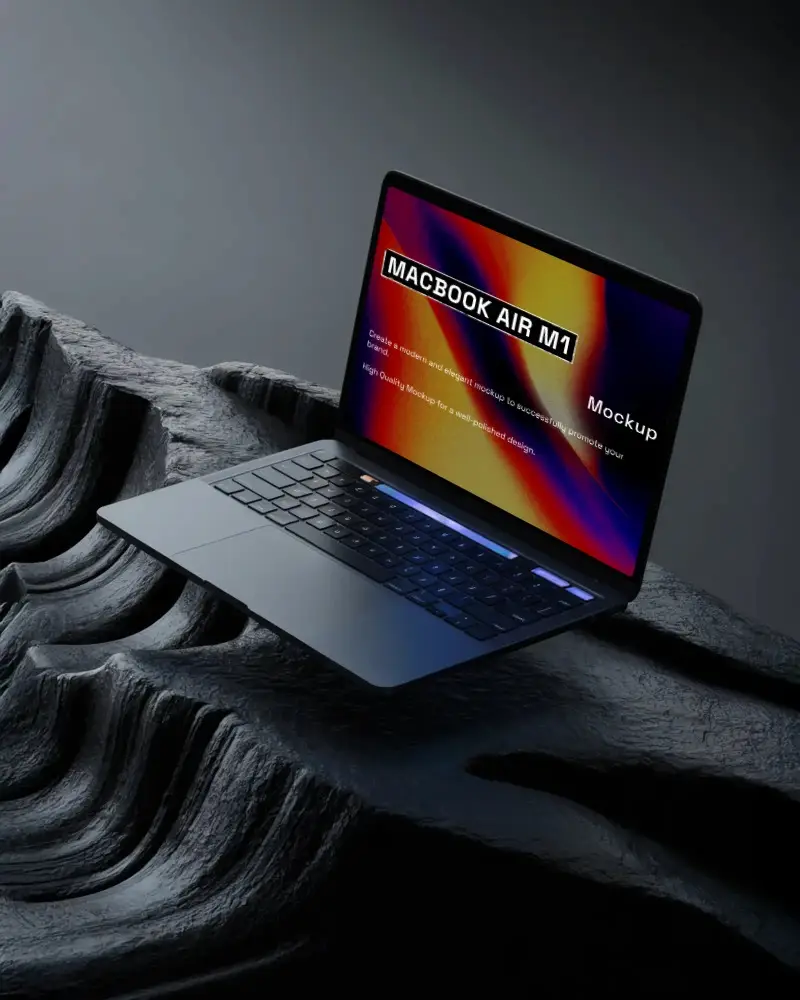
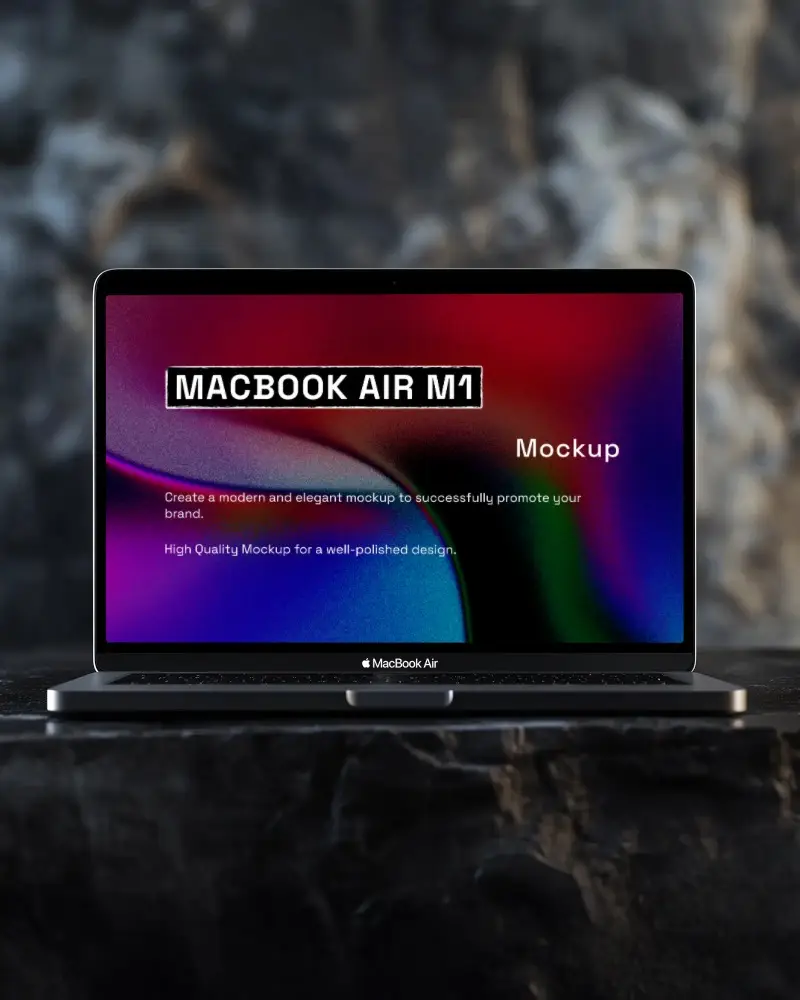
Showcase your designs with this sleek dark MacBook mockup from Mockey.ai, perfect for modern, high-contrast presentations. Free, easy, and realistic!
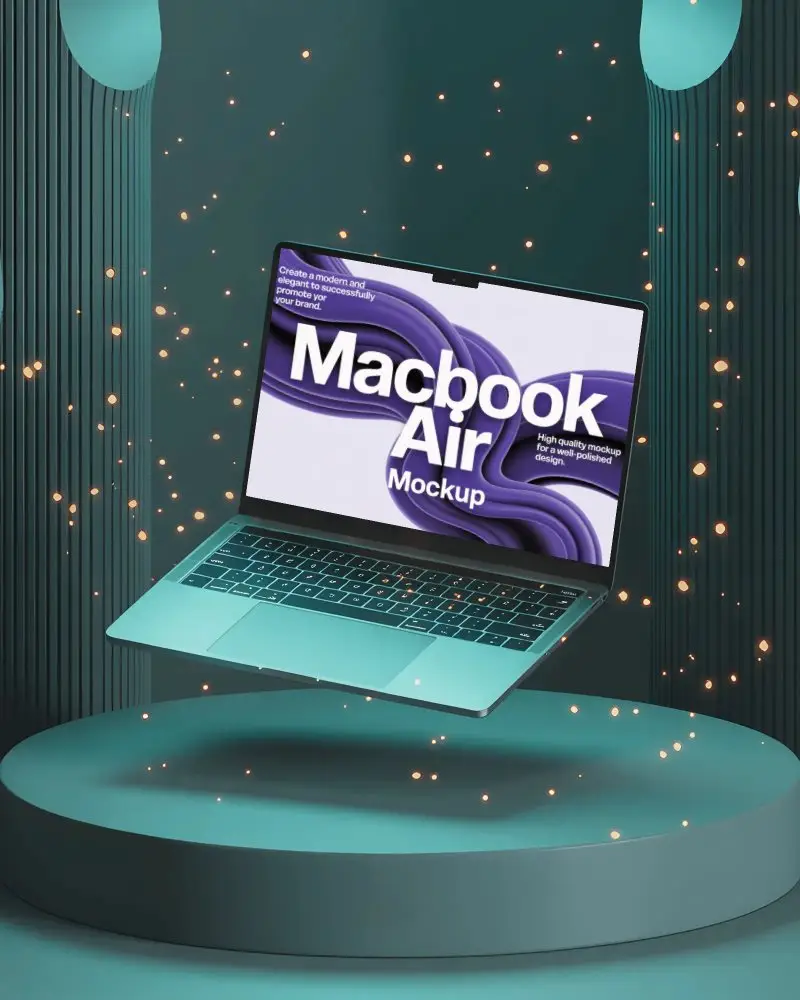
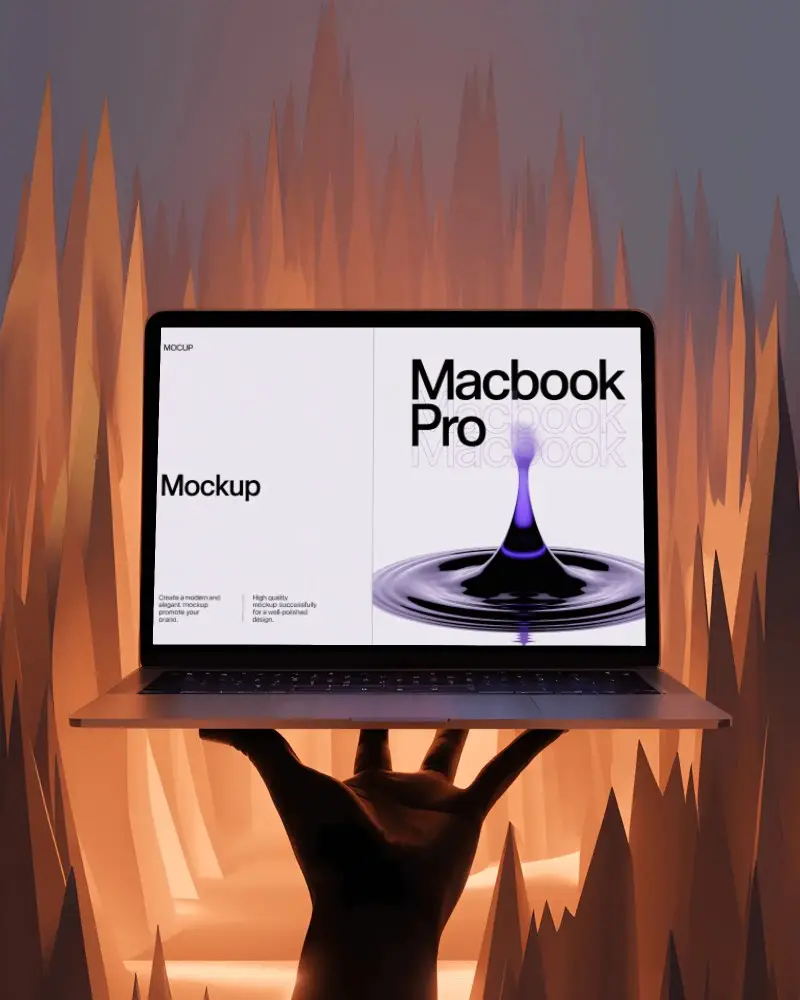
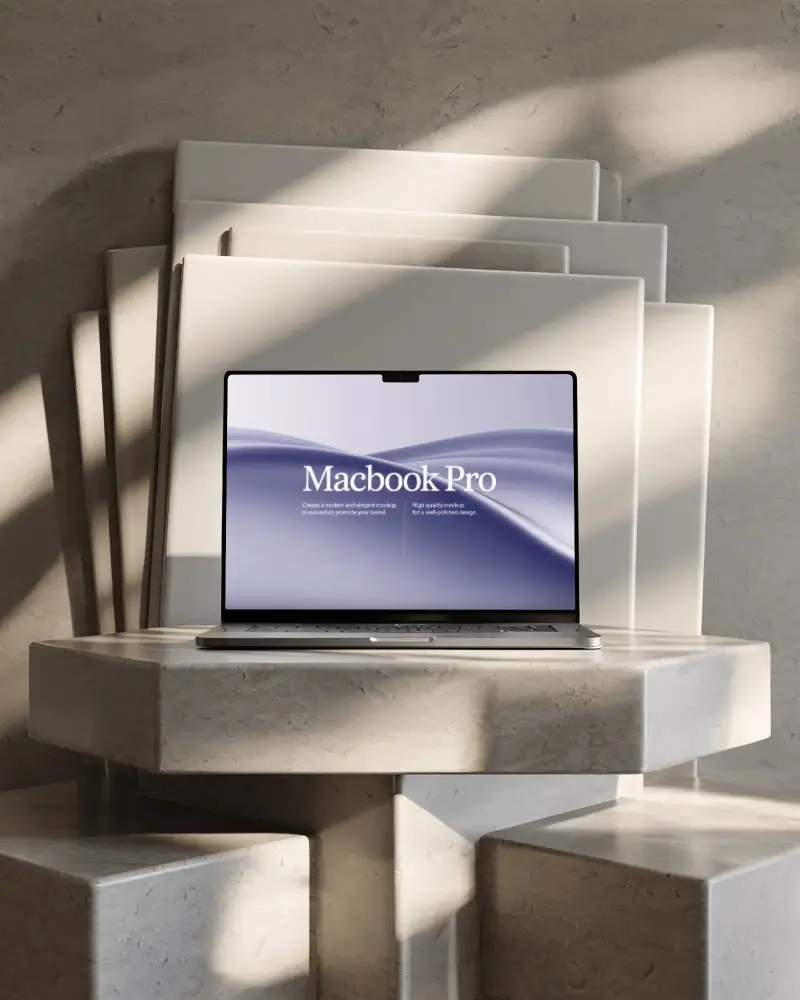
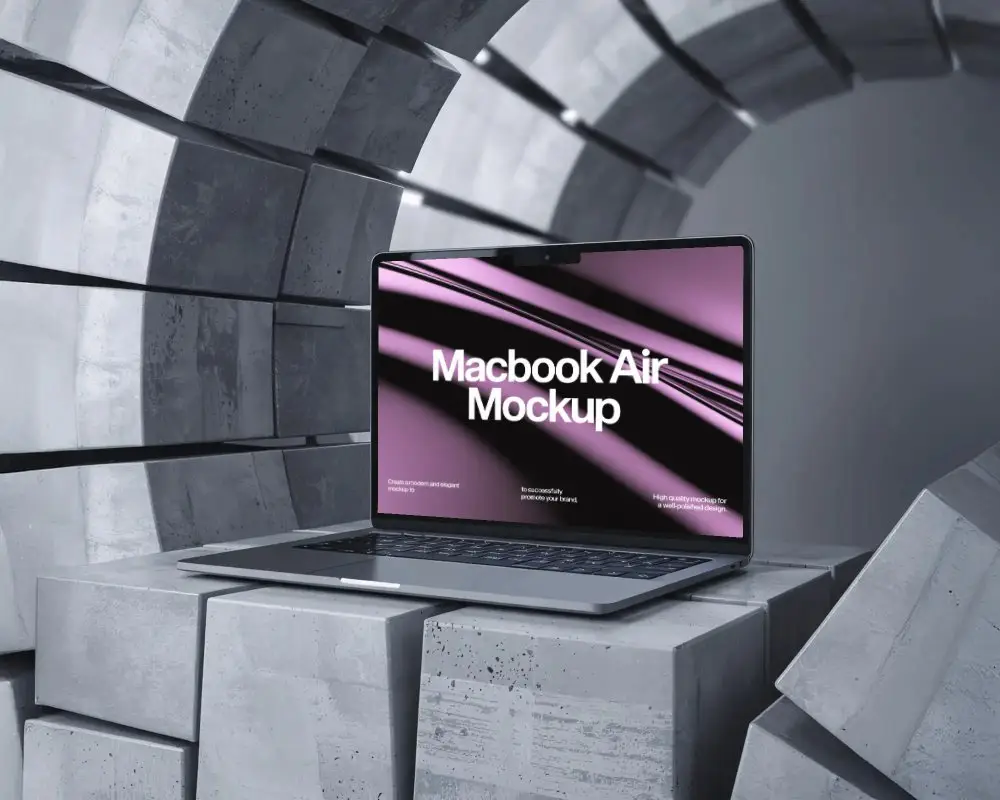
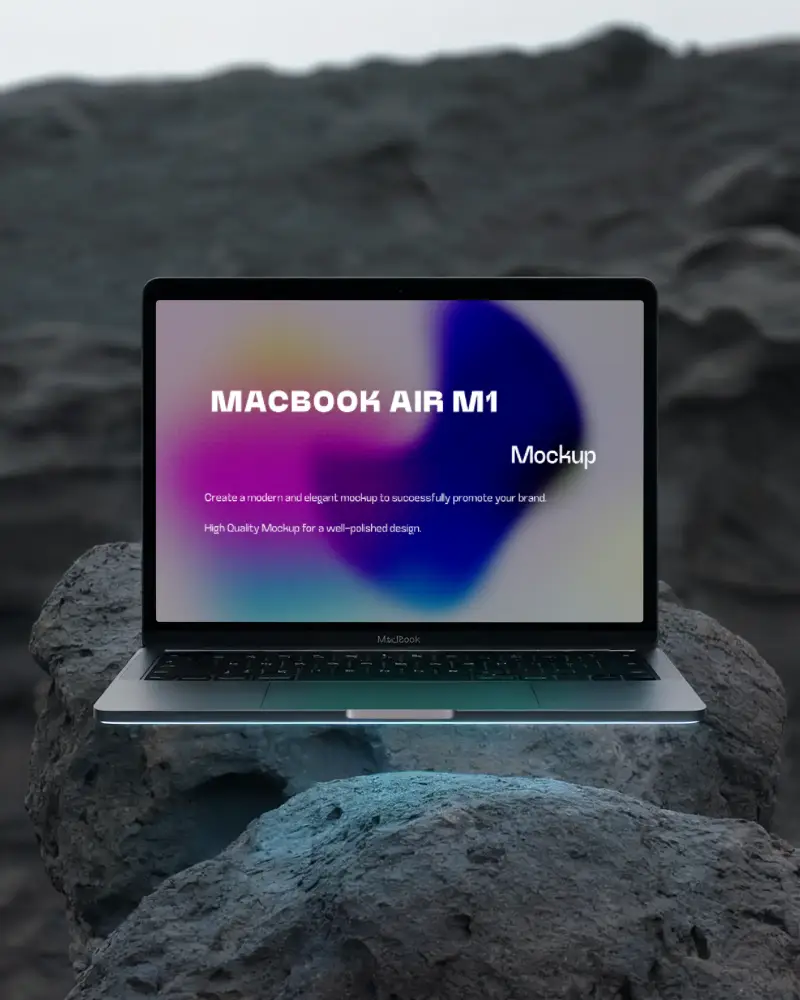
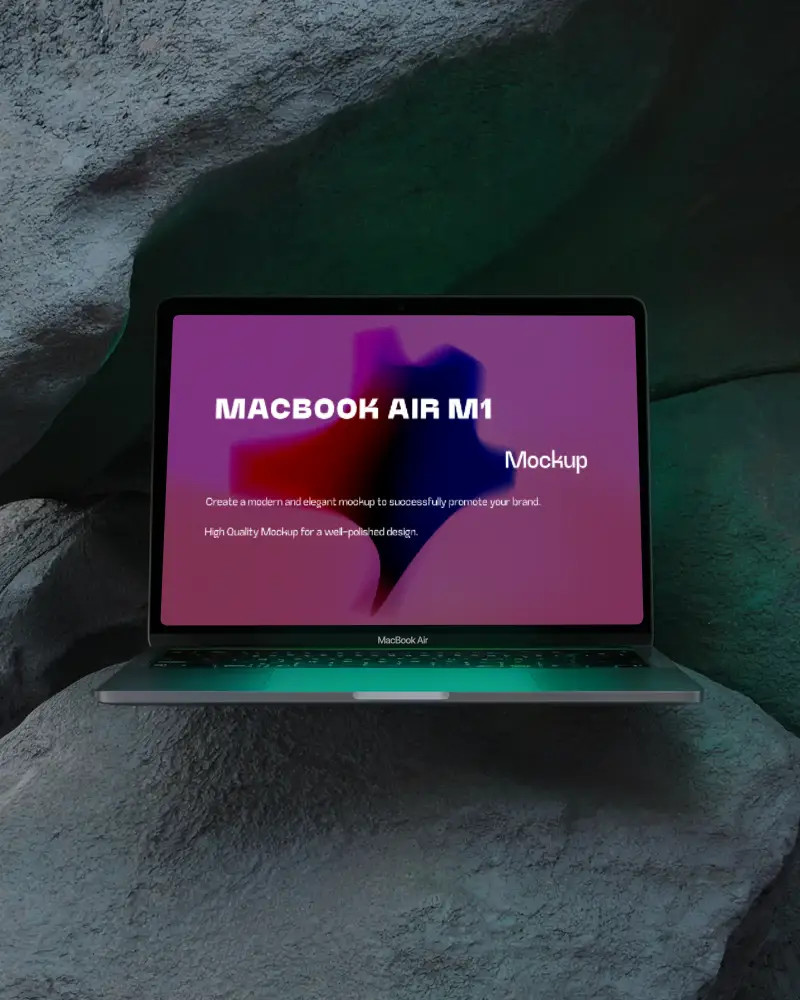
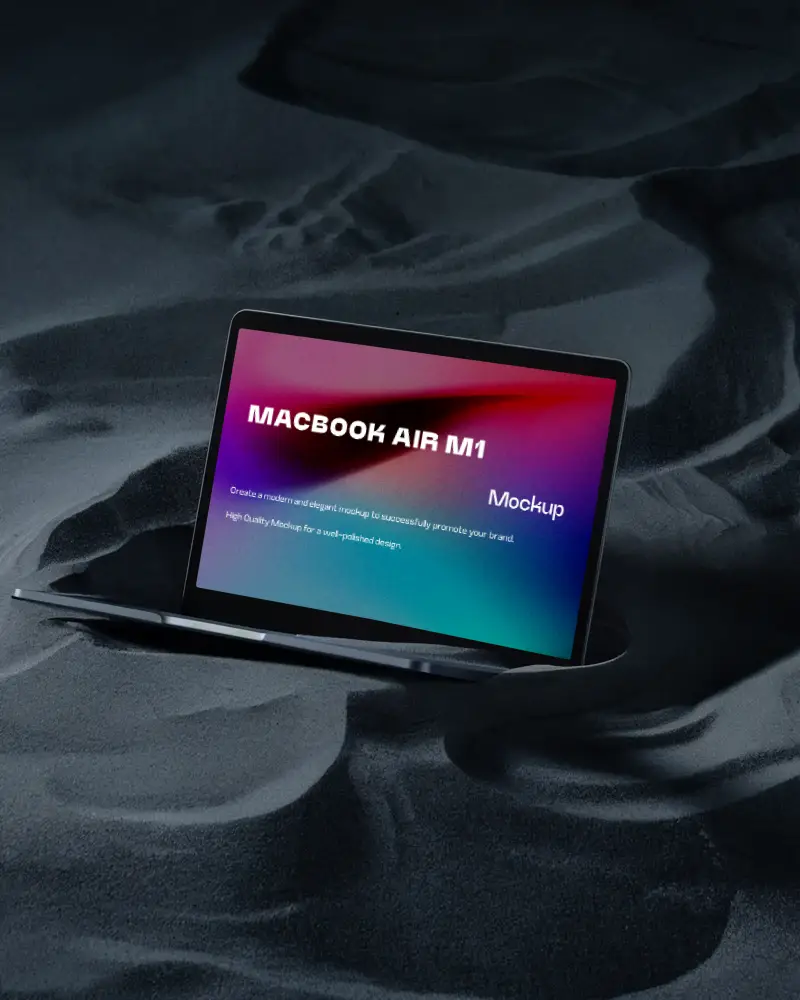
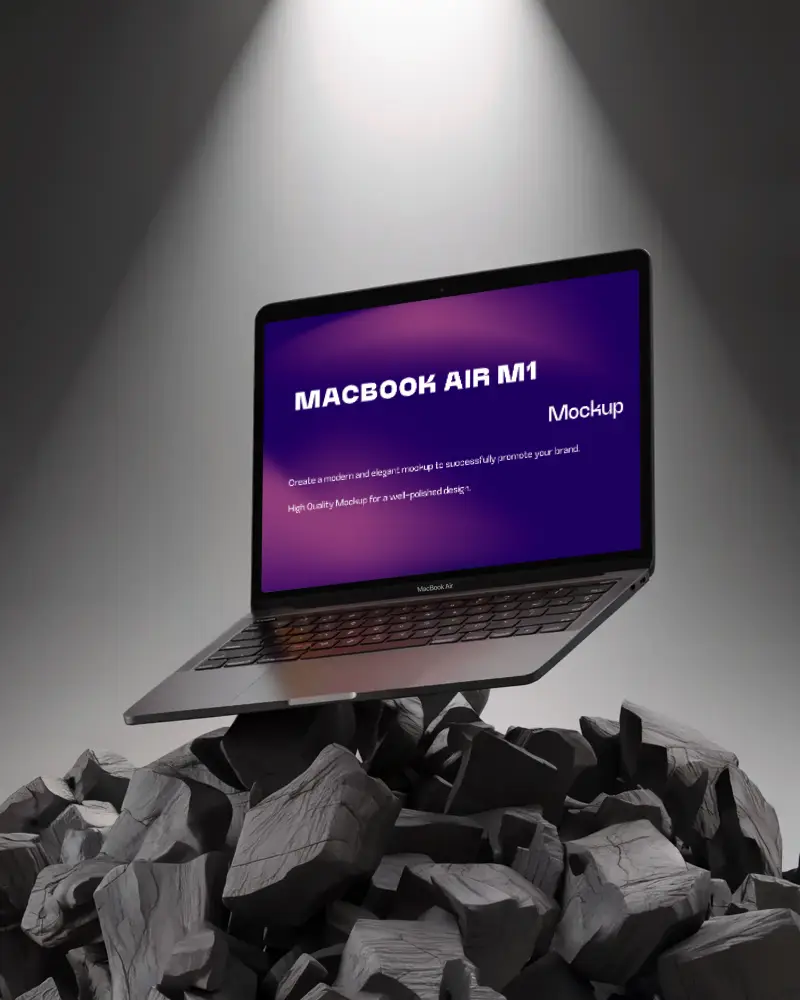
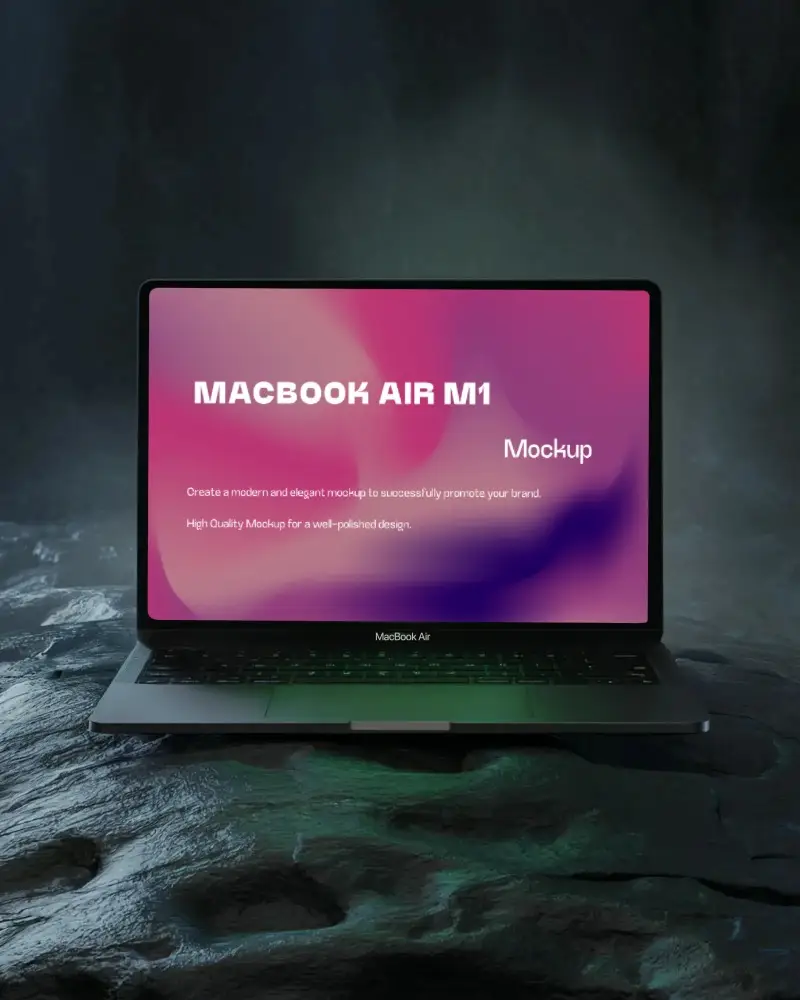
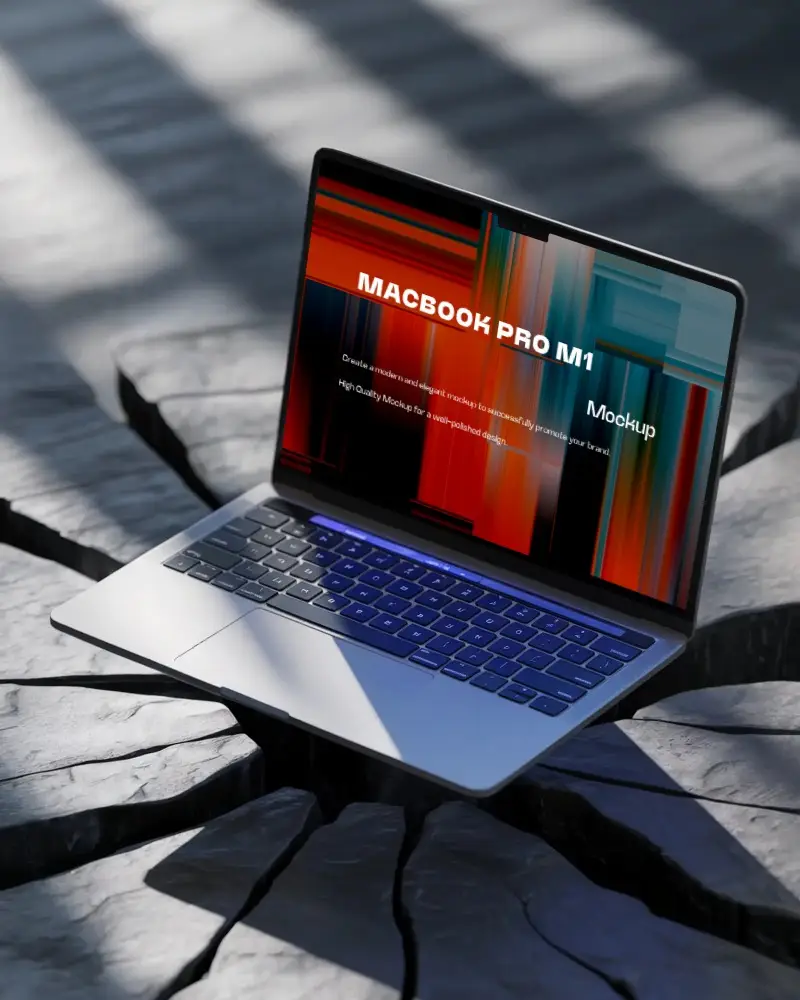
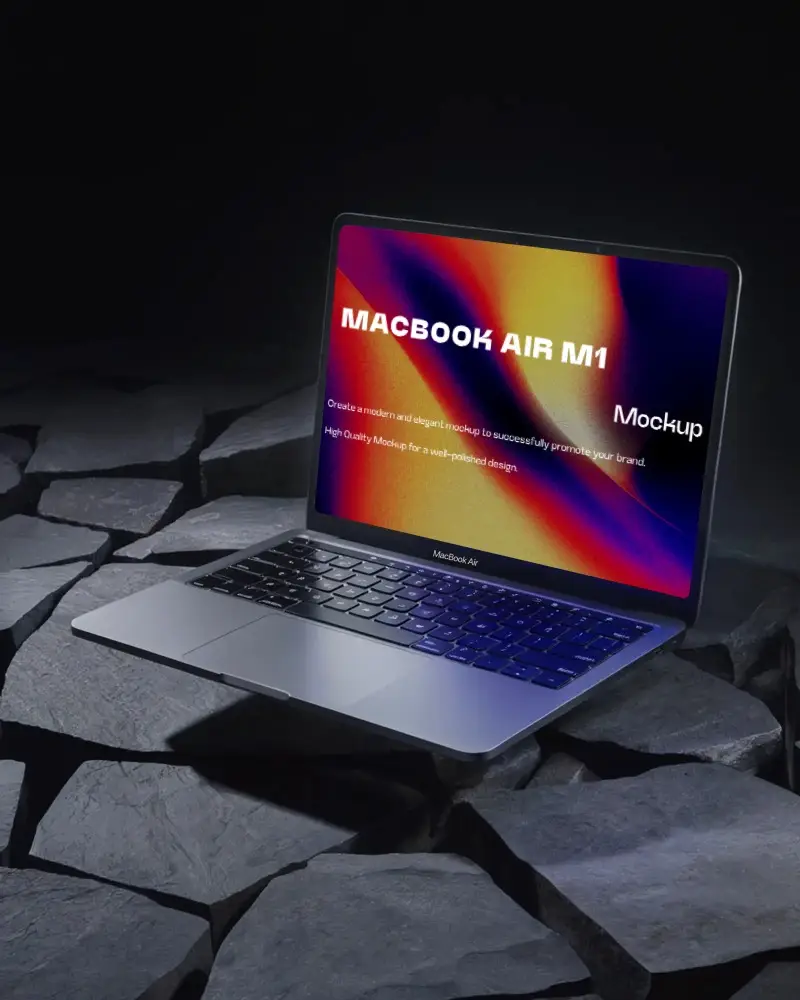
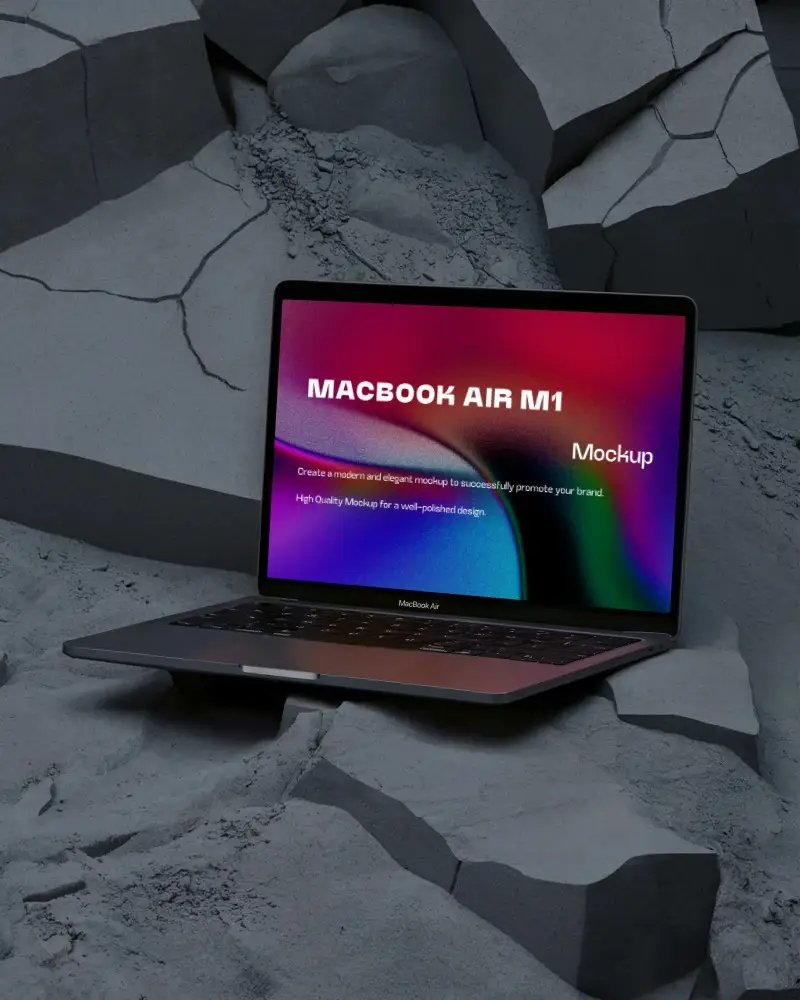
How to Create a Dark MacBook Mockup with Mockey
To create a dark MacBook mockup:
- Step 1: Go to “Mockups” and click on “Tech.” Choose the 'MacBook' from the different options.
- Step 2: Select the “Dark” tag to pick a template.
- Step 3: Add your design and adjust as necessary. Save your dark MacBook mockup.


FAQs on Dark Macbook Mockups
Why create a dark MacBook Mockup?
A dark MacBook mockup just hits differently. The blacked-out background and template let your design take center stage. No distractions.
Can I customize the Dark MacBook Mockup on Mockey.ai?
In Mockey AI, you can totally make the dark MacBook mockup your own. Add your design, switch up the background and colors, and even use the rotate feature to get the perfect angle of the design.
Is the dark color MacBook suitable for dark mode designs?
There’s something about a dark MacBook that just fits with dark mode. Dark mode on macOS is all about making your design pop while the rest fades into the background.
