Customizable Blank T-Shirt Mockup For Your Design
Create professional apparel visuals with our customizable blank T-shirt mockup. Upload your design, change colors, and generate realistic 3D previews for print-on-demand, branding, and online stores.

















































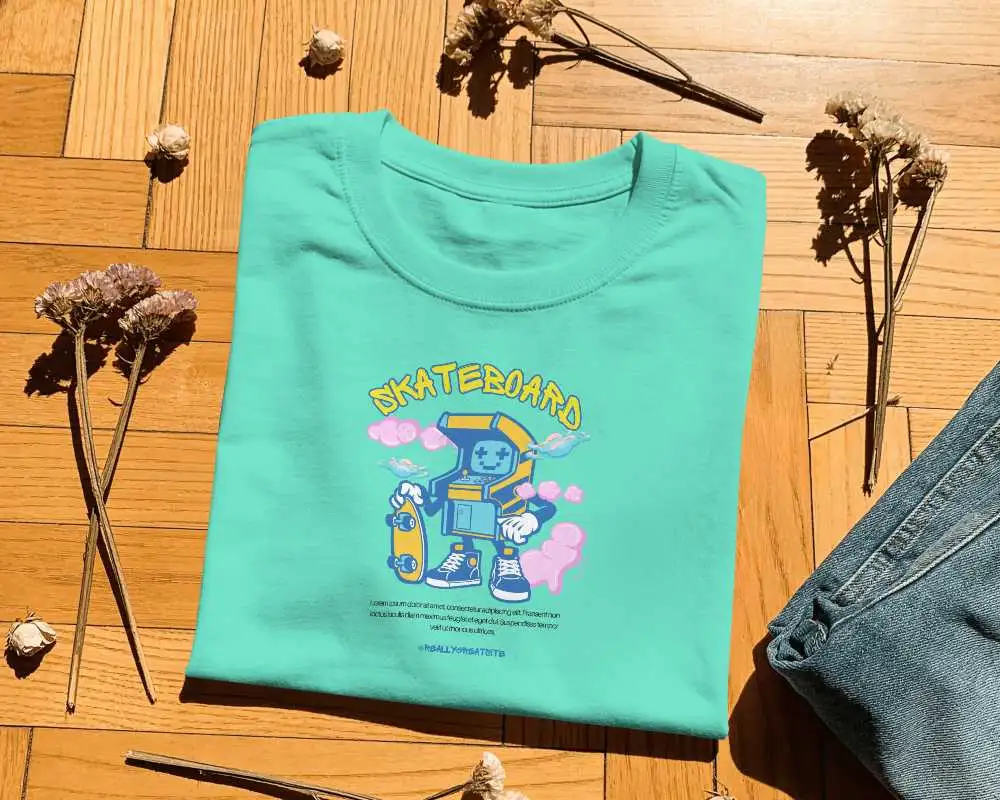
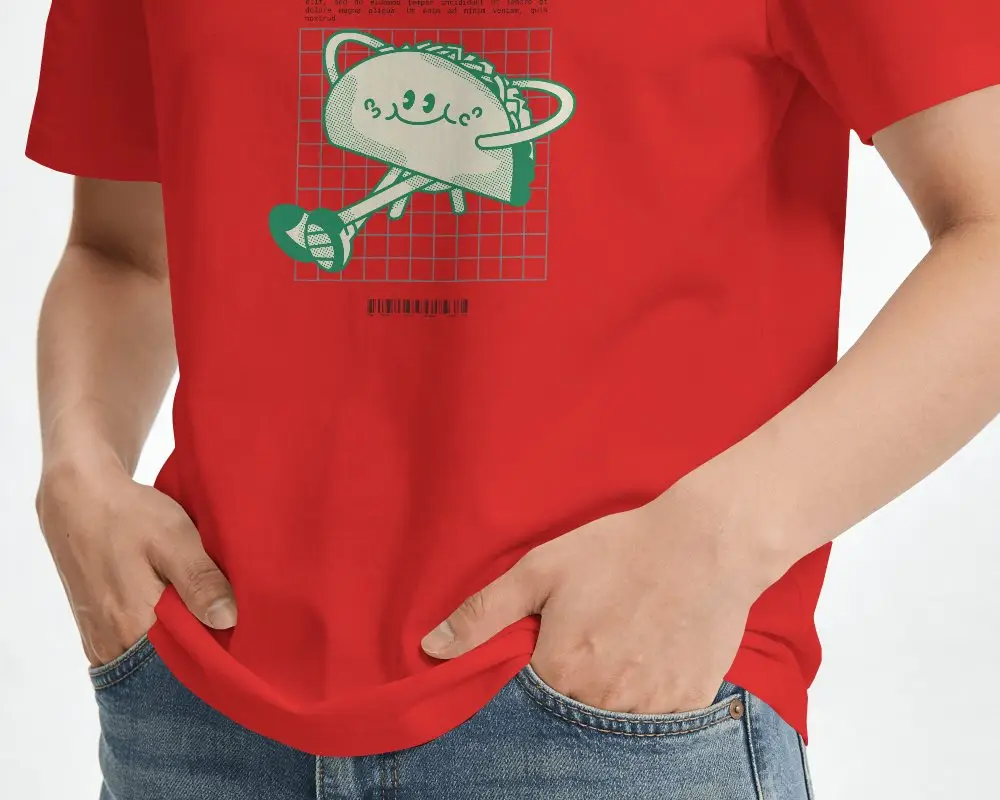
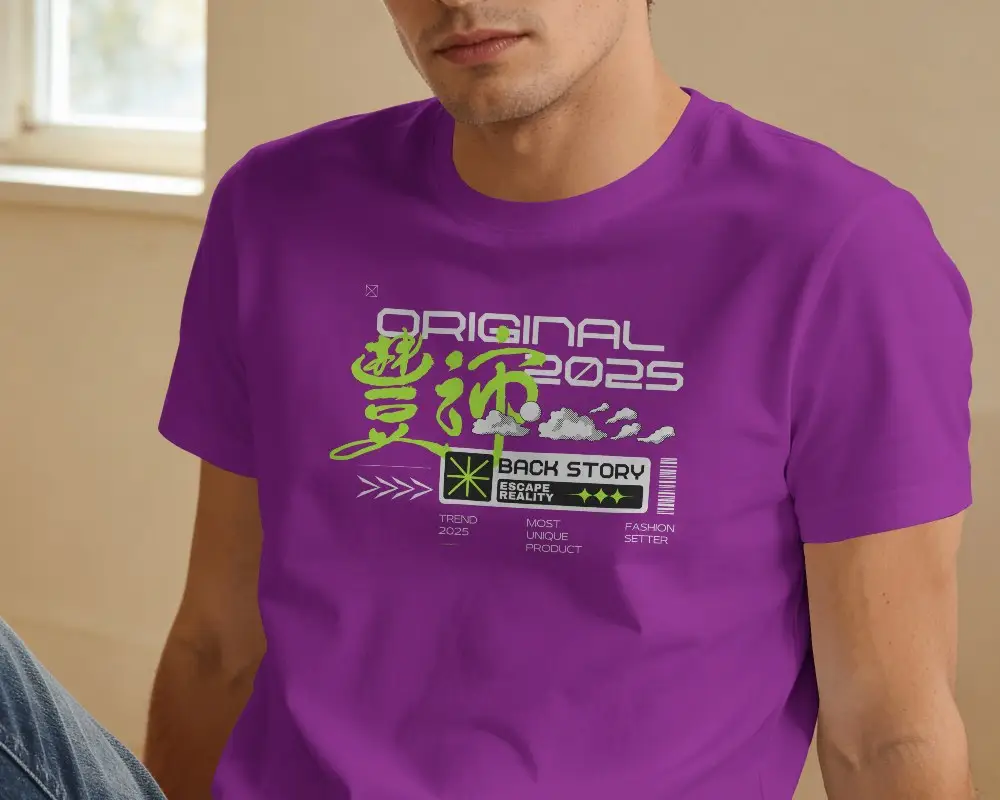
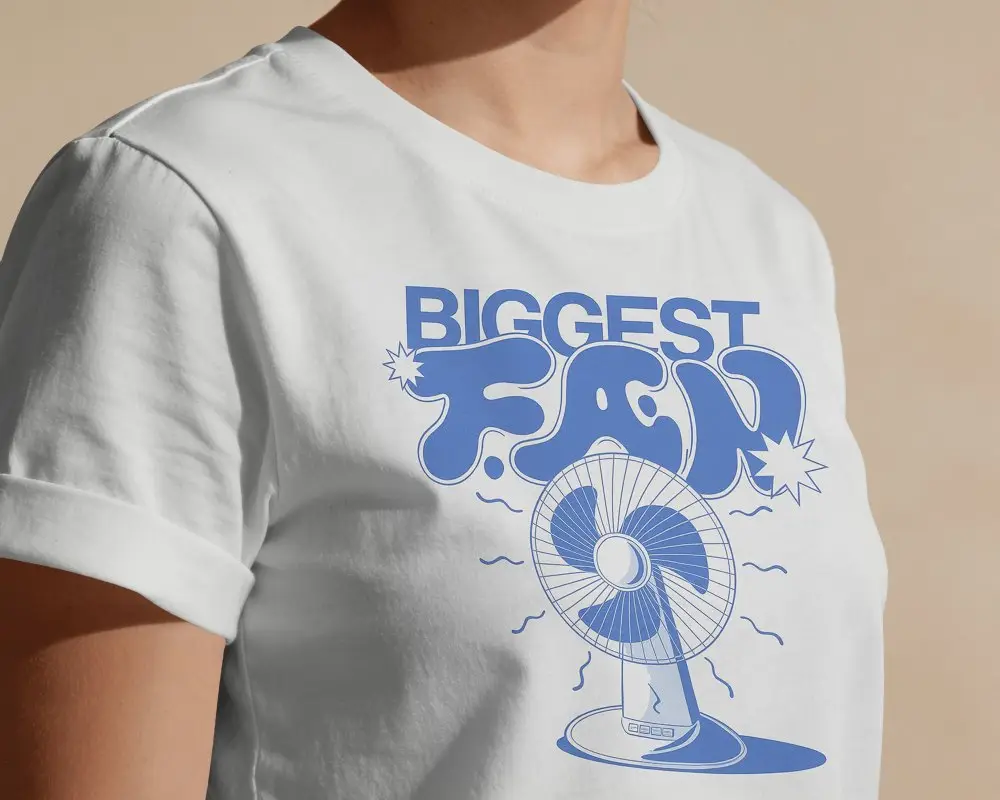
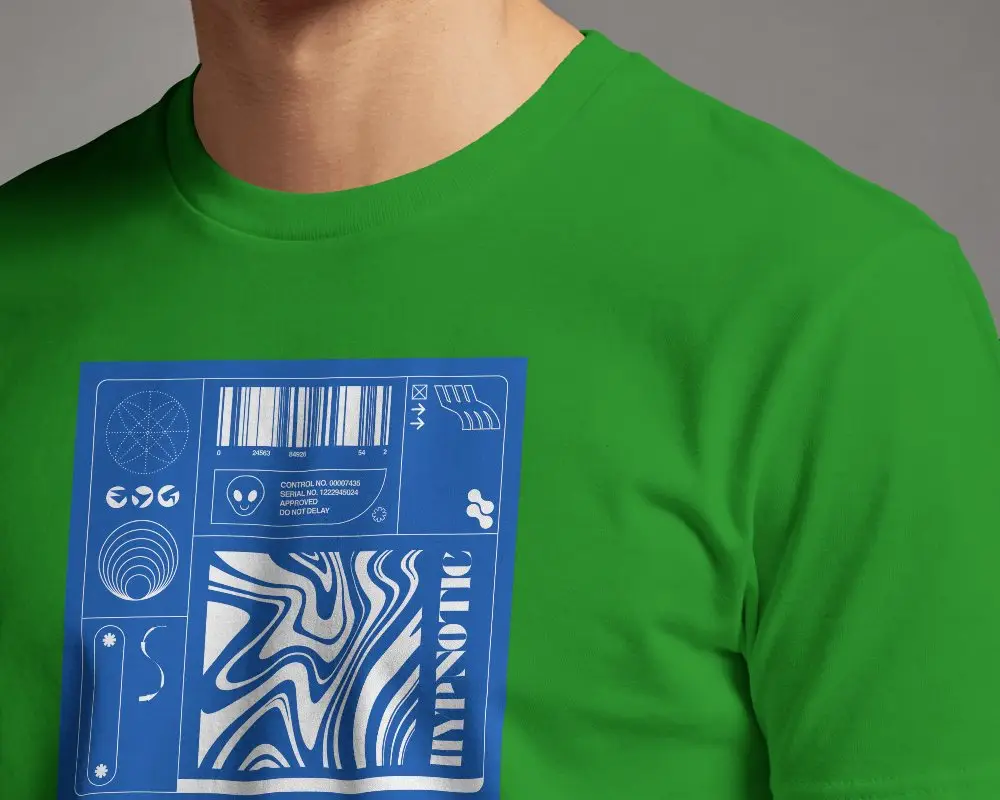
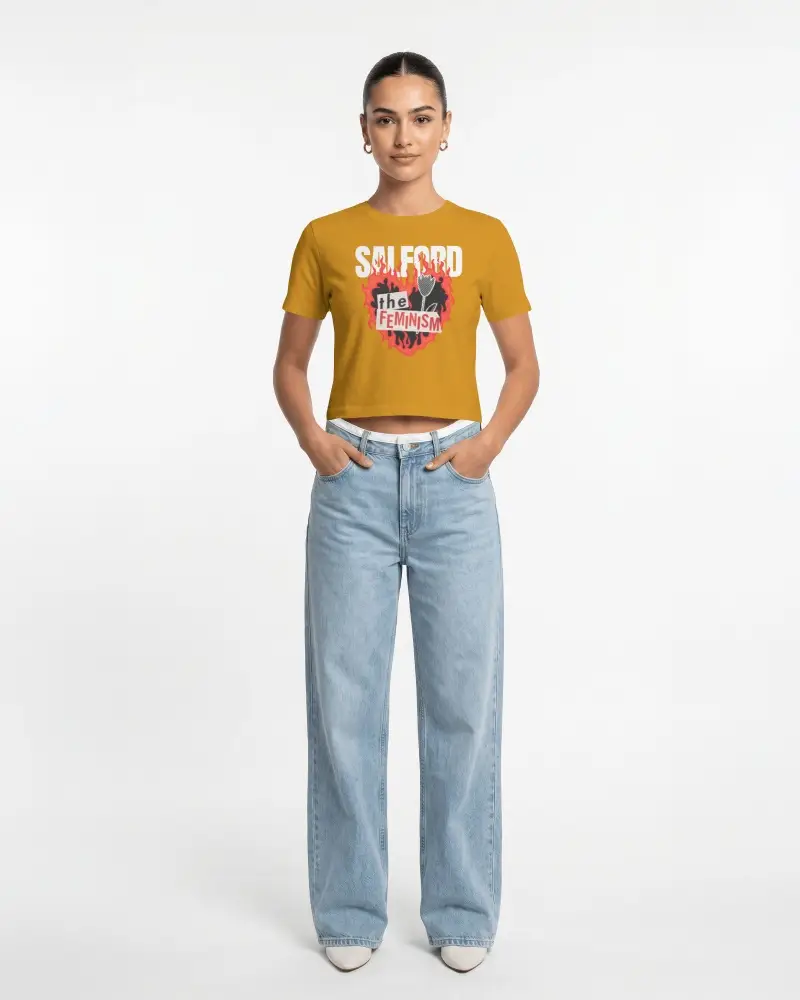
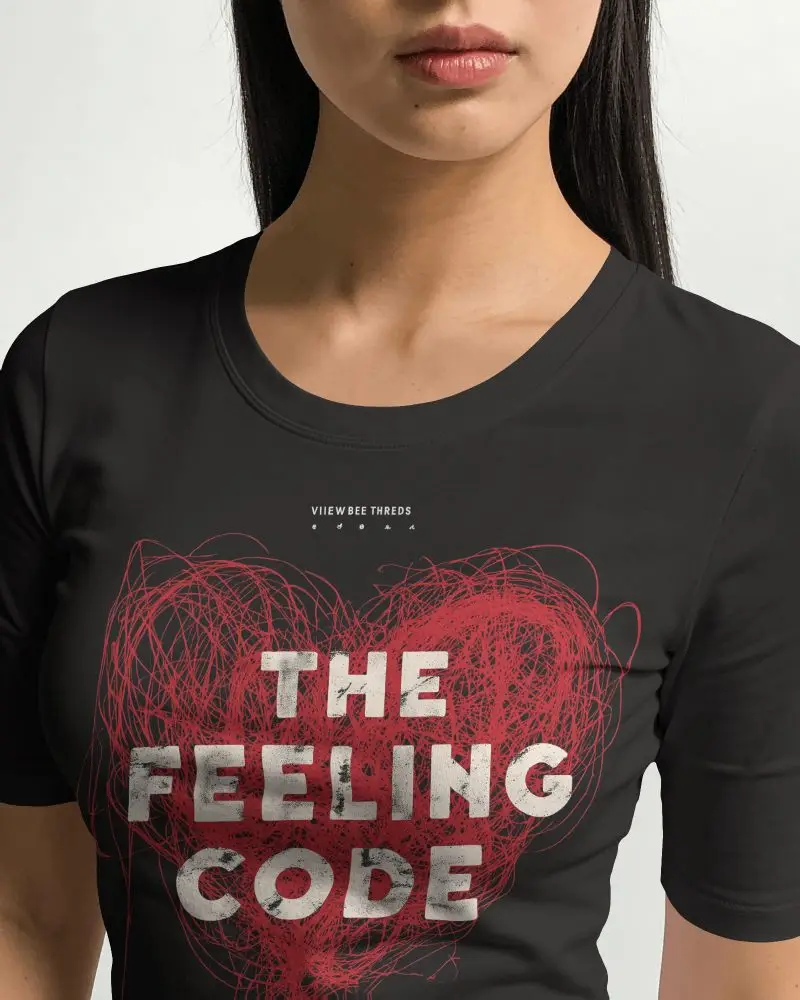
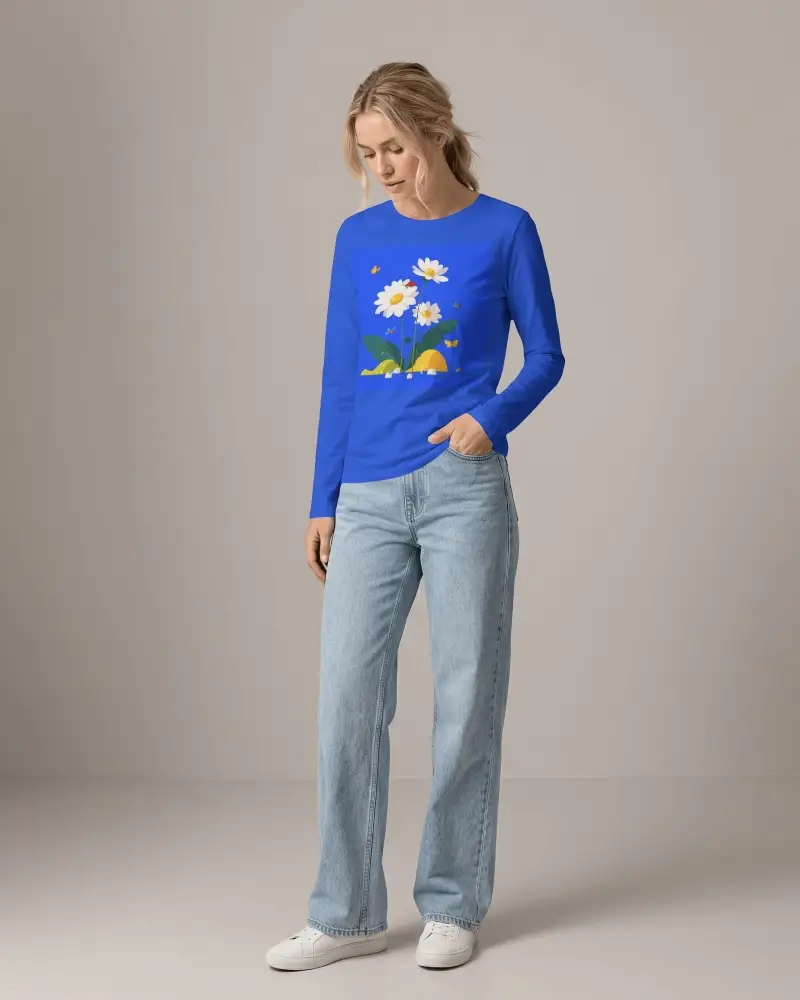
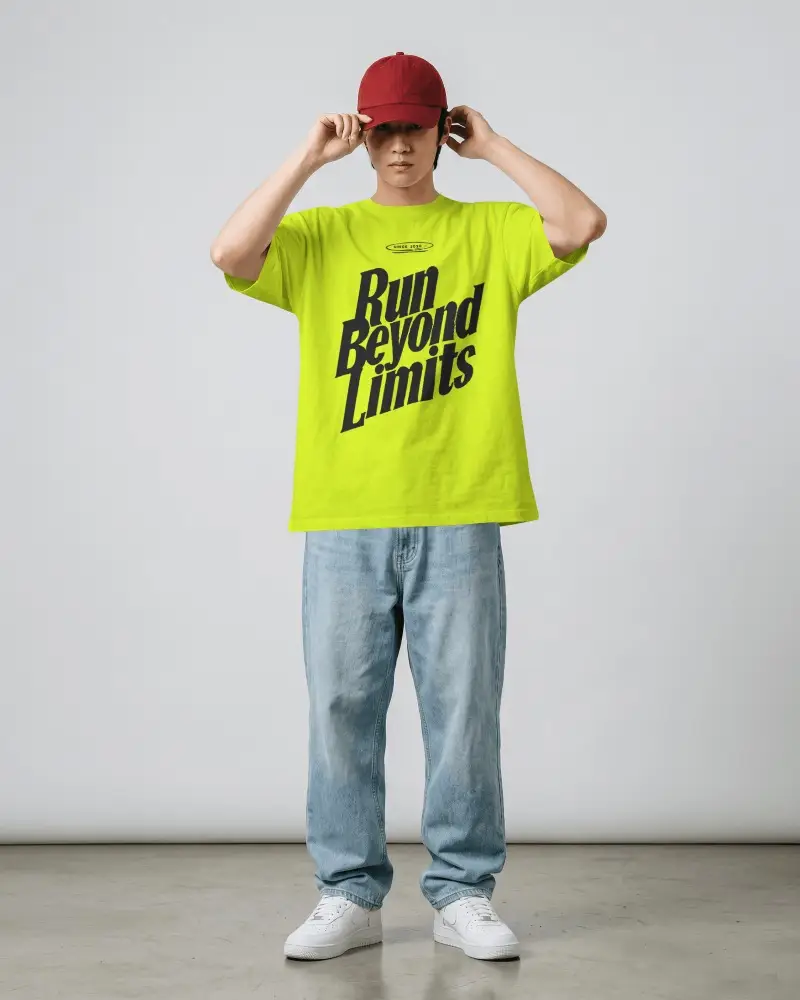
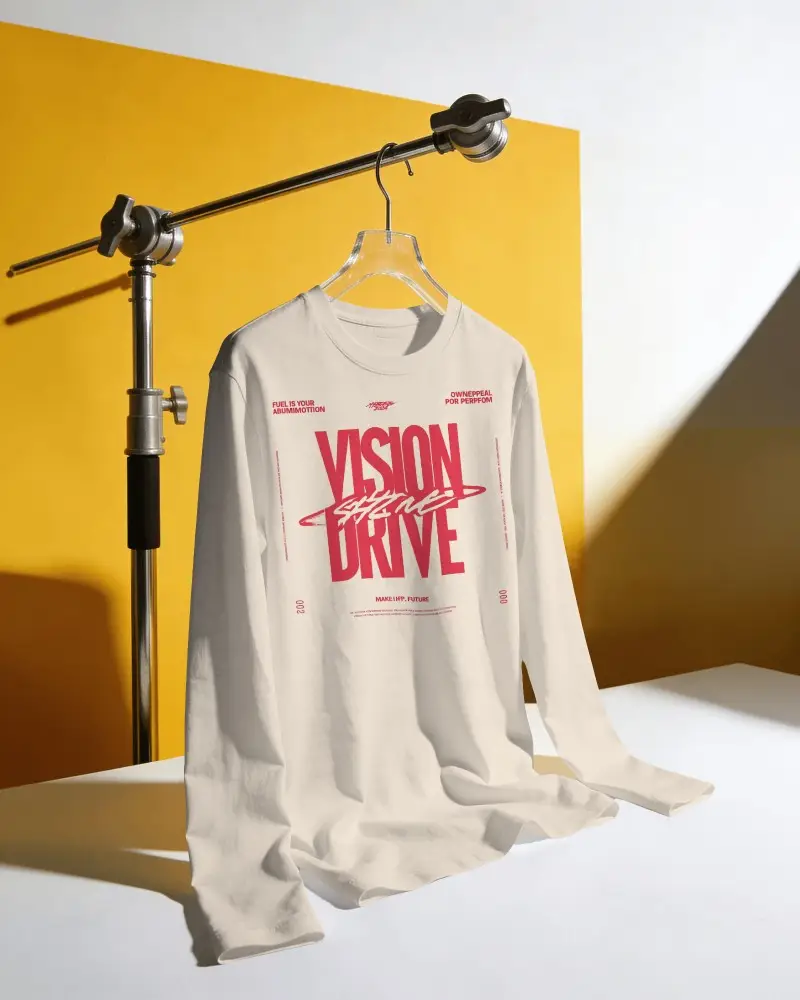
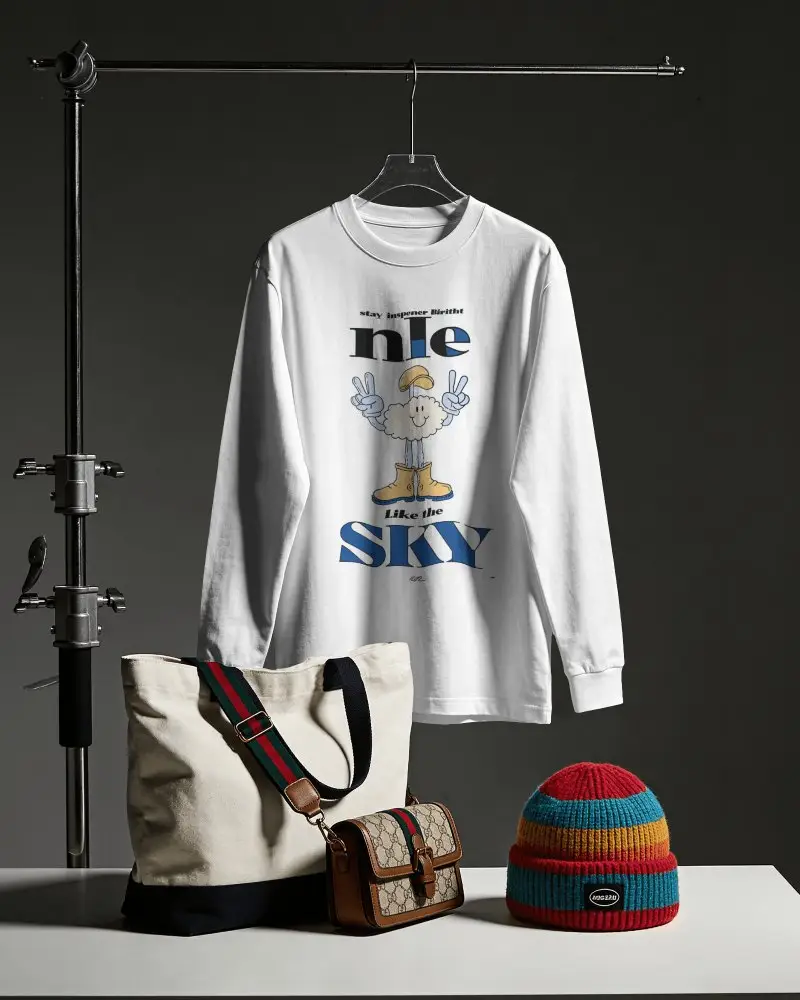
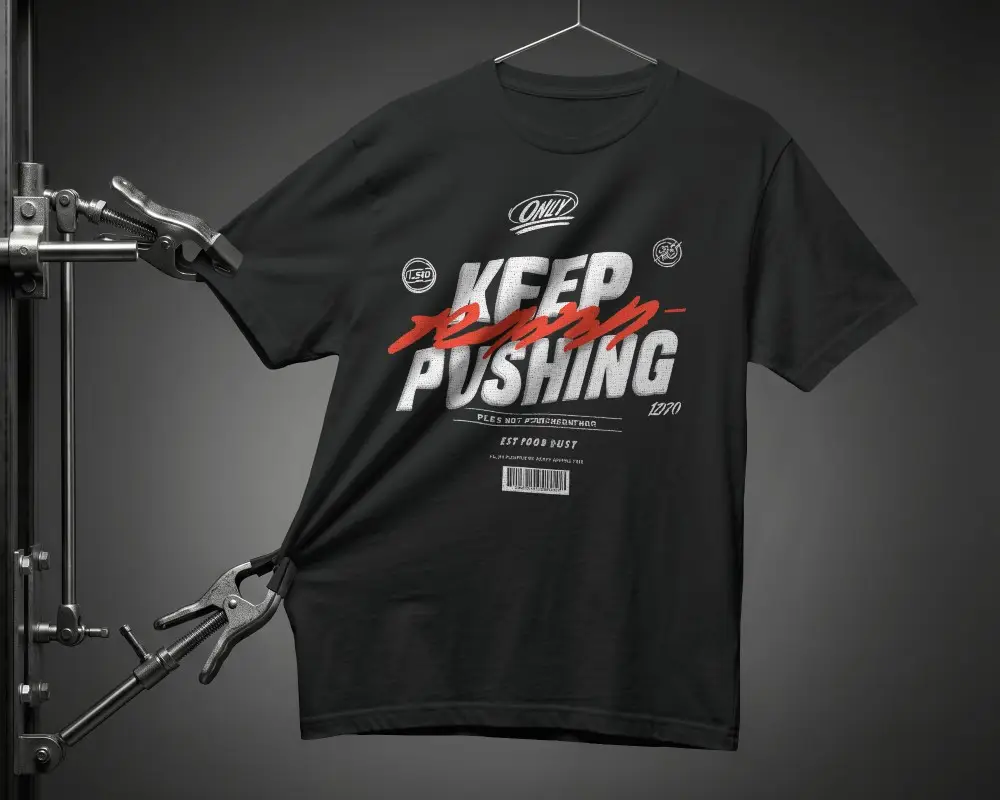
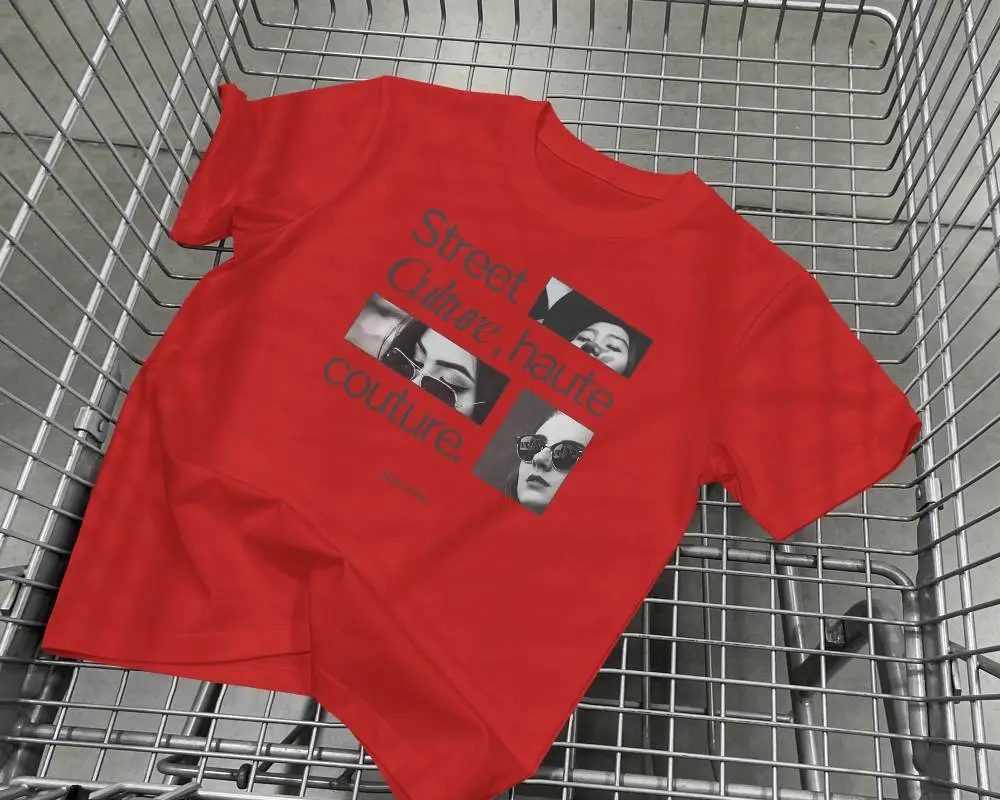
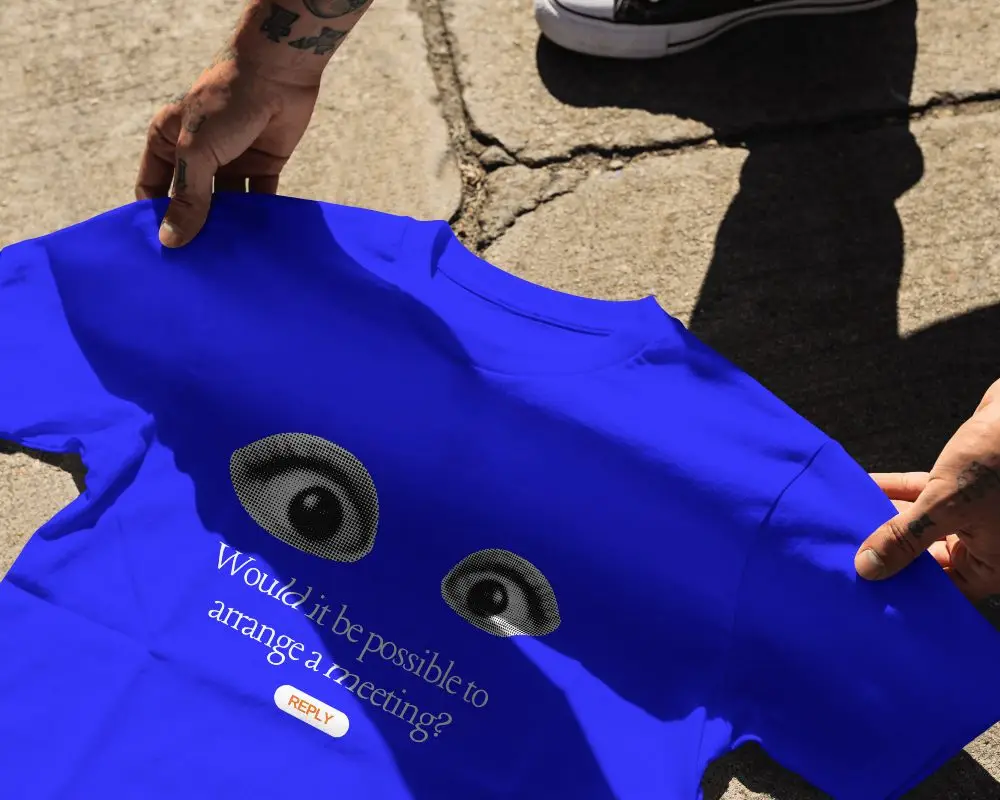
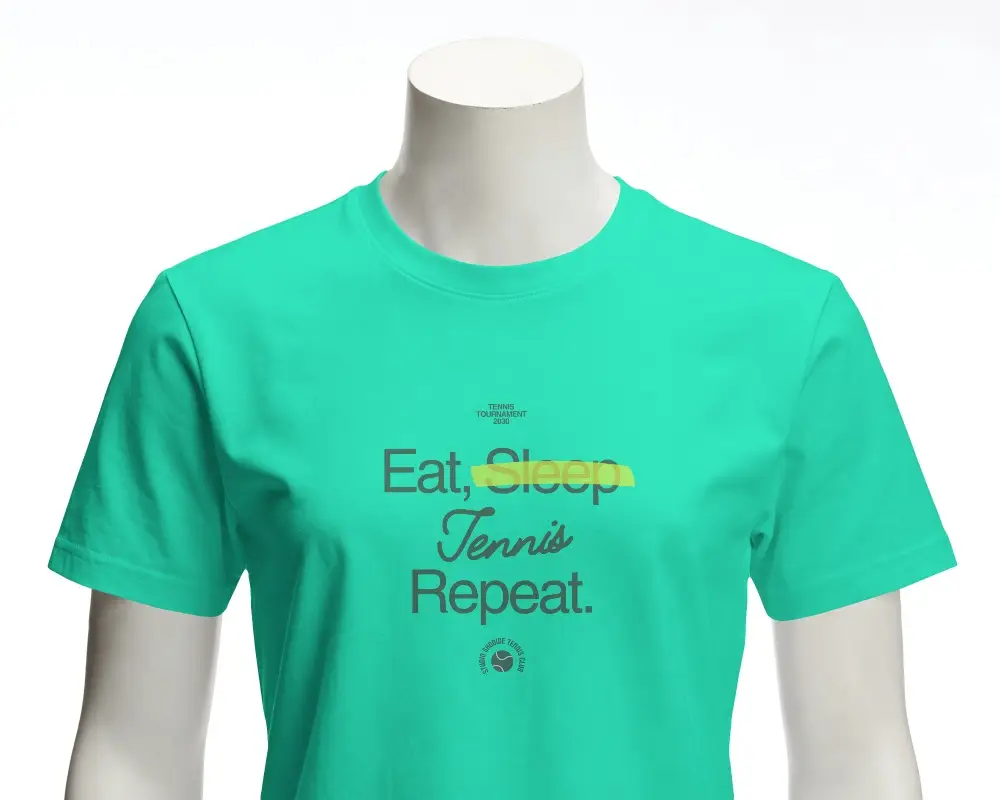
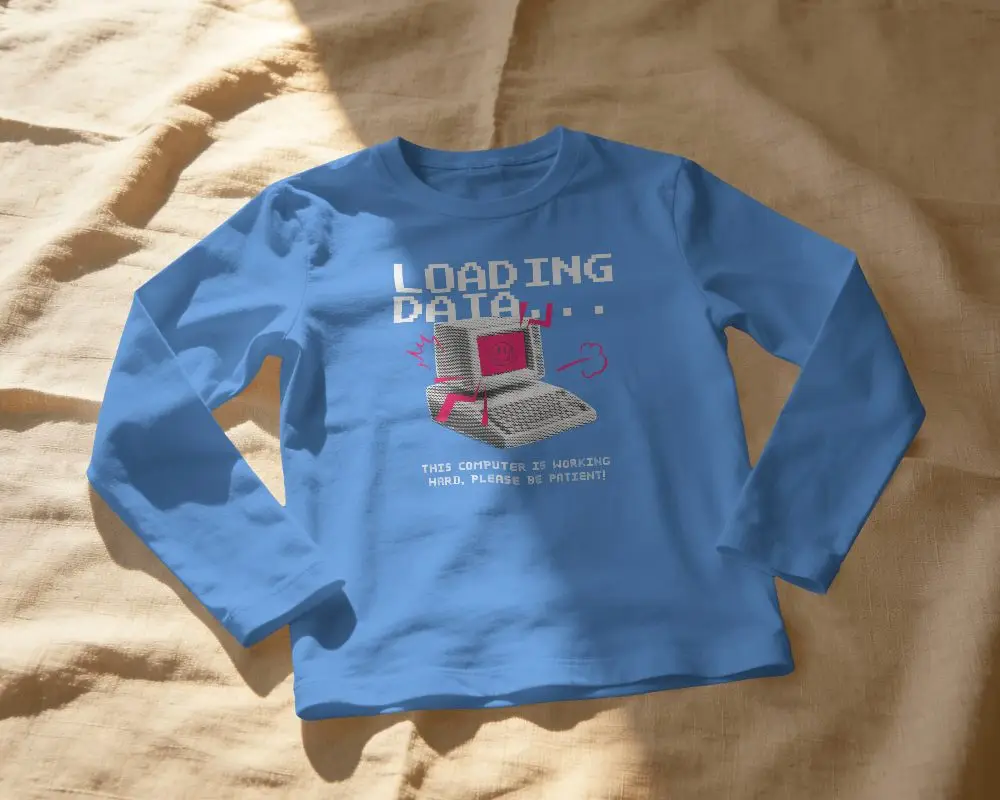
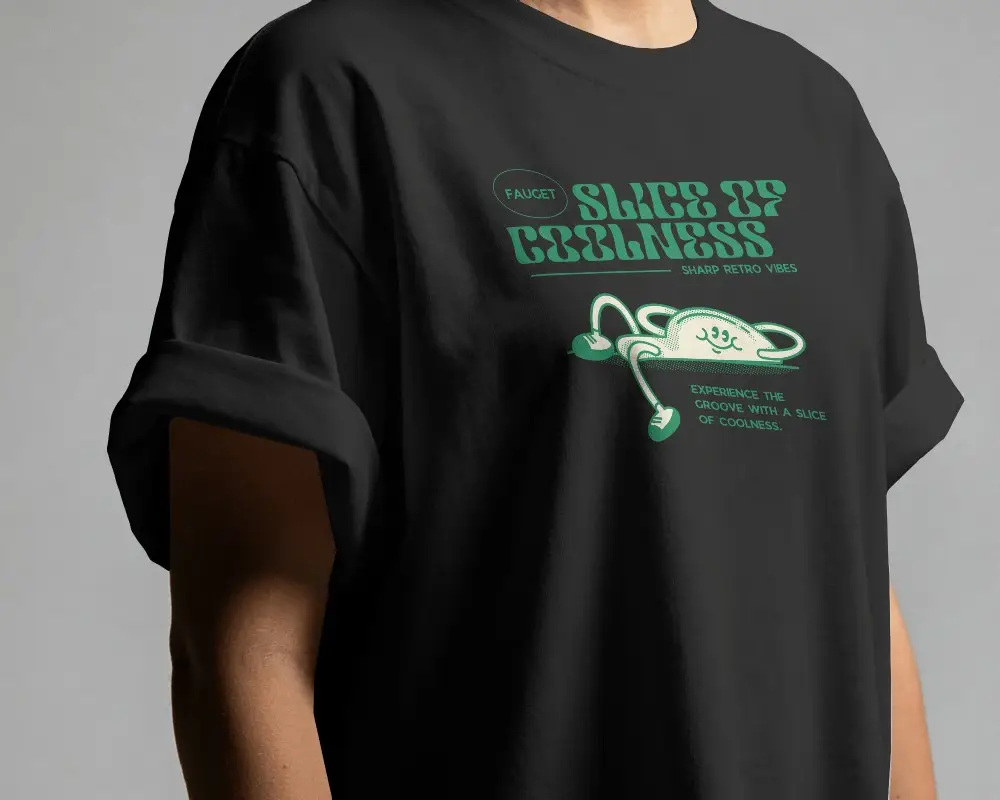
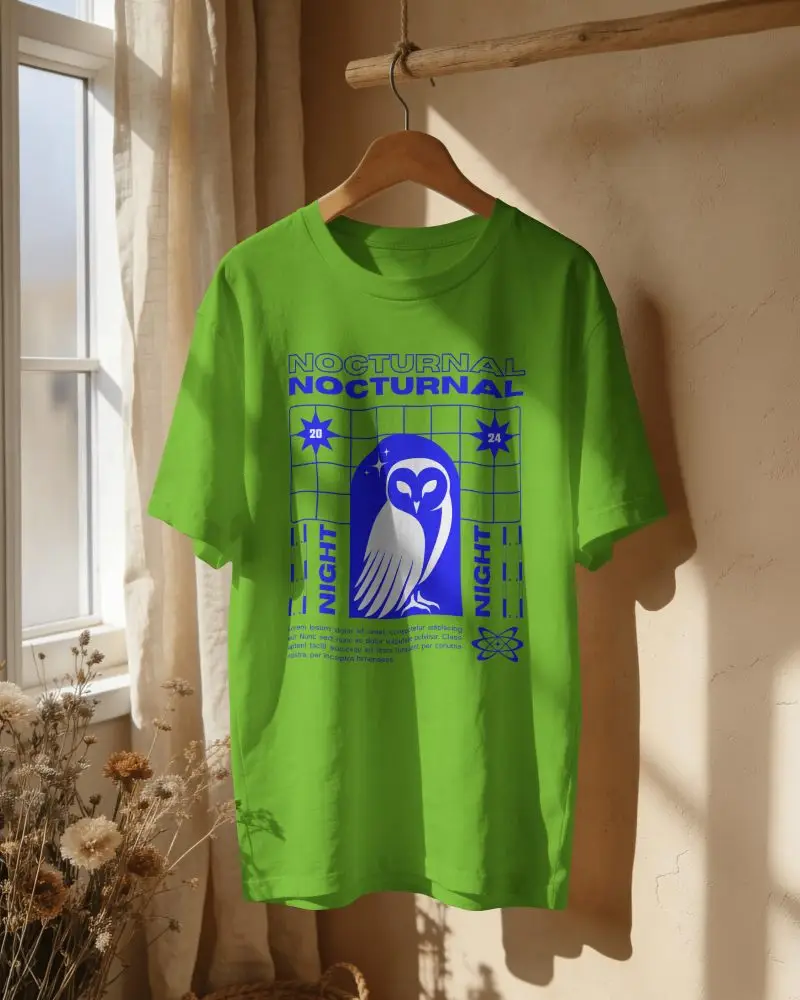
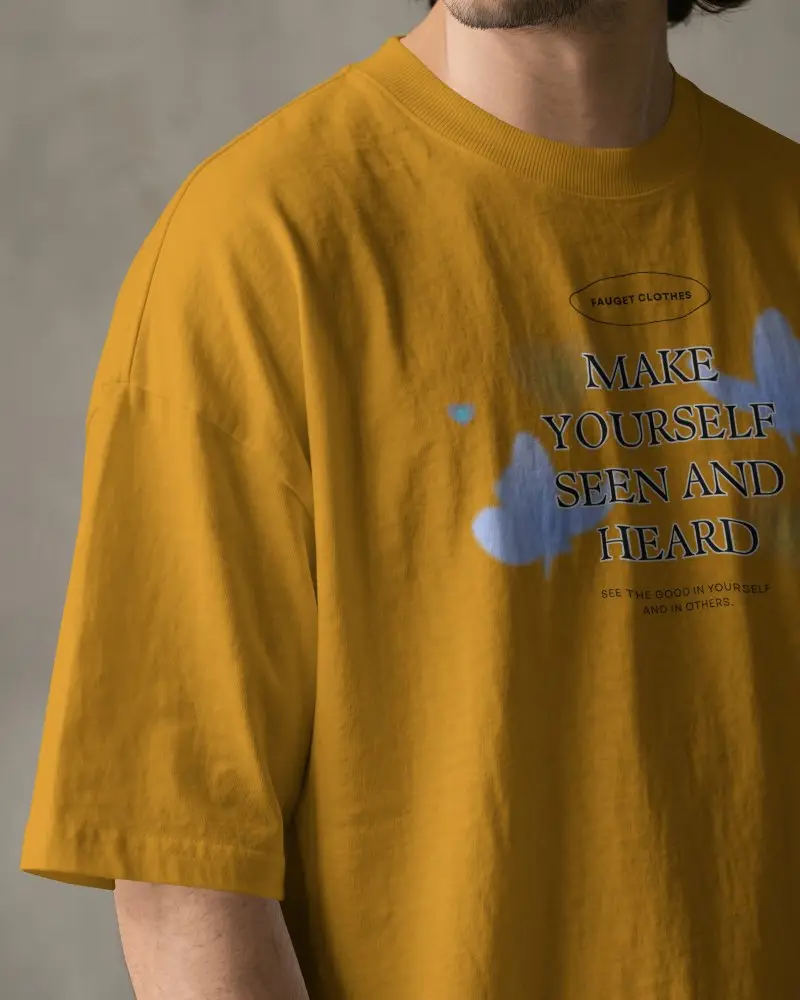
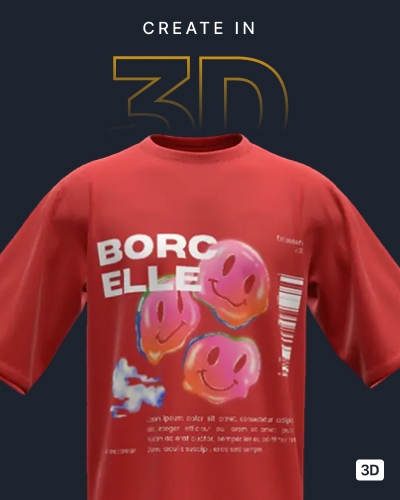
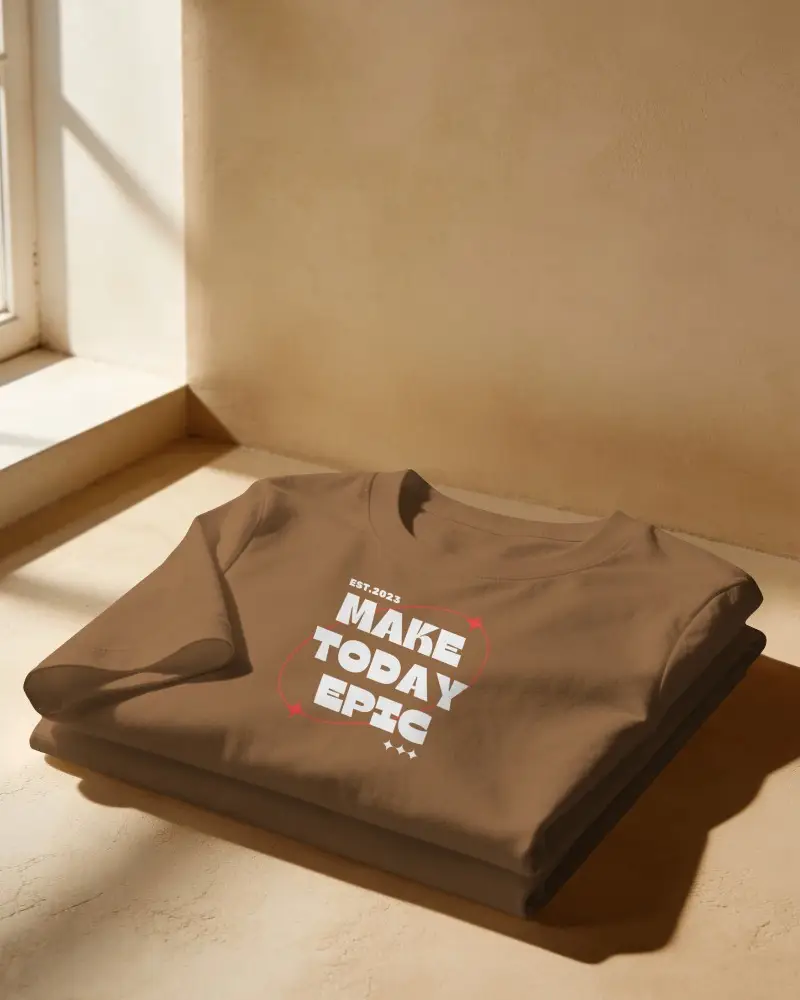
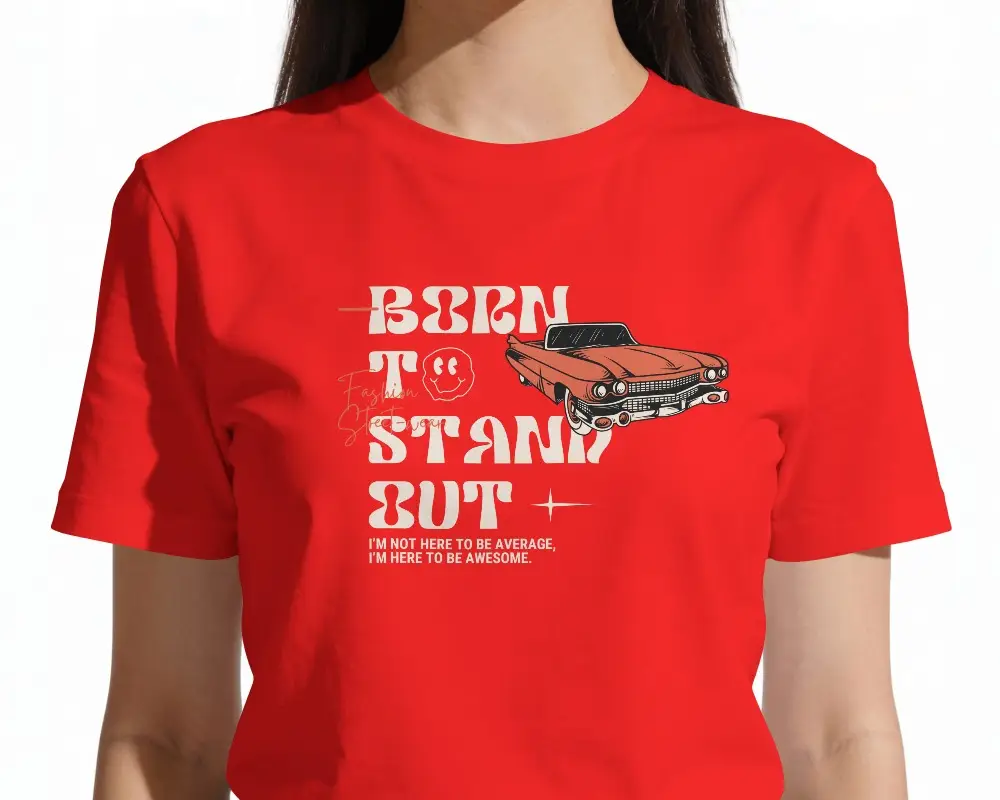
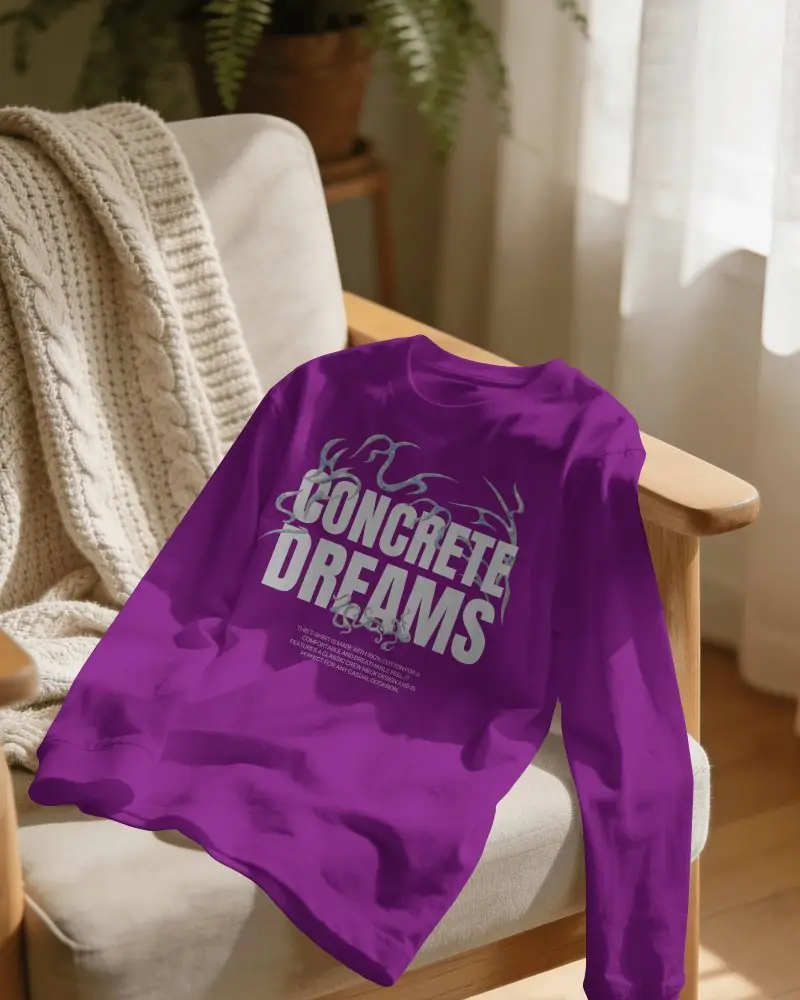
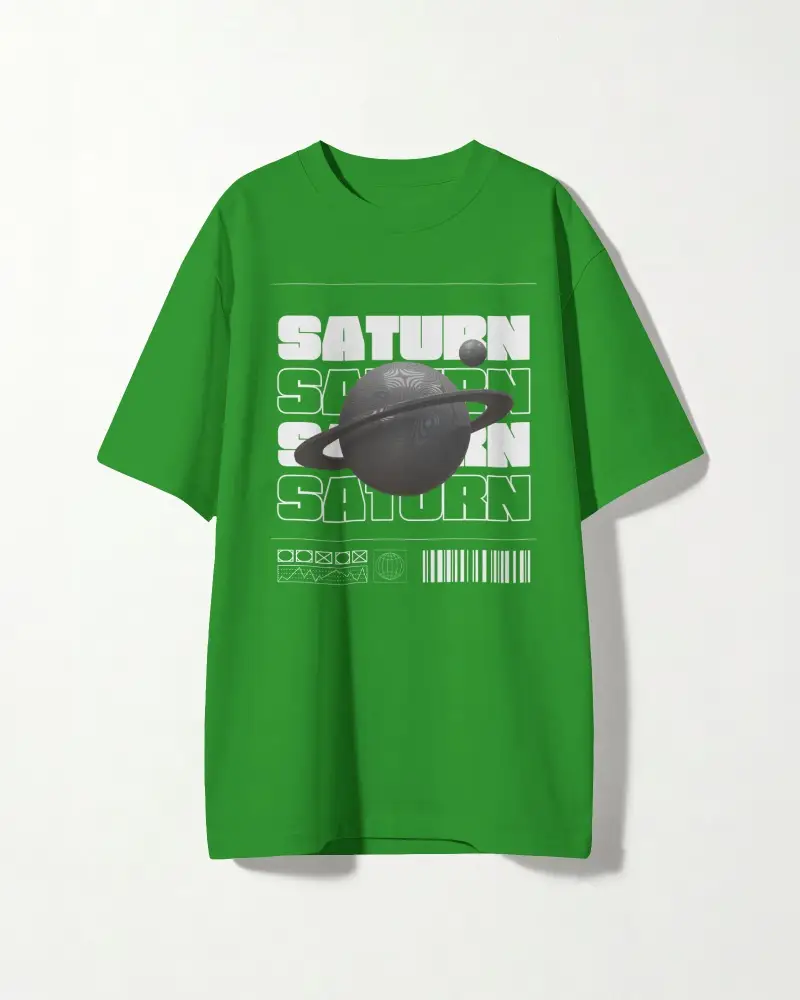
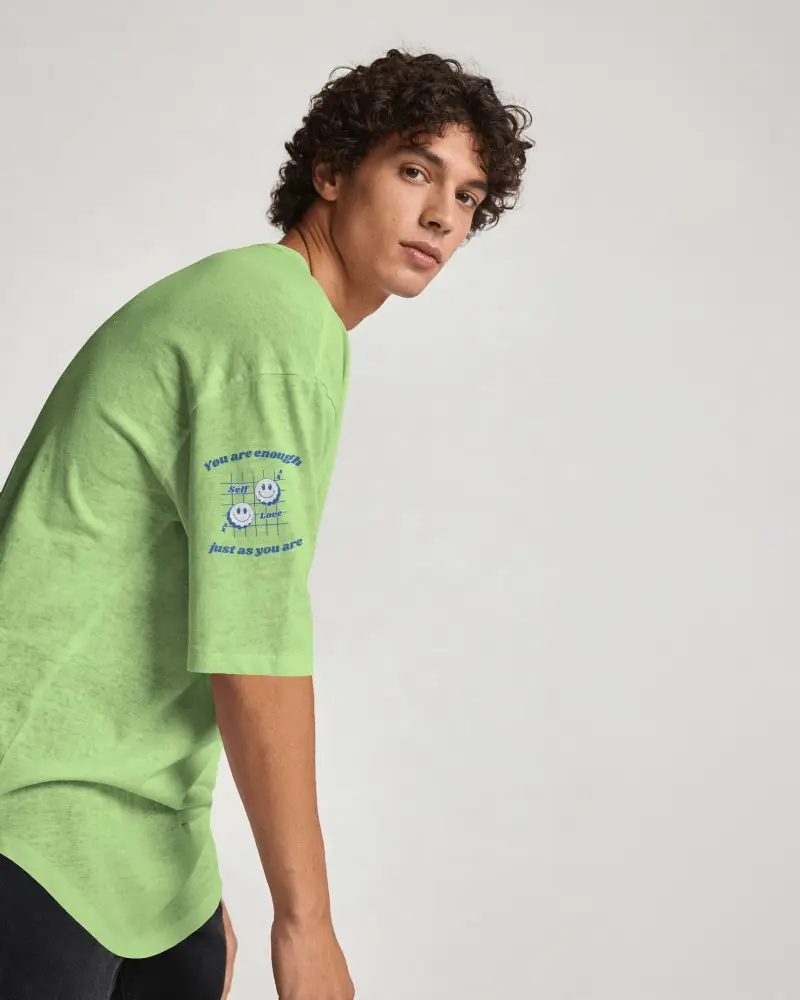
Best Way to Create Blank T-shirt Mockup with Mockey AI
To create Blank T-shirt mockups:
- Step 1: Go to Mockups > Apparel > T-shirt > Blank.
- Step 2: Choose a blank t-shirt template and click ‘Upload Design’ to add your artwork.
- Step 3: Adjust the color, layout, and position, then download your realistic mockup in high-quality JPG or PNG.


FAQs on Blank T Shirt Mockups
How do I use a blank T shirt mockup template on Mockey?
Visit Mockey.ai, navigate to “Mockups > Apparel > T-shirt > Blank”, and select your template. Touch “Upload Design” to add artwork, adjust size and position, alter colors, and then easily download your watermark-free, high-quality mockup image.
Is the free blank T shirt mockup on Mockey customizable?
Yes, the free blank T-shirt mockup on Mockey is fully customizable. You can alter backgrounds and colors, reposition artwork, and modify AI settings to create a mockup.
Does Mockey offer different blank T shirt mockup templates?
Yes, Mockey offers many blank T-shirt mockups, from simple flat-lays to model-based styles. You can customize, preview, and save them for free.
Is Mockey’s free blank T shirt mockup high resolution?
Mockey’s free blank T-shirt mockup is high-resolution, delivering sharp, professional-quality images. Templates include crisp details and realistic textures for incredible product presentations.
What is a blank t-shirt mockup, and how does it help designers?
Blank t-shirt mockups mean a plain t-shirt template on which you can add any design. These are helpful for designers because there’s no need for a real photoshoot, saving both time and money. You also don’t need to start production until the client is ready to purchase.
Can I customize colors and design position in a blank t-shirt mockup?
If you are creating a blank t-shirt mockup, you can adjust or expand your design within the template after uploading. You can also customize the t-shirt color using the color wheel.
Does Mockey AI offer both front and back t-shirt mockup views?
If you want to see templates with front and back views, blank t-shirt mockups offer that too. You can include different designs on them. The best approach is to use the front and back t-shirt mockup tag and explore all your styles there.
