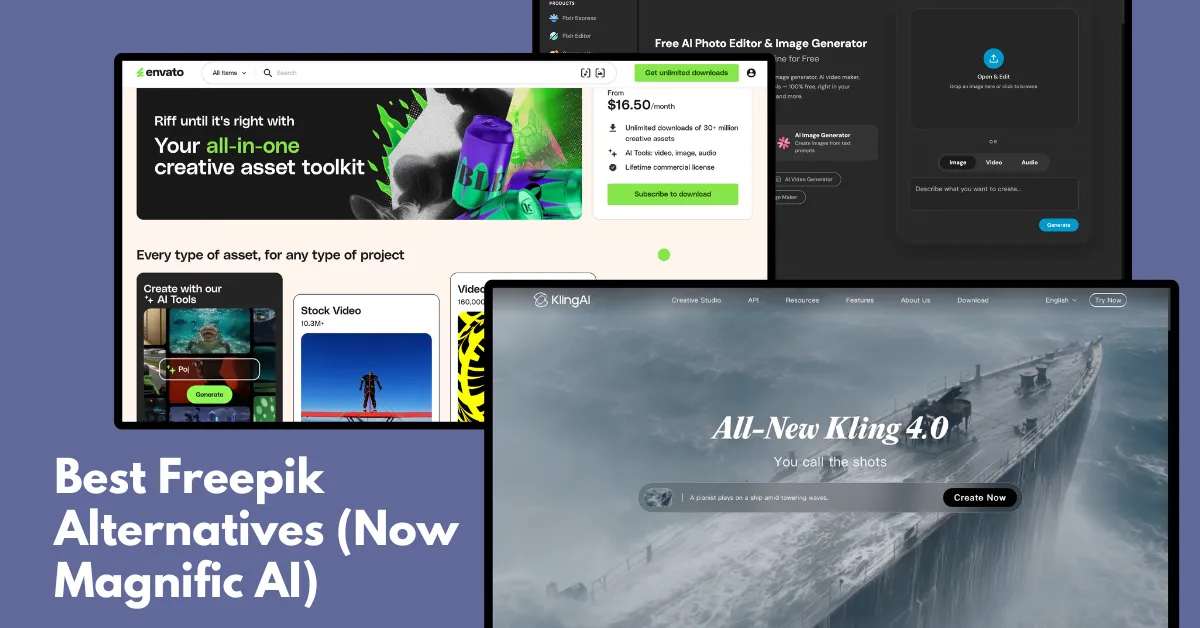
Looking for a Freepik alternative? Here are the best Freepik or Magnific AI alternatives:
| Sites Like Freepik | Best for | Pricing Plan |
| Mockey AI | Product mockups | - Free - Starts from $7 - $9.99/month |
| LTX Studio | AI-generated videos | - Free - Paid plans for team and enterprise use |
| Kling AI | Cinematic Videos | - Free - Plan starts from $6.99/month |
| Envato Elements | Stock assets, Templates, and AI tools | Plan starts from $16.50/month |
| DepositPhotos | Professional Stock Photography | Plan starts from $25/month |
| Nano Banana 2 | AI Images | $0.045/image |
| Vecteezy | Free vectors | - Free - Plan starts from $7/month (including 25 credits) |
| Pixlr | Quick Image editor | - Free - Plan starts from $2.49/month |
| Pixabay | Massive Free Stock Photos | Free |
| Adobe Stock | Plan starts from $29.99/month. |
Freepik has grown beyond a stock image site into a full AI platform.
Creators who prefer a simple stock library of vectors and icons without AI credits look for alternatives like Vecteezy, Pixabay, and more.
If you're looking for better AI tools, you can explore alternatives like Kling AI, Nano Banana 2, and Adobe Stock. Let's take a closer look at each one.
We have listed 10 Freepik competitors below.
Mockey AI is the best Freepik alternative for mockups. But that's not all. It also supports 3D mockups and video mockups.
Whether you're a POD seller, an eCommerce store owner, or creating social media ads, Mockey AI offers all the mockup tools you need in one place.
You can also download the Mockey app available on the Play Store.
When creative teams need to go beyond static assets and produce AI-generated video content at scale, LTX Studio fills a gap that most Freepik alternatives don’t touch.
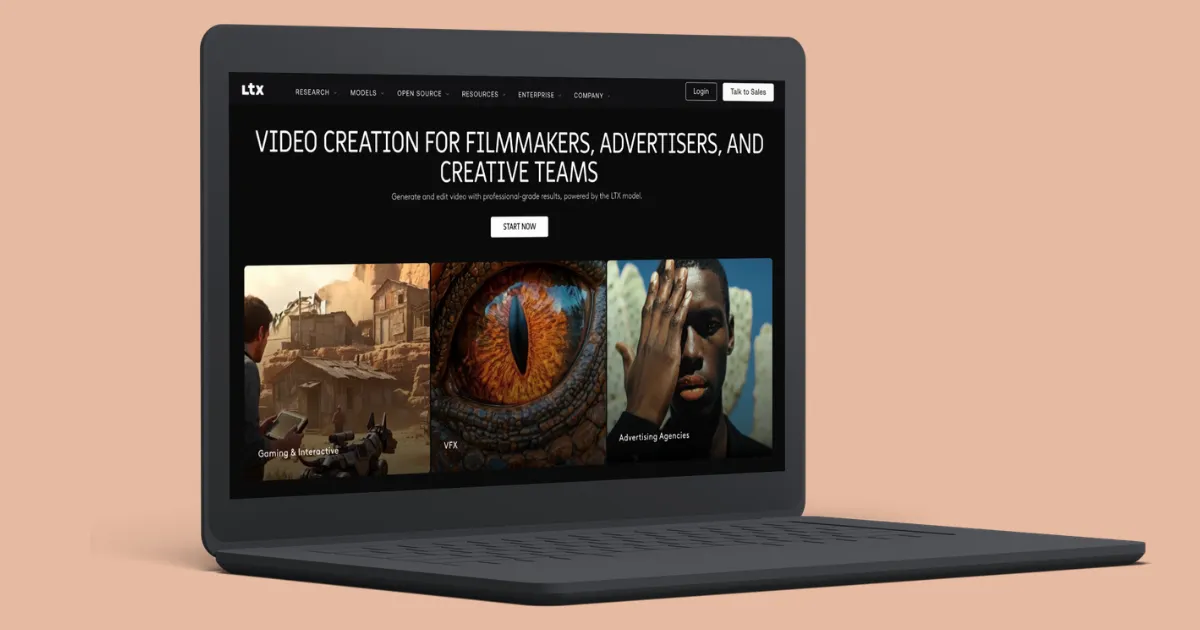
It covers the entire production workflow, scripting, storyboarding, shot generation, and editing inside a single platform, making it a strong choice for agencies and in-house teams that need consistent, brand-safe video output without stitching together multiple tools.
The platform is powered by LTX-2.3, LTX’s latest open-source video generation model, which delivers high-quality, temporally consistent video from text and image prompts. This makes it genuinely useful for product campaigns, social video, and branded content where visual consistency across shots matters.
If you're looking for AI cinematic videos, Kling AI is one of the strongest Magnific AI alternatives to consider.
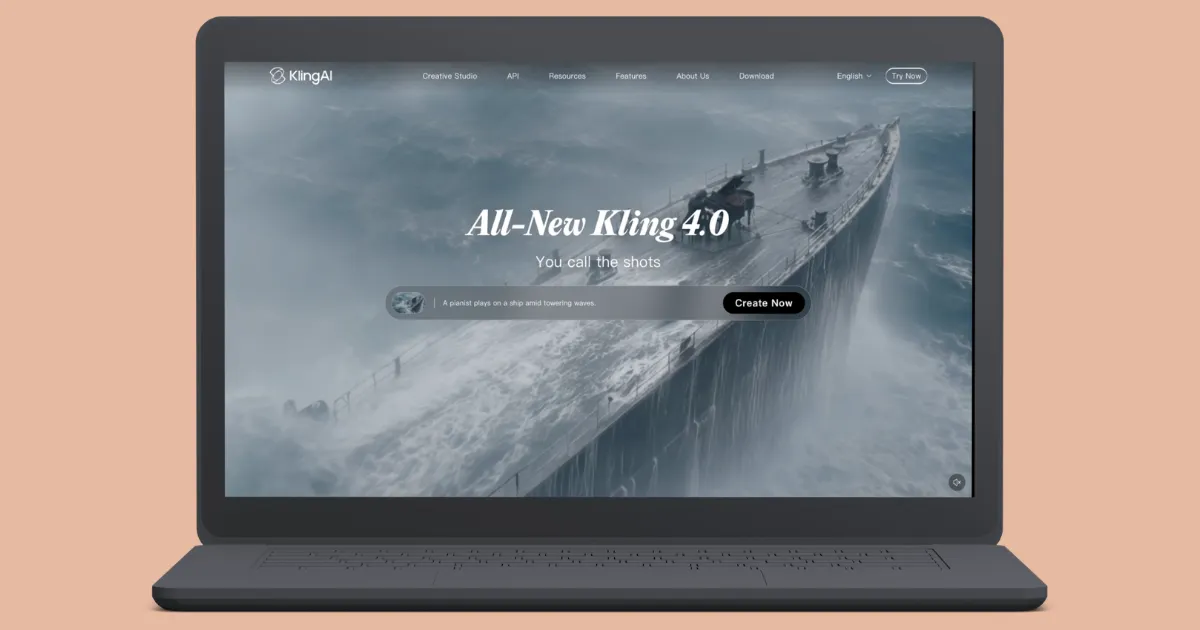
Once you create an account, you'll receive free credits to explore the platform and test its video generation quality.
Kling AI also gives you control over different video generation models, quality modes, video duration, aspect ratios, and the number of outputs.
Here's an example of a video we created:
Envato Elements is one of the best Freepik alternatives, offering over 30 million creative assets, including stock images, videos, audio, and AI-generated content, with a commercial license.
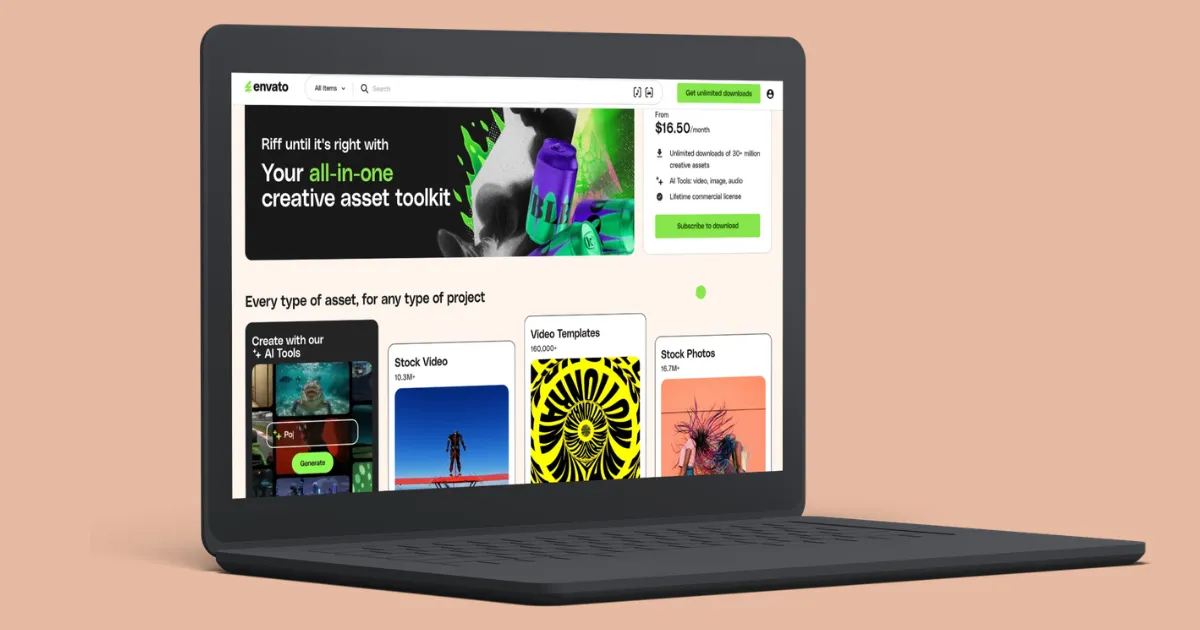
You can keep using existing projects after cancellation, but you can't start new ones. Freepik has similar limits, though Envato makes licensing simpler for mixed-media work.
You can also check out our blog on the best Envato Elements alternatives.
If you’re looking for a strong alternative to Freepik that focuses on high-quality stock content across multiple media types — not just vectors — DepositPhotos is worth considering.
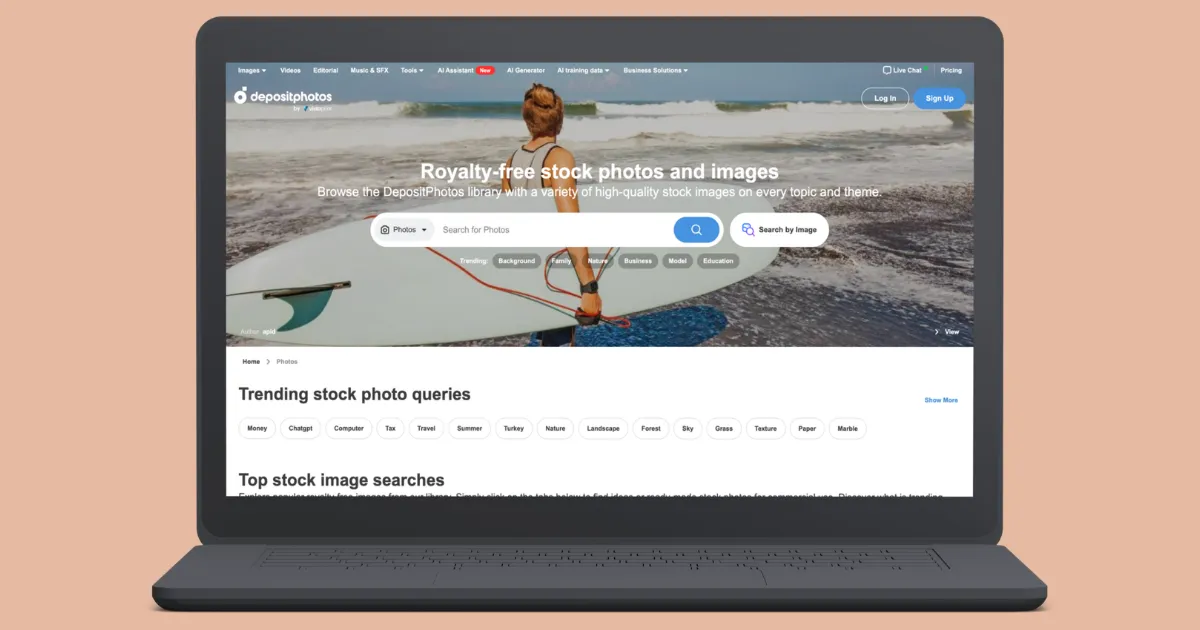
As a popular stock content marketplace, it offers millions of visual and audio assets for designers, marketers, creators, and businesses.
DepositPhotos offers a comprehensive media library of more than 320 million files, which goes beyond platforms focused solely on vector graphics and icons. It includes photos, videos, music, and illustrations, making it a flexible and versatile choice for any project, including blogs, websites, social media campaigns, advertising, or video production.
The Nano Banana 2 image generator is part of Gemini. Despite its name, it delivers strong results, especially when editing existing images. If you already use Google, it's an easy option to try.
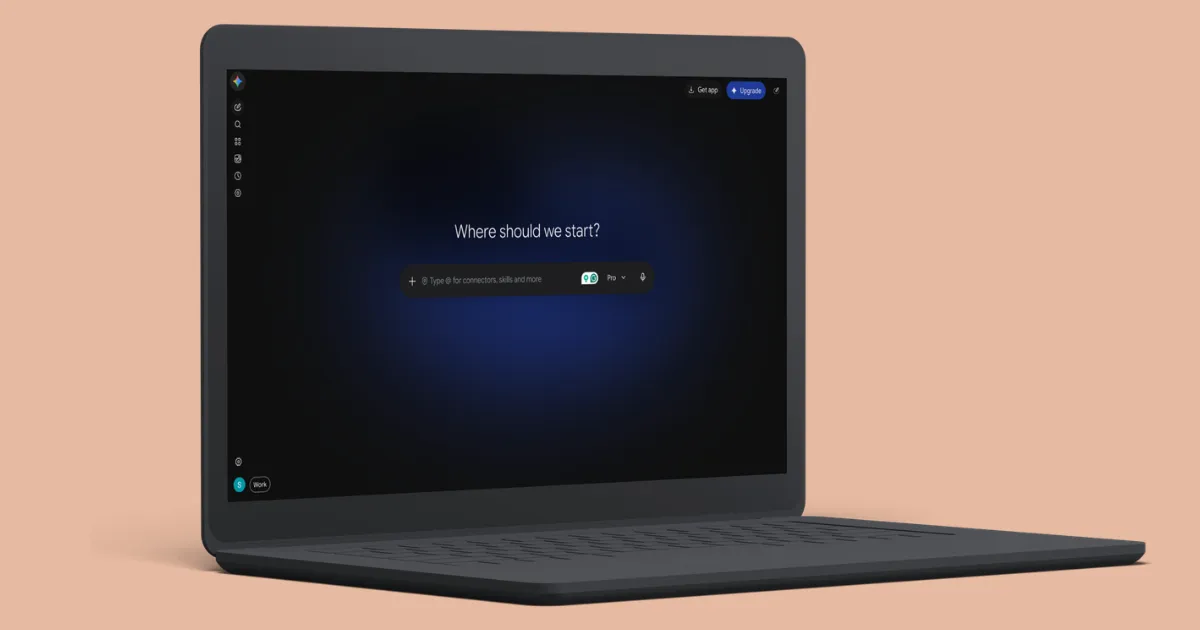
Google keeps improving Nano Banana 2. Earlier versions didn't always follow prompts closely, but the latest one does a much better job.
Editing is still its weak spot. It handles chat prompts well, but making small, specific changes is harder without direct editing tools. Hopefully, Google improves this over time.
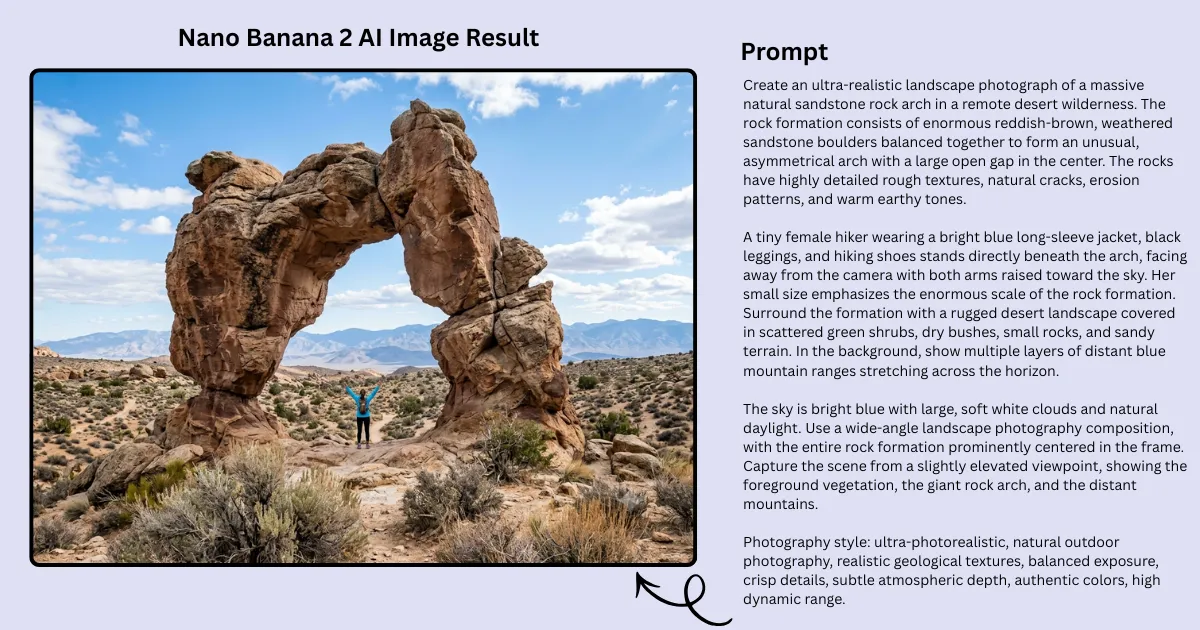
AI-image result:
Discover incredible photos, videos, and beautiful vector illustrations with Vecteezy, a Freepik alternative. Resources that are completely assured for either personal or business use.
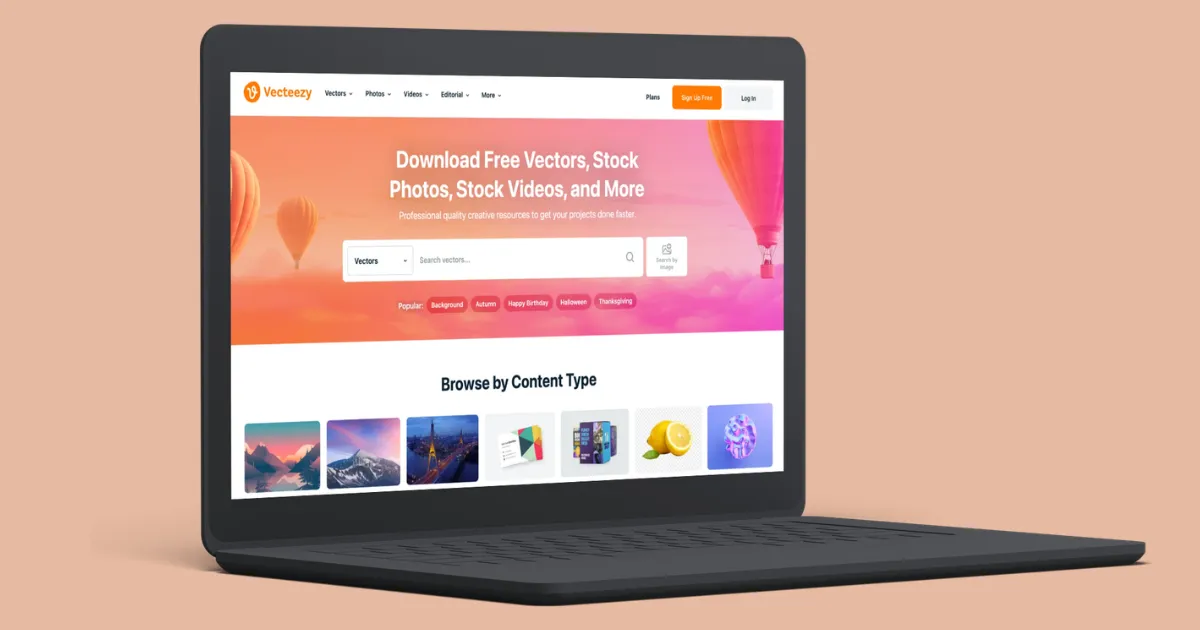
The people in their group are always adding new content to their collection. Whether you require a single resource or a multitude, they offer a range of choices to suit your needs.
Pixlr offers photo design and editing tools that use AI technology. You can edit images and make beautiful designs in your web browser or on your computer without any cost.
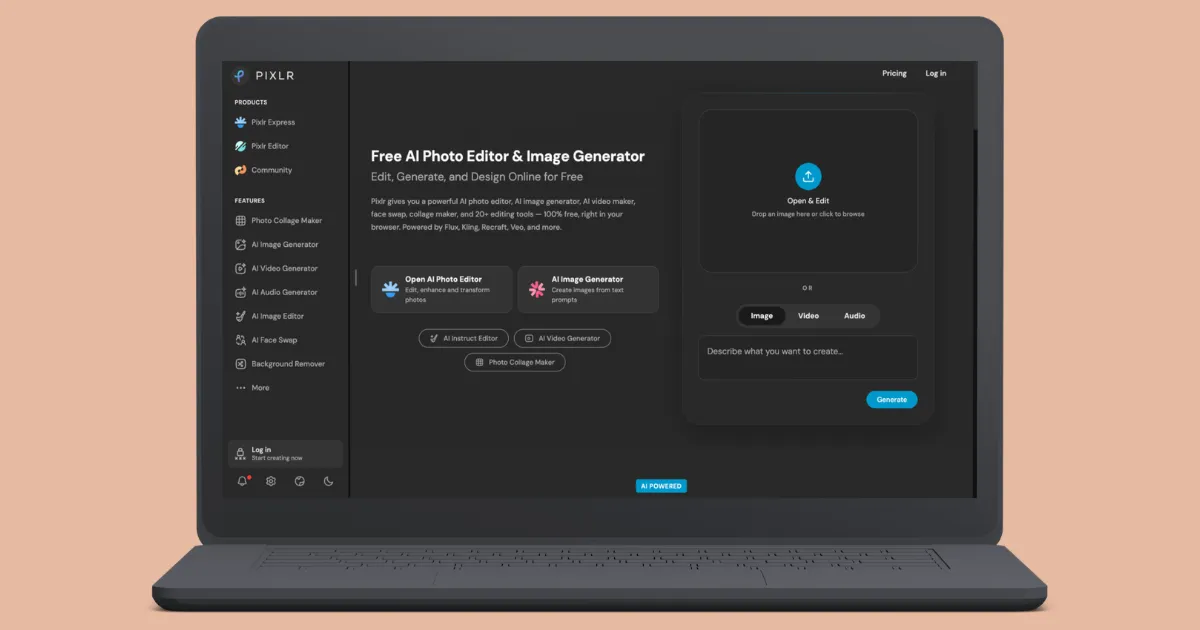
You can begin with a blank canvas image or pick from their expertly made templates. Make awesome pictures effortlessly and for free! Photomash Studio quickly removes backgrounds from the photos to make awesome profile pictures.
Freepik, a similar website to Pixabay, has a talented community that has shared more than 6 million excellent stock images, videos, and music for everyone to use.
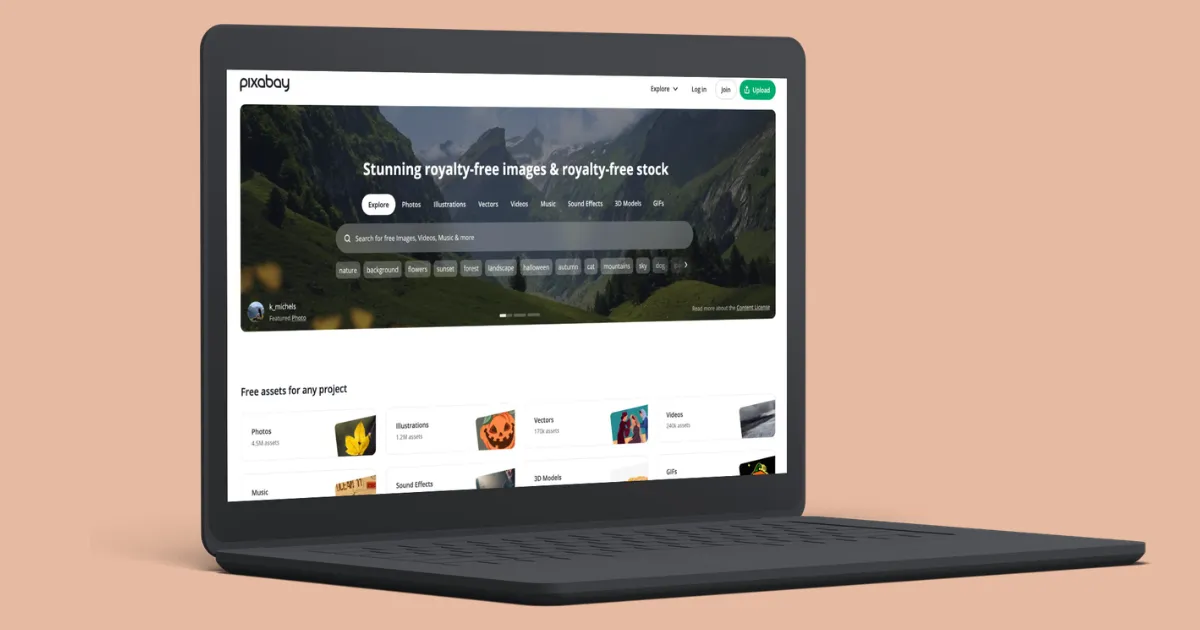
Pixabay is a cheerful group of creative people who share free images, music, videos, and more.
Everything on Pixabay can be used without asking or giving credit to the artist, and it’s even okay for some business purposes because of their special Content License.
Adobe Stock is another Freepik alternative with a large collection of high-quality photos, graphics, and other creative assets.
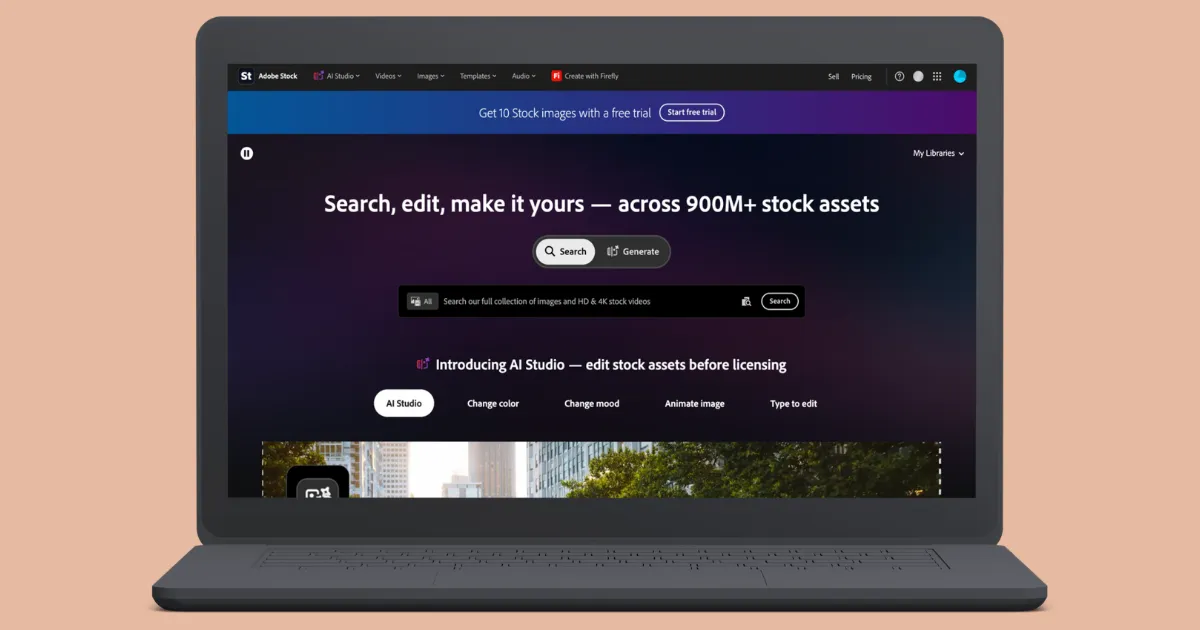
It's a handy choice if you already use Photoshop or Illustrator.
Adobe Stock offers advanced analytics, teamwork tools, and special features for marketing teams. It is a helpful AI tool for students who need a wide range of assets for different content purposes.
For affordable images, vectors, icons, and videos, try Vecteezy. For a mix of digital assets and AI tools under one subscription, choose Envato Elements. For better stock photos and licensing, go with DepositPhotos or Adobe Stock. If you mainly create cinematic videos, Kling AI is worth considering.
For mockups, Mockey AI is the best online mockup generator. Placeit isn't the only mockup generator out there. Mockey AI has a large collection of templates and AI features, making it a strong Placeit alternative.
Yes. Freepik is now called Magnific. The name changed on April 28, 2026. But the stock library is still there, with over 250 million assets. Magnific has added more AI tools to the platform too.
No. Magnific focuses heavily on AI image generation and upscaling through a node-based canvas. It still includes Freepik’s huge stock asset library too.
Envato Elements is probably the closest alternative. You get unlimited downloads of stock photos, vectors, videos, audio, and templates with one subscription.
If you’re looking for mockups, Mockey AI is a good Freepik alternative. Mockey has mockups for different products and several AI features to edit your designs.
Many people use Vecteezy, but free downloads come with an attribution requirement. You’ll have to credit the creator.

Sangram Sahoo
I’m a content writer with 4 years of experience. I specialize in creating practical content around mockups, print-on-demand, apparel, and e-commerce design.
