poster
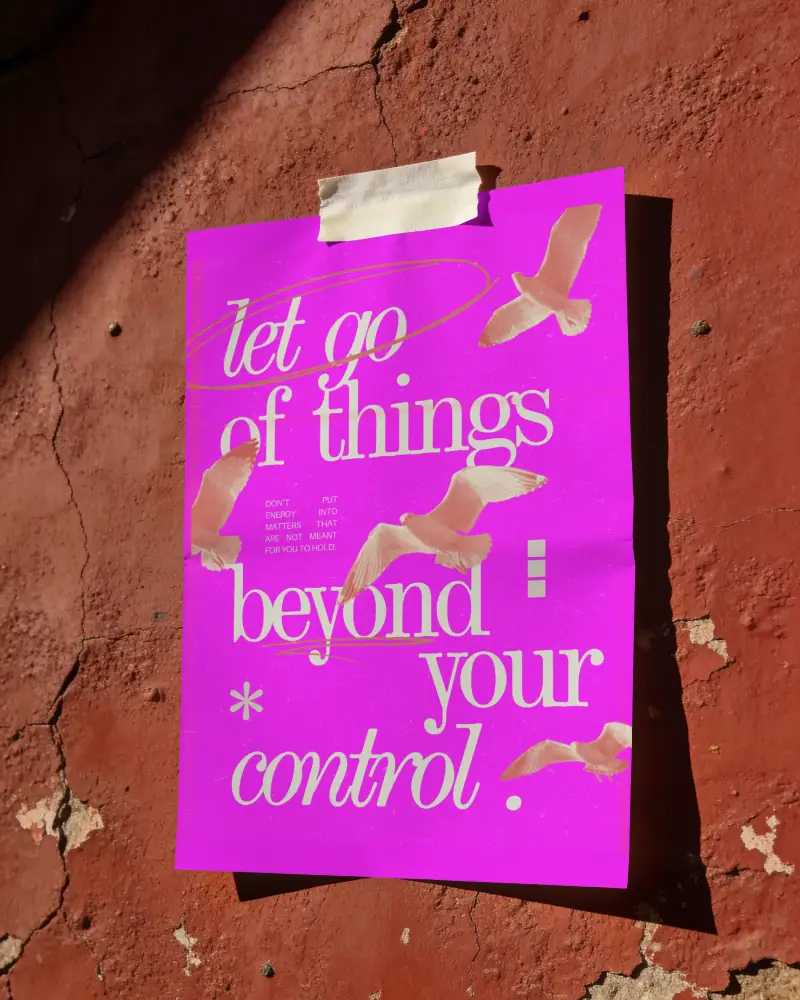
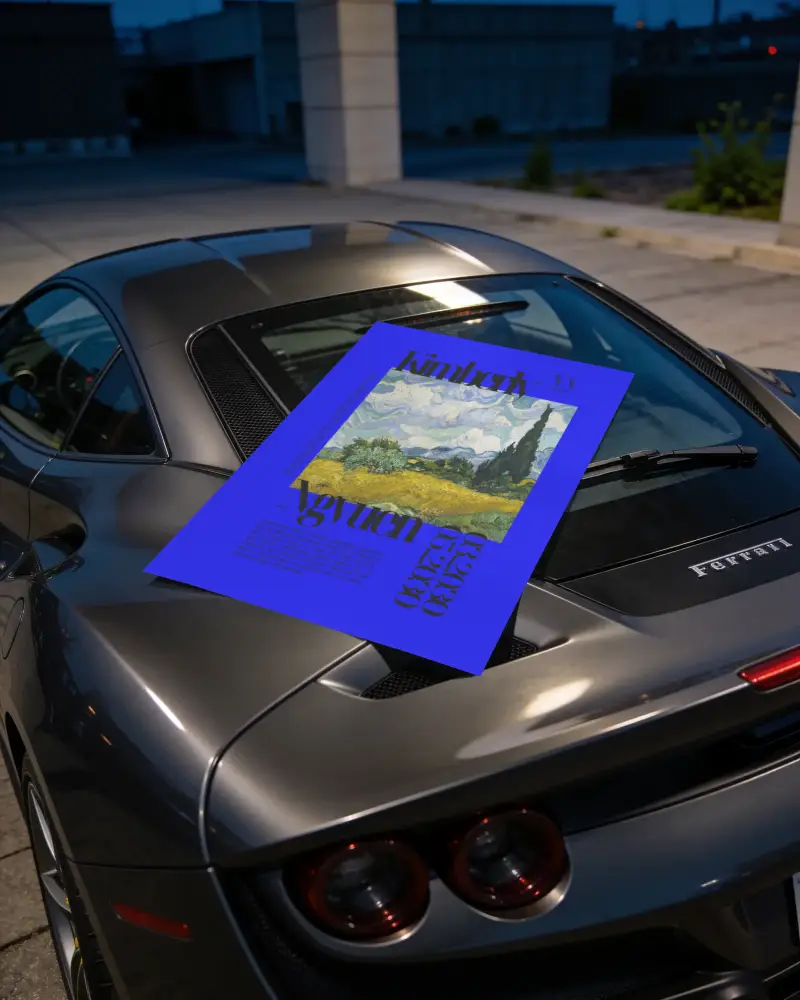
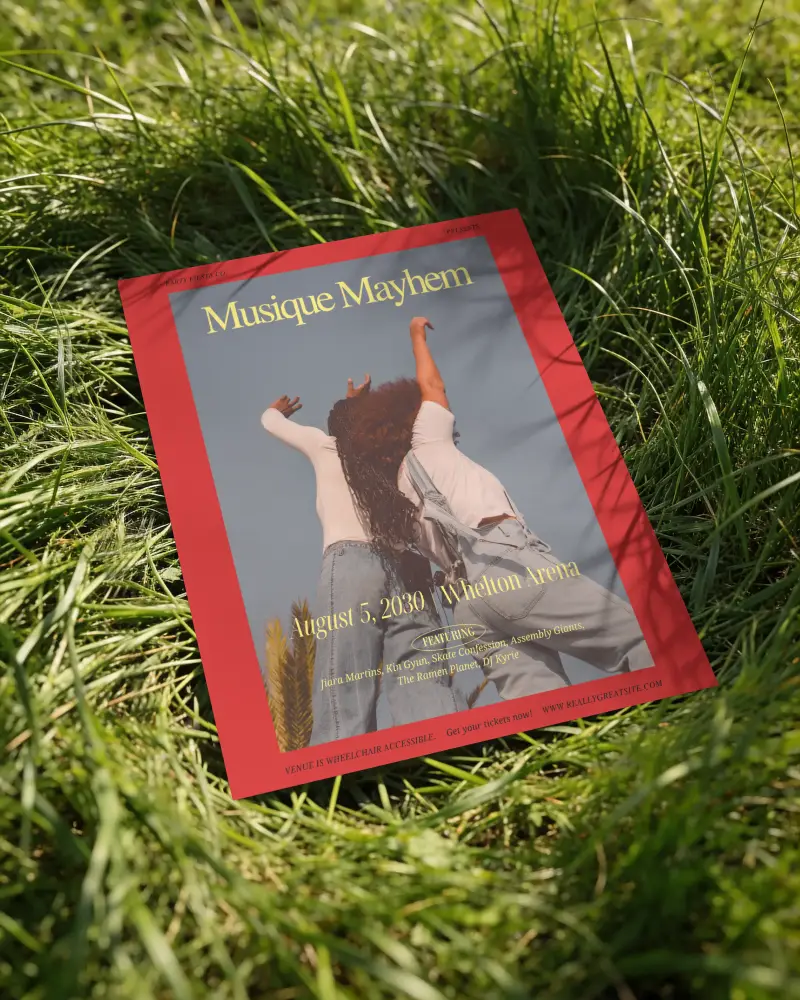
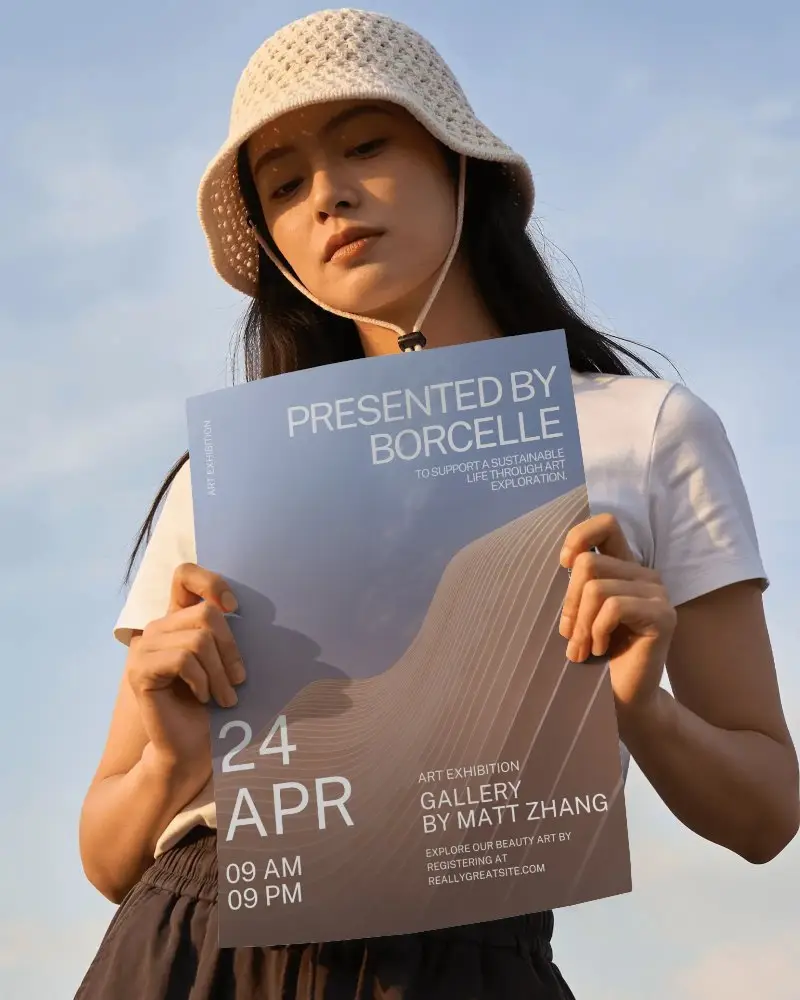
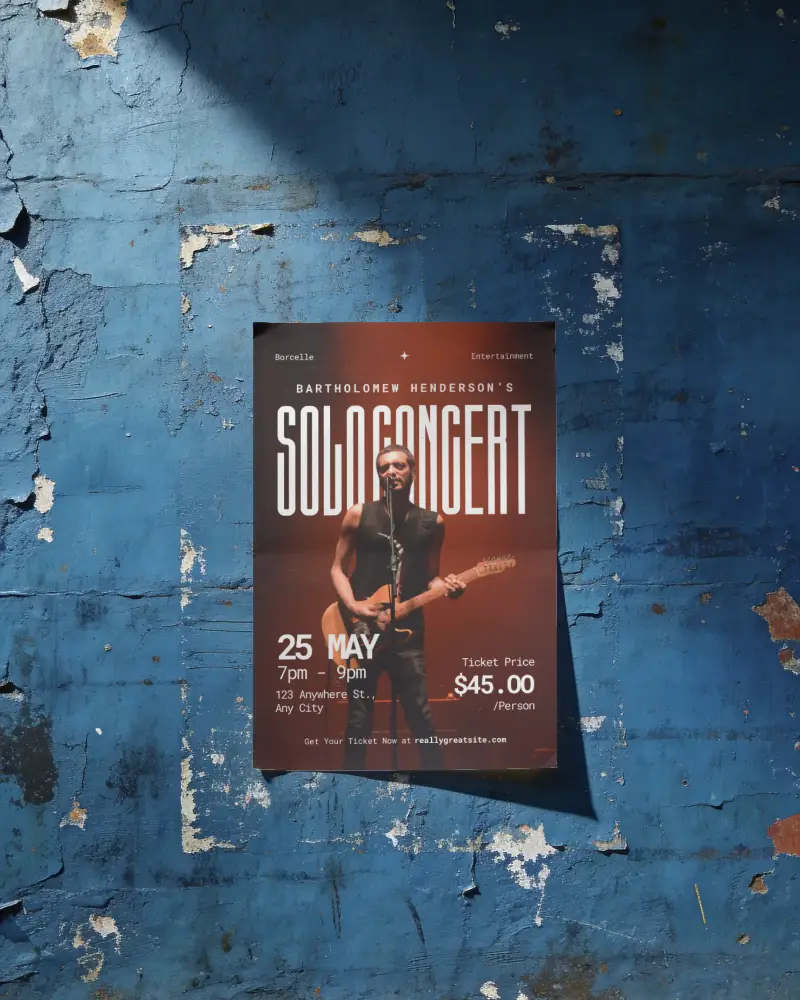
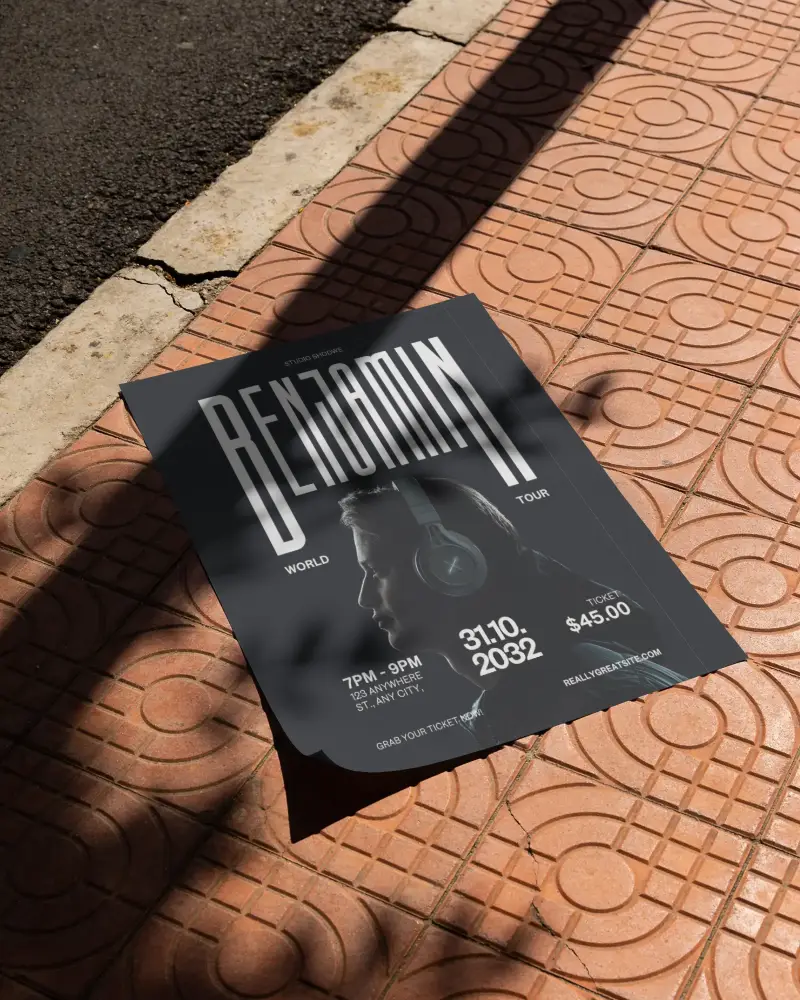
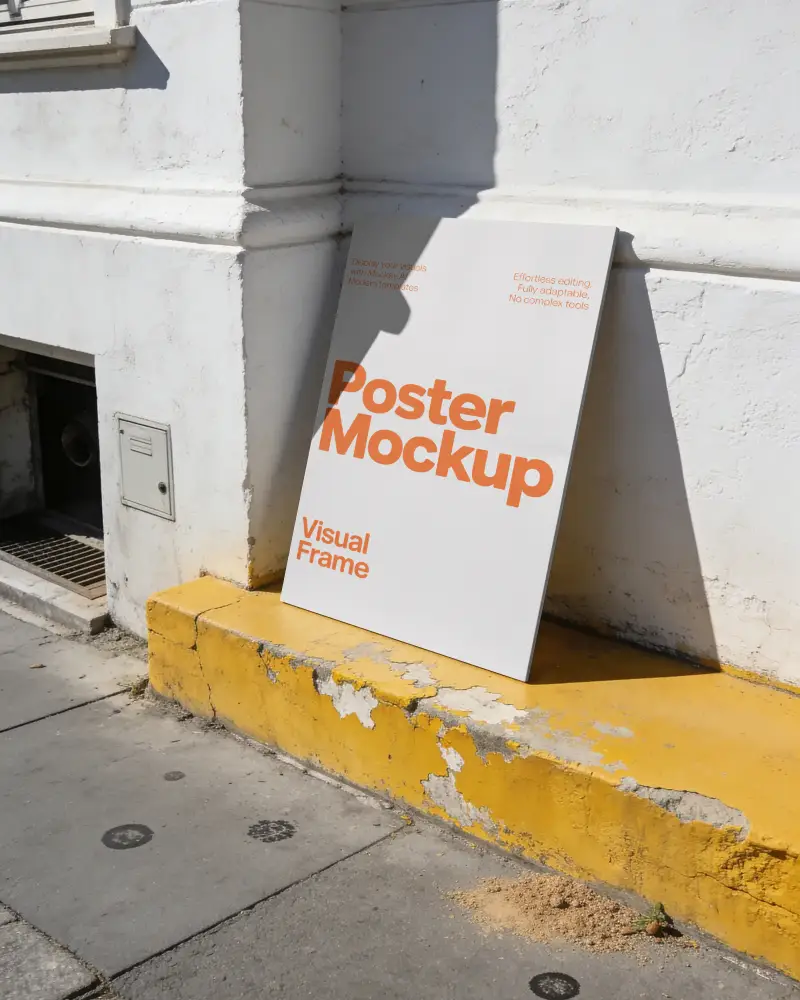
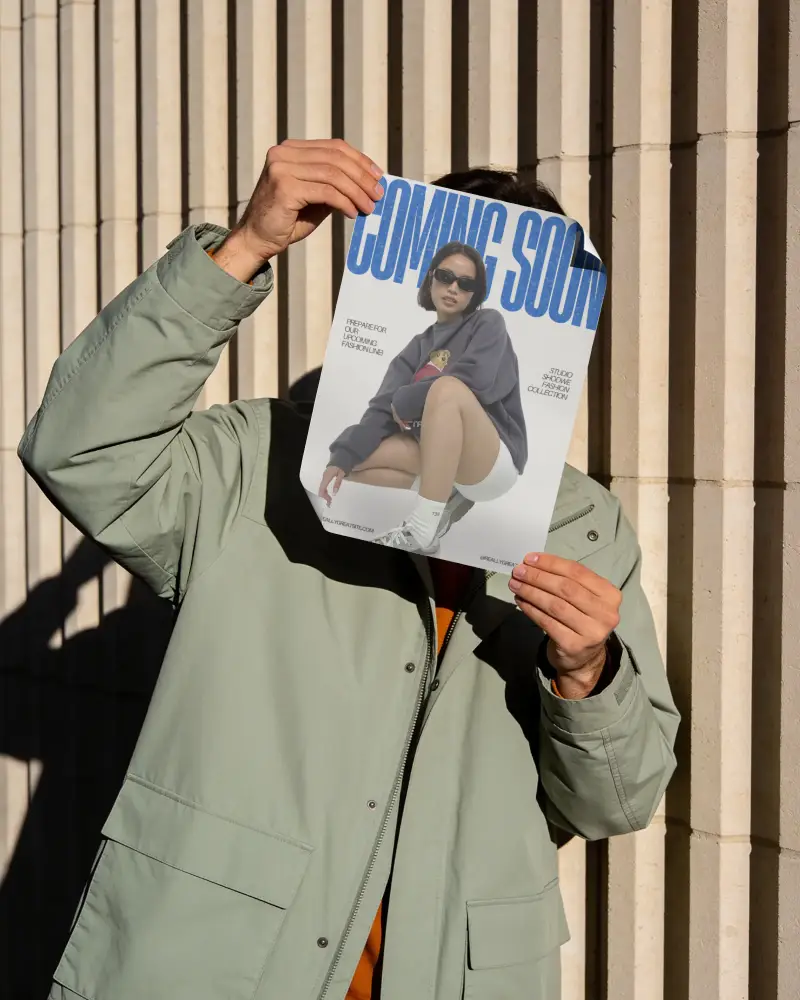
Free Outdoor Poster Mockups
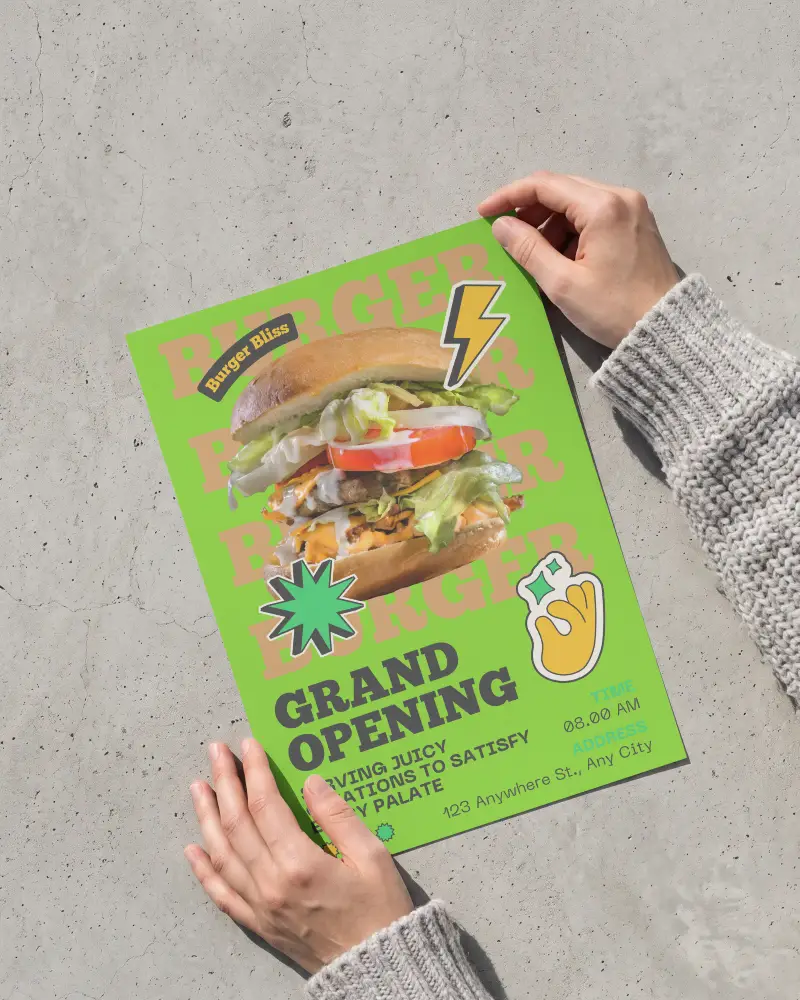
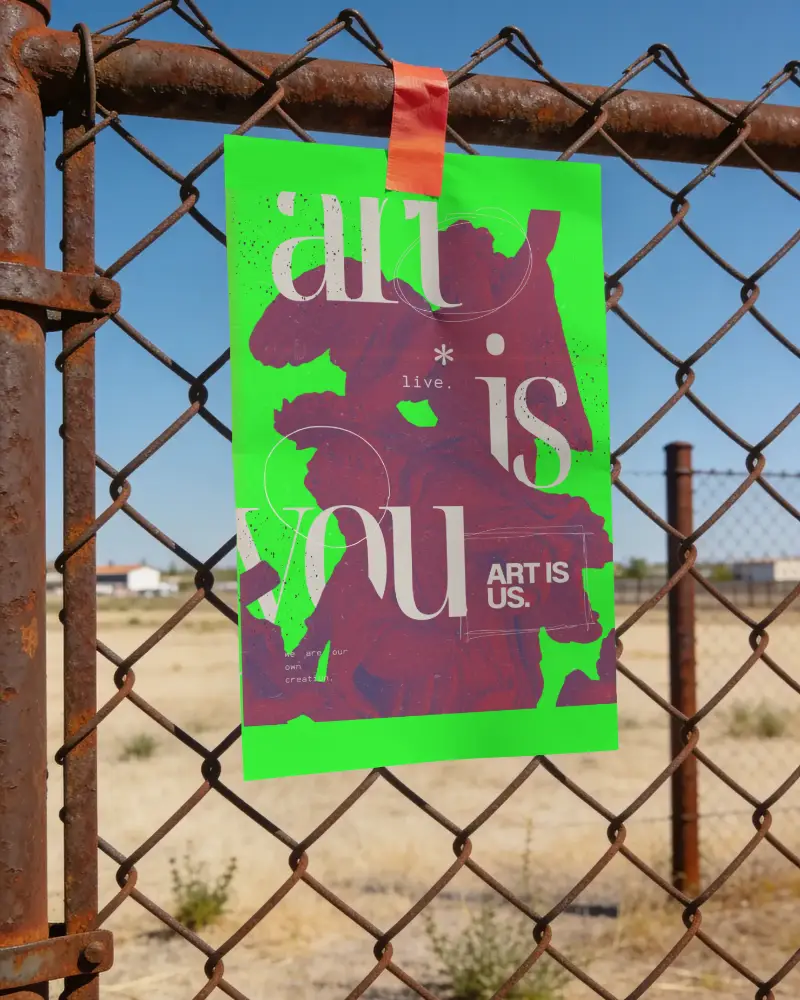
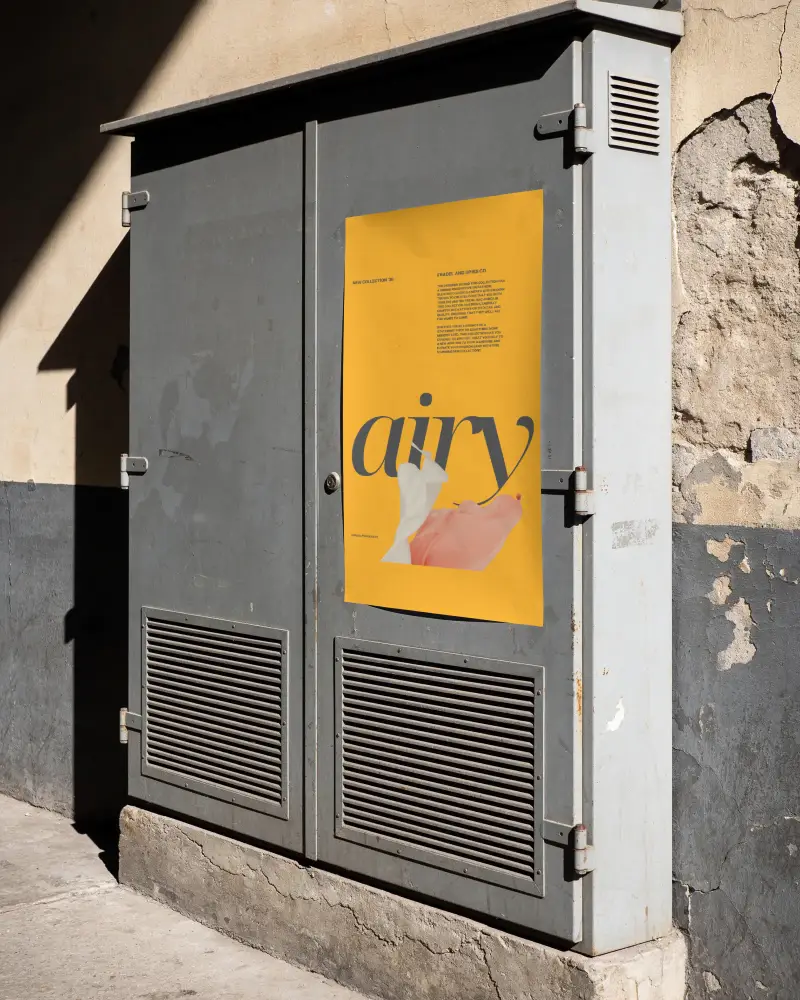
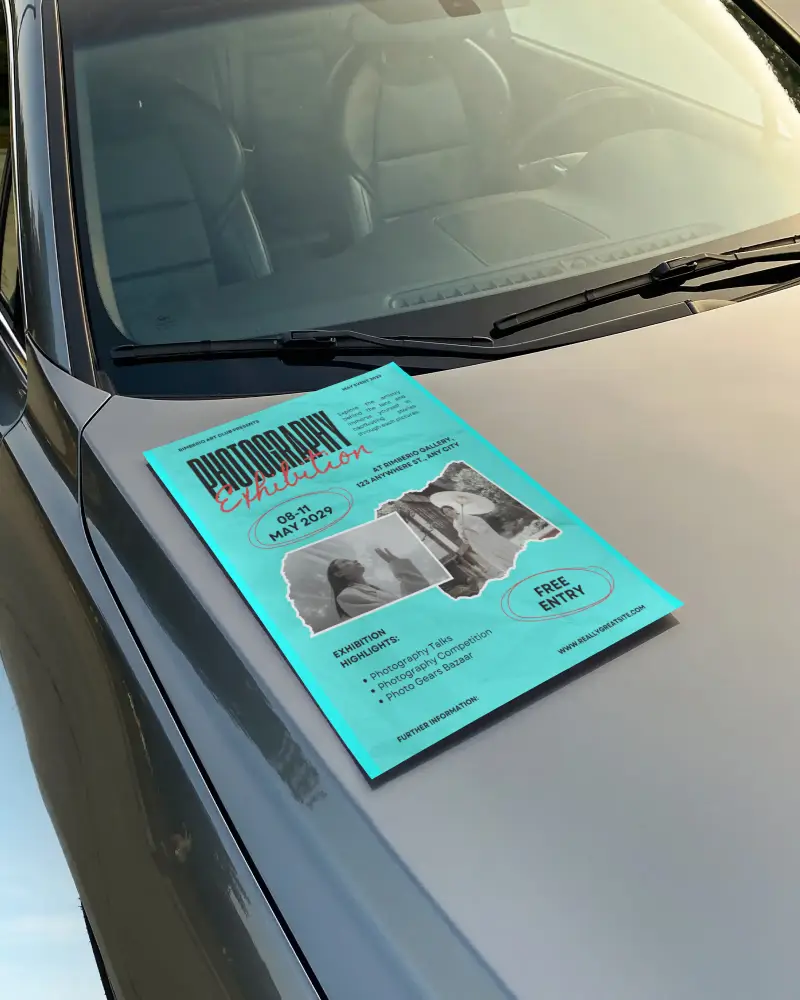
Explore high-quality, free outdoor poster mockups to bring your creative ideas to life. Easy to customize and perfect for presentations, ads, or portfolios.










.png)















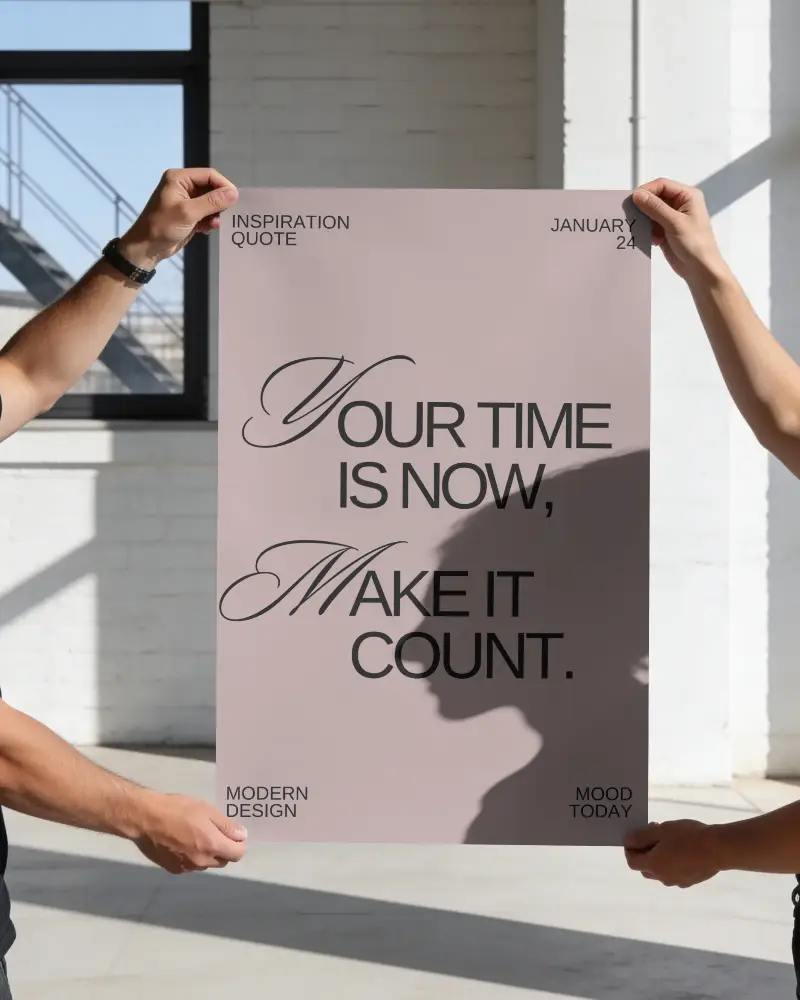
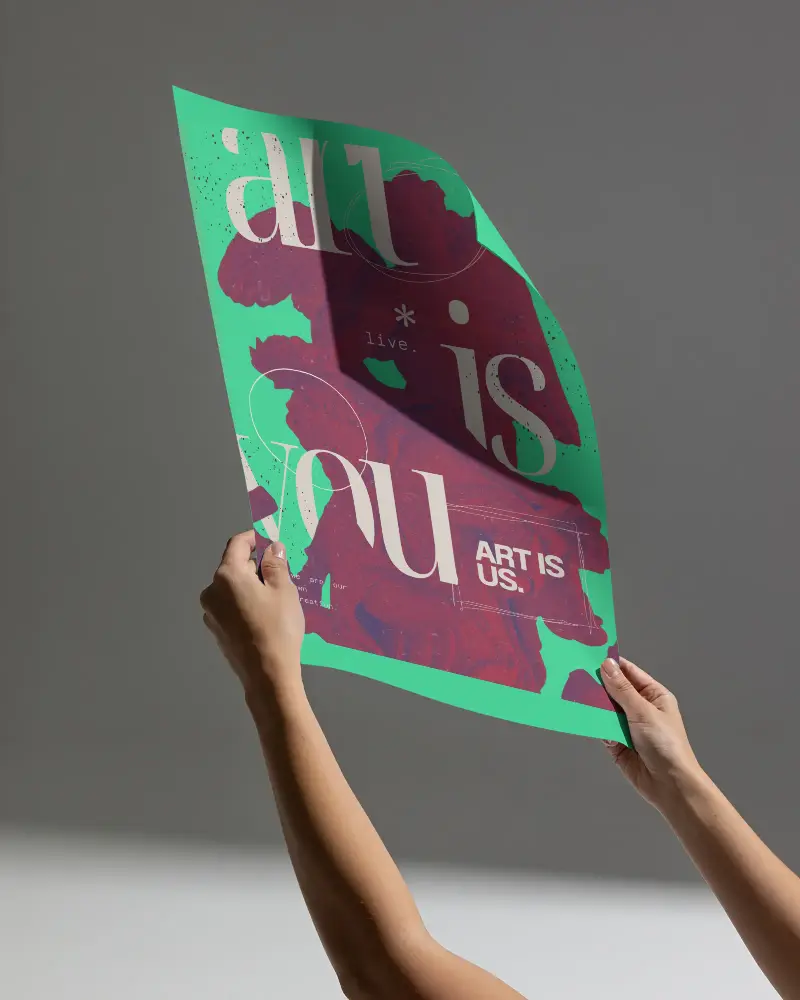
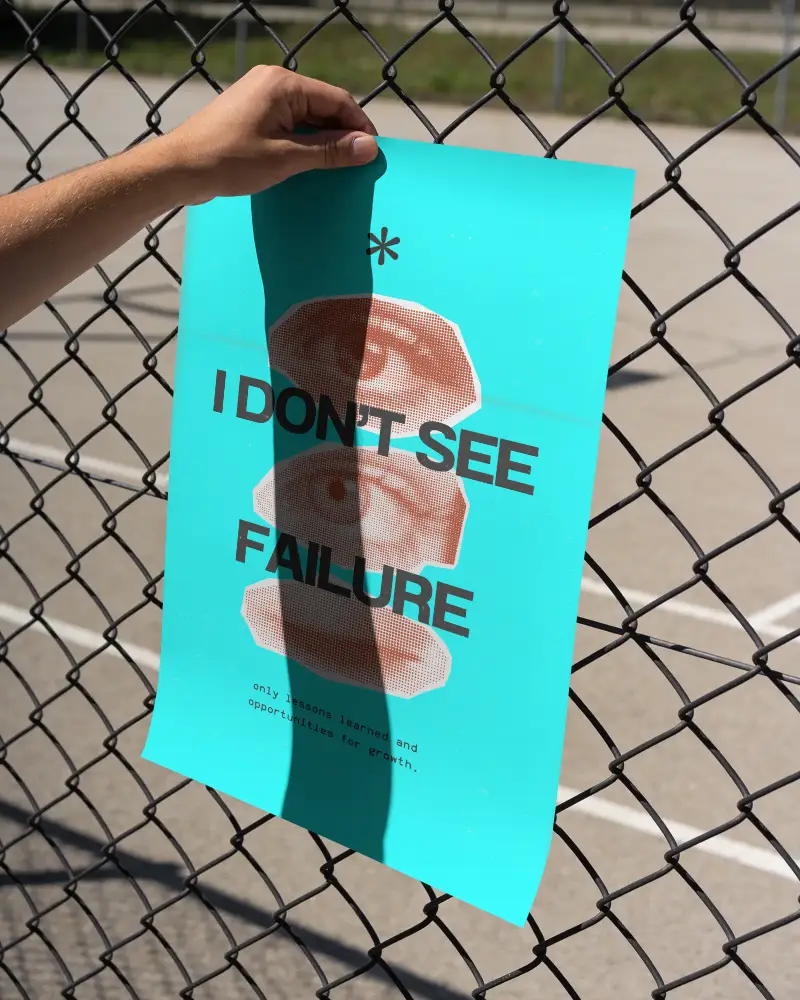
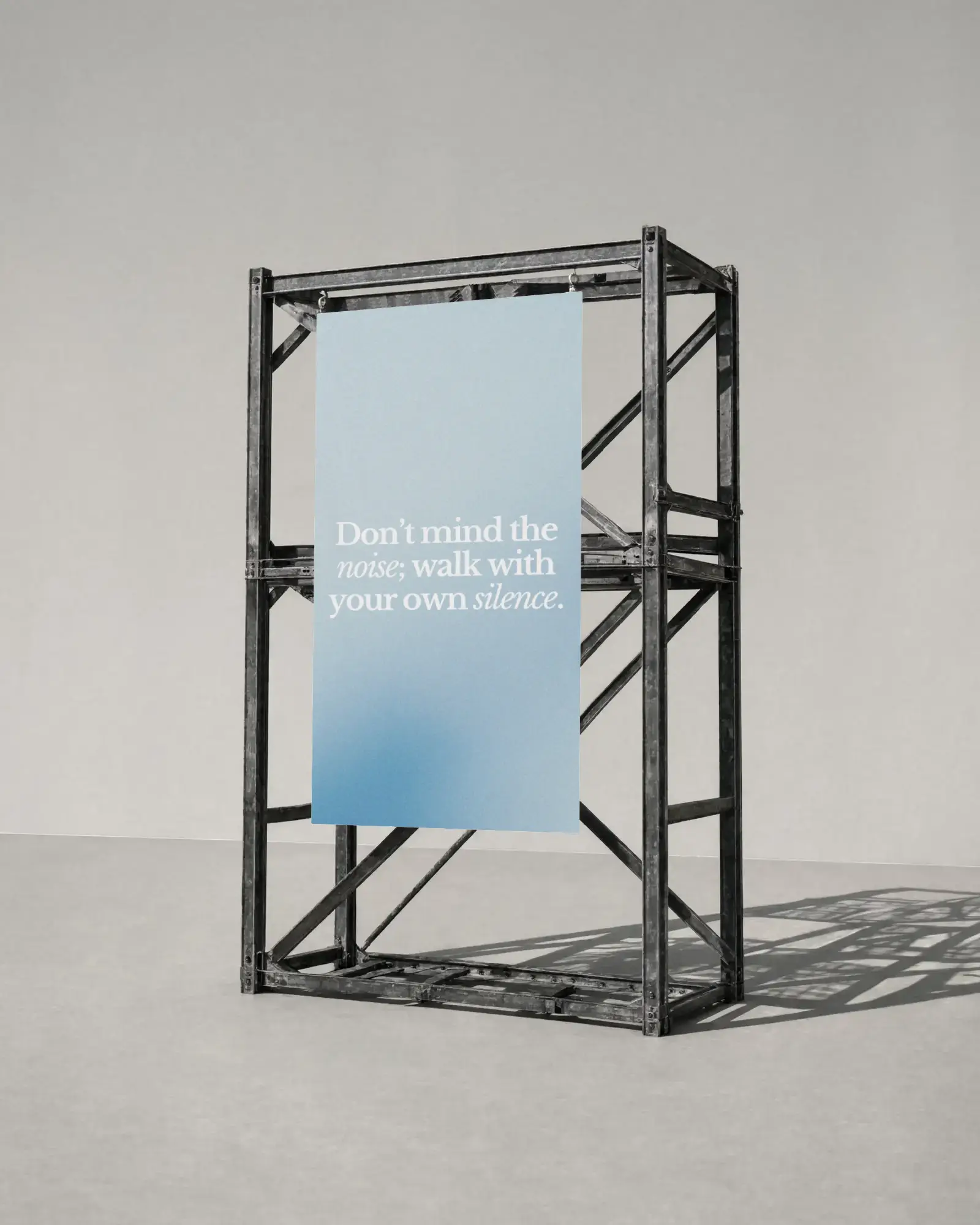
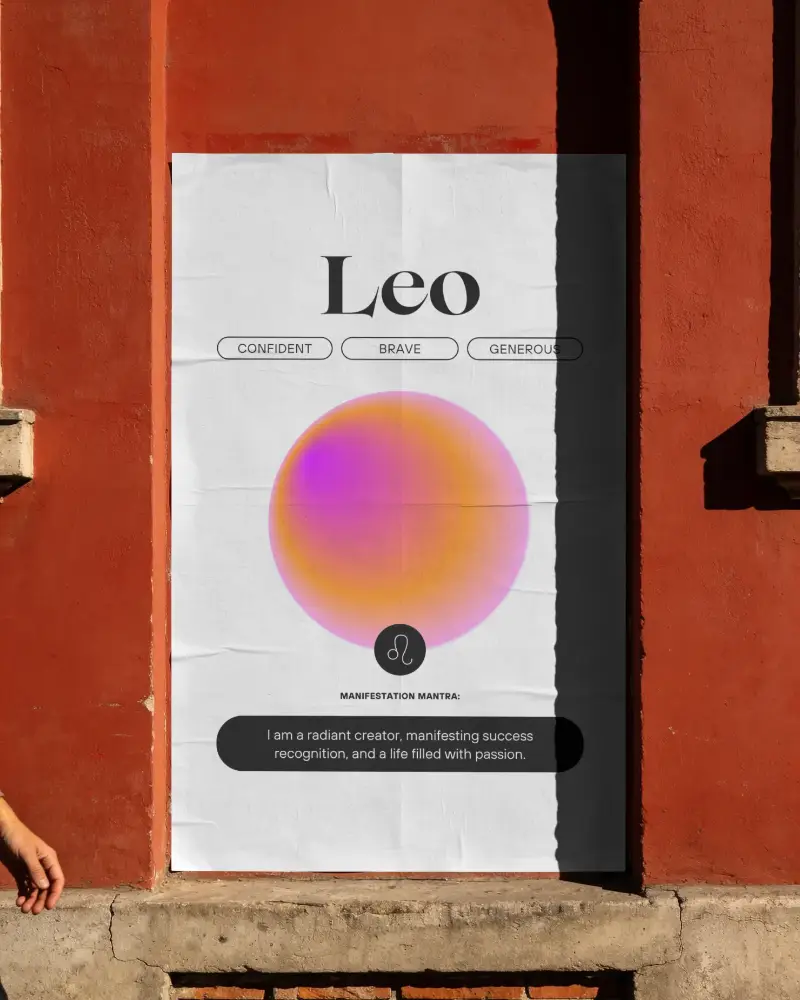
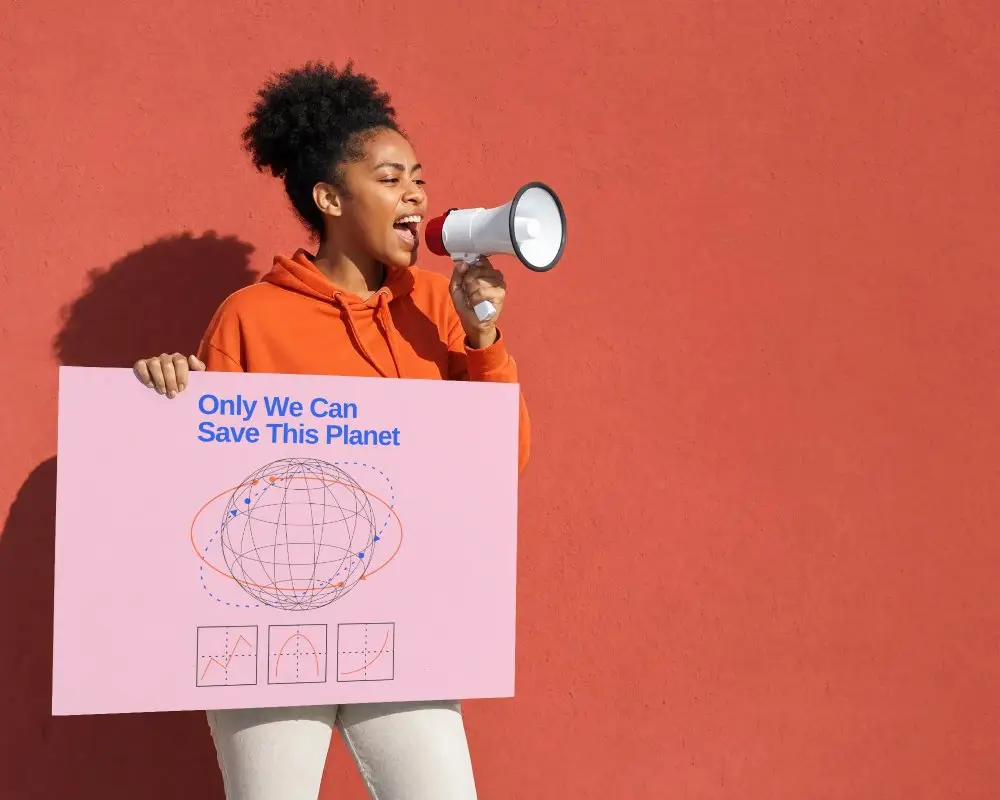
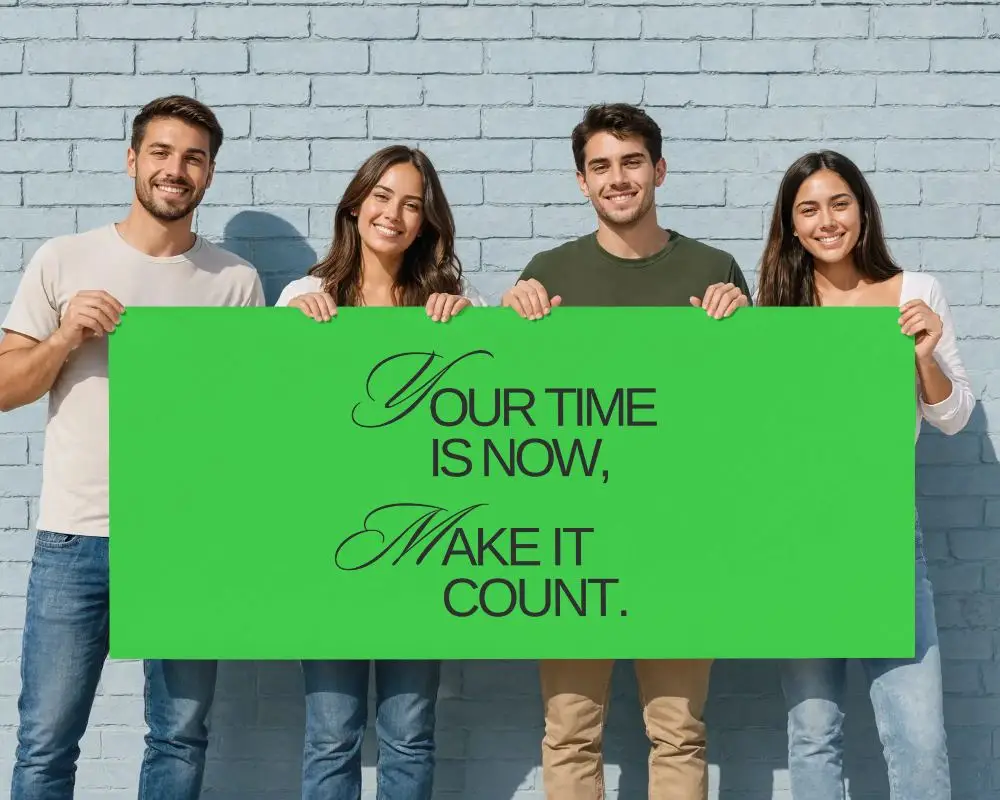
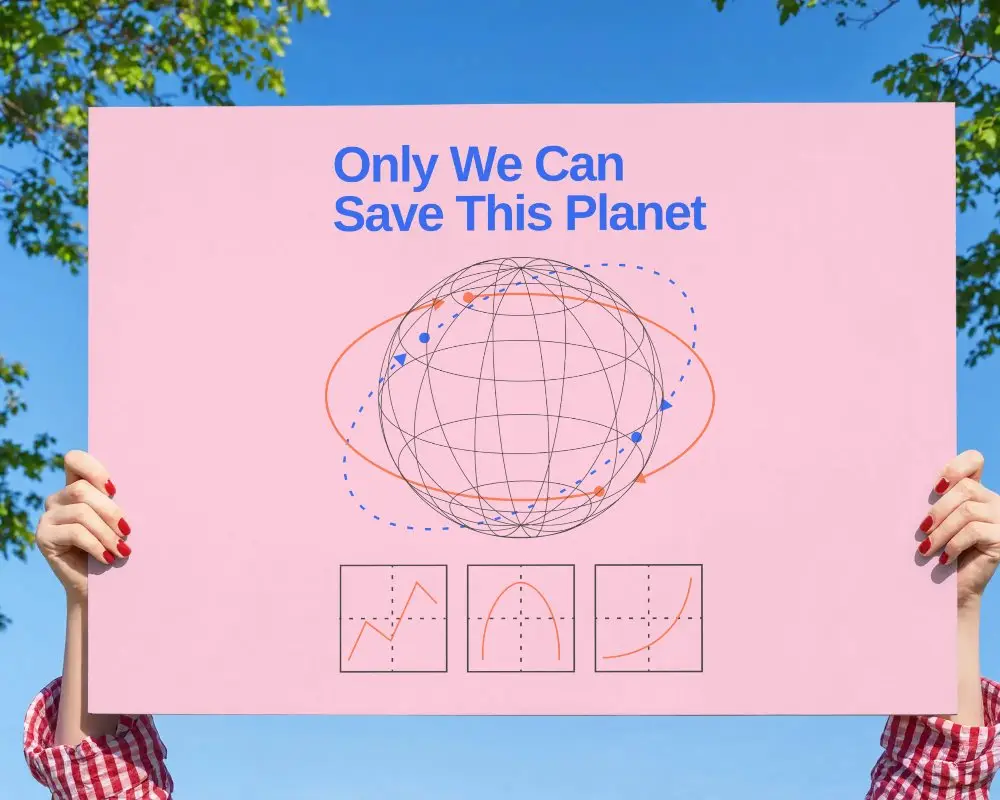
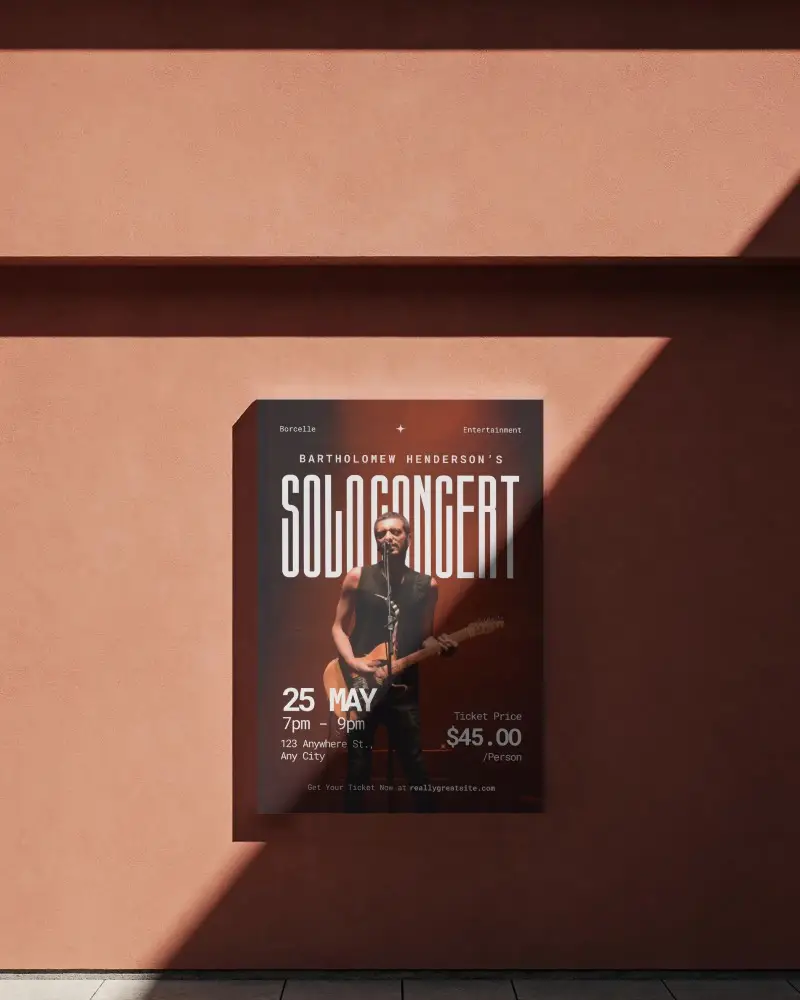
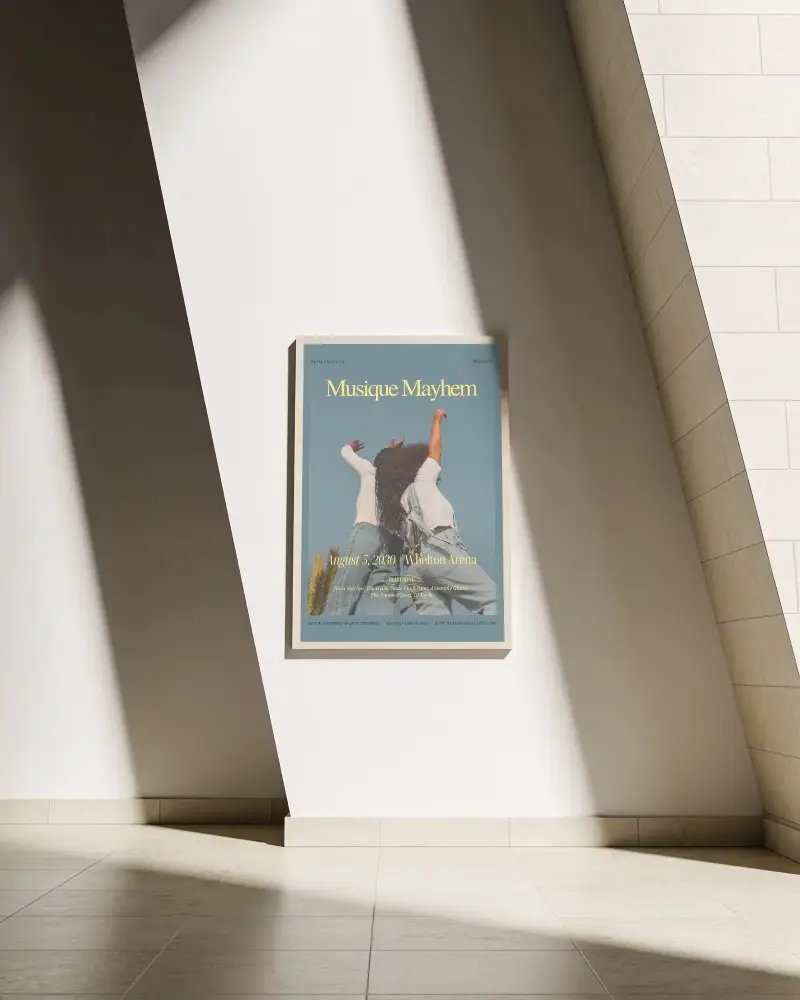

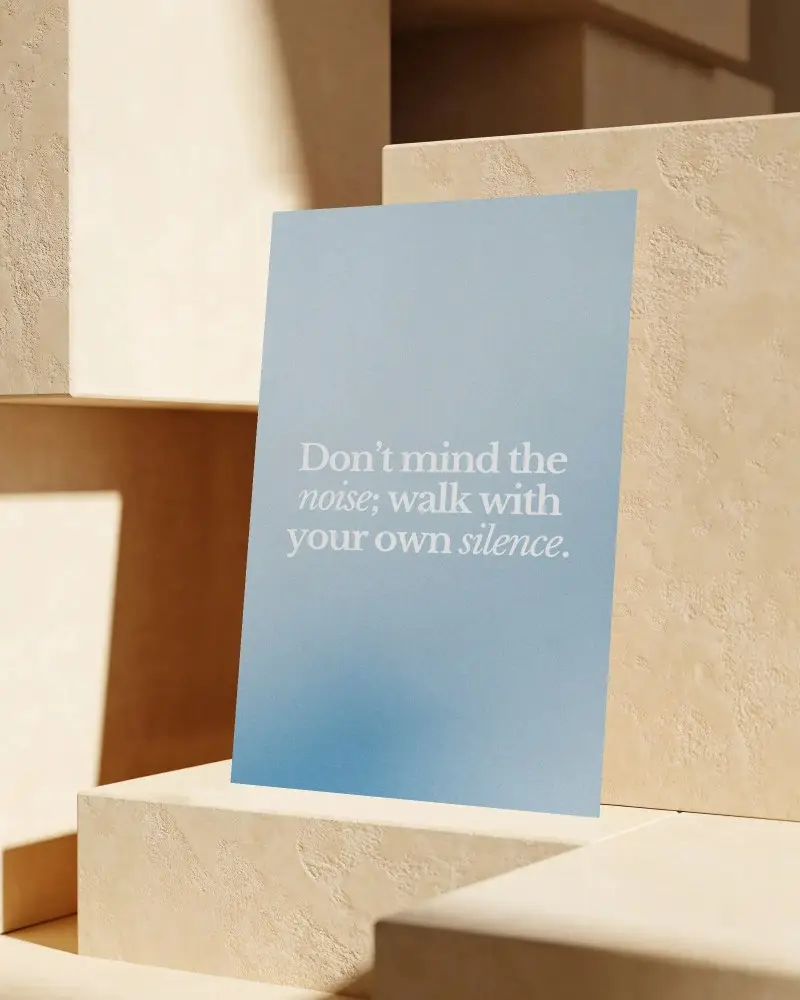
How to Create an Outdoor Poster Mockup with Mockey
To create an outdoor poster mockup:
- Step 1: Sign in and follow Mockups > Print. Look for the Poster option.
- Step 2: Find the Outdoor tag to choose a template. Upload a design and make edits.
- Step 3: Hit “Download” to export the outdoor poster mockup.


FAQs on Outdoor Poster Mockups
Are these outdoor poster mockups really free?
You can get free outdoor poster mockups in Mockey AI. But there’s a limit — the free version only gives you a JPEG file with a resolution of 400 x 500 pixels. For high-resolution PNG files and more features, upgrade to the Starter for just $7 a month.
Can I use these mockups for client work or commercial projects?
Outdoor poster mockups can be used for commercial projects depending on the license. If you use templates from Mockey AI, you can freely customize and download outdoor poster mockups for client work.
