poster
Free A1 Poster Mockups
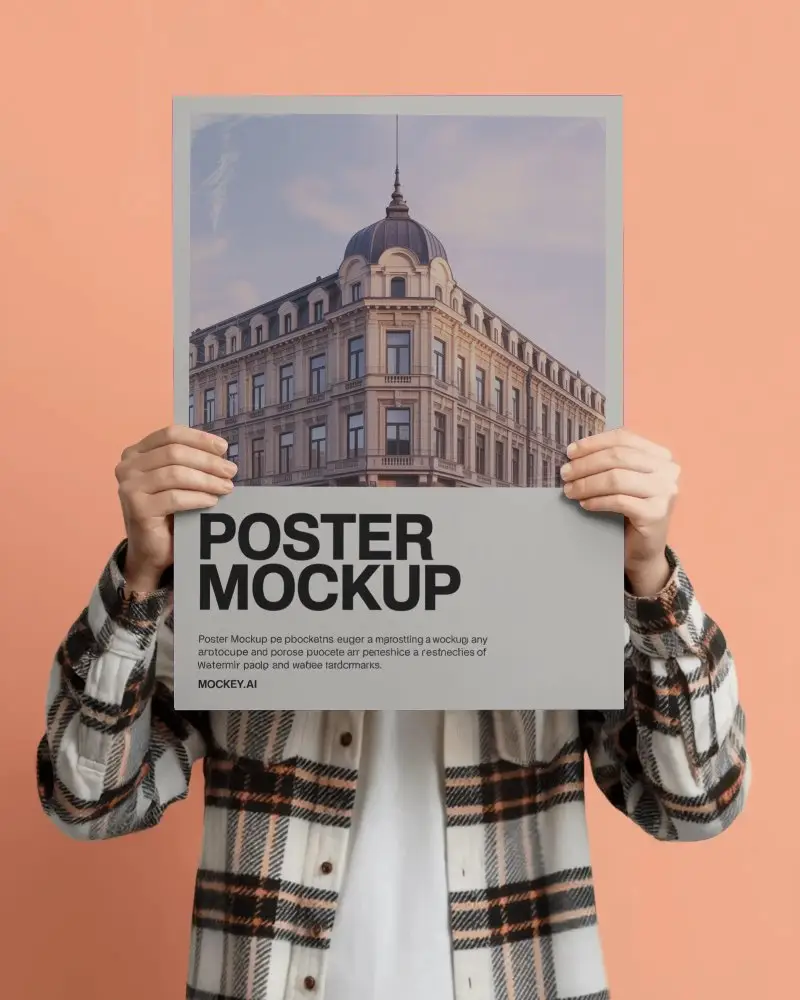
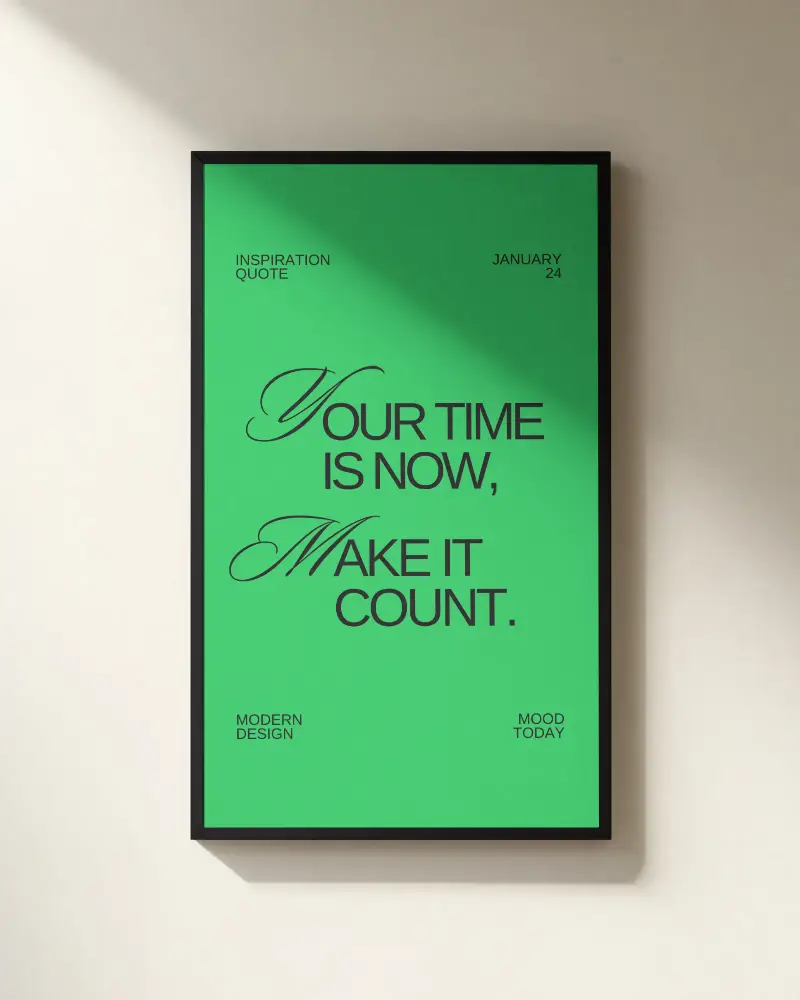
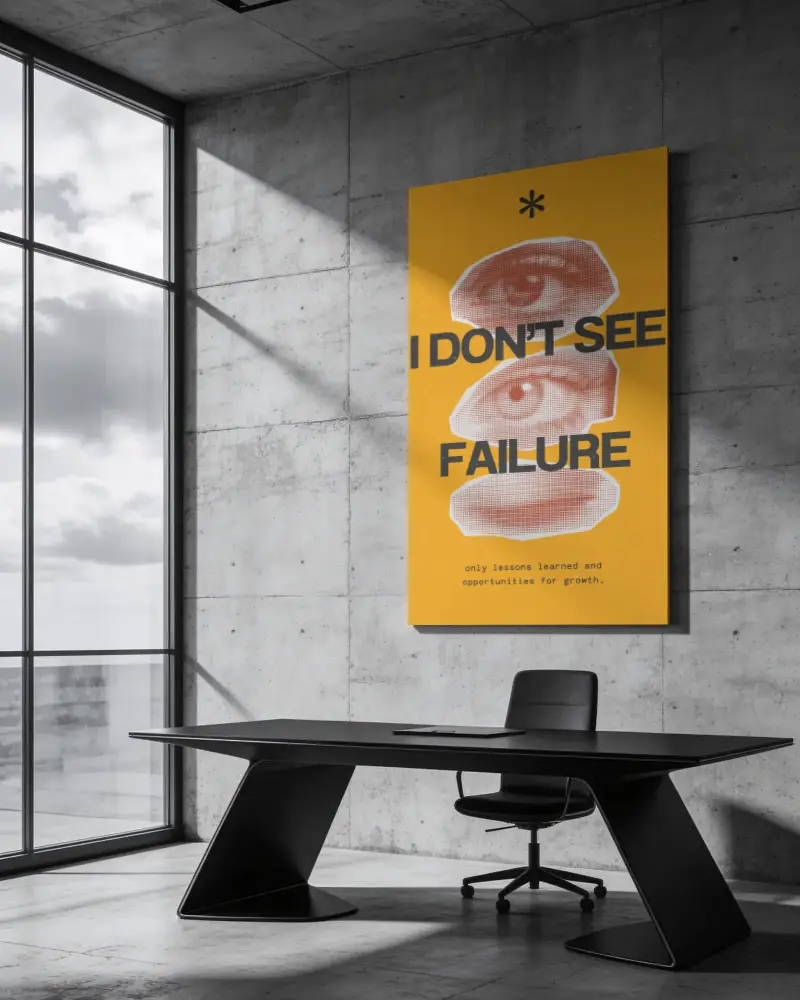
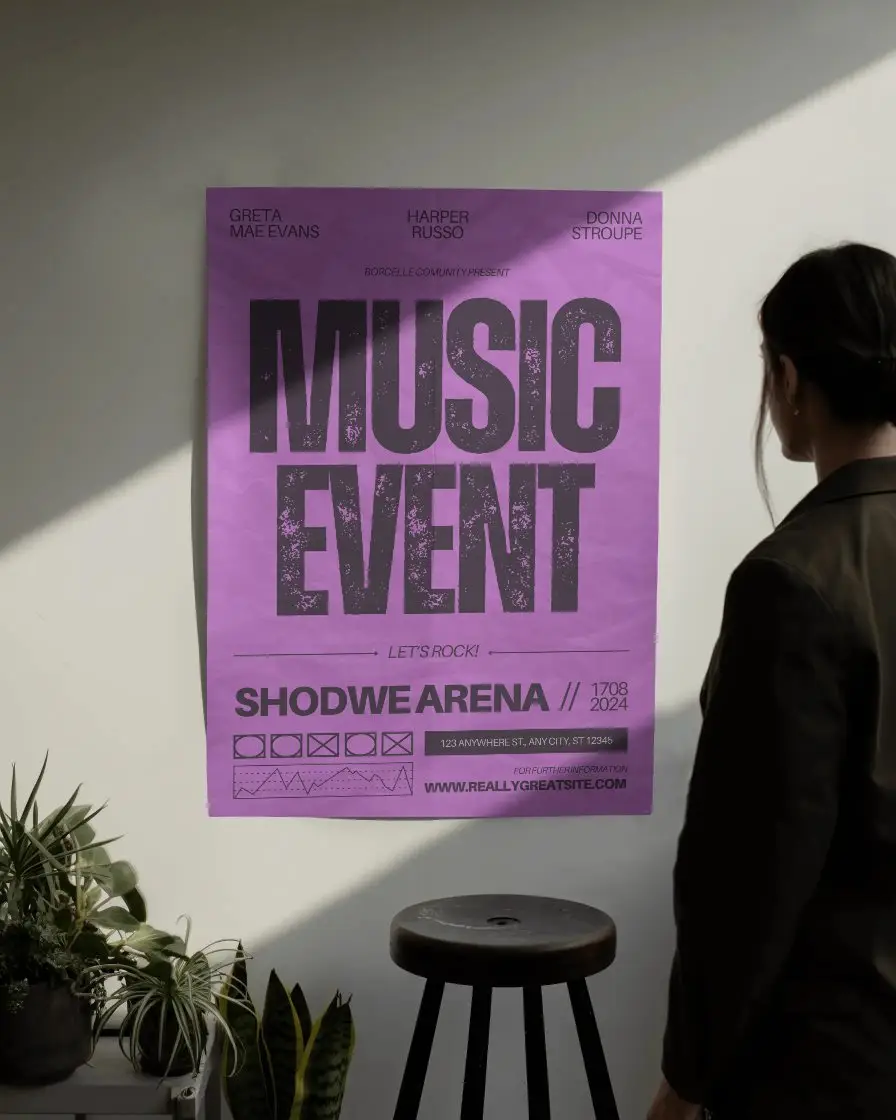
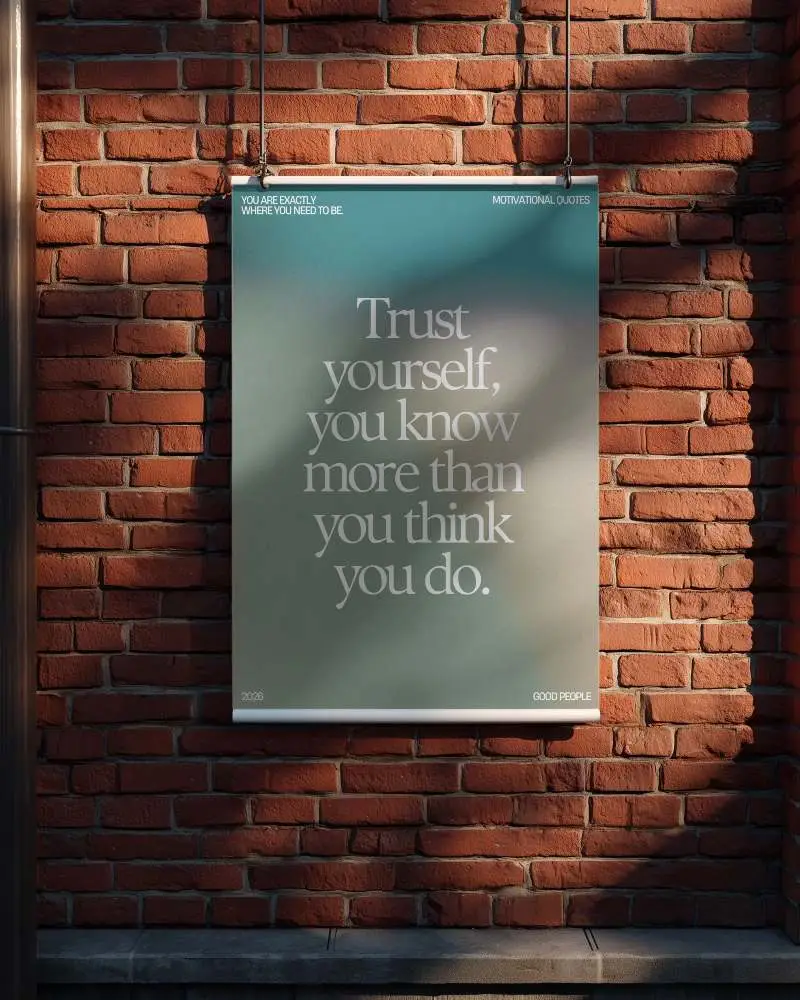
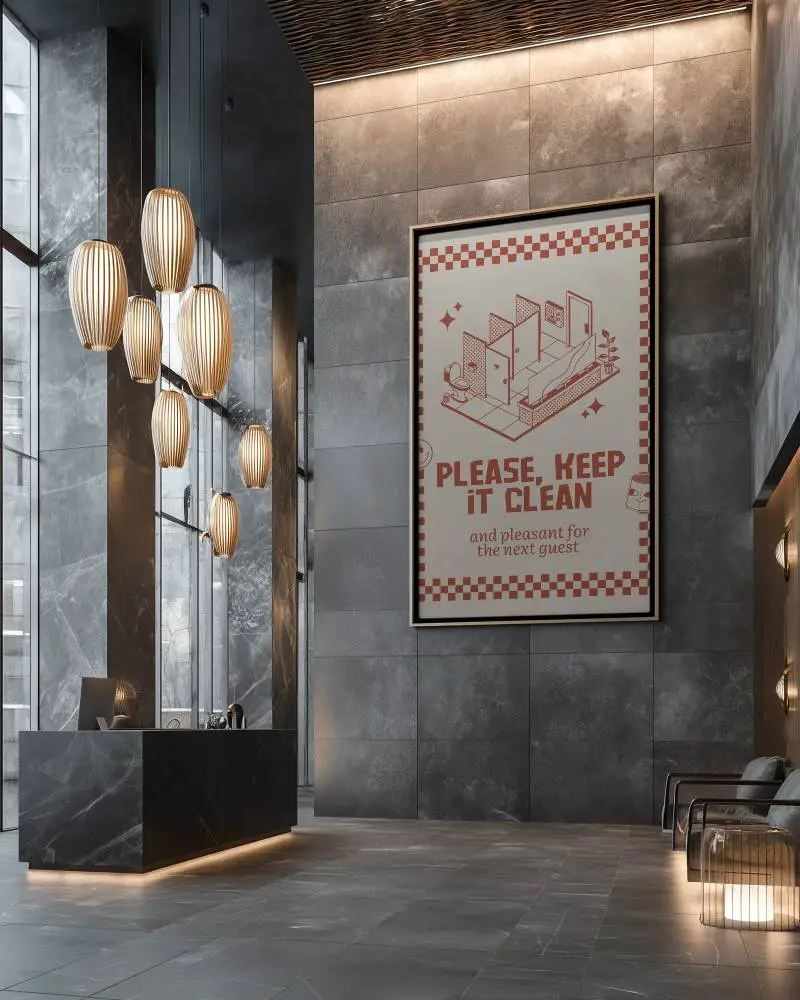
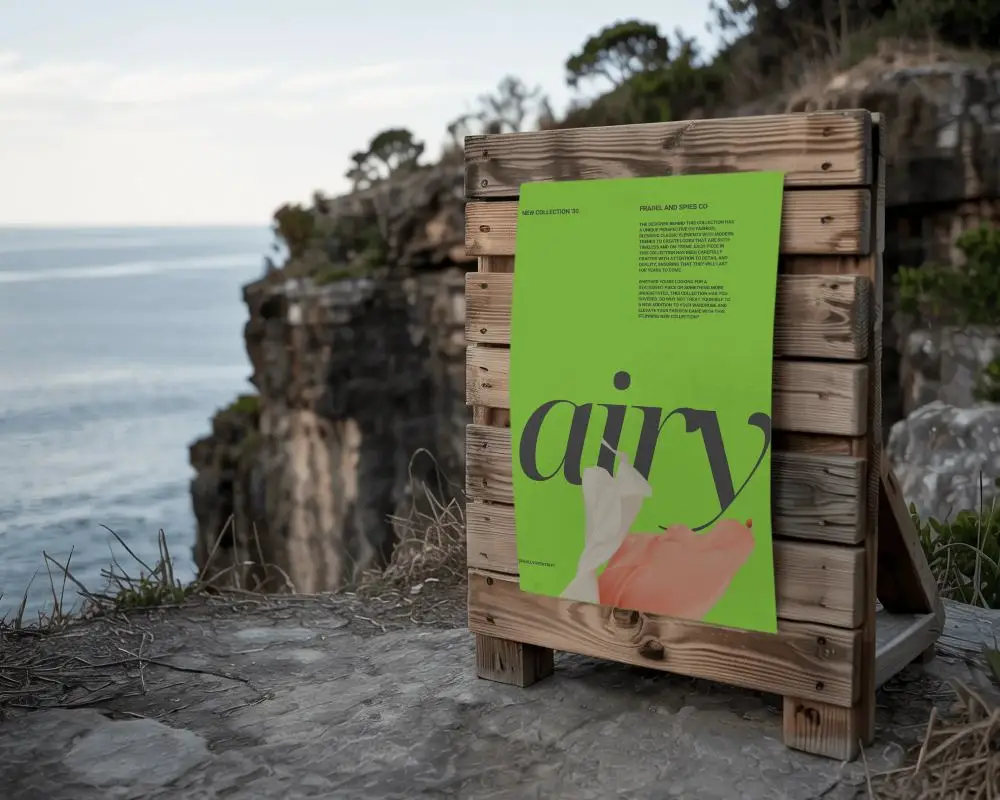
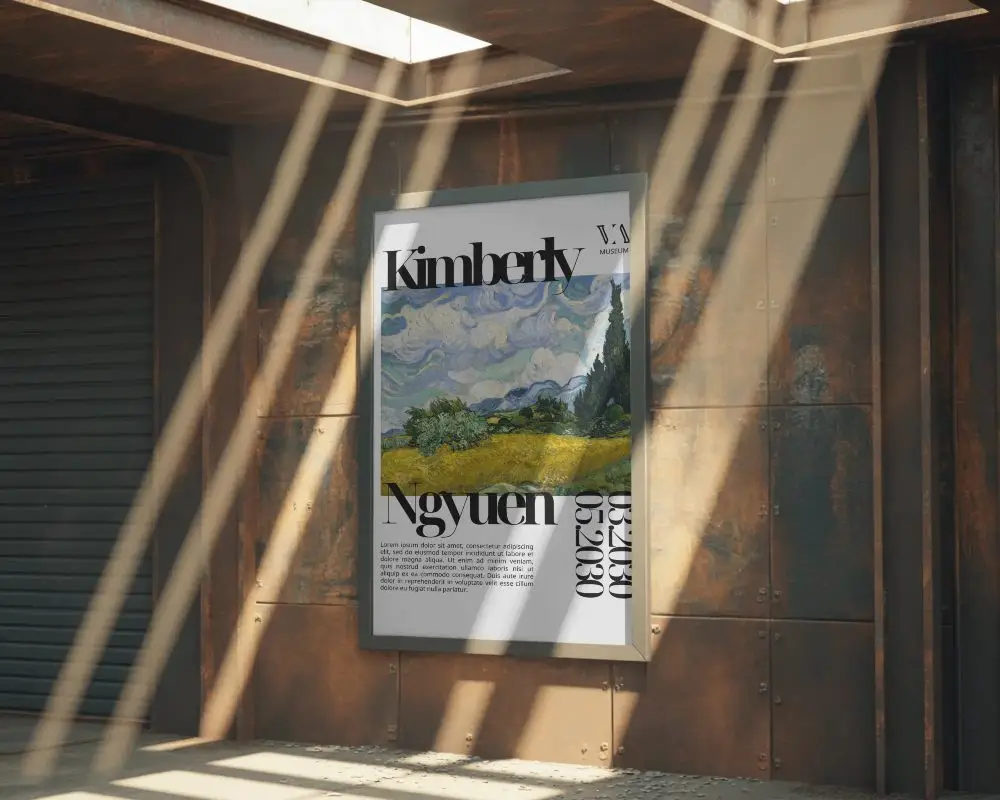
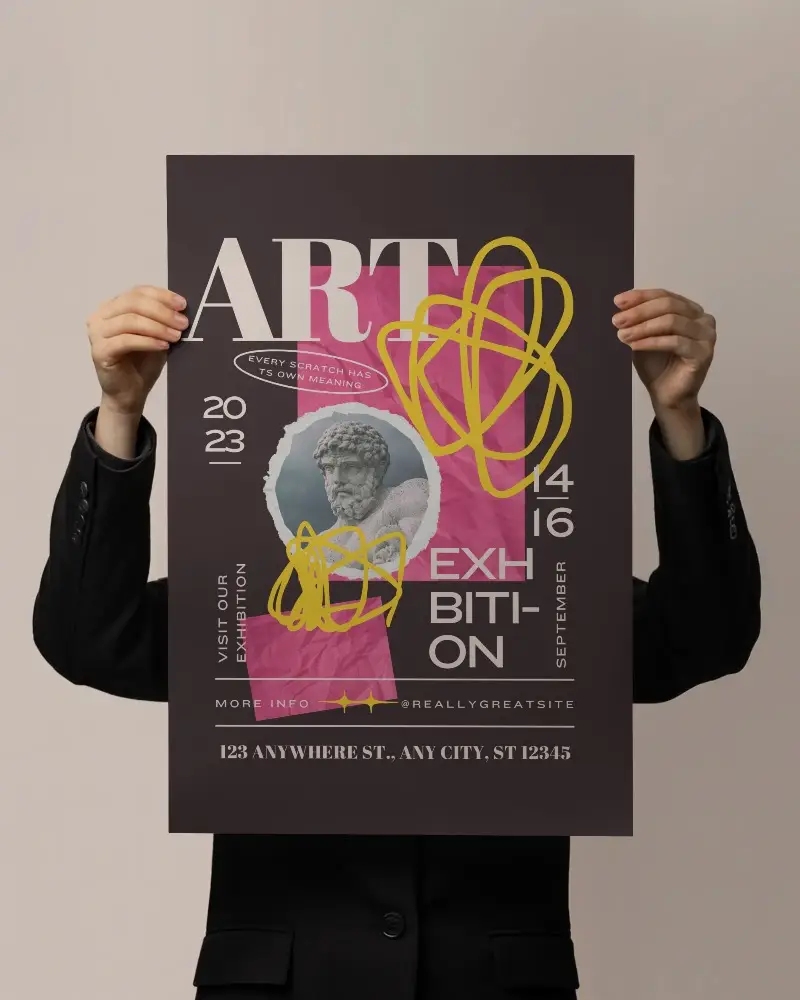
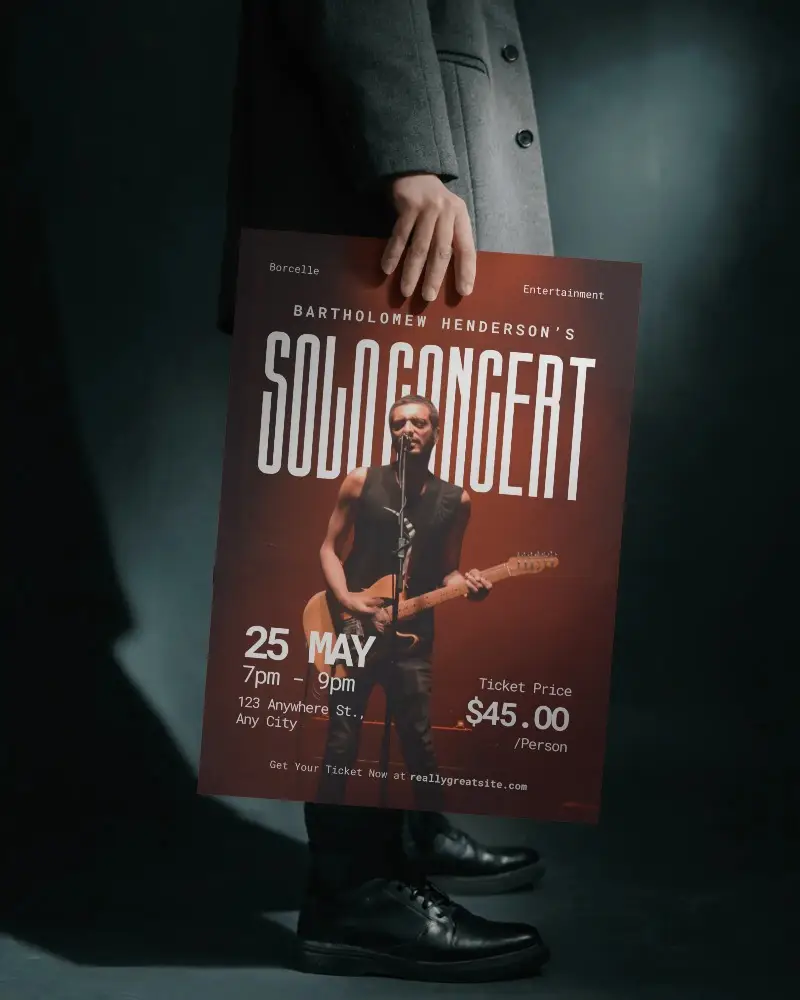
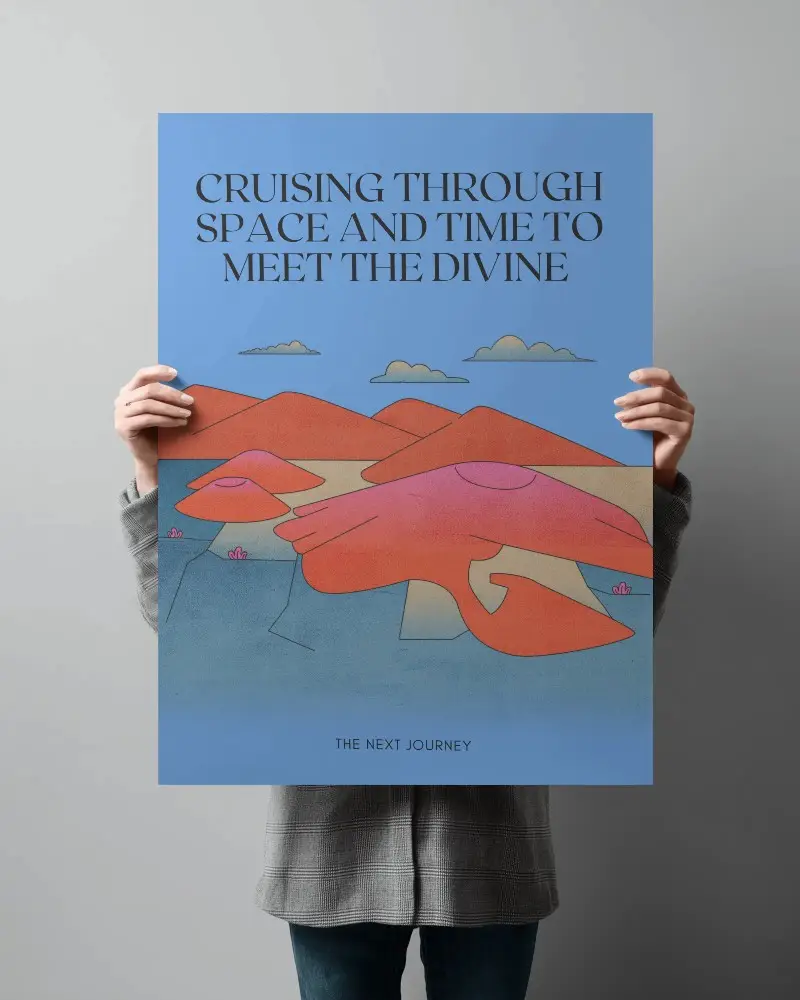
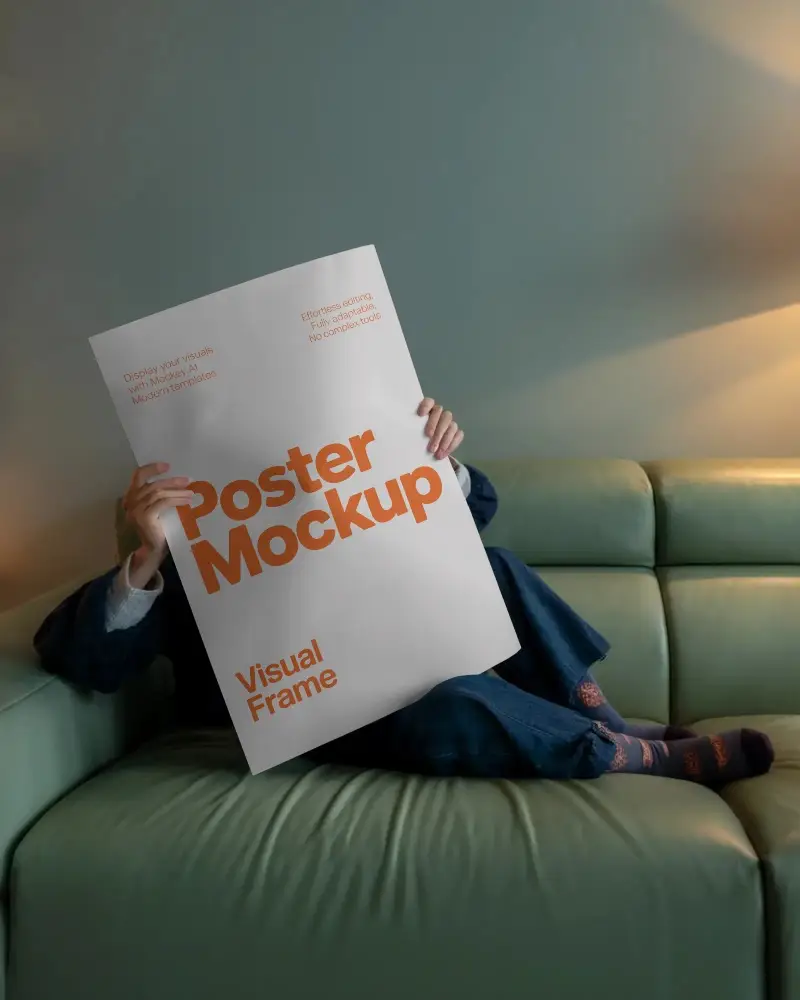
Download free A1 poster mockups on Mockey AI and display your artwork with sharp, realistic previews that make every design look professional.










.png)
















How to Create an A1 Poster Mockup with Mockey
To create an A1 poster mockup:
- Step 1: Create an account and go to Categories > Print > Poster.
- Step 2: Select the “A1” tag and choose a template.
- Step 3: Upload your design and customize the template.
- Step 4: Click Download to save your A1 poster mockup.


FAQs on A1 Poster Mockups
What is an A1 poster mockup?
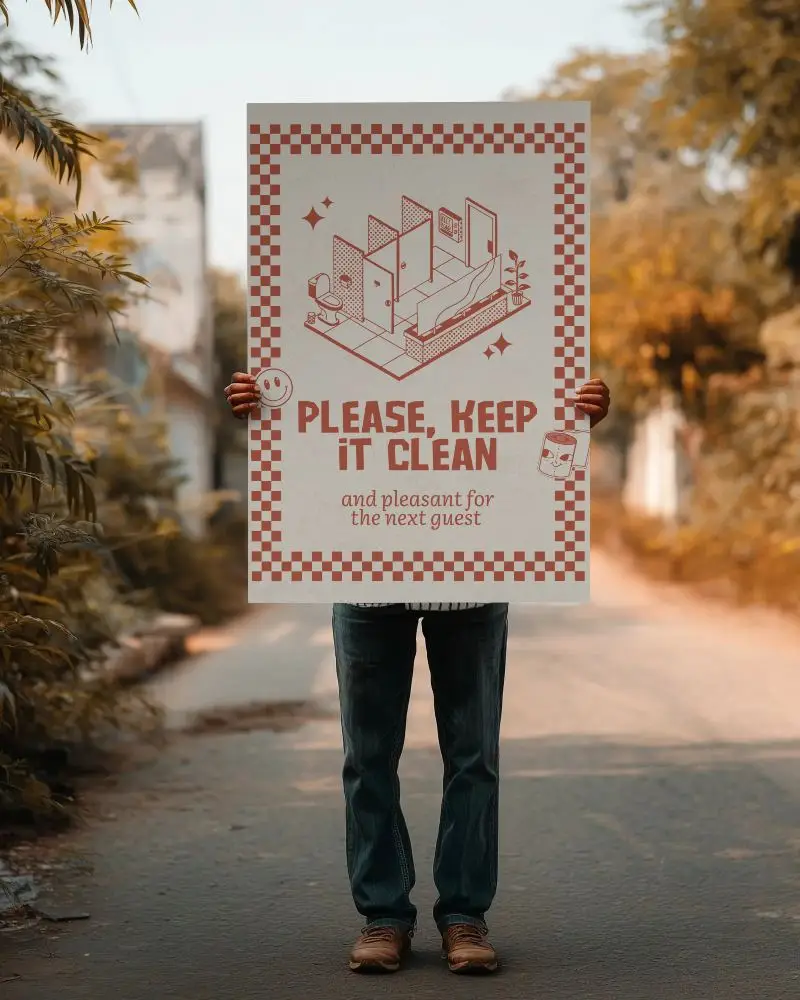
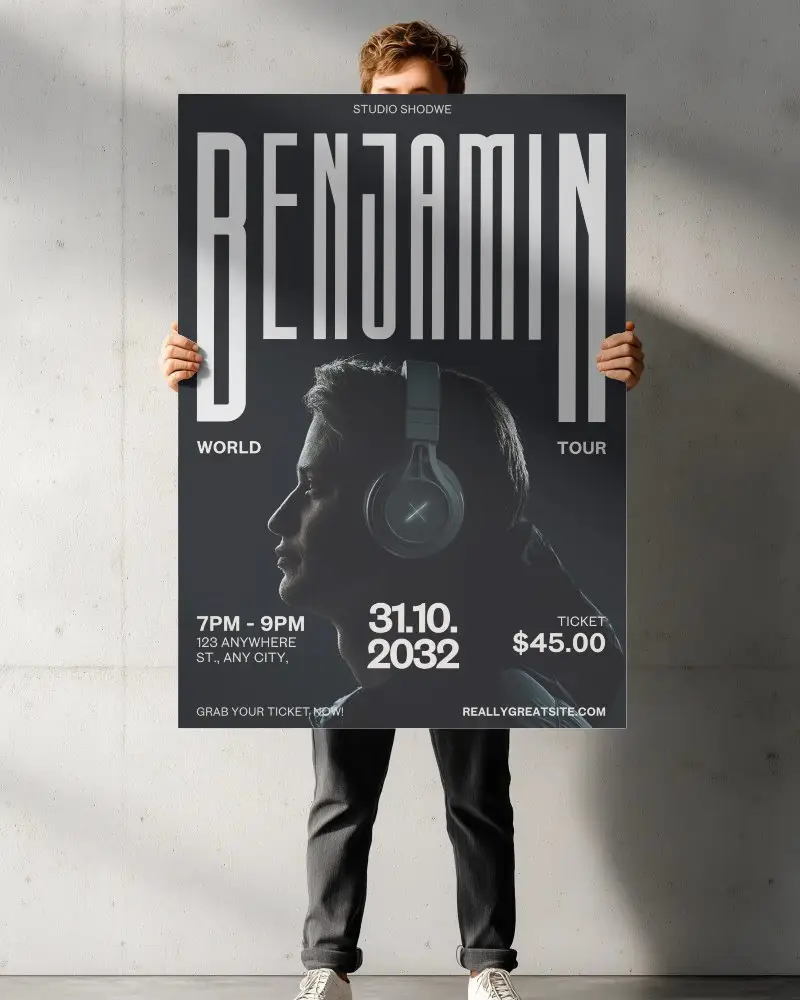
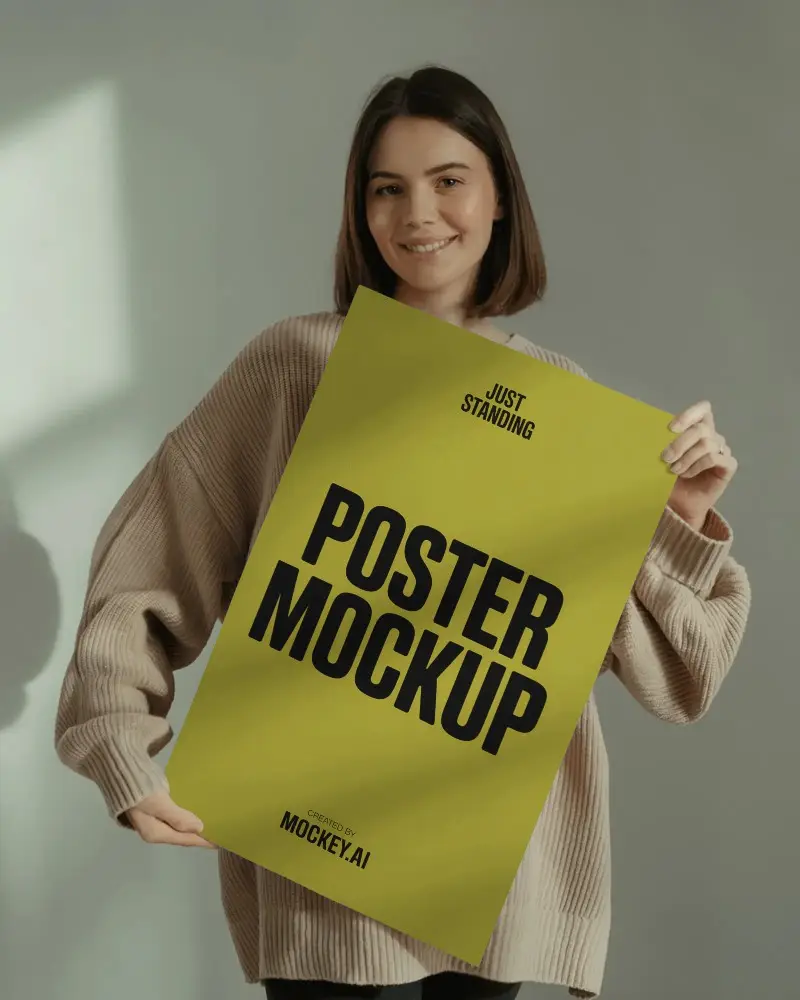
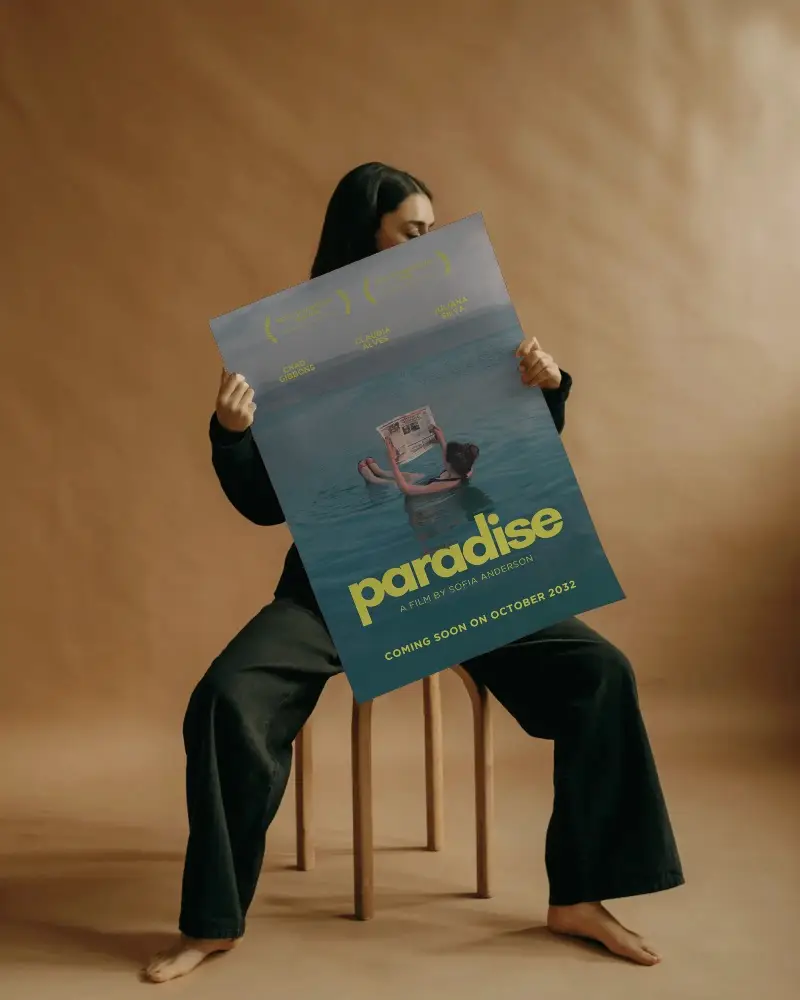
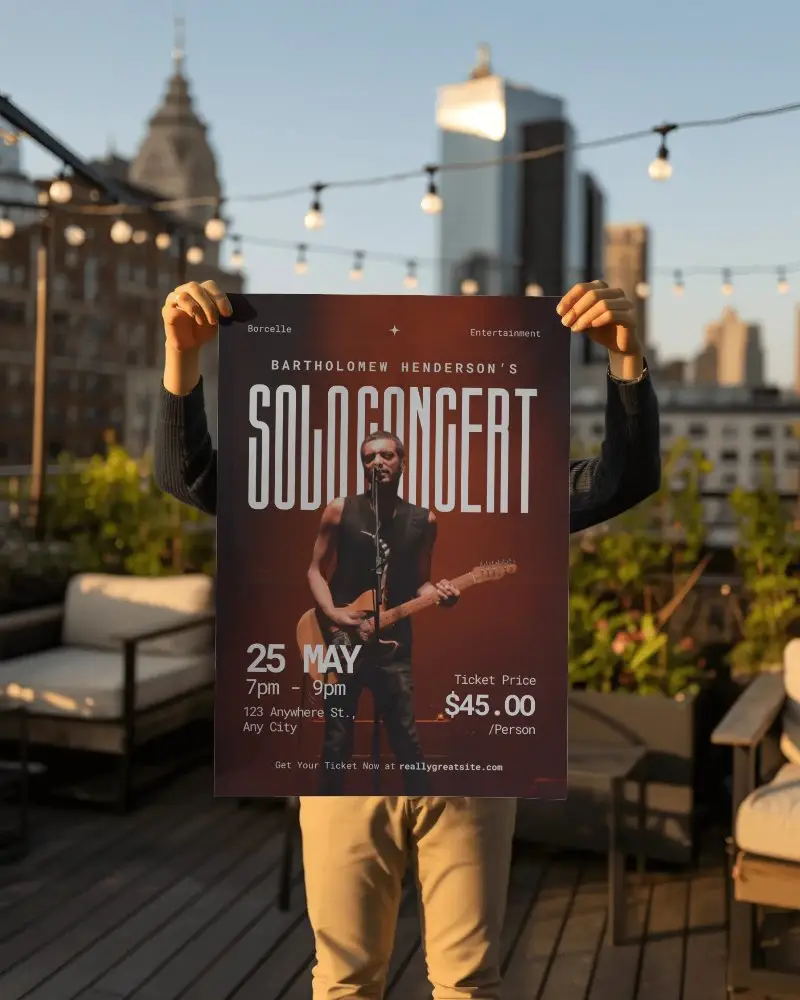
An A1 poster mockup is a digital template where you can place your artwork to see how it would look when framed, hung on a wall, or displayed in a real environment.
Why should I use an A1 poster mockup?
An A1 poster mockup helps you preview your design in a realistic setting before printing. It allows you to catch alignment or size issues, make improvements, and ensure your final artwork looks professional.
Is Mockey AI free for A1 poster mockups?
Yes! Mockey AI offers over 50 free A1 poster mockups. You can customize and download them without watermarks using the free plan, making it easy to create high-quality mockups at no cost.
