Free A2 Poster Mockups
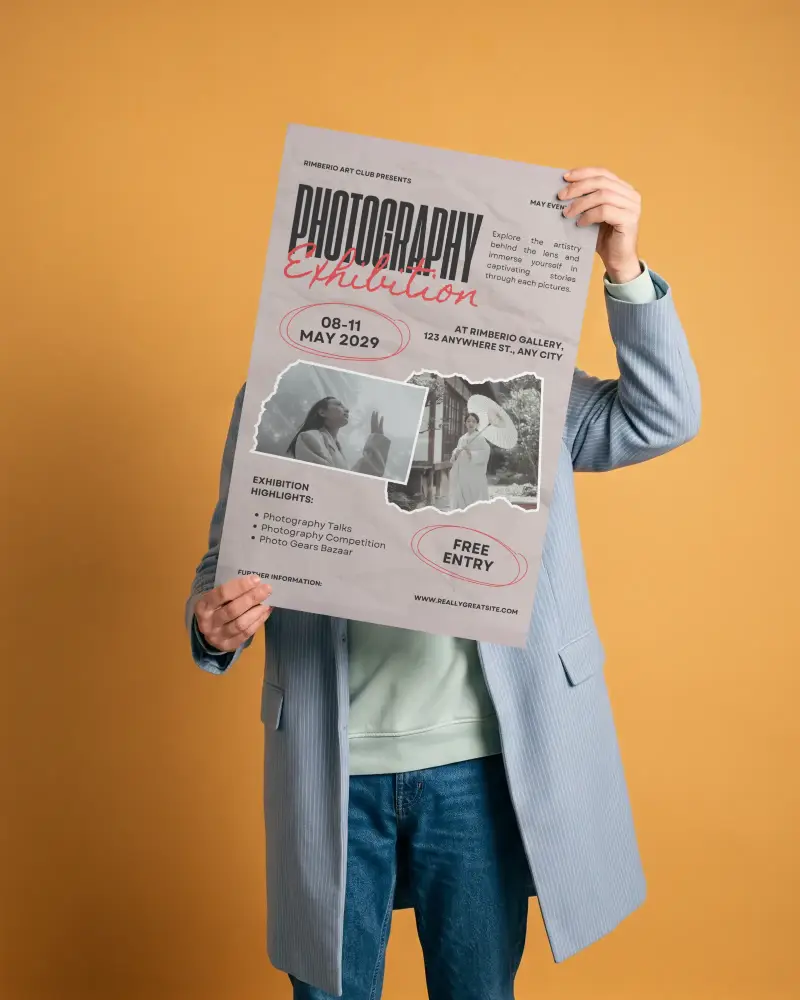
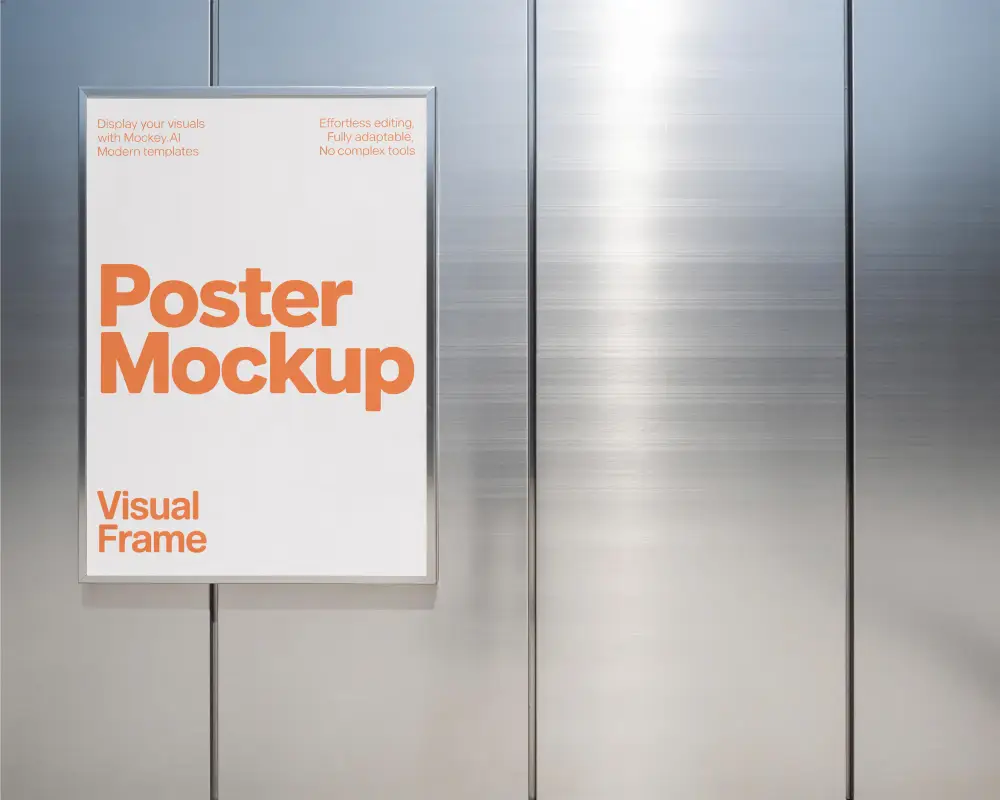
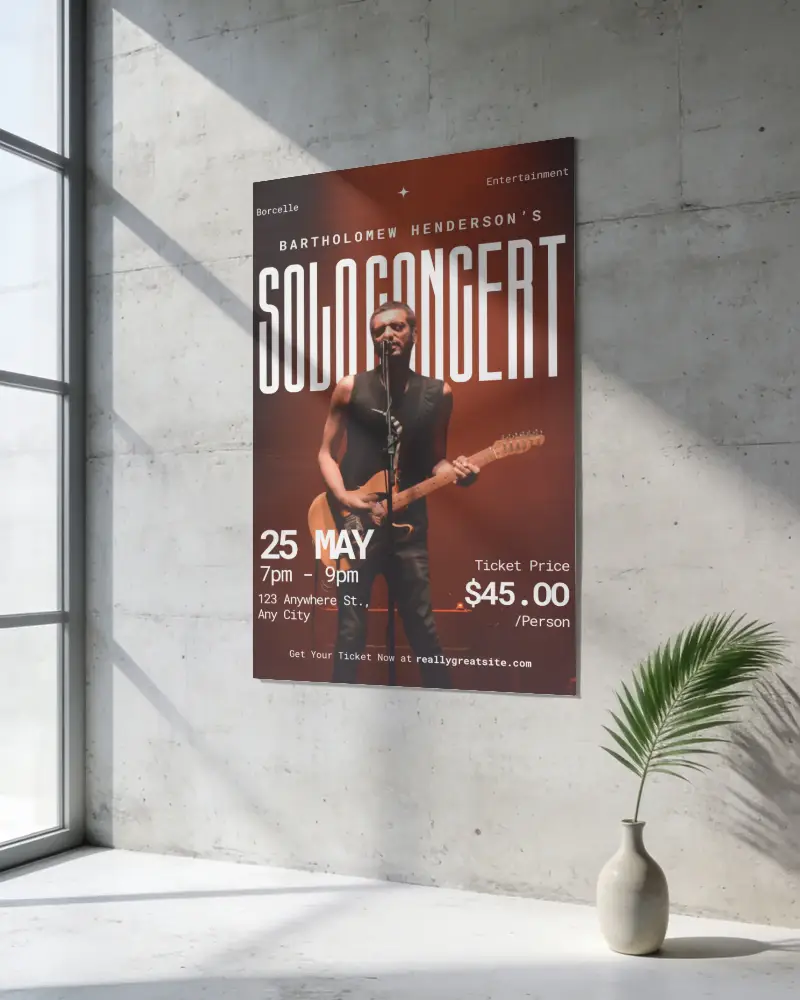
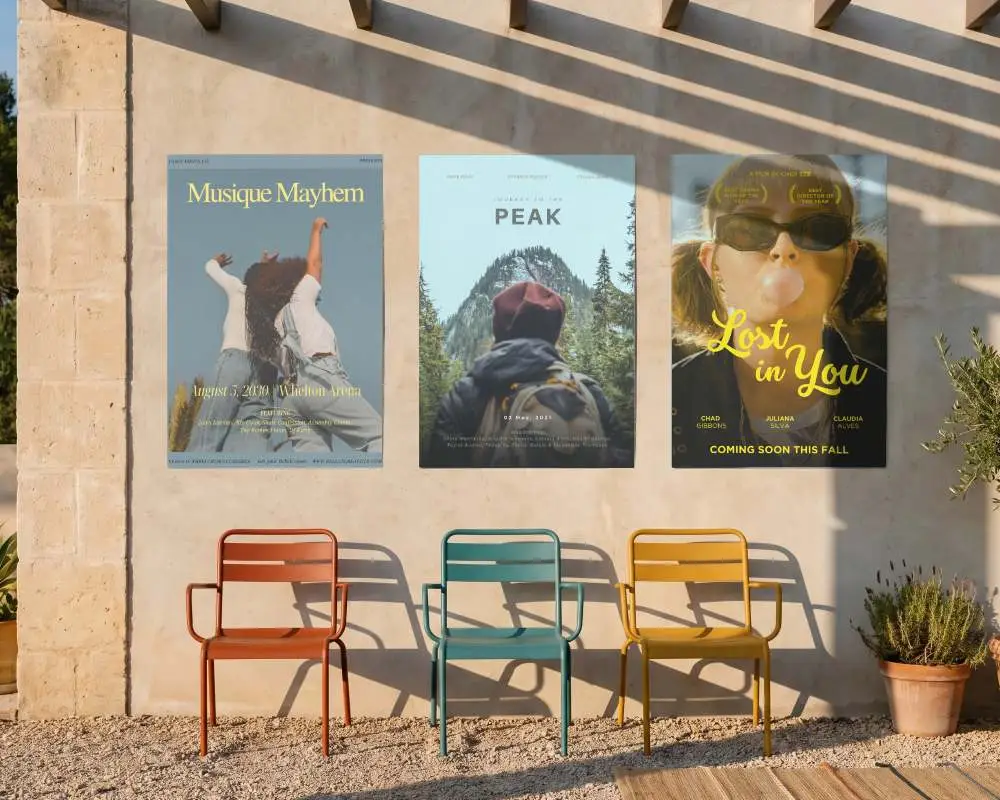
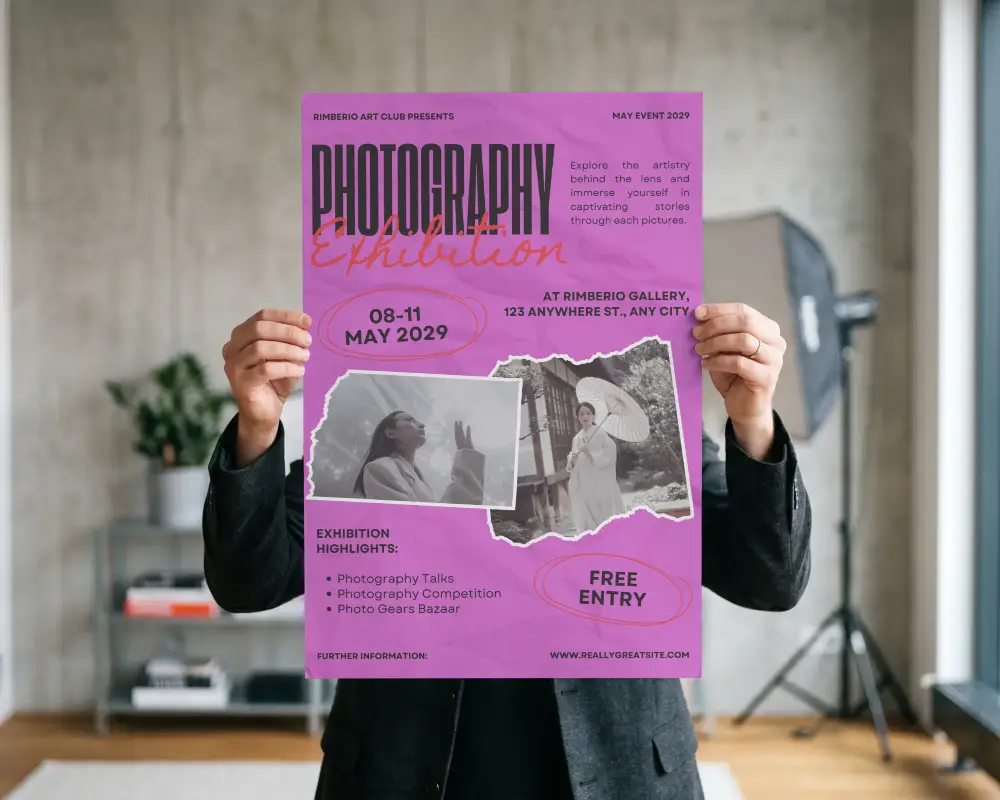
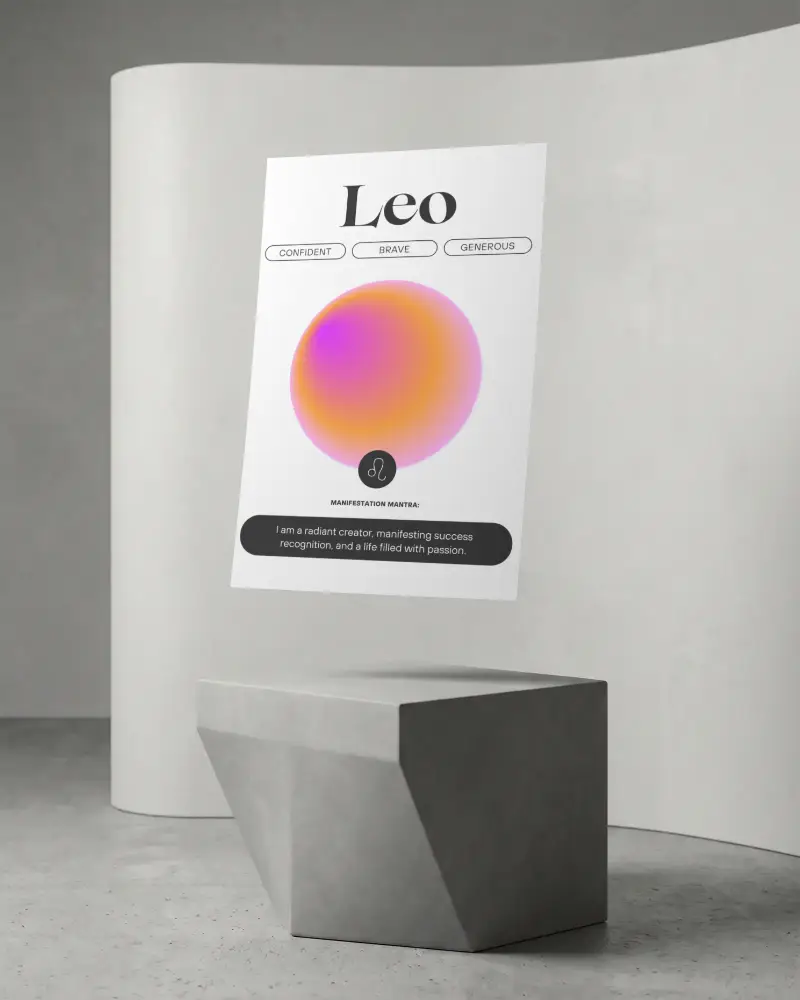
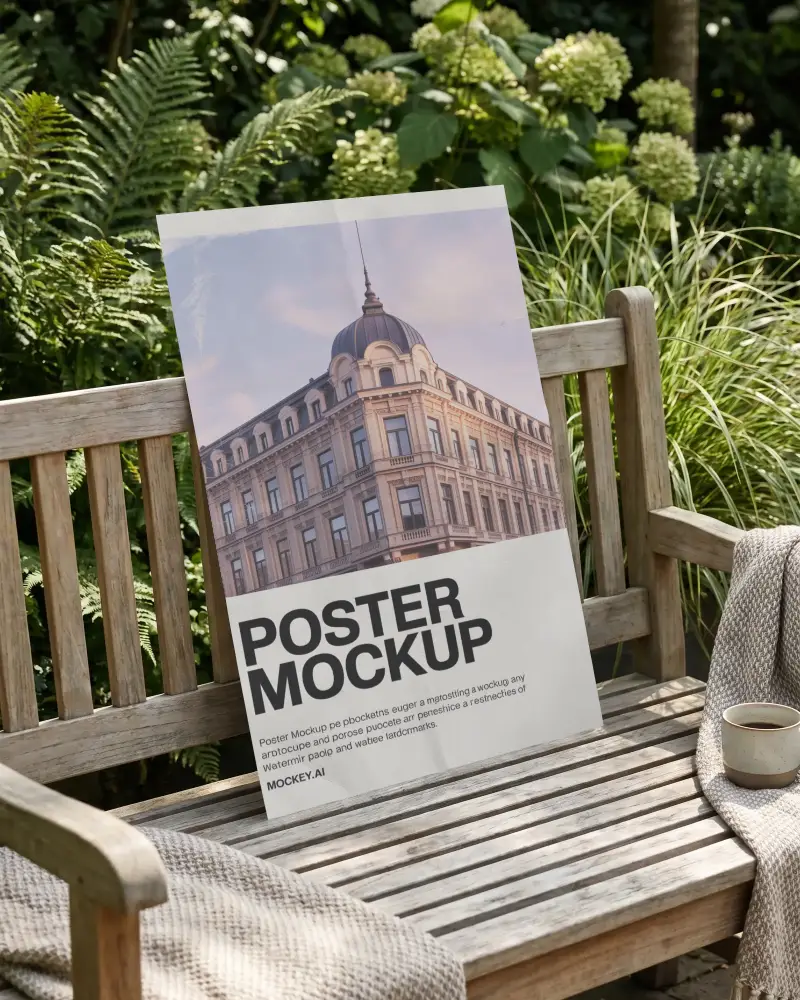
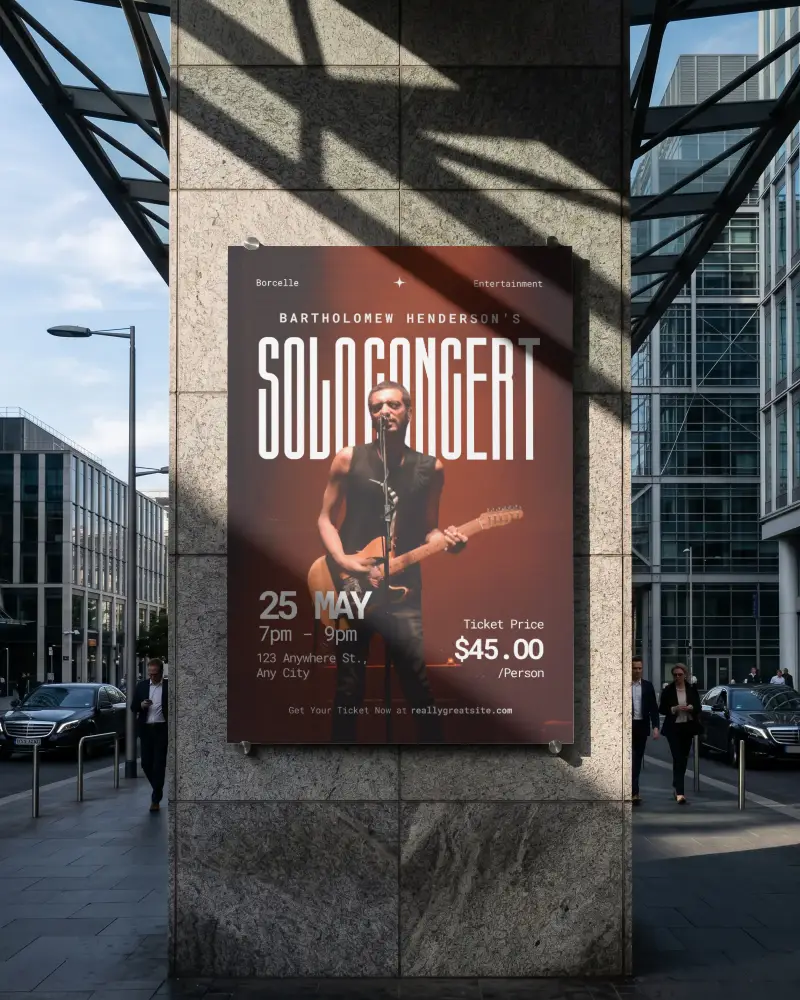
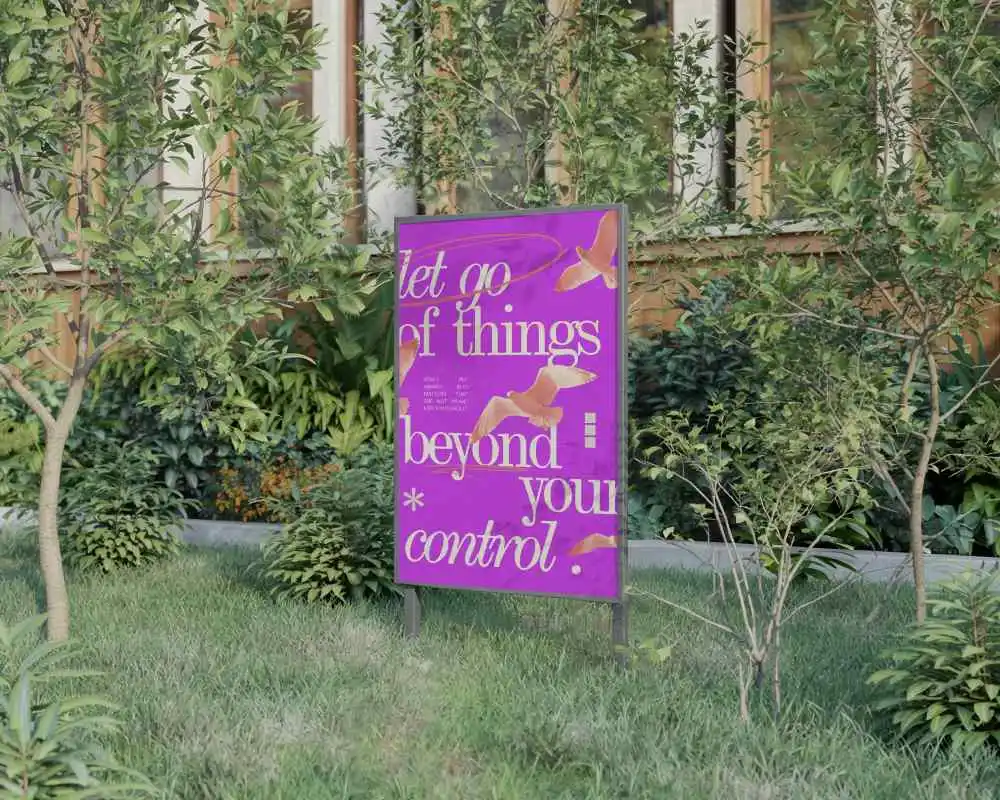
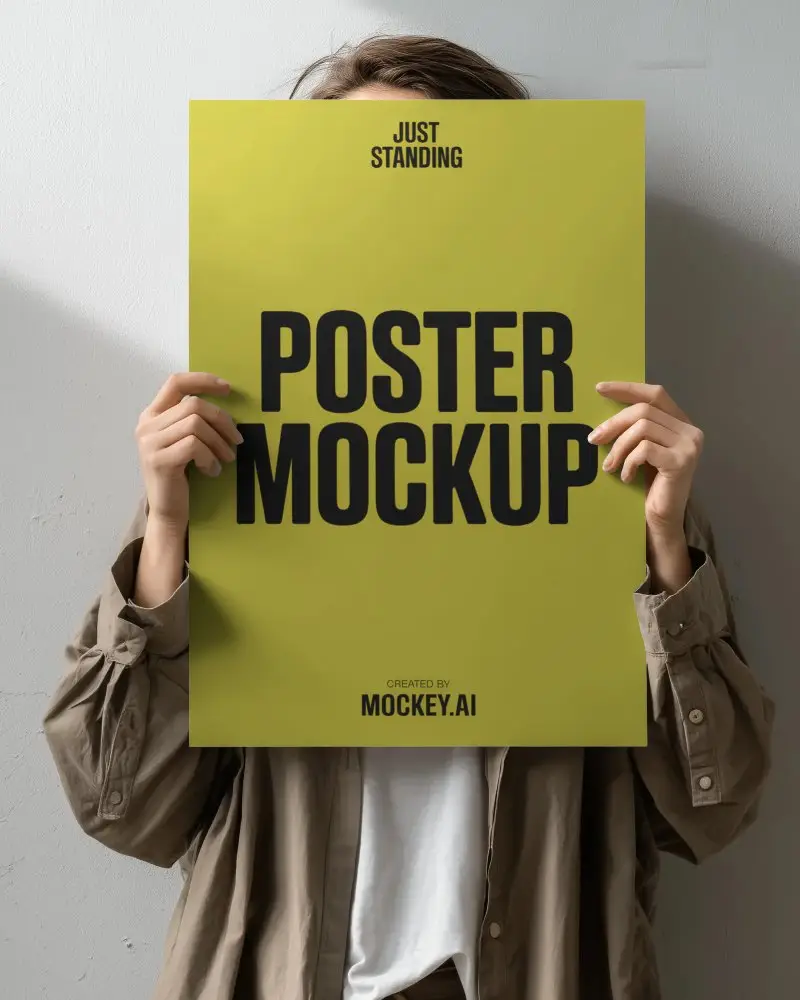
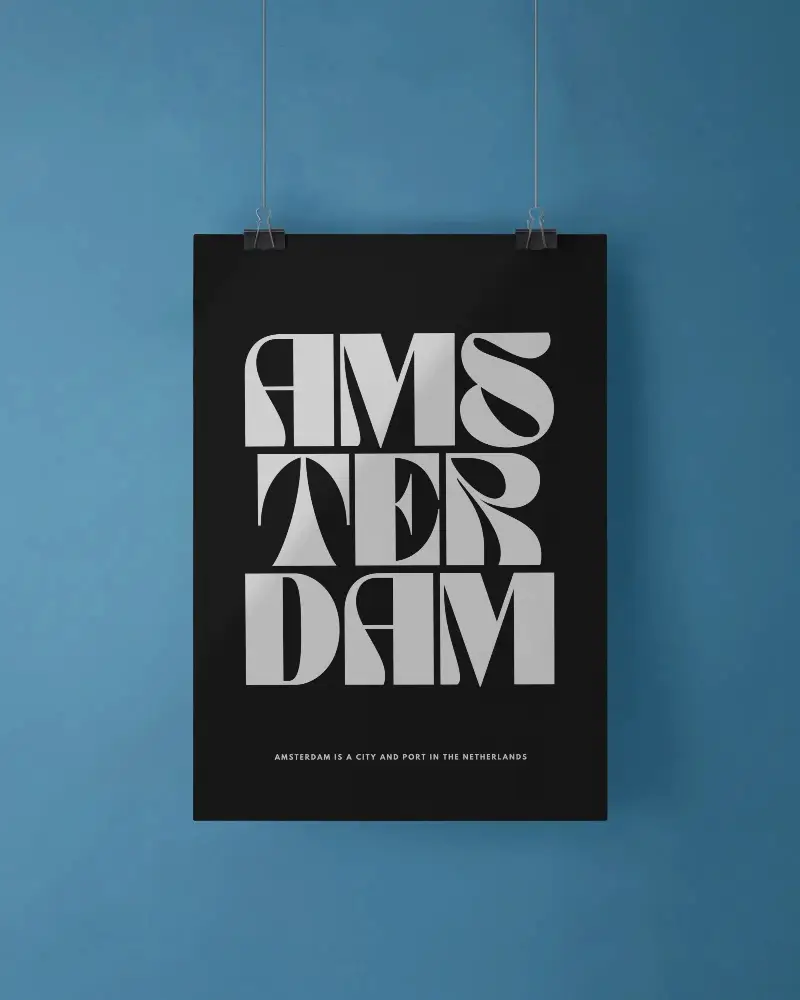
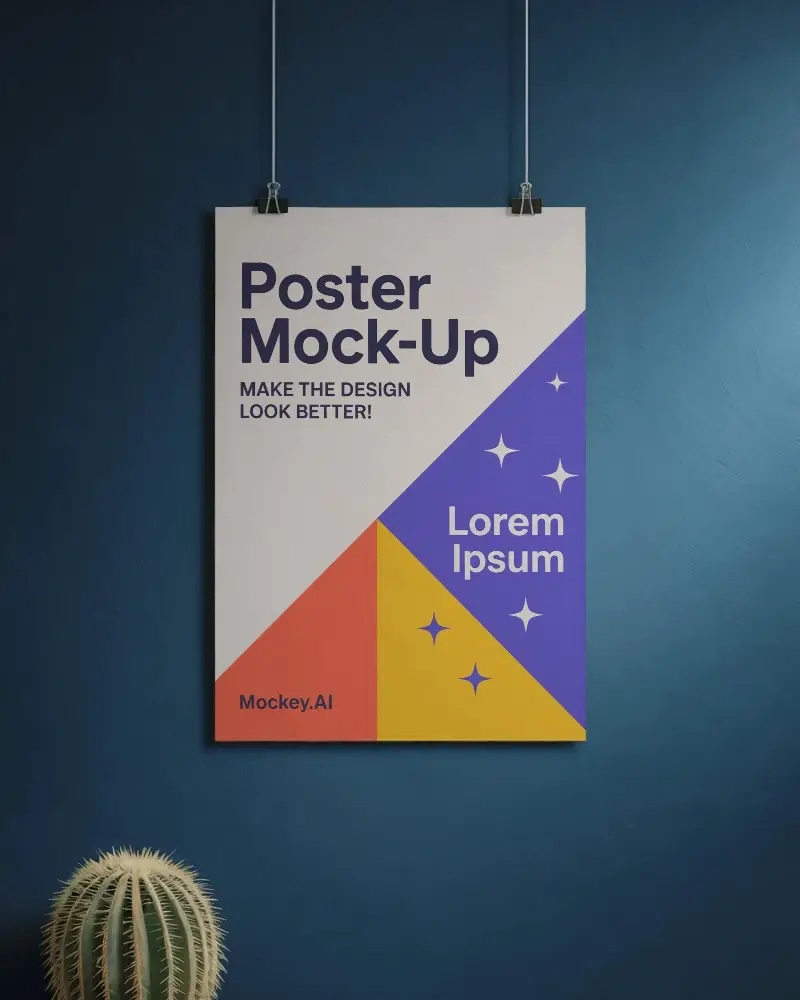
Download free A2 poster mockups at Mockey. Showcase your designs in realistic scenes with an easy online tool and impress your audience instantly.










.png)
















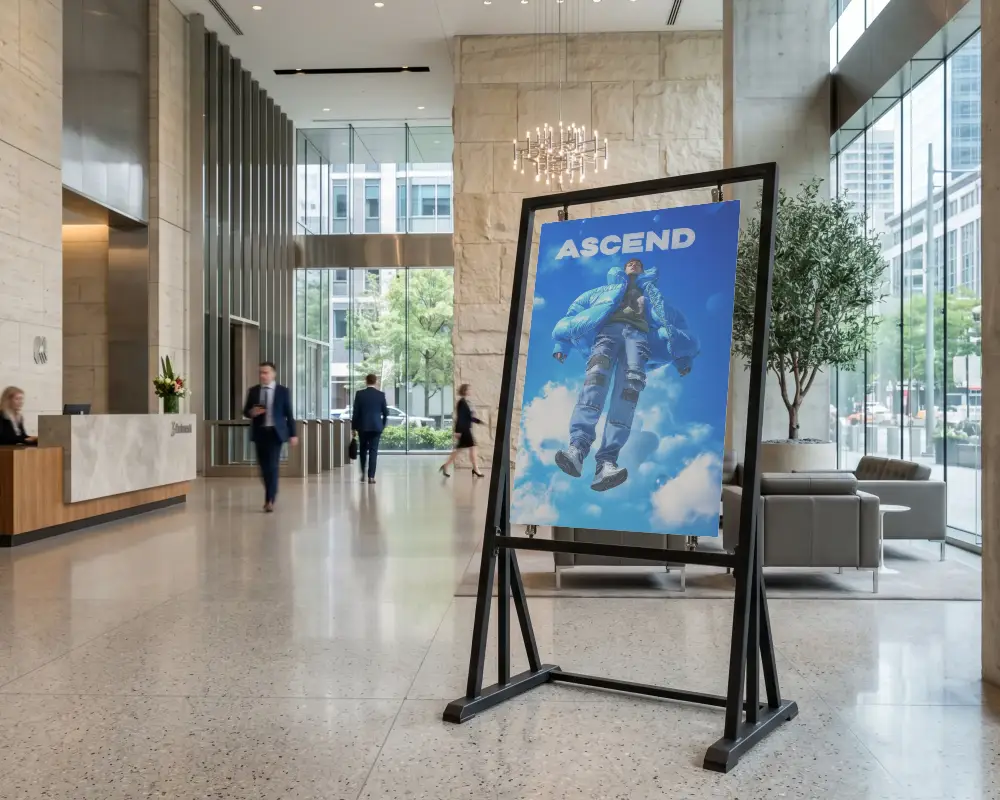
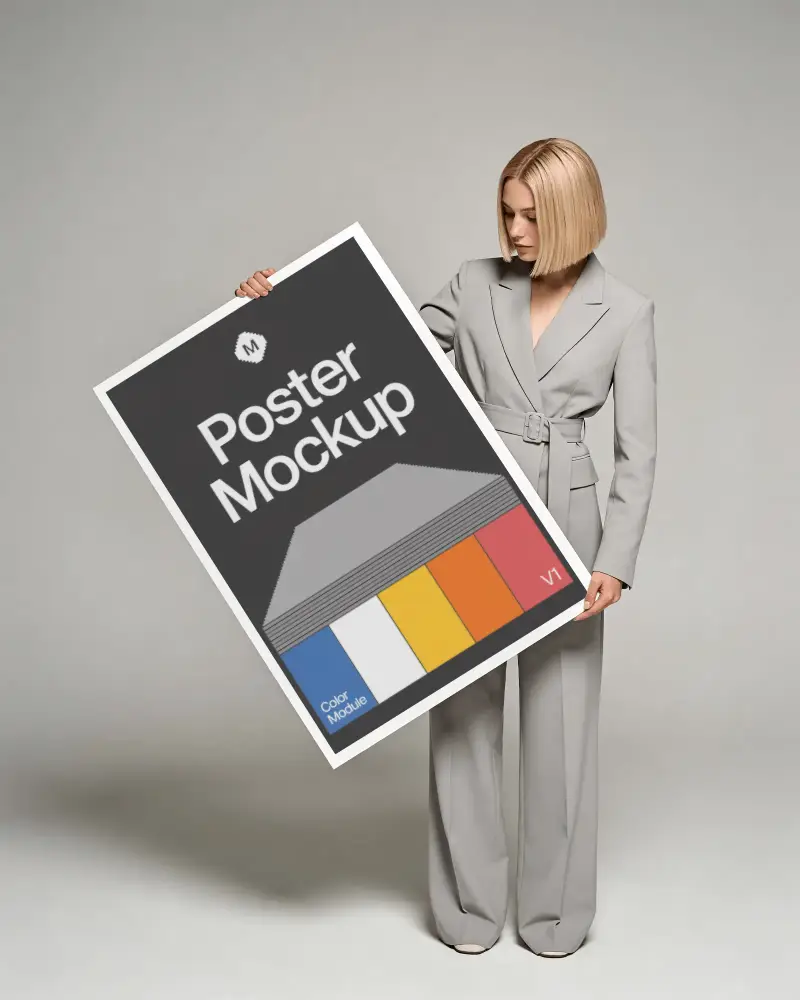
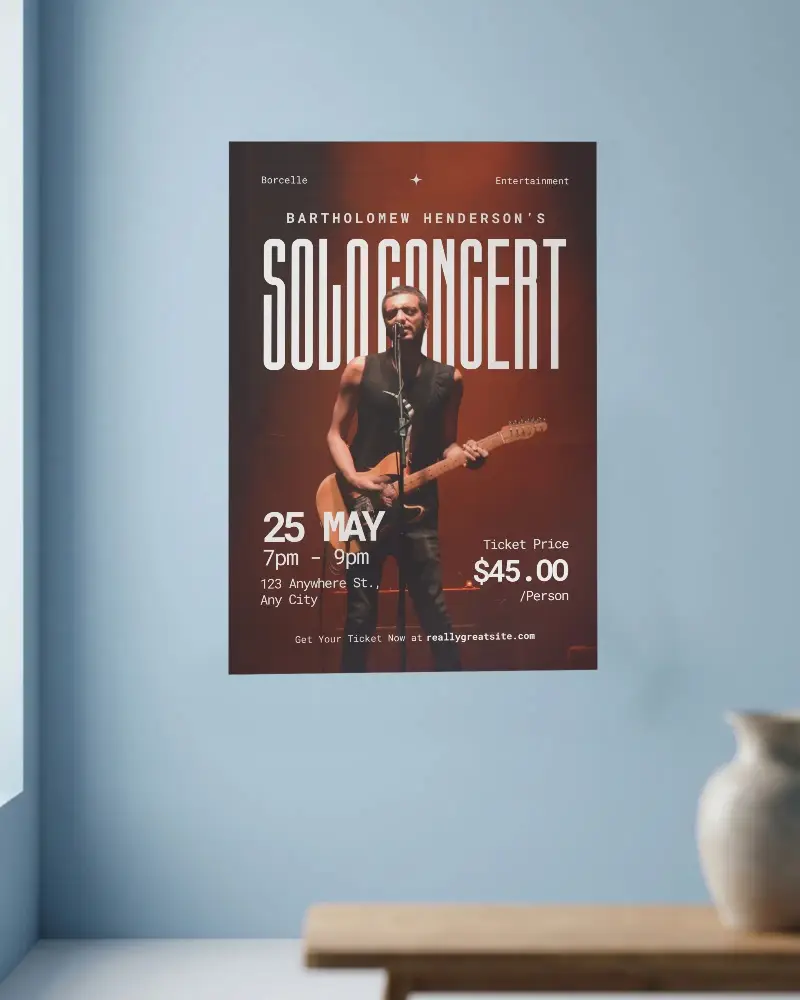
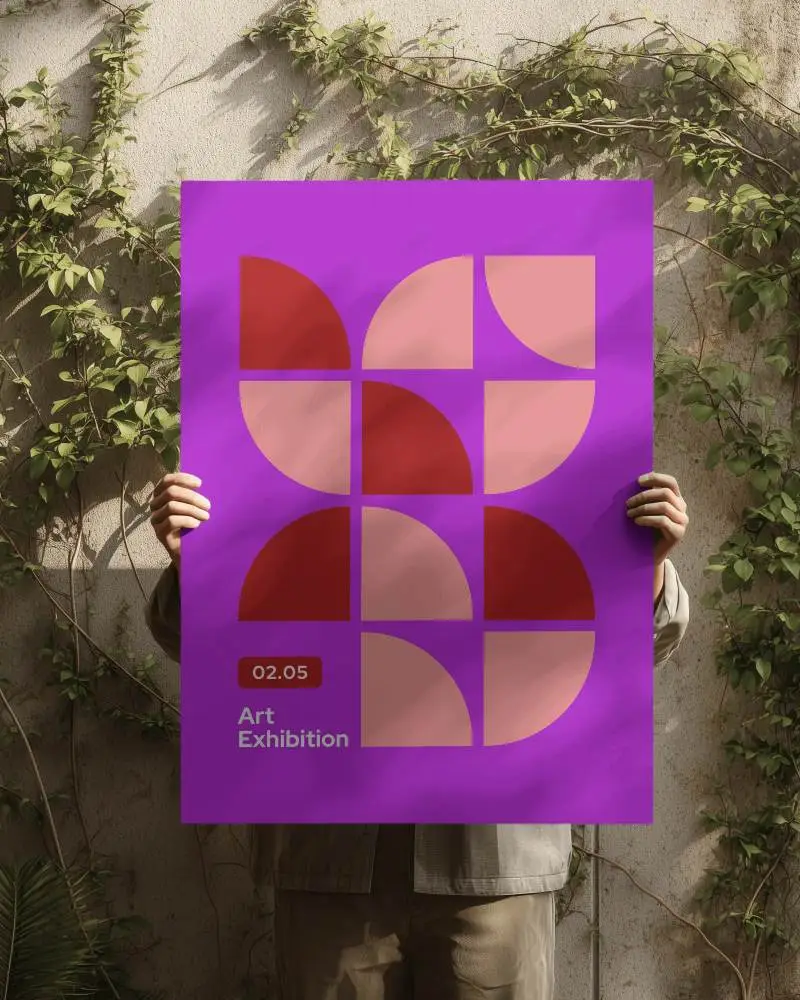
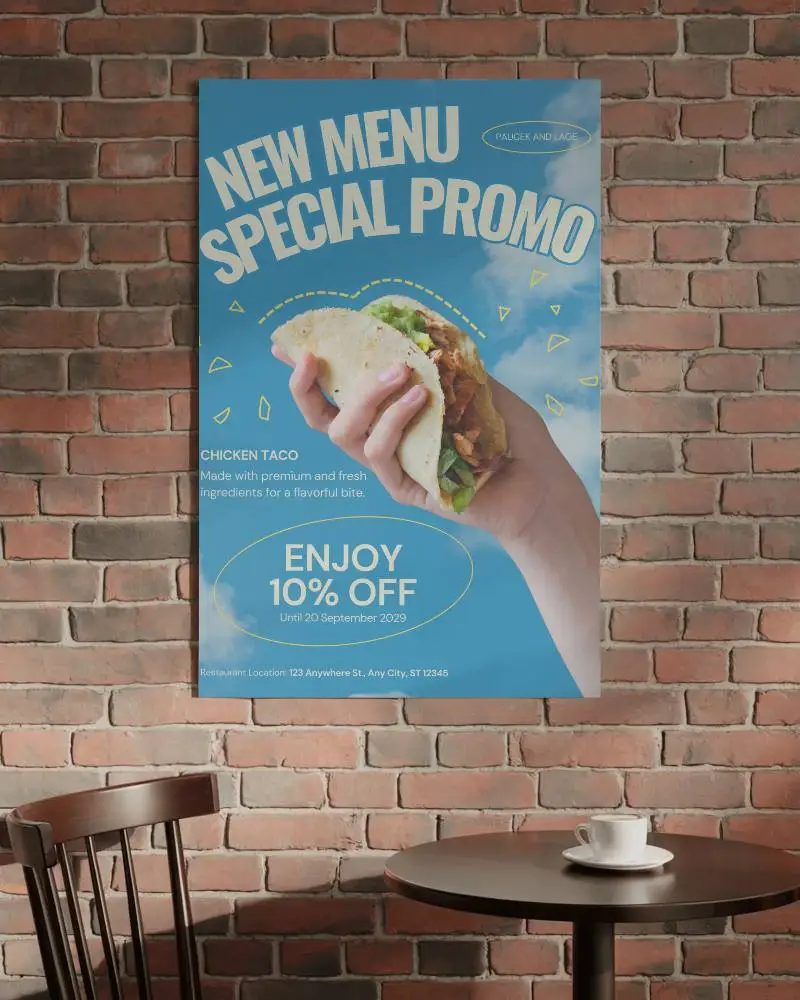
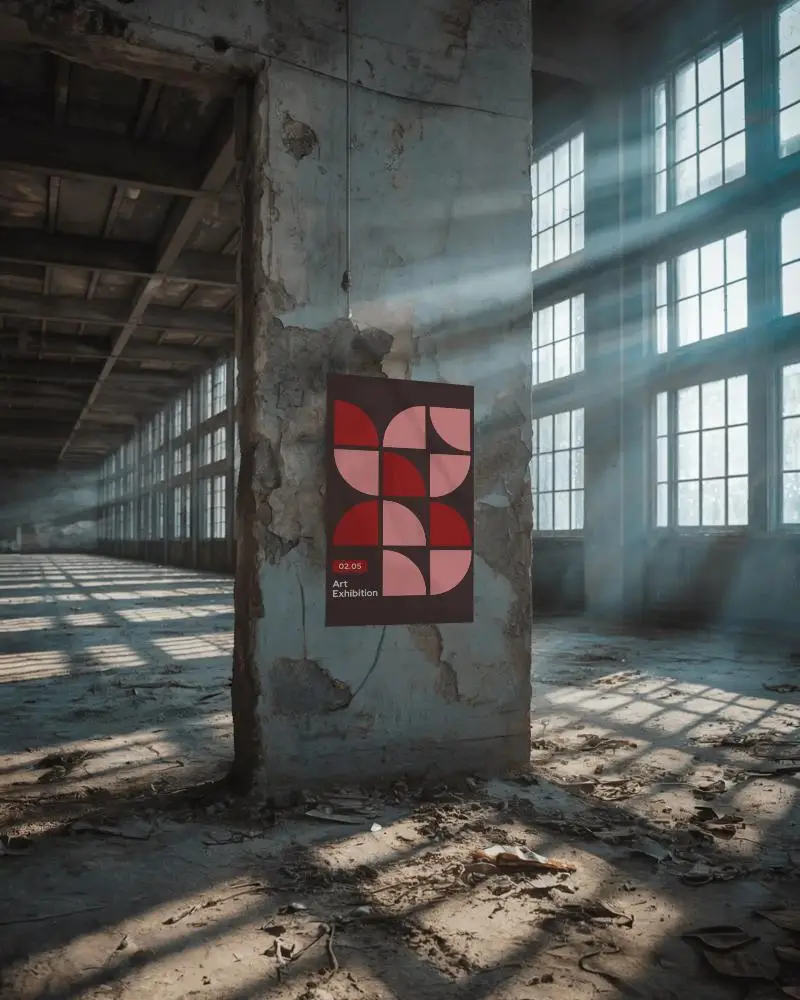
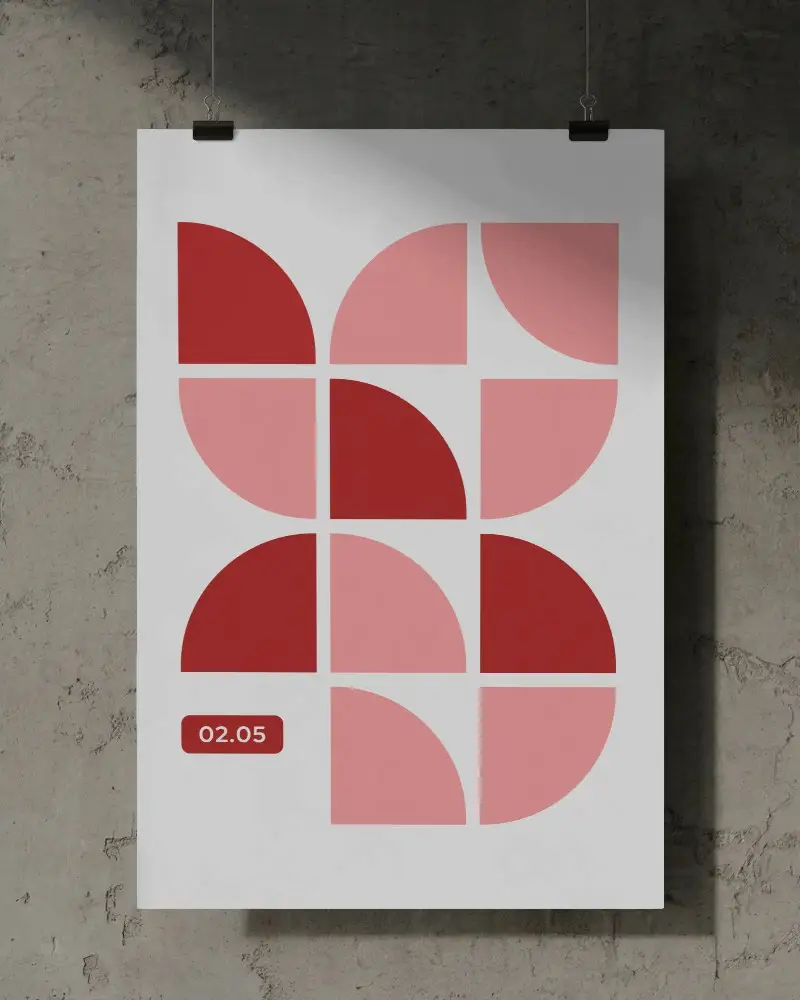
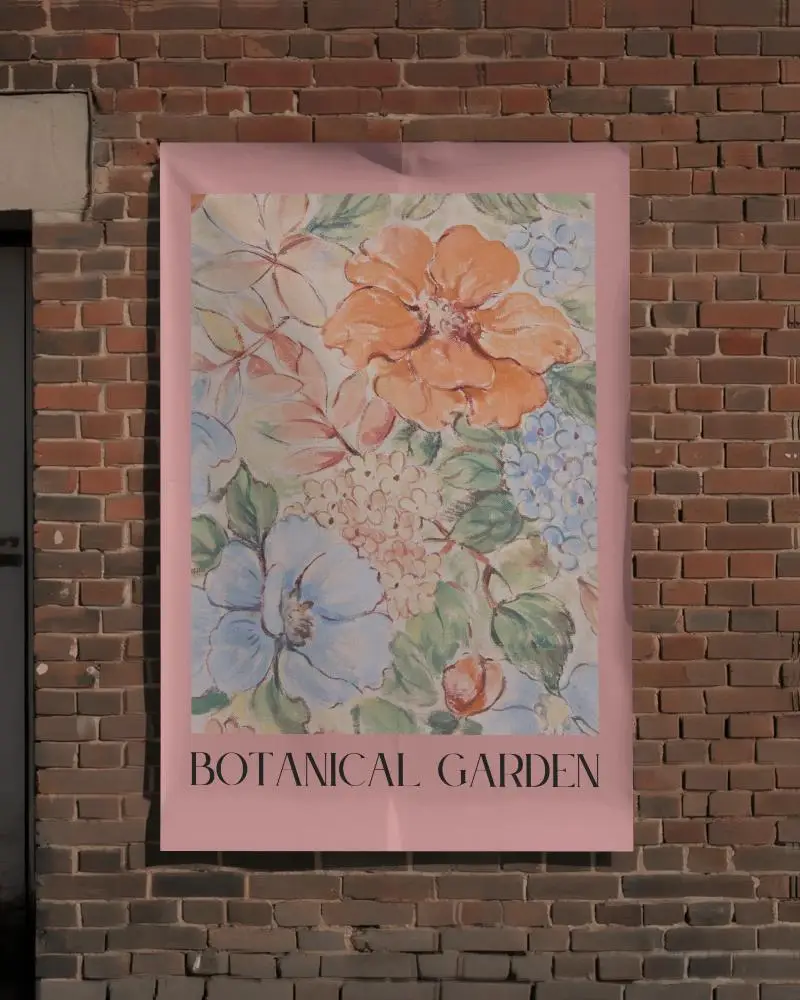
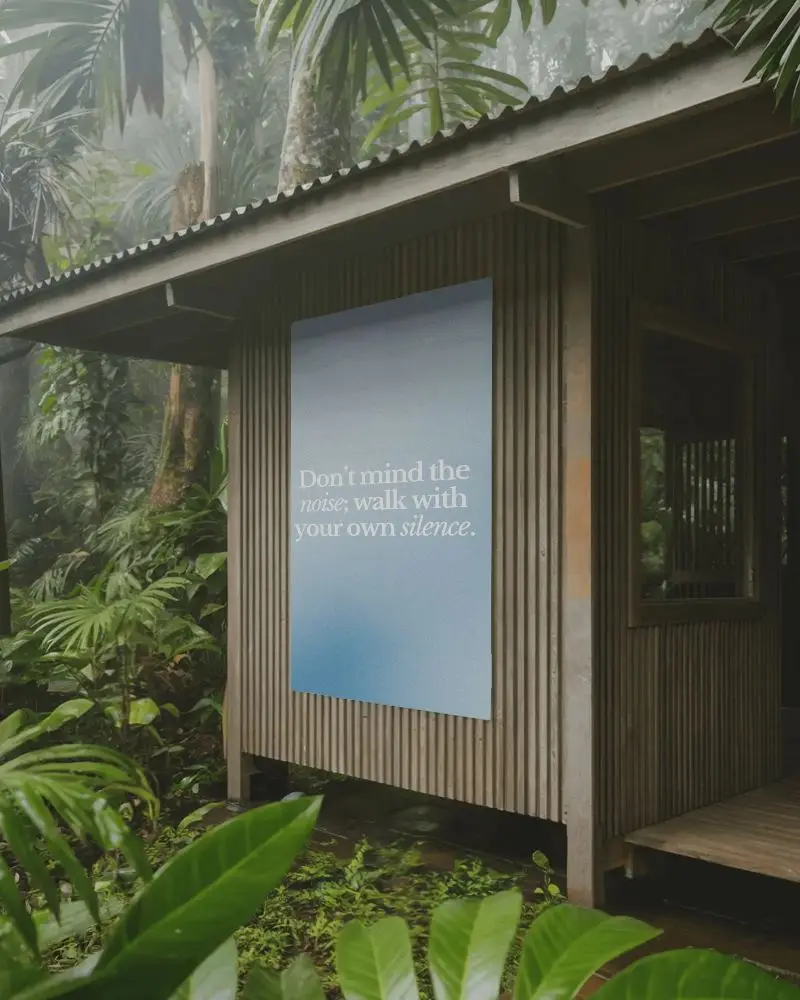
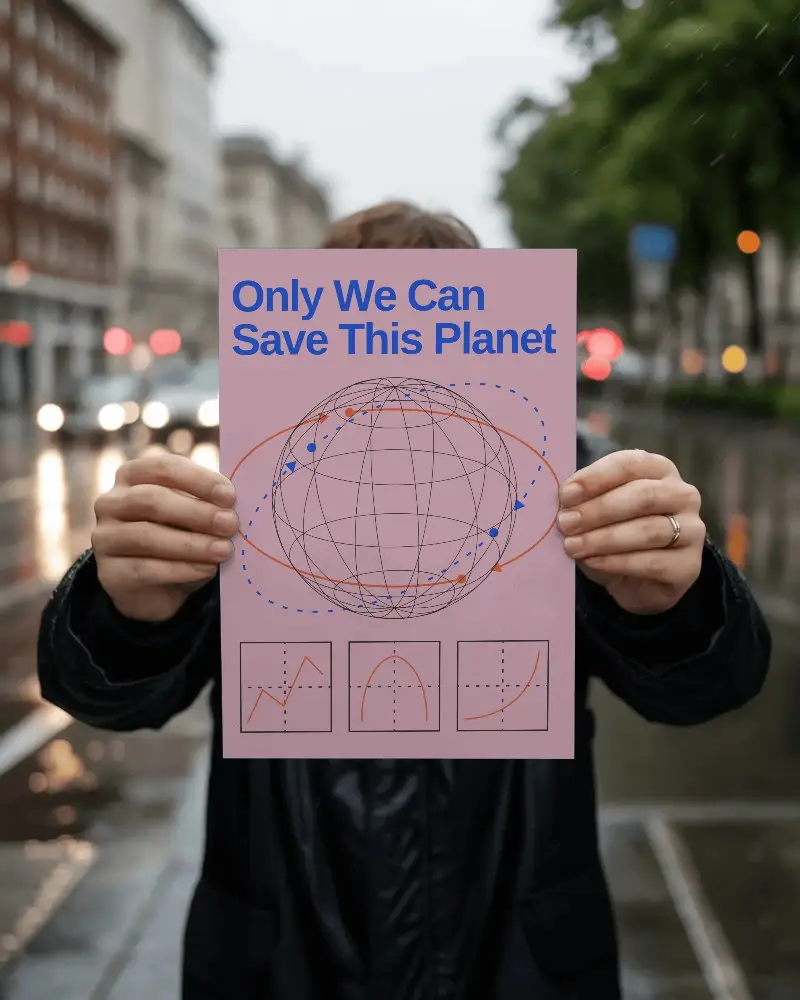
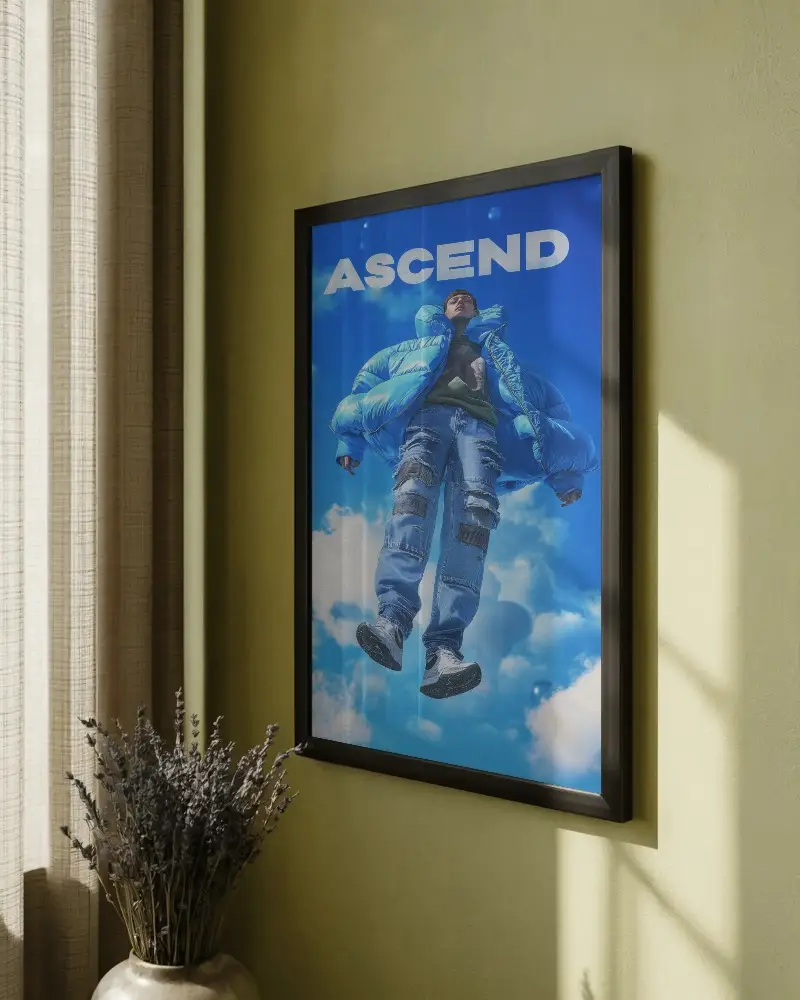
How to Create an A2 Poster Mockup with Mockey
To create an A2 poster mockup:
- Step 1: Sign up and go to Mockups > Categories.
- Step 2: Select Print > Poster > A2 to browse templates.
- Step 3: Pick a template, upload your design, and customize it.
- Step 4: Click Download to save your A2 poster mockup.


FAQs on A2 Poster Mockups
What is an A2 poster mockup?
An A2 poster mockup is a digital template that displays your artwork as if it’s already printed and showcased. Mockey AI uses the standard A2 size (594 × 420 mm) and lets you preview your design realistically using customization tools.
Why should I use an A2 poster mockup?
An A2 poster mockup helps you present your artwork in a realistic setting, making it easier for clients to visualize the final result. It speeds up approvals, enhances professionalism, and saves time compared to manual design presentations.
Are free A2 poster mockups available?
Yes! Most A2 poster mockups on Mockey AI are free to customize and download on the free plan. For full access to all templates and advanced features, an upgrade is required.
