Free Three Poster Mockups
Download this free three poster mockup showcasing a realistic wall display with customizable blank posters, perfect for presentations, branding, and portfolio use.










.png)















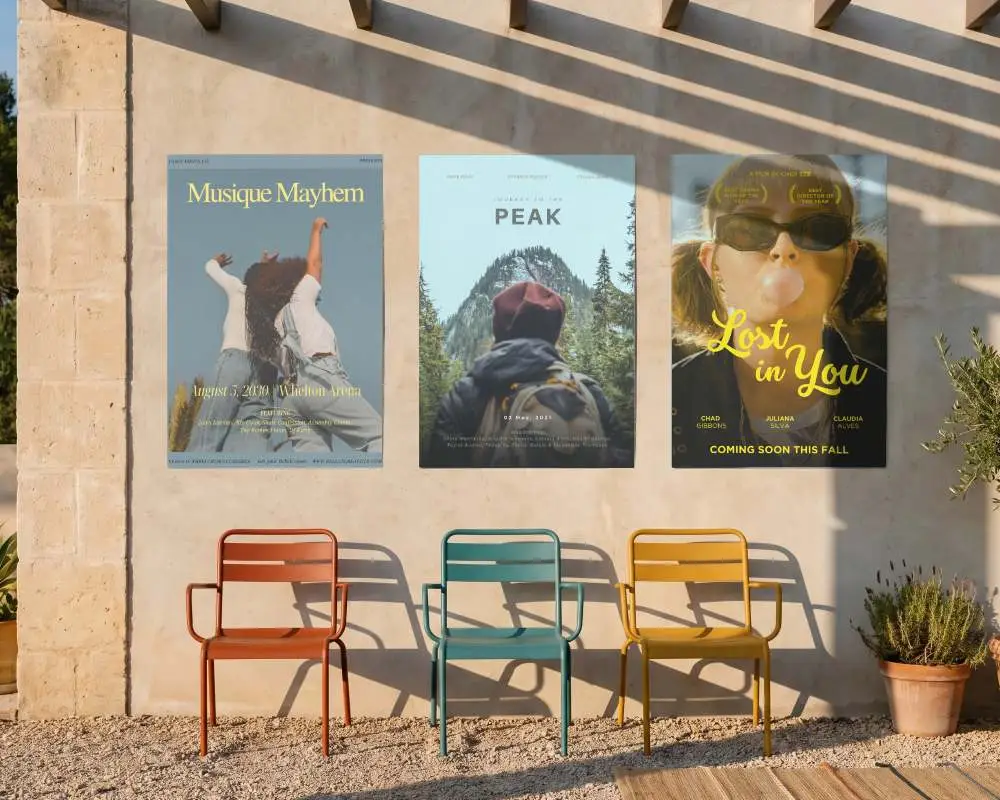
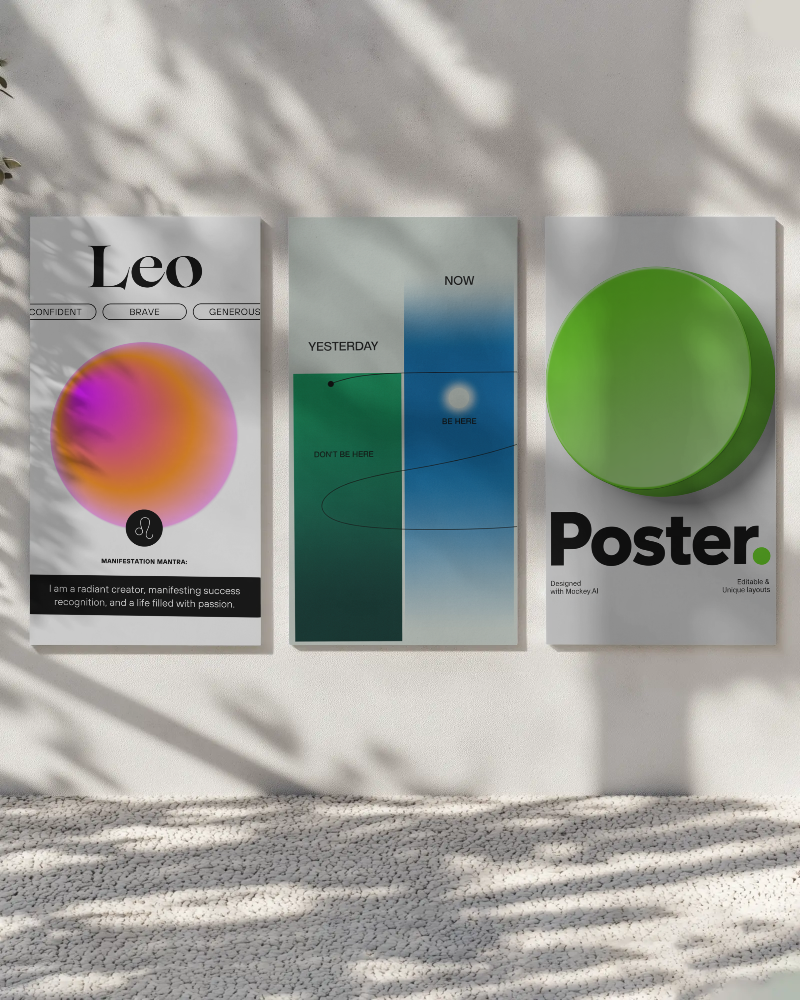
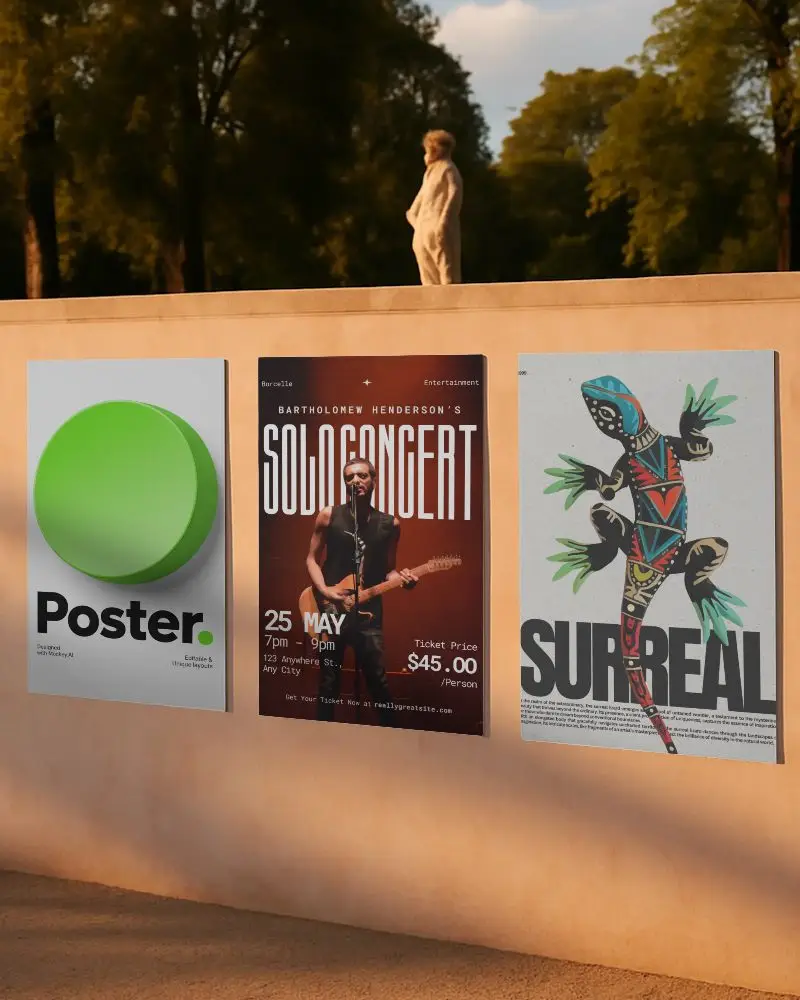
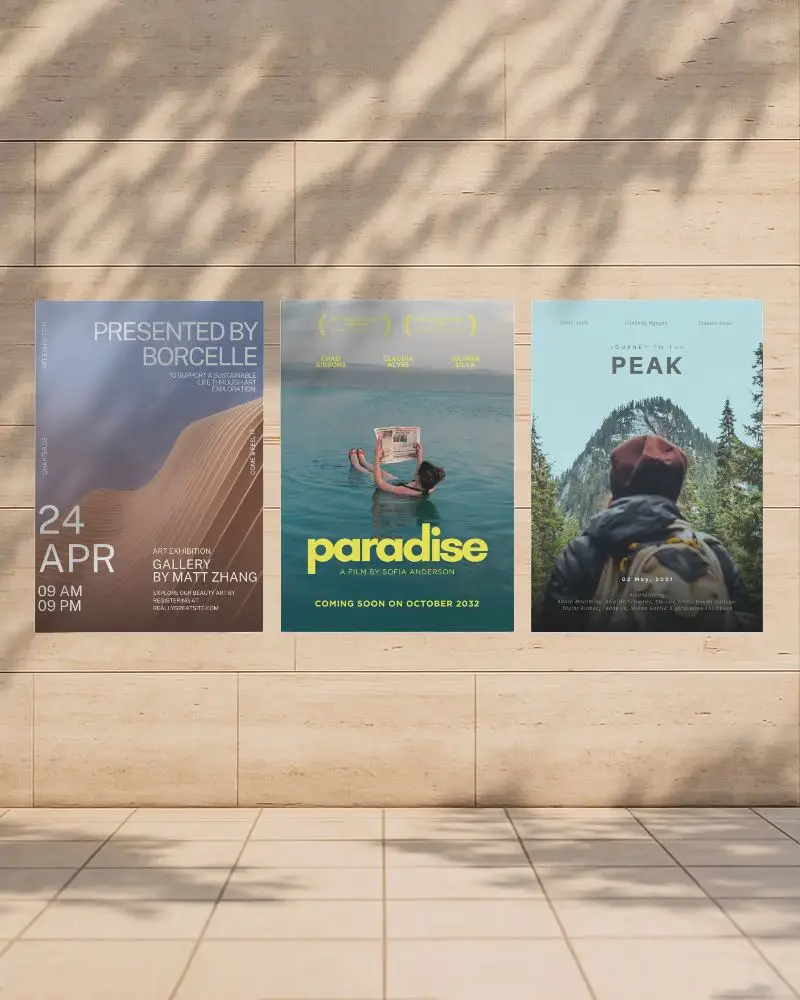
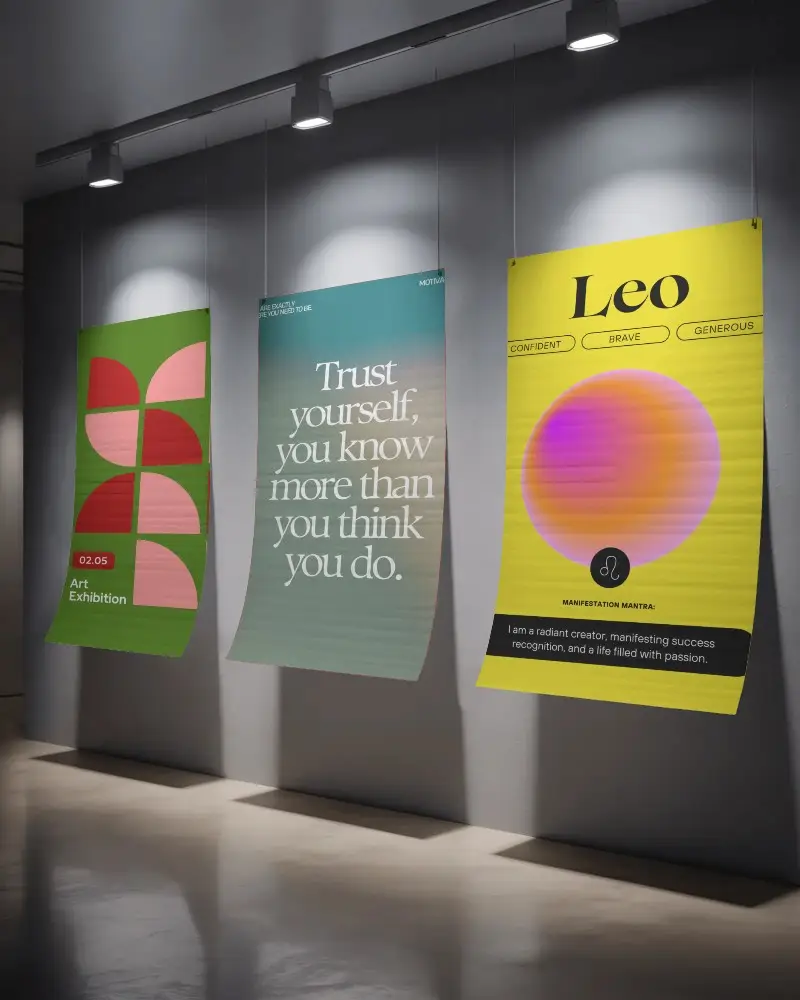
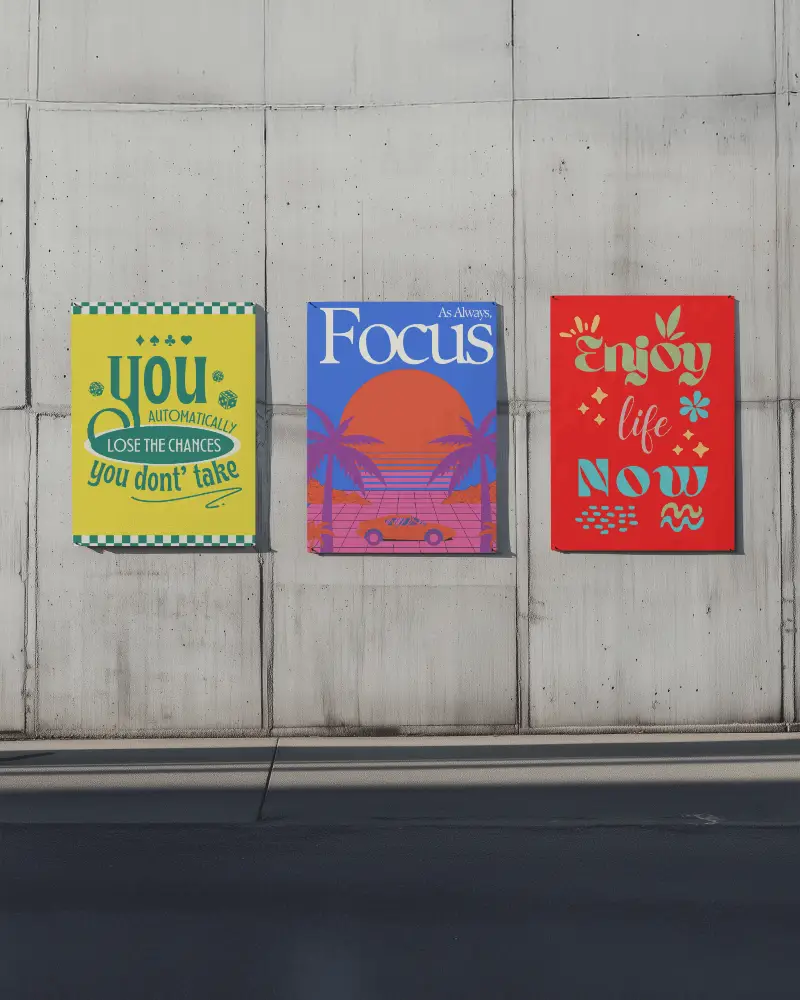

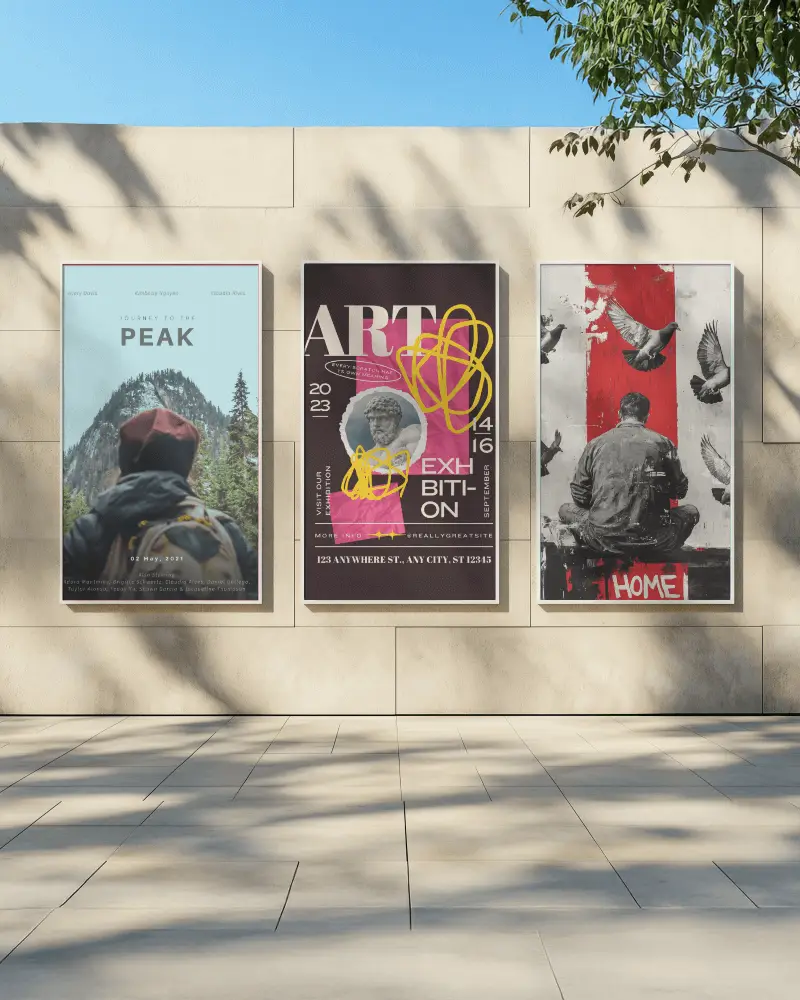
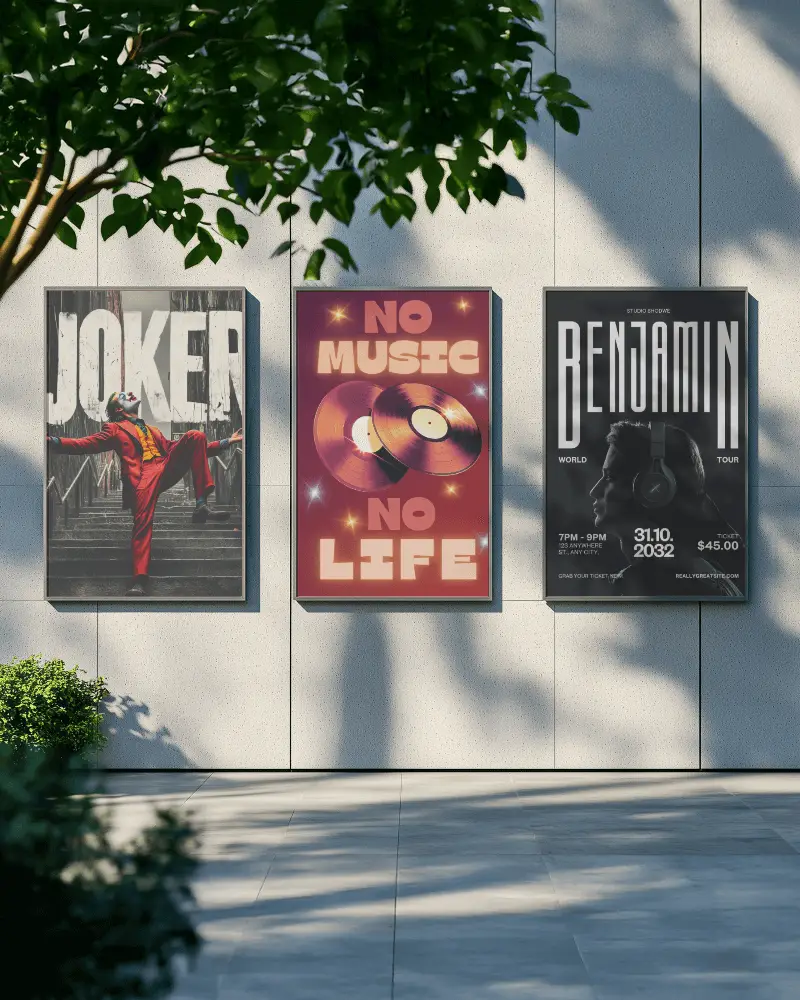
How to Create a Three Poster Mockup with Mockey
To create a three poster mockup:
- Step 1: Simply sign in. In “Mockups,” go to Categories and select “Print > Poster > Three.”
- Step 2: Choose your favorite template, upload a design, and customize it.
- Step 3: Tap the “Download” button to save your three-poster mockup.


FAQs on Three Poster Mockups
What is a three poster mockup?
A three-poster mockup is a digital template that lets you preview three poster designs side by side in a realistic environment. It helps visualize how your artwork will look when printed and displayed together.
Why should I use a three poster mockup?
A three-poster mockup is perfect when working on multiple designs. It makes presentations look polished and professional, helps compare concepts, and lets you display related artworks or campaign pieces in one clean, cohesive scene.
Can I customize each poster in the three poster mockup?
Yes! You can upload different designs to each poster or use the same design across all three. You can also adjust the colors individually for each poster using Mockey AI’s editor tools.
Who can benefit from using a three poster mockup?
Designers, advertisers, artists, and event organizers benefit the most. It helps visualize campaigns, present artwork professionally, and show clients a realistic preview before printing.
Do I need special software to use Mockey AI for poster mockups?
No special software is needed. Mockey AI works directly in your browser (and on Android). Just upload your design, choose a template, customize it, and download instantly—no Photoshop required.
