Free Hand Holding Poster Mockups
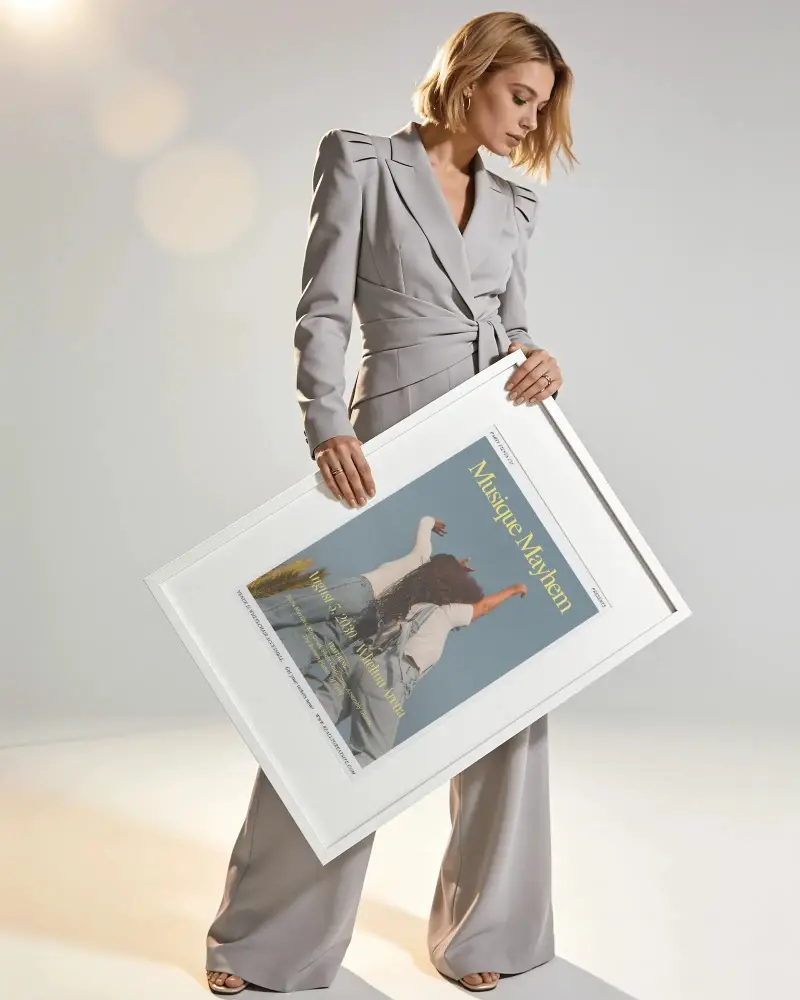
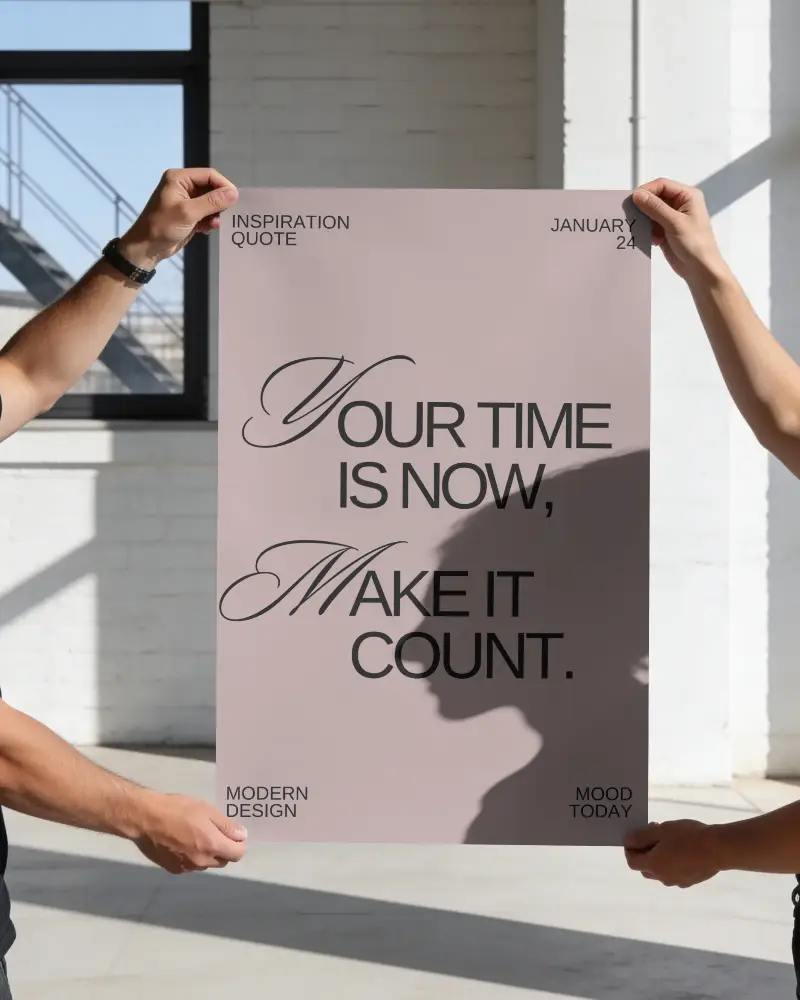
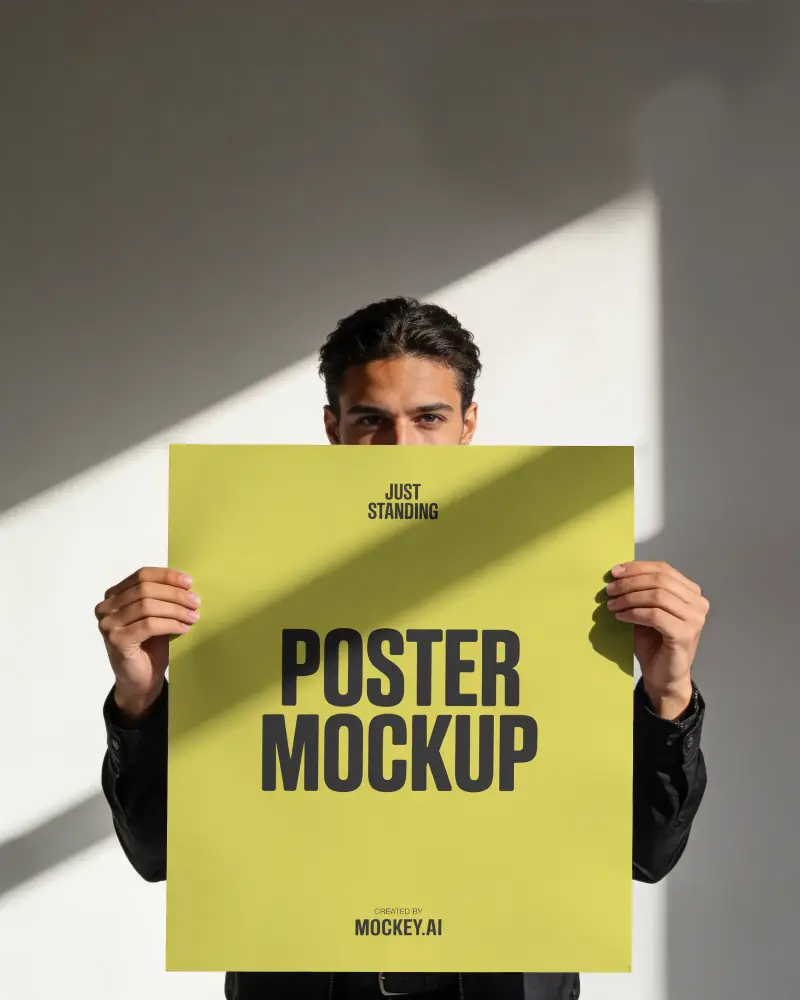
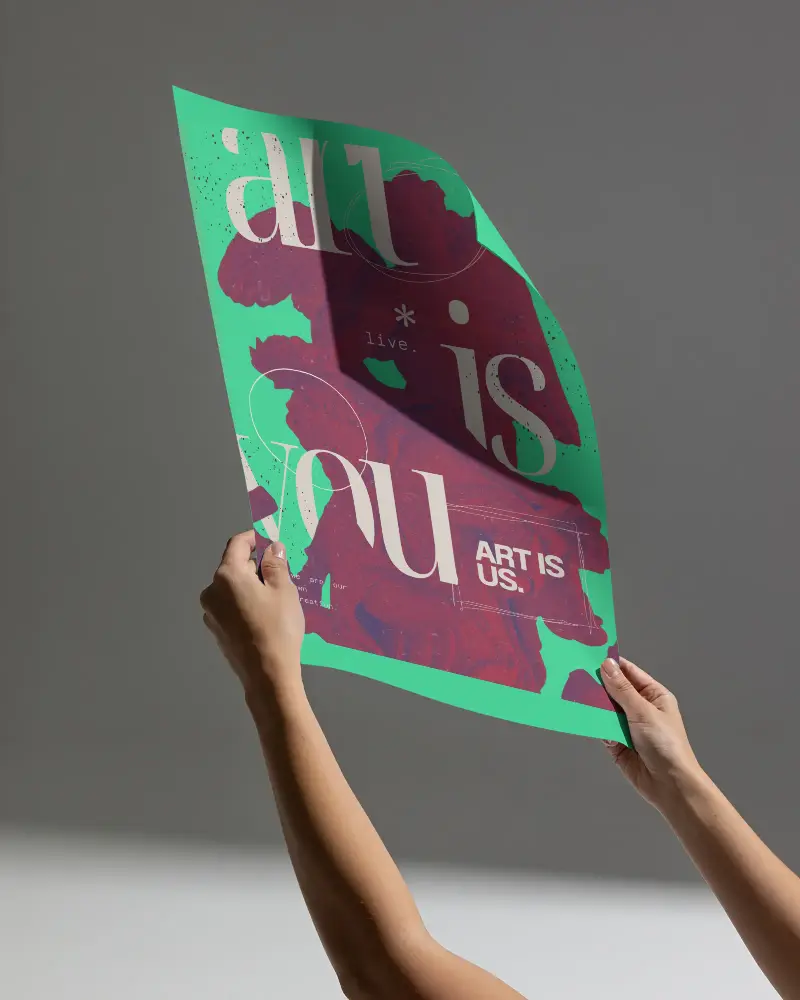
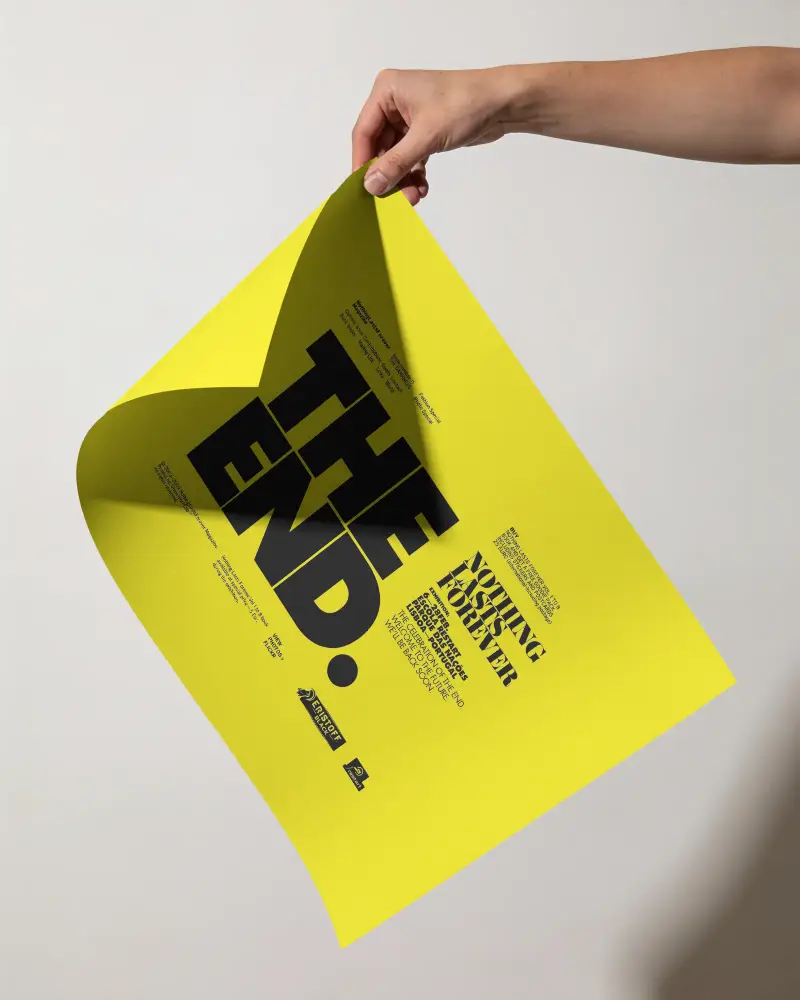
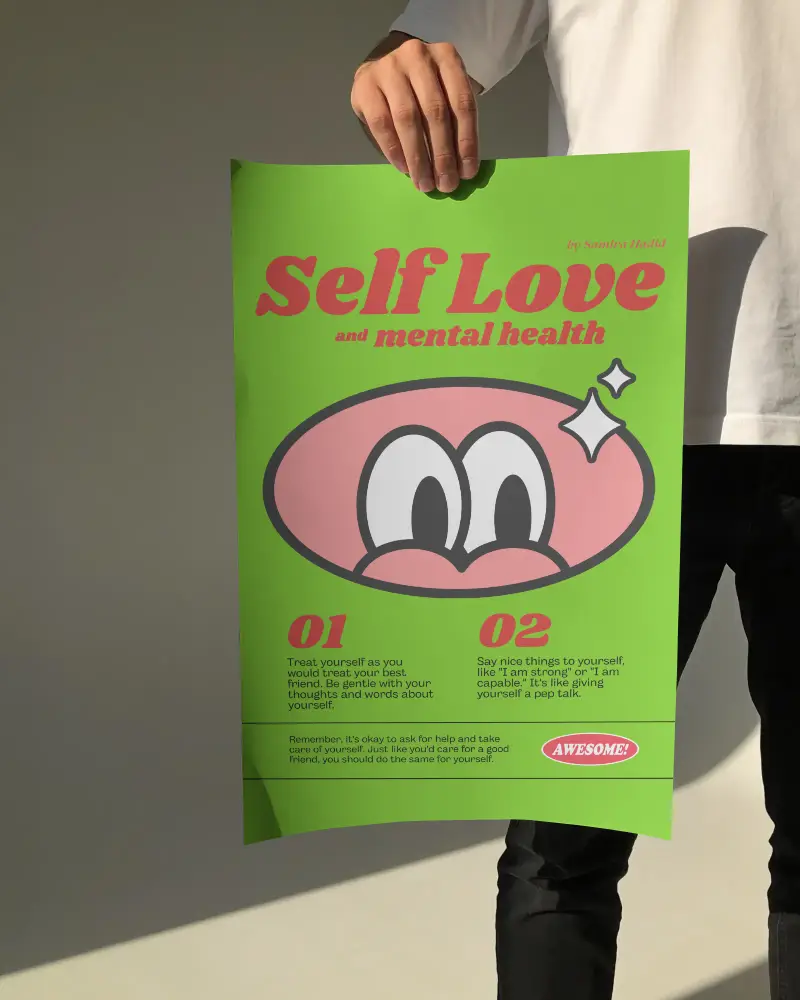
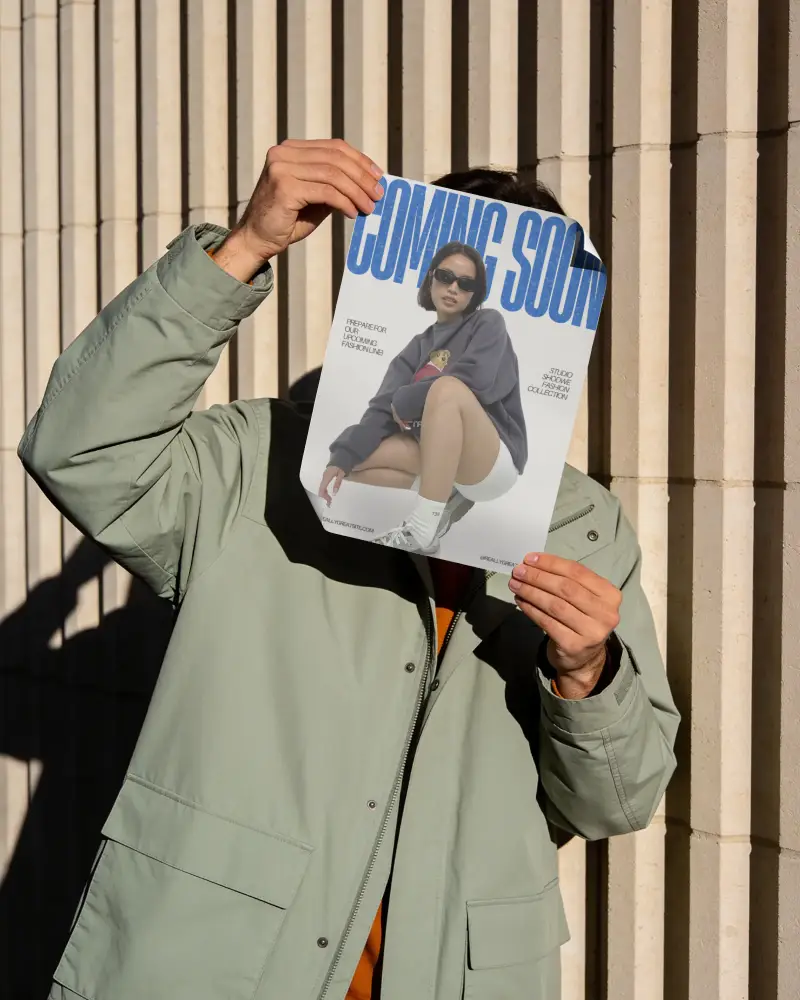
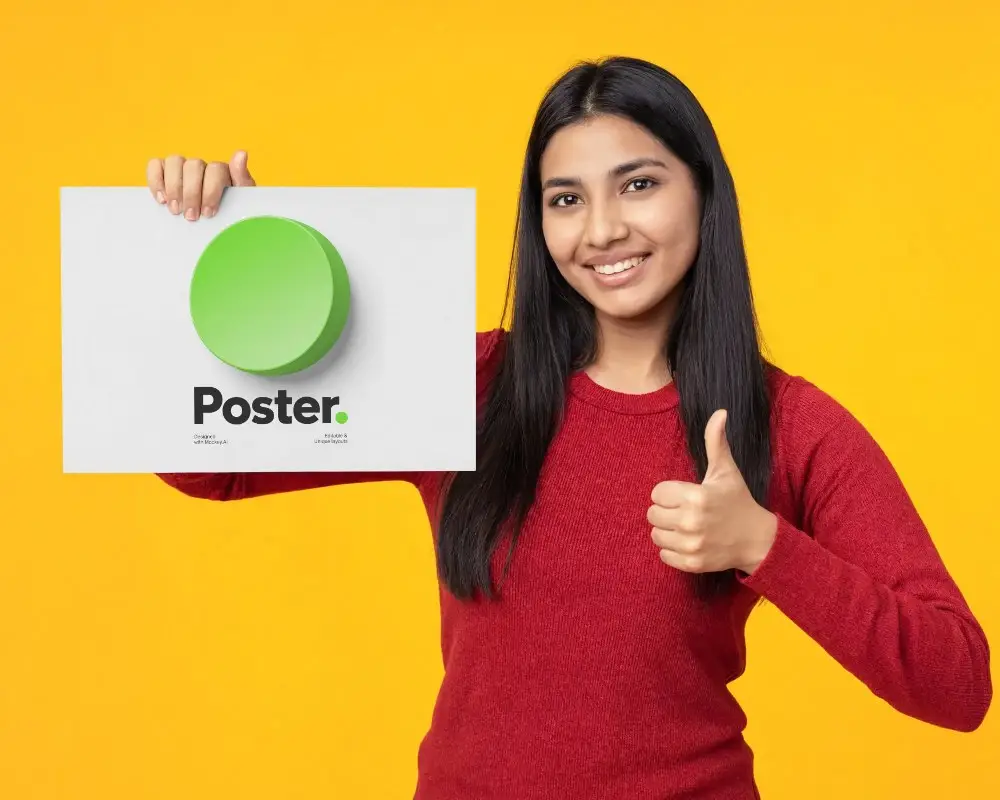
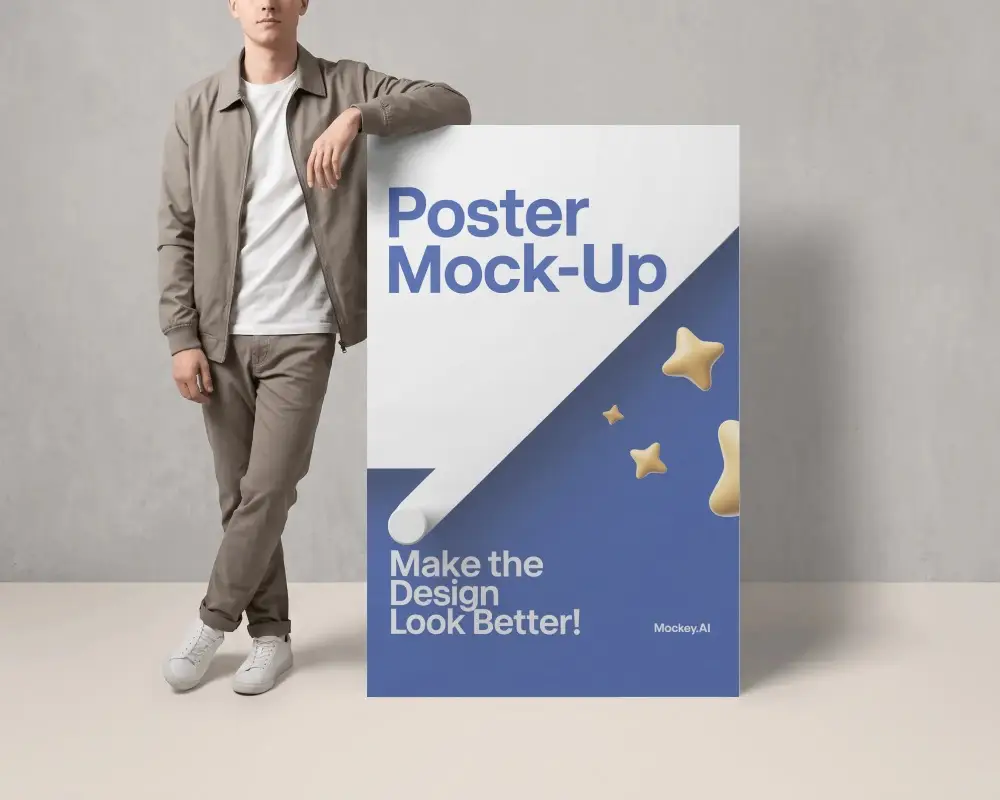
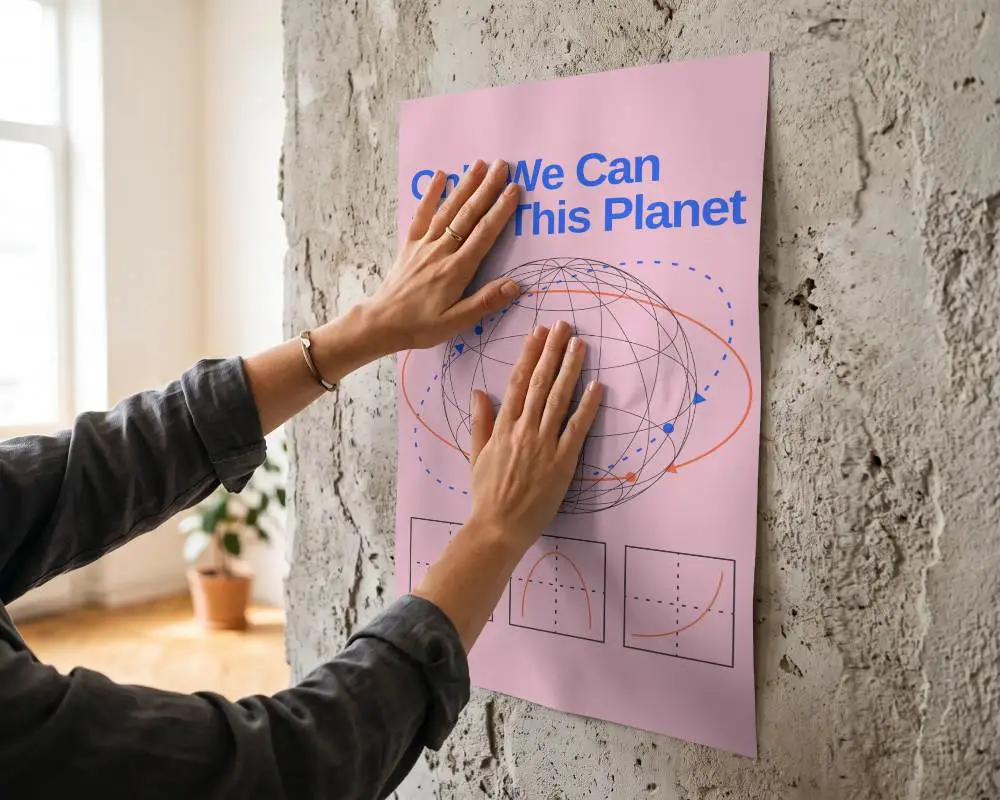
Free hand holding poster mockup to showcase your design naturally. Customize this realistic mockup on Mockey AI and make your poster stand out.










.png)















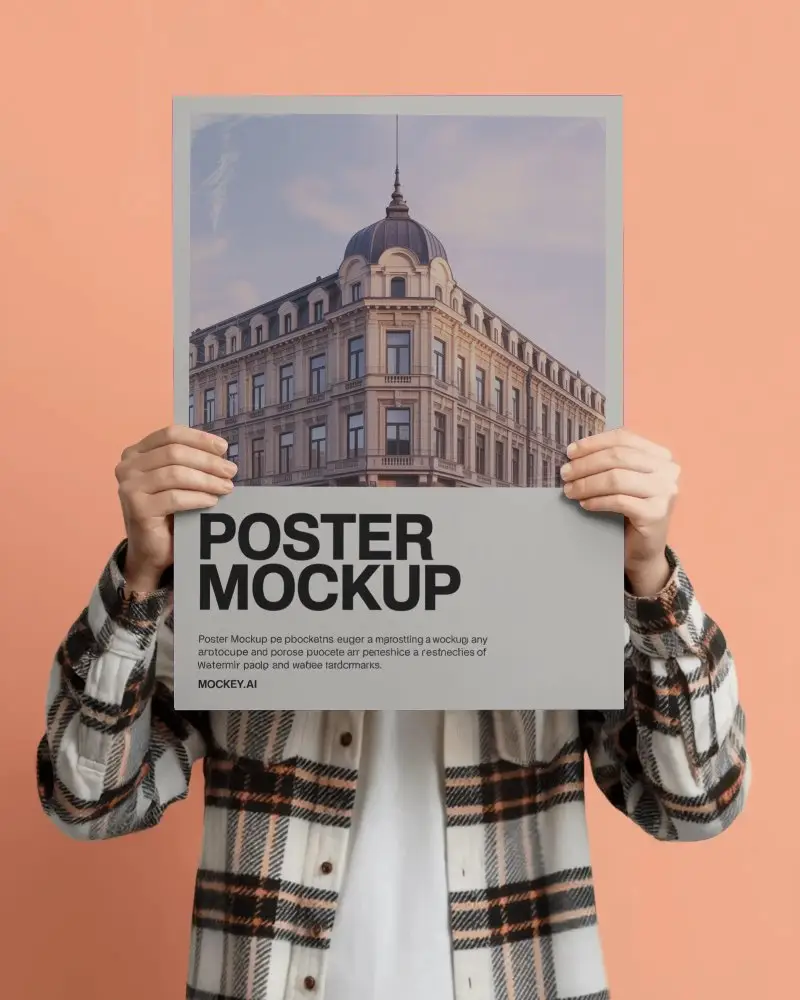
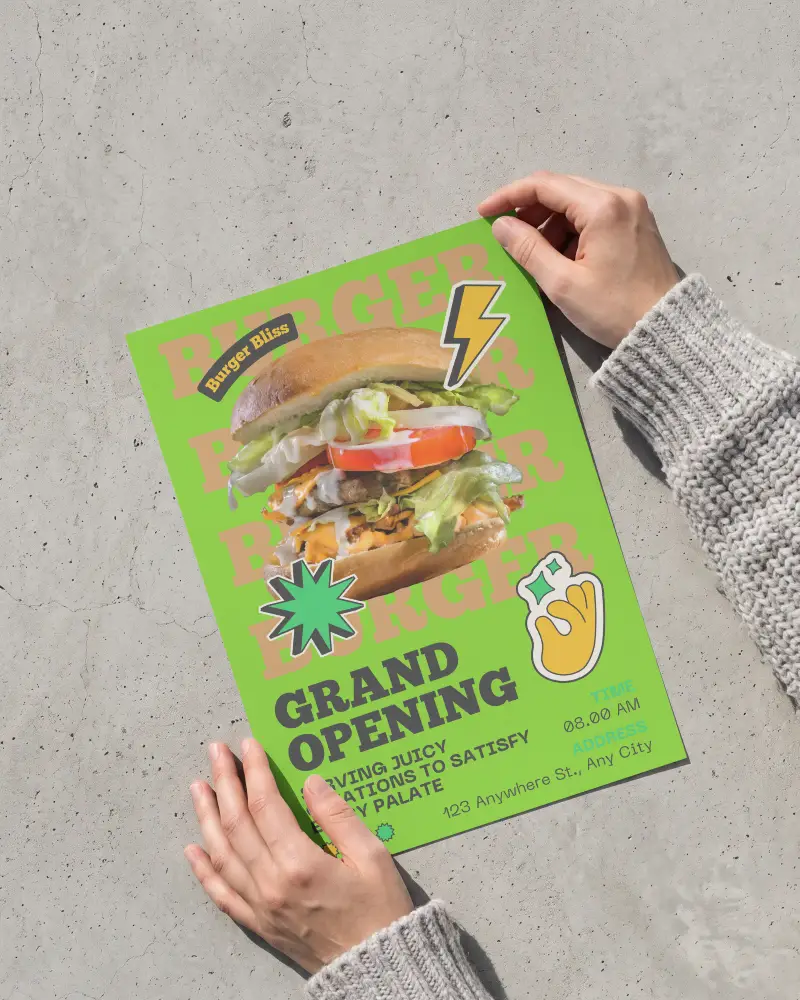
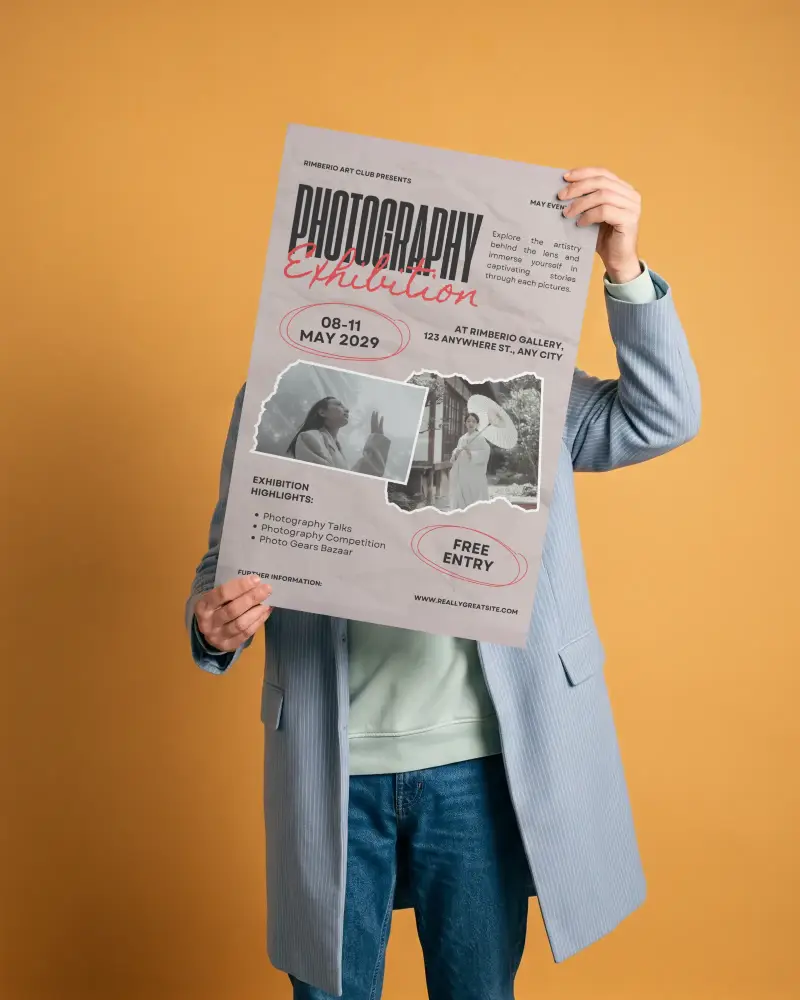

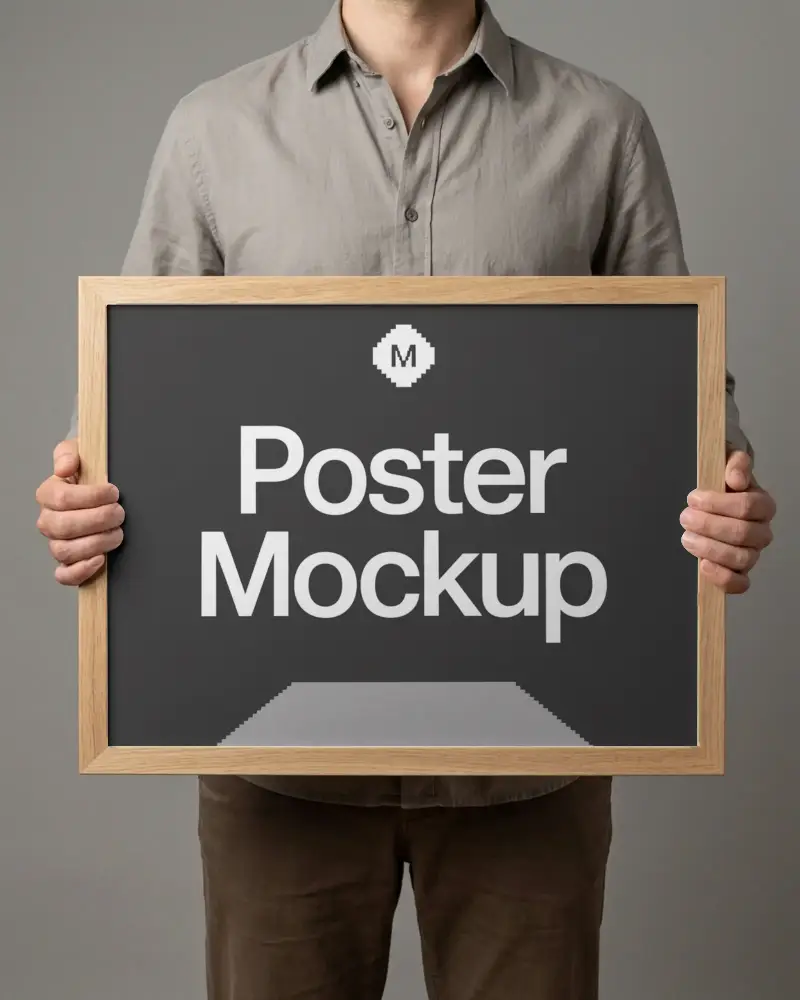

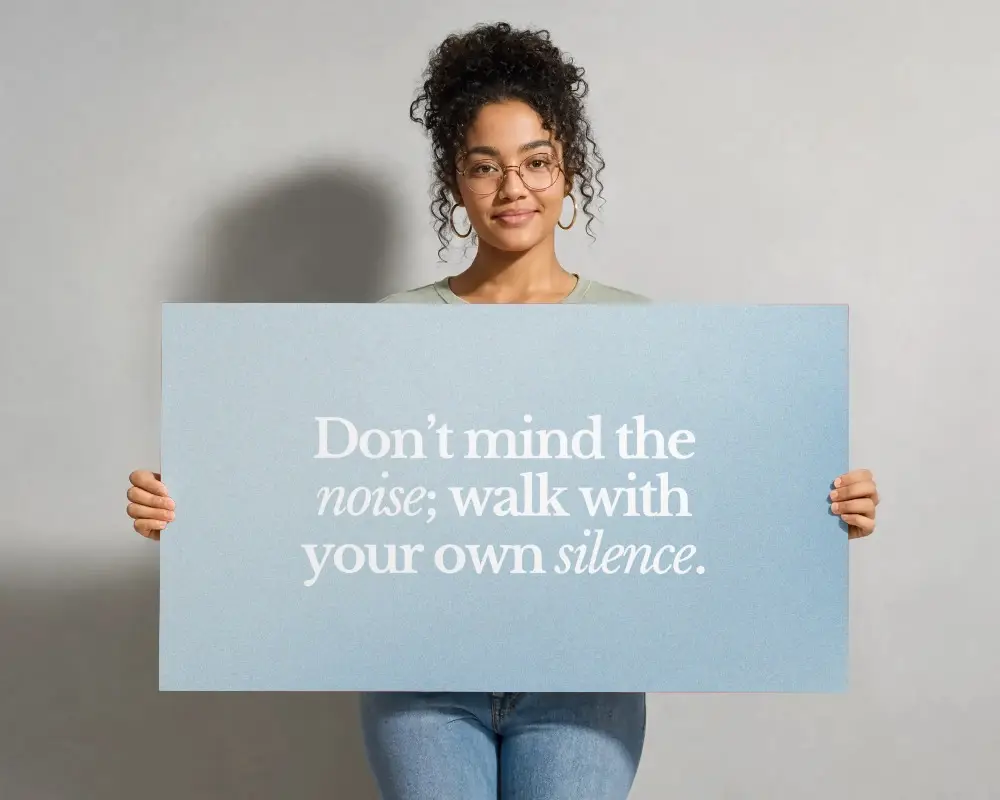

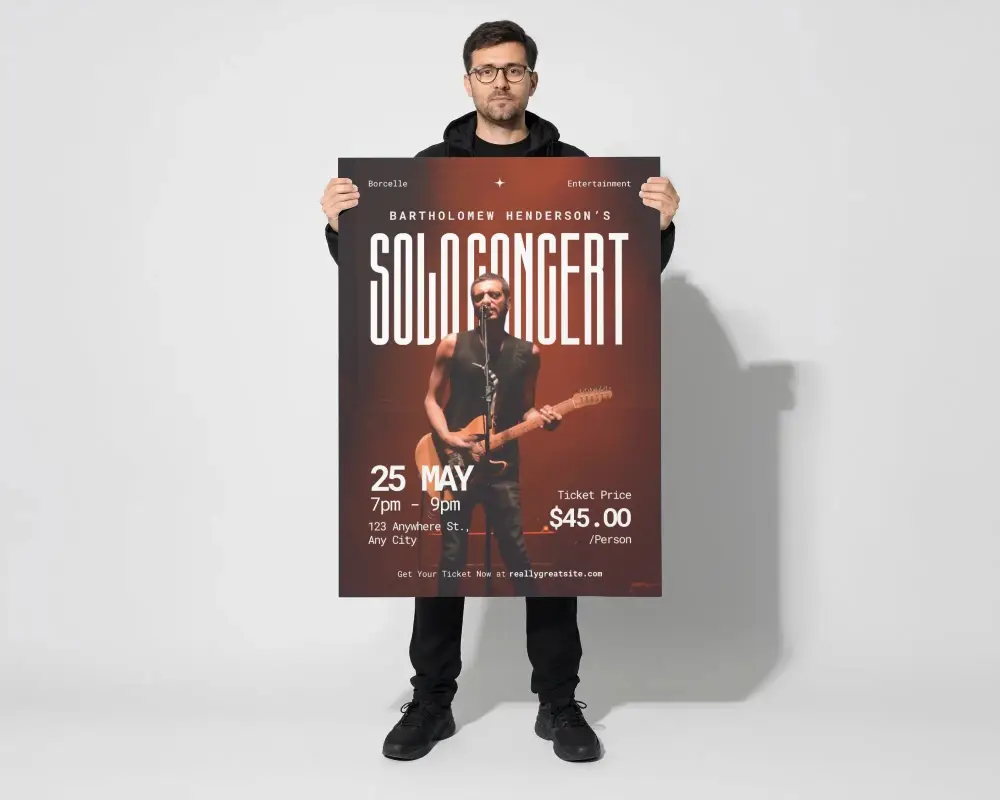

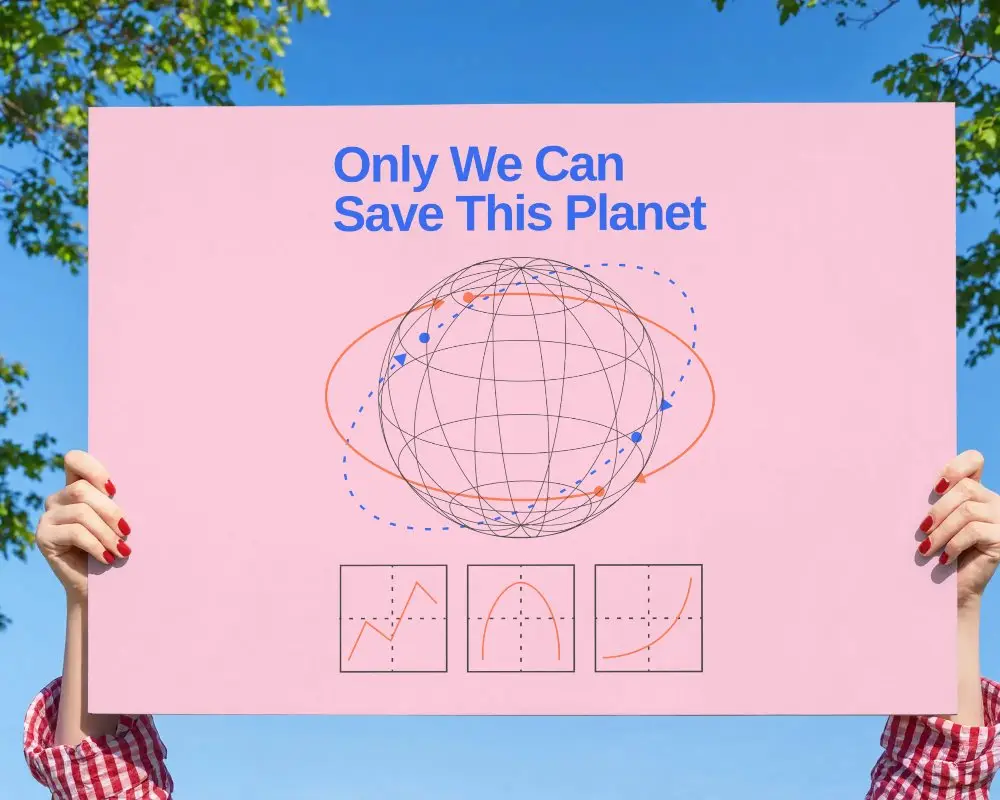
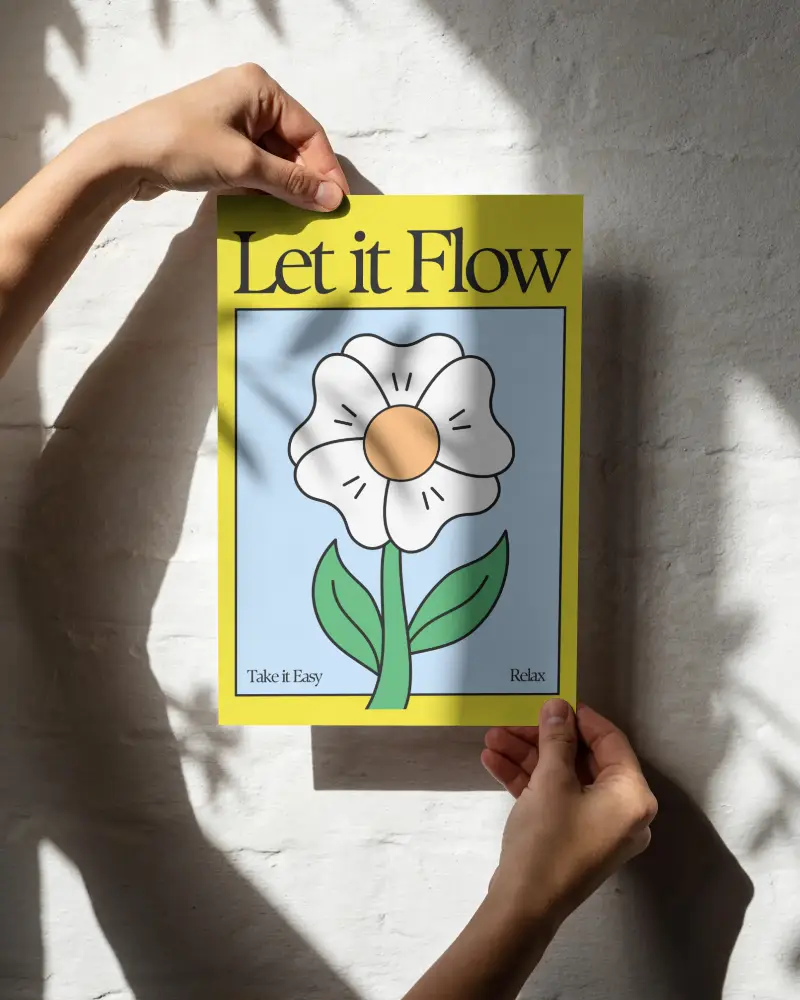


How to Create a Hand Holding Poster Mockup with Mockey
To create a hand holding poster mockup:
- Step 1: Sign up and go to “Mockups”, then open Categories.
- Step 2: Select Print > Poster > Hand Holding and choose a template.
- Step 3: Upload your design, customize it, and tap “Download” to save the mockup.


FAQs on Hand Holding Poster Mockups
Why should I use a hand holding poster mockup?
Use a hand holding poster mockup when you want your design to feel real and relatable. It adds a human touch, making your visuals more engaging—ideal for client presentations, online promotions, and portfolio displays.
Can I customize the hand holding poster mockup on Mockey AI?
Yes! Go to Print > Poster > Hand Holding and select a template. Upload your design, adjust colors or background, and instantly download a realistic hand holding poster mockup.
Who can use hand holding poster mockups?
Designers, small brands, marketers, and creatives benefit from hand holding poster mockups. They provide a quick and effective way to test, present, and validate poster designs before printing or publishing.
