Create Realistic Cinema Poster Mockups Online
Create eye catching cinema poster mockups with Mockey AI. Upload your film design, customize background and lighting, and showcase your poster in a realistic cinematic setup.










.png)
















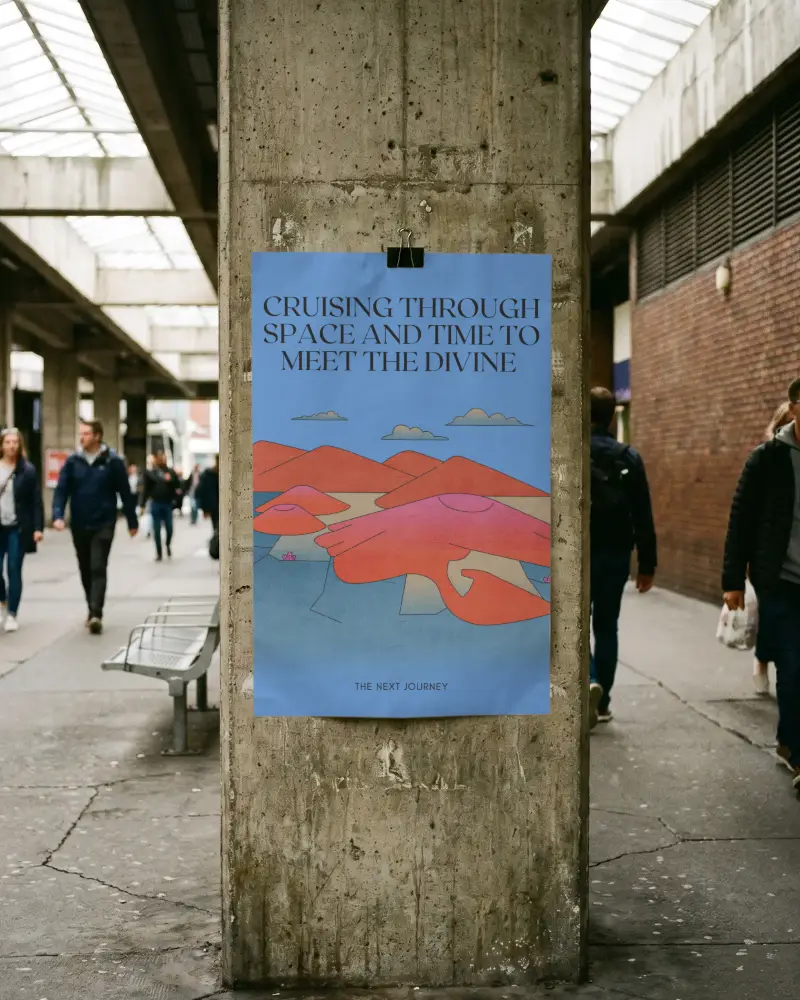
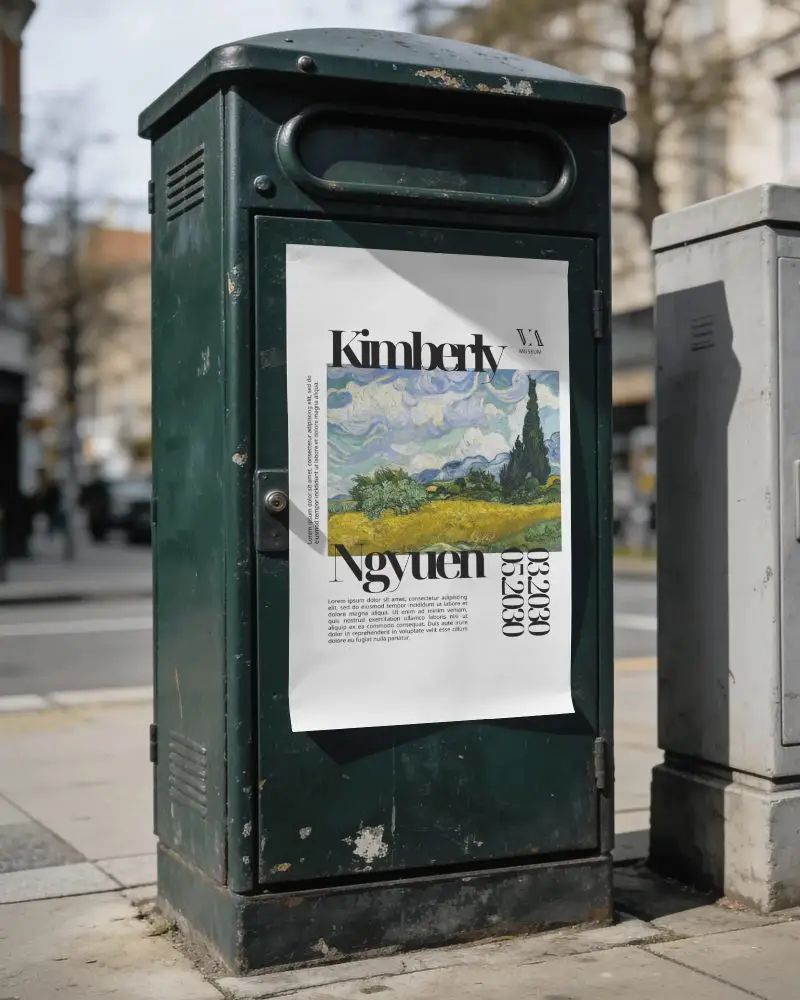
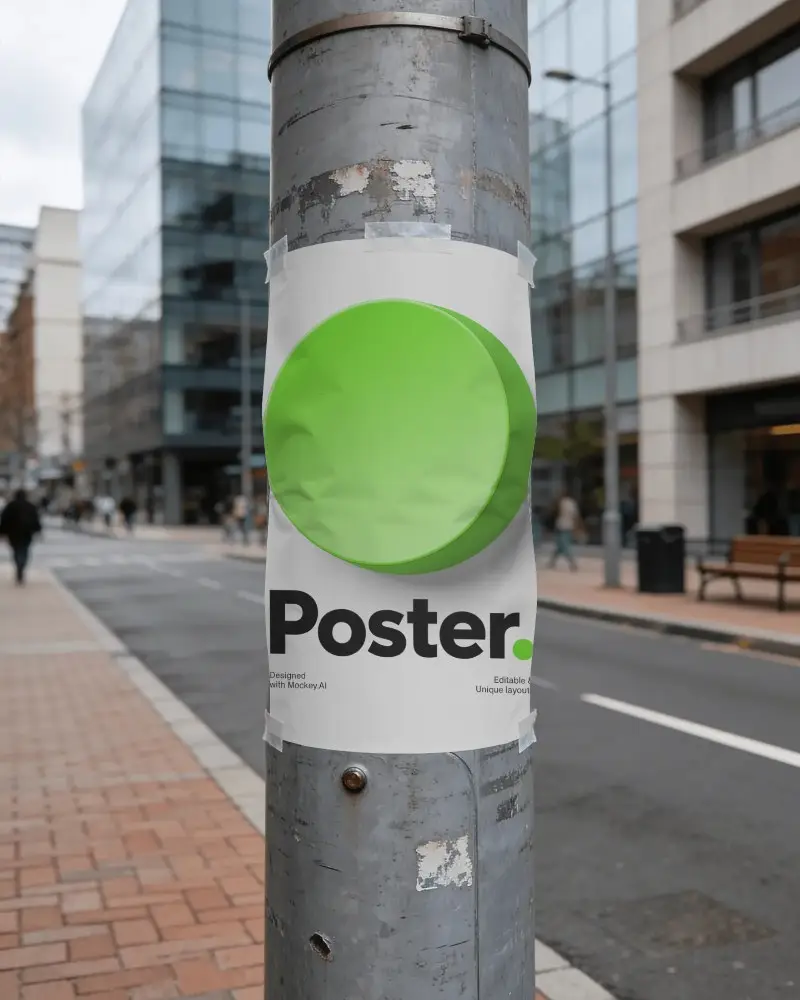
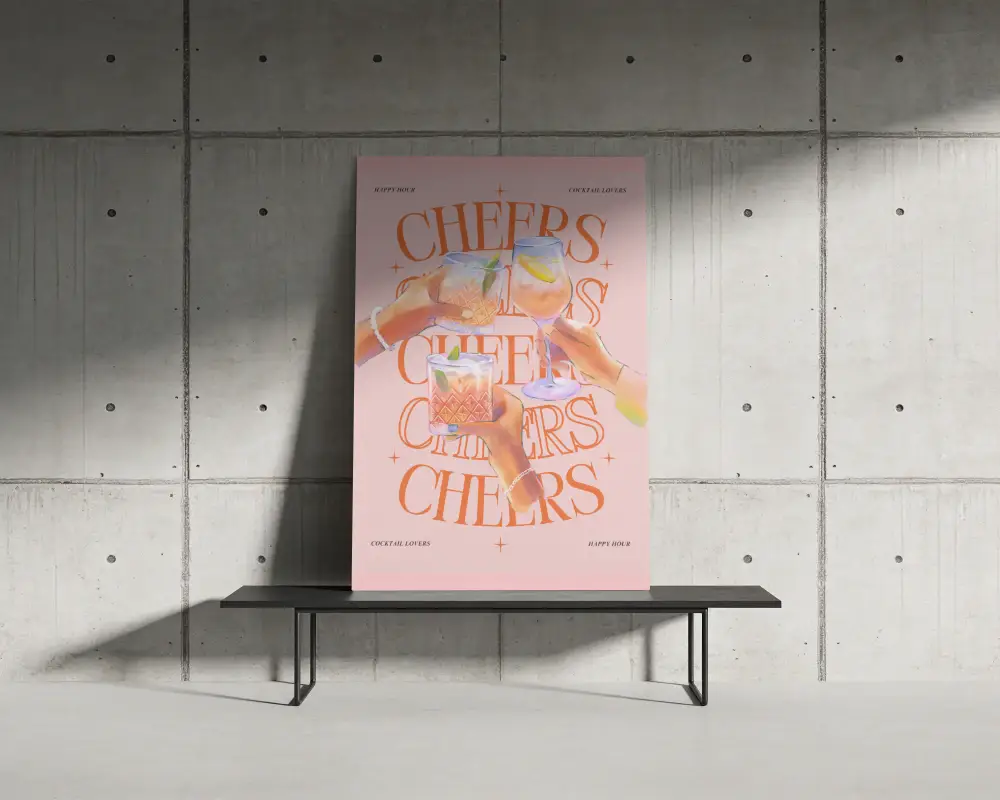
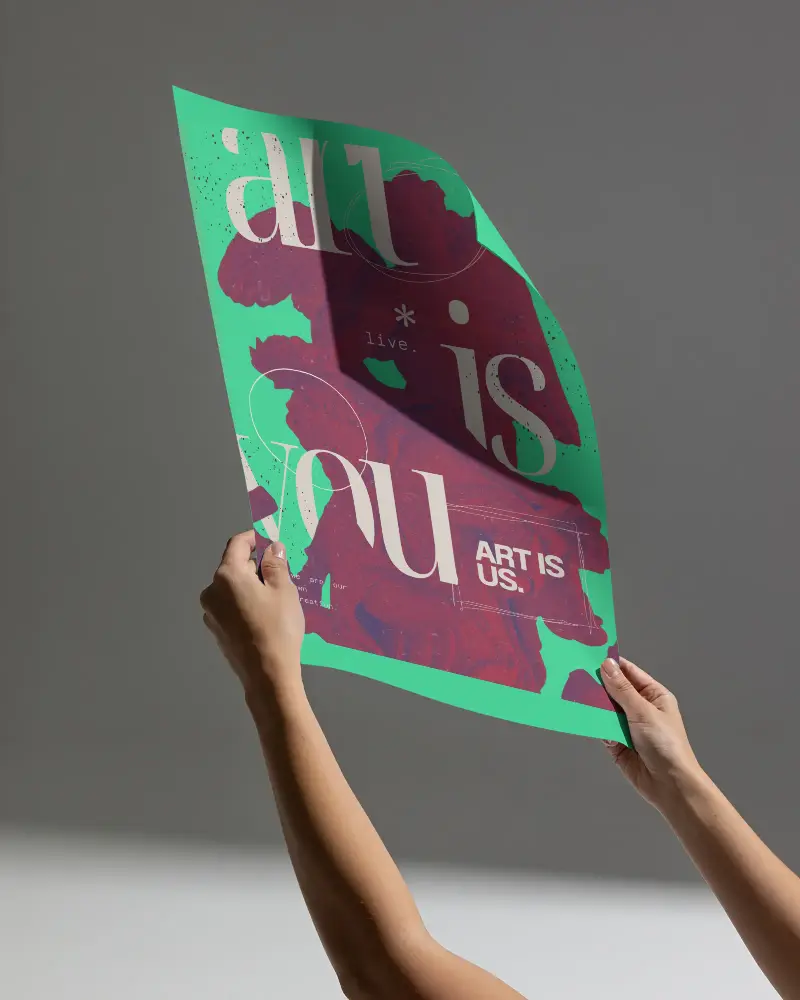
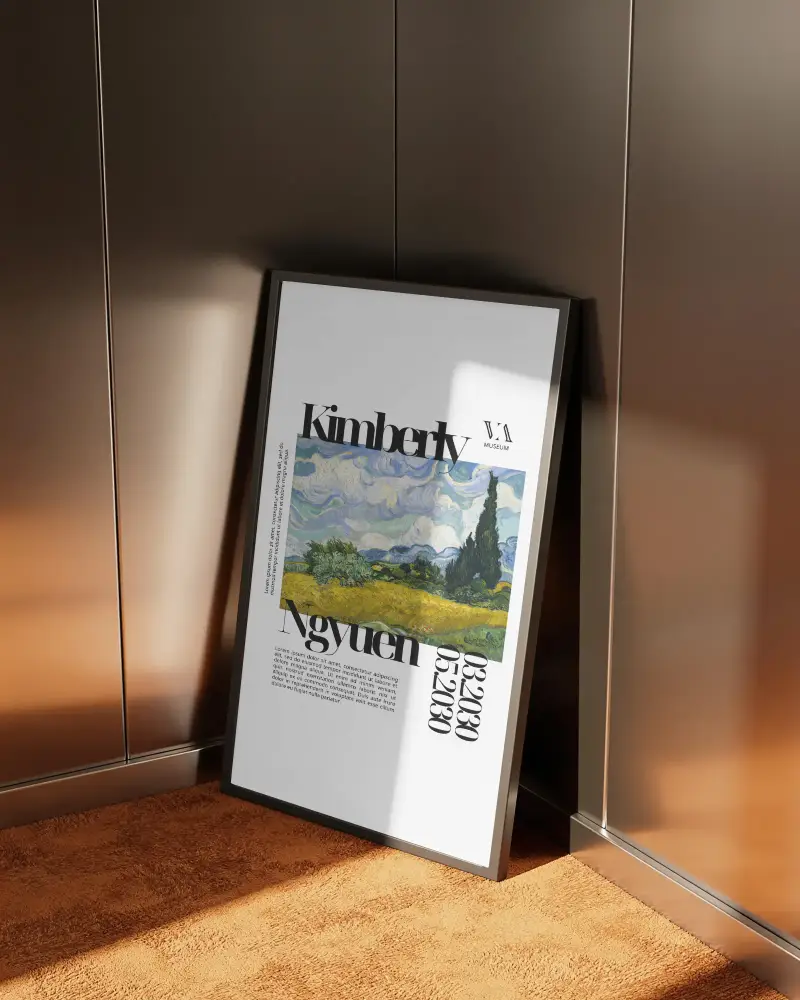
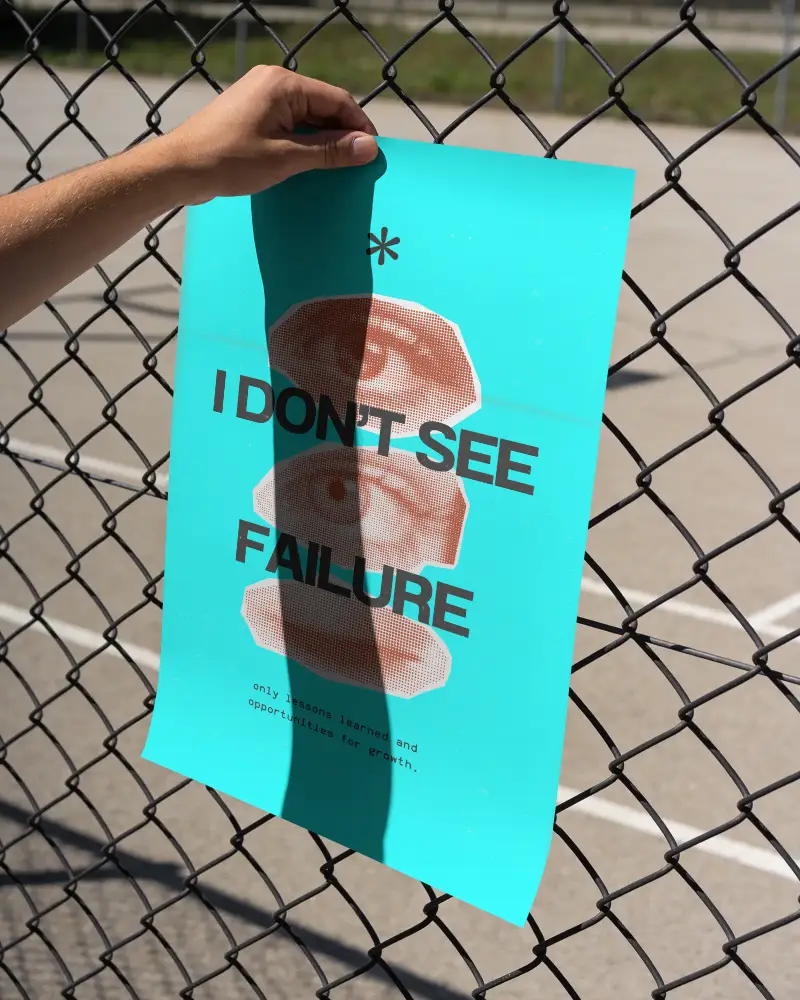
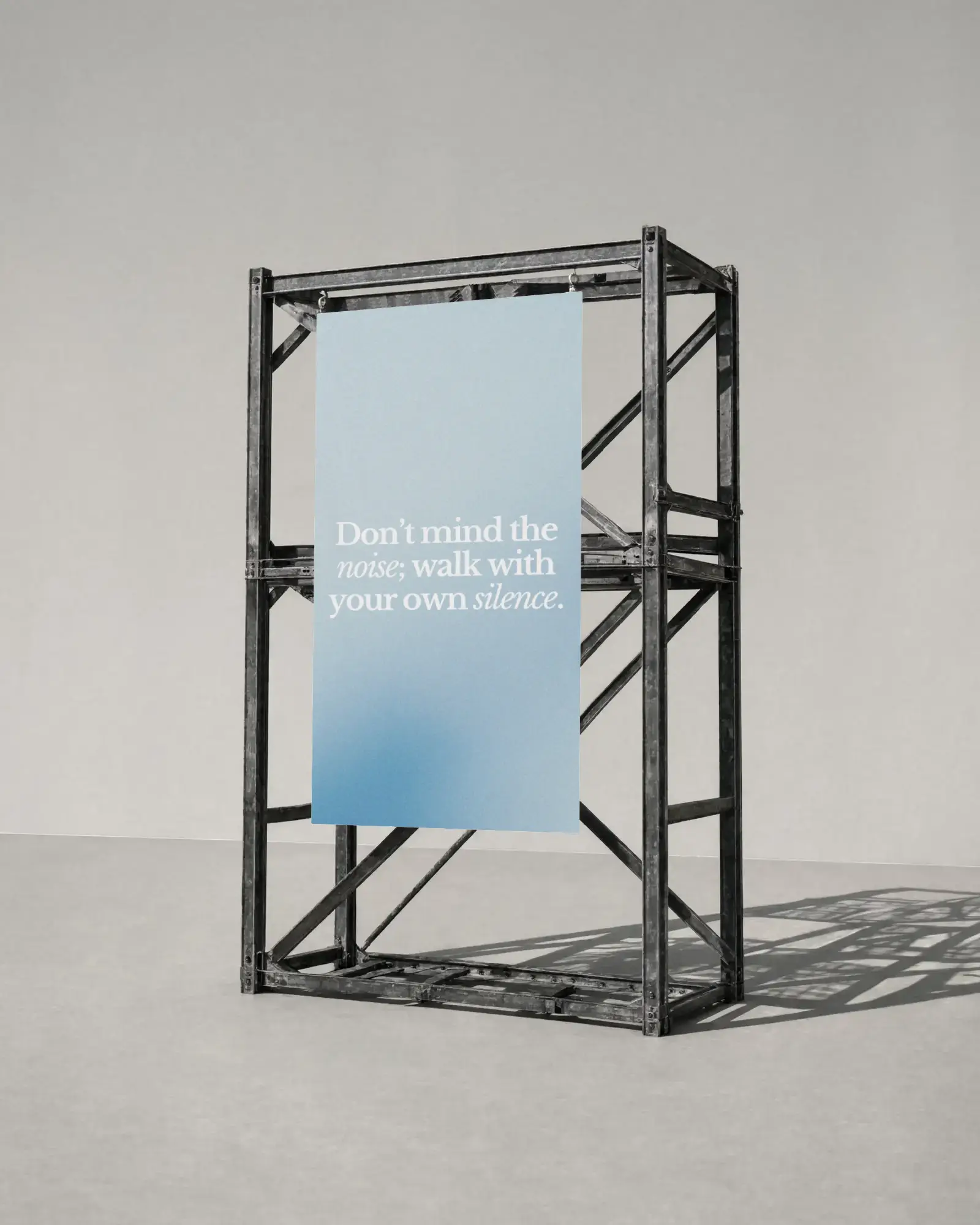
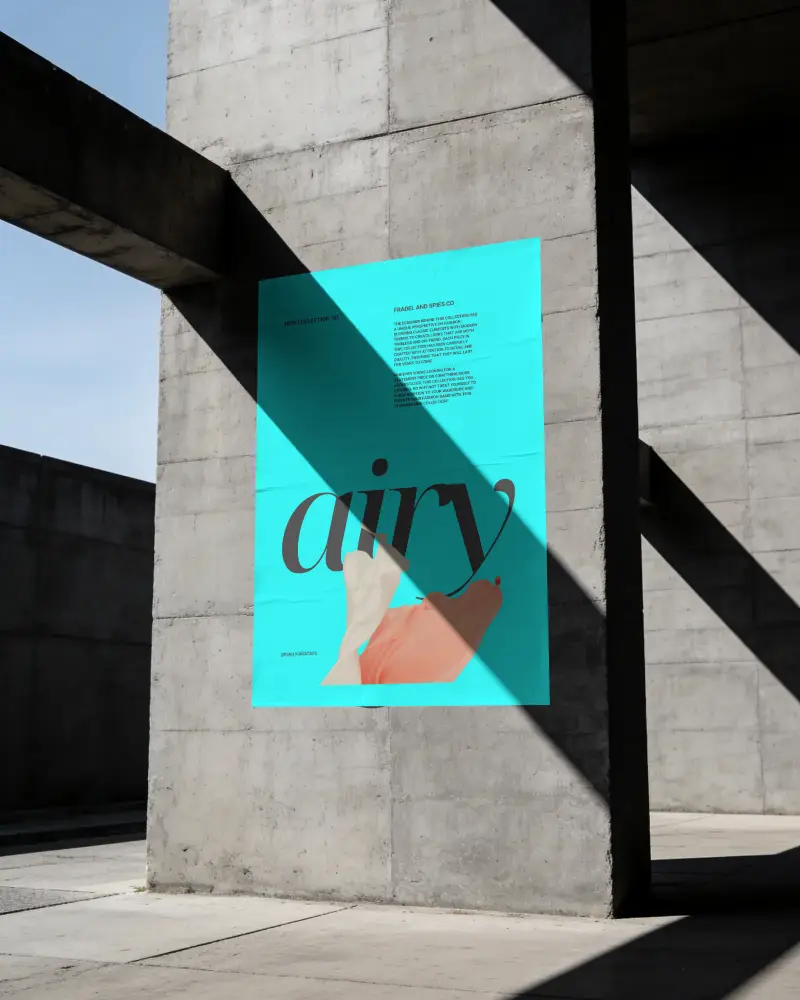
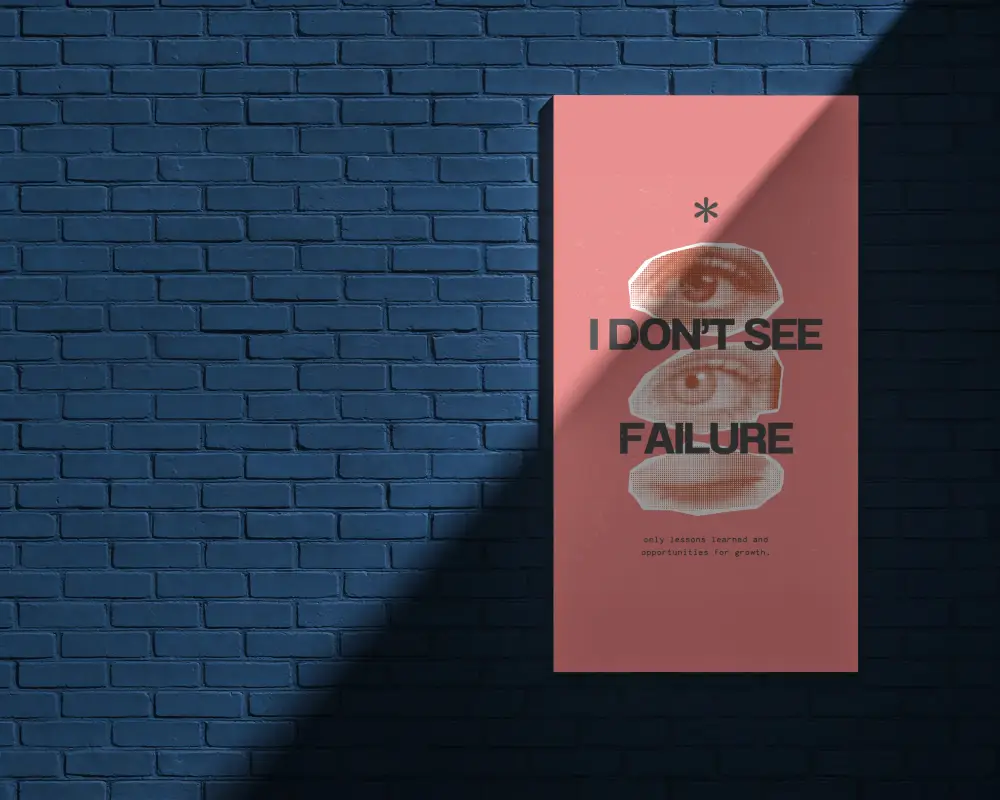
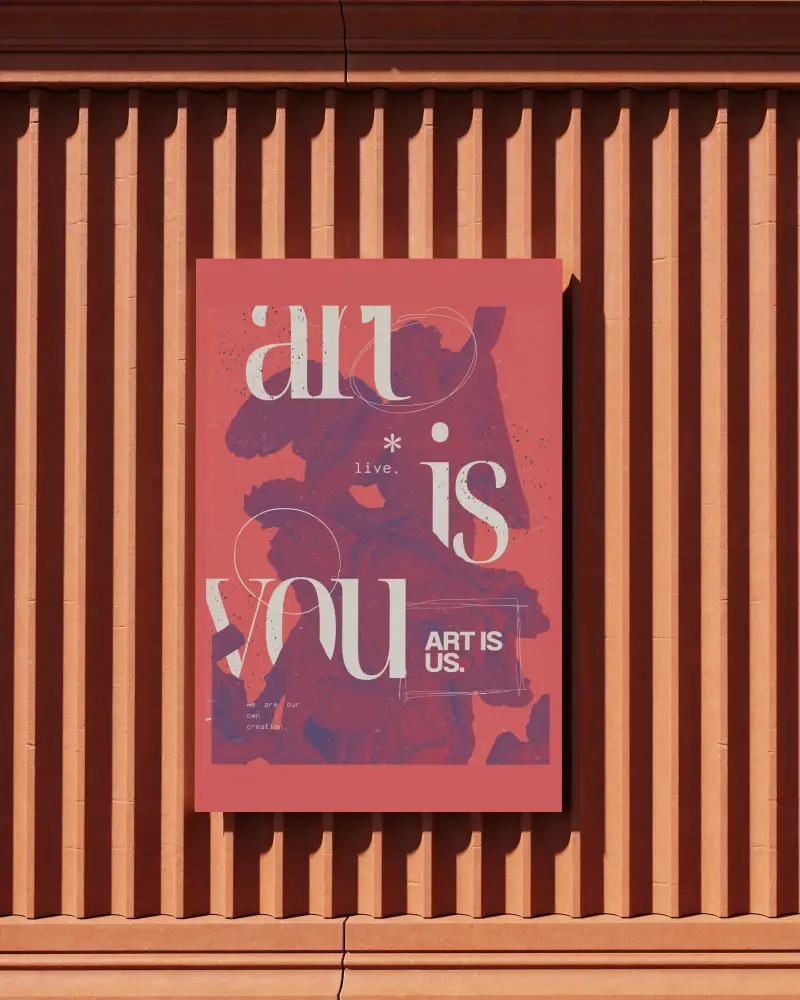
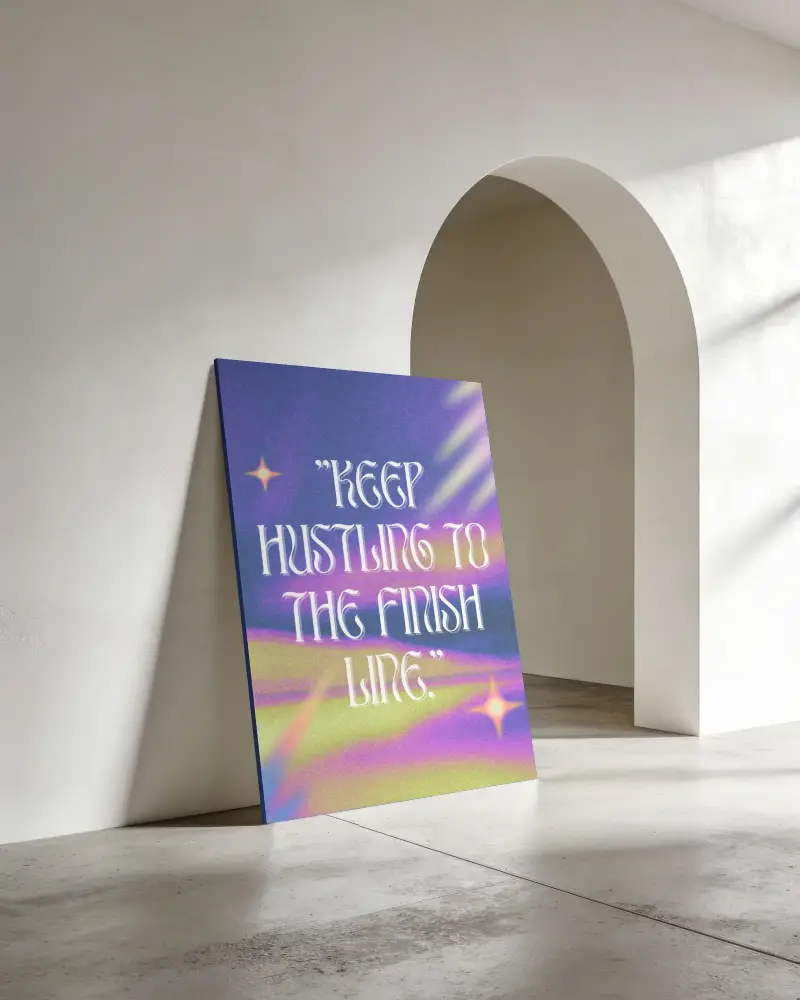
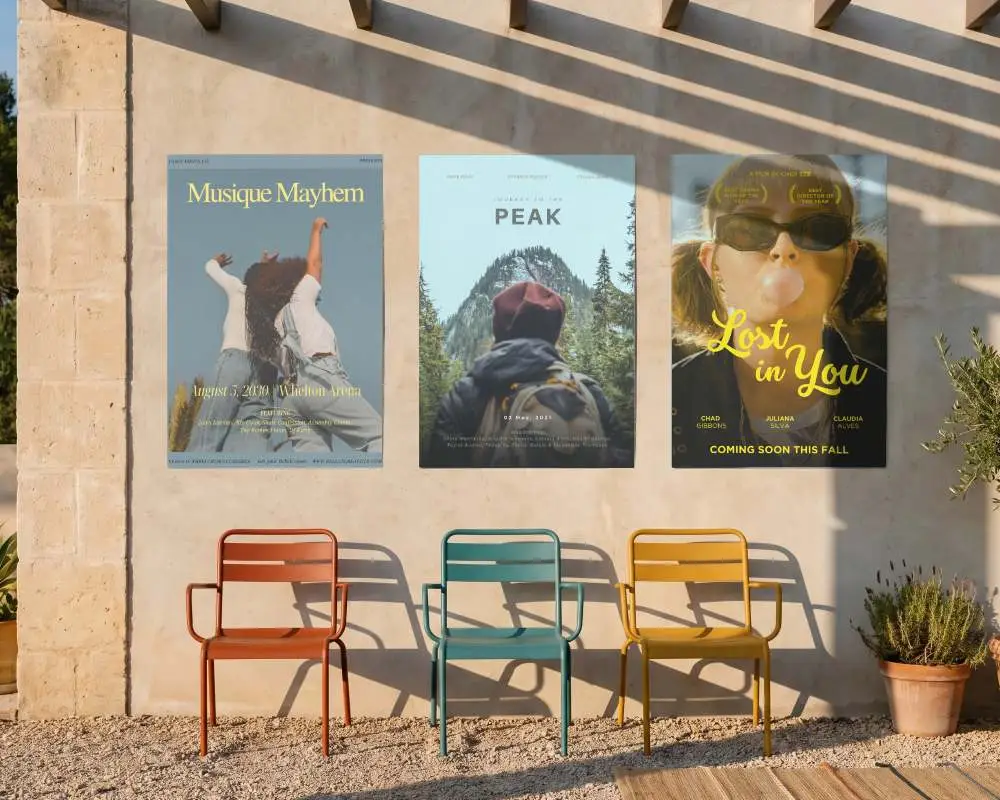
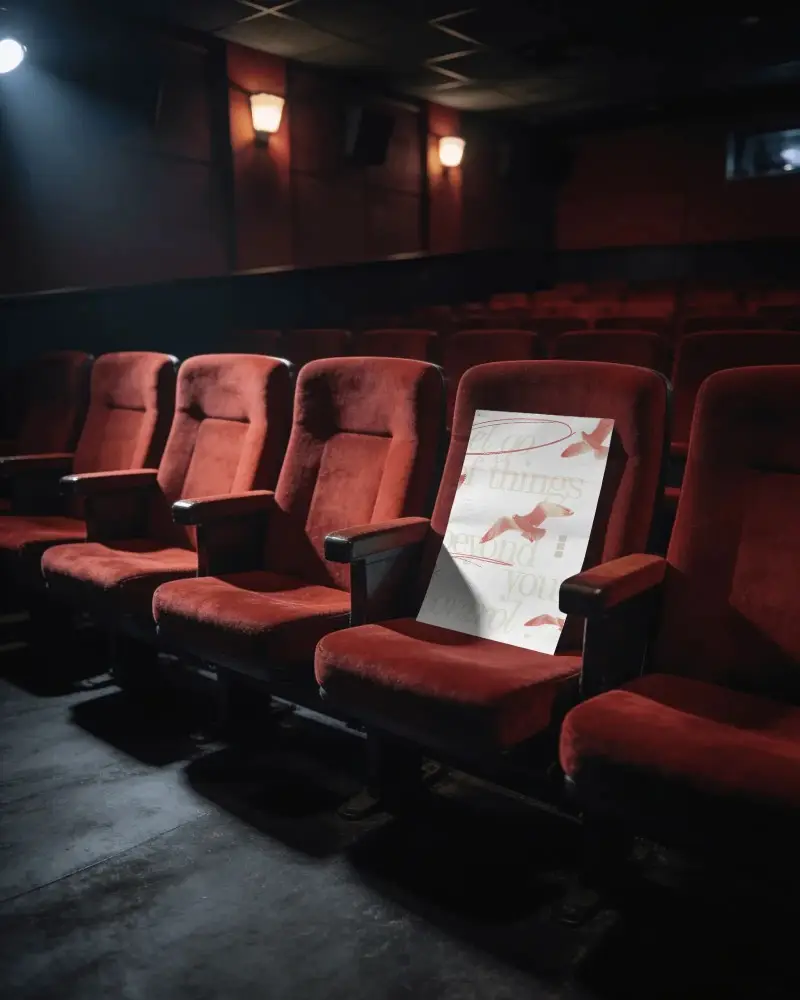
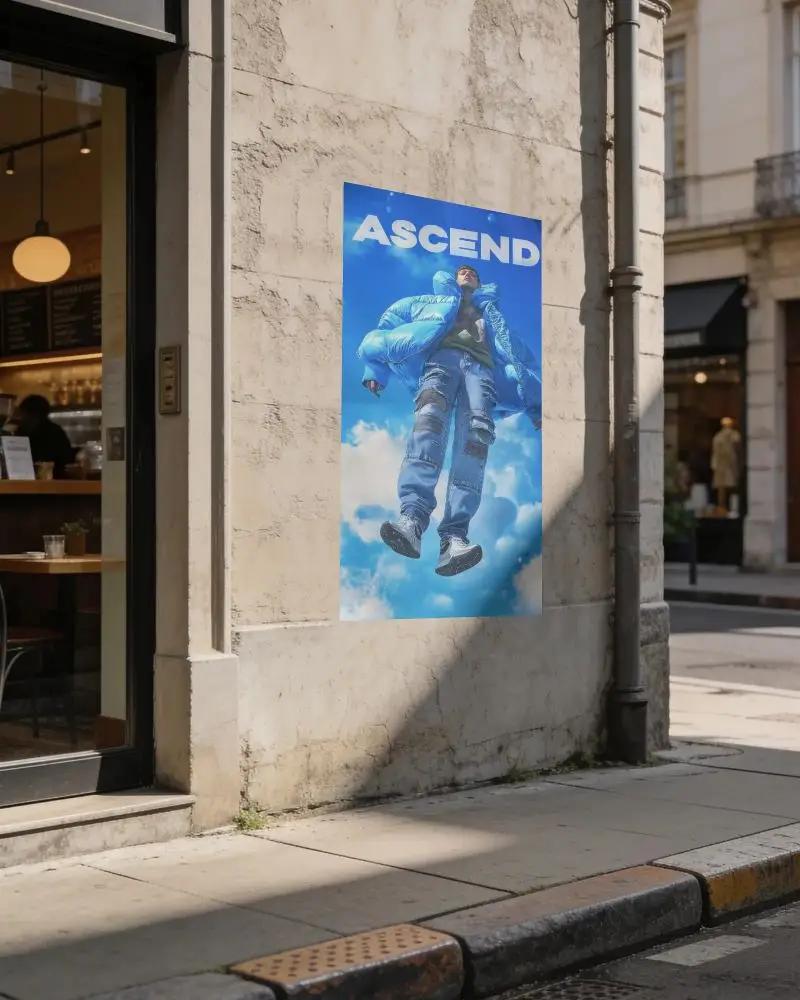
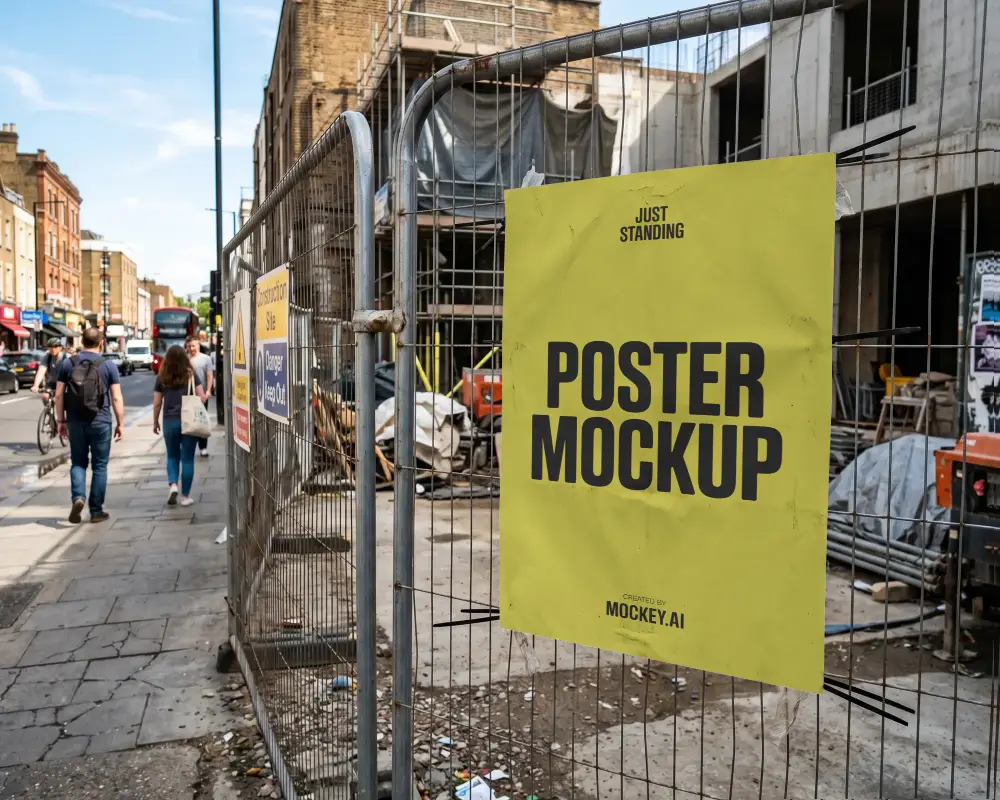
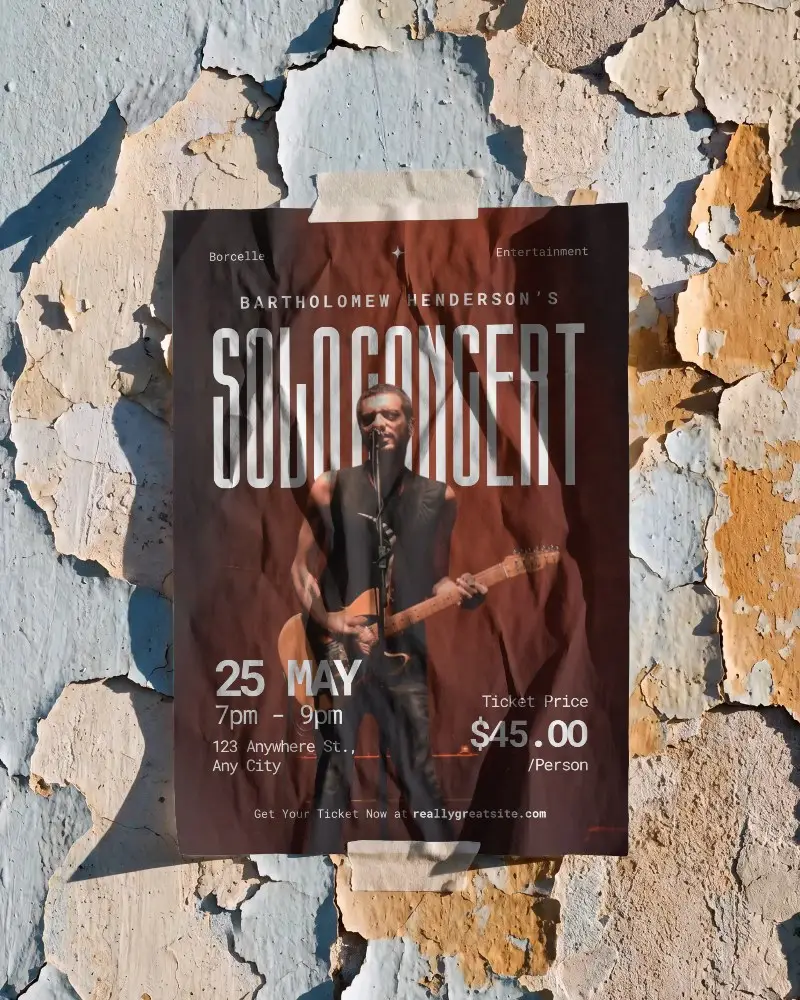
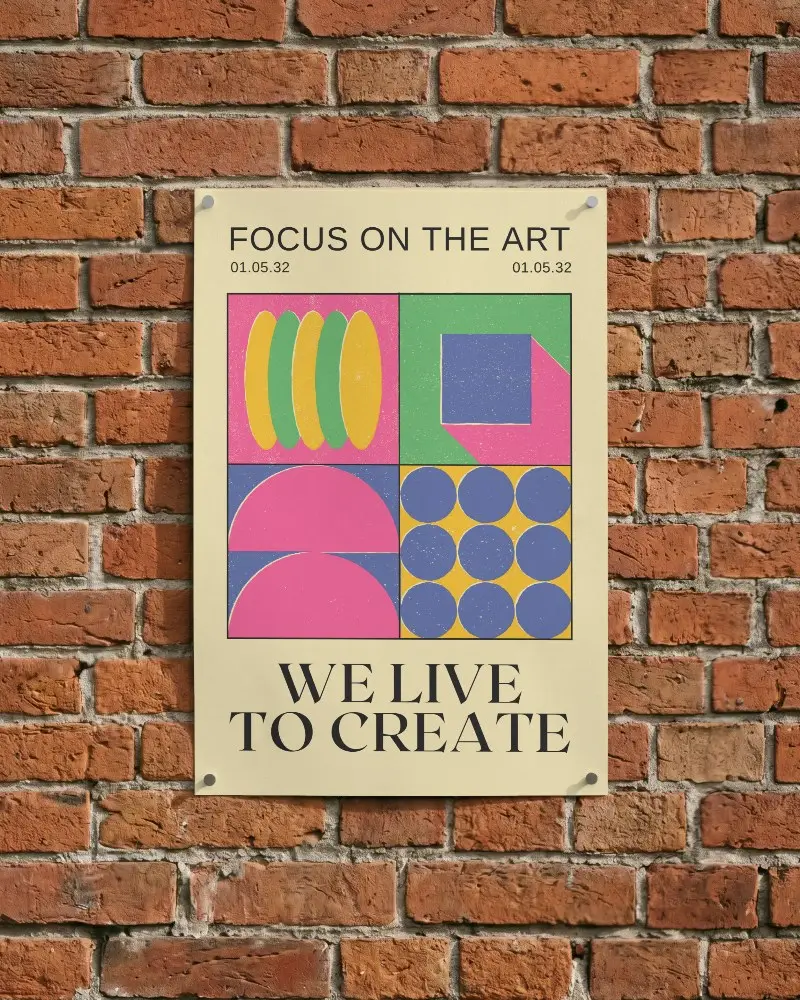
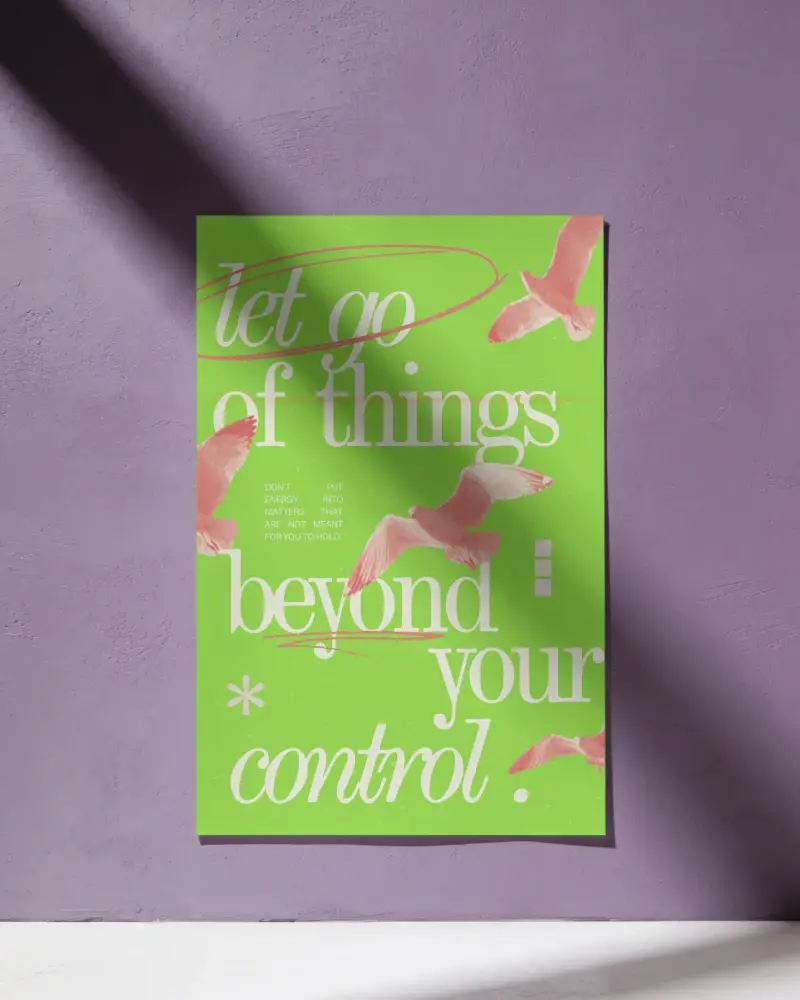
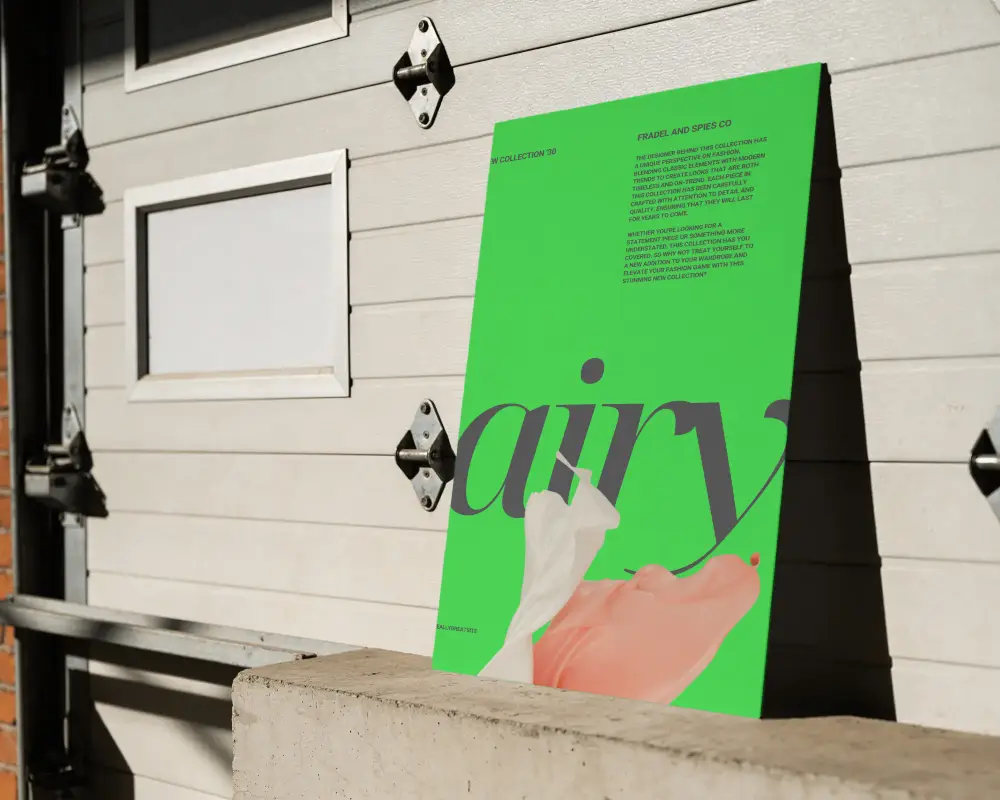
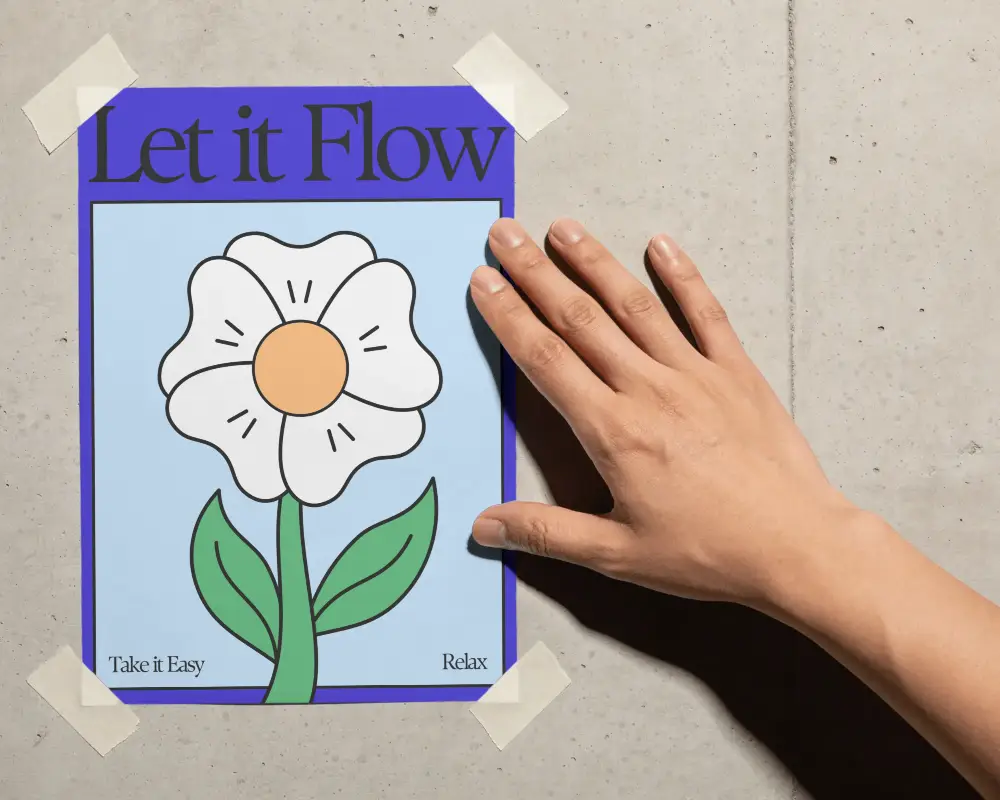
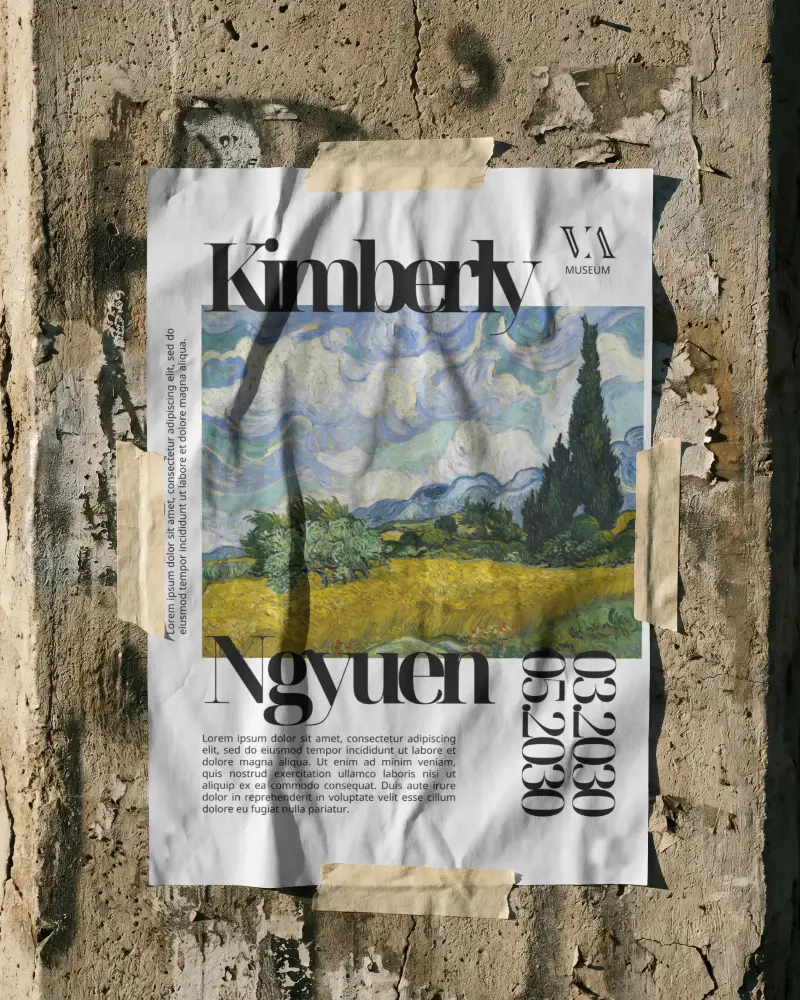
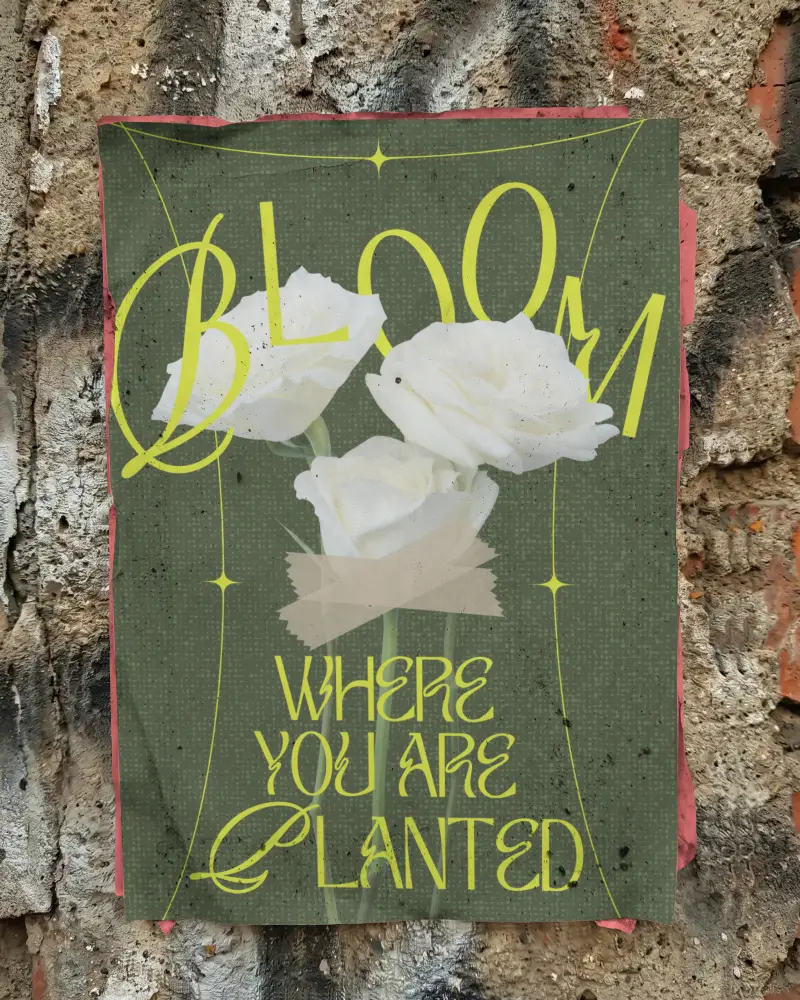
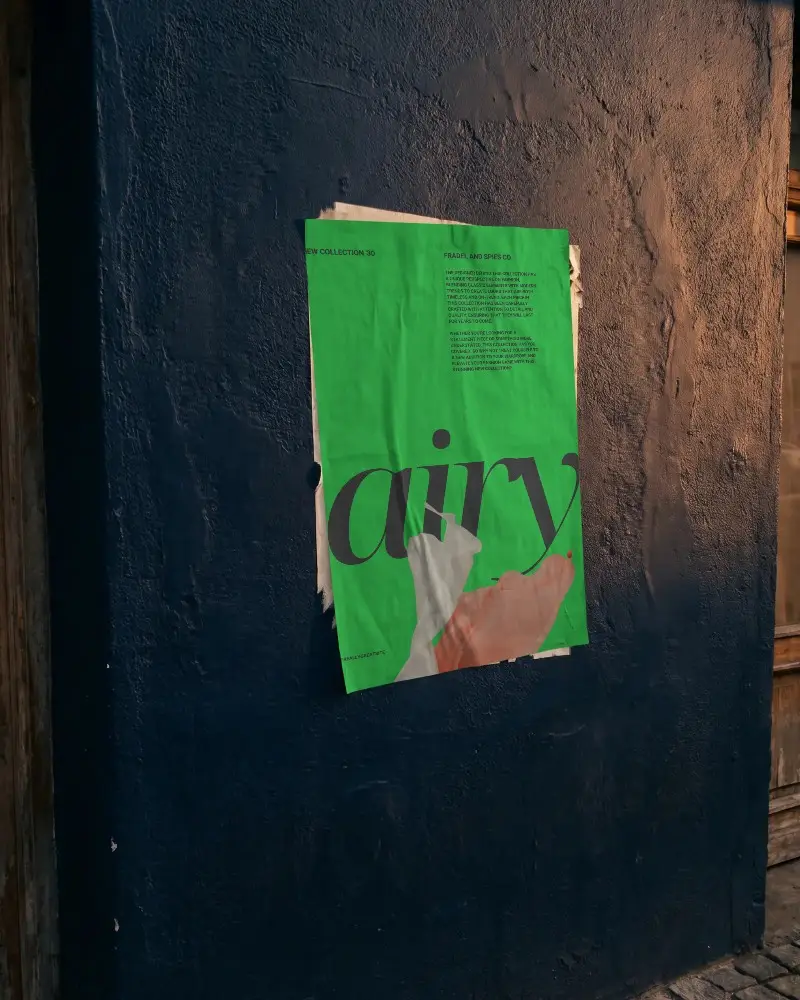
How to Create a Movie Poster Mockup with Mockey
Follow these easy steps to generate your movie poster mockup using Mockey.ai:
- Step 1: Go to Mockups > Print > Movie Poster.
- Step 2: Browse the gallery and select your preferred movie poster layout or genre.
- Step 3: Upload your design or artwork — adjust text, size, shadows, and more.
- Step 4: Use cinematic styles like vintage, thriller, romance, or modern.
- Step 5: Click ‘Download’ to save your movie poster mockup in JPEG or PNG format.


FAQs on Movie Poster Mockups
What are movie poster mockups?
Movie poster mockups are ready-made images that help show how a movie poster will look before printed—like on a wall or sign.
Can I use Mockey.ai to create movie poster mockups for free?
Yes, you can create movie poster mockups for free using Mockey AI. It has easy templates you can change online. Just choose the Free ones. Some items need payment, so check before using them.
Can I find other print mockups besides movie posters?
Apart from movie posters, you will also get print mockups with hand-holding styles, A1, A2, A3 sizes, square formats, urban themes, and floating poster options for customization.
Are there different styles of movie poster mockups available?
You will also find templates of different movie-poster styles, such as posters hanging on paper or sets of three movie posters displayed together. This is what sets Mockey AI’s poster mockups apart from the rest.
Are there different styles of movie poster mockups available?
Yes, you can find many movie poster styles in Mockey AI. Some look simple, some match the movie type like scary or funny, some look old, and some you can change yourself using easy customization tools online.
