Free Floating Poster Mockups
Explore free floating poster mockups on Mockey AI to showcase your designs with ease. Create realistic poster mockups online quickly and for free.










.png)















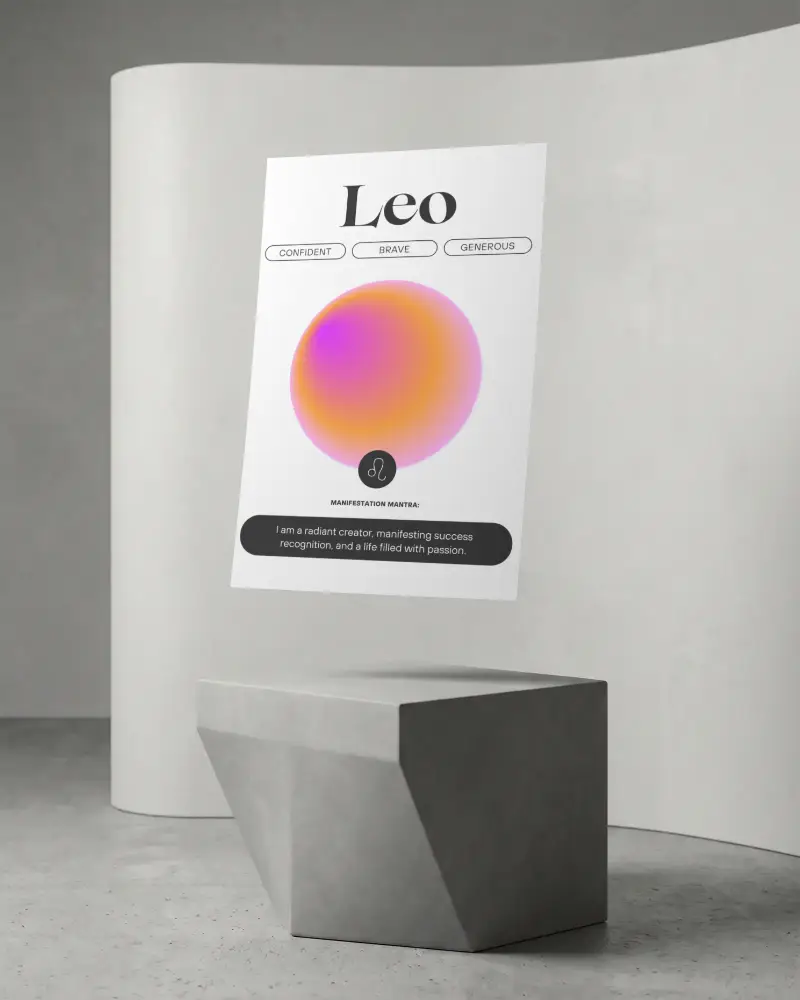
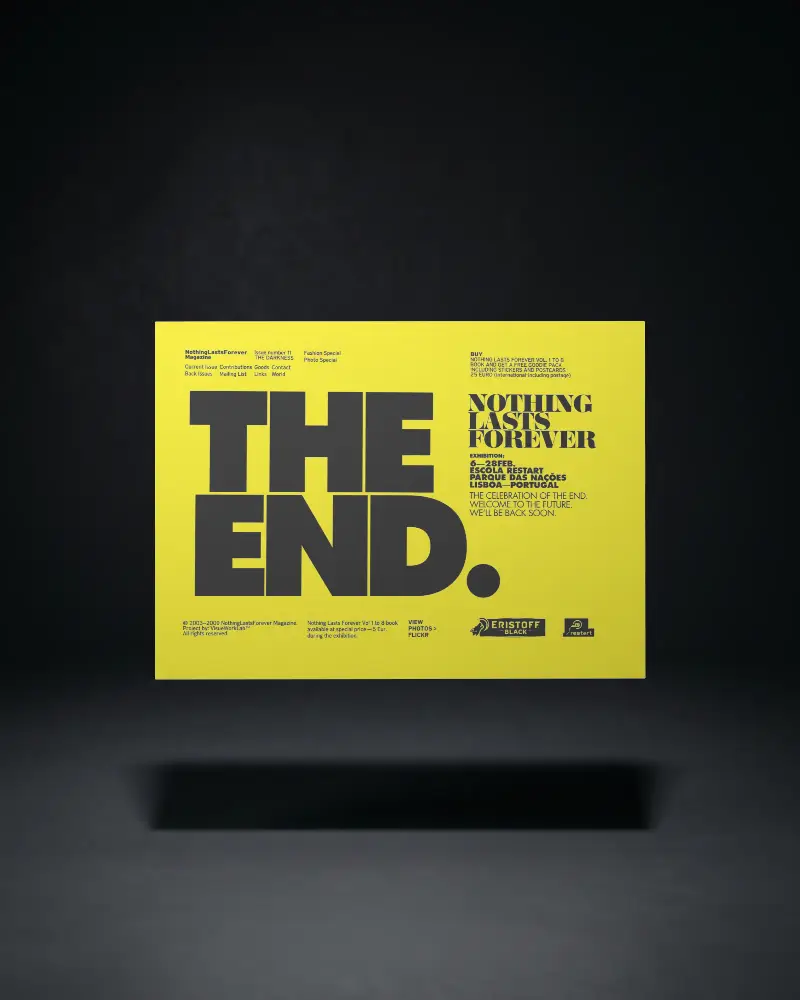
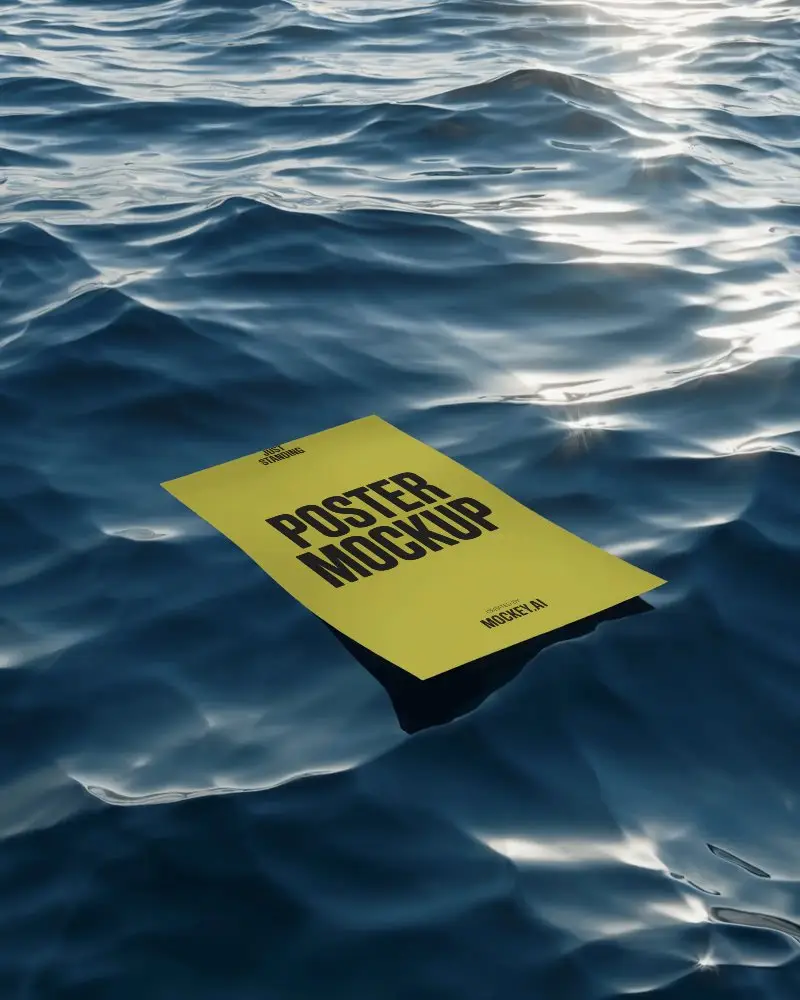
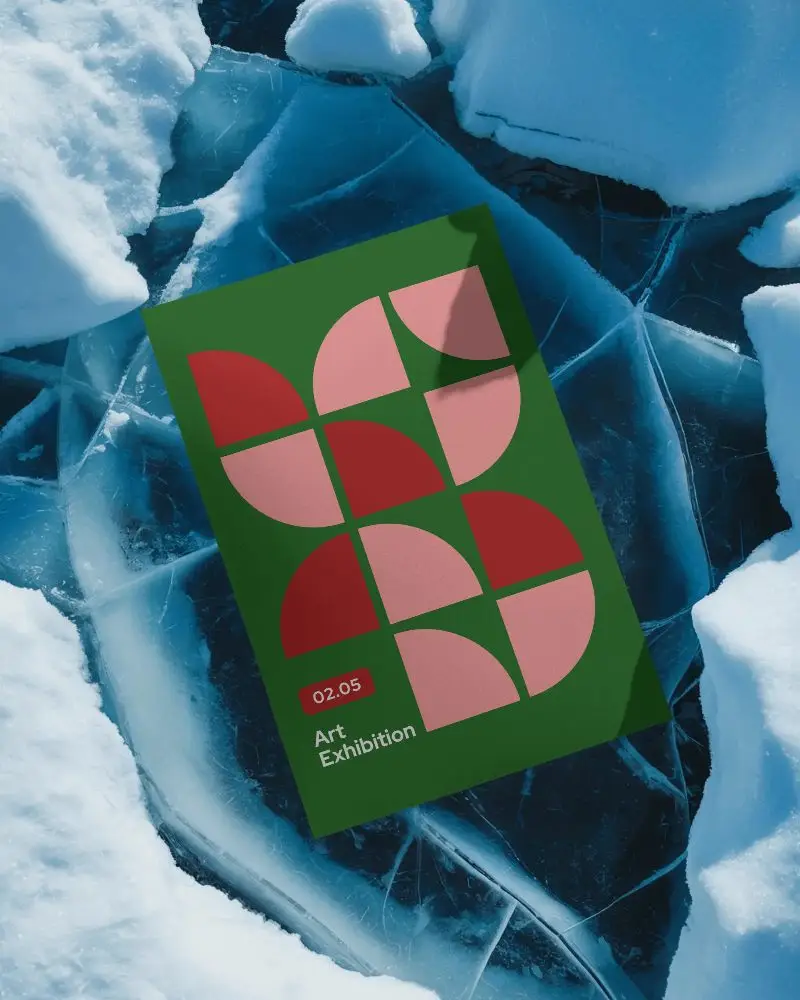
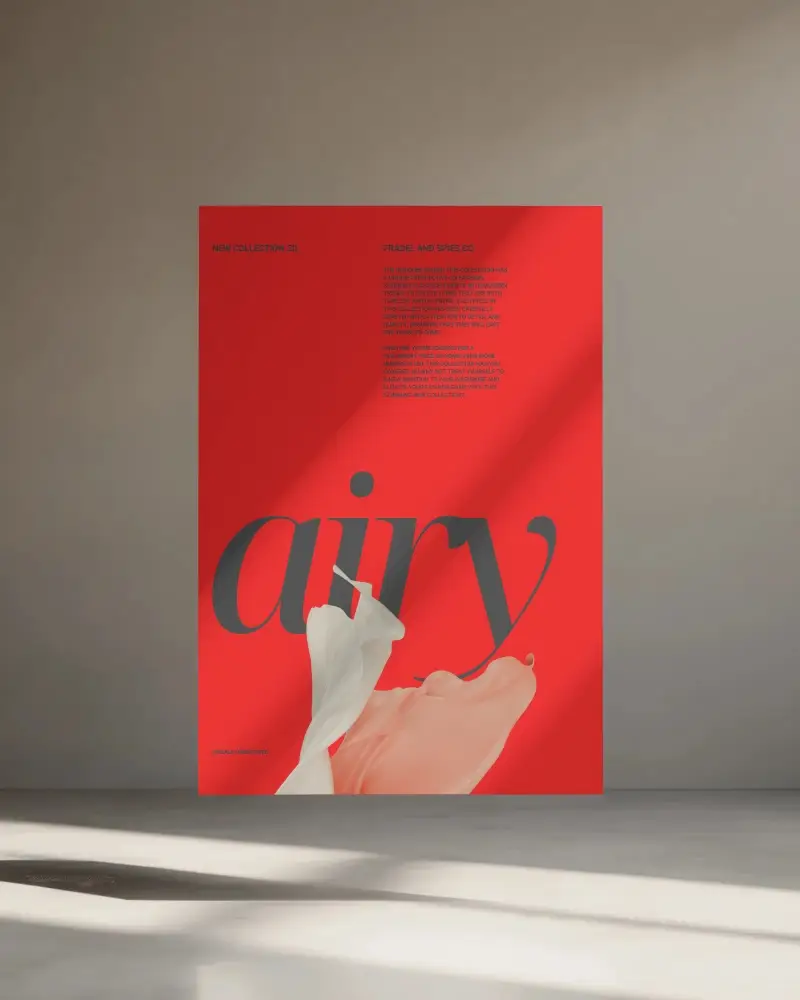
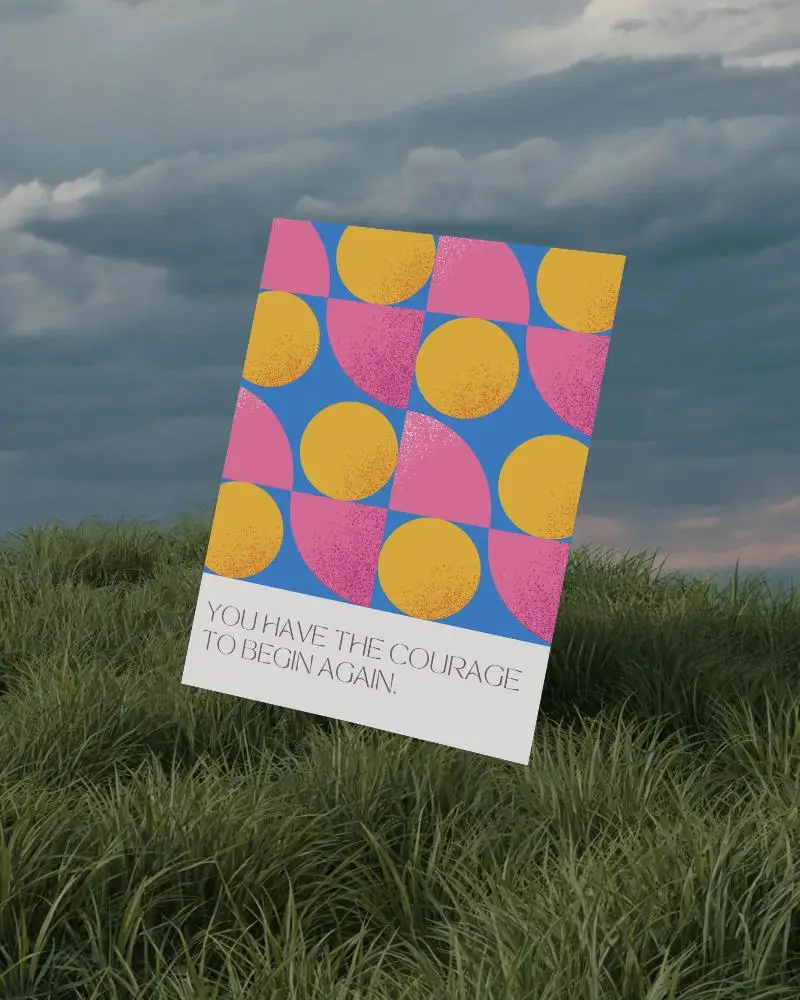
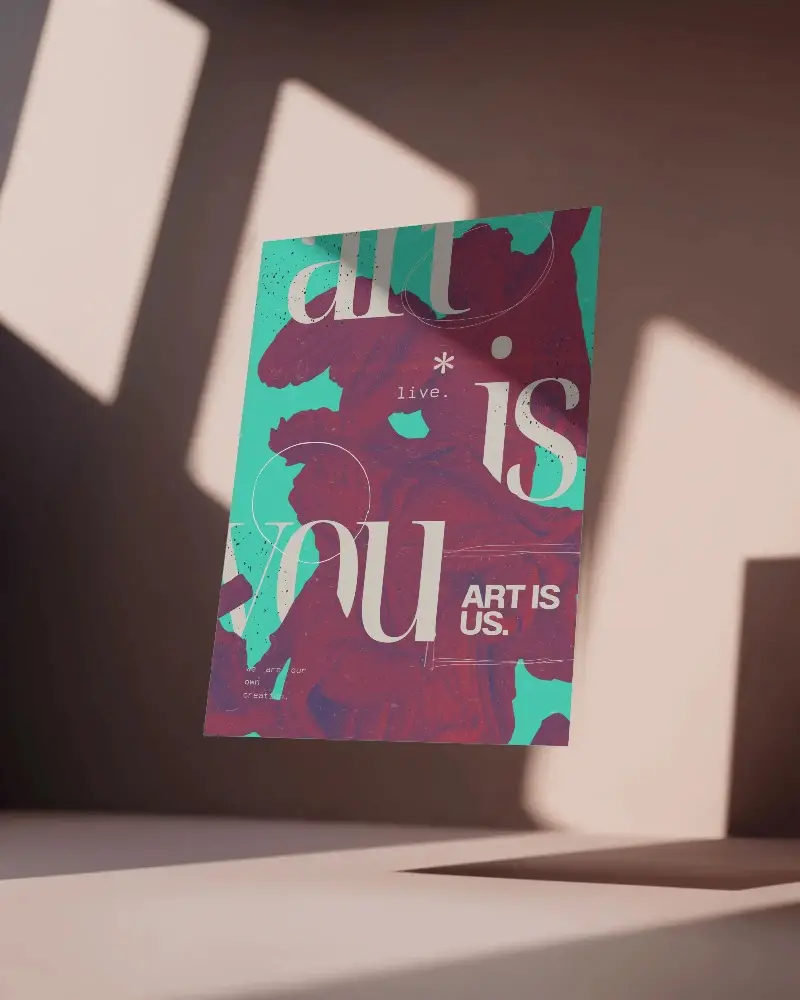
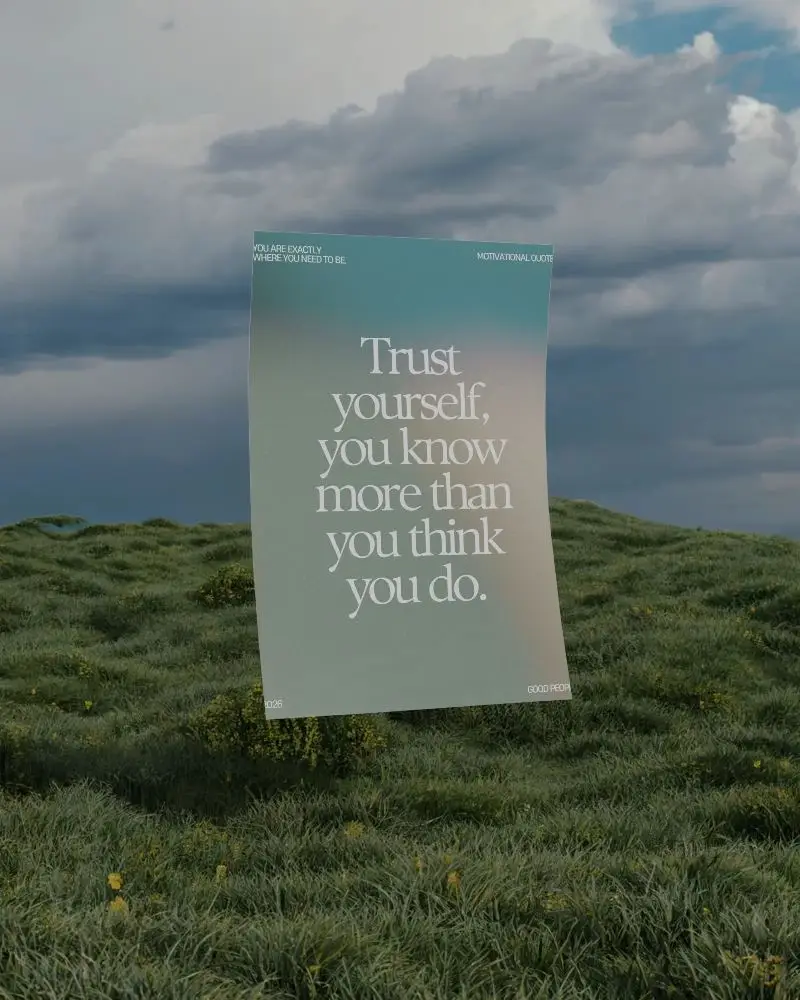
How to Create a Floating Poster Mockup with Mockey
To create a floating poster mockup:
- Step 1: Sign in, select “Mockups,” then go to “Print” and click on “Poster.”
- Step 2: Select the Floating tag and choose a template you want to personalize.
- Step 3: Upload your design, customize it, and download your floating poster mockup.


FAQs on Floating Poster Mockups
Why should I use a floating poster mockup?
A floating poster mockup makes your design stand out. The poster looks like it’s hovering, with real-looking shadows and light. You can easily customize it without printing or extra setup.
Is Mockey AI free for floating poster mockups?
Most floating poster mockup templates on Mockey AI are free to customize, but there are some limitations. For example, you can only download them three times a day, and only in JPG format.
Can floating poster mockups be used for commercial projects?
Floating poster mockups can be used for business purposes. Numerous resources, both free and paid, are available for personal and commercial use. But always check the license before downloading. Make sure you know the rules, especially about reselling or sharing the original files.
