Torn Poster Mockup Free to Download
Bring Your Mockup Designs to Life with Mockey's Torn Poster Mockup and showcase your brand like a pro. Try it now!










.png)















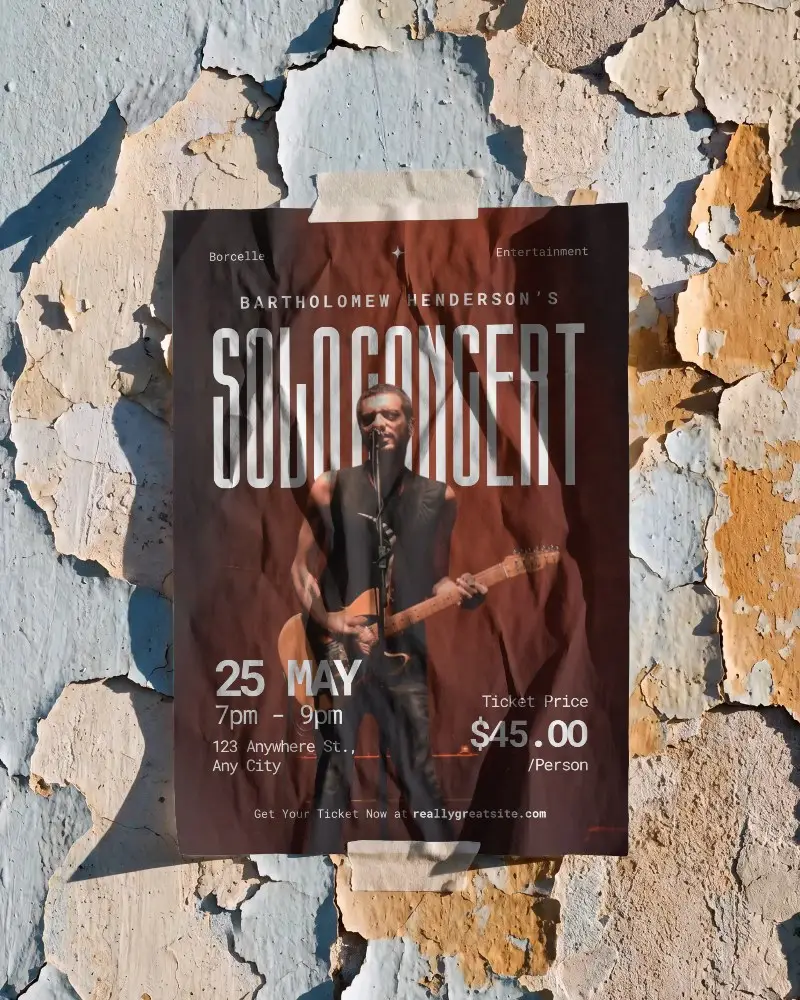
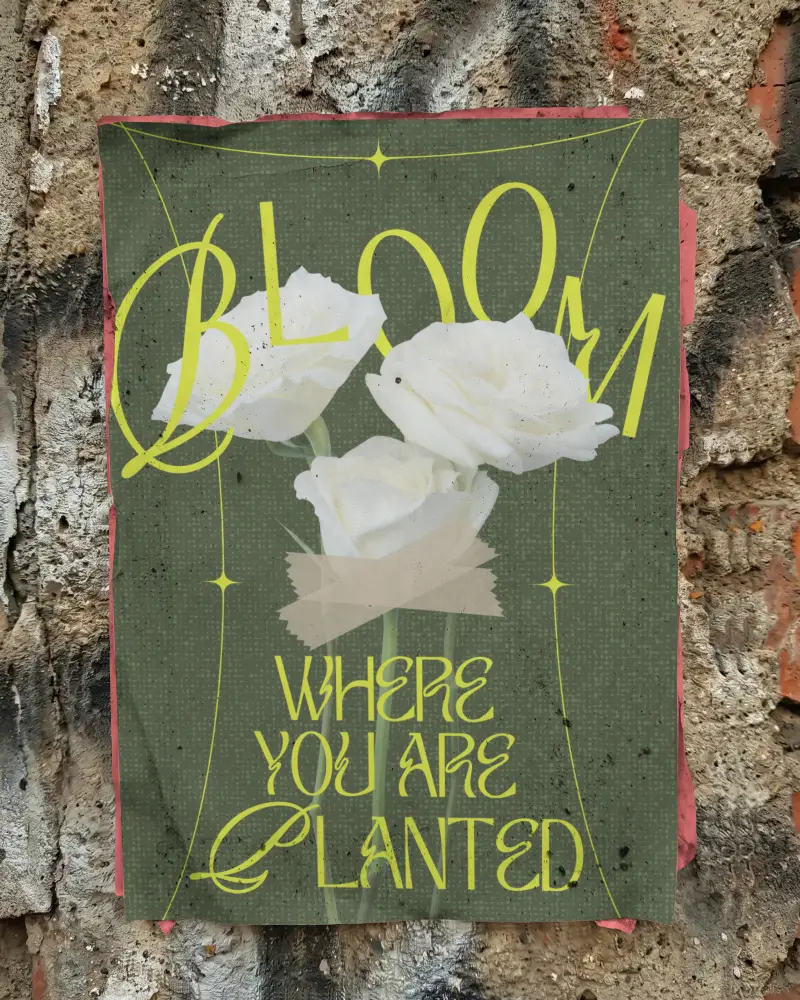
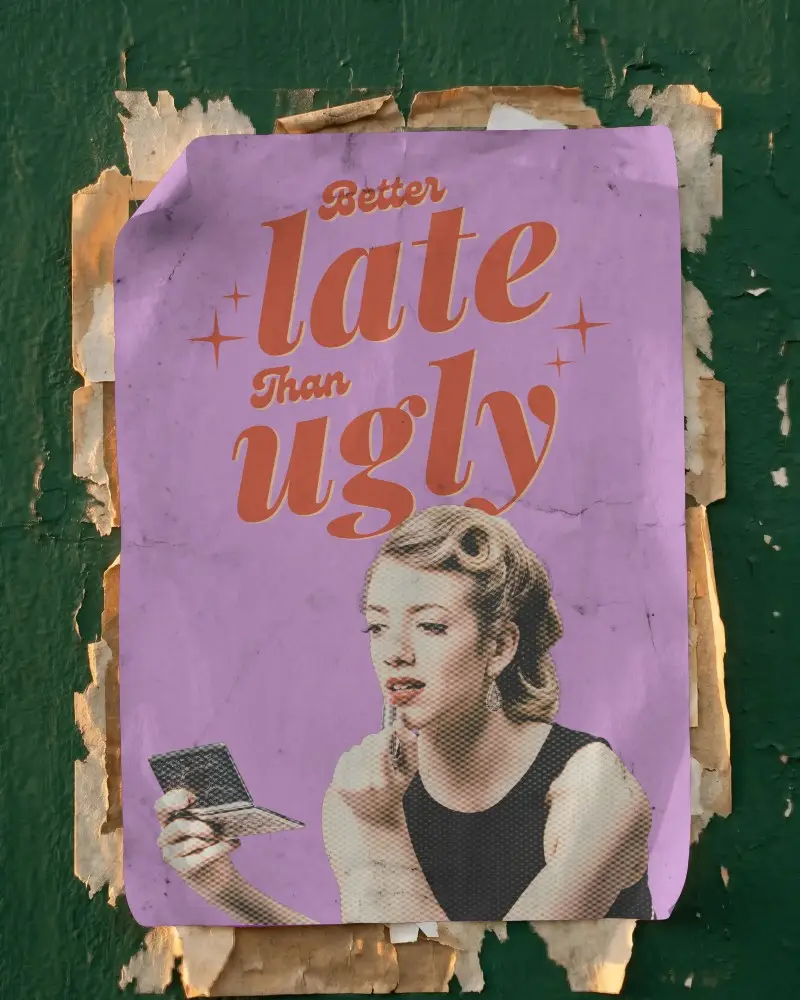
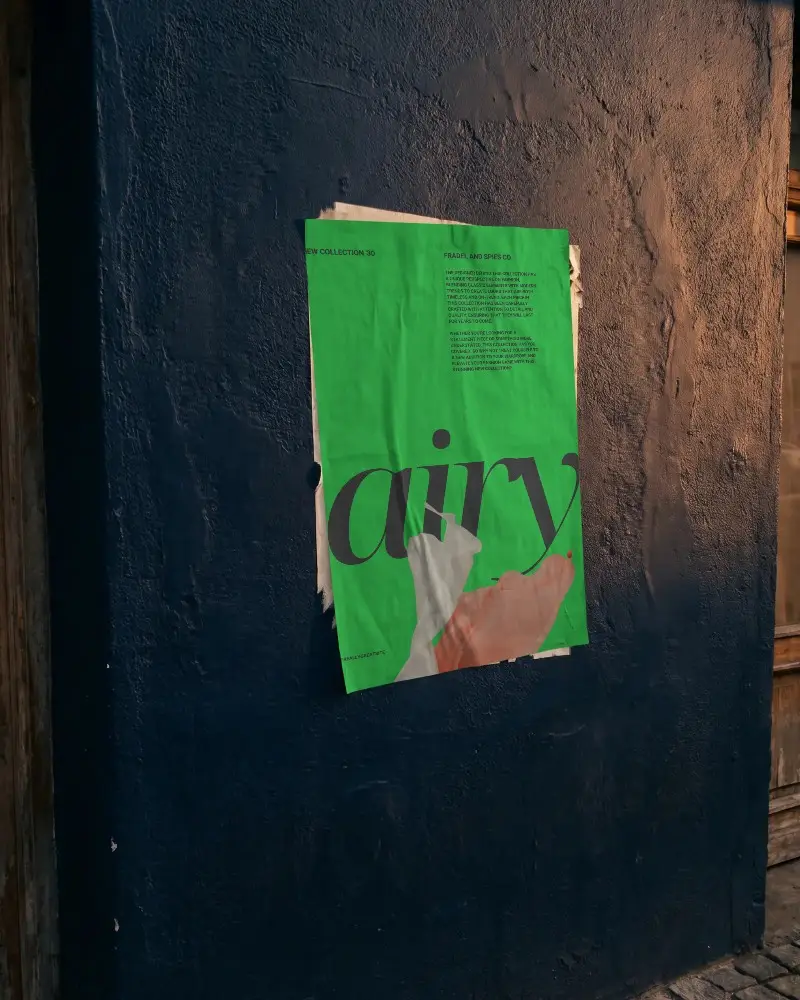
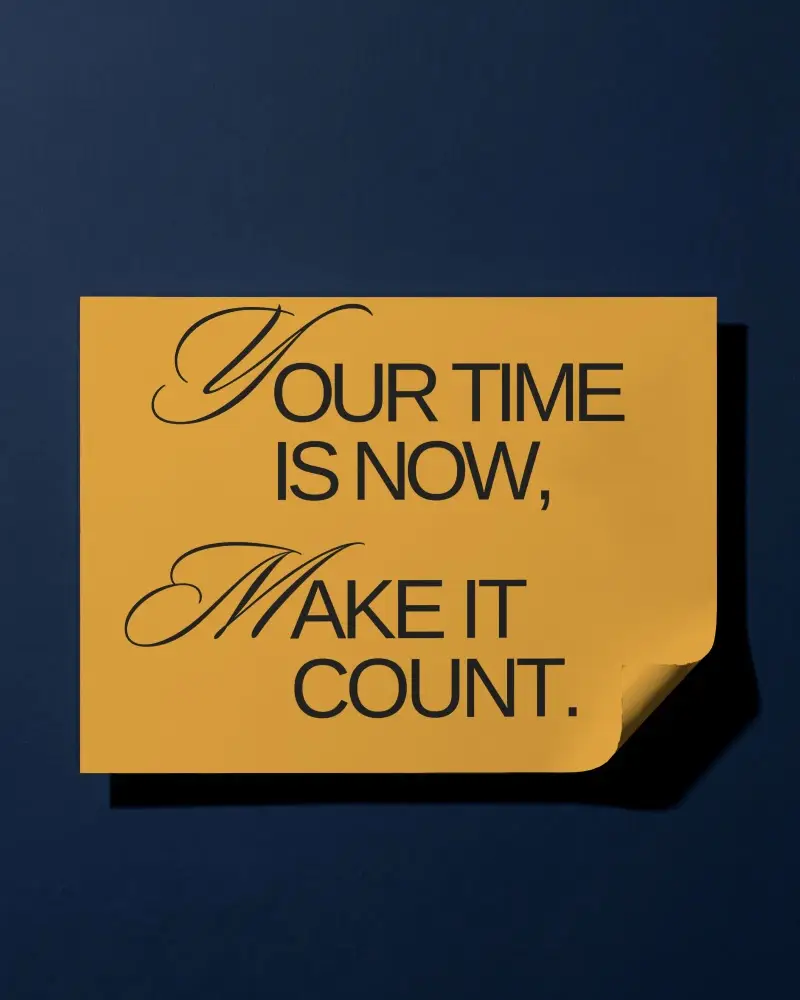
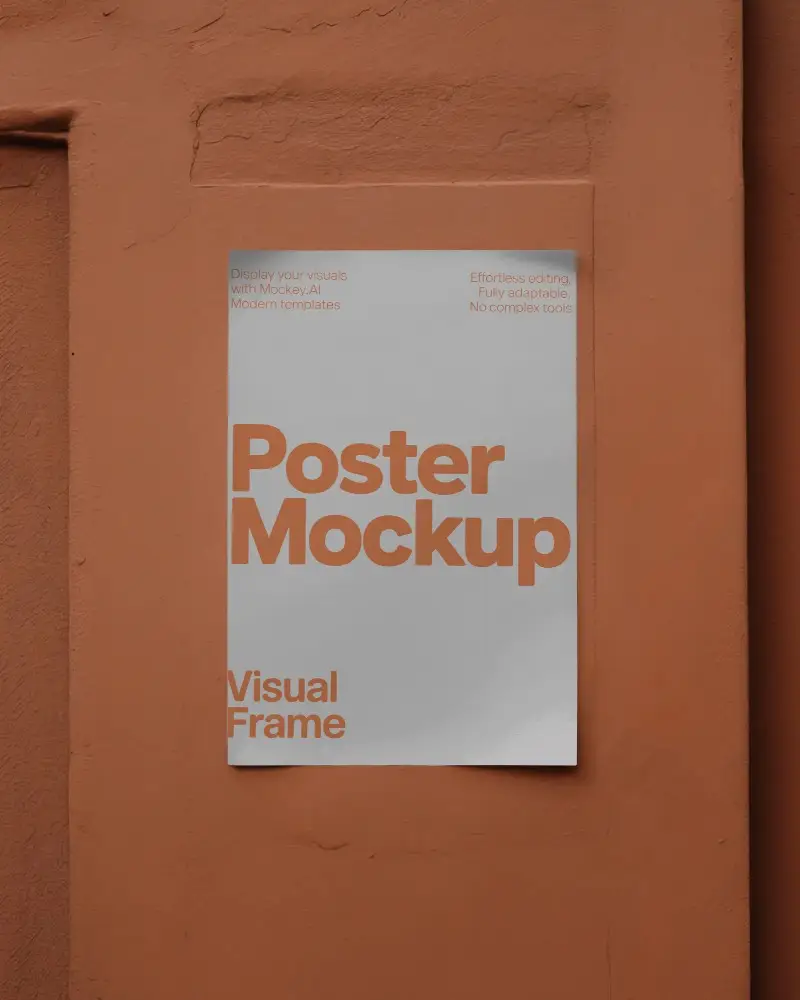
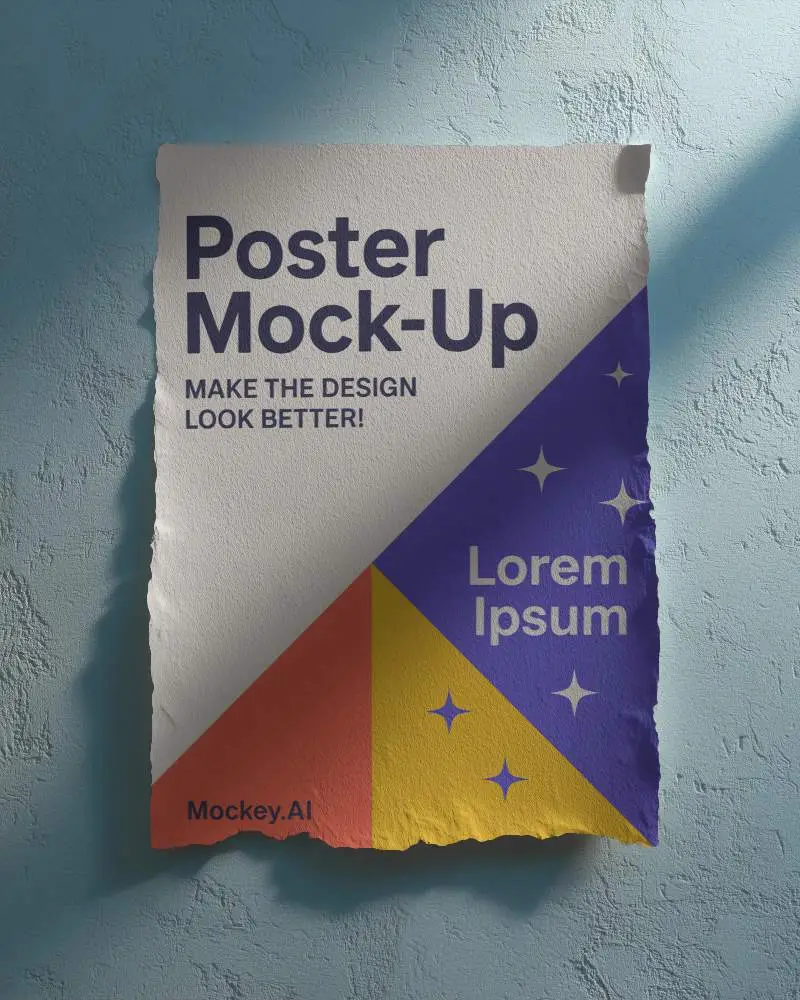
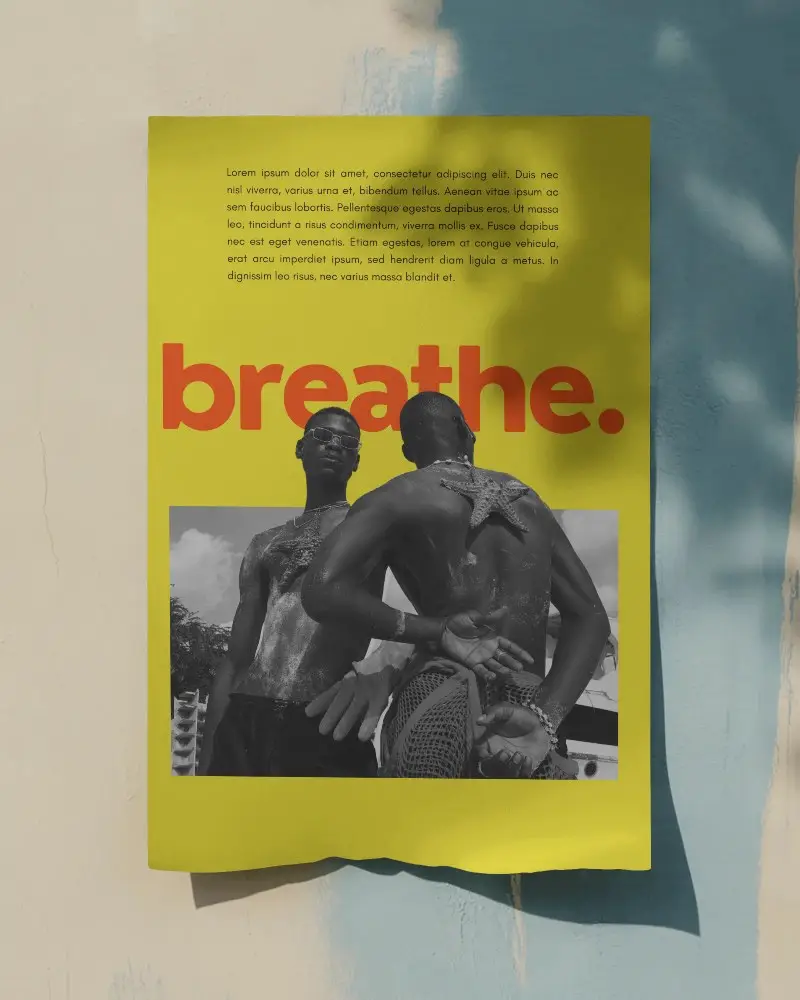
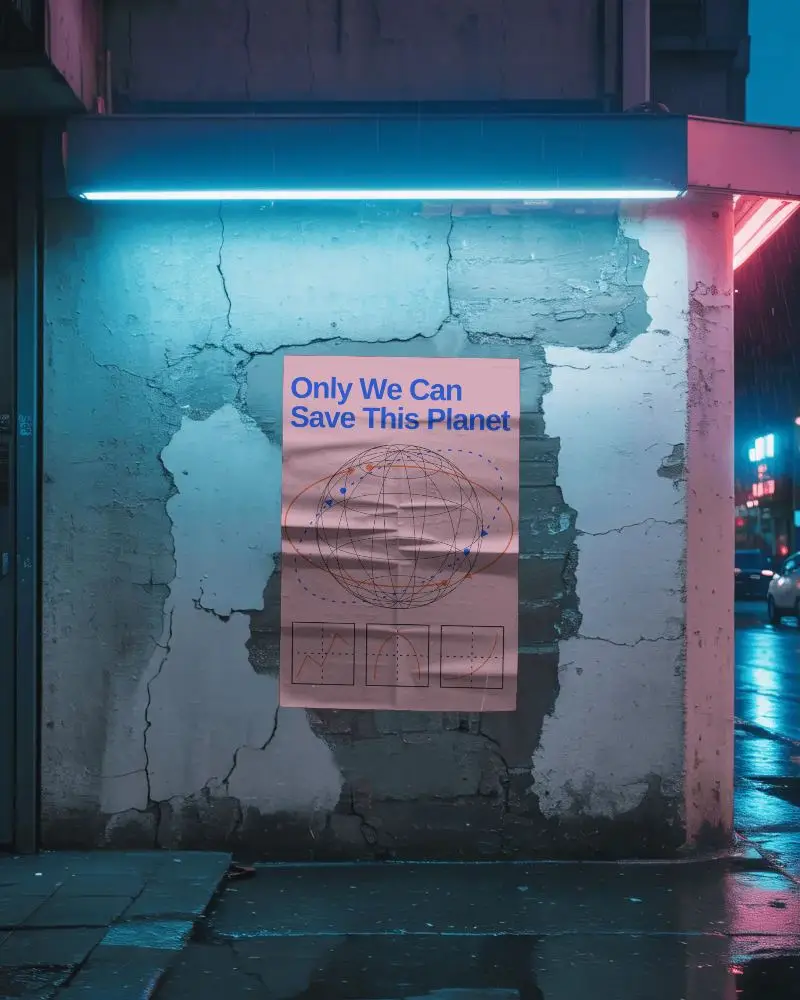
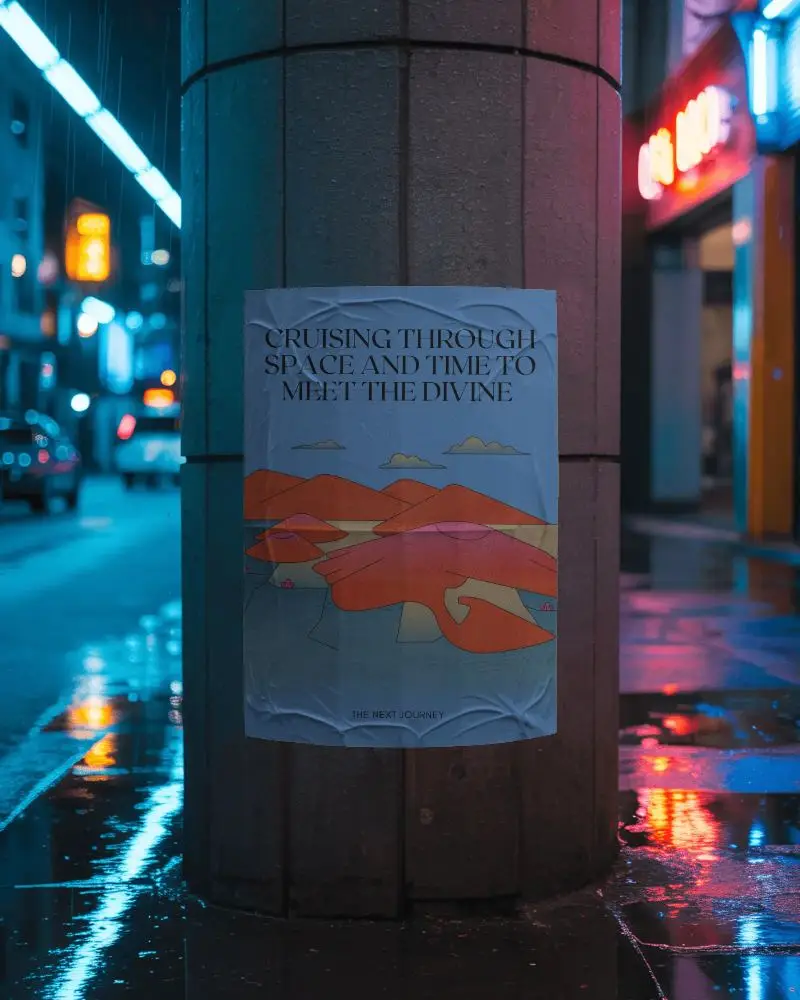
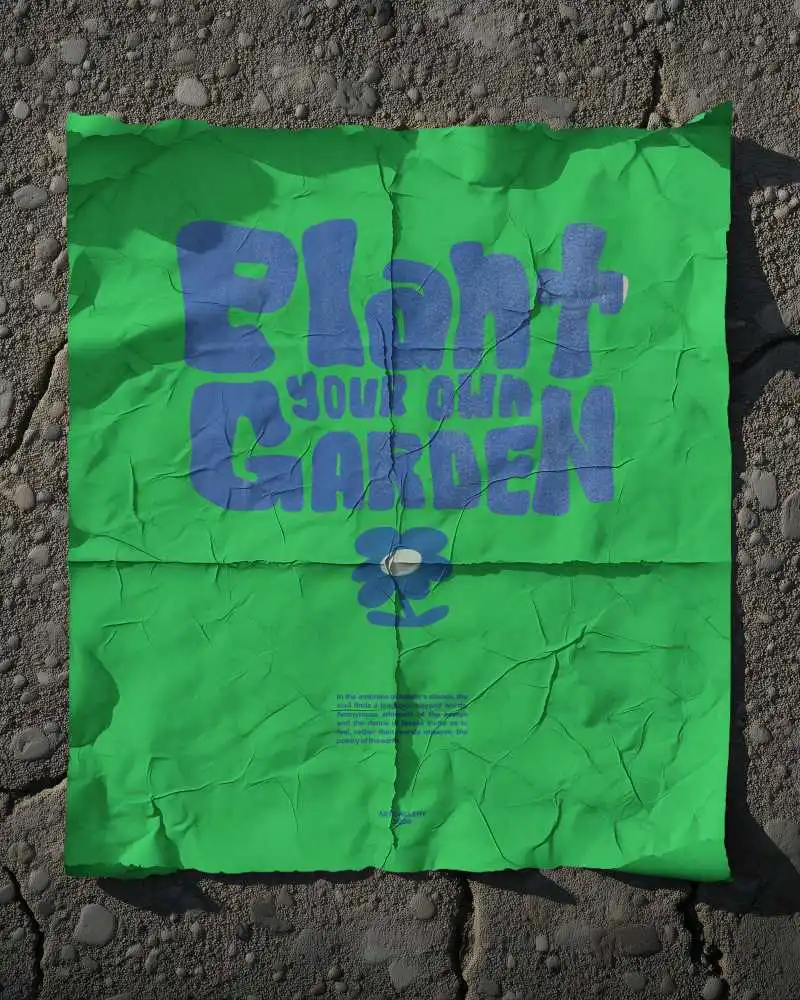

How to Create Torn Poster Mockup with Mockey
Follow the steps to create Torn Poster Mockups in Mockey AI
- Step 1: Follow Mockups > Print > Poster > Torn Poster in the navigation bar.
- Step 2: Choose a mockup template and add your design.
- Step 3: Customize your Torn Poster mockup to make it unique, then download it in high quality.


FAQs on Torn Poster Mockups
What is a Torn Poster Mockup?
A Torn Poster mockup is a digital representation of how your Torn Poster design will look when printed. It helps you visualize the design in a real-world context, such as on a wall or in a frame, before you finalize the print.
Why create a Torn Poster mockup?
Creating a Torn Poster mockup allows you to see your design in a realistic setting. This helps you make adjustments, ensure the design looks good in various sizes, and present your work to clients or stakeholders effectively.
Why Use Mockey’s Torn Poster Mockup?
Mockey's Torn Poster Mockup Generator is a free tool that simplifies creating realistic and professional Torn Poster mockups. It offers a variety of templates and easy customization options to help you showcase your design in high-quality visuals.
Is this Torn Poster Mockup Free?
Yes, Mockey.ai provides free access to their Torn Poster Mockup Generator. You can create and download high-quality Torn Poster mockups without any cost or watermarks.
