Free A3 Poster Mockups
Showcase your creative ideas with free A3 poster mockups on Mockey.ai. Design and preview your artwork in realistic scenes within seconds. Perfect for artists, designers, and marketers to visualize professional A3 poster designs online effortlessly.










.png)















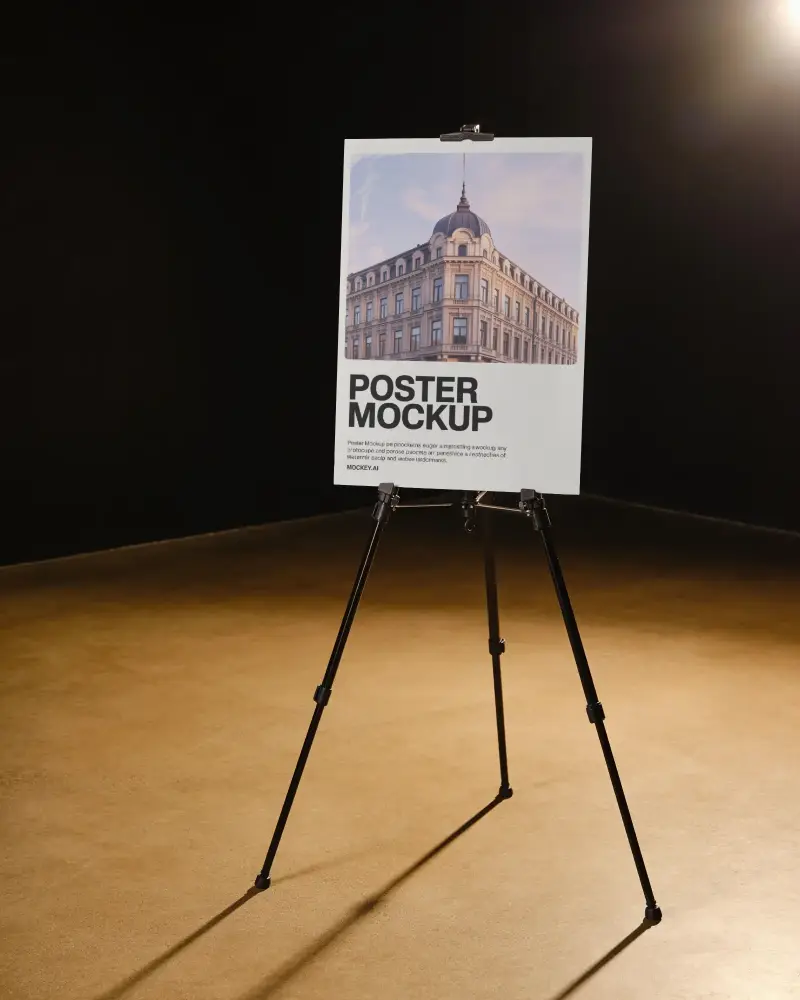
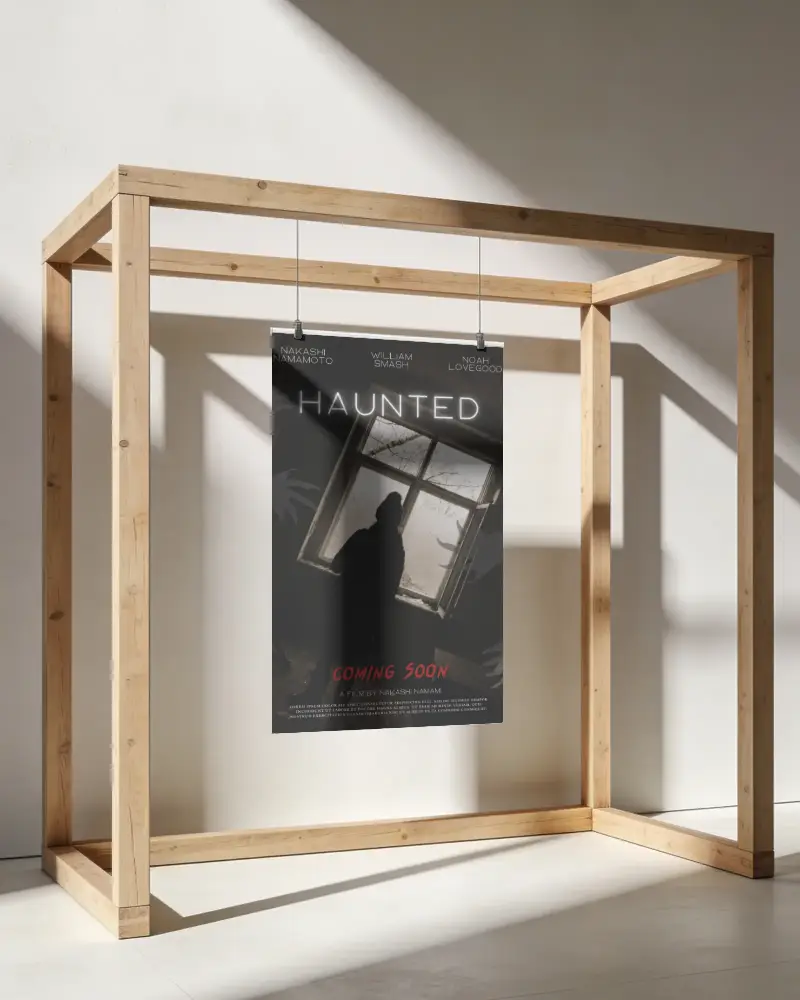
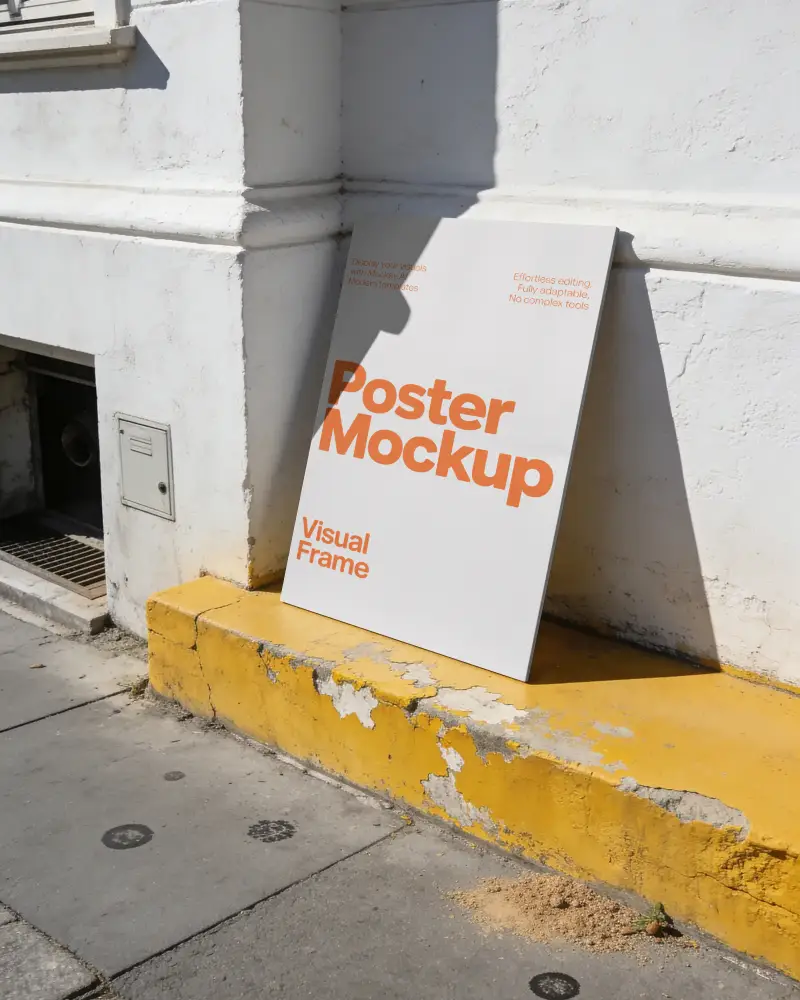
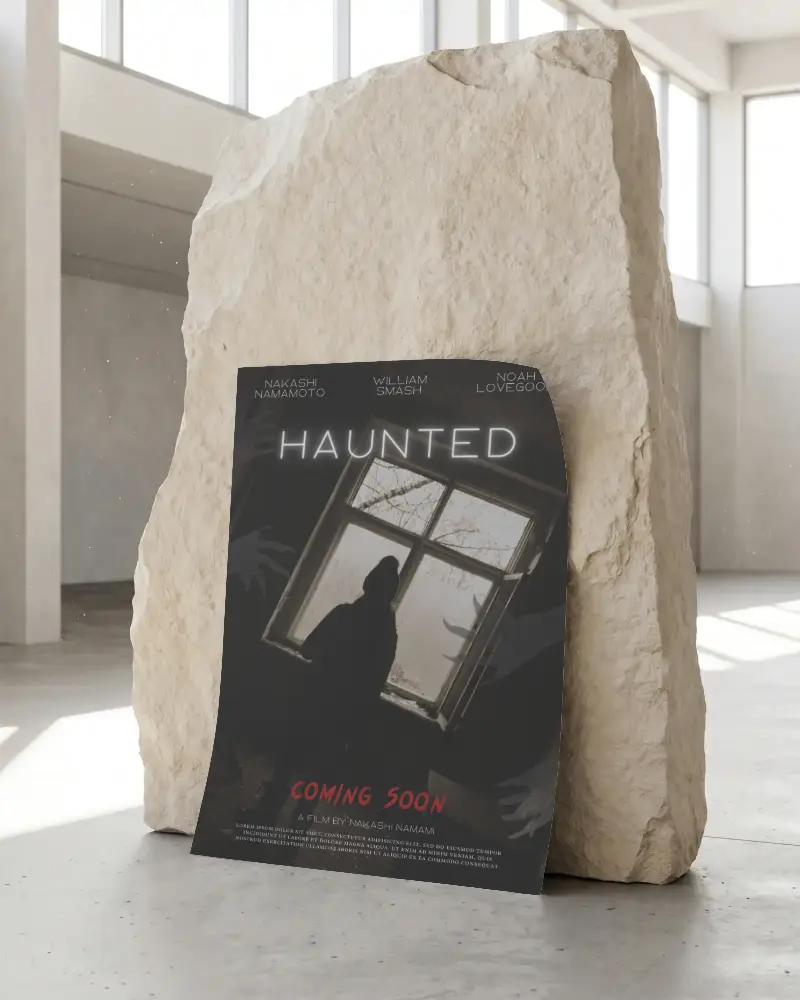
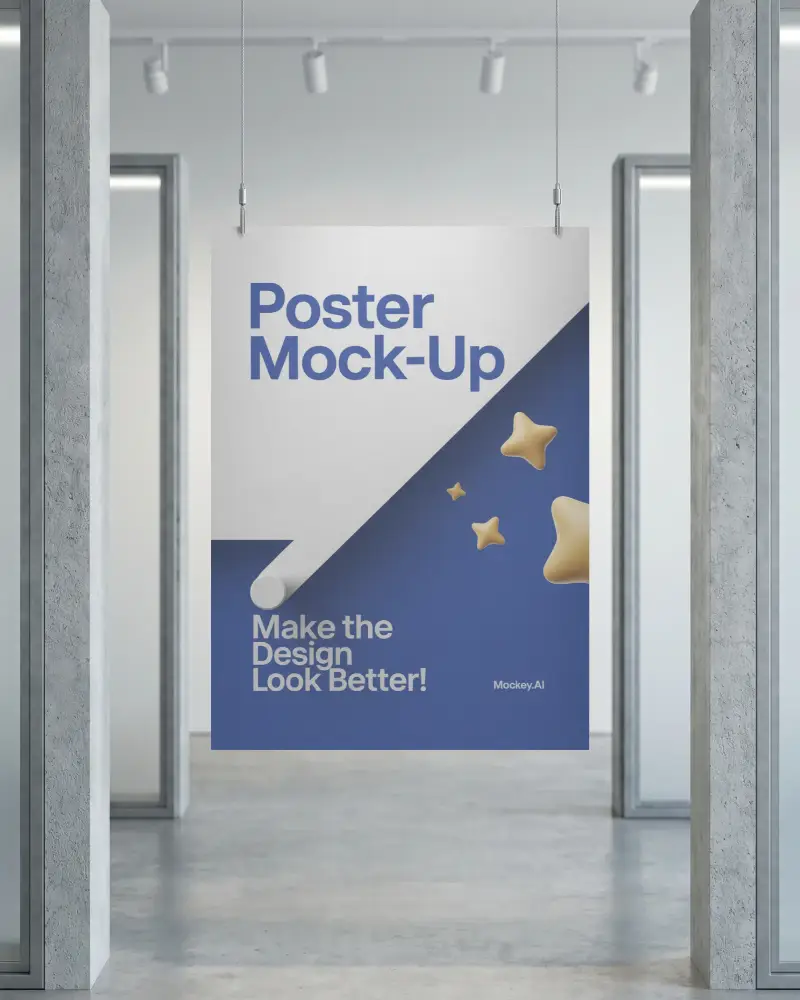
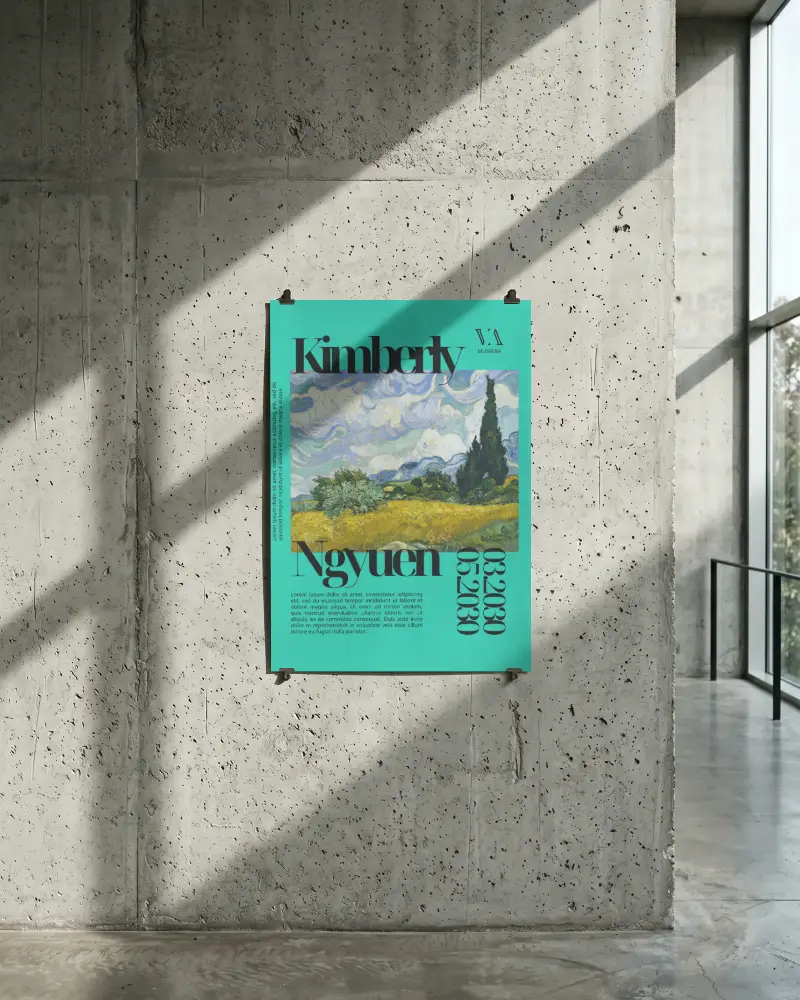
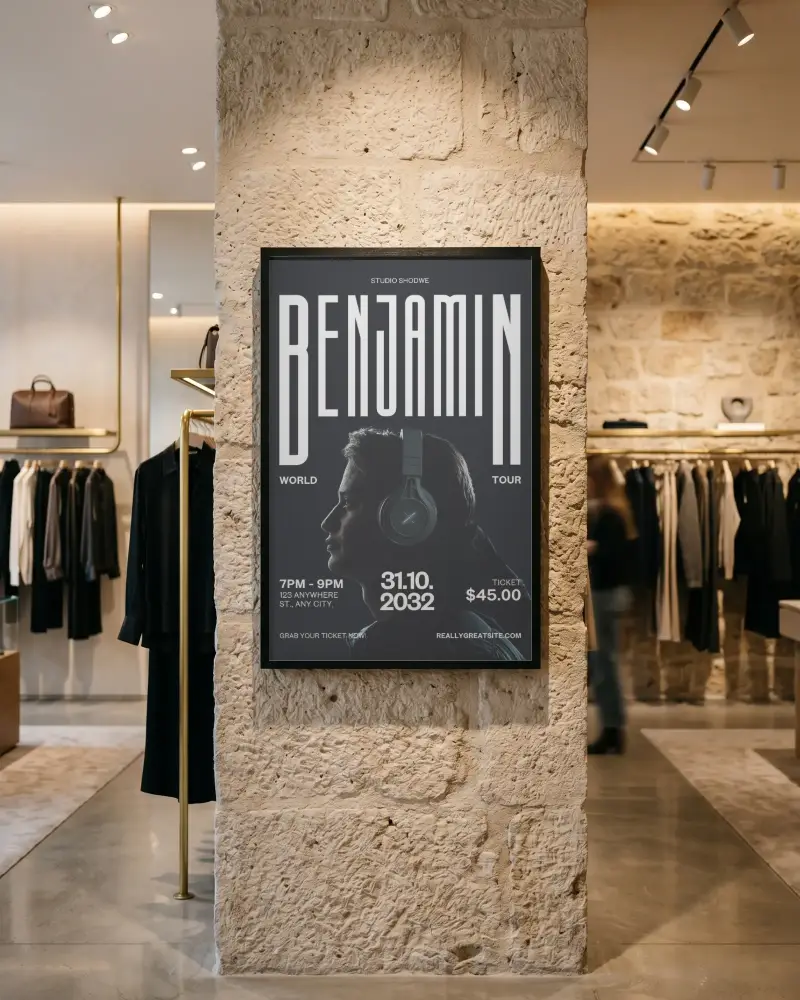
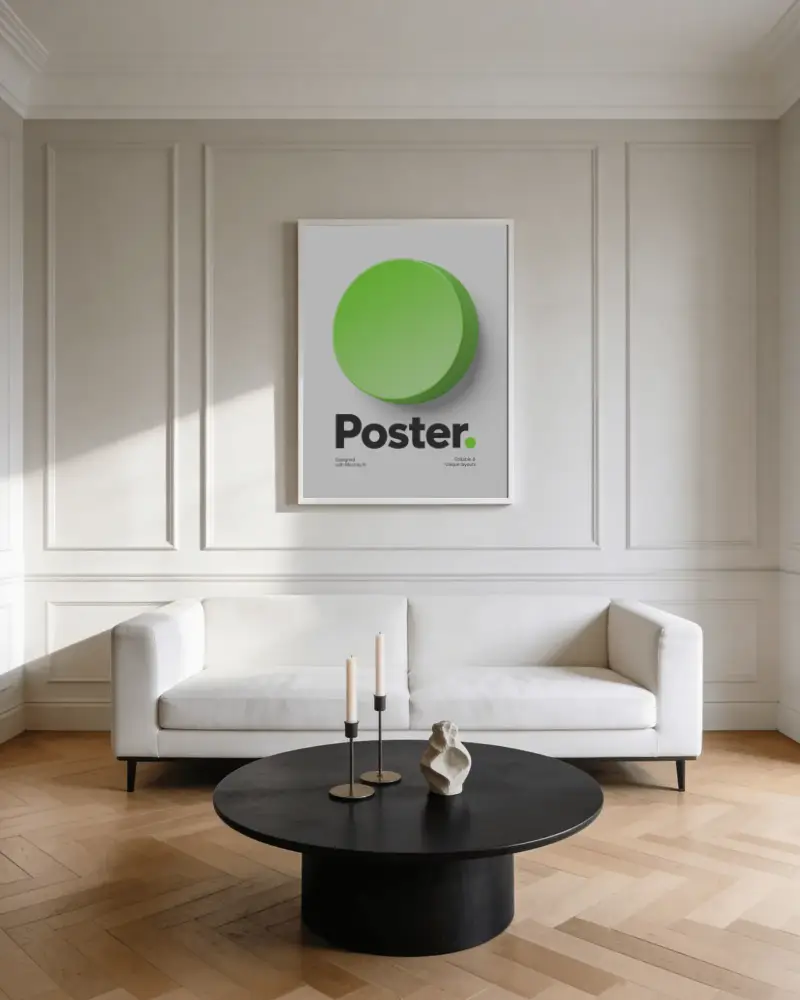
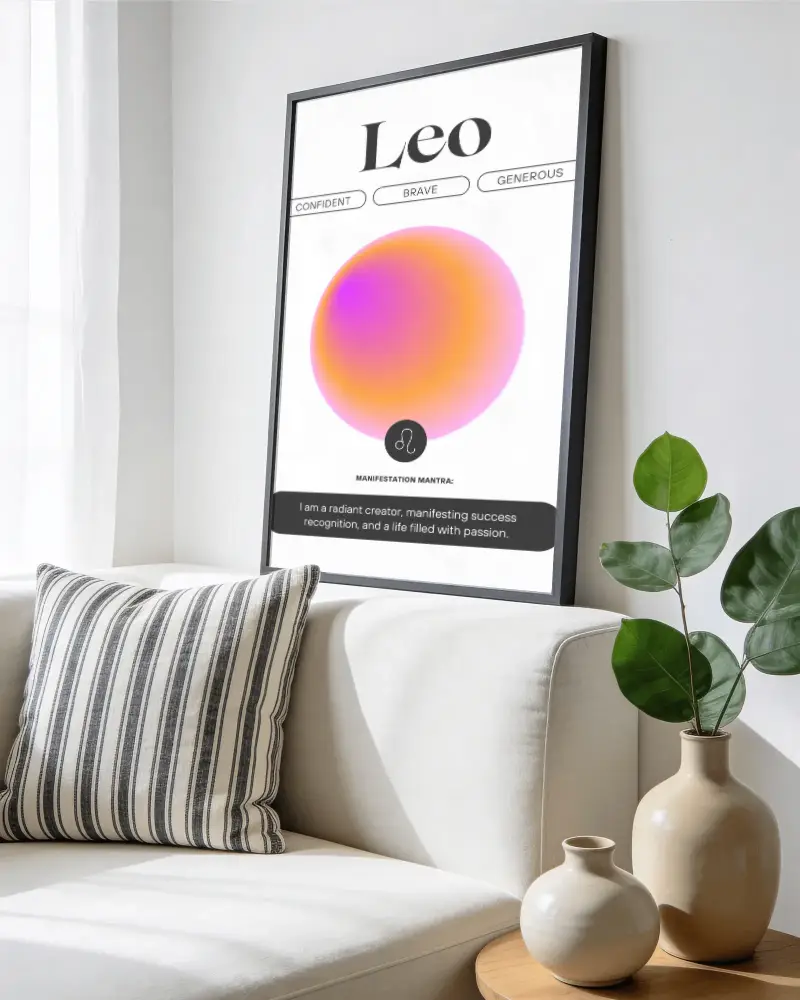
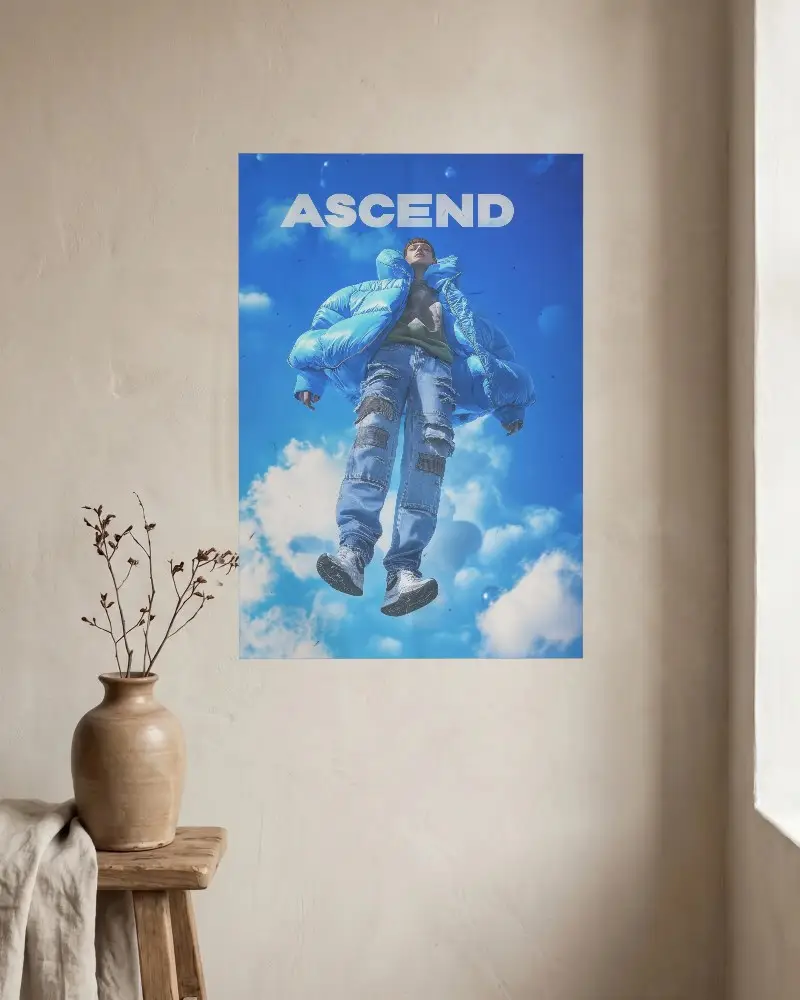
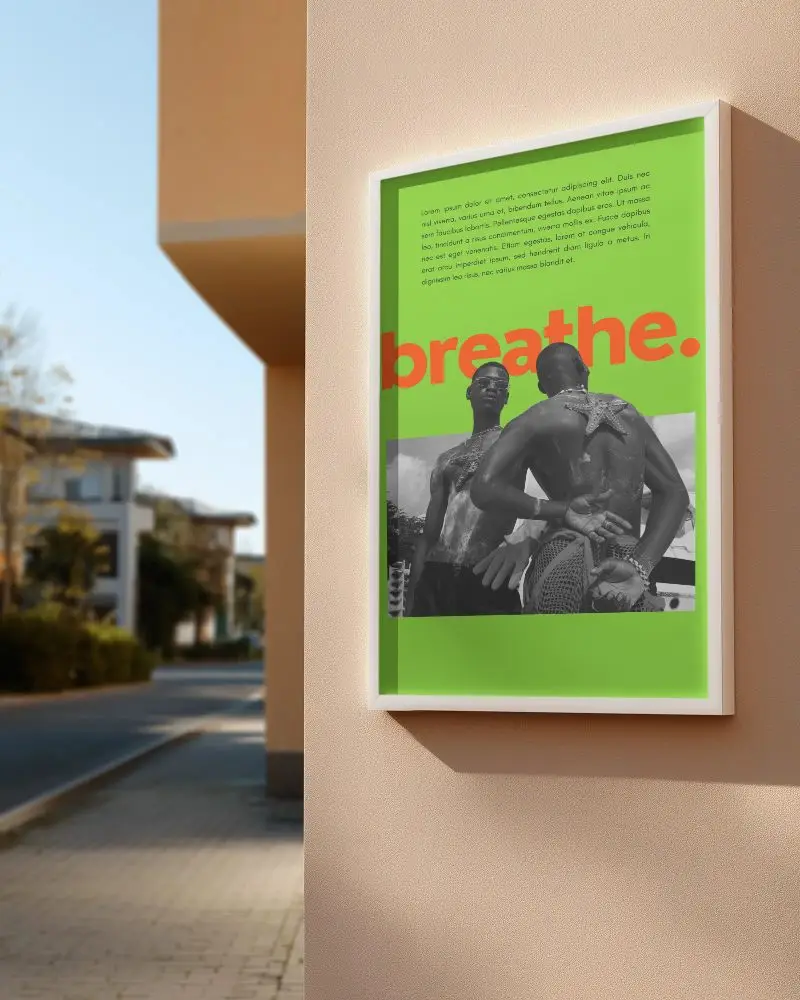
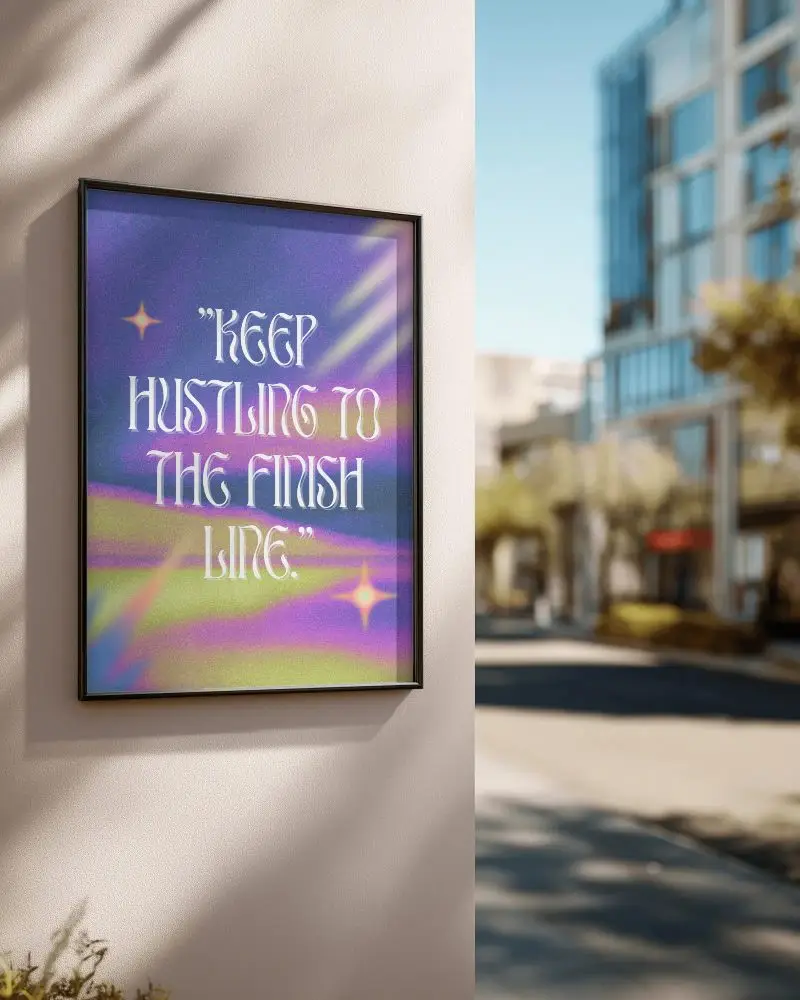
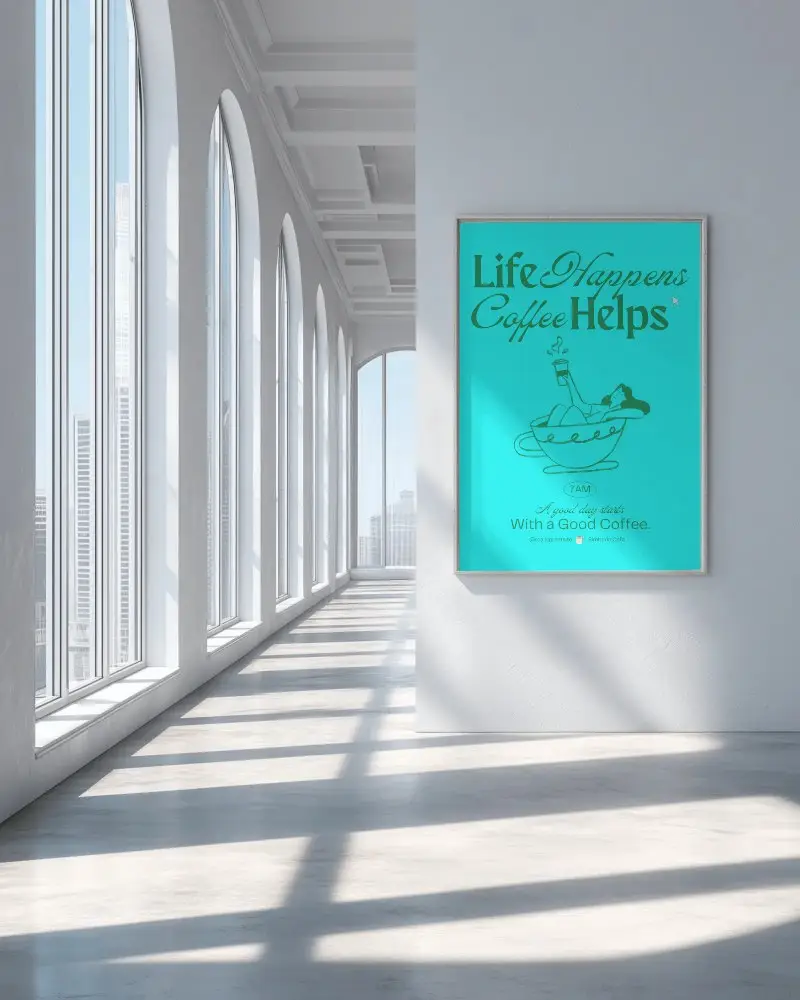
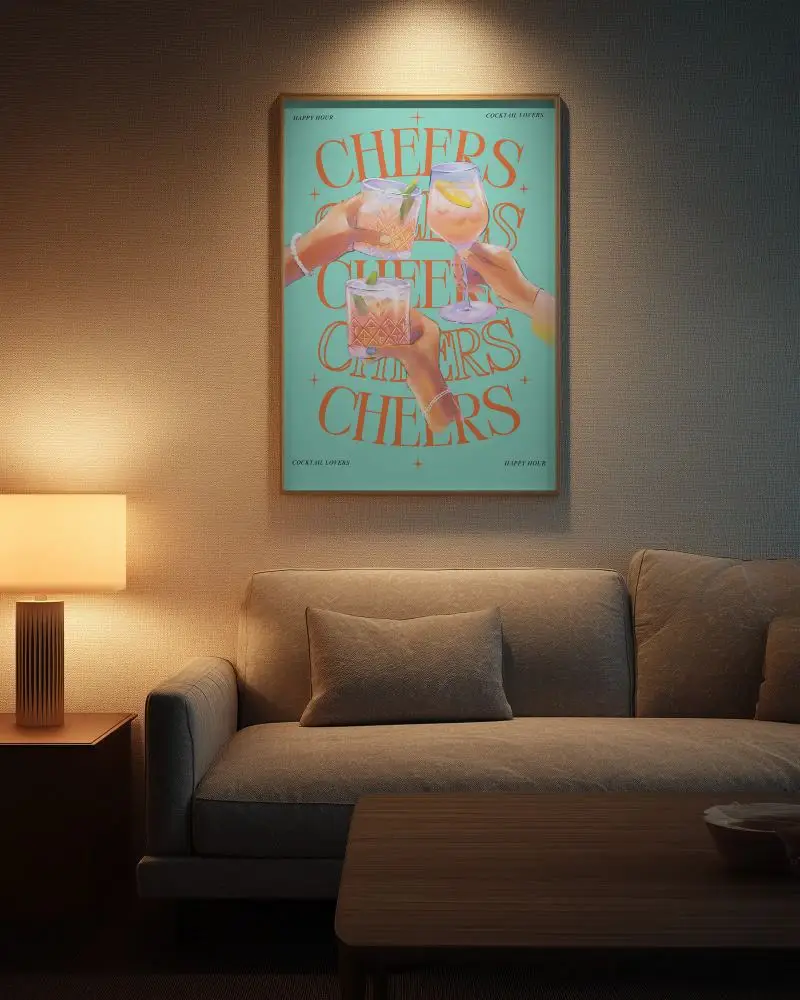
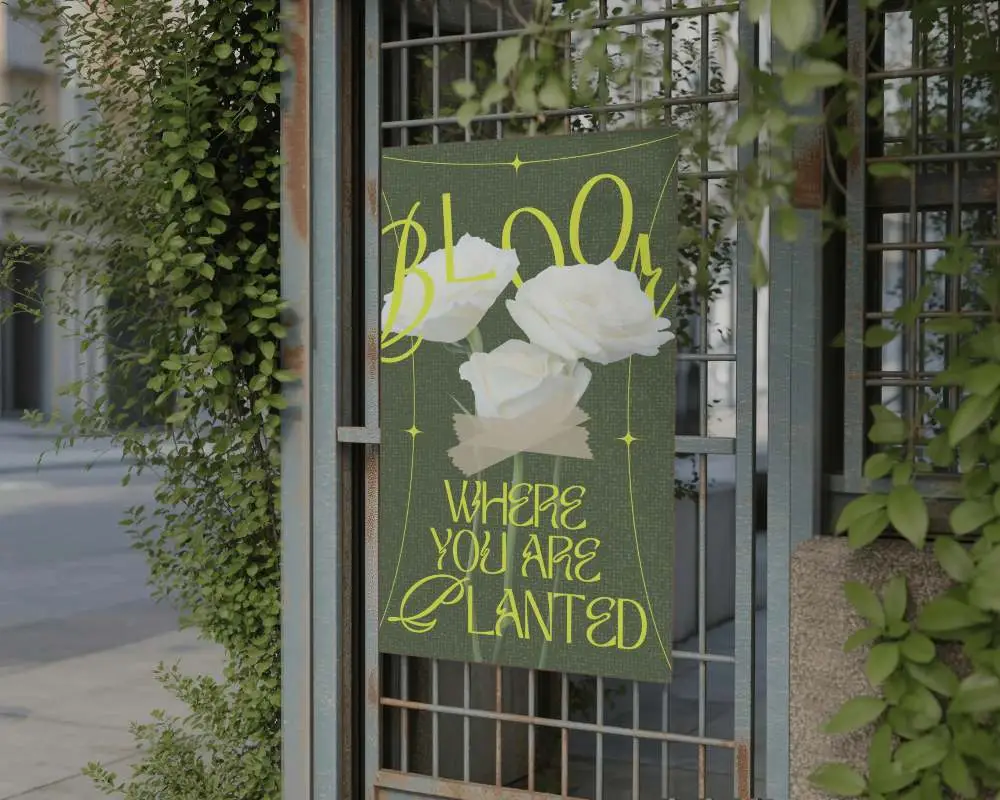
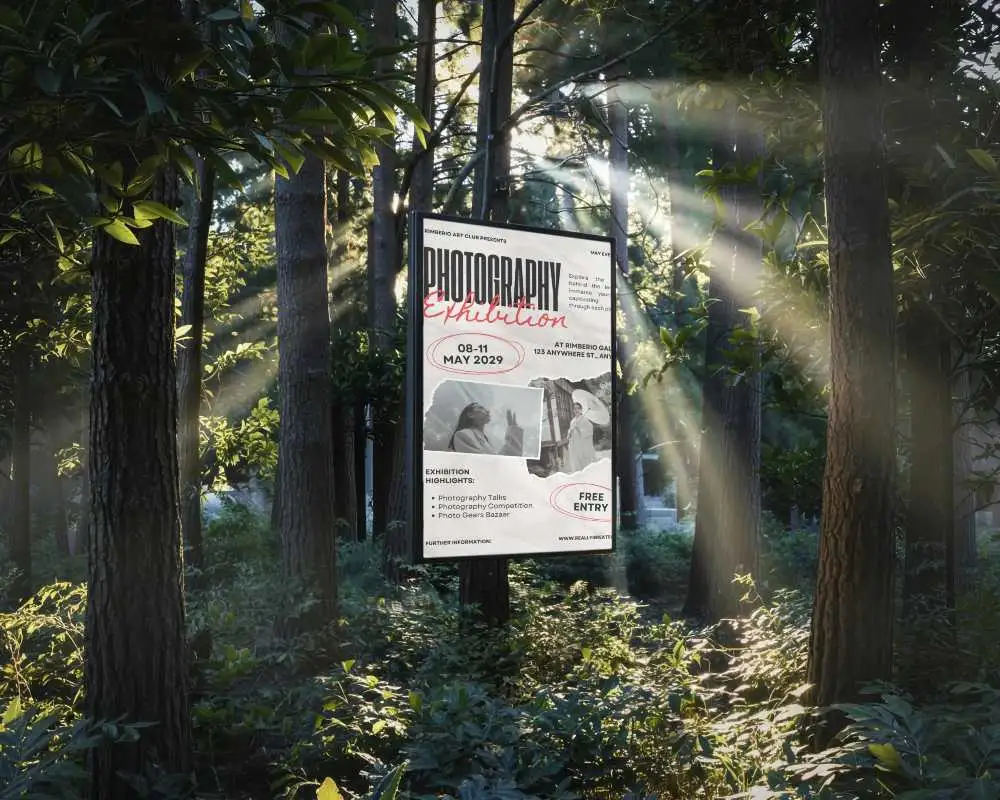


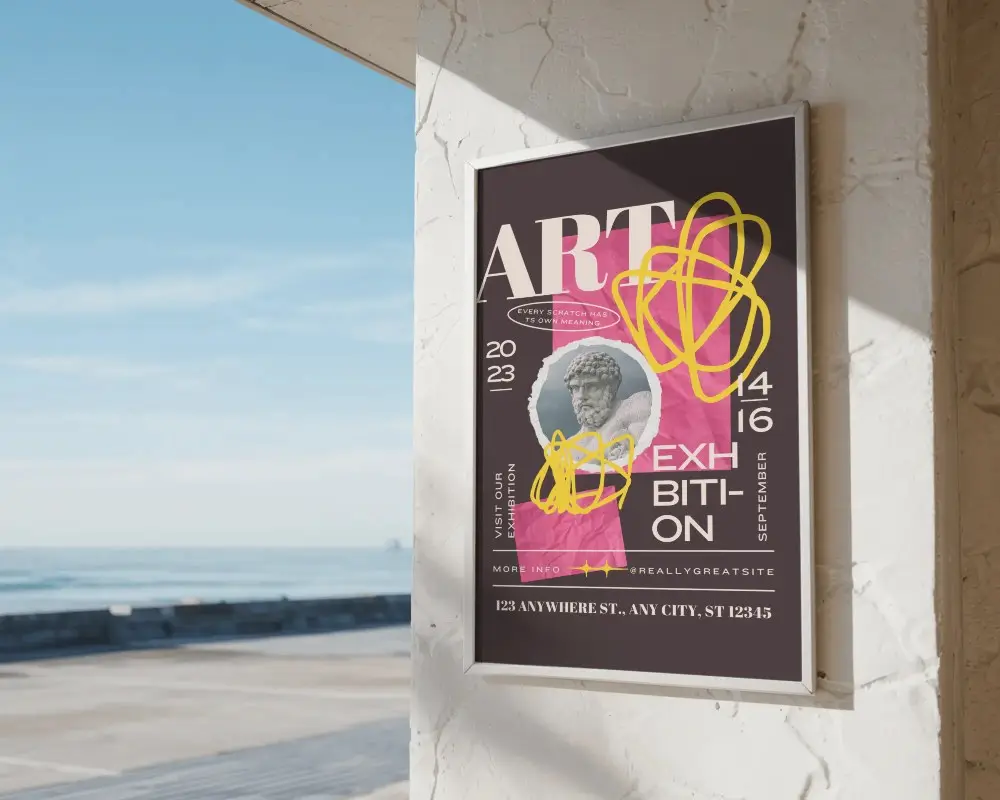
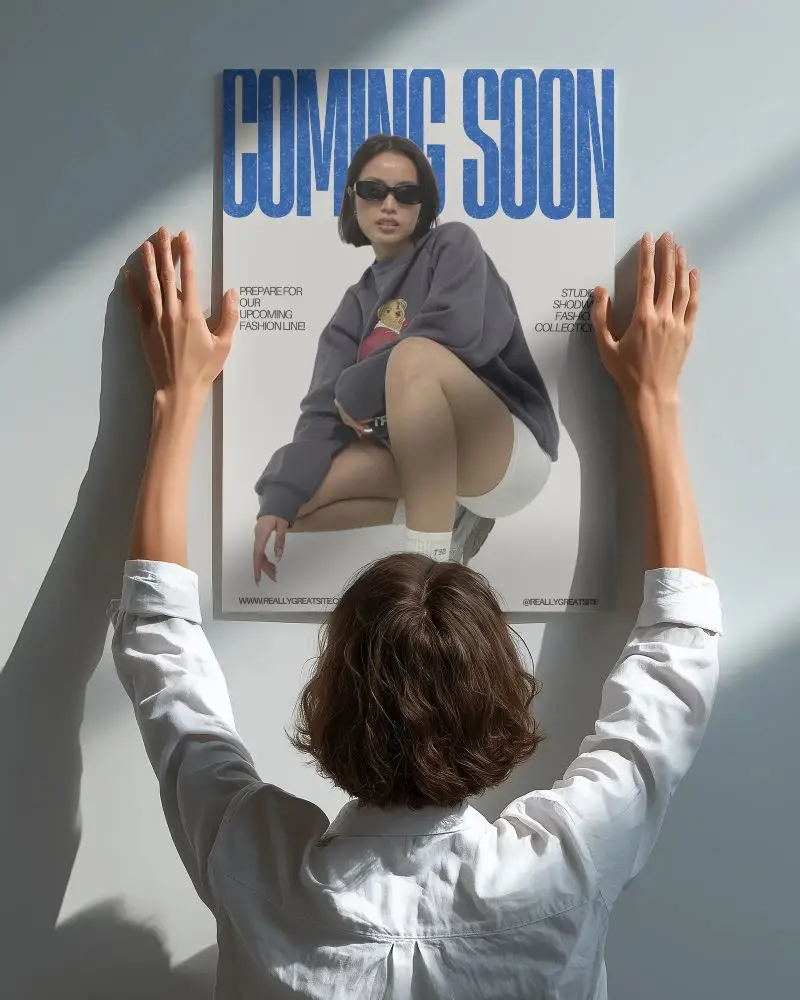

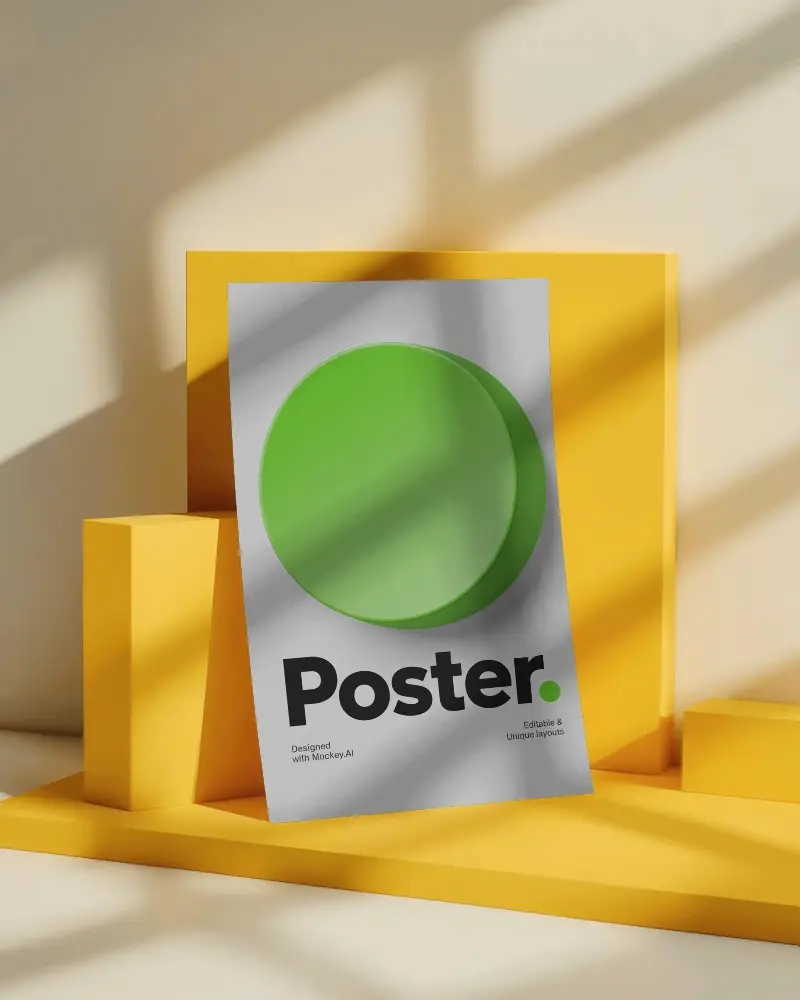
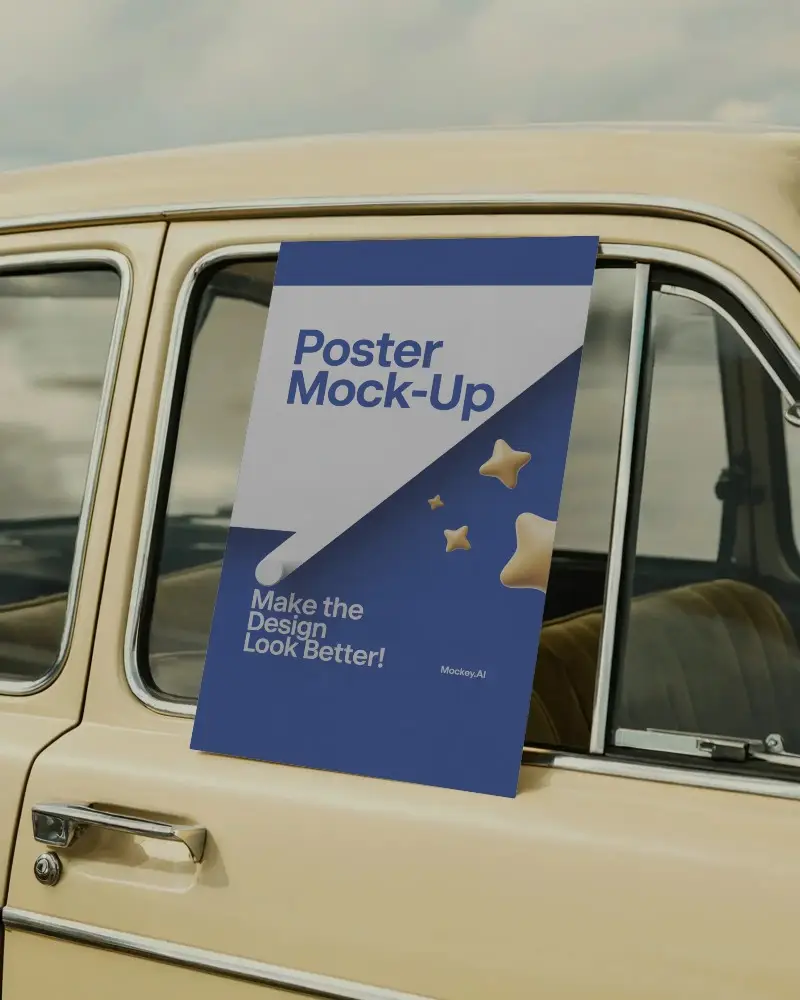
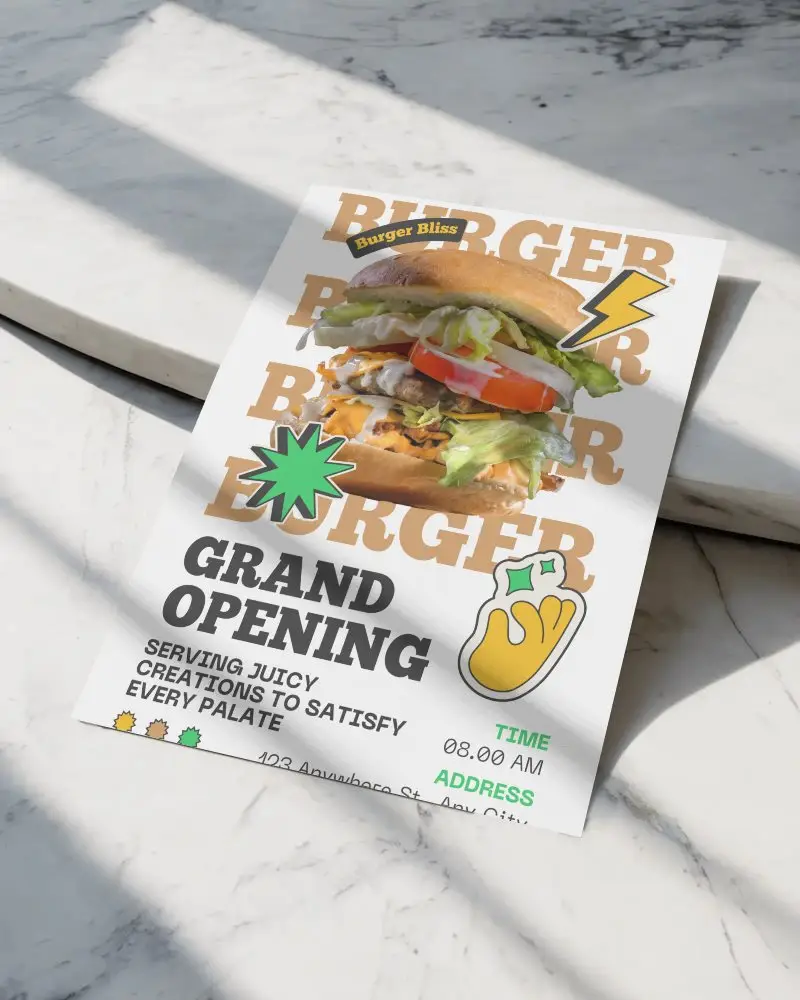
How to Create an A3 Poster Mockup with Mockey
To create an A3 poster mockup:
- Step 1: Log in to Mockey AI and navigate to Mockups > Categories.
- Step 2: Select Print > Poster > A3 to browse available templates.
- Step 3: Choose a template, upload your design, and personalize it using editing tools.
- Step 4: Click Download to save your customized A3 poster mockup.


FAQs on A3 Poster Mockups
Why should I use an A3 poster mockup?
Using an A3 poster mockup helps you see how your artwork will look in real life, get client feedback, and promote your designs confidently. It’s ideal for checking alignment, scale, and visual impact before printing.
Where can I get free A3 poster mockups?
You can download free A3 poster mockups from platforms like Mockey AI. It provides ready-to-use PNG templates that help you present your designs professionally and realistically.
Are A3 poster mockups good for portfolio use?
Yes, A3 poster mockups are excellent for portfolios. They display your artwork in context, help clients understand the final look, reduce printing costs, and allow creative presentation with easy editing before final production.
