How to Make Merch Mockups for Print-on-Demand
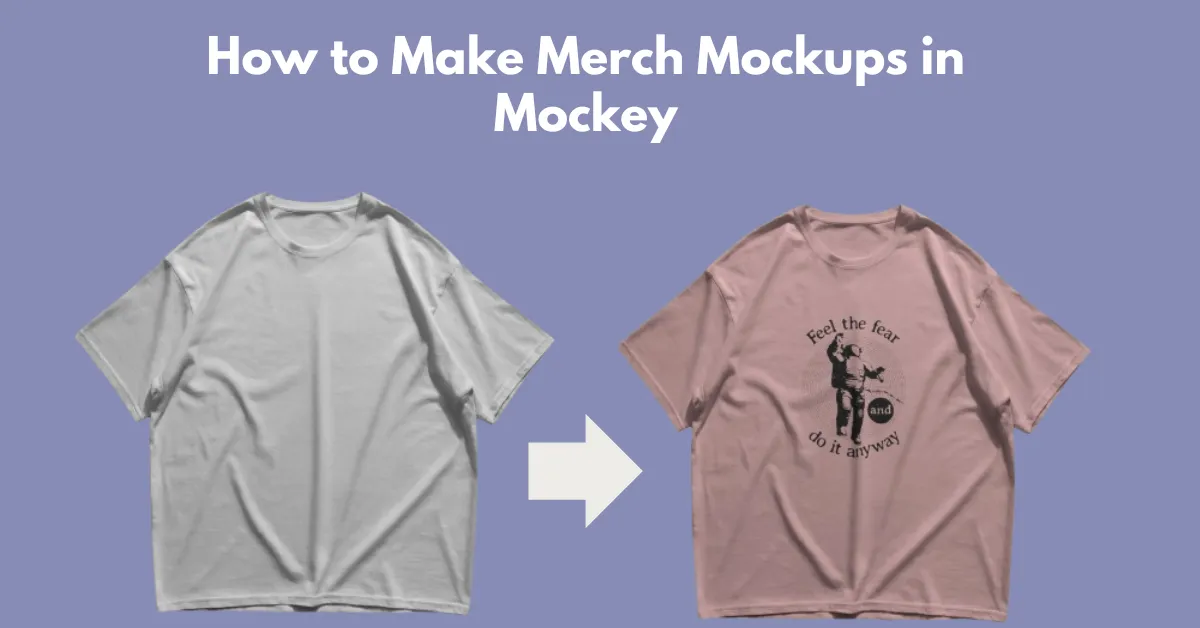
Learn how to make merch mockups using Mockey AI mockup generator. Choose from ready-made templates or create custom mockups.
Learn how to make merch mockups using Mockey AI mockup generator. Choose from ready-made templates or create custom mockups.
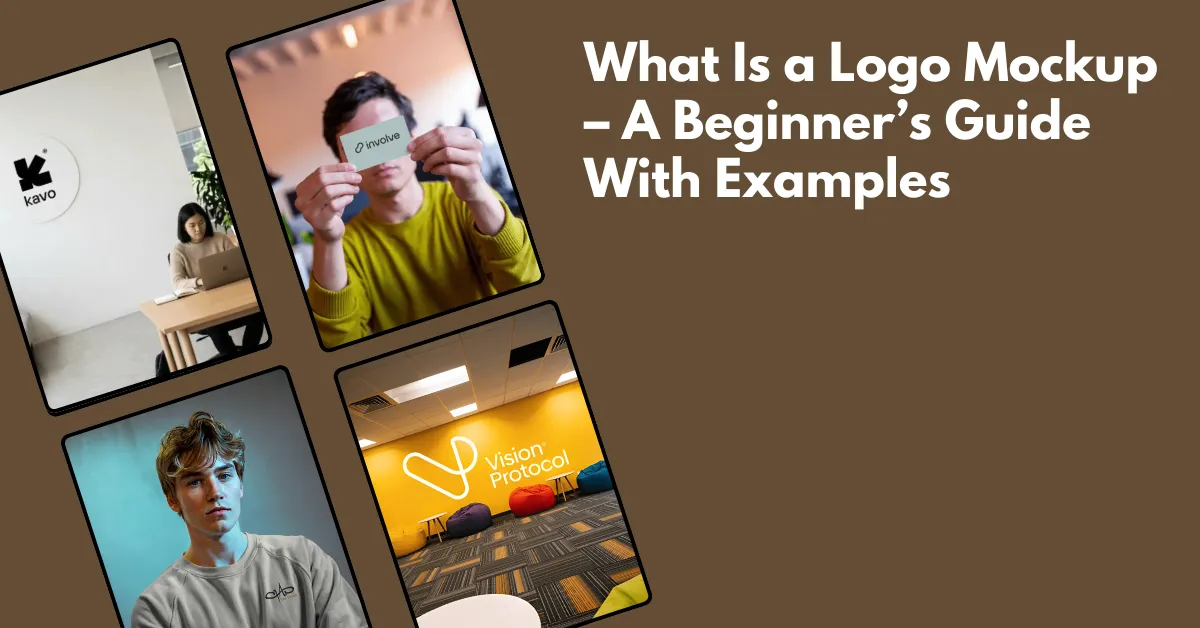
What is a logo mockup? You can visualize your logo using a logo mockup. Preview on t-shirts, walls, or packaging rather than a white background.
The best mockup sites for Etsy are Mockey AI, Placeit, Canva, Creative Market, Creative Fabrica, and Photoshop to boost sales in 2026.
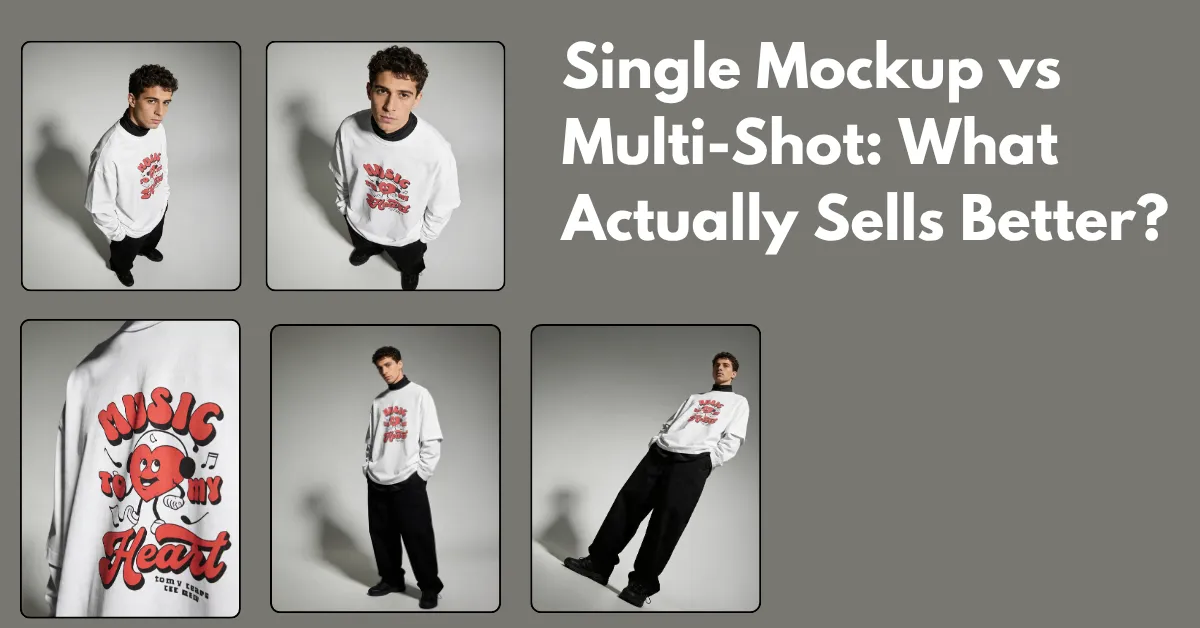
Single mockup vs multi-shot comparison. Learn how many images you need and the best way to turn views into actual sales.
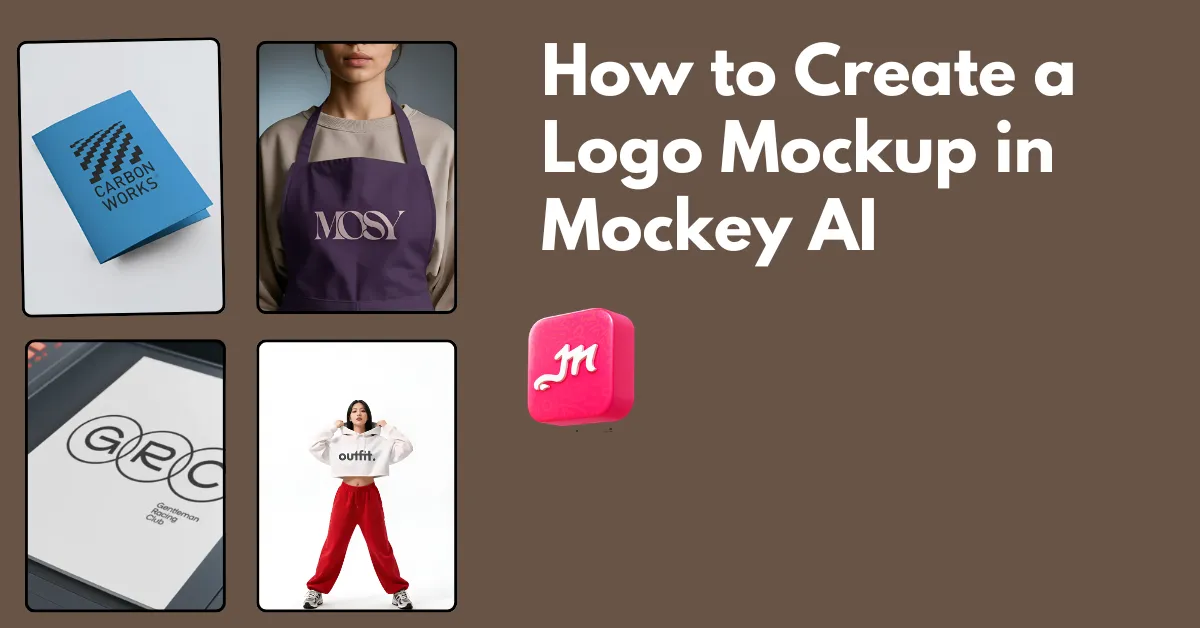
How to create a logo mockup? Use Mockey AI to choose from 100 templates, such as on a wall or apparel. Upload your logo and download the logo mockup as PNG.
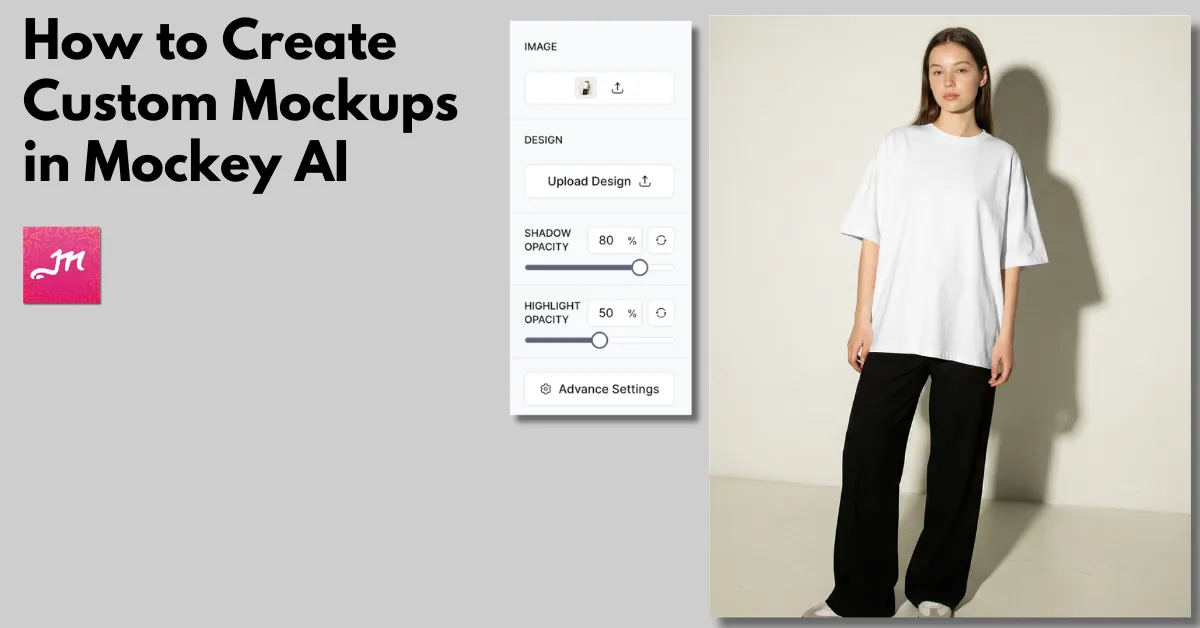
How to create custom mockups? Use Mockey AI to drag and drop the image, upload the design, use AI tools, and download the custom mockup in high-quality.
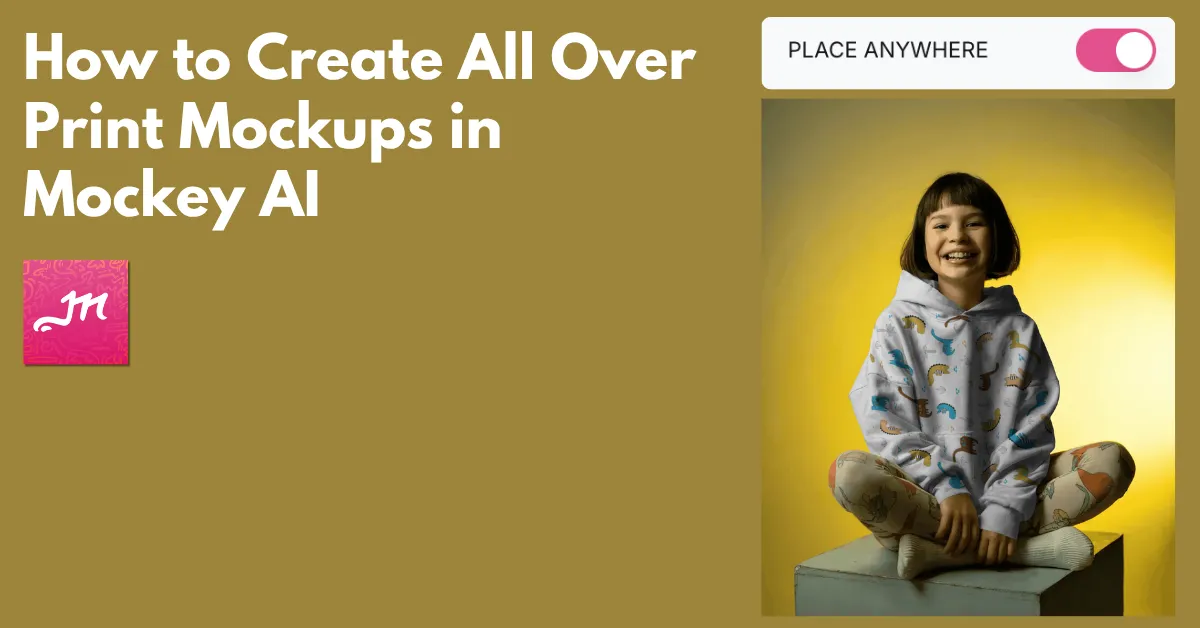
How to create all over print mockups? Use Mockey AI to access the Place Anywhere feature and drag the design to your preferred area.
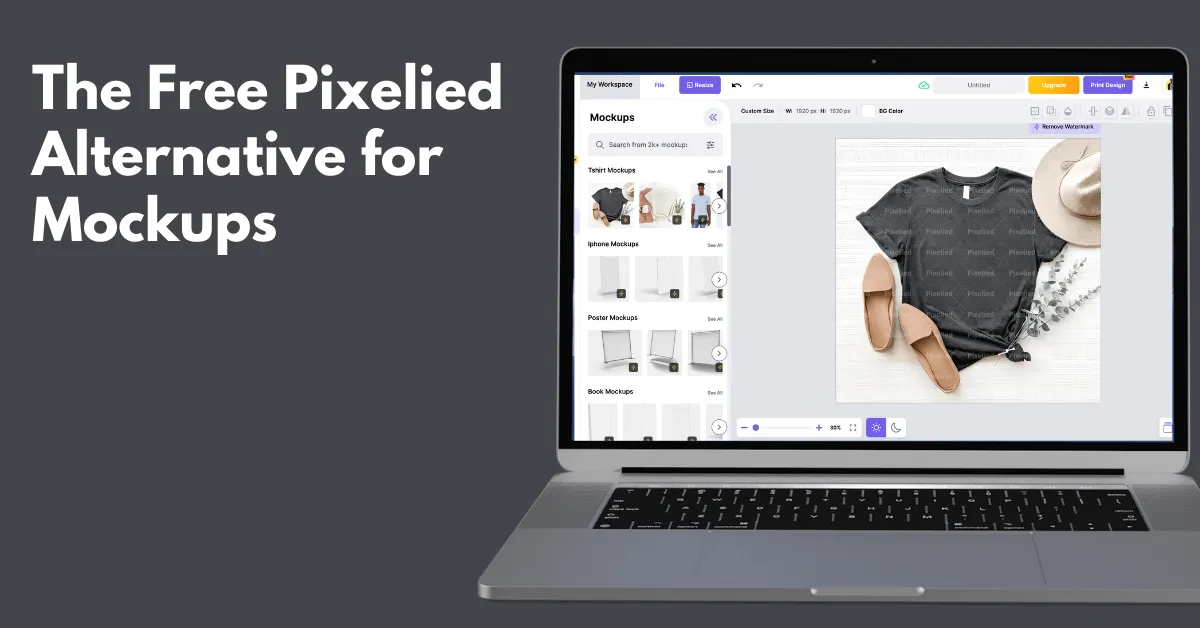
The free Pixelied alternative for mockups is Mockey AI, which offers a free plan, a large number of product templates, and advanced AI customization tools.
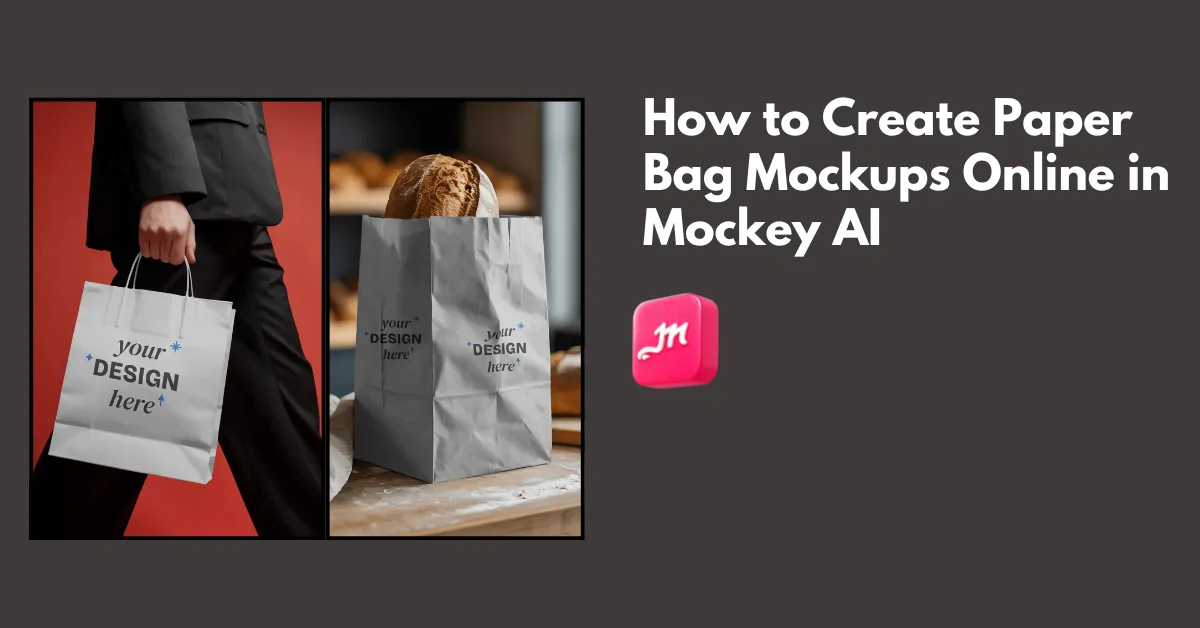
How to create paper bag mockups? Use Mockey.ai’s paper bag mockup generator and select from 100 templates to upload an image, edit, and download the mockup.
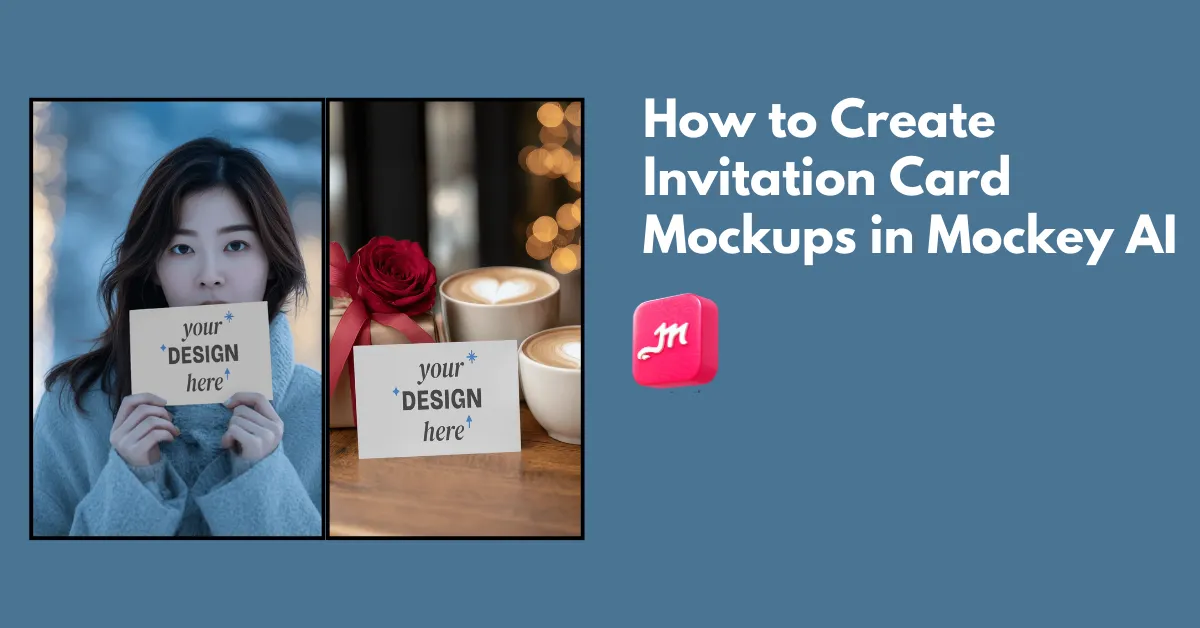
How to create invitation card mockups? Use Mockey AI’s invitation card mockup generator and select from more than 50 templates to upload a design.
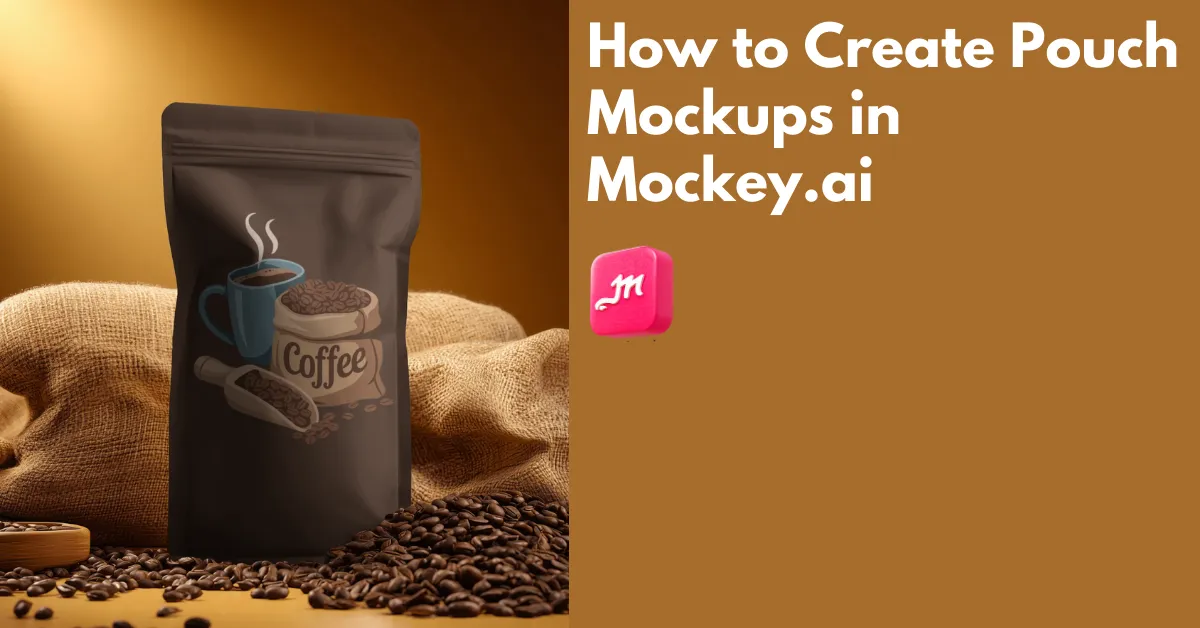
How to create pouch mockups? Use Mockey.ai’s pouch mockup generator to select from 700+ templates, edit with easy tools, and download the mockup pouch in HD.
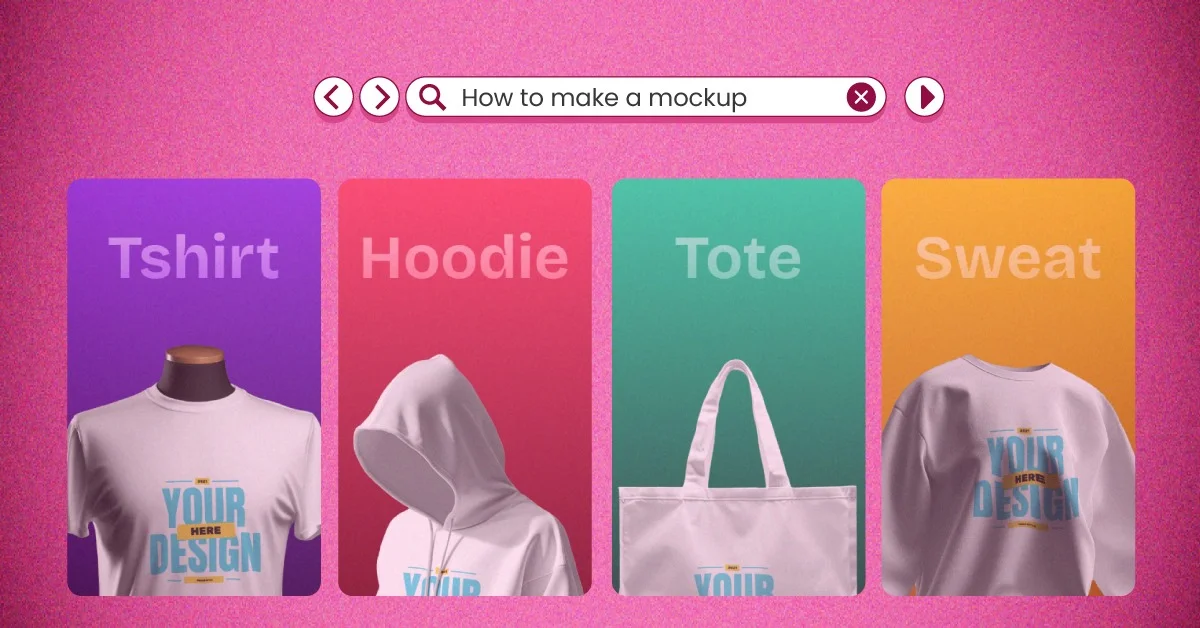
How to make a mockup? Use Mockey.ai to select from 30,000 templates, upload a photo, edit the color, and download the mockup as PNG.
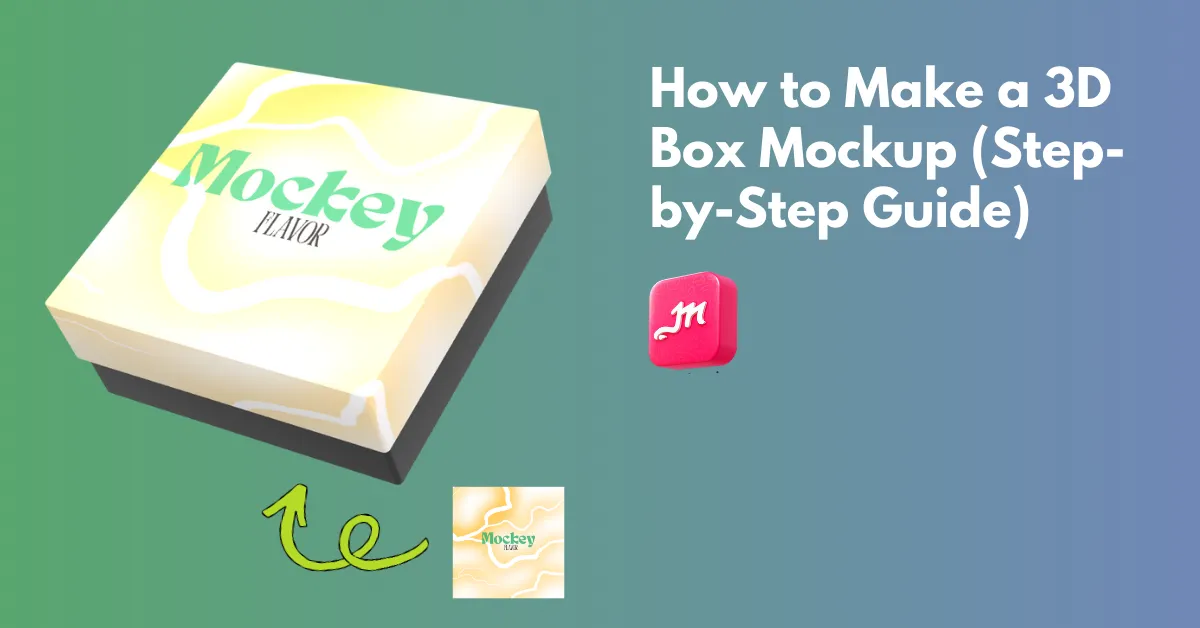
How to make a 3D box mockup? Use Mockey.ai’s 3D box mockup generator to choose a 3D box, upload a design, and download it as a high-quality PNG or MP4.
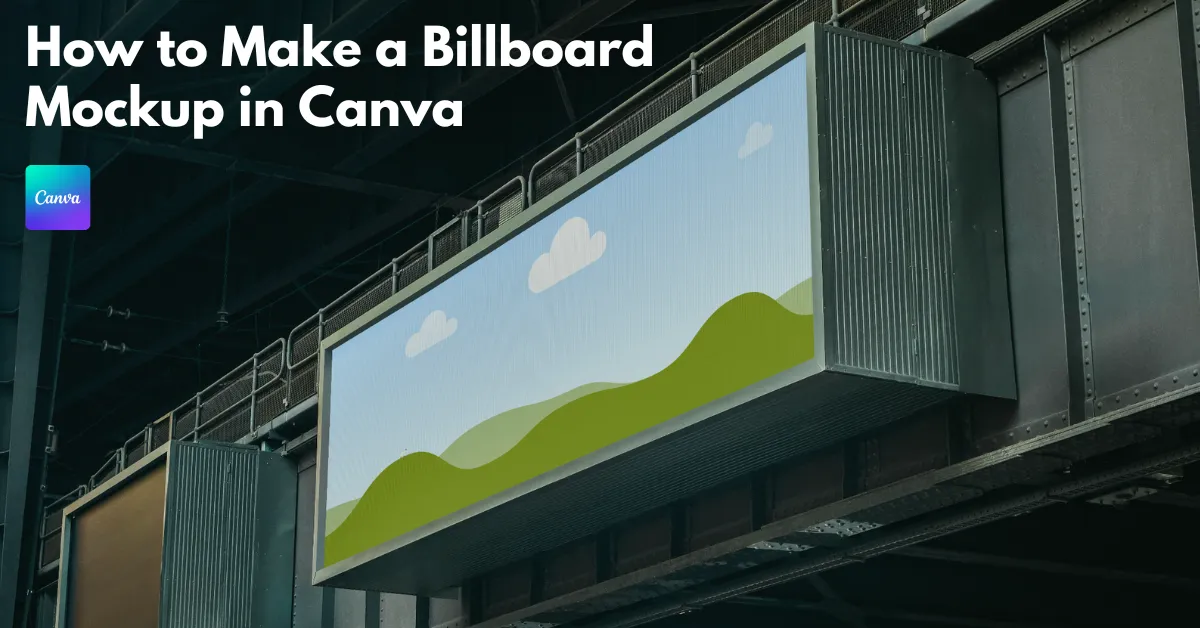
How to make a billboard mockup in Canva? In Apps, click Mockups and find Outdoor. Select a template, drag & drop a design, and download the billboard mockup.
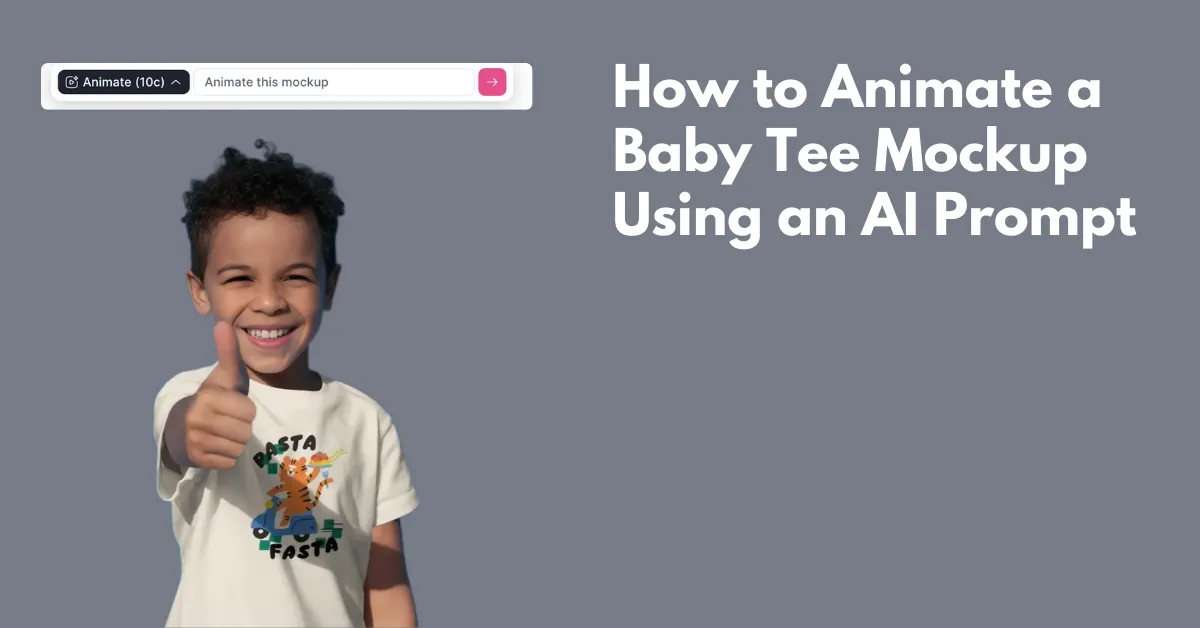
How to animate a baby tee mockup? Select from Mockey.ai’s baby tee template, upload a design, type a prompt in the box, and click the arrow of the animate tab.
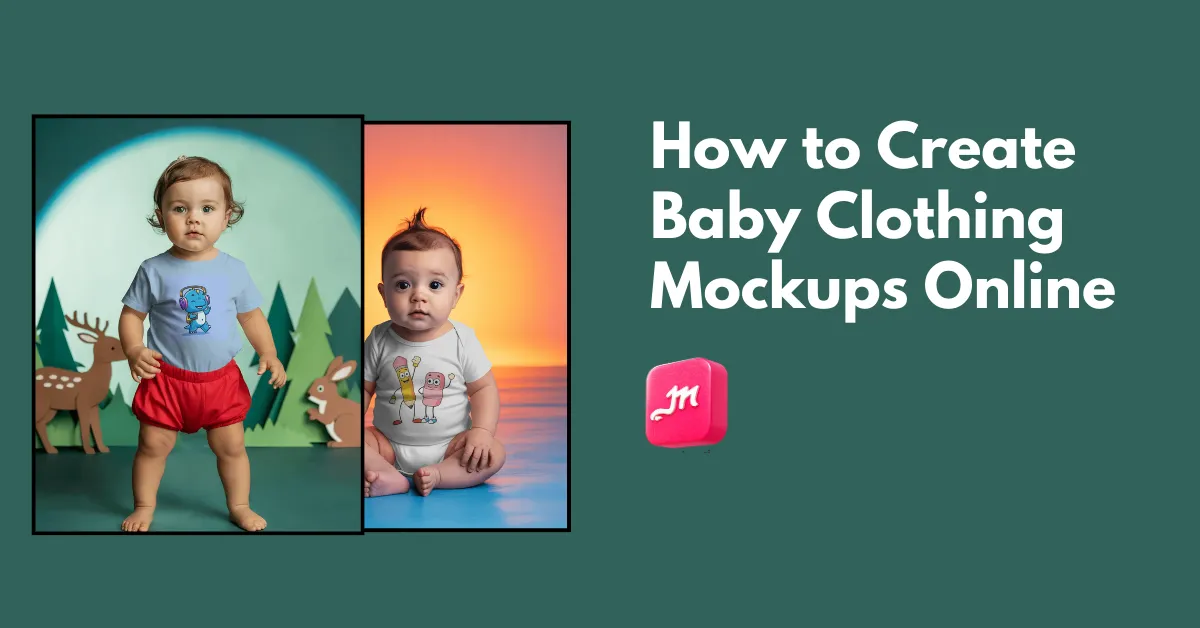
How to create baby clothing mockups? Use Mockey.ai and choose from different products, like tee, onesie, and bib templates, to create baby mockups.
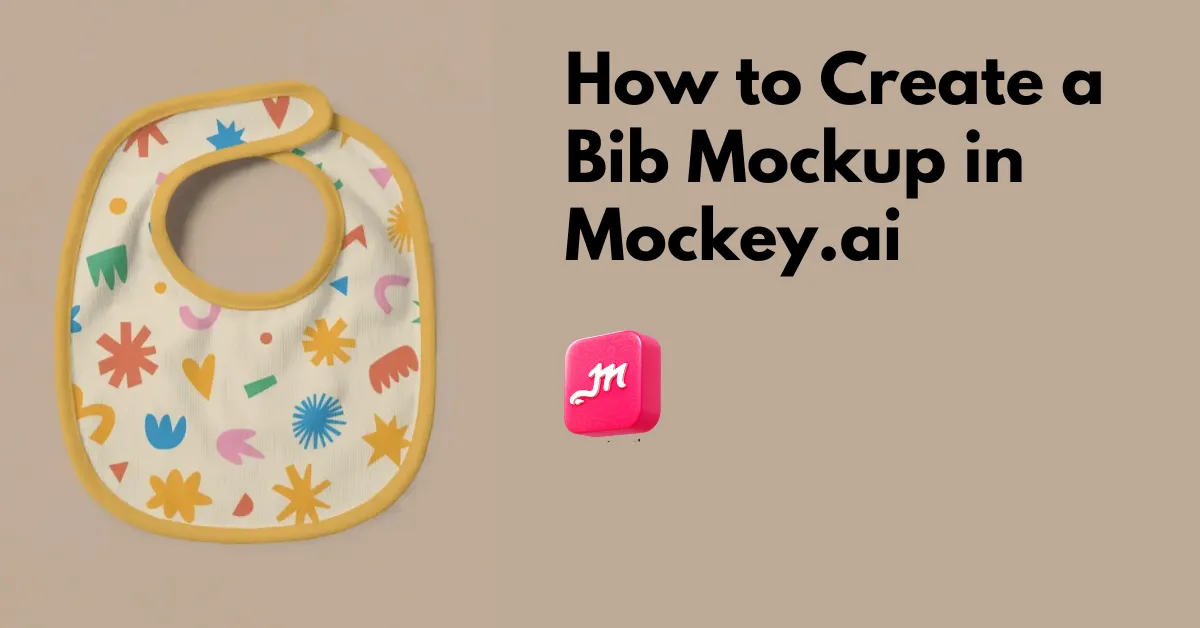
How to create a bib mockup? Visit a mockup generator like Mockey.ai, and use the high-resolution templates to upload a design and create a bib mockup.
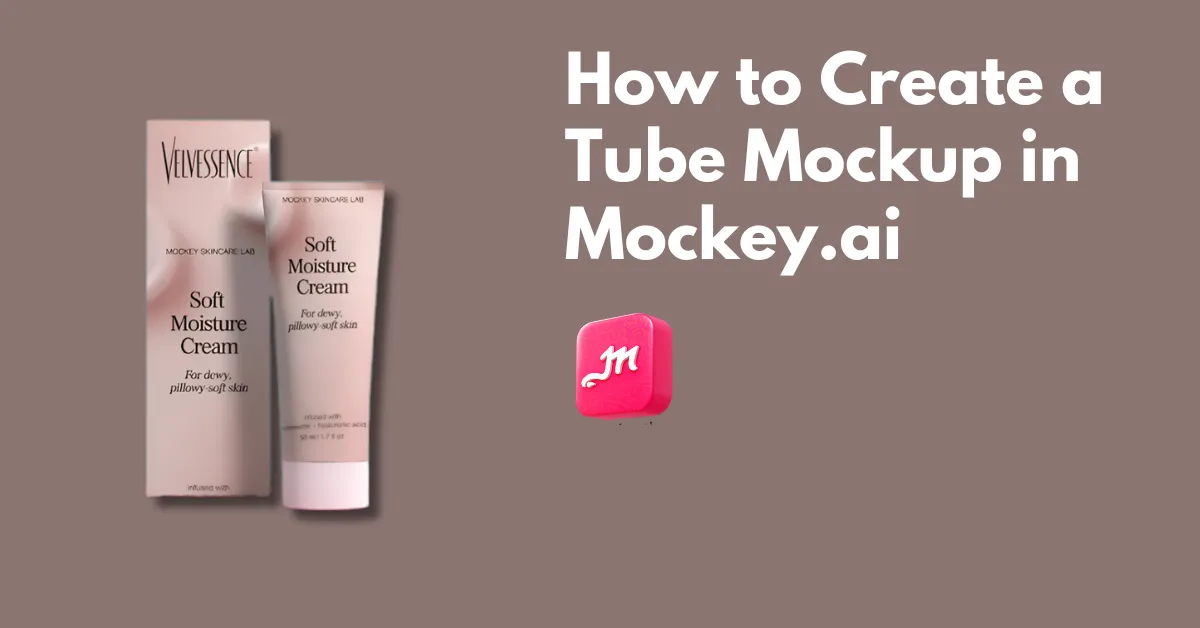
How to create a tube mockup? Visit a free mockup generator like Mockey.ai to check out its 100 ready-made tube templates. Download as PNG.
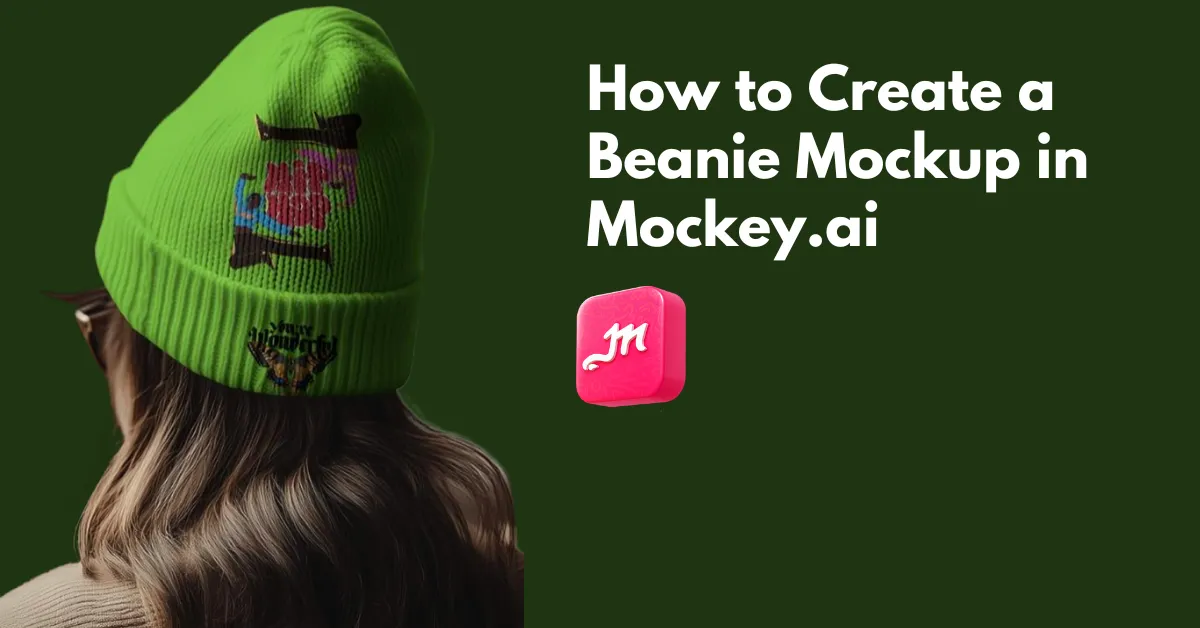
How to create a beanie mockup? Use Mockey.ai’s beanie mockup generator to explore 200+ templates, add a design, and create a beanie mockup with no watermark.
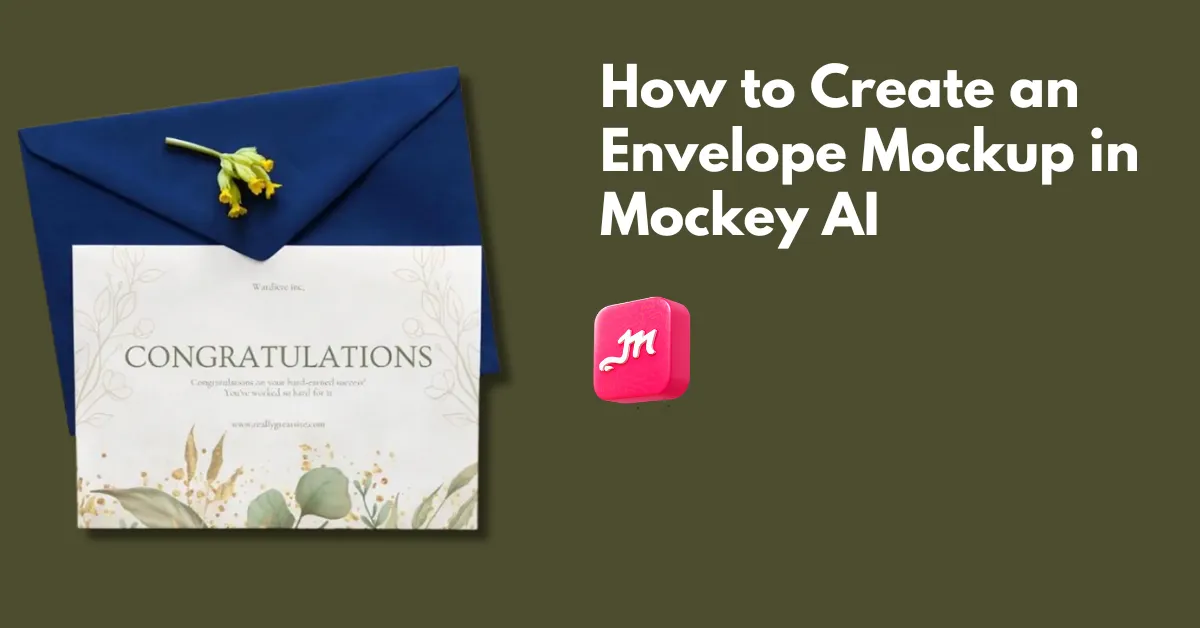
How to create an envelope mockup? Use a mockup generator like Mockey AI, choose from 100 templates, upload a design, and create envelope mockups.