The Free Pixelied Alternative for Mockups
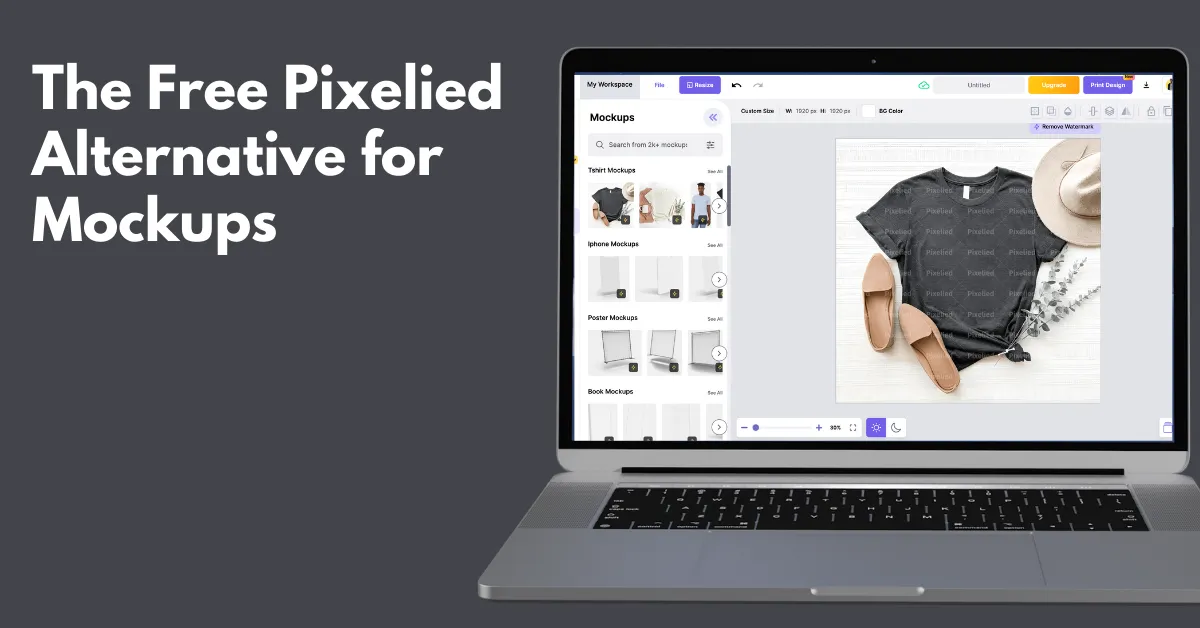
The free Pixelied alternative for mockups is Mockey AI, which offers a free plan, a large number of product templates, and advanced AI customization tools.
Pixelied is a photo editor tool, but also popular for creating mockups. The drawbacks are no free plan, limited product categories, and no mockup animation, which push users to look for alternatives.
Let’s talk about why Mockey AI is a better alternative to Pixelied for generating mockups, along with a few reasons.
Table of Contents
Why Use an Alternative to Pixelied?
Pixelied has mockups, but the product categories aren’t very deep. If you’re running print-on-demand and need apparel variations, you won’t get multiple angles, lifestyle scenes, and realistic fabric textures.
Also, if you’re posting Reels or Snapchat videos, static images feel old. Pixelied doesn’t focus much on animated mockups.
Another major drawback is that Pixelied doesn’t offer a free experience. For creators testing ideas, this becomes a blocker.
Reasons to Use Mockey AI for Pixelied Alternative
We will tell you seven reasons why you should consider Mockey AI as a Pixelied alternative when it comes to creating mockups.
1. A Free Plan
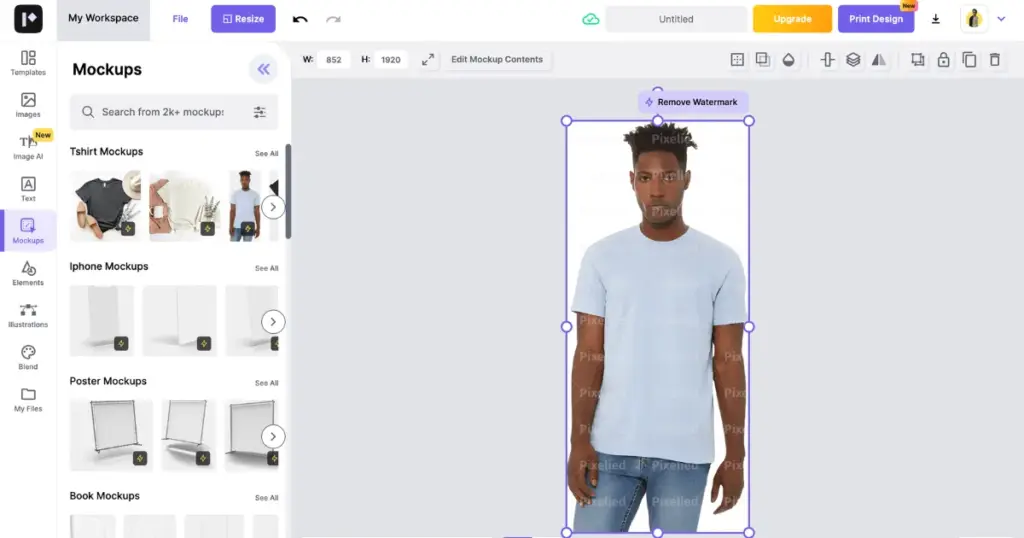
Pixelied does not offer a usable free plan. You will have to switch to a paid plan to edit all the templates. Downloading mockups with the free version is possible, but the output contains multiple watermarks, which look annoying.
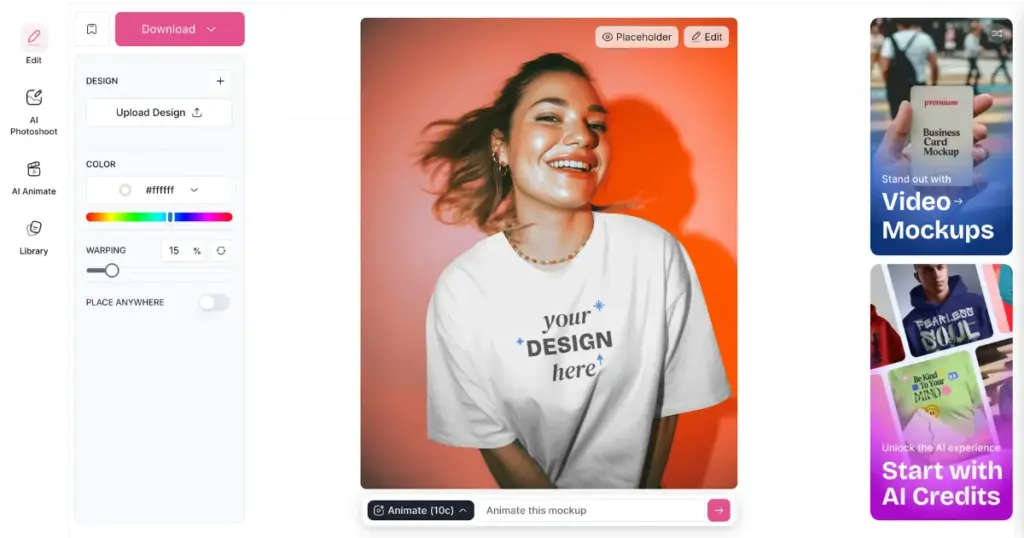
But not in Mockey AI. This free mockup generator is an alternative to Pixelied that offers a free plan for creating mockups. Users get a huge number of free templates to personalize and the result is provided in JPG format without any watermark. However, there is a limit of 3 downloads per day.
2. More than 60 Products
When we were exploring products on Pixelied, we found that it offers mockups for t-shirts, iPhones, posters, books, billboards, magazines, iPads, laptops, logos, MacBooks, computers, frames, flyers, desktops, iMacs, and letterheads.
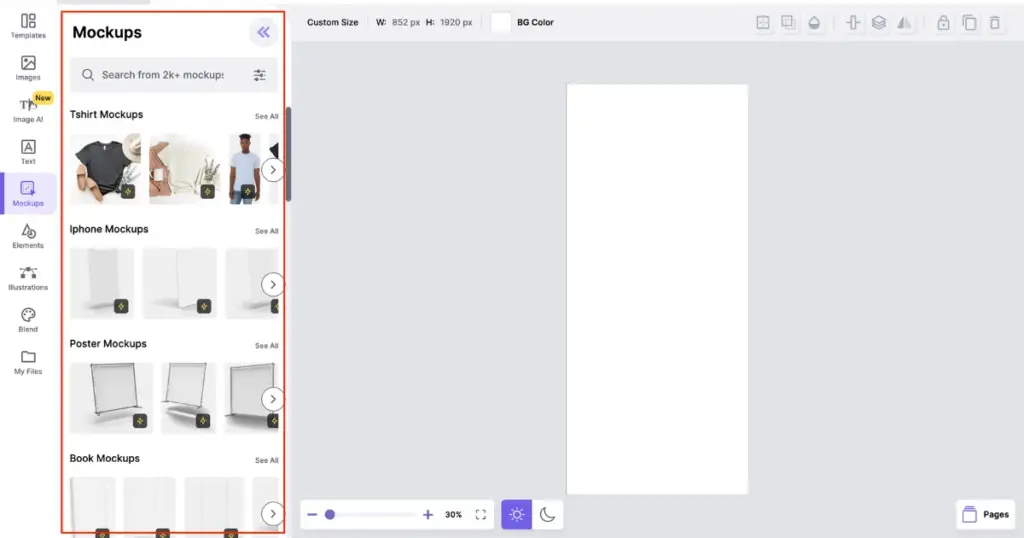
This means you won’t get much variety in apparel mockups, home & decor mockups, or packaging mockups.
But it’s the opposite with Mockey AI. It has more than 60 products available, and each product comes with multiple variations. For example, if you’re generating a magazine mockup, you’ll see different template options like folded, A4 size, or square formats.
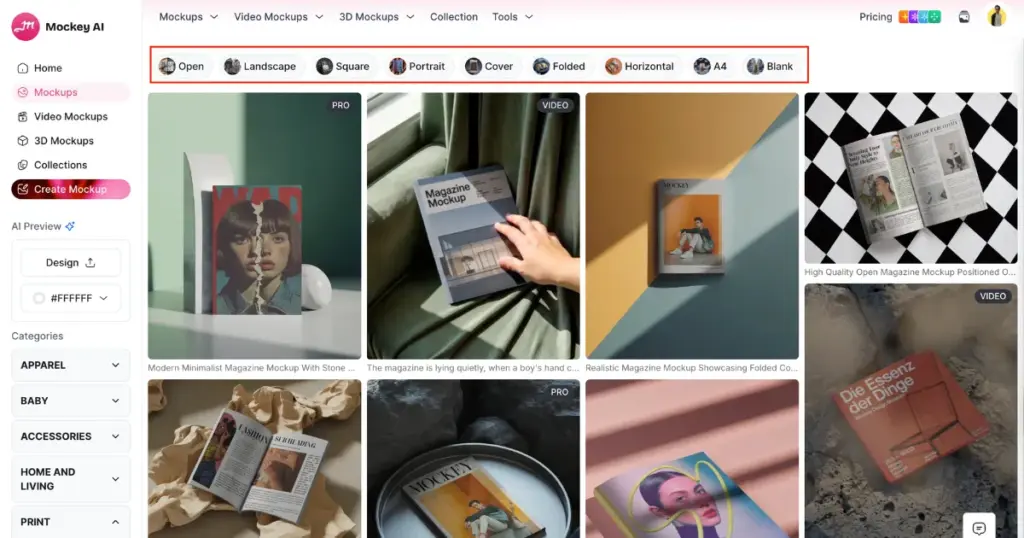
And not just 60, more products are going to be added in the coming days.
3. 3D Mockups & Video Mockups
Pixelied does not offer tools for creating 3D mockups or video mockups. It only provides templates for static mockups.
But if we talk about Mockey AI, you can create 3D mockups using 3D templates. Export your video with motion animations such as walking, wind effects, and more. You can begin using the free plan if you’d like.
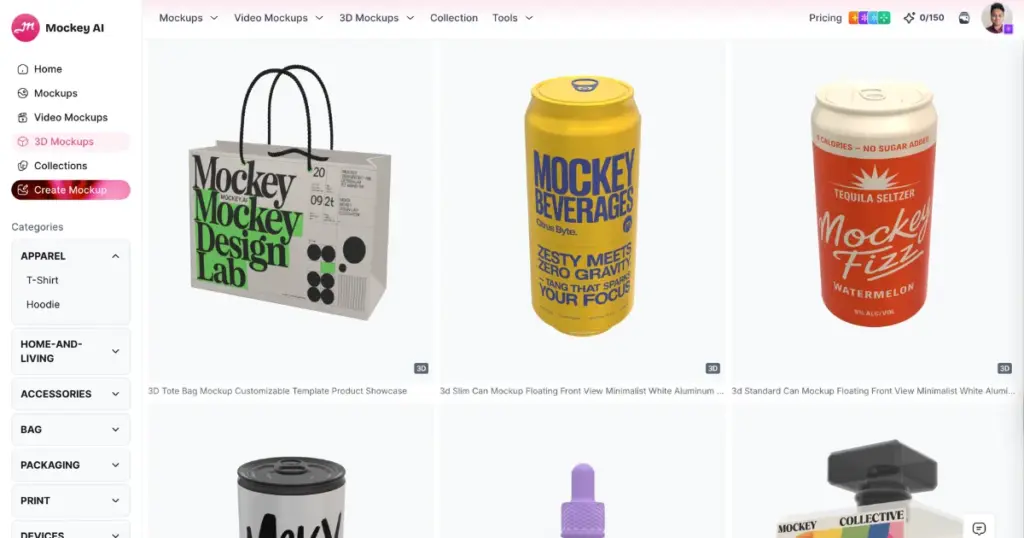
Mockey AI’s video mockups are exceptional because they offer video templates for all products. The product can be shown in a model or in an outdoor environment, where it appears in motion.
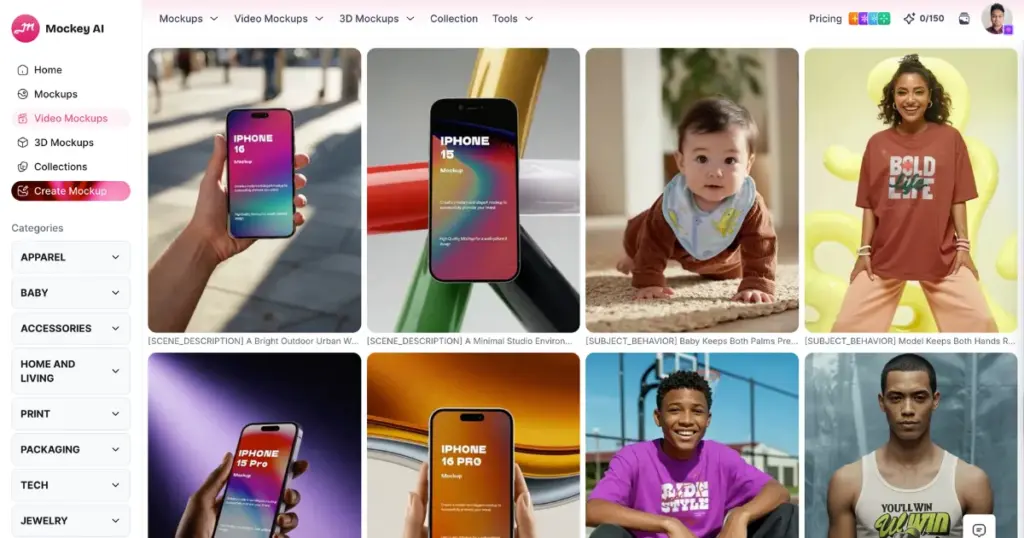
Right now, there are 4,250 pre-made video templates available. You just need to upload your design, make the necessary edits, and save the video mockup. In the final output, each video will be 5 seconds long, delivered in MP4 format.
4. Seasonal & Collection Mockups
A collection mockup is a group of multiple mockups under a single theme. All mockups inside a collection share a similar style, background, and lighting.
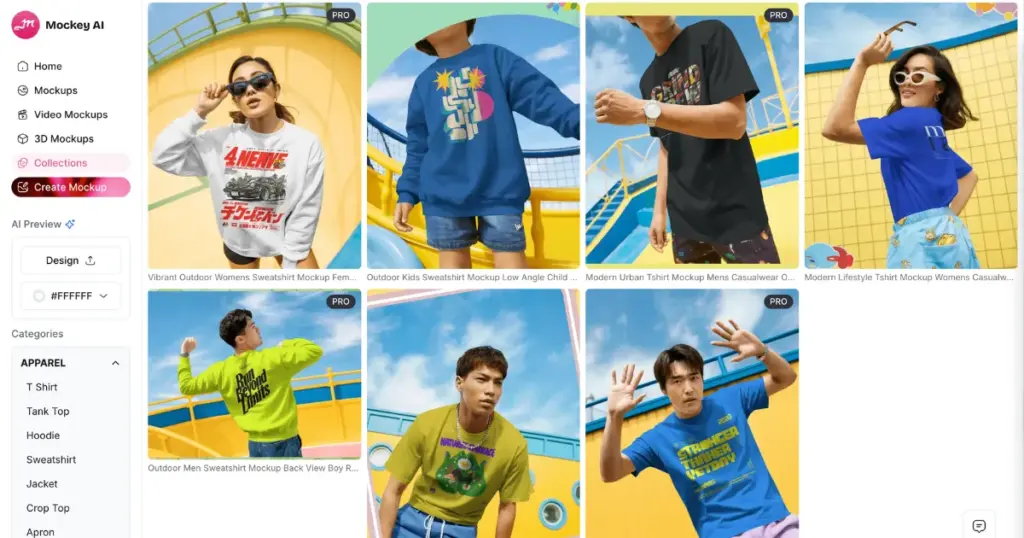
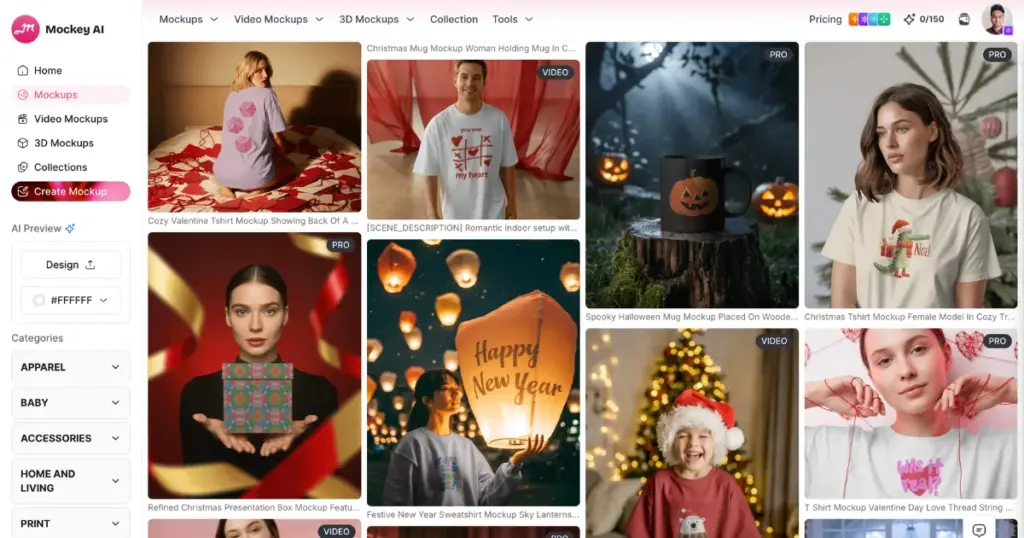
Users from Mockey.ai can see different visual themes such as contrast collection, everyday wear, pop art, and more. If someone sells T-shirts or apparel, a collection can generate 8–10 lifestyle images of the same design in different poses and scenes.
Mockey AI also offers seasonal mockups for specific festivals or occasions like Halloween, Christmas, Valentine’s Day, and New Year’s.
5. Mockup Animation
A user can convert a mockup into an animation with just one click. They can also type a prompt if they want to make changes to the mockup, and the animation will be generated within seconds.
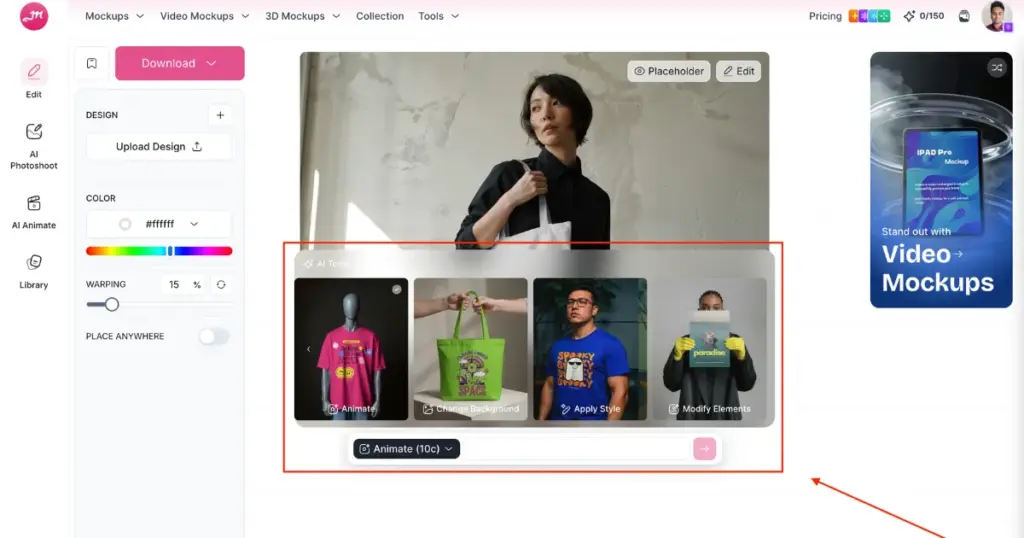
When you click the “Animate” button, you will see tools like change background, apply style, and modify elements, which work according to the prompt you provide.
To use this feature, you need to purchase the CREATOR plan, which costs $19 per month.
6. Beginner-friendly
Using Pixelied for mockups can feel like a learning curve for beginners. Because when you select a template to customize, you have to click “Edit Mockup Contents” at the top. After that, you are taken to a blank area where you can do the editing.
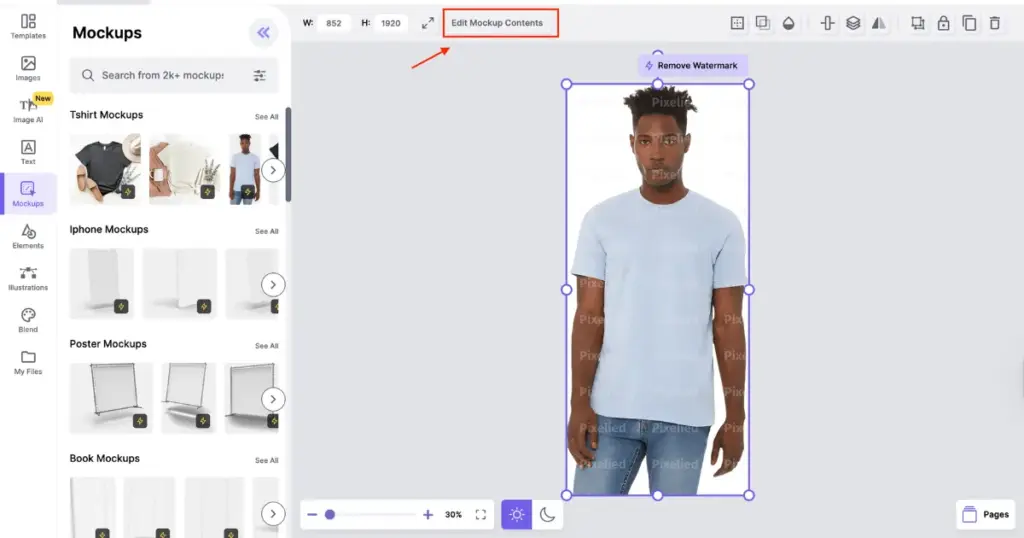
To change the product color, you can either use the BG color option at the top or use the Blend option on the left to modify the default color.
For a new user, it can take some time to understand this workflow. It would be better if the design could be adjusted directly on the product, instead of moving it around on a blank canvas and checking the preview separately.
Mockey AI is completely beginner-friendly. When you visit the platform, you just need to create an account and click on “Mockups.” Then select a product from the Categories section. This lets you explore different templates. After choosing one, you can upload your design on the editor page, change colors, use the warping feature easily, and see a real-time preview of your mockup.
7. 15000+ Eye-catching Templates
Pixelied has around 2,000 mockup templates, but most of them are very minimalist. There isn’t much variation in the models, and the designs are usually shown on simple backgrounds.
Mockey AI’s templates are better in comparison. They look more creative and eye-catching. It also has more than 15,000 templates that you can customize easily for product mockups.
Pixelied vs Mockey AI (Side-by-side Comparison)
| Features | Pixelied | Mockey AI |
| Number of mockup templates | 2000 | 15000 |
| Number of products | 17 | 60 |
| Free plan (No watermark) | No | Yes |
| 3D mockup | No | Yes |
| Video mockup | No | Yes |
| Navigation | Moderate | Very easy |
| Mockup animation | No | Yes |
| Seasonal and Collection mockup | No | Yes |
| POD focus | Limited | Strong |
| Speed | Medium | Fast |
| Export file format | JPG, PNG, PDF, SVG, WebP | JPG, PNG, and MP4 |
Conclusion
You now know the best Pixelied alternative for mockups. Pixelied is better in some areas of mockup editing, such as adding text, using elements or icons, and providing a wide range of export file options. It performs well in these aspects.
However, because it has fewer templates, limited product options, no 3D or video mockups, and no free plan, many users are choosing Mockey AI as a Pixelied alternative.
So you can try Mockey AI, create the best mockups, and list them on your print-on-demand site.
FAQs
Is Pixelied good for mockups?
Pixelied works fine if you want simple product previews. But if you need many product types, realistic scenes, or faster bulk workflows, users often start looking for alternatives.
Is there a better mockup tool than Pixelied?
Many users recommend tools that are built specifically for mockups. One popular option is Mockey AI. It focuses more on product mockups instead of general design features.
Can Pixelied create video mockups?
Pixelied mainly focuses on static mockups. If you want animated or video mockups for ads, Reels, or product promotions, you’ll likely need a Pixelied alternative like Mockey AI.

Sangram Sahoo
I’m a content writer with 4 years of experience. I specialize in creating practical content around mockups, print-on-demand, apparel, and e-commerce design.
