What Is a Mockup? Meaning, Types, Examples & How to Create One
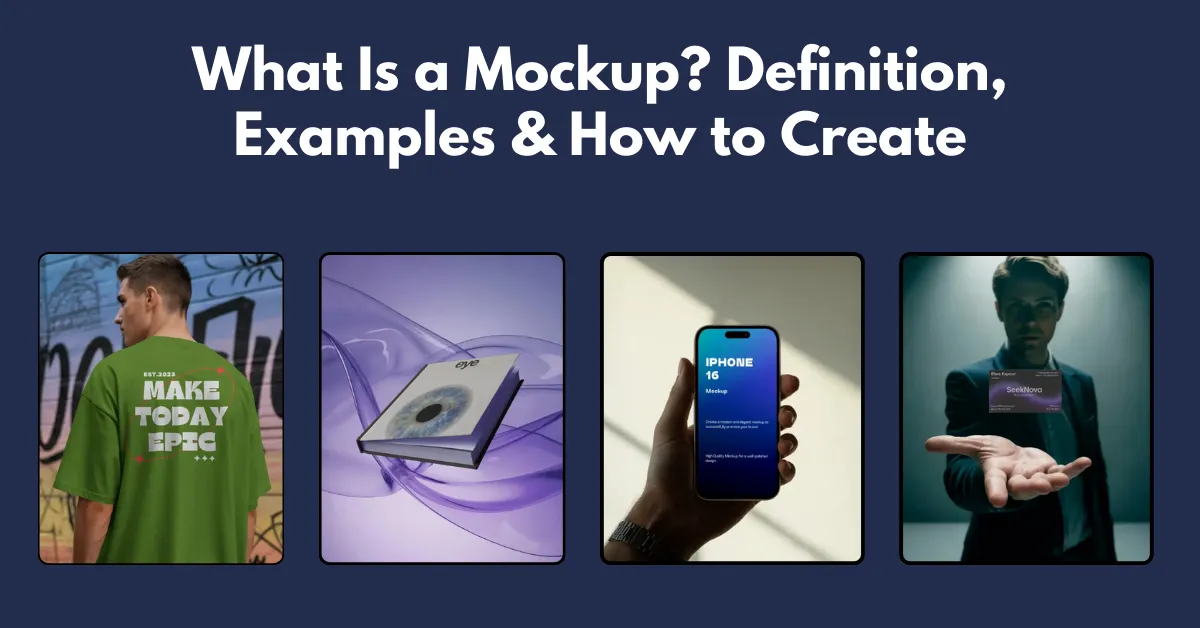
What is a mockup? The meaning of mockup is a visual representation of a design that shows how the final product will look before production.
What is a mockup? The meaning of mockup is a visual representation of a design that shows how the final product will look before production.
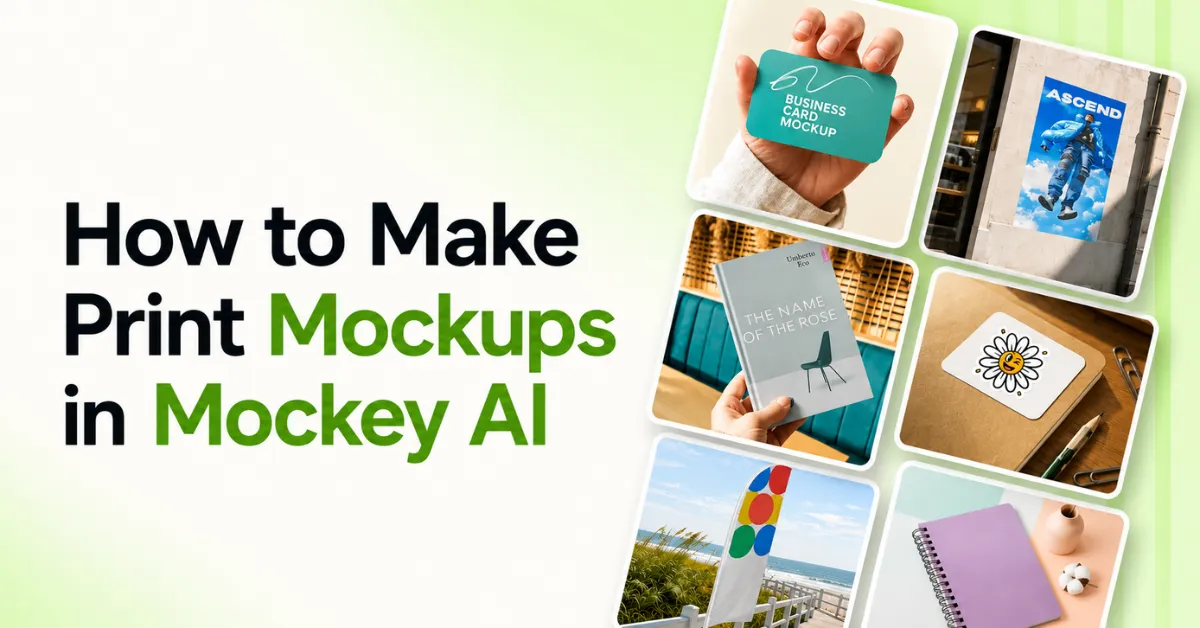
Learn how to make print mockups in Mockey AI. Pick a template, upload your design, adjust it, and download it in minutes.
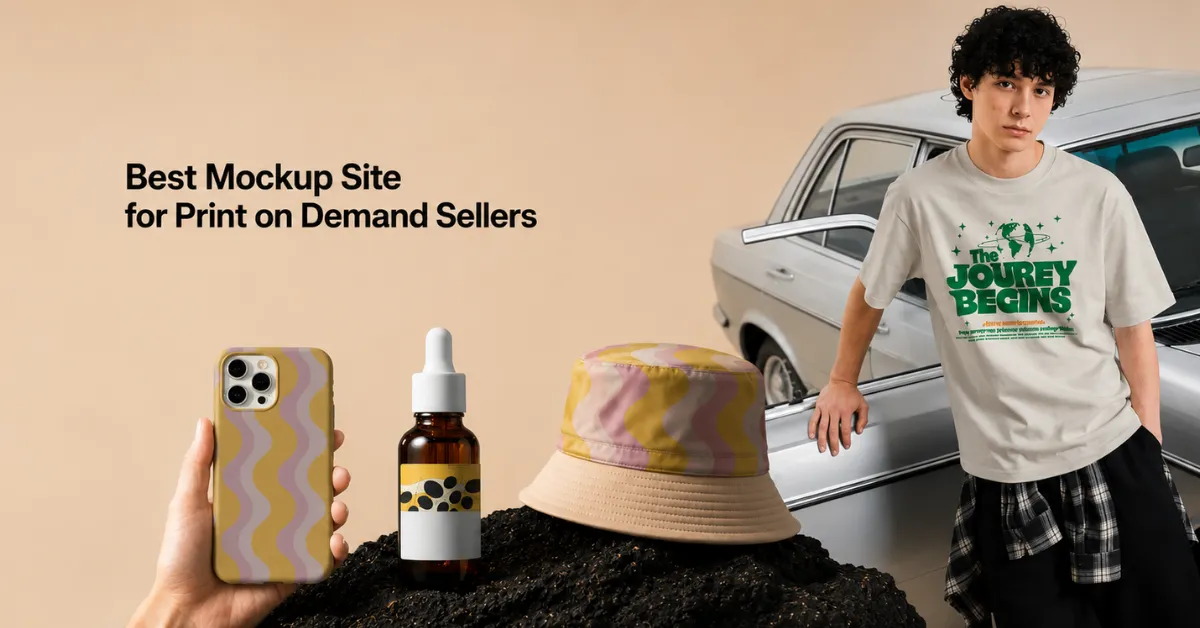
Mockey AI is the best mockup site for print on demand sellers. Get 30,000+ free templates, no watermark, and AI tools for realistic mockups.
Shopify mockup tools include Mockey AI, Printify, Printful, Mockupify, Mockuplabs, and Gelato to help get more sales and run stores more efficiently.
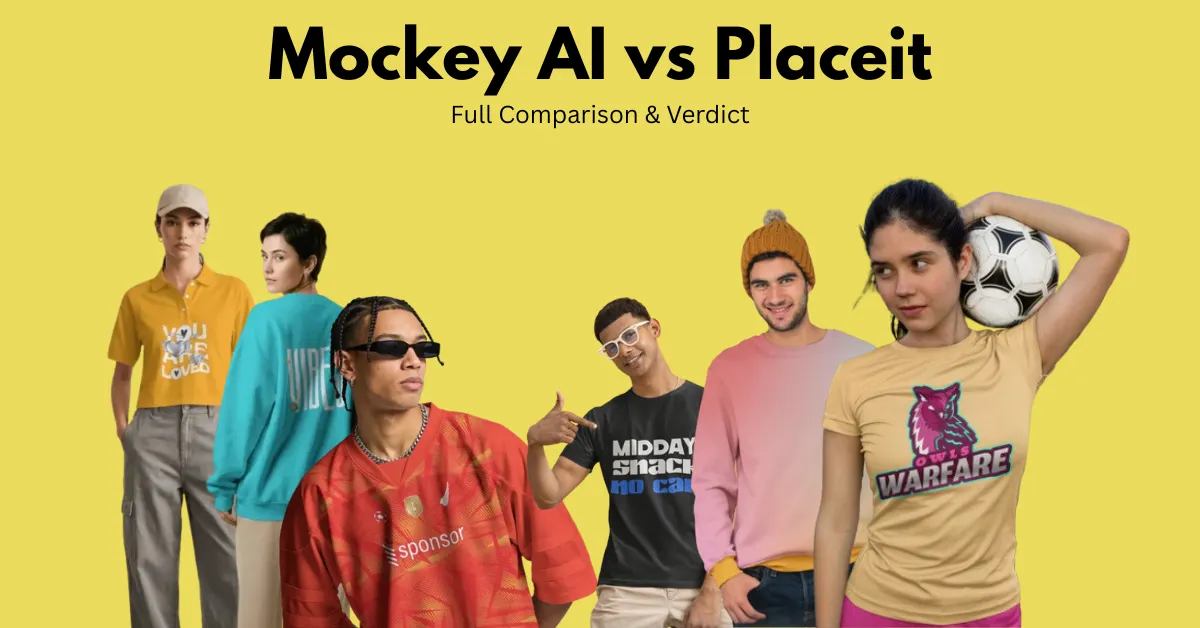
Between Mockey AI vs Placeit, Mockey AI comes out ahead overall, thanks to a real free plan, wider product variety, and AI tools Placeit doesn't offer at all.
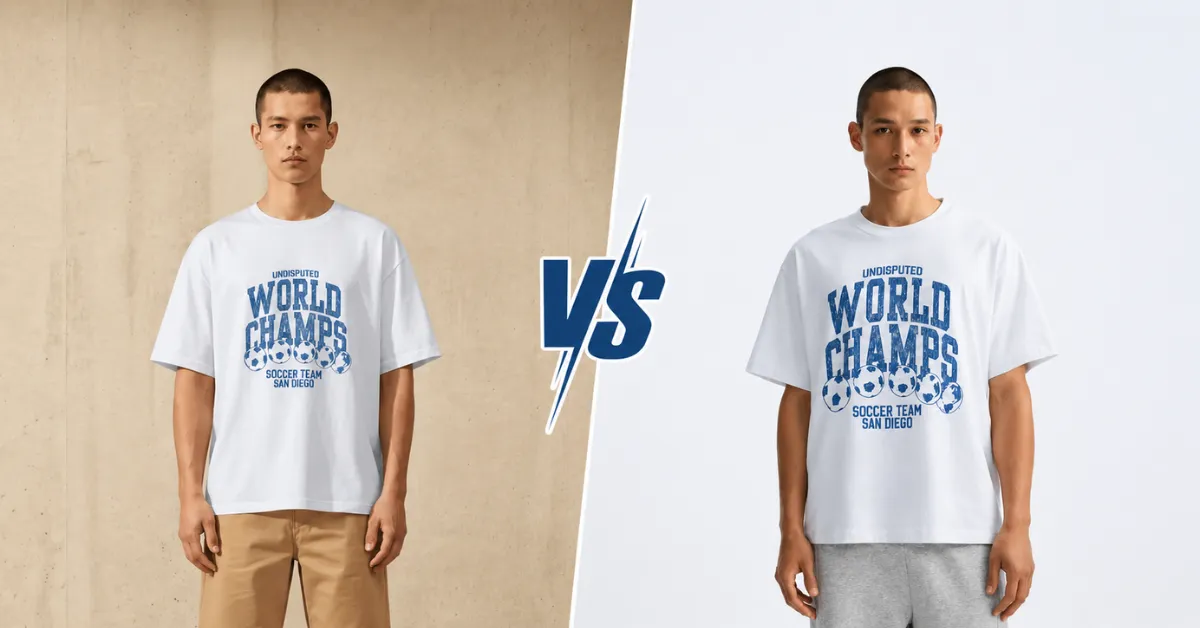
Curious about Mockups vs Real Product Photography? See what Etsy sellers, POD shops, and buyers think before you choose for your listings.
Learn how to make a sweatpants mockup using Mockey AI. Choose from templates or upload your sweatpants image, describe the scene, and download.
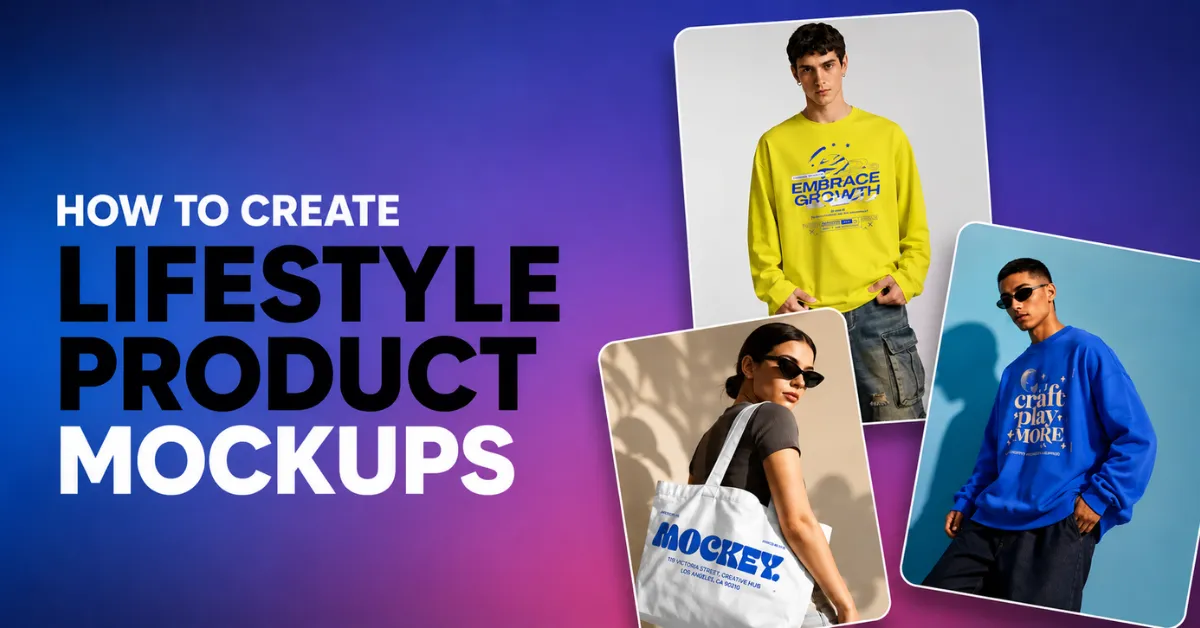
Learn how to create lifestyle product mockups using templates, custom mockups, or high-quality AI-generated scenes with Mockey AI.
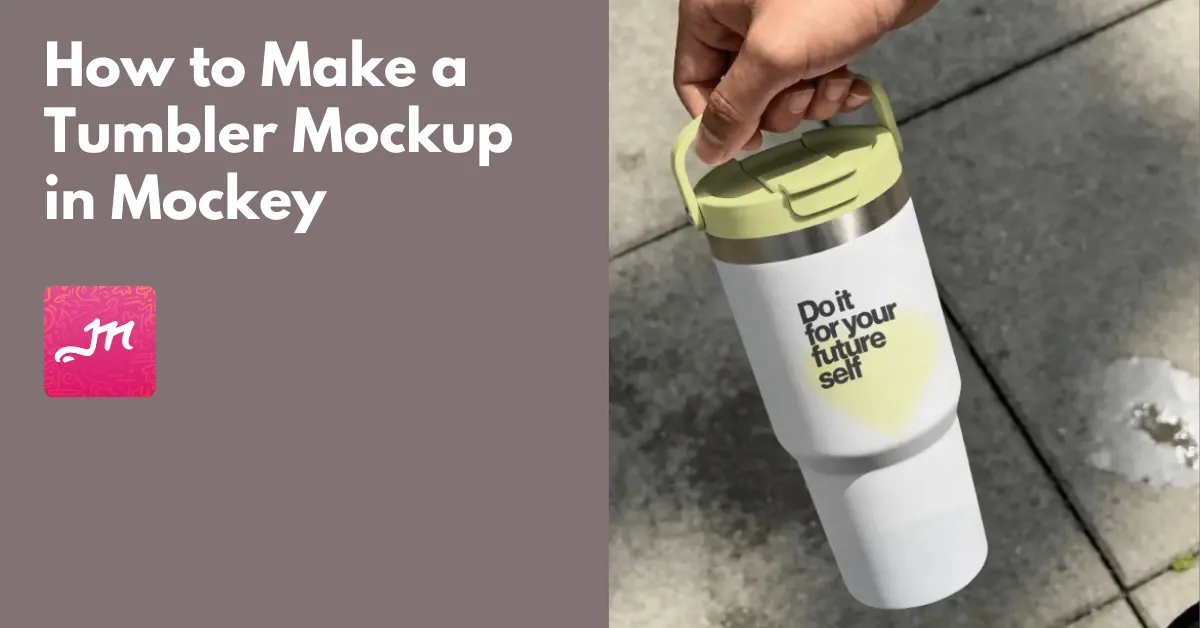
Are you wondering how to make a tumbler mockup? Visit Mockey to choose a tumbler mockup template and add the logo or design. Edit, and save it as PNG.
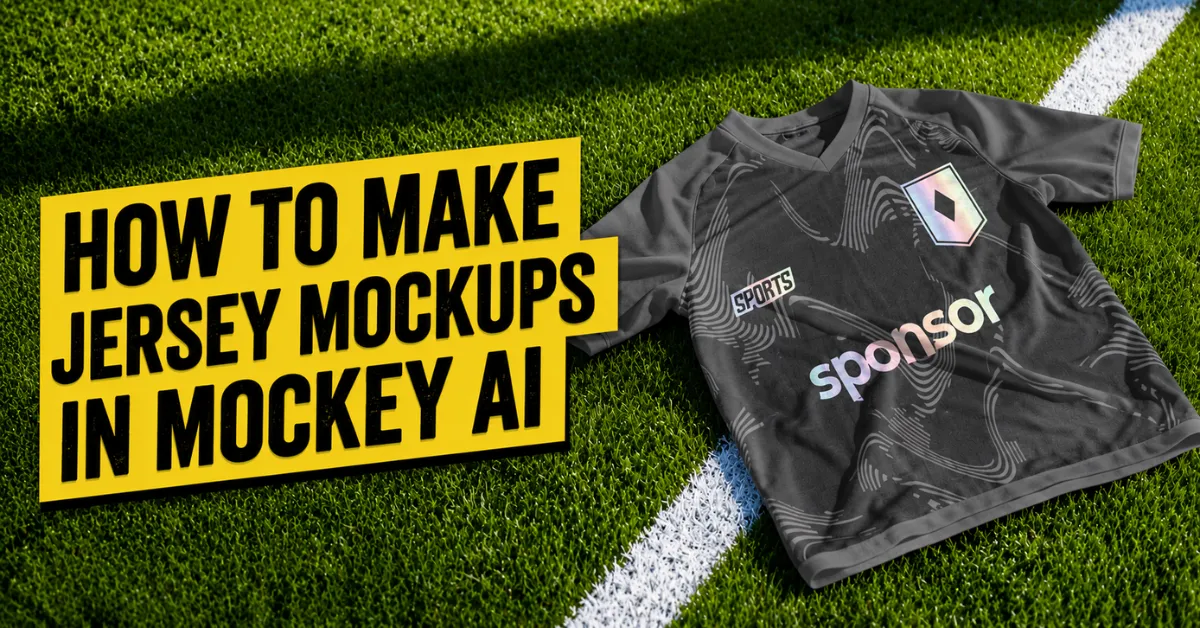
Want to learn how to make jersey mockups? Visit Mockey AI, select a jersey template to add a design, change the jersey color, and then export it.
The best Mockupnest alternatives are Mockey AI, Mockups Design, LS Graphics, Bendito Mockup, Pixeden, and Yellowimages in 2026.
In VirtualThreads vs Mockey AI, Mockey AI is the winner for better 2D and 3D mockups, a wider variety of products, and more animation options.
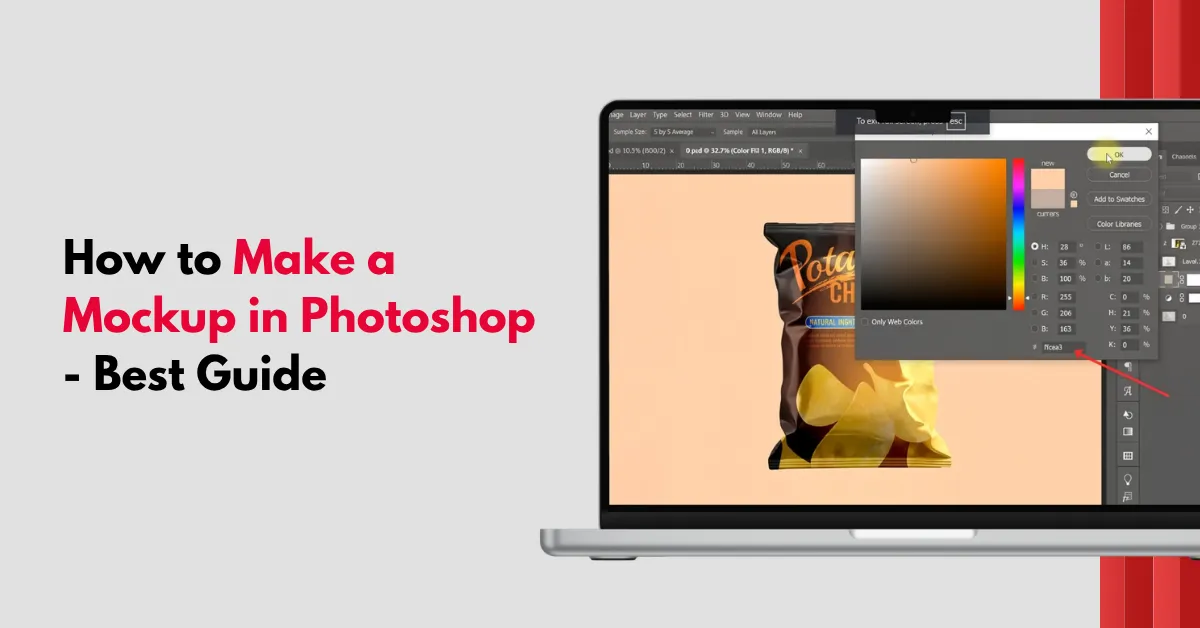
Learn how to make a mockup in Photoshop using Smart Objects, perspective tools, shadows, and textures to create product mockups fast.
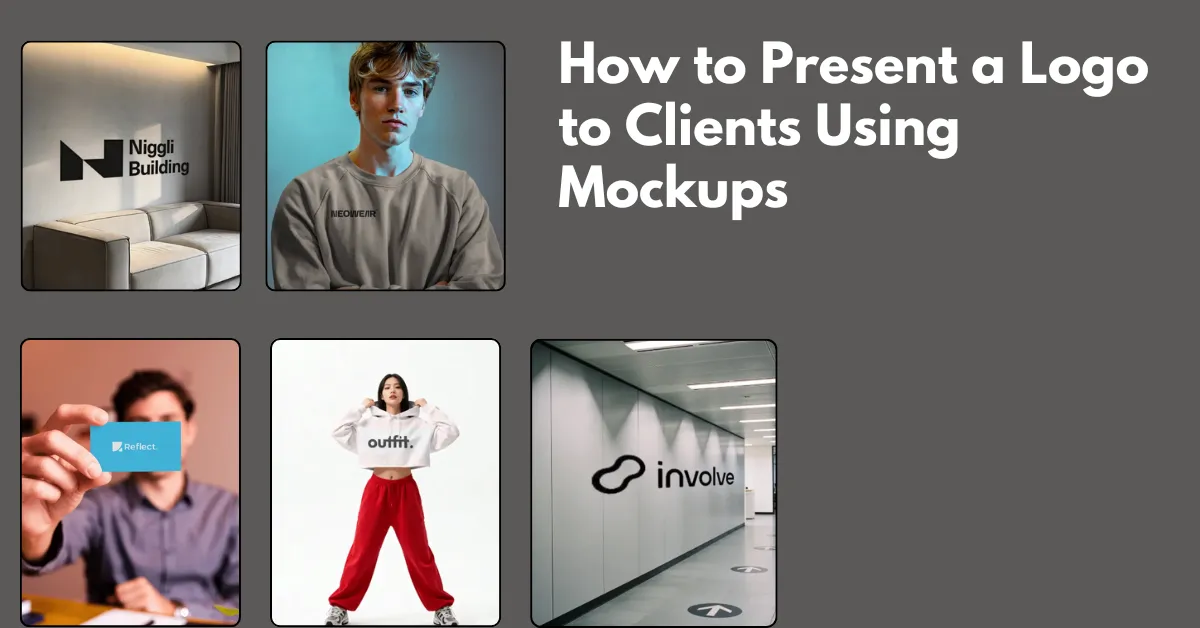
Learn how to present a logo to clients using mockups with expert tips, real examples, and presentation ideas that improve approvals fast.
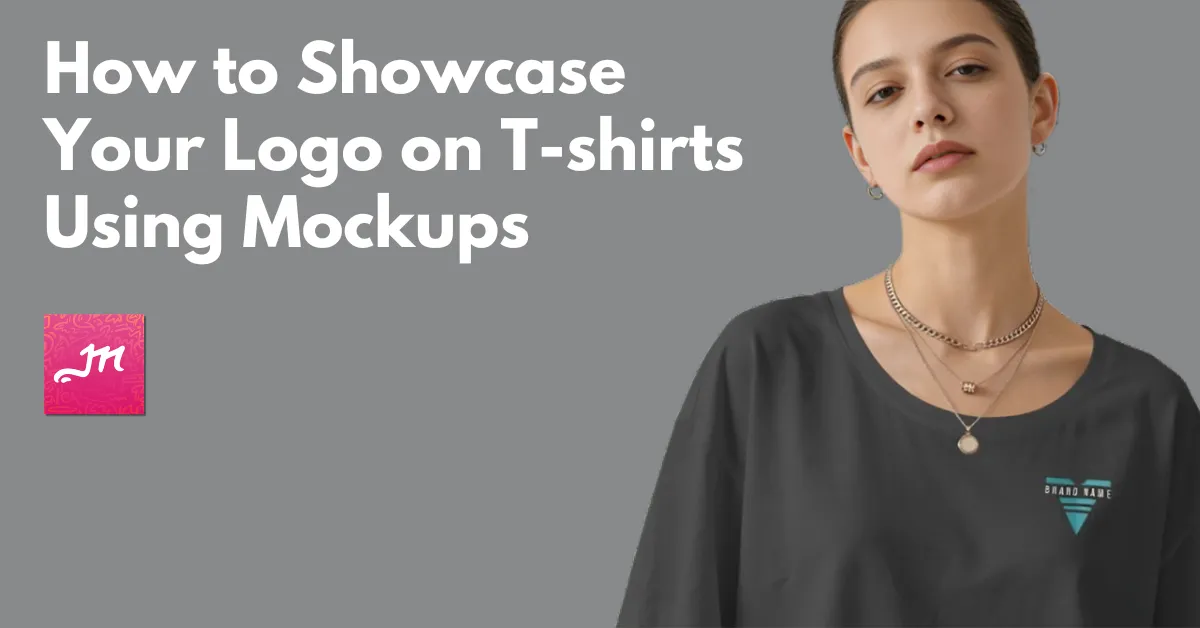
Wondering how to showcase your logo on t-shirts using mockups? Select a t-shirt from Mockey’s apparel logo mockup, upload the logo, and download it in HD.
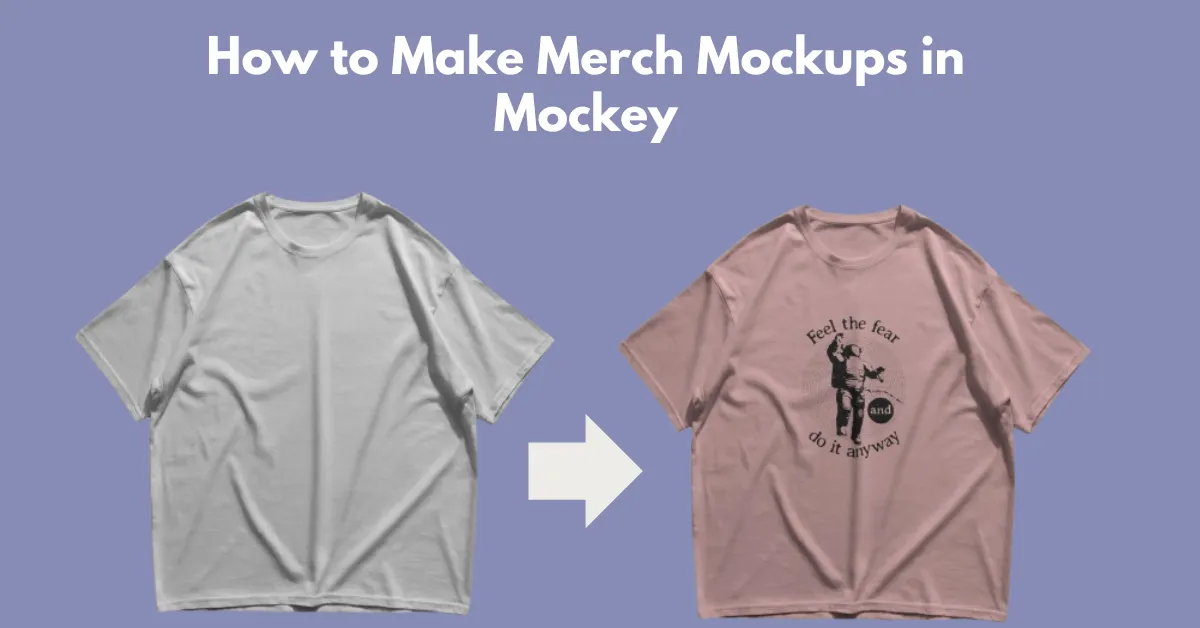
Learn how to make merch mockups using Mockey AI mockup generator. Choose from ready-made templates or create custom mockups.
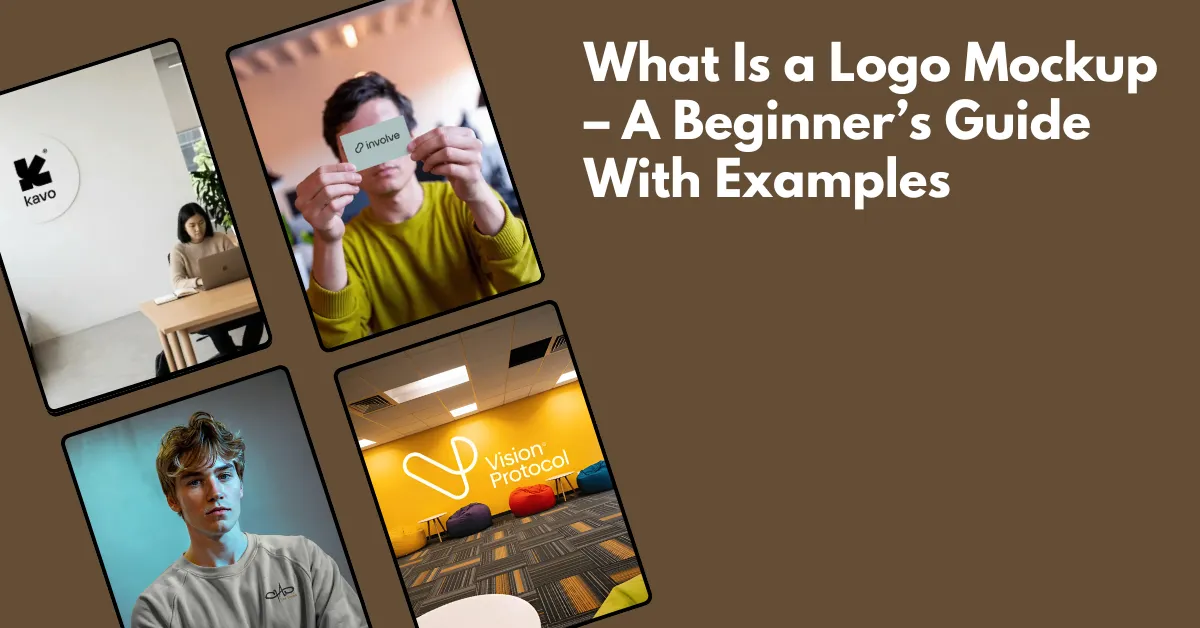
What is a logo mockup? You can visualize your logo using a logo mockup. Preview on t-shirts, walls, or packaging rather than a white background.
The best mockup sites for Etsy are Mockey AI, Placeit, Canva, Creative Market, Creative Fabrica, and Photoshop to boost sales in 2026.
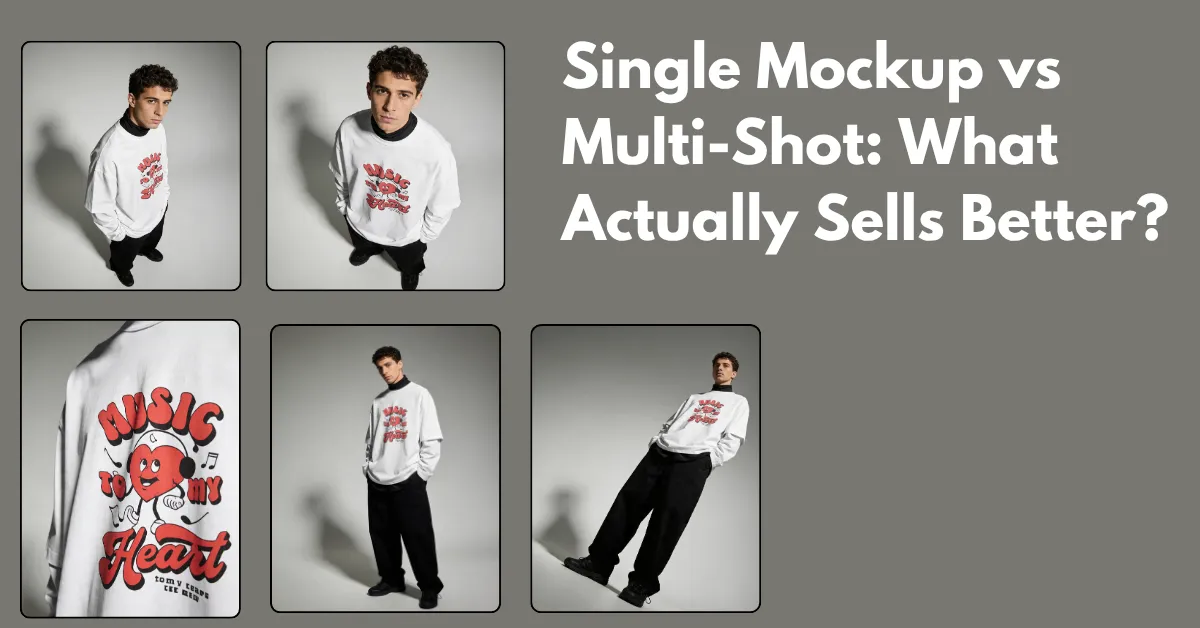
Single mockup vs multi-shot comparison. Learn how many images you need and the best way to turn views into actual sales.
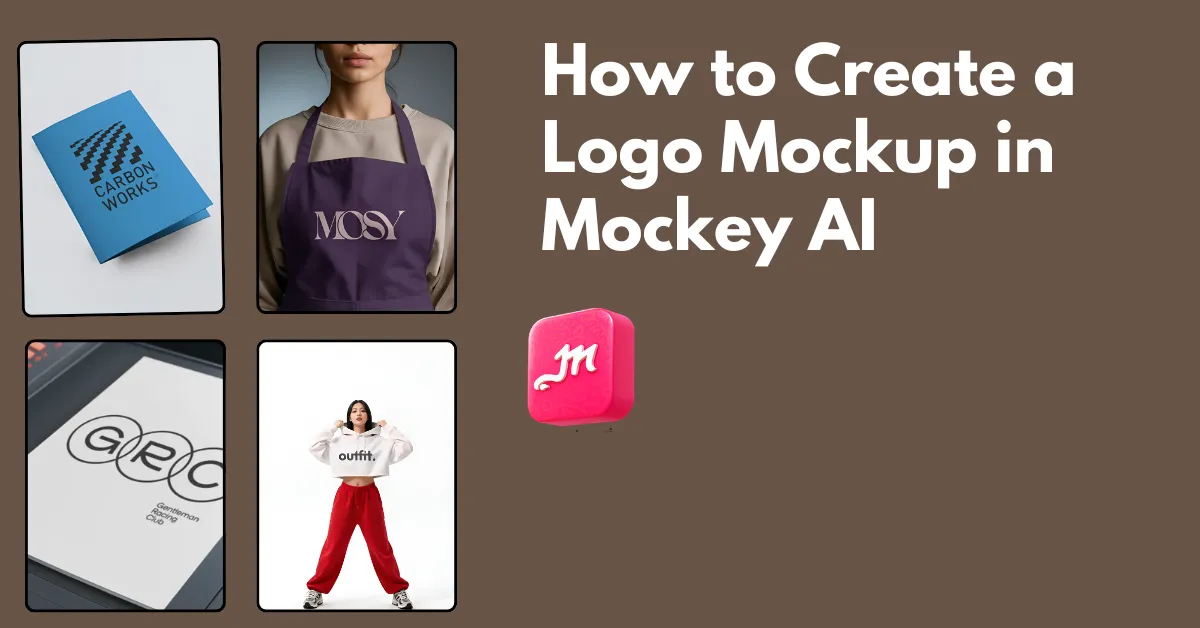
How to create a logo mockup? Use Mockey AI to choose from 100 templates, such as on a wall or apparel. Upload your logo and download the logo mockup as PNG.