Learn how to create lifestyle product mockups using templates, custom mockups, or high-quality AI-generated scenes with Mockey AI.
Look at the Example from Mockey:
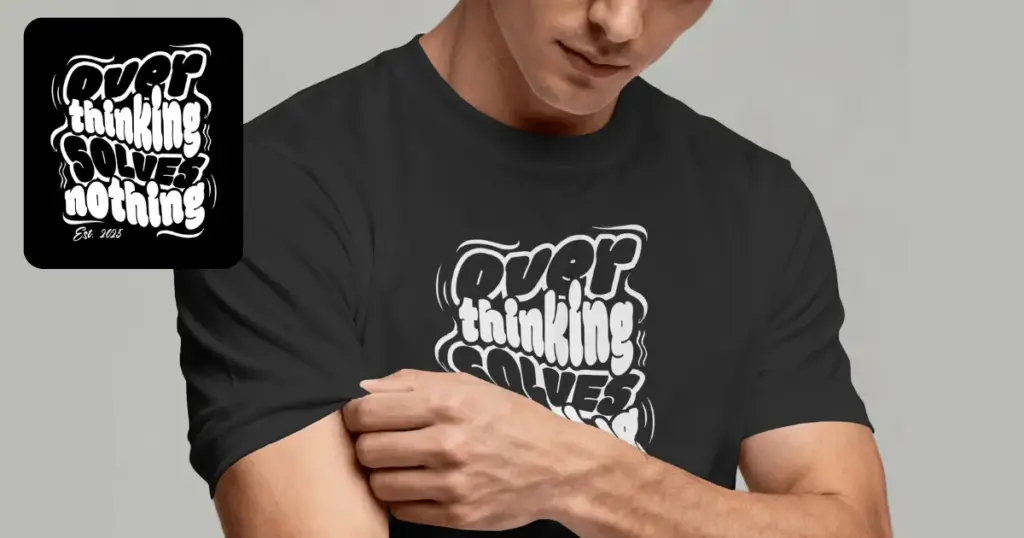
When we started reading about lifestyle product mockups, we thought people would be asking simple questions like how to create product mockups, which tool to use, or how to put a design on a product.
But that wasn’t what people were talking about. Their question was whether or not the mockup online looked real. They wondered if customers would trust it. They asked if AI could keep all the small details of their product. Many wanted a way to show their products without paying for expensive photoshoots.
A few years ago, people only wanted easy mockup templates. They now want realistic-looking mockups. Let’s break down how experienced sellers create lifestyle product mockups today.
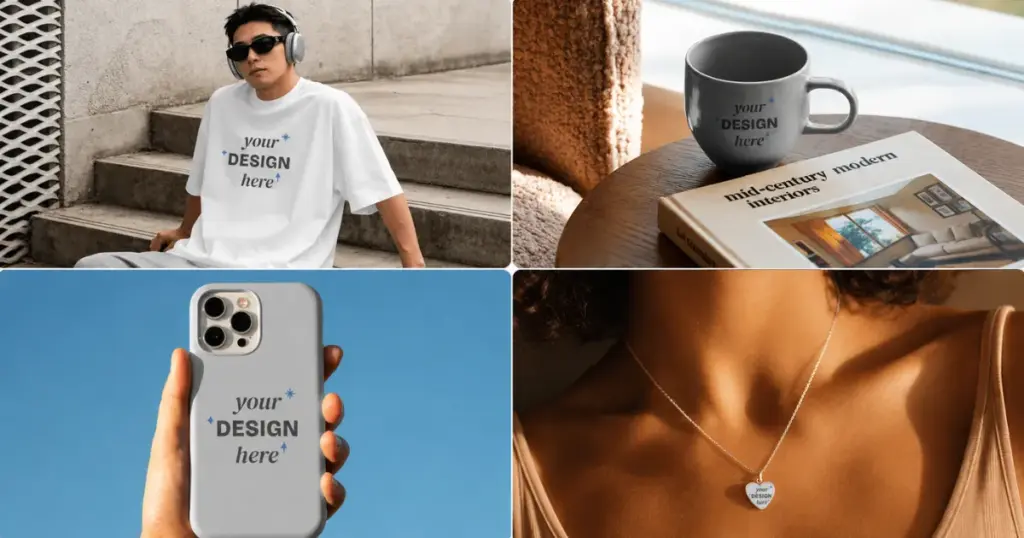
A lifestyle product mockup shows your product being used in a real-life scene. You can see the t-shirt worn by a model, a coffee mug on a kitchen table, a phone case held in someone’s hand, and jewelry worn by a person.
People don’t buy products. They buy the feeling of using the product. That’s why lifestyle product mockups often outperform plain product images.
With Mockey, you can make lifestyle product mockups in 3 easy ways. Today, sellers generally use one of three methods.
Mockey has thousands of lifestyle product mockup templates. They look creative and fun. You can make mockups for clothes, accessories, home decor, jewelry, and more in this free lifestyle mockup generator.
To make a lifestyle product mockup using templates, follow these steps:
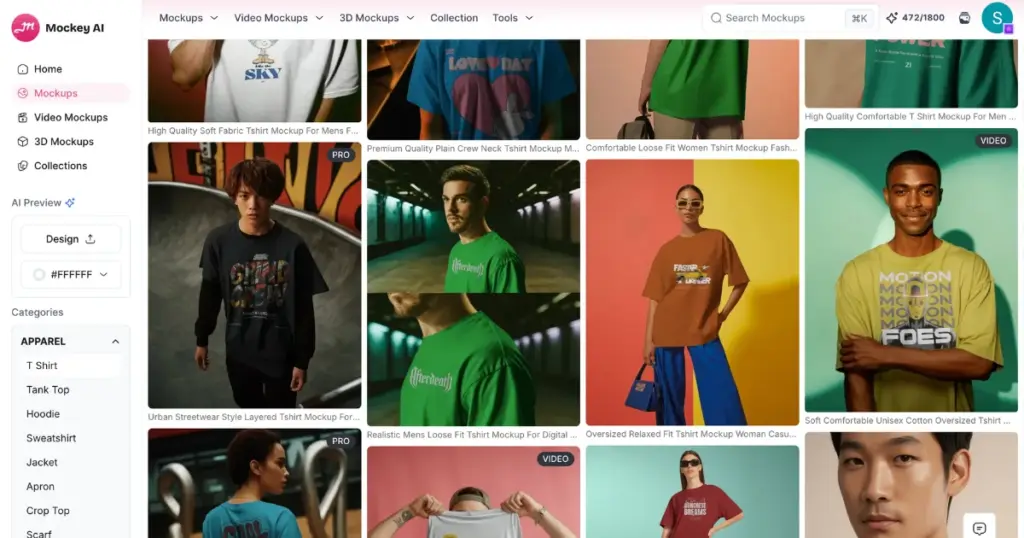
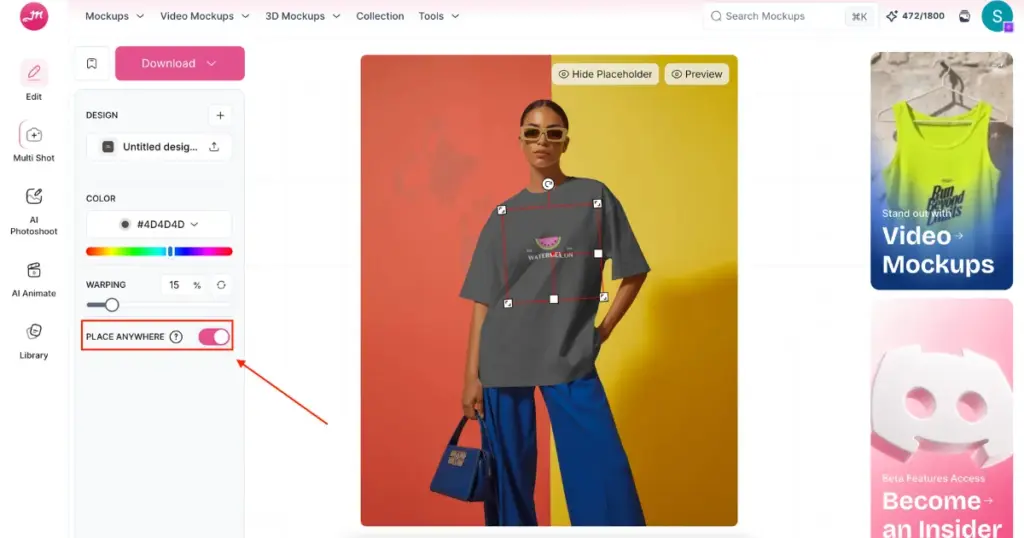
The steps are almost the same. Just click on Video Mockups instead of Mockups. Then pick any product video template and see how it looks. Upload the design to it. After that, you can make small changes if you want and create your video mockup.
People are more likely to buy a product when they see it in your custom mockups rather than in standard template images. This can increase sales by 10%.
We already talked in detail about how to create custom mockups with Mockey AI. For now, here’s the short version:
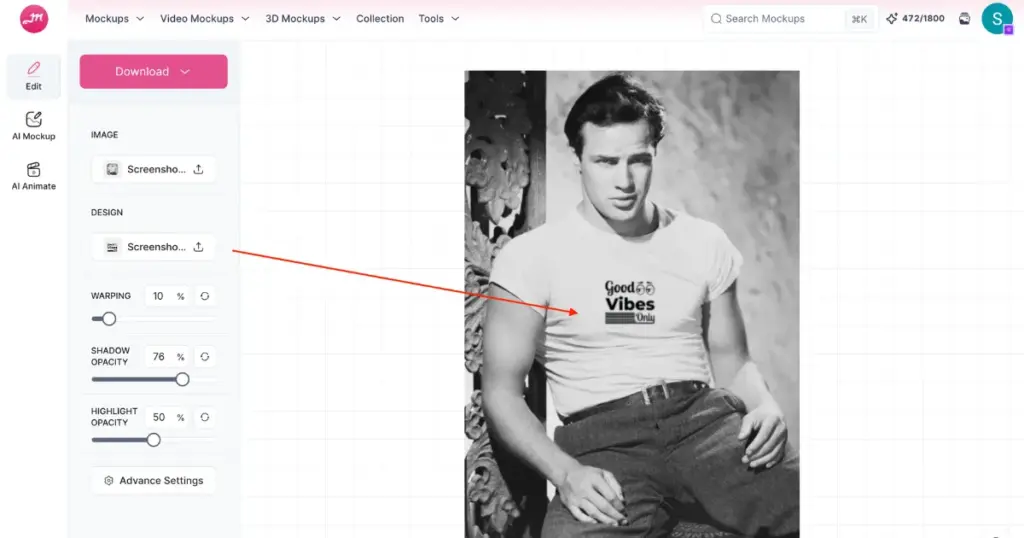
No need to use a template. Describe a lifestyle scene and upload your design to it. For example:
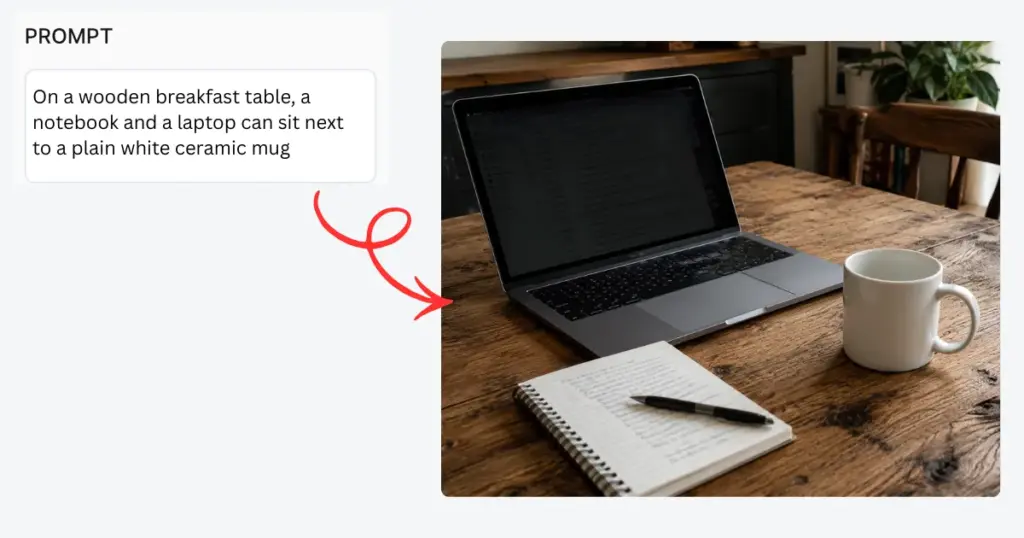
The background scene should support the product, not compete with it.
| Products | Scenes |
| Coffee Mug | Kitchen counters, breakfast tables, and home offices |
| Candle | Bedrooms, Bathrooms, and living rooms |
| T-shirt | Parks, Cafes, Streets |
| Jewelry | Luxury interiors, portrait photography, studio scenes |
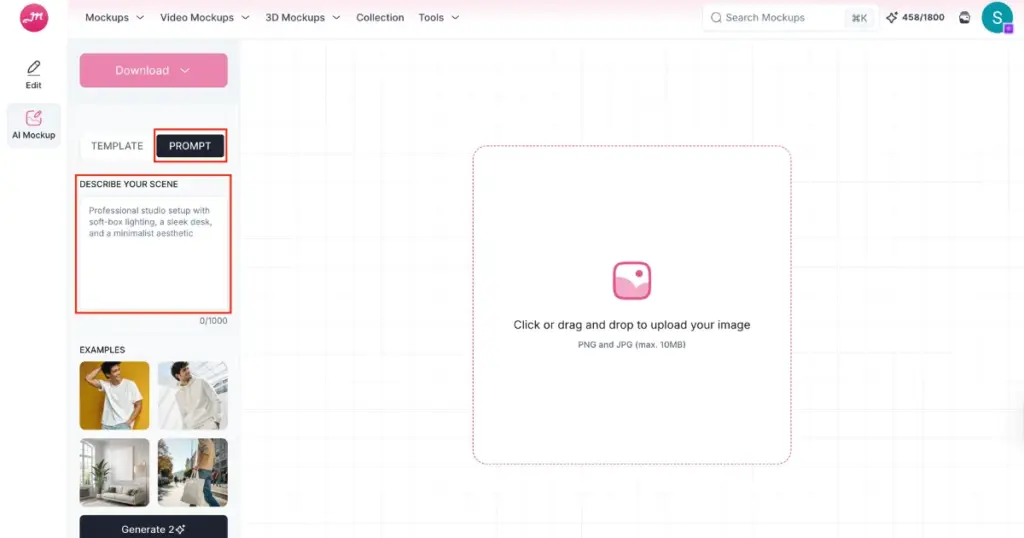
To create an AI scene for lifestyle product mockups:
The sellers getting the best results today aren’t necessarily using the most expensive tools. They’re using workflows that prioritize realism.
You now know how to create lifestyle product mockups. Create static and video templates, custom mockups, and AI scenes with Mockey. And remember, customers don’t expect perfection. They expect the product they receive to feel like the product they saw.
AI is best for generating lifestyle scenes and quickly creating variations. AI is less reliable for jewelry, reflective products, detailed engravings, tiny logos, and complex textures.
If you’re selling a coffee mug, a white-background image tells customers what the mug looks like. A lifestyle image showing the mug beside a laptop during a morning work session tells a story. Customers instantly imagine themselves using it.
No. Even professional product photography isn’t perfectly accurate. Colors change because of camera settings, lighting, editing, screen brightness, and device differences. A heather grey shirt may appear darker on one screen and lighter on another. The goal is to set the correct expectation. If the customer receives what they expected, your mockup succeeded.

Sangram Sahoo
I’m a content writer with 4 years of experience. I specialize in creating practical content around mockups, print-on-demand, apparel, and e-commerce design.
