How to create pouch mockups? Use Mockey.ai’s pouch mockup generator to select from 700+ templates, edit with easy tools, and download the mockup pouch in HD.
According to Nielsen, 64% of consumers try a new product because the packaging attracts them. This means a pouch mockup drives sales, not just looks.
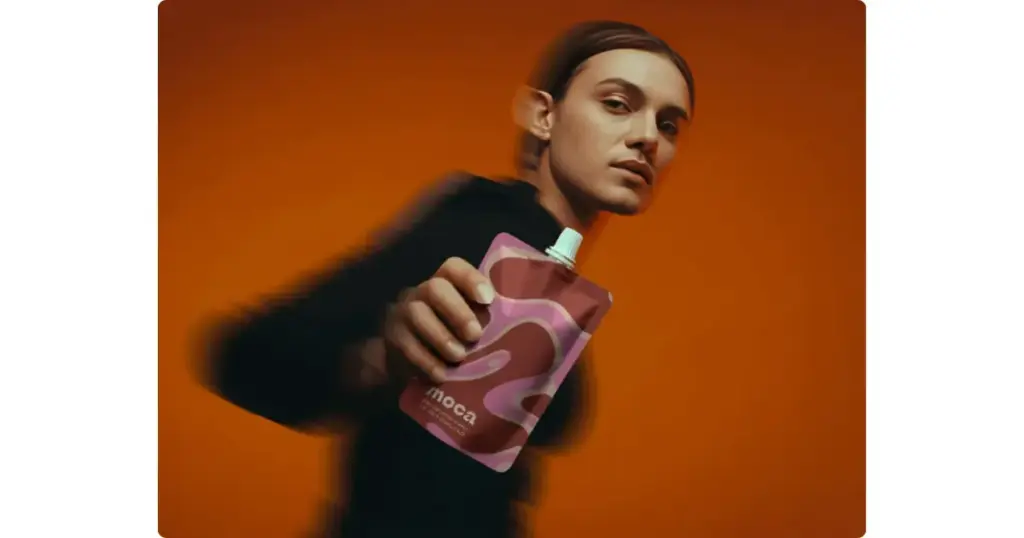
If you’ve ever tried to create a pouch mockup, you already know the struggle. You have your flat label design and a product idea, such as coffee, protein powder, spices, or pet food. But zero design skills and no idea how brands create those realistic stand-up pouch renders.
Don’t worry. This blog post will show you how to create pouch mockups using a mockup maker like Mockey.ai step-by-step. However, you can create it by clicking the link button below without any guidance.
Most people have their PNG label, a logo, and some brand colors. But when they paste that onto a flat rectangle, it looks fake. Because real pouches have curves, wrinkles, reflect light, have depth and shadows, and light distortions near edges.
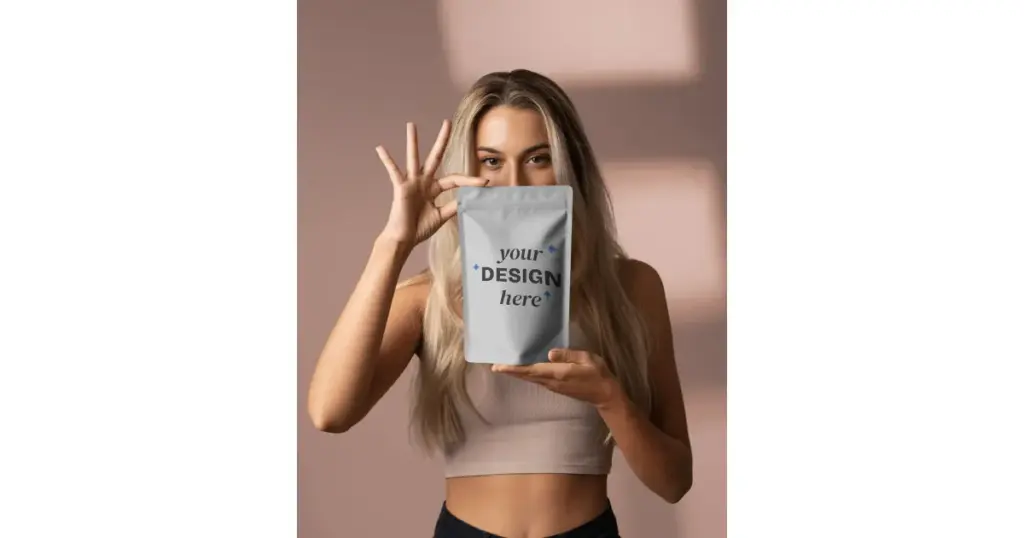
But on Mockey AI, all the pouch templates you’ll see look completely real, with visible curves and even wrinkles. Look at this woman holding stand-up pouch mockup template example:
To create pouch mockups, we will use the Mockey AI platform. Let’s go through the steps and see how to create them.
First, create a free account on Mockey AI. On the homepage, you’ll see the “Login / Sign up” button—use that to register.
After creating your account, you’ll land on a page where you need to click “Mockups” on the left side. Scroll down to Categories, select Packaging Mockup.
Then choose “Pouch.”
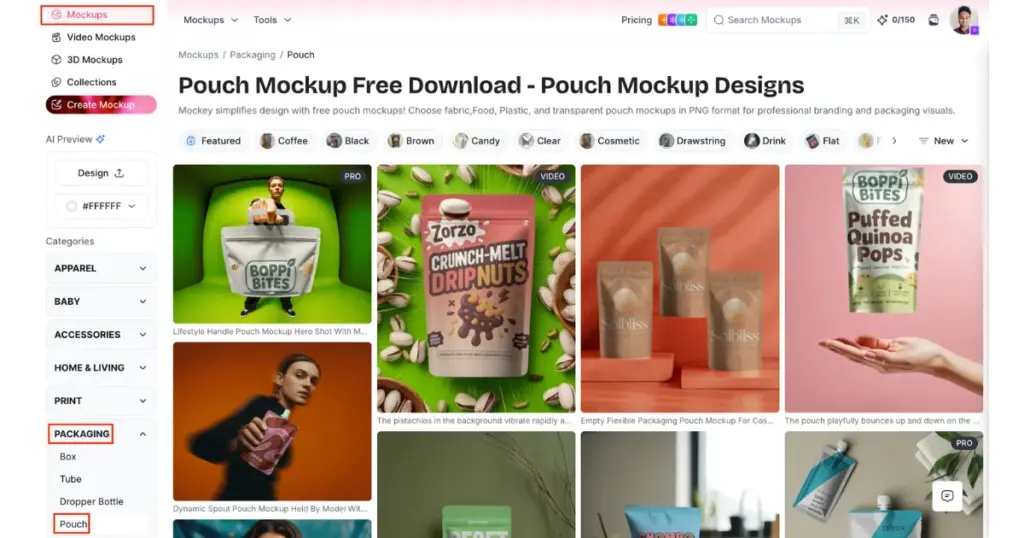
You’ll reach the pouch catalog page. Here, you’ll find different pouch types such as Coffee, Stand-up, Candy, Cosmetic, Drawstring, Foil, Food, Paper, Snack, Square, Tea, Zip, Spout, and Handle.
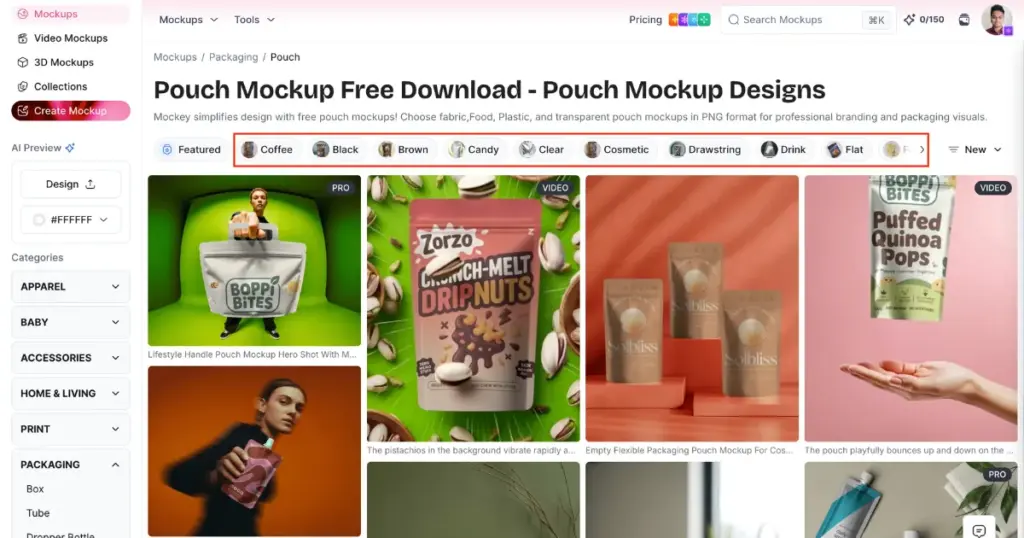
Based on your brand’s requirement, whether it’s a stand-up pouch mockup or a coffee pouch mockup, select a relevant tag from the tag bar and choose a template.
After selecting a template, you’ll be taken to the editor page. Here, you can upload your design, edit it, use AI tools, and prepare it for download.
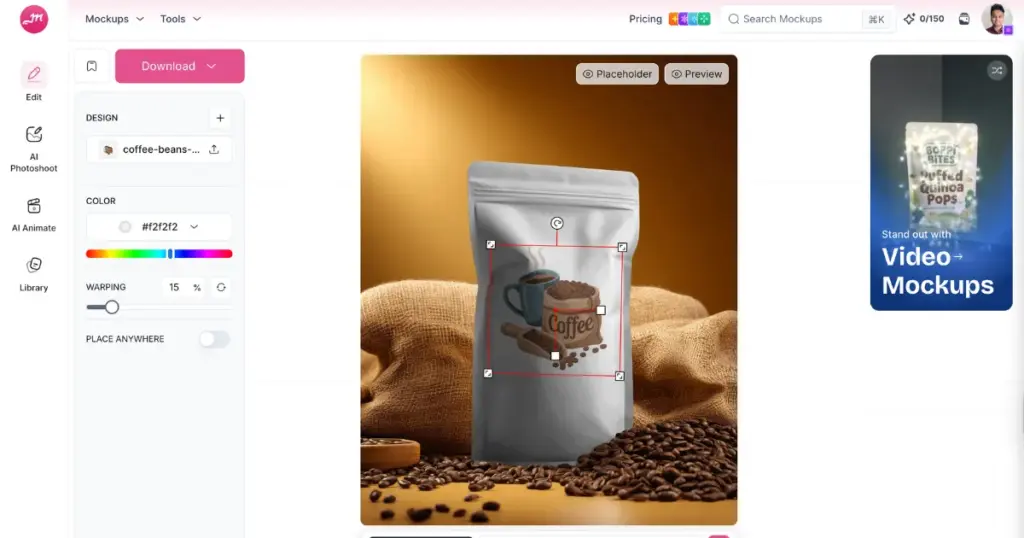
Use the “Upload Design” button to add your brand design and adjust it.
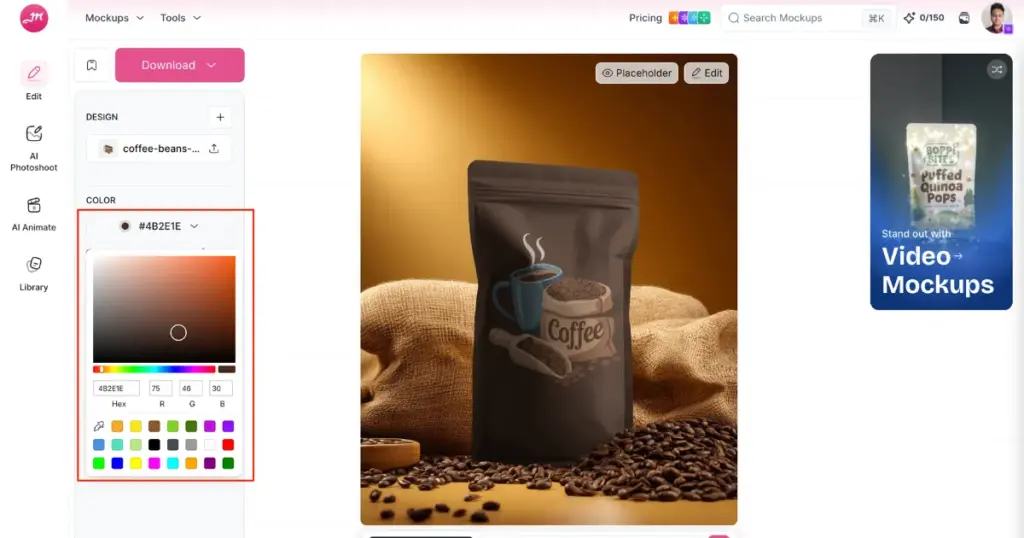
You can change the pouch color using a color code. For example, I used #4B2E1E for my coffee pouch.
A free warping feature is also available, which helps your label wrap naturally around the pouch.
Mockey also supports pouch animations. You can type a prompt and preview your pouch in motion with your design. For animations, you need to purchase the Creator plan.
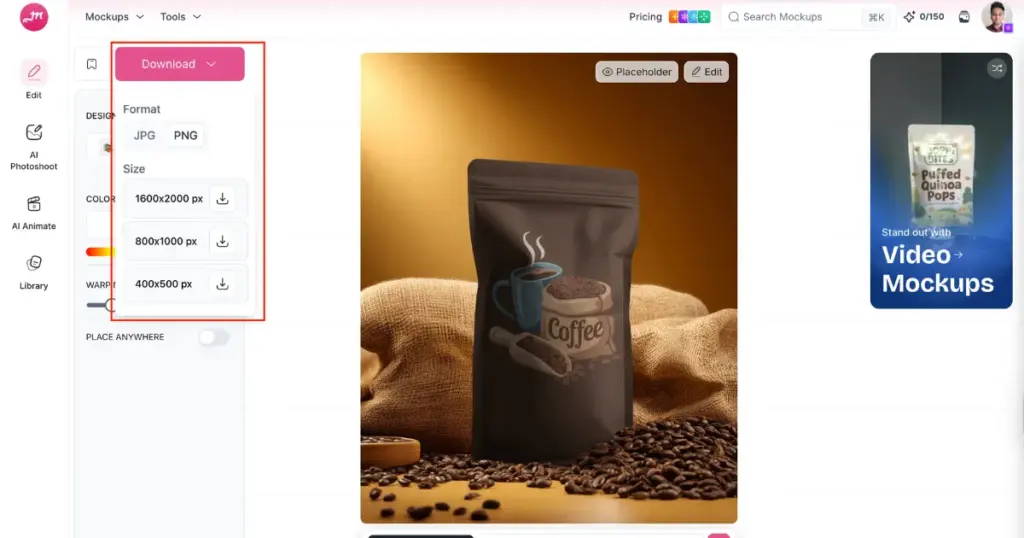
Finally, click the “Download” button, choose your preferred format and size, and save your pouch mockup.
Here are some key points that online sellers agree on while creating pouch mockups. A good pouch mockup must have:
Stand-up pouches aren’t perfectly smooth. They have tension folds near the bottom and top seals.
Flat lighting makes it look like clipart. Directional light creates depth.
Your design should curve slightly with the surface. Edges shouldn’t look stiff.
Floating product images look fake.
Blurry mockups look cheap.
Here are common mistakes users get called out for:
Now you know how to create pouch mockups. If you’re a beginner and want premium branding, Mockey.ai is the best generator that offers a high-resolution, ready-made pouch mockup template with 20+ different styles.
Some brand owners turn to the best AI product photo generators, but the results are not always accurate. Your exact label may not appear correctly, and logos or text can get distorted. The pouch mockup is perfect for listing on the best print-on-demand sites since it accurately represents your actual design.
Select ready-made templates from Mockey.ai to make a pouch mockup. Upload the brand design and customize it with colors and backgrounds. Download the pouch mockup as a JPG or PNG.
Kraft paper stand-up pouch mockups are trending everywhere. People love matte textures, natural shadows, realistic folds, and subtle lighting.
Most people don’t see your real packaging first. They see Instagram posts, Amazon listings, website hero sections, Kickstarter campaigns, and ads. Your pouch mockup becomes your product. If it looks real, they click.
At some stage, you’ll need real product photography. Real texture adds authenticity, and customers trust real photos more. But in early stages, mockups are perfect for pre-launch marketing, testing branding, investor presentations, and social media teasers.

Sangram Sahoo
I’m a content writer with 4 years of experience. I specialize in creating practical content around mockups, print-on-demand, apparel, and e-commerce design.
