Free Coffee Pouch Mockups for Branding & eCommerce Stores
Need perfect coffee pouch mockups? Mockey.ai makes it easy! Customize your design online and download it instantly. Get started now!
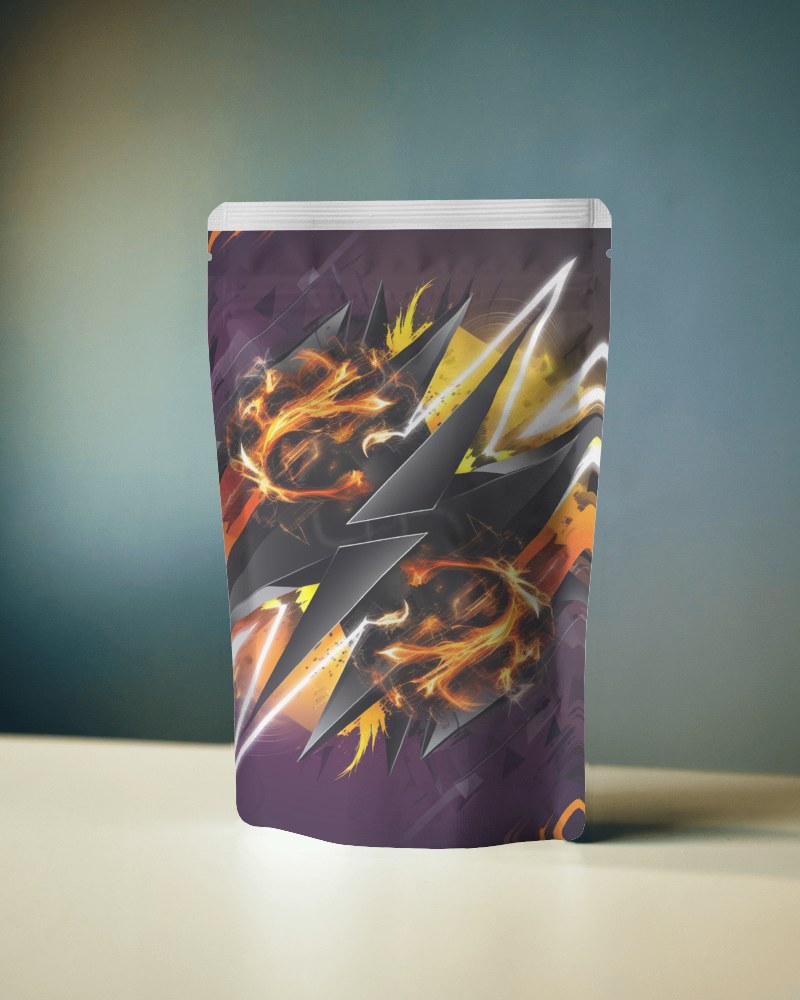
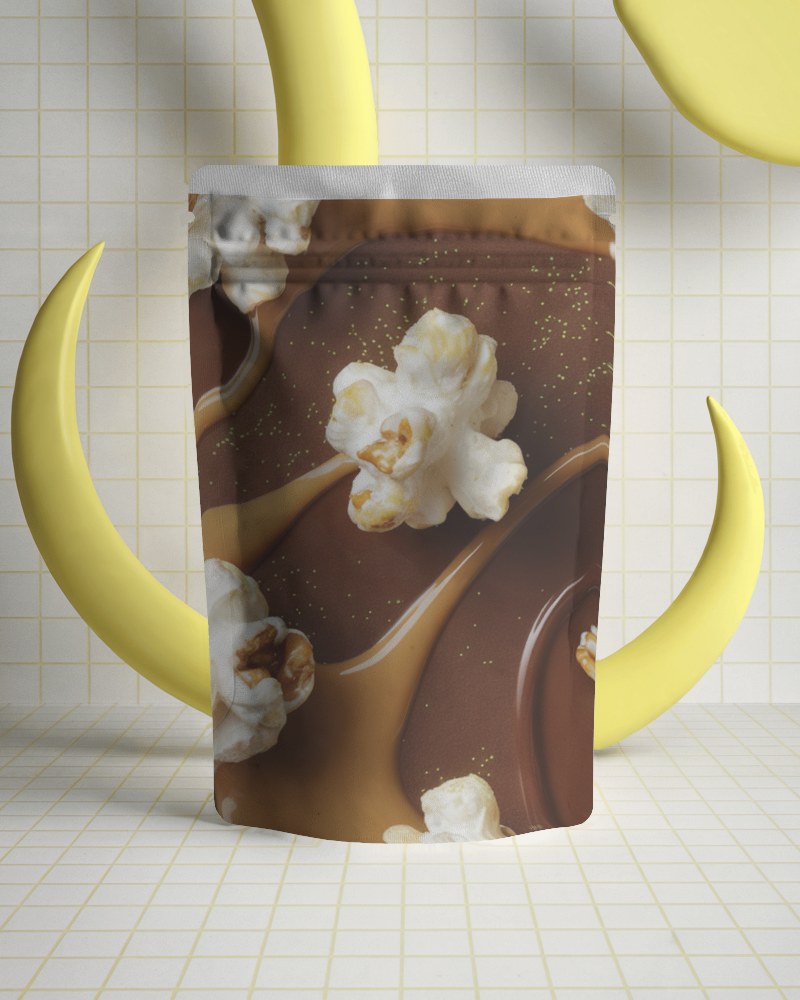
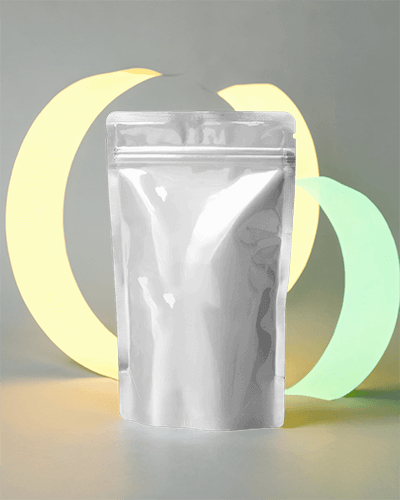
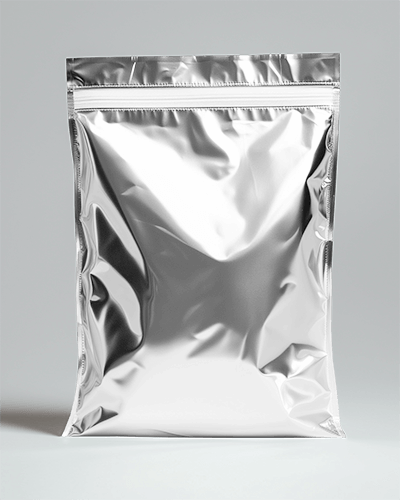
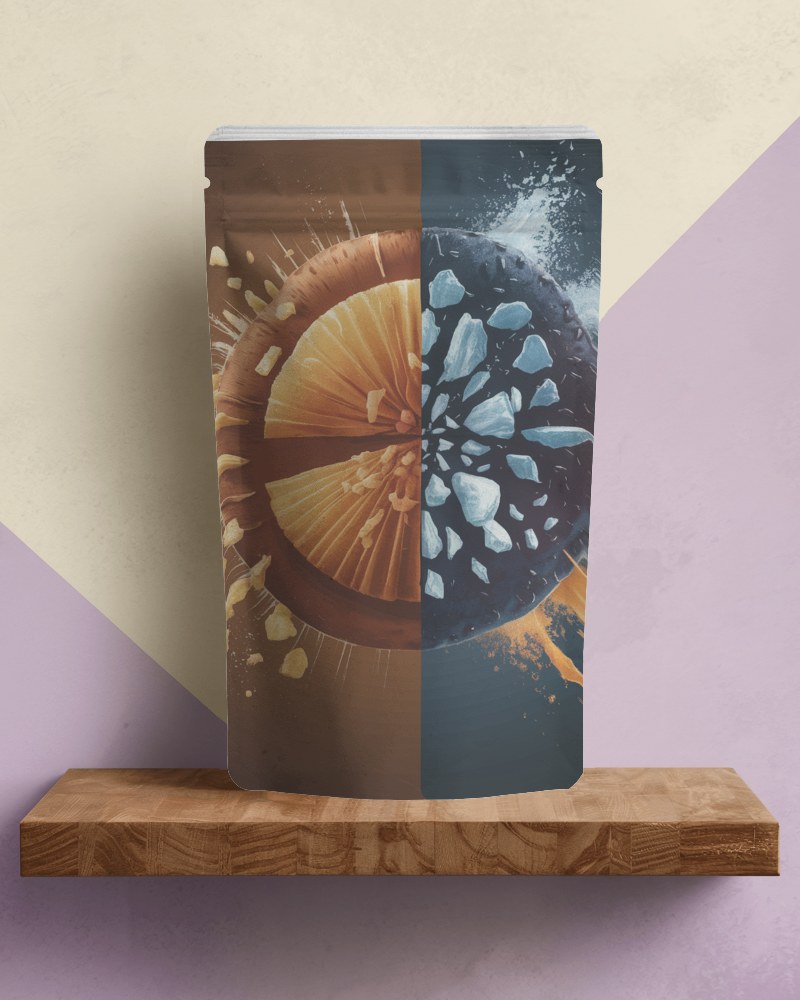
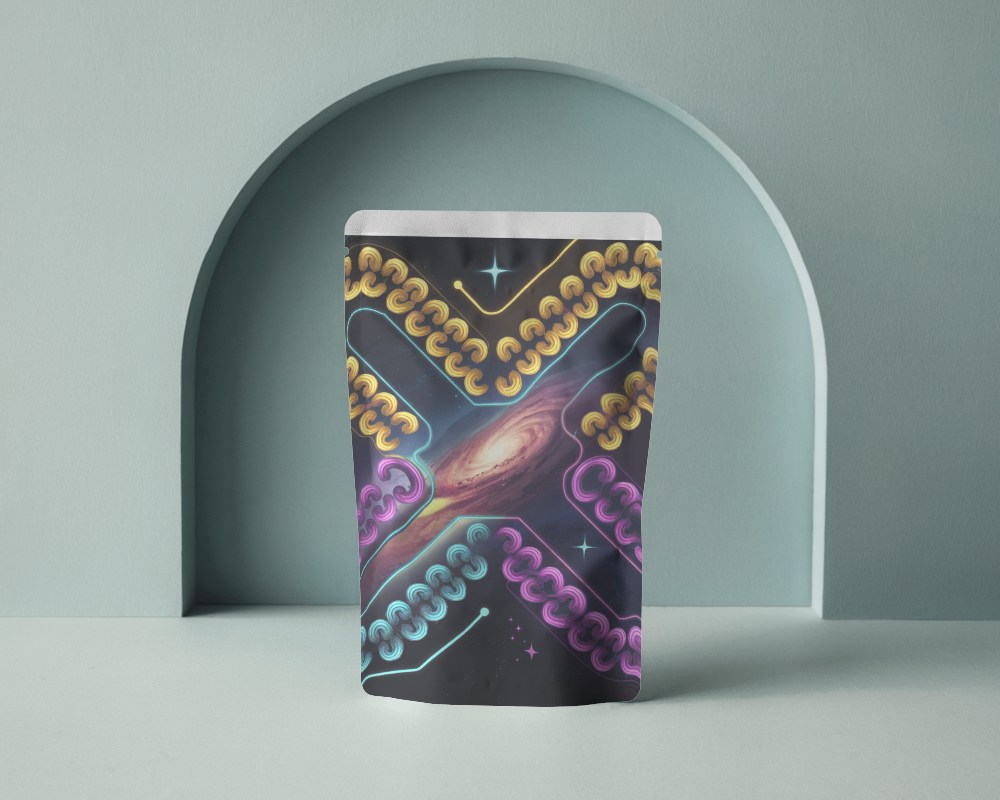
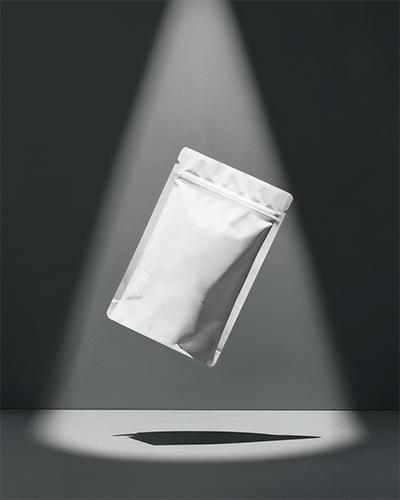
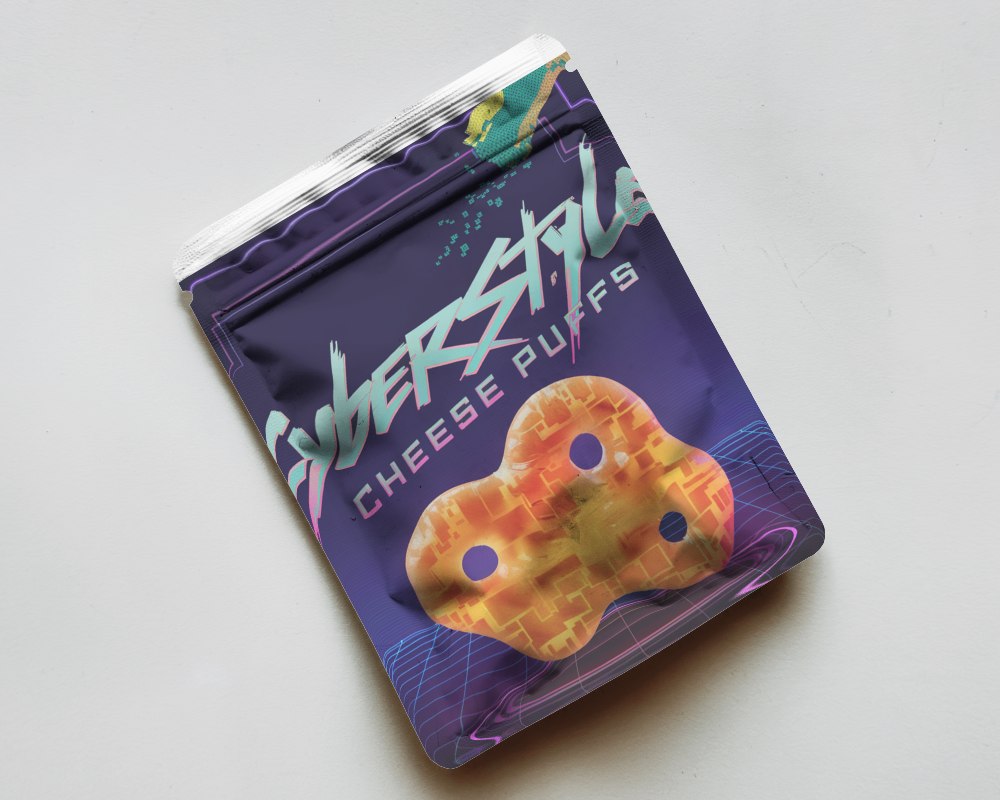
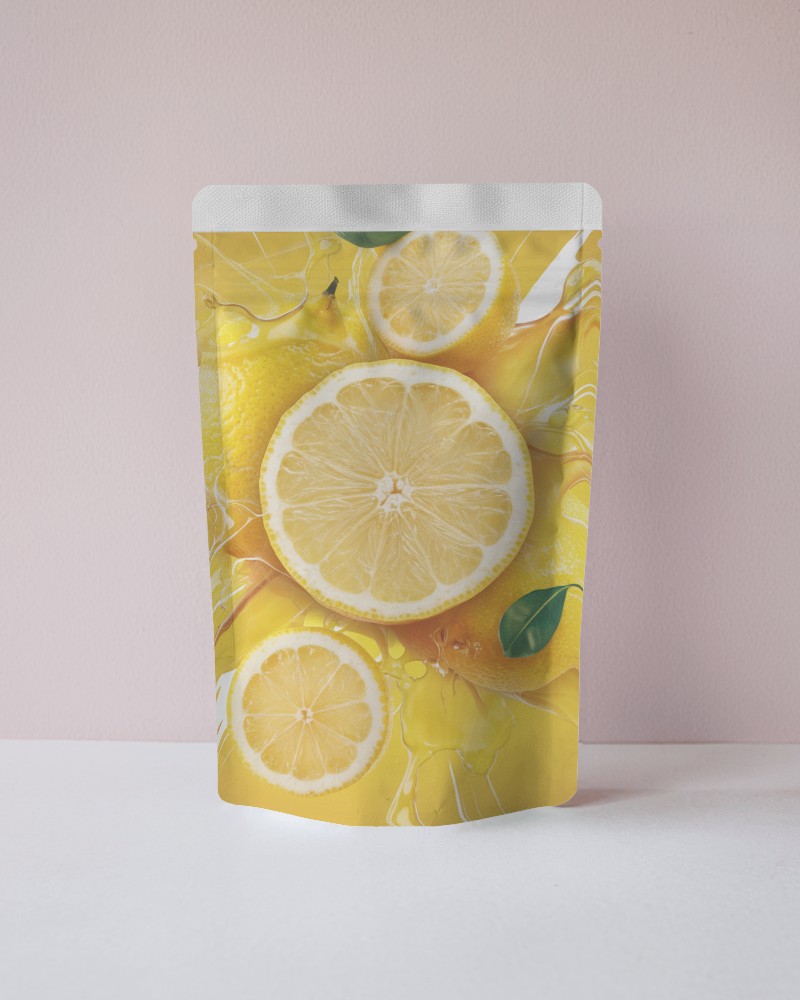
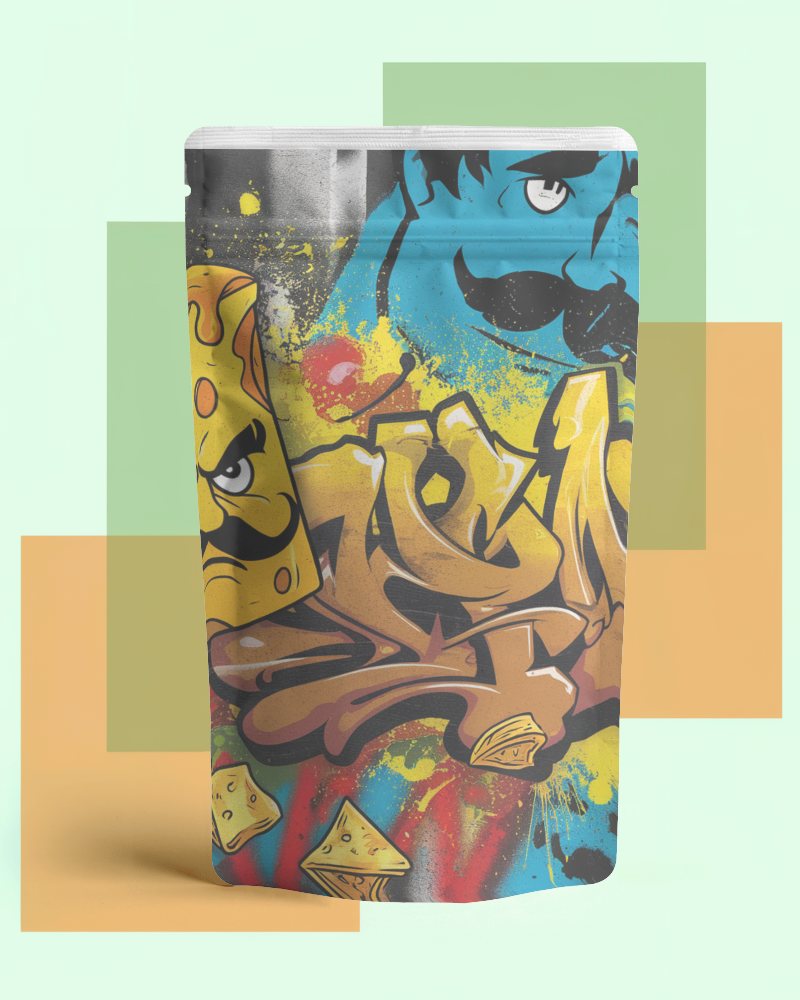
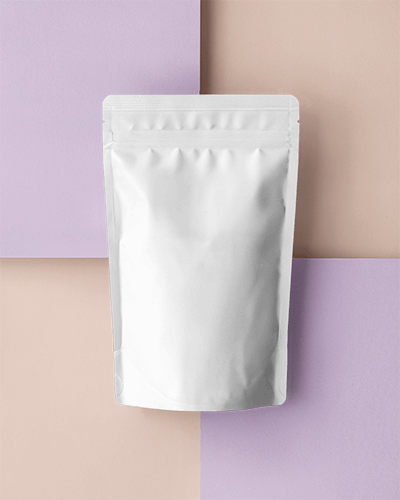
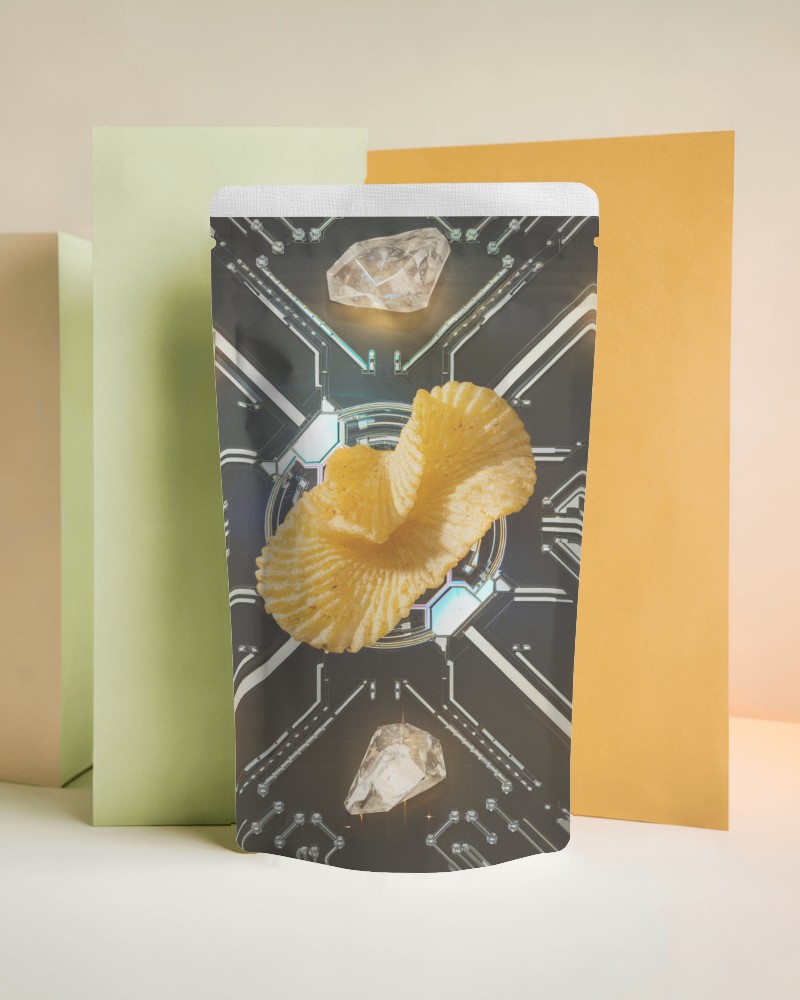
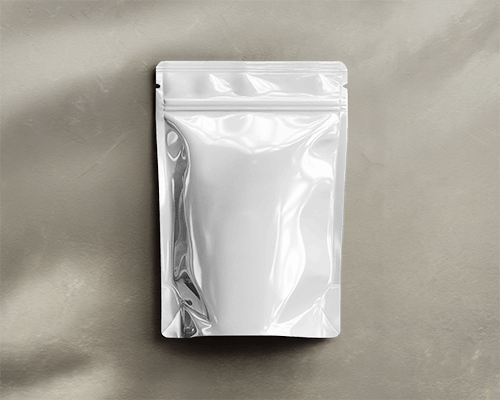
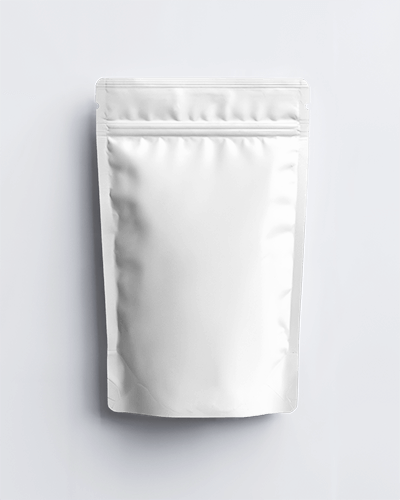
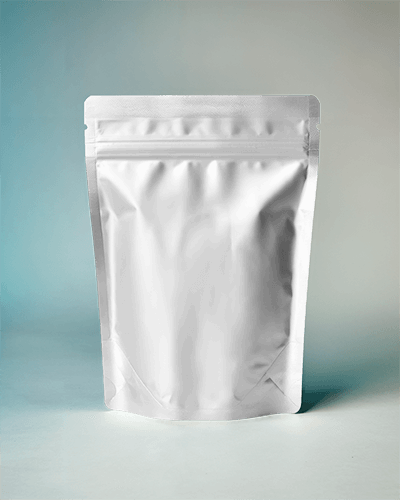
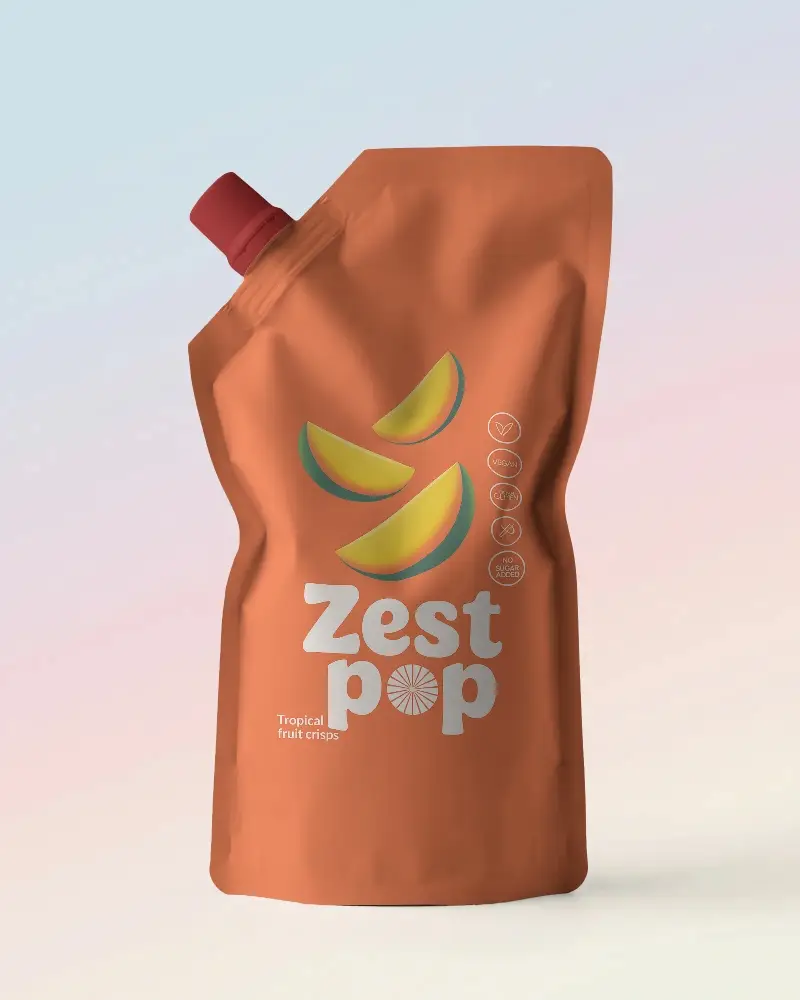
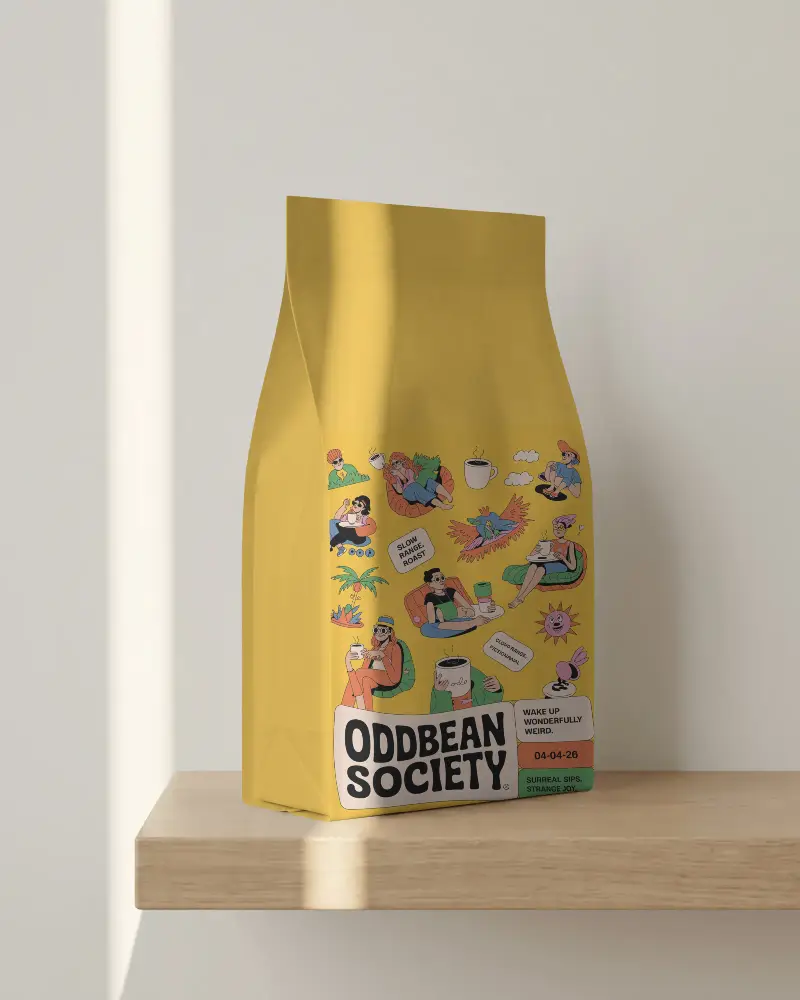
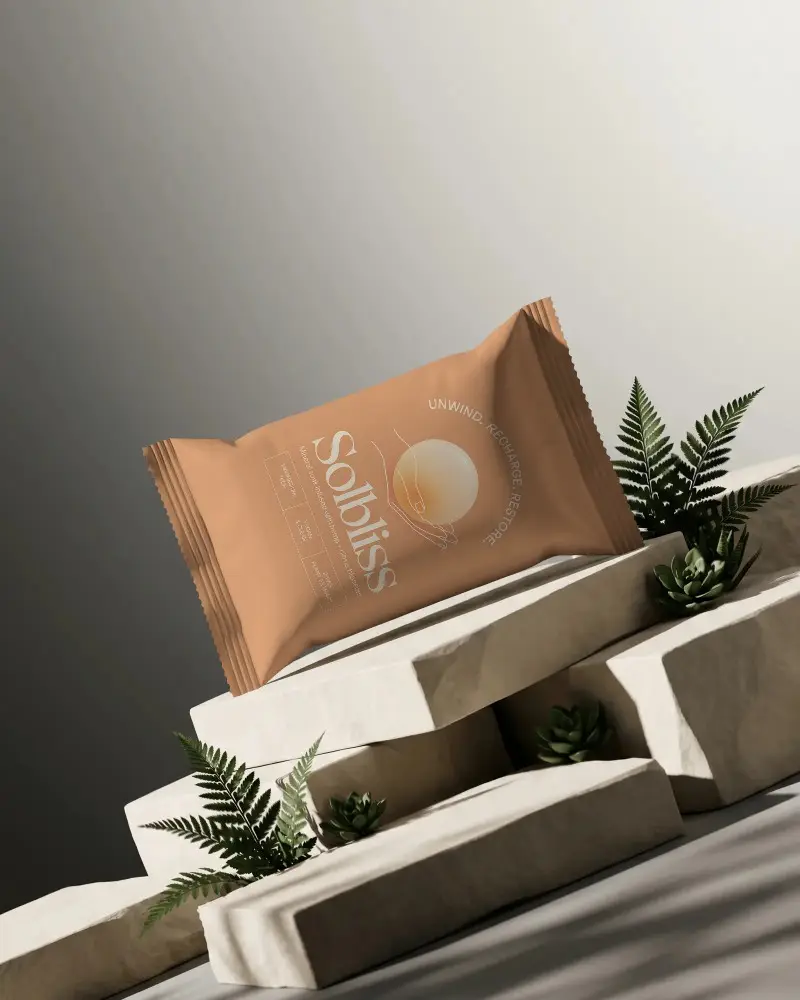
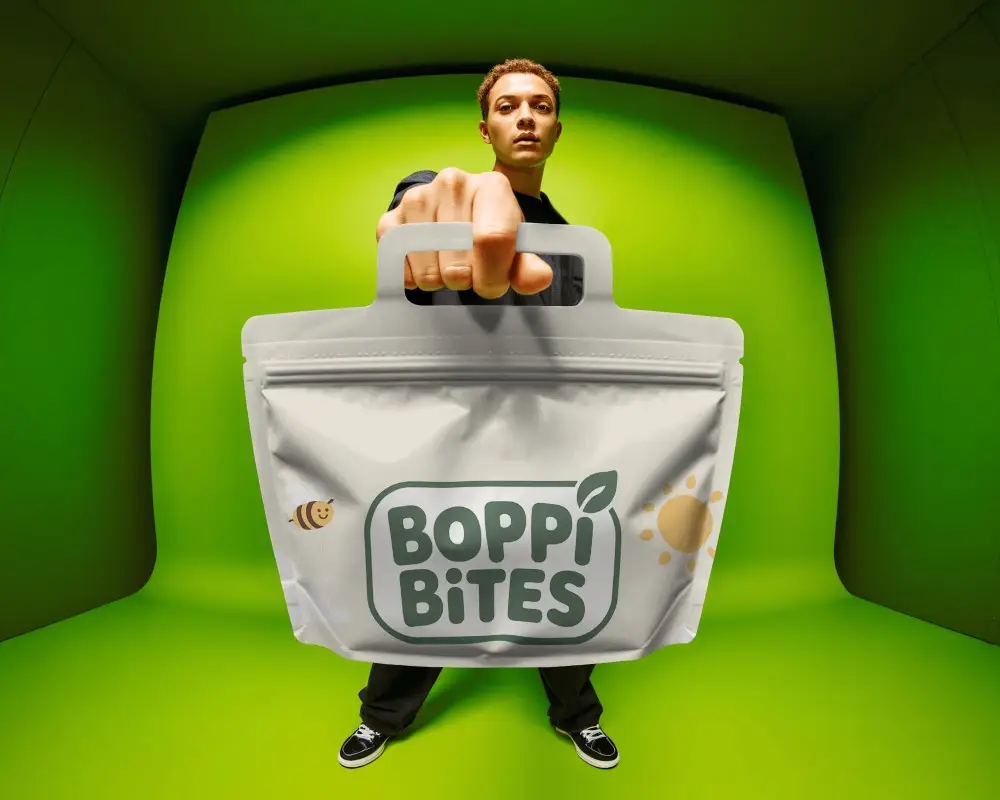
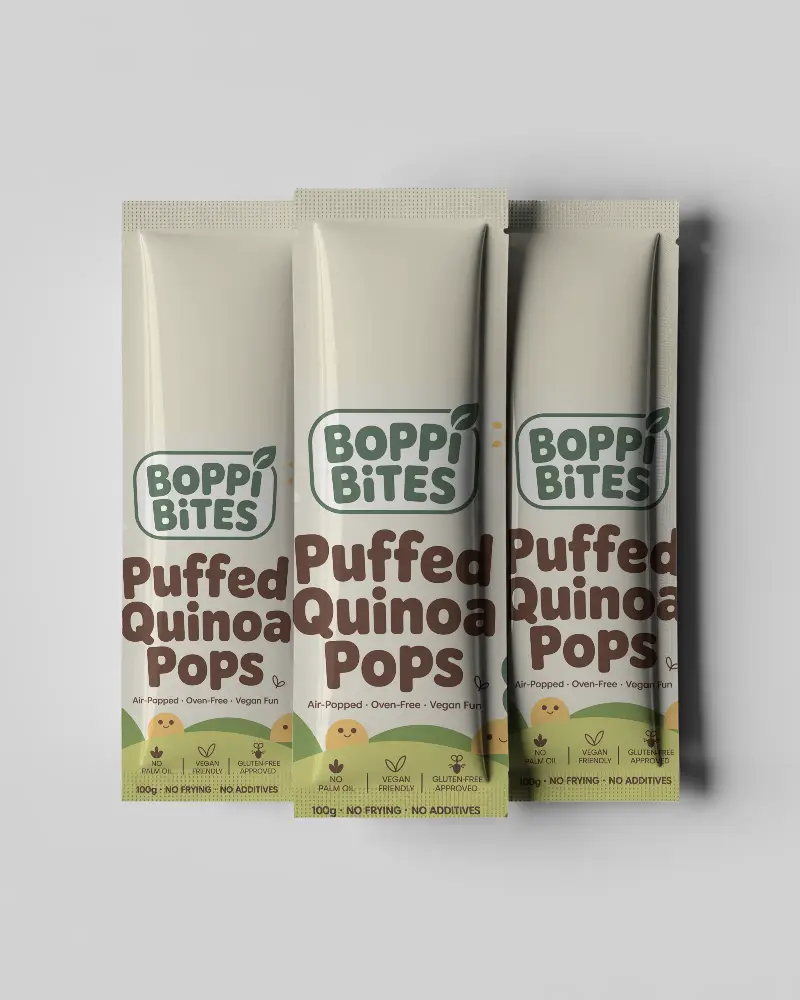
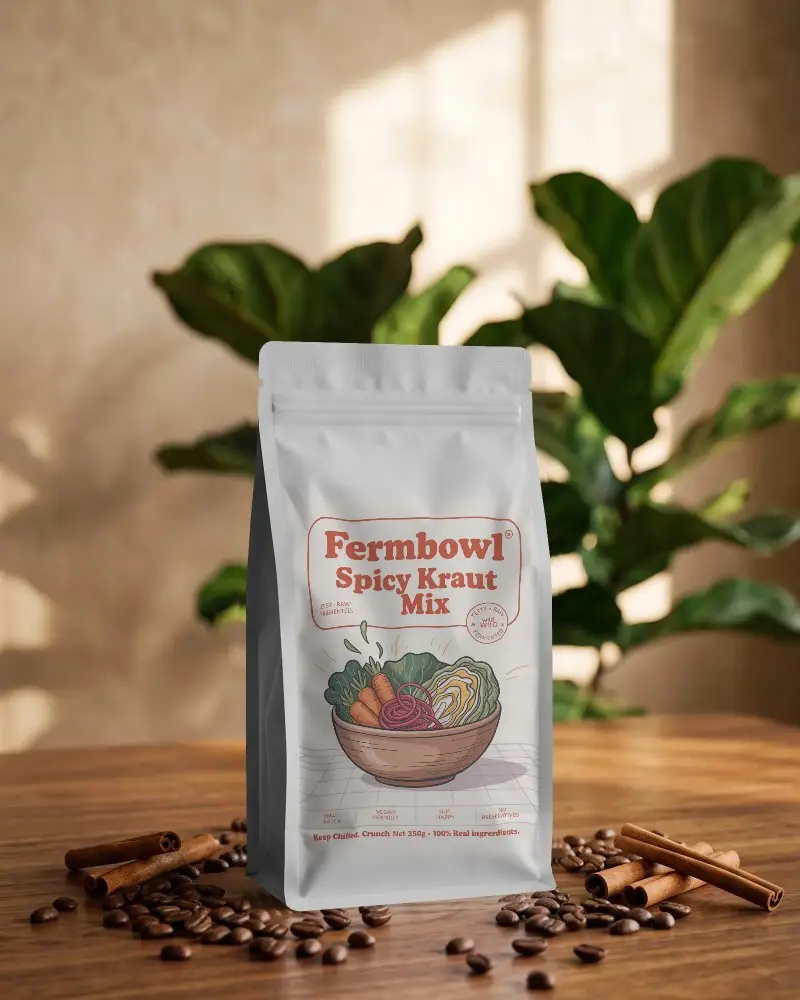
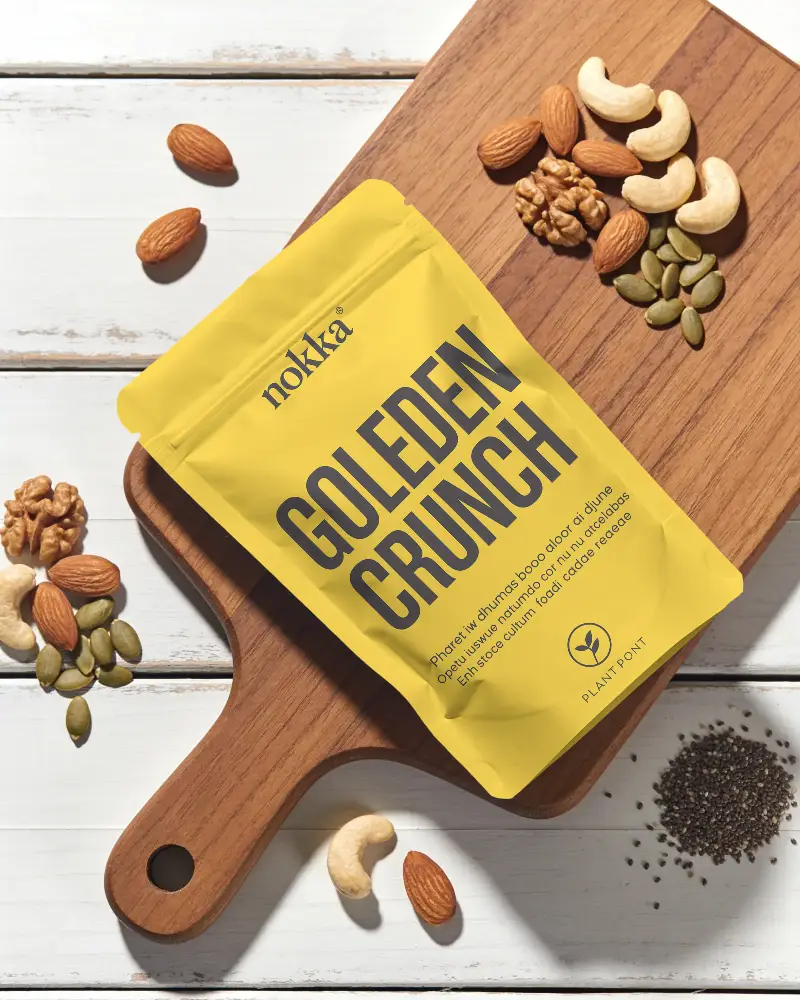
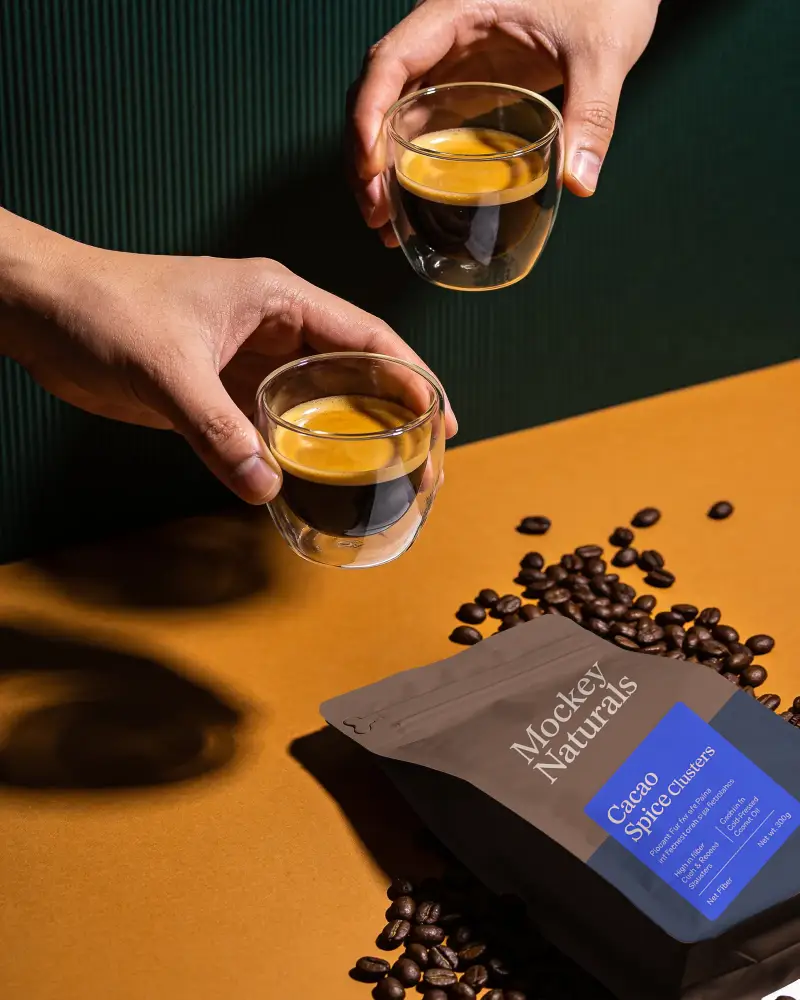
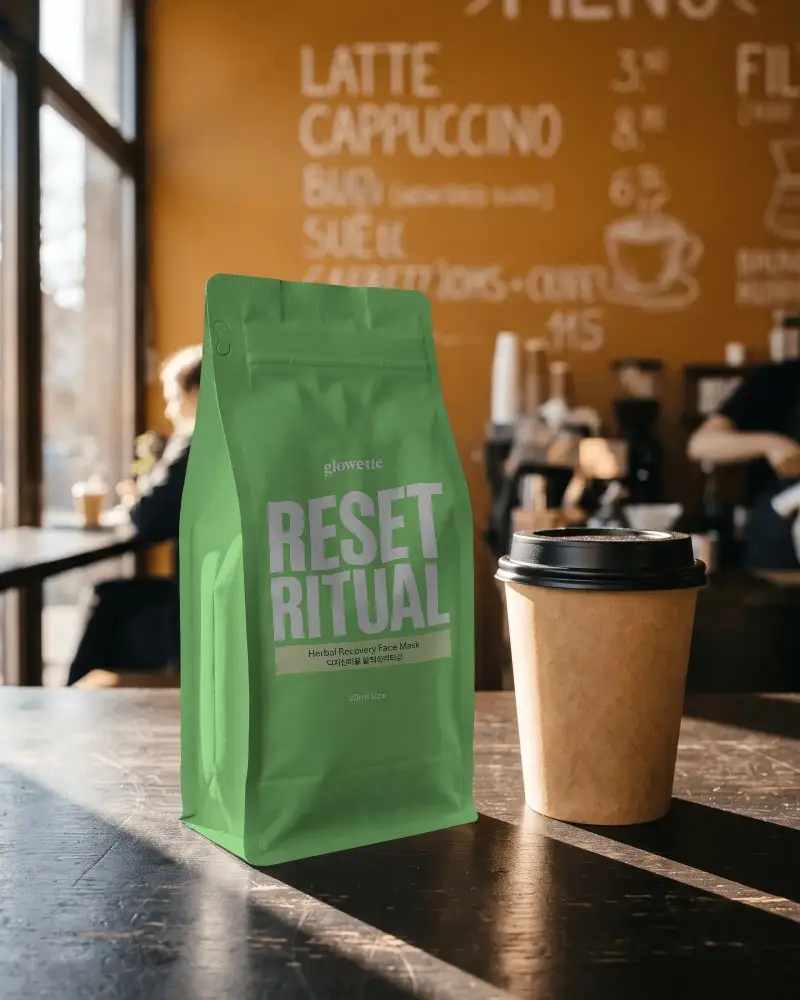
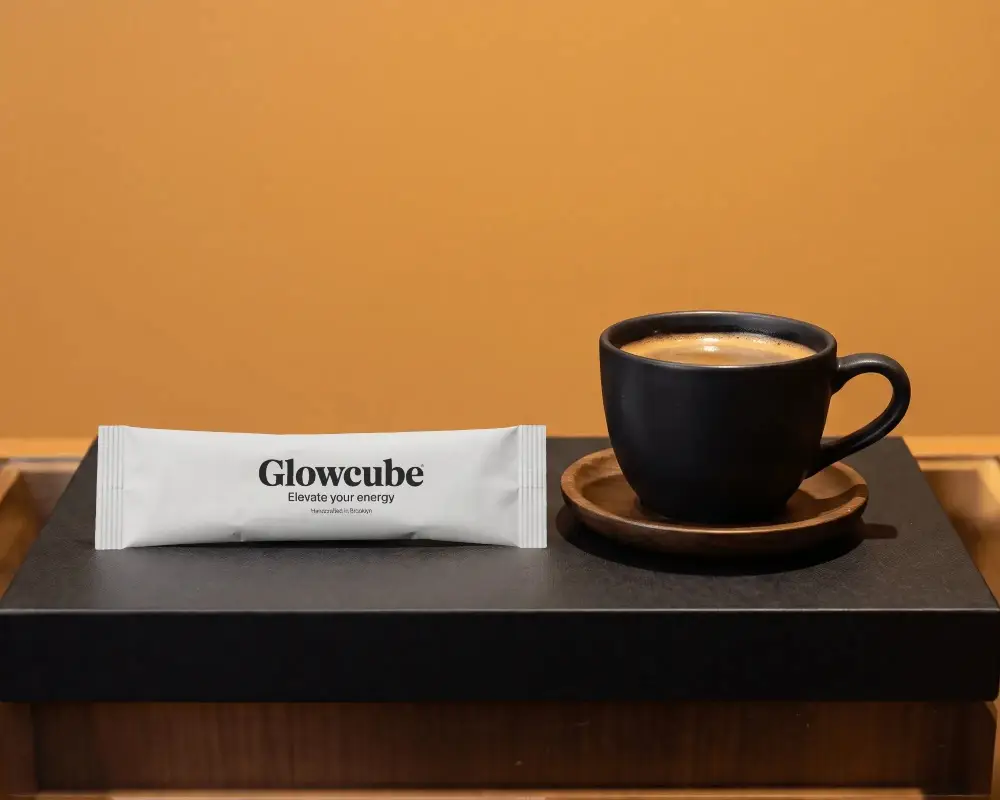
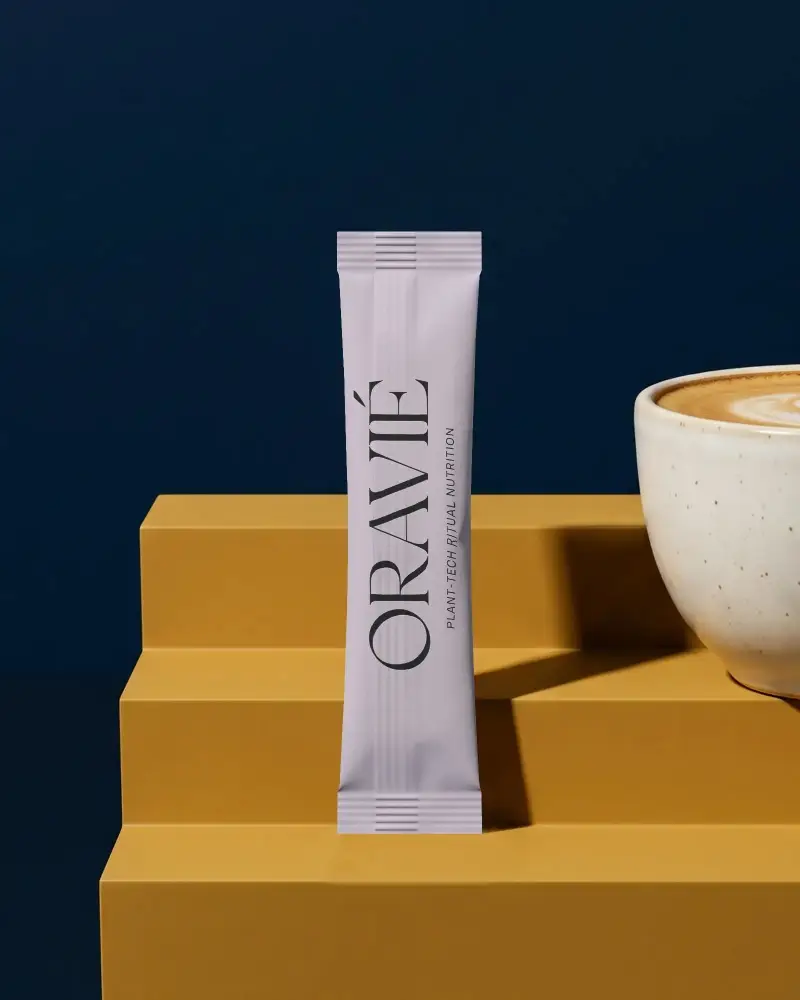
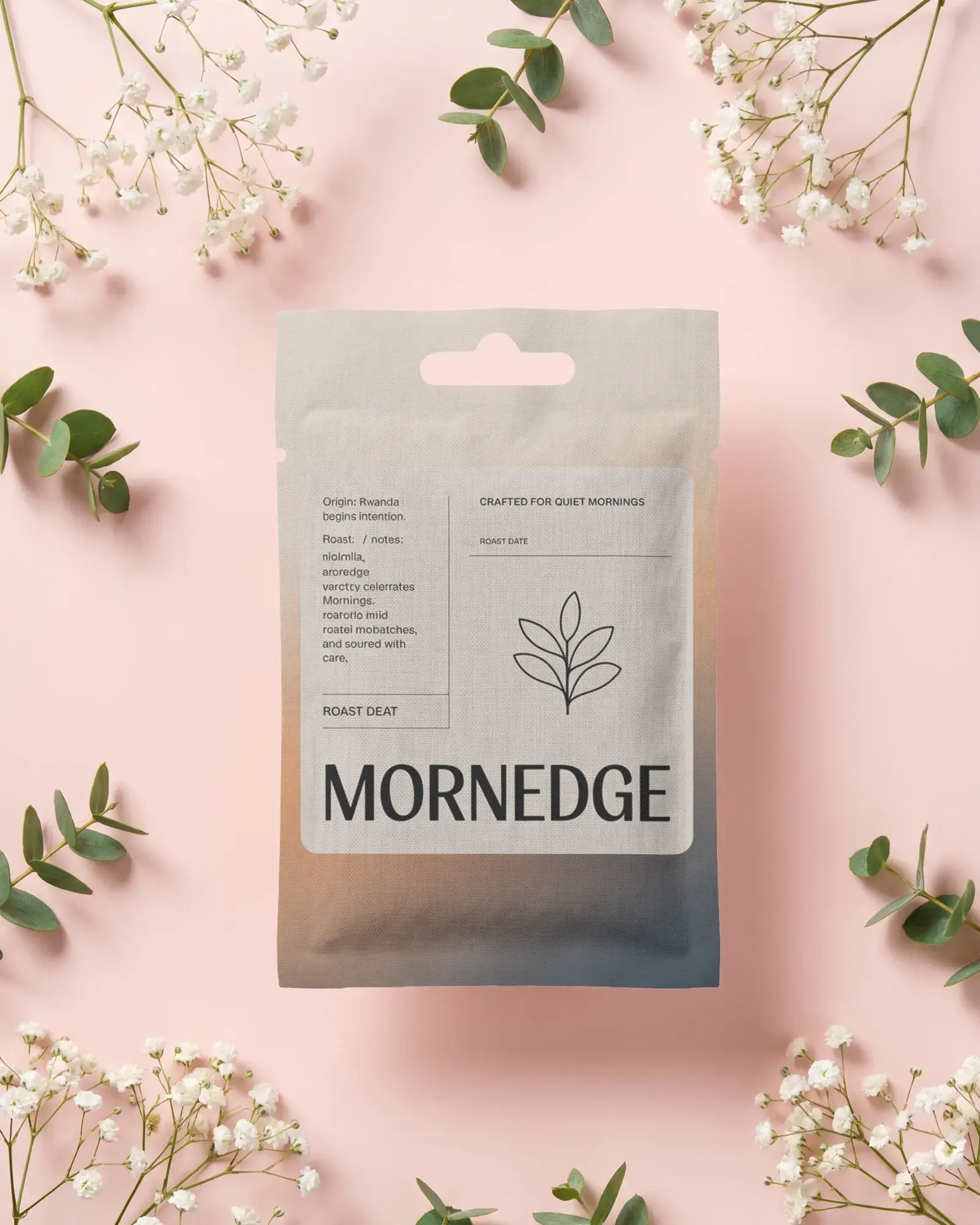
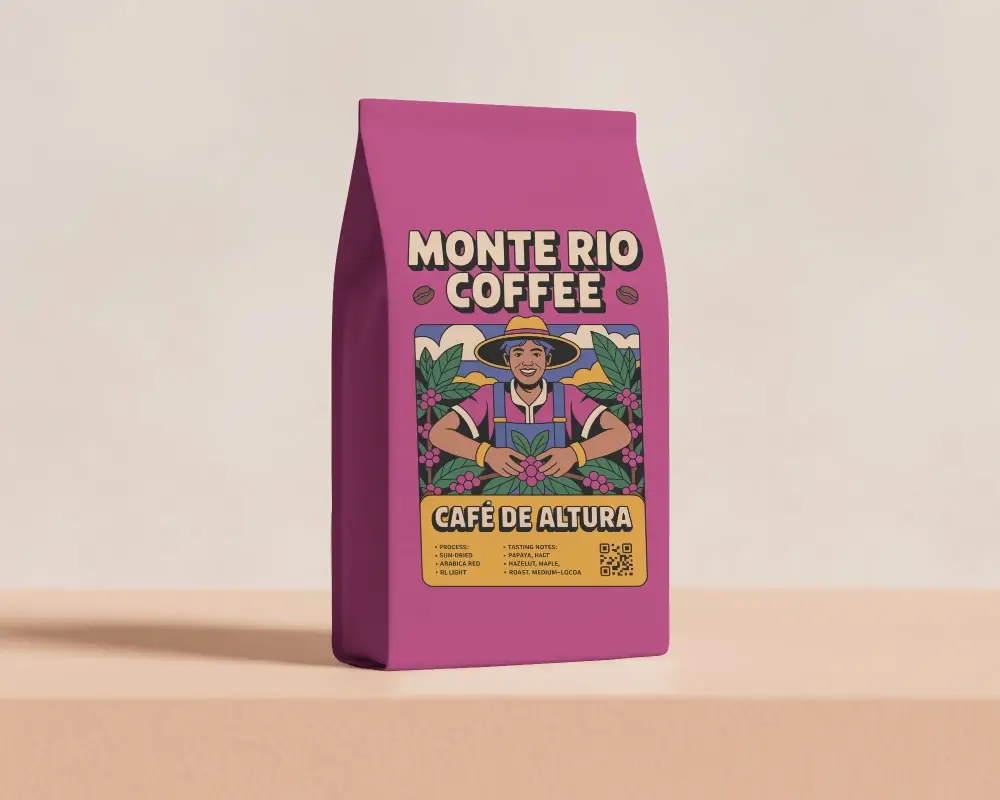
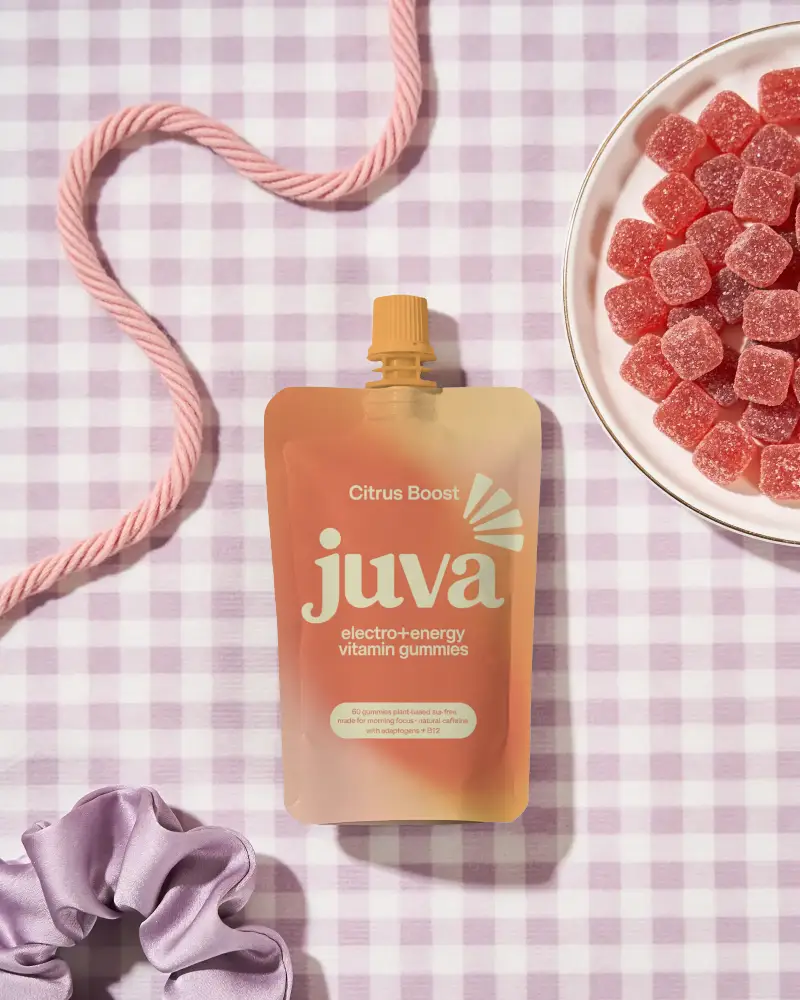
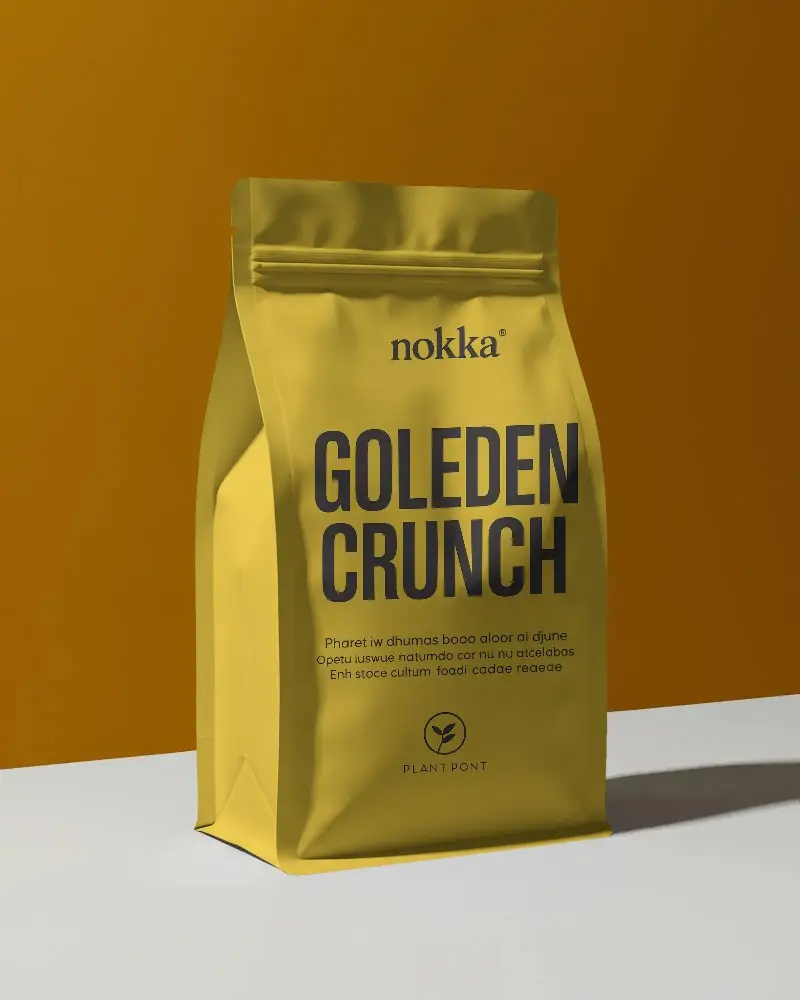
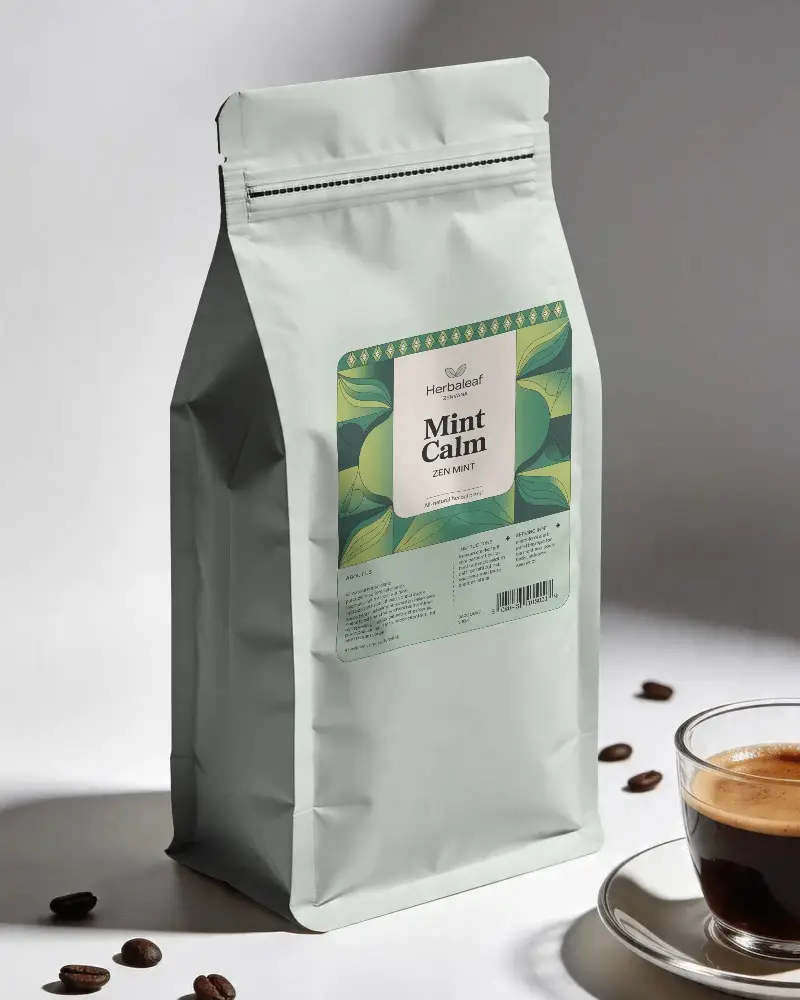
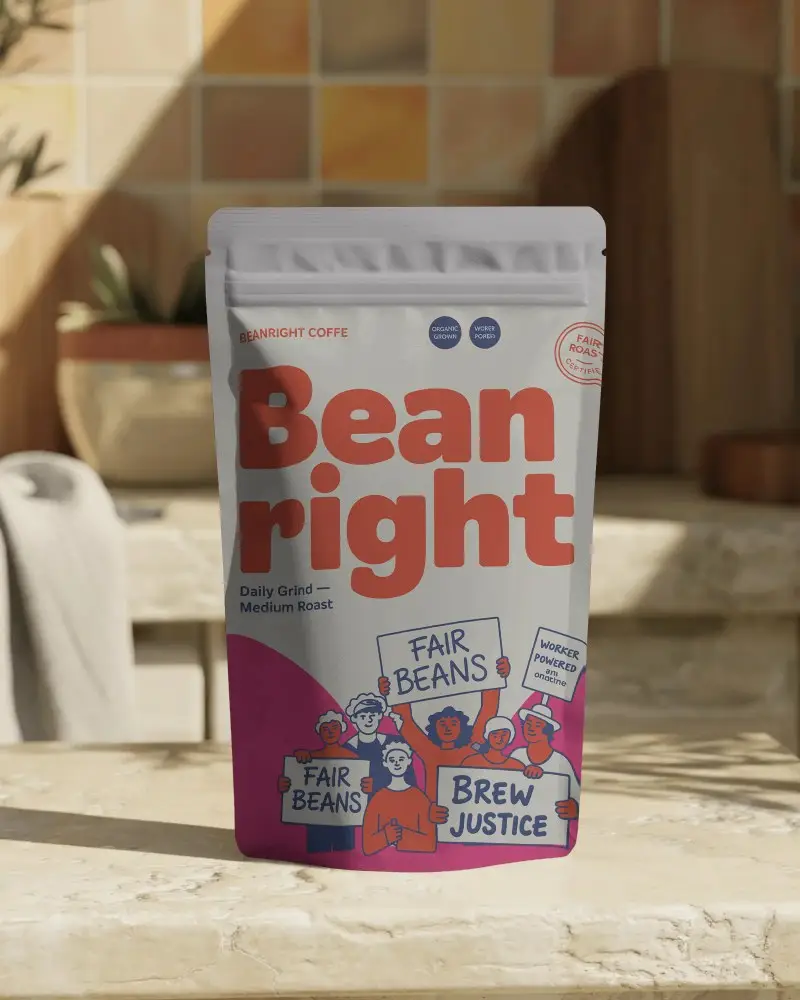
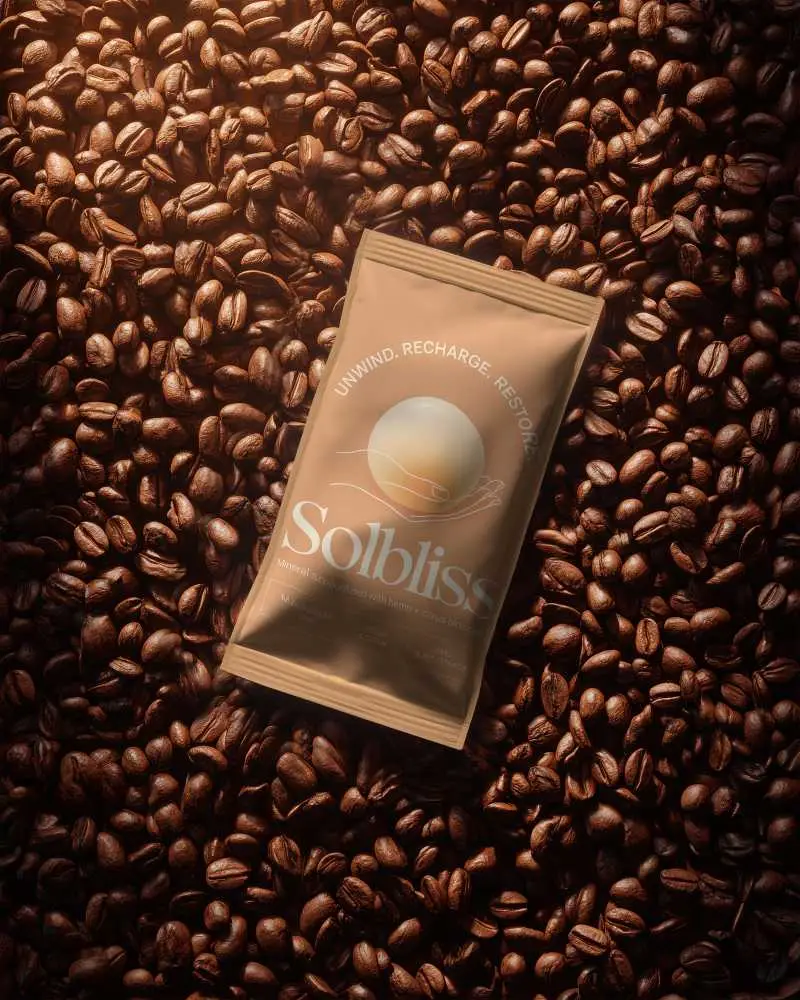
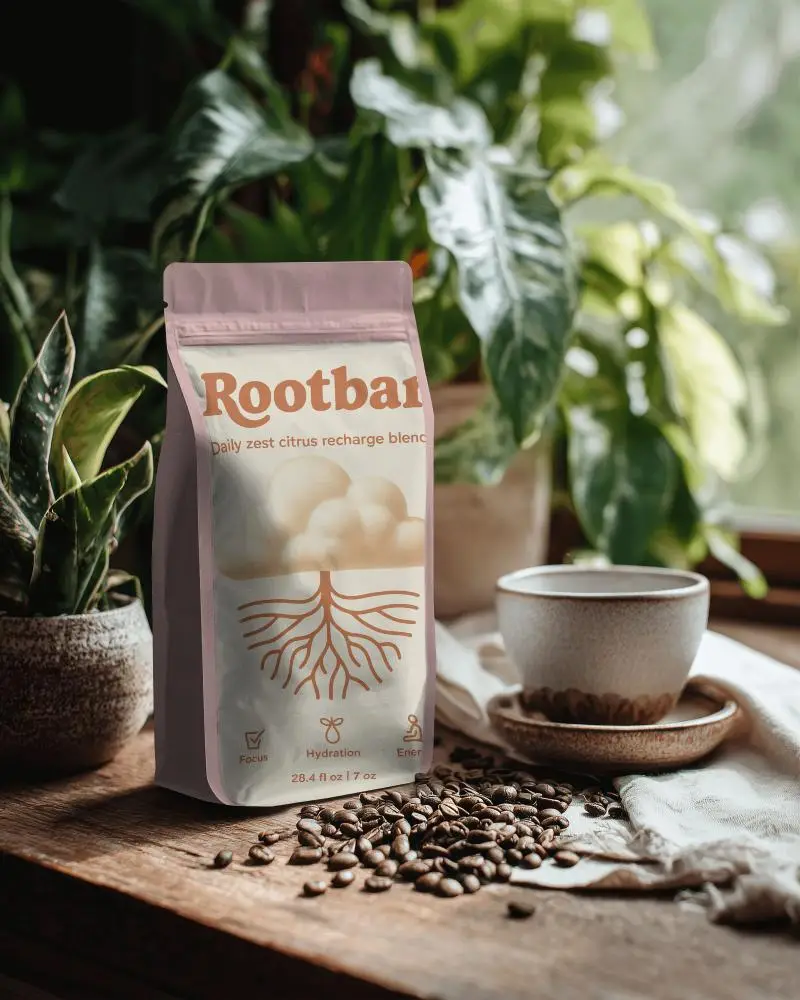
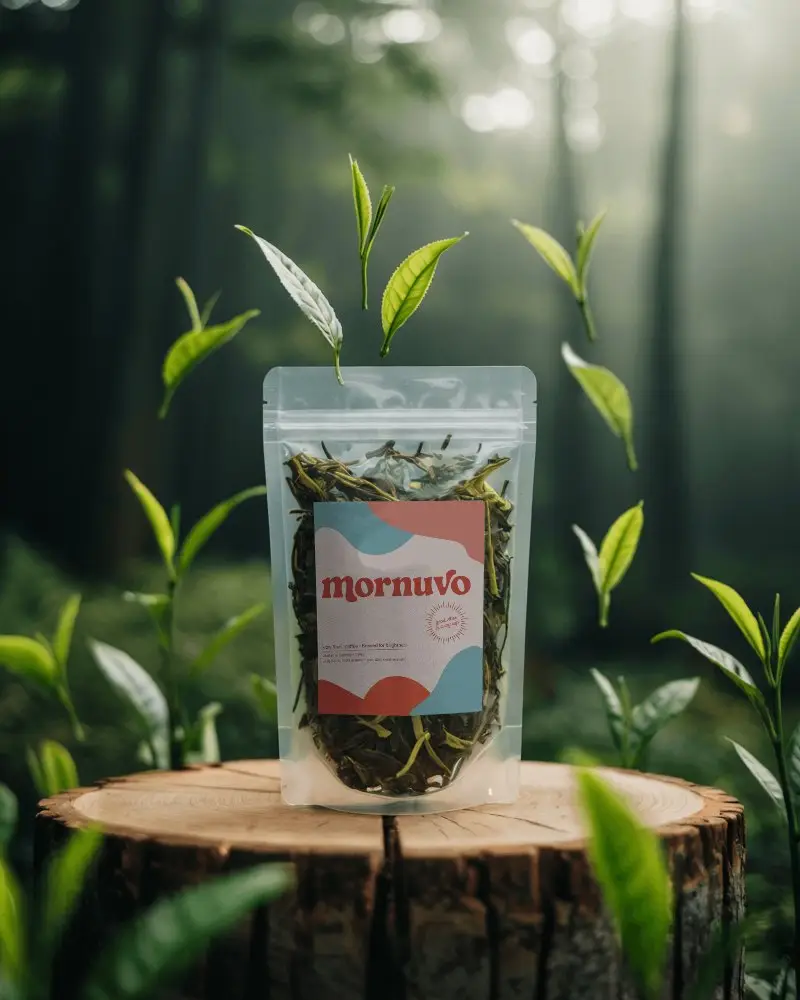
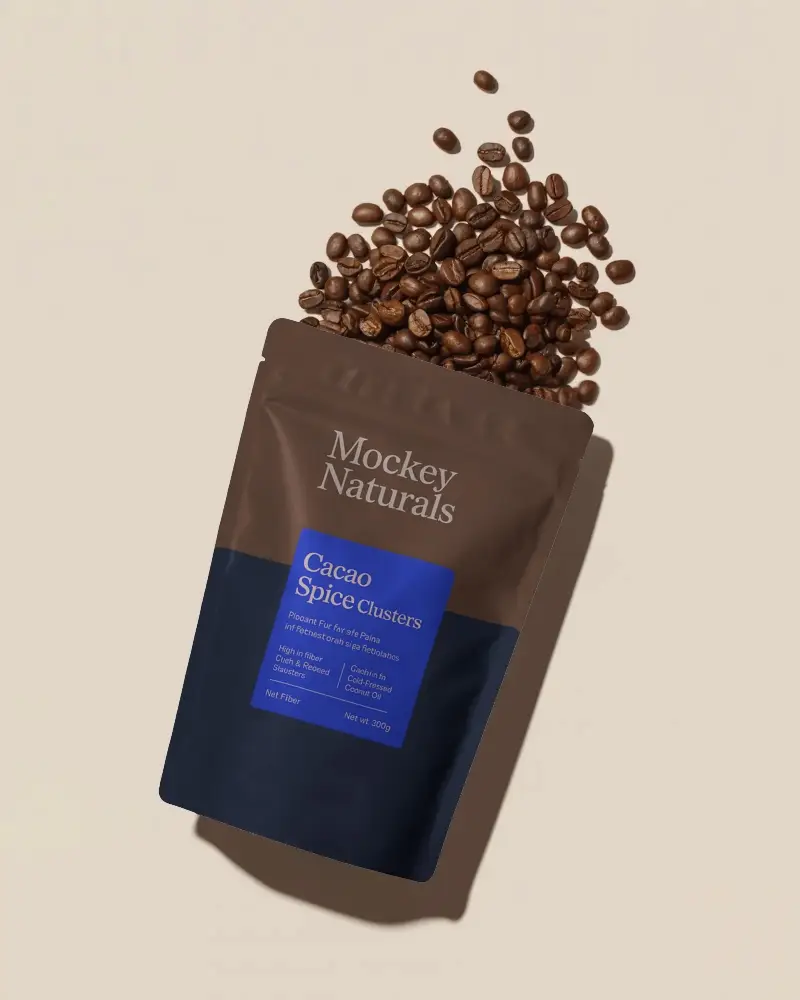
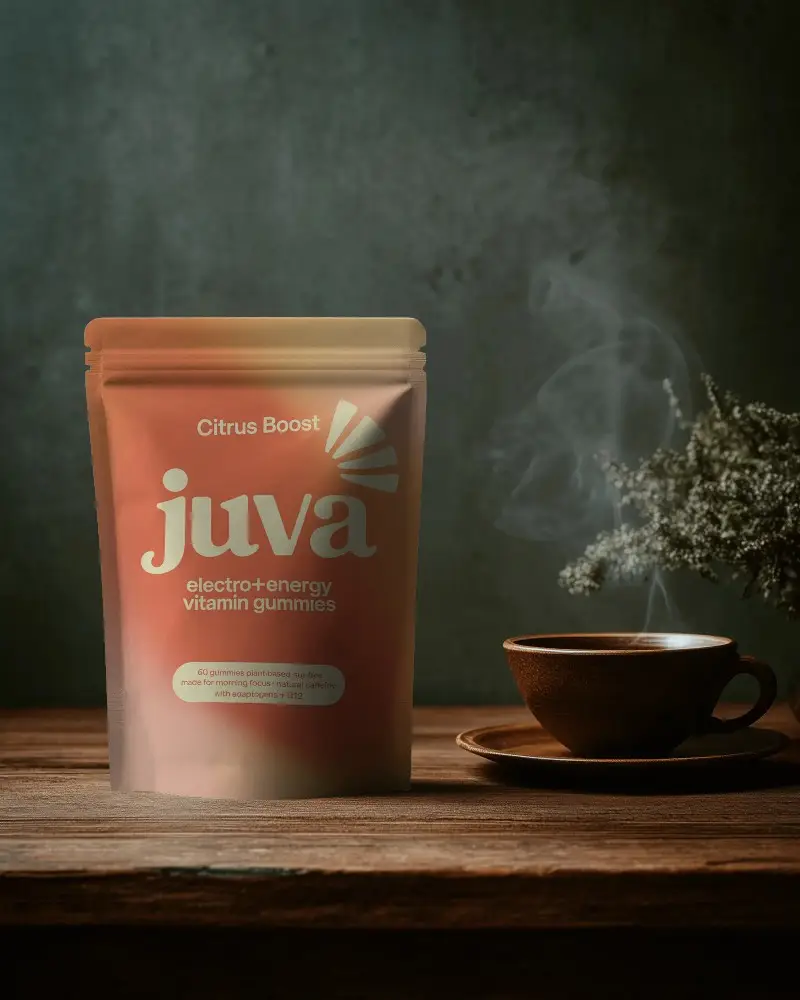
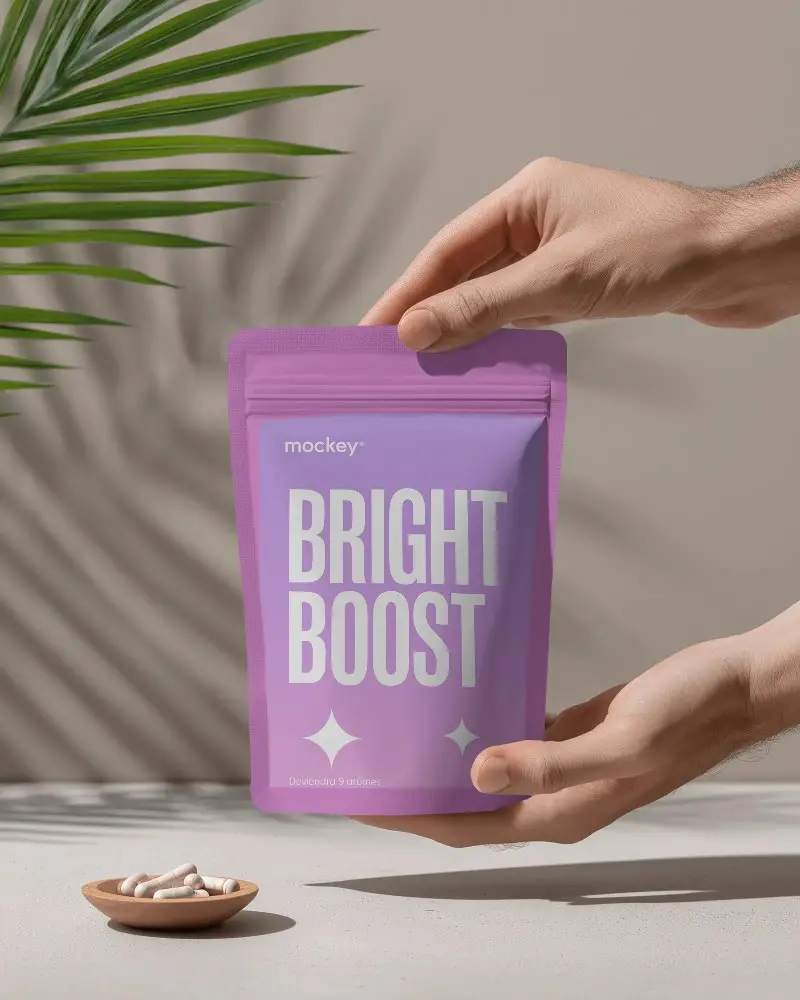
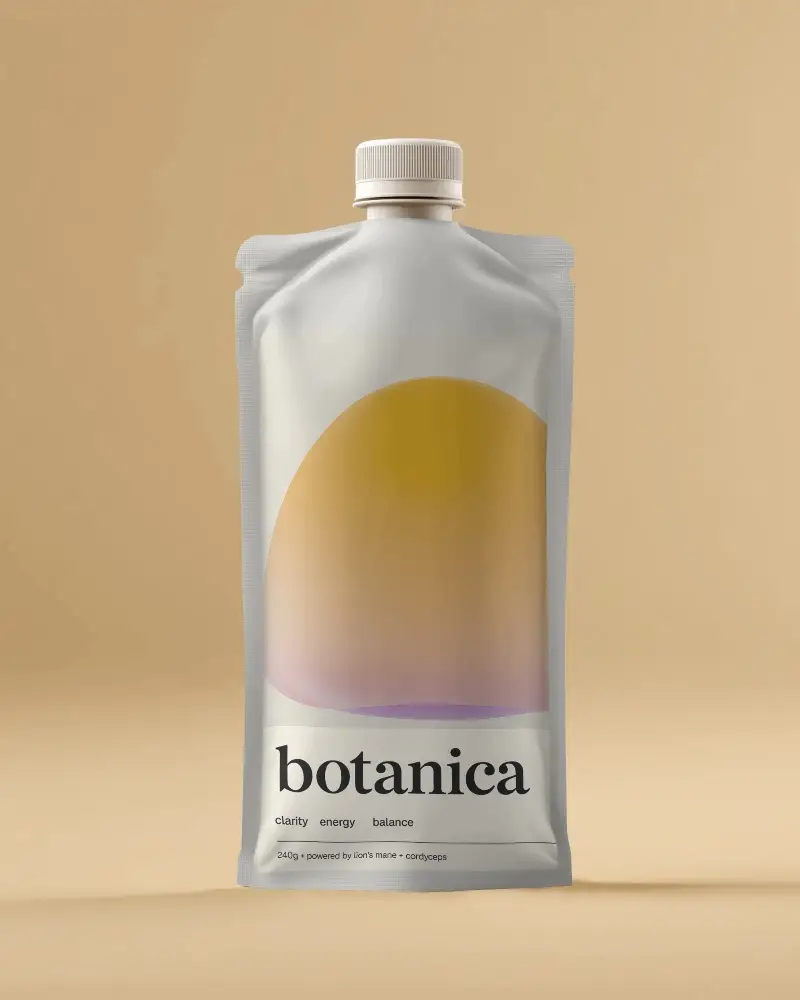
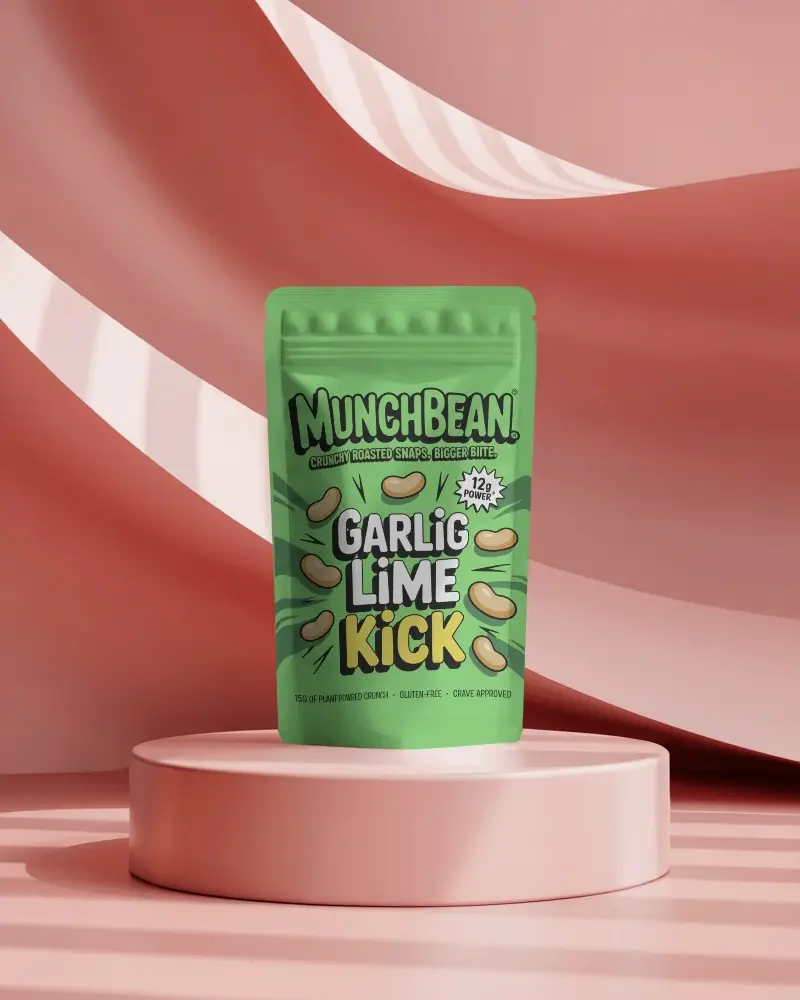

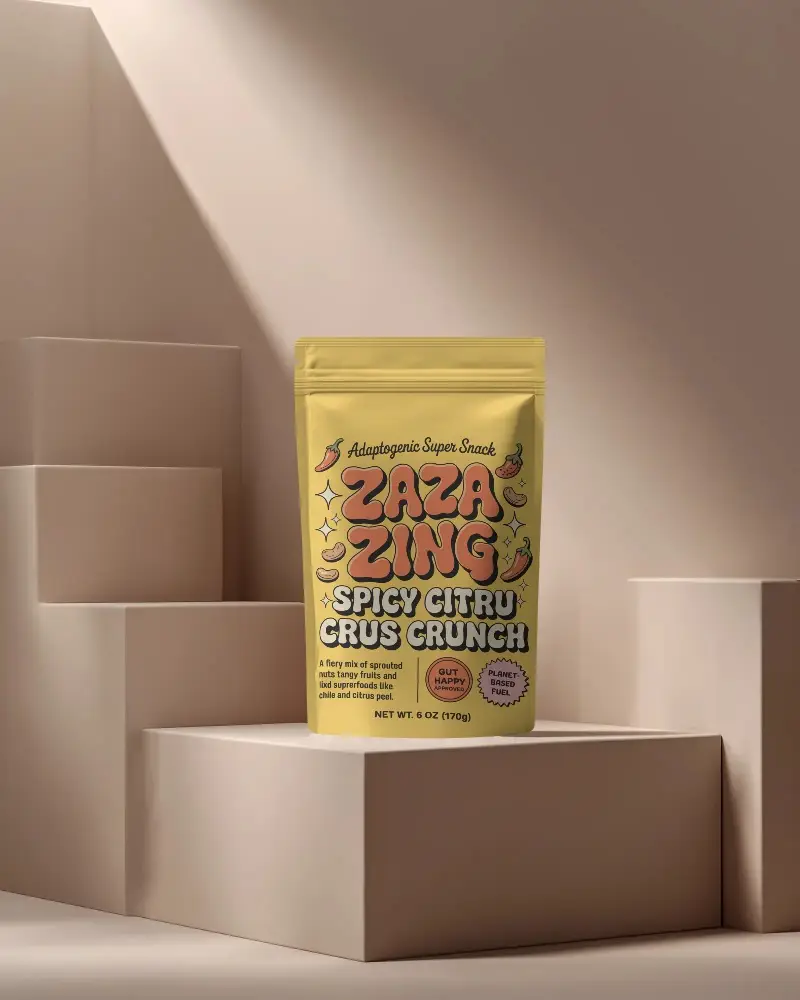
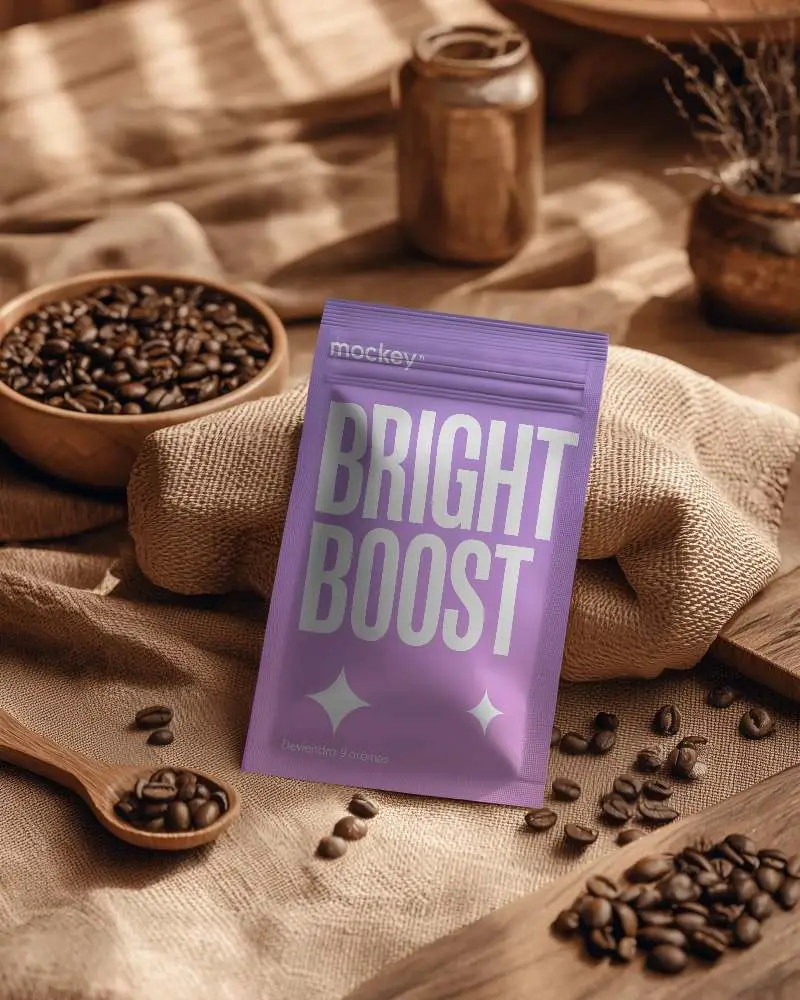
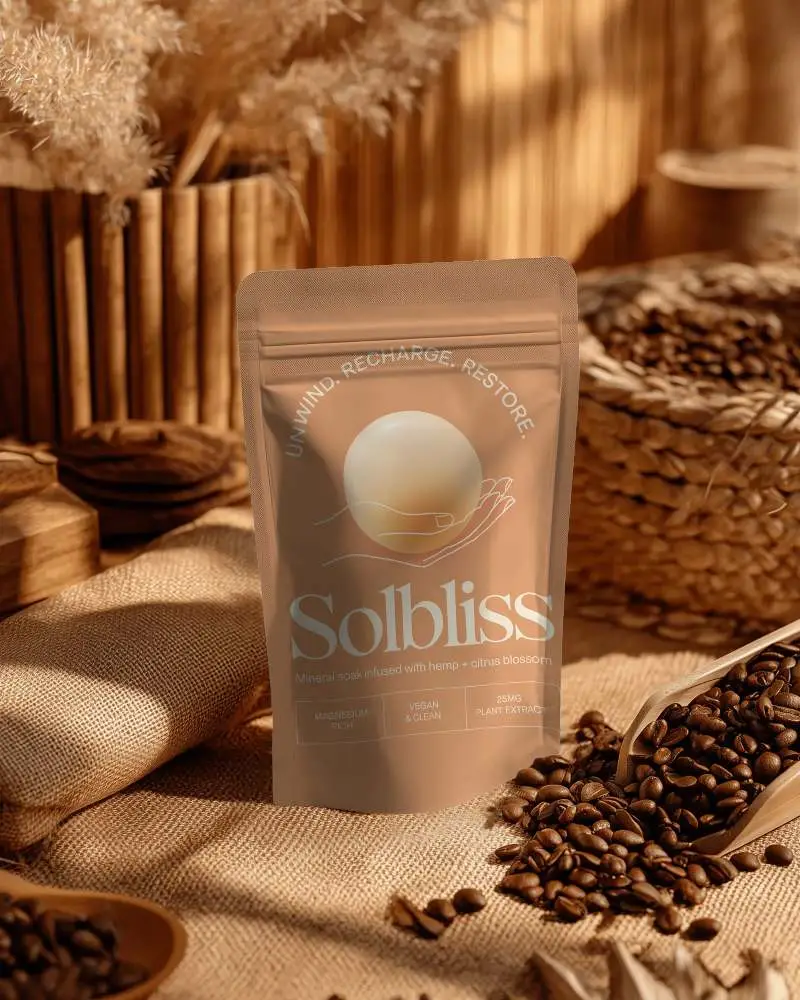
How to Create a Coffee Pouch Mockup with Mockey
- Step 1: Go to Mockey.ai and sign up for an account.
- Step 2: Navigate to Mockups > Packaging > Pouch and select the Coffee tag.
- Step 3: Upload your design, adjust its placement, preview the result, and download the coffee pouch mockup once you're satisfied.


FAQs on Coffee Pouch Mockups
Why create a coffee pouch mockup?
Coffee pouch mockups help you save time and money by preventing mistakes. They also improve your brand’s presentation and make the product look neat and professional.
Is the coffee pouch mockup free?
On Mockey AI, you can get coffee pouch mockups for free or through paid options. Free mockups download as JPEG files, while paid plans offer PNG downloads up to 1600×2000 pixels.
What types of coffee pouches are available?
There are stand-up pouches with zippers, small inner bags, flat single-use bags, and pouches with special seals to keep coffee fresh and safe.
How do I get started with a coffee pouch mockup?
To start, sign up on Mockey AI, choose the pouch category, and select the coffee tag. Upload your design, adjust it, preview the mockup, and download the final version.
