Candy Pouch Mockup Free Download - Pouch Mockup Designs
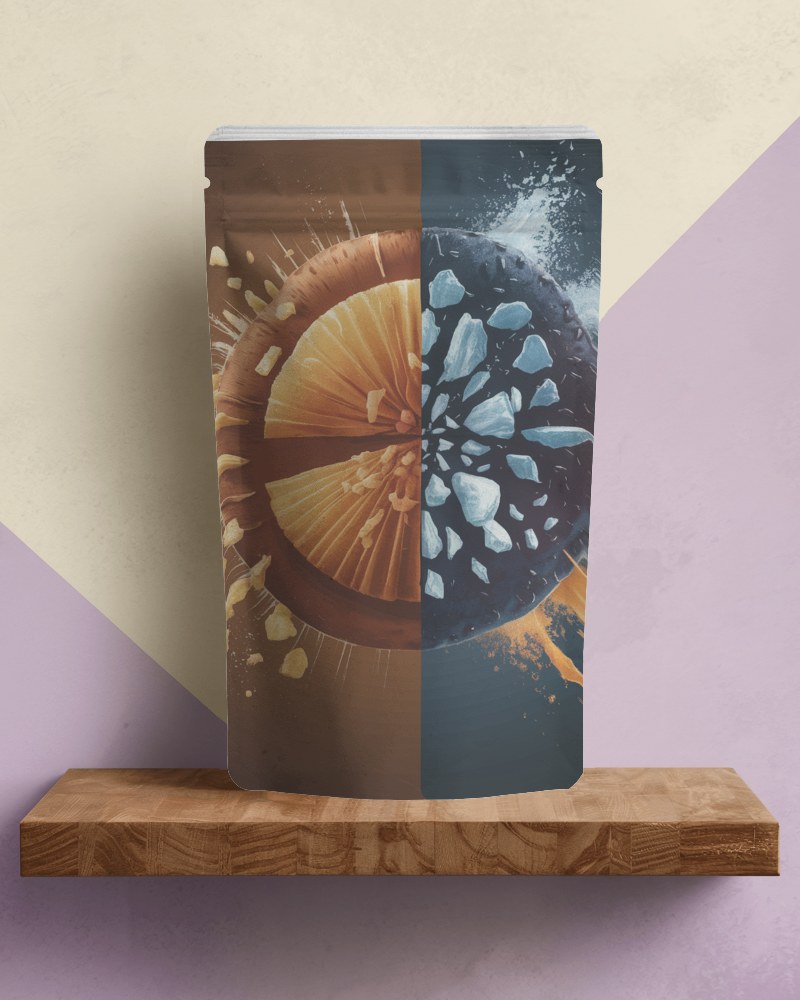
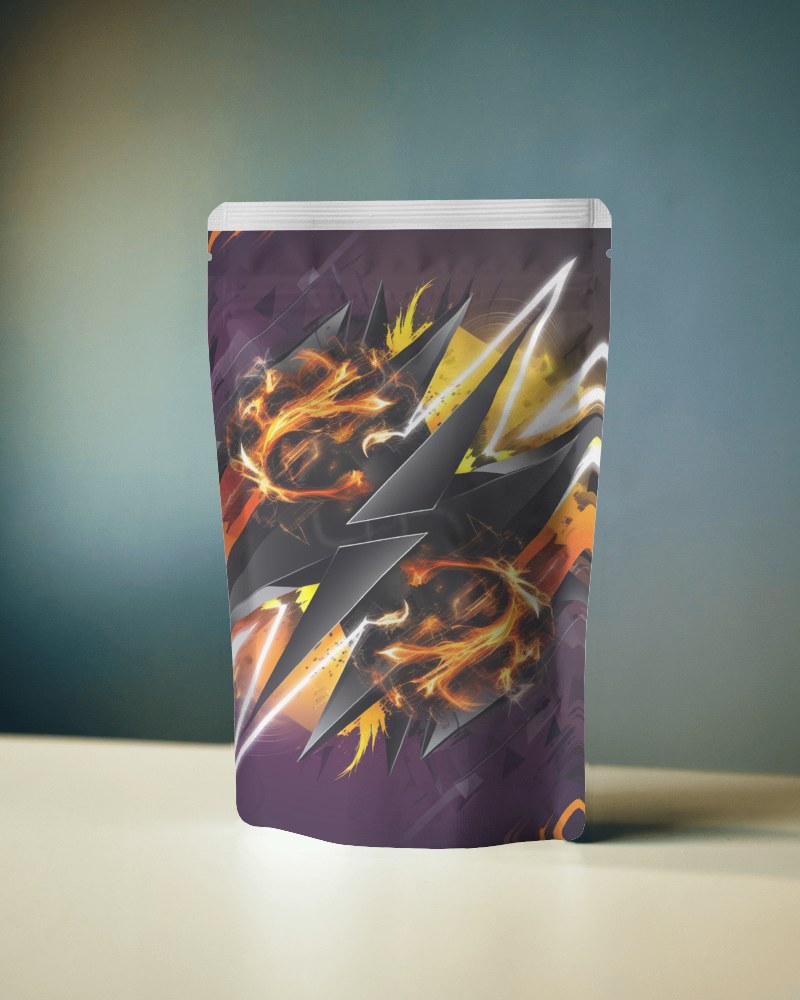
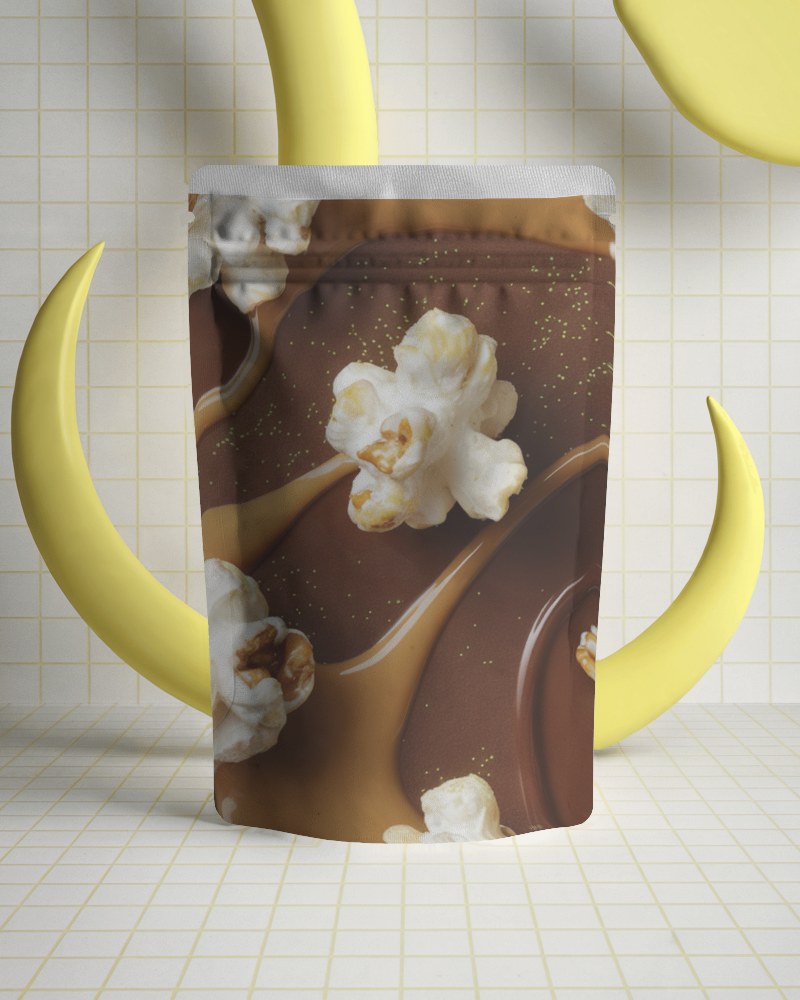
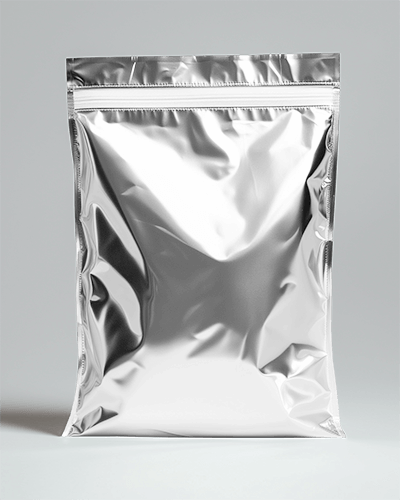
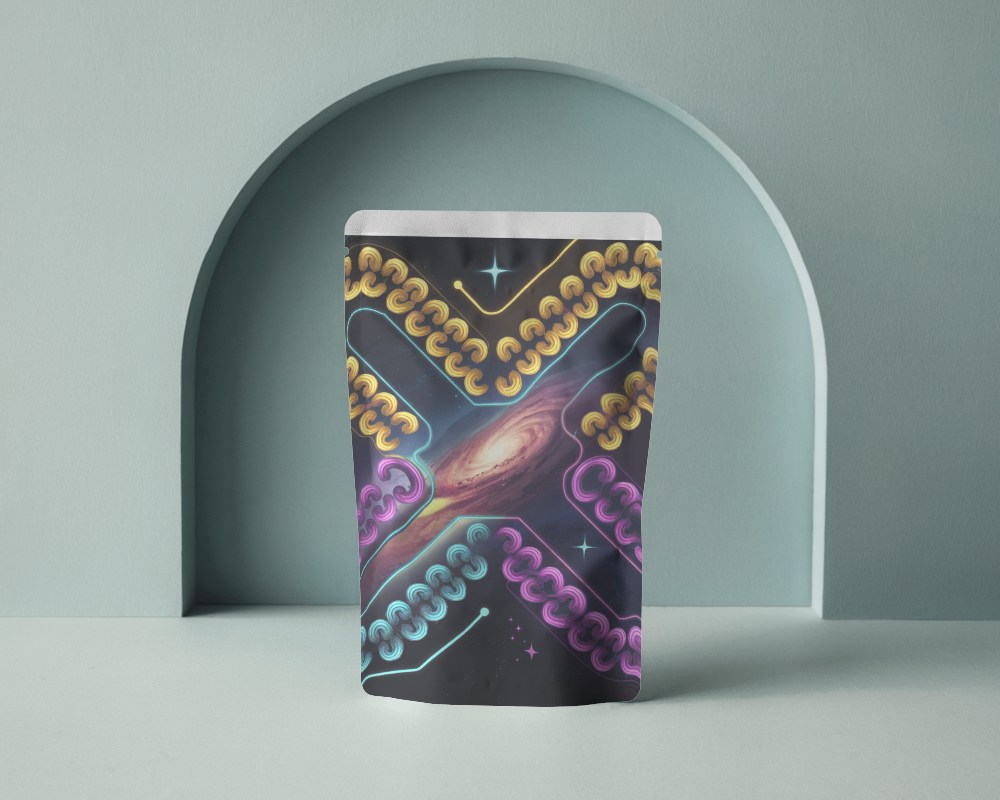
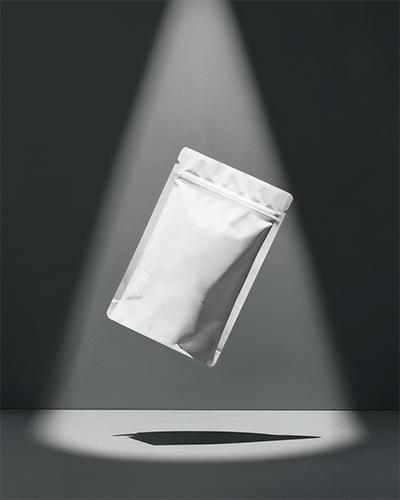
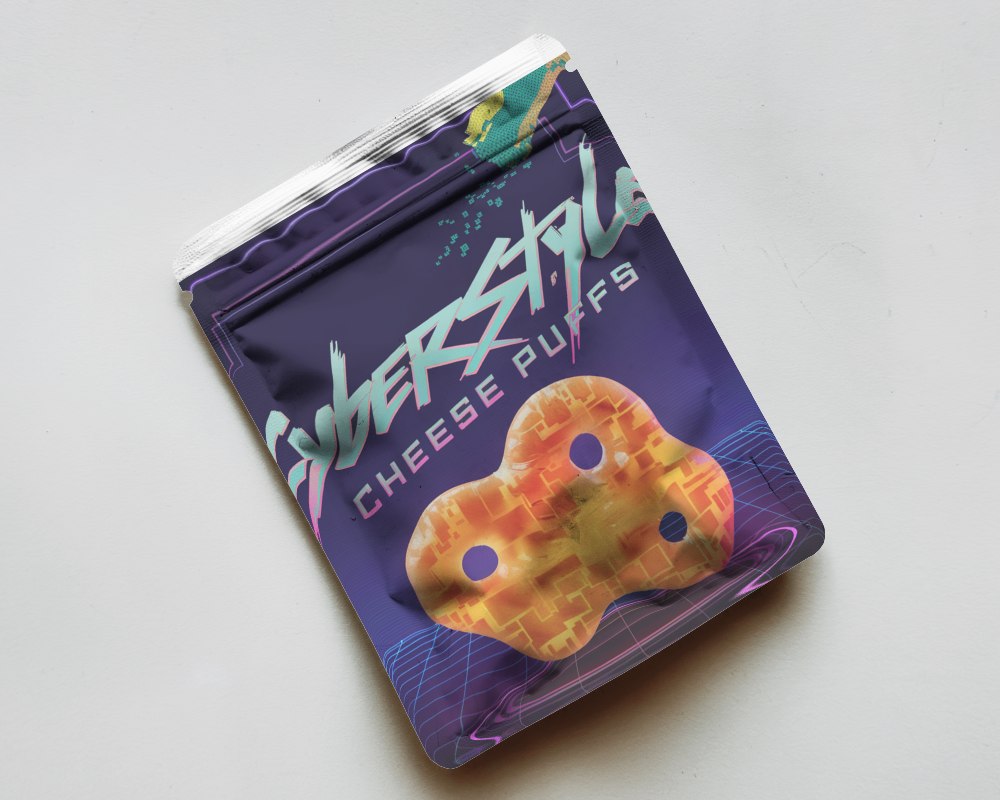
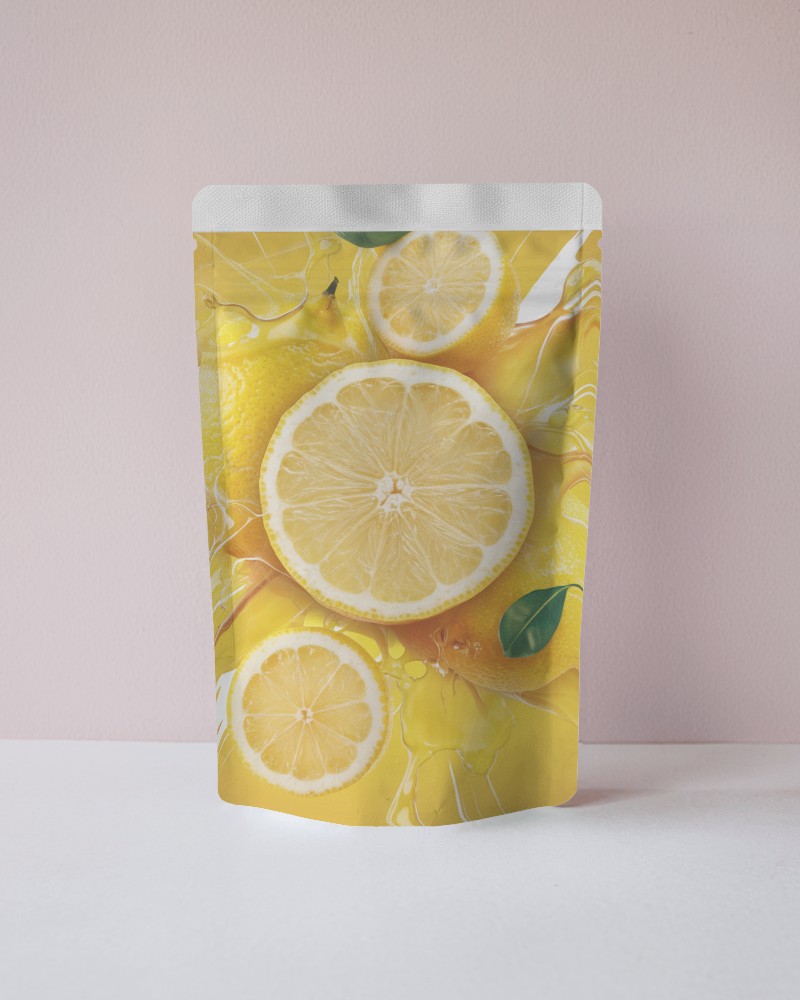
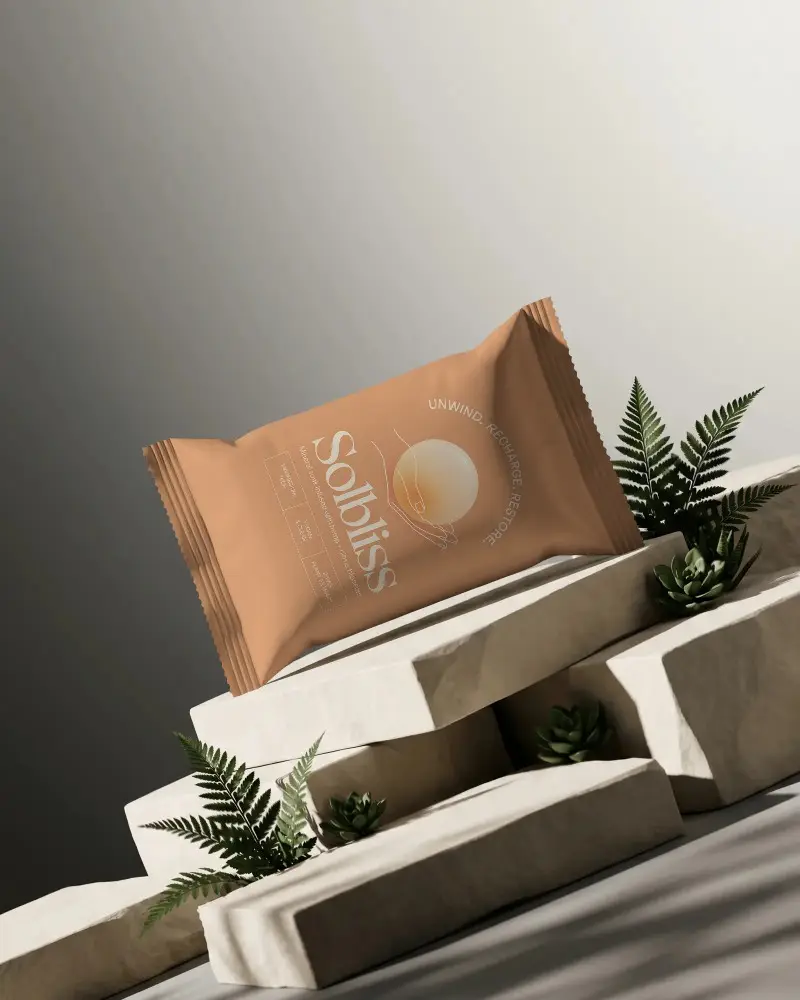
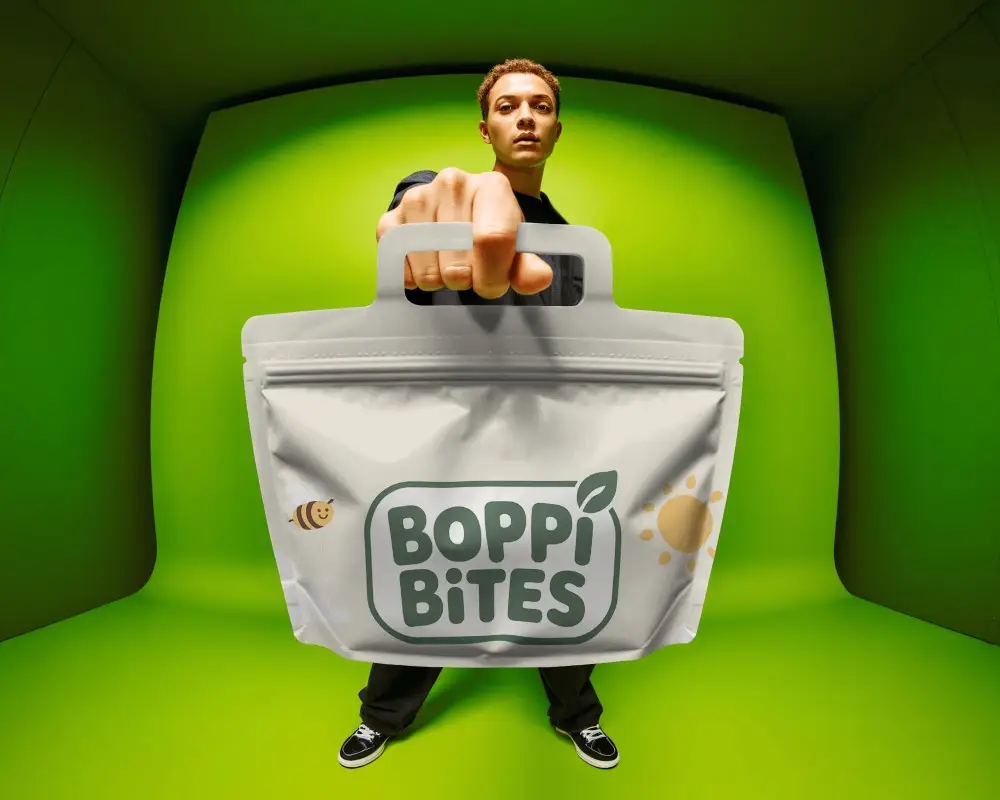
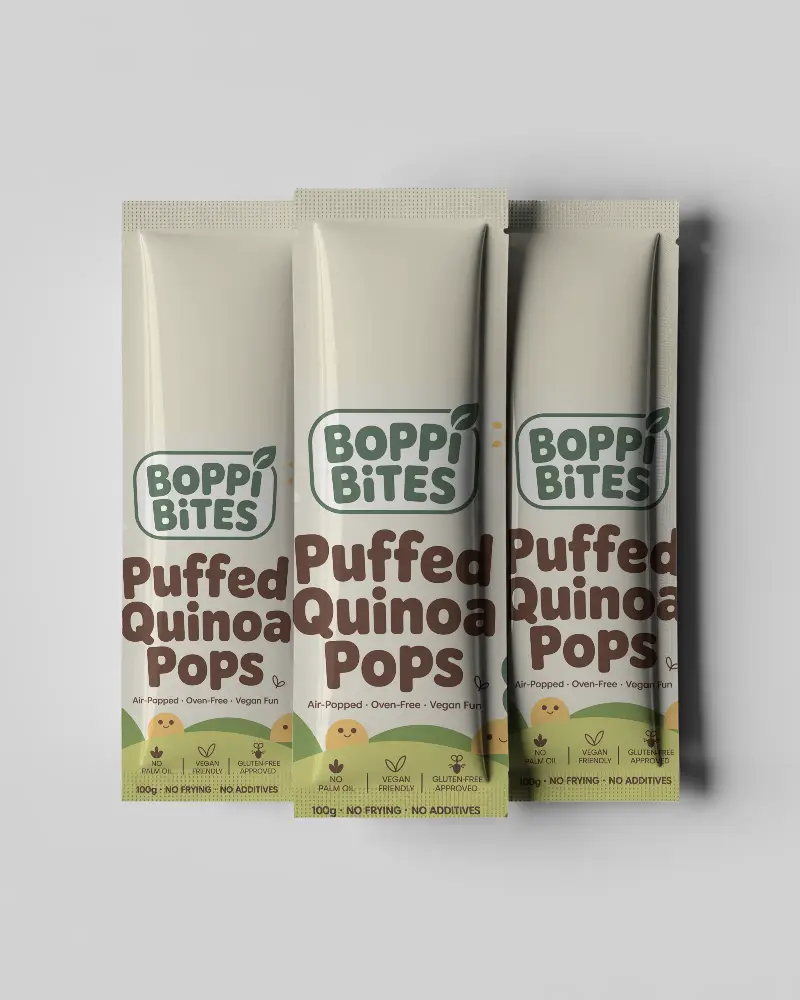
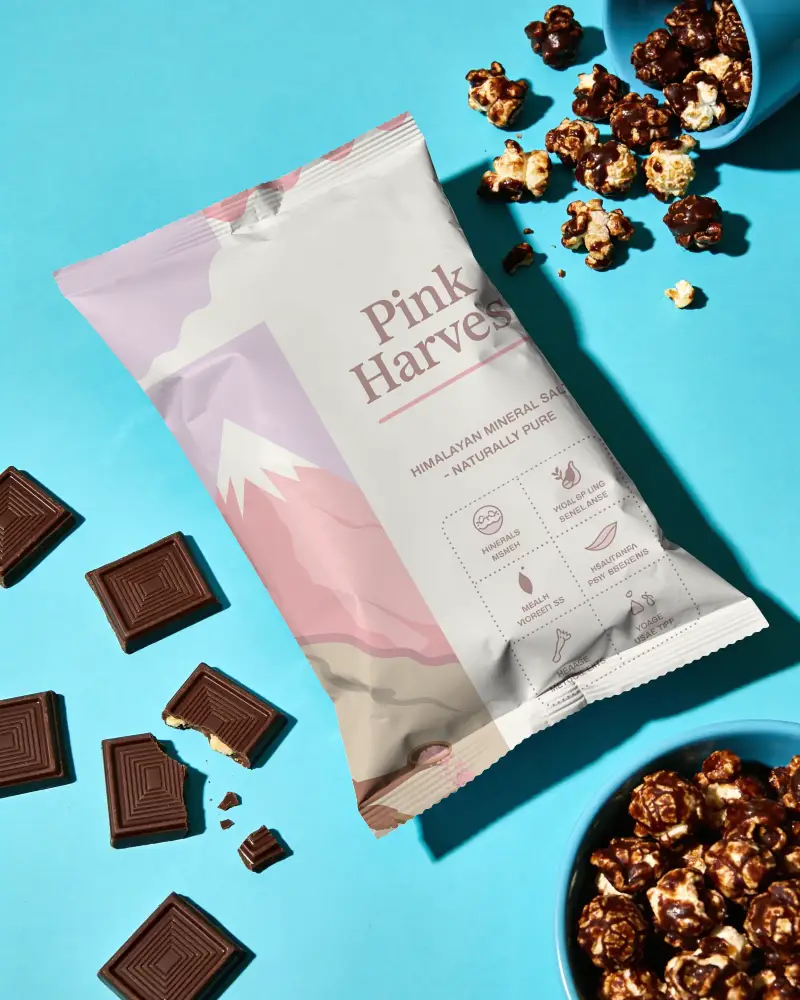
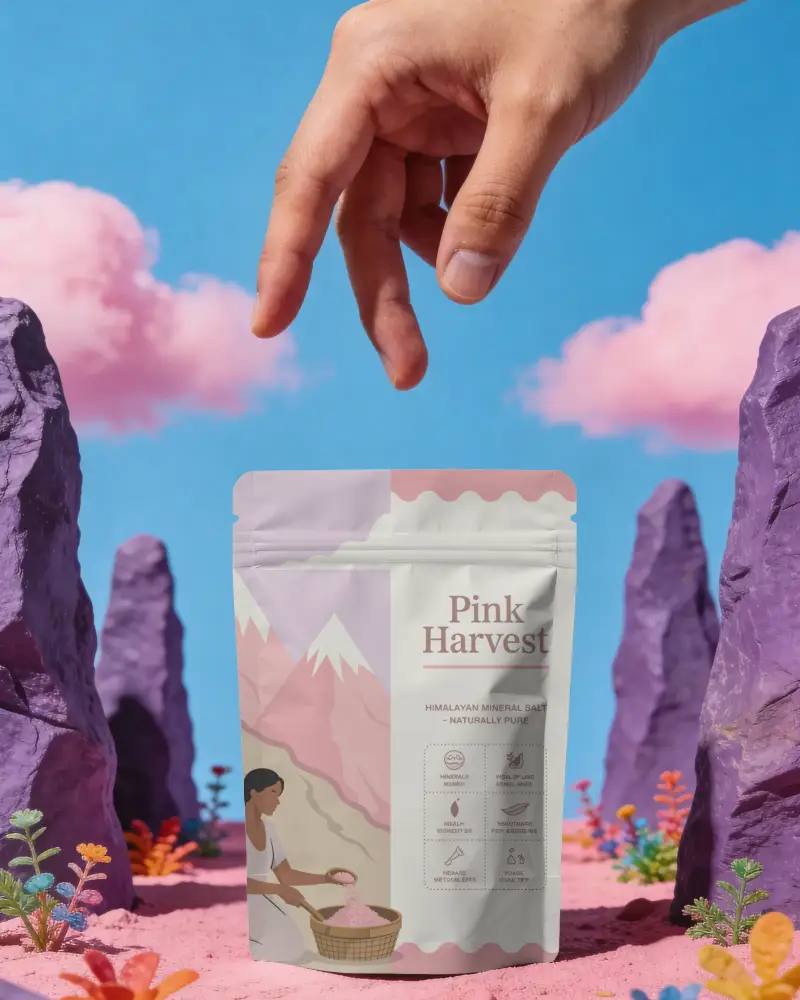
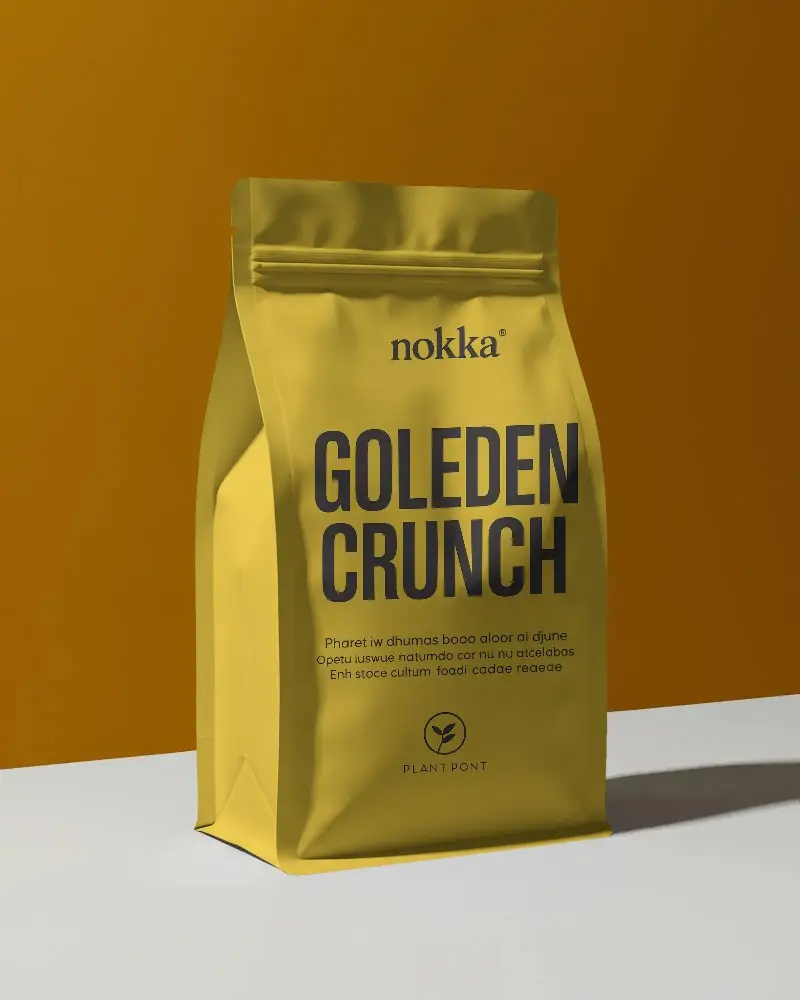
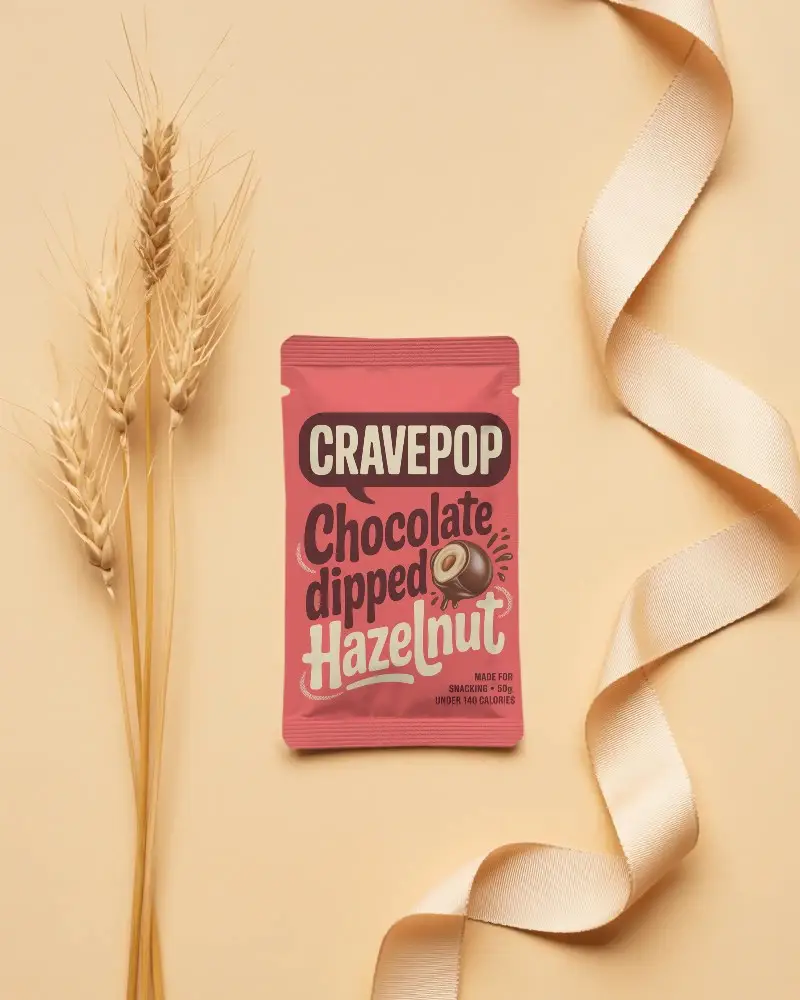
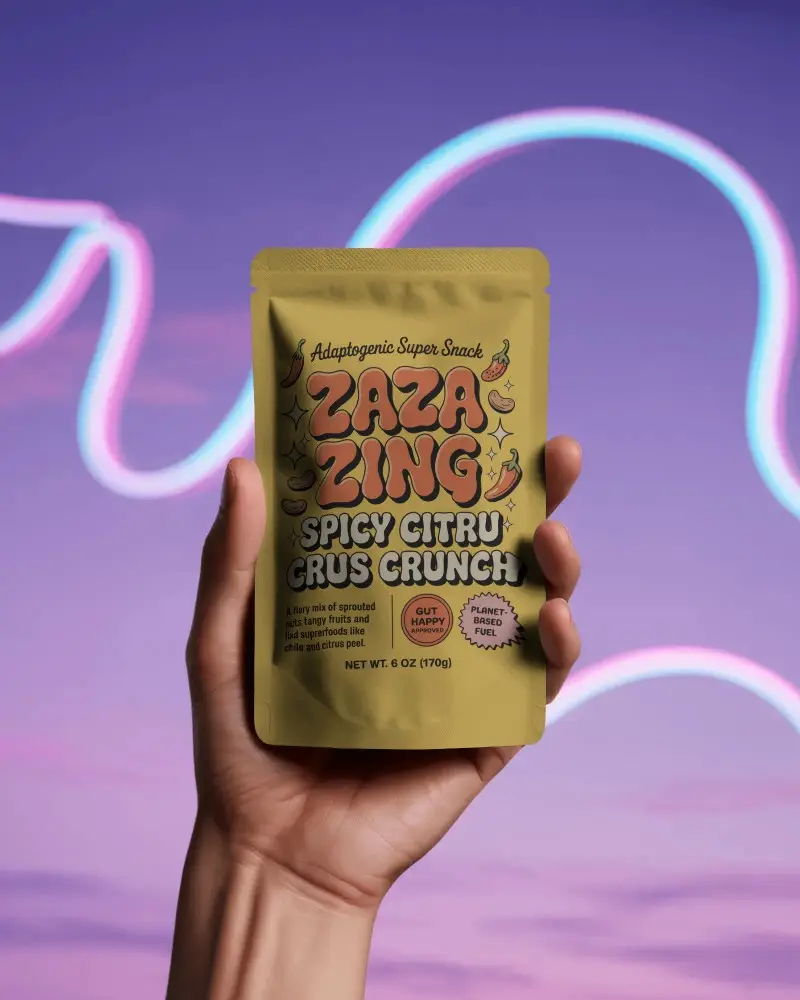
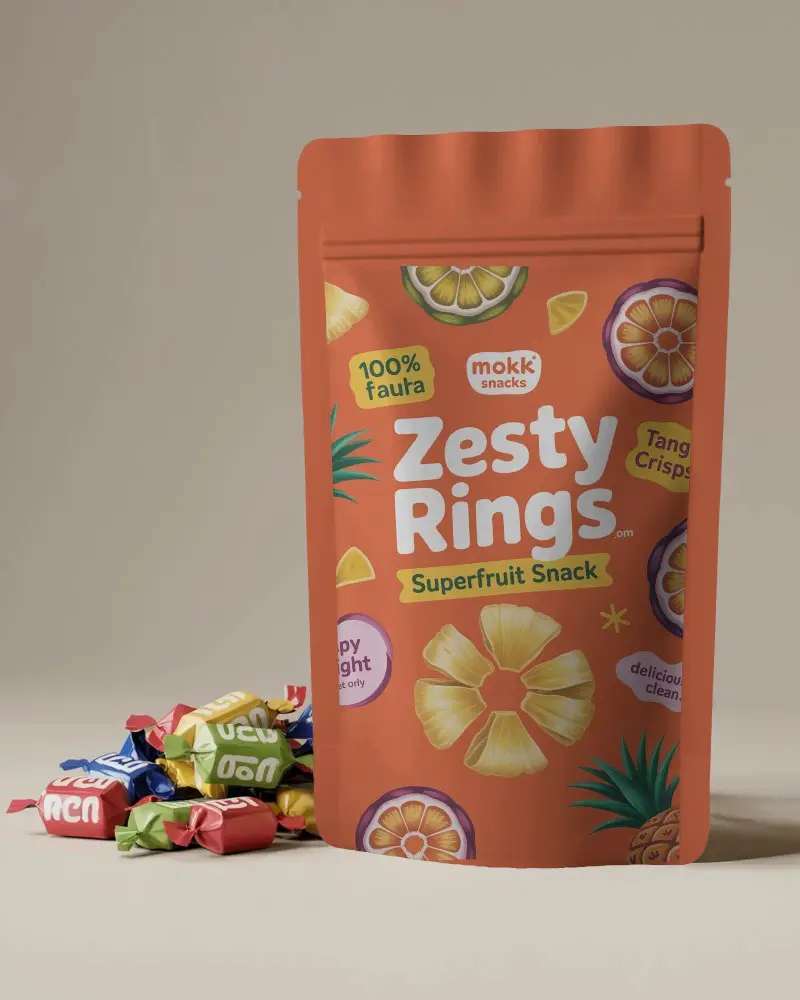
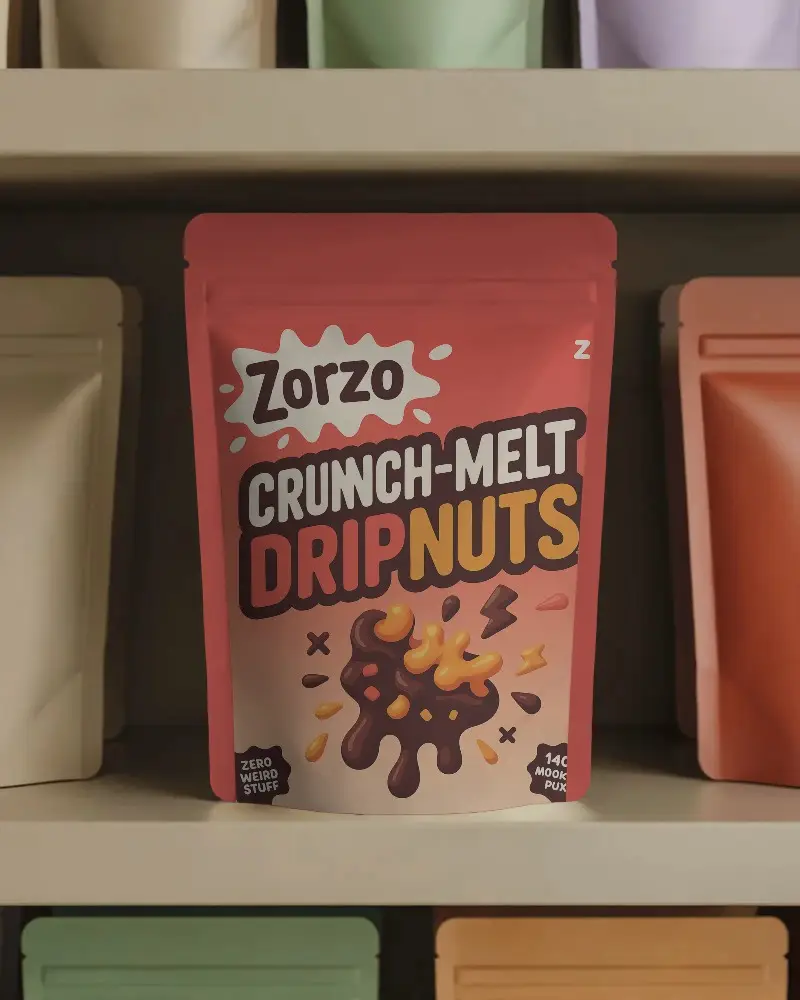
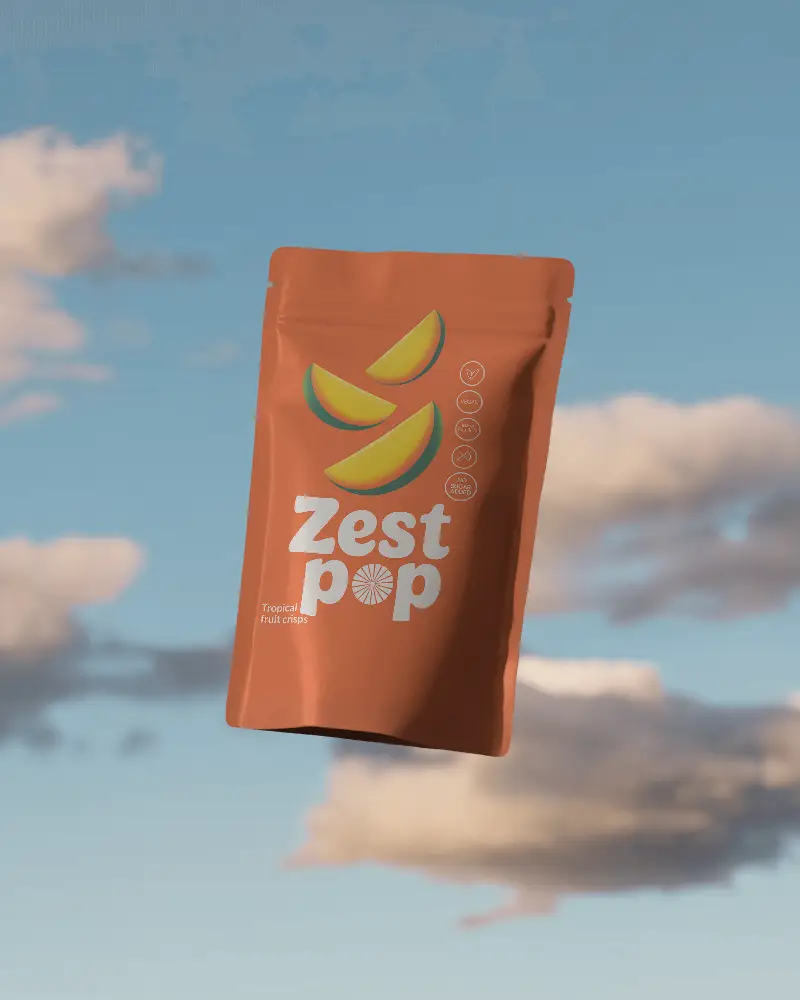
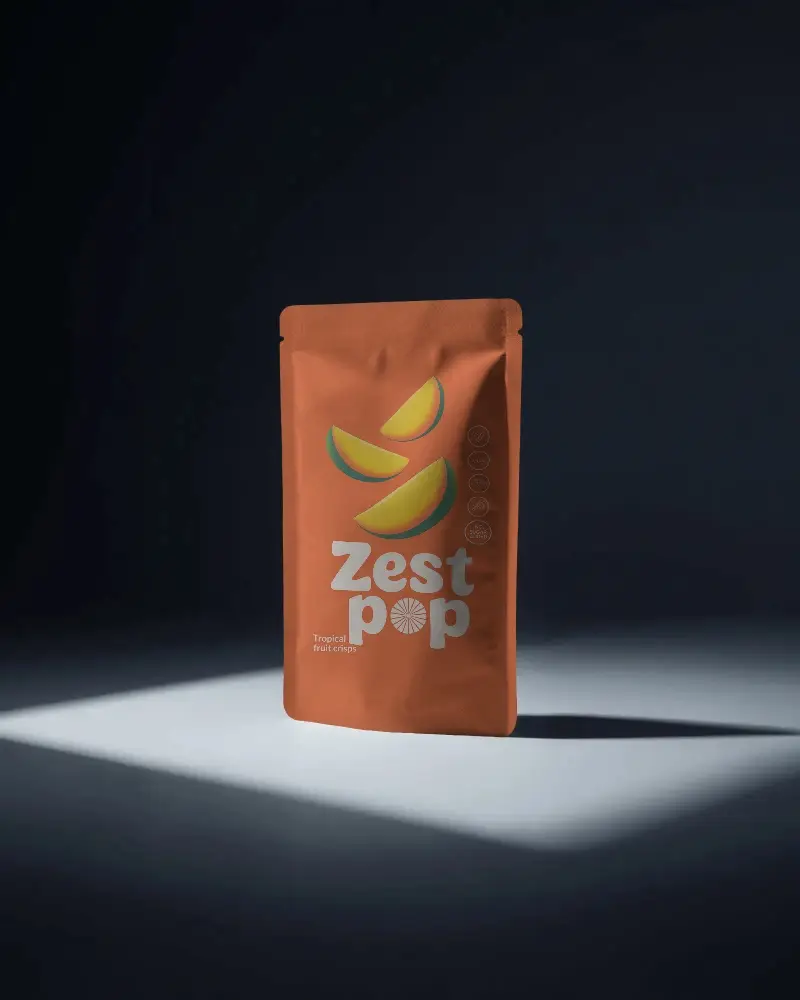
Mockey simplifies design with free Candy Pouch mockups! Choose fabric,Food, Plastic, and transparent pouch mockups in PNG format for professional branding and packaging visuals.
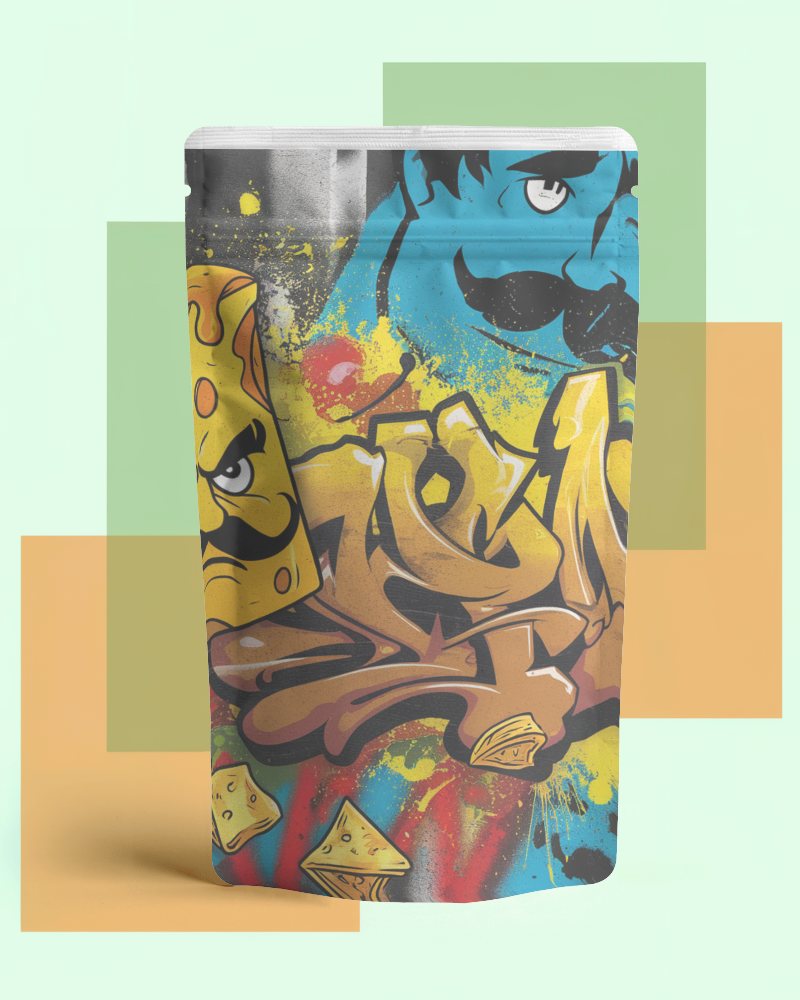
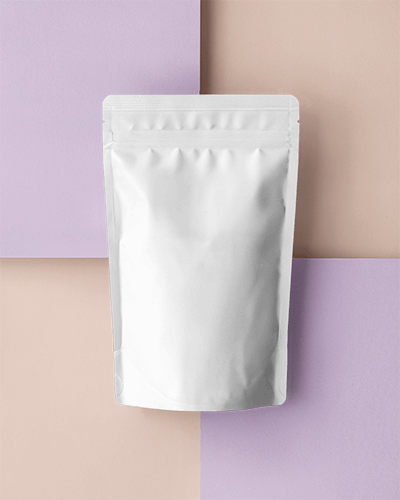
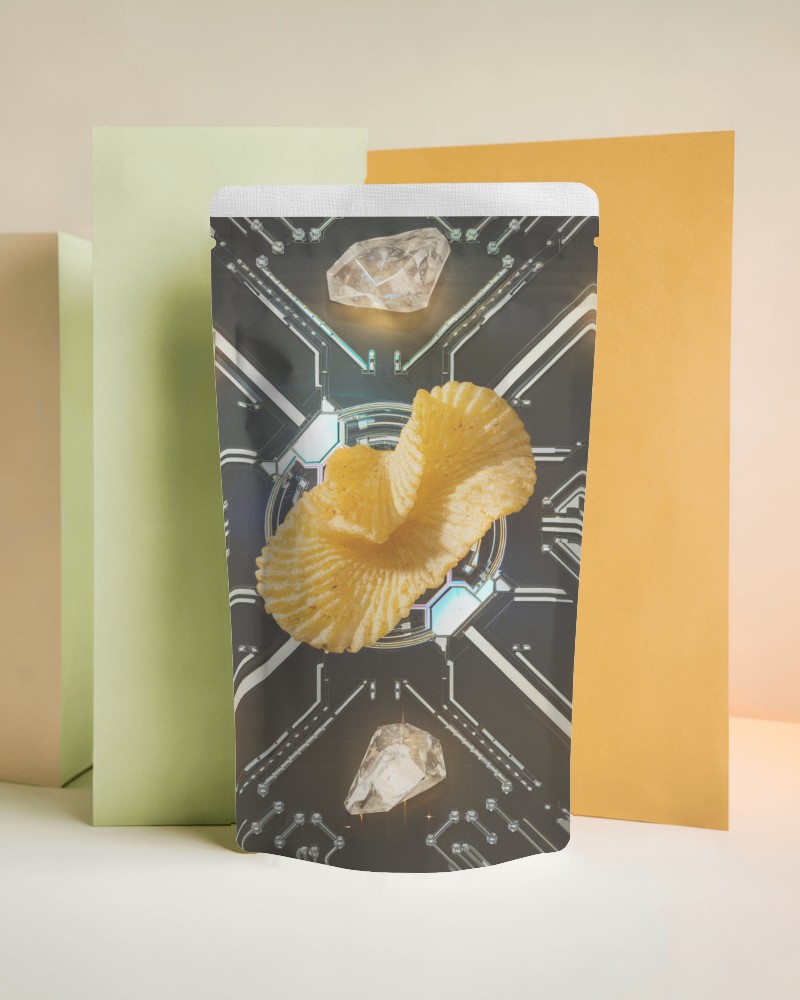
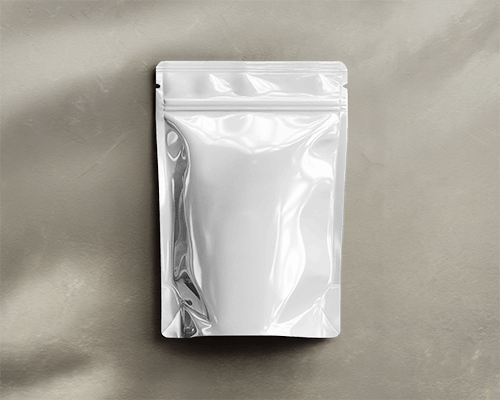
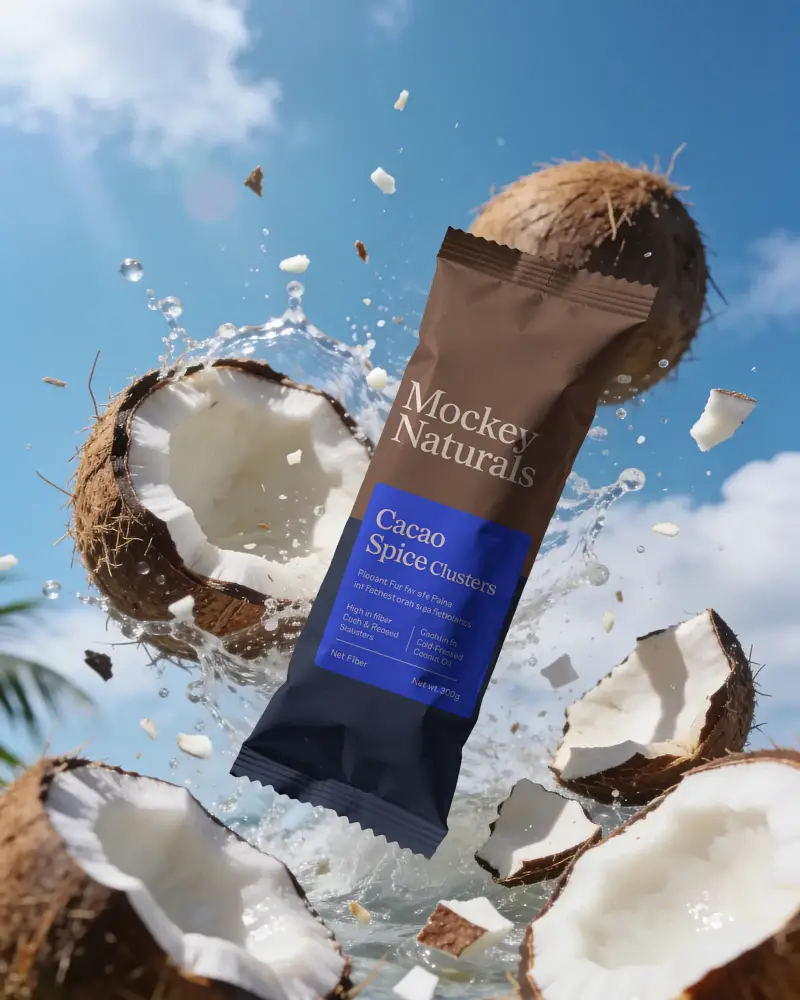
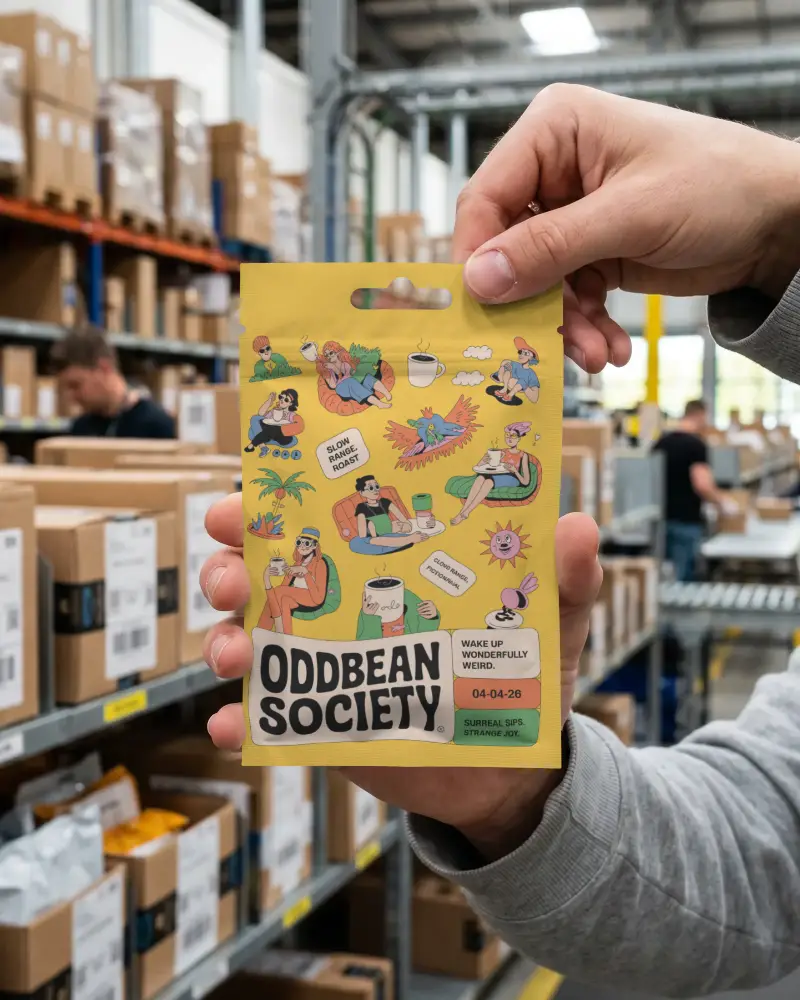
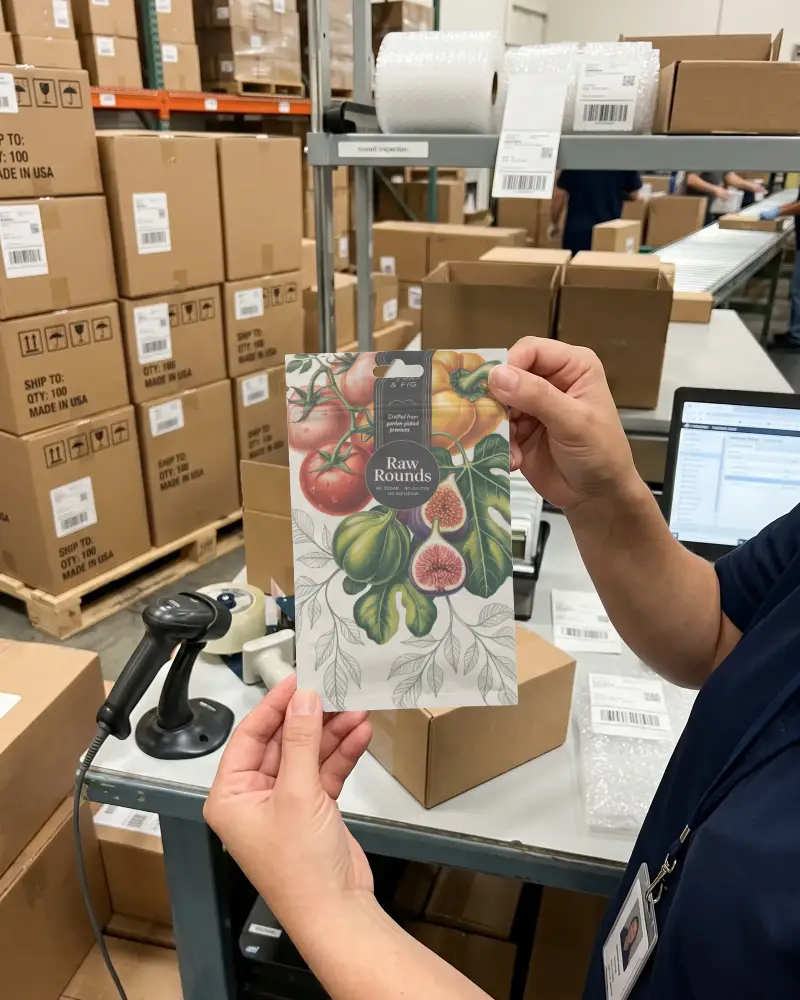
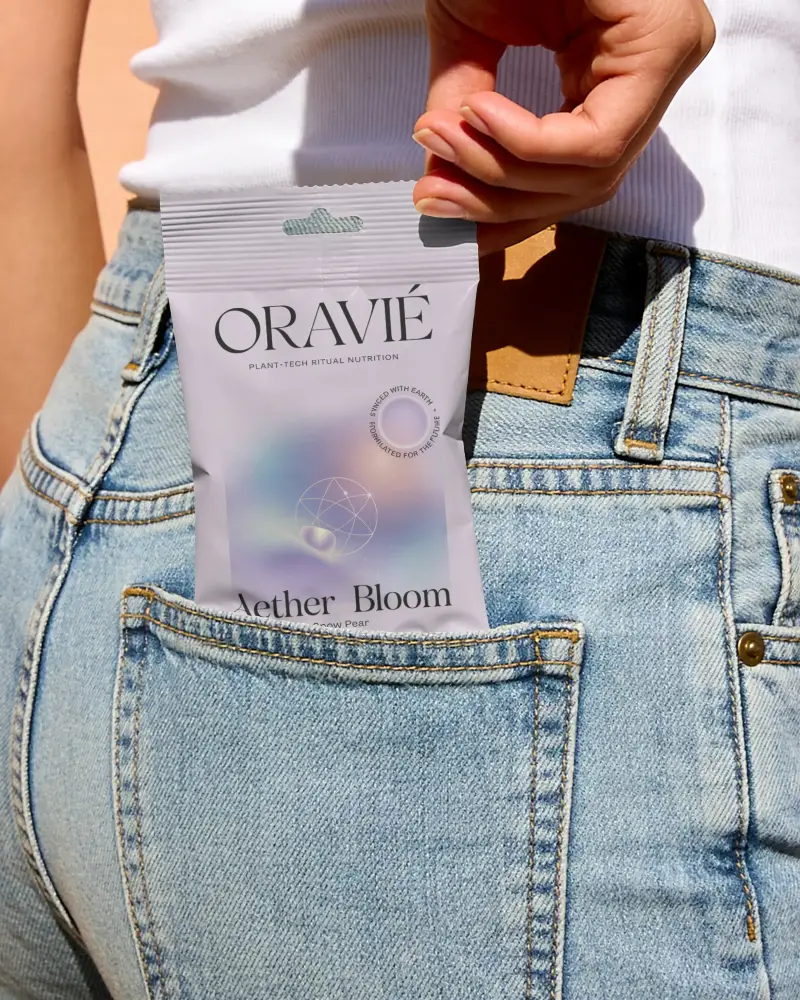
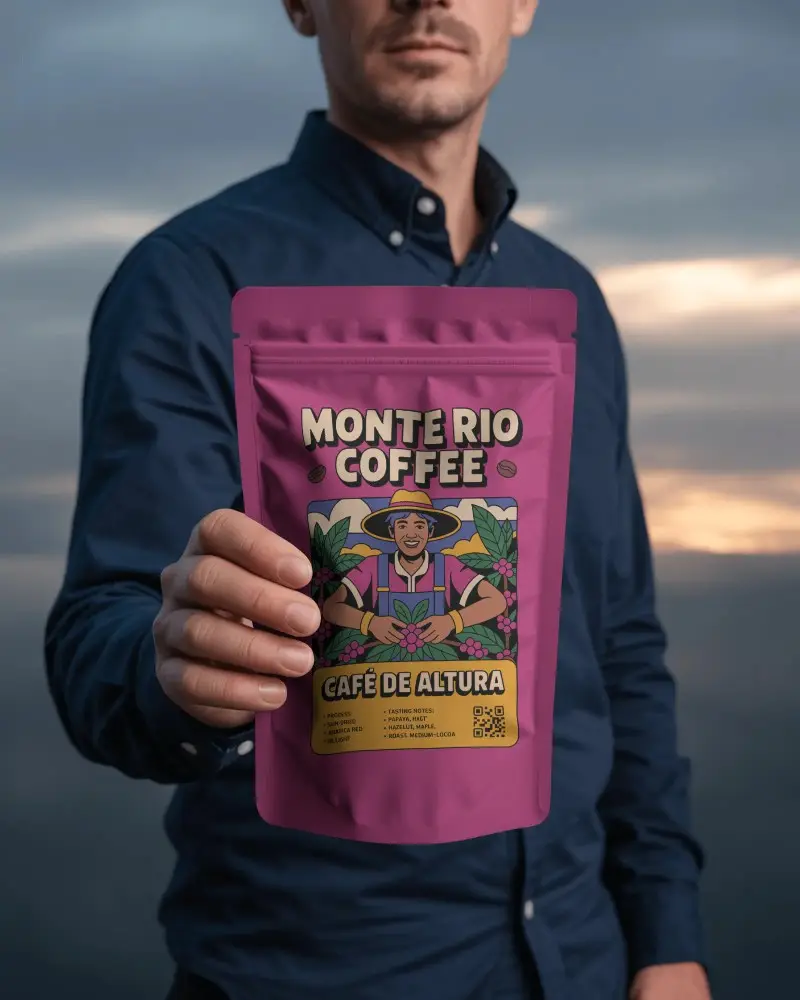
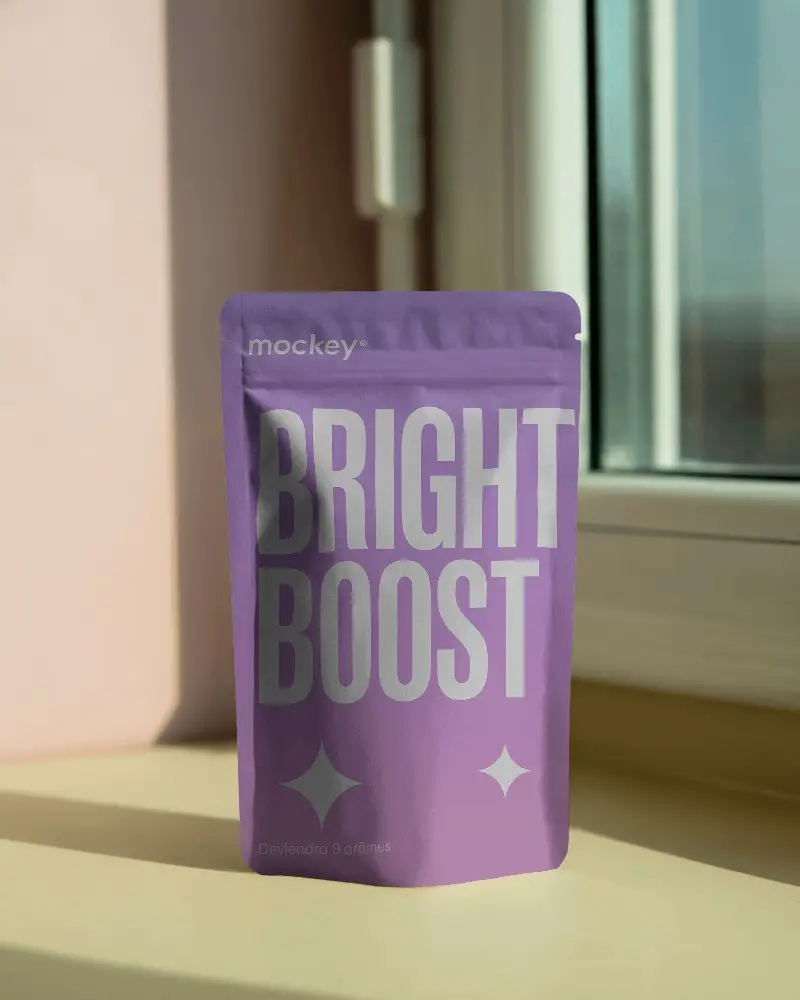
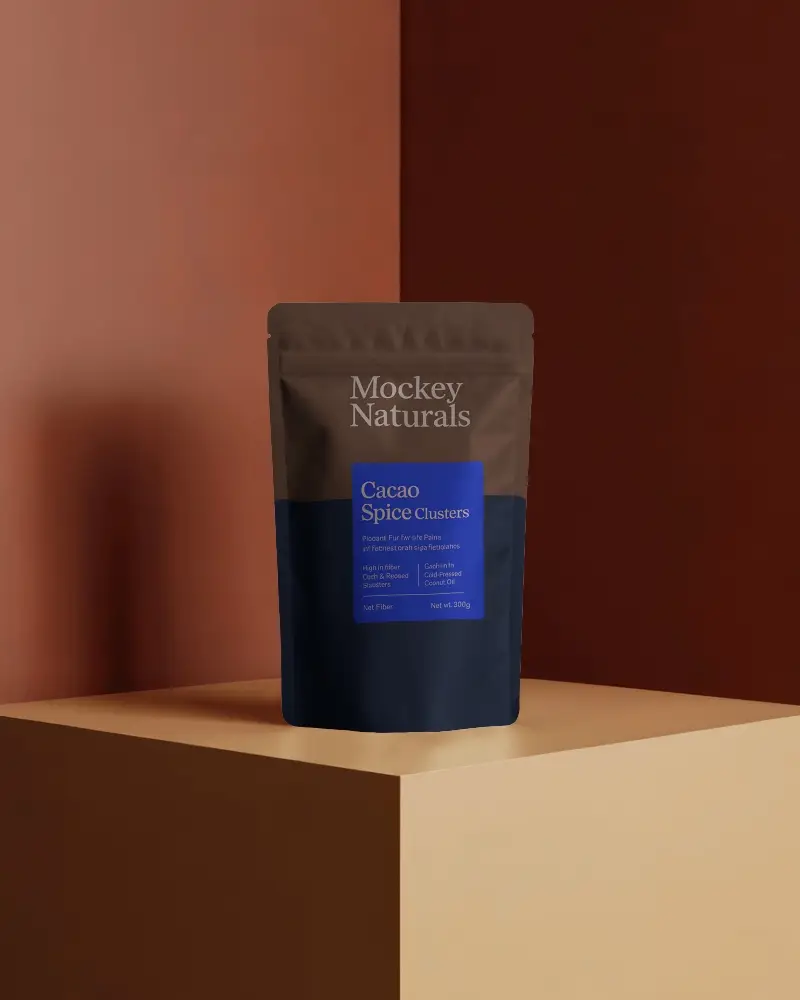
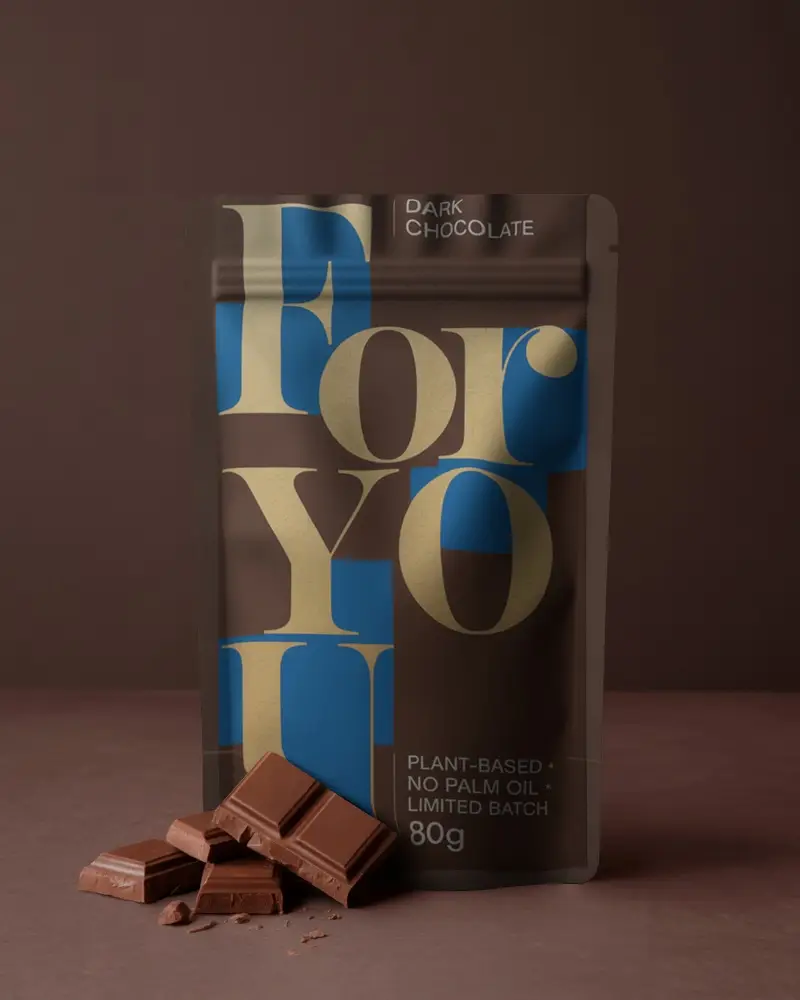
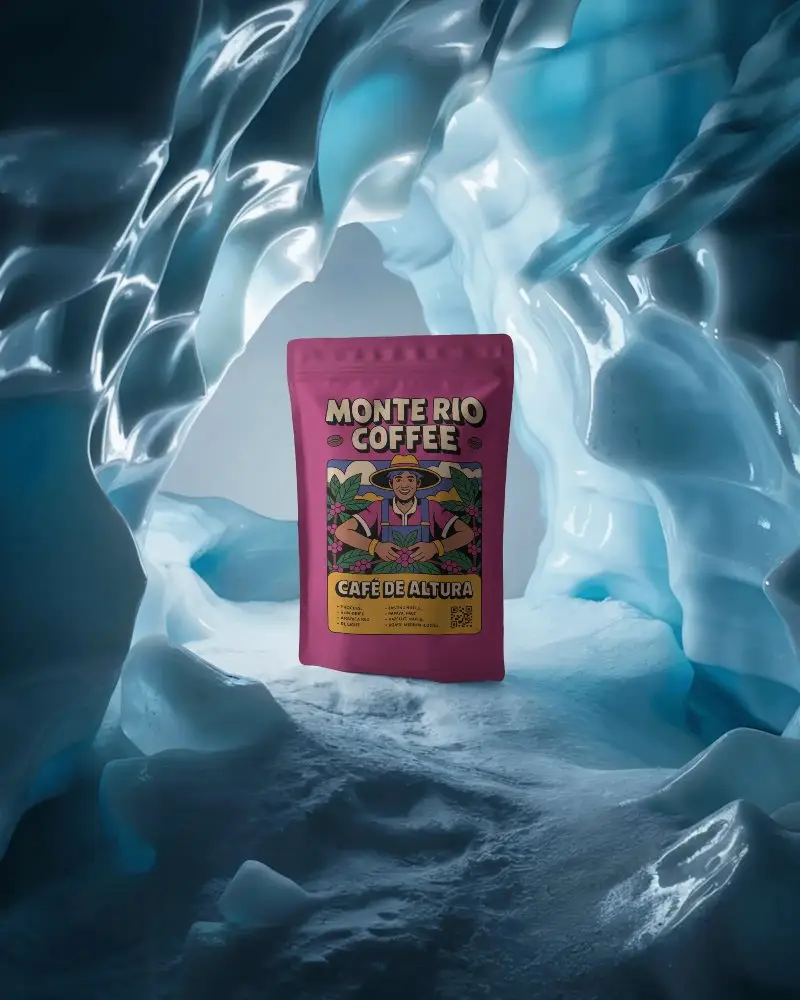
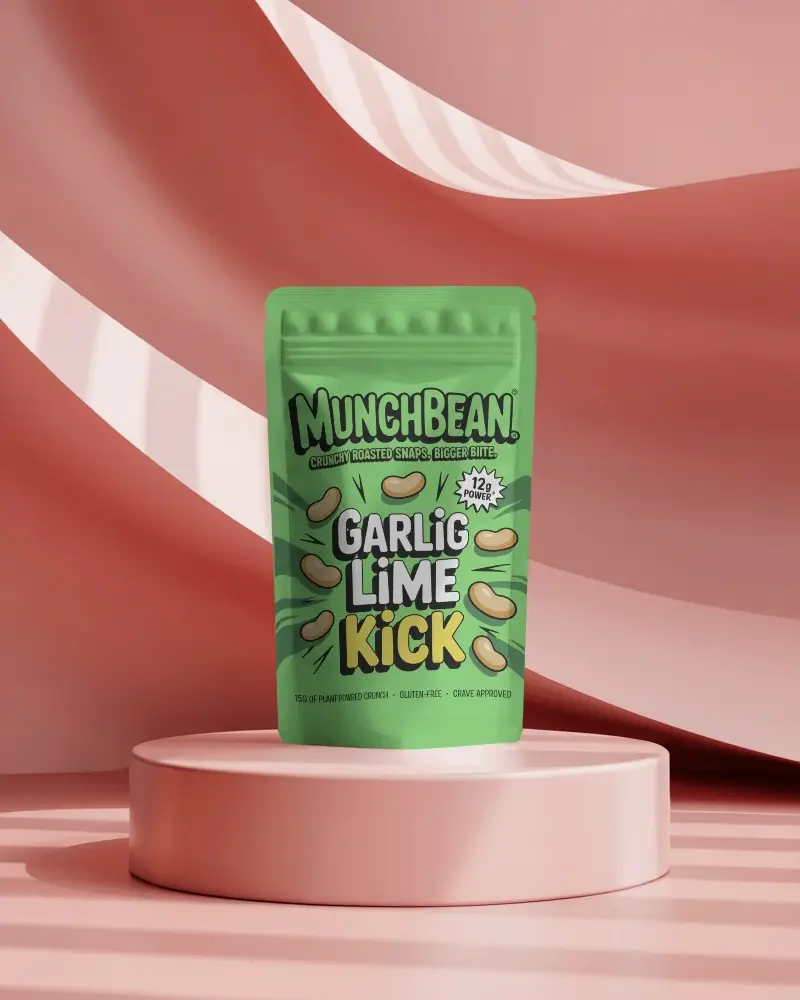
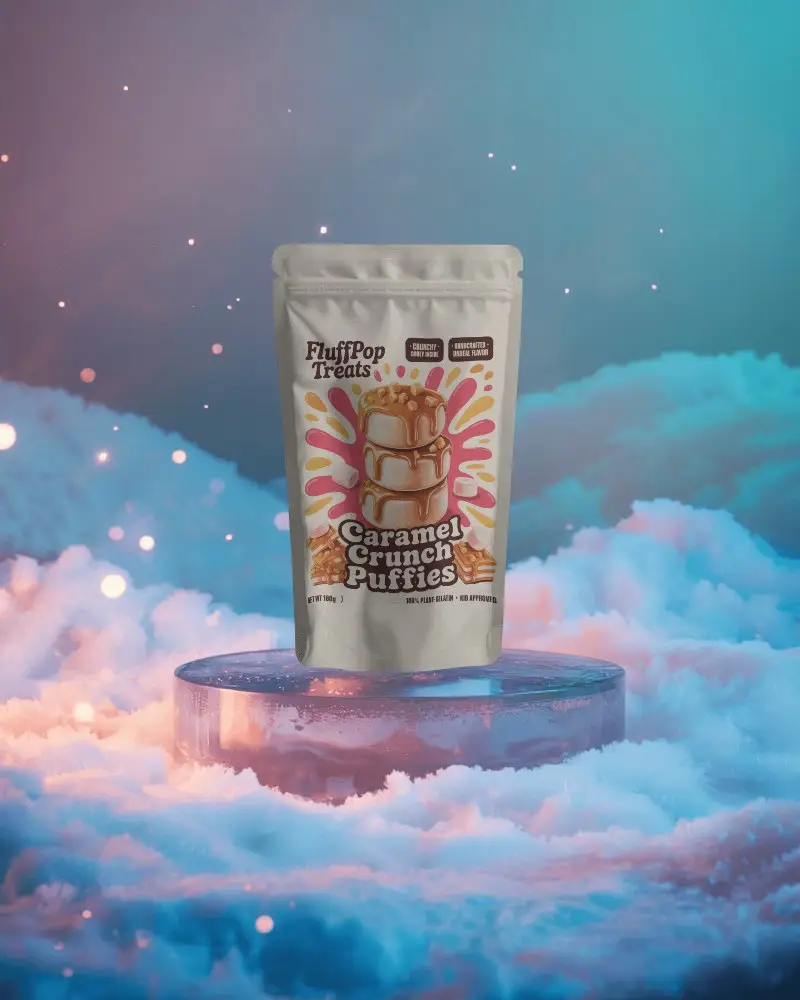
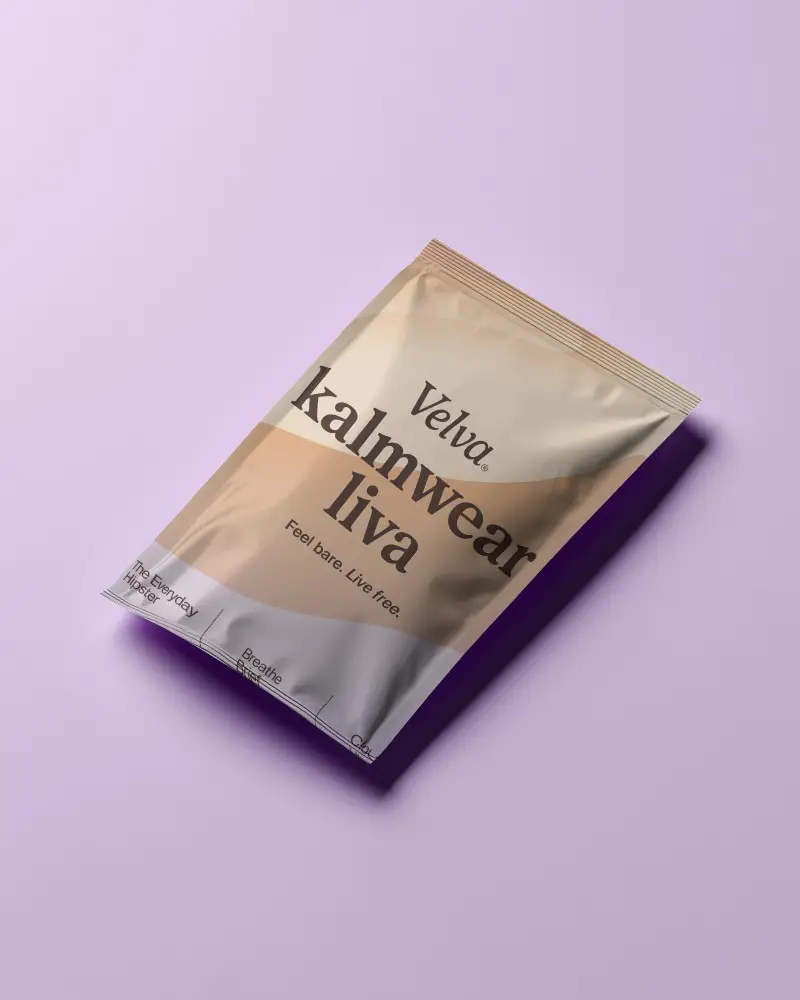
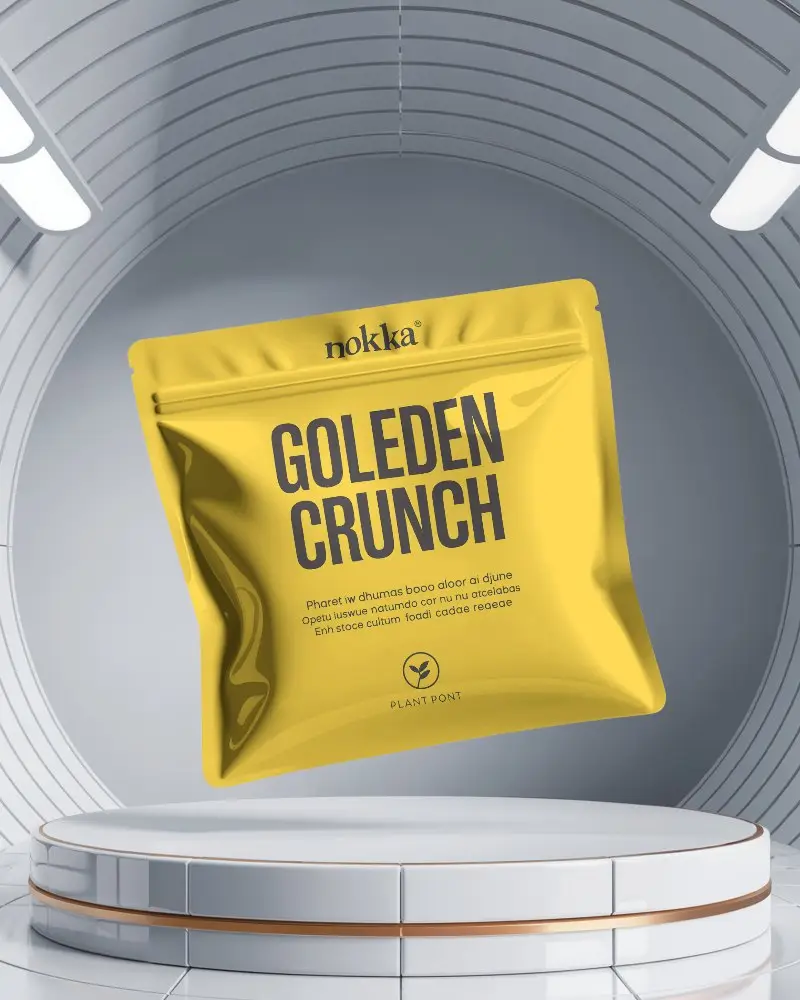
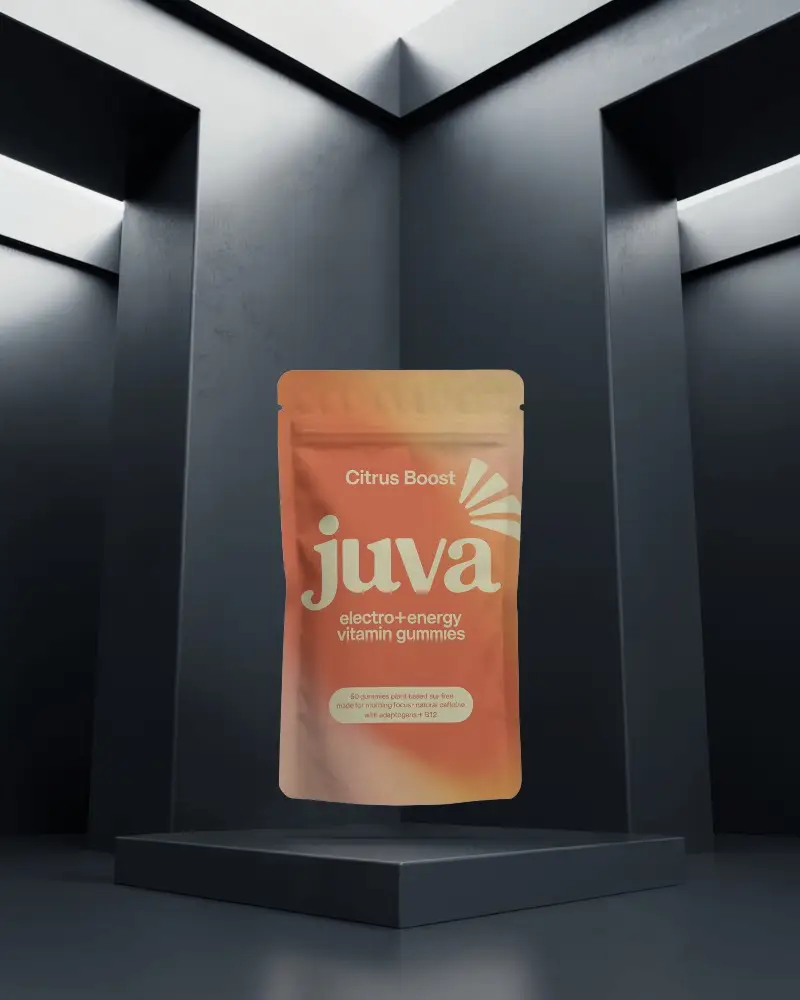
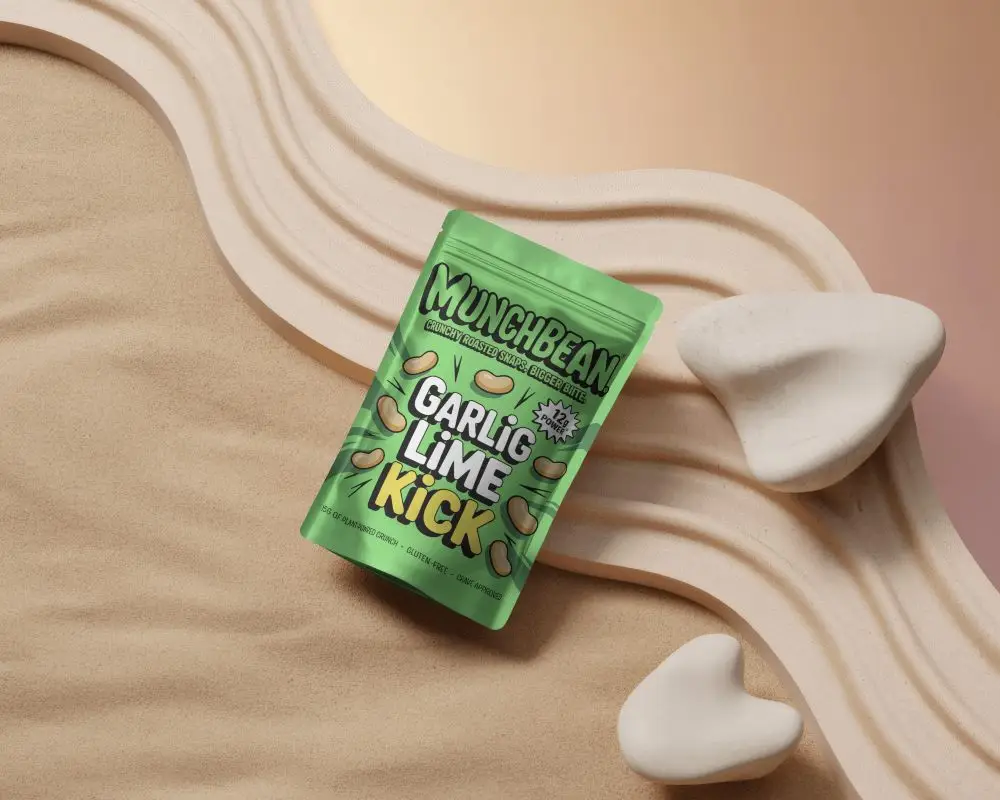
How to Create Candy Pouch Mockup with Mockey
Follow the steps to create Candy Pouch Mockups in Mockey AI
- Step 1: Go to 'Mockups' in the menu, choose 'Packaging,' and click ' Candy Pouch.'
- Step 2: Pick a template and upload your design.
- Step 3: Customize your Candy Pouch mockup, get it how you like, and download it in high quality.


FAQs on Candy Pouch Mockups
What is a Candy Pouch Mockup?
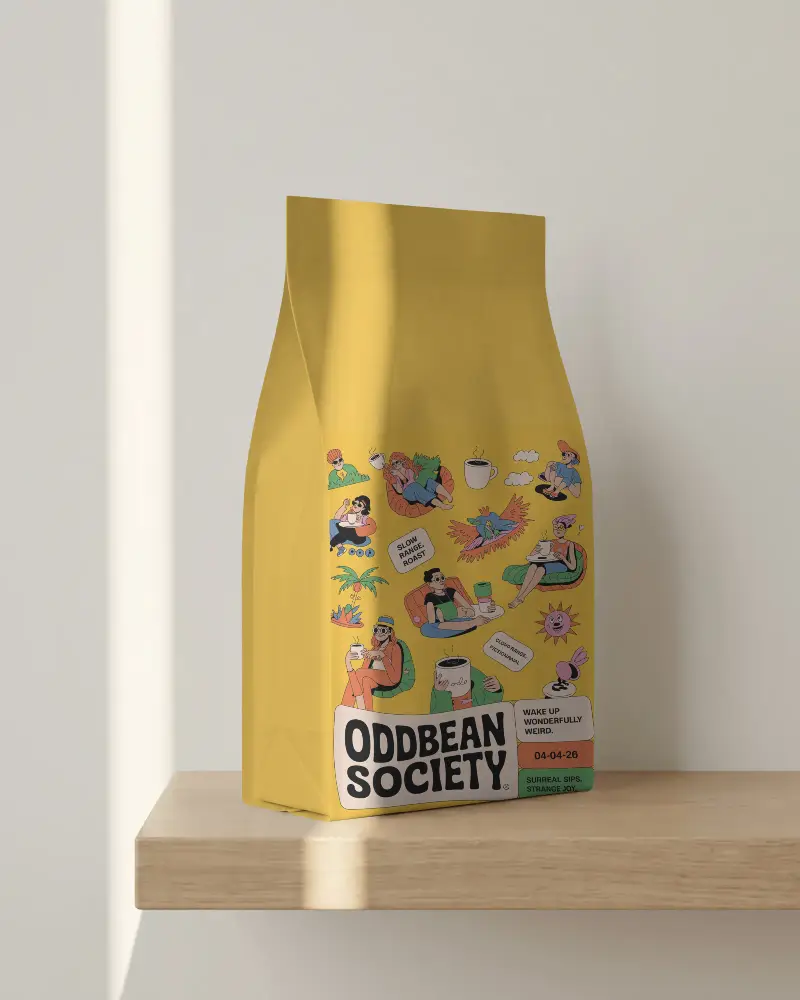
A Candy Pouch mockup is a picture or design that shows how packaging for products like snacks or drinks will look. It helps designers show their ideas, get feedback from clients, and plan marketing before making the actual packaging.
Why create a Candy Pouch Mockup?
Making a Candy Pouch mockup helps you see how a product will look before it’s made. It’s great for marketing, keeps the design consistent, and lets you gather feedback and make changes early.
Is this Candy Pouch Mockup Free?
The Candy Pouch Mockup on Mockey is totally free to use. You can personalize it and download high-quality Candy Pouch mockups without any extra costs or watermarks.
What types of Candy Pouch mockups are available on Mockey?
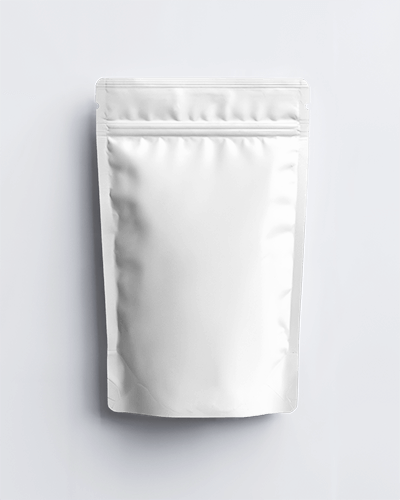
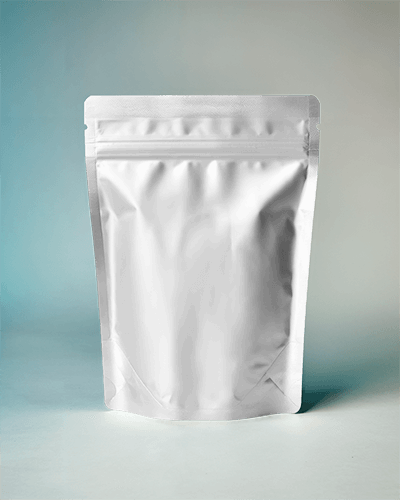
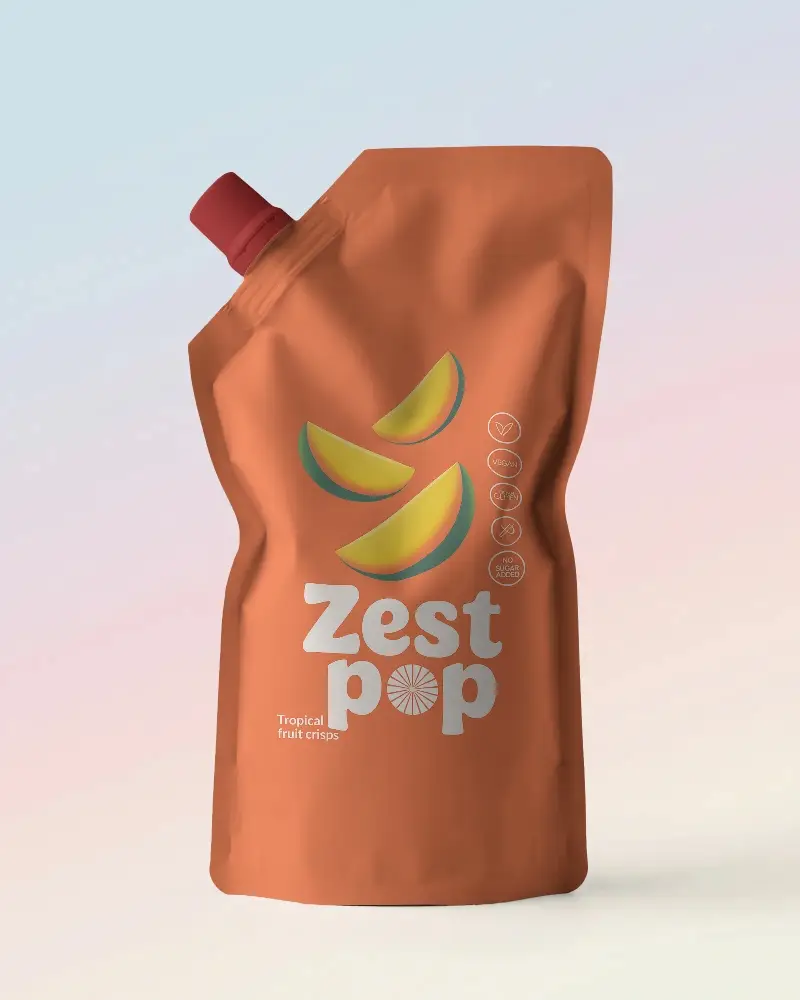
Mockey has many different types of Candy Pouch mockups, like stand-up pouches, flat pouches, spouted pouches, and zipper pouches.
