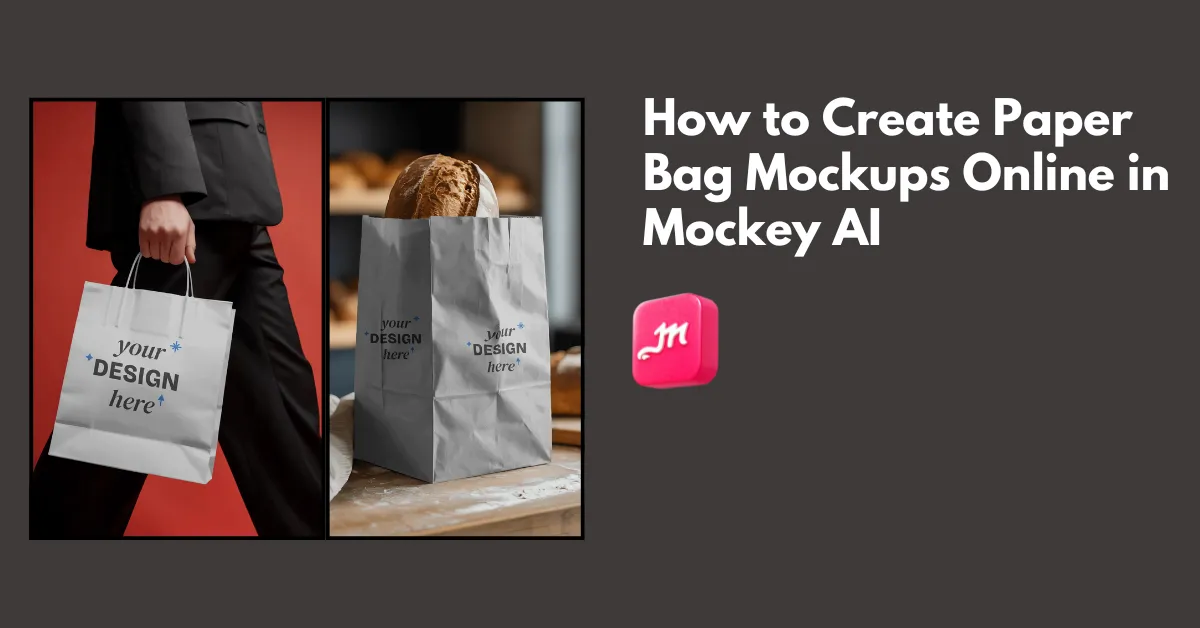
How to create paper bag mockups? Use Mockey.ai’s paper bag mockup generator and select from 100 templates to upload an image, edit, and download the mockup.
Some designers rely on Photoshop smart objects, and others create paper bag mockups from real photos using layer masks. A few simply fold a paper bag, take a photo, and use that as the final result.
We will cover the best way to create paper bag mockups using a free mockup generator step-by-step.
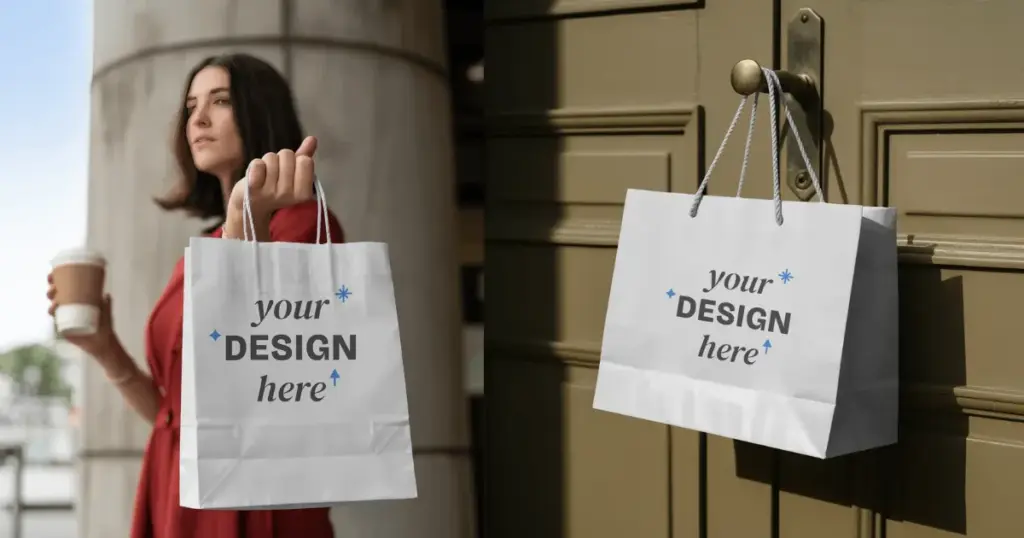
A paper bag mockup is an online template of different types of paper bags, such as a kraft paper shopping bag or a flat paper bag, where a design is added to showcase it to the client before manufacturing.
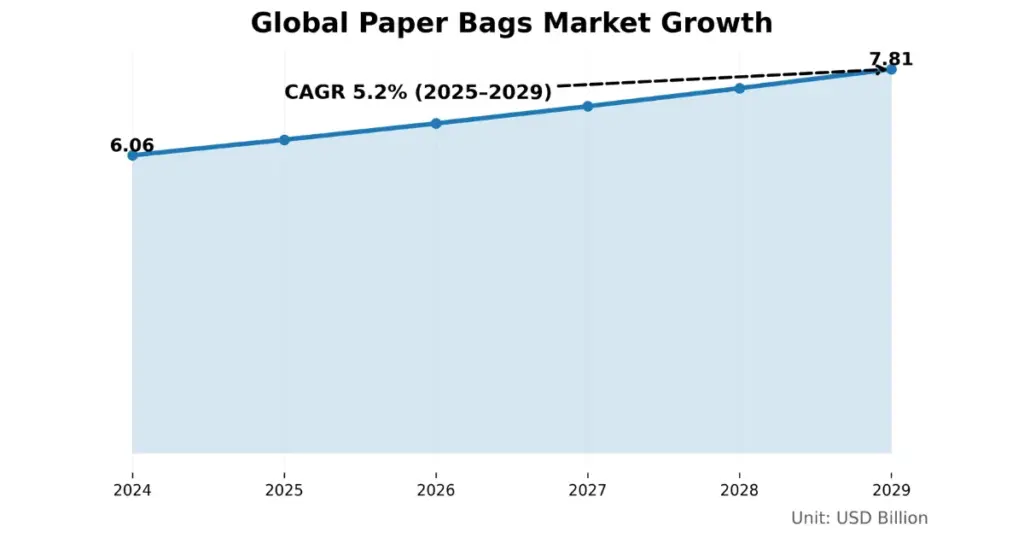
In 2024, the paper bags market stood at USD 6.06 billion and is set to grow steadily over the next few years. By 2029, it is expected to touch USD 7.81 billion.
Mockups help startup brands and organized businesses preview their designs and also give them a clear idea of the packaging.
Before creating paper bag mockups, keep your design or brand logo image ready. It should be transparent and can be in PNG, JPG, or WebP format. Then, visit Mockey AI, which we’ll use to make a mockup.
First, visit Mockey AI and create an account. You can start with the free plan, or if you want to move to a paid plan, buy the STARTER plan to get access to all templates and PNG files.
Next, click on Mockups. You’ll see categories below, find Packaging and tap on Paper Bag.
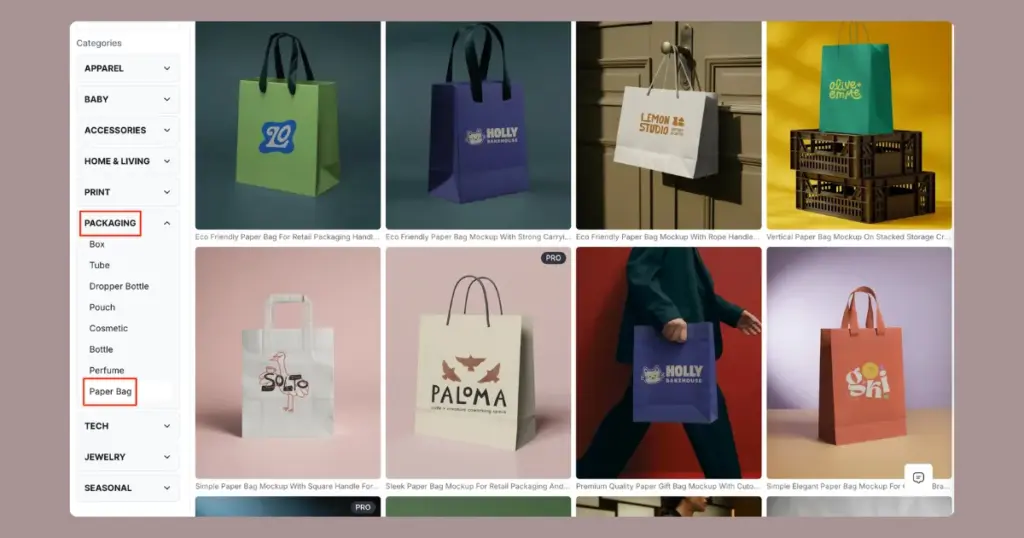
You’ll now see all available paper bag templates. At the top, there’s a tag bar with different styles like food paper bag, shopping paper bag, kraft paper bag, and more.
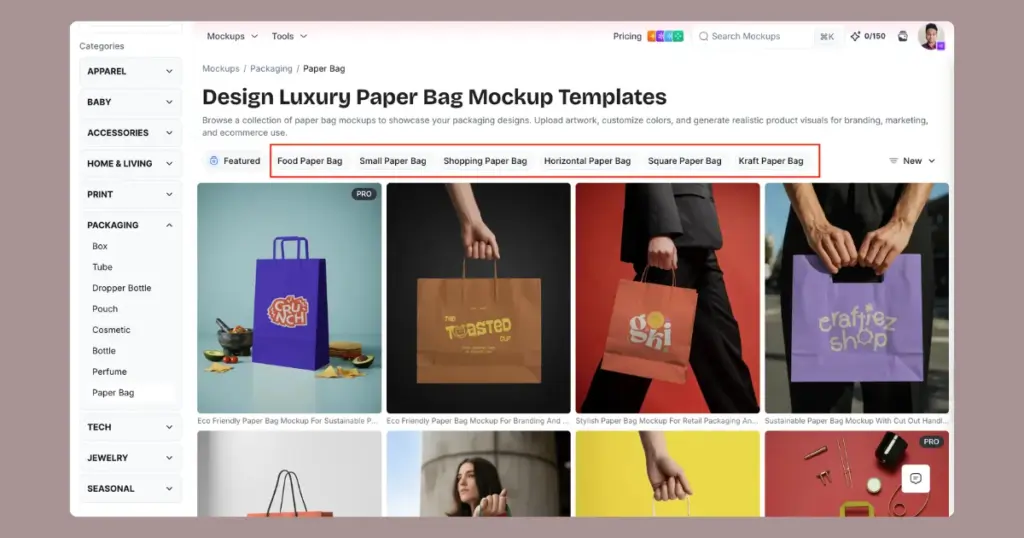
Click any tag to see related templates, then select one.
You’ll be taken to the editor page. Here, you can upload your design and customize the mockup.
You can add your image by clicking Upload Design, changing the paper bag color and using the warping feature.
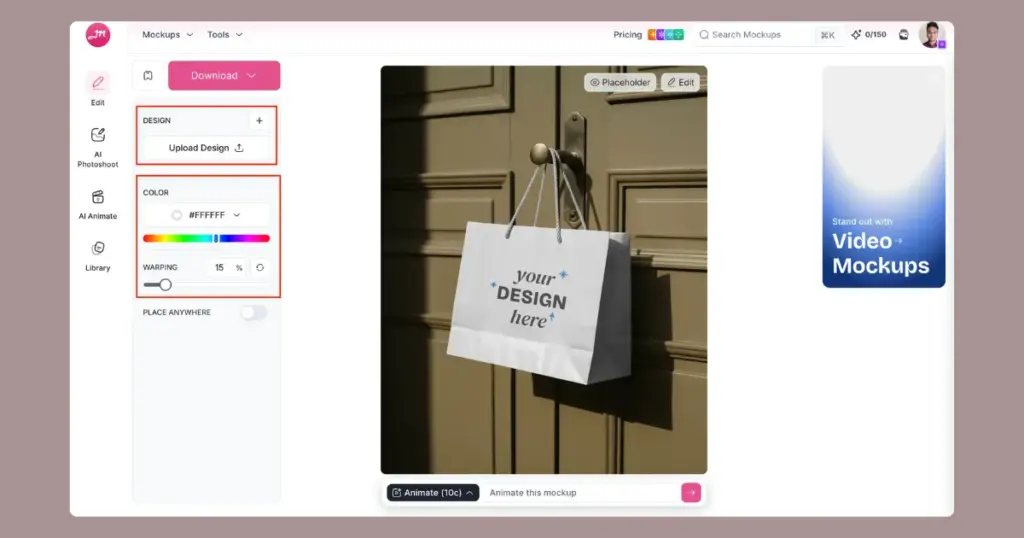
If you purchase the CREATOR plan, you can convert your mockup into an animation. At the bottom, you’ll find a prompt box where you can describe any changes you want. Your mockup will be converted into an animation within seconds.
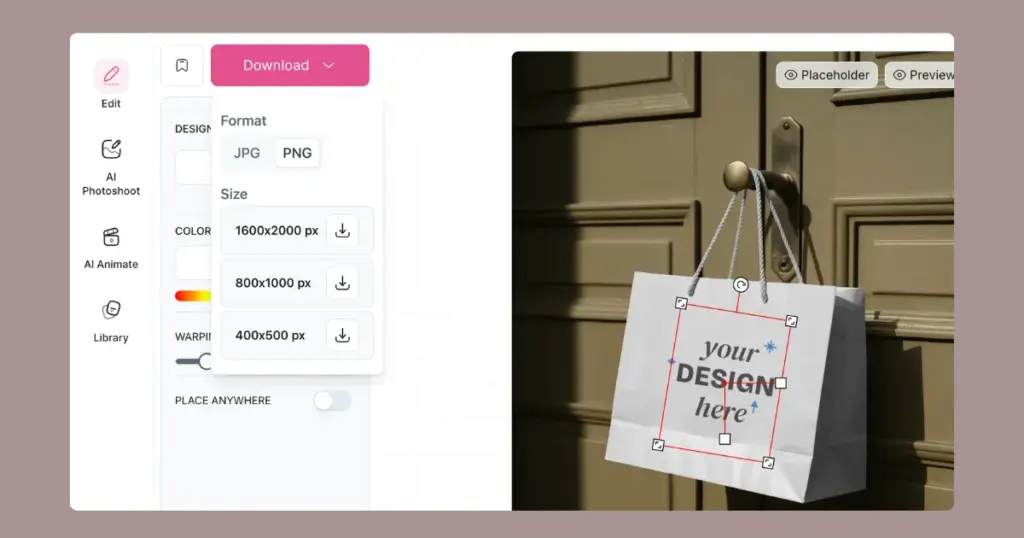
Once customization is complete, tap the Download button to save the paper bag mockup on desktop or mobile. Choose the format and size you need. The final output will be high resolution.
Mockey AI offers AI-based templates which are creative. Unlike other generators that look minimalist, these templates are designed in a way that they become a top choice for showcasing products.
Even though it uses AI, the folds and wrinkles in Mockey AI templates look natural. After adding a design, it still looks realistic on the paper bag, and the design wraps properly around the bag. The lighting and shadows are also accurate across all paper bag templates. You can preview some templates to get a clear idea.
Let’s display some paper bag templates for you so that you get an idea of our variety.
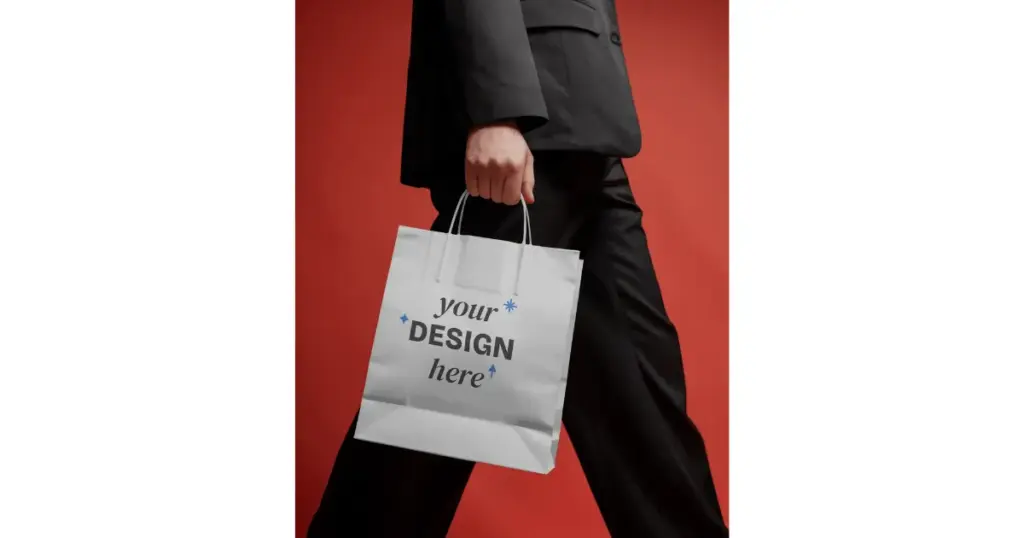
1. This mockup showcases a retail shopping bag held in hand, which is being carried by a model while walking.
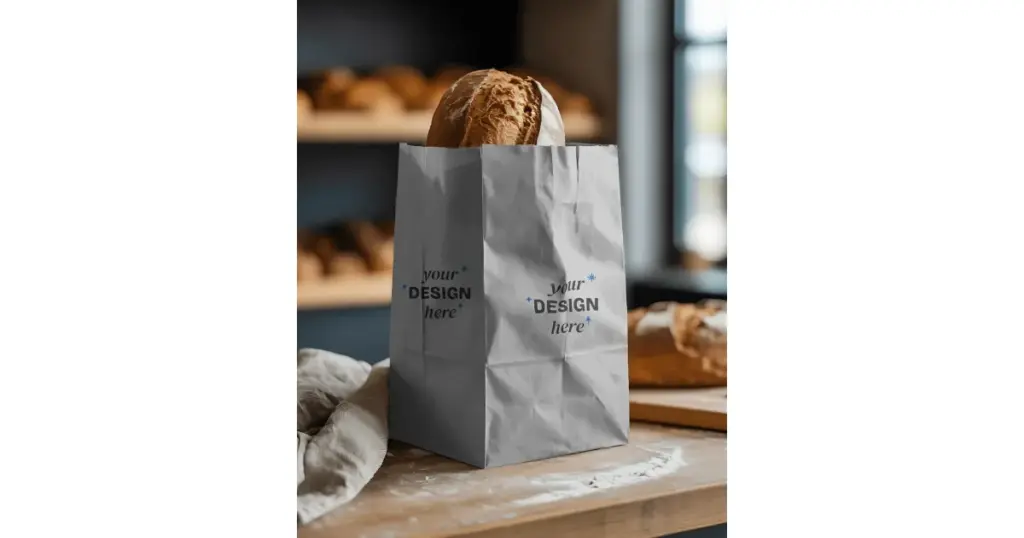
2. This mockup displays bakery bread inside a Kraft paper bag, as seen in a restaurant or a bakery shop.
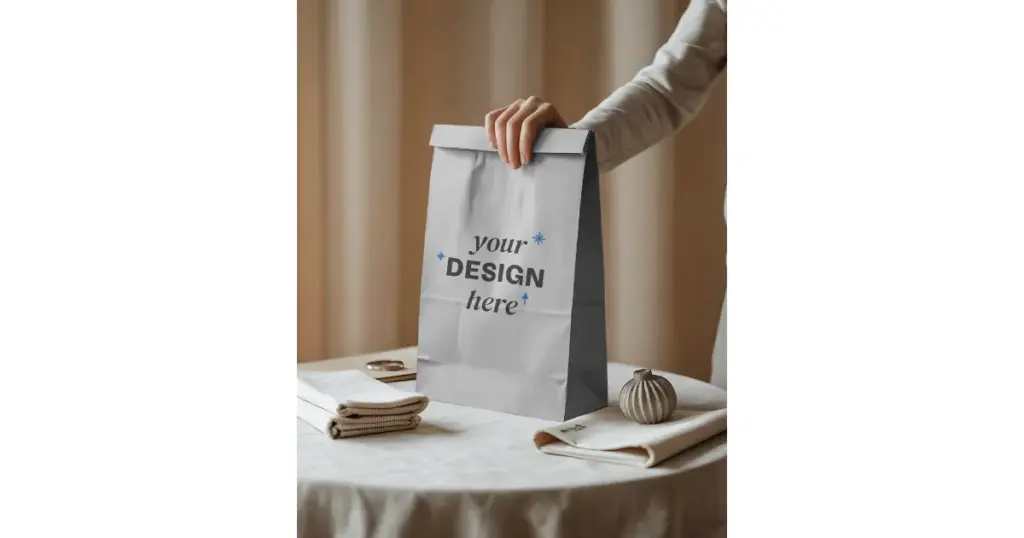
3. This mockup template features a food paper bag held by hand on a styled table.
We have explained to you step by step how to create paper bag mockups. Paper bag mockup templates are available on many mockup generators, but Mockey AI offers more creativity, more design tools, and a wider variety compared to others.
The paid plans are also affordable. For example, the STARTER plan begins at $7 per month, and you get access not only to static mockups but also to creating 3D mockups. So you can also visit Mockey AI now.
You can create paper bag mockups for free on Mockey.ai using many free templates. However, there are limitations, such as JPG files and lower quality. It’s better to upgrade, as the paid plan is very affordable.
Most paper bag mockups look fake because of no texture showing through the logo, shadows don’t match the scene, the design ignores bag folds, and the lighting looks too studio-perfect.
Pacdora is basically a 3D mockup generator where you get paper bag mockups in 3D format with animations. On Mockey AI, you can create paper bag mockups in 2D, 3D, and video mockups using various templates. When it comes to paper bag mockups, Mockey AI would be an alternative to Pacdora.

Sangram Sahoo
I’m a content writer with 4 years of experience. I specialize in creating practical content around mockups, print-on-demand, apparel, and e-commerce design.
