How to Create Invitation Card Mockups in Mockey AI (2026)
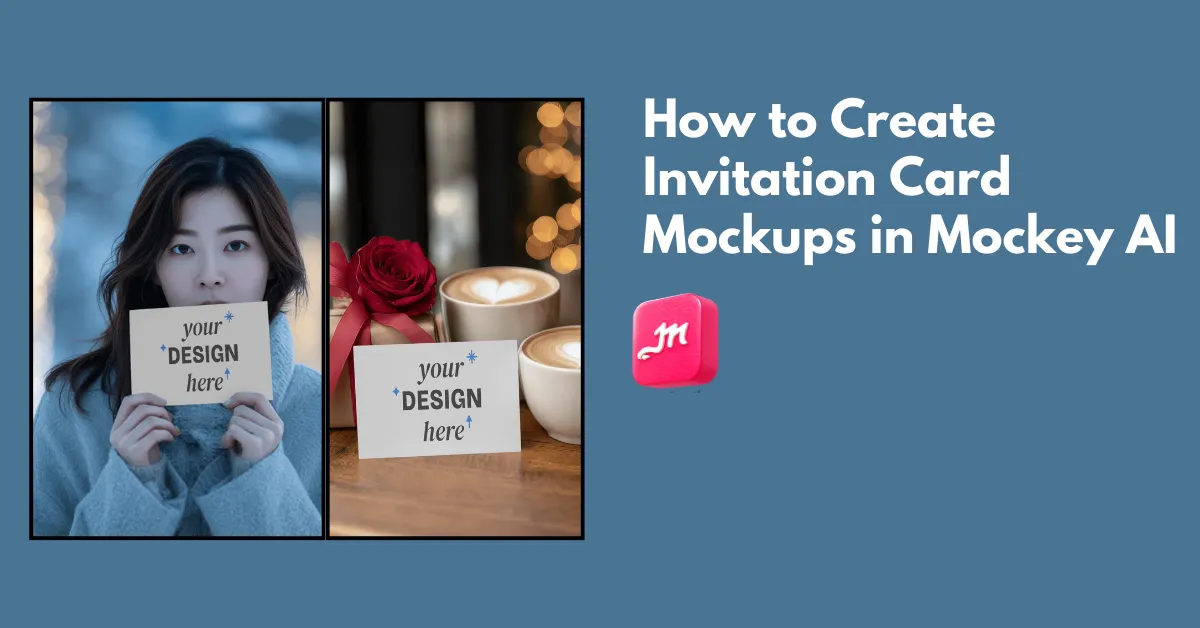
How to create invitation card mockups? Use Mockey AI’s invitation card mockup generator and select from more than 50 templates to upload a design.
If you search for an invitation card mockup, people ask how to design an invitation, does this mockup look real, will this print well, what software did you use, and why does my invite look good on screen but bad in real life? This guide covers all the doubts. Let’s get started.
Table of Contents
What is an Invitation Card Mockup?
An invitation mockup is a template of an invitation card where a design is added to get a preview. The template includes realistic depth, shadows, and paper texture, which makes it better for showcasing to clients.
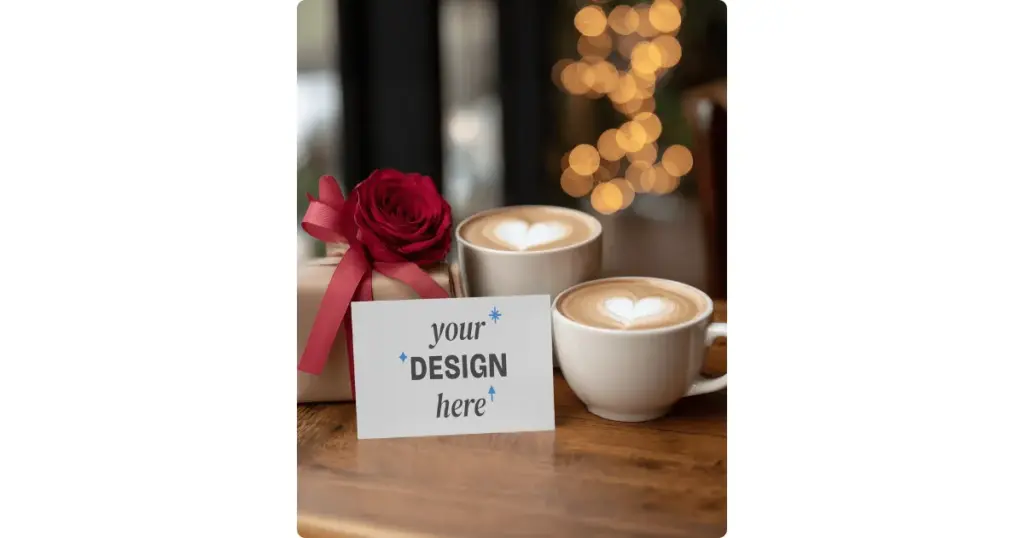
An invitation card mockup is created to preview a design, and knowing what is a mockup explains why this step matters before printing or sharing.
Why People Care So Much About Invitation Card Mockups
There are a number of reasons why people are so interested in invitation card mockups.
Feedback Before Printing
Printing is expensive. Mockups help catch mistakes early.
Confidence Check
Mockups are not used only by designers. Brands and e-commerce sellers also use them because they give confidence before checking or going for printing.
Selling or Sharing
Etsy sellers, freelancers, and template creators need mockups that sell the idea, not just the file.
How to Create Invitation Card Mockups Step-by-Step
Here is a step-by-step instruction on how to create an invitation card mockup.
Step 1: Finalize the Invitation Design
Most people rush here and end up regretting it. Before mockups, your design must be text-checked (dates, spelling, names), proper size (A6, A5, 5×7 inches, etc.), and CMYK-safe if printing.
Step 2: Select a Mockup Generator to Decide the Mockup Style
Right now, you need to choose a mockup generator that offers ready-made templates in different styles. You can visit Mockey.ai, which is a better platform for this. You just need to create a free account and navigate to the “Mockups” section.
In the Categories, select “Print Mockup,” then choose “Greeting Card.”
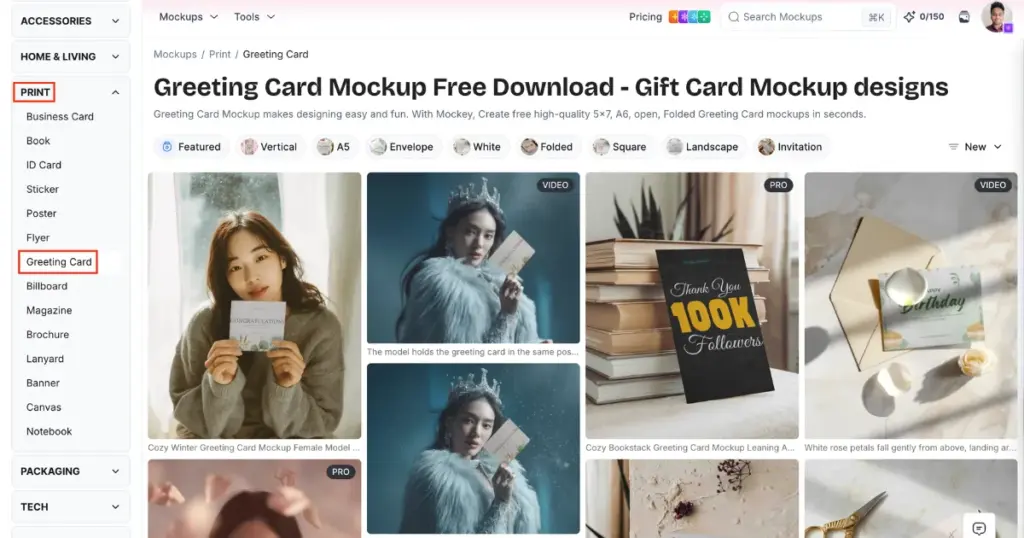
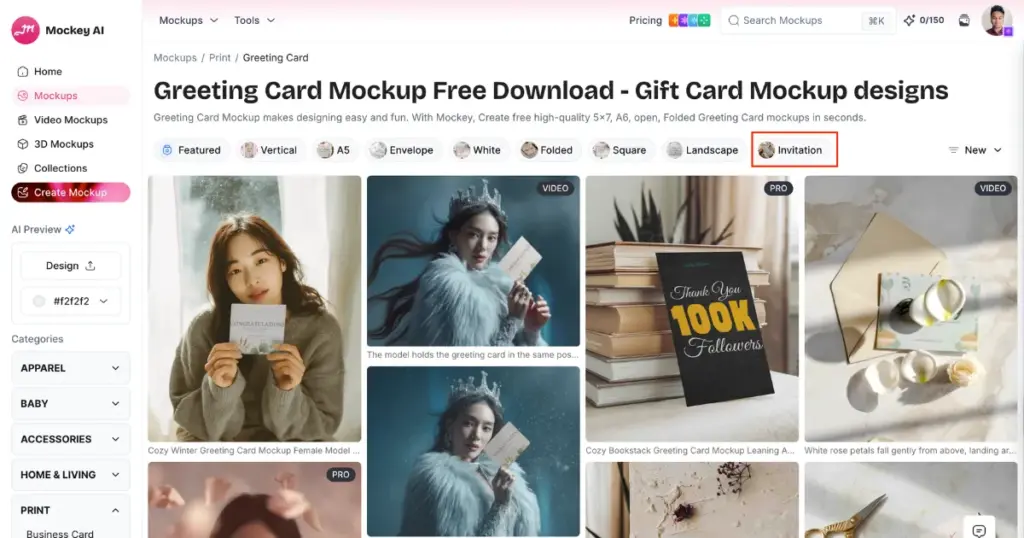
This will take you to the catalog page, where you can click on “Invitation” from the tag bar and pick one template from the available options.
Flat or angled is better for feedback, while lifestyle or in-hand is better for selling templates.
An online mockup generator like Mockey.ai is used by non-designers, small business owners, and template sellers. It is fast and offers a built-in editor with outstanding output.
Step 3: Edit Using In-Built Editor and Download
Once you select a template, you’ll be taken to the editor page, where you can add your design using the Upload Design button. As soon as the design is added, the template gets fixed, and you can adjust it by resizing or expanding it.
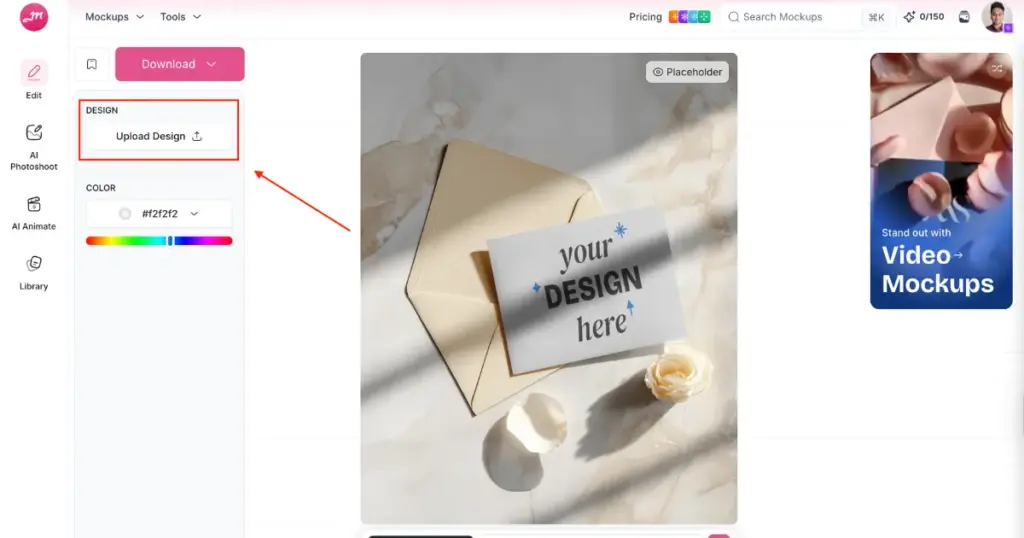
You can also change the colors, and if you want, you can convert the invitation card mockup into an animation. For animations, you’ll need to purchase the CREATOR plan.
Finally, your invitation card mockup will be saved using the Download button after you select the format and size. Keep in mind that the free plan offers only JPG downloads with limited size options. For better quality and PNG downloads, you’ll need the STARTER plan, which starts at $7 per month.
The Core Types of Invitation Card Mockups
Among the most commonly used types of mockups for invitation cards are:
Flat Invitation Card Mockup
The most basic style is the flat invitation card mockup. It shows the card from a straight-on angle.
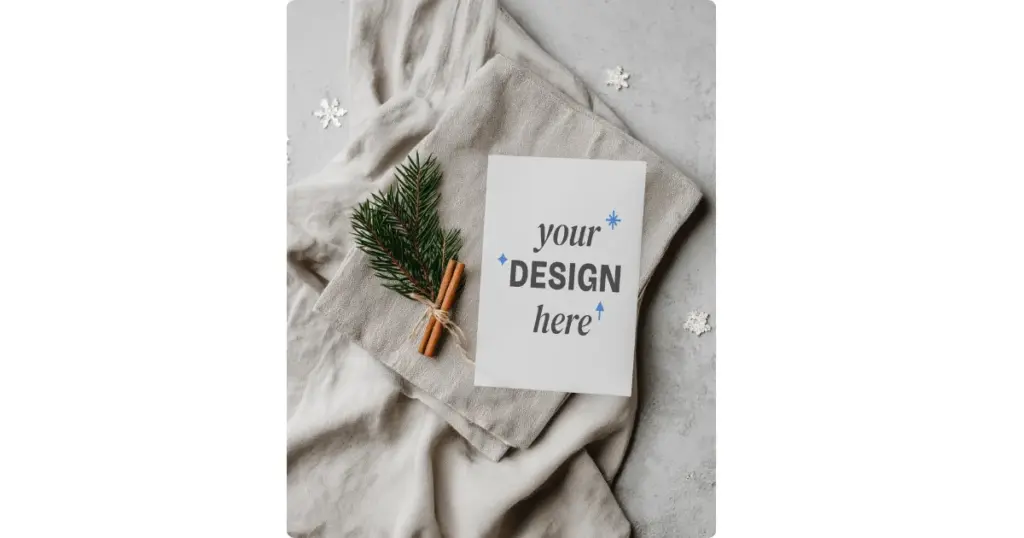
Look at this premium flat holiday invitation card mockup template placed on fabric with natural props like pine leaves and cinnamon to convey a high-end brand identity.
Angled Invitation Card Mockup
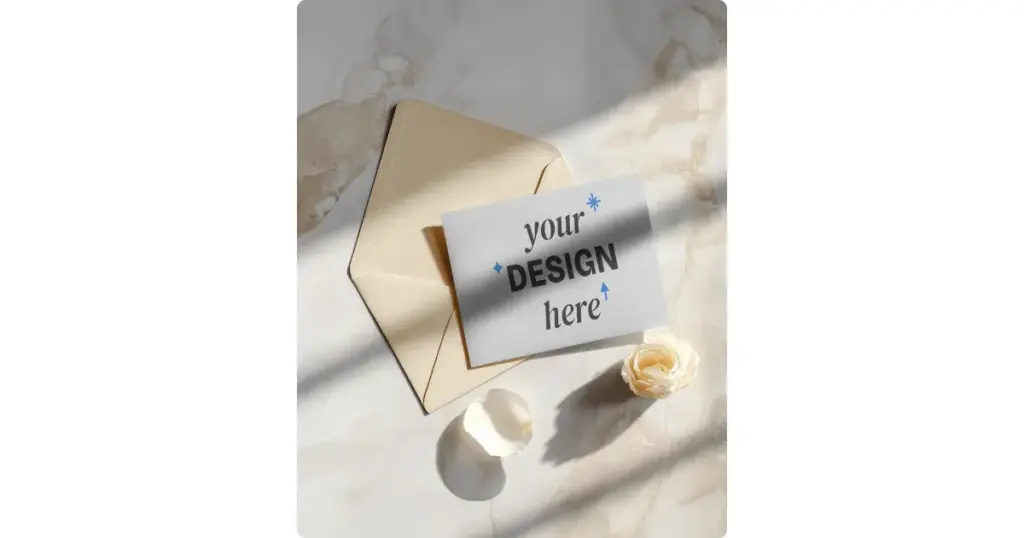
Then there is the angled or perspective mockup. The card sits at a slight tilt, often with a shadow below. This is a birthday greeting card mockup template featuring pastel colors and an envelope setup with a realistic shadow.
Multiple Invitation Card Mockup
Another common format shows multiple cards together. You usually see the main invitation, an RSVP card, and sometimes the envelope.
In-Hand Invitation Card Mockup
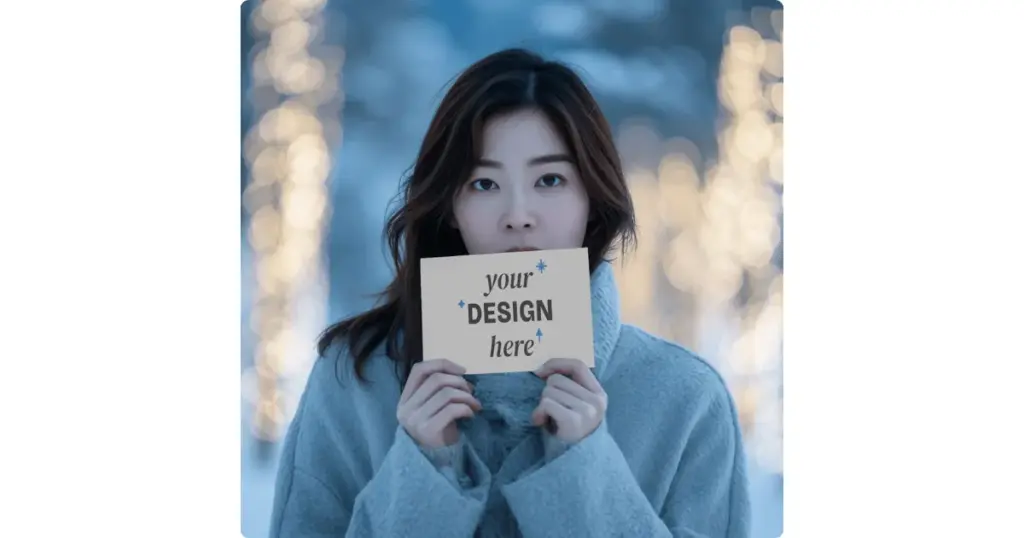
Finally, there is the in-hand invitation card mockup. The card is held between fingers. This shows a young woman standing outdoors in winter holding a happy birthday invitation card close to her face.
Common Mistakes to Avoid While Creating Invitation Card Mockups
The most common mistakes to avoid when creating invitation card mockups are listed below.
- ❌ Too many fonts
- ❌ Bad line spacing
- ❌ Center alignment abuse
- ❌ Overdecorated borders
- ❌ Unrealistic colors
- ❌ No envelope shown
- ❌ Mockup hides text instead of showing it
Conclusion
You now understand how to create invitation card mockups. Mockey AI is a better platform for invitation card mockups, where you get a huge number of highly realistic templates, and customizing them is very easy using built-in tools. So go ahead and sign up on Mockey AI now.
FAQs
Can I make invitation card mockups without Photoshop?
Yes, you can make invitation card mockups without Photoshop. A lot of people do. An online mockup generator like Mockey AI offers ready-made templates that work best.
Why does my invitation card mockup look fake even though the design is good?
No paper texture, bad shadows, wrong scale, and over-sharp edges look fake in an invitation card mockup.
What size should my invitation mockup be?
When creating an invitation mockup, stick to real-world sizes. Go with 5×7 inches or standard formats like A6 or A5. If your design looks as big as a poster, people will notice immediately.
Is Mockey AI or Freepik better for invitation card mockups?
Freepik offers a very large collection of invitation card mockup templates, but customizing them can be quite difficult for anyone. Mockey AI is the complete opposite. You get editable templates that are very easy to personalize. You also get a good variety in the templates. Because of this, Mockey AI is a better Freepik alternative for invitation card mockups.

Sangram Sahoo
I’m a content writer with 4 years of experience. I specialize in creating practical content around mockups, print-on-demand, apparel, and e-commerce design.
