T-Shirt
3773+ mockups
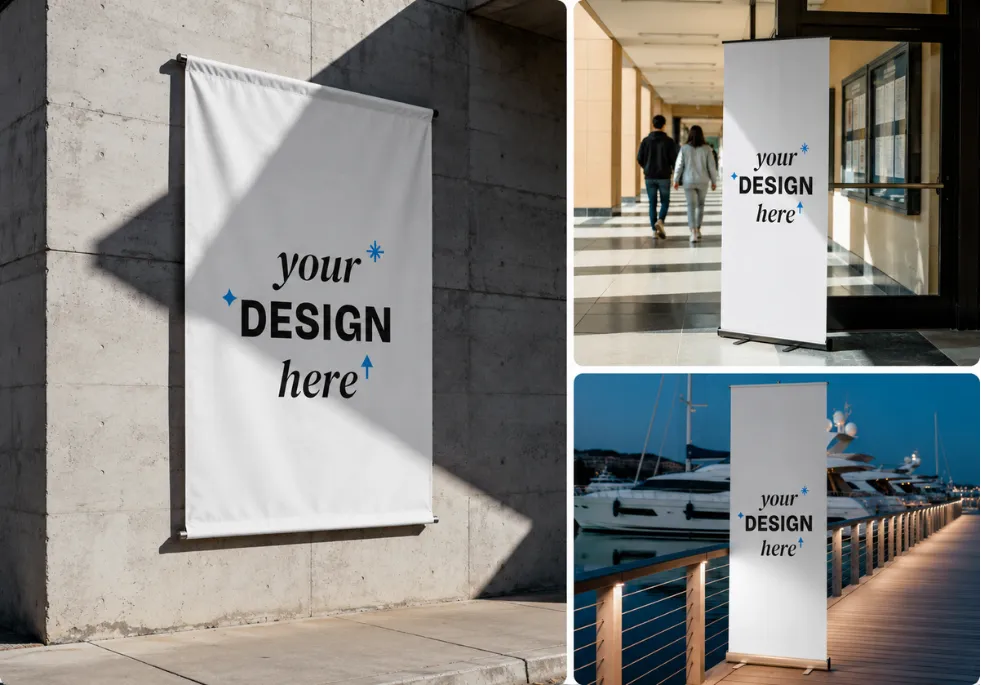
Create banner mockups using 1,000+ ready-made designs. Preview your uploaded artwork on roll-up, indoor, outdoor, vertical, pole, store, event, wall, horizontal, street, and hanging banners. All the background scenes are made with AI, but you probably won’t even notice. The outdoor trees, buildings, malls, and event decorations look real and natural.


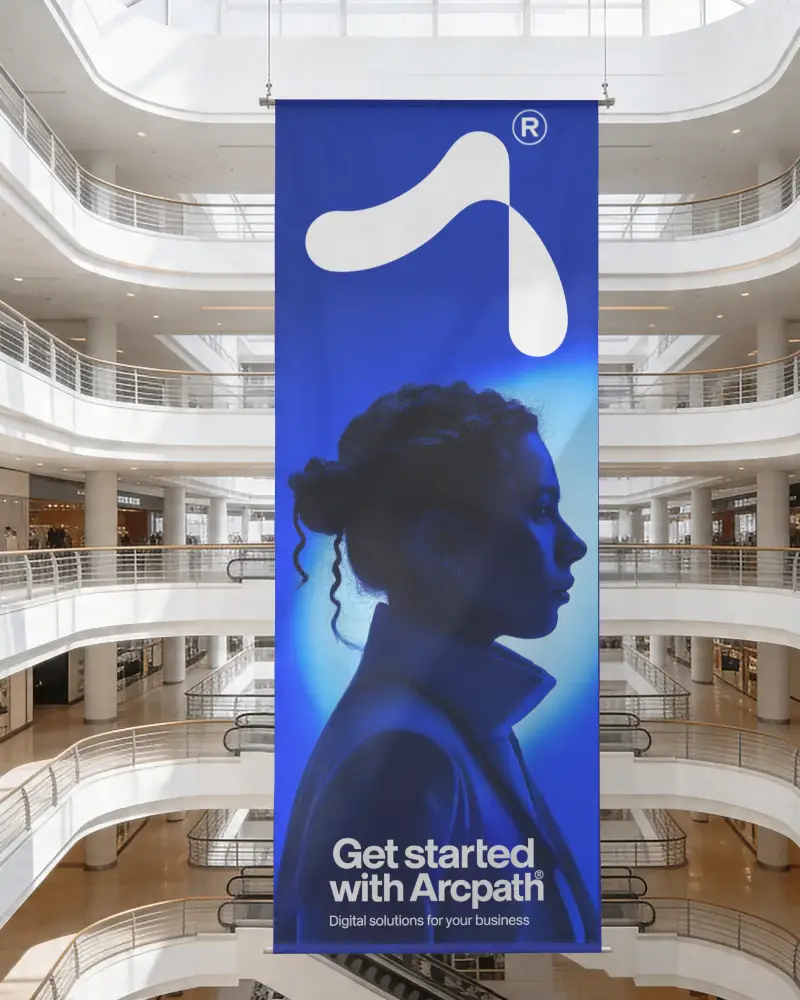


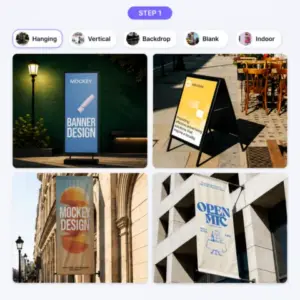
Click “Login/Sign Up” to make your account. Then, in the “Mockups” tab, choose “Print,” and select “Banner” to get started.
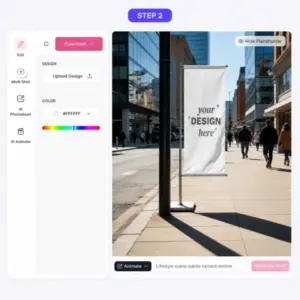
After that, click “Upload Design” to add the artwork. Then customize the banner color, create multi-angle shots, and more.
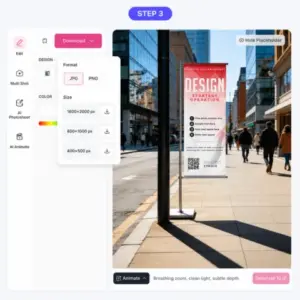
Click “Download” to save the watermark-free banner mockup as a PNG or JPG file.
Usually, people don’t want their banner to look over-the-top. That’s why the lighting, shadows, folds, and outdoor details in this AI mockup generator are kept realistic.
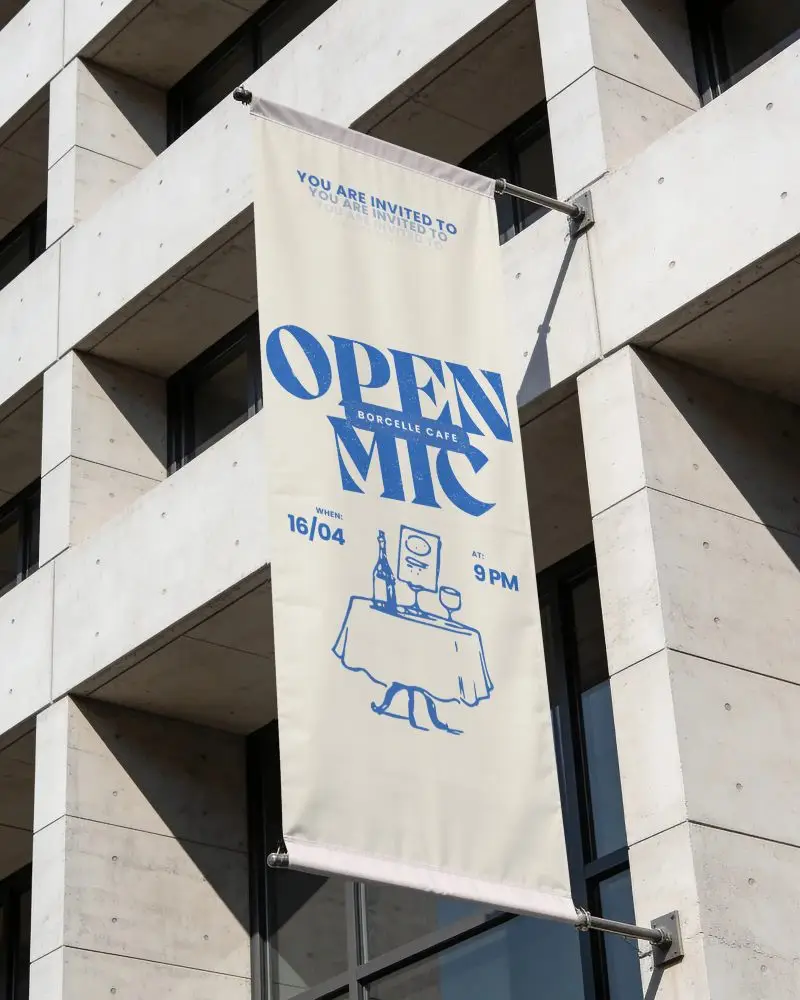
For example, you can see natural folds on this banner, realistic sunlight on the building, and subtle shadows around the scene. Even after adding your design, these details stay intact, helping the final banner look more like a real photograph than a digital edit.
Whether your design is meant for a storefront, event, stadium, exhibition, or city street, this banner mockup generator lets you preview it in a matching scene before getting the final result.
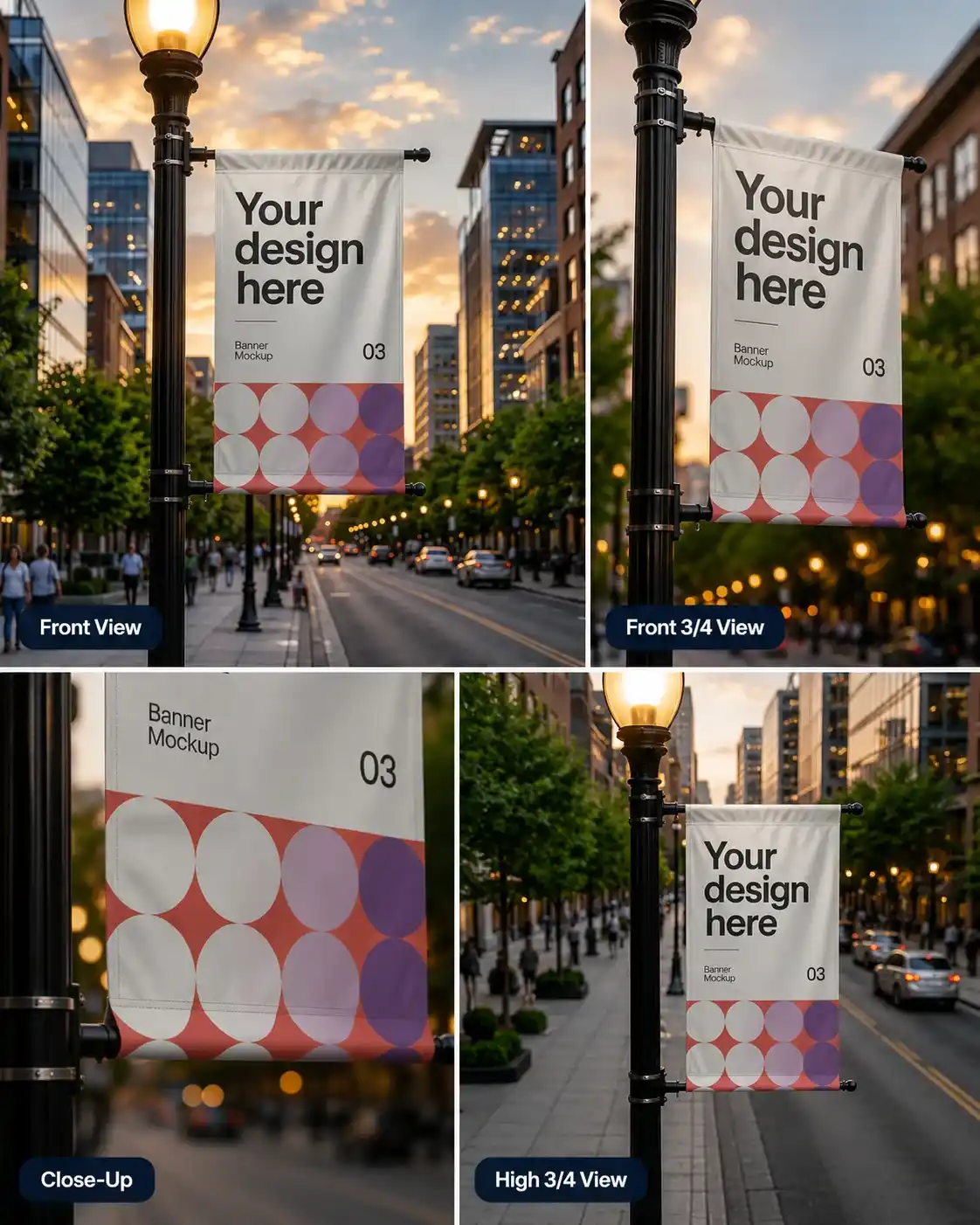
People don’t want to pay for a banner that shows only one view. They like getting different views of the same banner in one package.
With the Multi Shot feature, you can create different views of the same banner, such as Front, Front 3/4, Close-Up, High 3/4, and more. For example, one view can show the full banner, while another can zoom in on the design details.
You can convert any banner into an animation using this banner mockup generator. Once you finish customizing it, use the Animate feature. Type a prompt, and in just a few minutes, it will generate a 5-second animation.
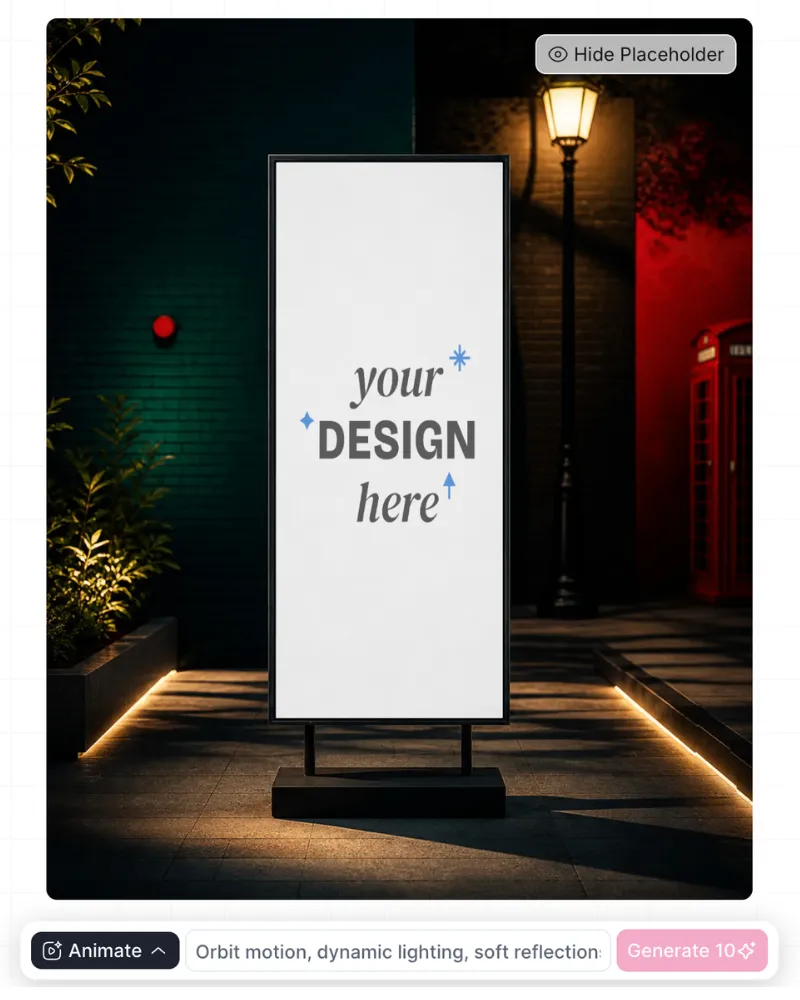
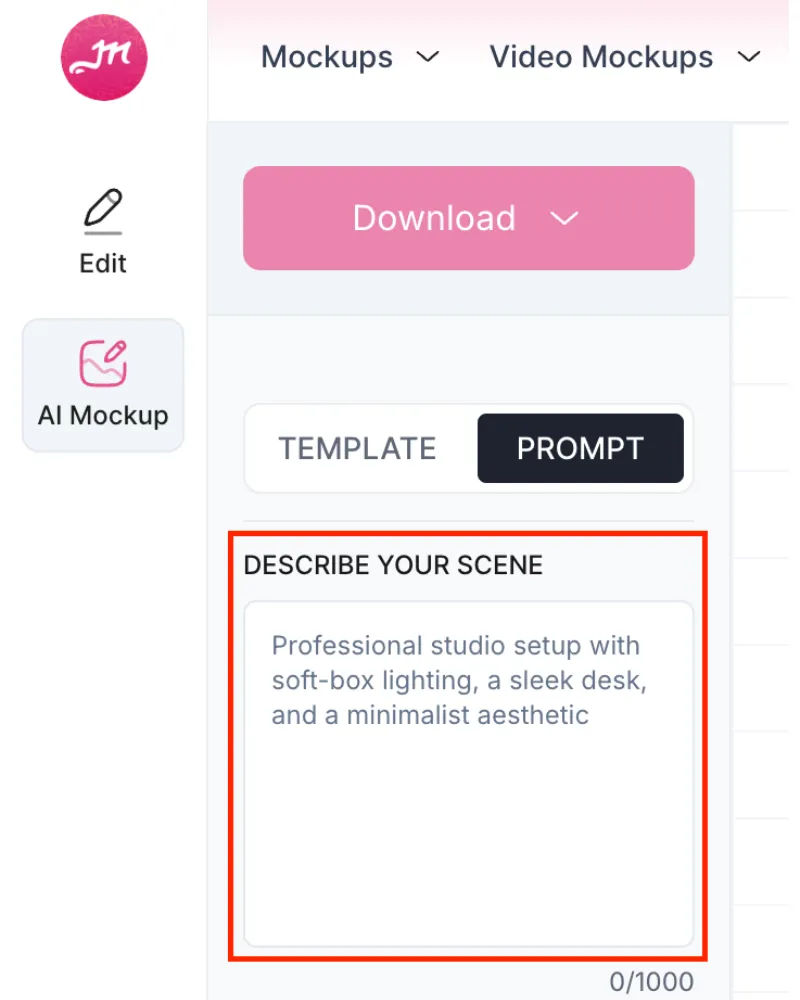
Want to make your own banner scene? Visit our Custom Mockup tool. Create a brand-new scene with AI by typing what you want. After that, add your banner artwork and make small changes like adjusting the opacity or highlights until everything looks right.
Create a 3D banner mockup using Mockey AI’s 3D mockup generator. Along with multiple design options, you also get customization features like color and background editing. There’s even a 3D preview option that you can use while editing or when downloading the motion animation.
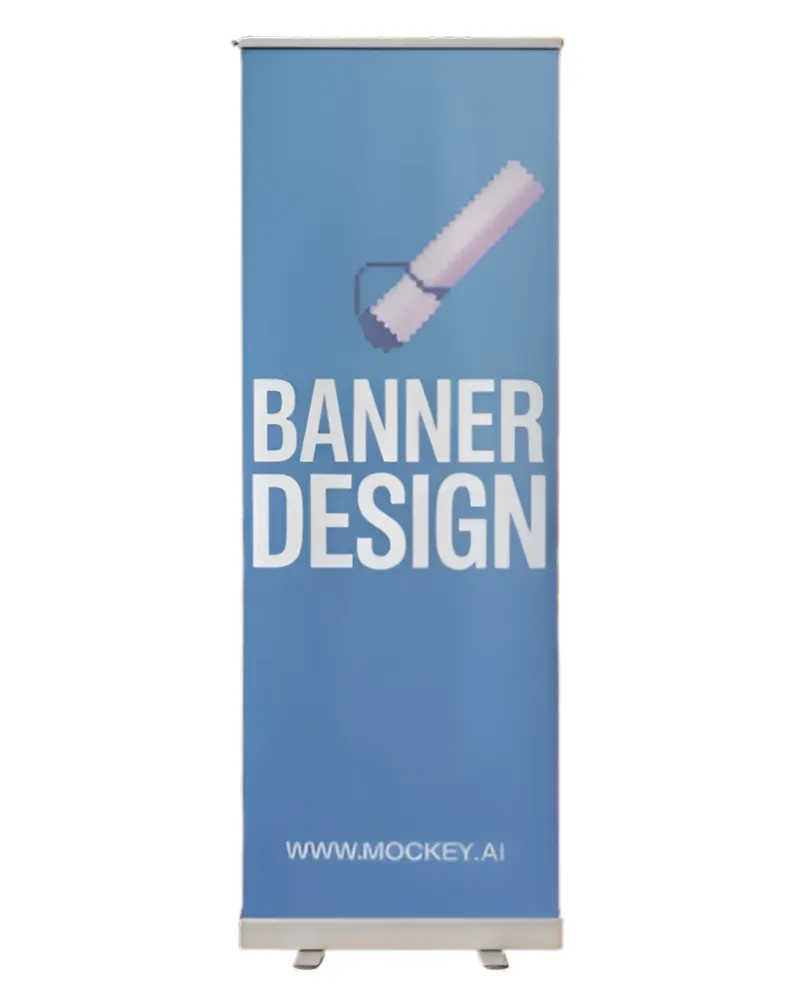
What can we say about Mockey AI’s video mockup generator? It’s already quite popular, and its banner video templates are some of the best. You can create short 5-second clips by uploading your design, whether it’s for outdoor, indoor, horizontal, roll-up, or hanging banners.
Use our simple banner mockup generator to create a fun and colorful banner. Pick colors, use AI tools, and use your own designs to make it special. Start making your banner today!
A banner mockup generator lets you upload your banner design and see how it will look before printing. You can check whether the text is easy to read, whether the logo is the right size, and whether the design looks good on the banner.
All the templates on Mockey AI are generated using AI. No models or objects are displayed through photoshoots. Whether to create banner or poster mockups, our team carefully selects each template to make it look completely realistic.
Open the banner mockup generator, browse the available scenes, and select one that matches your banner’s placement. Upload your design in PNG, JPG, or WebP format, and the tool will place it automatically. Adjust the position, change the color, or create multi-angle shots if needed. Then download your final mockup in high resolution.
Our banner mockup generator is not fully free. But in the free plan, you can still do many customizations and download your banners without any watermark. There are just some small limits.
Our banner mockup tool works with PNG, JPG, and WebP files. If your picture is in another format, you can use an image converter to change it and then upload it.