Create Advertisement Banner Video Mockups with Mockey AI
Design Online Banner Video Mockups with Mockey AI. Display your advertisement in eye-catching 3D motion to attract more viewers and boost engagement and sales.
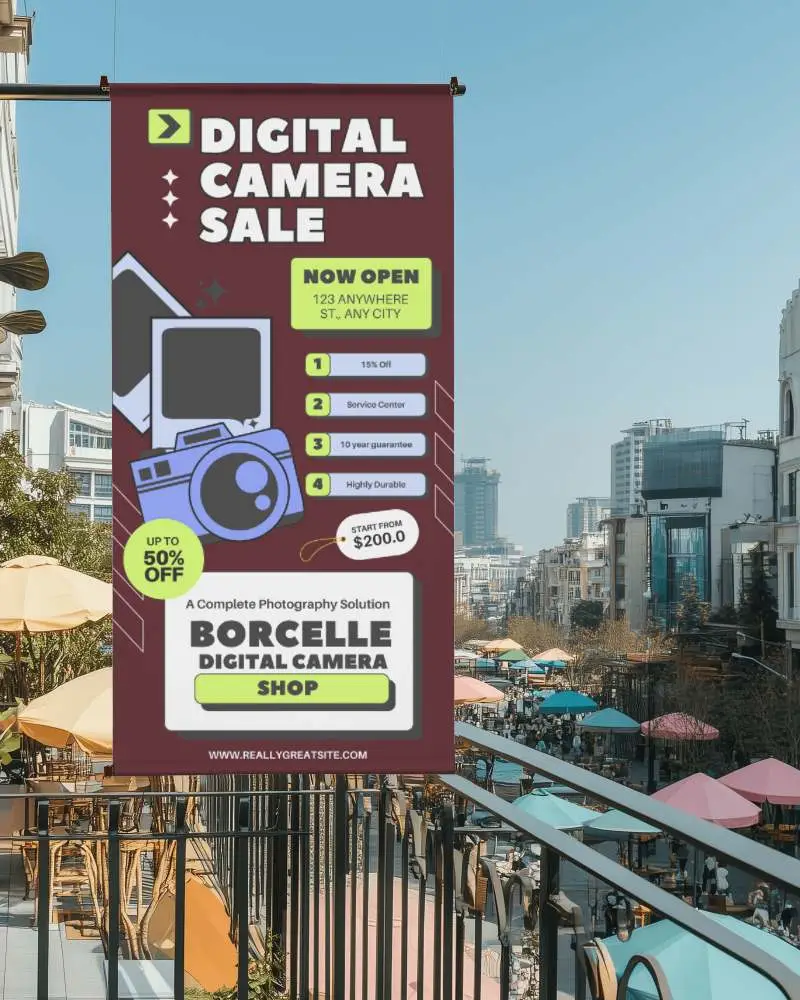
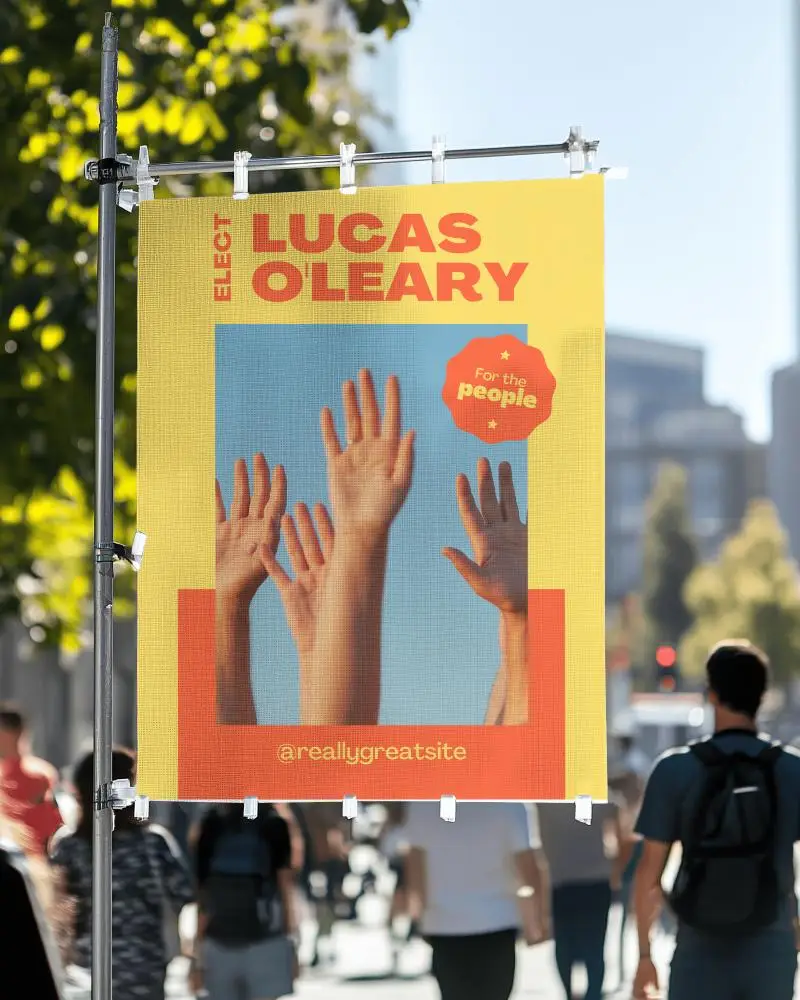
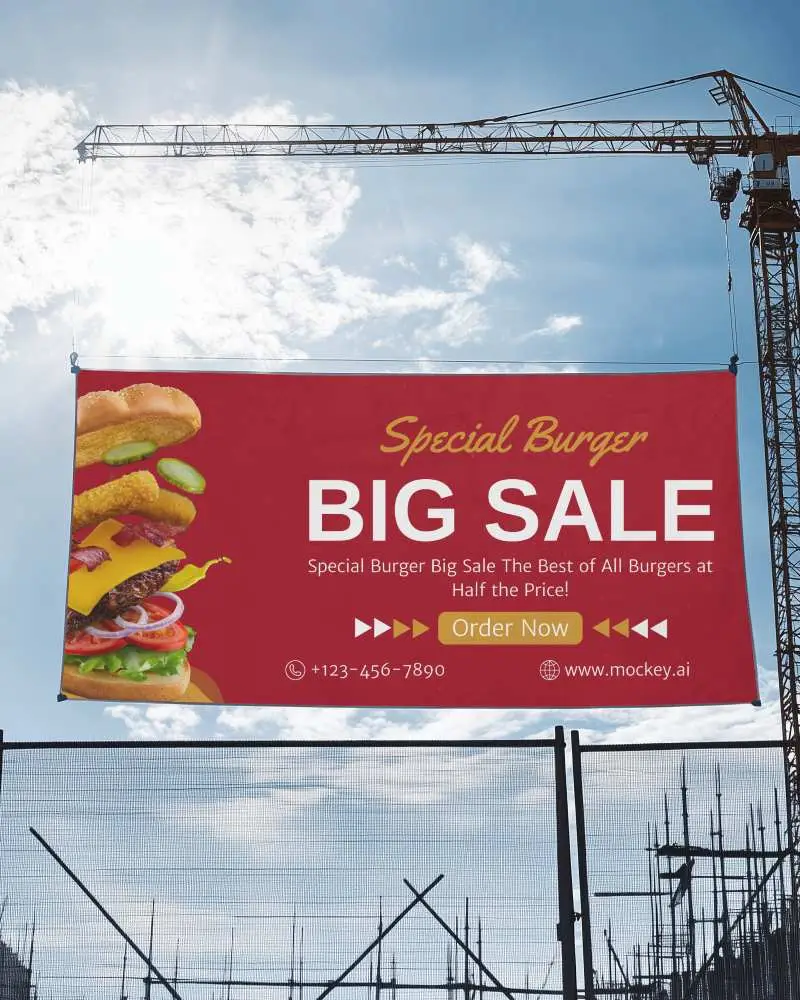
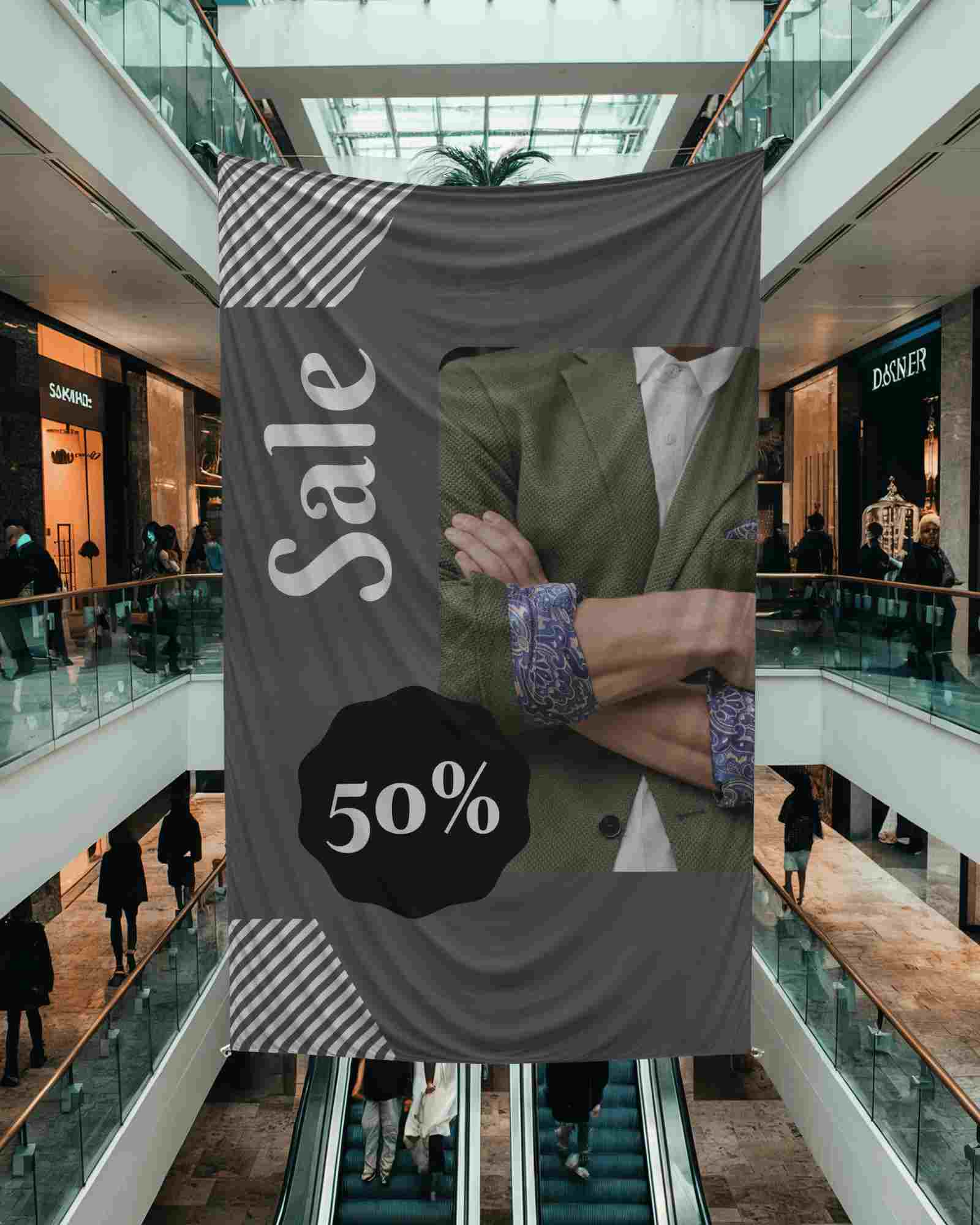
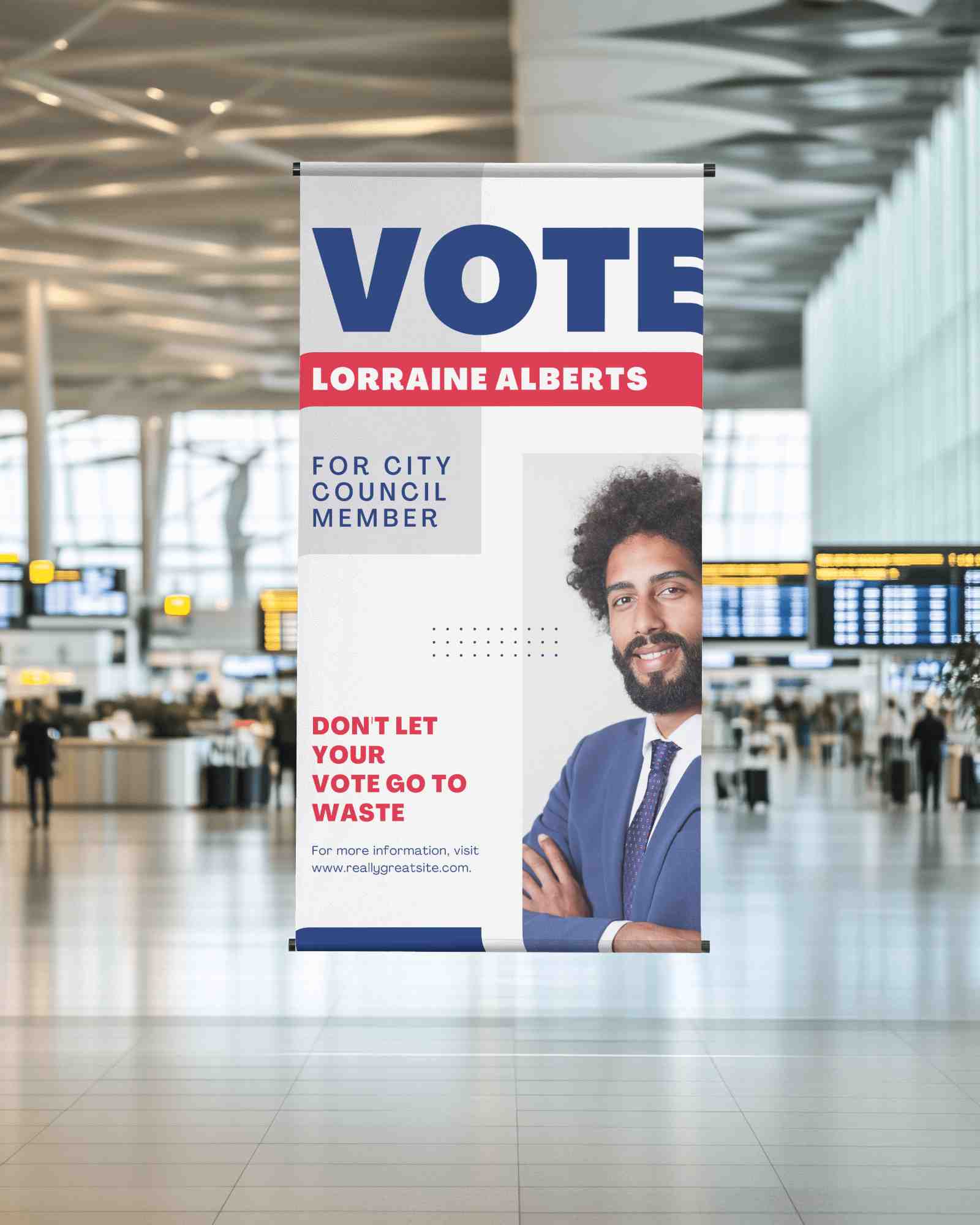
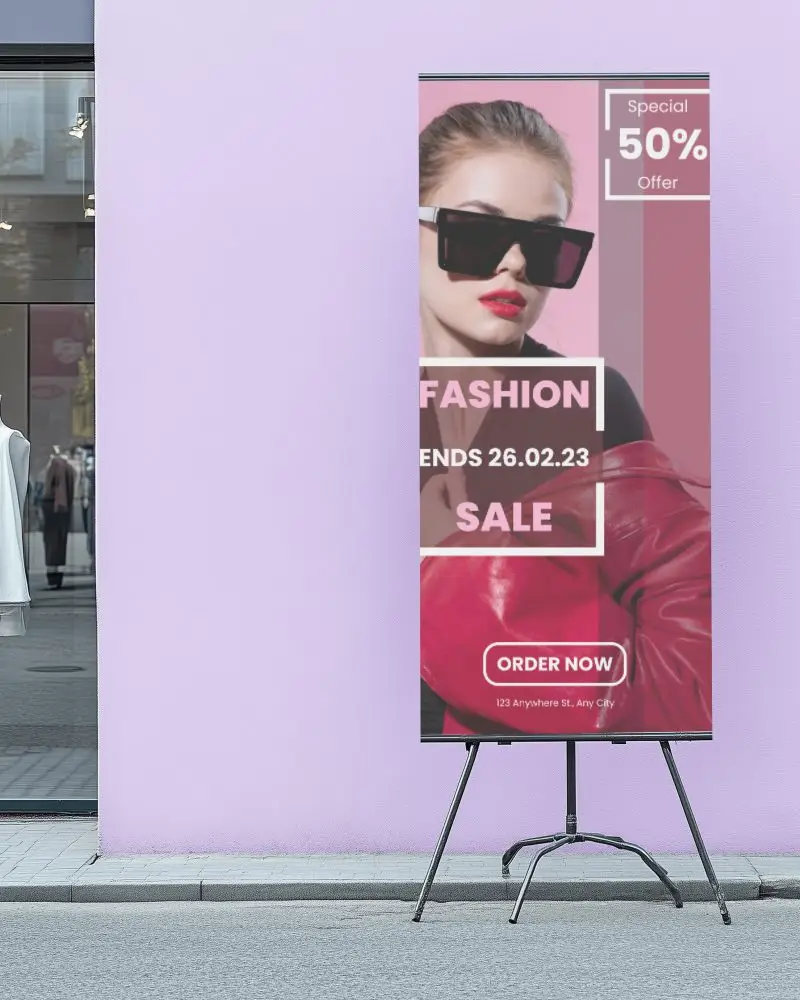
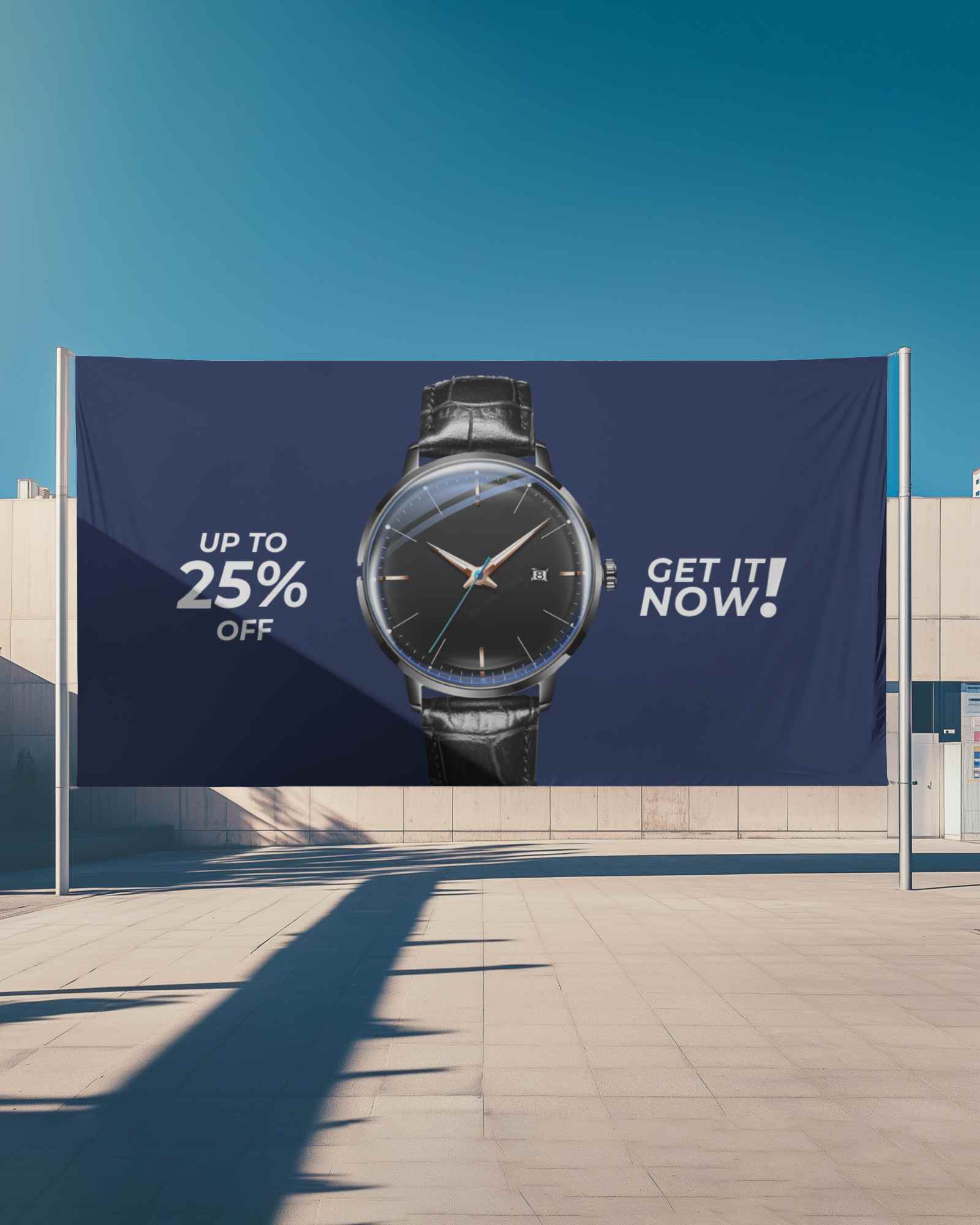
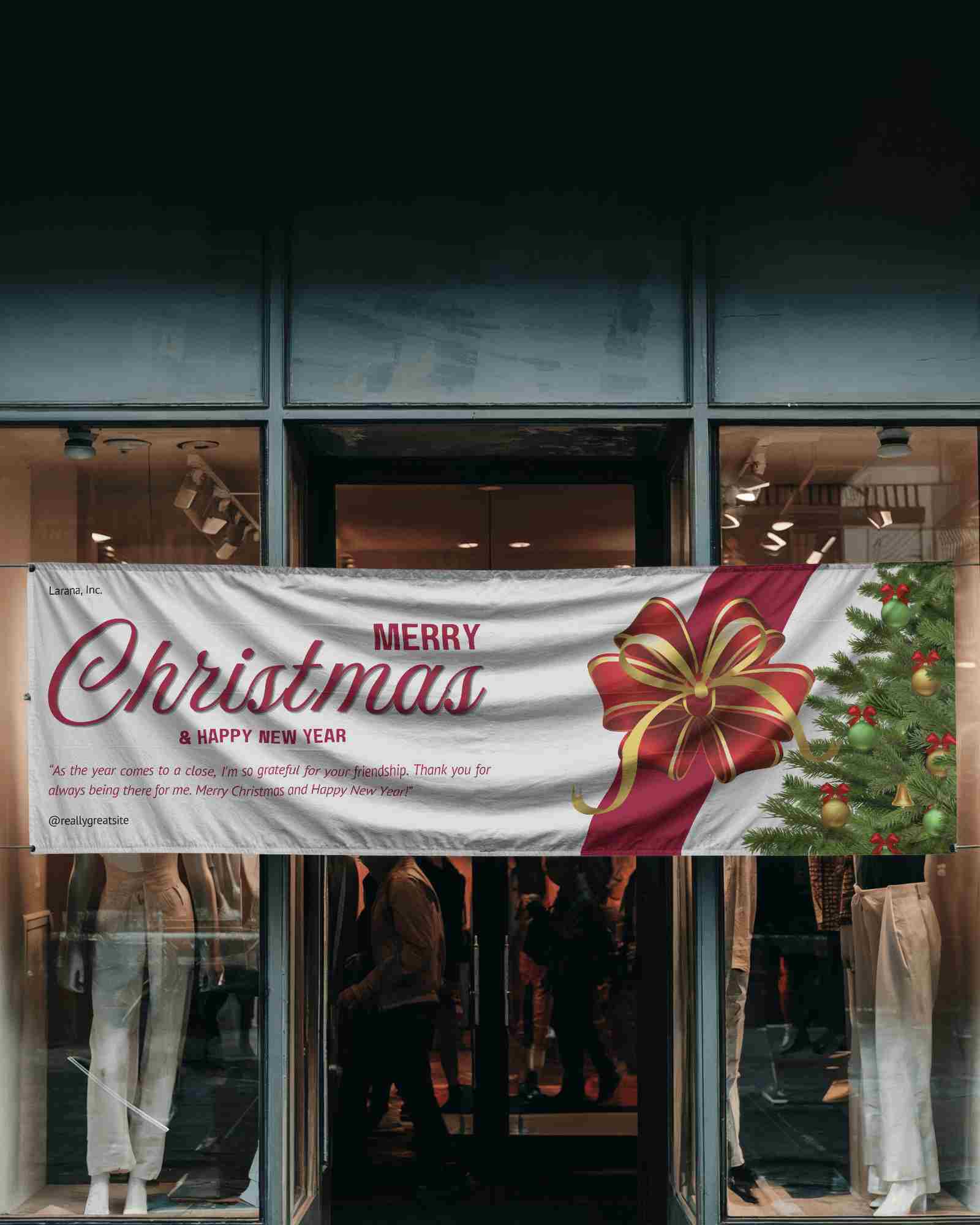
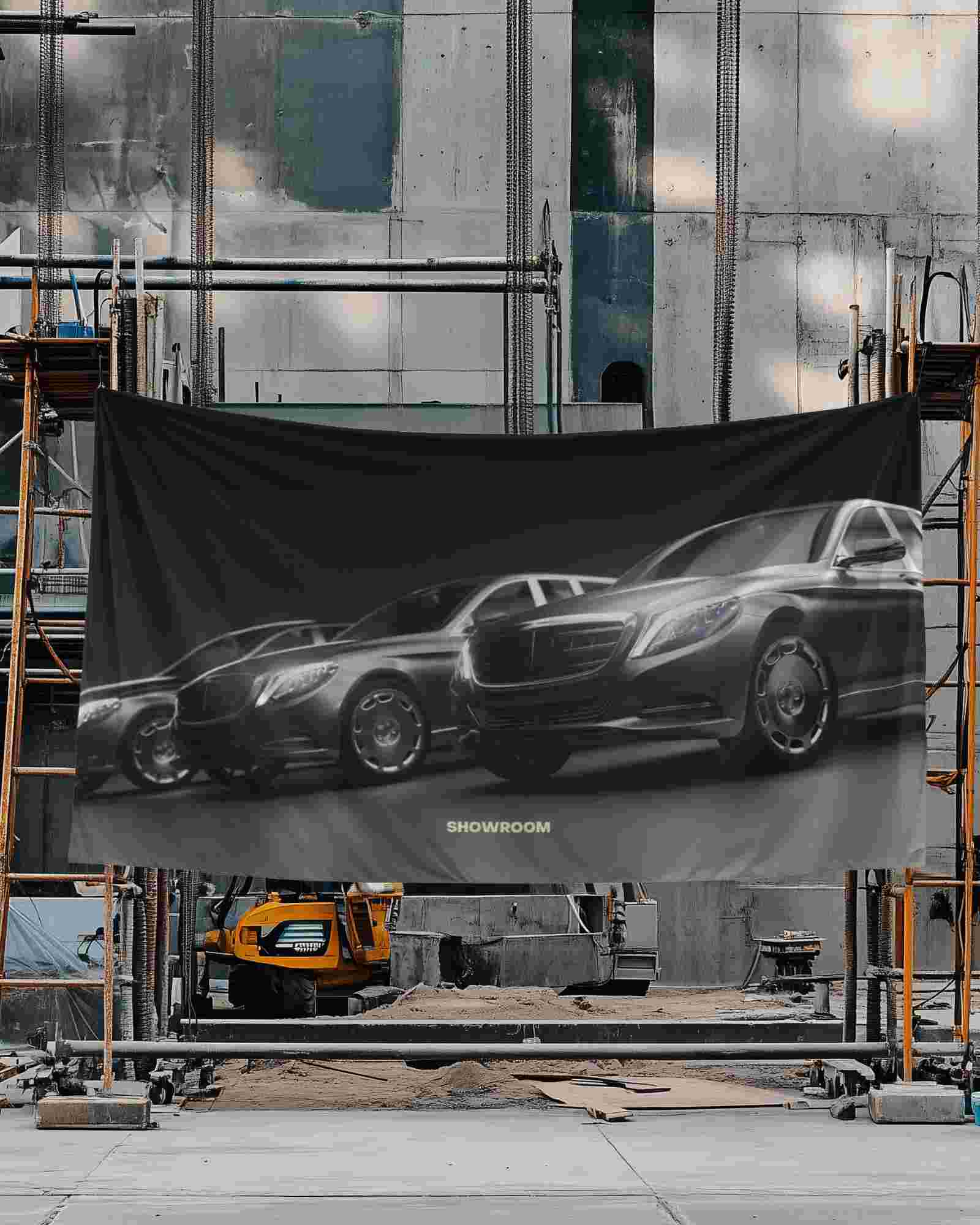
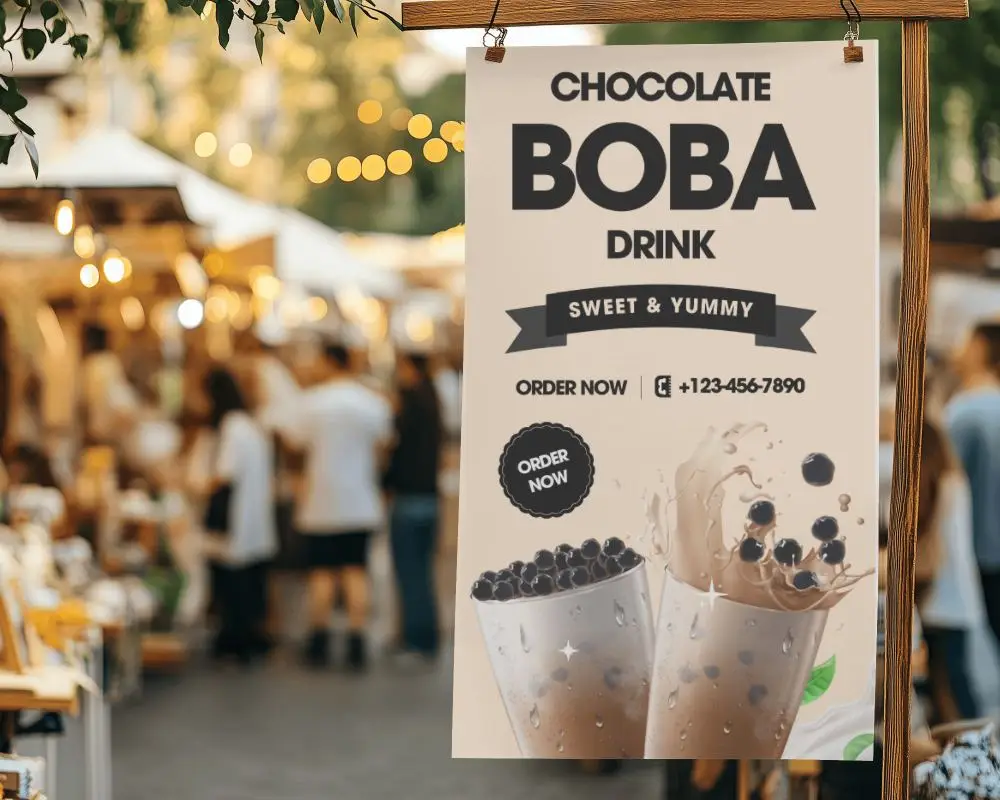
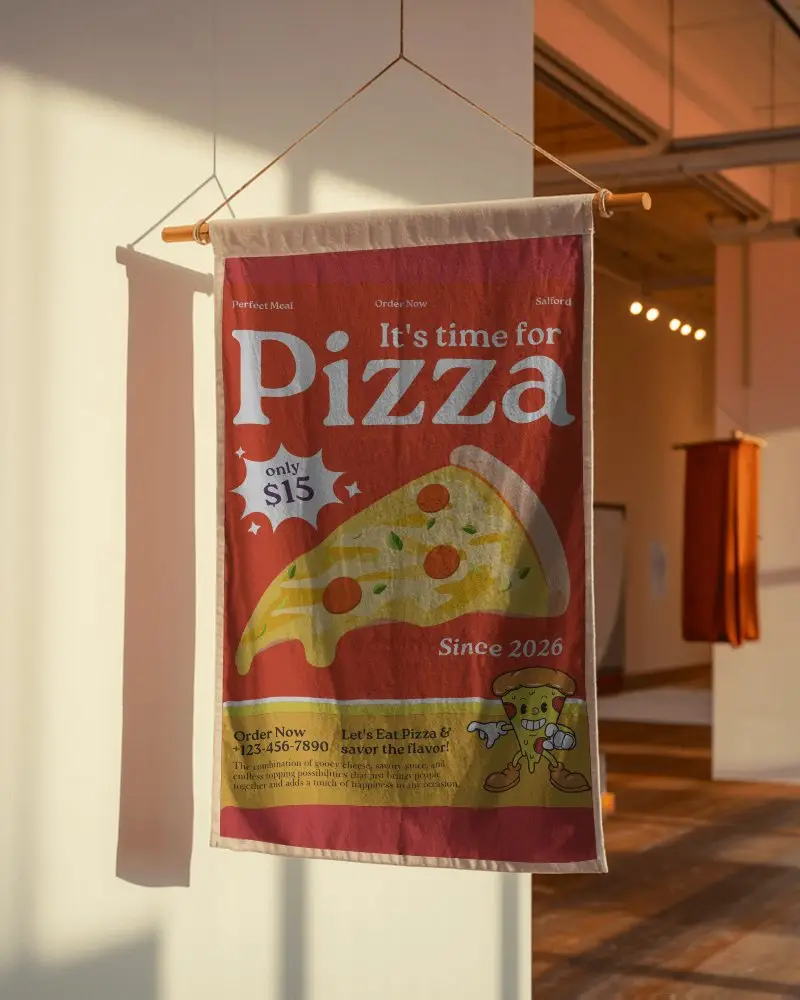
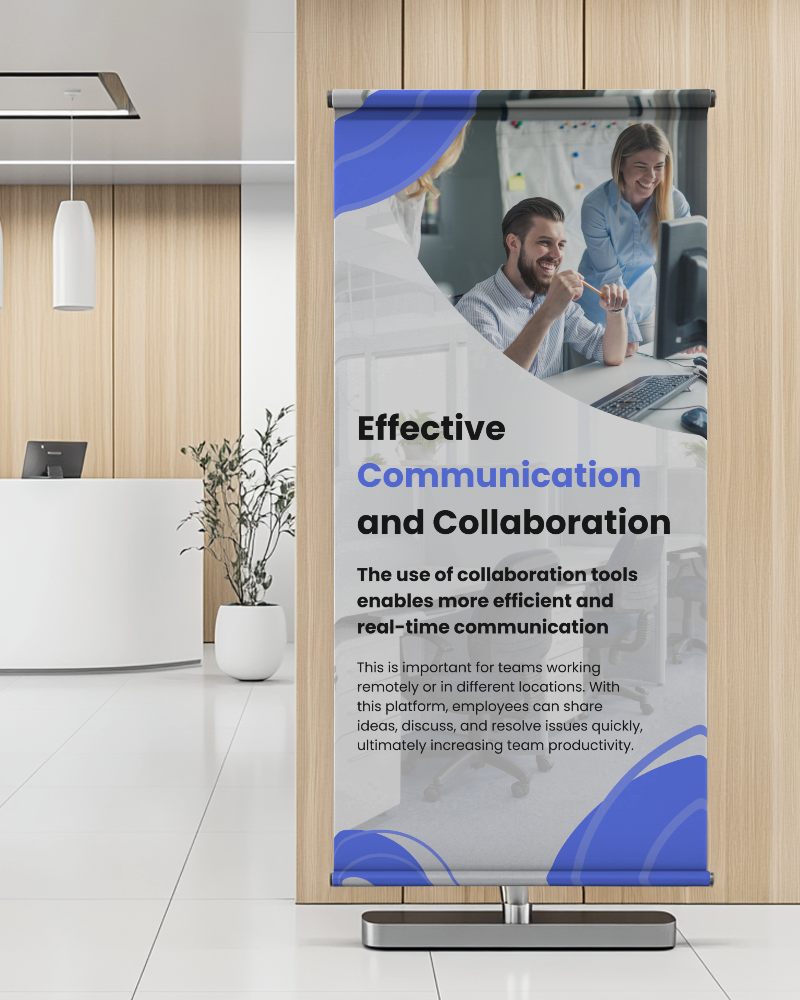

How to Create a Banner Video Mockup with Mockey AI
To create banner video mockups:
- Step 1: Please log in and select 'Video Mockups'. Then, choose 'Banner' under the 'Print' section.
- Step 2: Utilize a video template for customization and upload a design.
- Step 3: The banner video mockup can be saved as an MP4 file by clicking on 'Generate Video.'


FAQs on banner Video Mockups
What is a banner video mockup used for?
A banner video mockup shows the video format of a banner ad. Marketers and designers use it to check the look before the final launch. It makes it easier to check out how the video appears on various displays.
Can Mockey AI create normal banner mockup images?
You can easily create banner mockups with Mockey AI. It has over 500 templates you can edit. Just upload a design, tweak it, and download the final image. You can try different banner styles, such as street, indoor, or vertical.
What file types are supported for banner video mockups?
Banner video mockups work well with popular formats like MP4. It maintains a minimal file size and great quality.
How do video mockups improve banner ads?
Video mockups make banner ads better. Marketers can test the look and motion before going live. It also makes sure the ad fits well on every platform. Key points stand out more. People engage more. No more blurry images or odd placements that ruin the ad.
