Hanging Banner Video Mockups
Mockey AI offers a wide collection of Hanging banner video mockups with smooth motion and realistic scenes. Perfect for digital advertising, event promotions, and brand campaigns. Customize your Hanging banner video mockups and download high-quality animated results instantly.
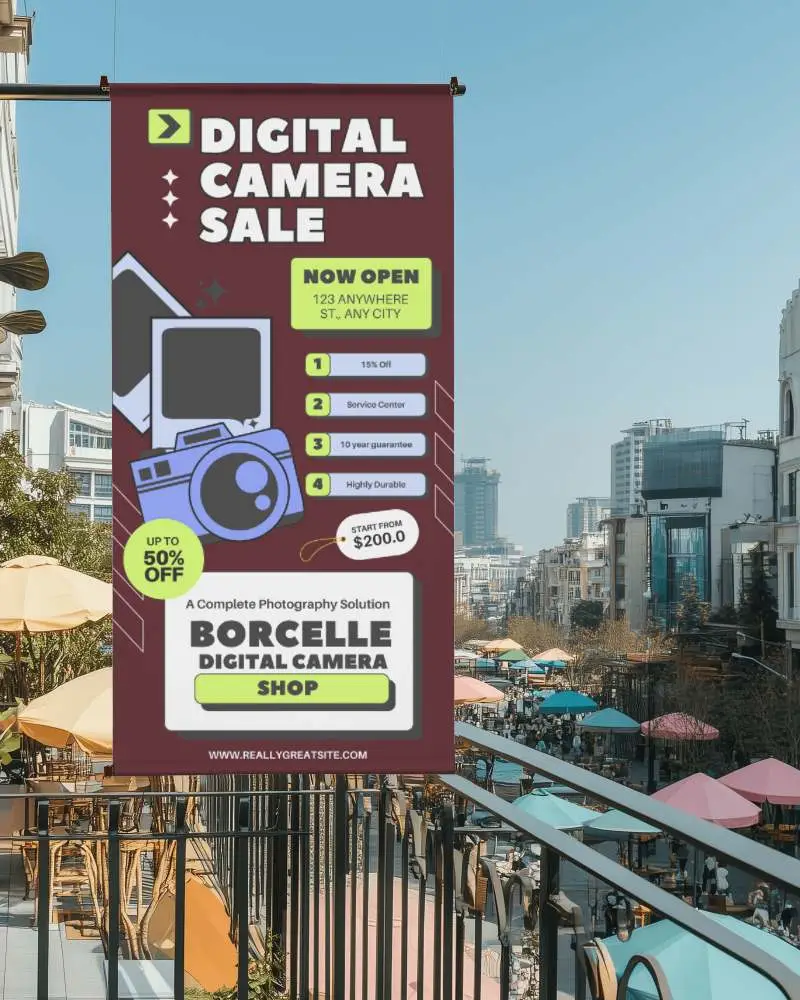
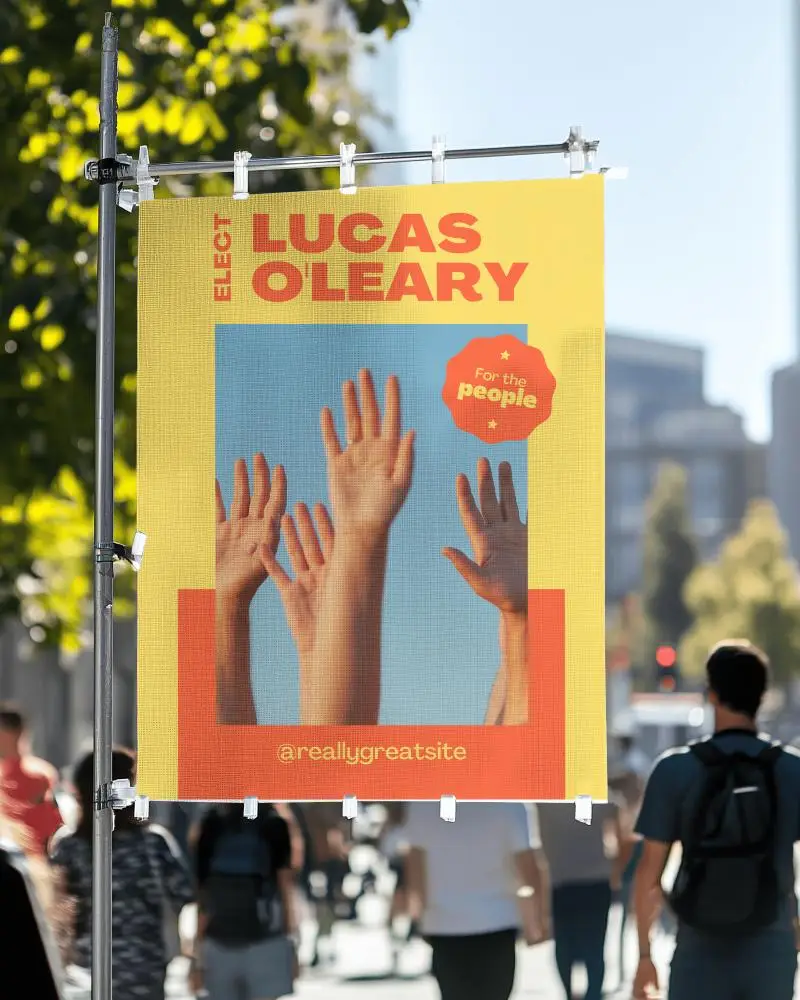
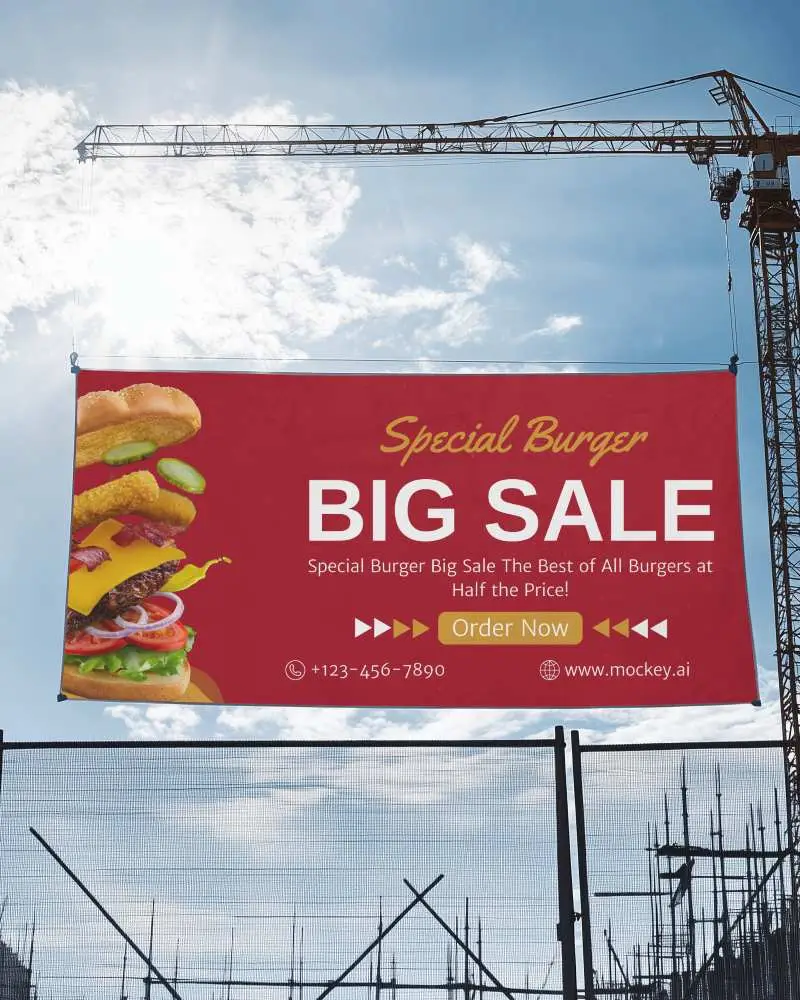
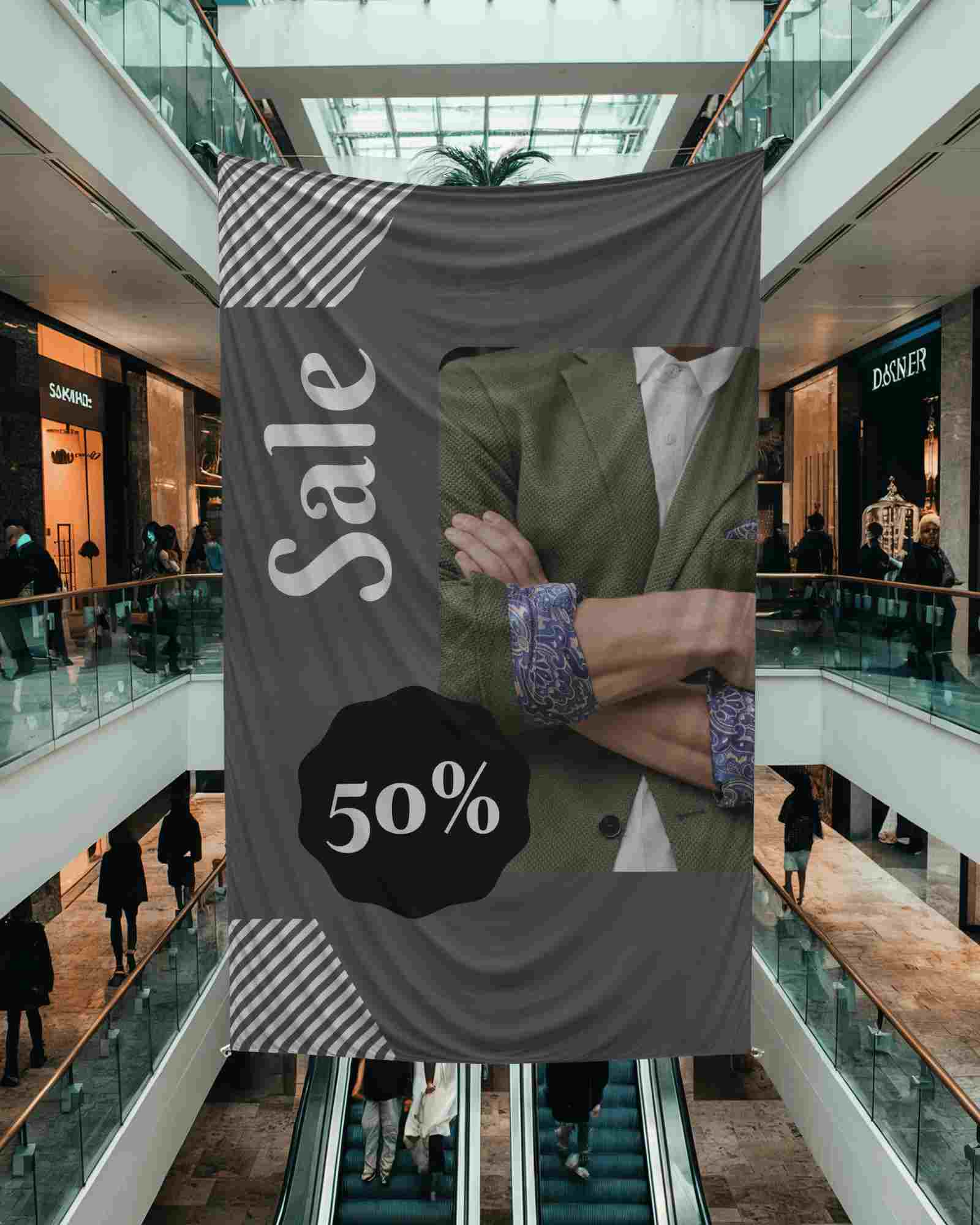
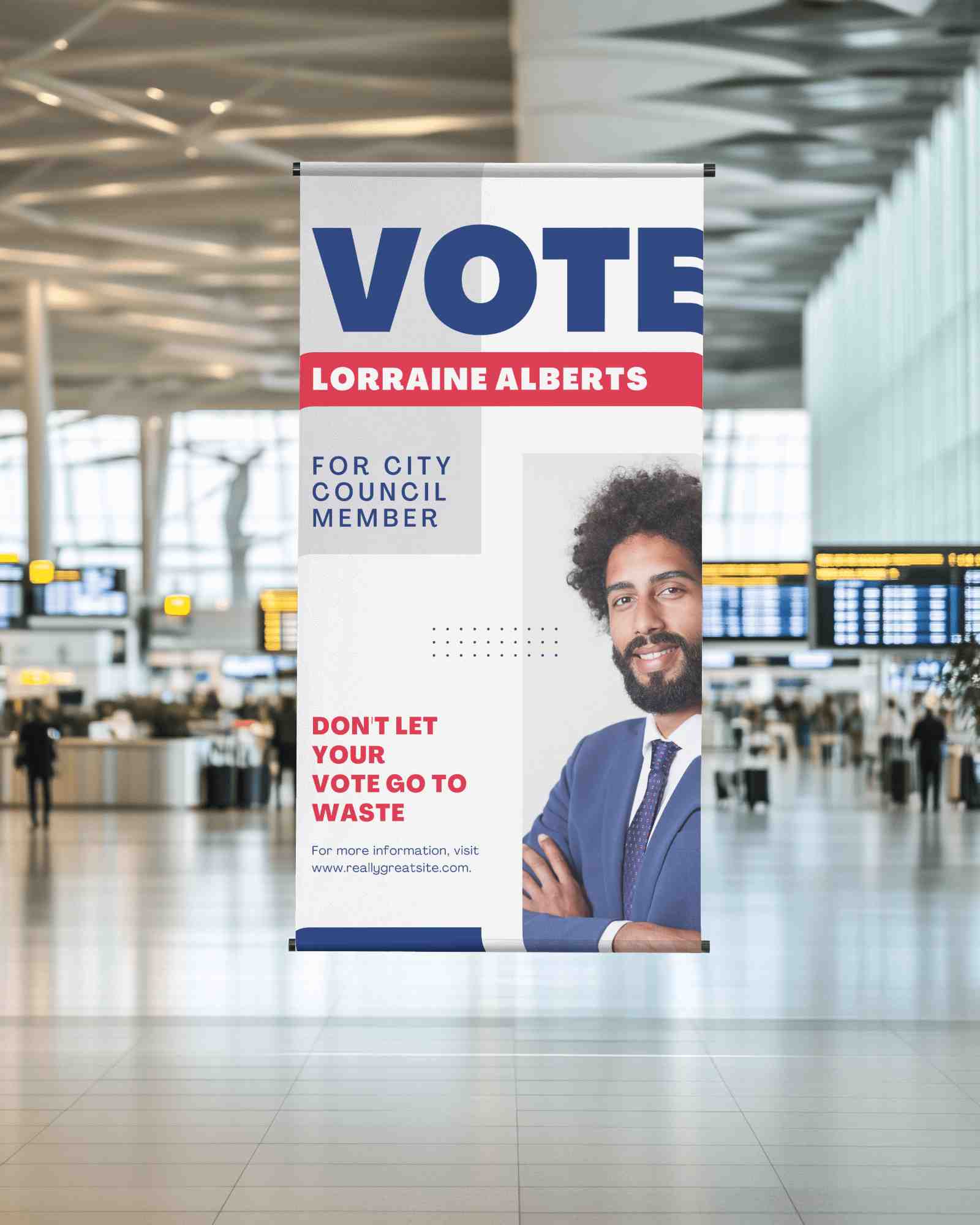
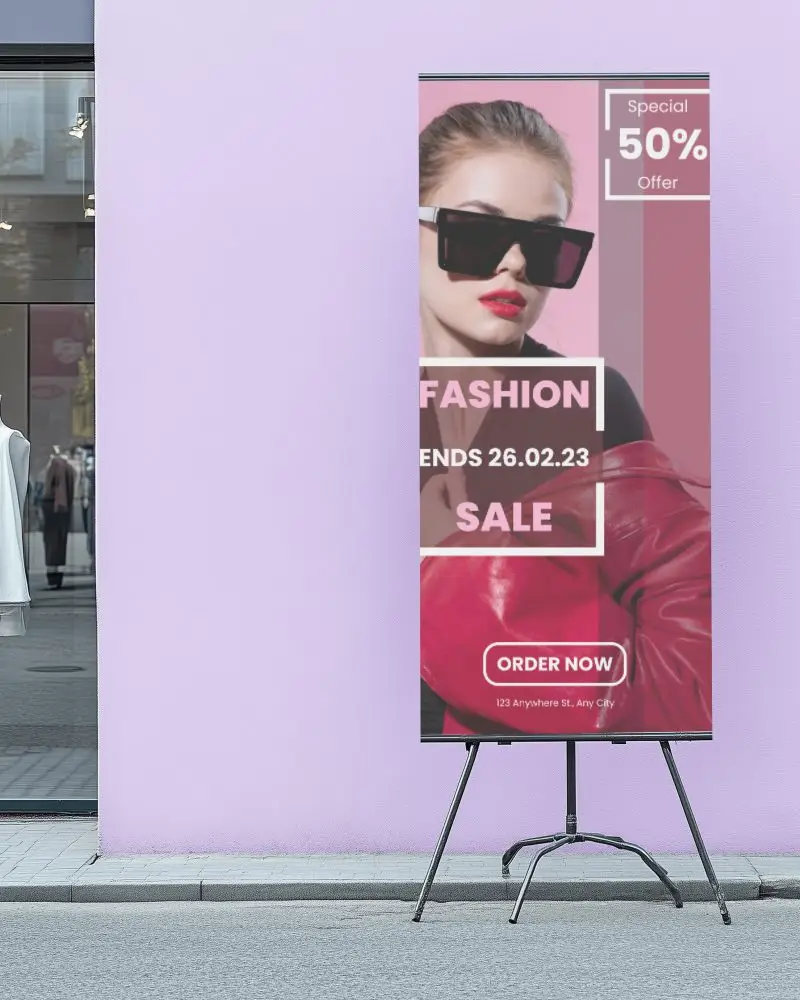
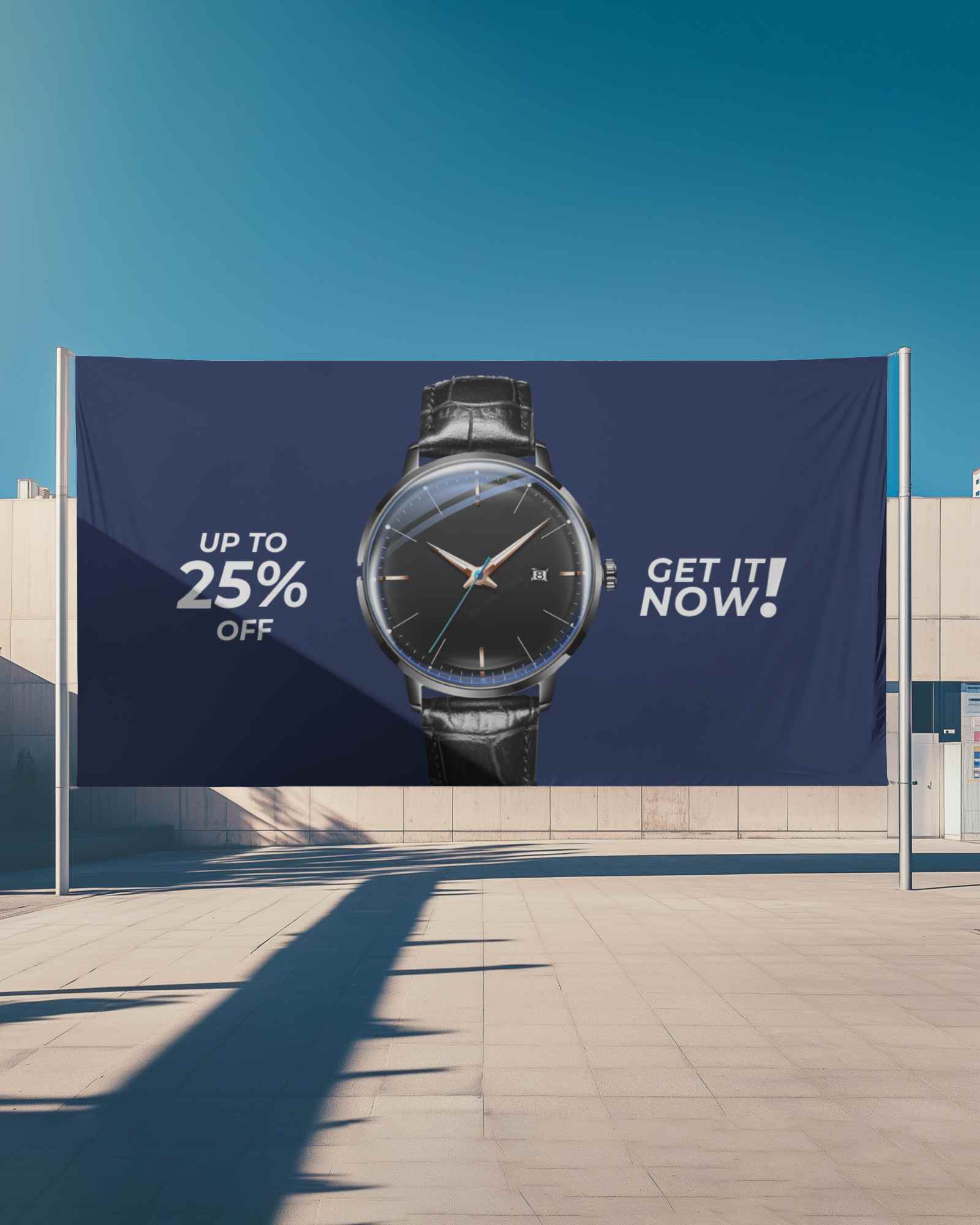
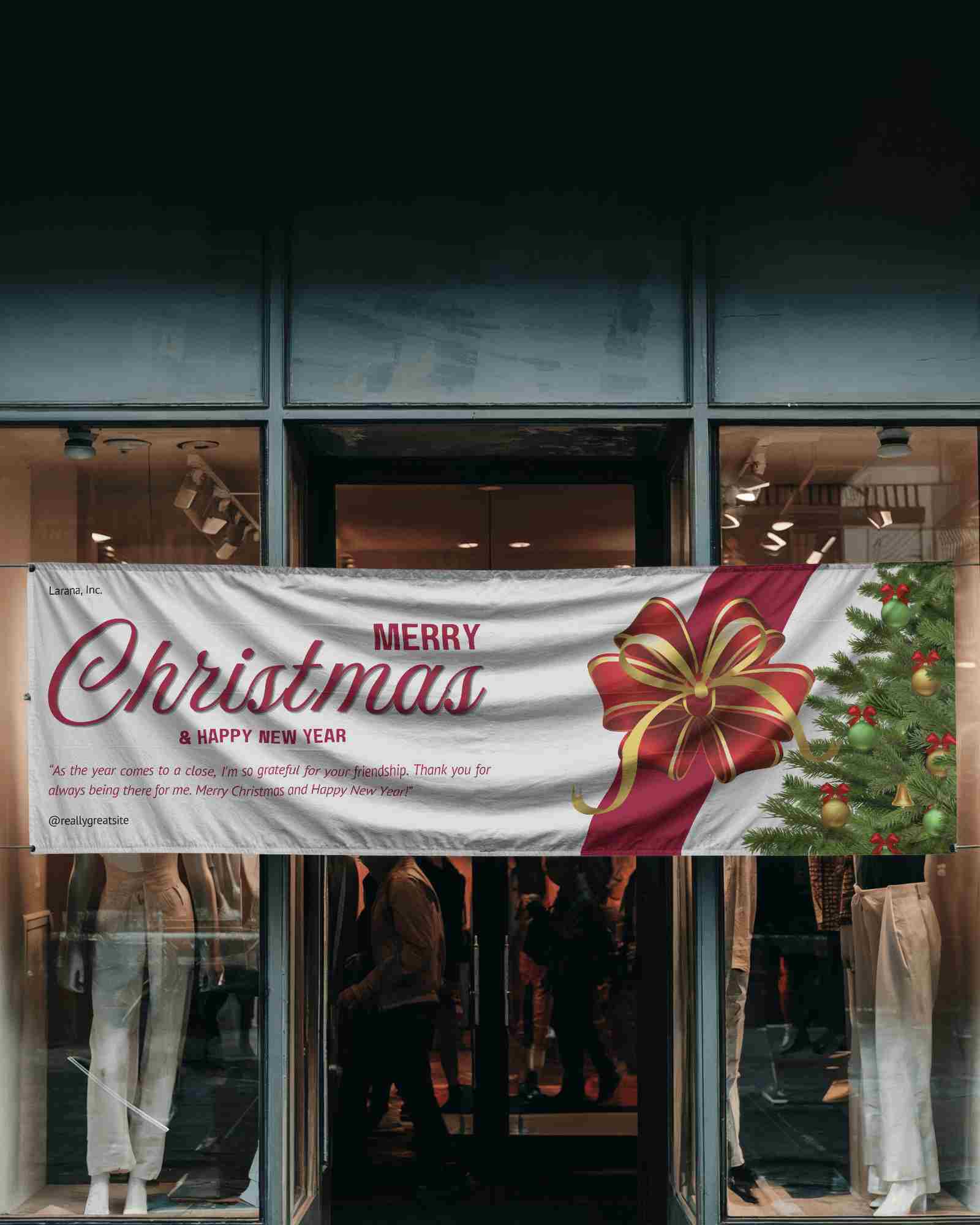
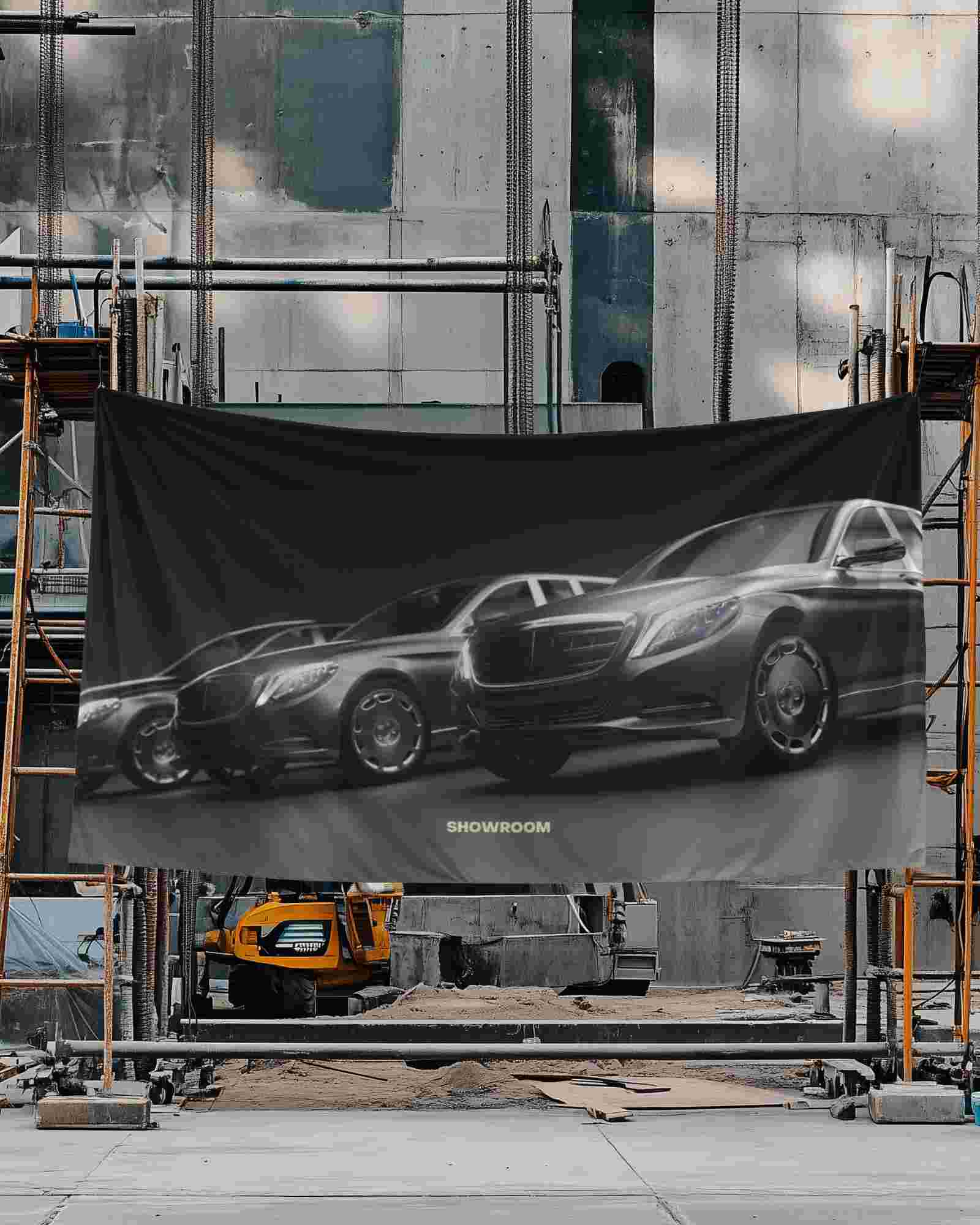
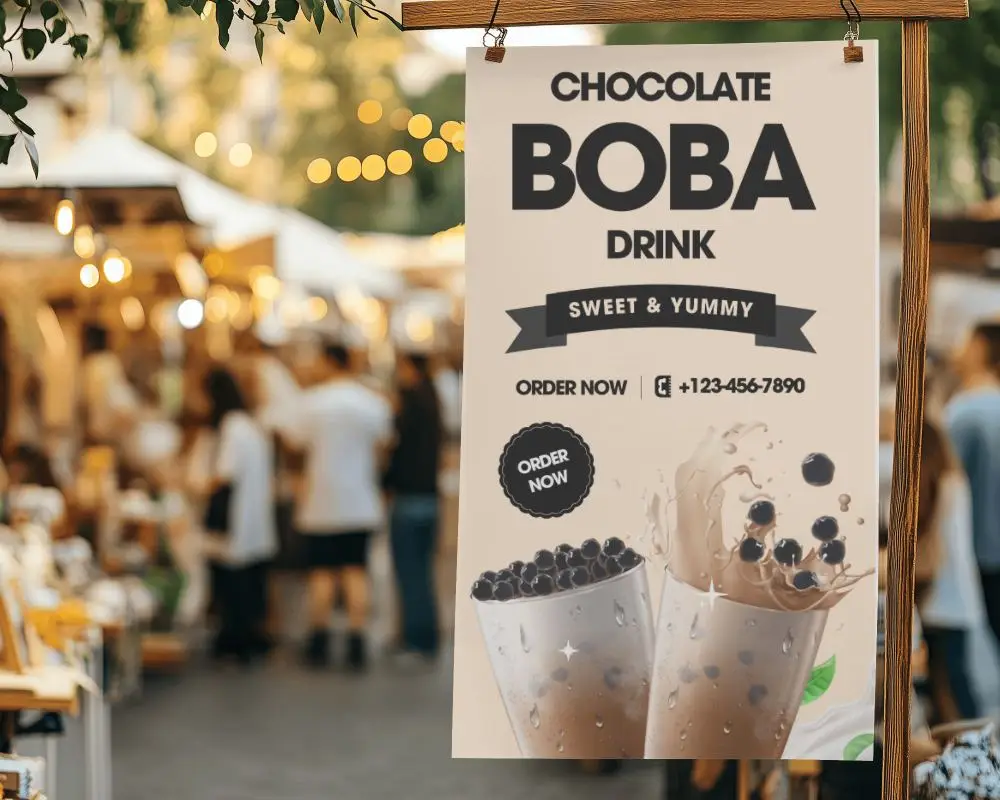
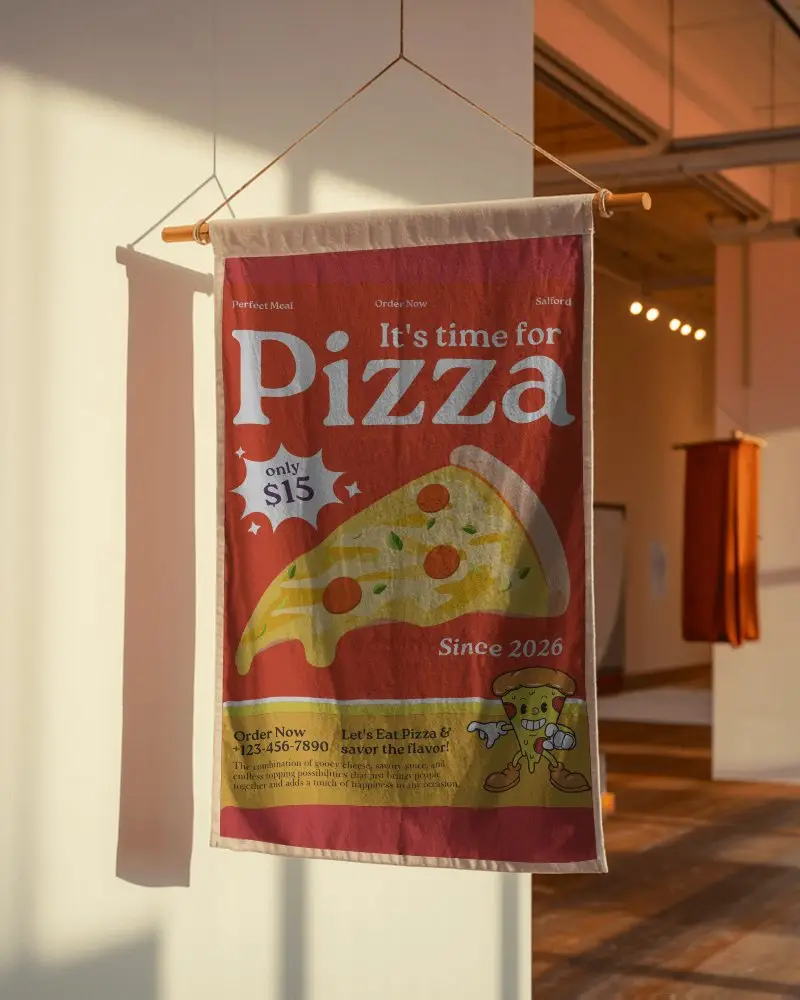
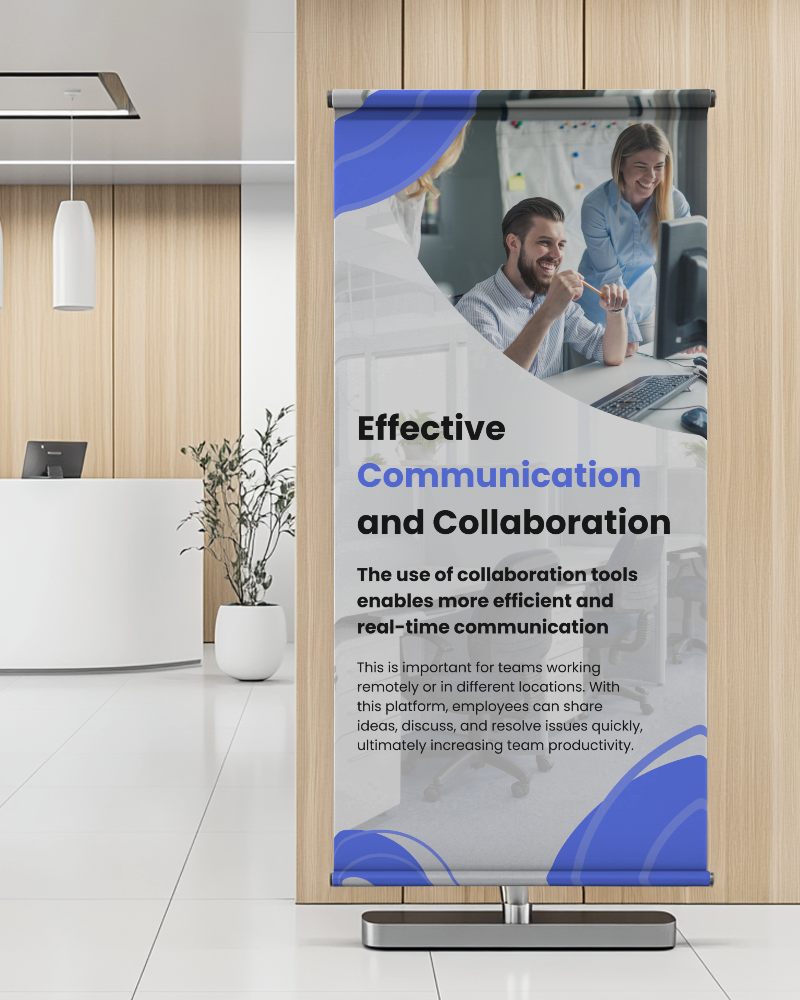
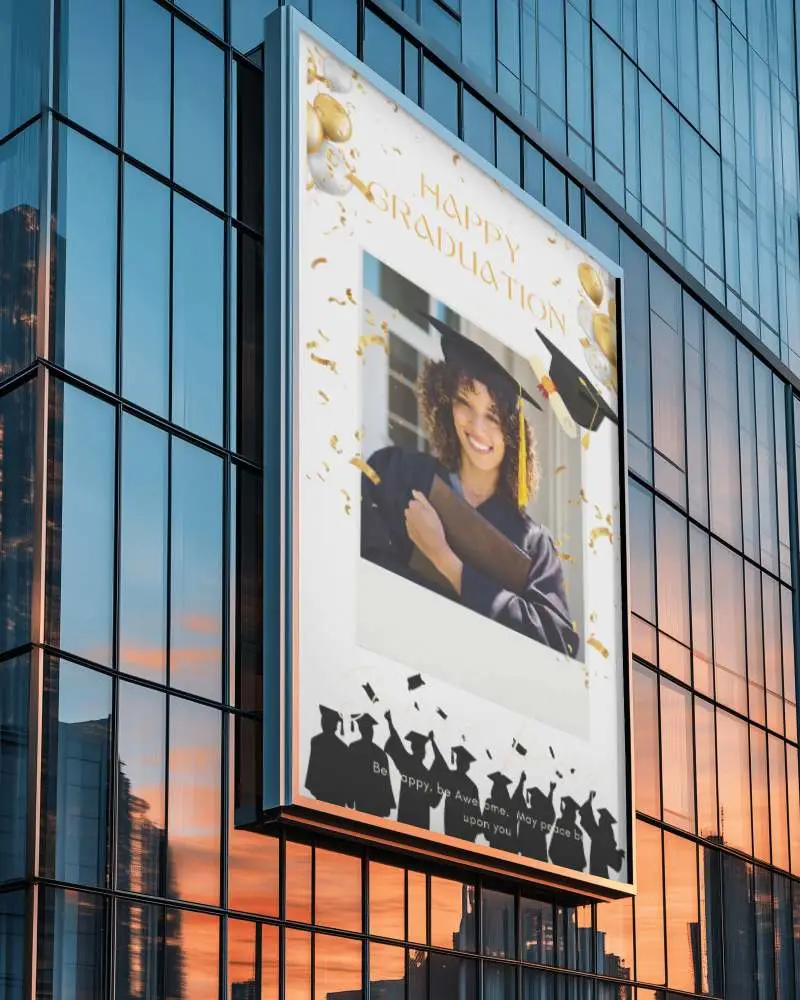
How to Create a Hanging Banner Video Mockup with Mockey AI
To create Hanging banner video mockups:
- Step 1: Go to Pricing and choose either the CREATOR or ELITE plan to unlock video mockups.
- Step 2: Open the Video Mockups section, navigate to Print, and select Banner.
- Step 3: Upload your design, adjust placement if needed, and click Generate Video to create and save your Hanging banner video mockup.


FAQs on Hanging Banner Video Mockups
How do Hanging banner video mockups improve ad performance?
Hanging banner video mockups add motion to your advertisement, making it more eye-catching and engaging. Animated visuals help increase clicks and brand recall.
Can I customize a Hanging banner video mockup?
Yes, you can upload your own design, adjust sizing and alignment, and generate a fully animated Hanging banner video mockup in seconds.
Are Hanging banner video mockups suitable for social media ads?
Hanging banner video mockups work well for platforms like Instagram, Facebook, and YouTube where motion content performs better than static images.
