Free Tshirt Video Mockups
Create stunning free Tshirt video mockups in seconds with Mockey AI. No watermark, easy to use, and perfect for product videos, ads, or social media.









































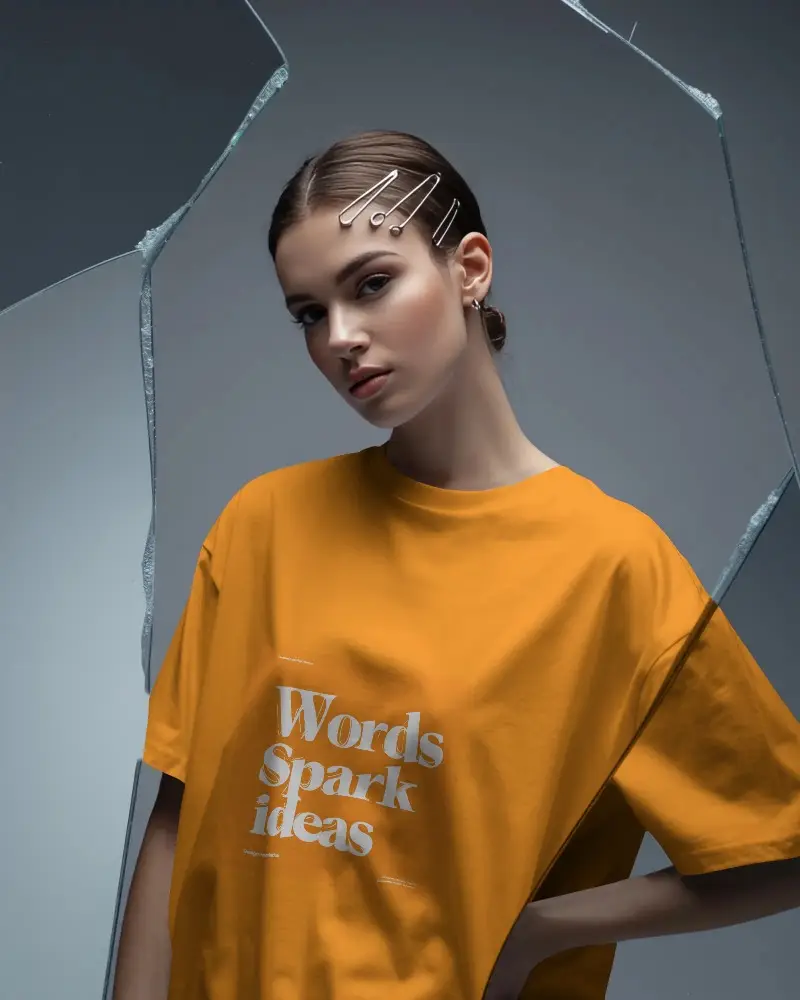







FAQs on t-shirt Video Mockups
What is a T-shirt video mockup?
A t-shirt video mockup is a quick video that shows what a design looks like on a t-shirt, either worn by someone or in a real-looking scene. It helps companies show off their T-shirt designs so customers can picture how it will actually appear before they buy it.
Can I customize the background in t-shirt video mockups?
No, you won’t be able to customize the background in T-shirt video mockups. You can only use the color and warping features. For different backgrounds, explore different T-shirt templates, preview them, and then start customizing — that will work better.
Can I use T-shirt video mockups for my POD store?
T-shirt video mockups are perfect for your Print-on-Demand (POD) store. Displaying your designs on moving models makes your presentations more engaging and enticing to customers. Use a video mockup generator like Mockey.ai for easy video mockup generation. Always verify the mockup's commercial license, though most are POD-friendly.
How long does it take to create a t-shirt video mockup?
It takes just 2 minutes to generate a T-shirt video mockup in Mockey AI. We believe that’s enough time to create a high-quality video.
Can I add my brand logo and design to T-shirt video mockups?
Yes, whether it's a brand logo or your own custom design, you can add it to the template to generate a T-shirt video mockup. Just make sure the file is in PNG or JPG format. If not, modify it using Mockey AI's converter tool.
