AI Front And Back T Shirt Video Mockups to Animate Your Tee Design
Create a real looking Front And Back T-shirt video mockup in seconds with Mockey. Upload your design and turn it into a smooth, ready to use product clip for POD stores, ads, and online brands.









































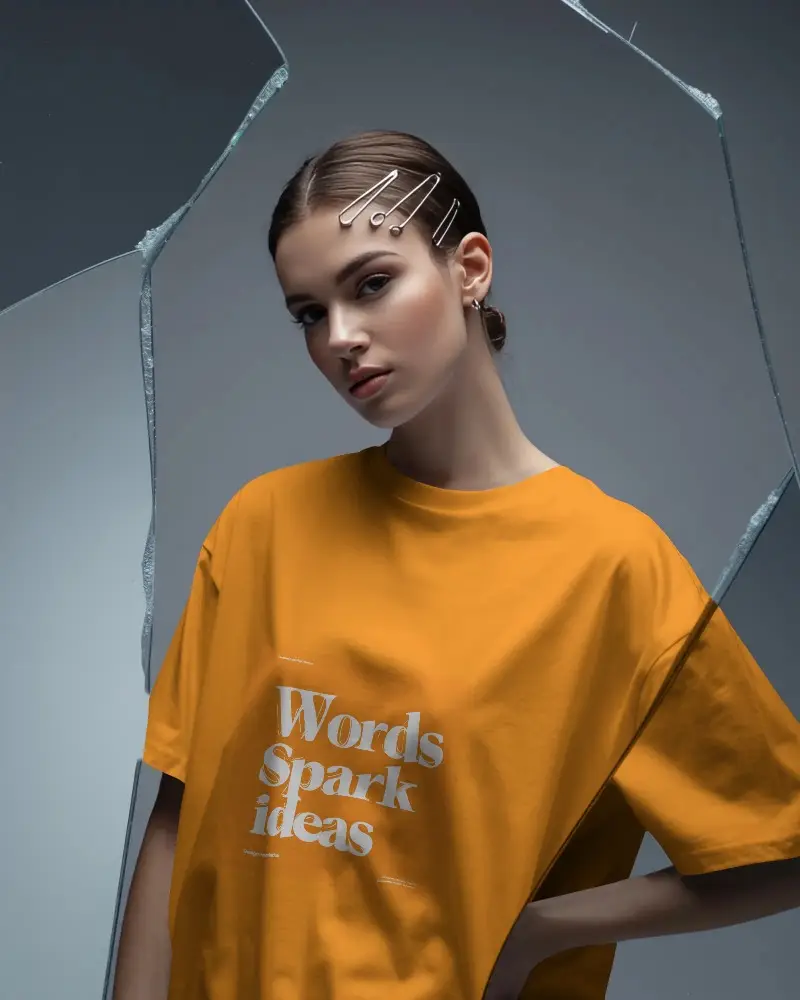







How to Create Front And Back T-Shirt Video Mockup with Mockey
To create a Front And Back T-shirt video mockup:
- Step 1: Buy the CREATOR plan by clicking Pricing.
- Step 2: Select Video Mockups, navigate to the Apparel section, and choose T-shirt. Choose a template to upload your design.
- Step 3: Make some customizations, then hit Generate Video to download your 5-second Front And Back t-shirt video mockup.


FAQs on Front And Back T Shirt Video Mockups
What is a Front And Back T-shirt video mockup?
A Front And Back T-shirt video mockup is a short animated clip that shows how your design looks on a real T-shirt. It may appear on a model or in a natural setting, helping customers visualize the final product before buying.
Is a Front And Back T-shirt video mockup useful for POD sellers?
Front And Back T-shirt video mockups are very useful for POD sellers. Moving visuals look more realistic than images and help build trust. Mockey AI makes it easy to create these clips for product listings and promotions.
Can I animate any Front And Back T-shirt mockup on Mockey?
You can animate supported Front And Back T-shirt templates available under the Video Mockups section. Simply choose a video-ready template and generate your mockup using Mockey AI.
Can I use the Front And Back T-shirt video mockup for social media and ads?
Front And Back T-shirt video mockups work perfectly for social media and ads. Videos attract more attention than images and help increase engagement, clicks, and conversions for brands and POD sellers.
