sticker
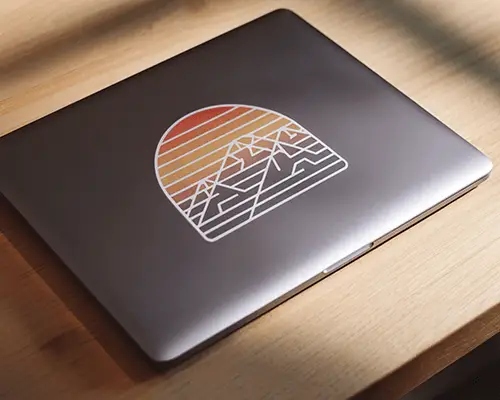
Circle Sticker Mockup Free Download
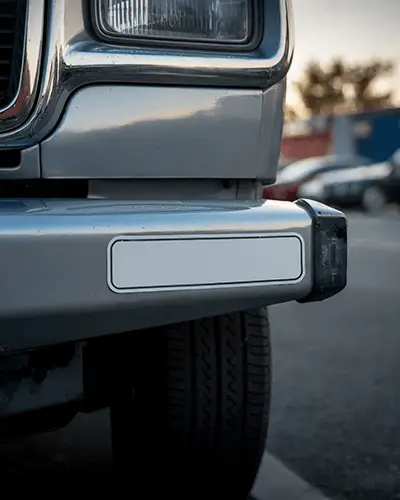
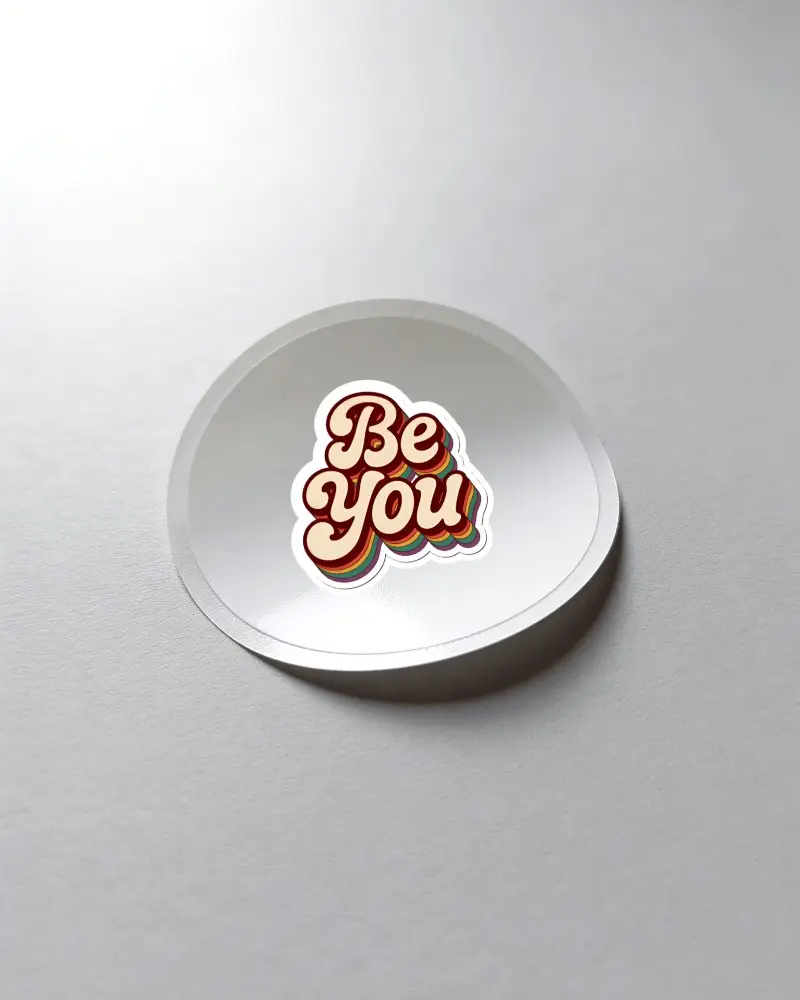
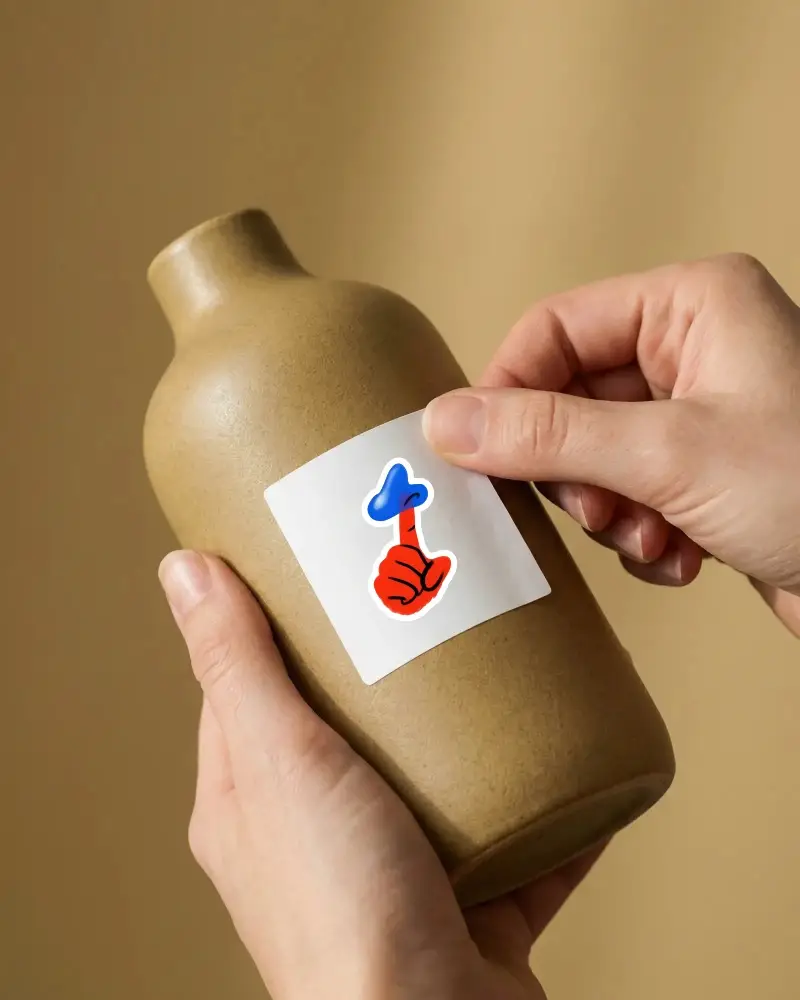
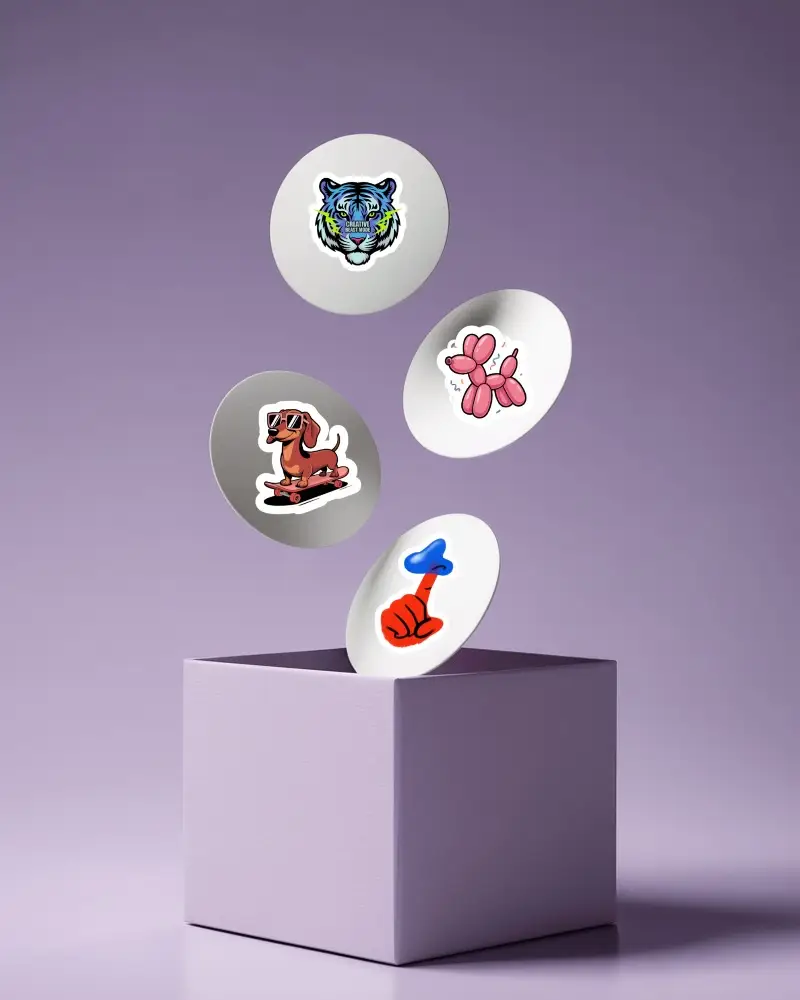
Explore Mockey’s round sticker mockups for logos, packaging, and branding. Customize, preview in detail, and download your circle sticker mockups now.





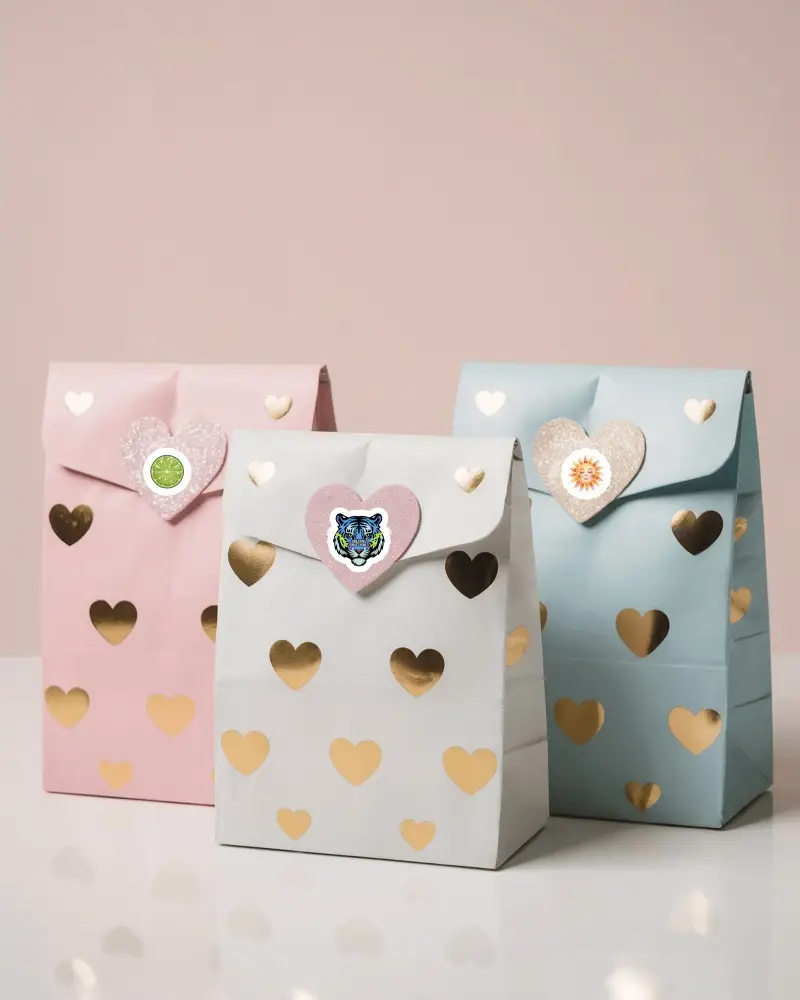
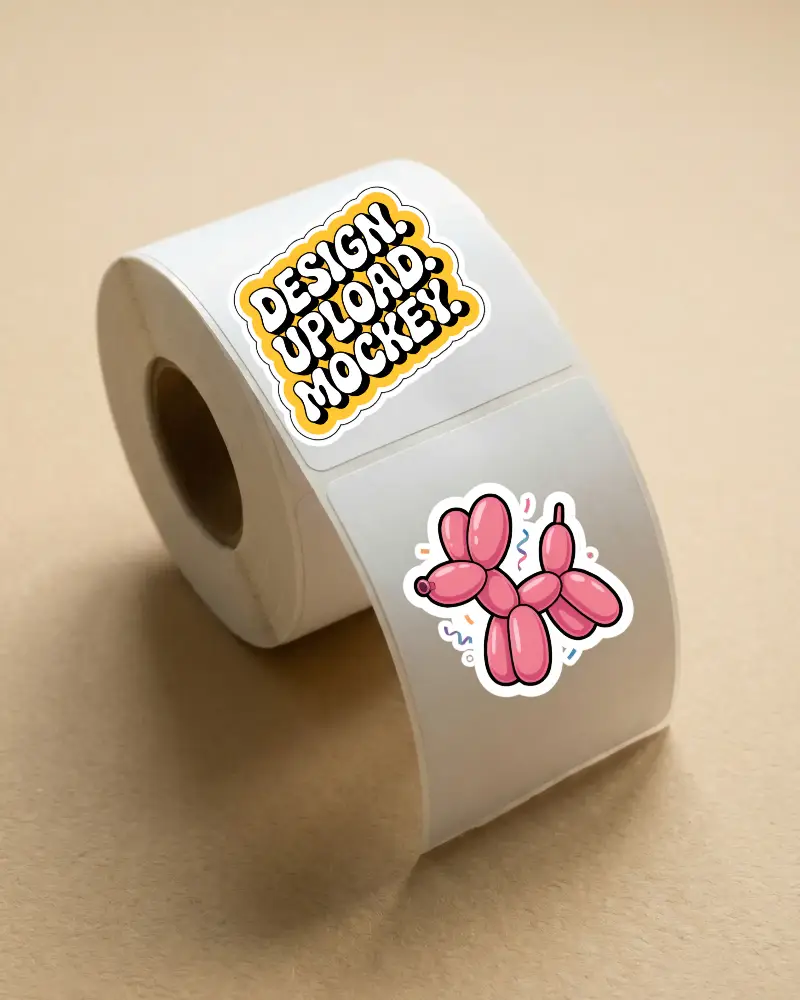
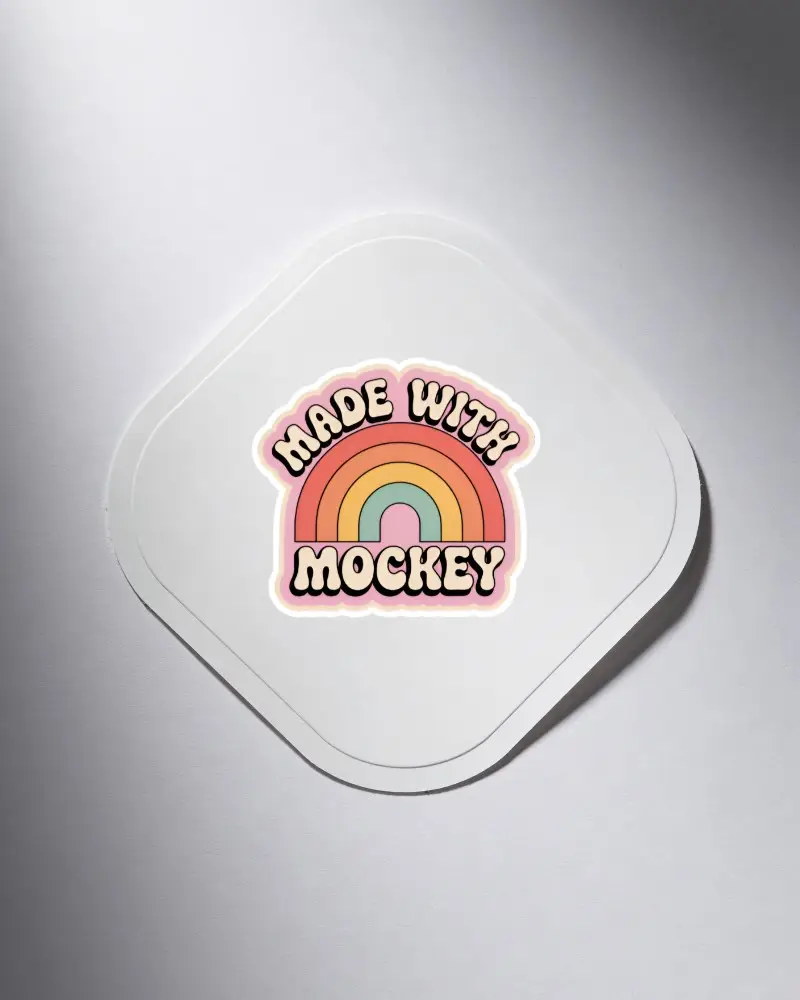
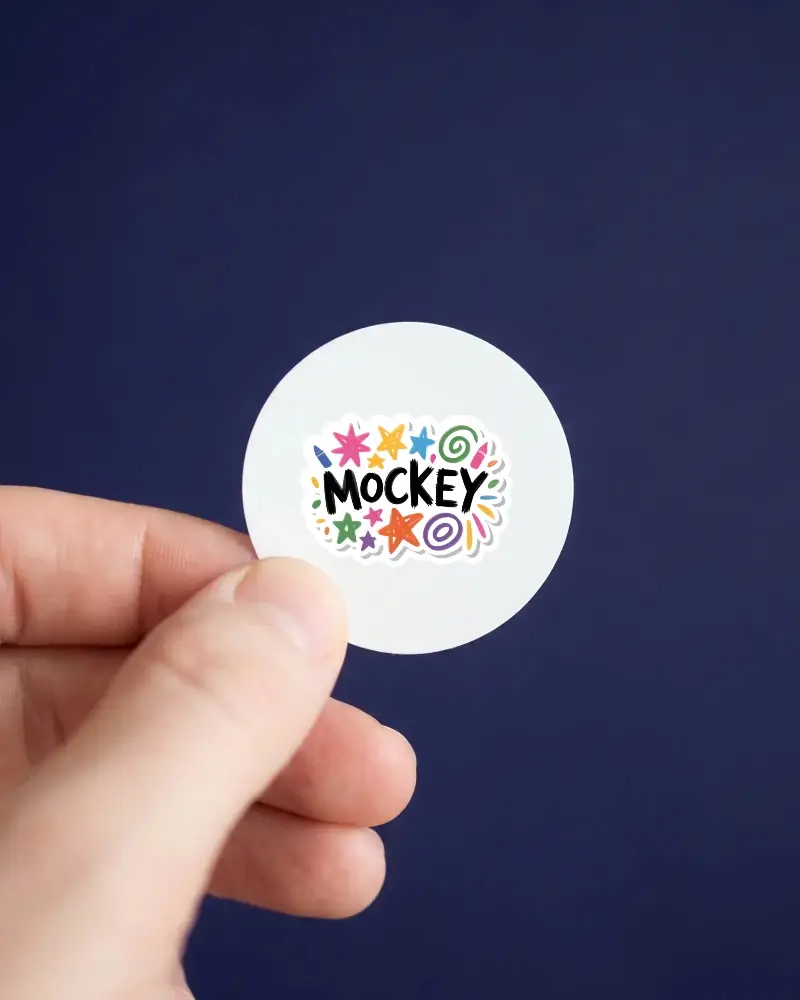
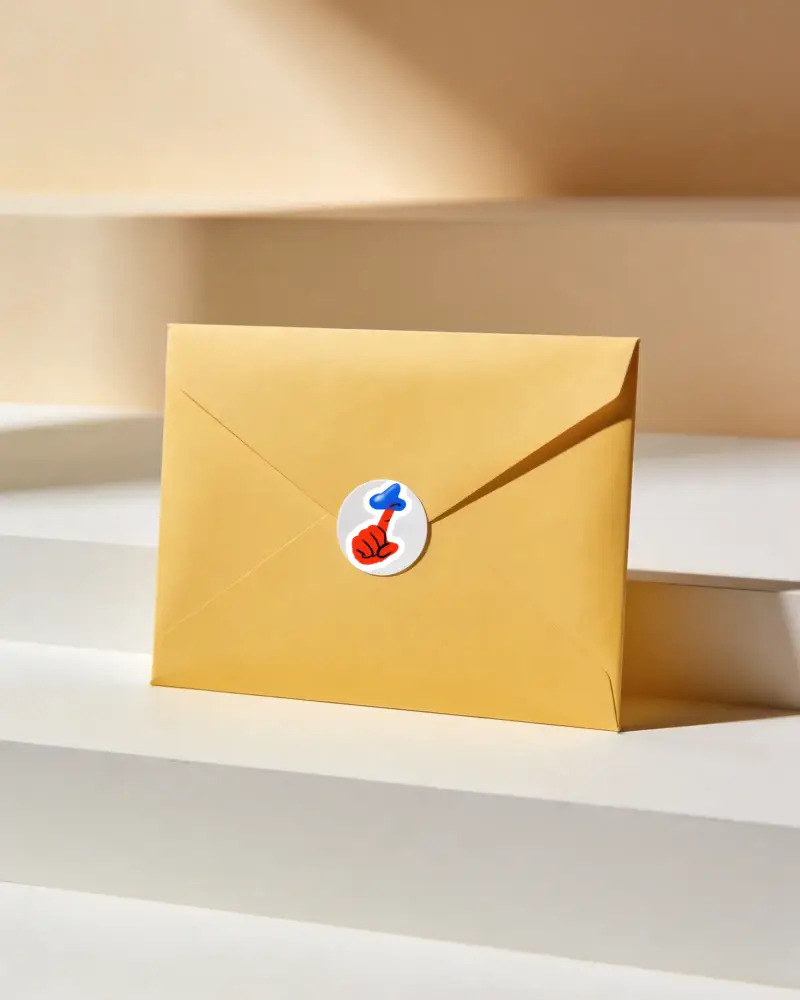
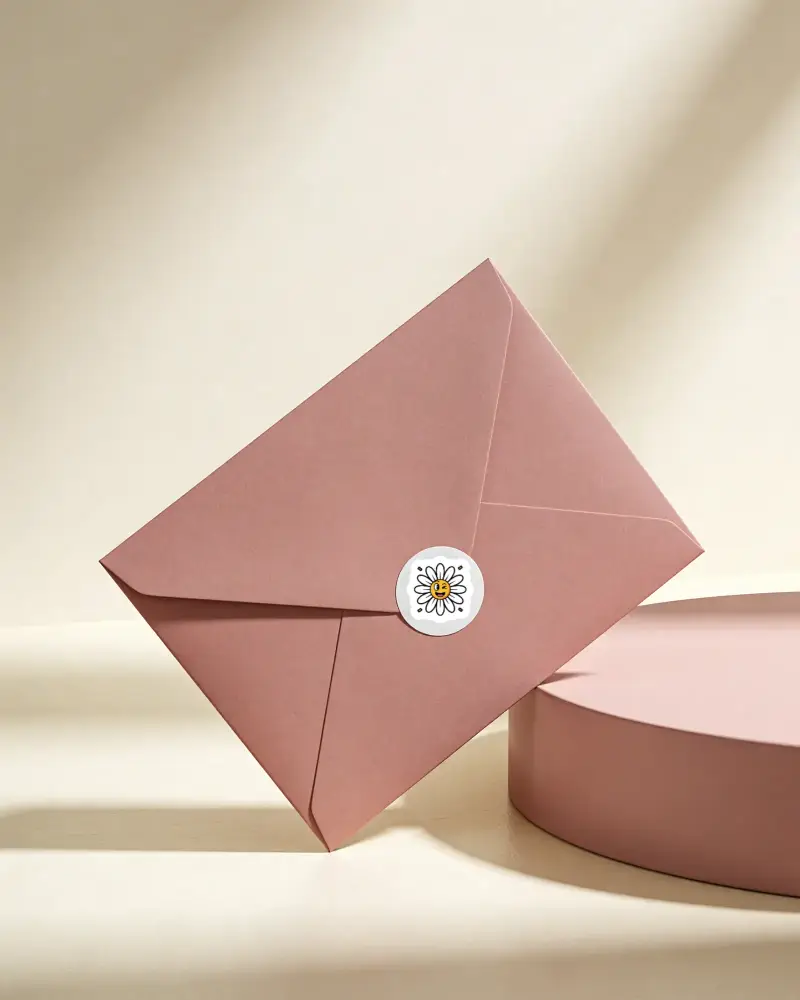
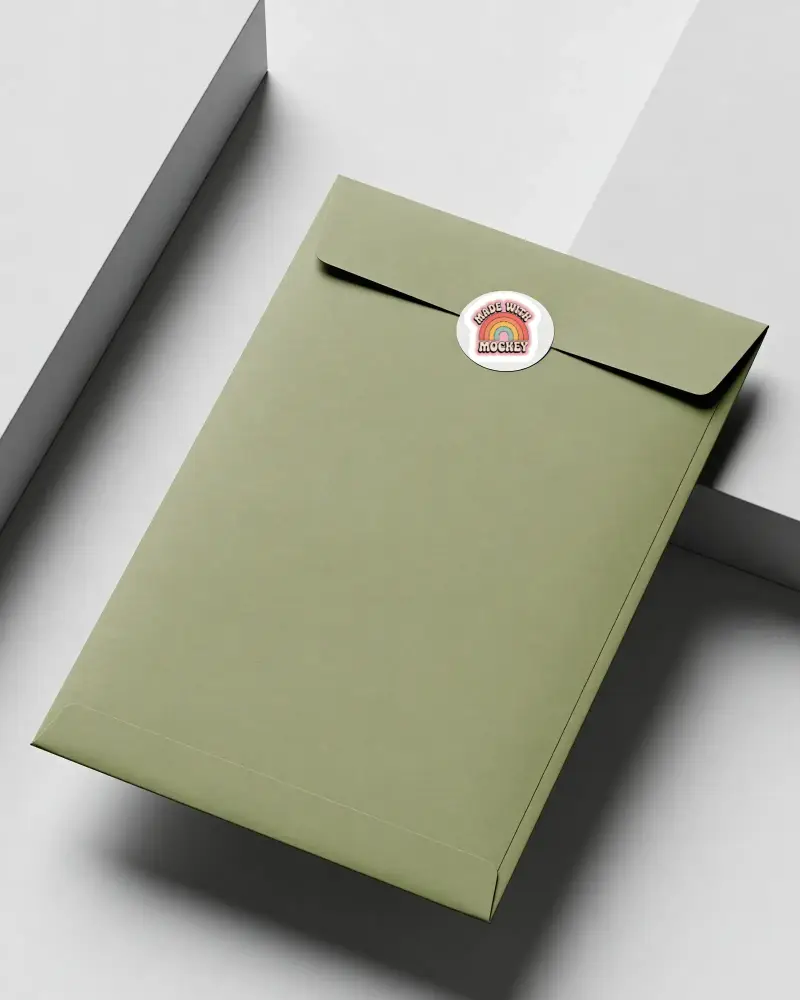
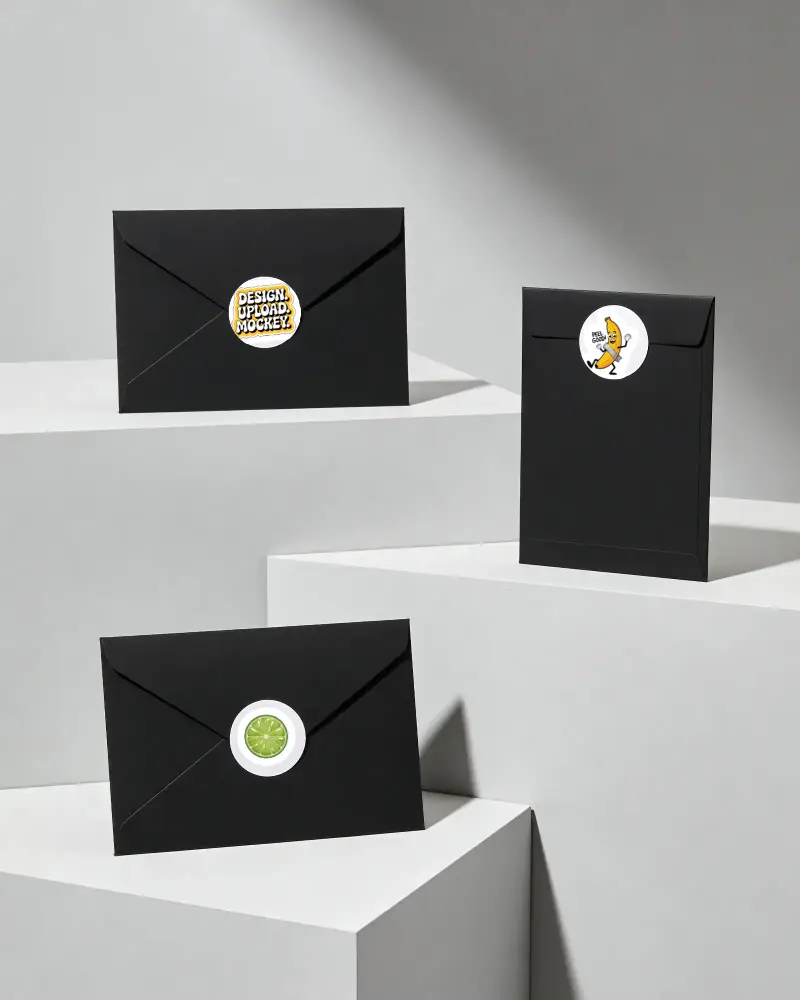
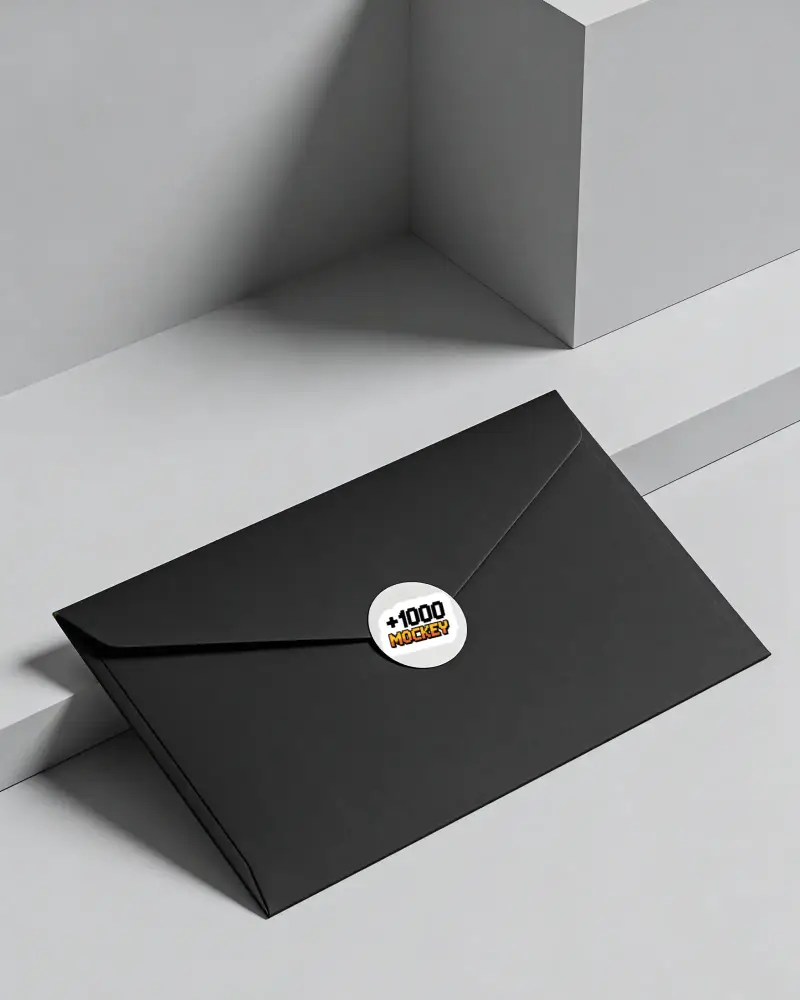




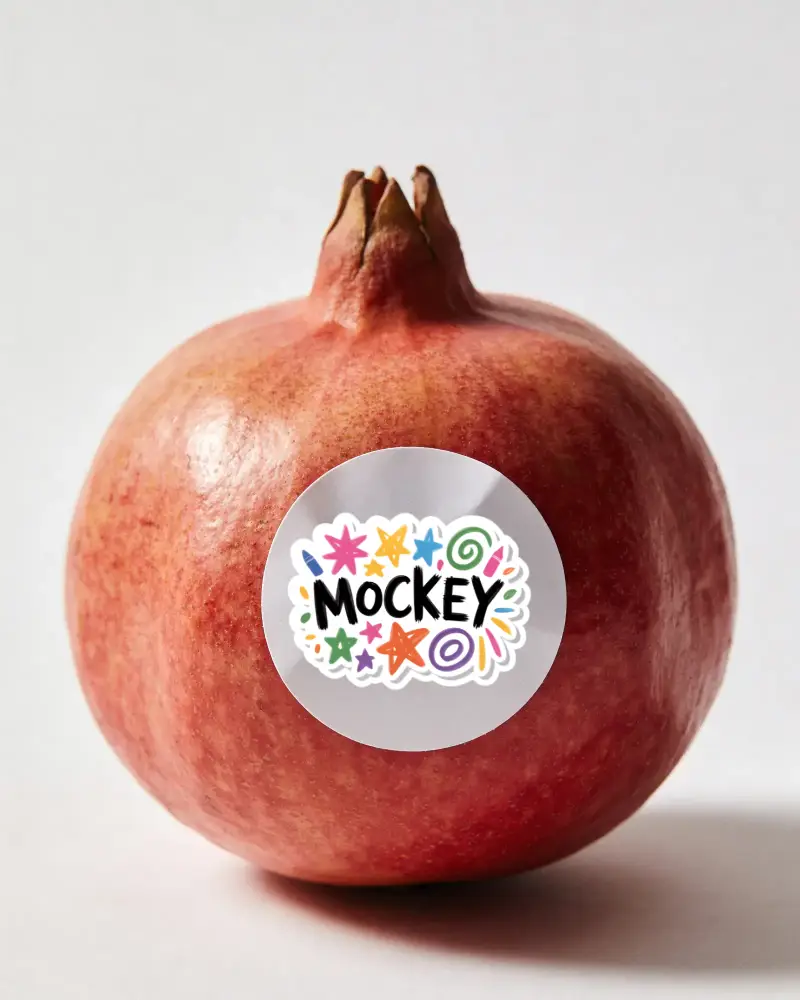
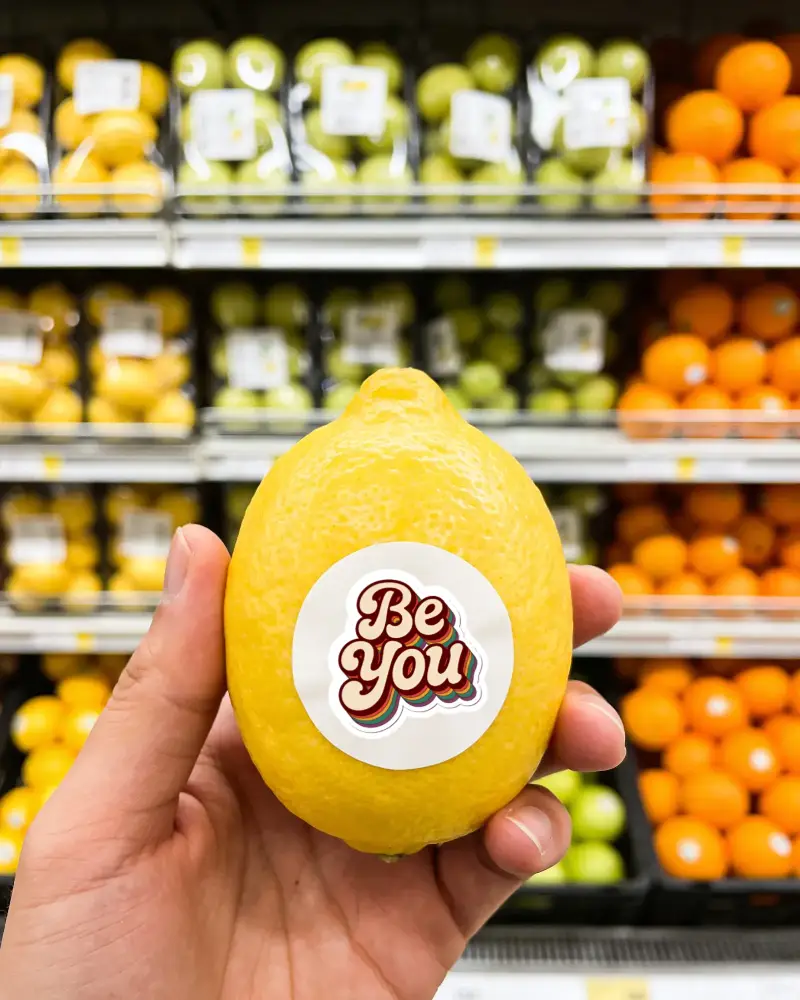
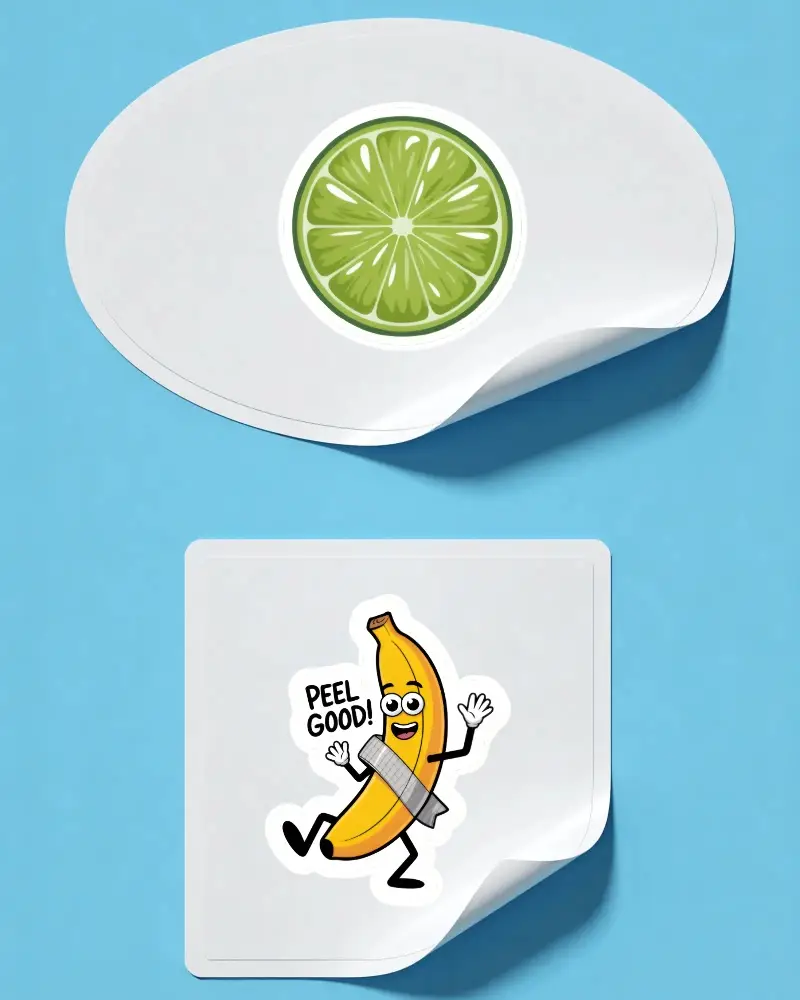
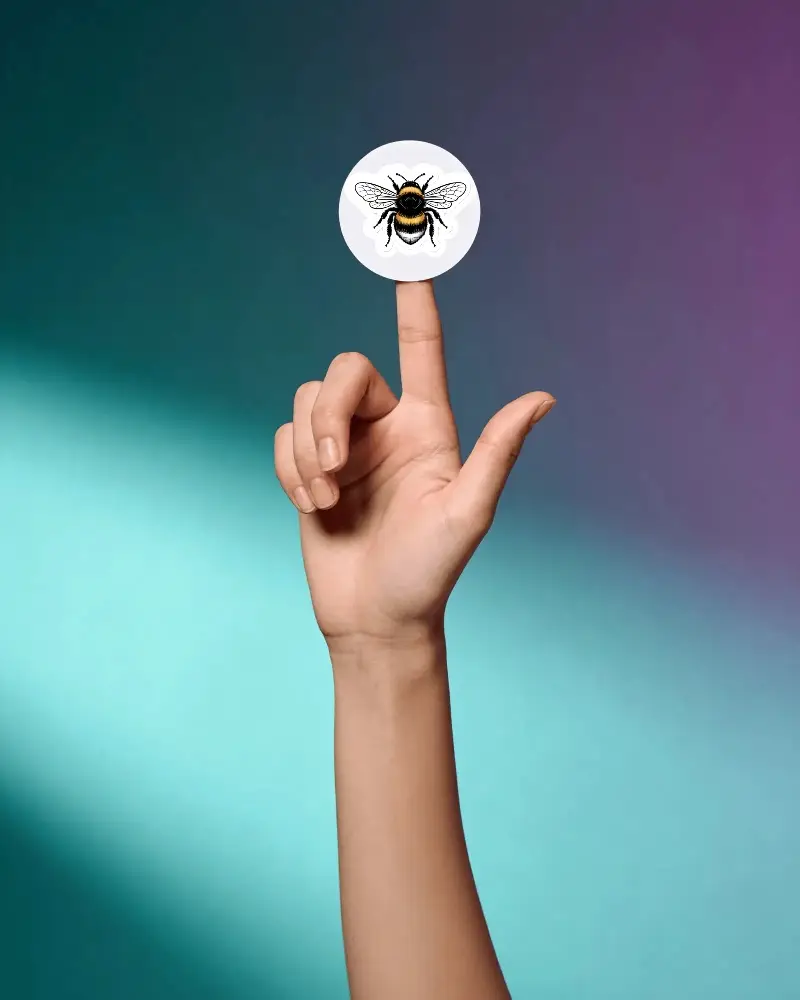
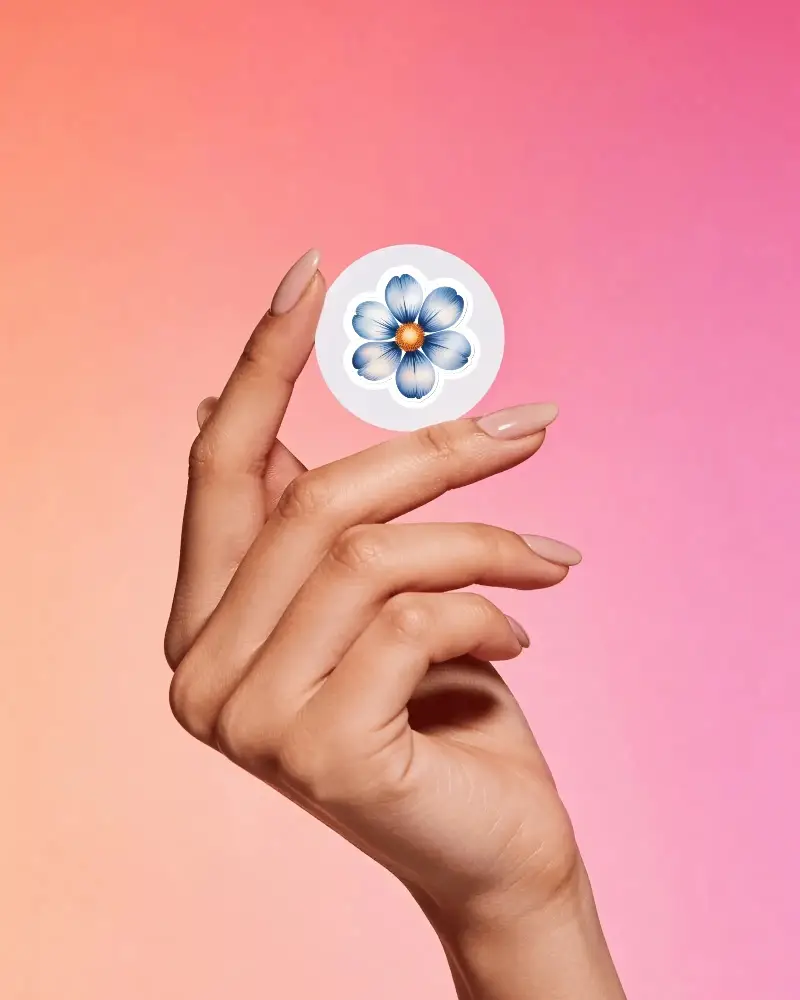
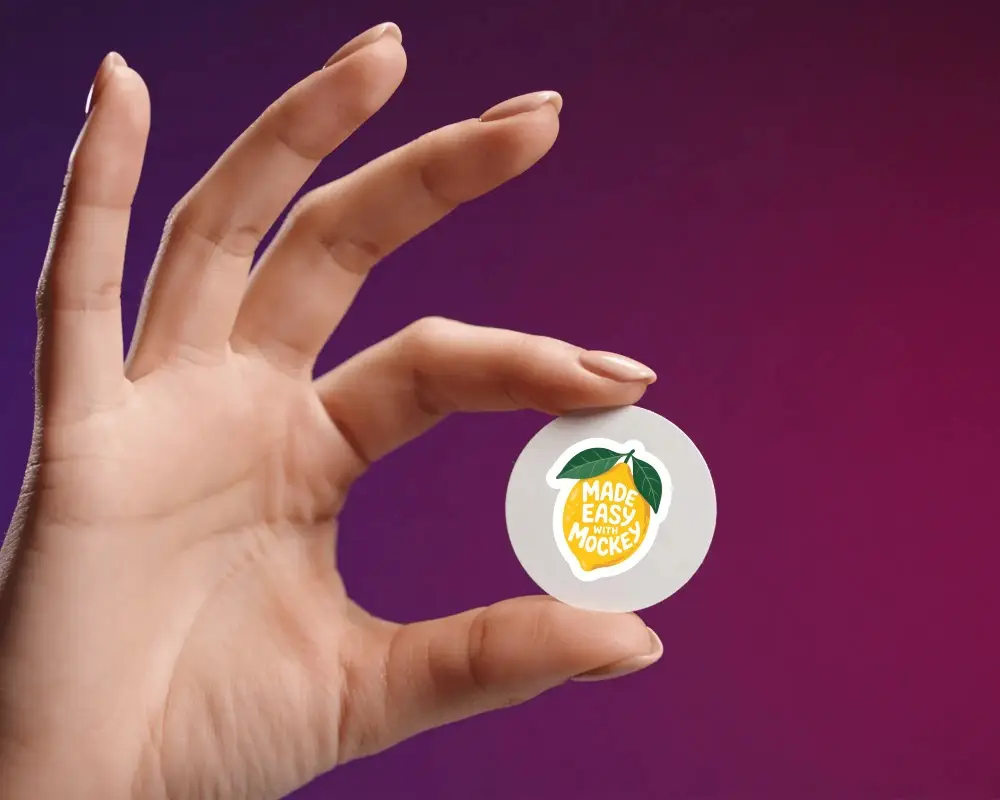

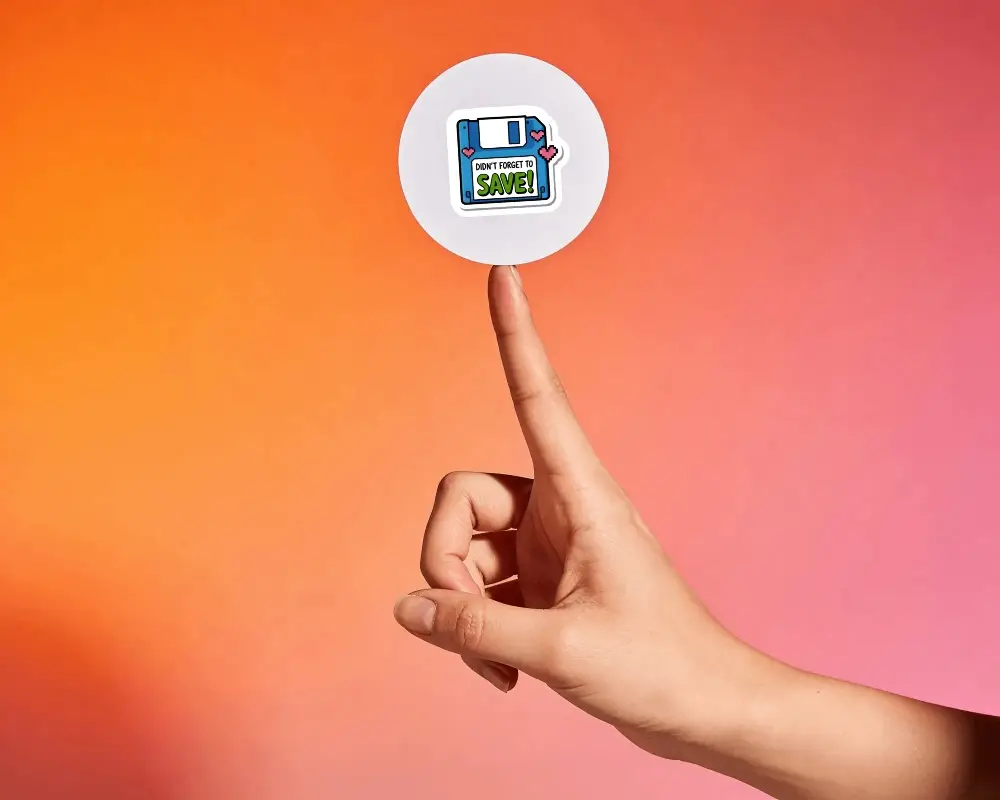
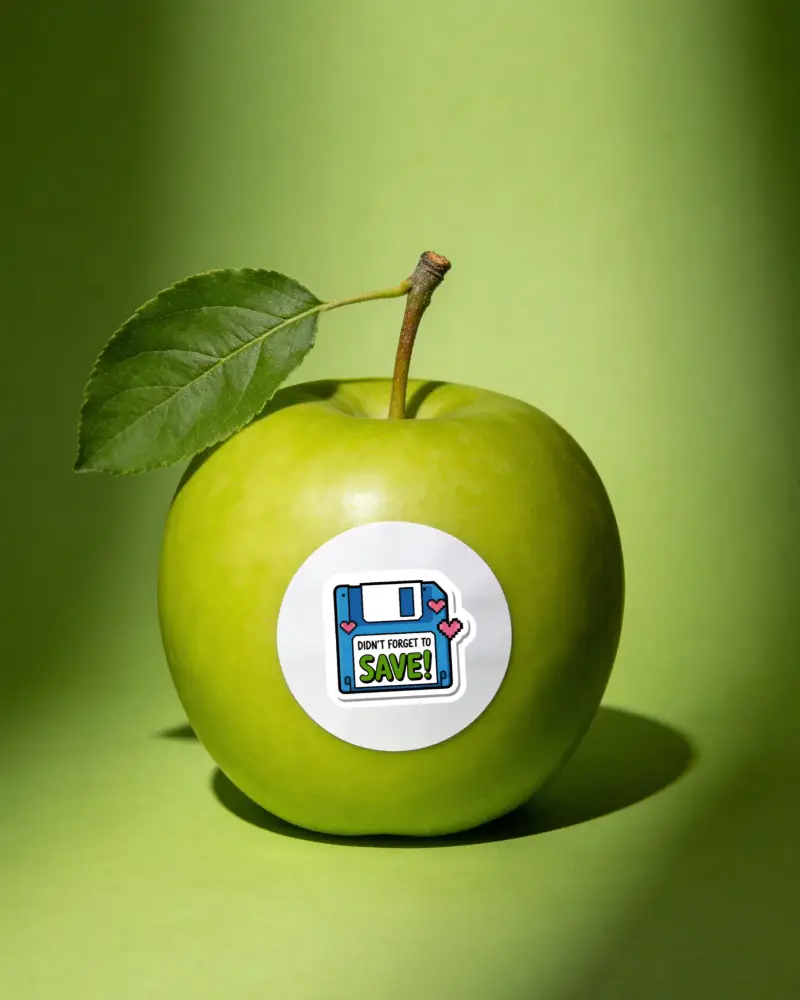
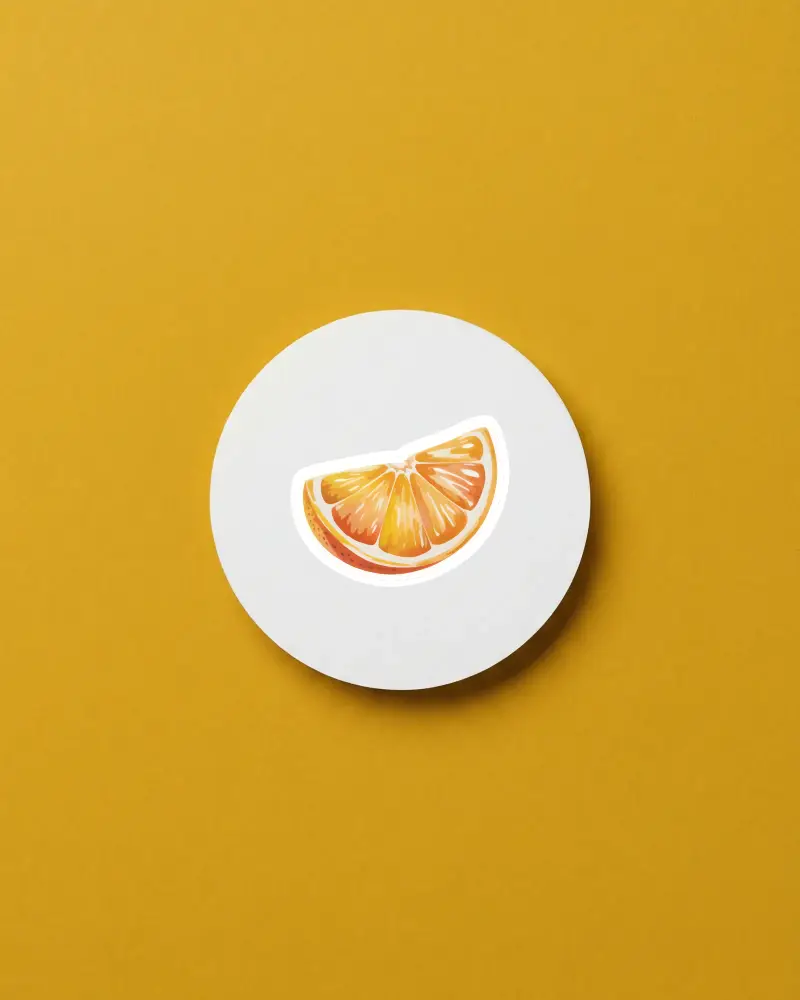
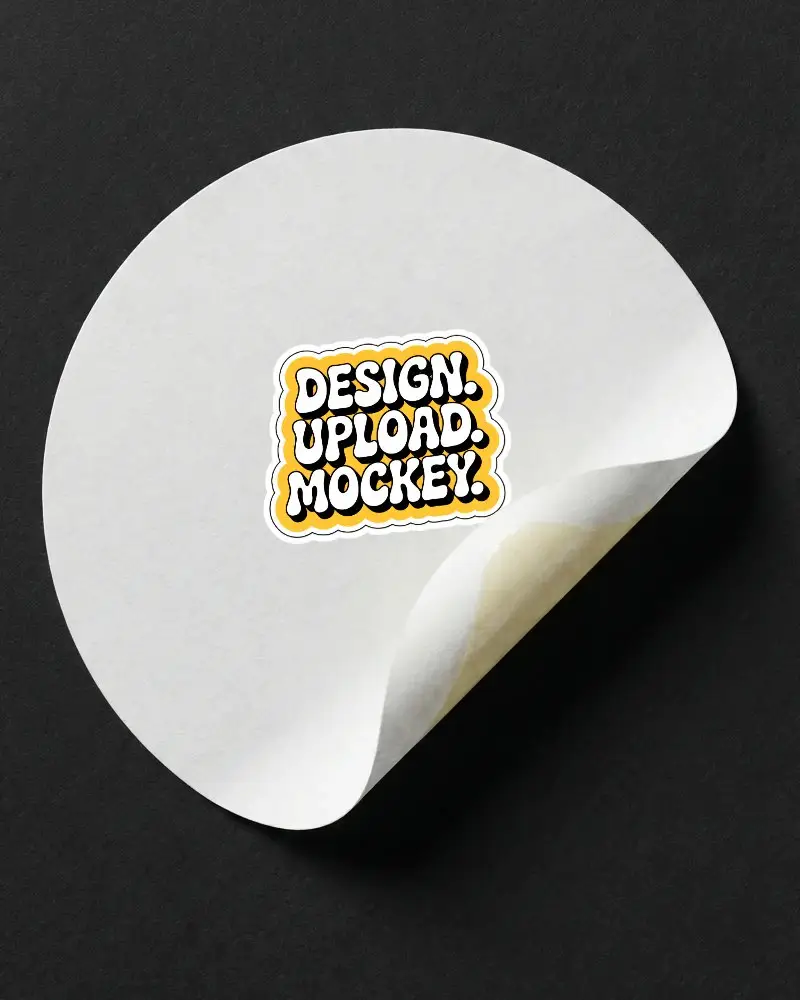
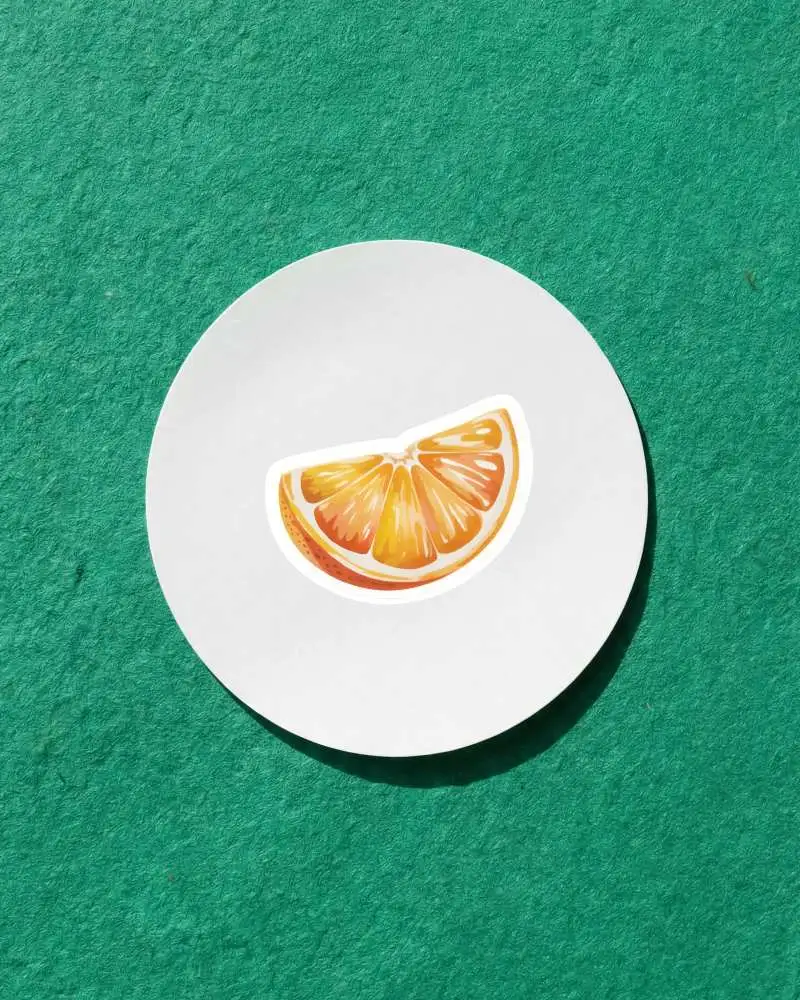
How to Create a Round Sticker Mockup with Mockey
To create a round or circle sticker mockup:
- Step 1: Log in, click "Mockups," and then go to "Print." Look for “Sticker”.
- Step 2: Click the round sticker tag and pick a template to customize.
- Step 3: Upload a design, adjust outline thickness, and download in your preferred format.


FAQs on Round Sticker Mockups
Are round sticker mockups free to use?
You can customize and download round sticker mockups for free. But there’s a catch — you only get a JPEG file with a 400 x 500 resolution. Upgrade to the Mockey Starter plan for PNG files, higher resolution, and more features.
Can I use round sticker mockups commercially?
Absolutely, you can use round sticker mockups commercially if you are using Mockey AI templates. However, it’s always smart to double-check the license to avoid any surprises later.
