T-Shirt
3757+ mockups
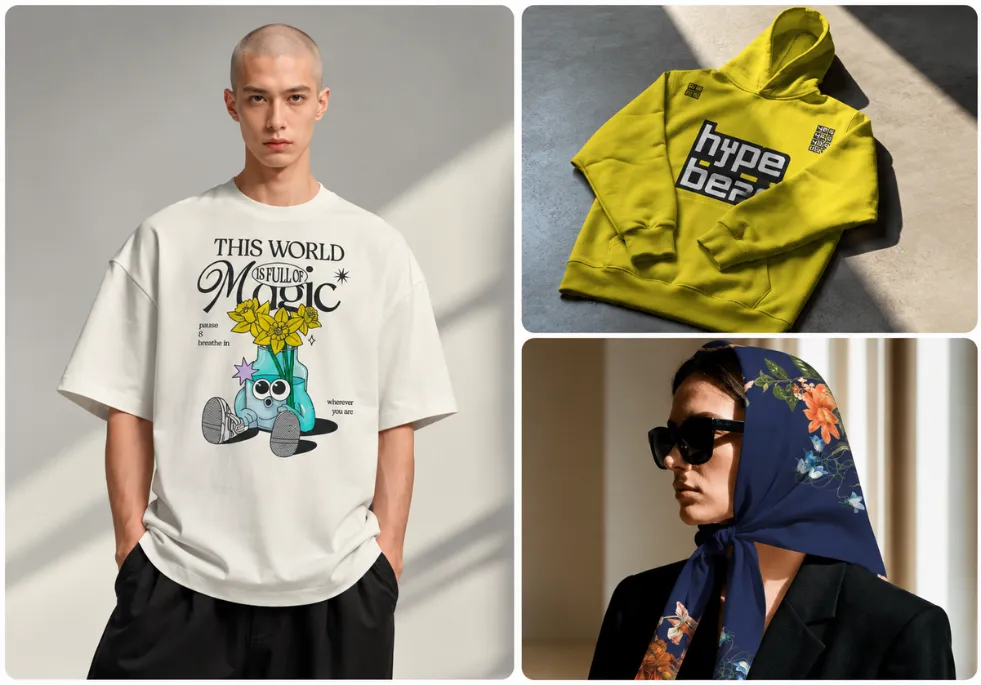
Create clothing mockups across streetwear looks, lifestyle scenes, flat lays, studio shots, and more. Choose from T-shirts, hoodies, sweatshirts, jackets, and other apparel, then add your design to create product images for your store, social media, or ads.
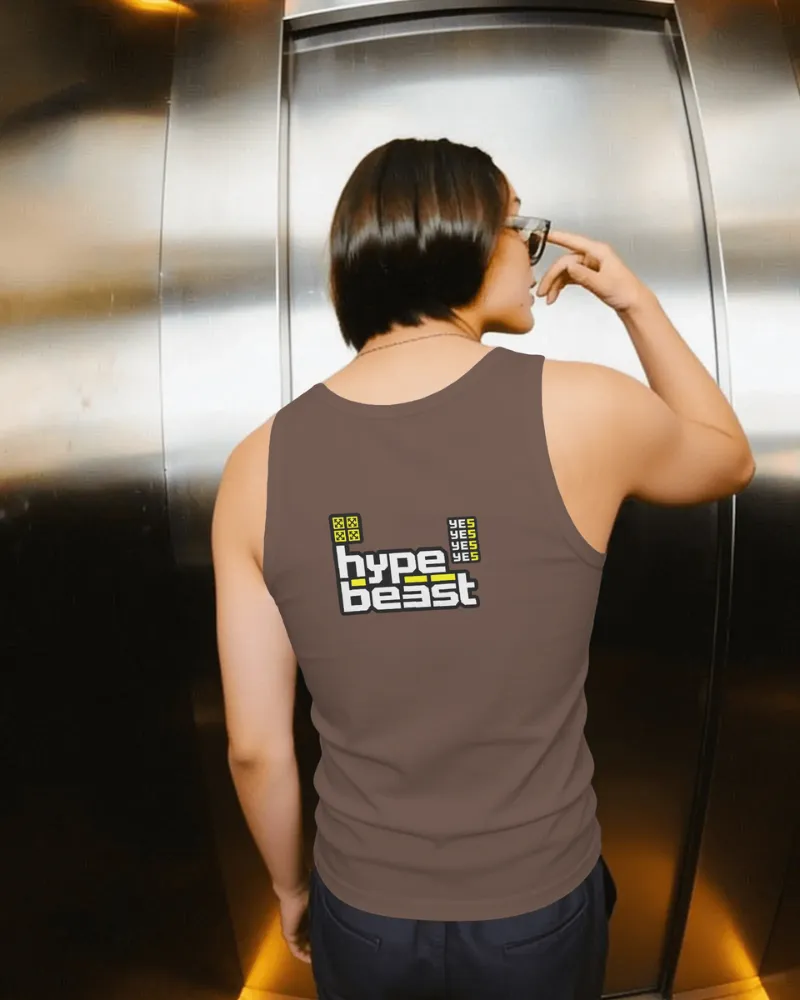
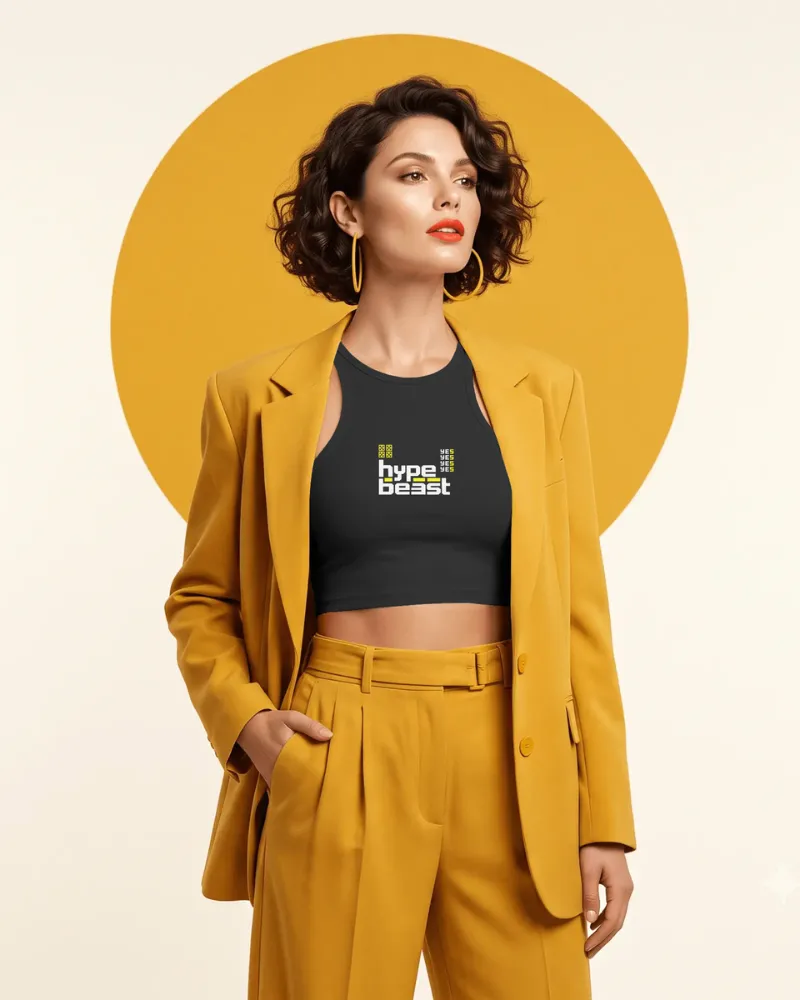
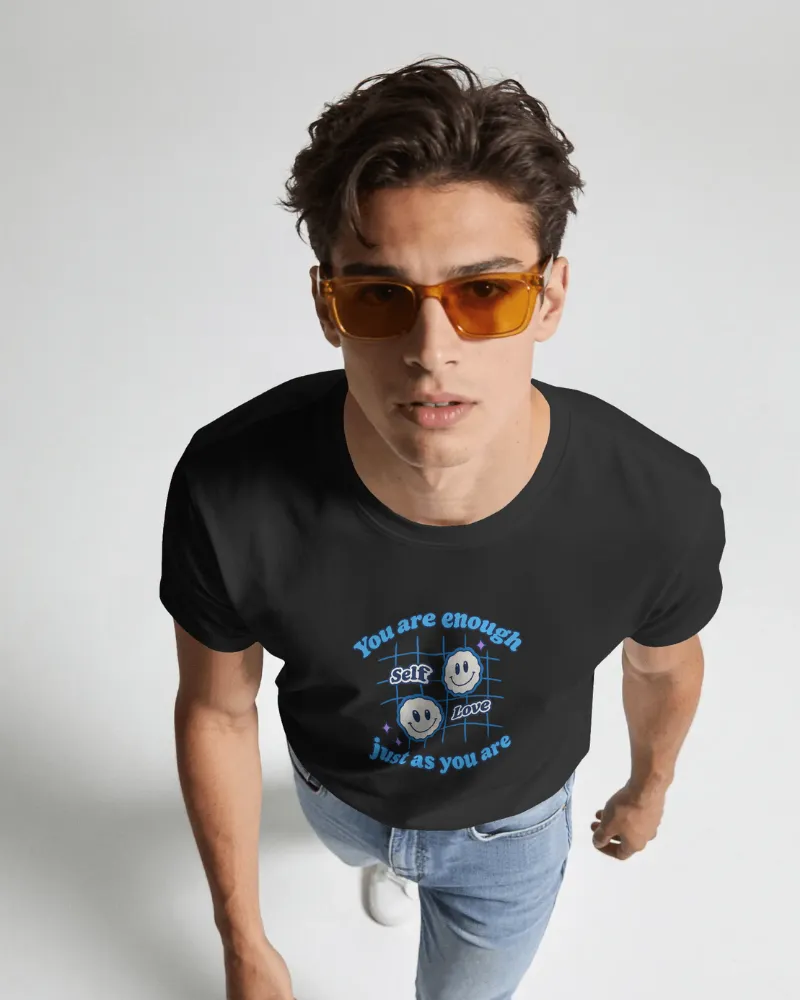
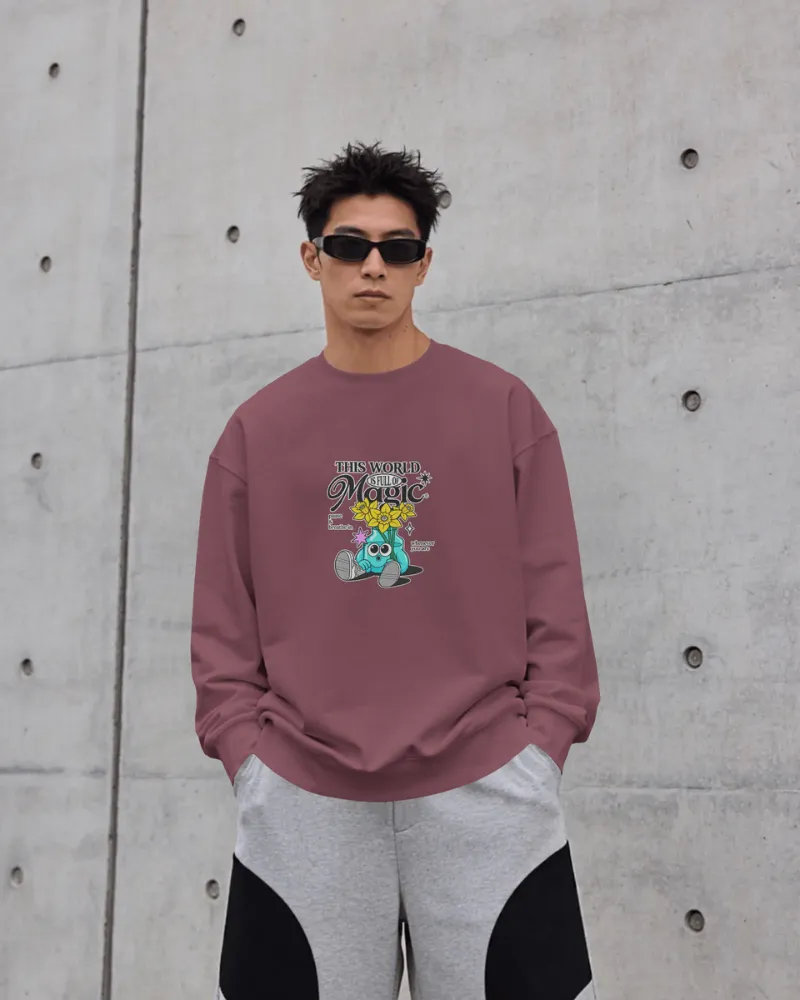
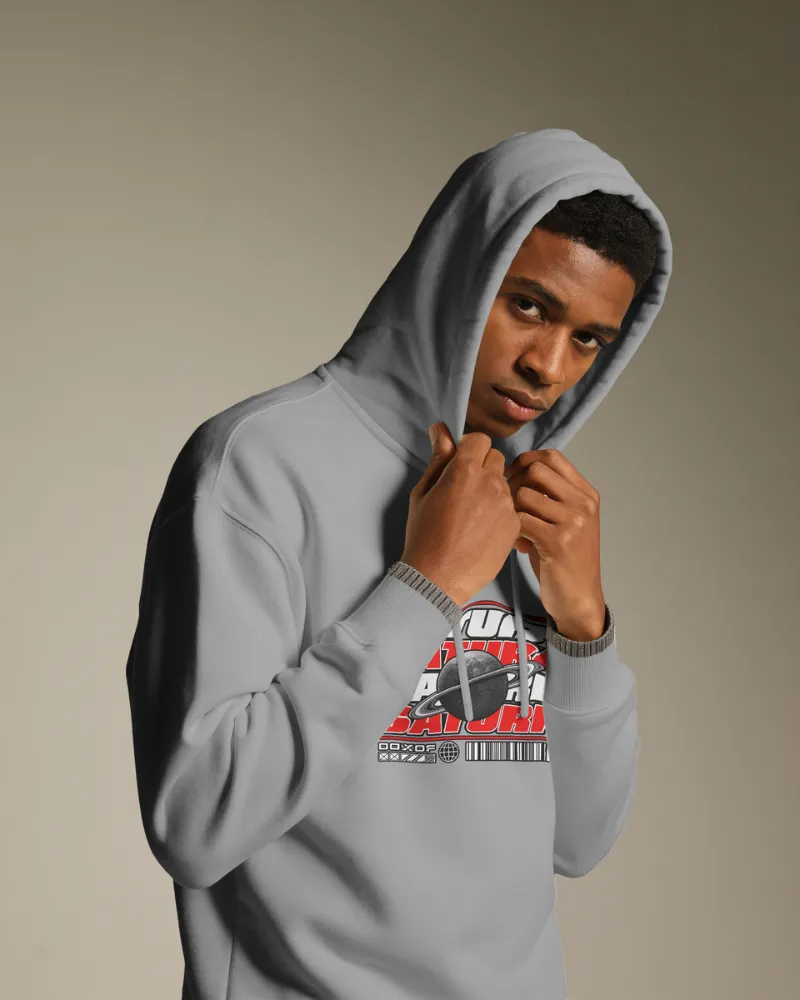
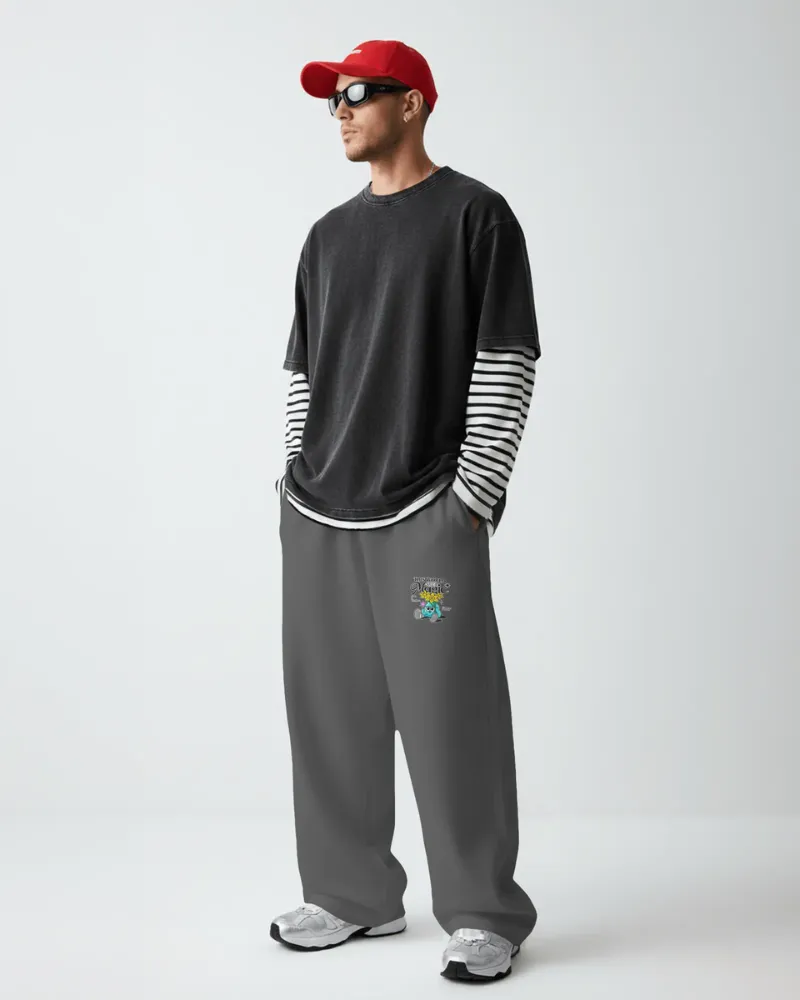
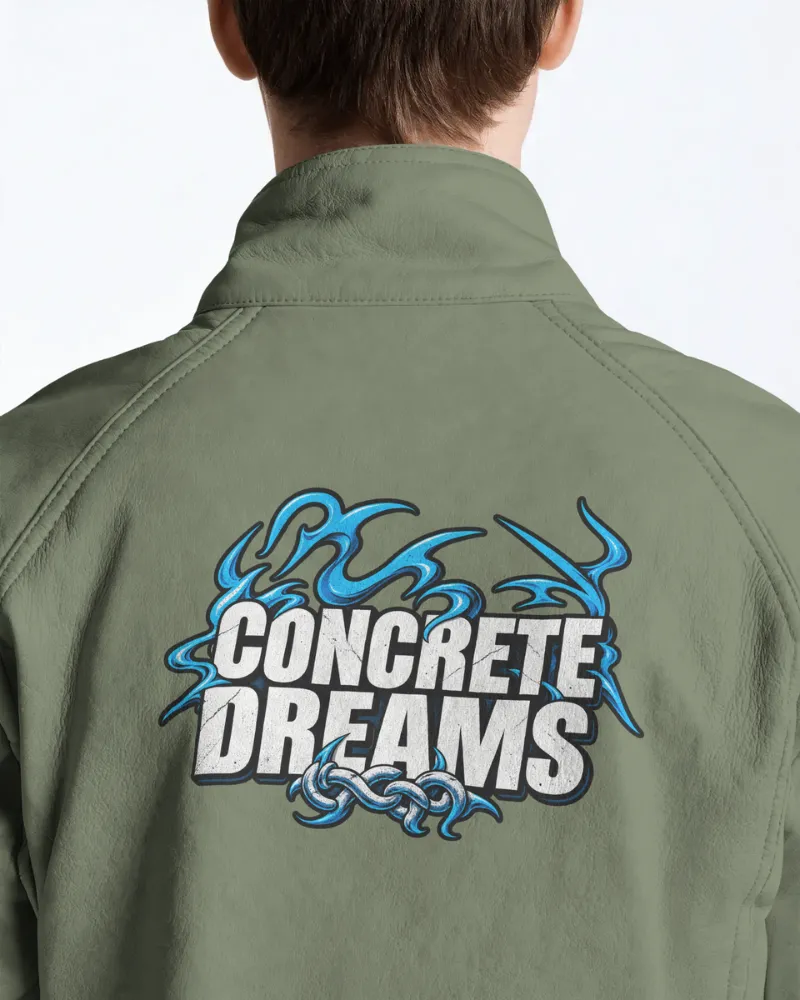
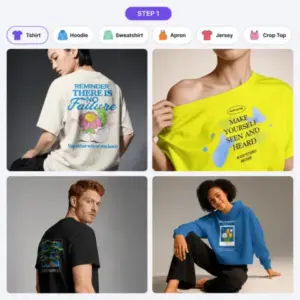
Upload your design and preview on various clothing items. The Categories section of the website lets you find the product you want.
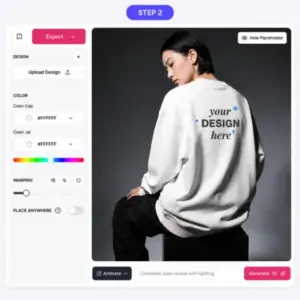
Customize the clothes’ colors, warp design, and use Place Anywhere to place the design on different surfaces.
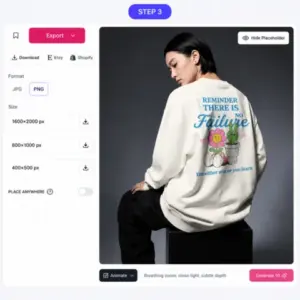
After finishing your design, click Download to save and use your mockup for ad promotion, POD business, or ecommerce listing.
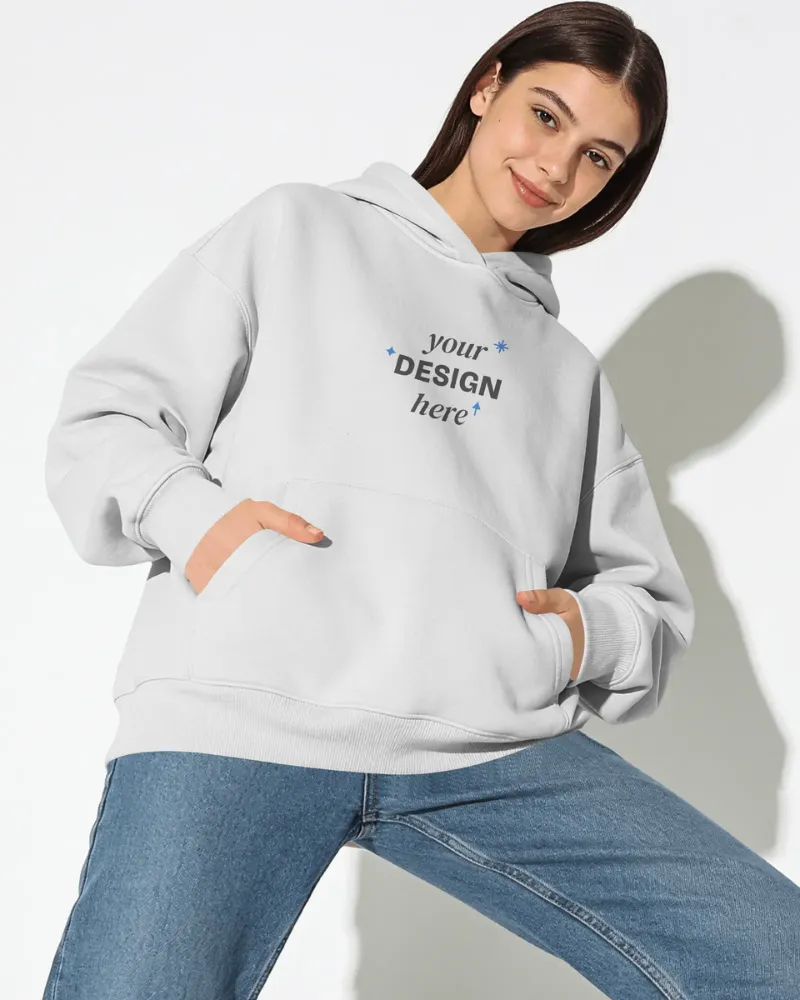
The model doesn’t have to look the same in every mockup. Pick from male or female models, switch up the poses and overall look, then use the filters to find something that fits a particular collection or campaign.
You can make different versions for different audiences instead of forcing every product into one style.
A mannequin mockup keeps the focus on the garment itself. You can see its cut, shape, and smaller details without a person wearing it.
For a catalog or product page, that view can make it easier to compare different garments and angles.
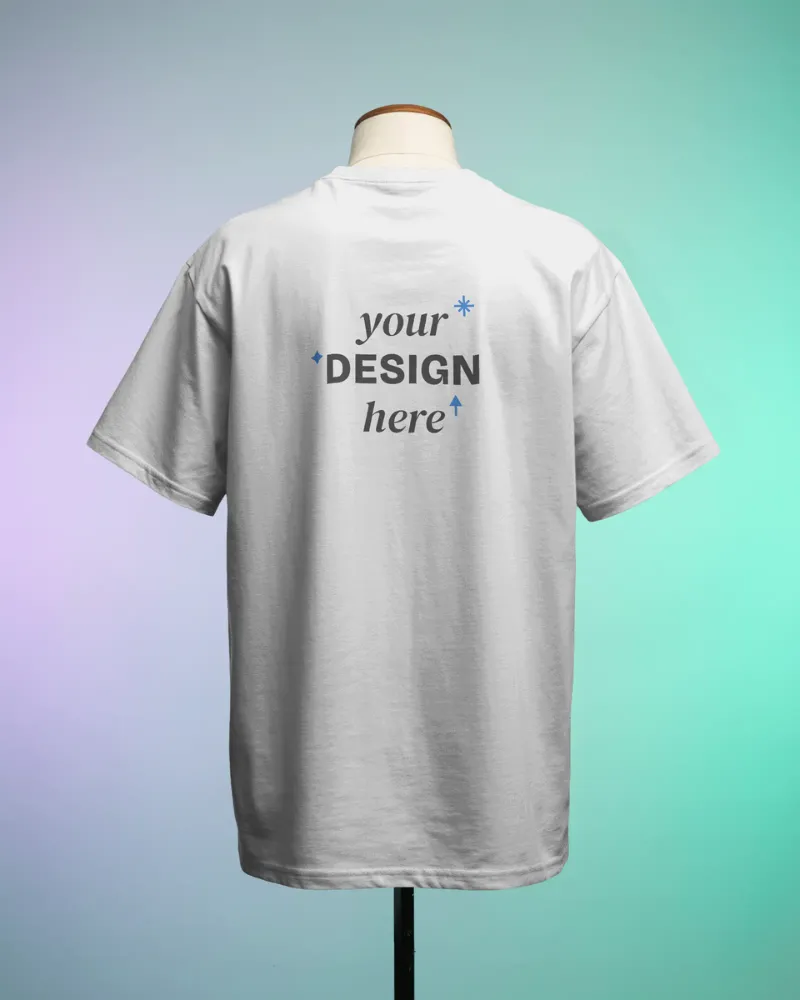
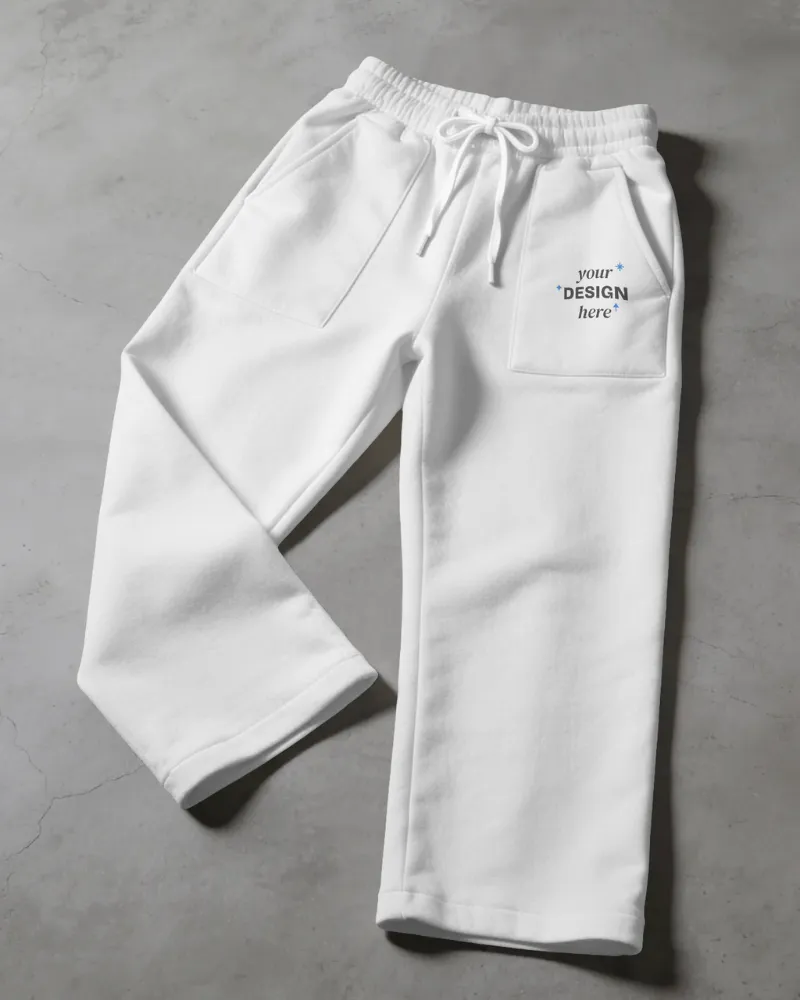
Show the full design using flat lay mockups from a 90° top-down view, including folds, wrinkles, fabric details, and surrounding props.
Use flat lays for Etsy or Shopify listings where you want to show the clothing without a model.
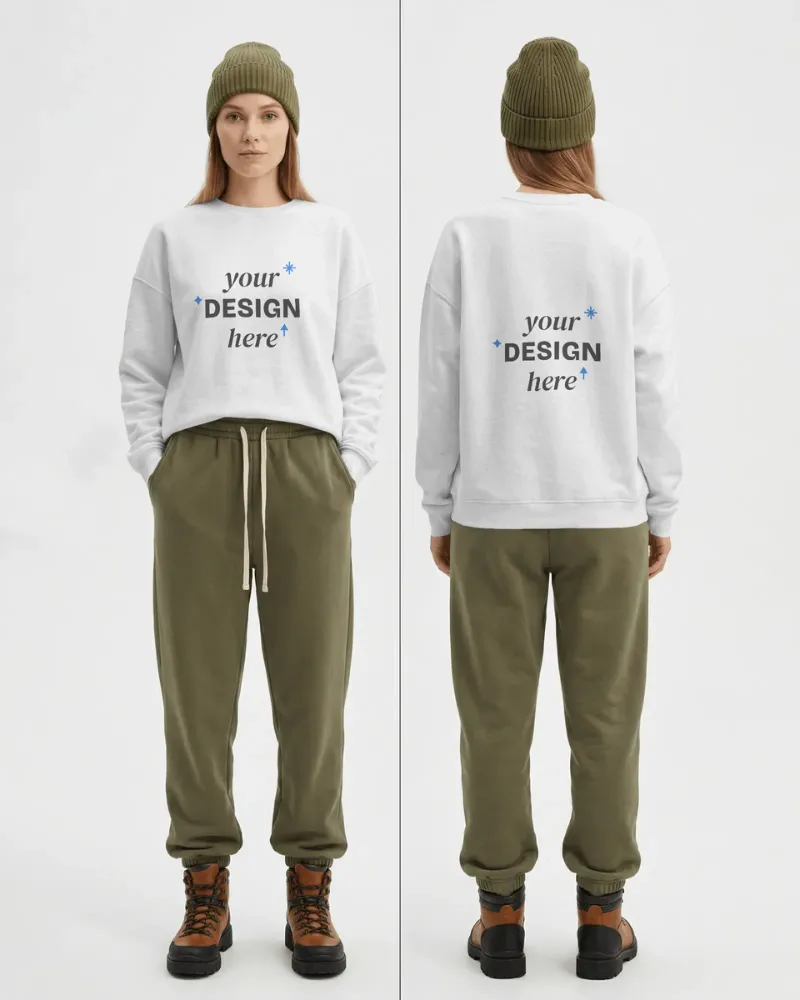
Buyers need to see both sides when a design runs across the front and back. In this free clothing mockup generator, create matching front-and-back views with the same garment, model, and scene.
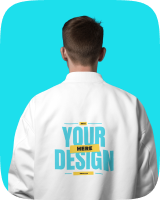
Show back prints on hoodies, tees, jerseys, and other clothing without creating two disconnected mockups.
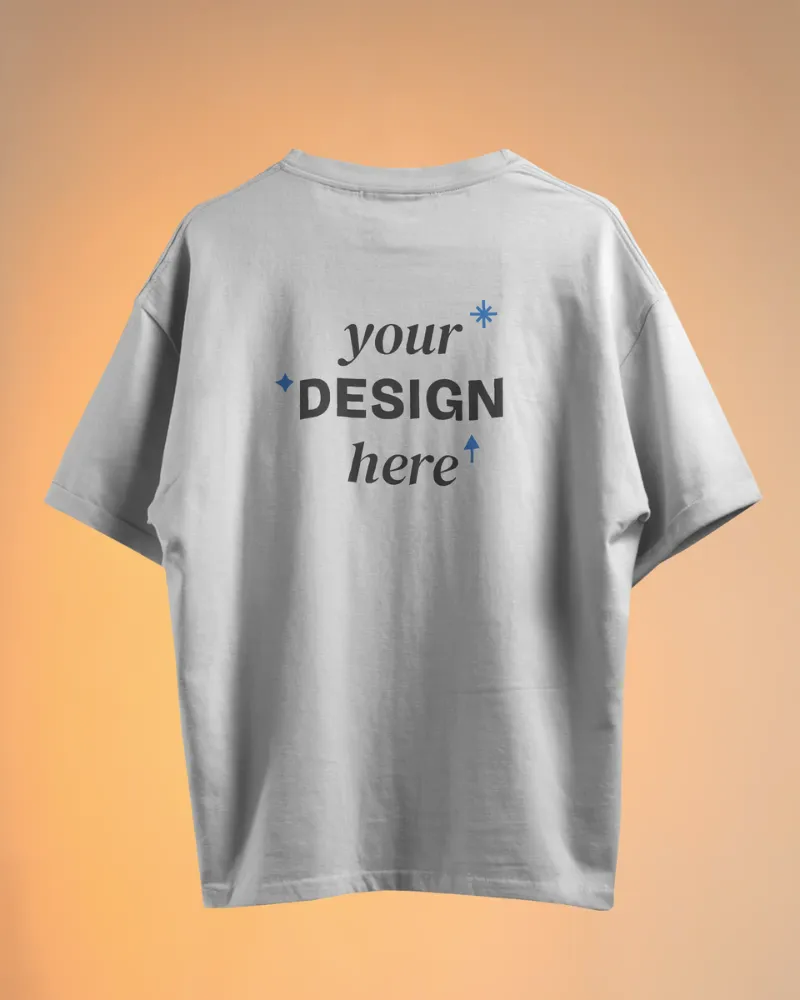
Mockey’s 3D mockup generator maps your 2D artwork around folds, curves, wrinkles, and shadows for a 3D view.
You can use ghost mannequin styles and pre-made animations to show your clothing from more angles without building the scene yourself.
Our video mockup generator puts your clothing design into a moving scene. The model can walk, turn, or move around while the artwork follows the garment, including its folds and bends.
That makes the final clip look much closer to the real thing than a design simply sitting on top of the footage.
Each mockup features a unique design with models in various scenes. No matter your vision, we have the best free mockups online.
We include both male and female templates with a range of clothing styles in our clothes mockup generator.

Whether you customize clothing mockups or packaging mockups, no design experience is needed. Just pick a template, upload your design, and download!
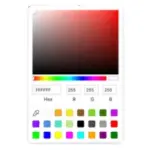
Our editor gives you a full palette of colors to match your brand. Pick the perfect shade for your clothing design.
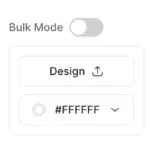
Generate bulk clothing mockups at once, so you can create more product visuals in less time without repeating the same steps.
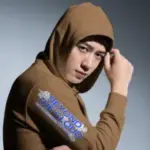
Download clothing mockups for free in PNG files, without any watermarks, with our apparel mockup generator.
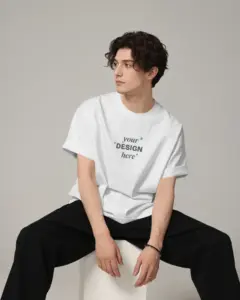
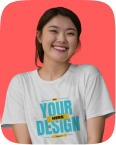
T-shirt mockups are available in all styles, such as oversized, round neck, flatlay, and more. You’ll also find templates with a single model or a couple.
After designing your shirt using our easy online mockup generator, you can select Preview mode to see how your product will look in real life!
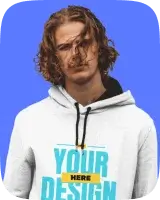
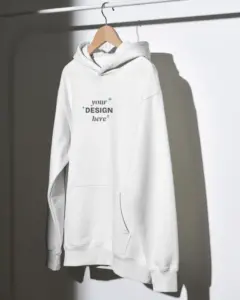
Hoodie mockups also come in a wide variety of styles, such as pullover, oversized, classic, and many more. You’ll be able to see models of all age groups—from men and women to kids and even elderly models.
These mockups also include different perspectives, like close-up shots or angled shots.
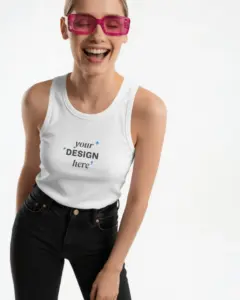
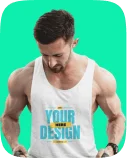
Our tank top mockups let you create realistic designs for men’s, women’s, girls’, and kids’ tank tops in various colors like black, white, pink, gray, and blue.
Our high-quality, watermark-free mockups are ideal for print-on-demand companies and custom summer apparel companies.
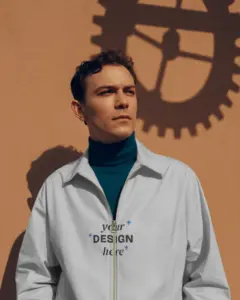
Mockey AI has jacket mockups that offer a wide range of styles for men, women, and kids. Users can choose from puffer, varsity, bomber, and windbreaker jackets, available in colors like black, red, blue, white, and gray.
With an easy-to-use interface, this AI mockup generator allows for quick downloads of high-quality mockups, best for brands to showcase their products online for winter.
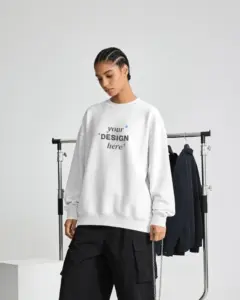
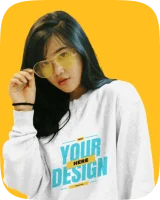
Sweatshirt mockups are considered the best when it comes to looks. The unique part of this approach is the variety of angles available, like front, back, side, and even folded shots.
When it comes to styles, crewnecks, turtlenecks, and hooded sweatshirts are among the most popular choices.
Create jersey mockups for soccer, basketball, esports, baseball, and hockey designs.
Show front and back views, add player names, numbers, and sponsor logos, and preview all-over prints across different panels without creating each view separately.
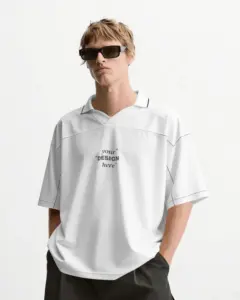
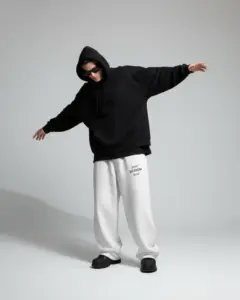
Use our sweatpants mockup and choose oversized, baggy, cuffed, or wide-leg styles, then show full-length, front, back, side, or flat-lay views.
Place graphics down the leg, on the pocket, or across the panels while keeping the folds, texture, and drape visible.
Sock mockups come in crew, ankle, knee-high, and thigh-high pairs. You can show them worn by a model, then place a logo or full pattern across the fabric.
For streetwear, a lifestyle shot with sneakers can show how the socks look as part of the outfit.
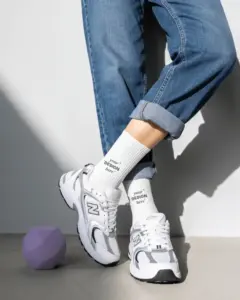
Show your tees, hoodies, jerseys, sweatpants, socks, and more in the scenes your customers actually see.
A clothing mockup visually represents a garment, displaying a design that enables designers and marketers to see how their creations will appear when made. This tool aids in effectively presenting ideas before actual production starts.
For free clothing mockups, try Mockey.ai. With a range of templates for various styles and designs, our website provides easy-to-use tools for swiftly creating and freely customization clothing mockups.
Mockey.ai provides more than 8,000 clothing mockups that are entirely free to use. Users can customize and download these mockups without any watermarks or hidden fees.
To get your design onto a clothing mockup at Mockey.ai, start by uploading your design in either PNG or JPG format. Next, use the editor to personalize it by tweaking colors and backgrounds. Finally, download the completed mockup for your project.
For Etsy, you can use a blank clothing photo and add your design yourself. Canva works for this, as do other editing tools. Mockey AI and Printify are another option if you want ready-made clothing templates instead of starting with a blank photo.
Yes. Mockups for clothing allow you to present your ideas visually without upfront manufacturing costs. They help you collect feedback and refine your designs before launch.
There’s more than one way to get clothing mockups for a Shopify store. Printful has a generator built into its POD service, and Placeit and Mockey have their own templates.
The same clothing design can be shown in several garment colors without photographing each version. Change the fabric color in a mockup tool like Mockey, keep the artwork in place, and check the result with the original shadows and highlights still visible.
Mockey’s Bulk Mode lets you download up to 50 mockups at once. Enable it from the Catalog page, upload your design, and change the colors. You can then generate all the versions together and download them in bulk.