T-Shirt
3737+ mockups
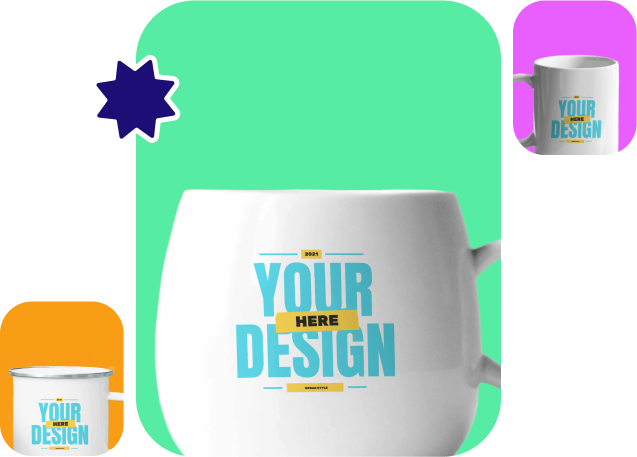
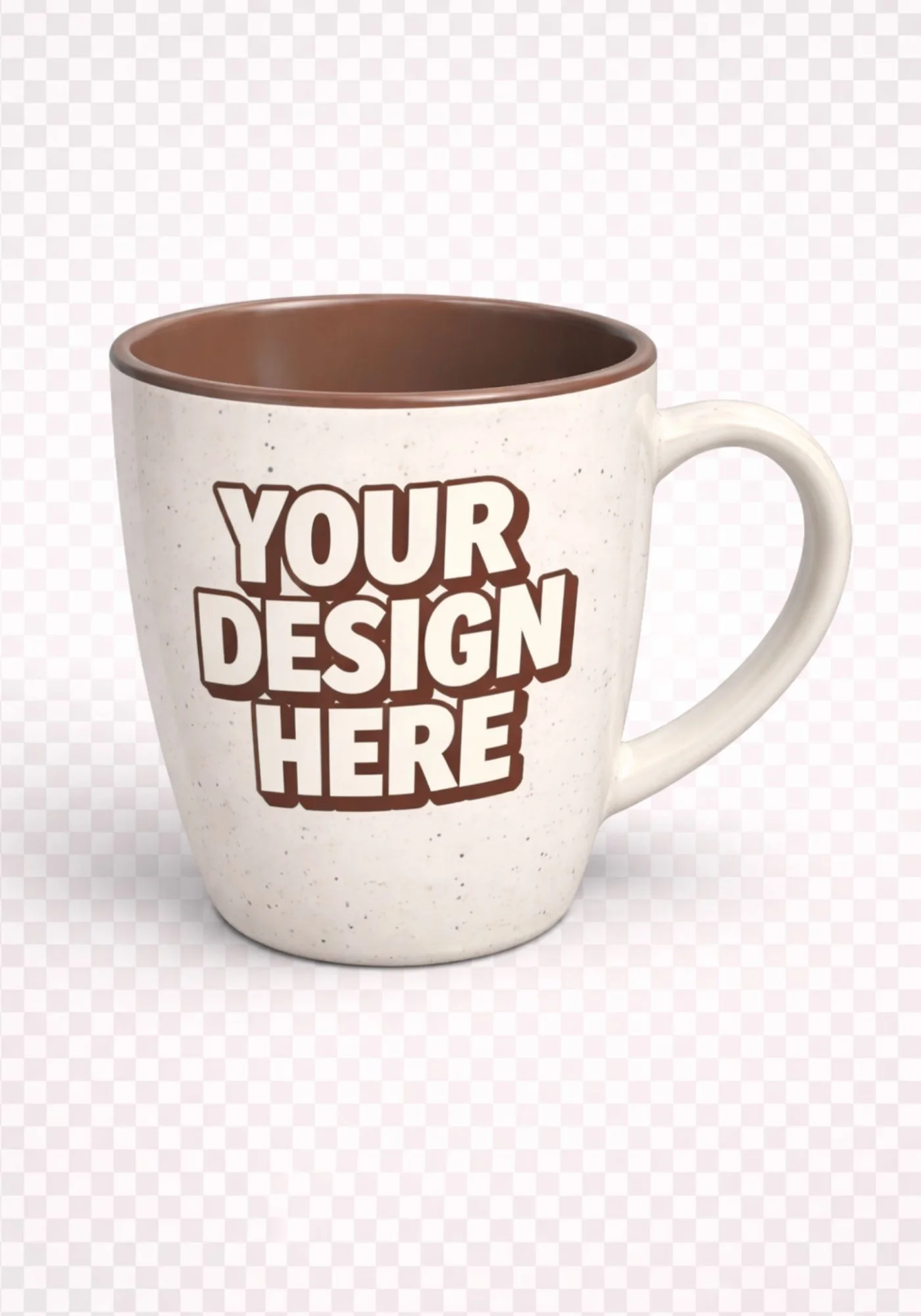
To make your 3D mug design look better, use Mockey AI’s 3D mug mockup generator. It offers a wide range of design templates for coffee mugs and paper cups to create 3d mug mockups. Choose the size that fits your idea, then adjust the color of the handle and mug body or inside area. Also modify the elements, background, and other details in just a few clicks. When you’re done, download the 3D mug as a high-quality PNG, JPG, or even an MP4 animation.
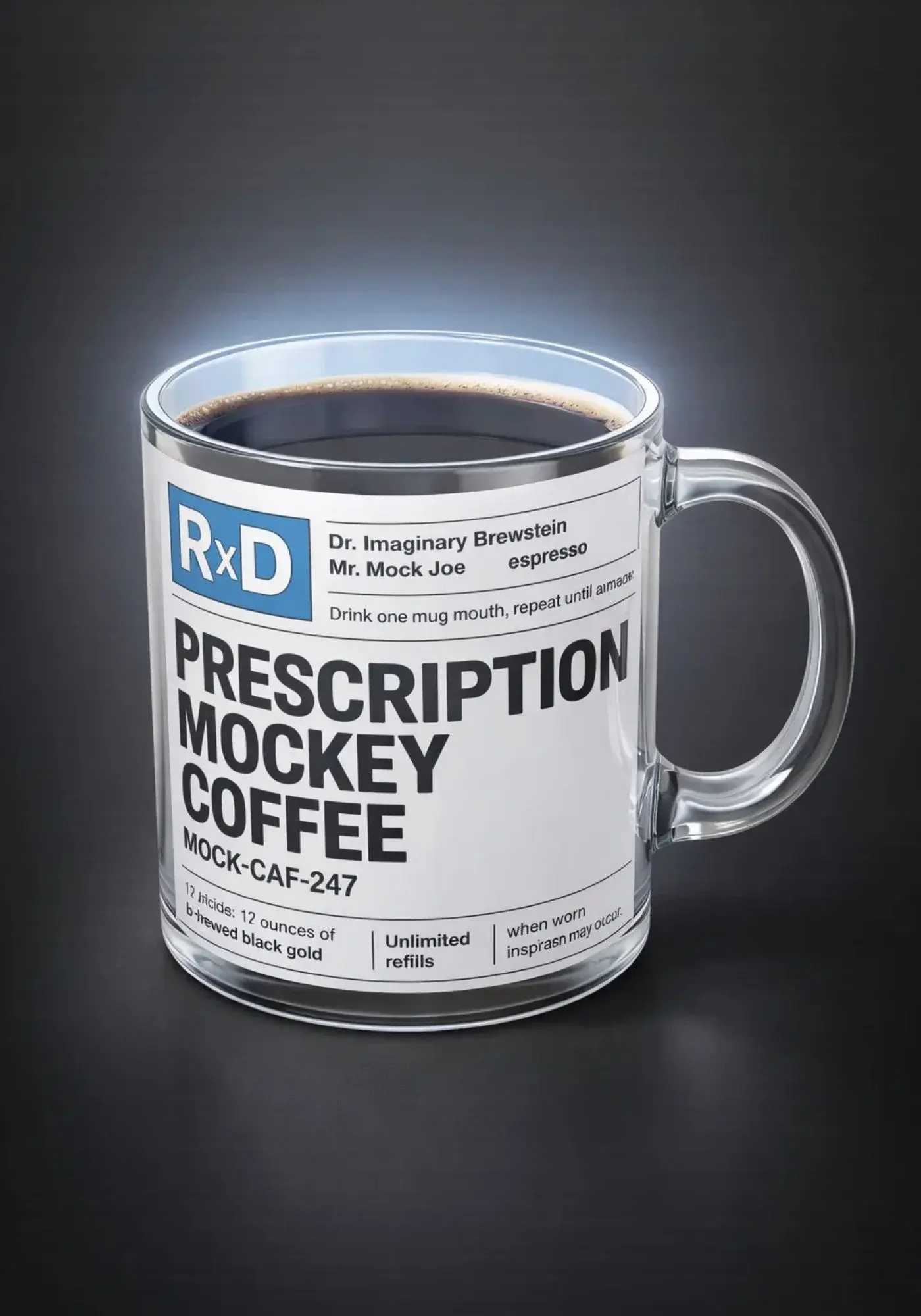
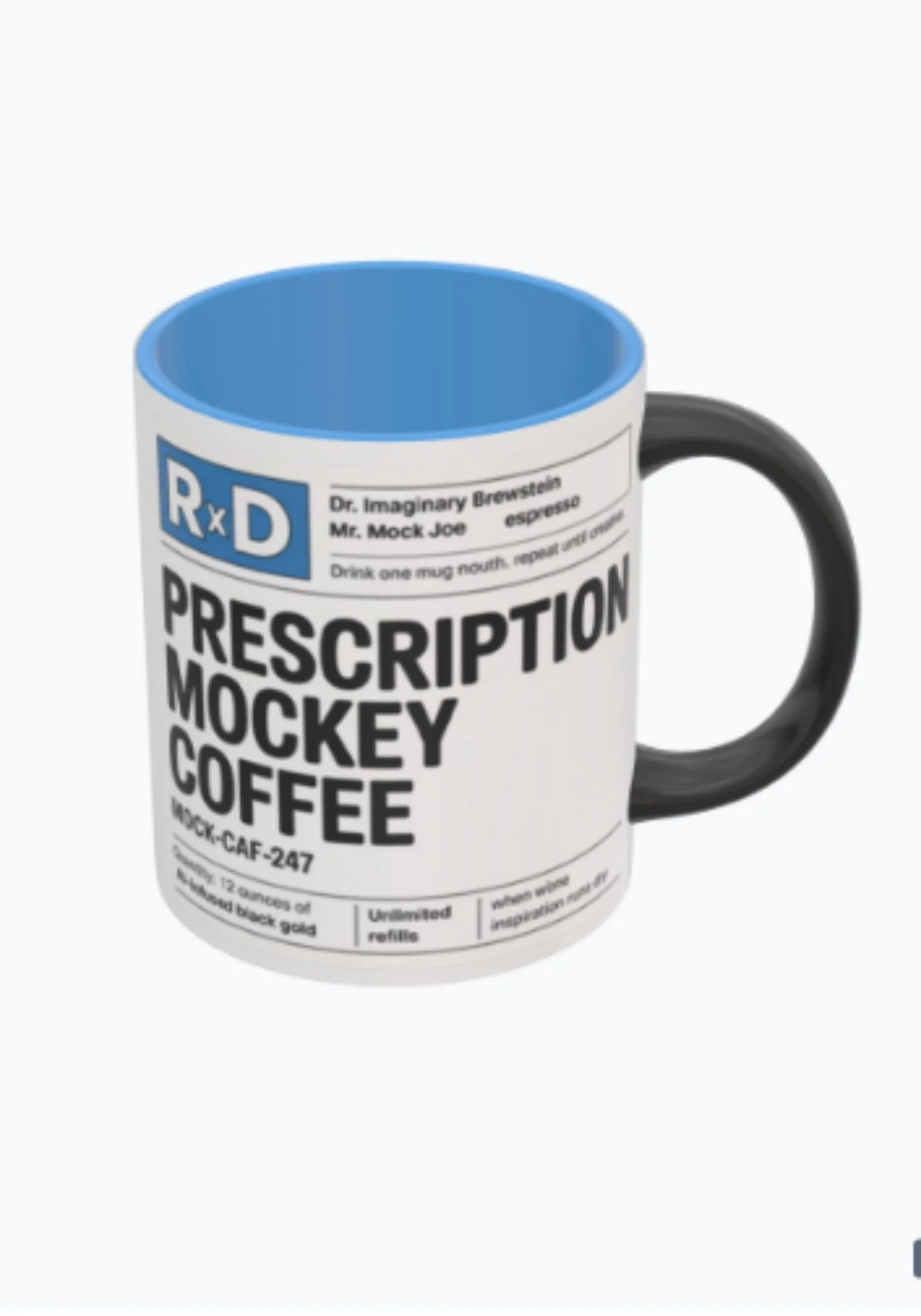
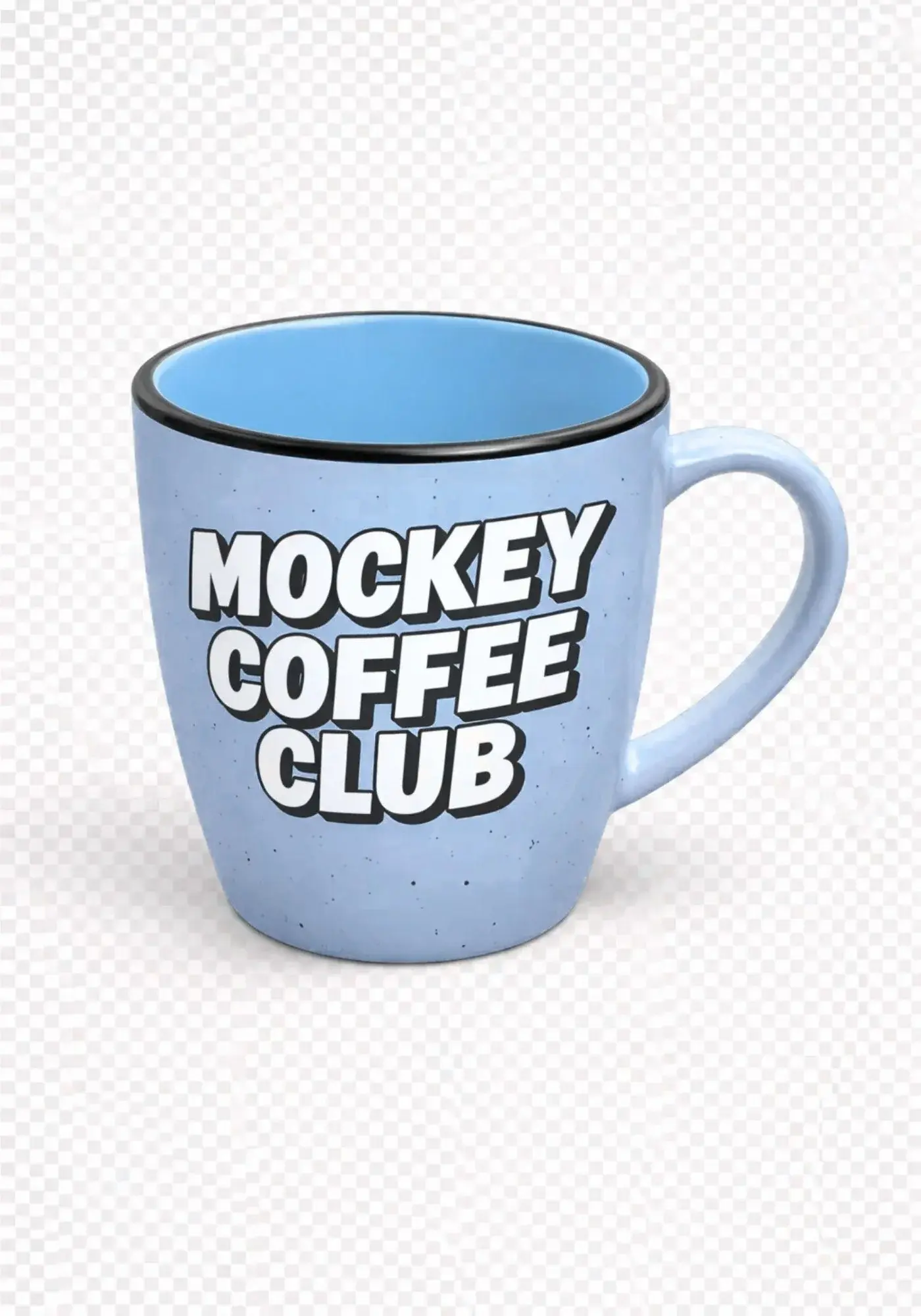
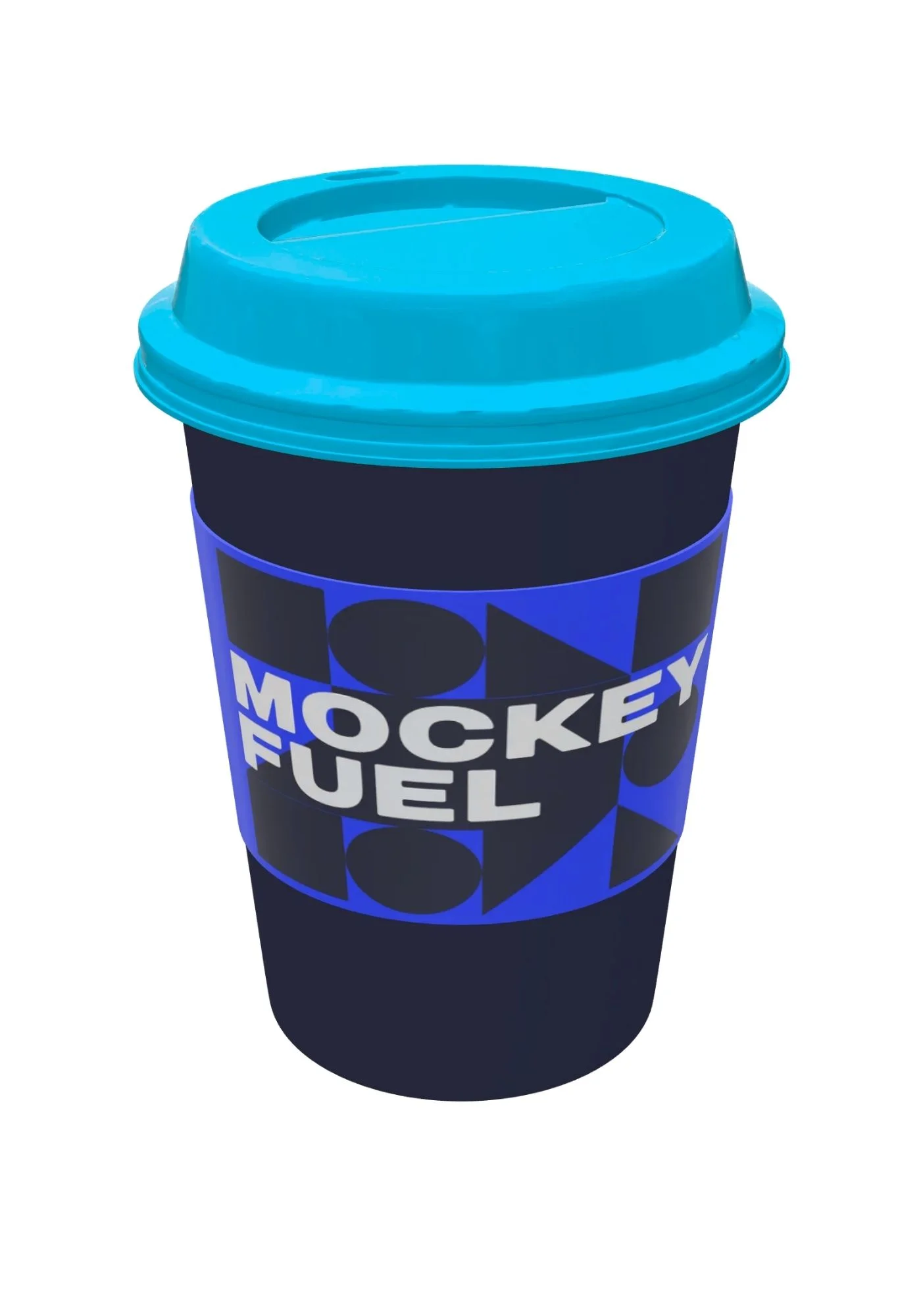
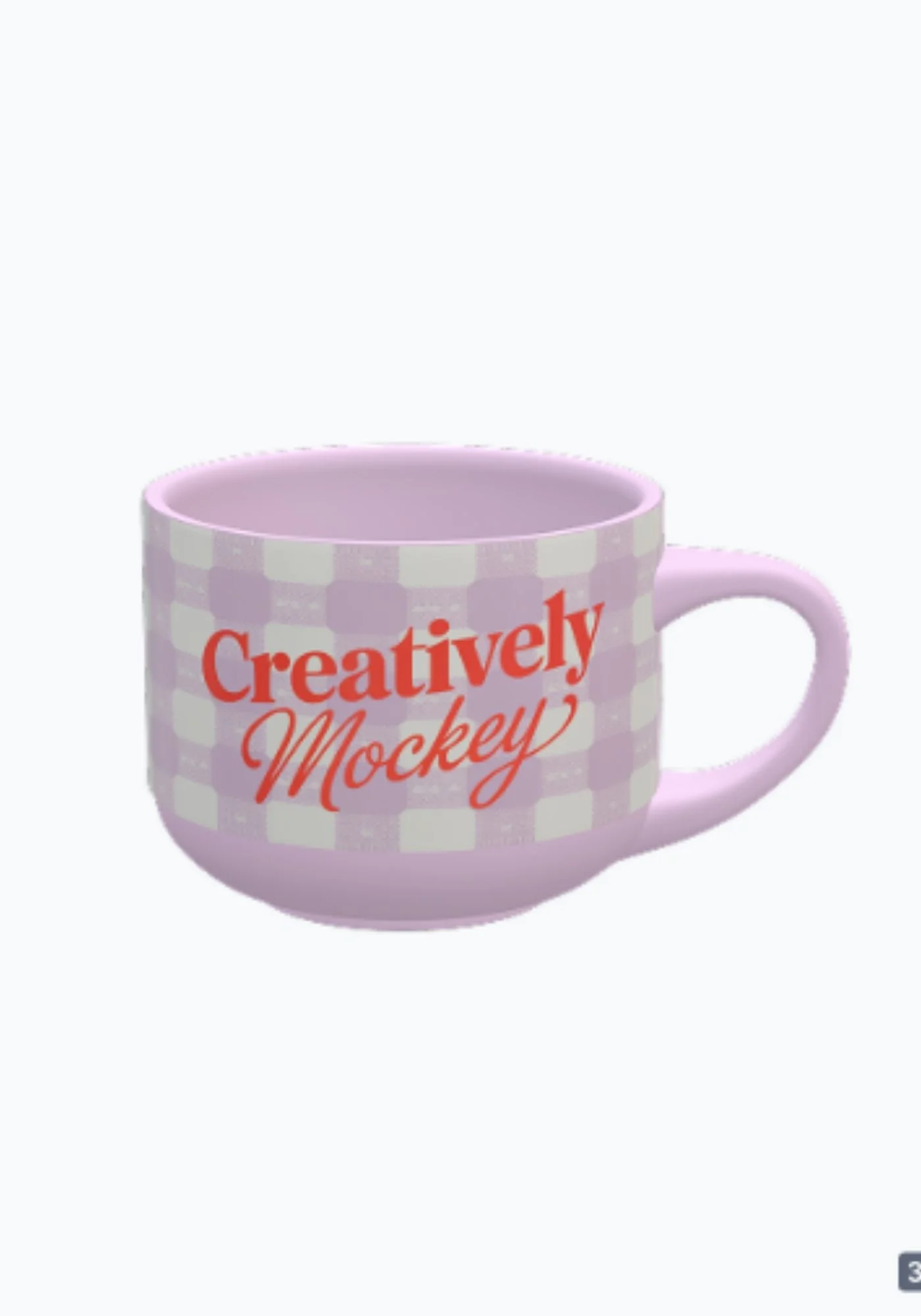
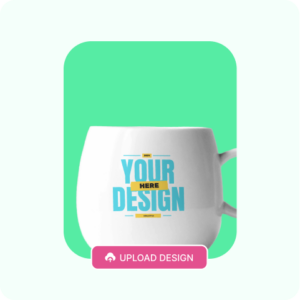
Sign up for Mockey.ai and click on 3D Mockup. Pick the 3D Mug from the Home & Living section after scrolling down.
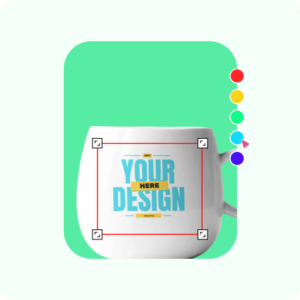
Select from different 3d templates to upload images. Adjust the colors, elements, backgrounds, and aspect ratio to improve your 3D mug.
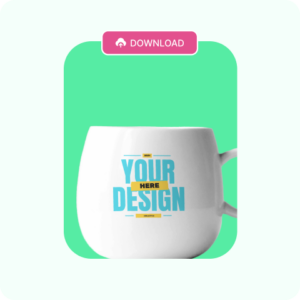
When you’re satisfied with the design, click Download to save the 3D mug mockup in an image file and click Motion for the MP4 animation file.
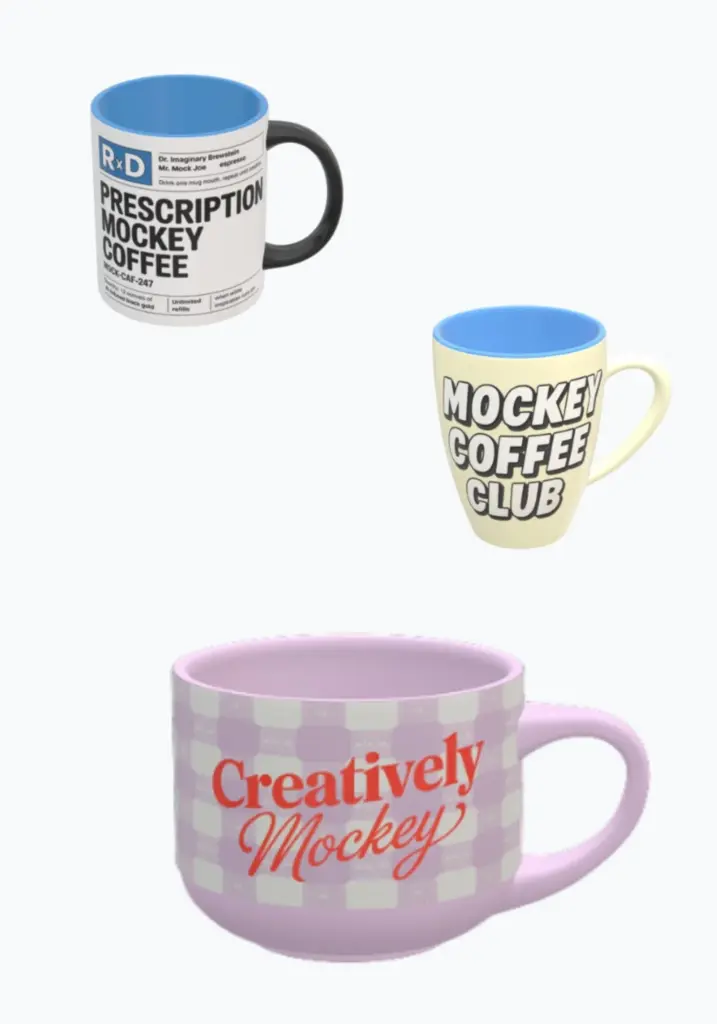
You can completely change the appearance of the 3D mug design by choosing different types and materials. You get coffee mugs, tea cups, and paper cups to use for customization. The finish of ceramic mugs is solid, whereas the finish of glass mugs is glossy. Choose the style that matches your idea at Mockey.ai’s free AI 3D mockup generator.
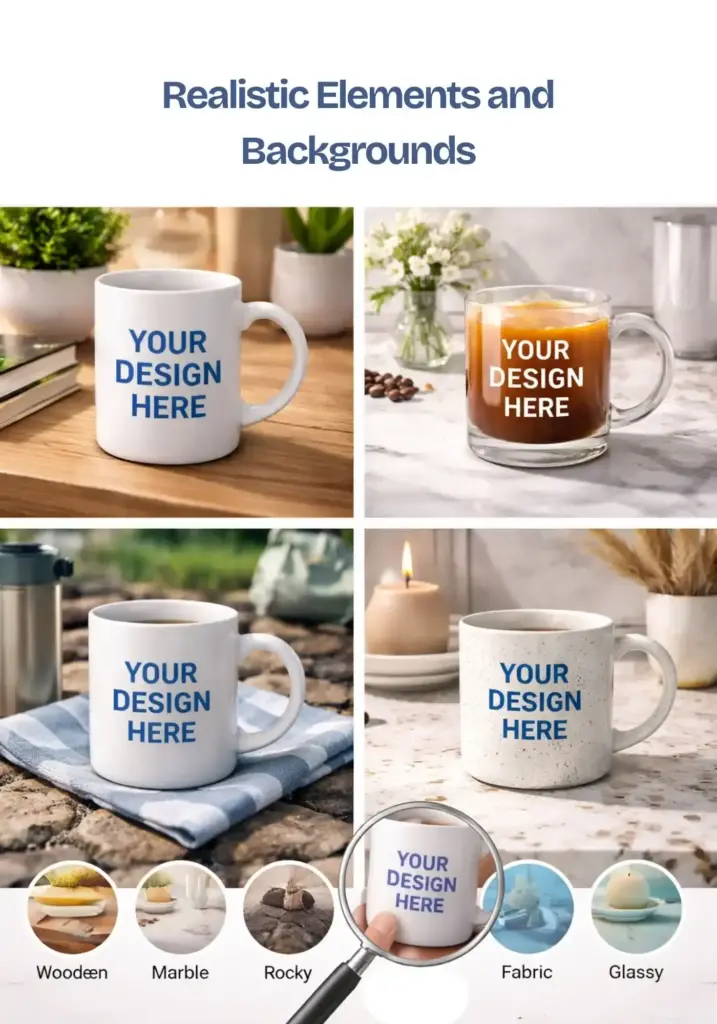
A good 3D mug mockup should look so real that people pause and take notice. When you create your design, place it against realistic elements and backgrounds so it feels authentic and not staged.
Before you finalise it, place your mug on a wooden, marble, abstract, rocky, fabric, or glassy surface. Also, use a custom background, a transparent or solid color background for realism. Rotate the mug and check it from every angle using the preview feature. Make sure the design sits properly and wraps around the mug without any awkward gaps or misalignment.
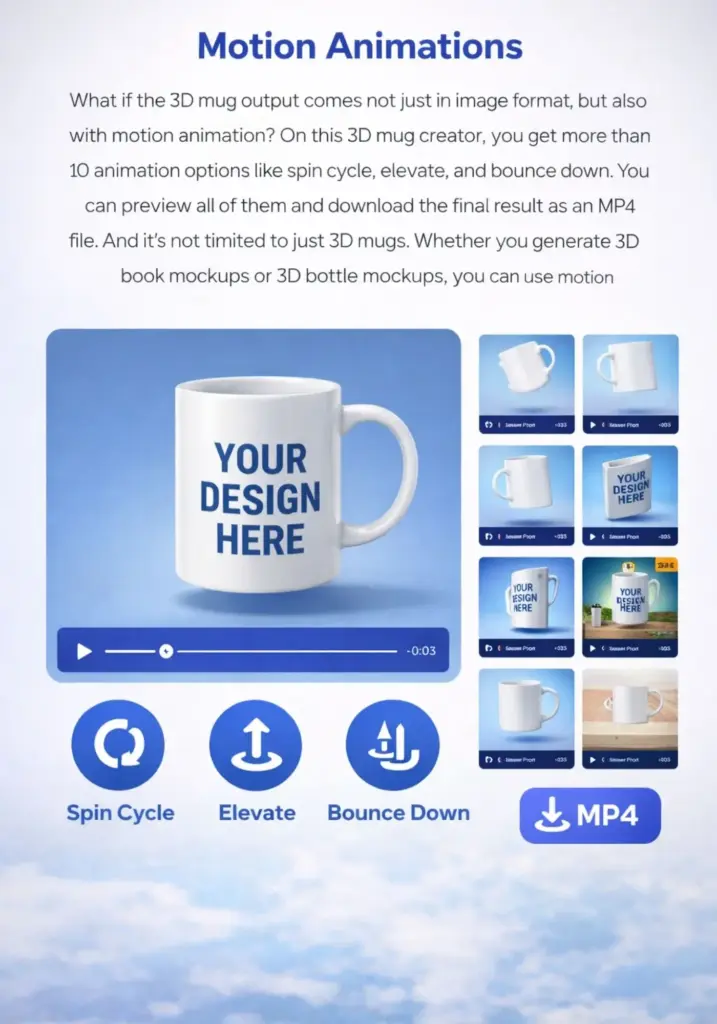
What if the 3D mug output comes not just in image format, but also with motion animation? On this 3D mug creator, you get more than 10 animation options like spin cycle, elevate, and bounce down. You can preview all of them and download the final result as an MP4 file.
And it’s not limited to just 3D mugs. Whether you generate 3D book mockups or 3D bottle mockups, you can use motion animations too.
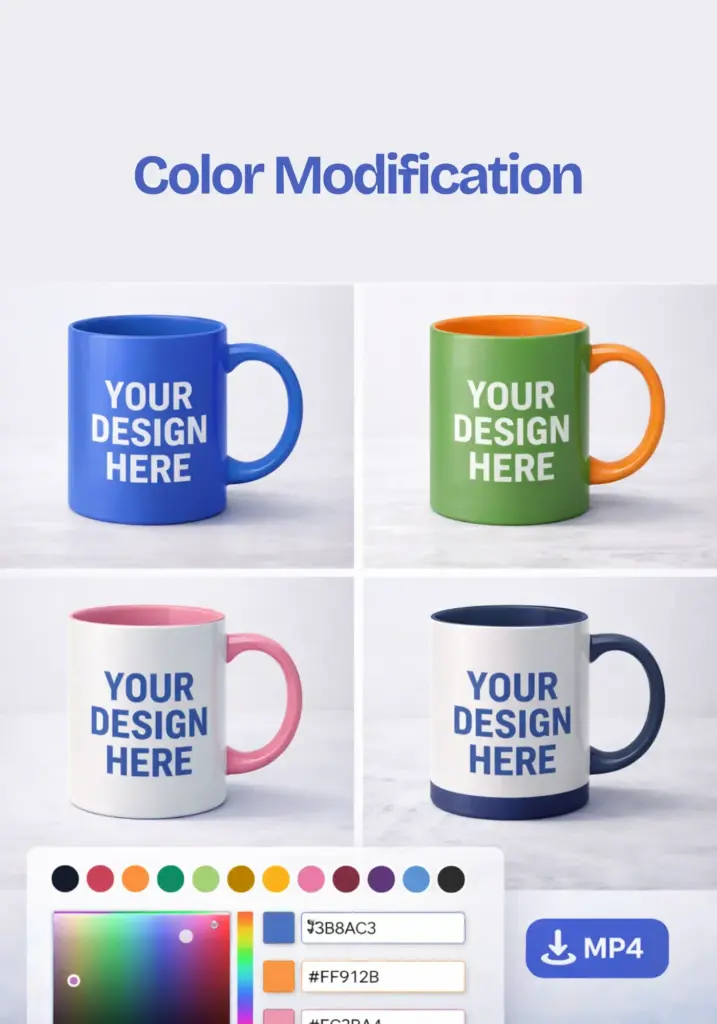
On this 3D mug mockup generator, you can change the full body color of the mug easily. At the same time, if you want a different color for specific areas like the handle, the inside of the mug, or the base, that is also possible on this platform.
On the editor page, you can use the color feature to enter any color code and modify the design exactly the way you want.
If your mug design looks “okay,” it’s not ready. Use our 3D Mug Mockup Generator and watch your design wrap around like it actually belongs there.
A 3d mug mockup generator is a tool that lets you upload your design and see it wrapped around a mug in 3D. You can rotate it, check the handle side, and see how it curves. If you’re selling print-on-demand mugs, you instantly see if the design cuts off near the handle or looks weird when wrapped.
Mockey.ai offers a 3d mug mockup generator with a free plan. You can preview, edit, and download the 3d mug online without a watermark. You must purchase a Mockey AI STARTER subscription, which costs $7 per month, to access all the benefits.
You need a proper smart object mockup file in Photoshop to get started. The design stays static unless you manually create different angles. There’s no quick rotation preview either. A 3D mug mockup generator is faster if you’re doing multiple designs daily.
Yes. Instead of using a flat mockup, a rotating or realistic 3D preview looks closer to a real product photo. Buyers want to see how the design wraps around the mug, especially for full-wrap designs.
With Mockey.ai, you can create motion animation 3d mug mockups in an MP4 file. Choose from different animations, preview, and export in high quality.
Always check alignment near the handle, rotate 360°, zoom in for blur or pixelation, and test dark and light mug colors. Design might look perfect on white but awful on black.
If you’re planning to sell mugs, 3d mug mockup generator is better. For quick previews, a normal mug mockup generator is fine. For store-ready visuals, 3D looks more premium.