Customize & Download Free 3D Bottle Mockups
Create stunning 3D bottle mockups with Mockey.AI! Customize drink bottle designs online in minutes and download high-quality 3D bottle mockups instantly.
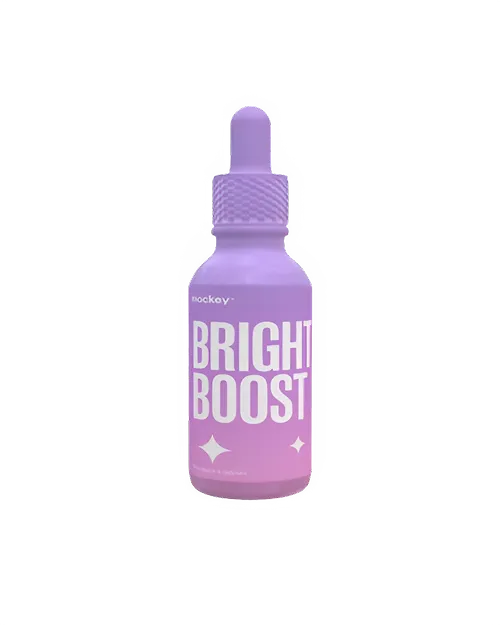
3d Drooper Bottle Mockup View Minimalist White Lighting And Metallic Reflections
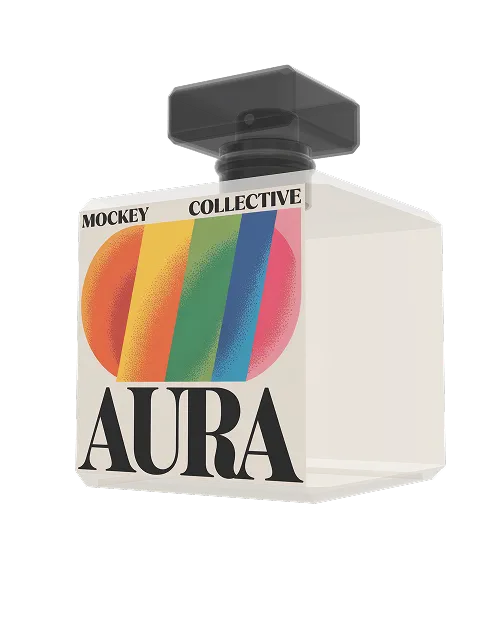
3d Perfume Bottle Mockup View Minimalist White Lighting And Metallic Reflections
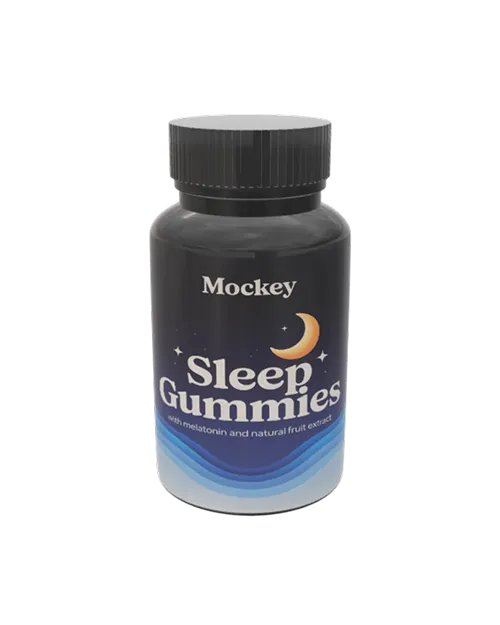
3d Supplement Bottle Mockup View Minimalist White Lighting And Metallic Reflections
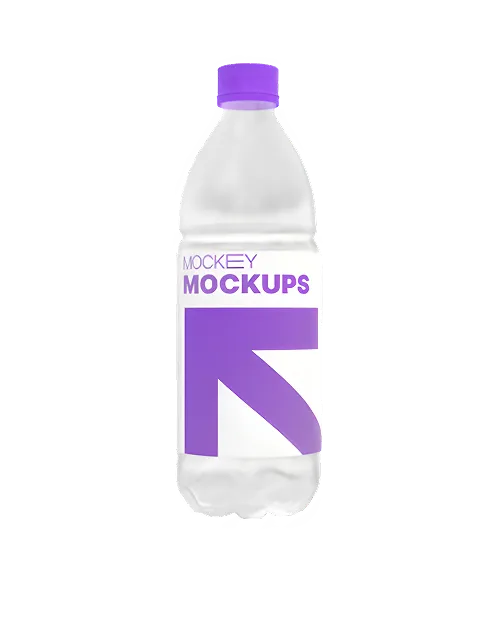
3d Plastic Bottle Mockup View Minimalist White Lighting And Metallic Reflections
How to Create a 3D bottle Mockup with Mockey
To make a 3D bottle mockup in Mockey AI:
- Step 1: Click 3D Mockup in the menu, select Bottle under Packaging, and pick a customizable template you like.
- Step 2: Upload your images, choose colors for the top, inside, and base of the bottle, and set the background to 360, gradient, or a single color.
- Step 3: Select the Aspect Ratio, then download your 3D bottle as a PNG or JPEG or save it as a short 5-second animation.


FAQs on 3D Bottle Mockups
What is a 3D bottle mockup?
A 3D bottle mockup is a digital three-dimensional representation of a bottle design. With it, designers can visualize product packaging realistically, create client presentations, and create marketing materials that effectively market products.
Can I create a 3D bottle mockup for Free?
You can make a free 3D bottle mockup using Mockey AI’s online tool. Just use your creativity, follow tutorials, and design like a pro—without spending any money!
What types of 3D bottles can I create mockups for?
You can create 3D bottle mockups for various types, including water bottles, metallic bottles, sports bottles, blue bottles, plastic bottles, and protein shakers.
Do I need design skills to use a 3D bottle mockup tool?
You don’t need advanced design talents to use a 3D bottle mockup tool. Most tools are easy to use and come with ready-made 3D templates. Knowing a little about design can help you customize satisfactorily and get a higher-quality result.
Can I customize the 3D bottle shape, label, and background?
Yes, on Mockey AI, you can change your 3D bottle’s shape, label, and background. The easy-to-use tool lets you adjust everything—like angles and textures—so your design looks the way you want.
Are 3D bottle mockups free to use?
On Mockey AI, each 3D bottle mockup template is free to create, customize and download.
What file formats can I download my 3D bottle mockup in?
With Mockey AI, you can save your 3D bottle mockup as a clear PNG, JPEG, or even a video.
Can I use 3D bottle mockups for commercial purposes?
Yes, you can use 3D bottle mockups for business, but it depends on the platform's rules. For example, MockeyAI lets you use its mockups for commercial purposes.
How can 3D bottle mockups help my business?
3D bottle mockups make product images look better, help designers work faster, save materials, and attract more customers.
Where can I find high-quality 3D bottle mockups?
Get top-quality 3D bottle mockups on Mockey AI! Customize different bottle designs easily using texture or background and save them as PNG, JPEG, or video.
