T-Shirt
3757+ mockups
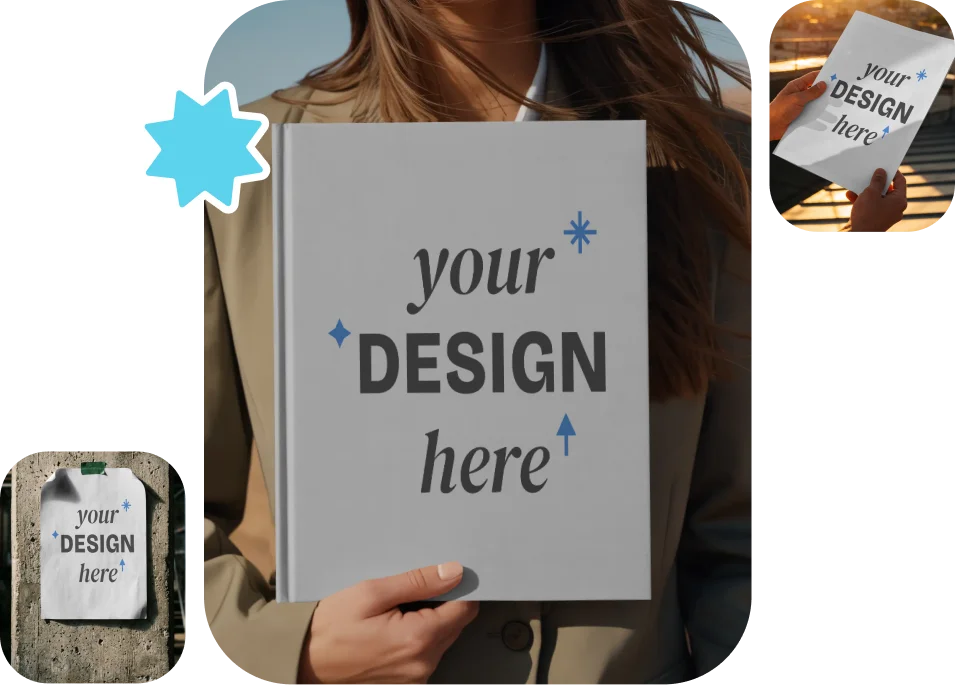
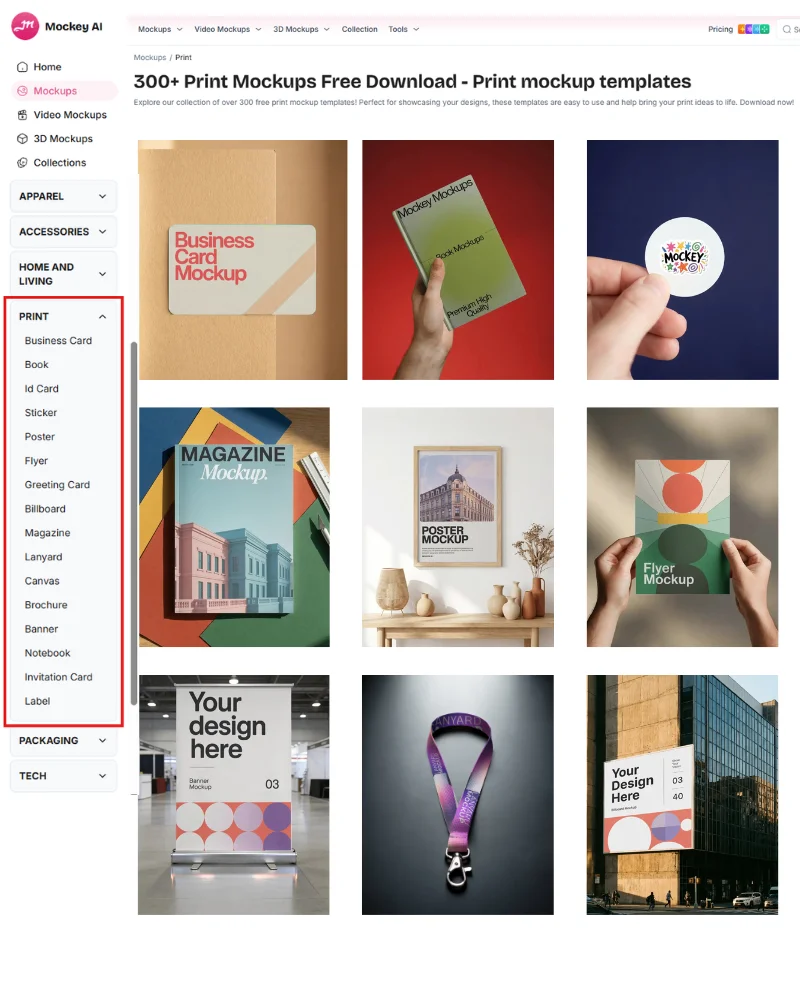
More than 8,000 templates available for various items such as posters, billboards, books, magazines, lanyards, ID cards, brochures, and more. Each category offers a wide range of styles for generating print mockups. For editing, you can modify colors, use the warping feature, or even convert them into animations.
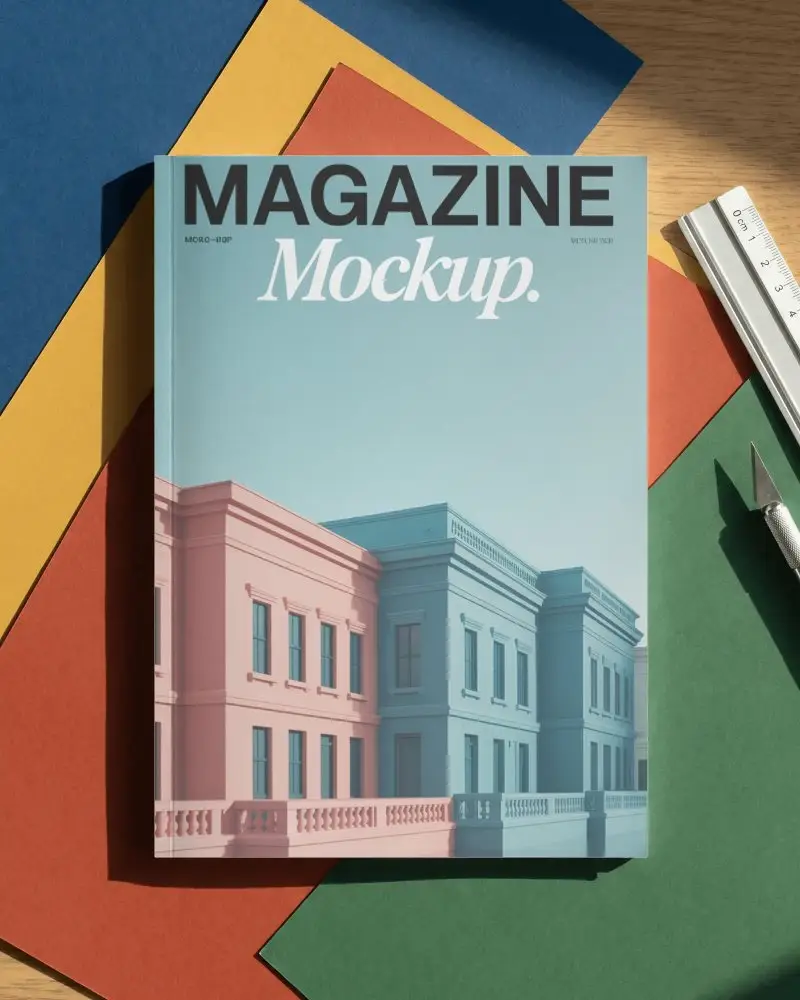
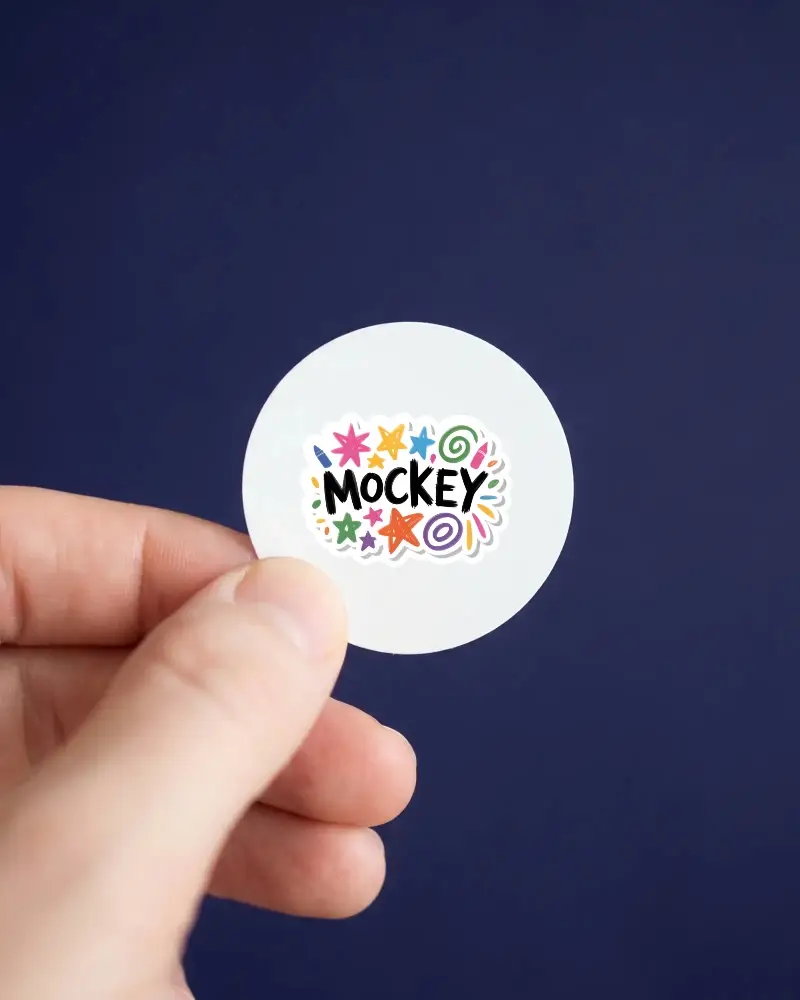
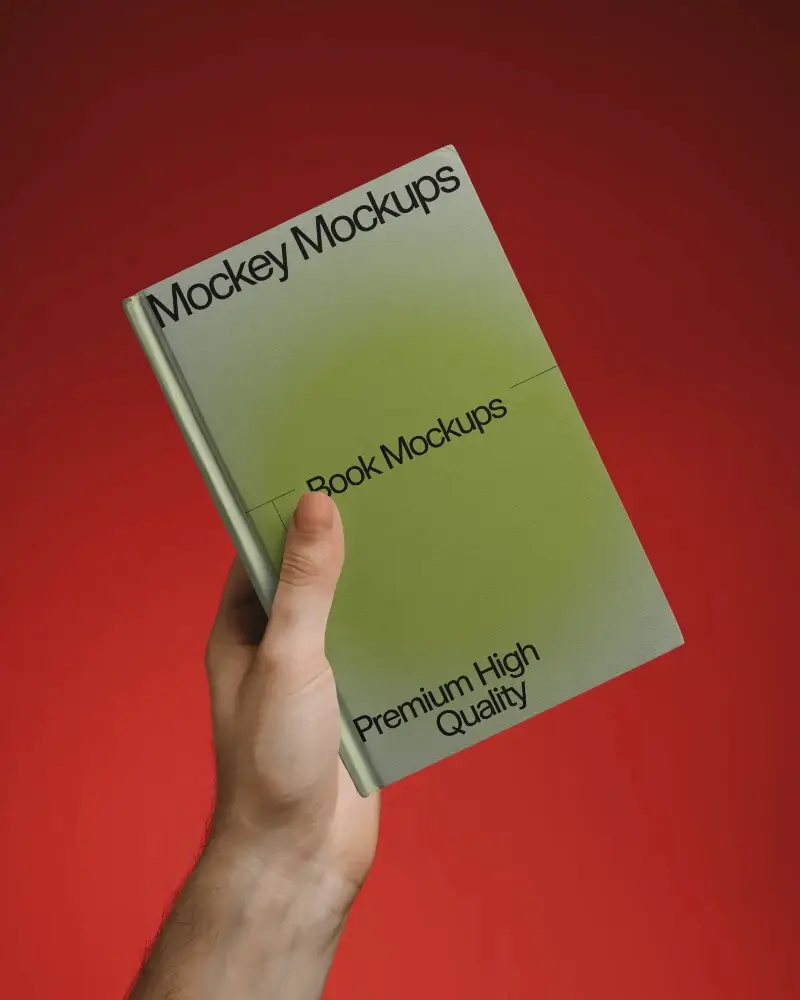
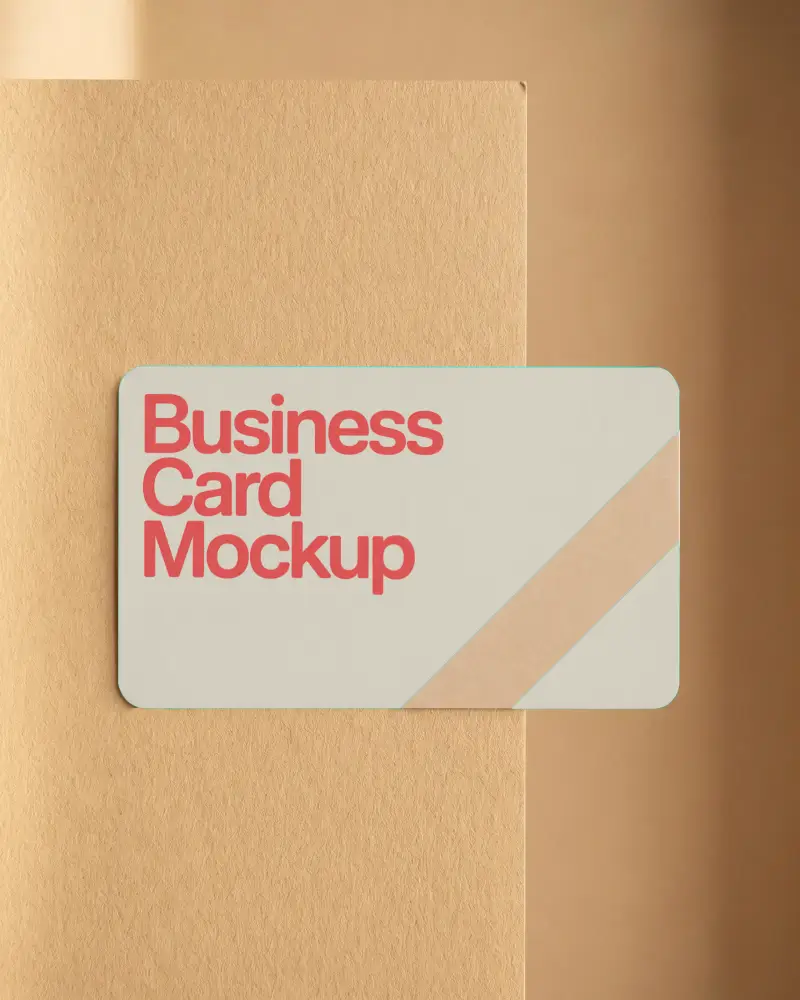


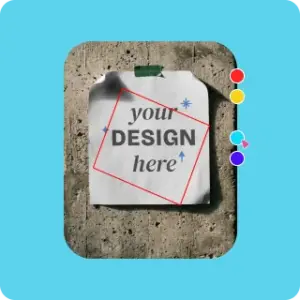
Go to Mockups and click on the Print category. Then choose any item, whether it’s a business card, a book, or a notebook.
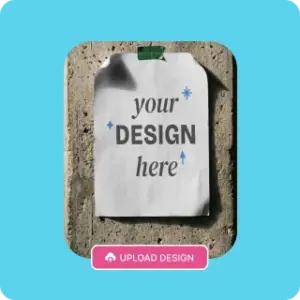
After selecting a template, upload your design. You can also add multiple images if you want.
Save the shorts mockup in high quality after clicking Download. Get image files in JPG and PNG, while animations are in MP4.
This print mockup generator offers over 1,000 business card mockups to customize. Get a wide variety of styles, including stacked, vertical, square, hand-held, horizontal, and even plastic business cards.
Additionally, you can create multiple angles once you select a mockup.
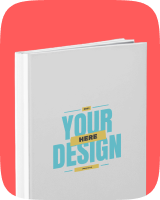
Rather than being simple and minimal, Mockey AI offers more than 600 creative and unique book mockups. You’ll find realistic scenes, such as books held by models, placed in their hands, or displayed in outdoor locations.
It also includes hardcover, softcover, square, landscape, A4-size, and open-book layouts, so that you can fit your design perfectly on any format.
There are more than 800 sticker templates available on Mockey. If you run an online store, you can place your sticker on a shipping box to show how your packaging will look when customers open it. If you have a tech startup, you can show your logo sticker on a laptop, because many people like decorating their laptops.
Our templates will be displayed from multiple angles, and you can edit the sticker mockup by adjusting the outline thickness.
More than 500 magazine mockups are ready for personalization. Upload your design after choosing a style such as landscape, square, folded, A4, open, or horizontal.
Use the crop feature to fit your design perfectly to the magazine size. You can also modify colors or even convert it into an animation using this print mockup generator.
Our print mockup category includes a list of more than 12 items, and each one comes with different types and styles.
For example, if you want to create a poster mockup, you’ll find multiple options on the poster catalog page—such as vertical, paper, horizontal, street, wall-glued, torn styles, as well as A3 and A4 size formats.
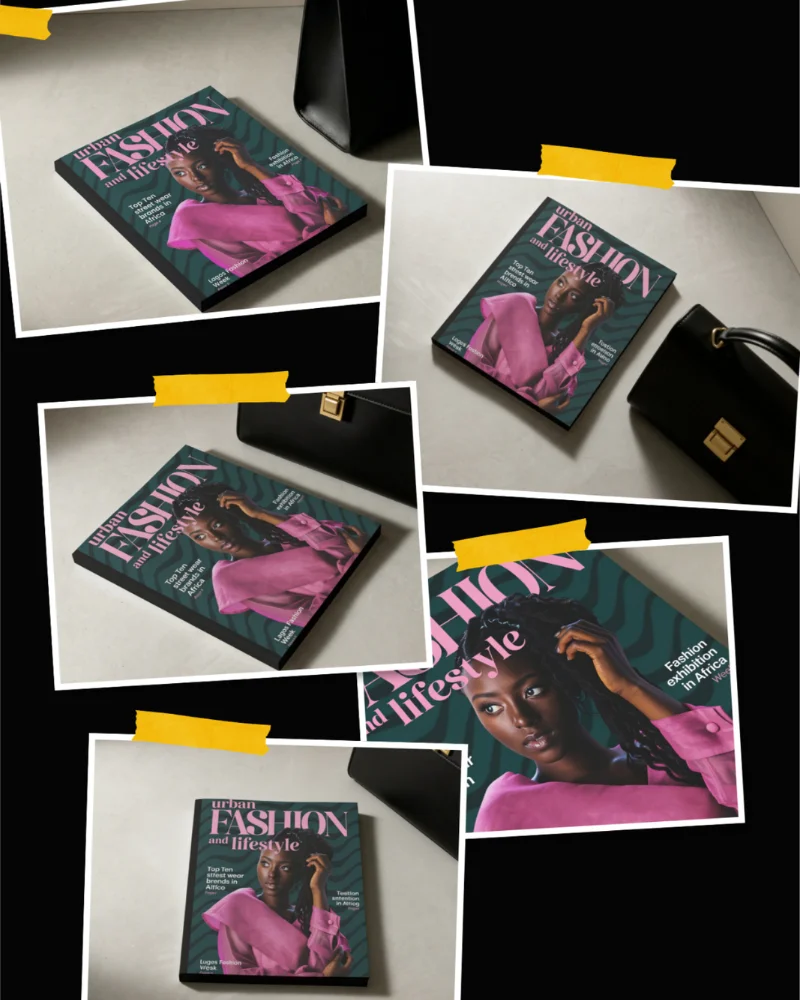
This mockup generator comes with a newly launched Multi-Shot feature that lets you select a single print mockup and instantly generate multiple perspectives from it.
A billboard mockup, brochure mockup, or any print item can be created with multiple-angle shots, giving you a realistic preview from all sides.
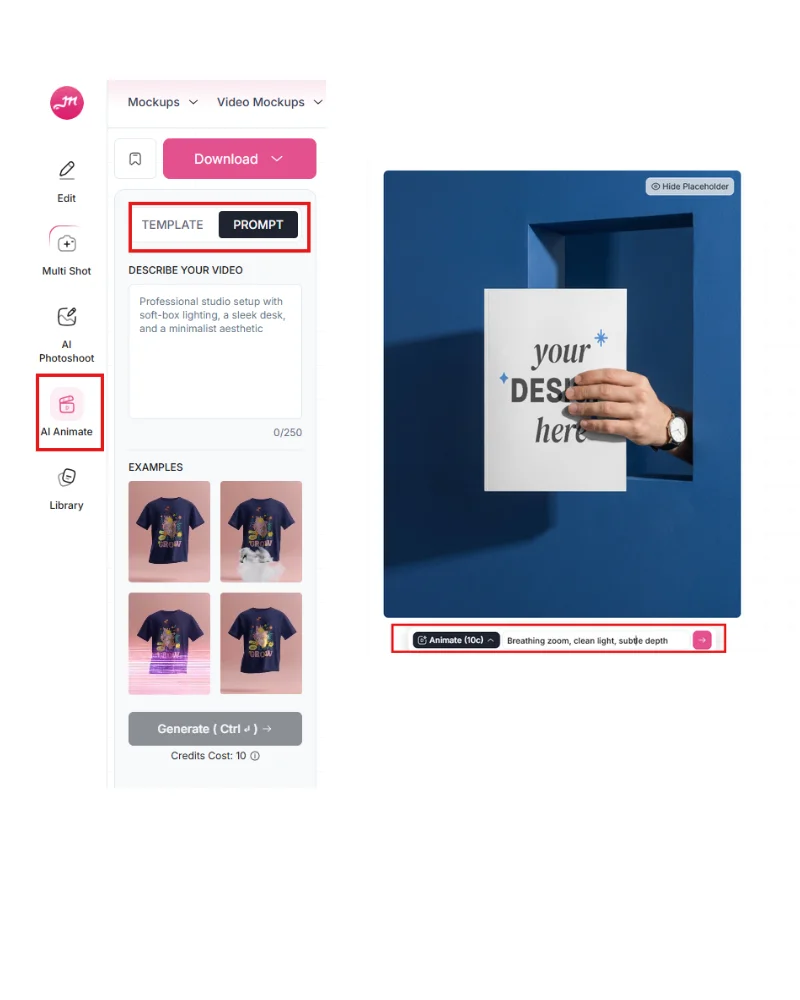
Another standout feature that truly sets Mockey apart is the ability to turn your mockups into animations. After adding your design to a template and customizing it, you’ll see the Animate feature right on the same editor page, along with a prompt box.
You can either use the default option or type your own prompt to instantly convert your mockup into an animation the way you want.
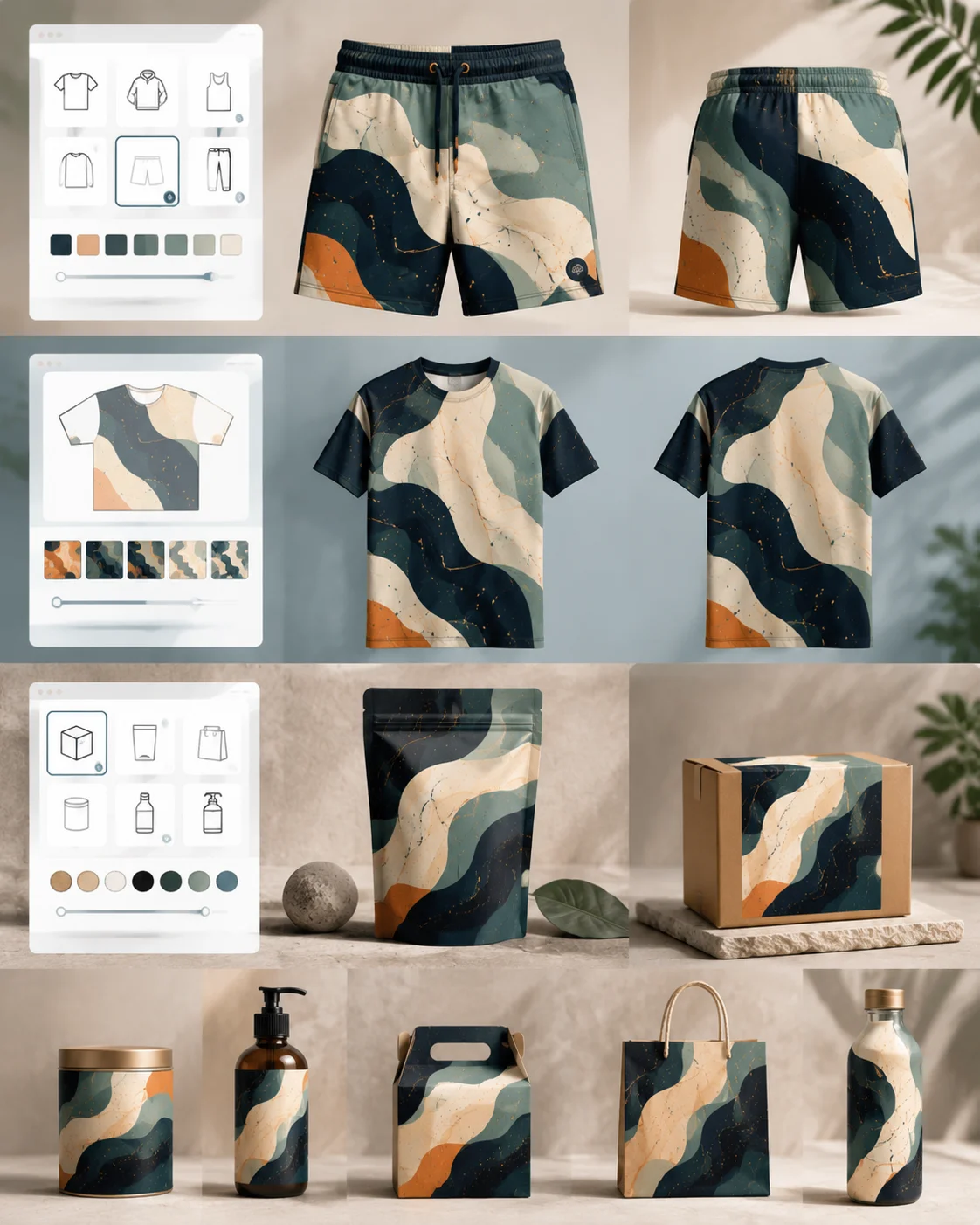
If you’re expanding your brand, don’t limit yourself to just prints. We offer a wide range of mockup generator pages—like shorts mockup generator, all-over print mockup generator, packaging mockup generator, and more.
These pages will help you show examples, guide you on how to create a mockup, and give you reasons why you should choose this platform.
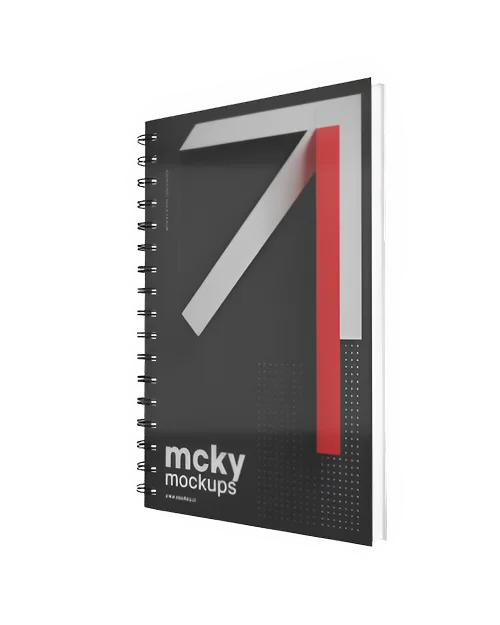
There are 3D templates available in our 3D mockup generator for different print items like notebooks, business cards, and books. You can download all of them with motion animations in multiple versions.
It also lets you use multiple designs, change colors, and even add custom backgrounds. You can rotate and zoom the preview in real time to see every detail.
Showing print designs in a video helps people trust the product and makes them more likely to buy it. But many tools use prompts, which can be confusing and don’t always give the right result.
Don’t worry. Mockey offers you 1000+ video templates. You just choose a video, upload the design, adjust it a little, and your video mockup is ready.
Ink costs money. Mistakes cost more. Use our print mockup generator to catch issues before they hit paper. If it looks good here, it’ll look even better in print.
A print mockup generator is a tool that lets you place your design on products like books, business cards, brochures, magazines, or posters without taking real photos.
Print mockups are extremely important for POD. Realistic mockups make your designs look like real products, which can help you sell more. They also save money because you don’t need to do expensive photoshoots at the beginning.
Mockey’s print mockup generator offers over 8,000 templates across a wide range of items like books, posters, lanyards, ID cards, flyers, and more—making it the best platform.
In a print mockup generator, look for realistic output, a variety of templates, bulk generation support, an easy-to-use interface, and customization (colors, background, angles).