Vertical Poster Mockup Free Download - Vertical Poster Mockup Designs
Create a free vertical poster mockup online with Mockey! Just upload, customize, and download Vertical Poster Mockup instantly. Start designing!









.png)
















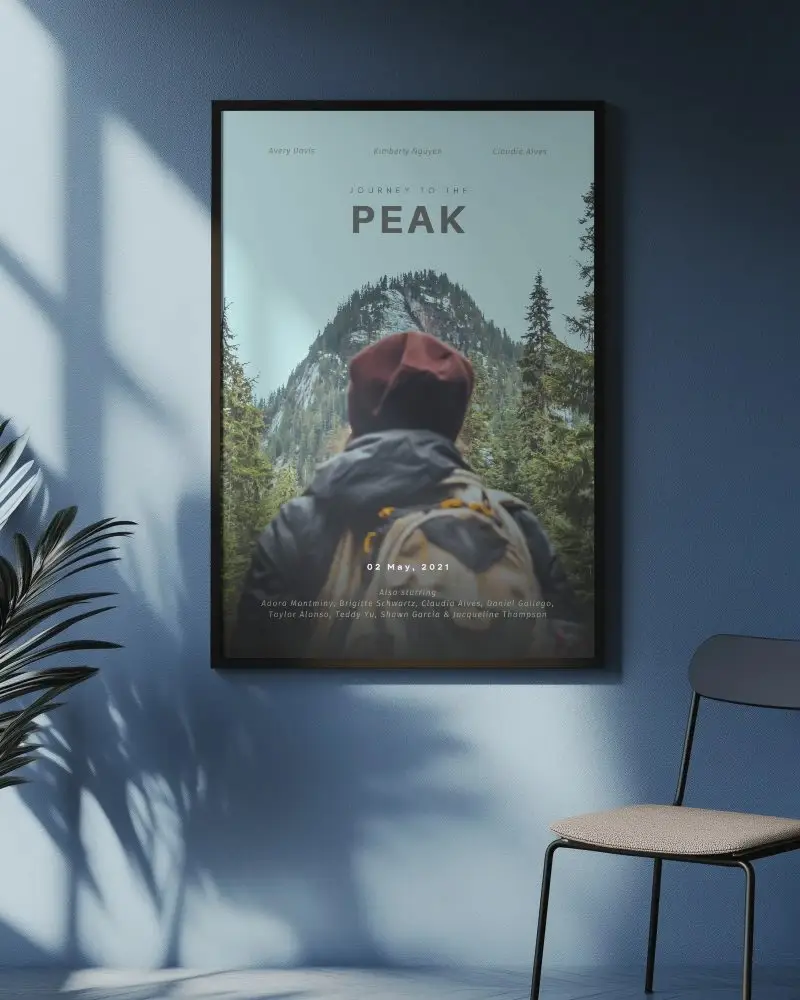
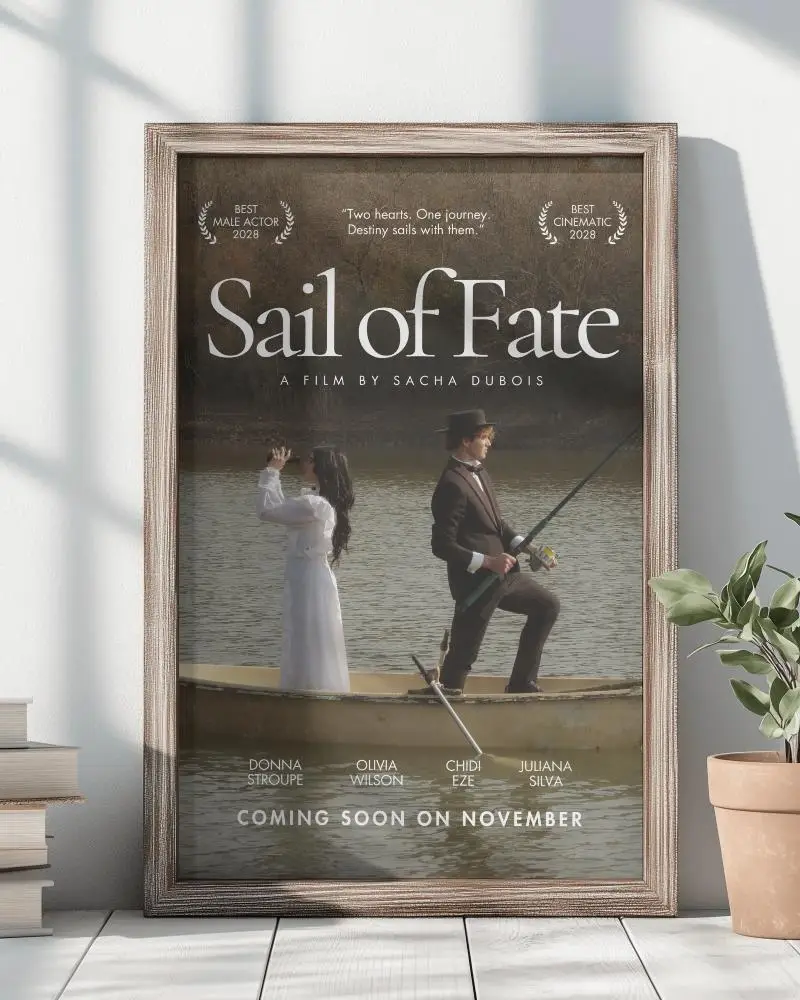
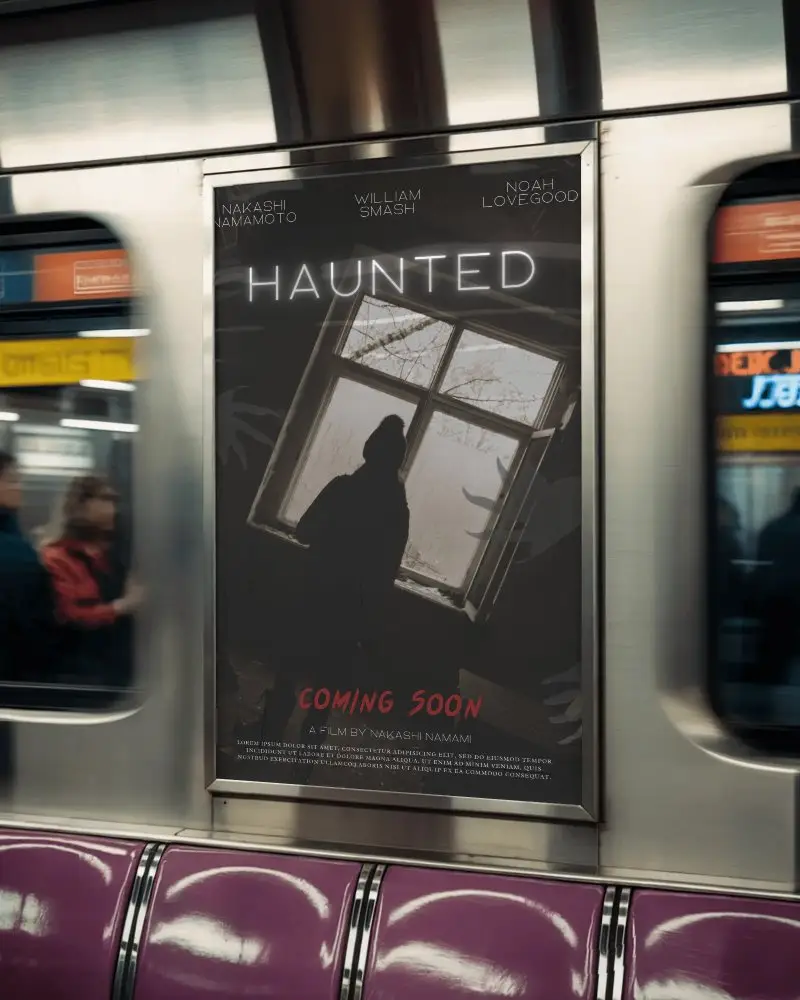
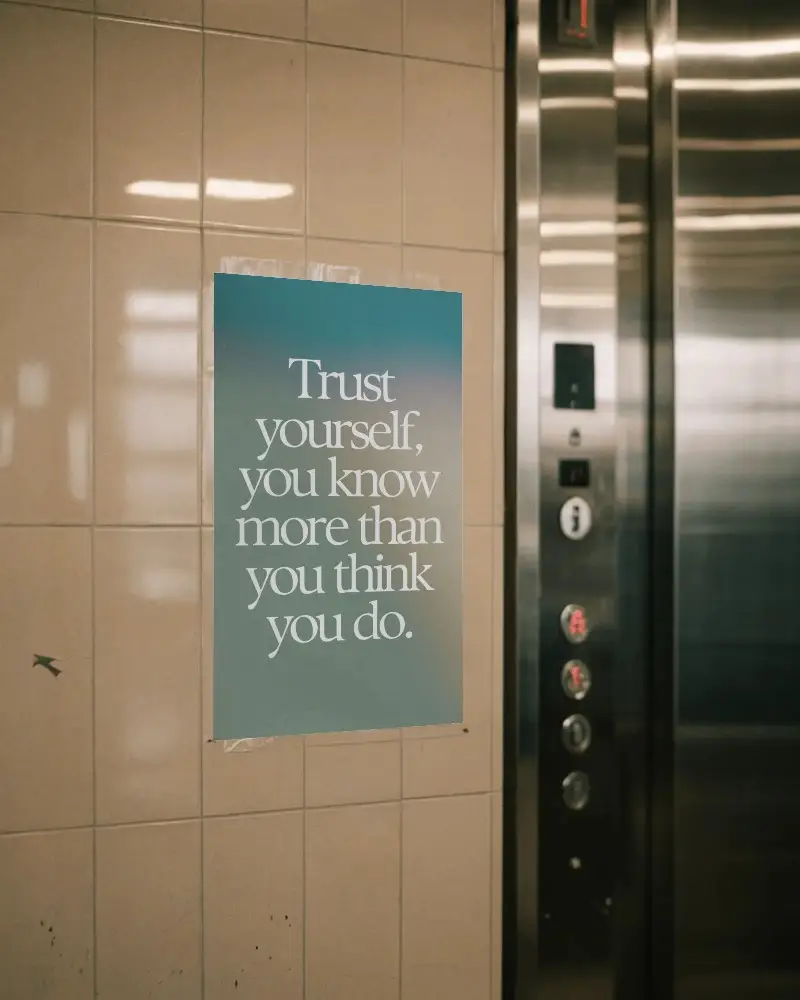
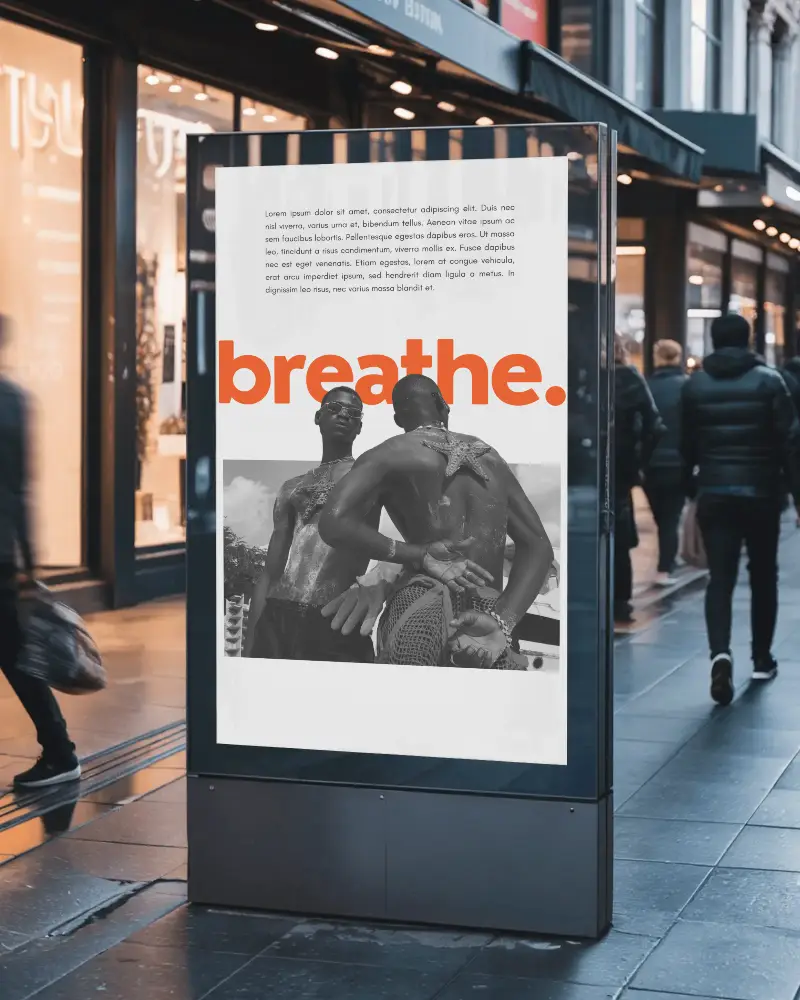
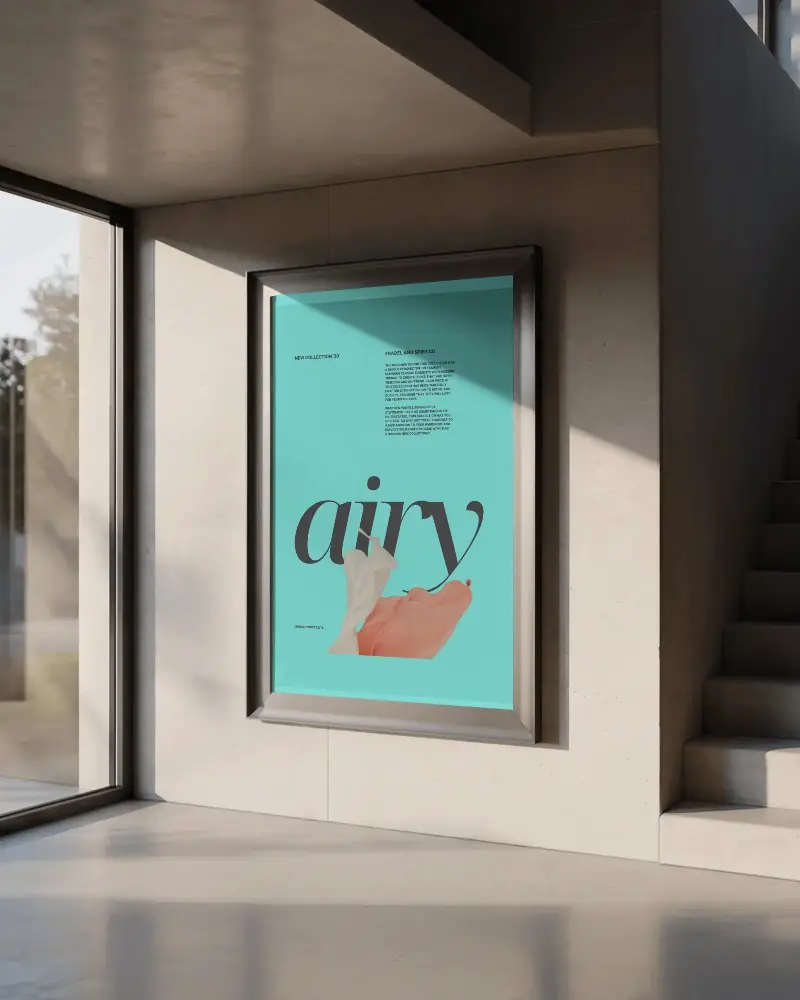
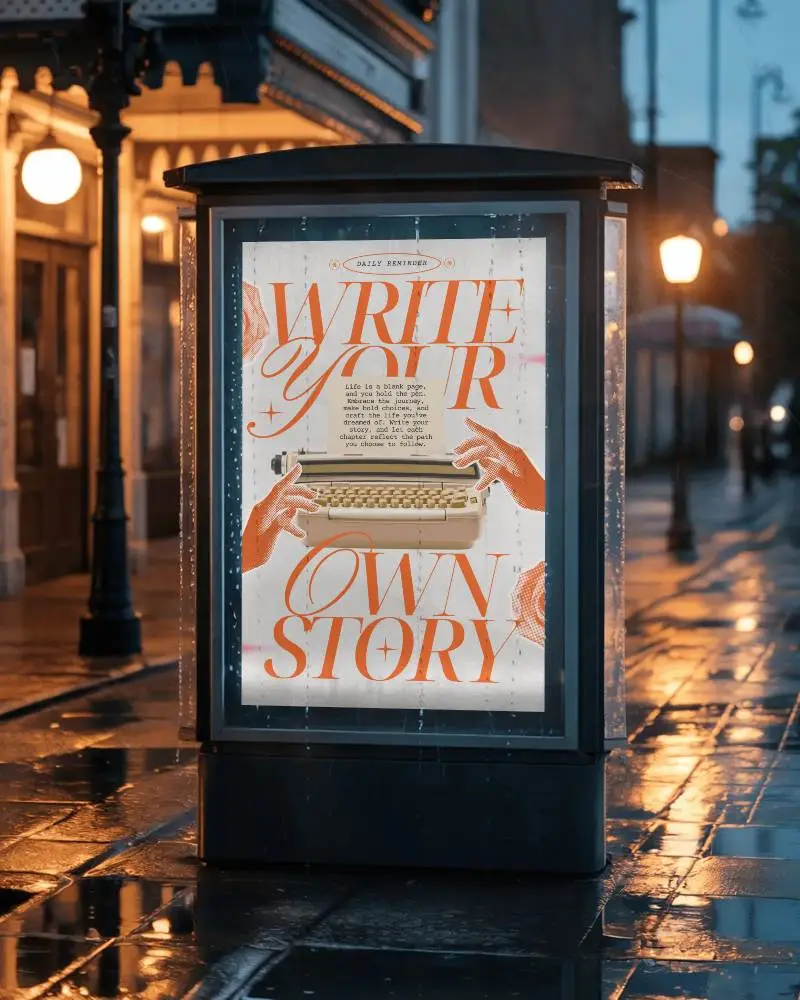
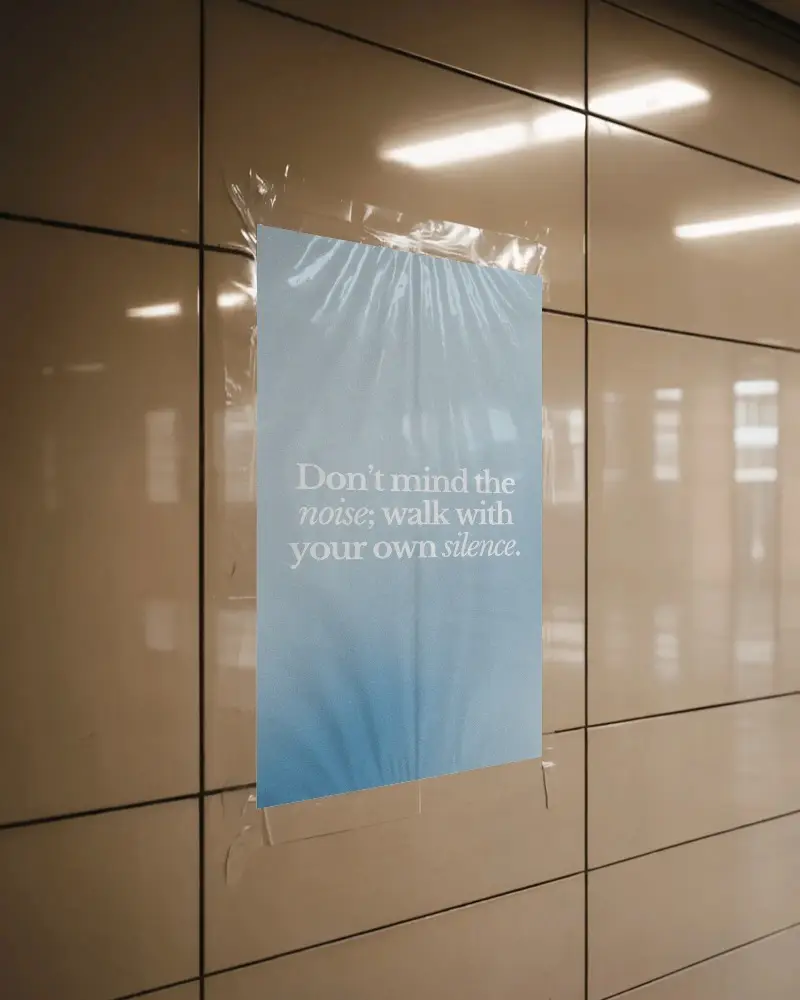
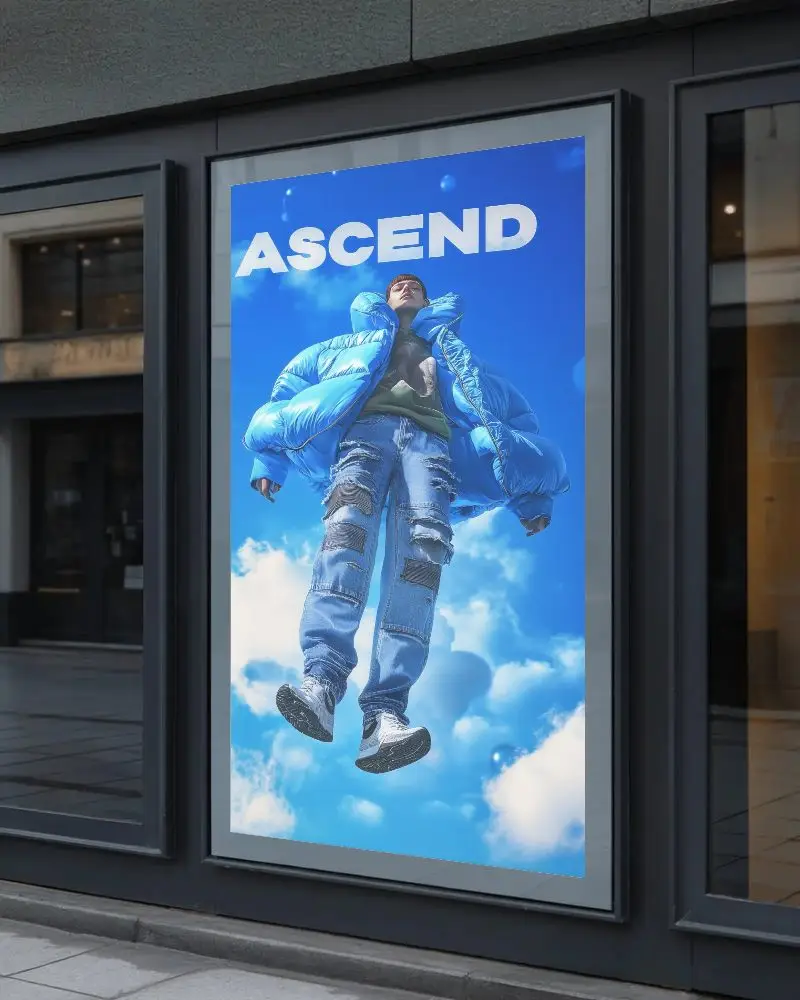
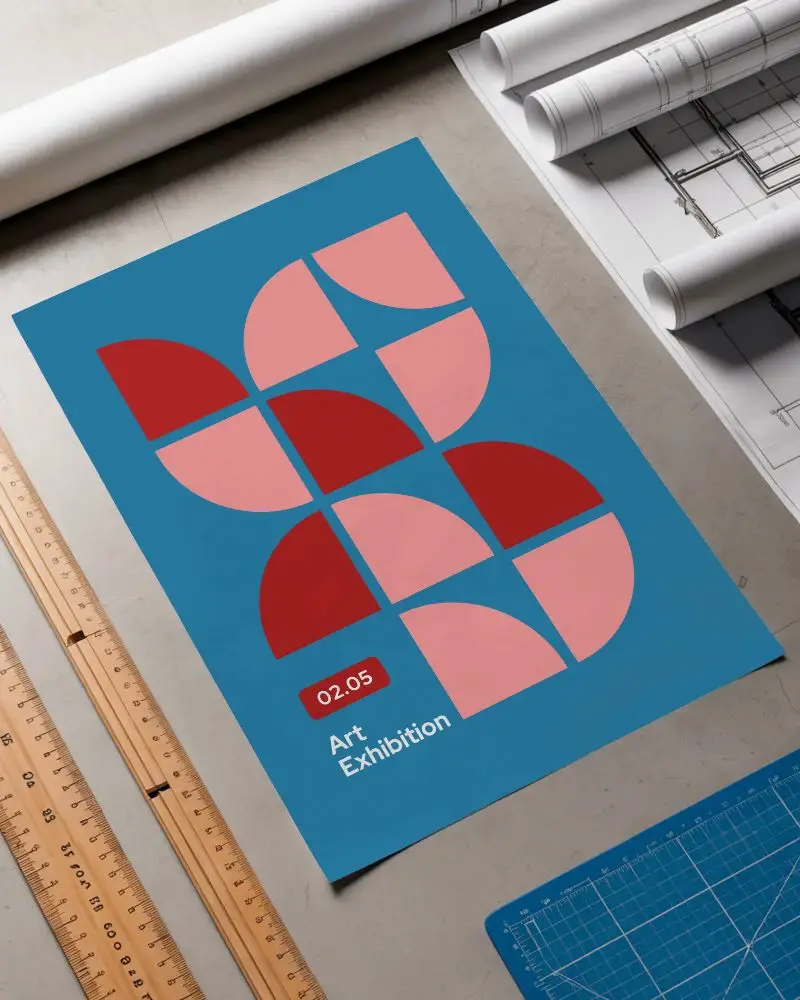
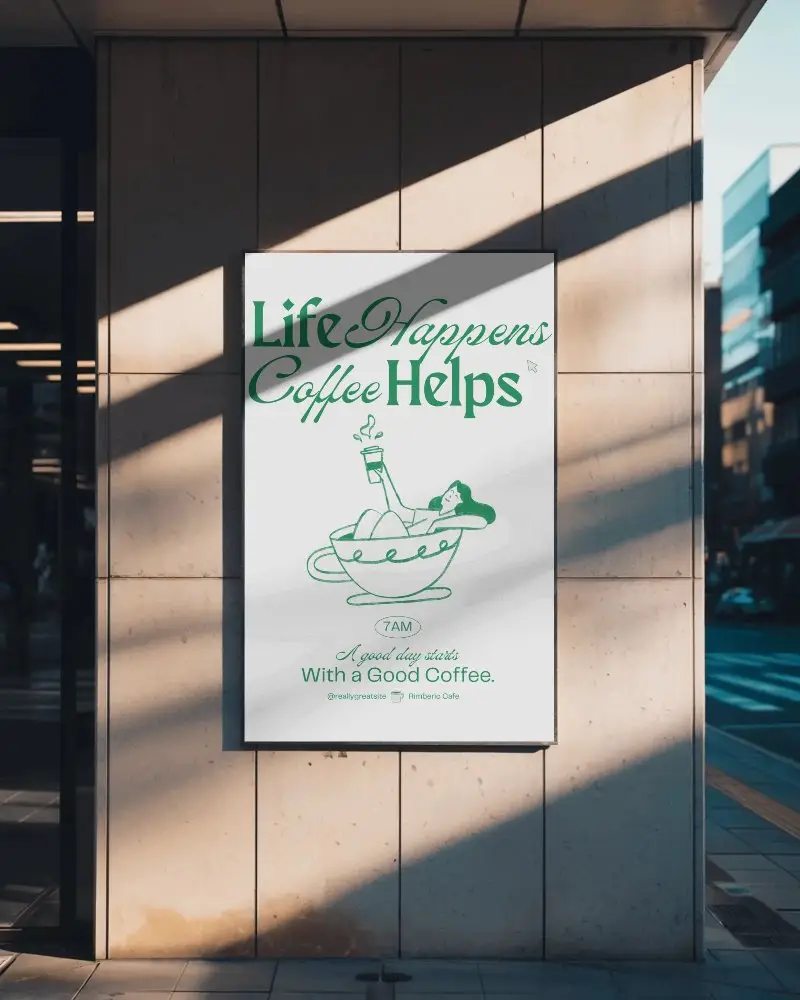
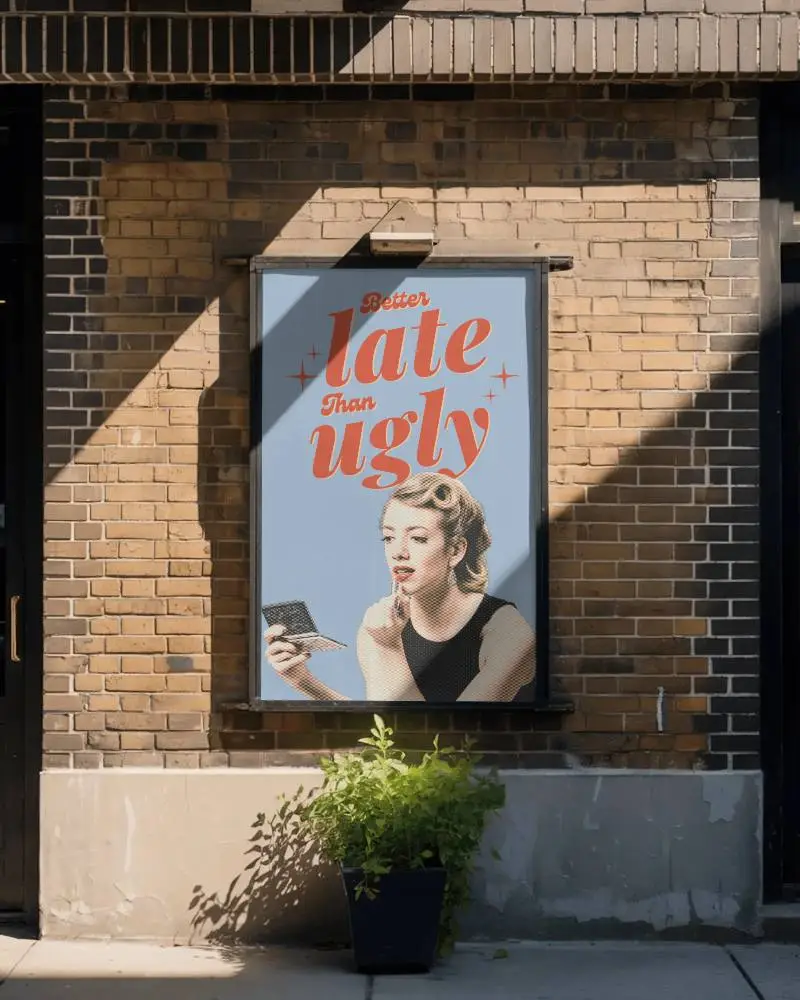
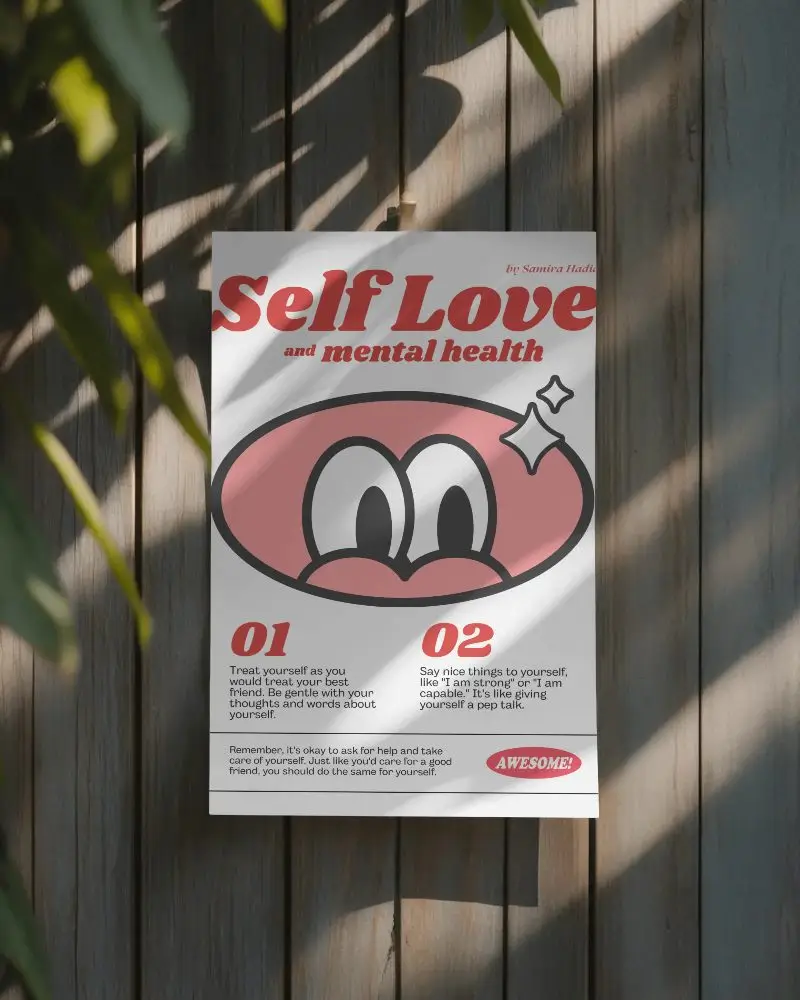
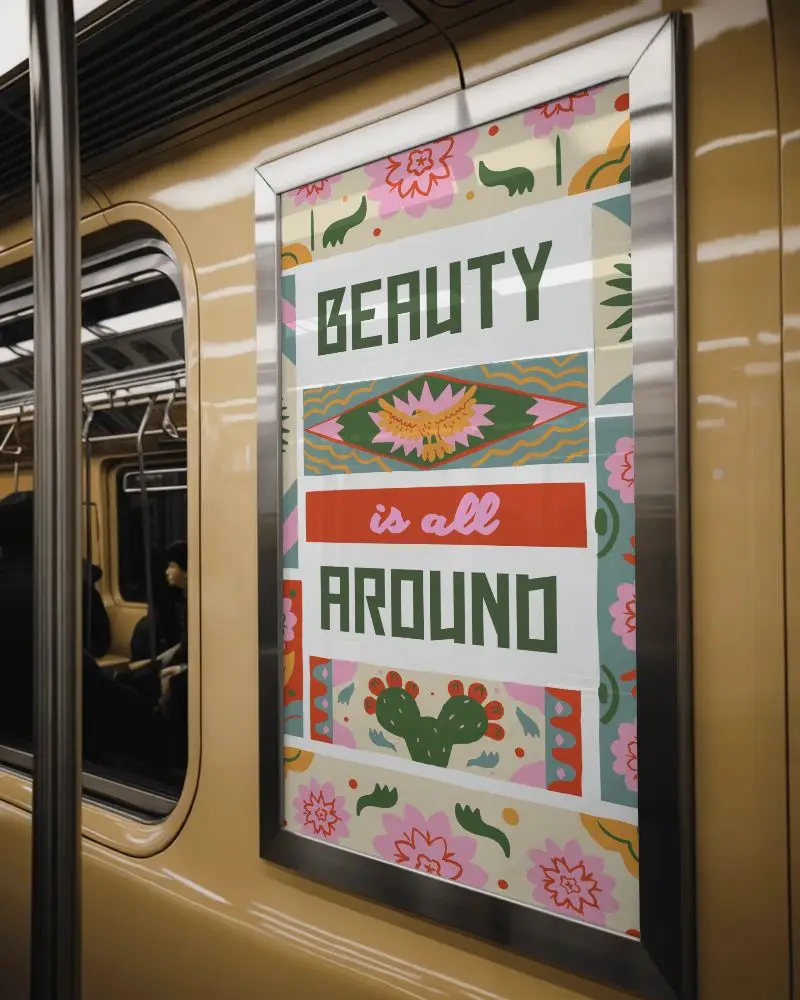
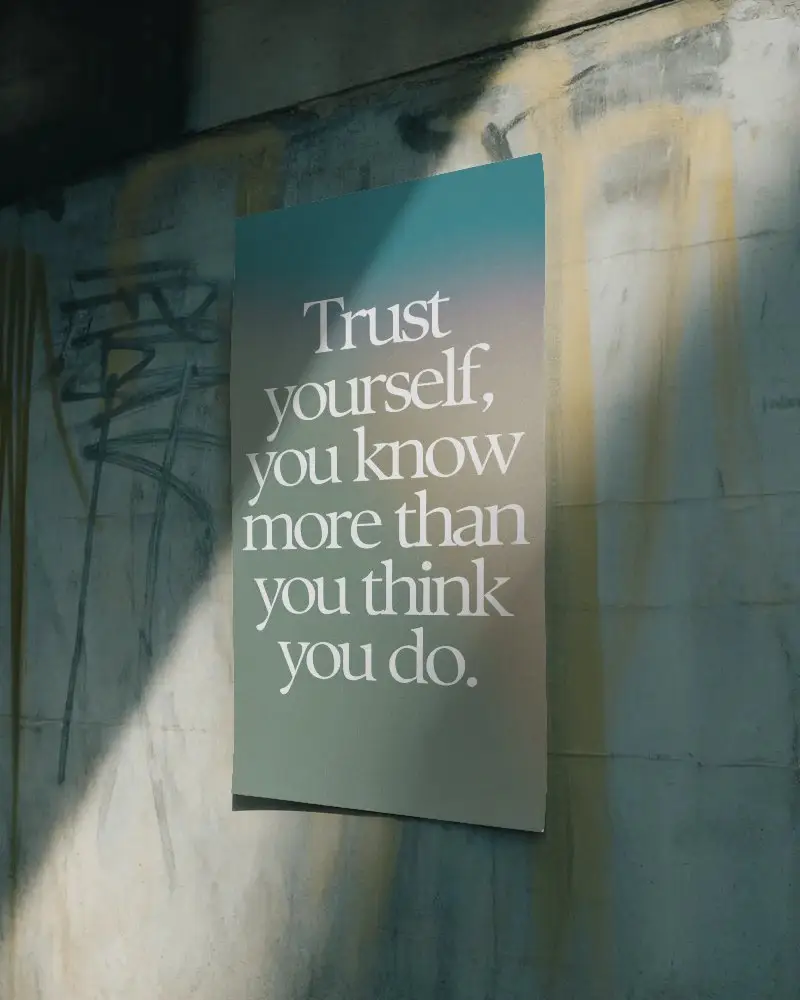
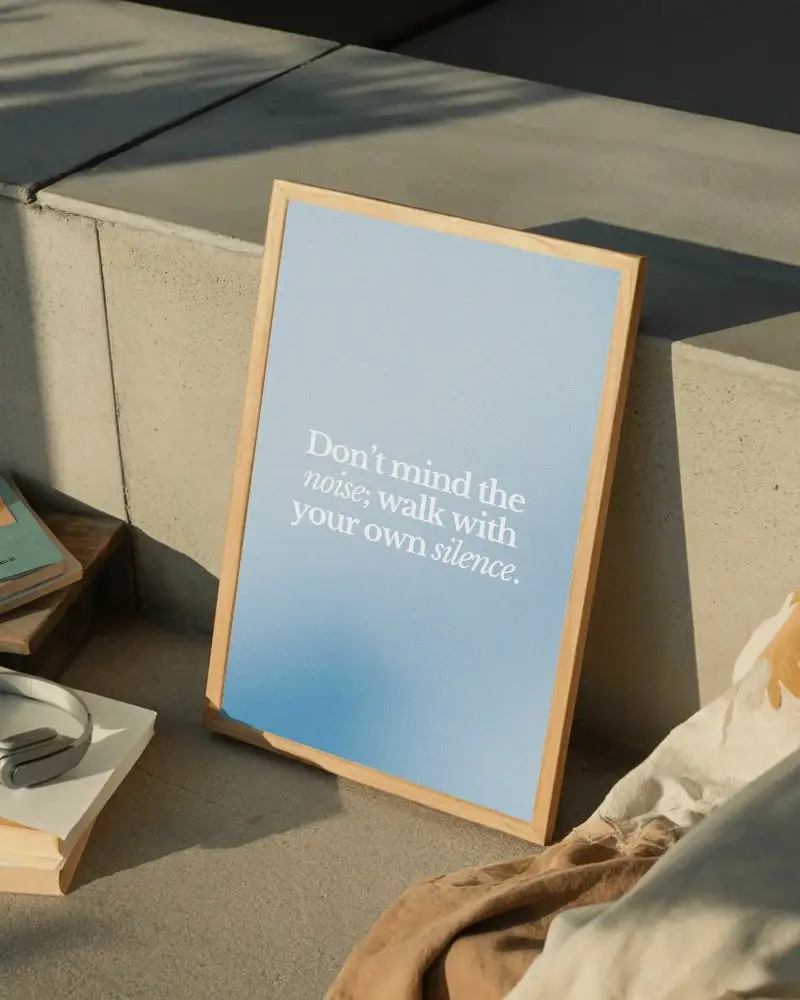
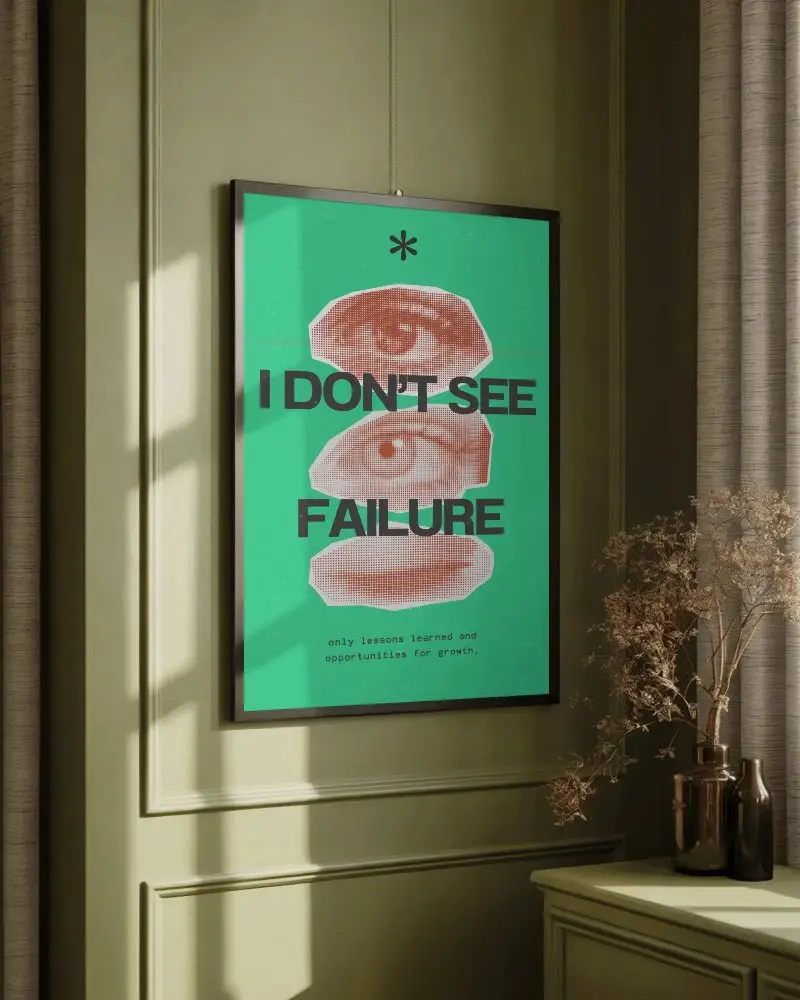
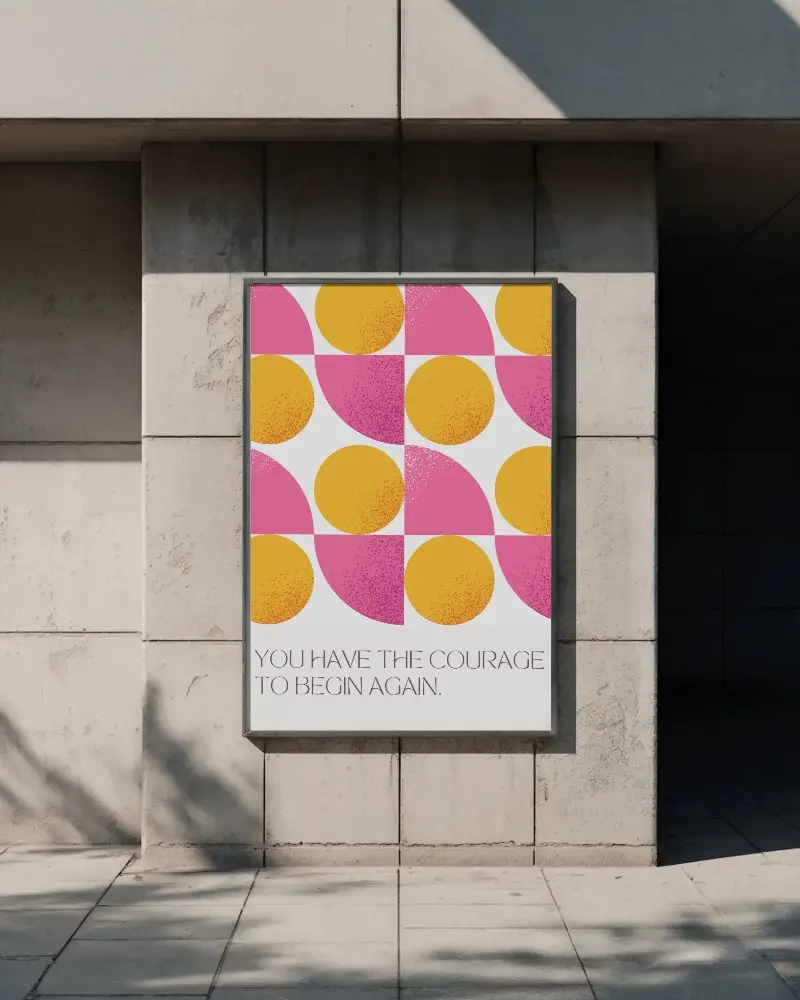
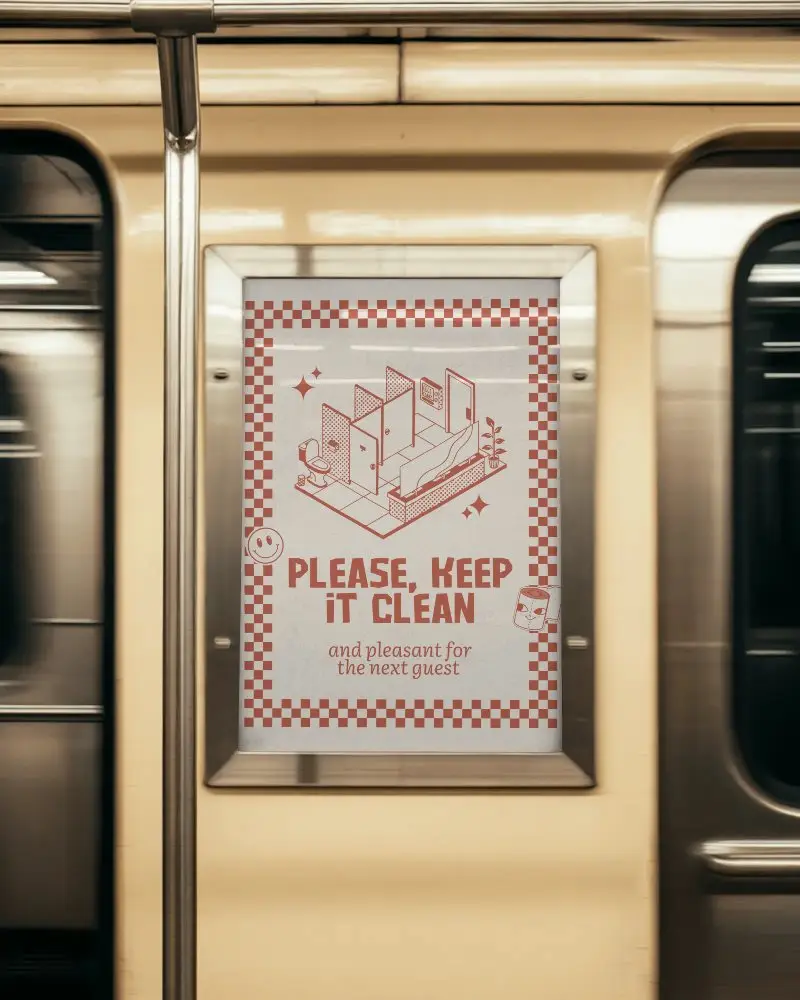
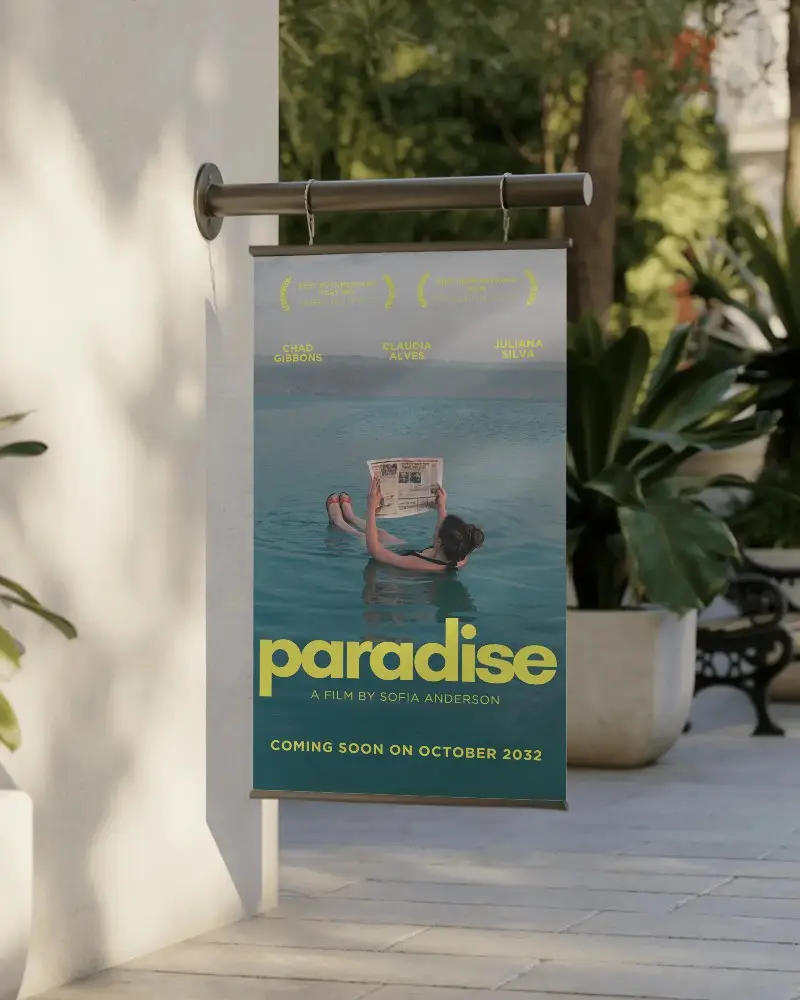
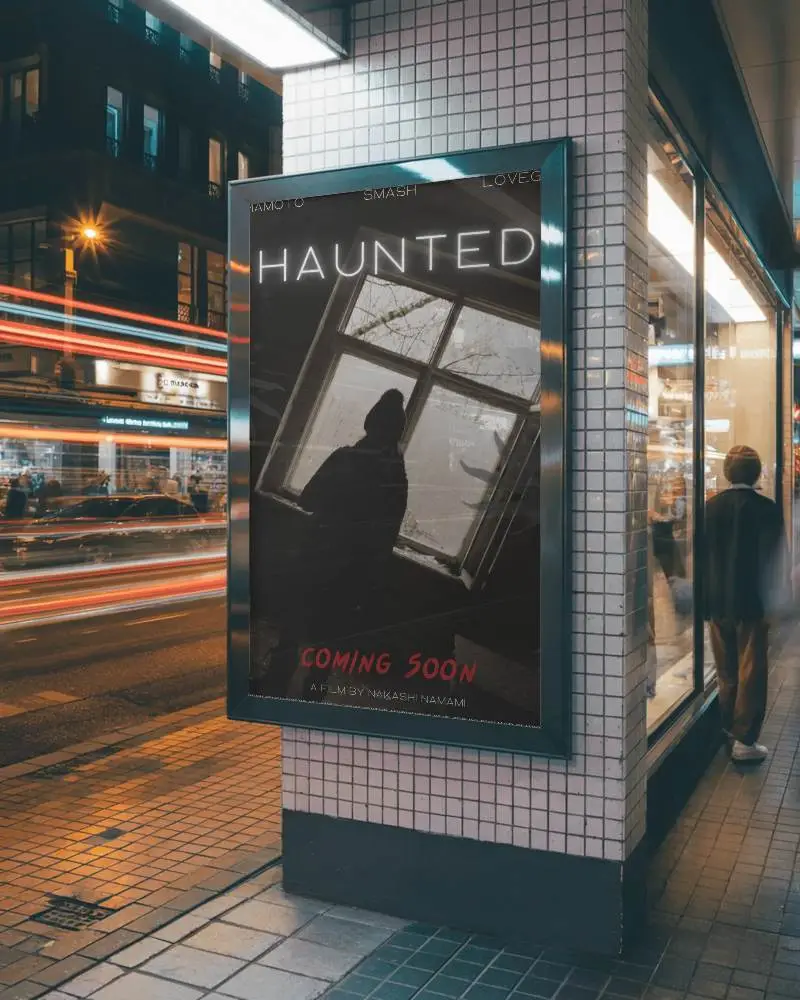
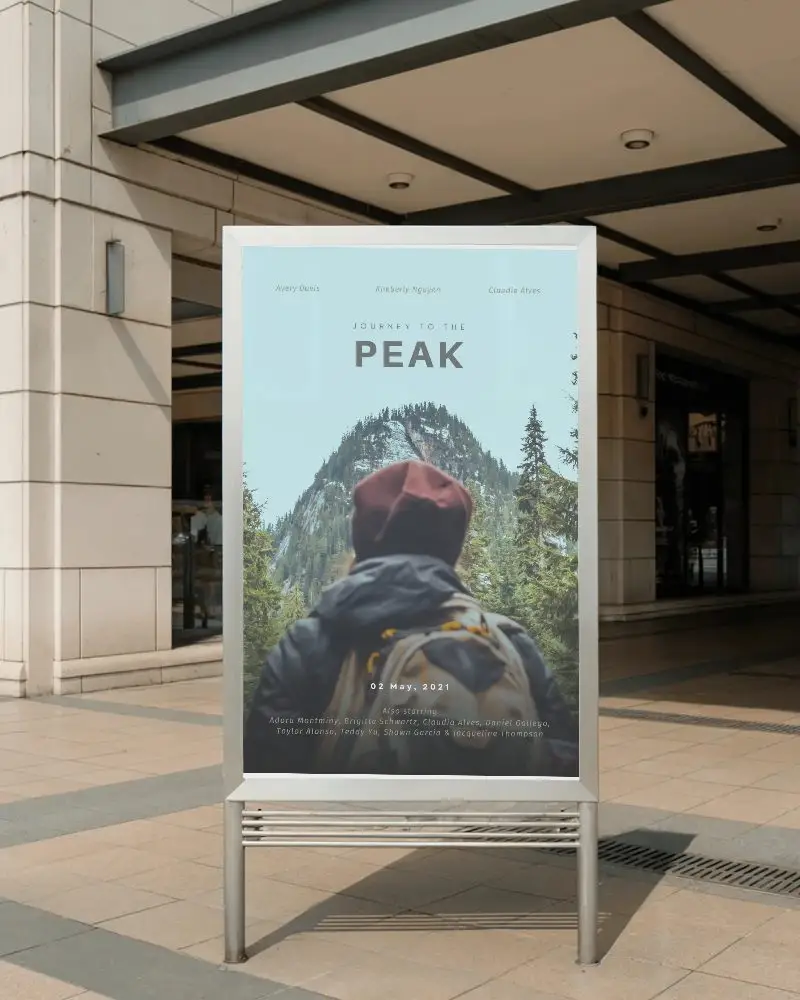
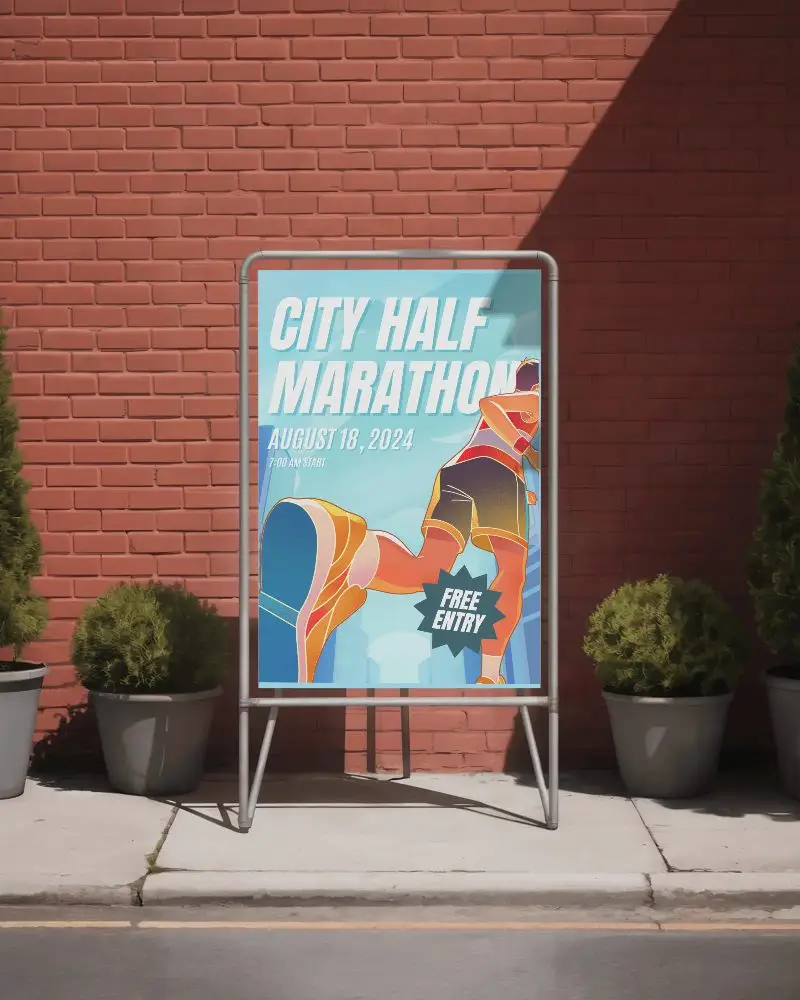
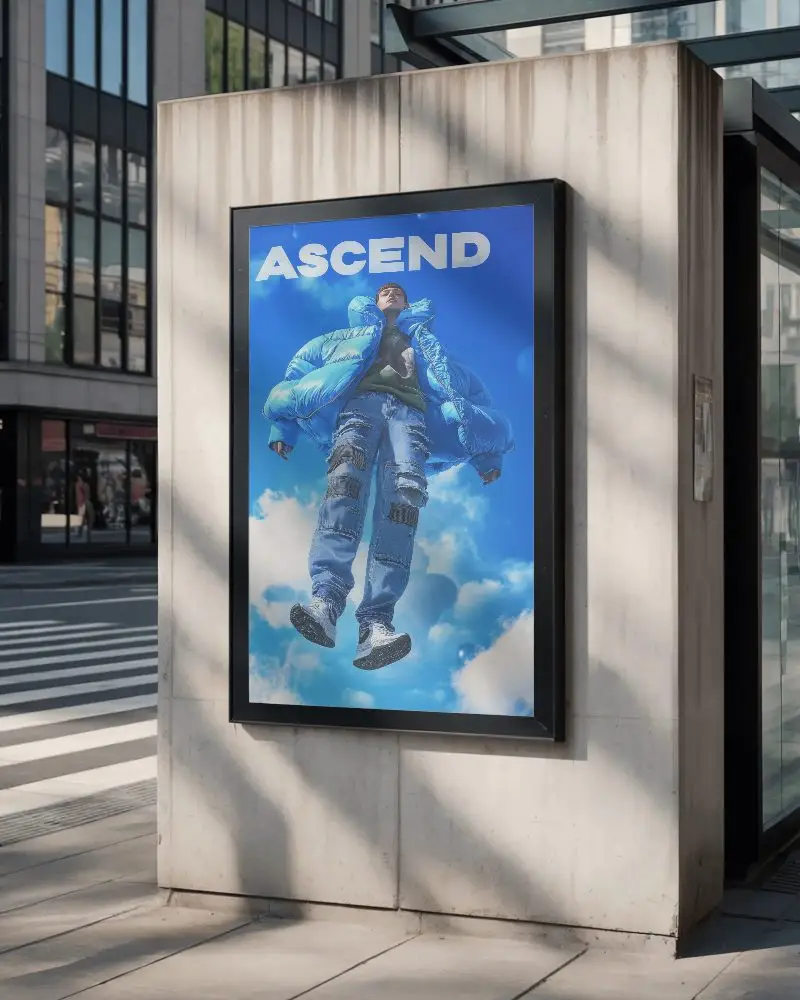
How to Create Vertical Poster Mockup with Mockey
To create a vertical poster mockup in Mockey AI:
- Step 1: Open Mockups, tap Print, then choose Poster. Pick a design from Vertical.
- Step 2: Click Upload Design to add your logo. You can also change colors or try AI Photoshoot or AI Anime (only in the Creator Plan).
- Step 3: Tap Download to save your vertical poster as PNG or JPEG in high-resolution sizes.


FAQs on Vertical Poster Mockups
What is a Vertical Poster Mockup?
A vertical poster mockup is a digital template that shows how a poster will look in an upright (vertical) position.
Why create a Vertical Poster mockup?
Making a vertical poster mockup helps designers see, test, and show their logo or design in a realistic way.
Why Use Mockey’s Vertical Poster Mockup?
Mockey AI’s vertical poster mockups give you free, high-quality templates that make your designs look real, easy to customize, and great for presentations.
Is this Vertical Poster Mockup Free?
Yes, Mockey AI gives free vertical poster mockups that you can download and edit for high-quality designs.
Can I download my vertical poster mockup in high resolution?
Yes, Mockey AI provides high-resolution vertical poster mockups to download in PNG format.
How can a vertical poster mockup help my marketing strategy?
A professional vertical poster mockup improves your design presentation and helps you to get clients and audiences before printing.
Is a vertical poster mockup better than a horizontal one?
It depends on what you need the poster for. Vertical posters are best for ads, event announcements, and online promotions. Horizontal posters work well for landscape pictures.
