Room Poster Mockup Free - Living Room Poster Mockup Templates
Find the best room poster mockups to display your designs in a real-world setting. Create and download free poster mockups with Mockey in just a few clicks!









.png)
















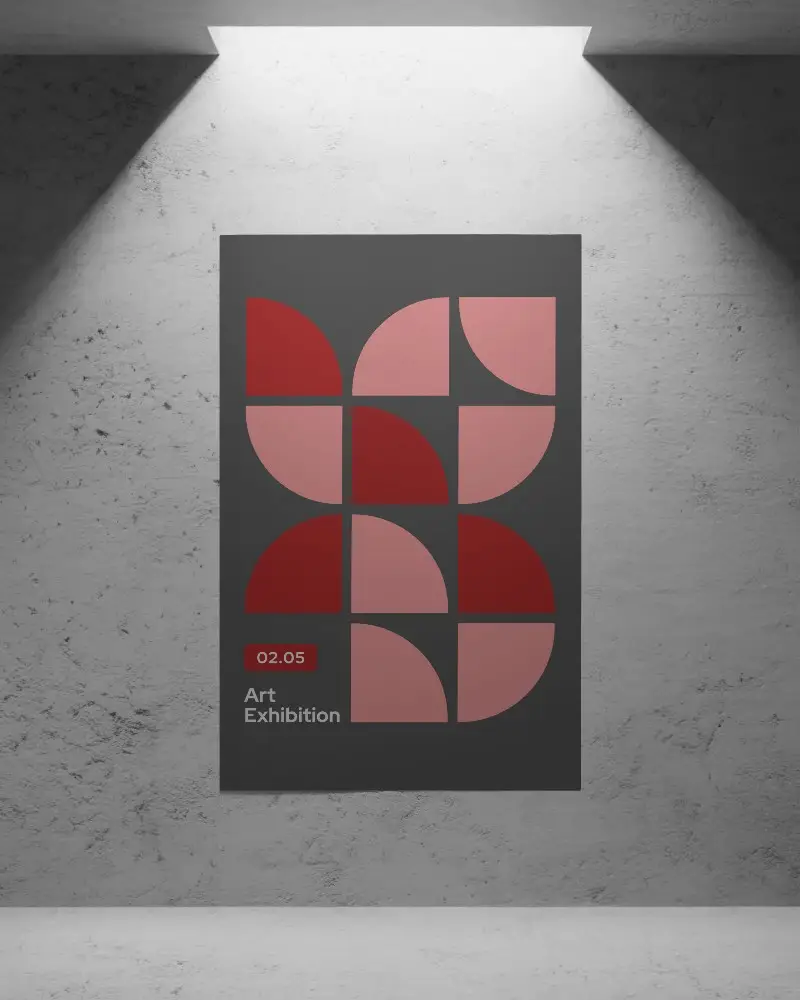
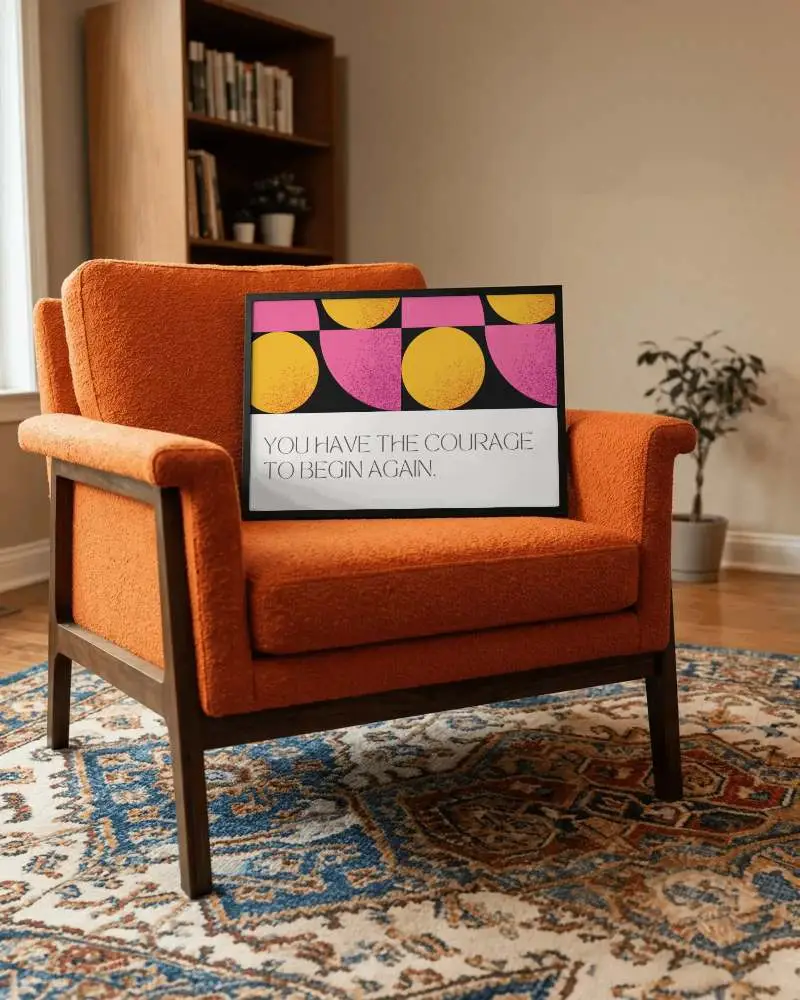
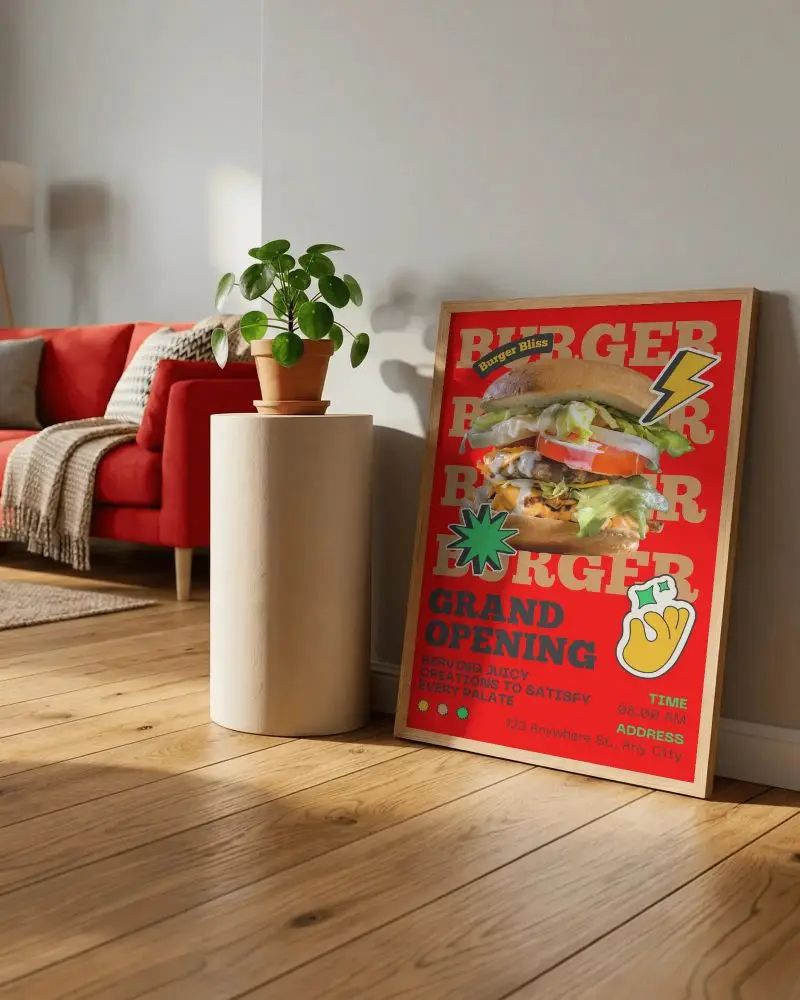
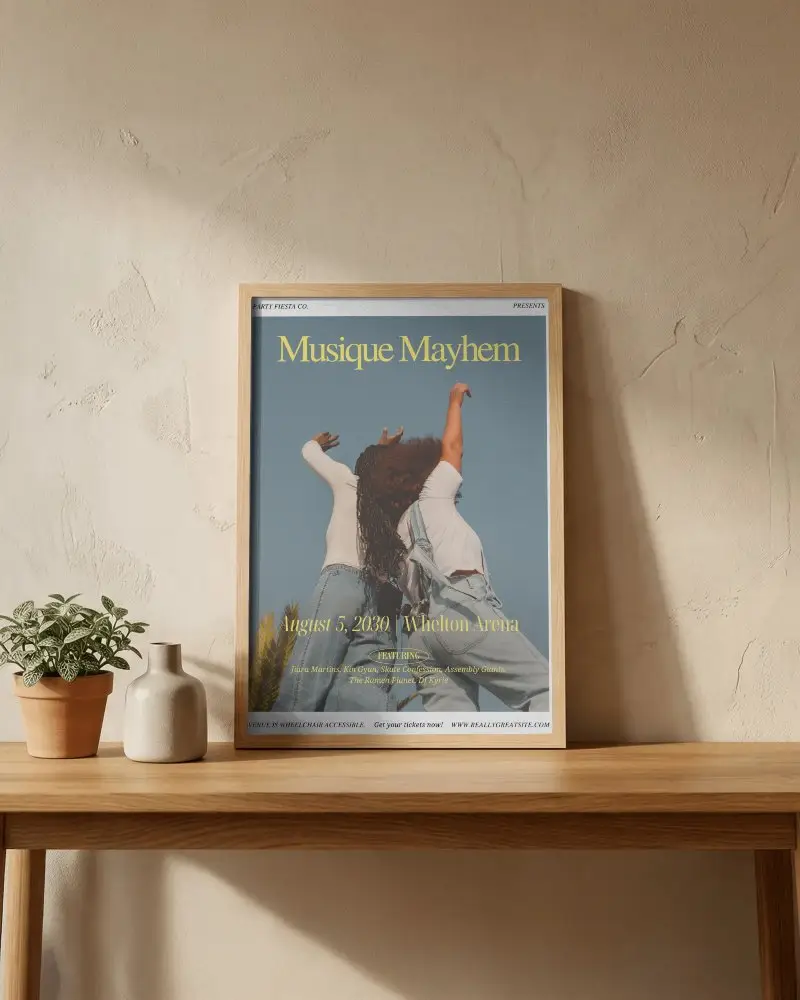

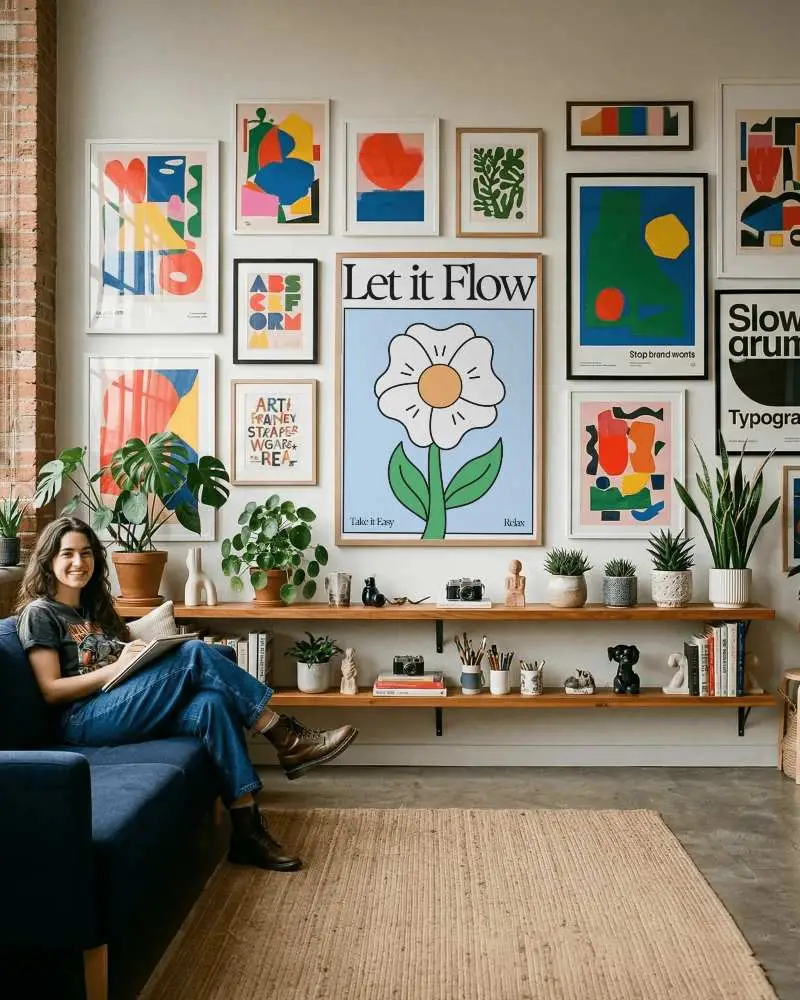
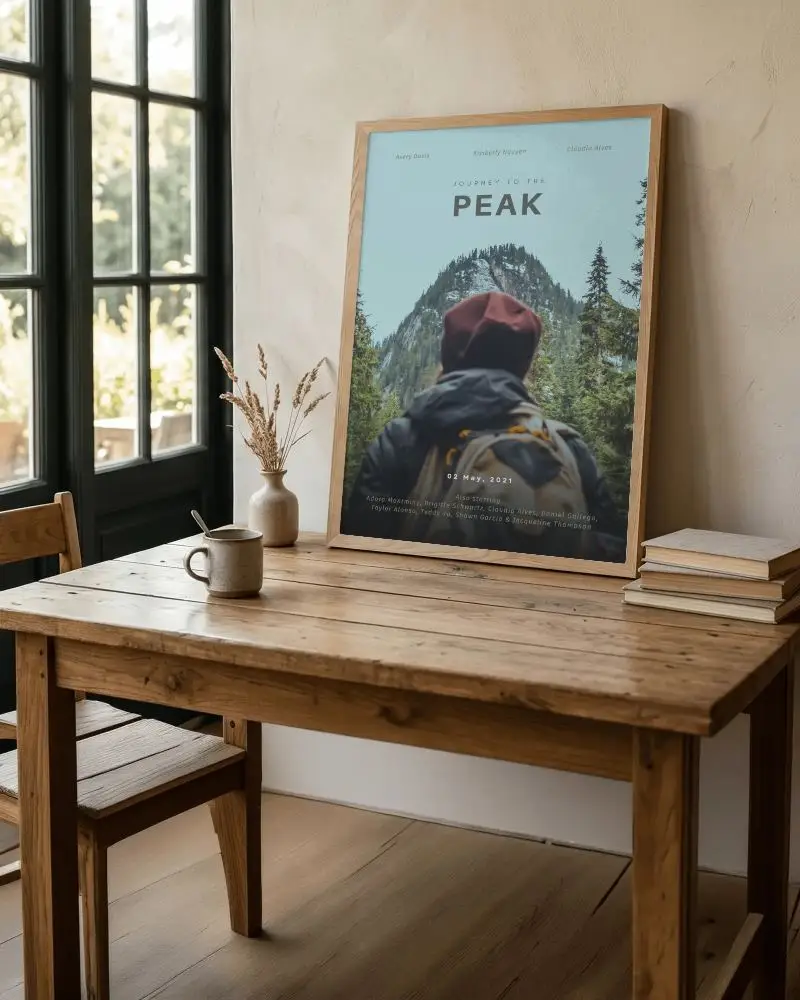
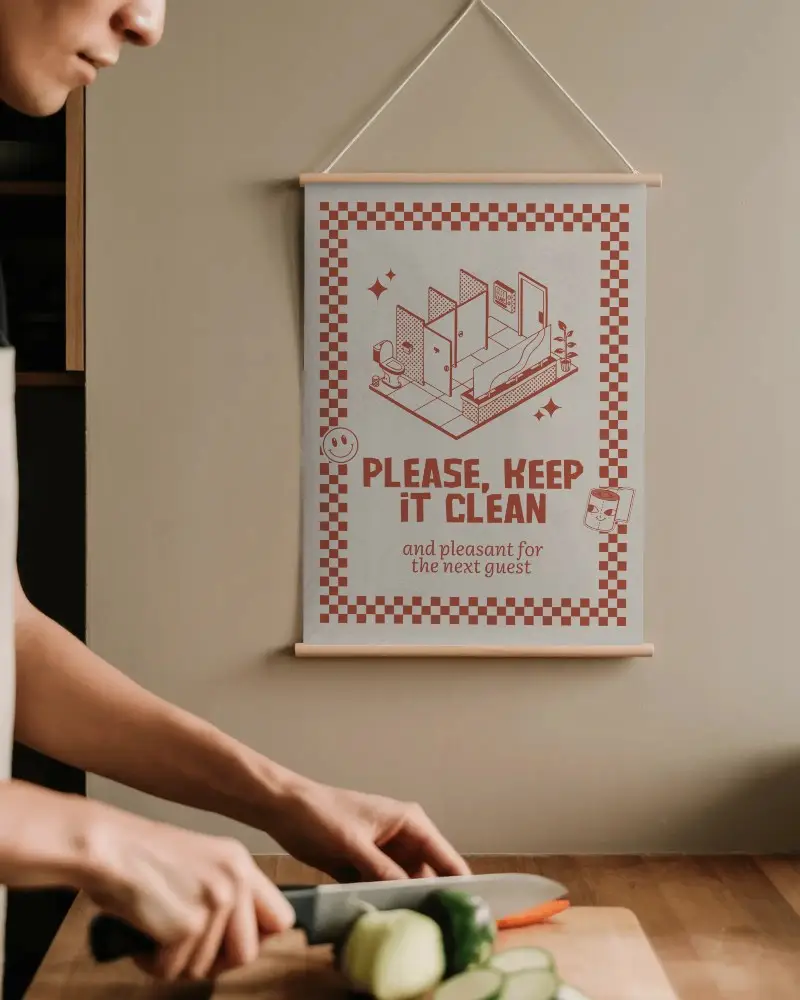
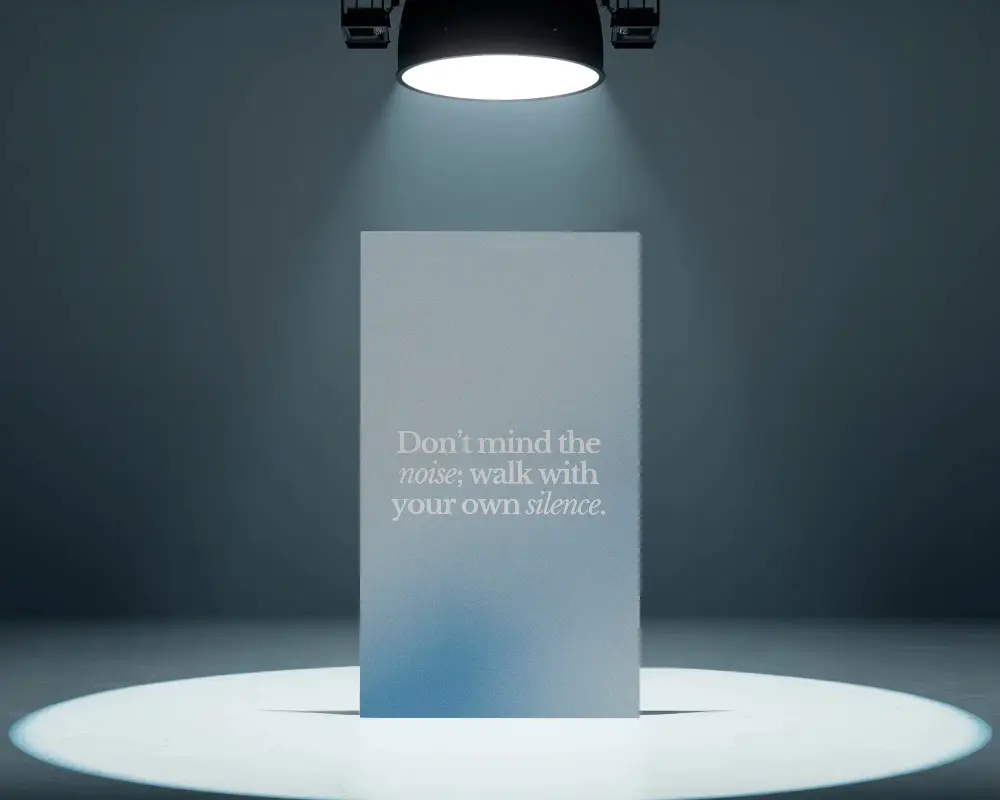
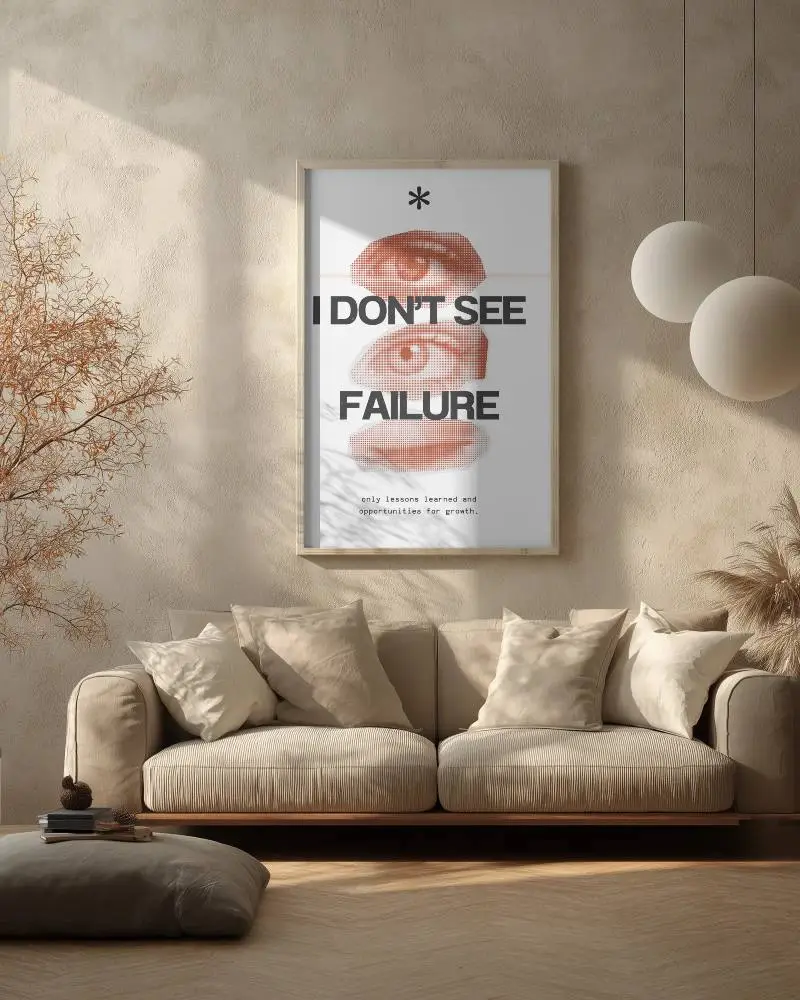
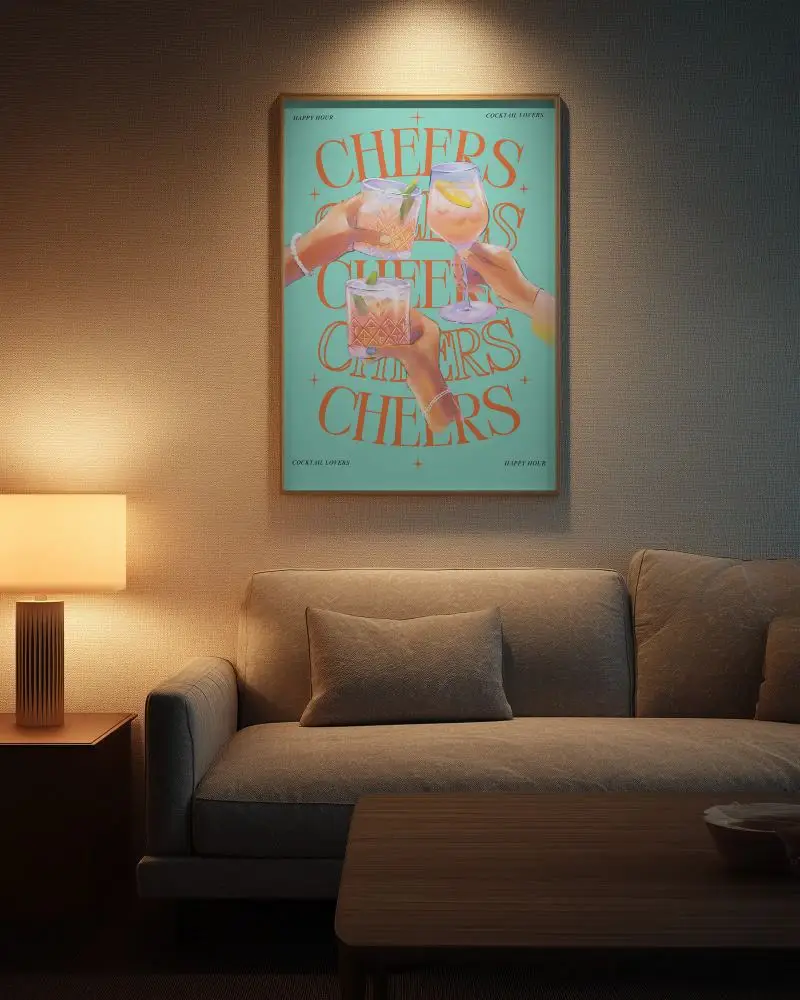
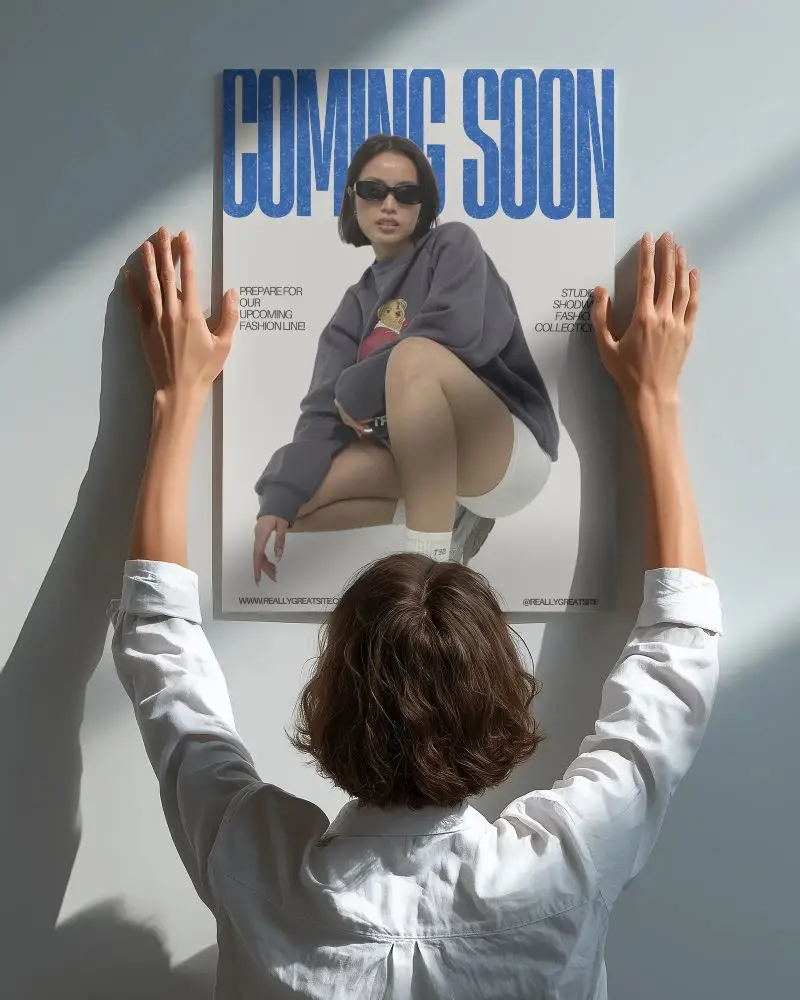
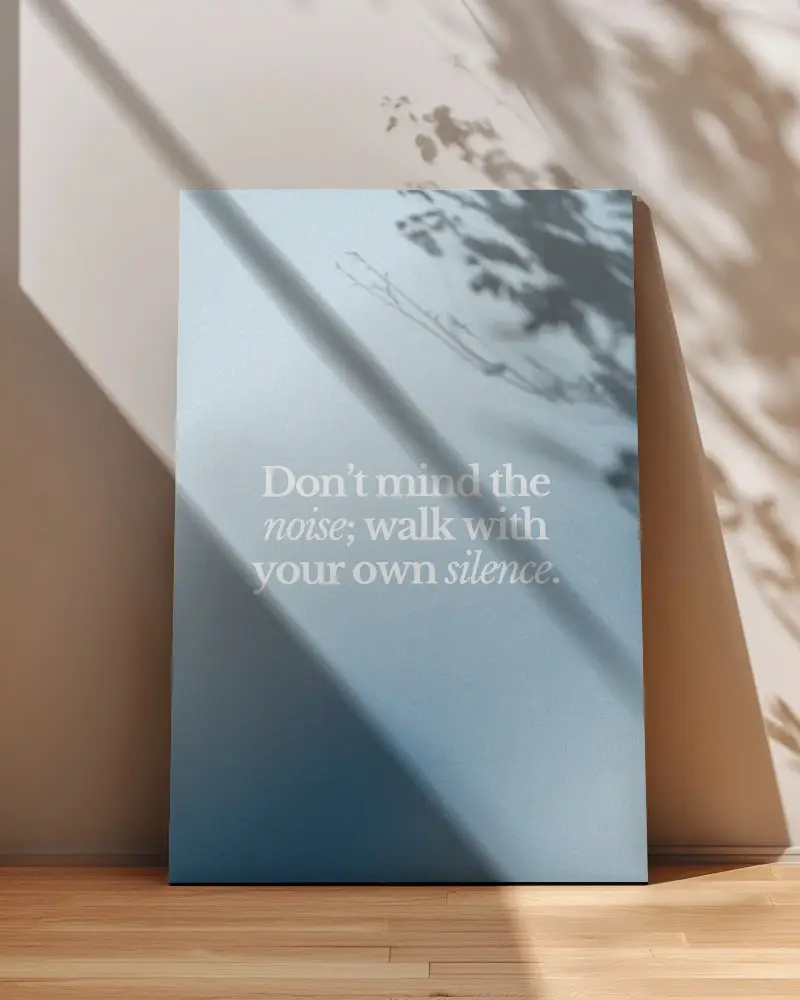
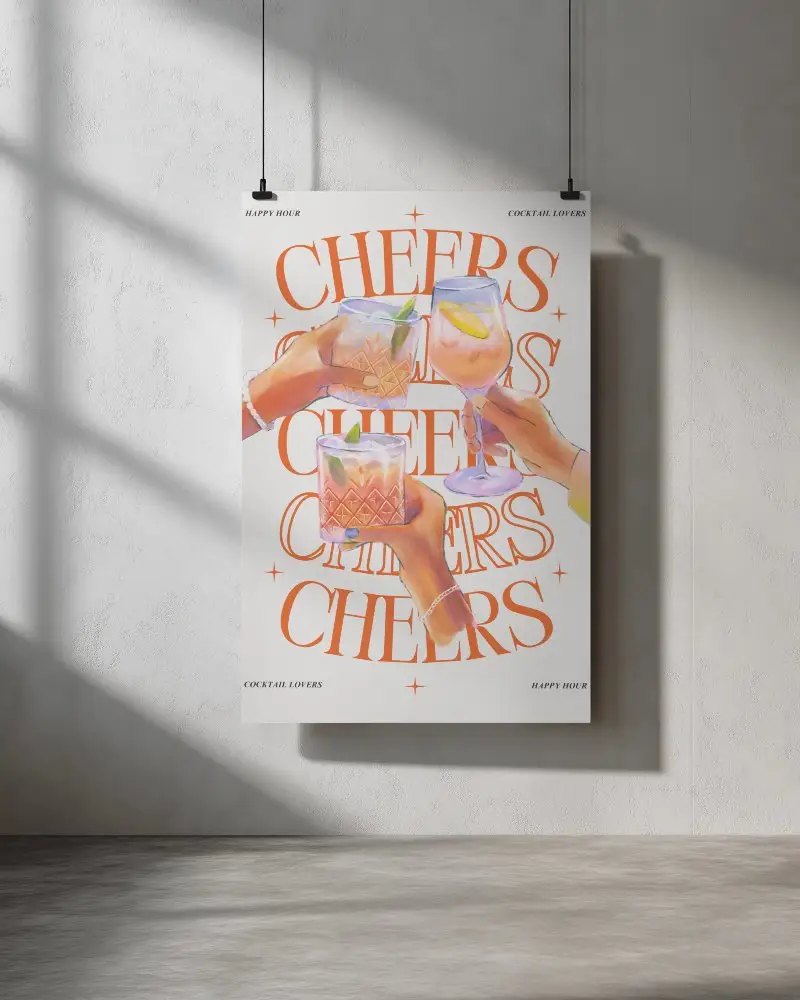
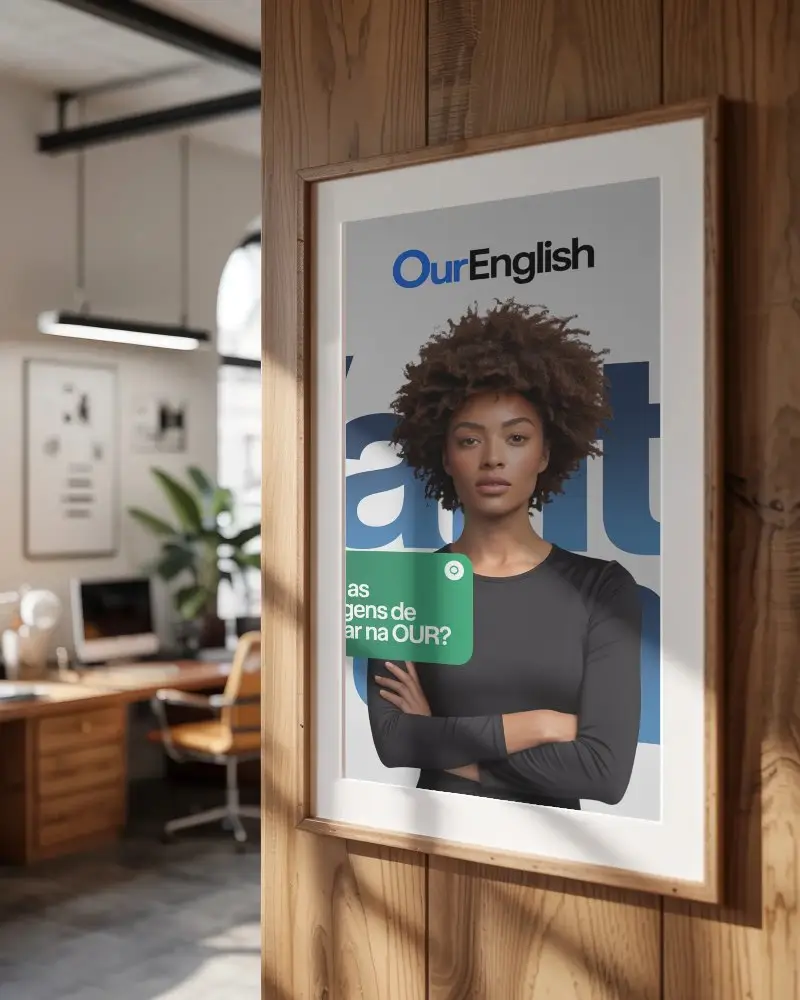
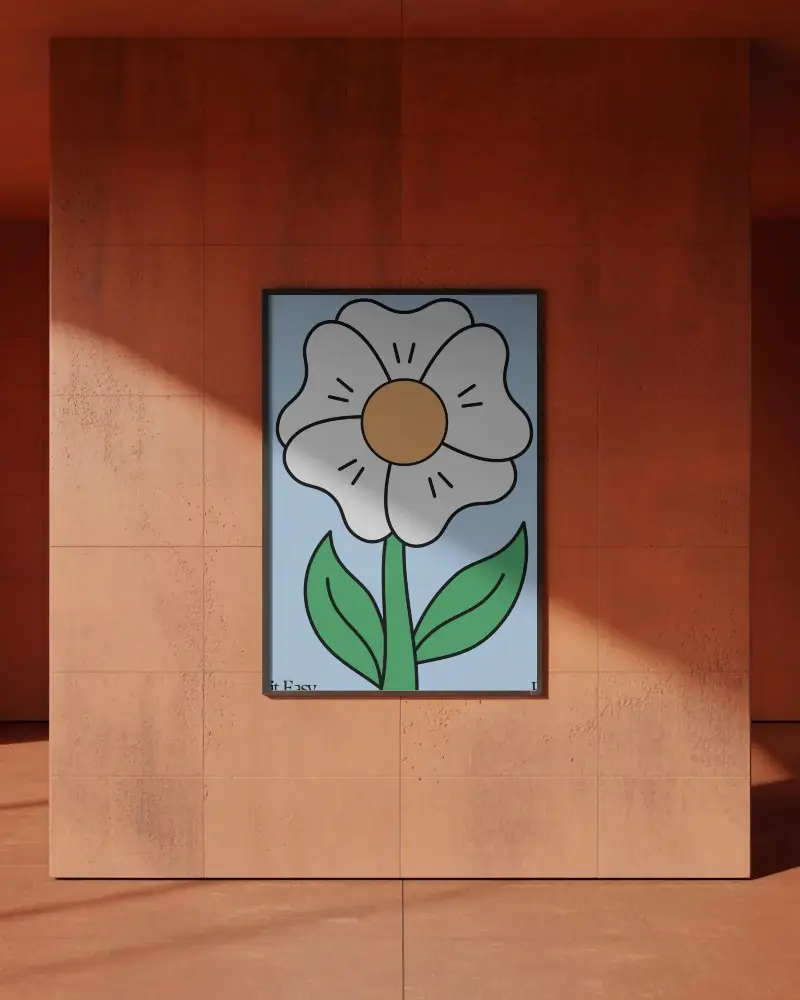
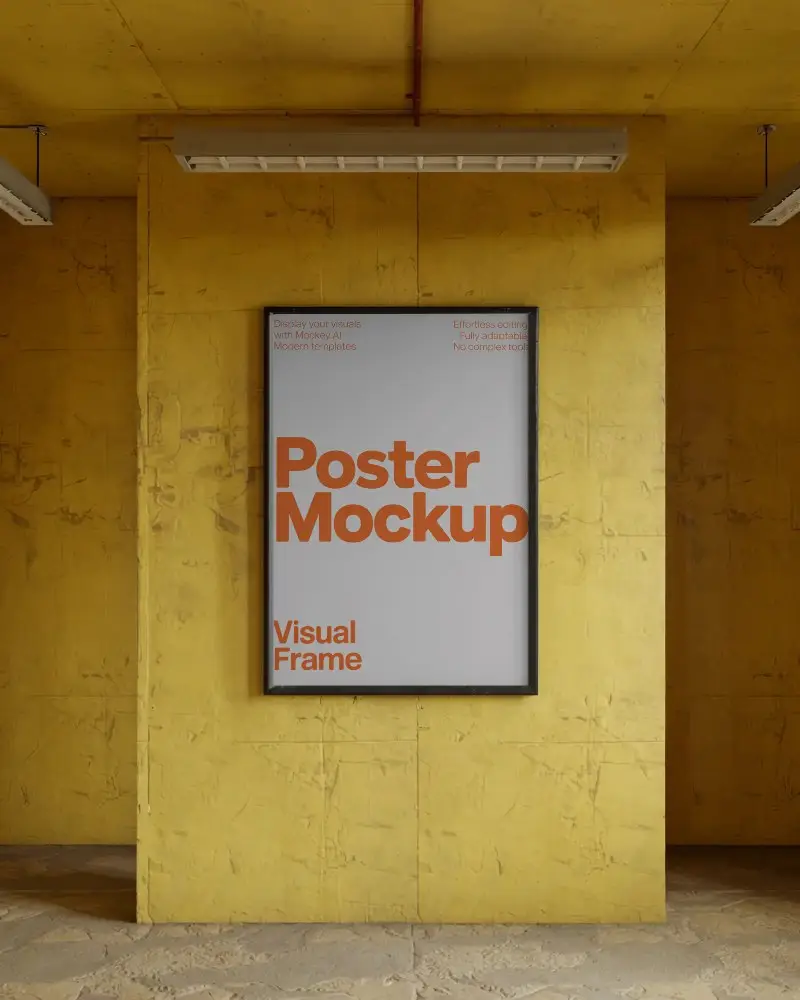
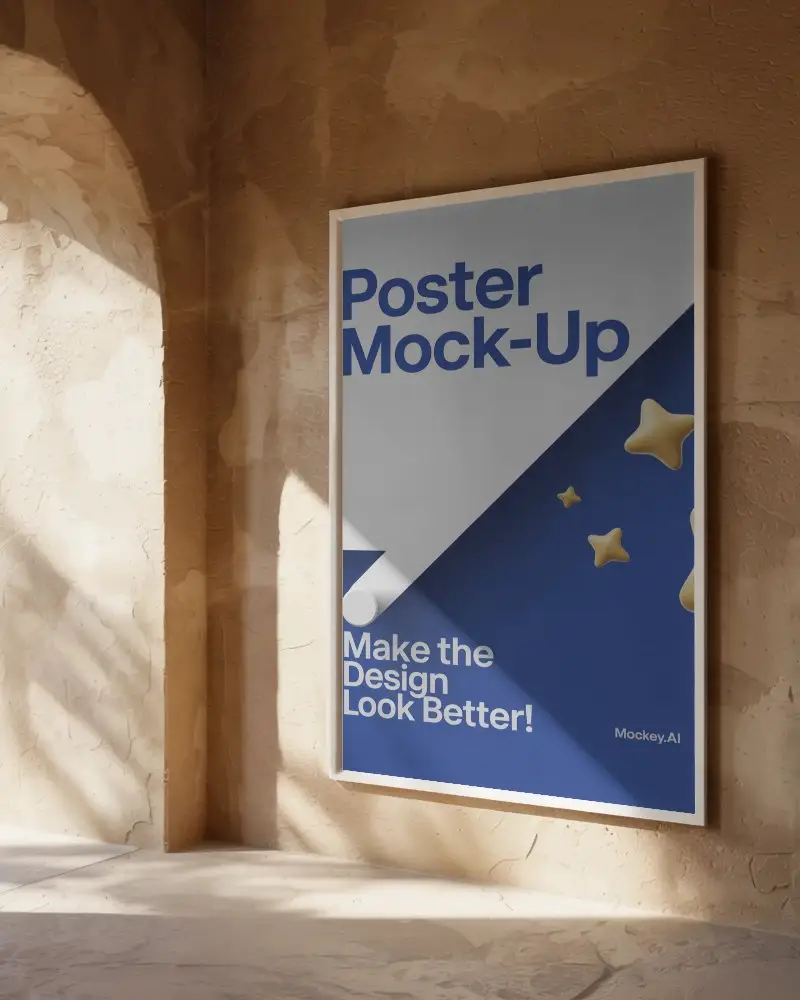
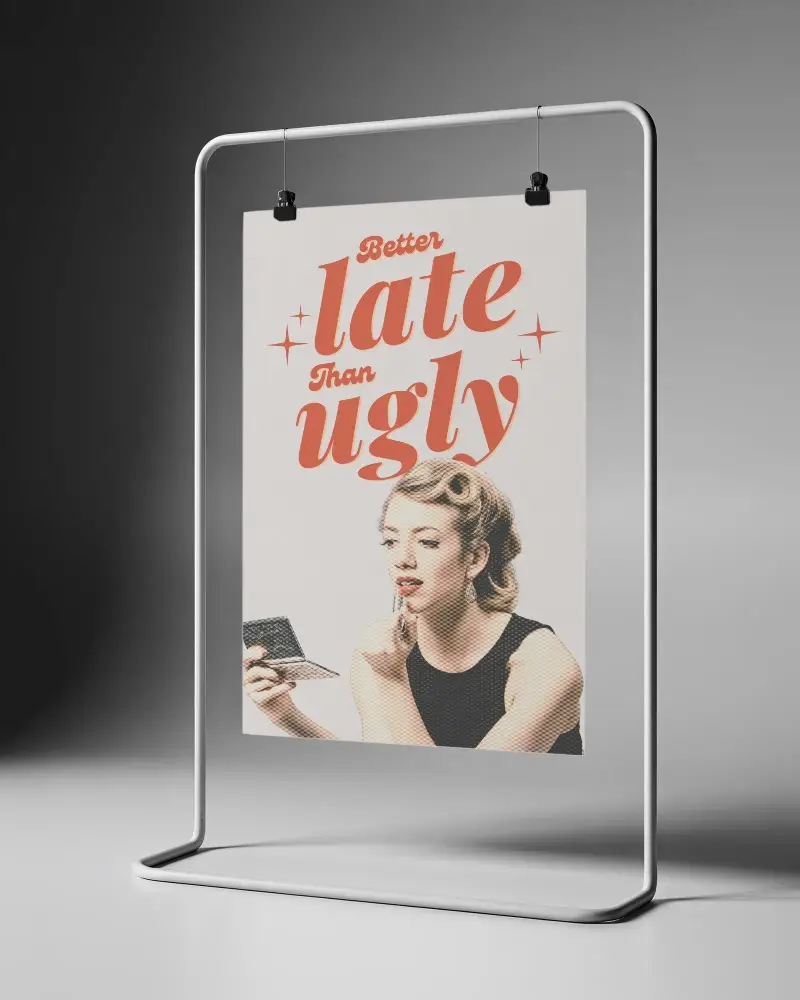



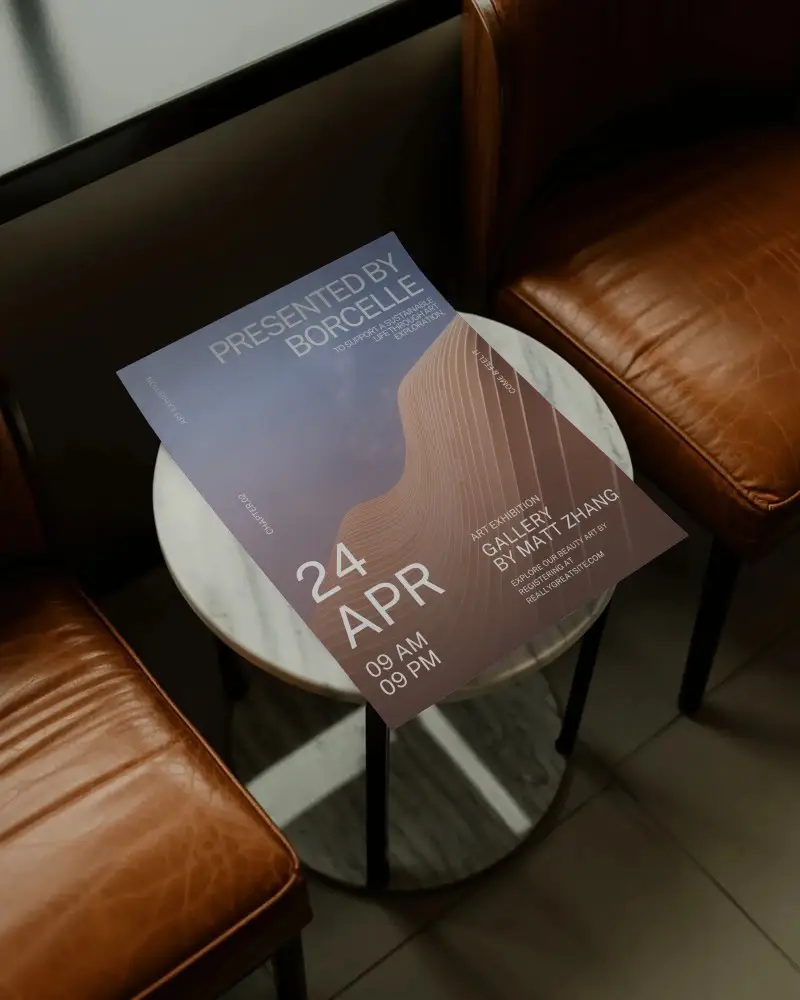
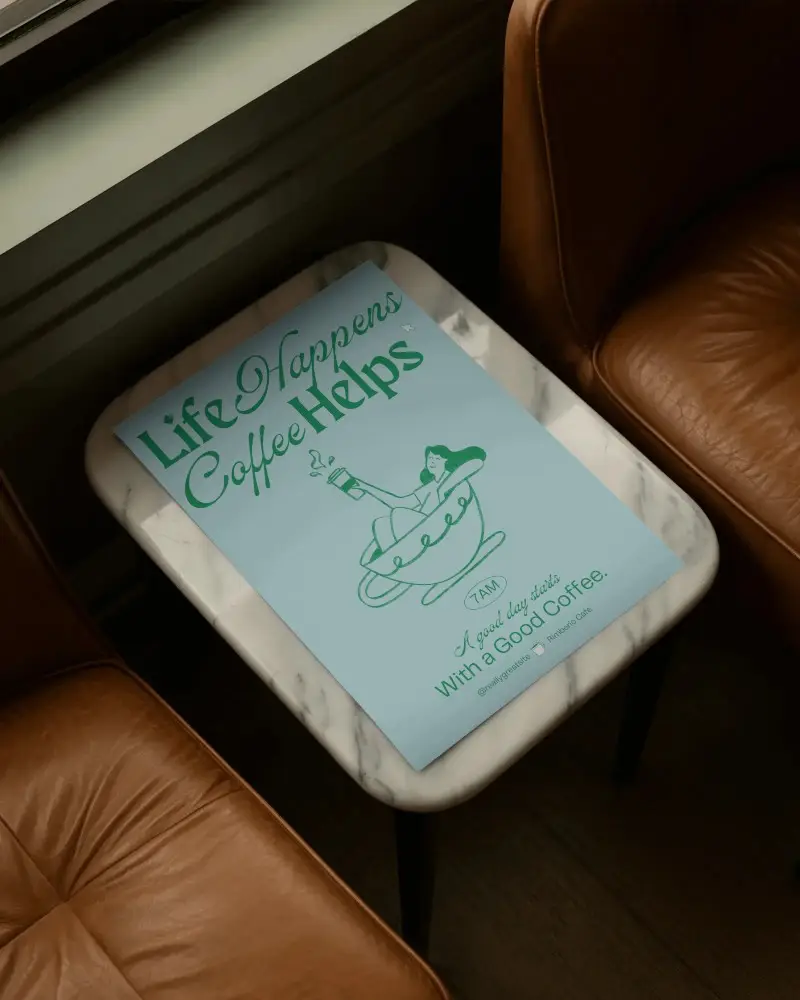
How to Create Room Poster Mockup with Mockey
To create a room poster mockup in Mockey AI:
- Step 1: Open Mockups, tap Print, then choose Poster. Pick a template from the Room tag.
- Step 2: Tap Upload Design to add your logo. You can also change colors or try AI Photoshoot or AI Anime (if you have your Creator Plan).
- Step 3: Tap Download to save your room poster as a PNG or JPEG in sizes up to 1600 * 2000 pixels.


FAQs on Room Poster Mockups
What is a Room Poster Mockup?
A room poster mockup is a template that lets you place your logo or designs into a realistic room scene, usually editable in Mockey AI.
Why create a Room Poster mockup?
Make a room poster mockup to see how your logo or design looks in a real space, making it easier to promote your brand.
Why Use Mockey’s Room Poster Mockup?
Mockey AI Room Poster Mockups make it easy to customize posters, save money, and get realistic, high-quality designs quickly.
Is this Room Poster Mockup Free?
Mockey AI has free room poster mockups you can download and edit, and you can also get better-quality ones with a premium plan.
Can I download my room poster mockup in high resolution?
Yes, Mockey AI provides high-resolution room poster mockups that are best for digital marketing, printing, and social media.
Which file formats does Mockey support for uploading and downloading room poster mockups?
You can upload and download your room poster mockups in PNG or JPG file format.
Where can I use my room poster mockup?
You can use your room poster mockup to show your work online, preview prints, sell products, promote on social media, and present to clients.
Can I use room poster mockups for commercial projects?
Yes! You can use Mockey’s free room poster mockups for personal and business projects without paying anything extra.
