Large Poster Mockup Free Download - No Watermarks!
Get a professional Large Poster Mockup Free with Mockey. Perfect for presentations, portfolios, and marketing. Create and download Large Poster Mockup in just a few clicks!










.png)















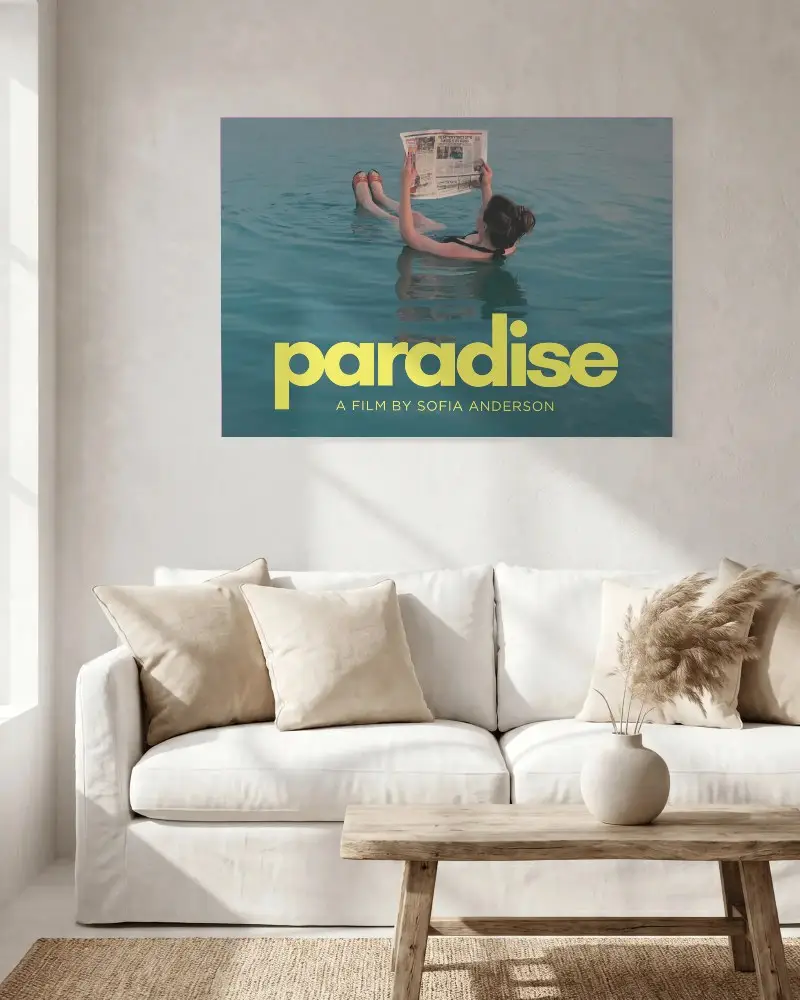
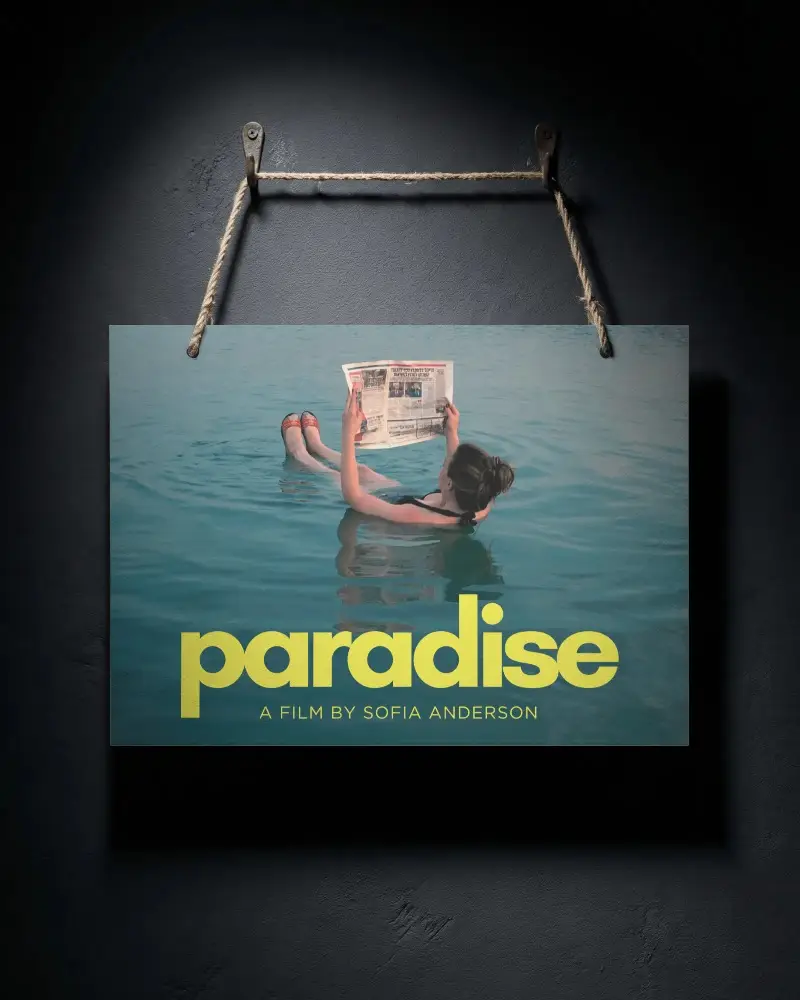
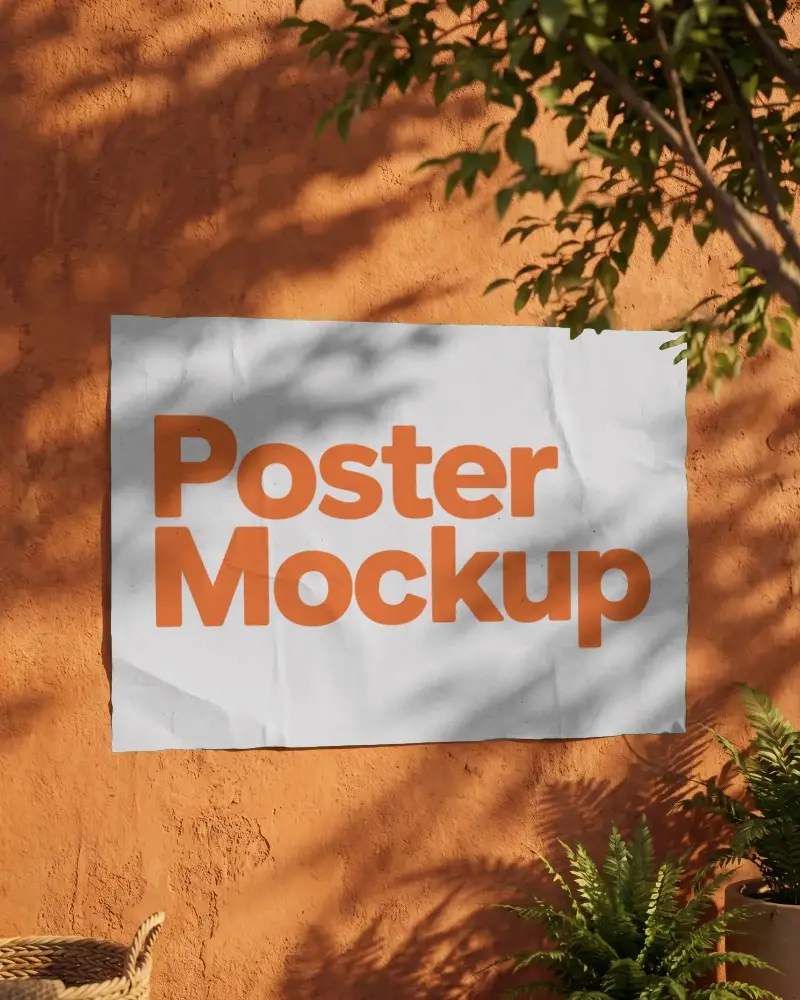
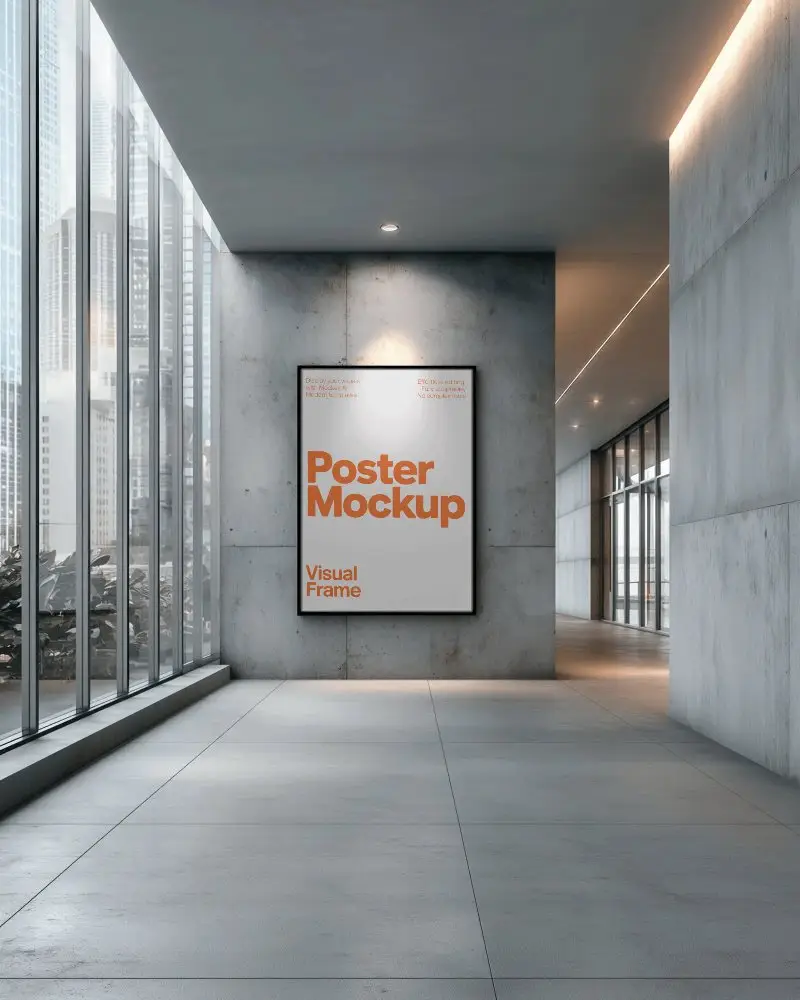
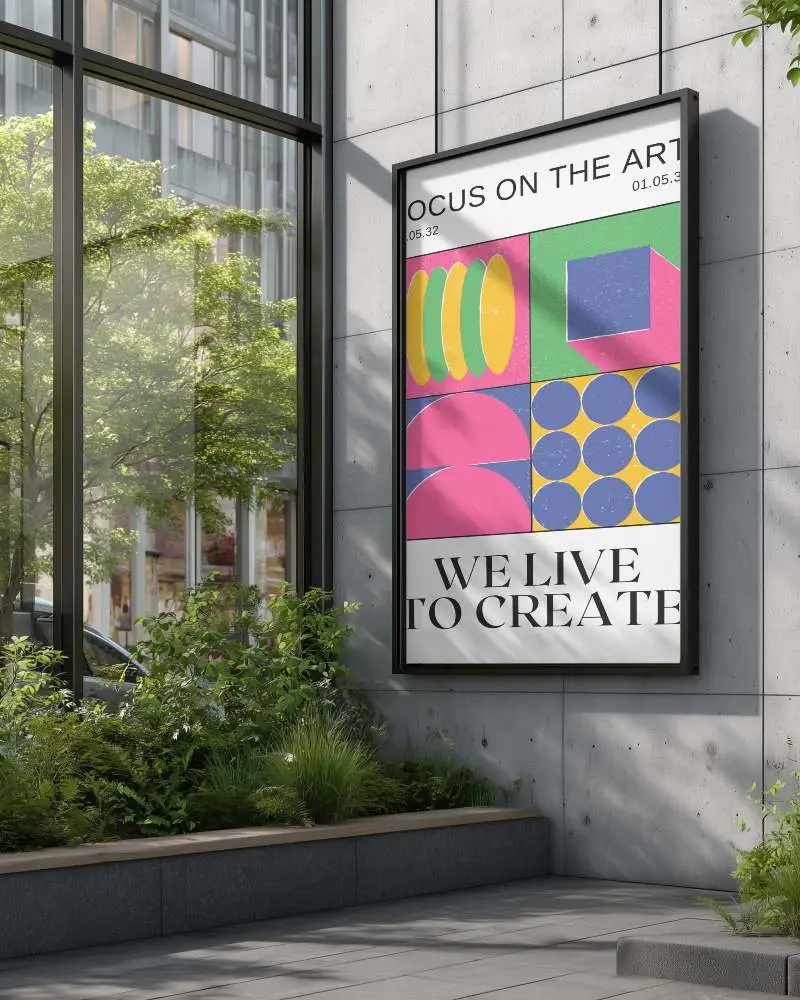
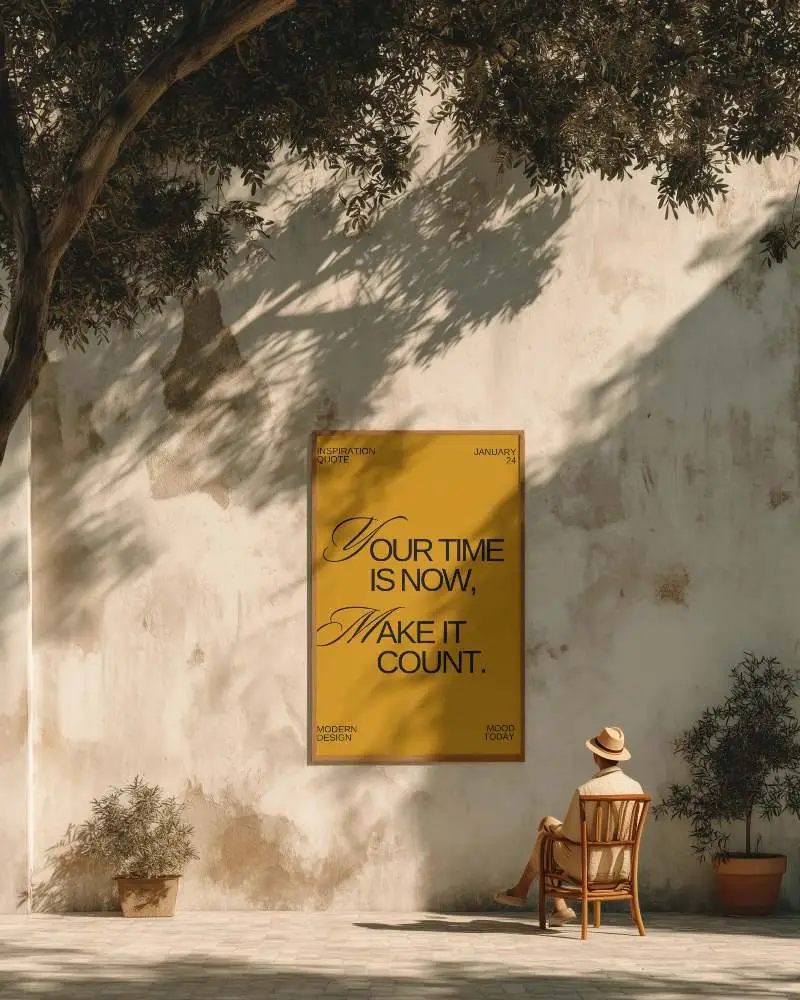
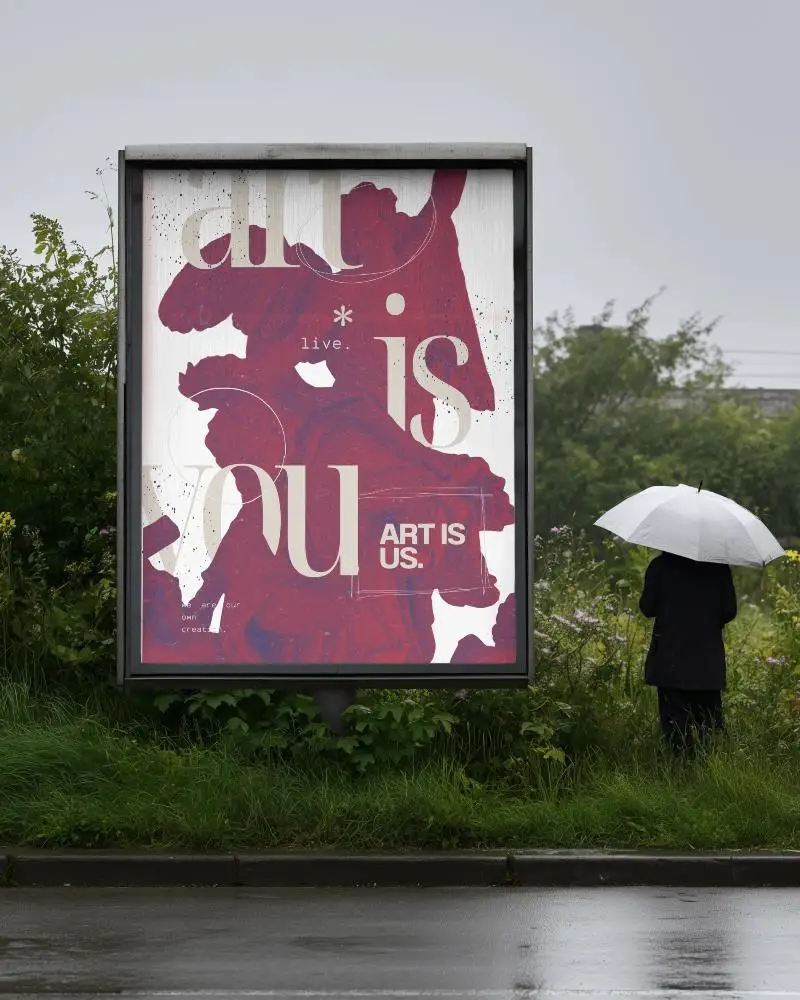
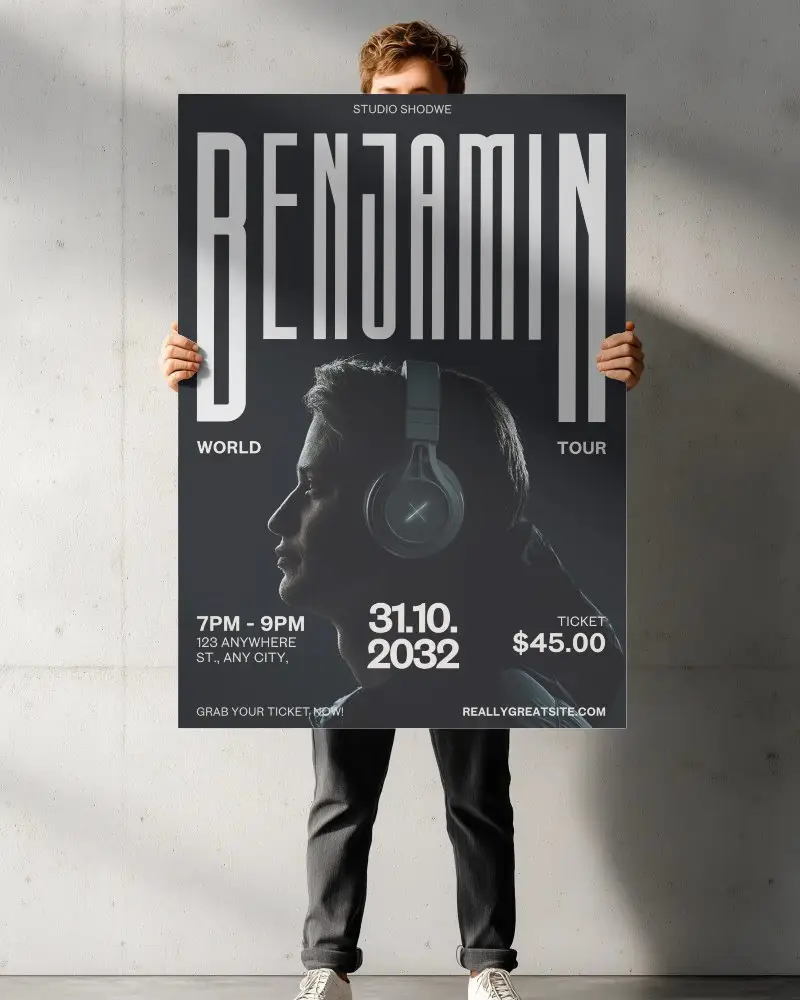
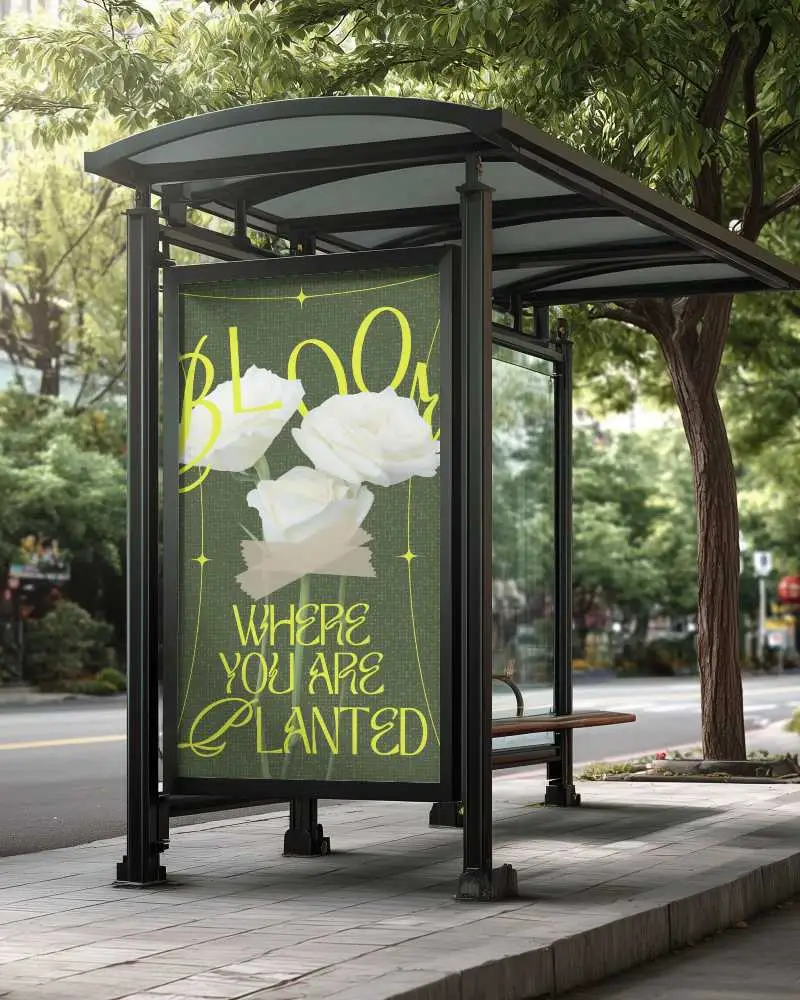
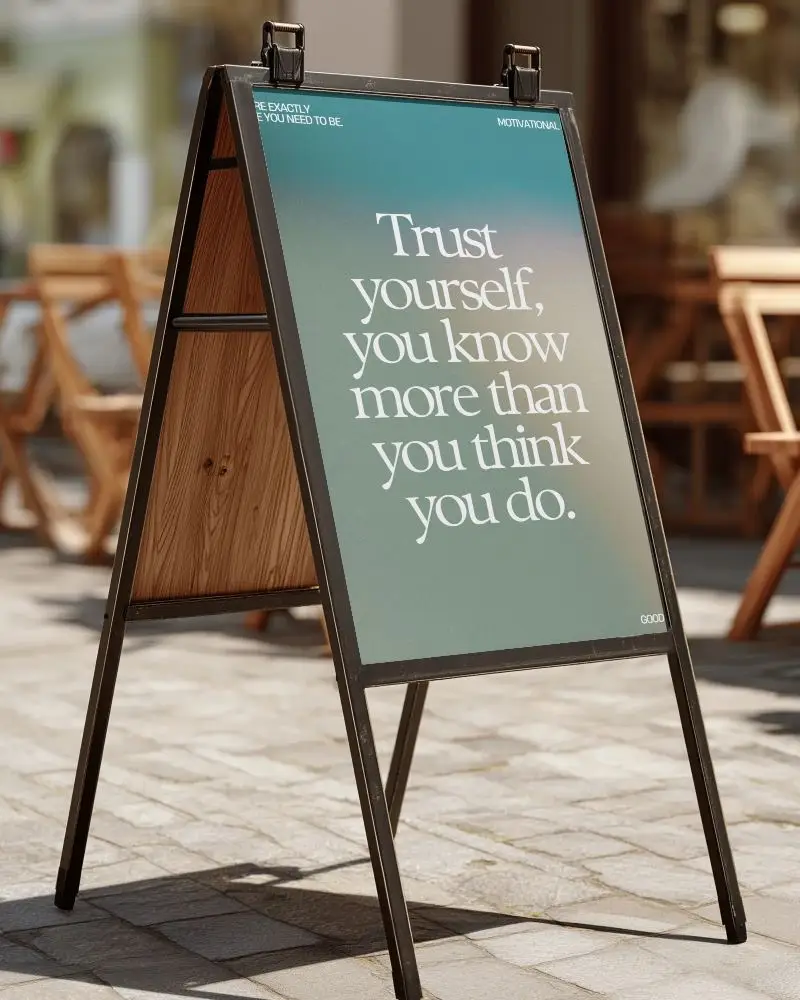
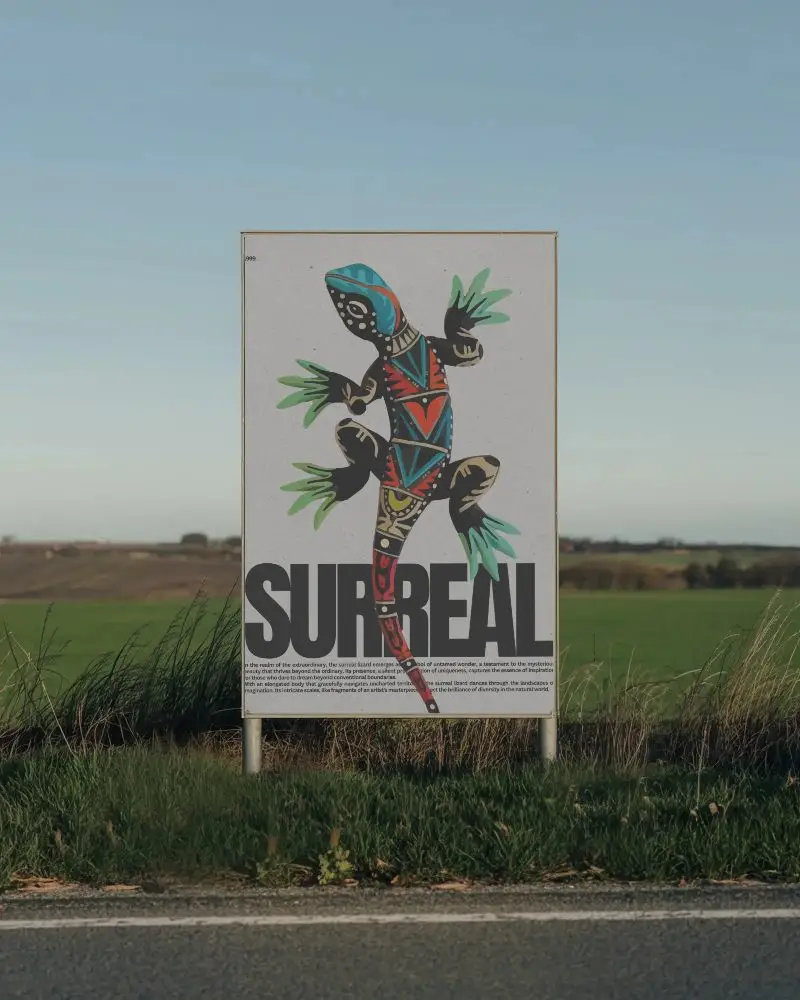
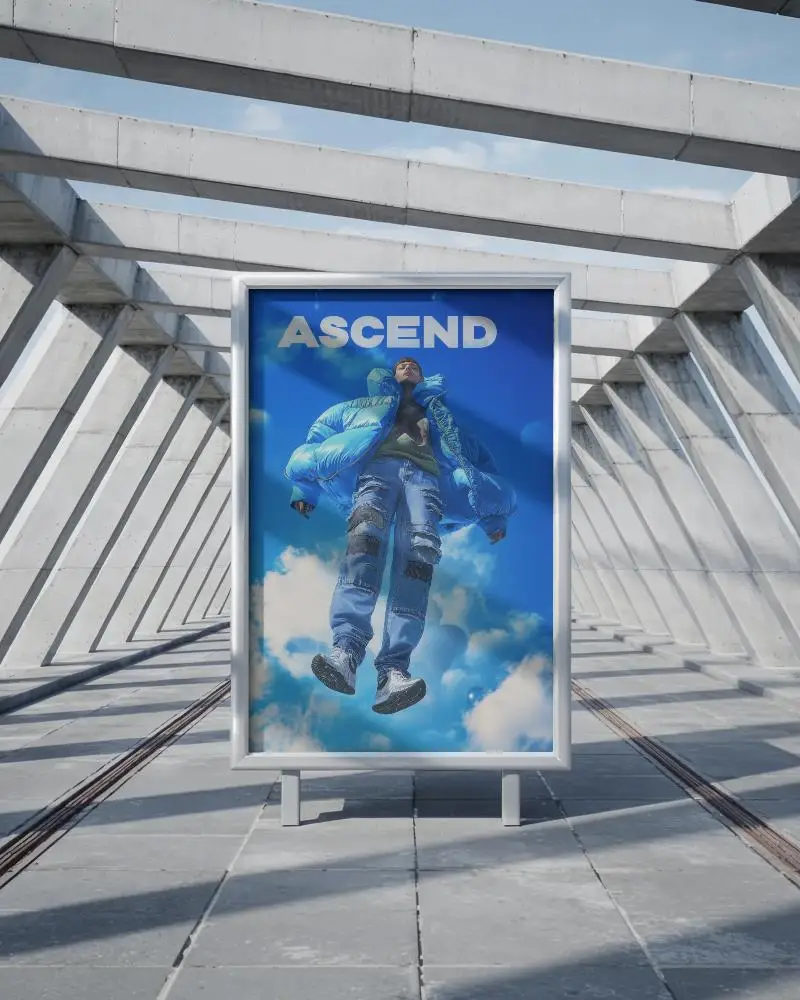
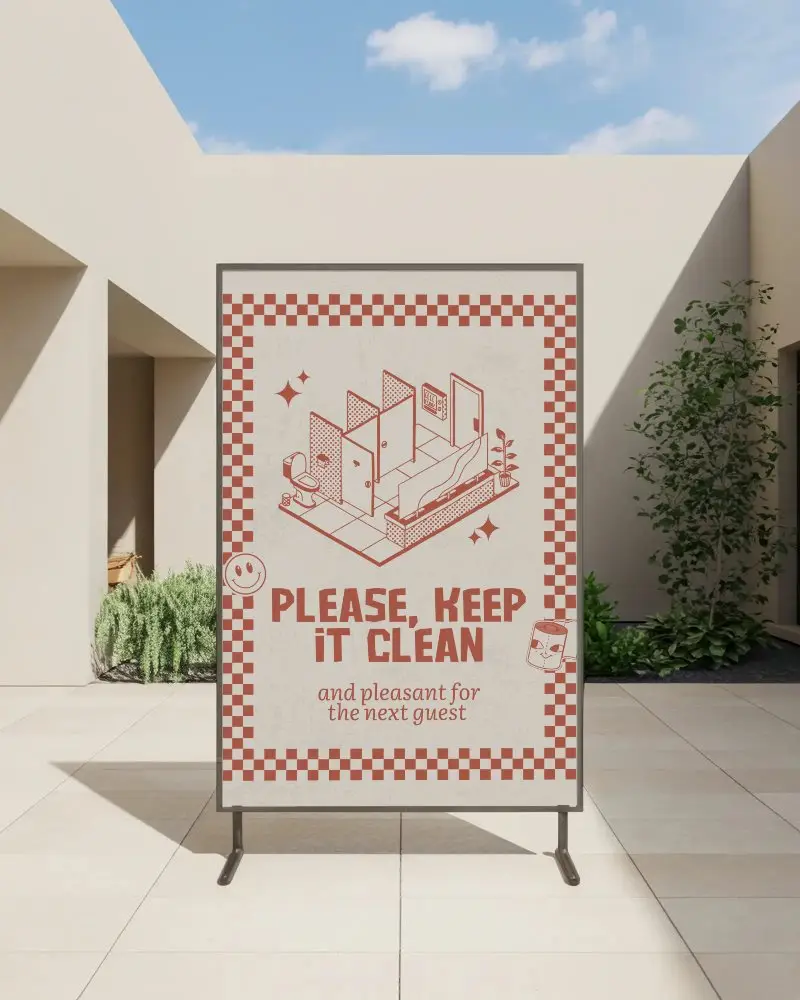
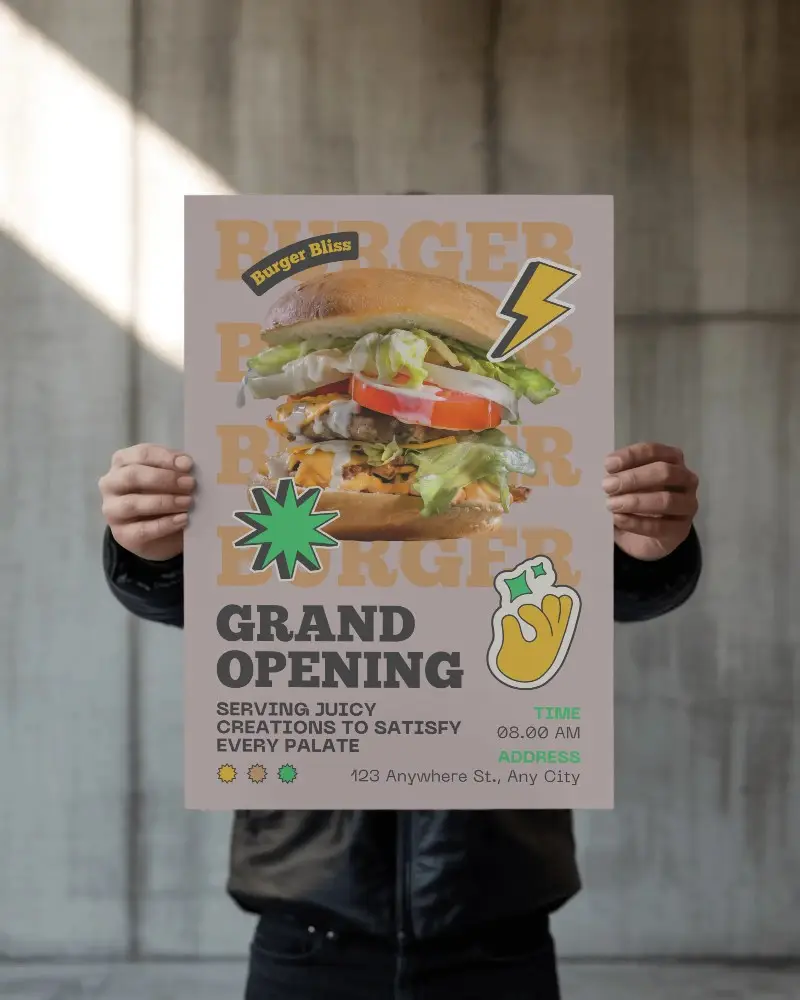
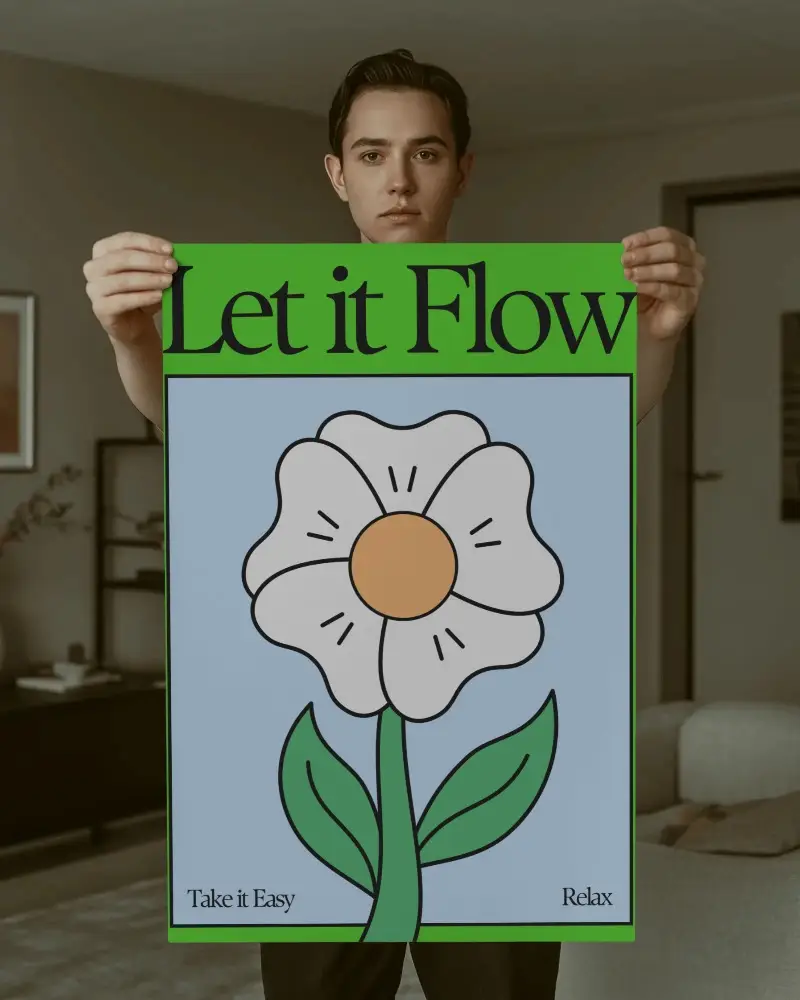
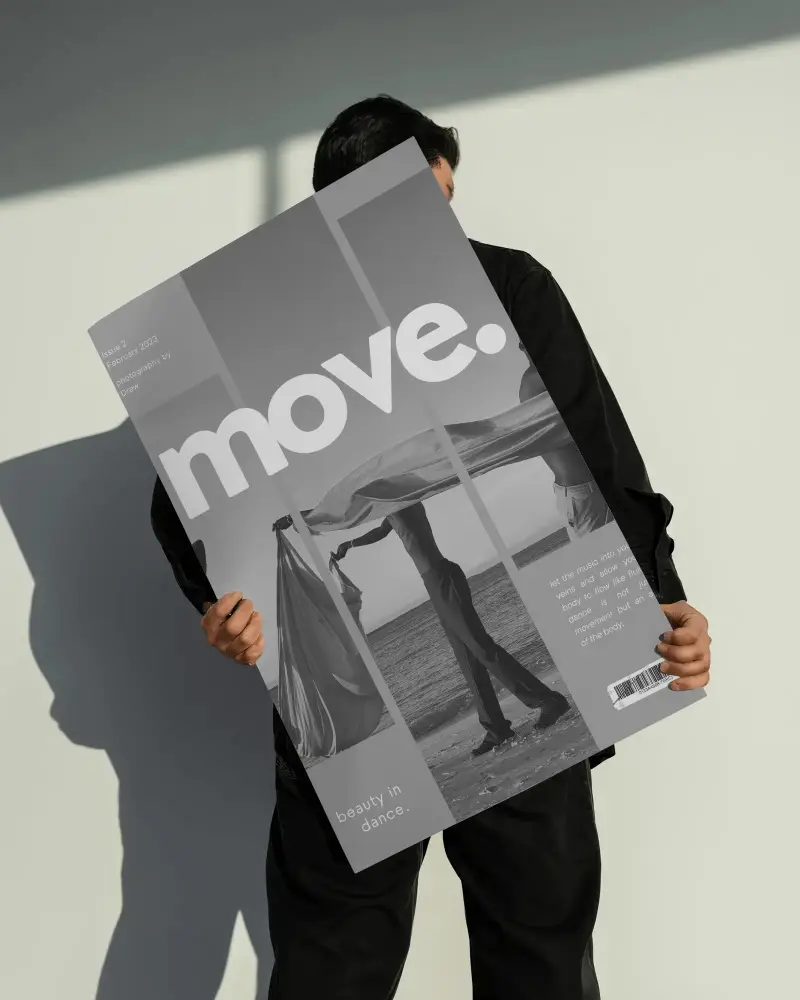
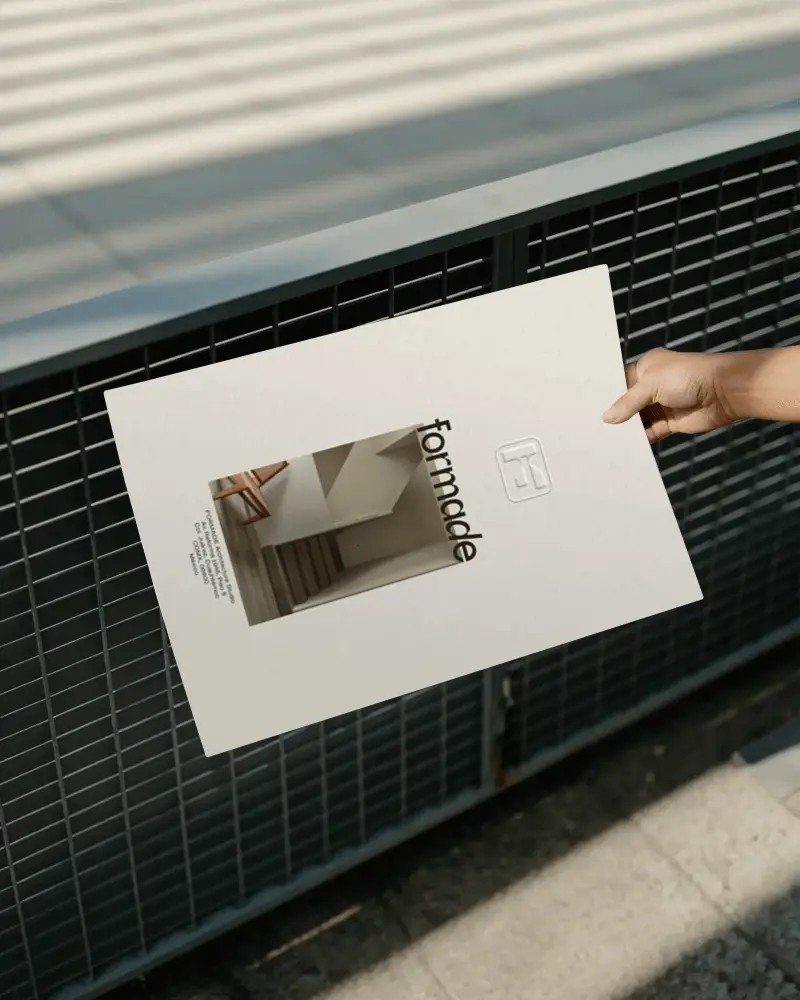
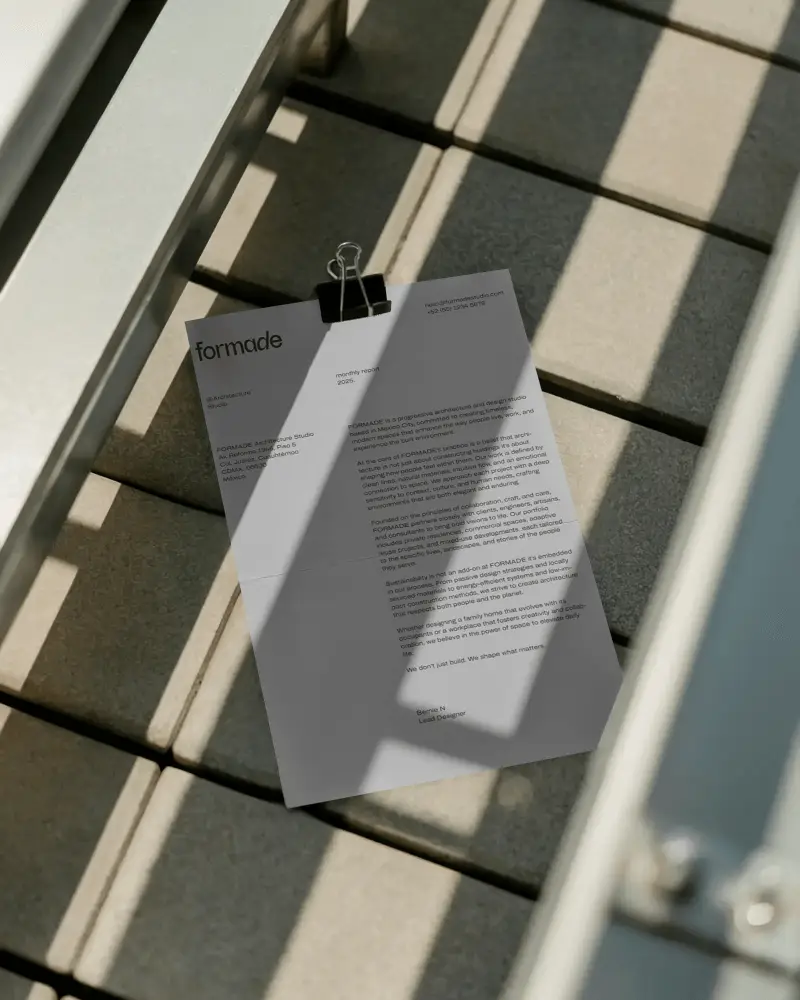

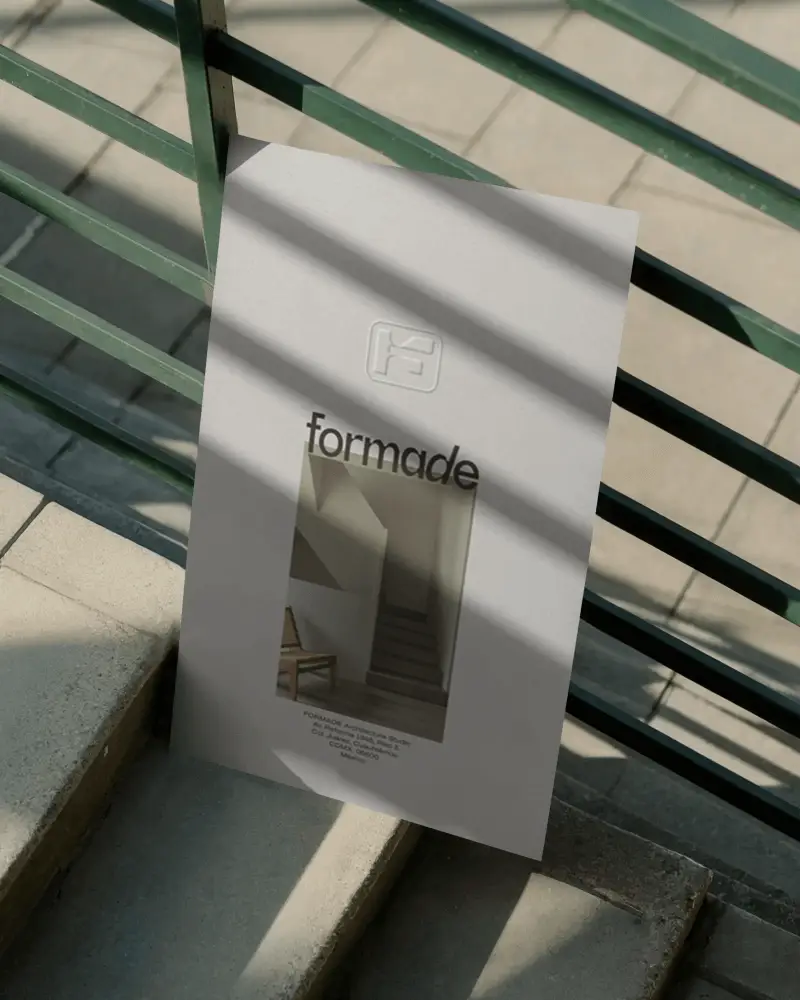
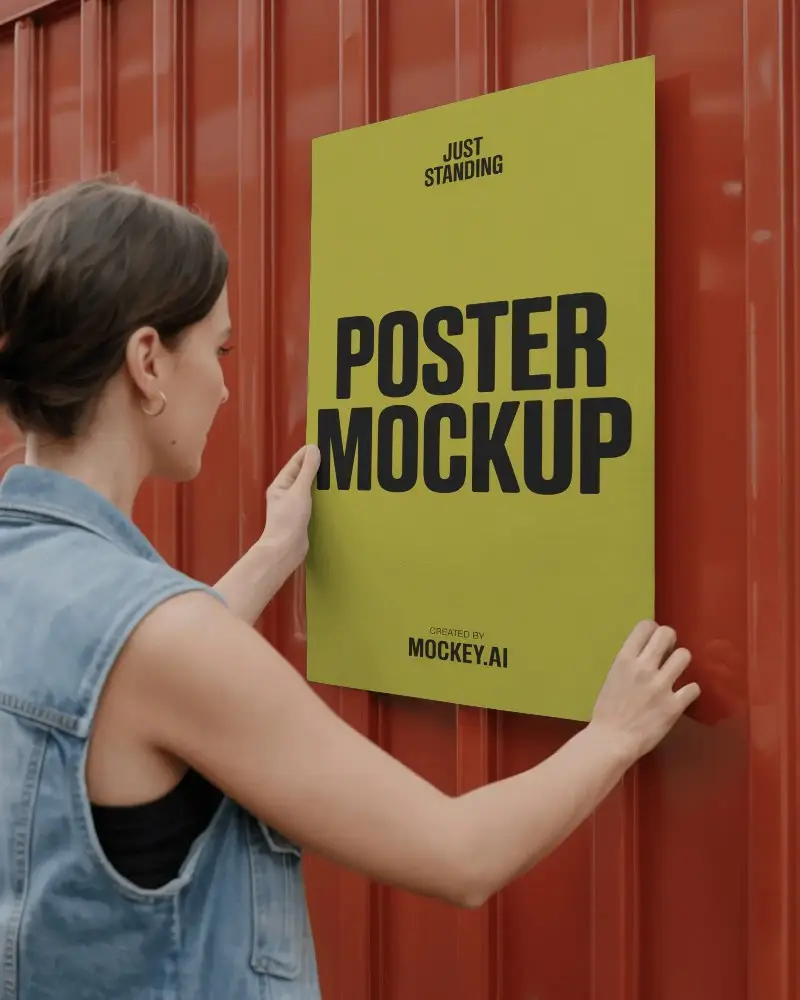
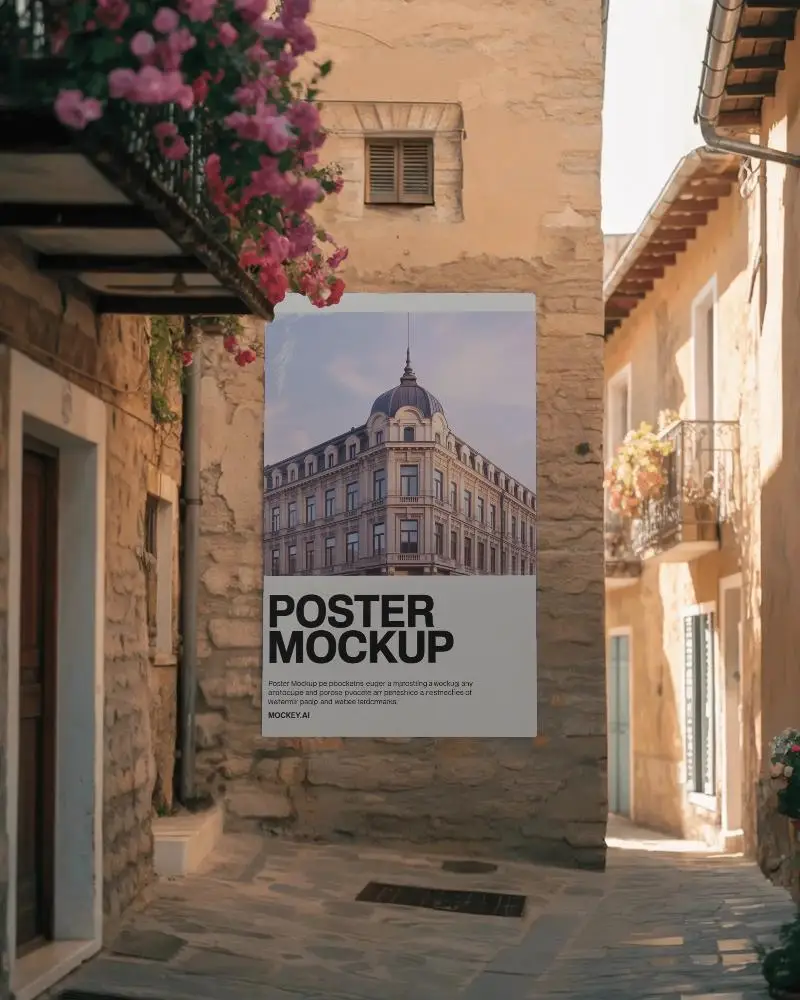
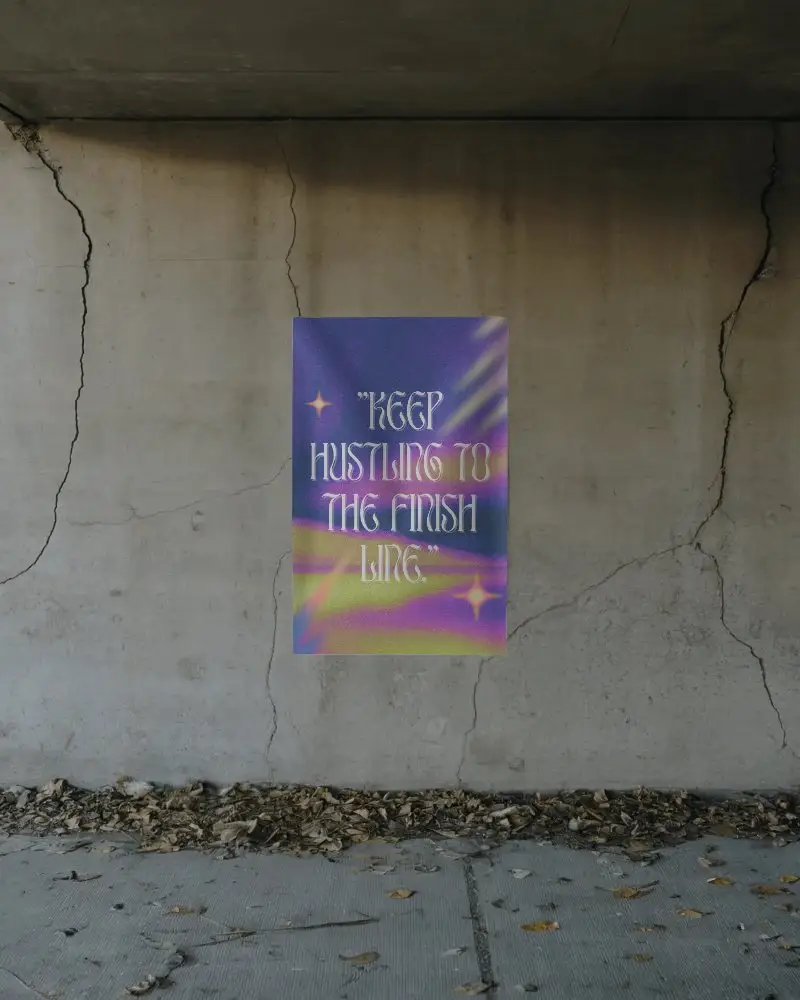
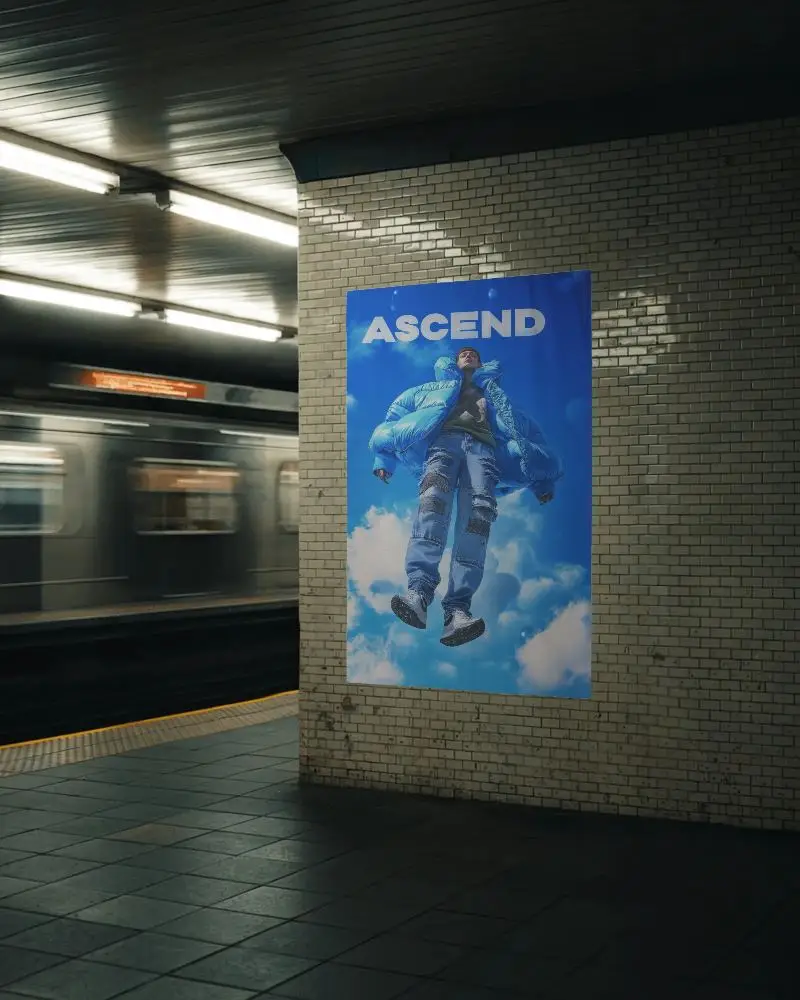
How to Create Large Poster Mockup with Mockey
To create a large poster mockup in Mockey AI:
- Step 1: To start, go to Mockups, select Print, and then pick the Poster category to find a template from the Large tags.
- Step 2: On the next screen, click Upload Design to add your custom logo. You can also switch up the colors or use AI Photoshoot or AI Anime if you’re on the Creator Plan.
- Step 3: When you’re done, tap Download to save your Large poster mockup as a JPEG or PNG.


FAQs on Large Poster Mockups
What is a Large Poster Mockup?
A large poster mockup is a digital template that displays big poster designs.
Why create a Large Poster mockup?
Creating large poster mockups helps you find mistakes and fix them before printing, saving time and money.
Why Use Mockey’s Large Poster Mockup?
Mockey AI’s large poster mockup offers high-quality PNG templates and easy online editing.
Is this Large Poster Mockup Free?
Yes, you can use all the customization features and download large poster mockups in Mockey AI for free.
Do I need any design experience to use Mockey’s Large Poster Mockup generator?
No, Mockey is beginner-friendly and requires no design skills—just add your logo in PNG or JPEG and get a mockup instantly.
In what formats can I download my Large Poster Mockup from Mockey?
You can download your Large poster mockups in high-resolution PNG or JPG formats.
Can I use Mockey’s Large Poster Mockups for commercial projects?
Yes, Mockey AI helps you to use its free Large Poster Mockups for both personal and commercial projects without restrictions.
Does Mockey add watermarks to free Large Poster Mockups?
No, Mockey AI provides free Large Poster Mockups to save in PNG files without any watermarks.
