Best Free iPhone 15 Mockups | iPhone 15 Mockup Templates
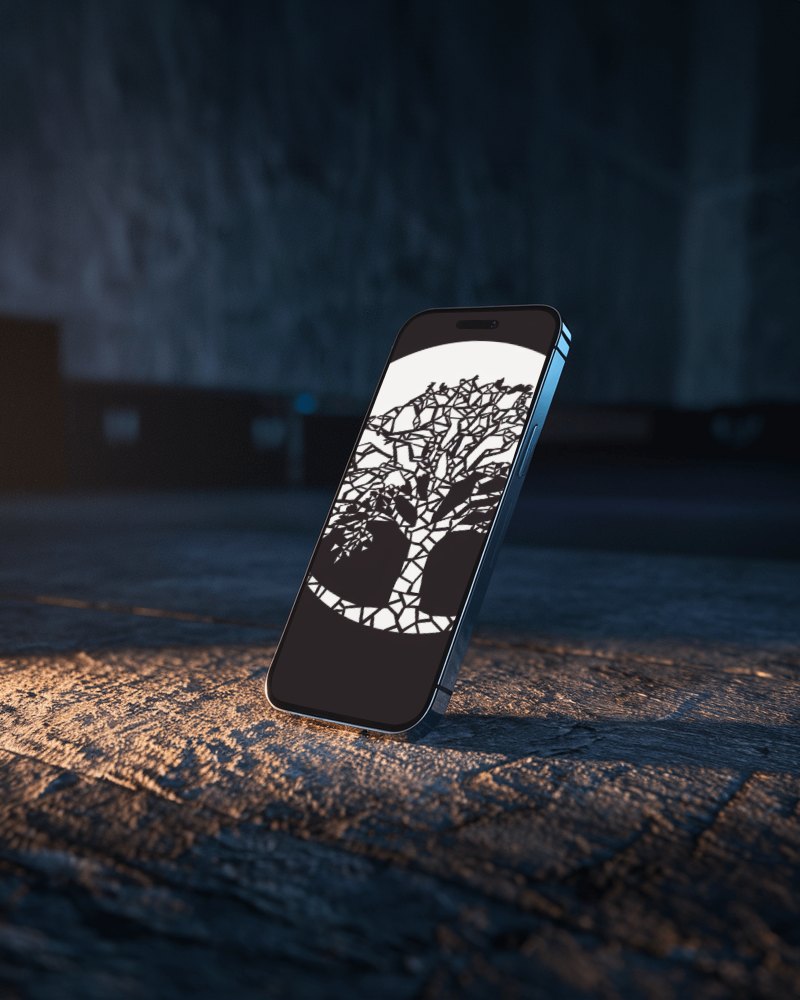
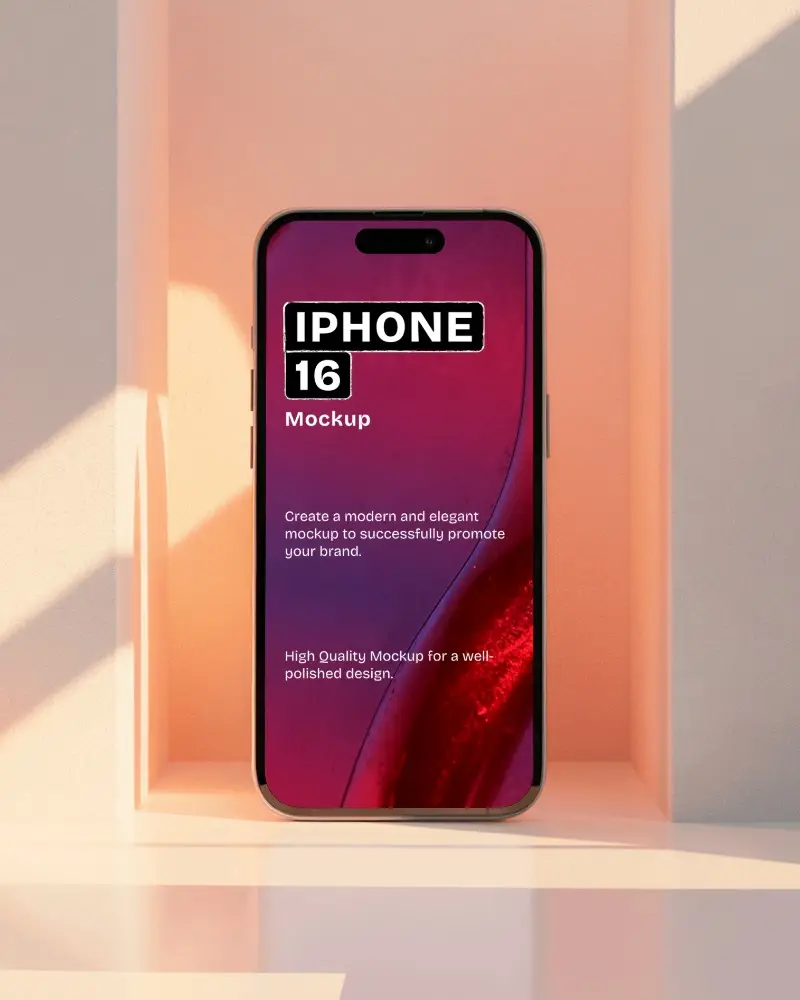
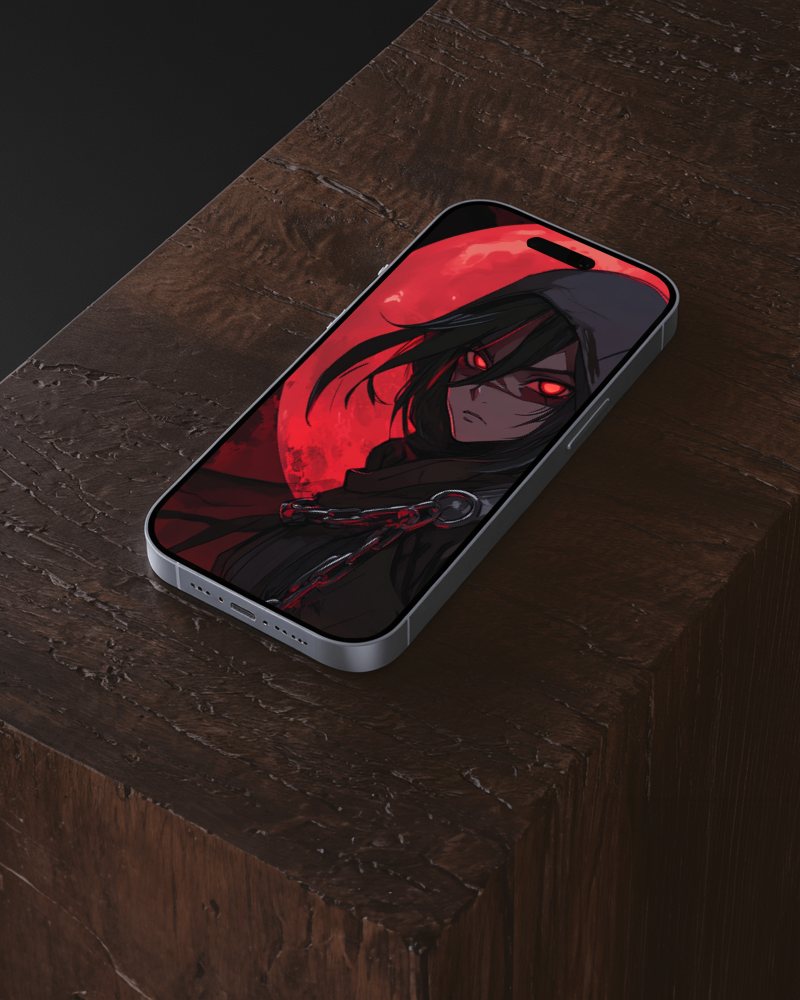
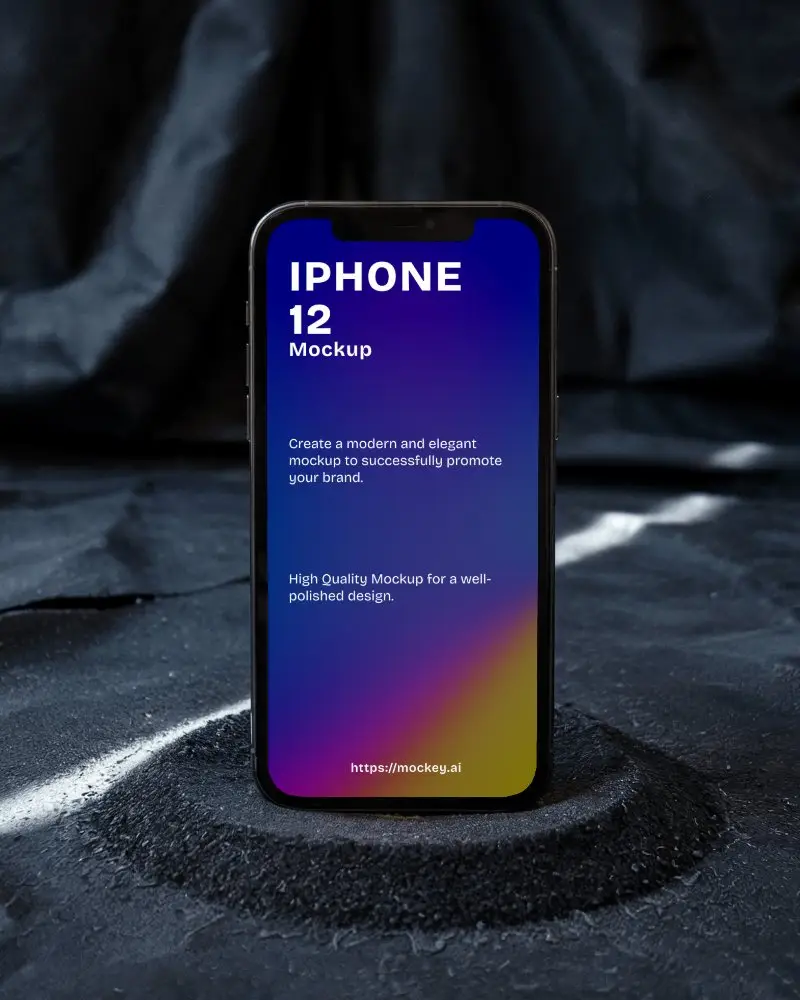
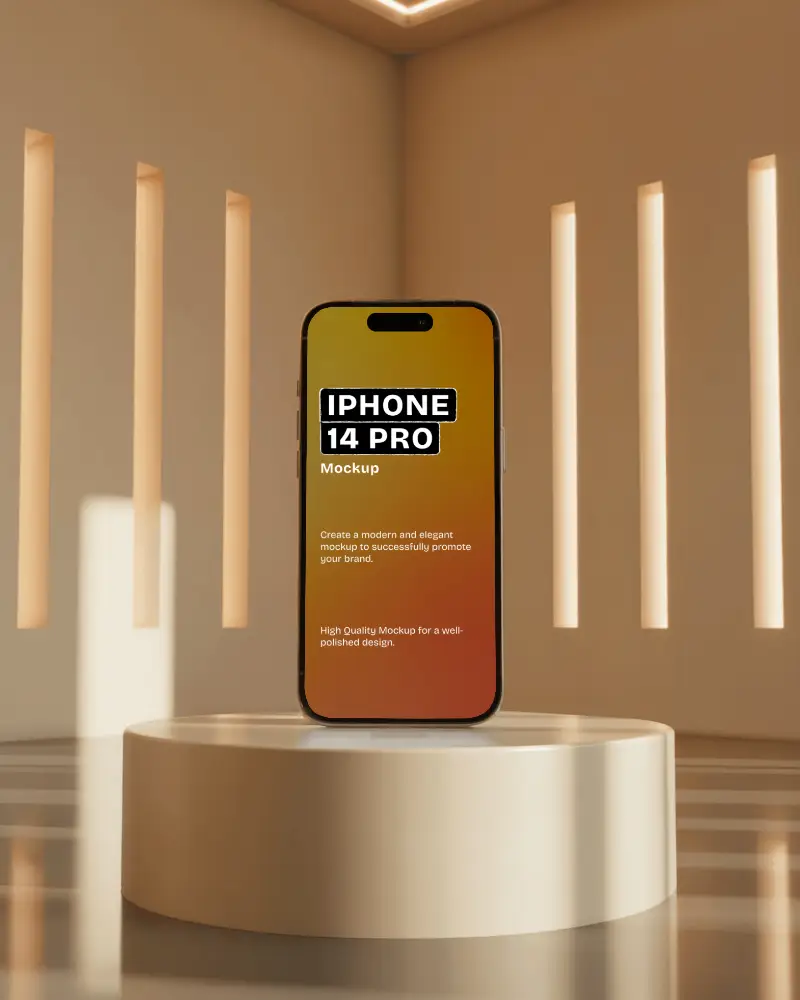
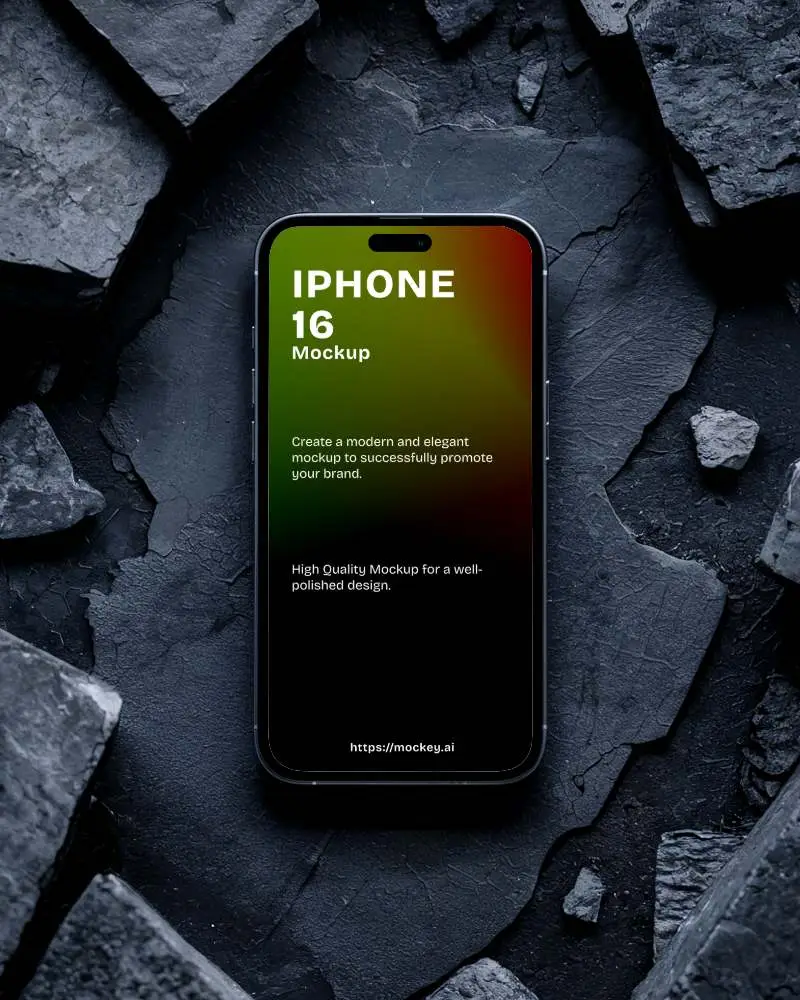
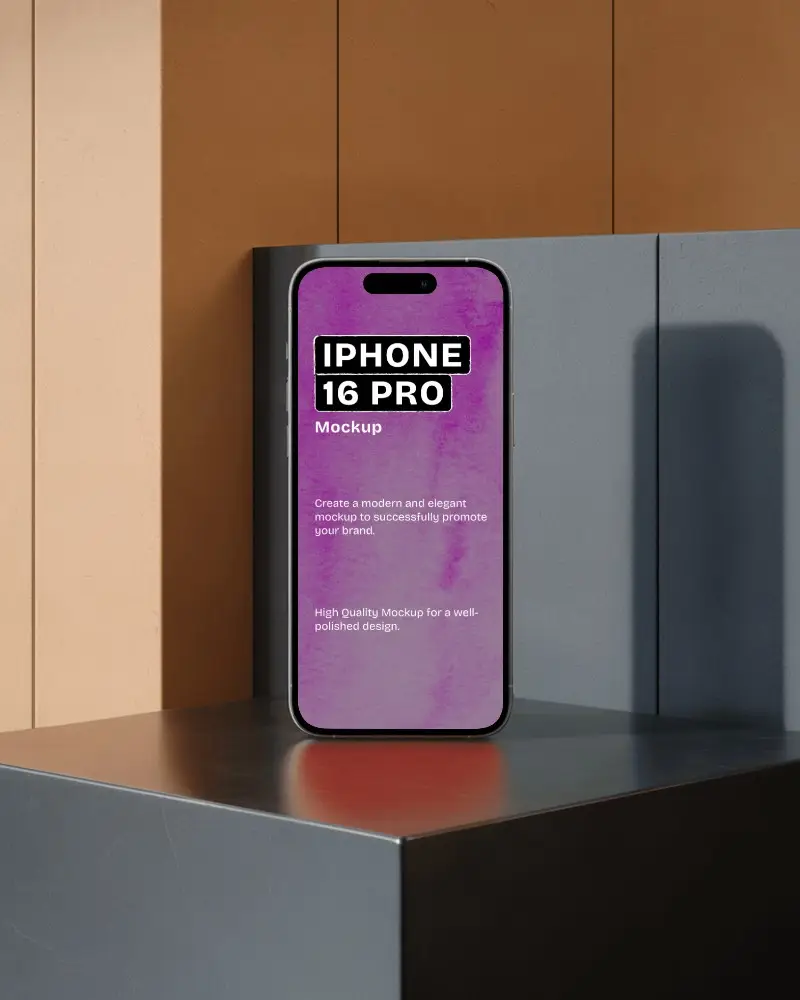
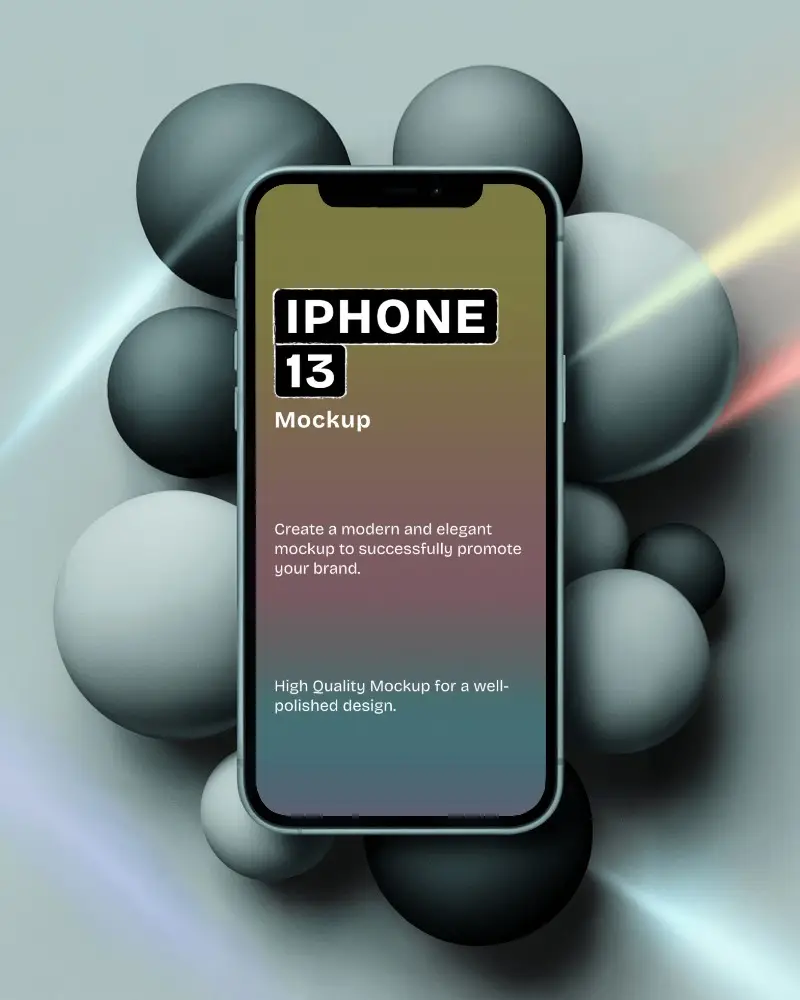
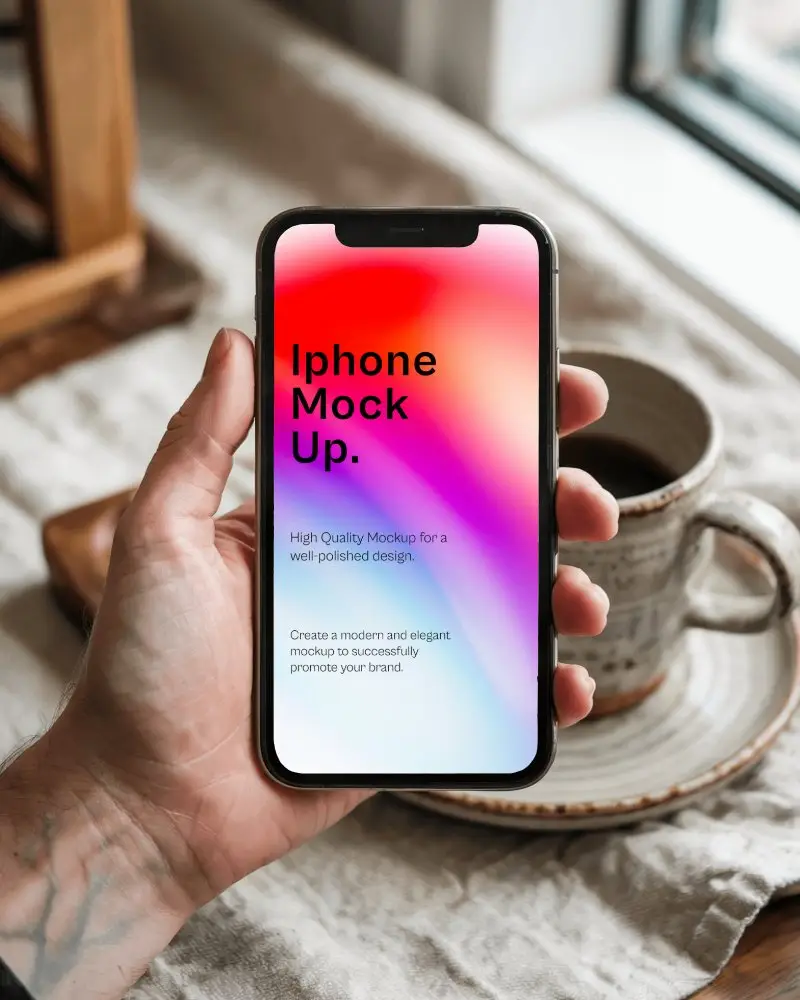
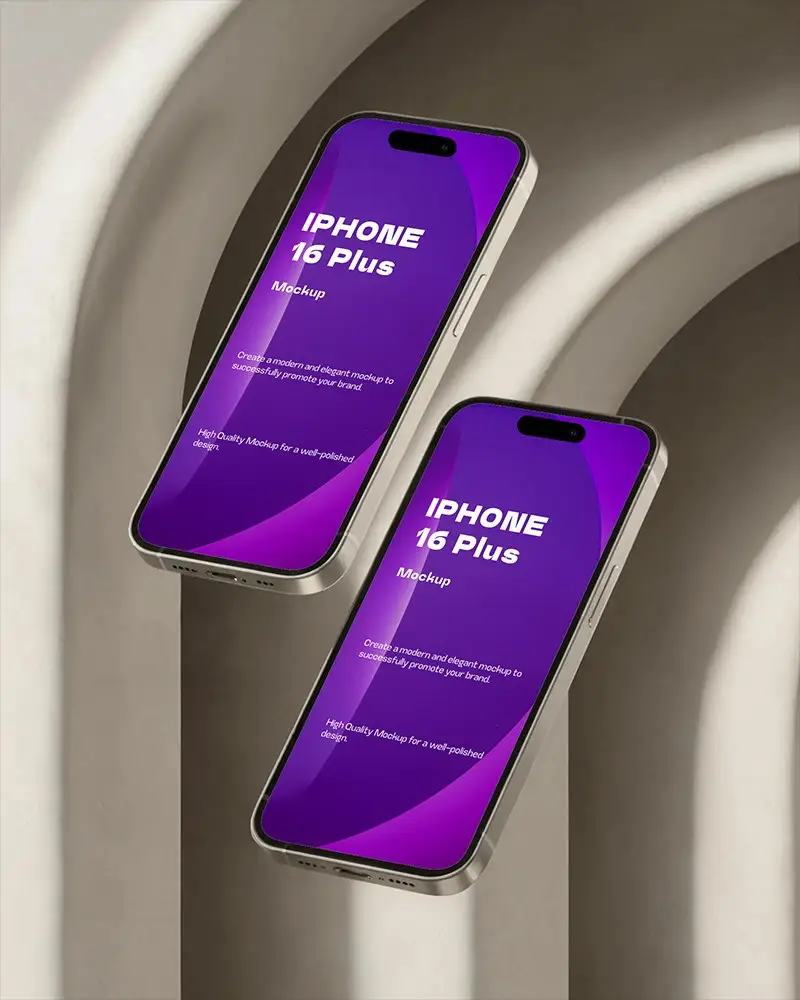
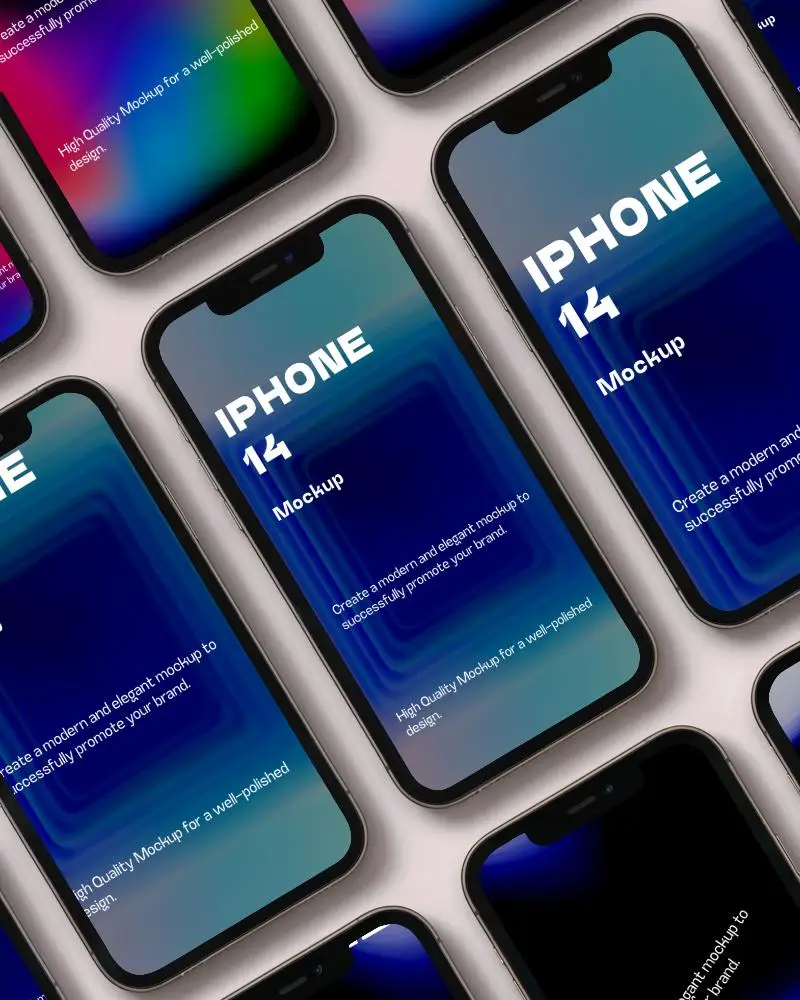
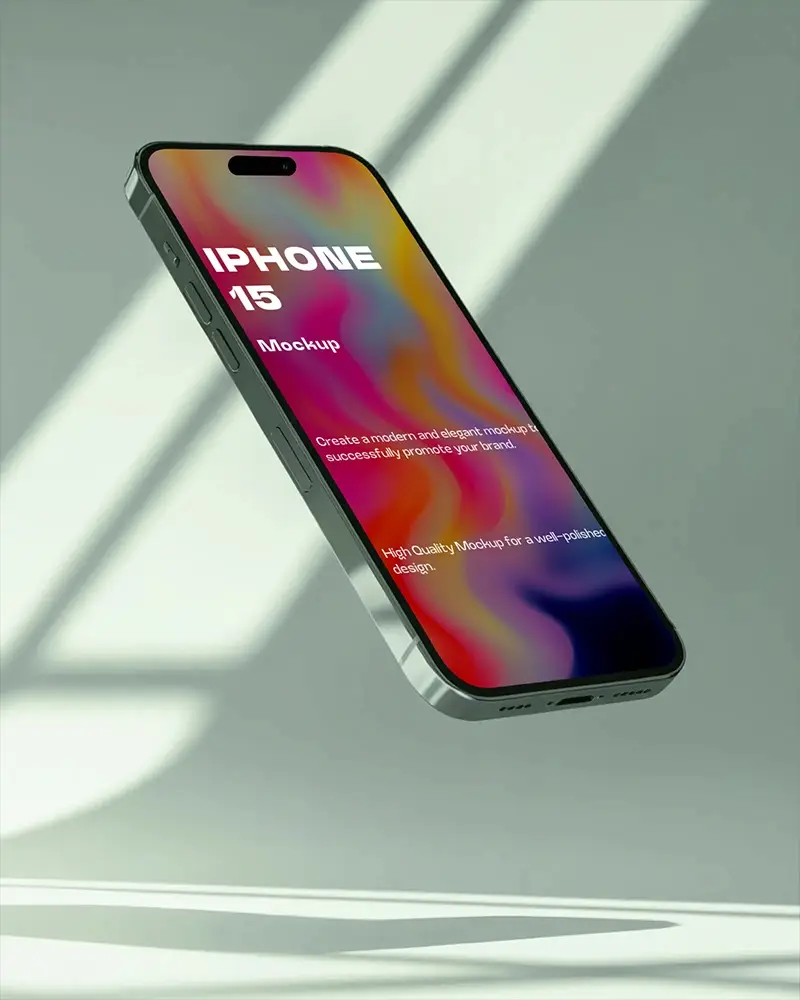
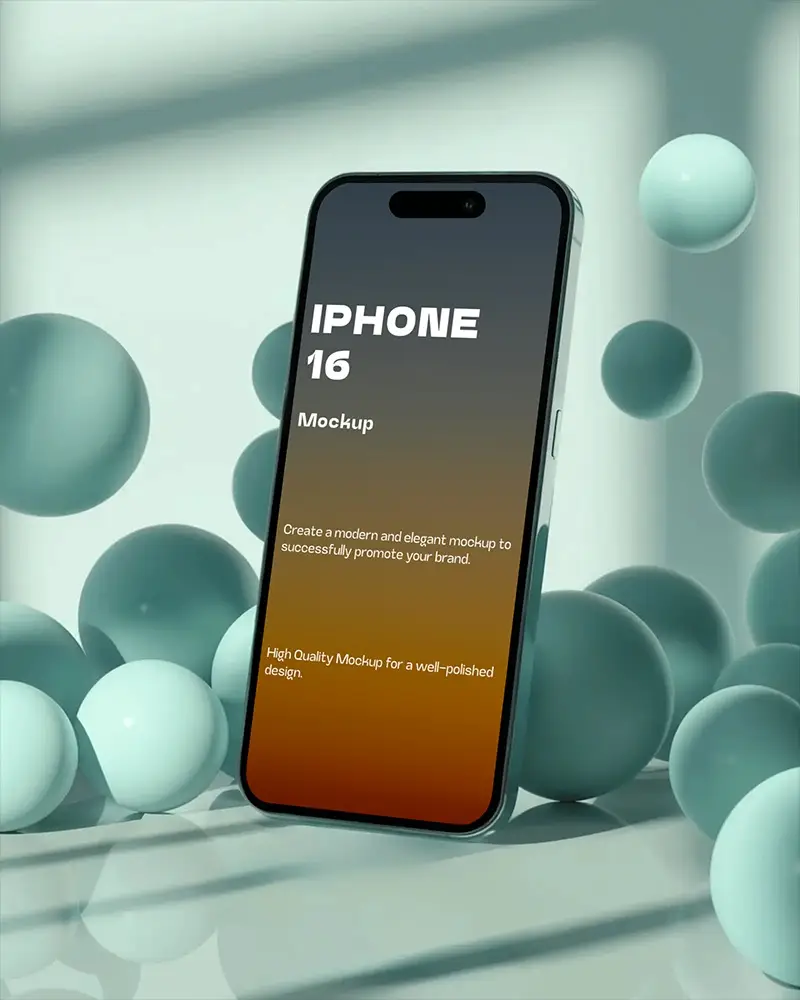
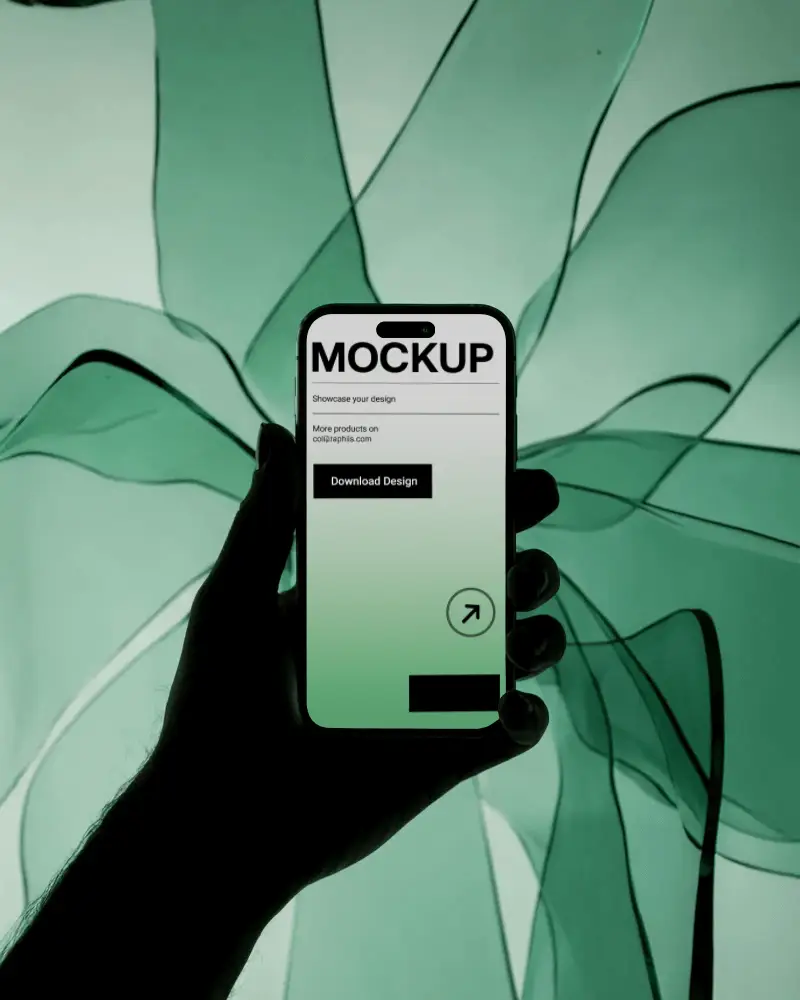
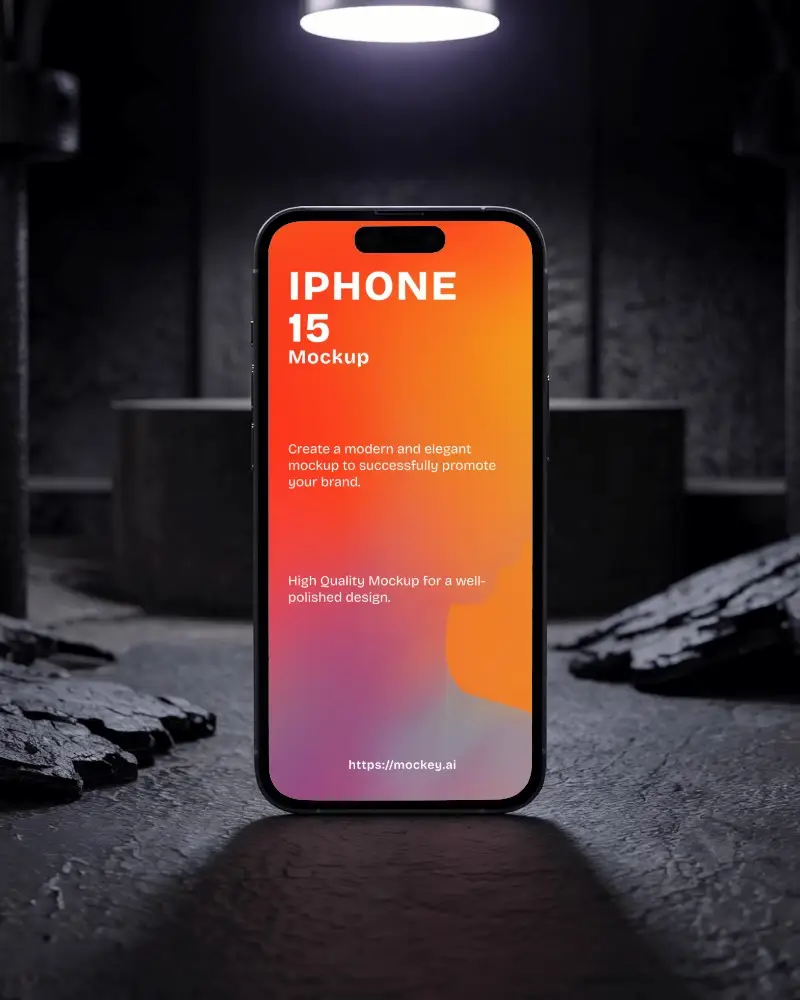
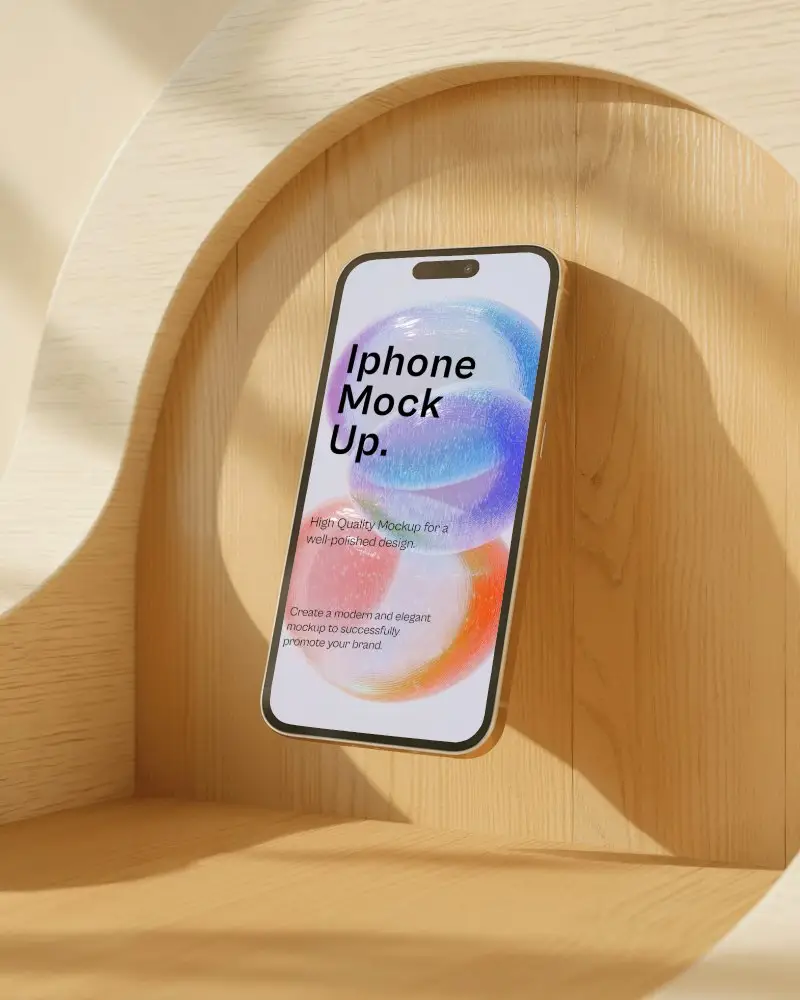
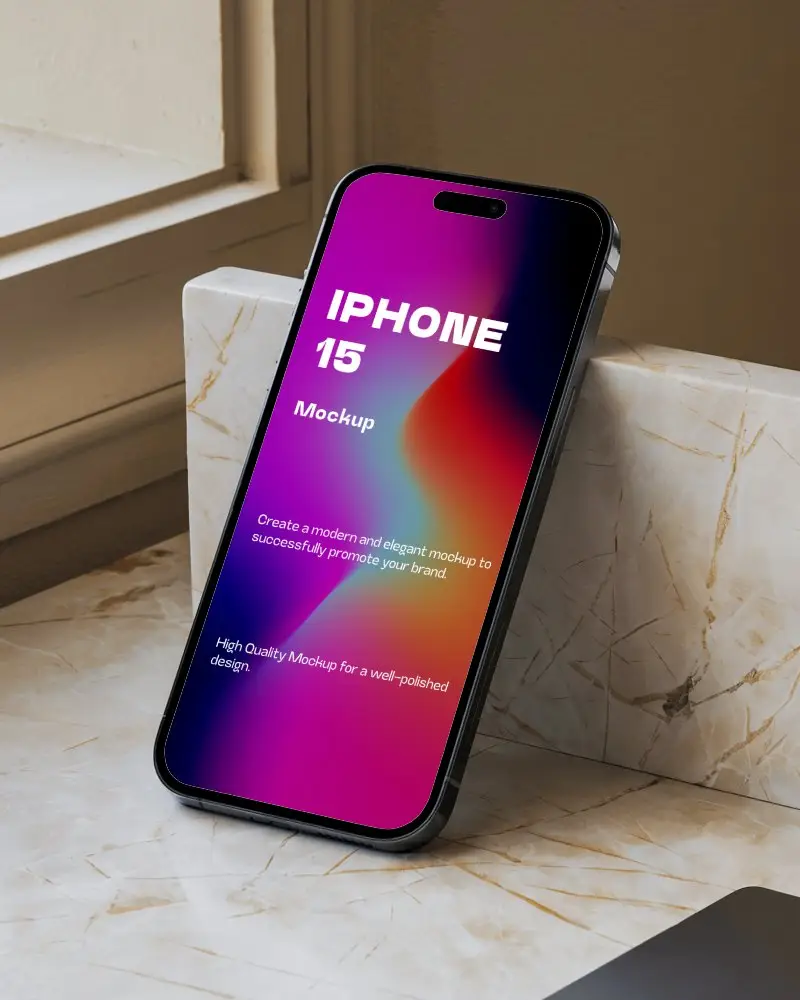
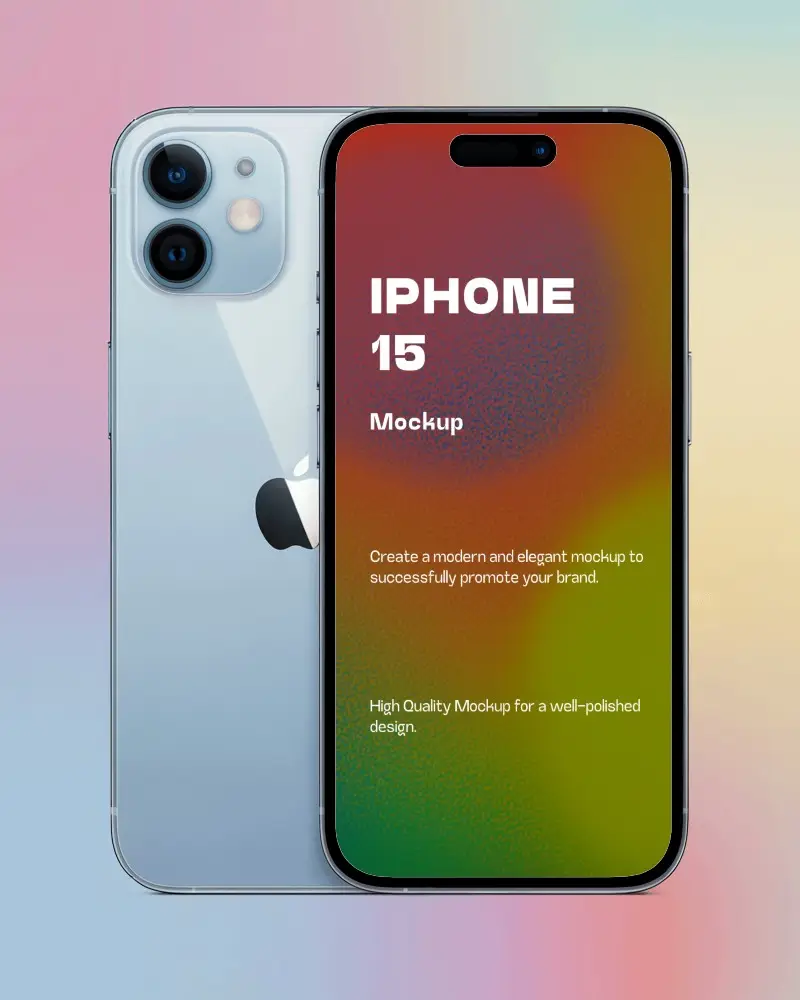
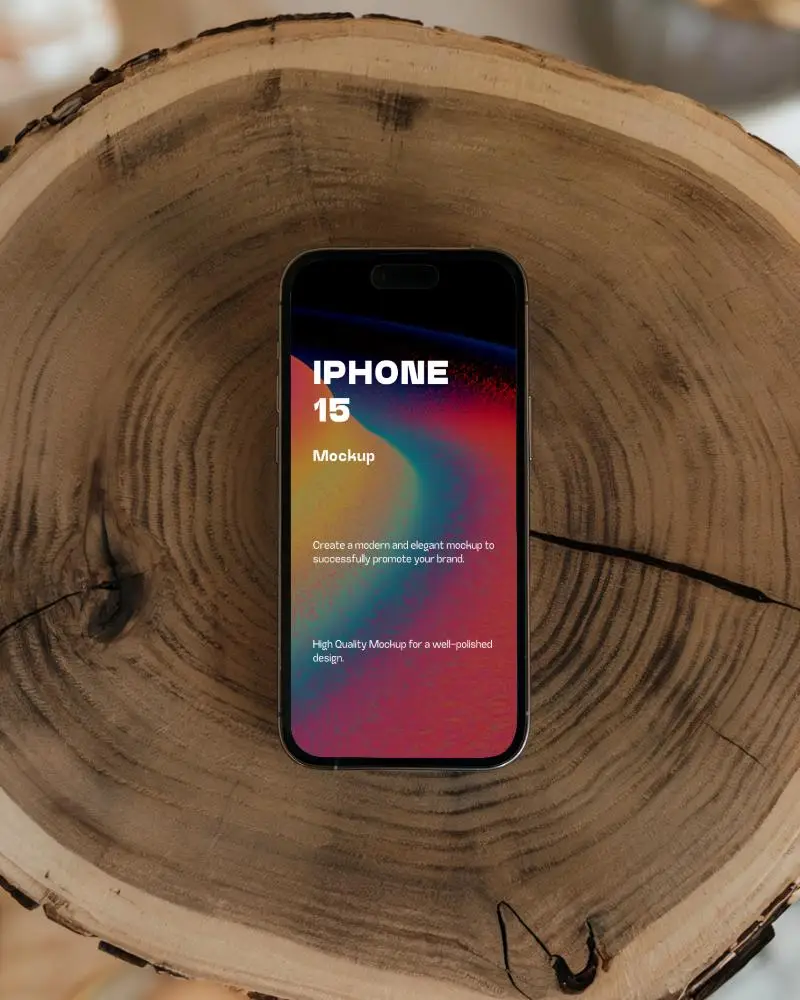
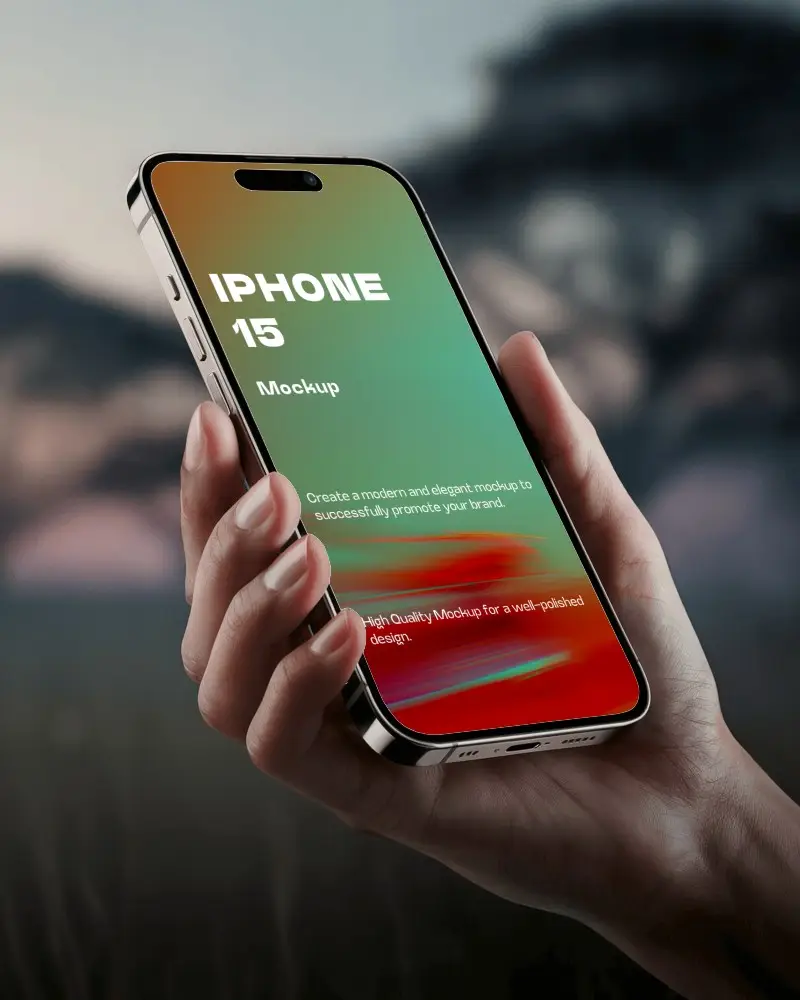
Mockey AI offers free iPhone 15 mockups for designers to showcase their app or mobile design beautifully. Use the iPhone 15 mockup generator to make your presentation shine.
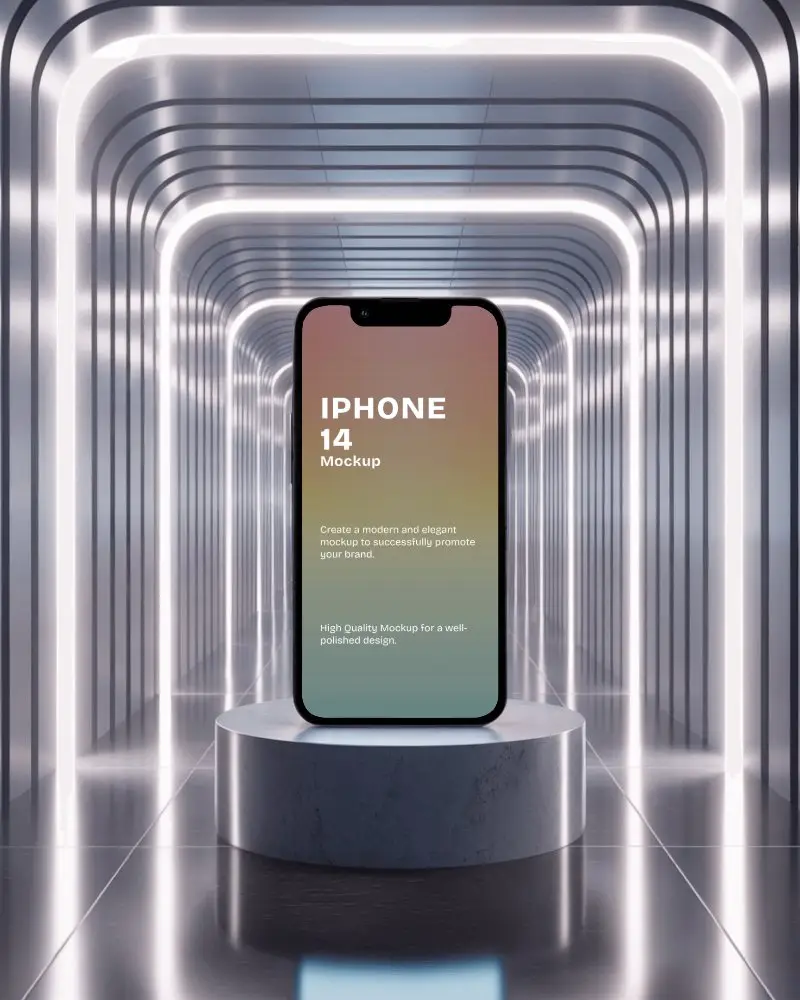
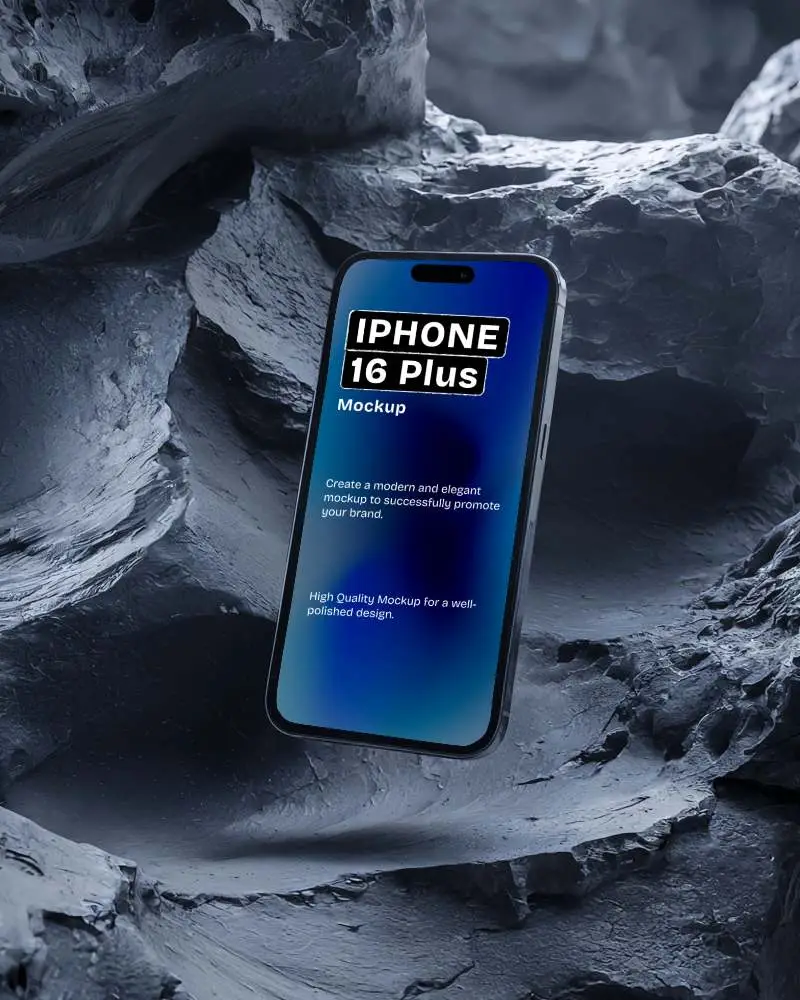
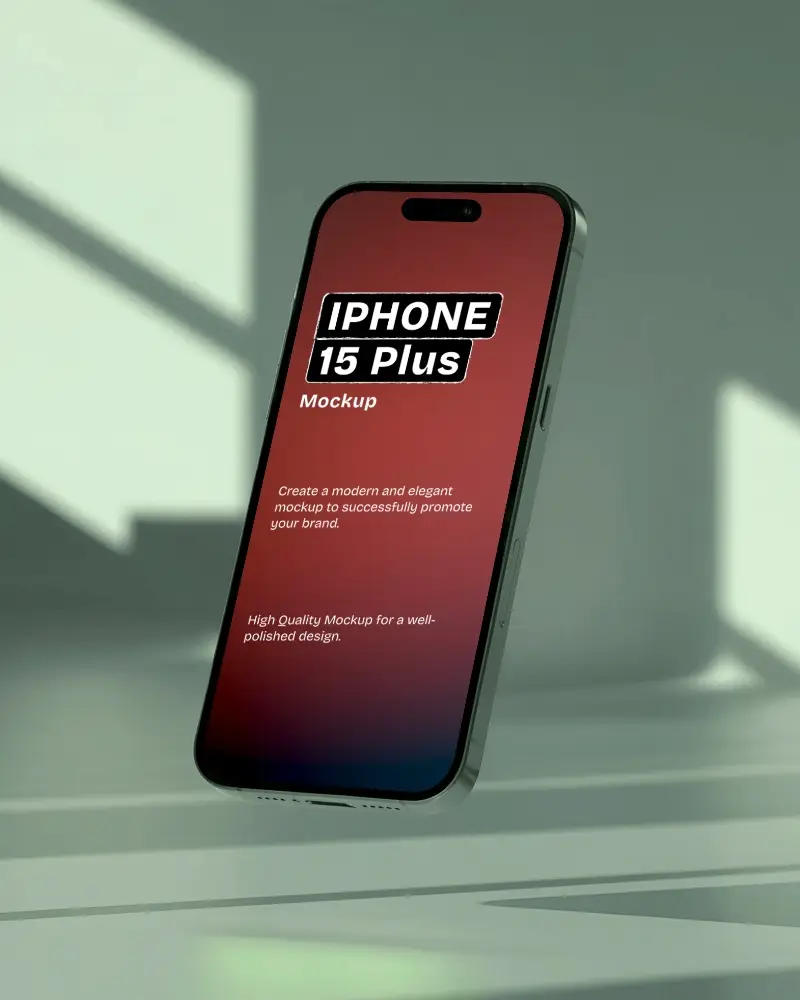
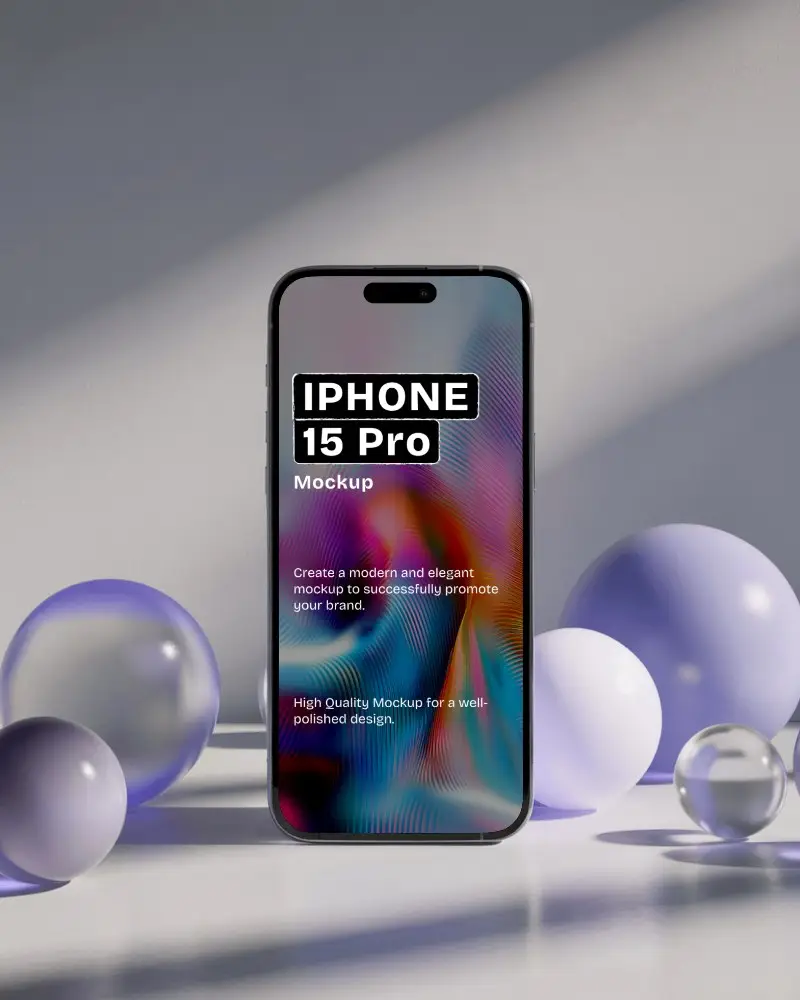
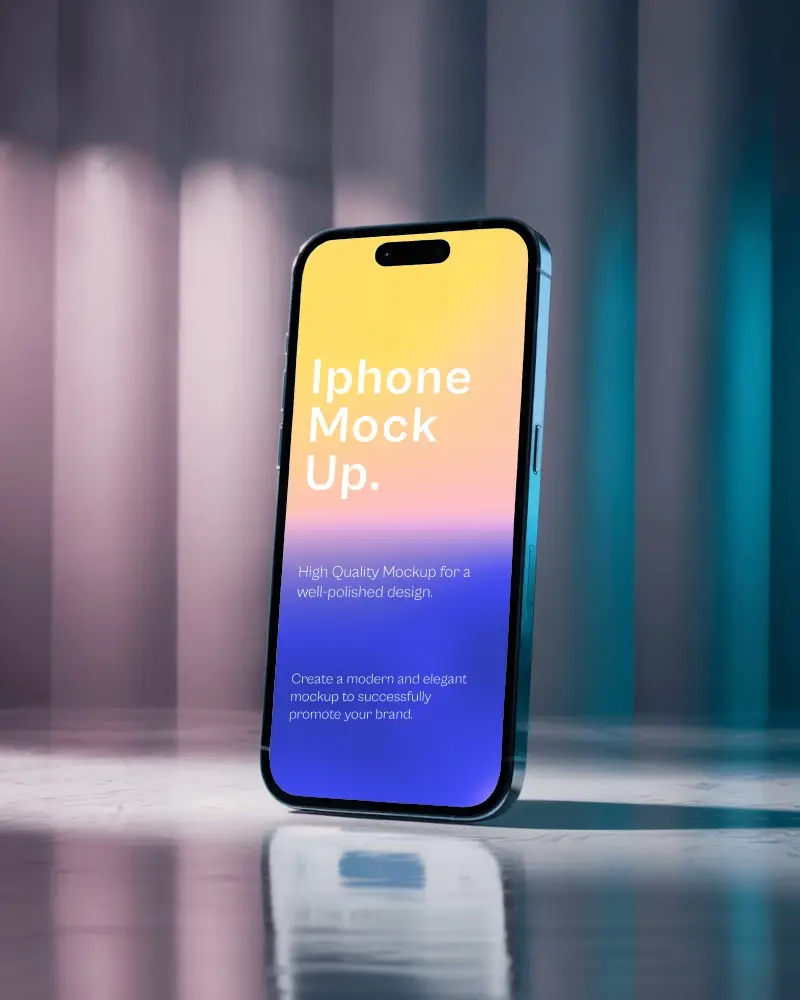
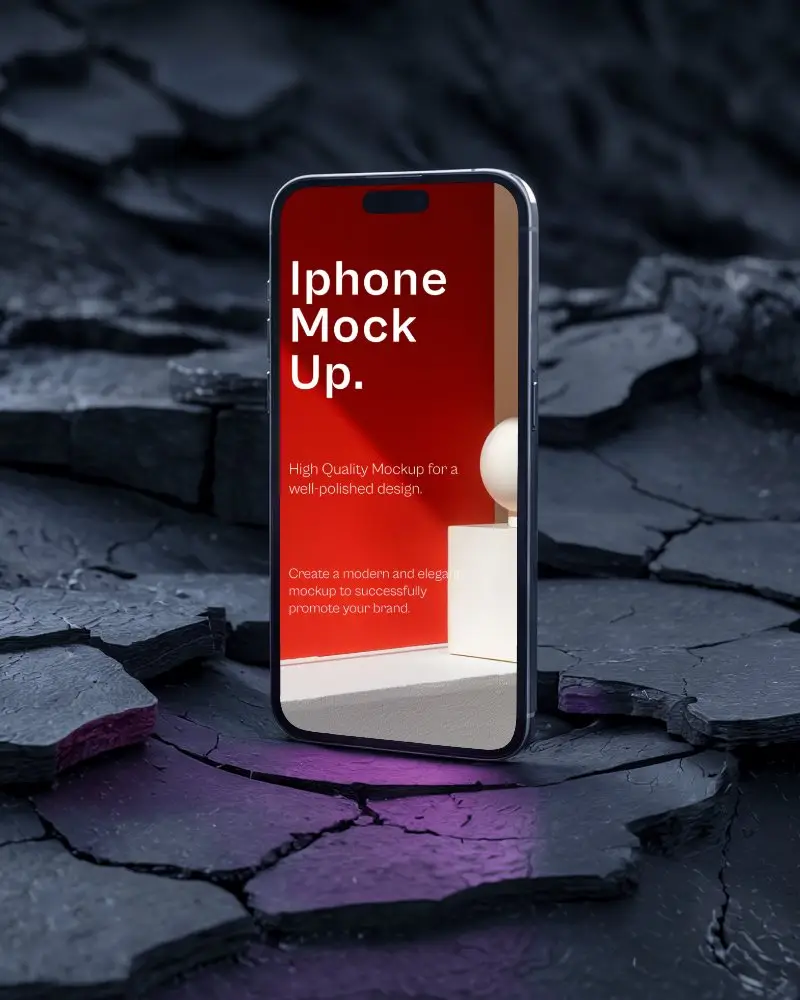
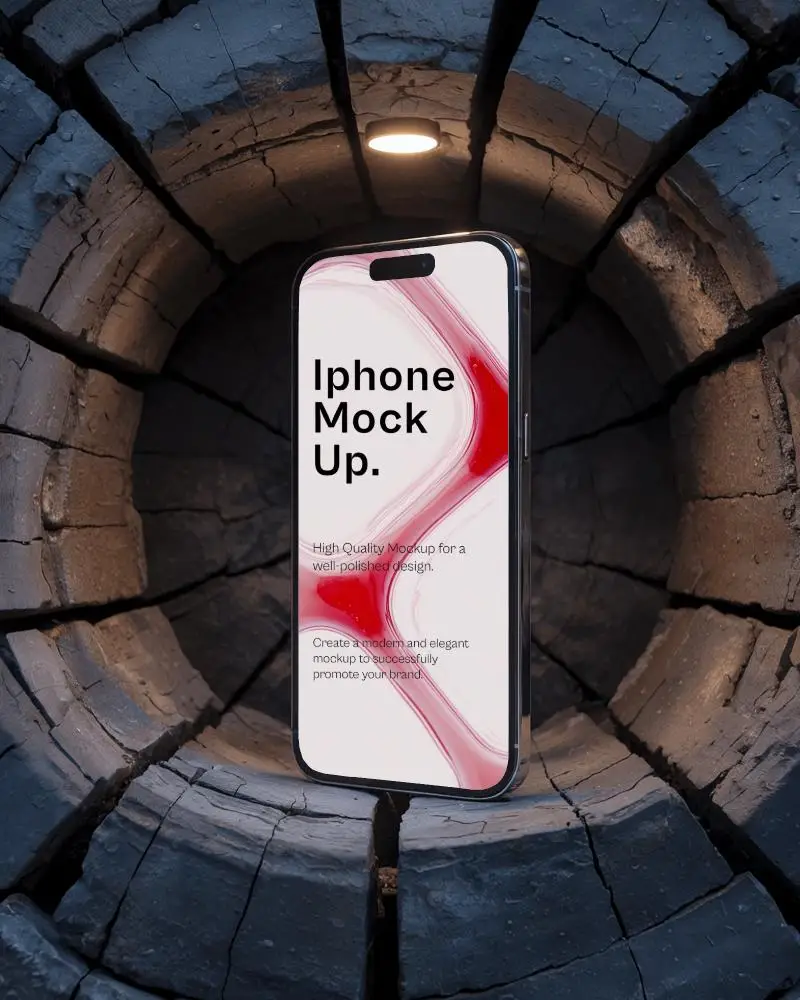
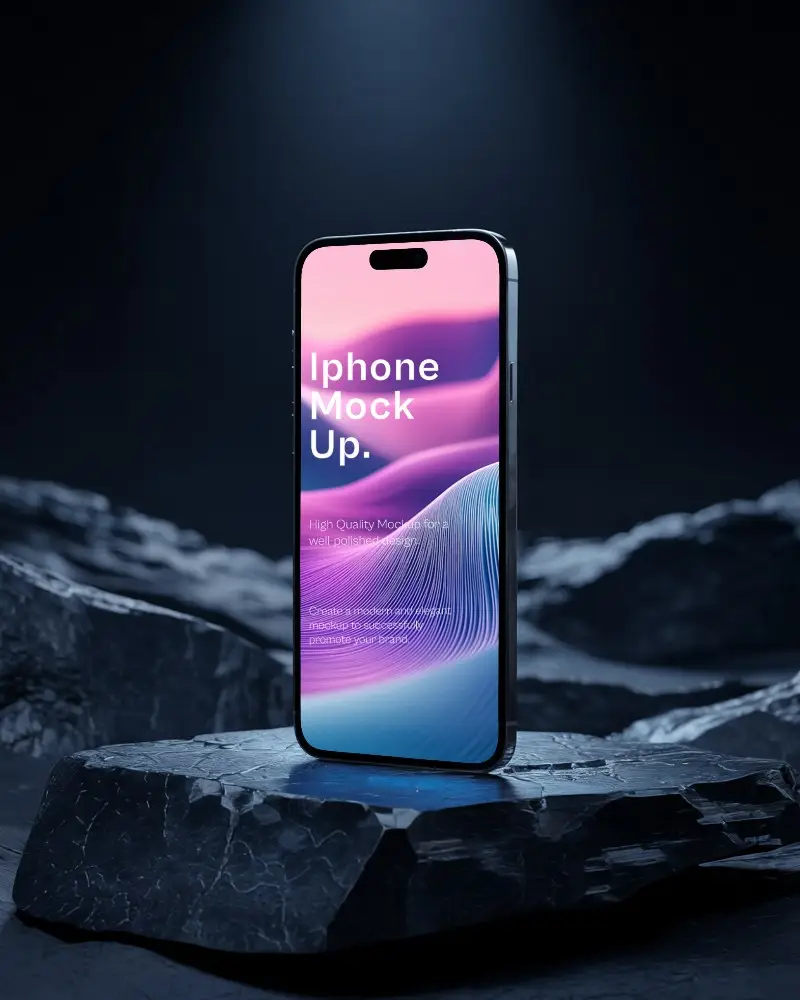
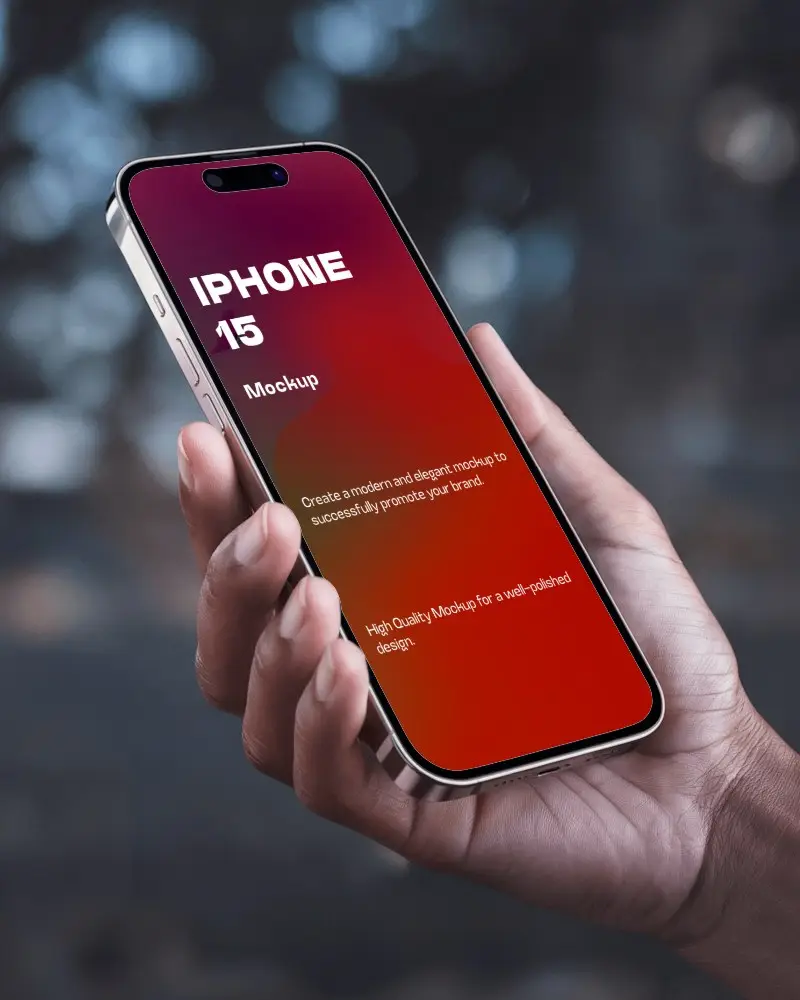
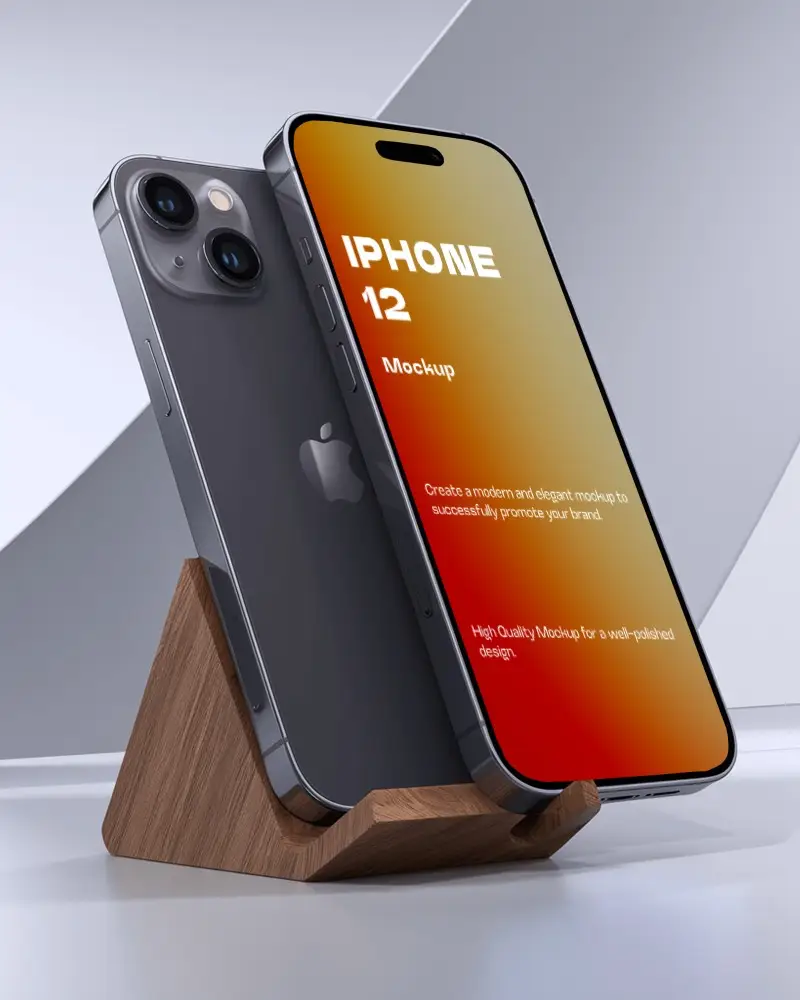
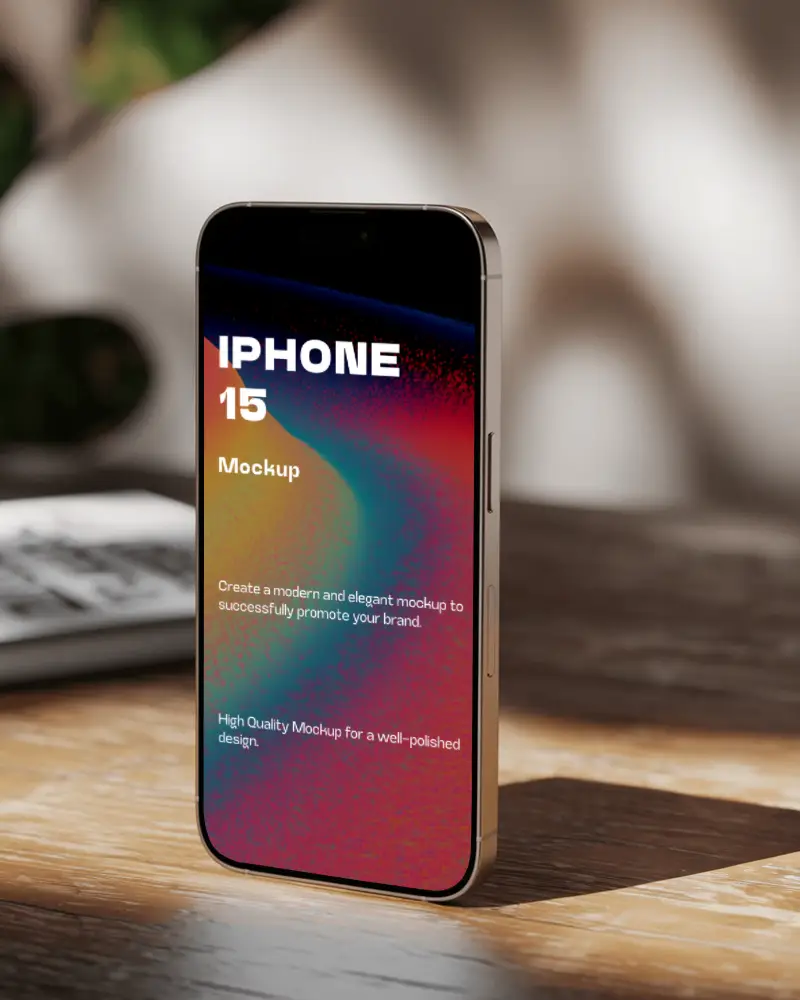
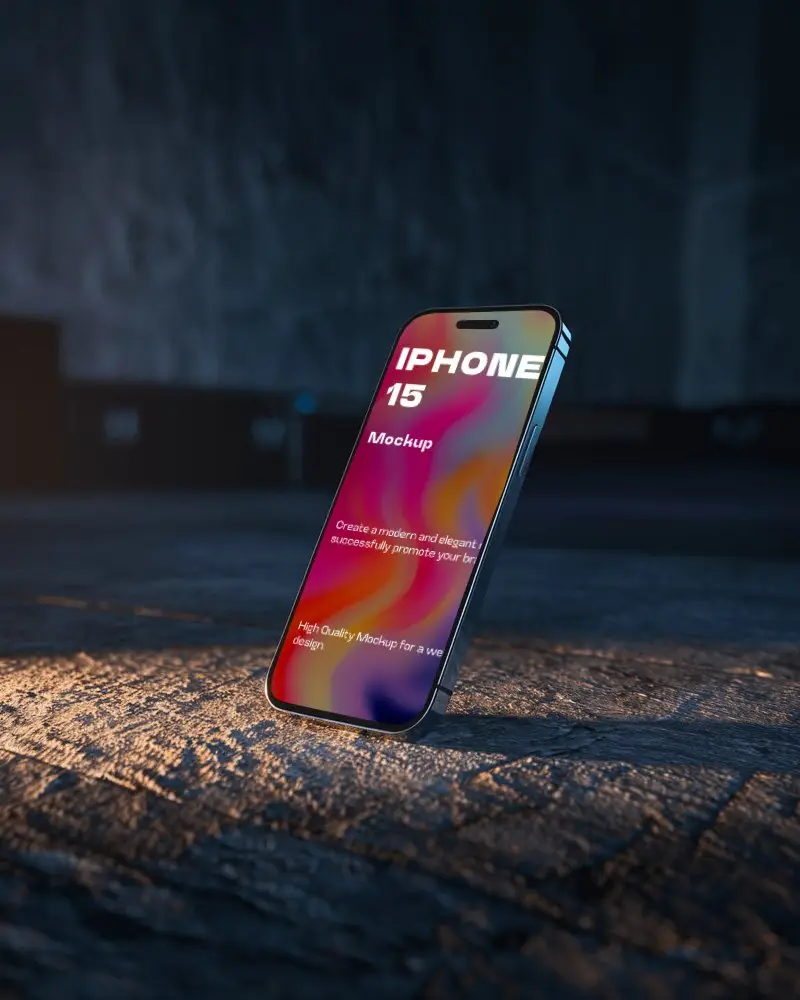
How to Create an iPhone 15 Mockup with Mockey AI
To create an iPhone 15 mockup in Mockey AI:
- Step 1: First, click on 'Mockups' in the menu, then select 'Tech,' and choose 'iPhone'.
- Step 2: Using the iPhone 15 tag, you can determine a template and add your design.
- Step 3: Finally, customize your iPhone 15 mockup until you're satisfied, and download it.


FAQs on Iphone 15 Mockups
Does Mockey provide other mobile mockups, too?
Mockey AI offers many iPhone mockups besides the iPhone 15 model, including the 13, 14, 15 series, 16 series, and even 17 series.
Can I use iPhone 15 mockups for mobile app presentations?
The iPhone 15 mockup is mainly used for mobile app presentations. You can display any design or screenshot for your presentation using these mockups.
Can I choose between different iPhone 15 models, like Pro or Pro Max?
We have a large collection of iPhone 15 mockups available for customization. For example, you can create an iPhone 15 Pro Max mockup or an iPhone 15 Pro mockup by choosing any template.
Are iPhone 15 mockups available in video format?
If you need iPhone 15 mockups in video format, our video mockups also include iPhone 15 templates. You can upload your design and create iPhone video mockups in MP4 format.
