Free Indoor Poster Mockups
Showcase your designs with a free indoor poster mockup on Mockey.ai. Try it now and create stunning visuals that grab attention instantly!










.png)

















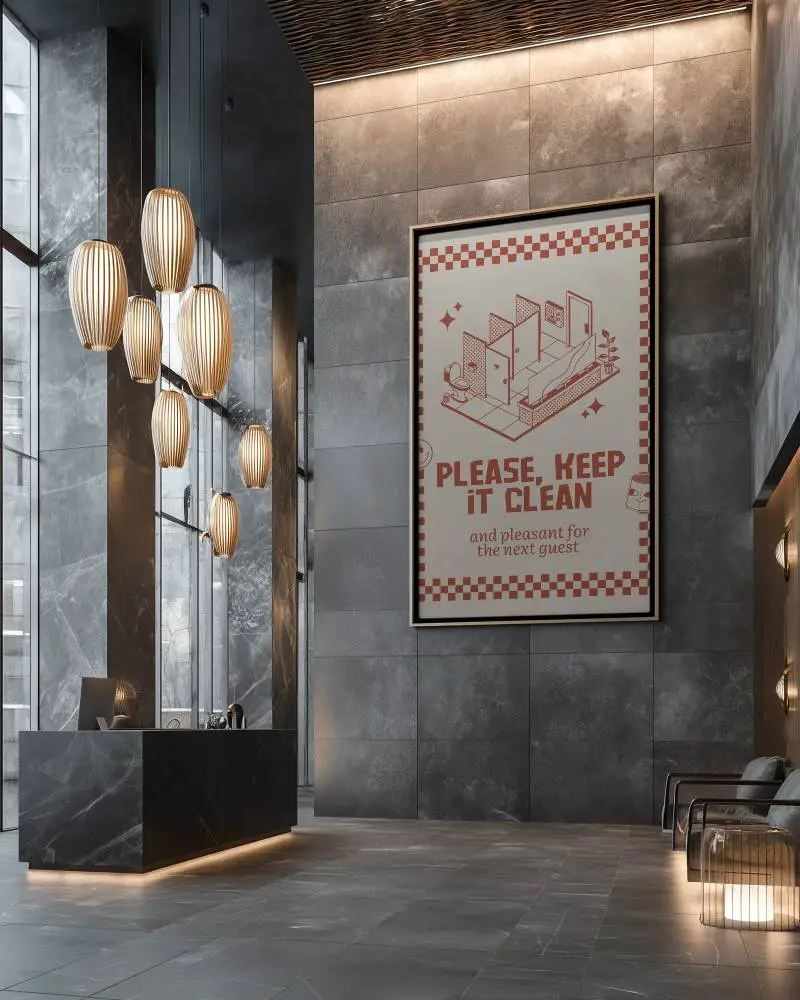
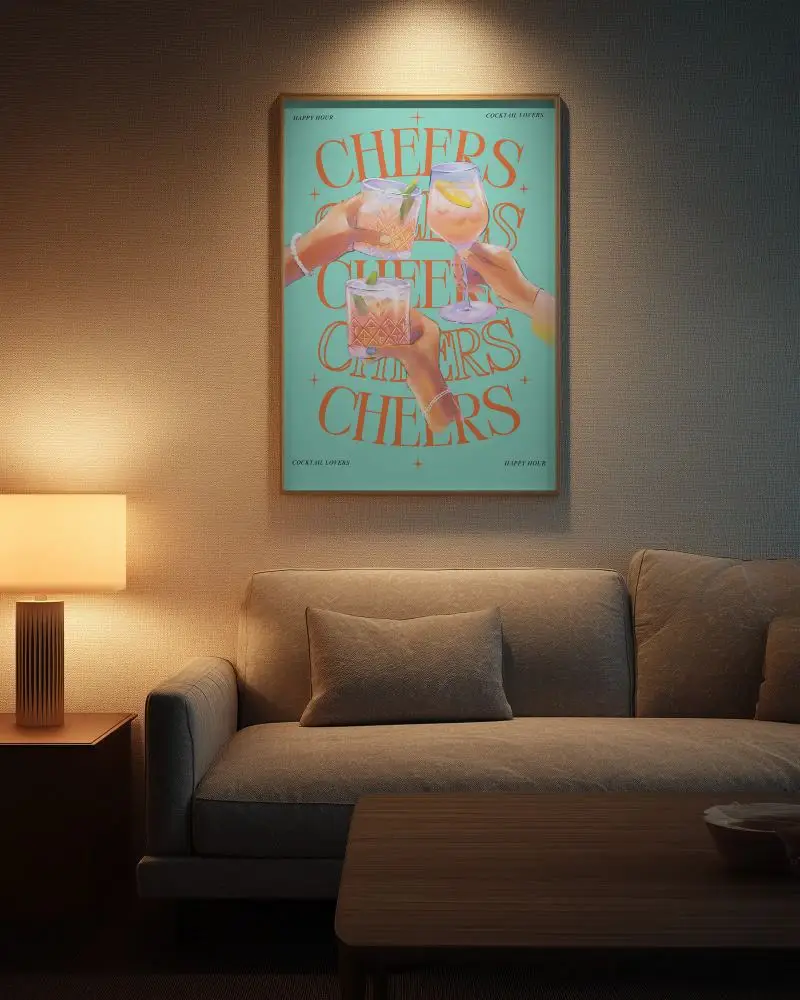
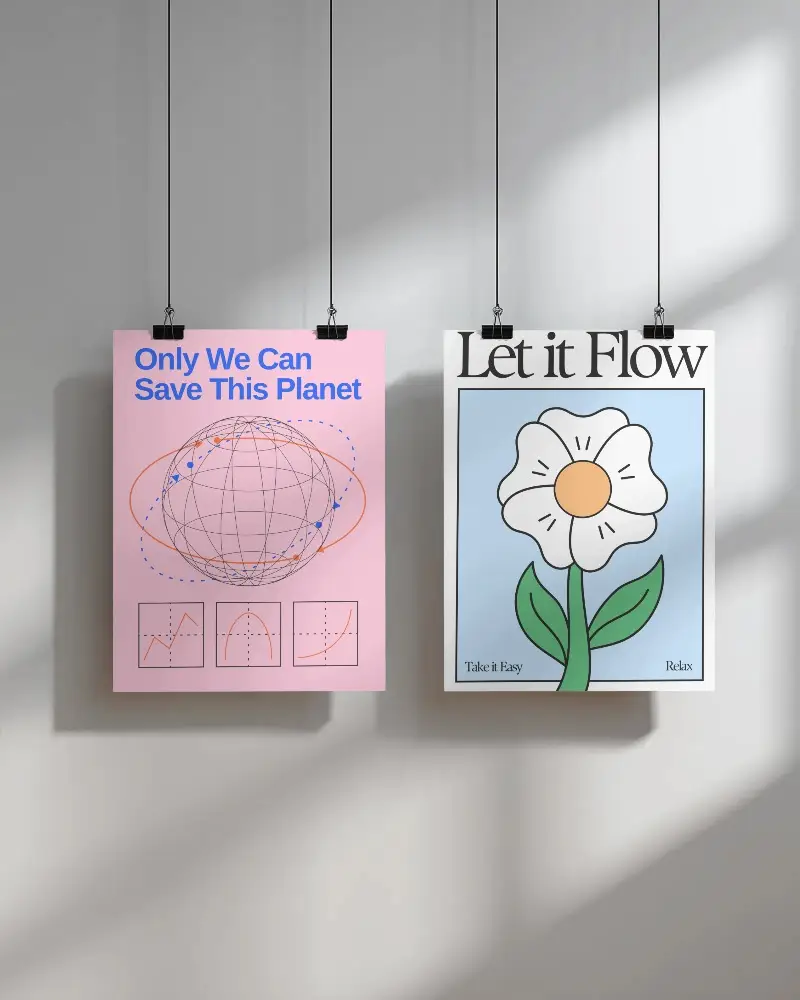
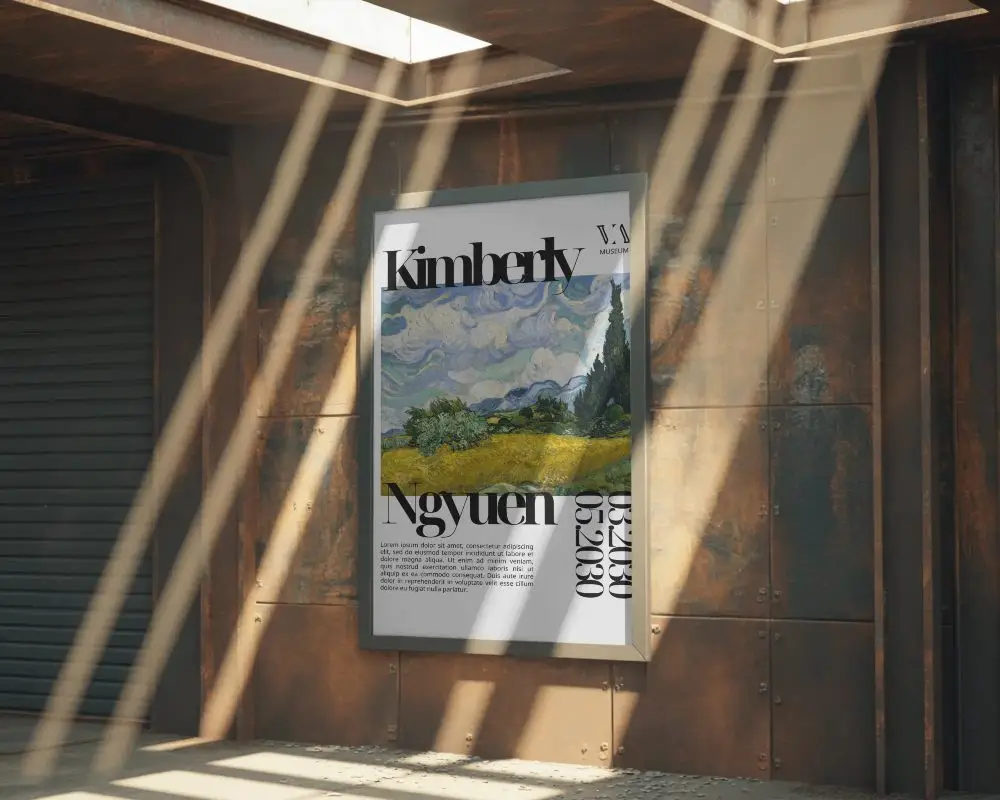
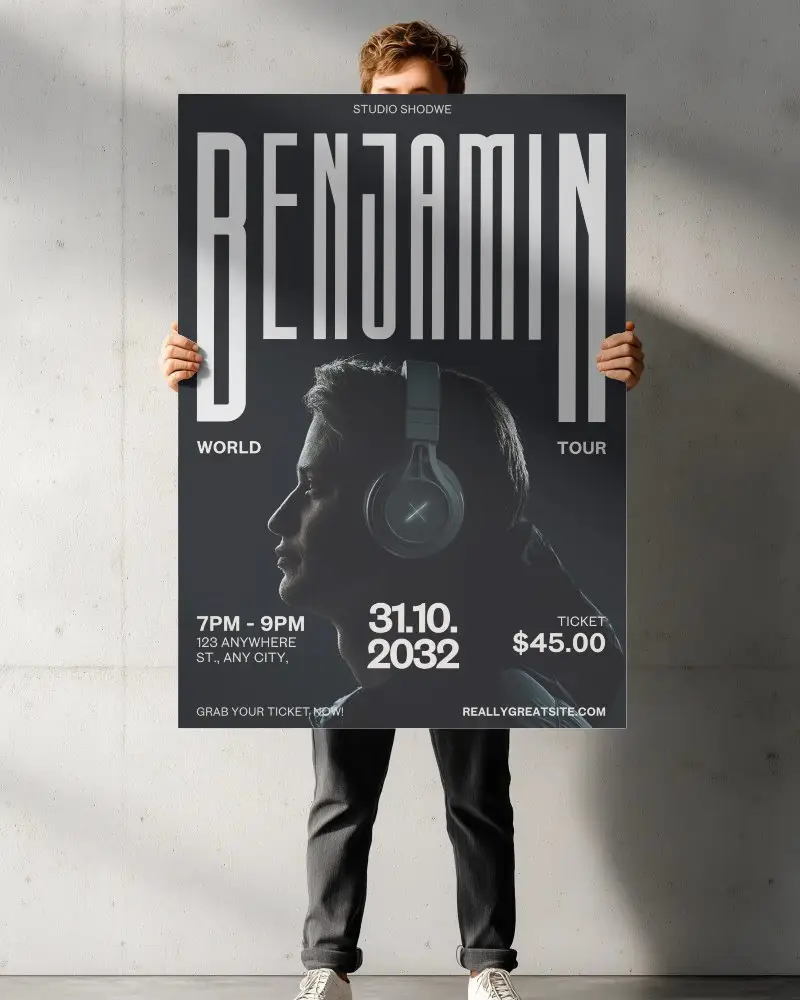
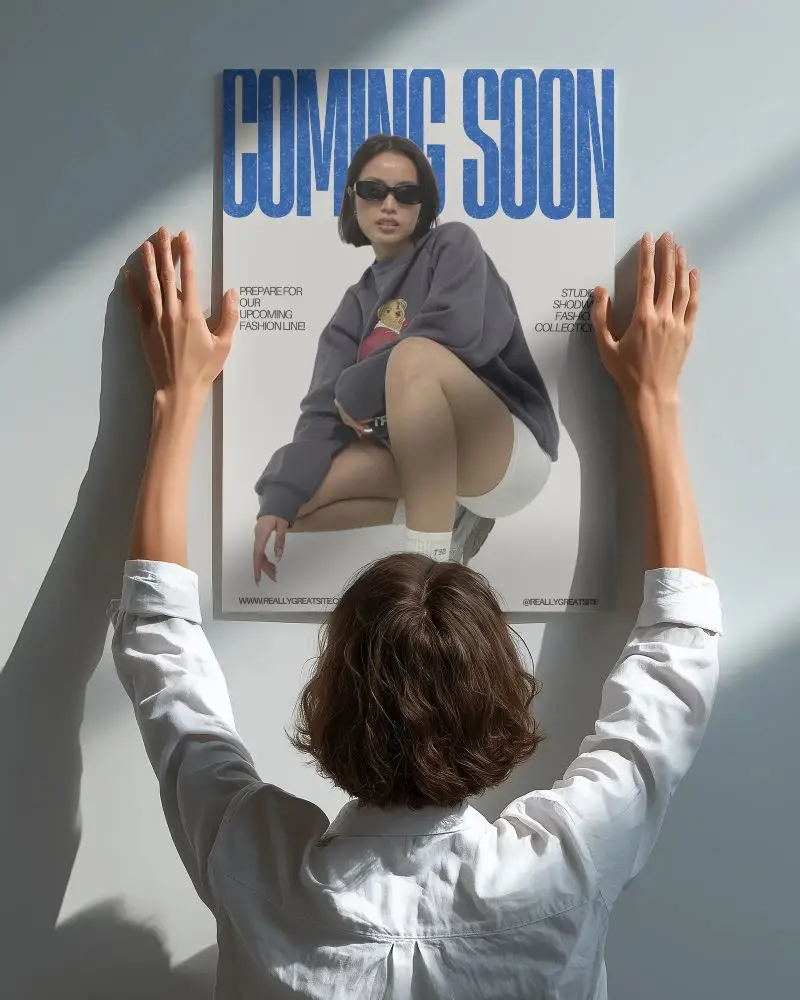
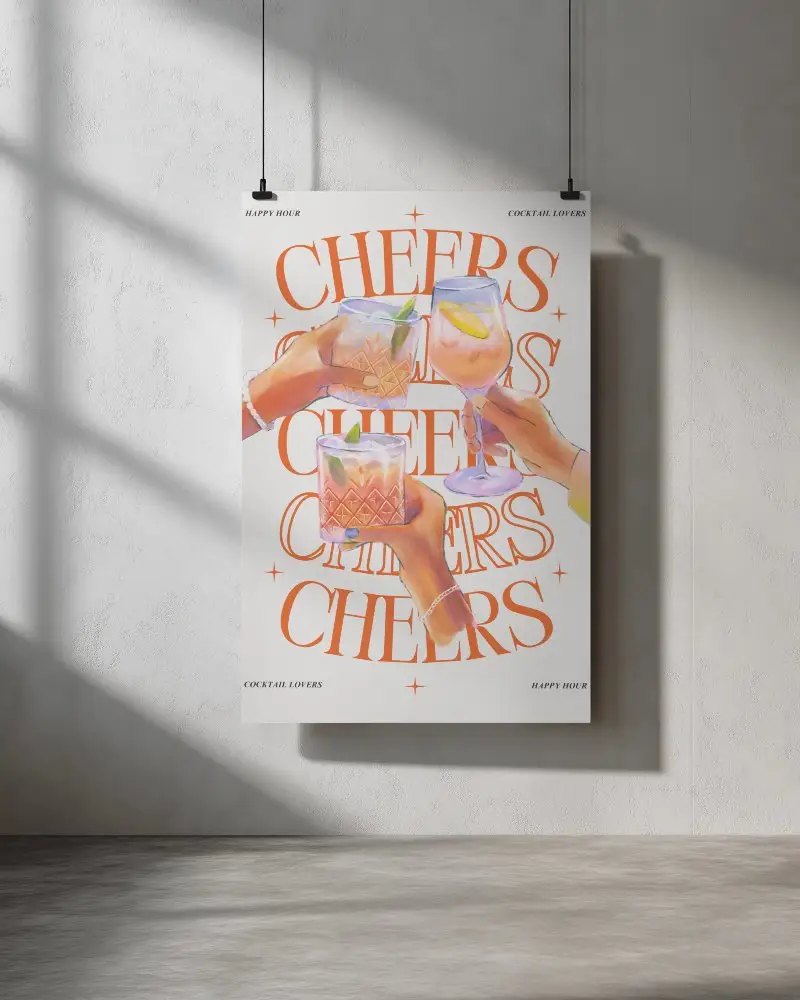
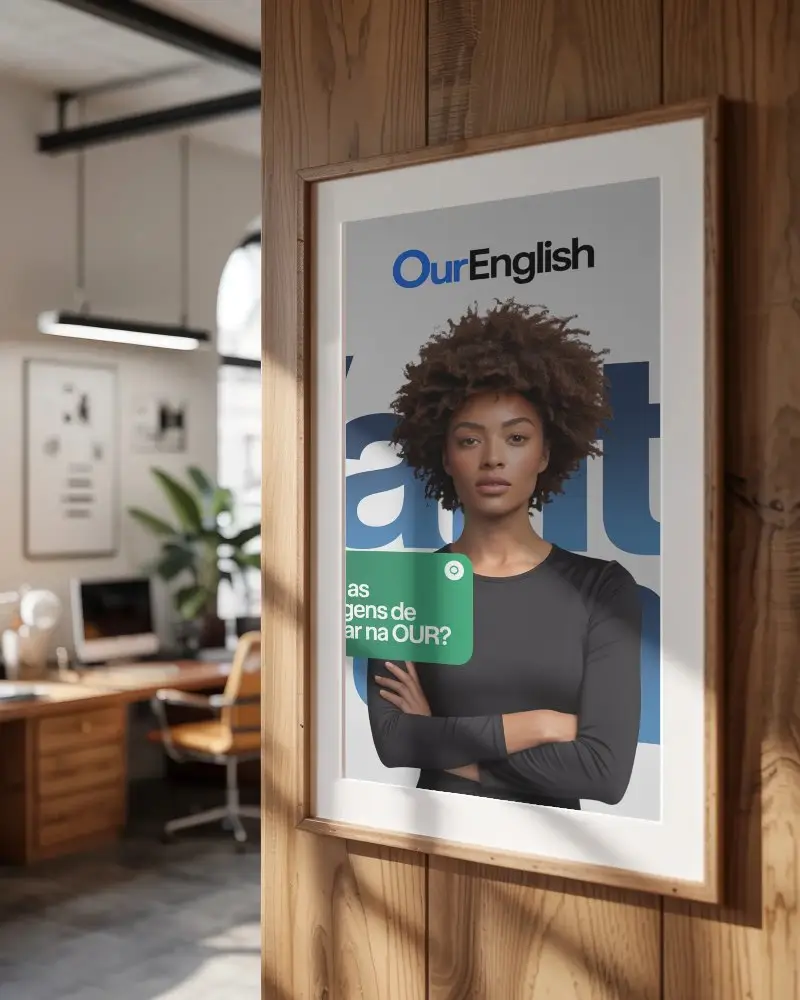

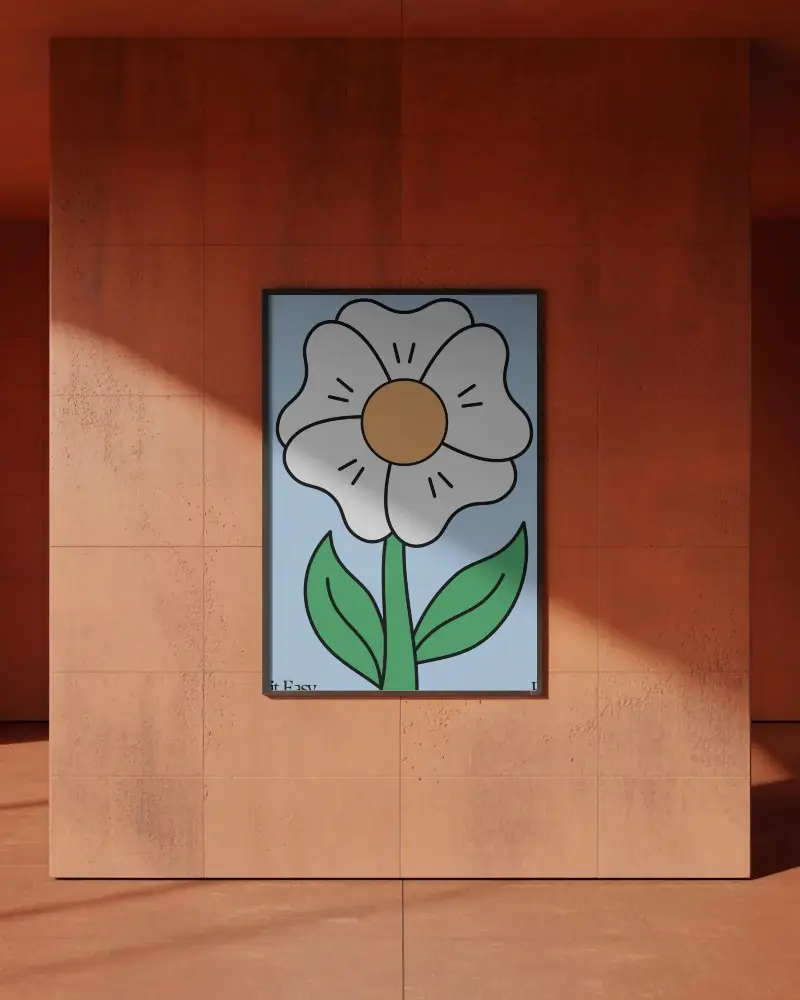
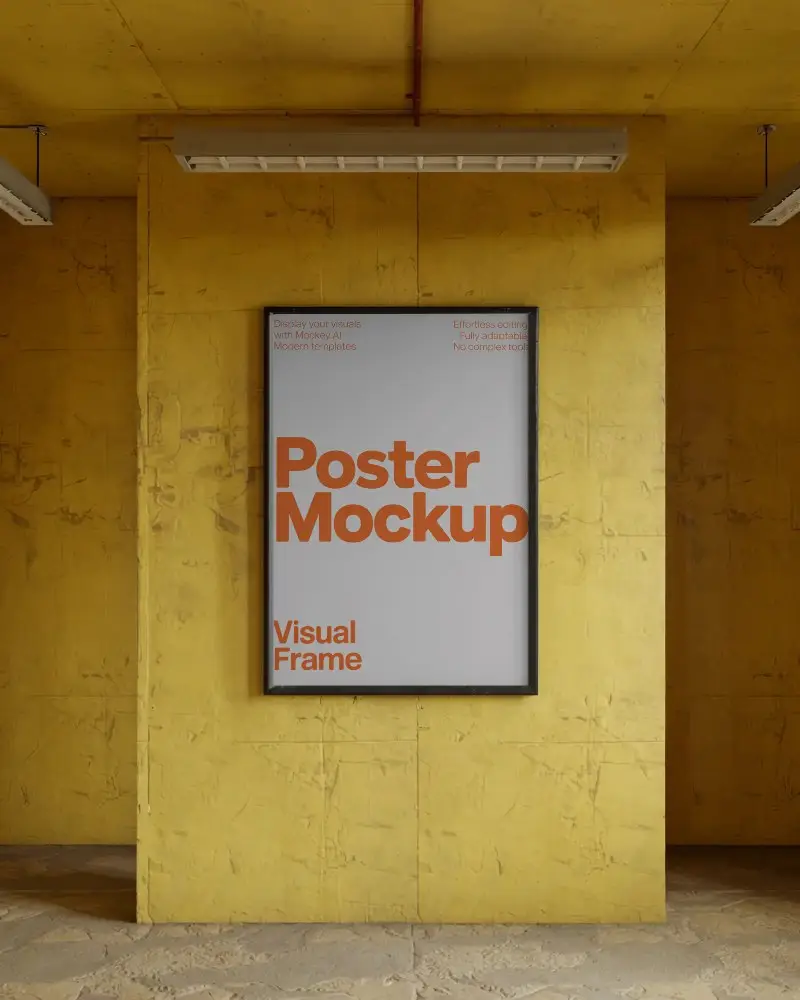
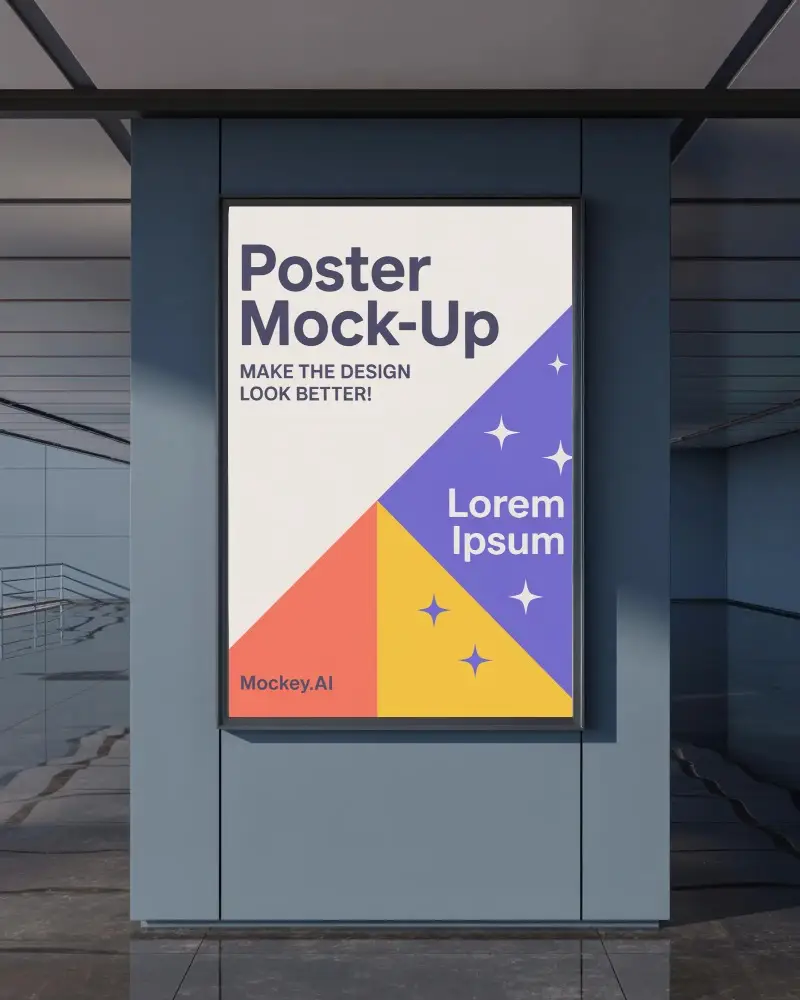
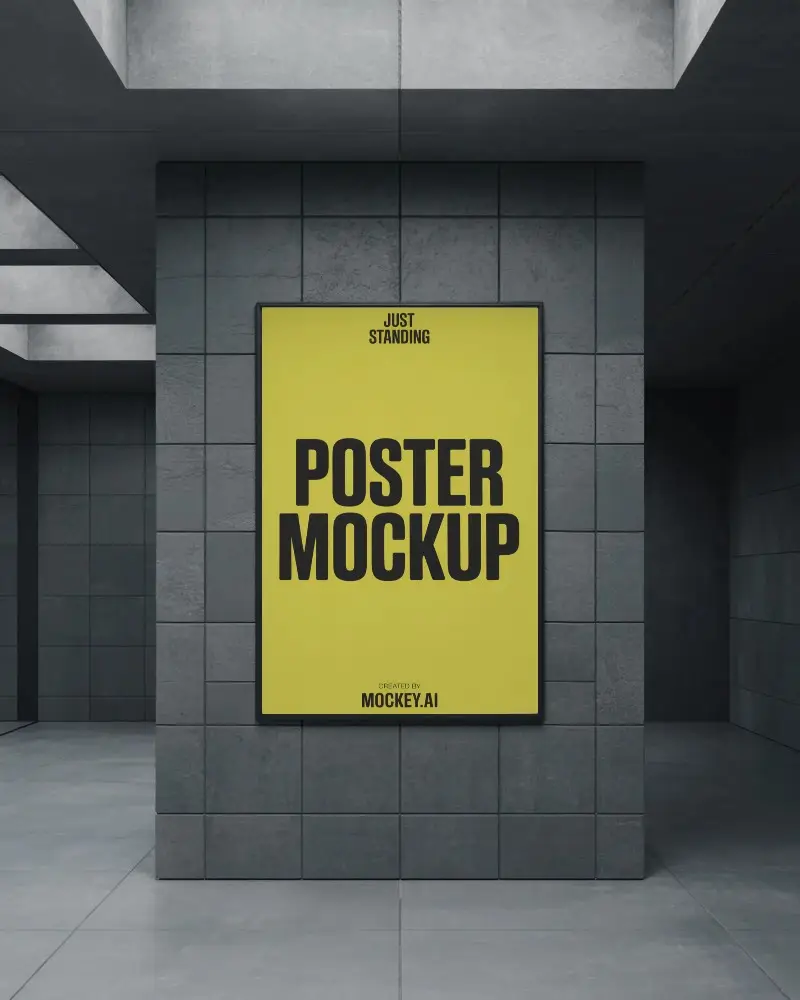

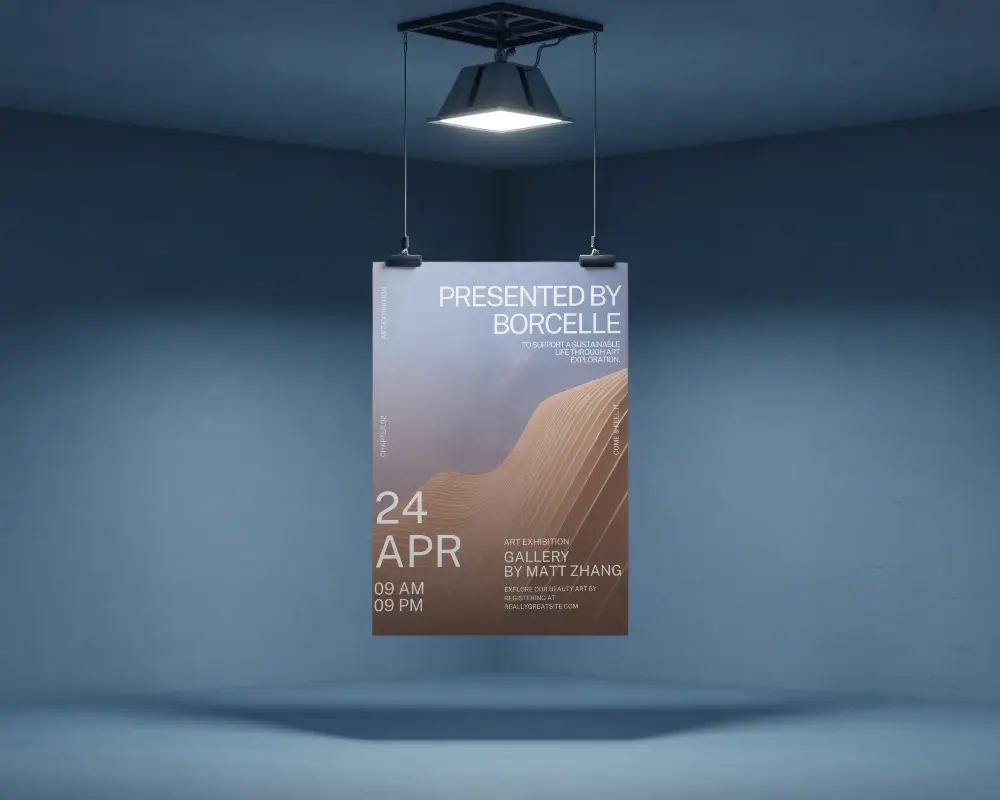
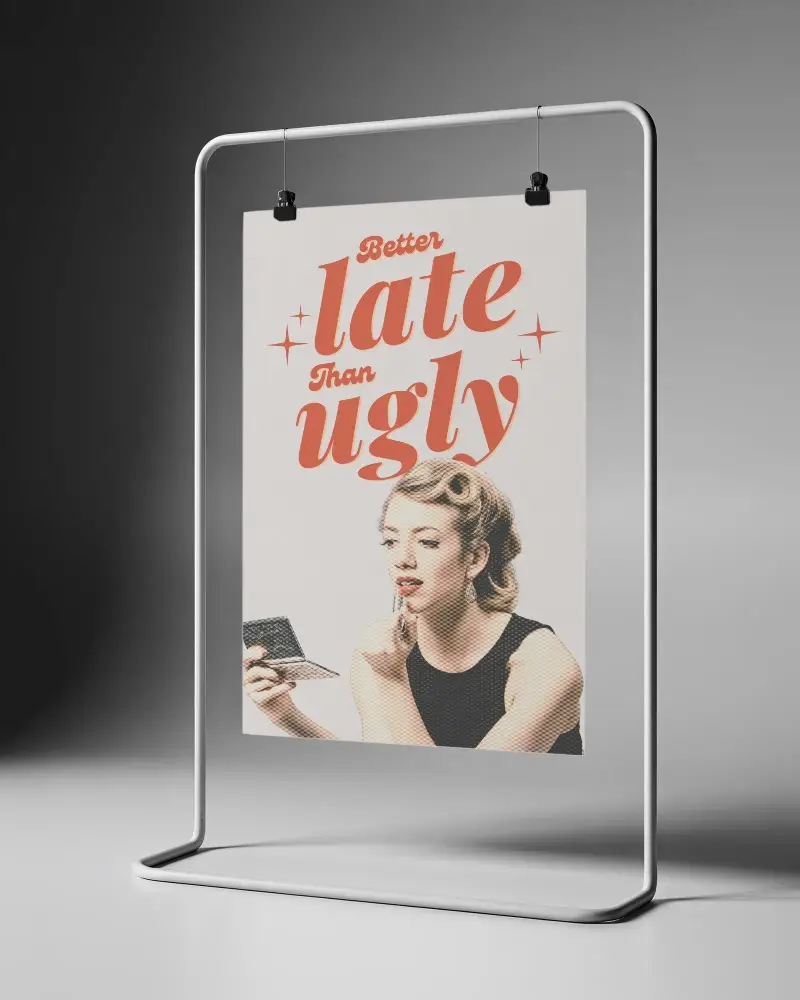


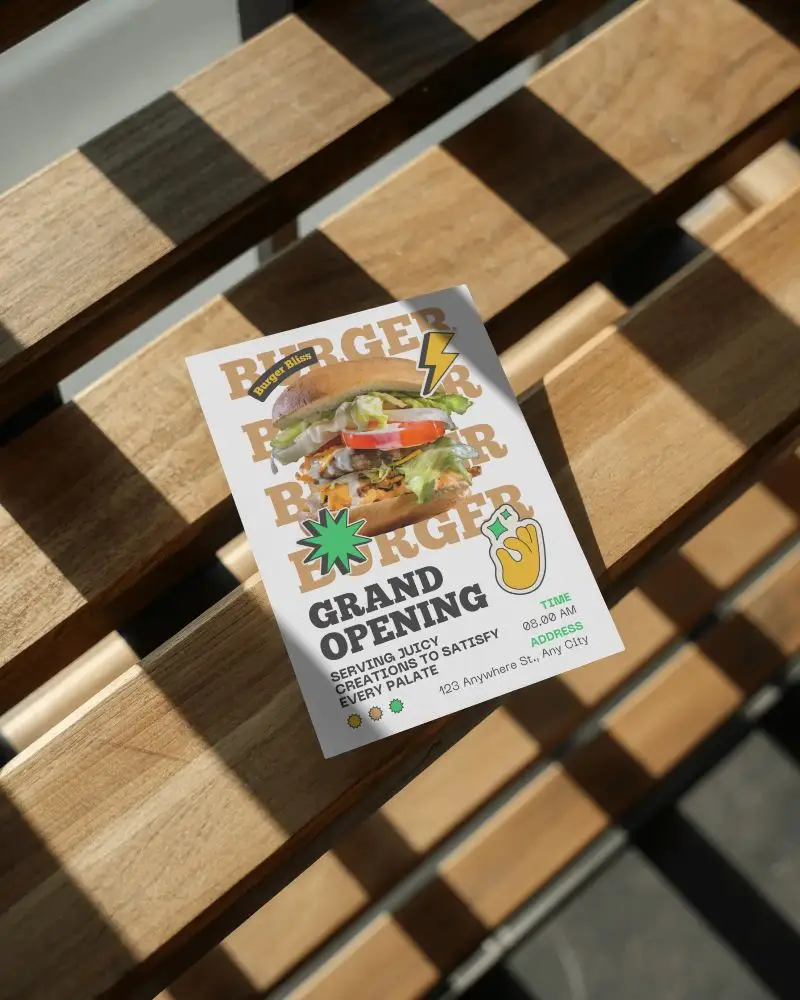
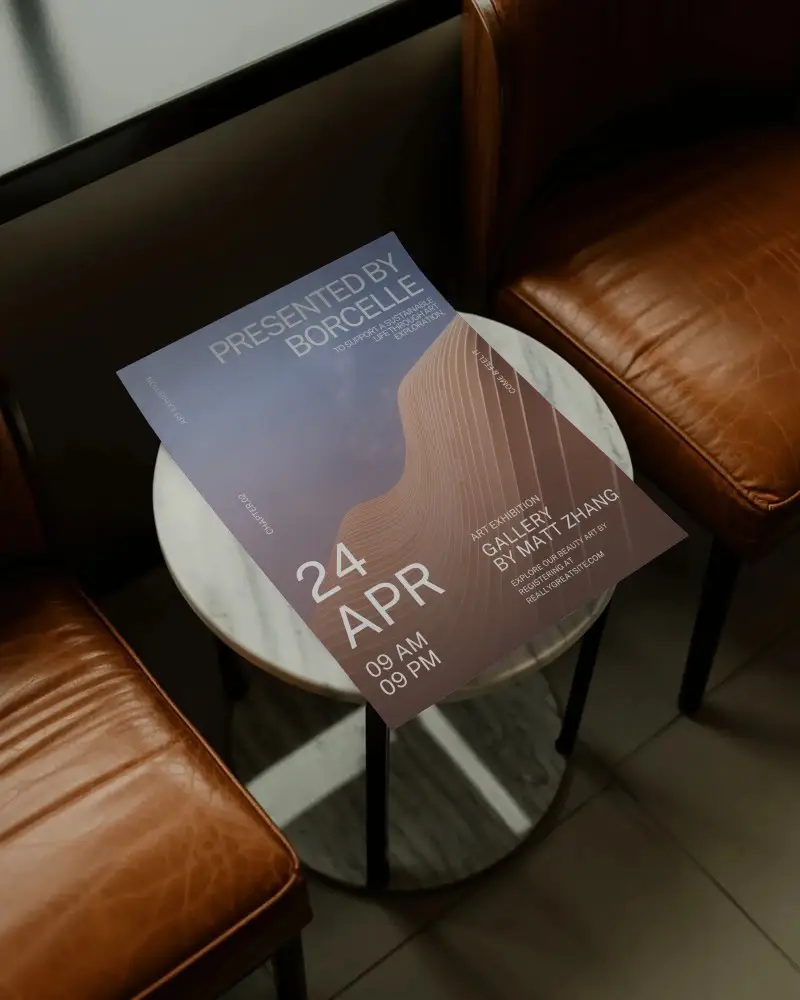
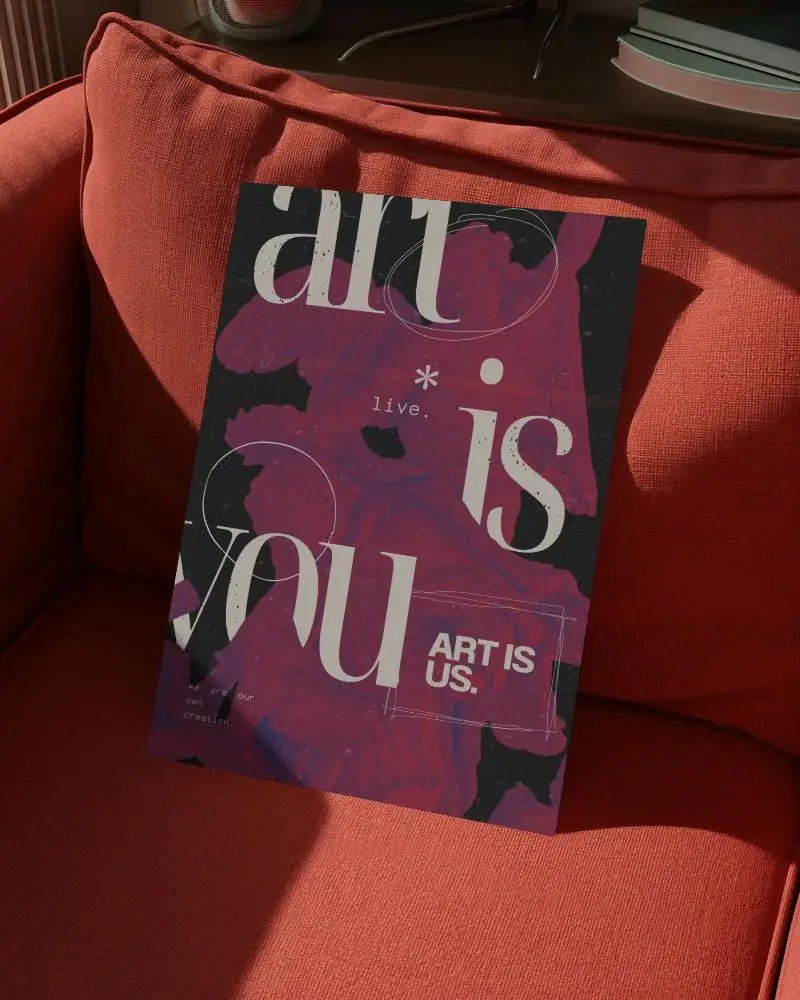
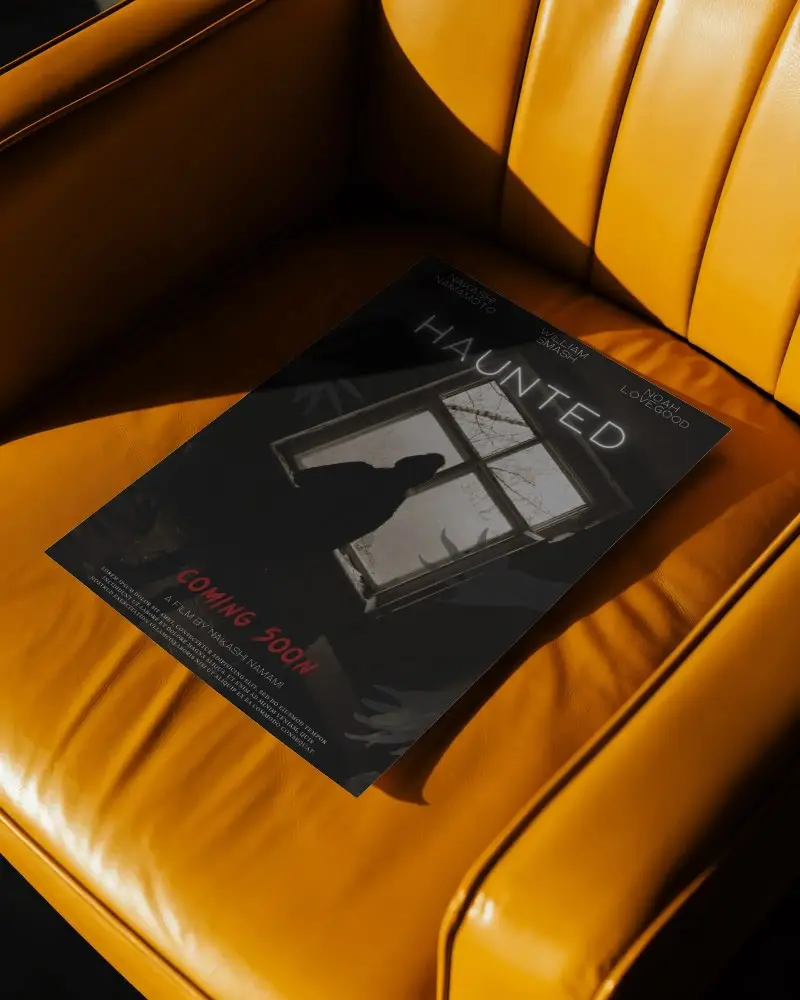
How to Create an Indoor Poster Mockup with Mockey
To create an indoor poster mockup:
- Step 1: Sign up and in “Mockups,” open Categories. Follow “Print > Poster > Indoor.”
- Step 2: Upload a design and make edits after choosing a template.
- Step 3: Save the indoor poster mockup by clicking the “Download” button.


FAQs on Indoor Poster Mockups
What is an Indoor Poster Mockup?
An indoor poster mockup is a digital preview showing how your poster would look when displayed indoors—like on a wall in a living room, hallway, studio, or office. Designers use them to test how artwork fits in a real environment before printing.
Can I customize the background or frame color?
Yes! In Mockey AI’s indoor poster mockups, simply select any indoor poster template and adjust the frame or background color the way you want.
Can I use these mockups for selling my posters online?
Absolutely. Indoor poster mockups are perfect for online selling because they help customers visualize how the artwork will look on their wall. This increases appeal and boosts sales on platforms like Etsy, Shopify, and others. Mockey AI makes it easy to place your designs onto realistic scenes without needing advanced Photoshop skills.
