Free Hanging Poster Mockups
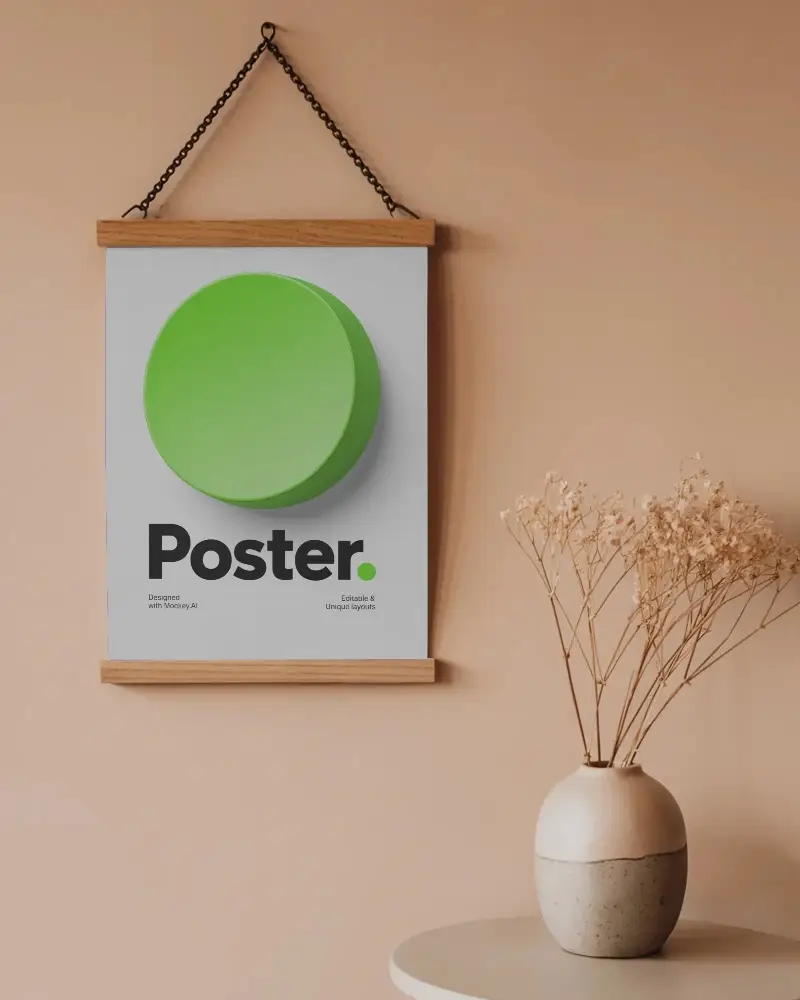
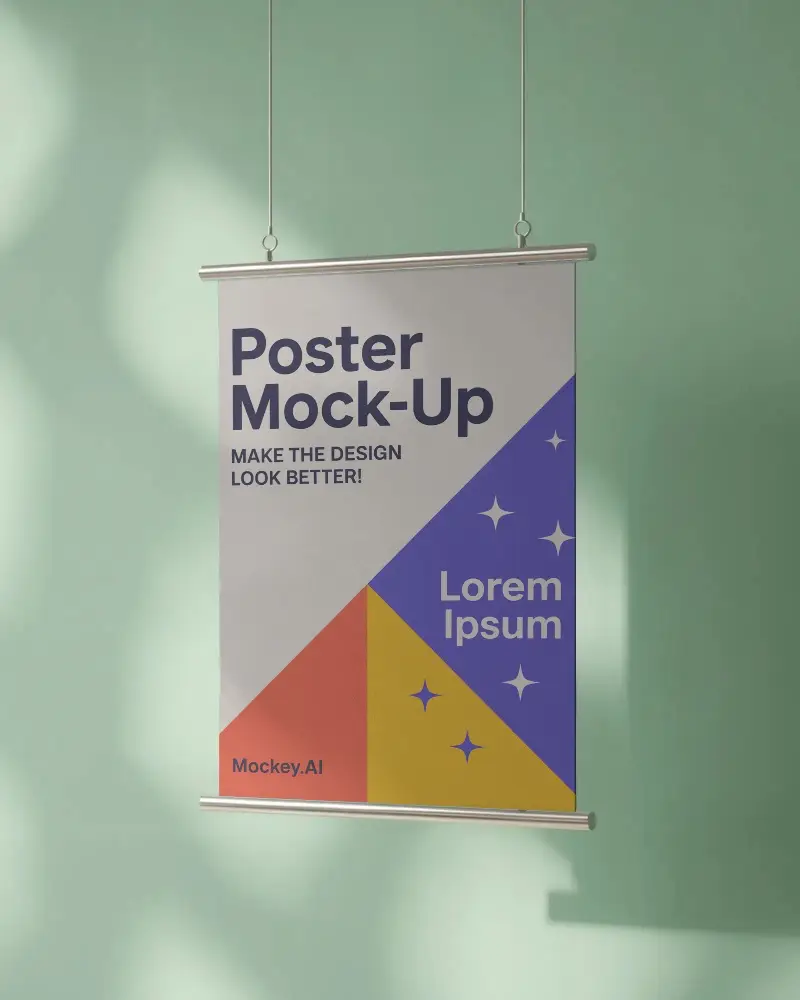
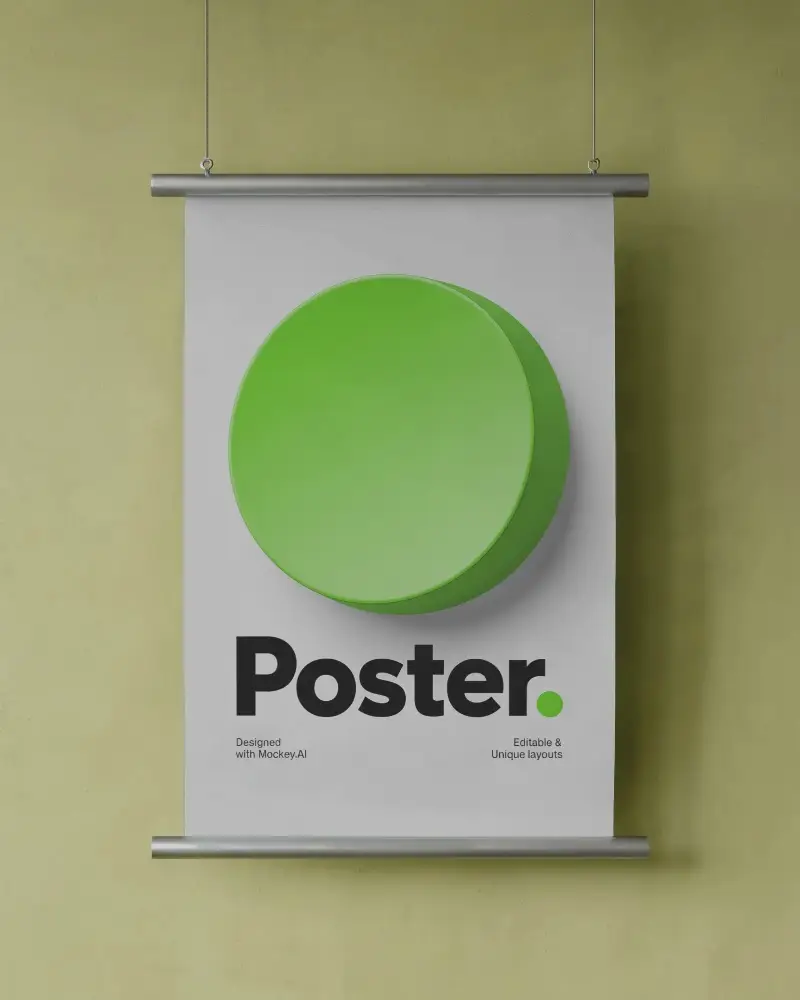
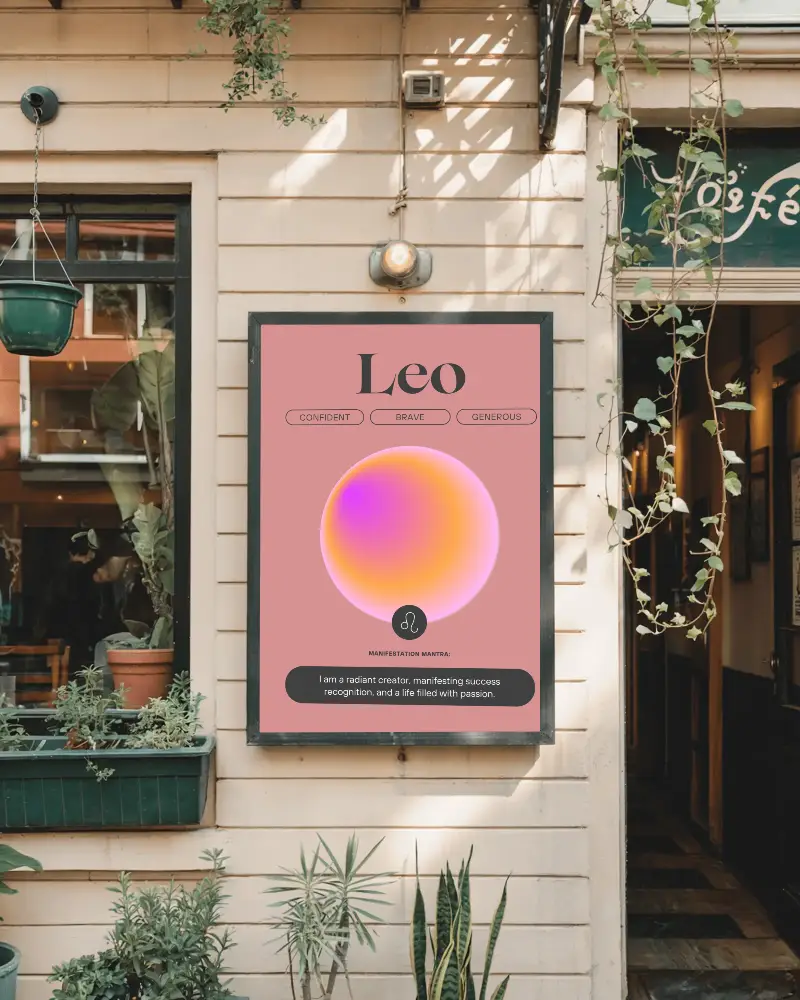
Explore free hanging poster mockups at Mockey AI. Create stunning poster designs online with realistic previews and easy customization.










.png)















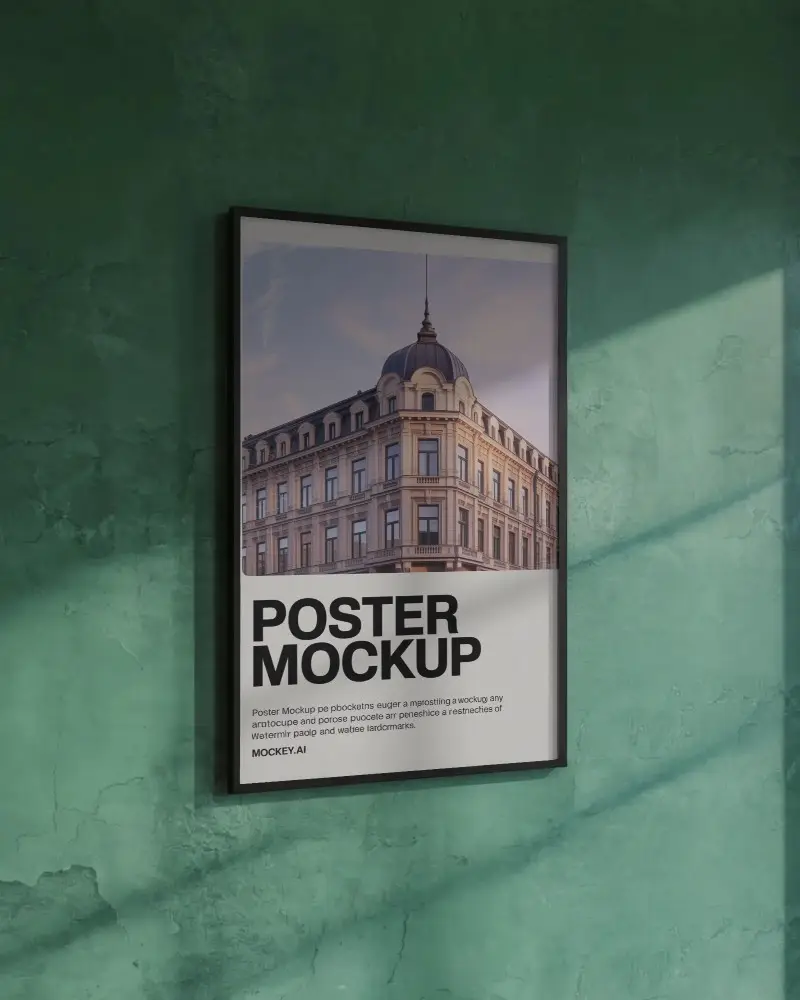
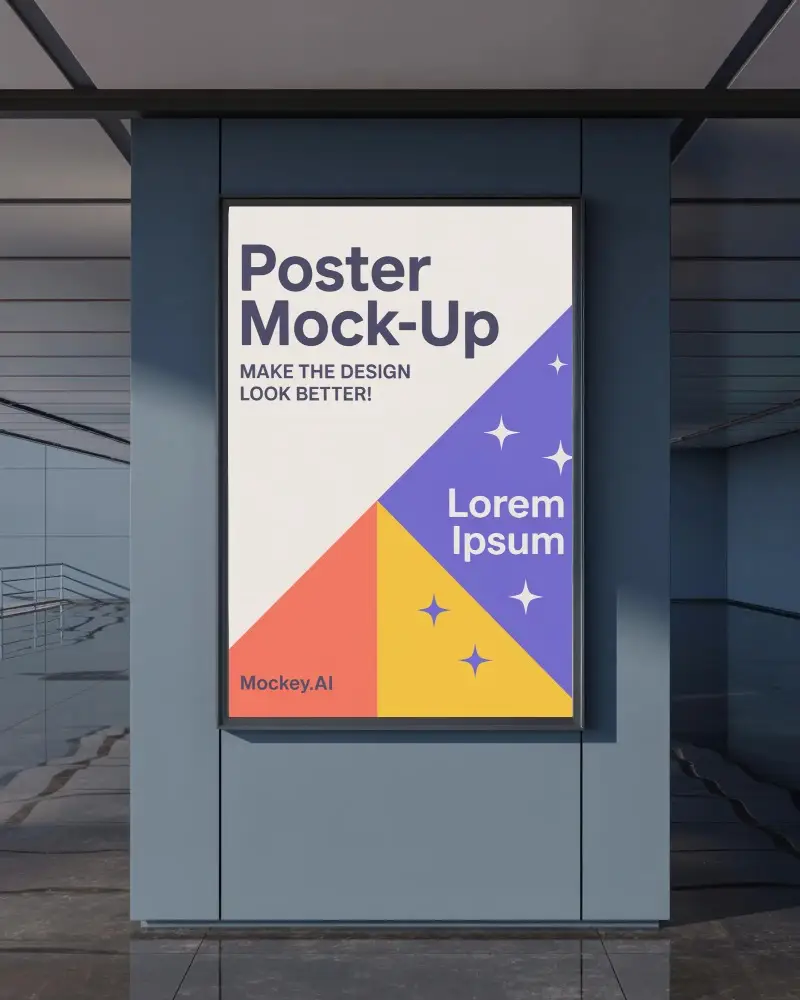
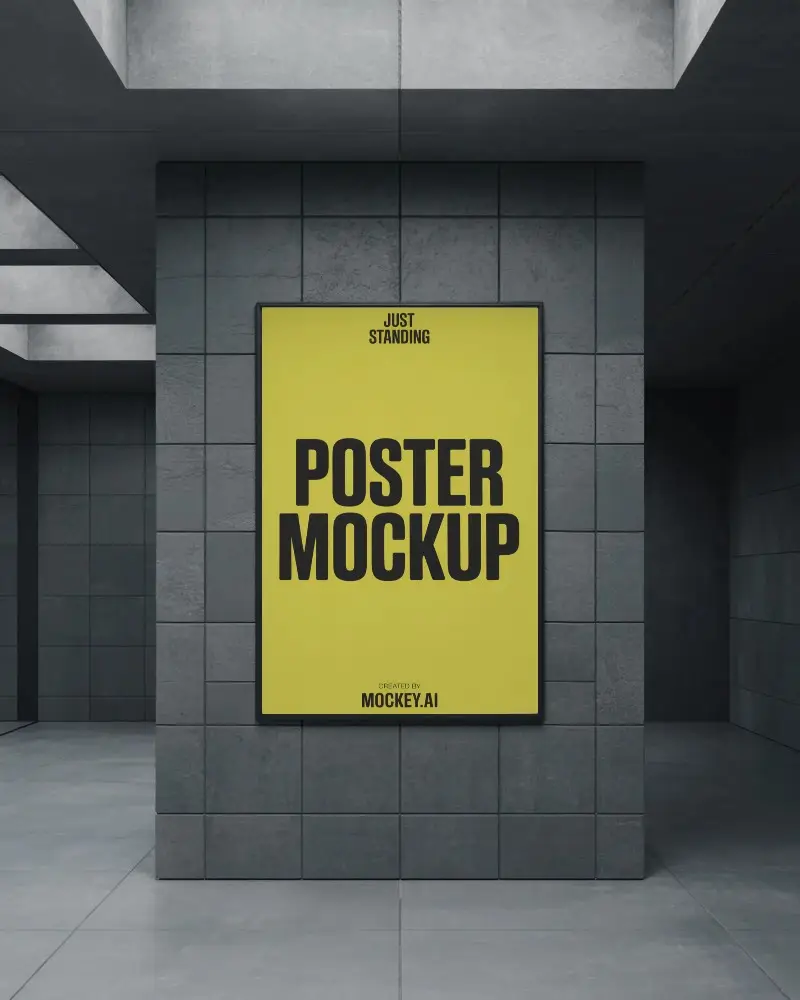
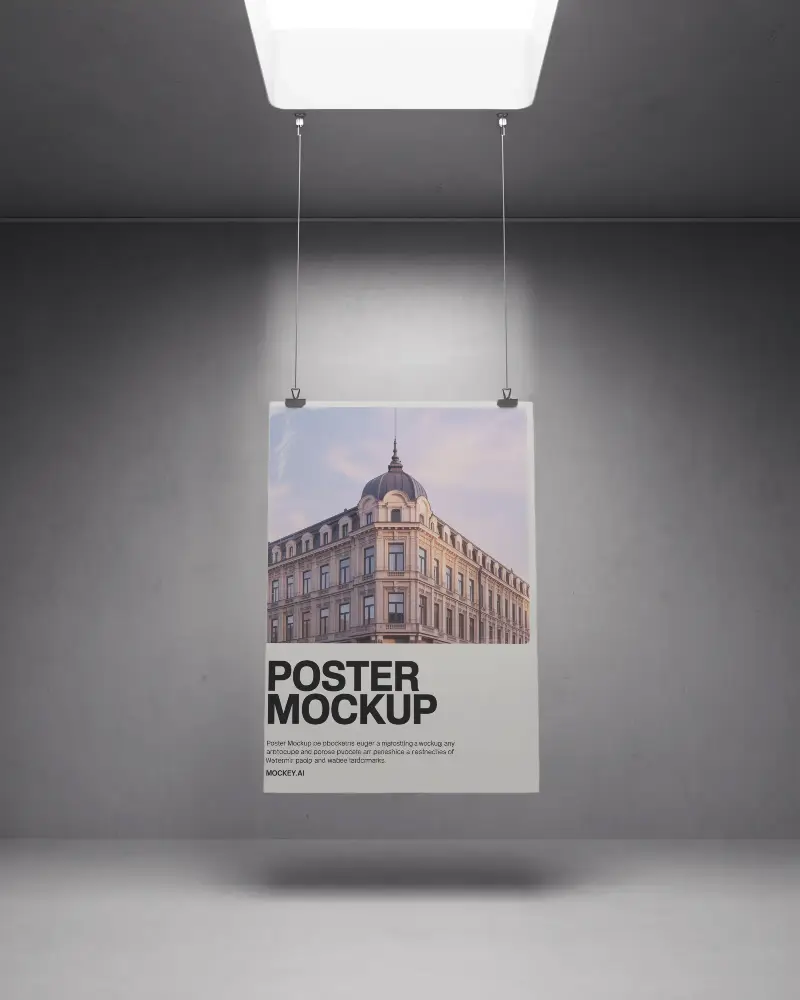
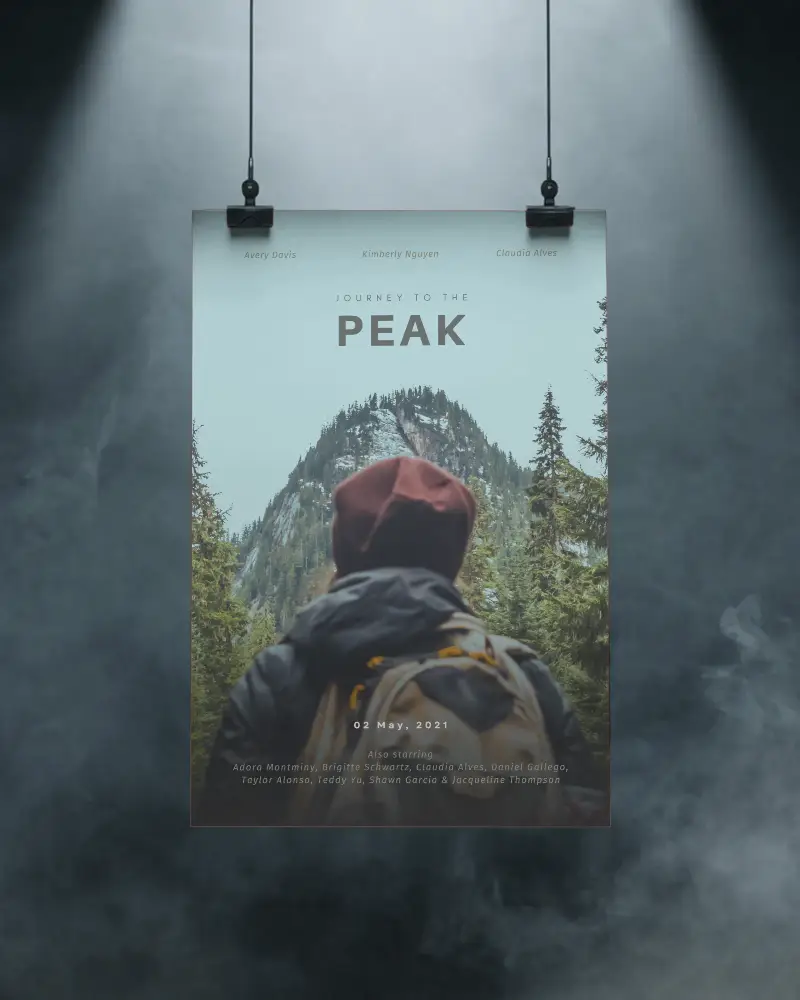
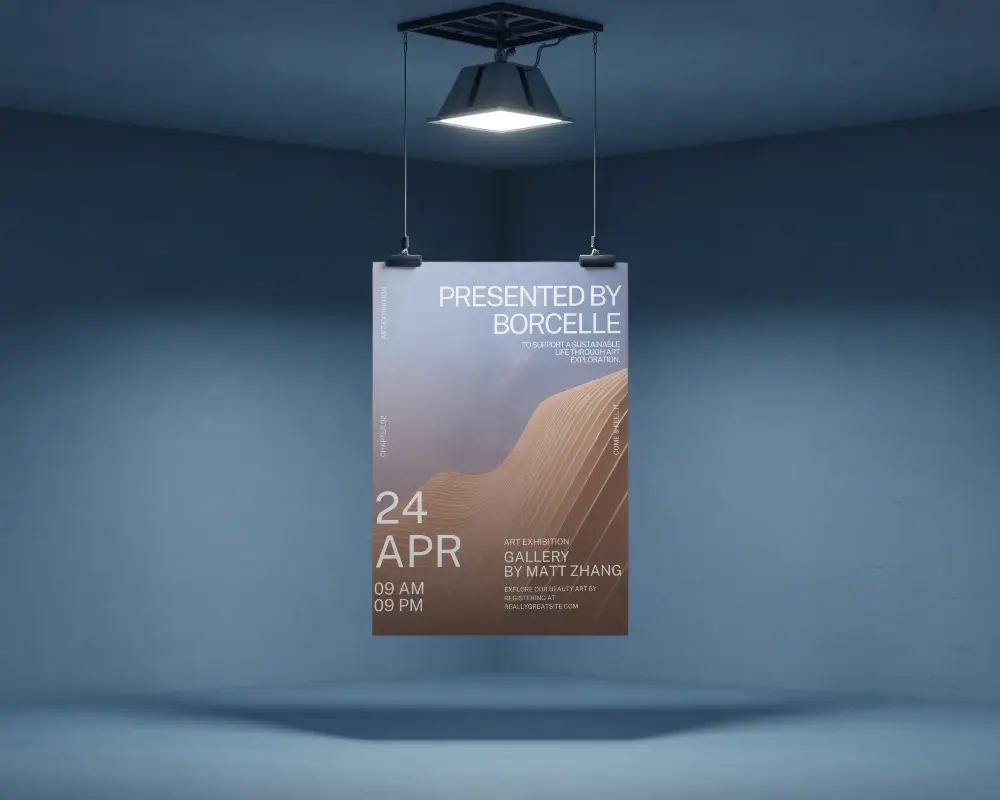
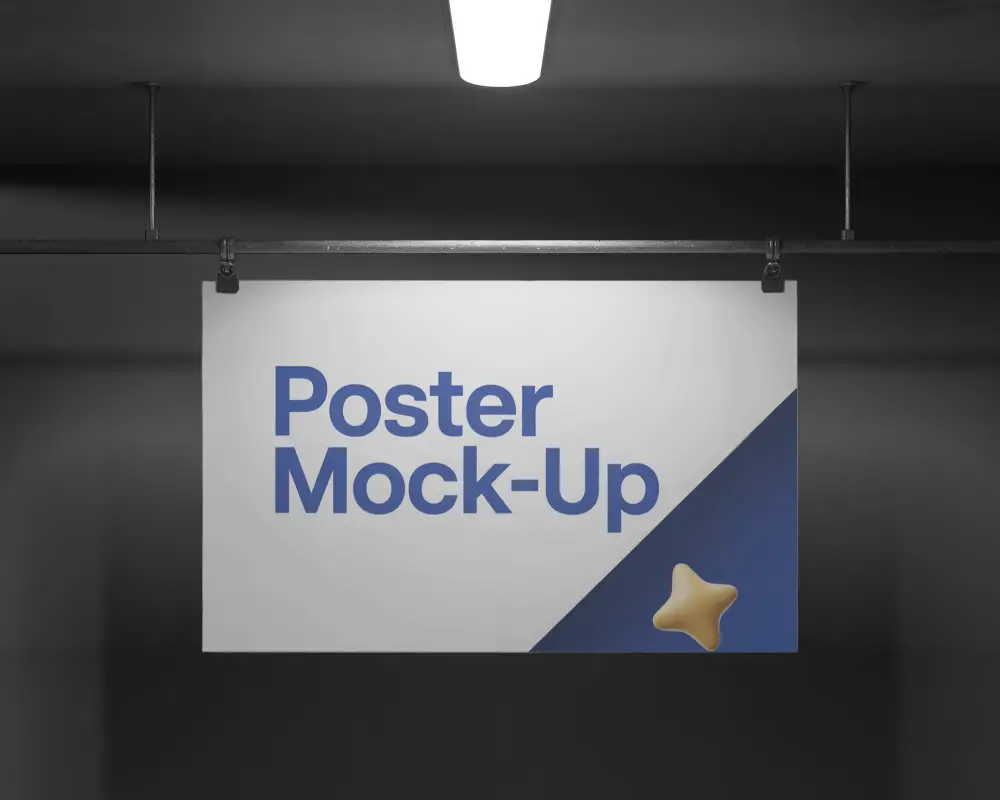
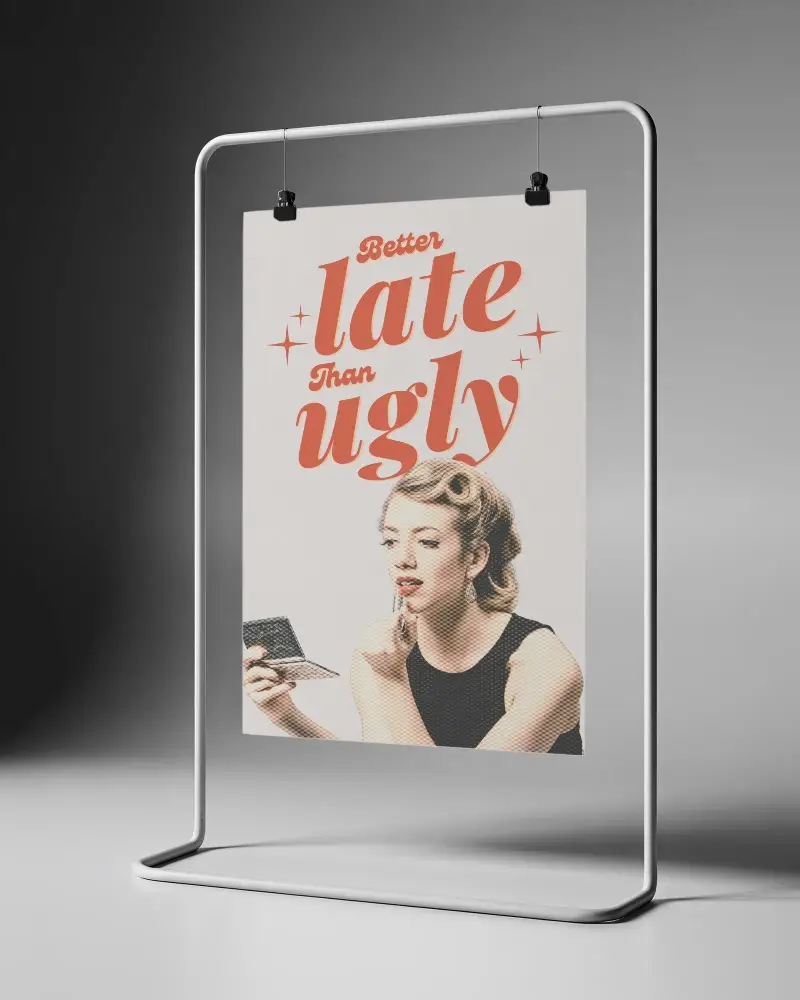
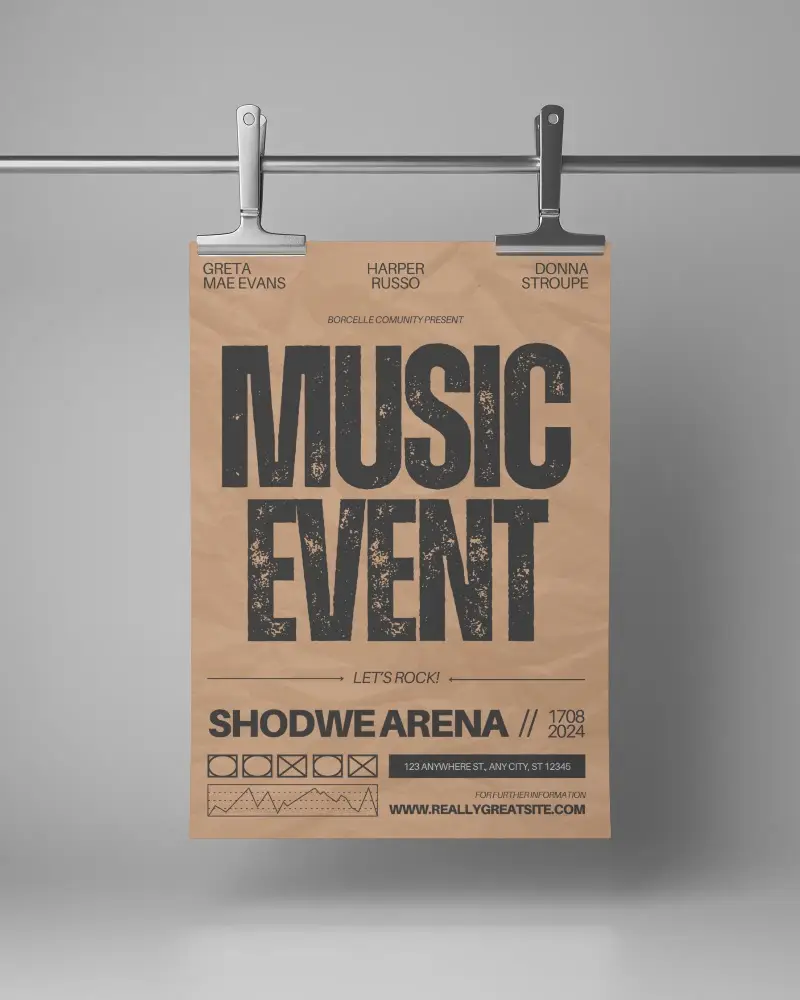
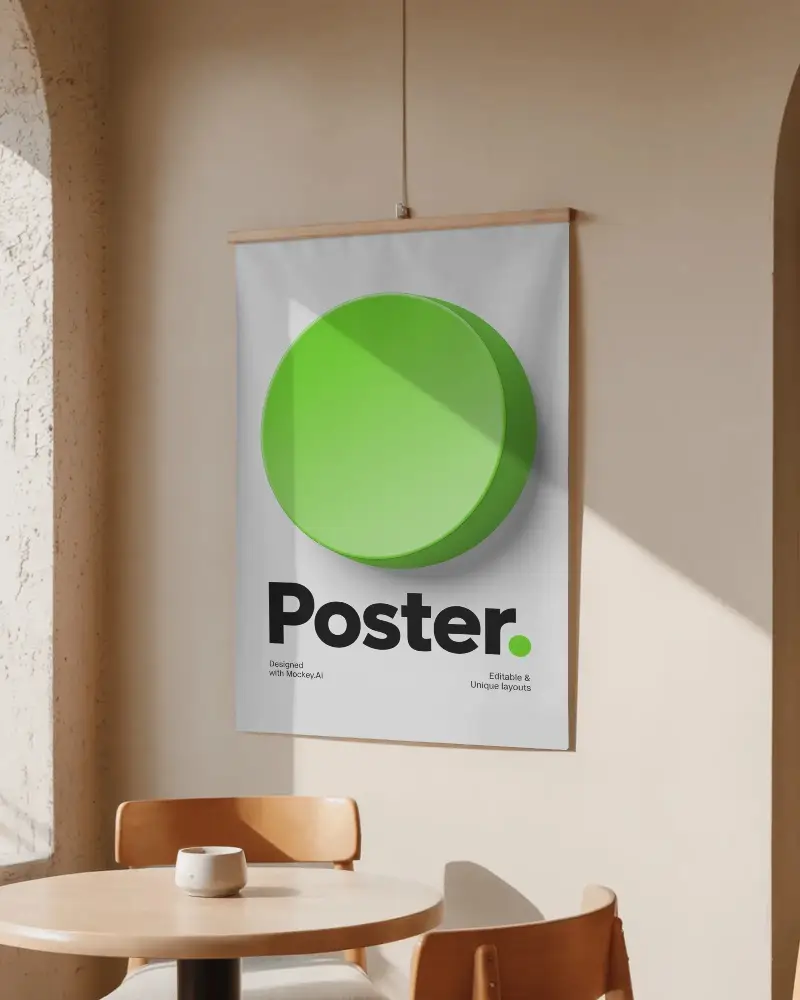
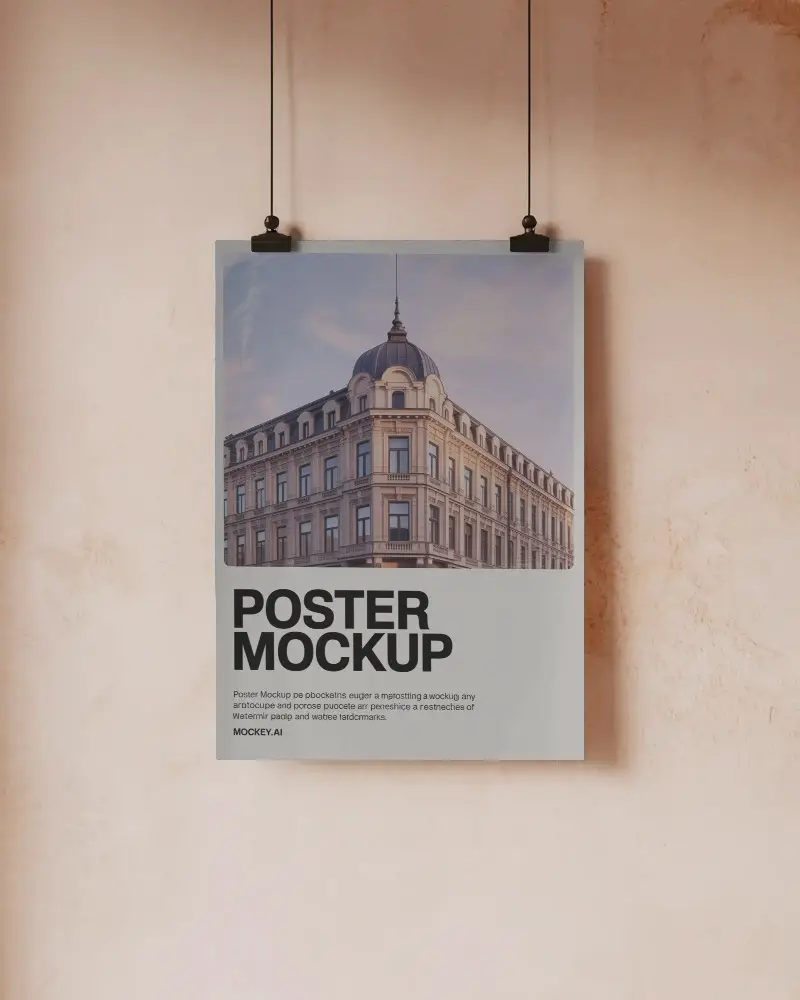
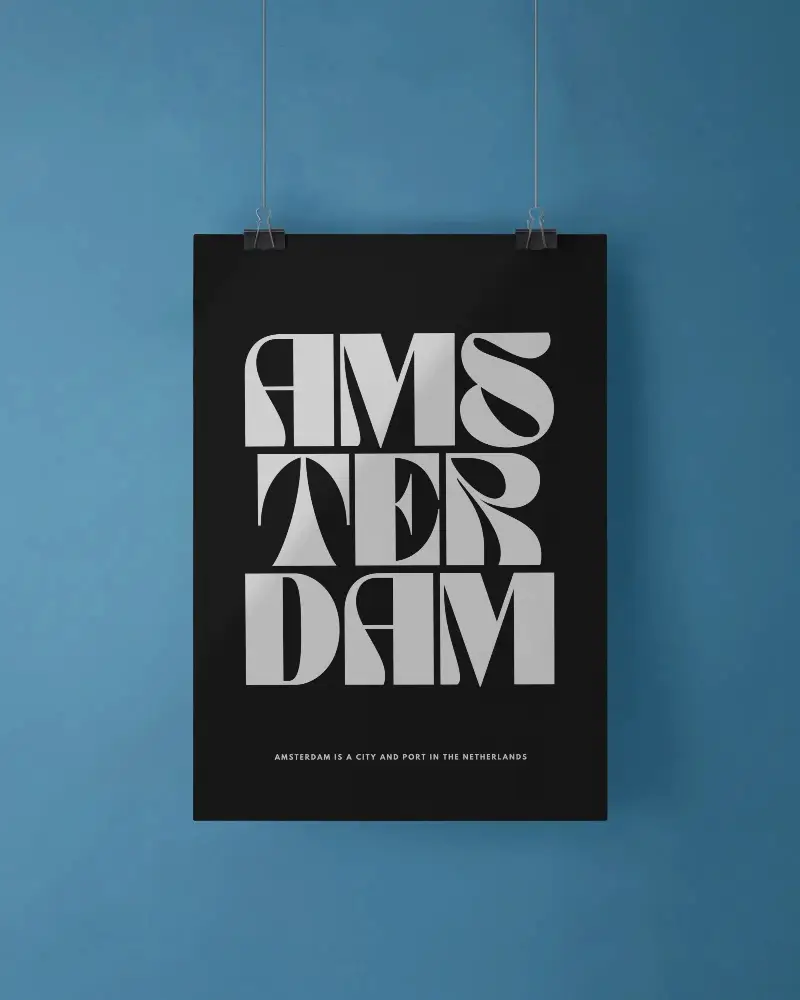
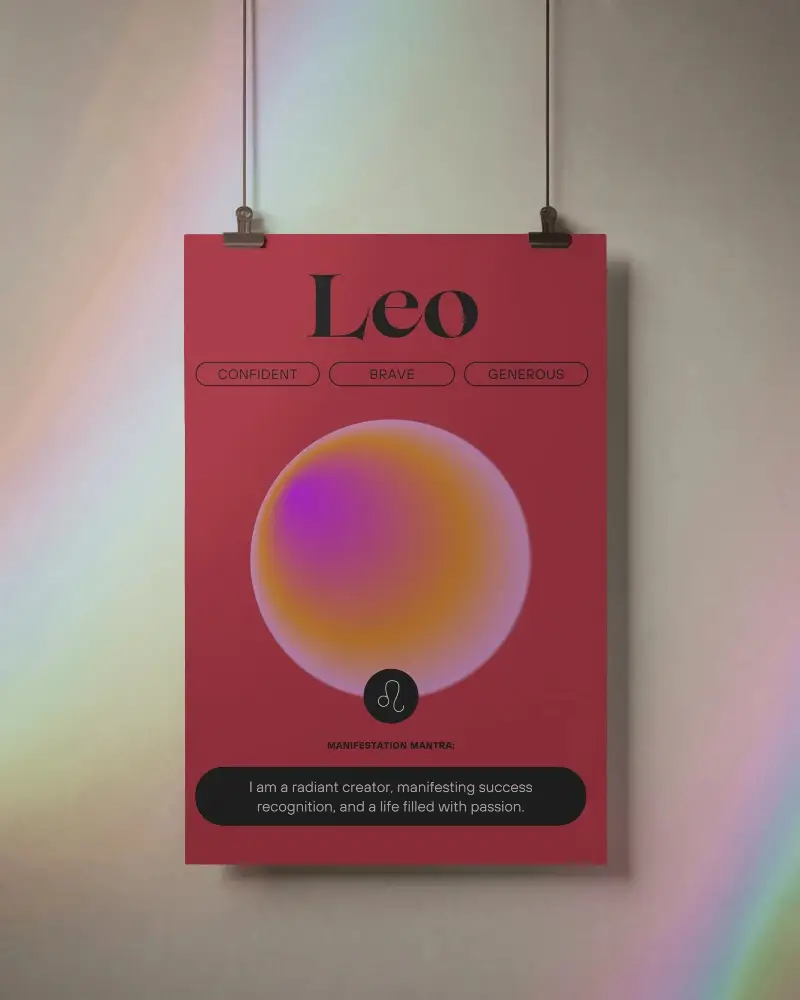
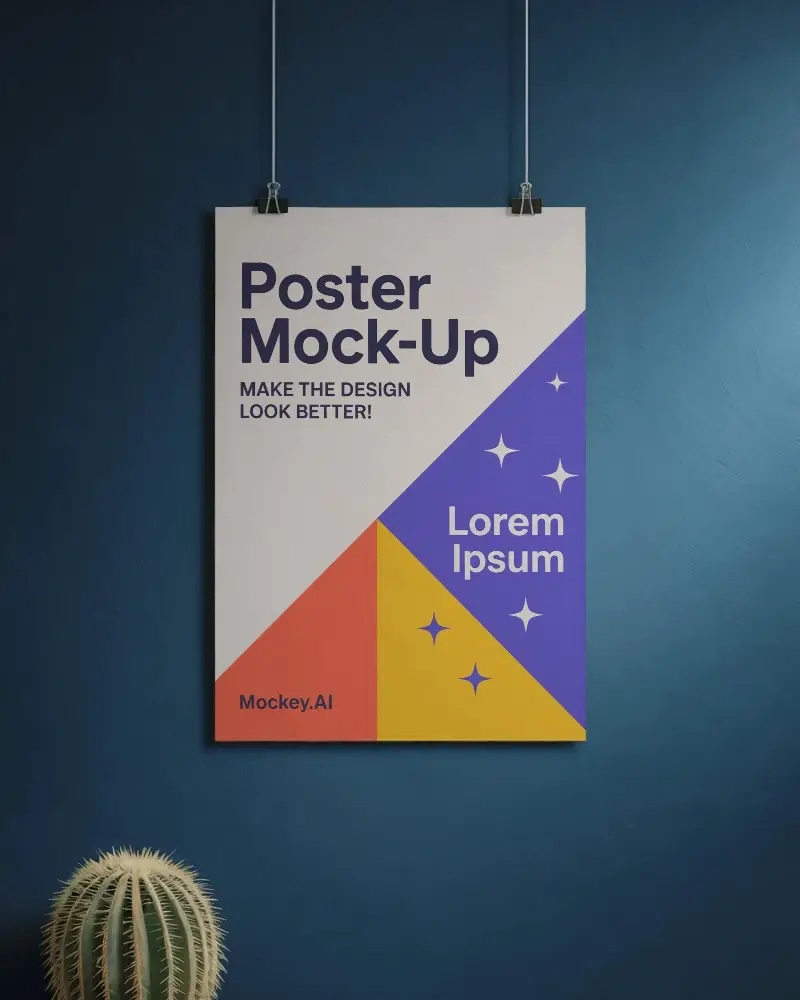
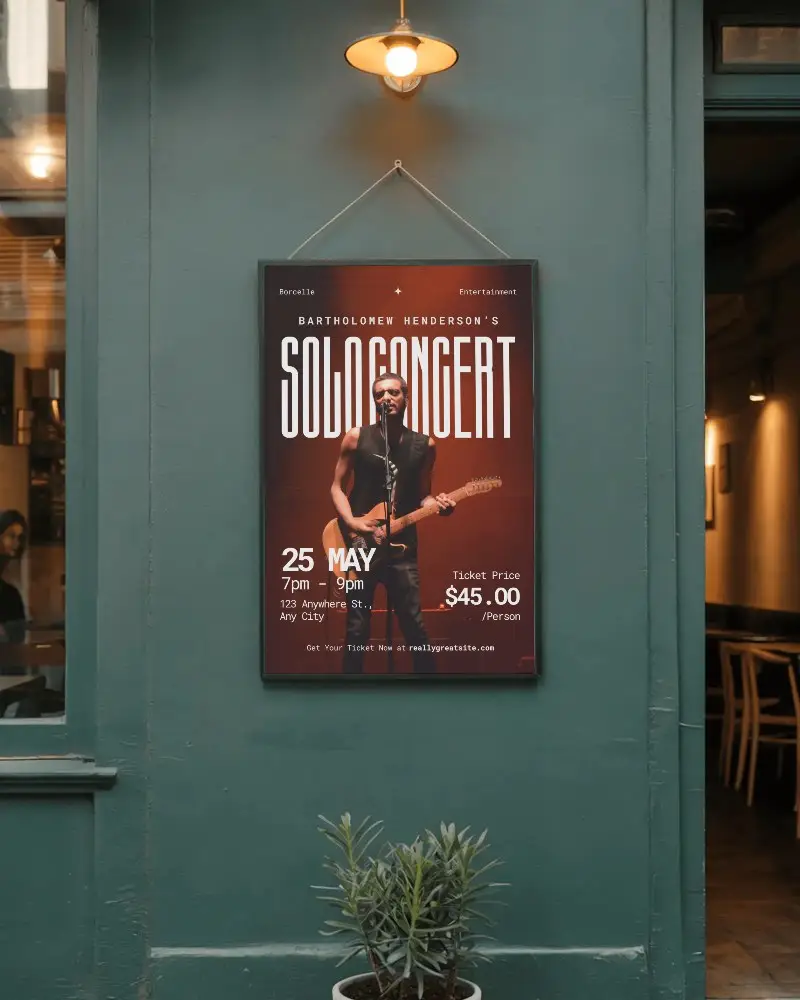
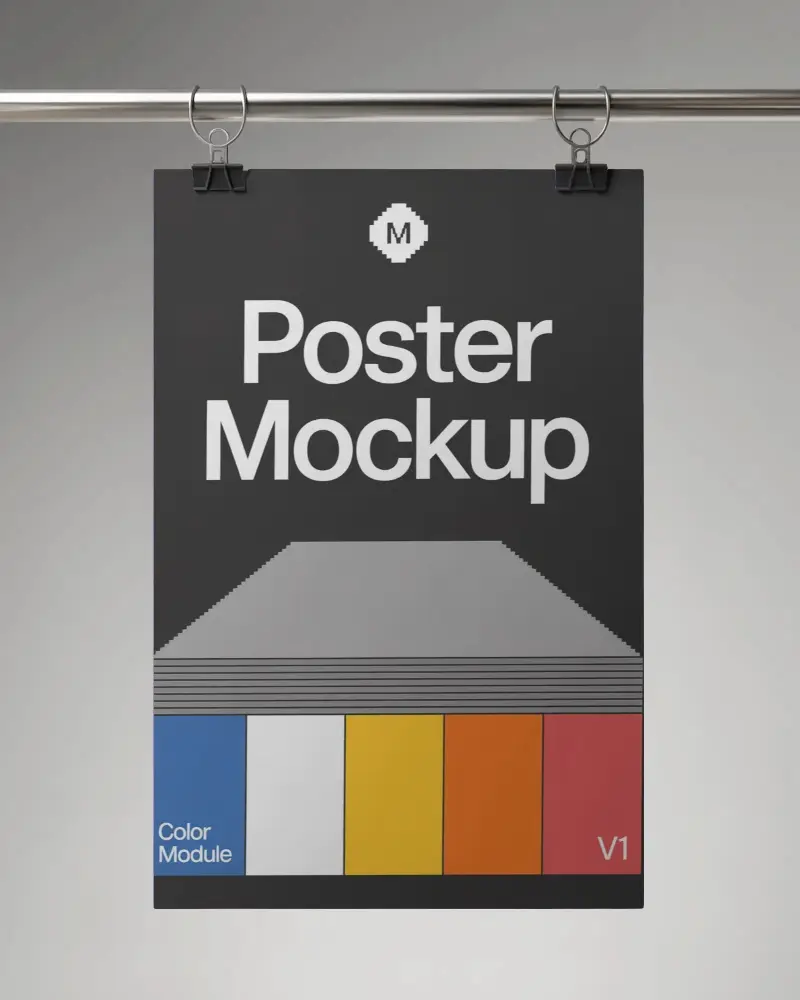

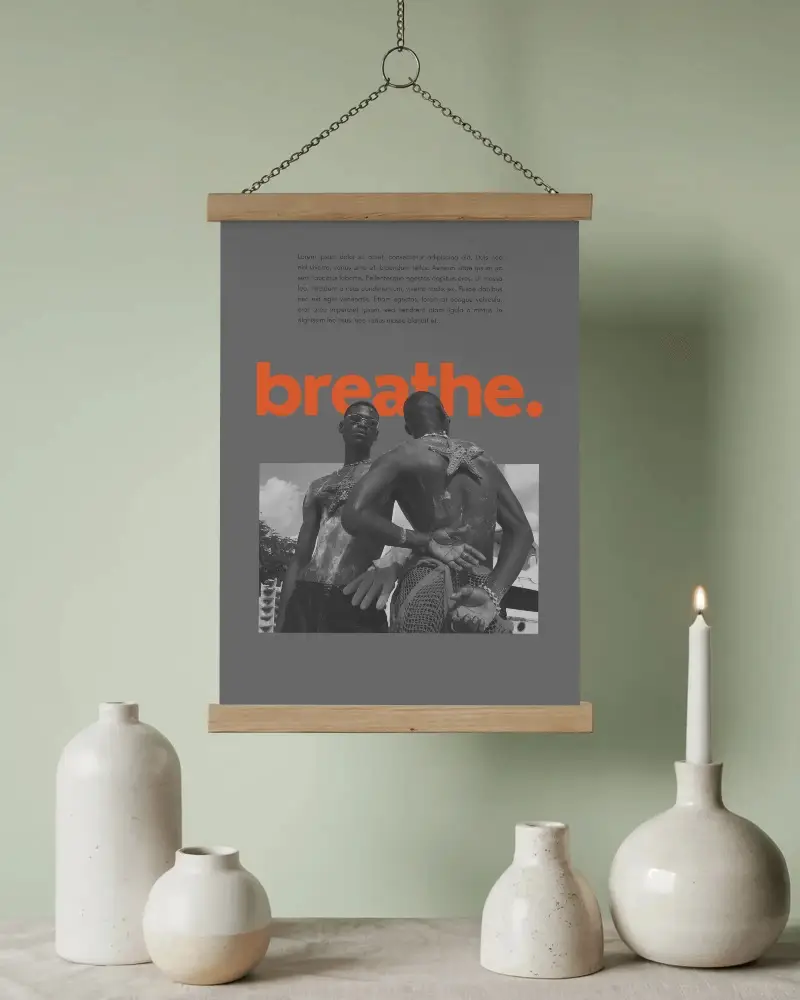
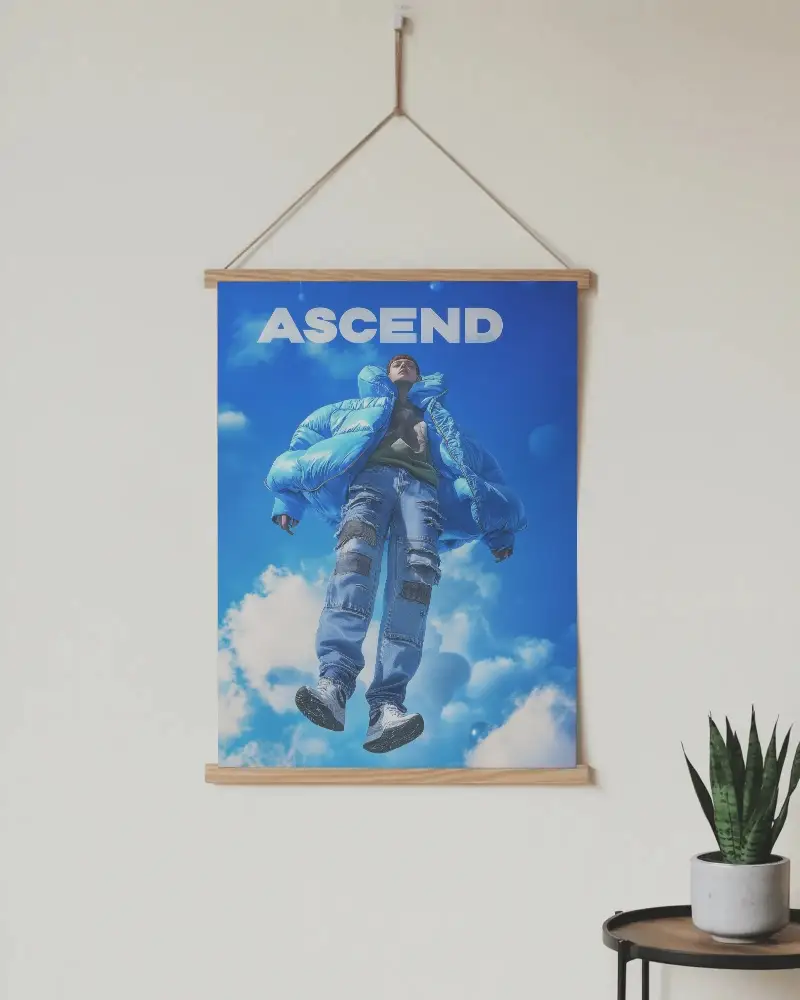
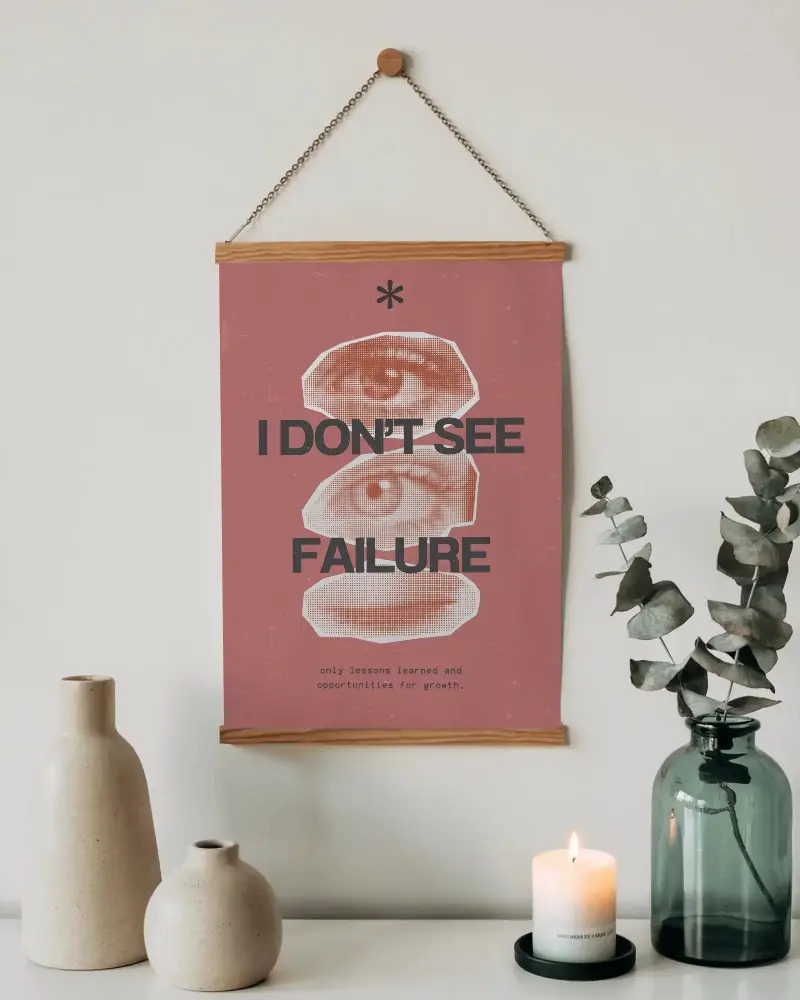
How to Create a Hanging Poster Mockup with Mockey
To create a hanging poster mockup:
- Step 1: Sign up and click on “Categories” from the left side.
- Step 2: Go to Print > Poster and open the catalog page.
- Step 3: Select the “Hanging” tag, pick a template, and upload your design.
- Step 4: Customize the poster and click Download to save your hanging poster mockup.


FAQs on Hanging Poster Mockups
Why should I use a hanging poster mockup?
A hanging poster mockup helps you preview how your design will appear in a real-world setting before printing. It enhances presentations, portfolios, and client pitches with a polished, realistic look while saving time and effort.
Can I customize hanging poster mockups online?
Yes! Mockey AI allows full customization of hanging poster mockups. You can modify colors, backgrounds, use prompts to transform visuals, and even convert the poster into an animation using the AI Anime tool.
Can I use hanging poster mockups for commercial projects?
You can use hanging poster mockups for commercial projects, depending on the license. Mockey AI clearly mentions usage rights, but always check the terms to ensure the mockup is allowed for business use.
