A4 Poster Mockup Free Download - A4 Poster Mockup Templates
Get an A4 Poster Mockup Free with Mockey. Easily generate high-resolution, realistic A4 poster mockups for your designs. No design skills needed!










.png)

















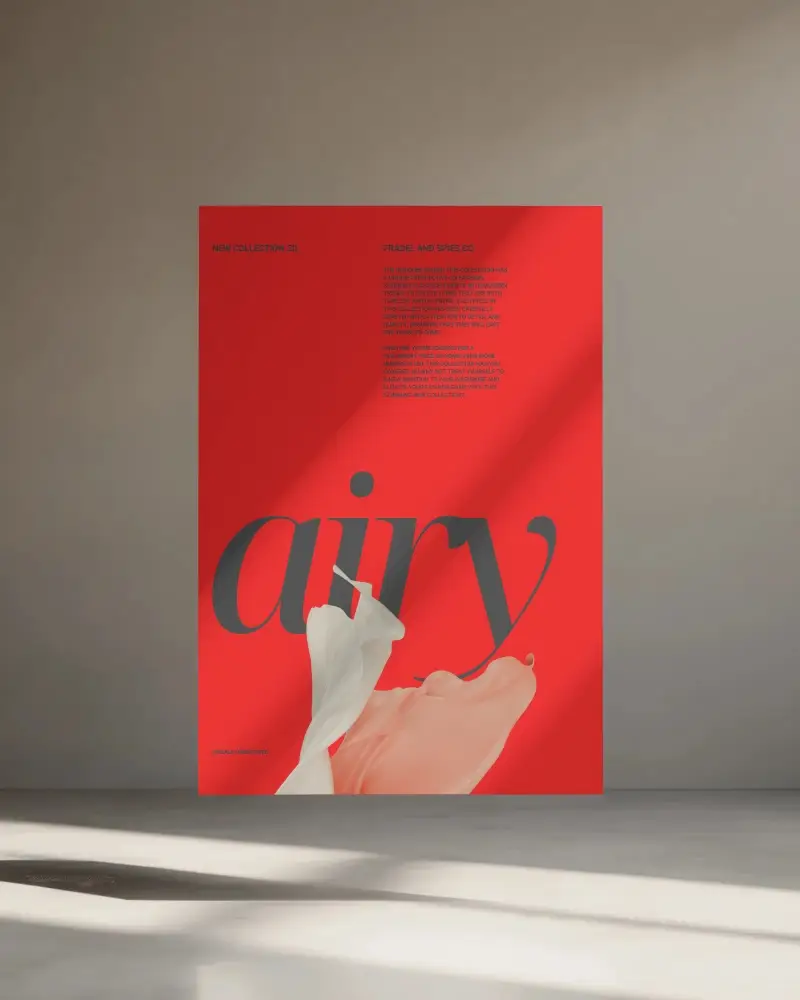
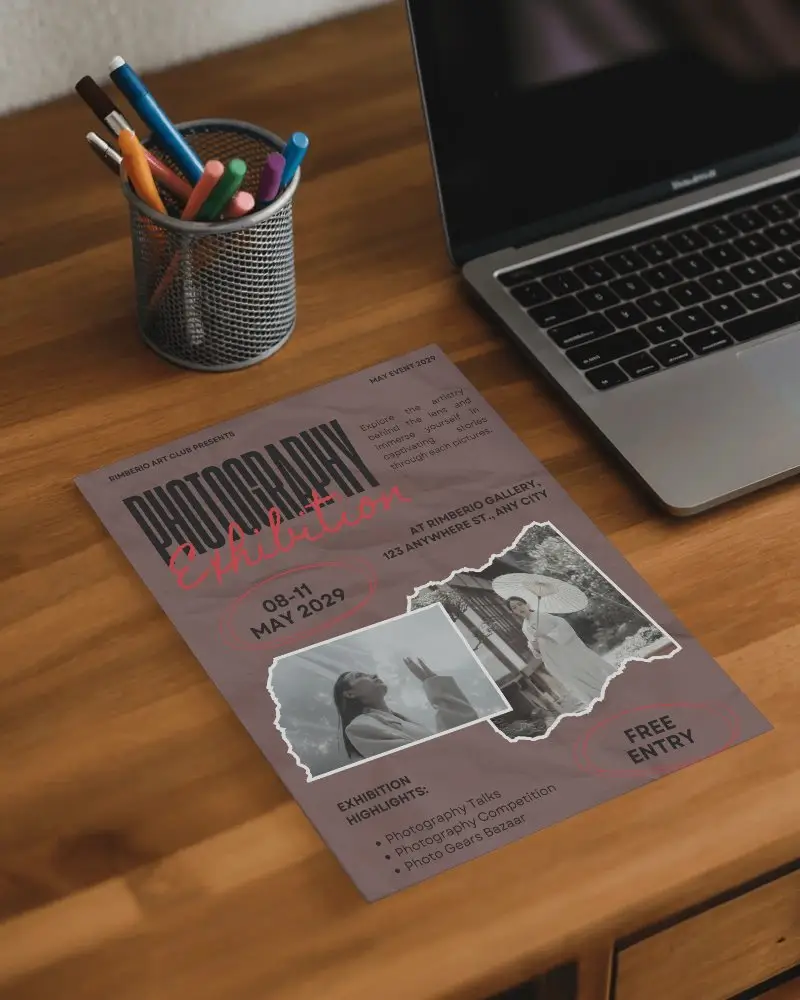
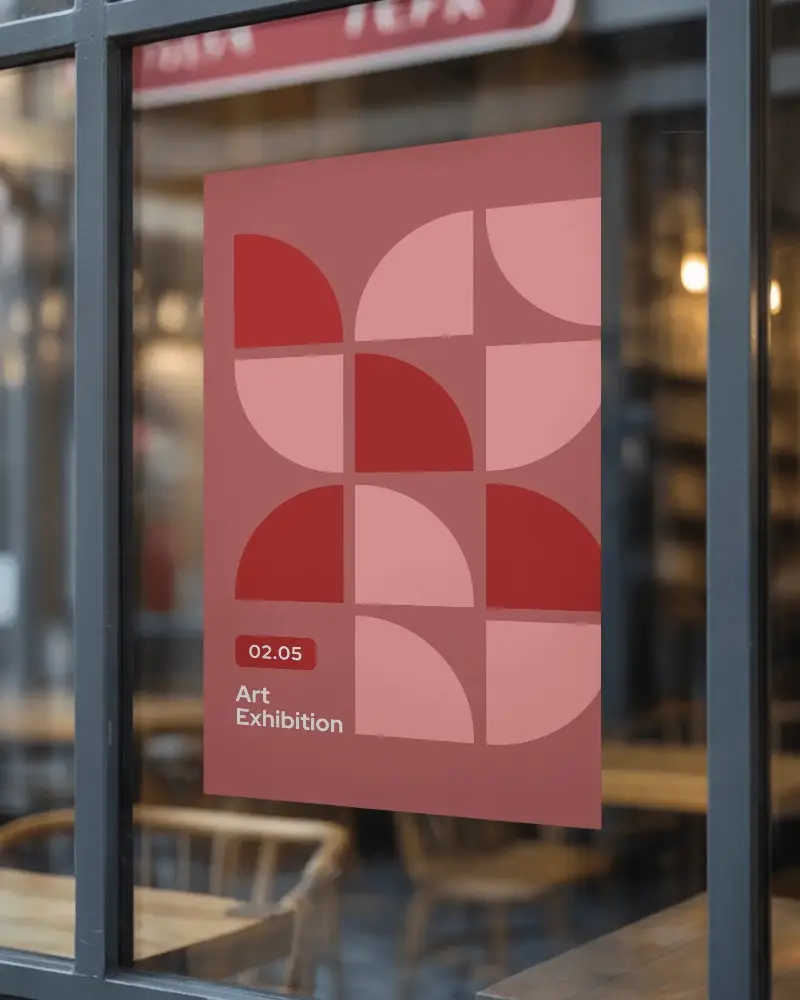
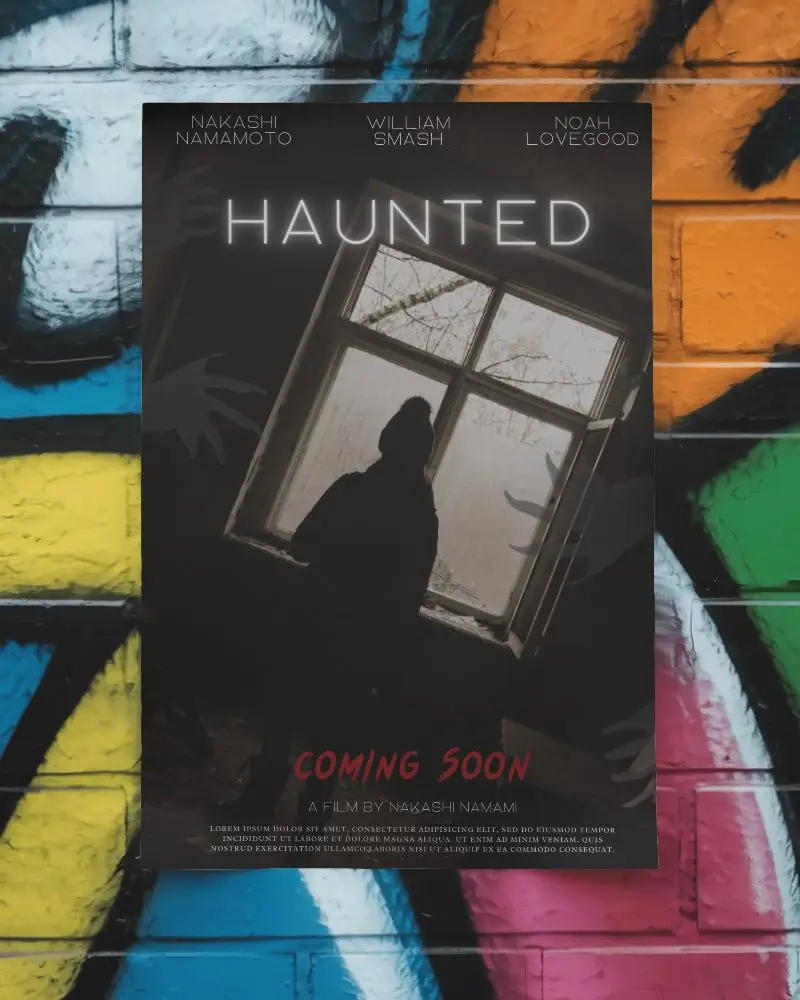
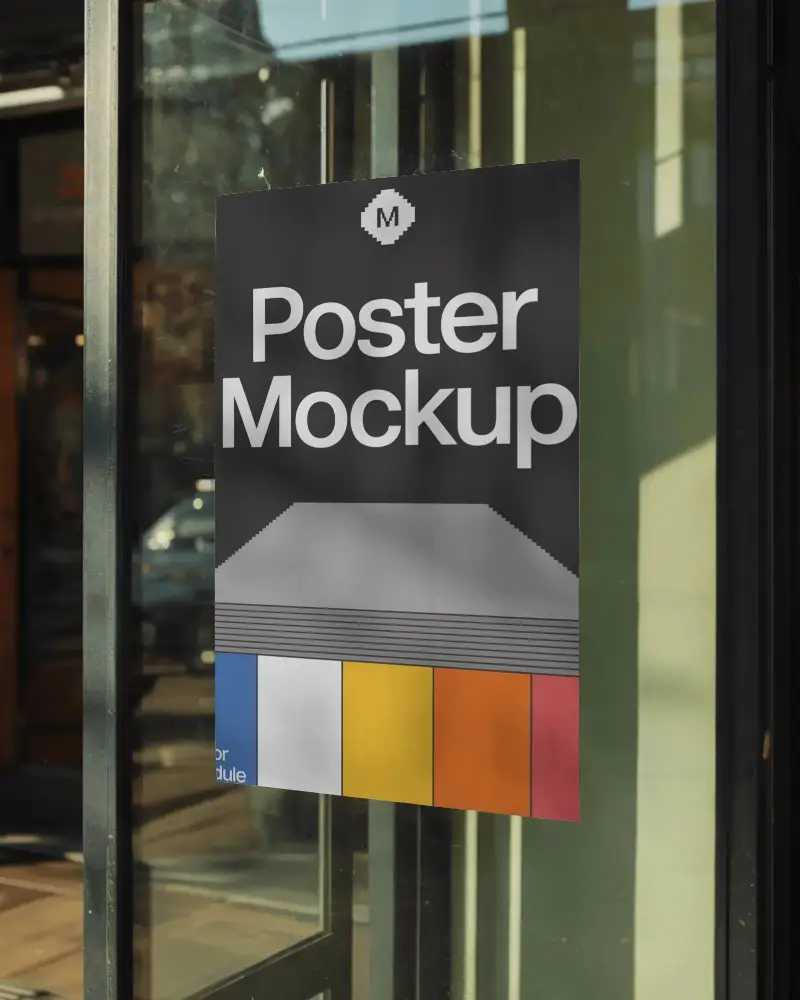
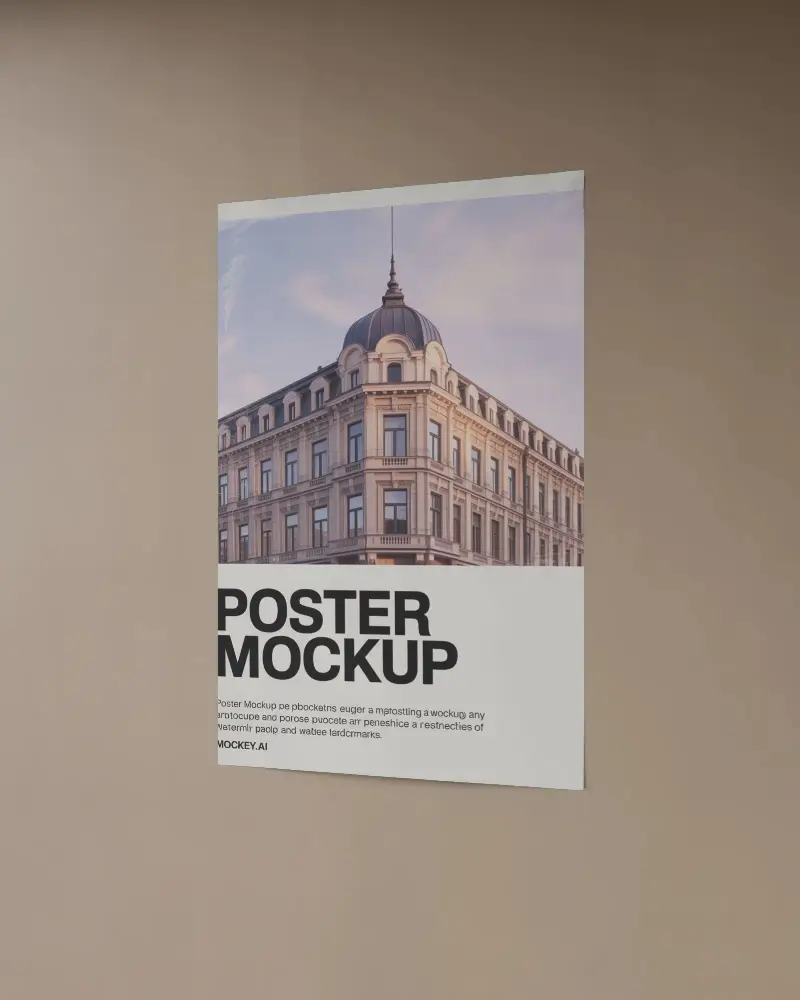
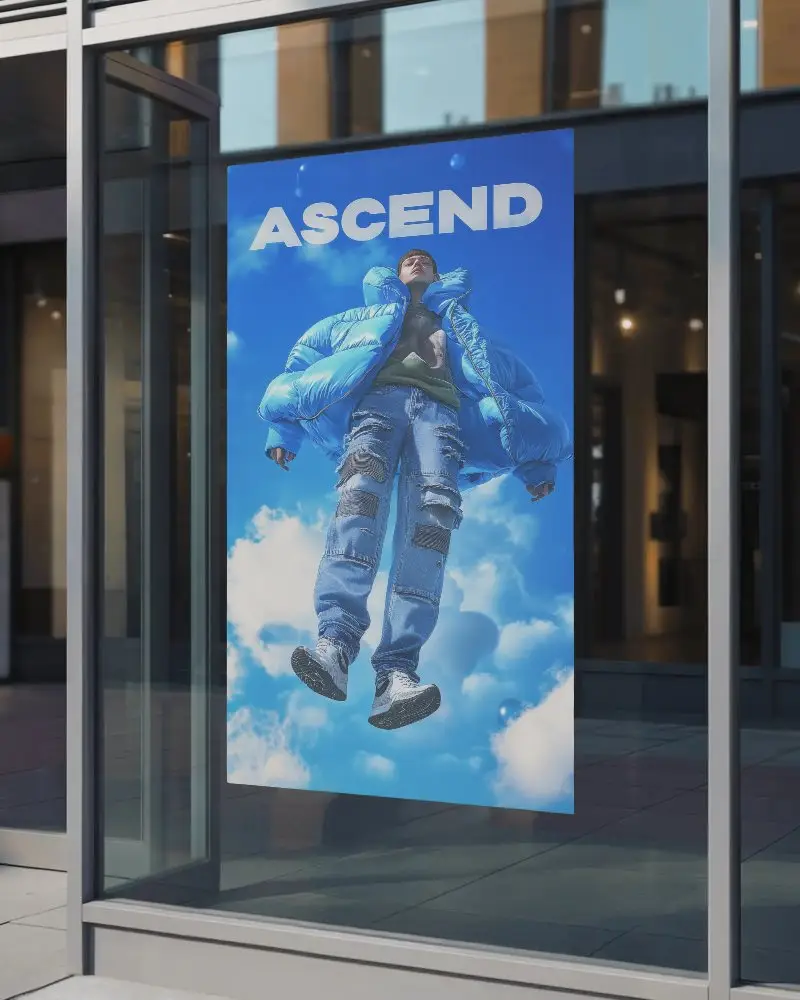
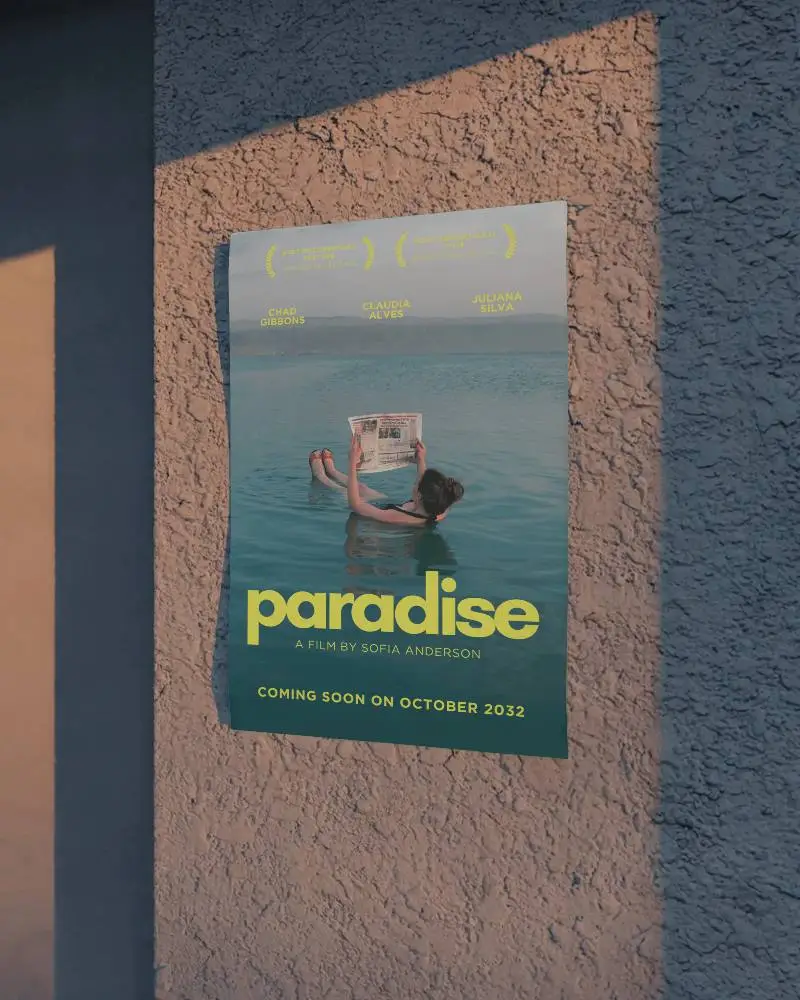
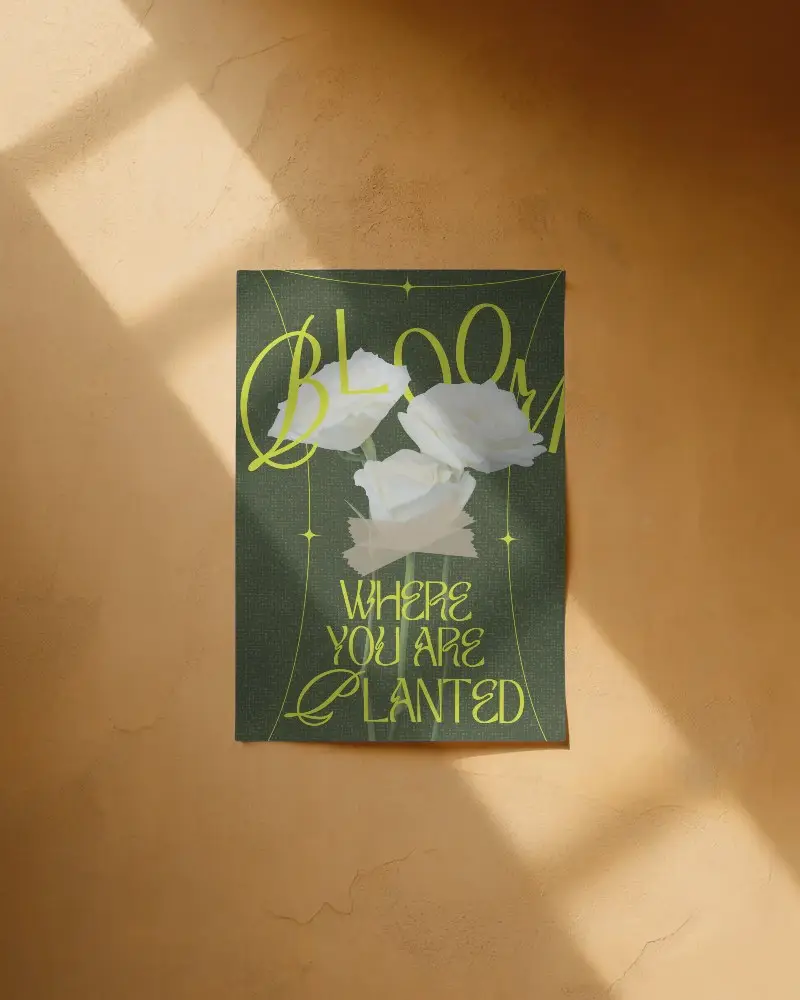
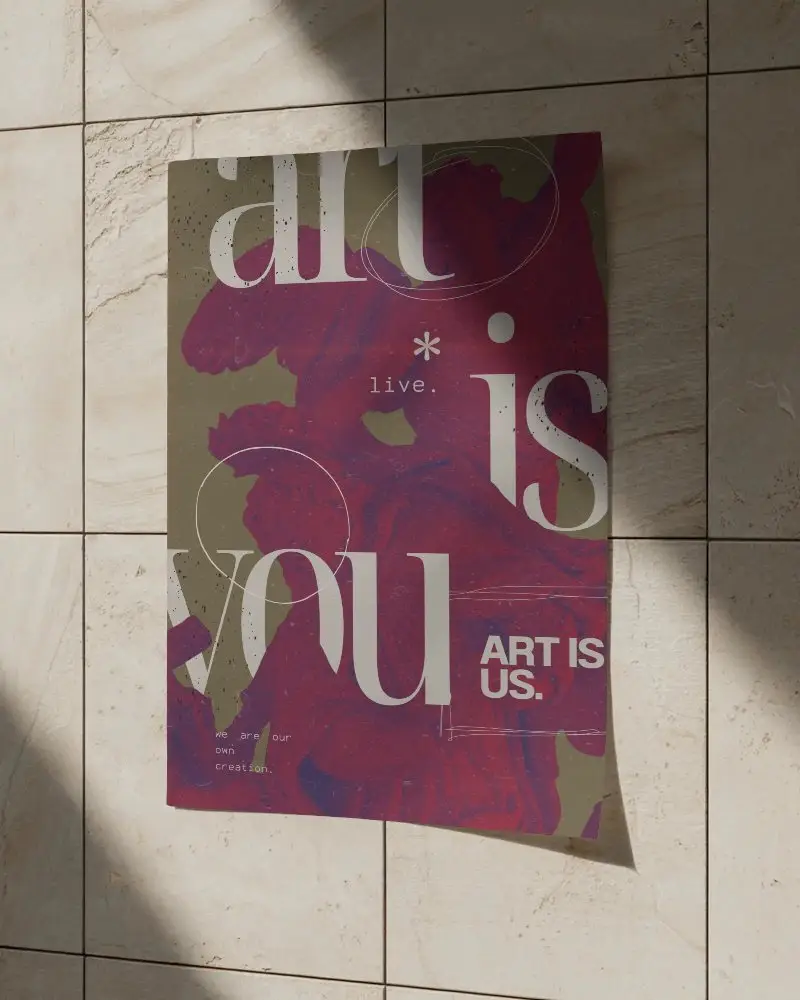

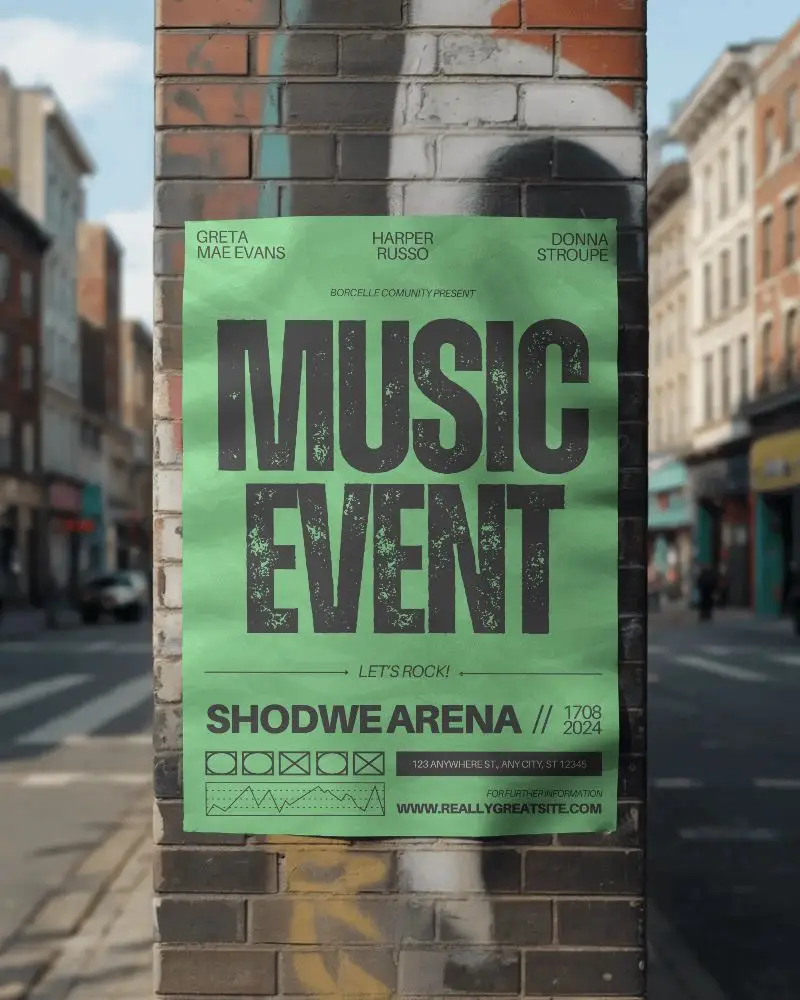
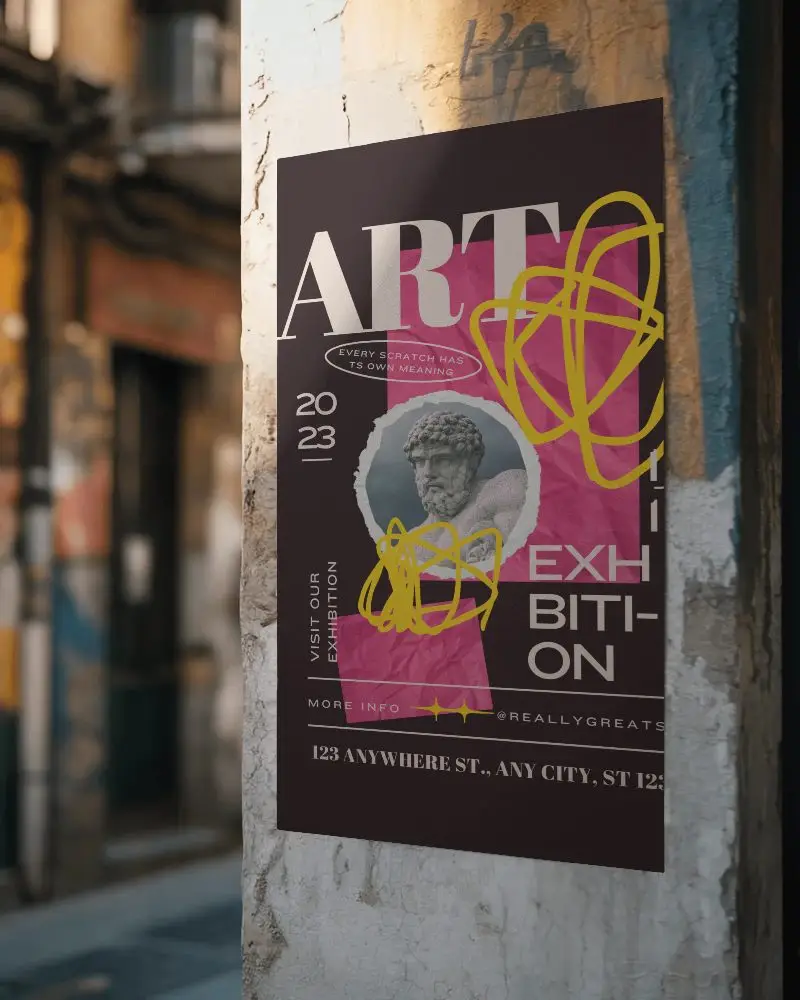
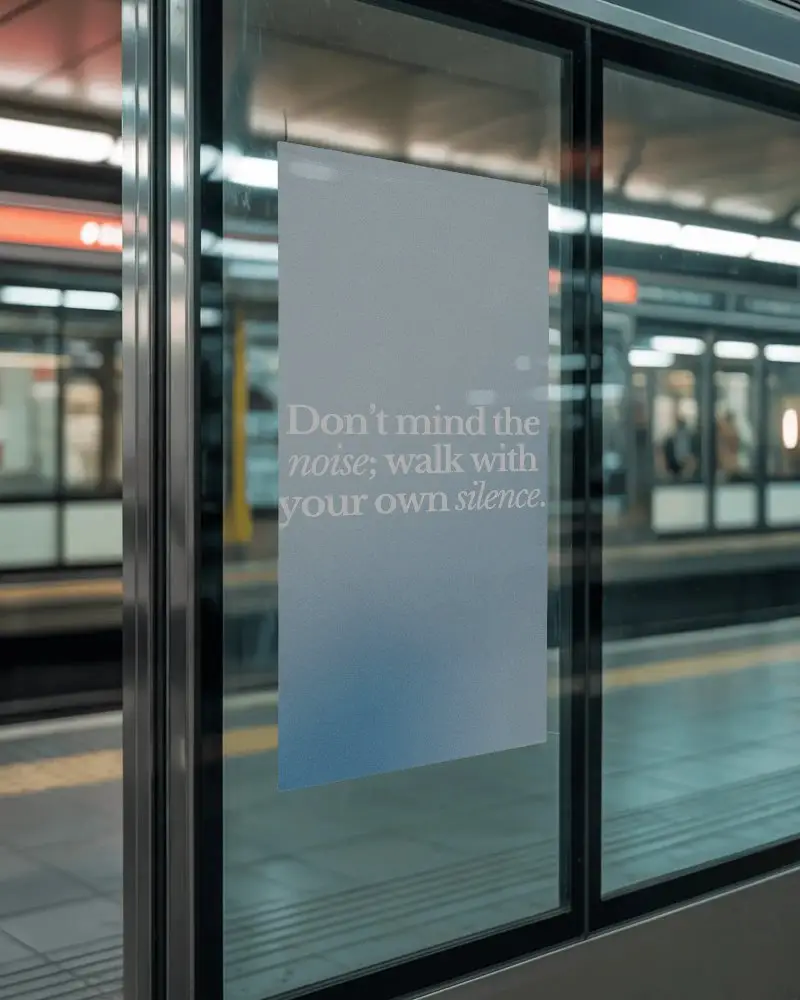
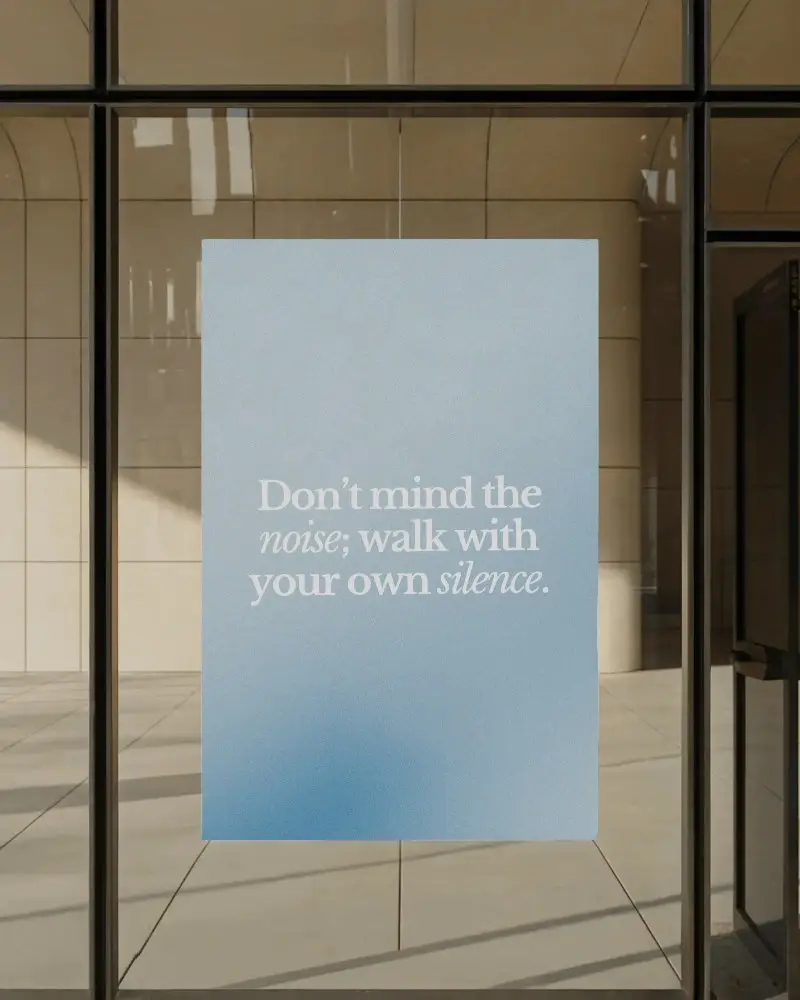

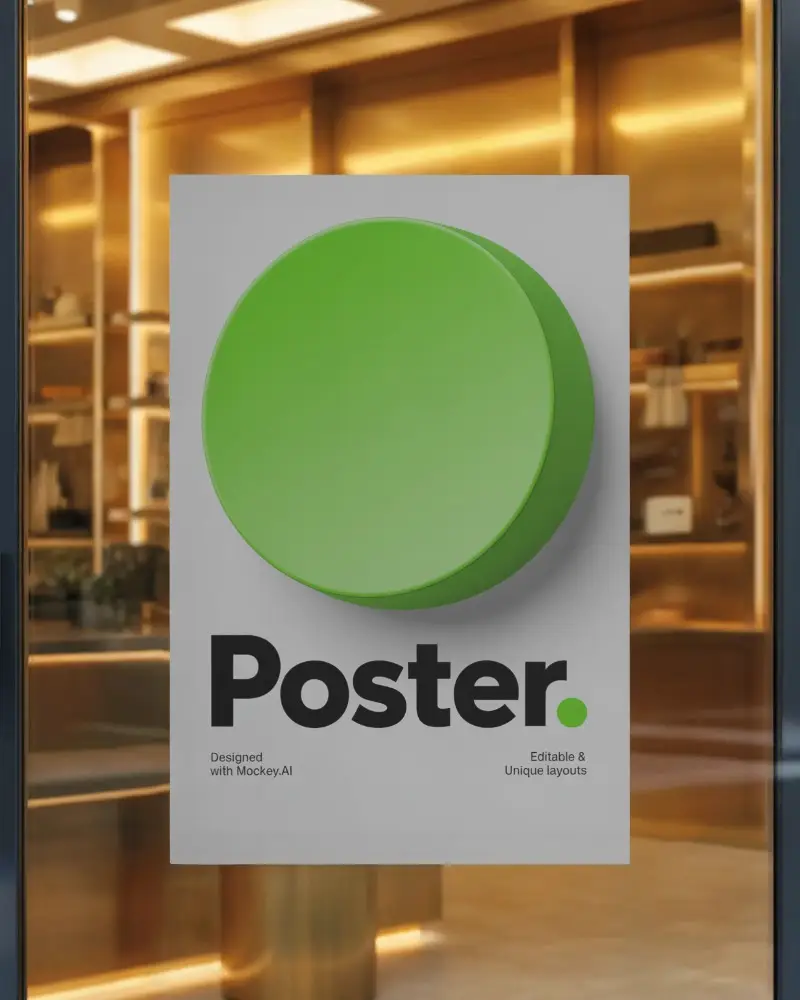

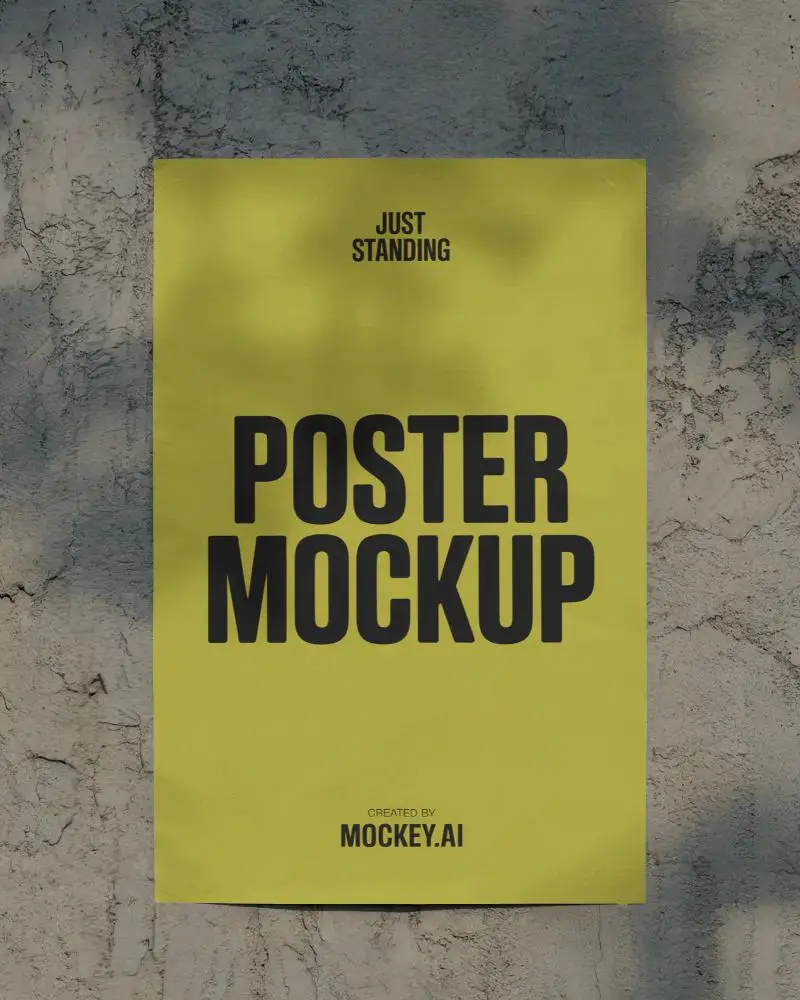

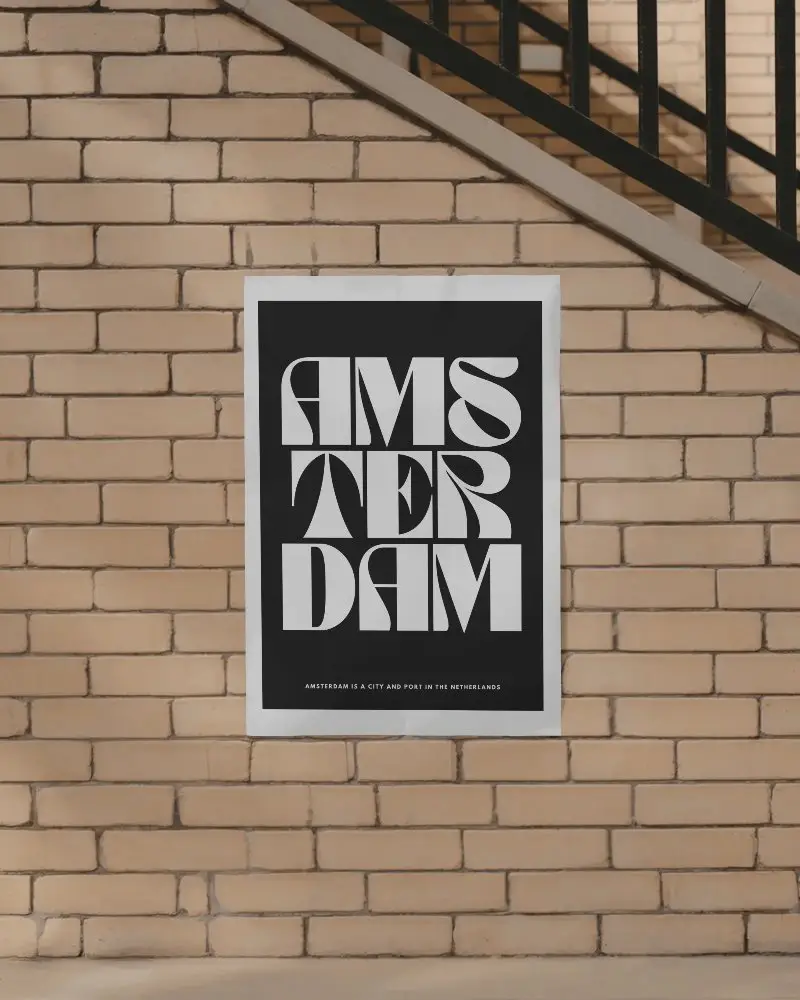
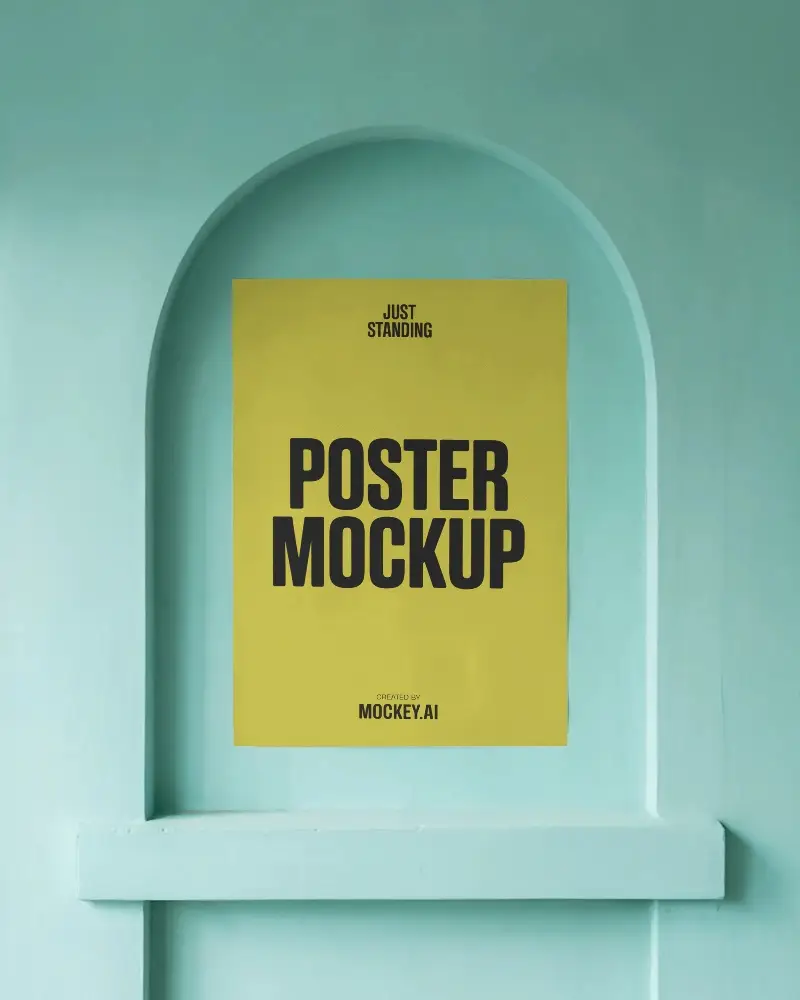
How to Create A4 Poster Mockup with Mockey
To create an A4 poster mockup in Mockey AI:
- Step 1: First, head over to Mockups, click on Print, and choose the Poster category to discover a template under the A4 tags.
- Step 2: Next, on the following page, hit Upload Design to add your logo. You can also change the colors or use AI Photoshoot or AI Anime if you have a Creator Plan.
- Step 3: Finally, tap the Download button to save your A4 poster mockup as a PNG or JPEG on your device.


FAQs on A4 Poster Mockups
What is an A4 Poster Mockup?
An A4 poster mockup is a digital template that shows how a design would look on a real A4-size poster.
Why create an A4 Poster mockup?
These A4 mockups help designers see how their designs will look and make changes before printing or sharing them.
Why Use Mockey’s A4 Poster Mockup?
Mockey AI's A4 poster mockup is great because it offers high-quality, editable templates in different styles, with both free and premium options for professional designs.
Is this A4 Poster Mockup Free?
Mockey AI has free A4 poster mockups, but some need a paid subscription.
Where can I get an A4 poster mockup for free?
Get a free A4 poster mockup on Mockey AI, a simple mockup generator with the best templates.
Do I need design skills to use Mockey’s A4 poster mockup generator?
No, Mockey is easy to use, even if you have no design skills. Just upload your image, and you'll get a professional A4 poster mockup in seconds.
What file formats are available for A4 poster mockups on Mockey?
You can download your A4 poster mockup in high-resolution PNG or JPG format.
