T-Shirt
3714+ mockups
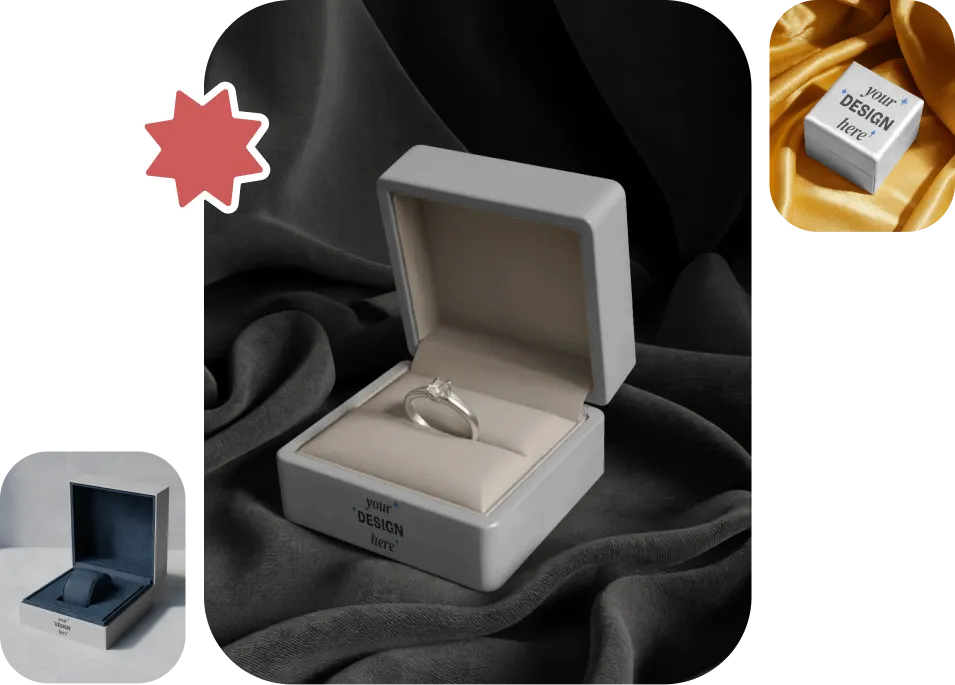
If you are struggling to create premium jewelry box mockups online, explore Mockey AI. Pick from a wide range of 200+ jewelry boxes, add your design, change the colors, and preview your packaging in minutes. Download as PNG or JPG files. Start designing today and give your jewelry packaging the finish it deserves.
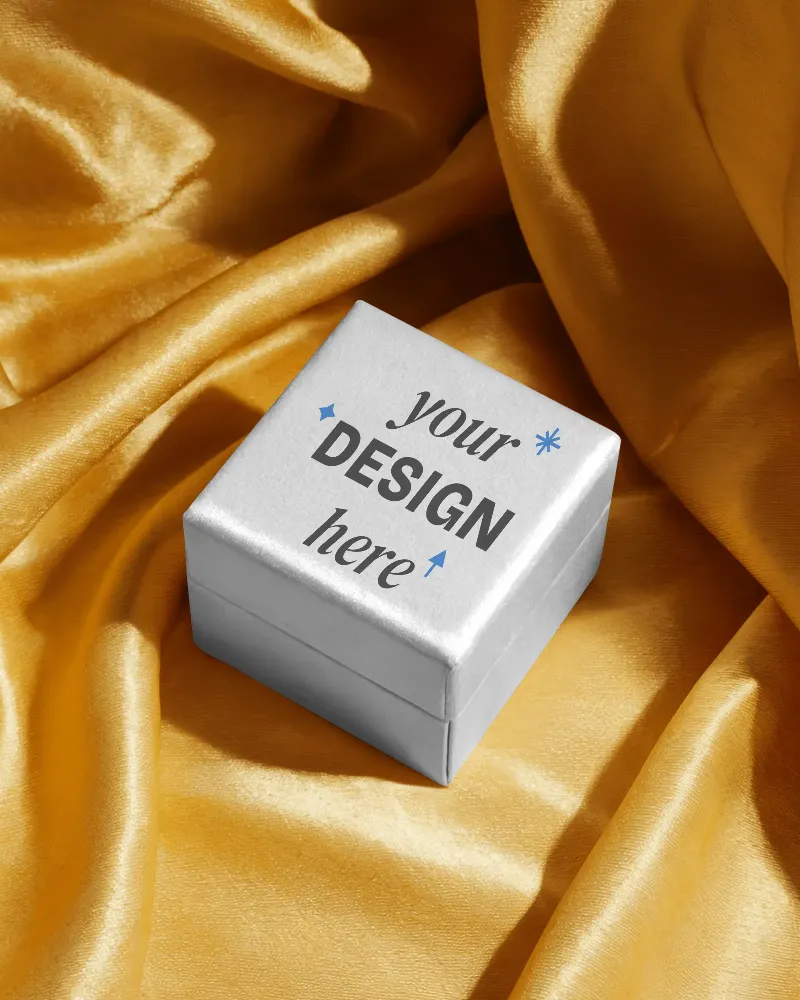
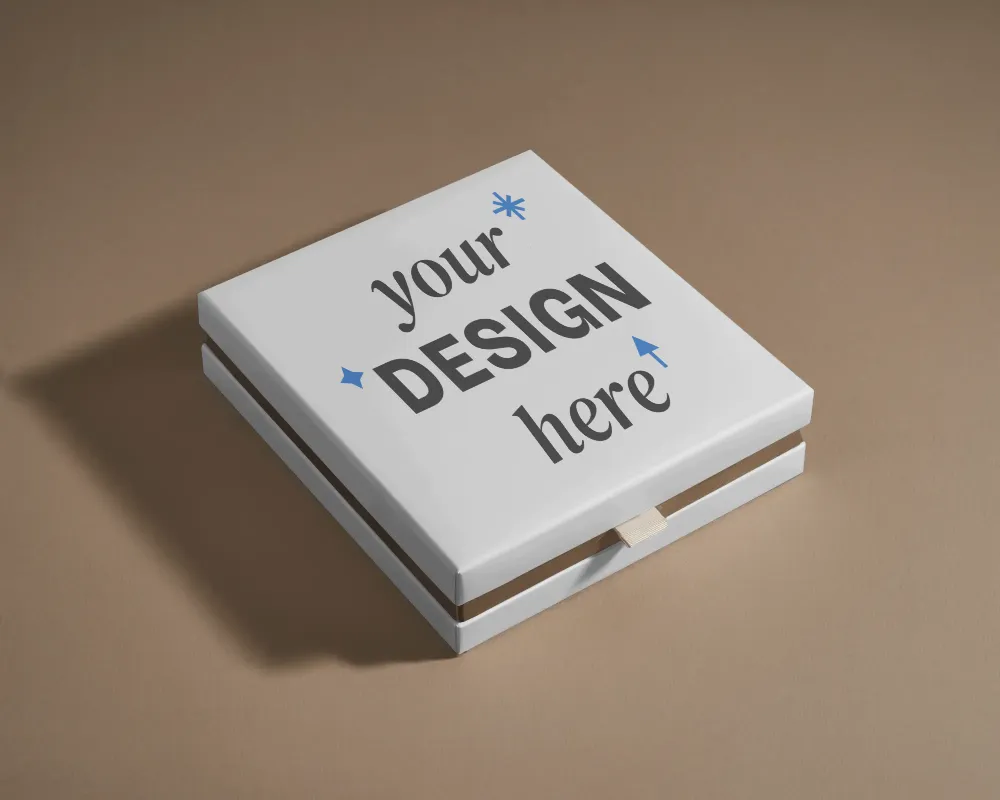
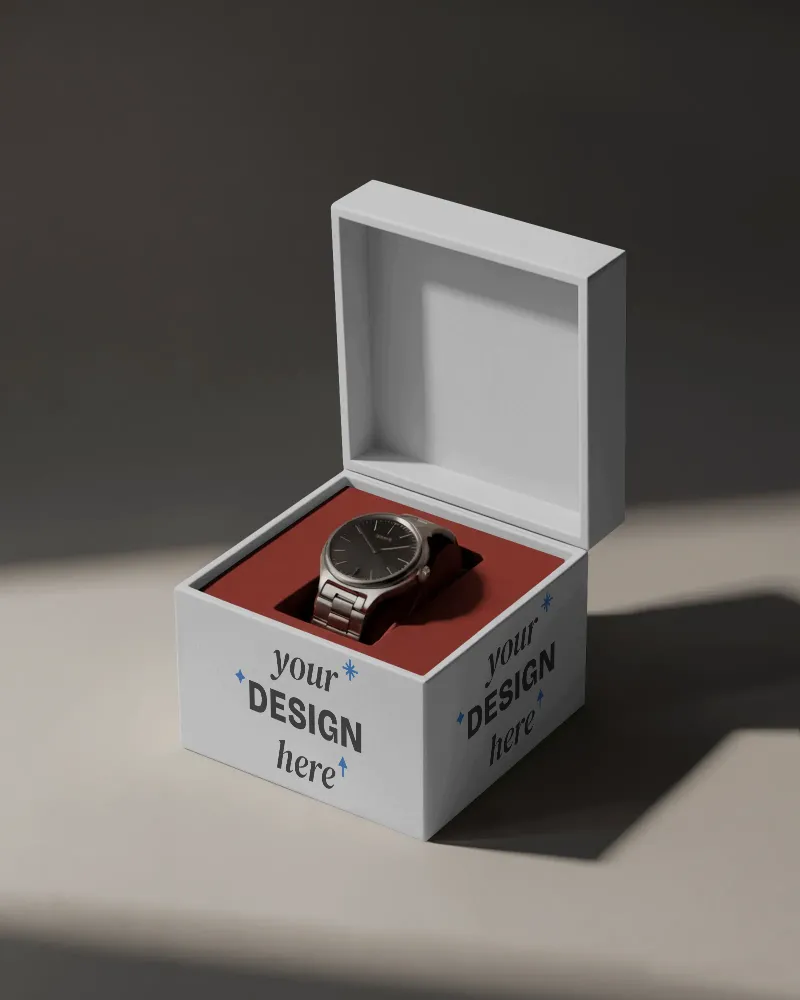
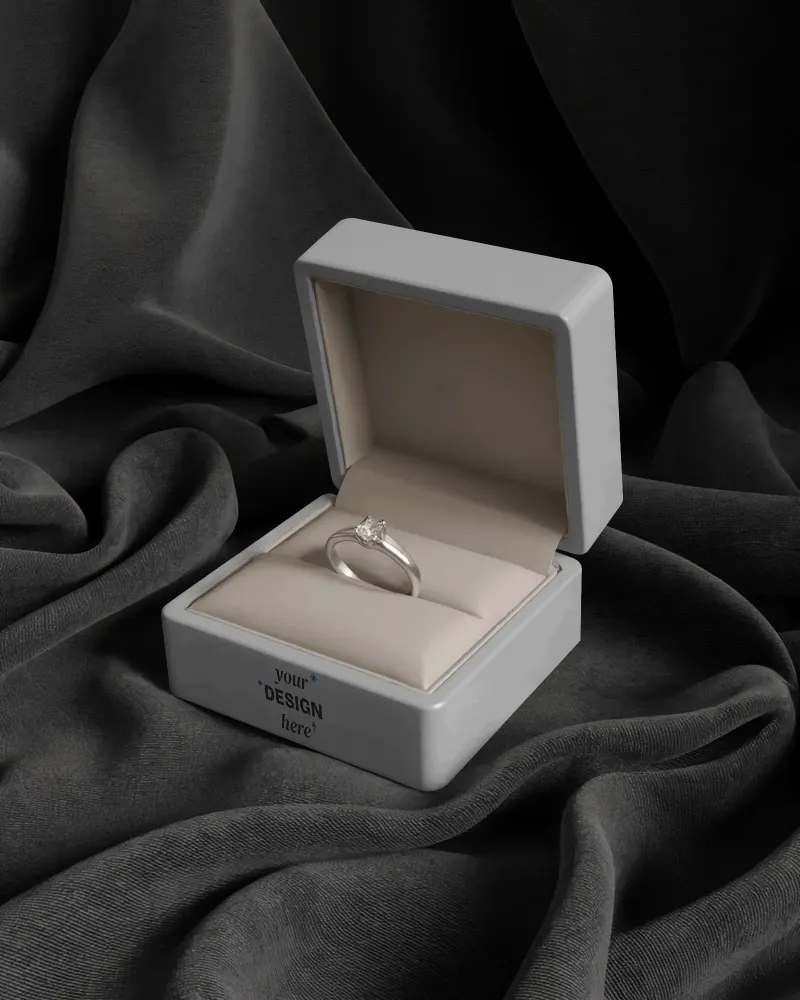
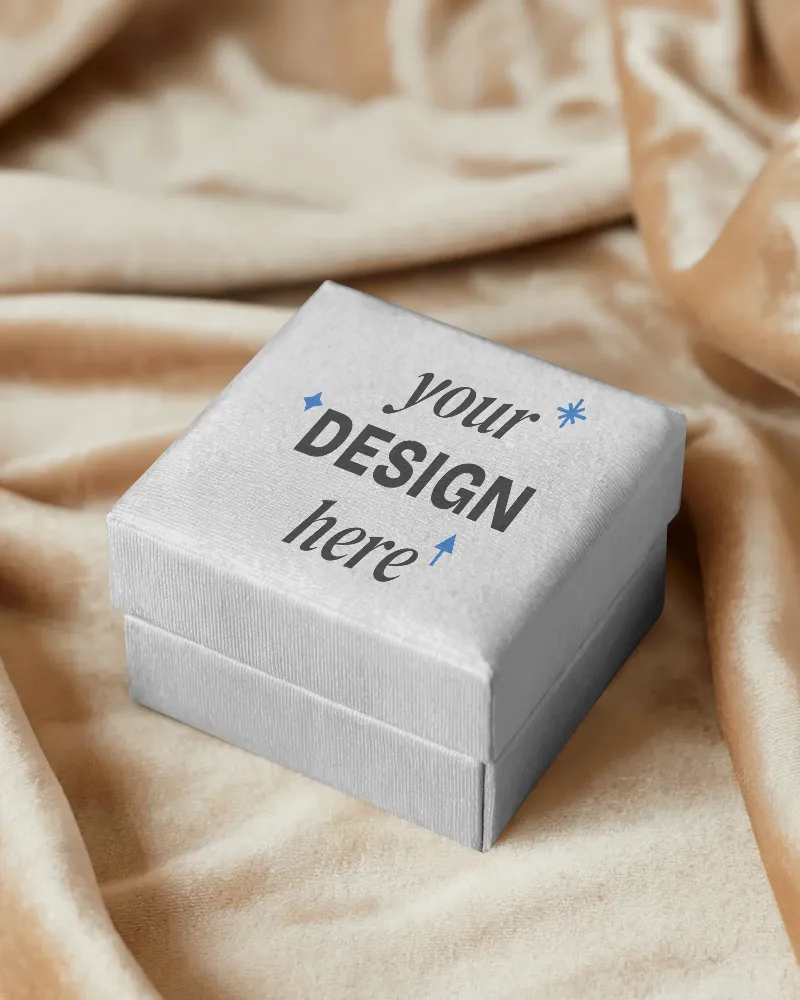
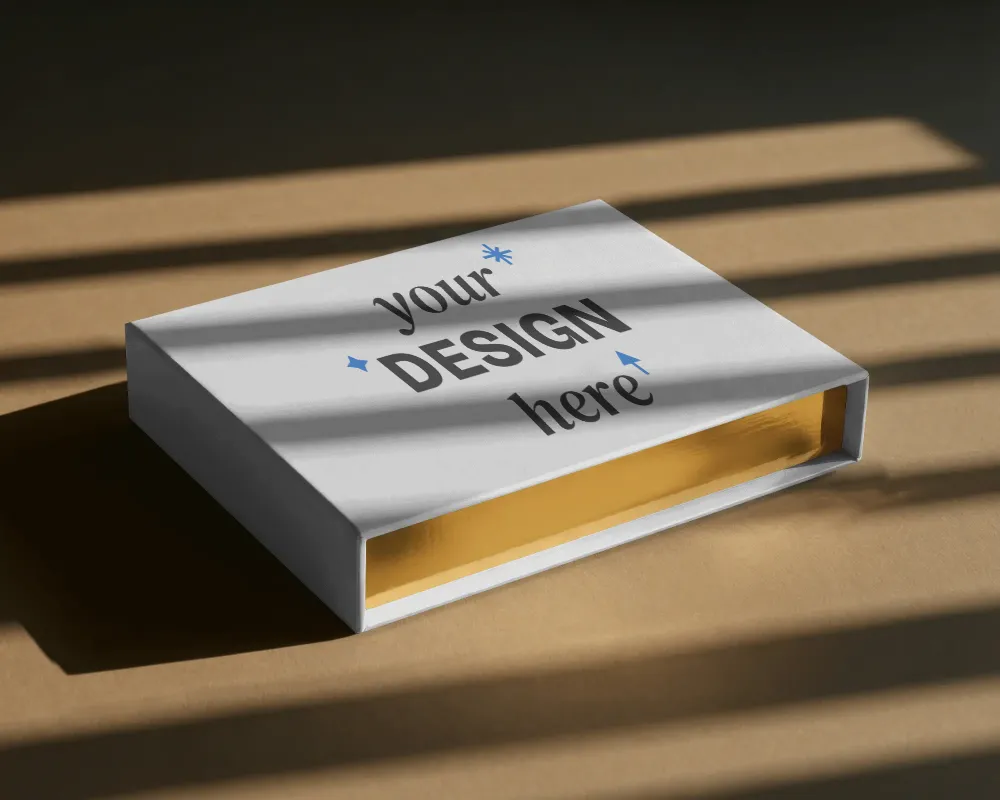
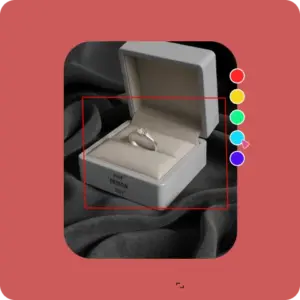
Click on Mockups, then go to Categories and click on Box under Packaging. Choose a jewelry box template from the library.
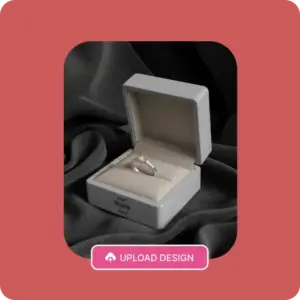
Click the Upload Design button to add a logo, then change colors for editing or convert the mockup into an animation.
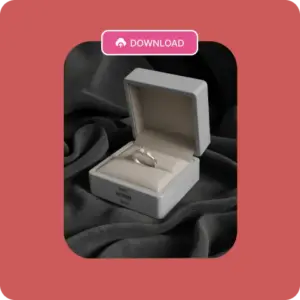
Click the Download button, pick either a PNG or JPG file, choose a size, and your jewelry box mockup will be saved.
Pick a box design that speaks to your buyers. Go for a flip-top box for rings and watches, a classic rigid and lift-off lid box for bracelets, or a sliding drawer box for necklaces, depending on what you want to showcase. Our mockup designs include accurate dimensions that match industry standards so that you can move straight to manufacturing and printing without hesitation.
Color plays a key role in how a jewelry box is perceived, as it quietly speaks about style and intent. Shades like white, navy blue, blush pink, or emerald green are best for jewelry boxes. Our colors look very natural on the box. If you pick any one of these colors, it won’t feel fake. They look quite realistic, whether you’re creating a jewelry box or any other type of box mockup.
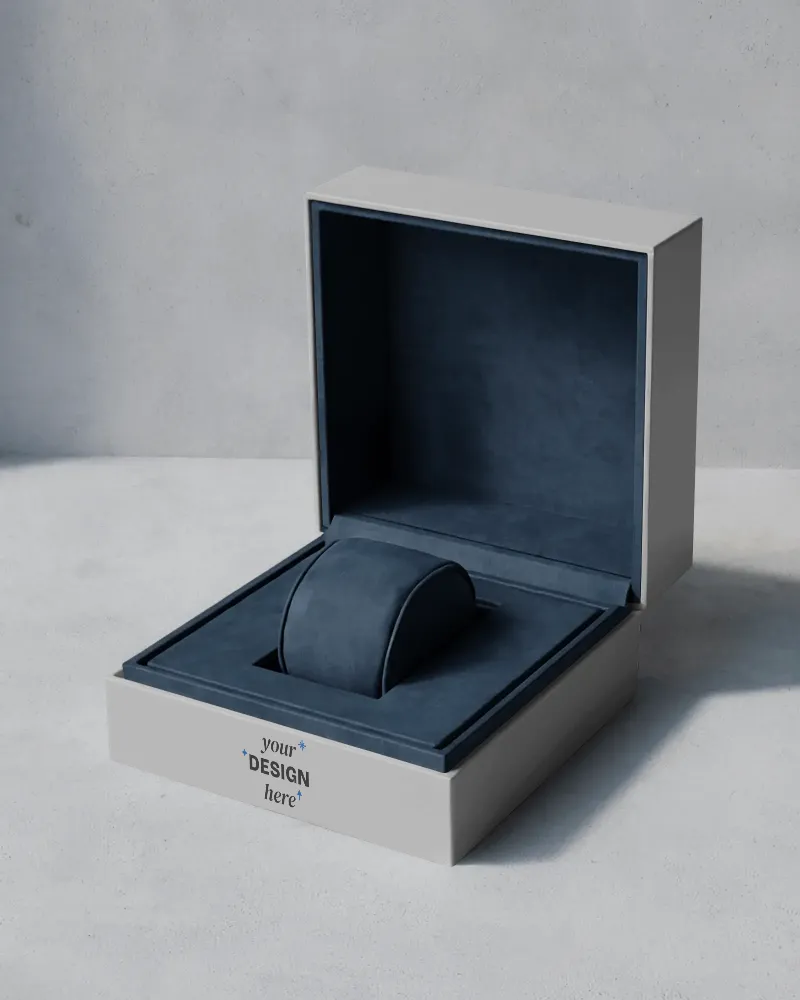
Your box design speaks for your brand, so it needs to look just right. Botanical motifs or line patterns around the sides can instantly make a jewelry box more attractive. Placing the logo at the top centre or right in the middle works best, as it stays clearly visible when the box sits on a store counter and catches the customer’s eye. With the help of our jewelry box mockup generator, product design mockups can be generated in bulk, so that clients can be shown a variety of options.
If you work with different product categories, you can also explore other mockup generators on Mockey AI. Along with jewelry box, you can check out a t-shirt mockup generator, a book mockup generator, a poster mockup generator, and many more for a complete product presentation. These pages will guide you through template previews and explain what benefits you will get from this generator page.
If you want to present a jewelry box to your client in a video style, visit Mockey AI’s video mockup generator now. You’ll find many video templates, such as a flip-top box with a ring rotating clockwise or a model showcasing the jewelry box. Just upload your design and do a bit of editing. Your video mockup will be ready in MP4 format.
Before your jewelry goes into a box, put the box on trial. Our jewelry box mockup generator lets you test designs instantly, without Photoshop skills or late-night regret.
You don’t need Photoshop or Blender to create a jewelry box mockup. A jewelry box mockup generator lets you upload your logo or design, applies it to a pre-built box model, and renders it automatically. This is why many small brands now skip manual PSD mockups.
A good mockup generator like Mockey.ai lets you choose box types that closely match real packaging sizes. A custom 3D file is still necessary for exact millimetre accuracy, but generators are sufficient for marketing.
Designing premium packaging usually involves velvet interiors, matte finishes, embossing, or foil-style logos. Mockey AI offers these types of templates for personalization that are good enough for product pages, ads, and investor decks.
Jewelry box mockups are best for Etsy listing images, Amazon A+ content, Shopify product pages, and Instagram and ads.
Mockey.ai’s jewelry box mockup generator supports open-box views. You get open and angled views so customers can see the interior without you building a custom PSD.
A lot of founders use jewelry box mockups to test branding concepts, pitch to investors, and show packaging ideas to manufacturers. This is not for production approval, but for visual purposes.