T-Shirt
3690+ mockups
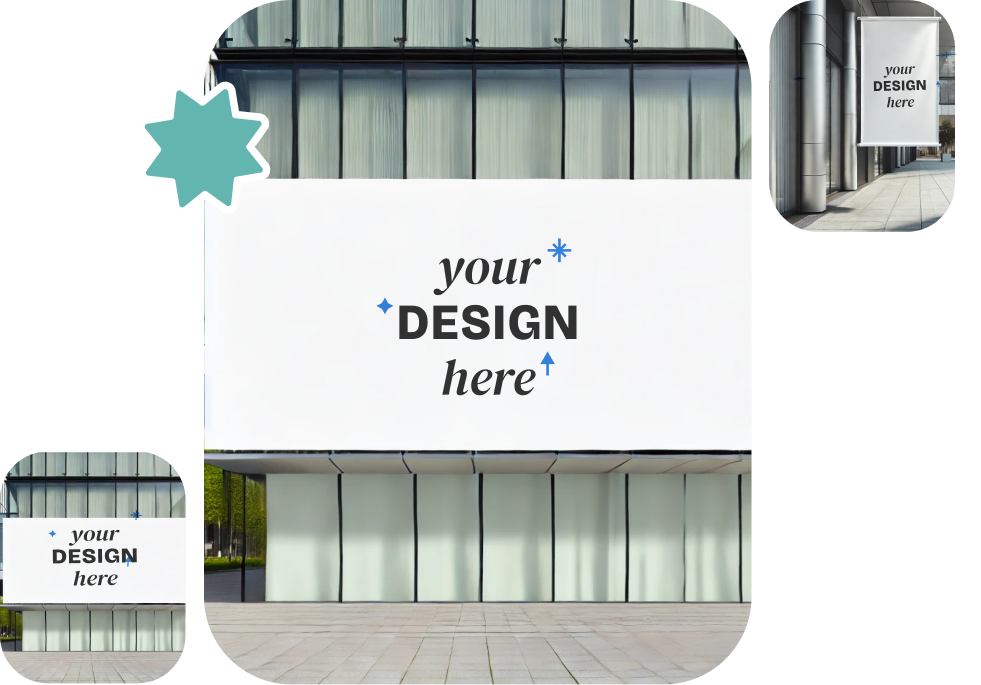
See how your Twitter posts or profiles will look directly on the app. Access a variety of free Twitter mockup templates to refine your content and make it stand out before going live!
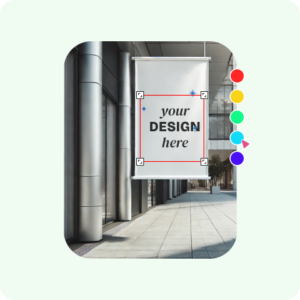
Sign up at Mockey AI to get started. After logging in, look for the “Mockups” section from the navigation bar.

Browse the “Social Media Mockup” category and select “Twitter” templates. Pick a Twitter template you like and customize it by uploading image, changing the background, and using AI Photoshoots to match your vision.

Once satisfied with your design, touch “Download.” Save your Twitter mockup in high-quality PNG or JPG format with resolutions up to 1600 × 2000 pixels.
Twitter mockups are available in different formats, each tailored to meet specific requirements.
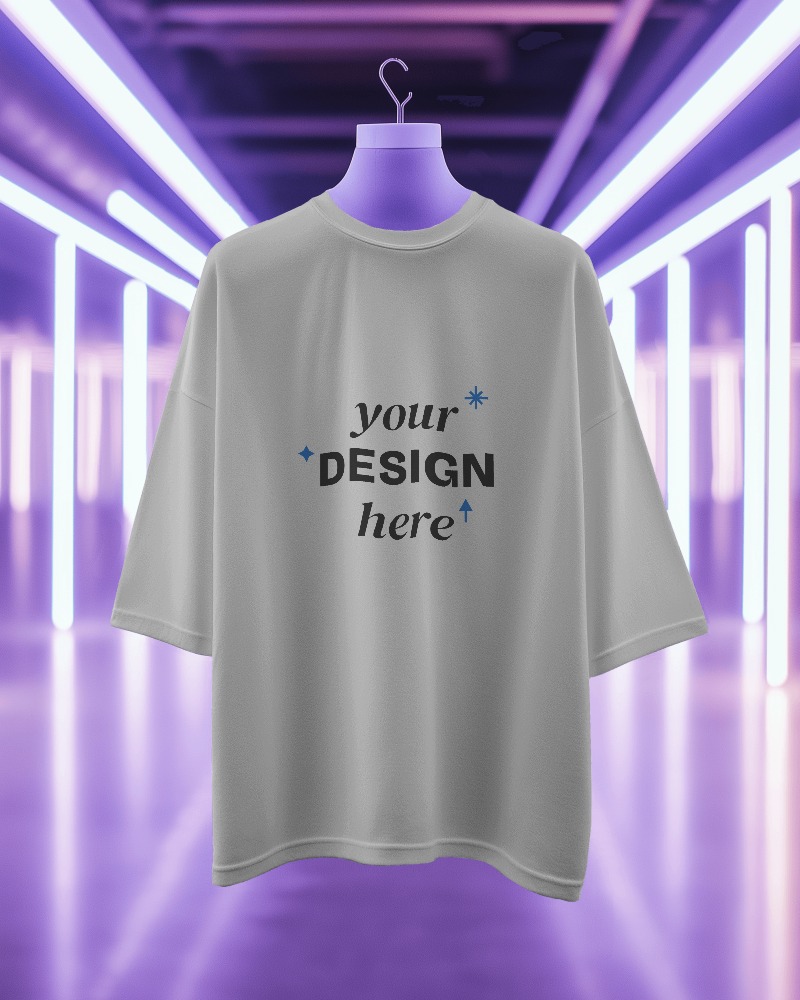
See your Twitter post come to life before hitting send! With the Twitter mockup generator, you can view how your posts and profile will look on your feed, ensuring that every detail is just right. Get a flawless preview before sharing it with your audience.
Our Twitter profile mockup lets you quickly make realistic and customizable profile designs for your brand or clients. You can show off your designs with all the right details. Whether you make Twitter mockups or Apparel mockups, this free mockup generator is great for designers and marketers.
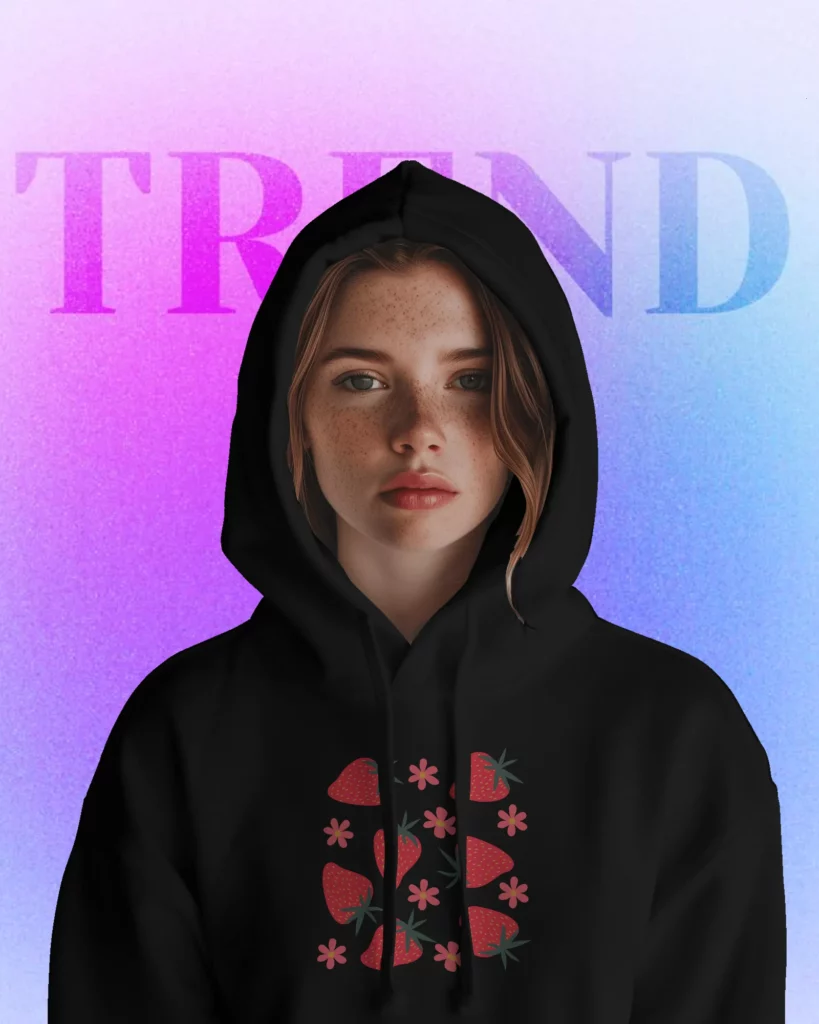
Easily make unique posts and profiles with our Twitter Mockup Generator. It’s fun, super simple, and helps your designs look great every time! Ready to create something awesome? Start using the Twitter Mockup Generator now!
Check out why Mockey’s Twitter mockup generator is the best choice.
With Mockey AI, you can use a bunch of Twitter mockup templates for free! Whether you’re creating mockups for Twitter posts or profiles, these templates will make your content stand out and get noticed.
With Mockey, you can download a Twitter mockup for free with no watermark! It’s quick and simple to create awesome, professional-looking mockups for your Twitter posts.
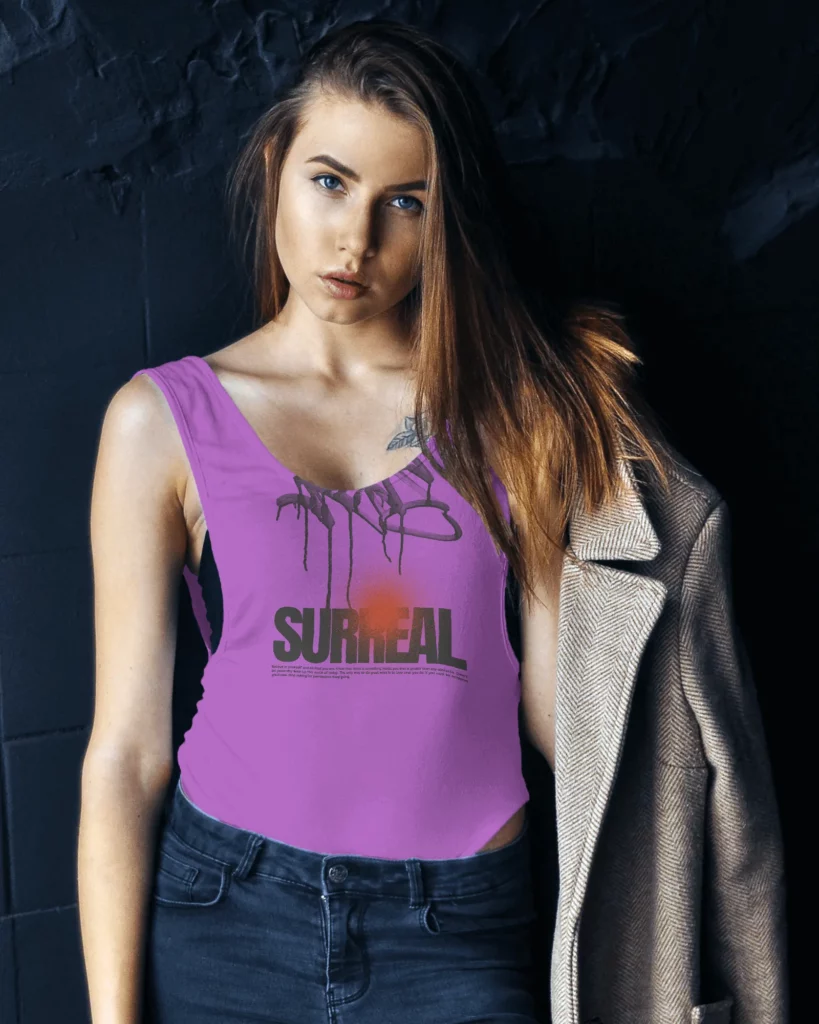
Mockey generates professional-quality mockups, ensuring your Twitter designs look polished and realistic. Display your designs in eye-catching Twitter mockups to attract potential customers with our mockup generator.
To create a Twitter mockup profile with Mockey.ai, register and navigate to the mockups area. Choose a Twitter profile template, upload your image, personalize the design with AI Photoshoot and background, and download your Twitter mockup right away, free of watermarks.
Designing Twitter post mockups is simple using Mockey.ai. Select a Twitter post template, add your text, images, and logos, review your design, and effortlessly download your post mockup.
Mockey.ai allows you to swiftly create a mockup for a Twitter video post. Navigate to the Twitter section, select a template, upload your video thumbnail or design, and download your mockup in high-resolution JPG or PNG format.
A Twitter post mockup is a visual representation of how your advertisement will appear on the Twitter platform. It serves as a useful tool for communicating concepts to clients or team members.
A Twitter mockup allows you to see how your posts or profiles will look before they go live. This handy tool lets you create several versions, review them, and share them with your team or clients for their input. Plus, it guarantees that your design meets Twitter’s specific requirements, so you can tweak it as needed before publishing.
This Twitter mockup generator is intended solely for previews. It’s tailored for marketers and content creators to experiment with the appearance and vibe of their Twitter posts, allowing them to receive immediate feedback from stakeholders.
A lot of Twitter and social media mockups in Mockey AI can be accessed for free. However, if you want premium templates and full-size downloads, those are only available to PRO members.