T-Shirt
3803+ mockups
Preview your Facebook posts, ads, and pages just as they’ll appear on the platform. Choose from 100+ free Facebook mockup templates and refine your content before it goes live!
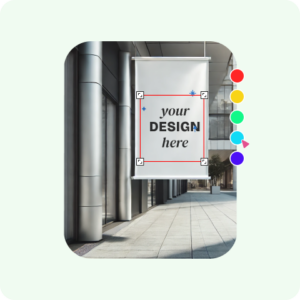
Start by signing up on the website. Once you’re in, find the “Mockups” section in the menu and click on it.
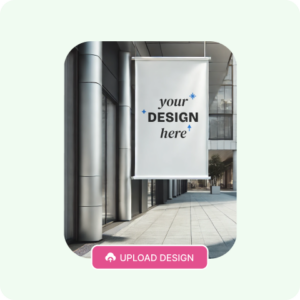
Click on “Social Media Mockup” and pick “Facebook” from the options. You’ll see a ready-made template—it’s time to customize it! Add your image, alter background, or anything else you want to make your own.
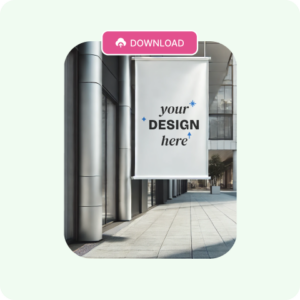
Once everything looks perfect, click “Download.” You can save your free Facebook mockup as a PNG or JPG file. The quality will be super sharp, up to 1600 × 2000 pixels!
Facebook mockups come in different types, so let’s take a look at them
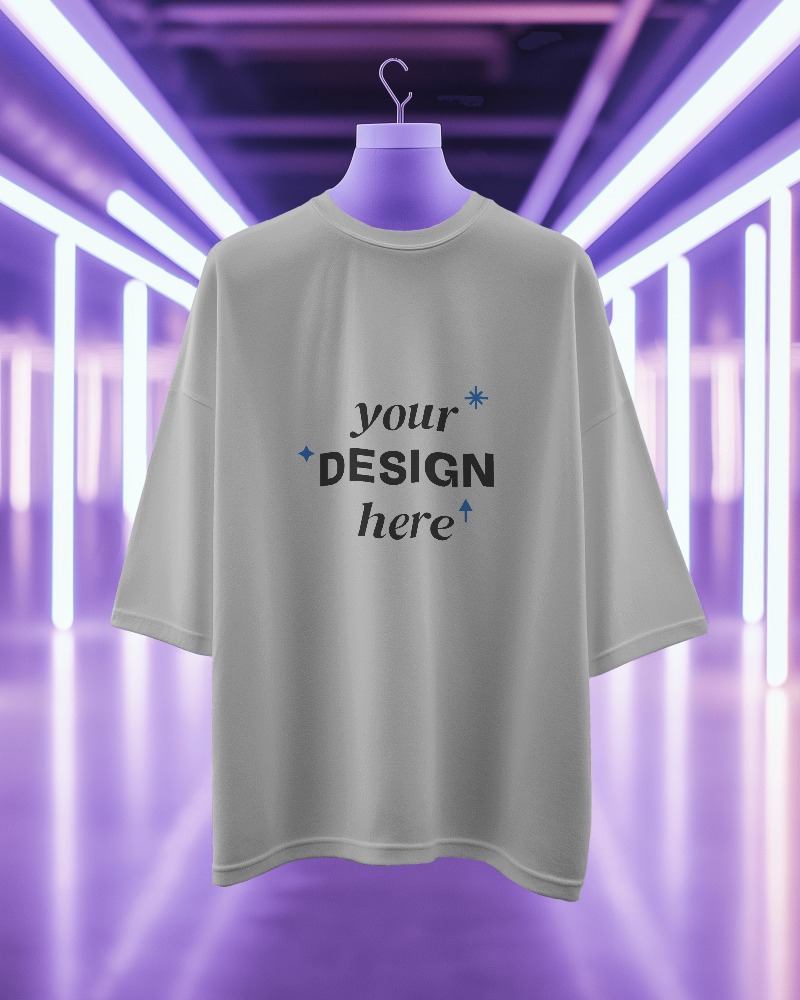
Catch typos or design errors before spending money on ads. See if your image, headline, and description grab attention. Adjust and improve your Facebook mockup ad until it looks perfect.
Imagine knowing exactly how your Facebook post will look before anyone else sees it. The Facebook mockup generator lets you preview your captions, images, and designs as they appear on your feed.
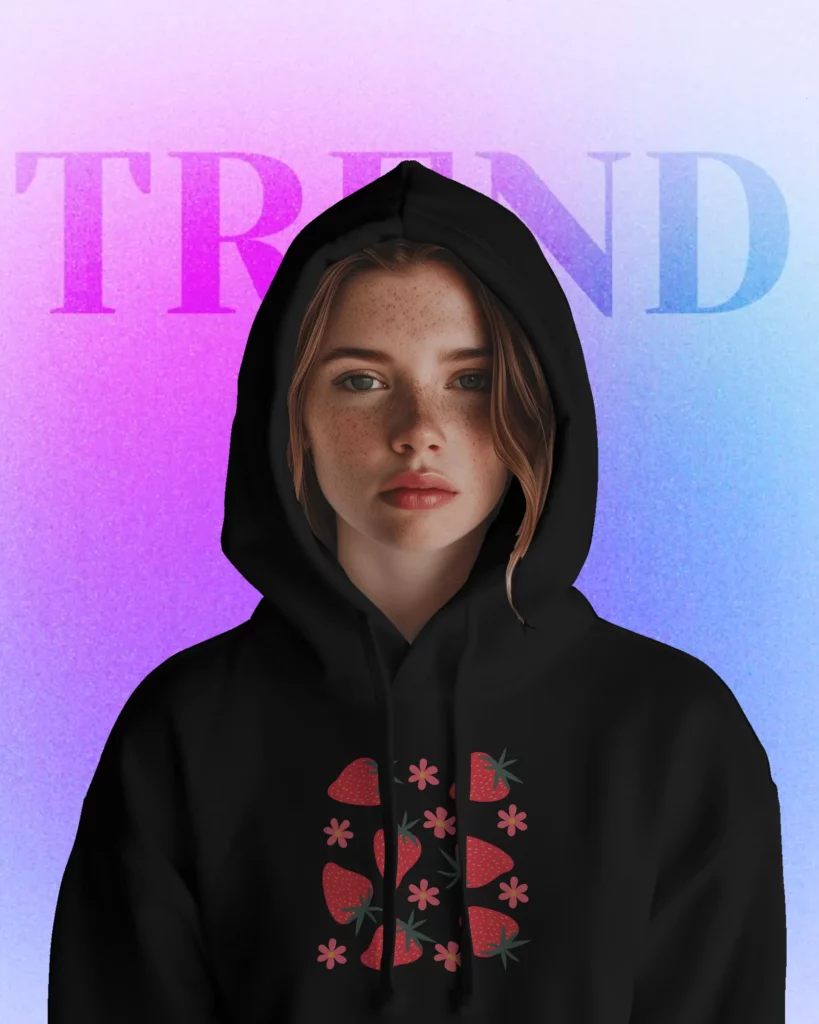
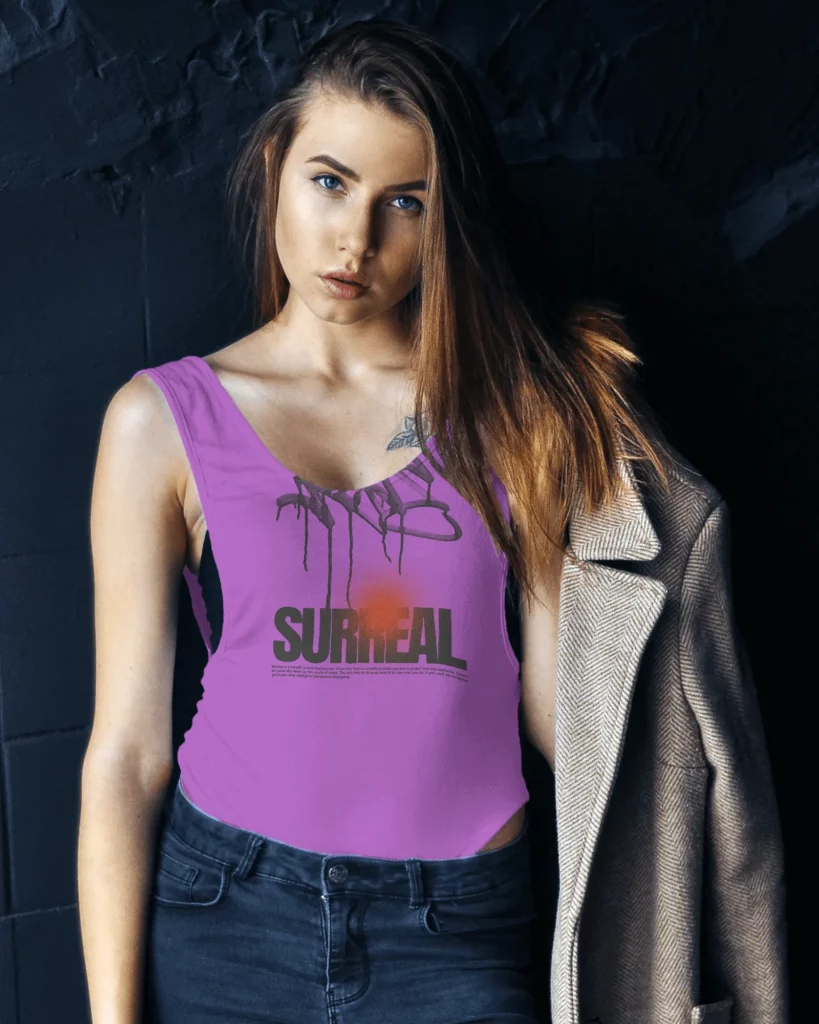
Make sure your profile picture and cover photo look great together. Preview posts, captions, and updates to ensure everything looks polished. Spot and fix mistakes before going live. Whether it is a Facebook mockup or an iPhone mockup, templates are visually stunning and organized.
Design posts, ads, and pages that look amazing. It’s fun, and simple, and helps you get the best designs every time! Ready to create something awesome? Try the Facebook Mockup Generator now!
Here are some of the reasons why you should choose Mockey’s Facebook mockup generator.
Mockey AI gives you access to different Facebook mockup templates for free! Whether you’re creating mockups for Facebook posts, ads, or pages, these templates are ready to make your work stand out.
Our Facebook mockup generator lets you choose from a huge variety of colors. The colors are super accurate, making your mockups look like the real deal. With such detailed colors, your designs will grab attention instantly. You get every color you can think of, so your designs look just right.
When you create a mockup with our Facebook Mockup Generator, it comes in a super high resolution of 1600 x 2000 pixels. This means the images are really clear and sharp, with lots of detail. You can see every little part of your design without it looking blurry or pixelated.
To make a Facebook mockup with Mockey.ai, sign up and go to the mockups section. Pick a Facebook template, upload your design, change it with images and background, and then download your Facebook mockup for free without any watermarks.
To make a Facebook ad mockup, use Mockey AI. Pick the Facebook page template, add your text in design form, preview how your ad will look, and then download it.
With the Mockey AI Facebook mockup generator, you can easily create a Facebook post mockup. Just click on Facebook Mockup in the social media section, add your image, and export the final mockup in JPG or PNG format.
A Facebook mockup is a custom-made image that shows how a Facebook post or ad will look, so you can share it with a team or client.
Yes, ads look different on a Facebook page and in the feed. Our Facebook mockup generator free tool shows you exactly how they will appear.
Facebook ad mockups help you create previews of your ads before posting them. A tool lets you make different versions that you can review, compare, and share with your team or clients. It also shows the design in the correct size, so you can make changes before you publish it.
Sorry, no. This Facebook mockup generator is just for previewing and seeing what products look like. It’s designed for marketers and social media managers to check their ads and get immediate feedback from clients.
The ideal Facebook ad size in 2024 is 1080 × 1080 for mobile and 1200 × 628 for desktop.
Most Facebook and different social media mockups in Mockey AI are free. However, some premium mockups are only available for PRO members, and the full-size downloads are limited to them.