28 Best AI Image Generator Free and Paid Tools (Compared)
Looking for the best AI Image Generators? Explore the 28 best text-to-image AI free and paid tools that are compared to help you choose the best.
Looking for the best AI Image Generators? Explore the 28 best text-to-image AI free and paid tools that are compared to help you choose the best.
The best custom mockup sites are Mockey AI, Photopea, Mockuplabs, and Dynamic Mockups, where you can create custom mockups on your own in 2026.
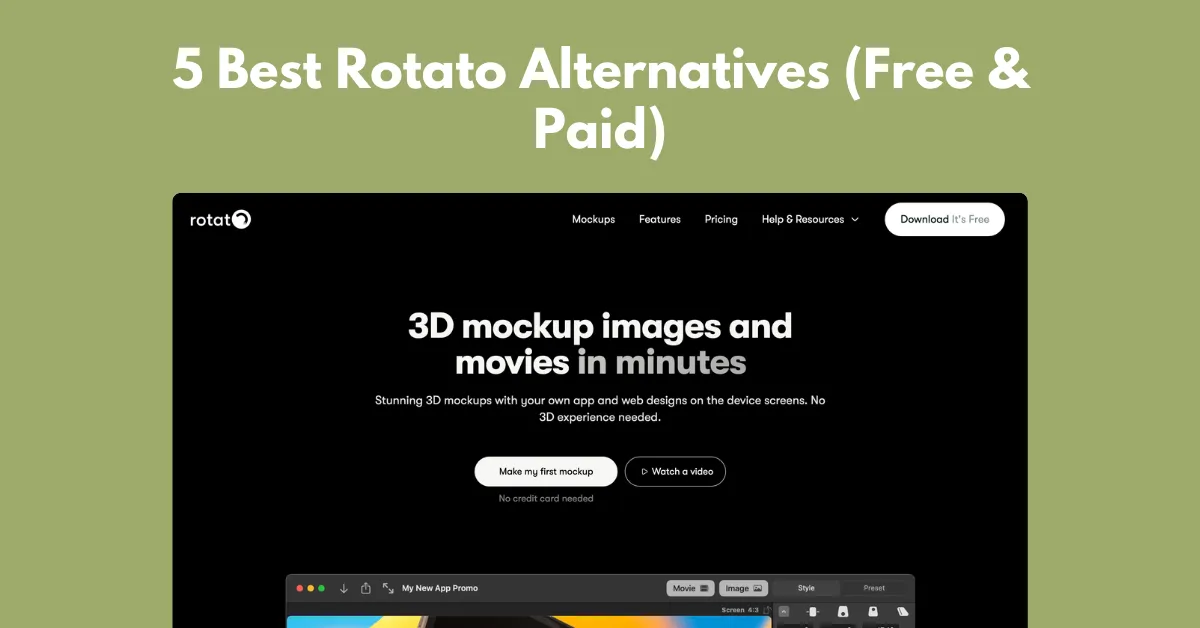
One of the best Rotato alternatives is Mockey AI, which has browser-based templates for uploading a design and exporting it as an image or animation.
Trying to choose between Mock It vs Mockey AI? Compare templates, features, mockup quality, and pricing to find a better mockup generator.
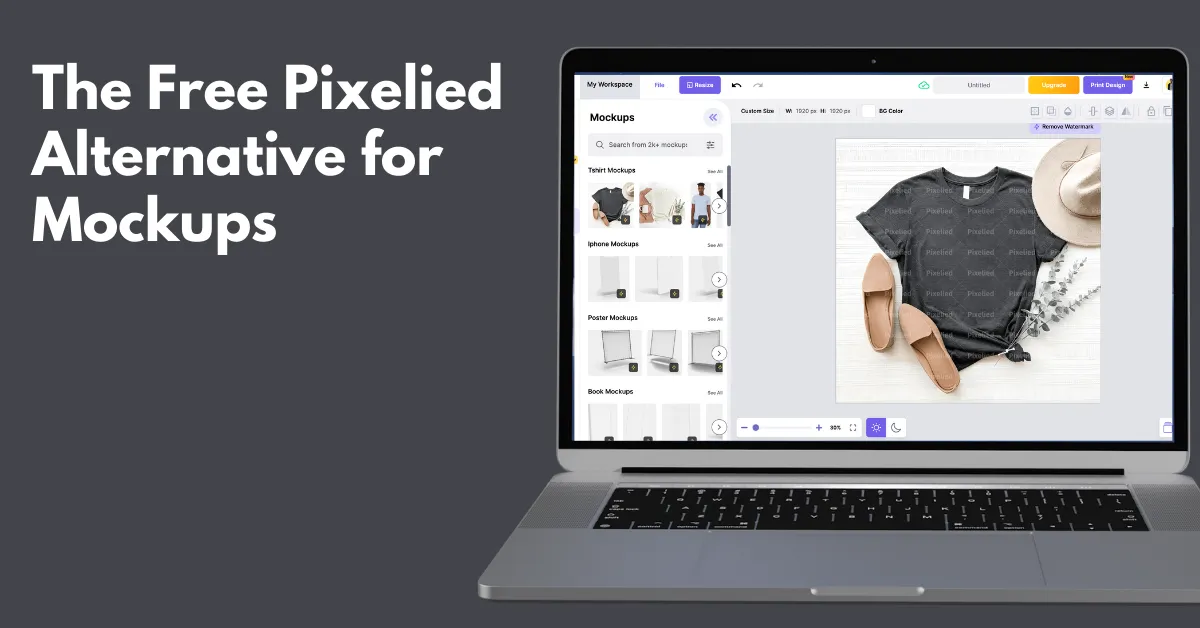
The free Pixelied alternative for mockups is Mockey AI, which offers a free plan, a large number of product templates, and advanced AI customization tools.
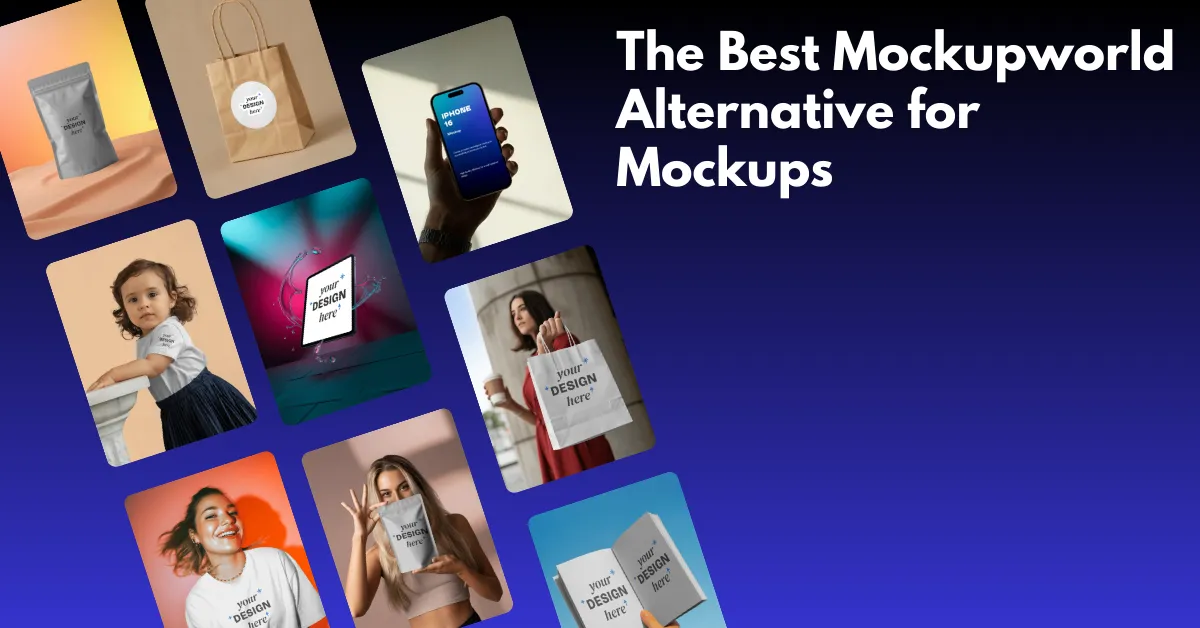
Mockey AI is the best Mockupworld alternative for free mockups as it offers ready-made mockup templates, an in-built editor, and PNG files to download.
Which is the better mockup generator, Dynamic Mockups vs Mockey AI? This comparison breaks down both mockup generators to help non-designers.
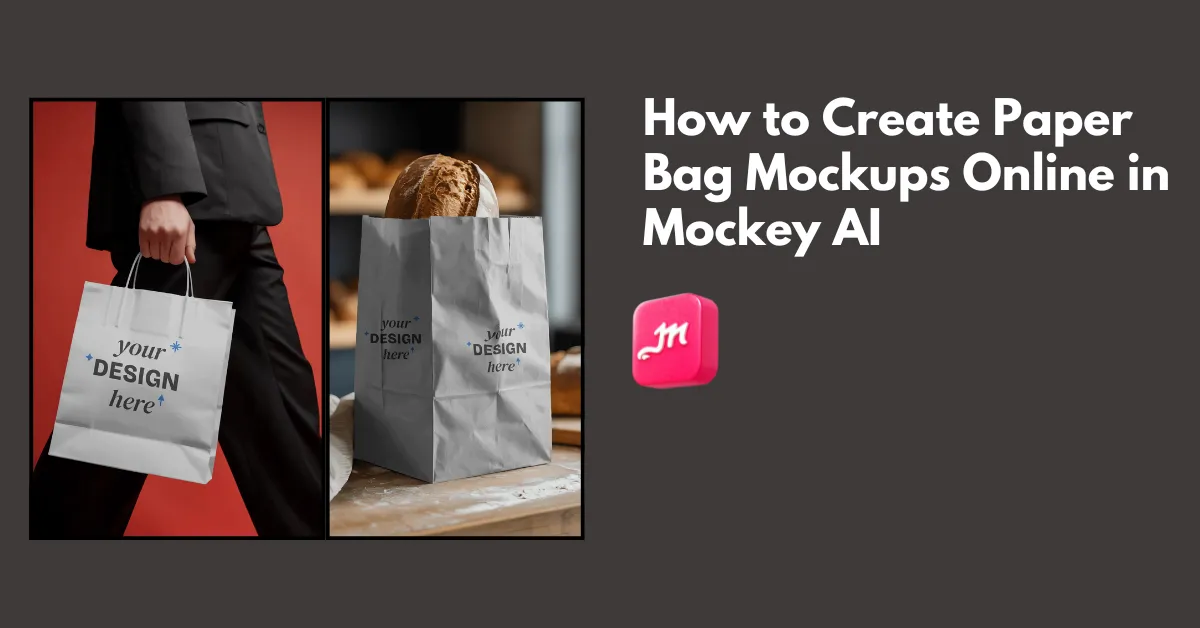
How to create paper bag mockups? Use Mockey.ai’s paper bag mockup generator and select from 100 templates to upload an image, edit, and download the mockup.
The best free Freepik alternative sites are Mockey AI, Vexels, FreeImages, Unsplash and more for designers and marketers.
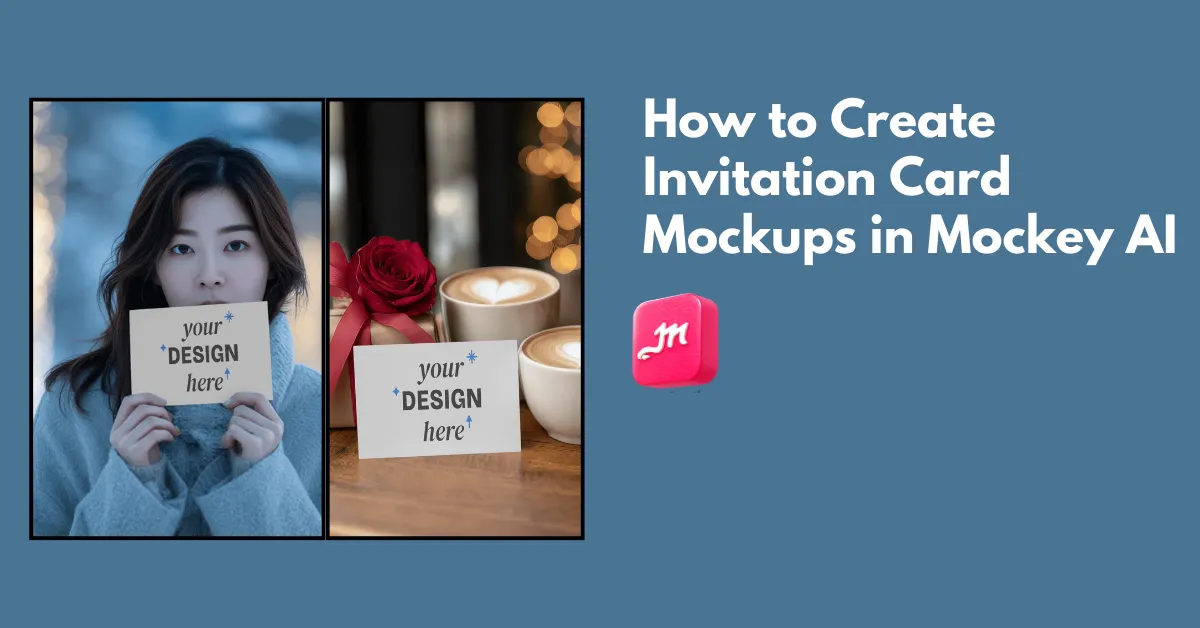
How to create invitation card mockups? Use Mockey AI’s invitation card mockup generator and select from more than 50 templates to upload a design.
Mockey.ai is the best MockupBro alternative that offers more than 30,000 mockup templates to customize for free. Upload a design and download as PNG or JPG.
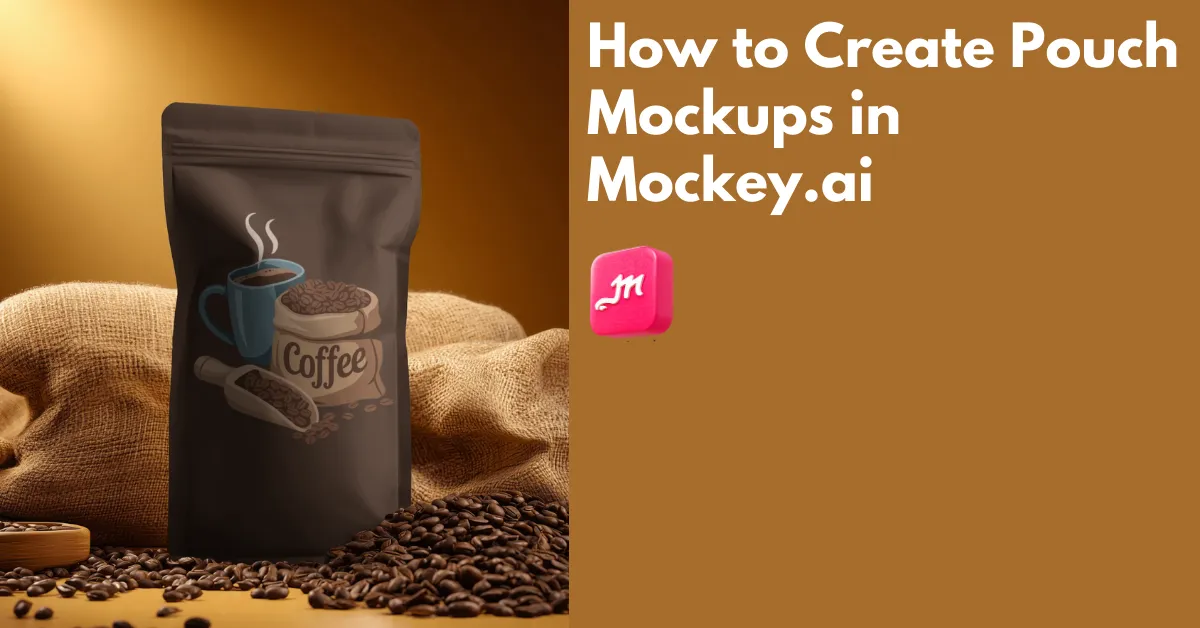
How to create pouch mockups? Use Mockey.ai’s pouch mockup generator to select from 500 templates, edit with easy tools, and download the mockup pouch in HD.
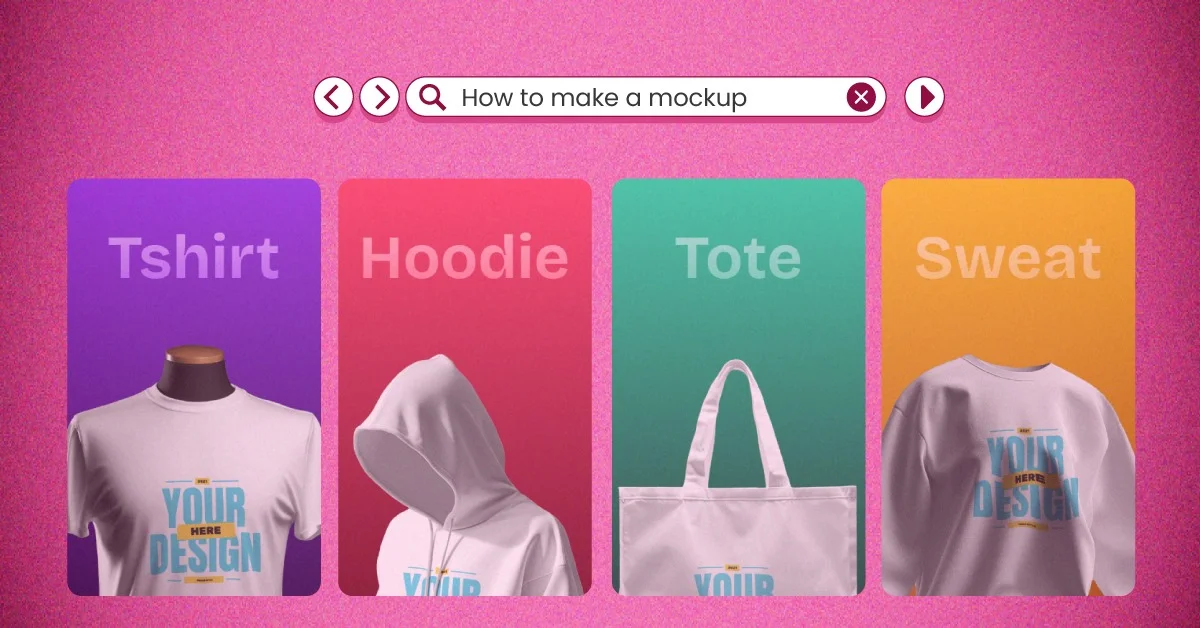
How to make a mockup? Use Mockey.ai to select from 30,000 templates, upload a photo, edit the color, and download the mockup as PNG.
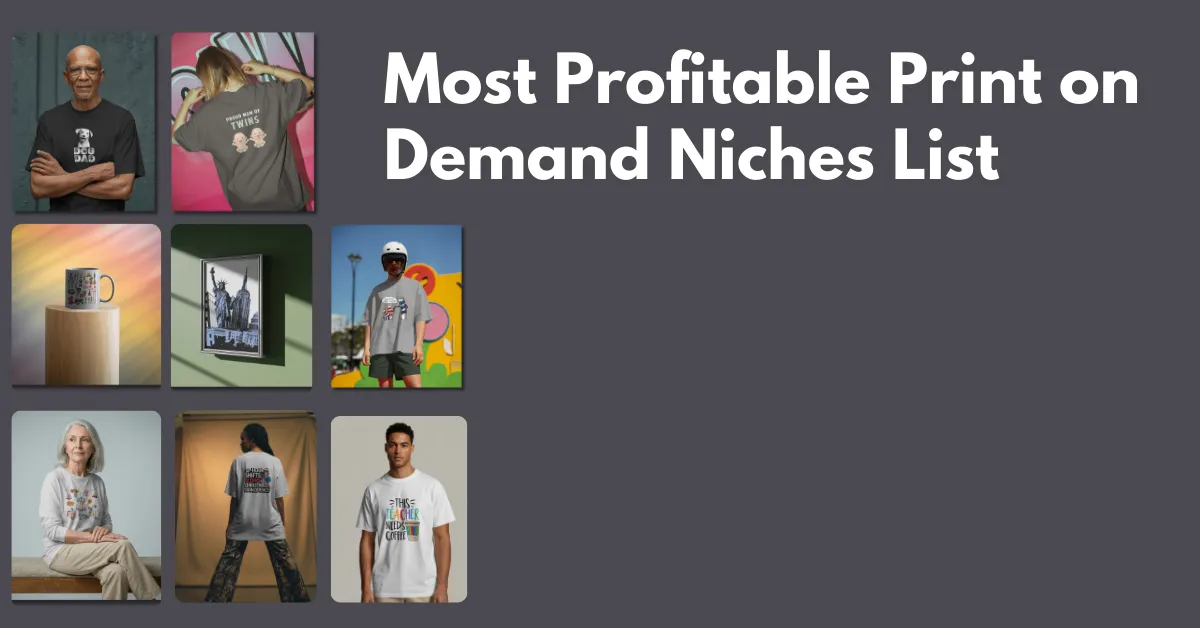
Print on demand niches include professions, hobbyists, lifestyle & subcultures, local pride, personalized, and memes in 2026.
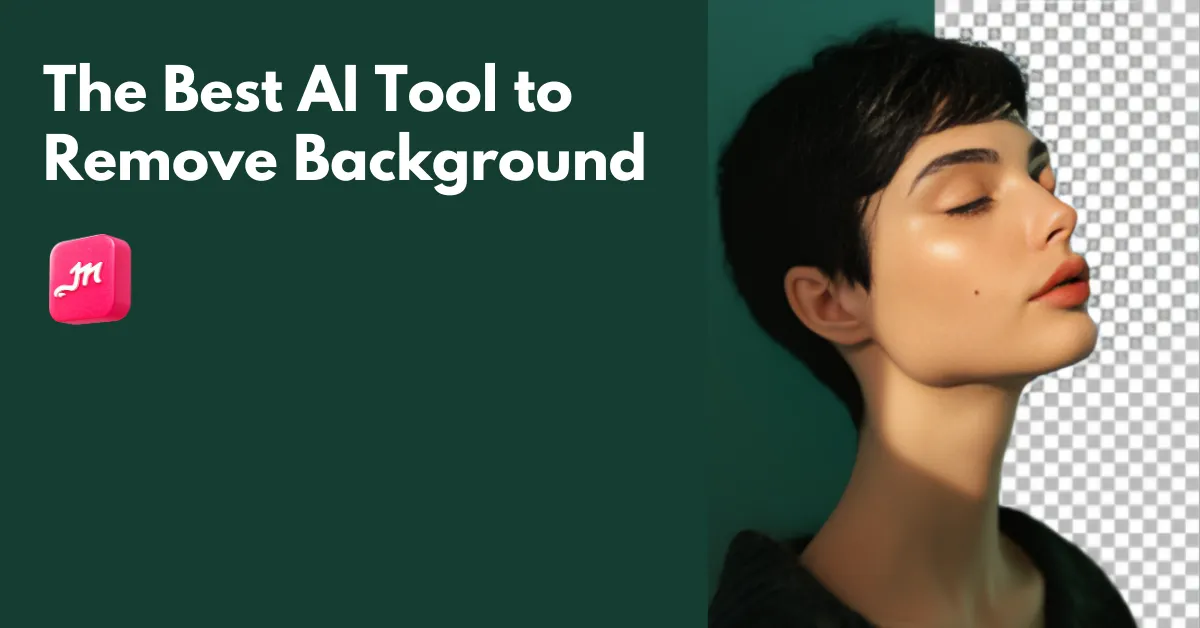
Mockey AI’s Remove Background is the best AI tool to remove background. Drag and drop the image and turn the background transparent or white.
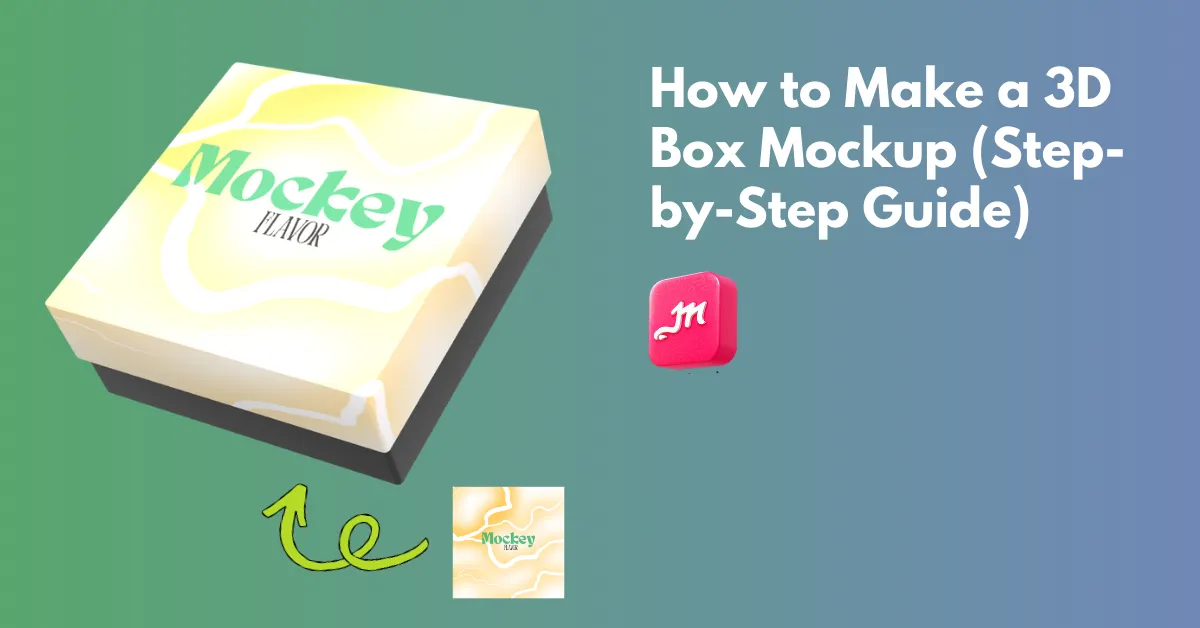
How to make a 3D box mockup? Use Mockey.ai’s 3D box mockup generator to choose a 3D box, upload a design, and download it as a high-quality PNG or MP4.
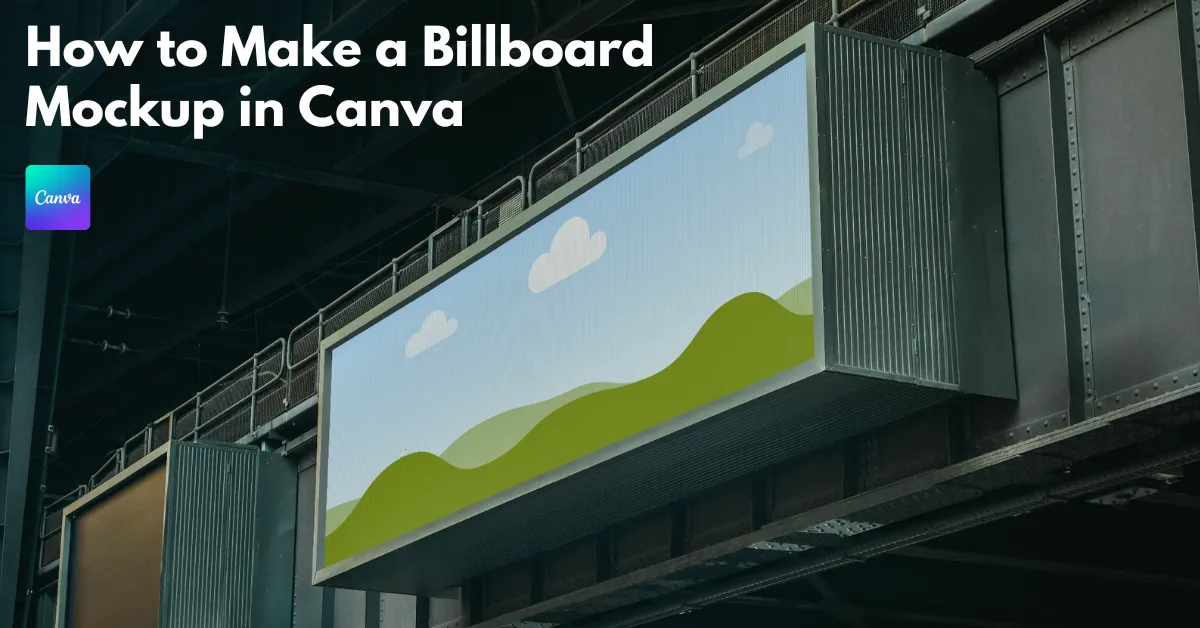
How to make a billboard mockup in Canva? In Apps, click Mockups and find Outdoor. Select a template, drag & drop a design, and download the billboard mockup.
Mockey.ai’s Remove Background tool is the best background remove website for quickly remove image from its background. Use GIMP and Photoshop for offline.
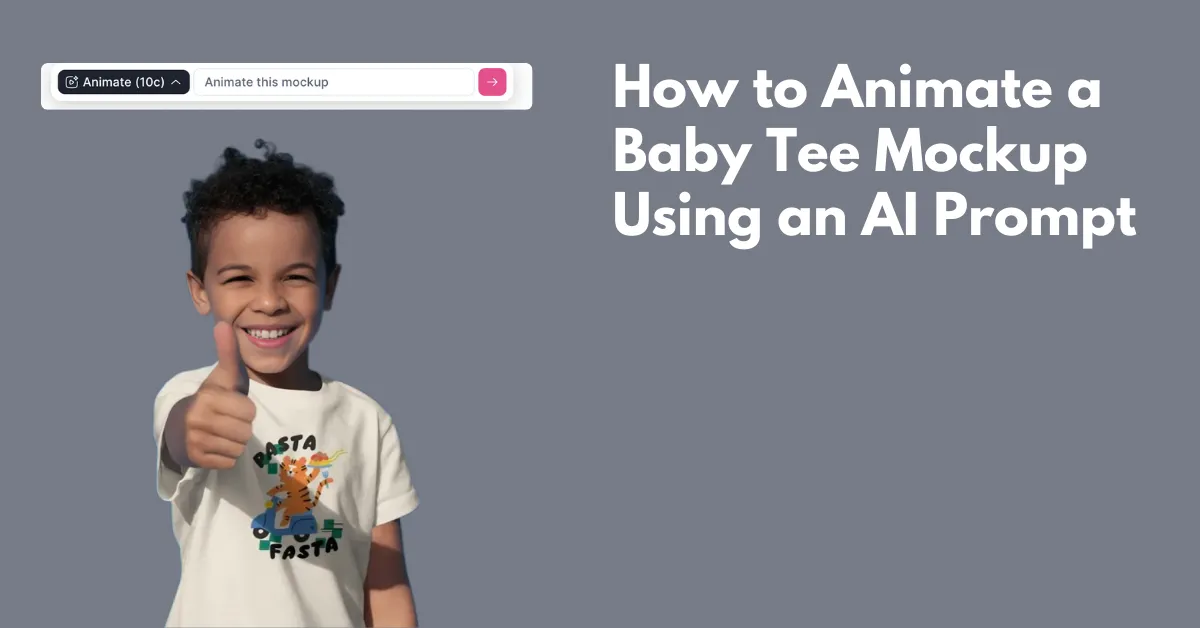
How to animate a baby tee mockup? Select from Mockey.ai’s baby tee template, upload a design, type a prompt in the box, and click the arrow of the animate tab.
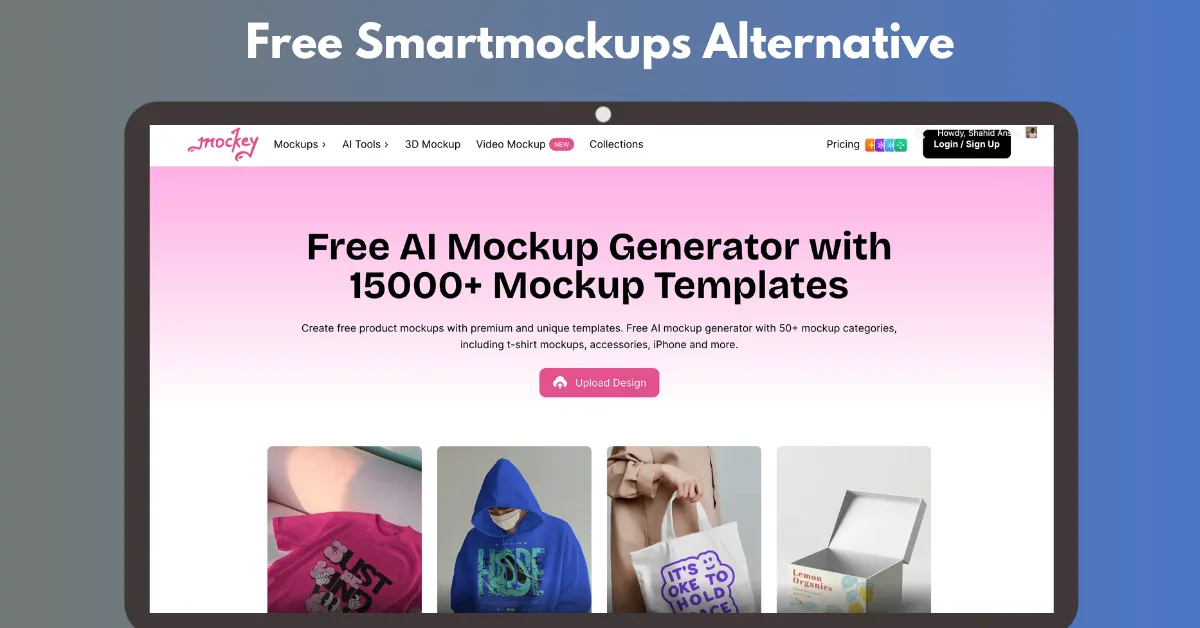
Mockey.ai is the best Smartmockups alternative website to create free mockups. Use its extensive library of templates and download without a watermark.