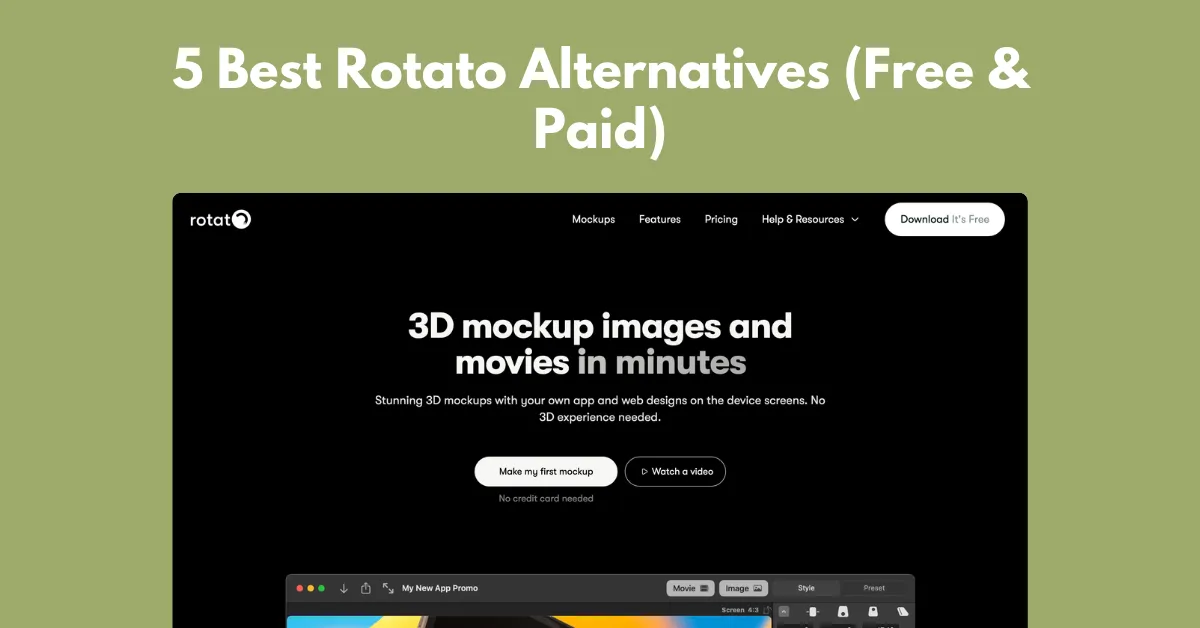
One of the best Rotato alternatives is Mockey AI, which has browser-based templates for uploading a design and exporting it as an image or animation.
You can also use other alternatives like MockuPhone, LS Graphics, Unblast, and Previewed App.
With Rotato, you can create high-quality device mockups, whether in animation or image format. Its limitations, such as only 60+ templates, limited device models, and no mobile version, drive users to look for similar sites.
After some research, we have picked a few alternatives to Rotato that you can consider while generating device mockups.
There are many reasons not to use Rotato.app, such as:
Few Templates
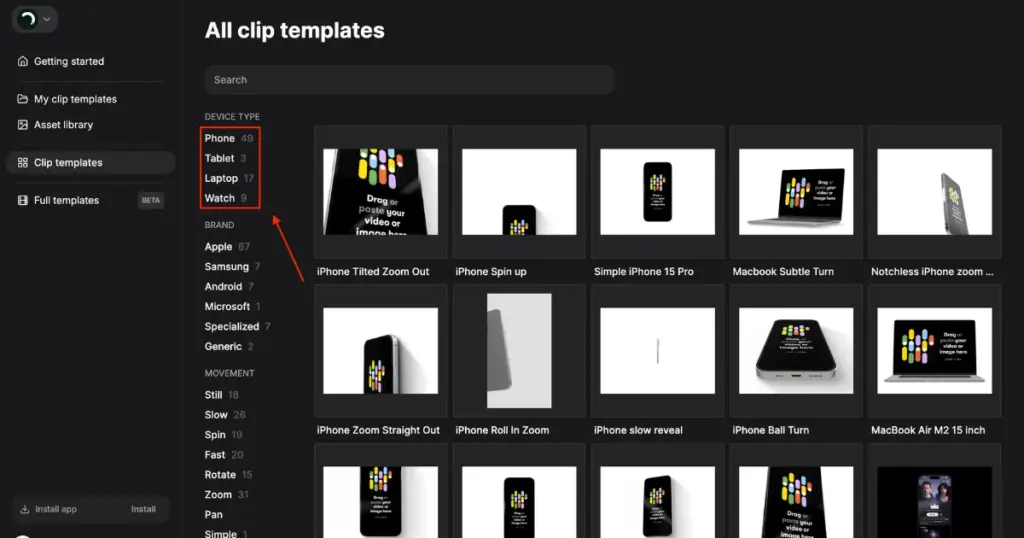
If we talk about templates, there are only 38 for phones, 2 for tablets, 14 for laptops, and 9 for watches in total. In comparison, other platforms in the same category offer many more template options.
Limited Device Models
The number of device models is also quite limited. In the Apple category, you mainly get the iPhone 15 series and iPhone 16 Pro. To create a free iPhone 17 Pro Max mockup, you need Mockey AI.
From Samsung, there are only one or two models. The range of models is quite small compared to other Rotato alternatives.
No Mobile Version
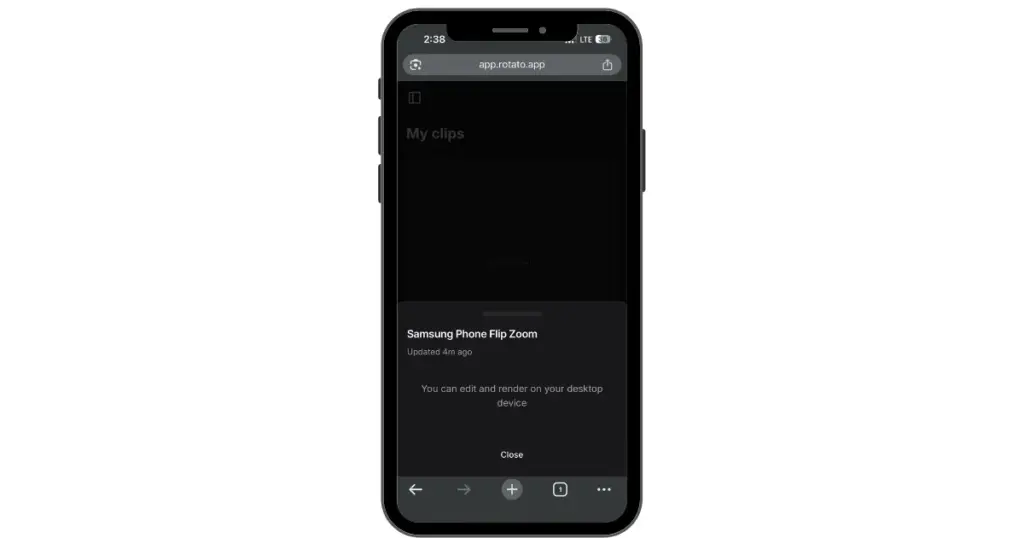
Rotato is mainly built for desktop users. You cannot really use it on mobile because editing and rendering are not supported there.
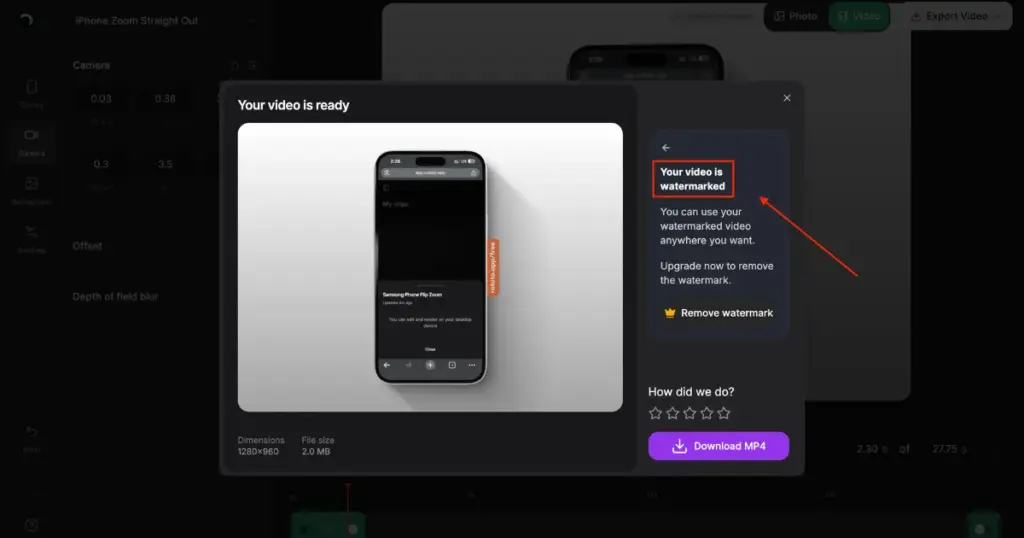
Watermark on a Free Plan
Rotato also claims to offer a free plan, which is true, but the final output comes with a watermark.
We have selected a total of five Rotato alternatives that are better for app designs, screenshots, and website previews.
Mockey AI is the best Rotato alternative, where you can upload your app designs to devices like iPhones, iPads, Windows laptops, MacBooks, and Android phones.
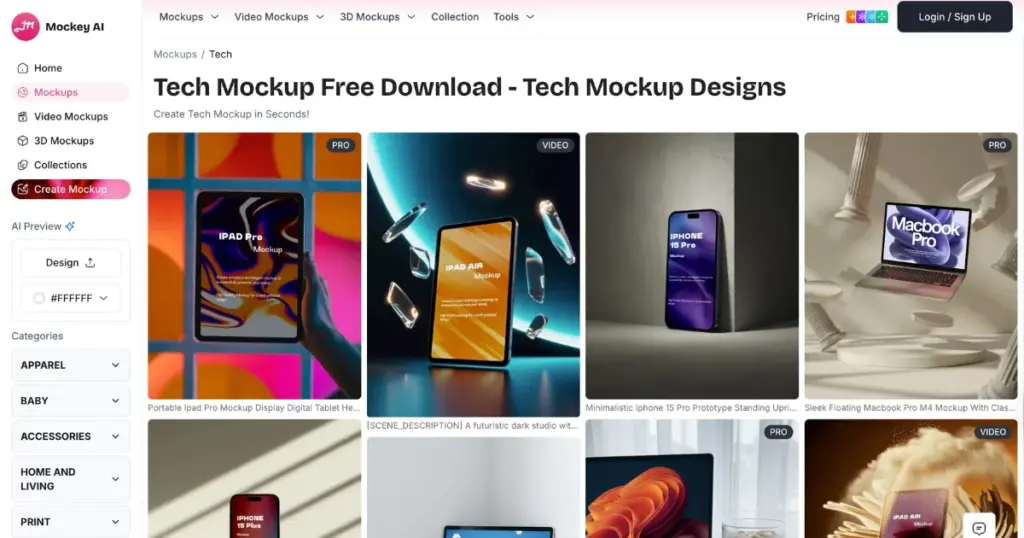
There are plenty of device models available. For example, you can customize templates for the iPhone 17 series or Android phones like the Flip 7.
On top of that, you can also convert your mockups into animations just by typing a prompt. Whether you want to change the background or modify elements using prompts, everything is possible on Mockey AI. The result is generated within 30 seconds.
| Pros | Cons |
| Device types (iPhones, iPads, Windows laptops, MacBooks, and Android phones) | NA |
| 3000 device mockup templates | |
| A free plan | |
| Mockup animation with text-based prompt | |
| Mobile version | |
| Device video mockups | |
| 3D devices |
MockUPhone is a free Rotato alternative where you don’t need to purchase any premium plan. Here, you can upload your app design to templates of different iPhone models and Android brands like Samsung or Google Pixel, and download the mockups without paying for any plan. Also, there will be no watermark on the device mockups.
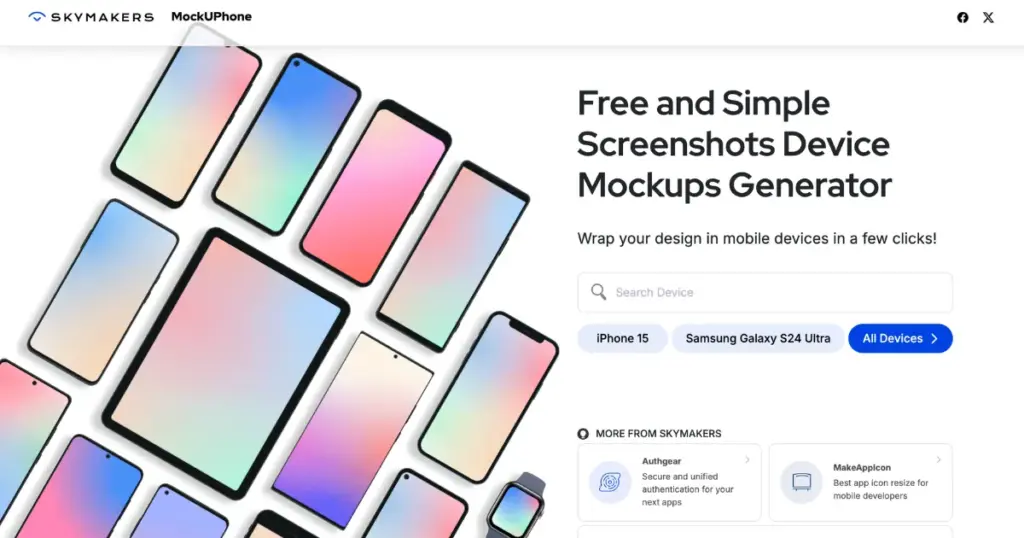
However, there is one drawback. A good Rotato alternative should offer animation, but that feature is not available here. The backgrounds are also quite minimalist.
| Pros | Cons |
| Completely free | Minimalist |
| No watermark result | No animation |
| Additional devices such as TVs and wearables | |
| All iPhone models |
LS Graphics offers very high-quality device mockups. You get more than 2,000 templates, and edit them easily. This platform also provides Apple Watch mockups, similar to MockUPhone.
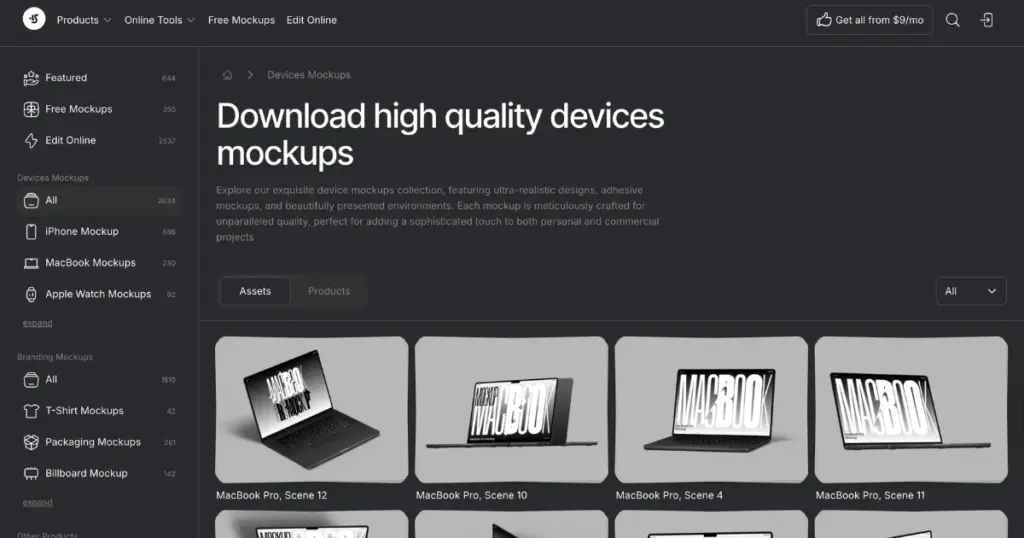
However, it does not offer a free plan, and the paid plan is quite expensive ($29) compared to the other Rotato alternatives mentioned here.
| Pros | Cons |
| 2000+ device mockup templates | No free plan |
| Animations | An expensive paid plan |
| PSD files |
To begin with, we want to highlight the importance of placing the Categories section properly so that users are able to find products easily. However, one good feature of Unblast is that after selecting a mockup, similar mockups start appearing below, which makes browsing easier.
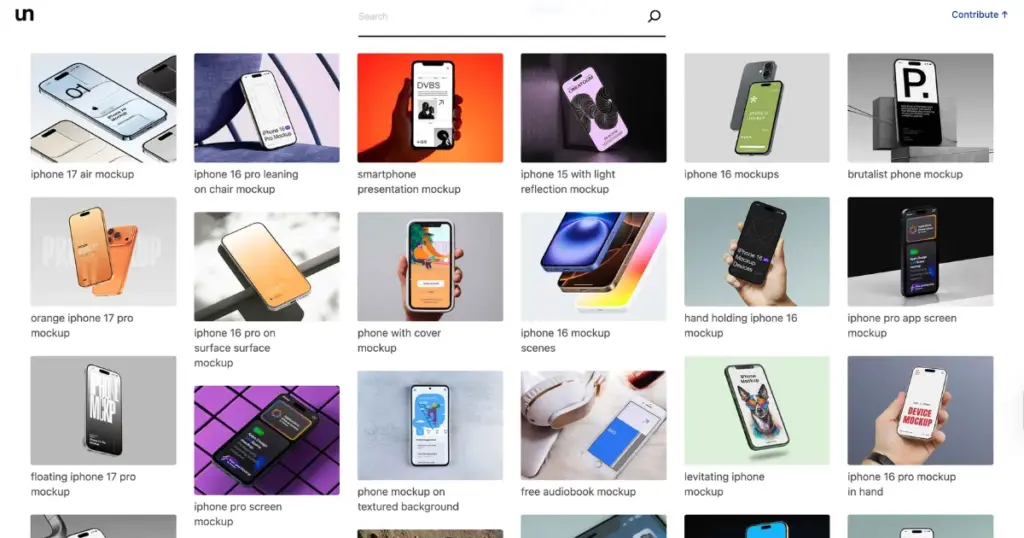
Let’s get back to this topic. It is a good Rotato alternative that offers free PSD file downloads. The device mockups are available in very high quality. If you use Photoshop for customization, then Unblast is a great platform for you.
The file has been offered with different backgrounds. It is displayed with a hand holding it, placed on a table, or alongside multiple devices.
| Pros | Cons |
| Free PSD files | No editable template |
| Multi device | Only for platforms like Photoshop |
Previewed is another alternative where you get templates for different device types, such as iPhones, MacBooks, iPads, and iMacs. You can upload both images and videos to these templates.
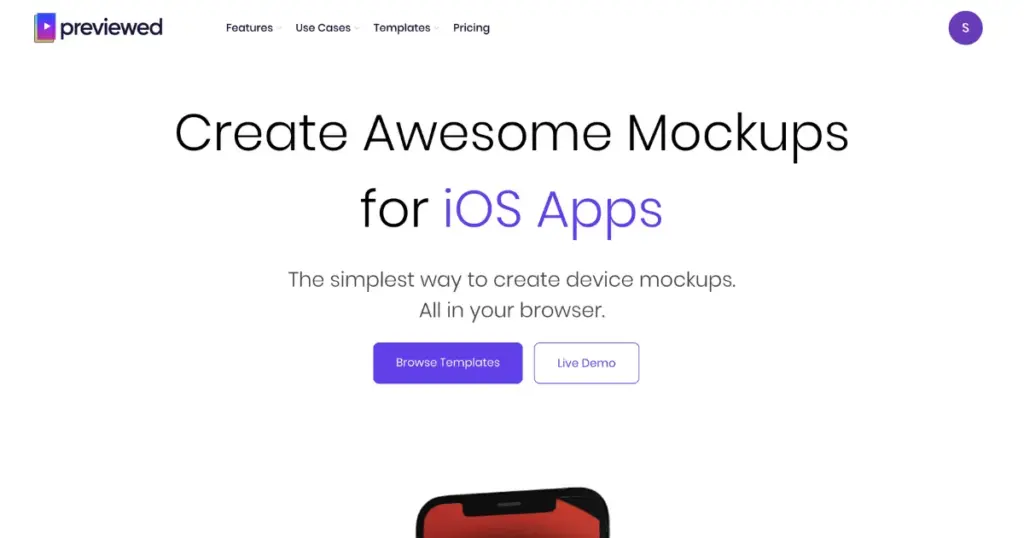
There are many customization options available, including text, images, dimensions, 3D view, colors, and more.
It also offers animated templates that can be personalized. However, one drawback is the learning curve when editing these animated templates.
| Pros | Cons |
| Text animations | Learning curve while customizing animated templates |
| 2D and 3D editor | |
| Background and icon collection | |
| Multiple exports |
| Alternative | Best for | Pricing Plan |
| Mockey AI | Various device models and a huge number of templates | – Free (No watermark)- Plan starts from $7/month |
| MockPhone | Device orientation | Completely free |
| LS Graphics | Scenes | Plan starts from $29/month |
| Unblast | PSD files | Free |
| Previewed | Customization | – Free- Plan starts from $9.99/month |
If we conclude, the best alternative to Rotato is Mockey AI because its number of device mockup templates, animations, mobile-friendly interface, free plan, and variety of device models are much better.
Other device mockup generators offer similar features, but Mockey AI has already moved far ahead and has become a top choice for designers and developers.
Rotato is useful, but not everyone wants to pay for it. Mockey AI is the best Rotato alternative include browser-based mockup, animation, and a huge number of device types. Many users prefer mockey that works online, so they don’t have to install anything.
With Mockey AI, you can make an animated iPhone mockup. This is possible with the Animate feature. You can also type a prompt if you want to make changes, and it will generate the result within 30 seconds.
Both platforms produce very high-quality output, whether it is images or animations. The quality of the design you upload remains unchanged, and there is no loss in quality on either platform.

Sangram Sahoo
I’m a content writer with 4 years of experience. I specialize in creating practical content around mockups, print-on-demand, apparel, and e-commerce design.
