14 Best AI Design Tools for Website, Logo & More
Have you ever felt stuck in a creative block, looking for fresh ideas to improve the designs and marketing content?
Explore a world where creativity and technology come together to take your design to new levels.
We’ll explore how AI design tools are changing the way we come up with, create, and engage with our designs.
Table of Contents
What Is an AI Design Tool?
As an innovative professional, you might hit a design rut now and then. Luckily, AI is changing how designers get inspired. The best AI design tools can spark fresh ideas and help you see your designs in new ways.
These tools offer new ideas and help designers of any skill level create custom color palettes, improve photos, build websites, and make creative assets.
Best AI Logo Design Tools
Did you know that a logo shapes 90% of a brand’s first impressions?
Yeah, it means your logo has to instantly show what your brand stands for. Creating a memorable logo is tough, but it’s so important to get it right.
Around 80% of logo designs will use some format of AI by 2025. To stay ahead, check out the top AI design tools for logos and explore the tools to create amazing logos quickly and affordably.
1. Design.com
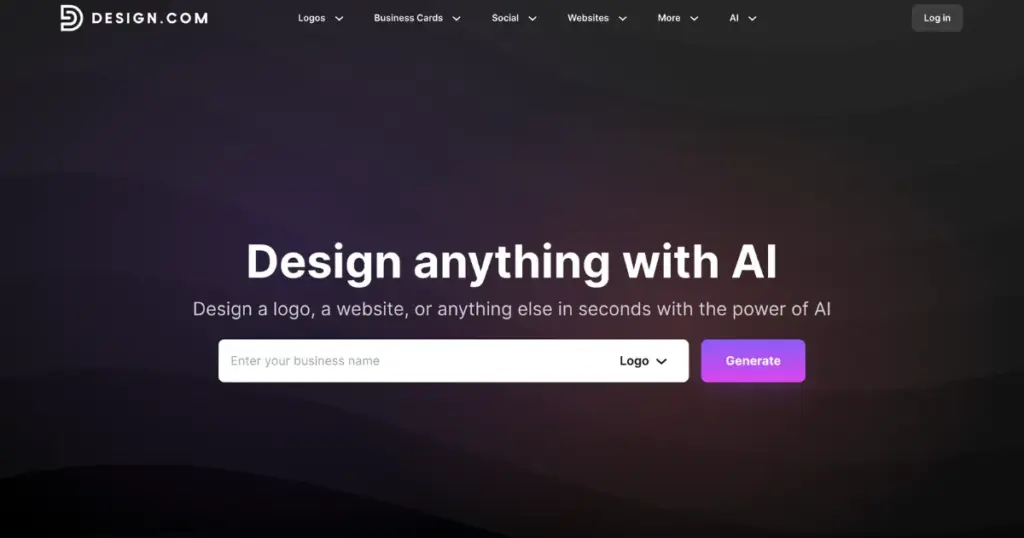
Design.com is an AI design platform offering a comprehensive AI logo generator. Its intelligent interface instantly generates thousands of logo concepts from your business name and keywords, adapting designs based on your industry. As you refine your selections, the system automatically syncs your brand colors across 50+ design tools, including websites, business cards, social posts, and marketing materials.
Key Features
- Hundreds, if not thousands, of logos generated with just your business name and keywords
- Advanced conversational AI editing lets you modify logos through a simple chat interface with copyright-safe results
- Automatic brand color synchronization across 50+ tools
- 400,000+ exclusive logo templates
- Personalize your designs with a range of 62K+ custom vector shapes and 750+ fonts
- Complete file formats: vector (SVG, EPS, PDF), raster (PNG, JPG), animated (GIF, MP4)
- Brand ecosystem integration
- Free logo templates available
Pricing
- Starts at $3/month (billed annually)
2. BrandCrowd
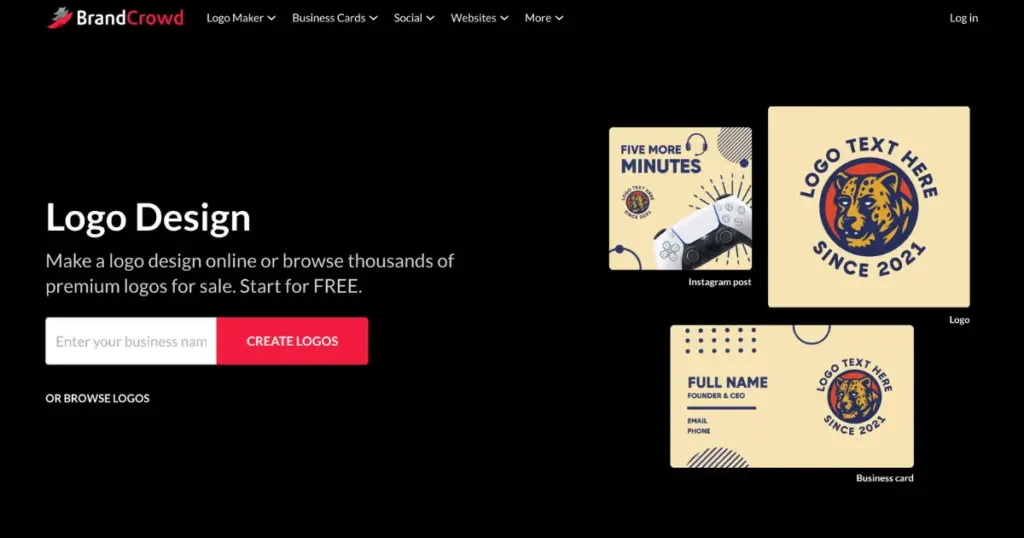
BrandCrowd offers a highly-rated AI logo maker, and it’s clear why. Its designer-focused platform quickly presents 380,000+ templates handcrafted by professional designers worldwide, all verified for quality and originality. As you browse and save your favorite options, the AI suggests relevant styles based on your industry.
Key Features
- AI logo generation with designer-created templates
- Advanced AI editing using a conversational interface
- Real-world mockup previews (signage, apparel, materials)
- Automatic brand color inheritance across all assets created on BrandCrowd
- 380,000+ designer-verified logo templates
- Extended licensing for exclusive ownership
- Free logo design templates available for customization and instant use
Pricing
- Flexible pricing begins at $3/month (billed annually)
3. Looka
Looka is a well-liked AI logo designer, and it’s clear why. Its user-friendly interface quickly collects your brand’s colors, industry, name, and even a few existing Looka logos you prefer.
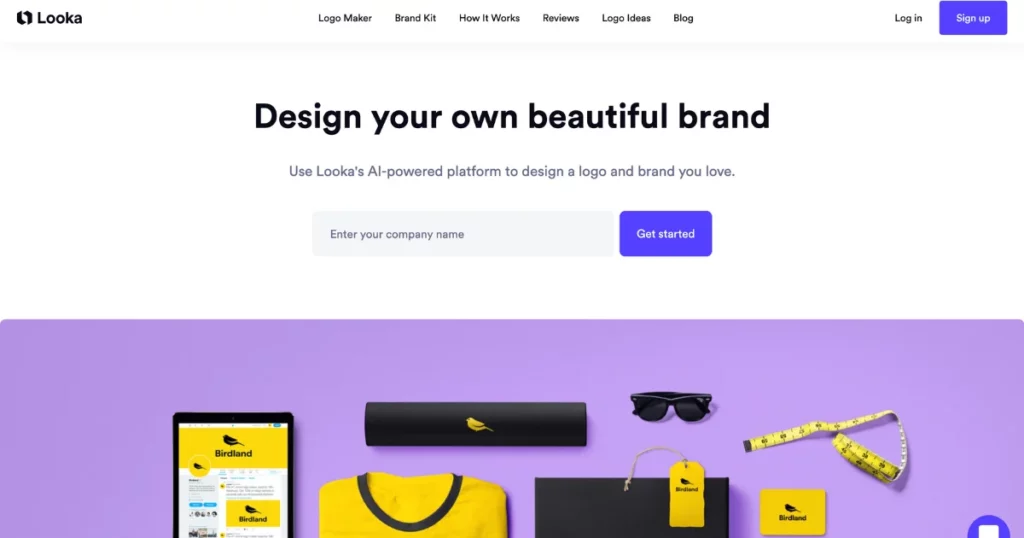
As you browse and save your favorite options, the system creates more designs. You can personalize your selected design and preview how it will appear on products and materials.
Key Features
- AI-generated websites
- AI logo generator
- Customizable designs
- Mockups
- Brand kit
Pricing
- Starts from $96/year
4. LogoAI
LogoAI makes it easy to create logos with a few clicks and also offers tools to design brand materials like PowerPoint templates, business cards, flyers, and social media content.
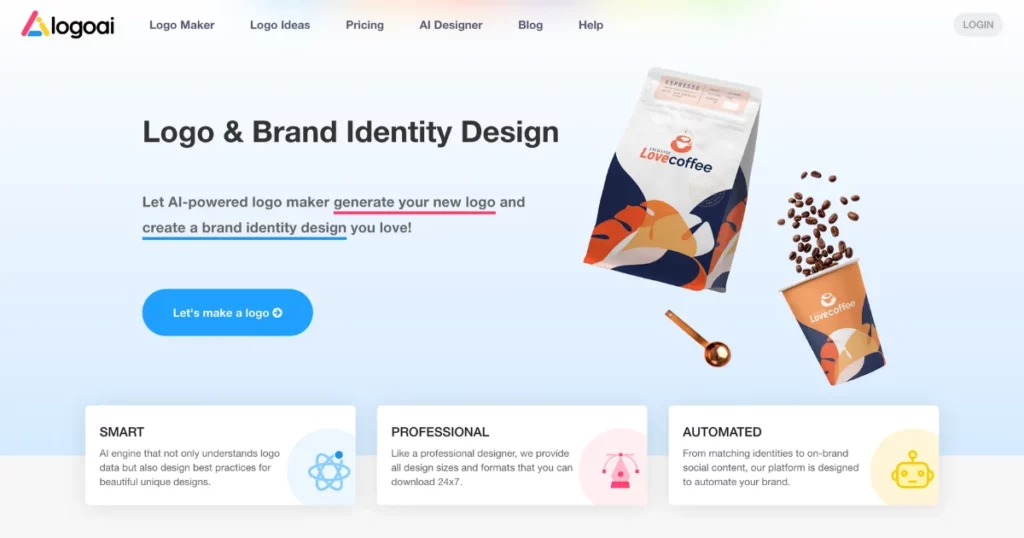
Their logo design tool is easy to use, letting you create and customize as many logos as you want, and you only pay for the ones you download.
Their brand kit feature isn’t as polished as some competitors, and they don’t offer a free trial.
Key Features
- AI-generated logo
- Brand Collateral
- Visual identity
Pricing
- $29-$99 (One time)
5. Logomaster
Logomaster is straightforward and practical. If you just need a basic logo quickly, it’s a good AI design tool. You can enter your business name, choose some colors and icons, and get a variety of logo designs right away.
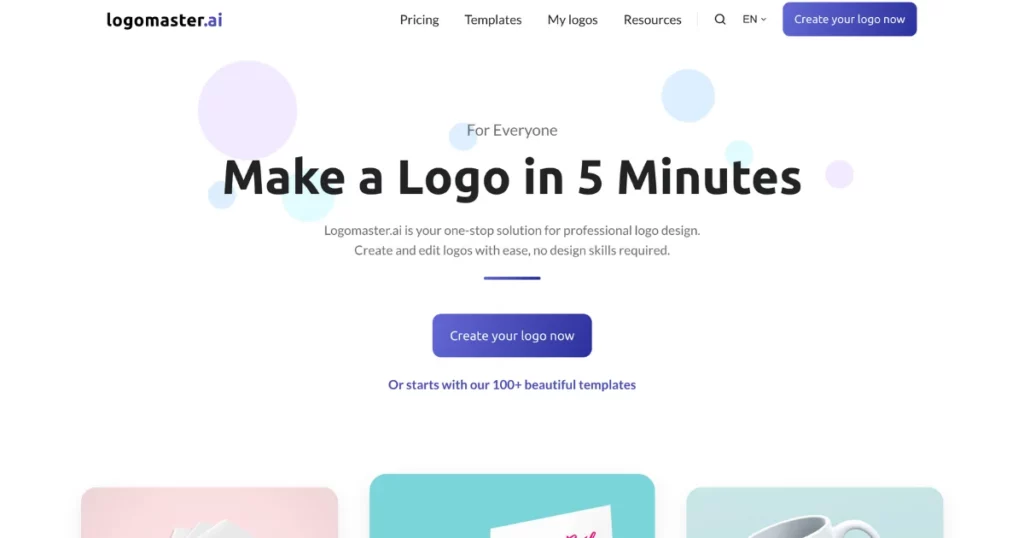
They work with Wix to provide an AI website builder, helping you quickly set up your unique brand’s online presence.
Key Features
- AI logo
- AI website builder
Pricing
- $12.1-$46.2 (One time)
6. Logo.com
Like other AI logo designers, Logo.com creates different logo options based on the business name, color, and style choices. You can choose your favorites and tweak fonts, layouts, icons, and colors. It also includes an AI website builder and a business name generator.
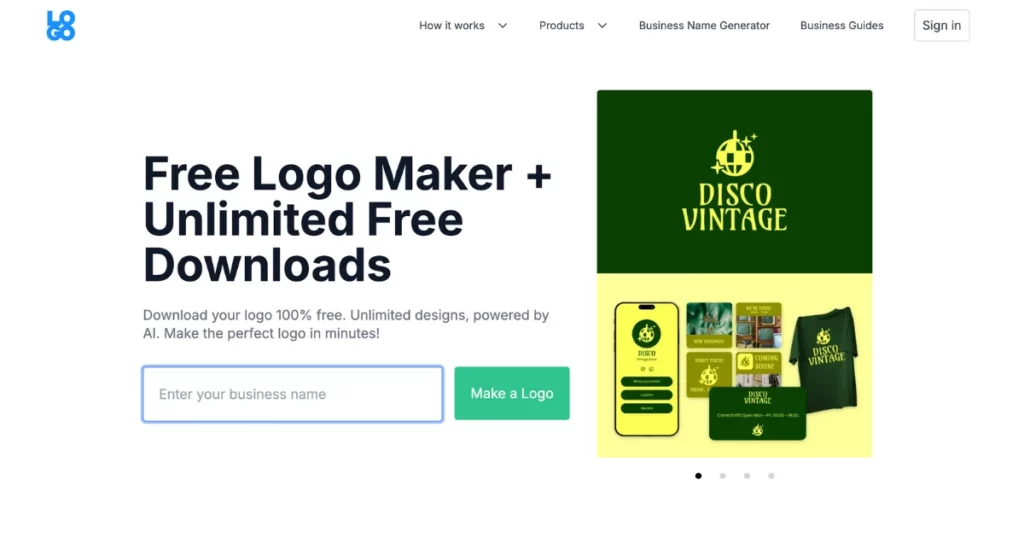
This is a great way to come up with many ideas for unique business branding, which you can then refine with a designer.
Key Features
- Business name generator
- AI logo generator
- Brand kit
- AI website builder
Pricing
- Subscription plans cost $10 to $12 per month, with a free option available
Best AI Website Design Tools
Accenture claims that AI tech can boost your business’s productivity by 40%. If you want to simplify creating your website, consider using AI design tools.
There are many design AI tools available, but it can be hard to know which ones are worth your time and money. Here is the best AI based design tool to help you use this new technology effectively. Let’s take a look.
7. 10Web
If you’ve got a WordPress site and you’re looking to tap into the AI-powered, you’re in for a treat.
There’s this platform called 10Web that’s AI-powered and can bring your site to life. It’s packed with tools like an AI site builder and an AI assistant, among others.
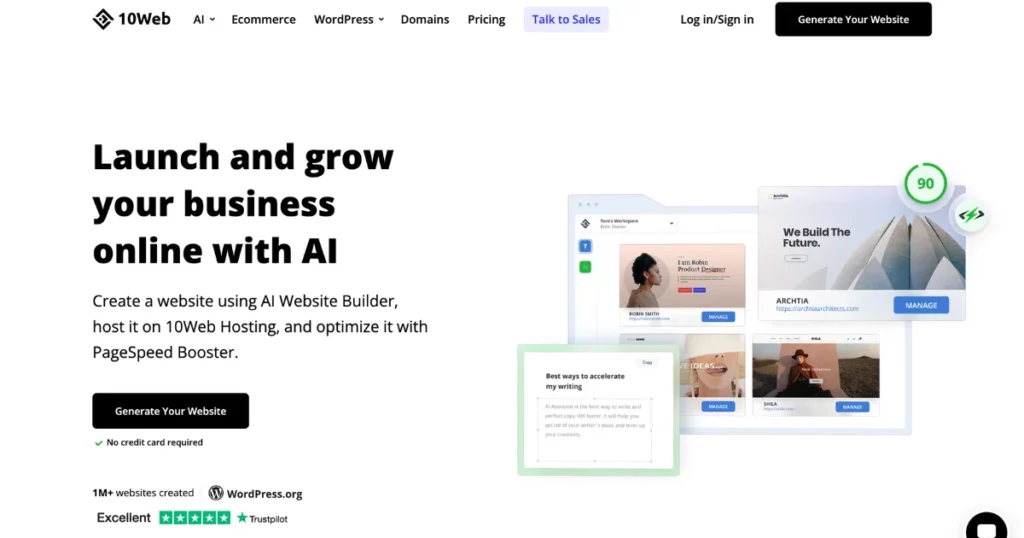
Let’s dive into the main features of the site builder and the assistant.
This best AI Website Builder helps you create or redo a website using AI. You get AI-generated images and content quickly.
Plus, you can tweak everything using the 10Web editor, which works well with Elementor.
There’s also an AI Assistant feature that’s not as crucial for web designers, but it’s still pretty cool—it helps you create SEO-optimized content ten times faster than usual.
Key Features
- Drag-and-drop editor
- Pre-made templates
- E-commerce option
- Hosting services
- AI website builder
Pricing
- Paid plan starts from $20/month
Best AI UI/UX Design Tools
Here is the top AI UI/UX design tool that you can use.
8. Uizard
Uizard is a great choice for people looking for AI tools to design websites. It’s easy to use, and with its AI Design Assistant, you can quickly create UIs or websites.
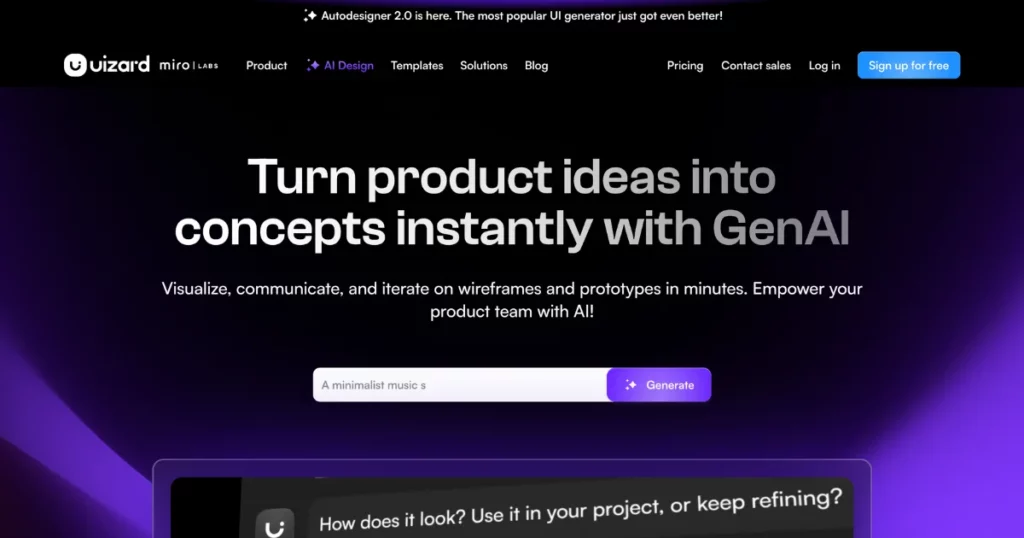
What makes Uizard special is that it balances both functionality and design. You can turn your hand-drawn pictures into digital versions in minutes.
You can explore the platform’s existing designs to see what you enjoy, and then the software AI will create a unique UX design for your company.
It lets you operate its AI text feature to make titles, subheadings, and call-to-action text. Also, you can import your existing design assets for consistent branding.
Key Features
- Autodesigner
- Screenshot scanner
- Wireframe scanner
- Image and text assistant
- Theme generator
Pricing
- Free
- Paid plan starts from $19/month
Best All-in-One AI Design Tools
The best AI design tool for all your design needs.
9. Designs.ai
Design.ai is a versatile AI design tool that creates a video, voiceover, social post, or even text in just minutes. It doesn’t stop there. You can also make a mockup or banners. It’s got so many uses, it’s like an all-in-one creative tool.
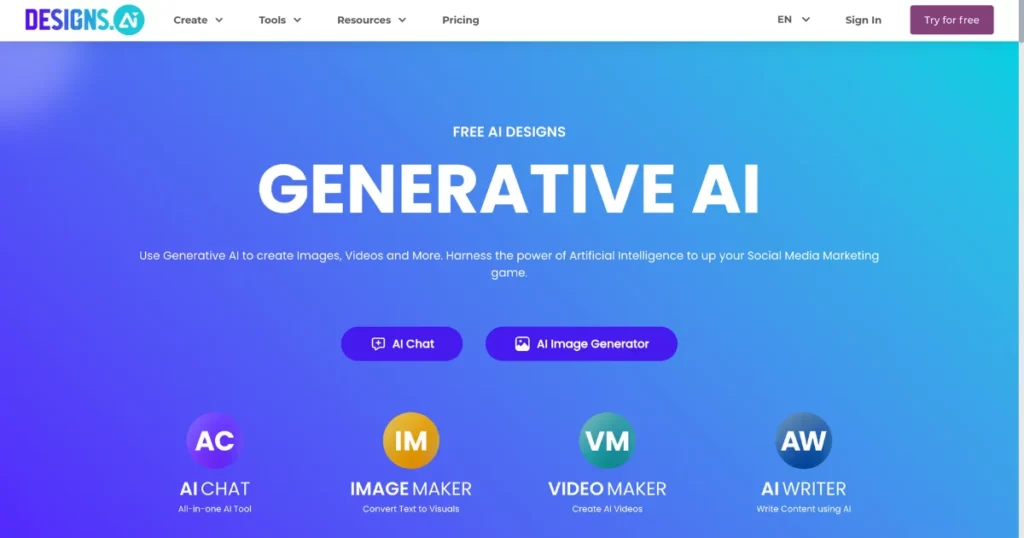
You can use the brand’s styling across different projects, export your logo in any format you need, and even apply your style guidelines seamlessly.
You can take text scripts or posts and turn them into fully edited videos, and it even supports 20 languages. You can easily resize them for popular or new social media platforms.
Key Features
- AI tools (Speechmaker, Logomaker, and Videomaker)
- Wide range of content library
- Text-to-image generator
- Export options
Pricing
- Paid plan starts from $39/month
Best AI Graphic & Image Design Tools
All the advancements in technology, especially AI, are changing the game for designers.
AI is opening up so many new possibilities. We actually put together a list of the top AI design tools for graphic and image that can help you create designs that look professional.
10. DALL-E 2
Well, it’s an AI system that can generate realistic art from text descriptions. The best part of DALL-E 2 is that the images it creates are completely original, which can add a unique touch to your website.
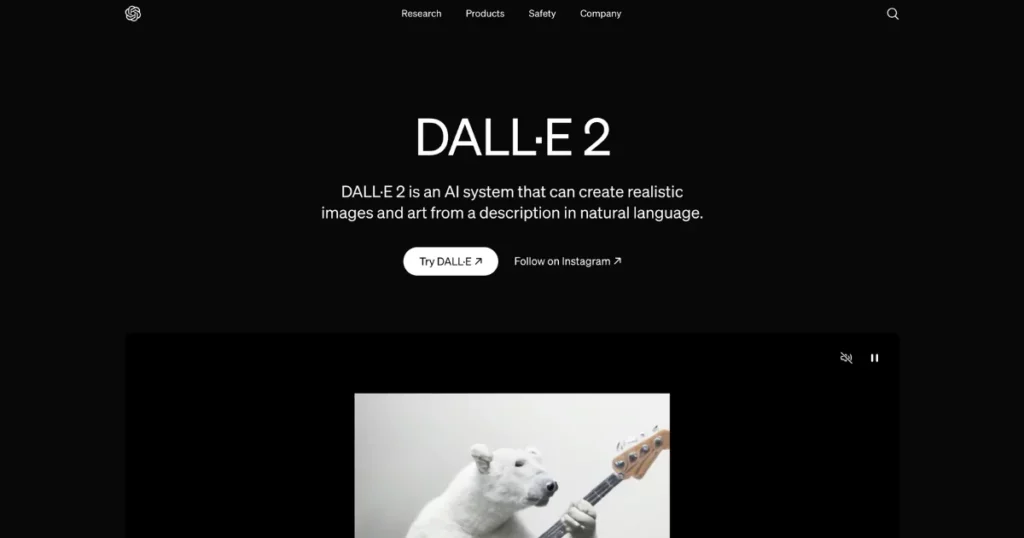
DALL·E 2 produces images with four times the resolution of the actual tool from 2021.
Besides just generating images with DALL-E prompts, this tool also lets you expand them beyond their original size with outpainting.
It has inpainting features too, so you can make realistic edits to your photos. Plus, it can create variations of images in different styles with DALL·E 2.
Key Features
- Text-to-image
- Higher resolution
- OpenAI made DALL·E 2 safer for appropriate images.
Pricing
- $0.016 and $0.02 per image
11. Canva Magic Design
Canva Magic Design lets you quickly and beautifully create posters and flyers with the help of AI. It offers thousands of free images, templates, graphics, and icons. Just describe your idea, and Canva will turn your words into a design.
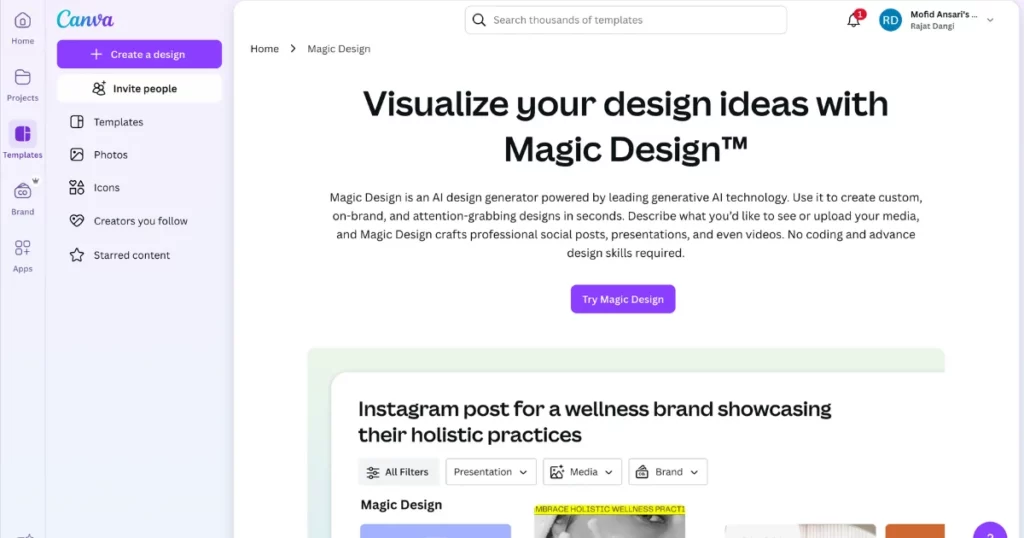
The magic is in the algorithm’s ability to understand design basics, color choices, and layout styles. Even Canva alternatives are not equal to it in many features.
Whether you’re an experienced designer or just starting out, this AI design tool makes the process easy. The AI helps by suggesting design elements, recommending colors, and adjusting layouts.
Key Features
- Access 1000+ free templates, icons, graphics, and fonts
- Customize and rearrange designs
- Enjoy 5GB of free cloud storage
- Translate designs into over 100 languages
Pricing
- Free
- Paid plan starts from $9.99/month (Billed annually)
12. Getimg.ai
Getimag.AI is a free AI design tool that uses Stable Diffusion technology to help you create AI-generated images.
It offers a variety of models to choose from, allowing you to design images in styles like retro, sci-fi, futuristic, or fantasy. Just describe what you want using prompts, and the tool will generate your design.
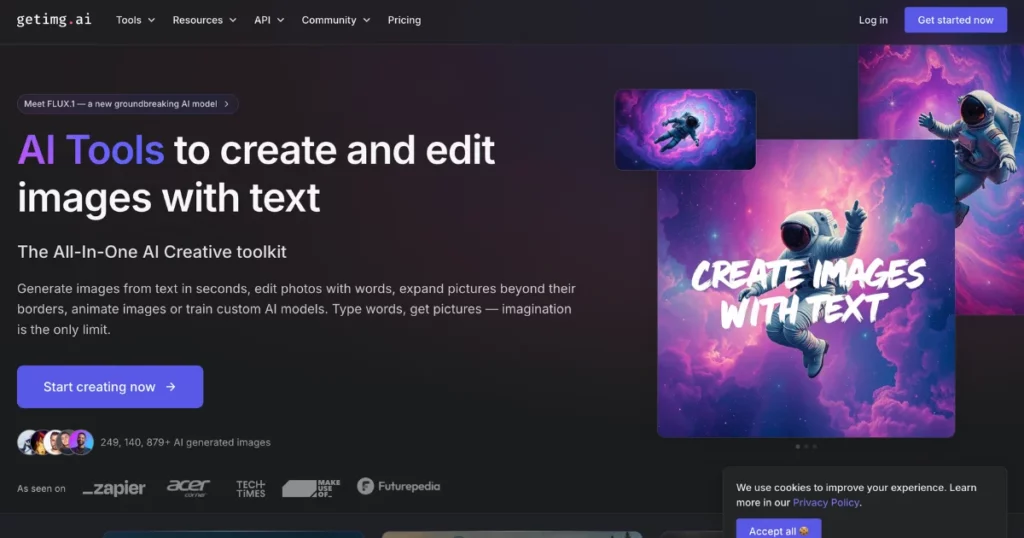
The great thing is that this generator includes image editing tools. You can tweak and adjust the image.
Key Features
- 100 free credits monthly
- Popular outpainting feature
- ControlNet options for fine-tuning
Pricing
- Free
- Paid plan starts from $12/month
13. Adobe Express
In graphic design, Adobe is always a big player. Adobe Express is the top AI image maker online. It combines smart AI with a wide range of stock features and stylish designs.
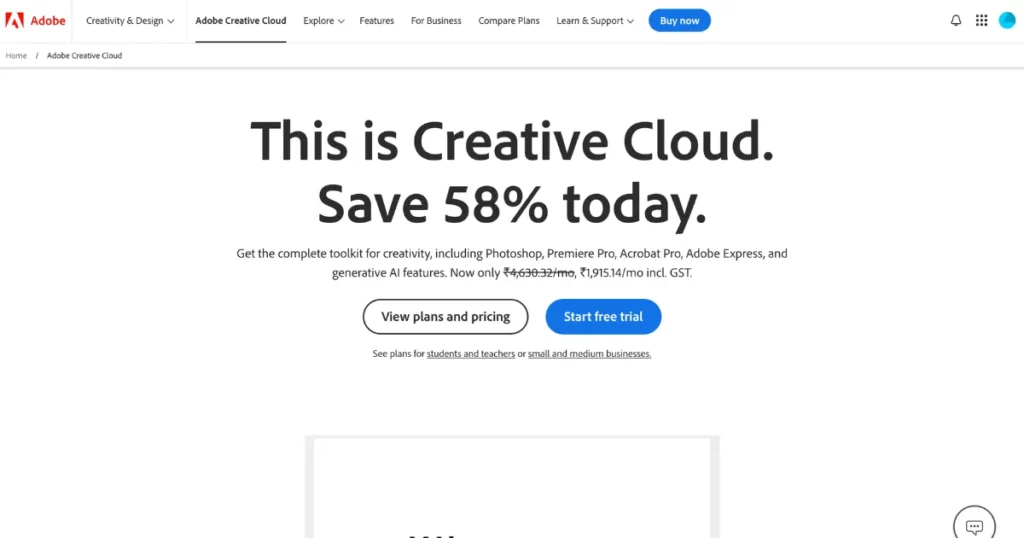
With the text-to-templates feature, you can create a base template quickly. After that, you can add titles, images, icons, and graphics. If the images don’t meet your needs, you can use the AI text-to-image tool to generate your own.
Adobe Express adjusts to your requirements with AI tools, whether you’re creating promotional content for a business event or an image for your project.
Key Features
- AI generates templates for fast creation.
- Easy image creation for Instagram, YouTube, TikTok, and Facebook with presets.
- Simple layer adjustments and AI style suggestions.
Pricing
- Paid plan starts from $9.99/month
14. Vidnoz AI
Adobe Express adjusts to your needs with AI tools, whether you’re creating promotional content for your business event.
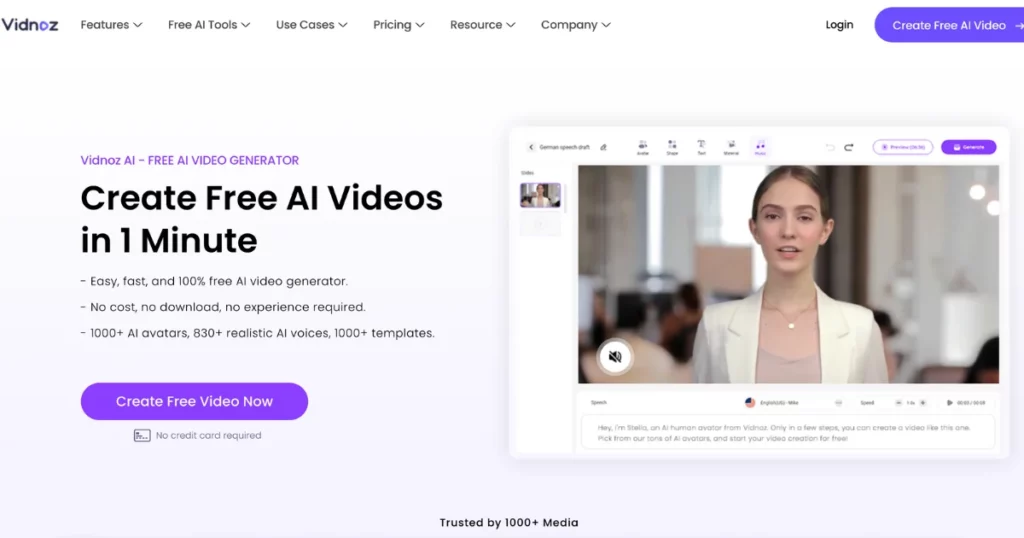
To add eye-catching characters, use the AI-generative cartoon maker in Vidnoz AI. You can import images and then customize graphic designs, font styles, and layer arrangements.
Key Features
- 100+ free templates for various scenarios.
Pricing
- Free
- Paid plan starts from $26.99/month
How We Picked the Best AI Powered Design Tools
We started by looking up which of the best AI design tools were popular and well-reviewed for product design. We then removed any tools that were still in beta or not fully developed. After that, we compared the remaining tools based on the main functions and features. Lastly, we created the criteria to assess the software.
Important Functionality
To make our shortlist, a design AI tool must:
- Convert text prompts into images.
- Train models to align with your brand guidelines.
Stand out Features
Besides the core requirements, key features that enhance an AI tool include:
- Image editing: Adding value by retouching existing images.
- Numerous Resolution Exports: Important for diverse marketing needs.
- Template Collection: Inspires and helps overcome designer’s block.
Utilization
We focus on AI powered design tools with easy-to-use interfaces and note if they offer drag-and-drop features for simpler design.
Integrations of Software
Most tools here lack native integrations. For those that do, I’ve noted the available options. The AI software would connect to your design program for an easier workflow.
Pricing
Pricing for tools is typically monthly or yearly. We’ve listed each software’s pricing, free trial options, and whether a free option is available.
Design Your Mockup with AI Mockup Generator
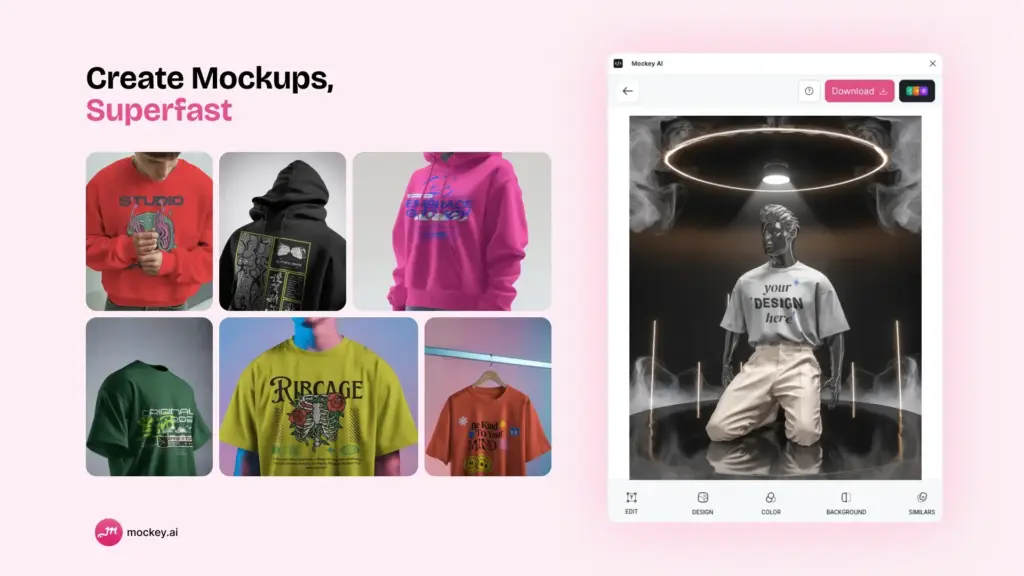
Checked out Mockey’s AI mockup generator. It’s amazing how easily and quickly you can create stunning mockups for free without any watermark.
You just upload your designs, and within seconds, Mockey’s AI mockup generator brings them to life. It’s super quick and straightforward!
Key Features
- 20,000+ mockup templates
- Download the mockup for free with no watermark
- Easy customization
- Mockup bundles
- Pro backgrounds
- 3D mockup
- Video mockups
Pricing
- Free Plan: No cost.
- Starter Plan: $7/month. Benefits: No ads, special backgrounds, mockup bundles, resolution up to 1600 x 2000 pixels.
- Creator Plan: $19/month. Benefits: AI background remover, blur background, video mockups, & other AI features.
- Forever Plan: $199 one-time fee.
Conclusion
This blog lists the top 14 AI design tools for websites, logos, and UI/UX to make creating artwork easier and boost design efficiency.
You can use Uizard for website design, Looka for logos, and Canva Magic Design for posters, as they provide a wide range of templates and come with affordable pricing plans.
For mockup design, consider Mockey.ai to use 20,000+ free customizable templates without any watermarks.
FAQs
Is there an AI tool for graphic design?
AI graphic design tools like DALL·E 2, Stable Diffusion, and Midjourney make design easier for people with little experience.
What is the best AI design generator?
AI design generators like DALL-E 2, Midjourney, and Adobe Firefly each offer unique strengths: DALL-E 2 excels artistically, Midjourney provides detailed visuals, and Adobe Firefly integrates smoothly into existing workflows.
Is there an AI for website design?
Yes, AI website builders like Dorik AI, 10Web, and Wix ADI can create websites quickly without coding by generating designs, images, and content based on your preferences.
Which AI tool is best for logo design?
LogoAI and Looka are great AI logo design tools. Looka lets you customize logos based on your preferences, while Logo Diffusion helps you create amazing logos from prompts with detailed control.
Can I create a logo with AI?
Yes, you can use AI tools like Looka, LogoAI, and Logomaster to create custom logos by entering the business name and preferences.
Which AI can redesign my logo?
Logo Diffusion, Appy Pie’s AI Logo Generator, and Midjourney all let you create or redesign logos quickly using text prompts.
Which AI tool can I use to create a poster?
Canva Magic Design, Getimg.ai, Adobe Express, and Vidnoz AI are great AI tools for making posters. They have easy-to-use interfaces, customizable templates, and design elements to create professional posters for any occasion.
Which tool is best for poster design?
Canva and Vidnoz AI are top tools for poster design, with easy-to-use interfaces and lots of customizable templates, suitable for all skill levels.
Related reading:

Sangram Sahoo
I’m a content writer with 4 years of experience. I specialize in creating practical content around mockups, print-on-demand, apparel, and e-commerce design.
