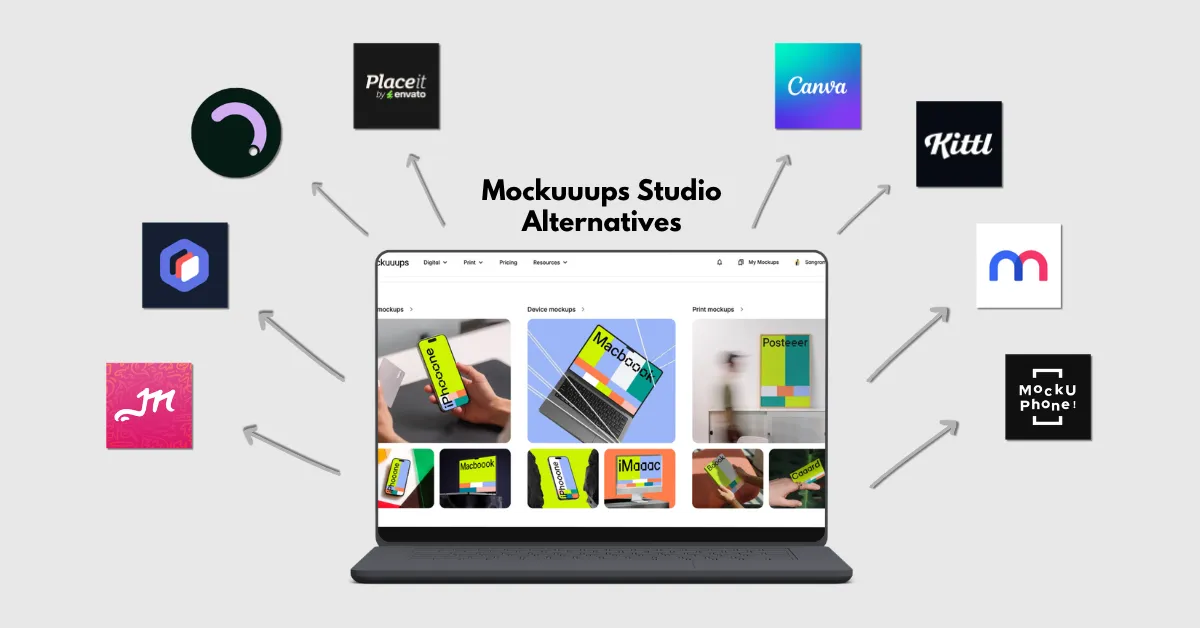
One of the best Mockuuups Studio alternatives is Mockey AI, offering a huge number of products, a variety of editing tools, and a Figma plugin.
Other mockup generators are MockupBro, Rotato, Placeit, Canva, Kittl, Mediamodifier, and MockUPhone.
Mockuuups Studio lacks broader options. Its main focus is on device mockups, and users are looking for alternatives that offer more variety along with a Figma plugin. Let’s discuss the top Mockuuups Studio alternatives that fulfill user demand.
Before learning about the top platforms, first understand why users are looking for a Mockuuups Studio alternative.
Limited Product Variety
With just a few print templates, Mockuuups Studio focuses mainly on device mockups. Users are looking for alternatives that offer a wider range of products.
Minimalist Templates
It is a popular mockup generator, and its templates are widely used. However, they are not unique and look similar to each other a lot.
No Motion Animation
Mockuuups Studio offers static mockups but does not provide 3D or video mockups. If you run ads, you know how important motion-based promo videos are today for showcasing products to buyers or clients.
Below are the top alternatives to Mockuuups Studio worth trying.
Mockey AI is the best Mockuuups Studio alternative, offering over 30,000 mockup templates, a wide range of product categories, a Figma plugin, and a free plan with no watermark.
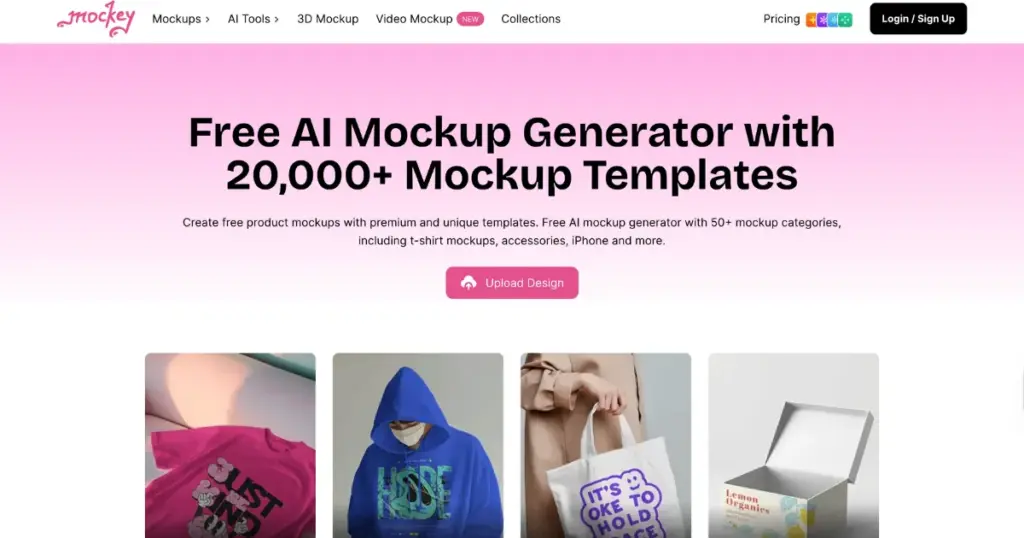
In addition, users get features such as converting mockups into animations, seasonal theme products, custom mockups, 3D mockups, and more.
Some features that make Mockey AI stand out from other mockup generators.
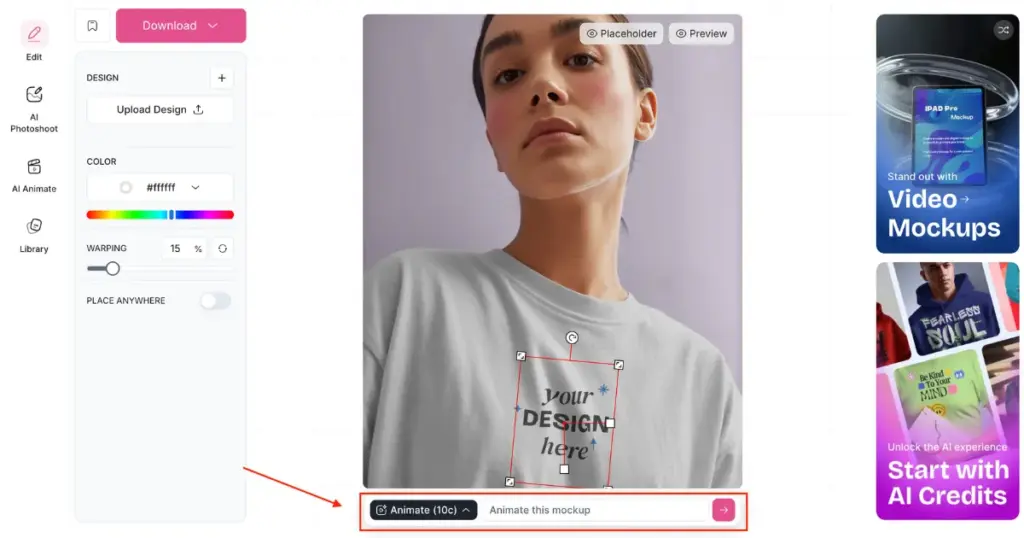
You can convert any mockup into an animation using a text-based prompt. It gets generated within 30 seconds, based on how you describe the prompt.
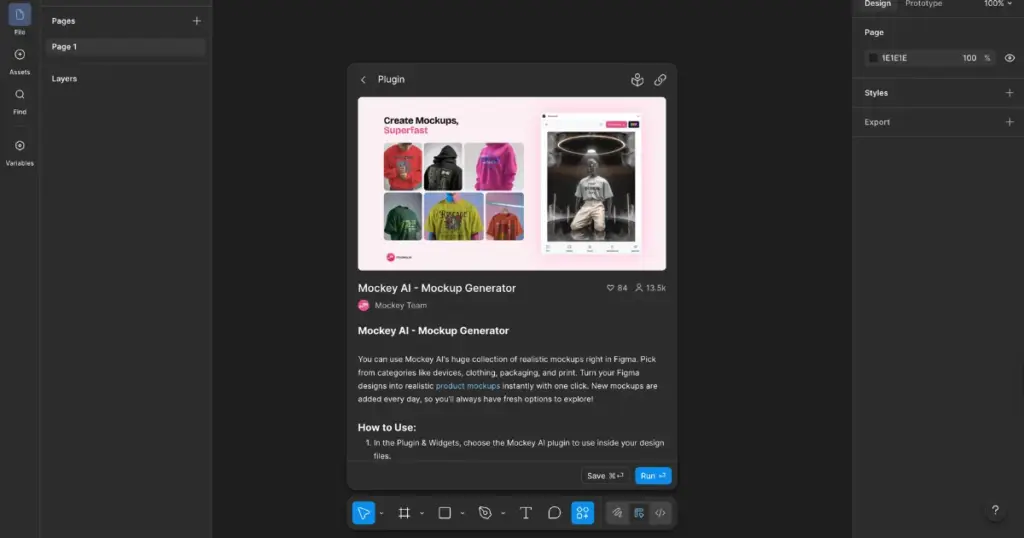
The Mockey AI Figma plugin helps you create mockups directly inside Figma. Accessing it is quite easy, just like Mockuuups Studio.
In custom mockups, you don’t need to use any template. You can simply upload your product image and place your design on it.
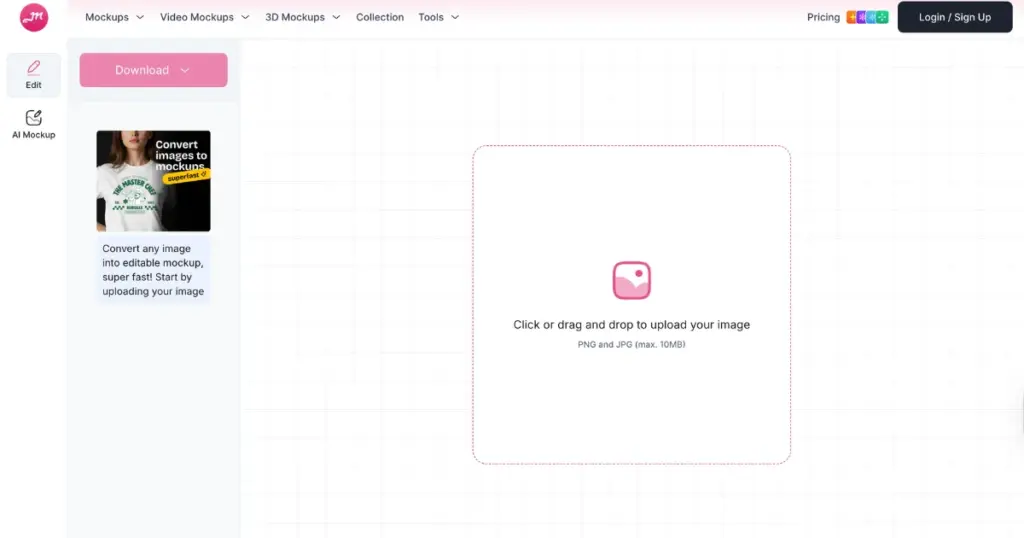
The AI Preview feature lets you see your design across all templates at once. This is much better than uploading your design again and again on each template just to preview it.
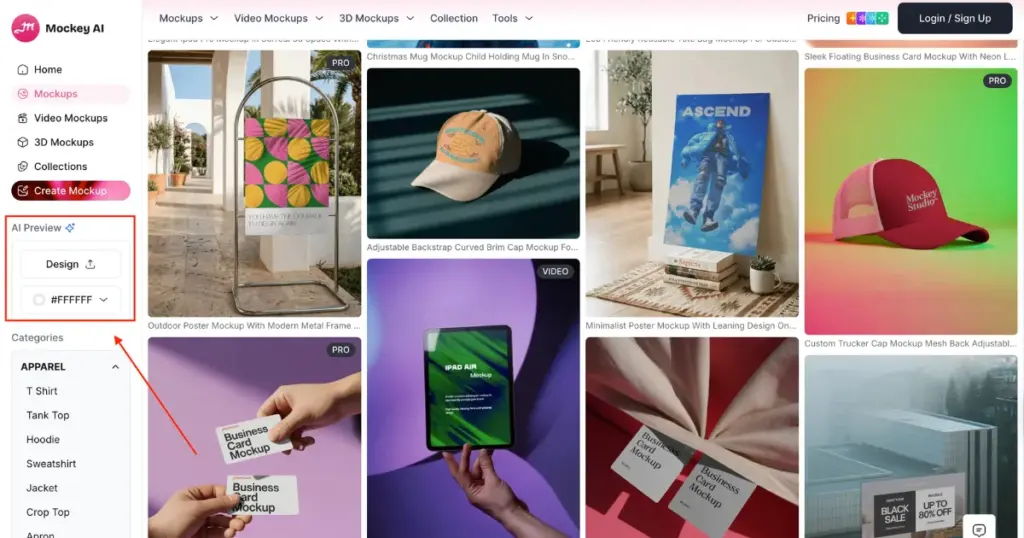
There are many video-style templates available where you can display your design. You’ll get a 5-second clip delivered in MP4 format, in high resolution.
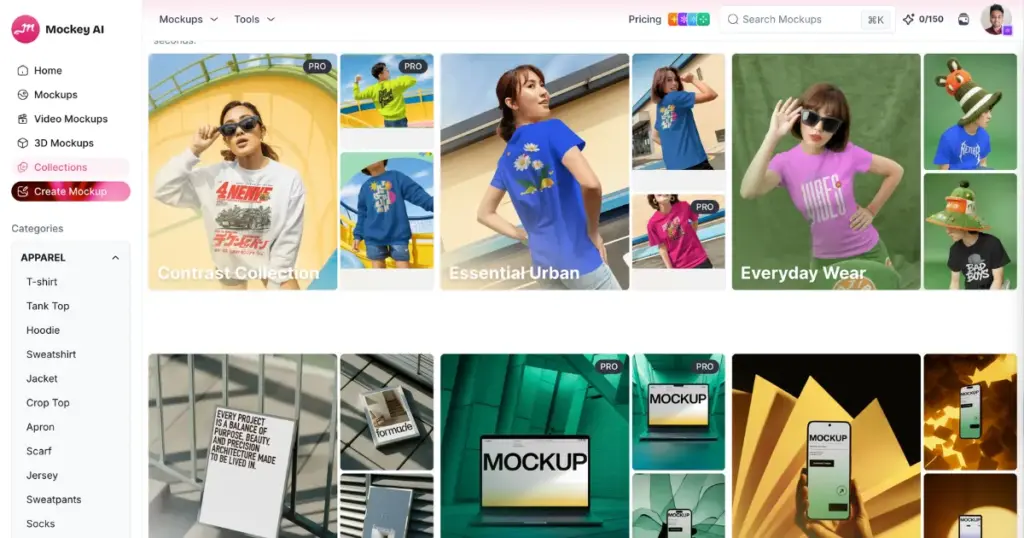
Mockup collections are sets of templates grouped around a theme. You get to use themes like everyday wear, emerald studio, sunlit display, and pop art.
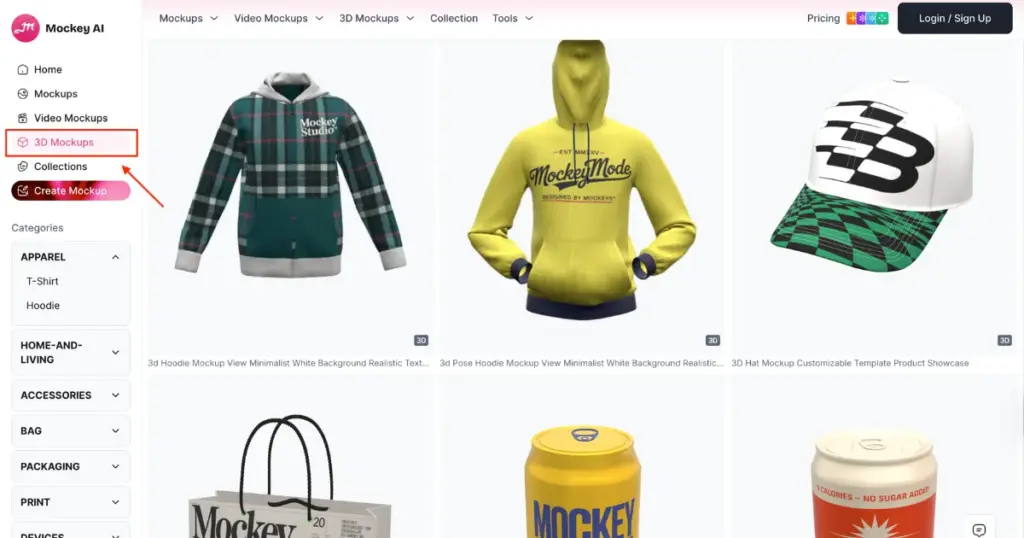
Instead of a flat image, you’ll be able to place your design on the product in a three-dimensional format and show the result to buyers with motion animation.
MockupBro is also an alternative to Mockuuups Studio. Along with device and print mockups, it offers ready-made templates for apparel, packaging, home decor, and social media.
The number of templates is quite low, but you still get a good variety of products. The designs are placed quite accurately on the products.
This platform is completely free, and you can download mockups in PNG format. However, there are some downsides. You will see ads on almost every page. Also, the number of templates has remained the same for a long time and is not increasing. The team should work on adding more templates.
Users can also check our blog on MockupBro alternatives.
Rotato is known for animated device mockups. Earlier, this Mockuuups Studio alternative was mainly for Mac users, but now Windows users can also access it.
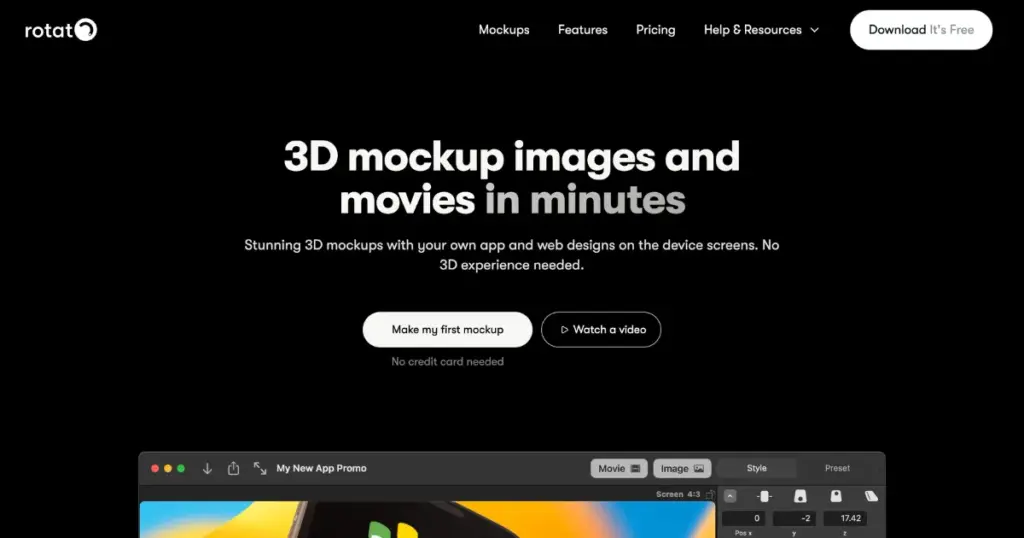
You can customize templates for devices like iPhones, iPads, watches, Android devices, and laptops. You can change the device color, use clay mode, and even add your own image or video to the screen to generate the final output.
If you want to use a platform like Rotato, you can check out Rotato alternatives.
Placeit is known for its large number of mockup templates. It offers more than 160,000 templates across different products. On this platform, you can also customize seasonal themes, video mockups, and the latest device models.
One drawback is that it does not offer a free plan. So, how do you make a mockup? You need to purchase a plan, which is billed yearly and costs $23.99 per year.
Canva is another Mockuuups Studio alternative where you can create free mockups. You can even generate video mockups with the free plan, that too without any watermark.
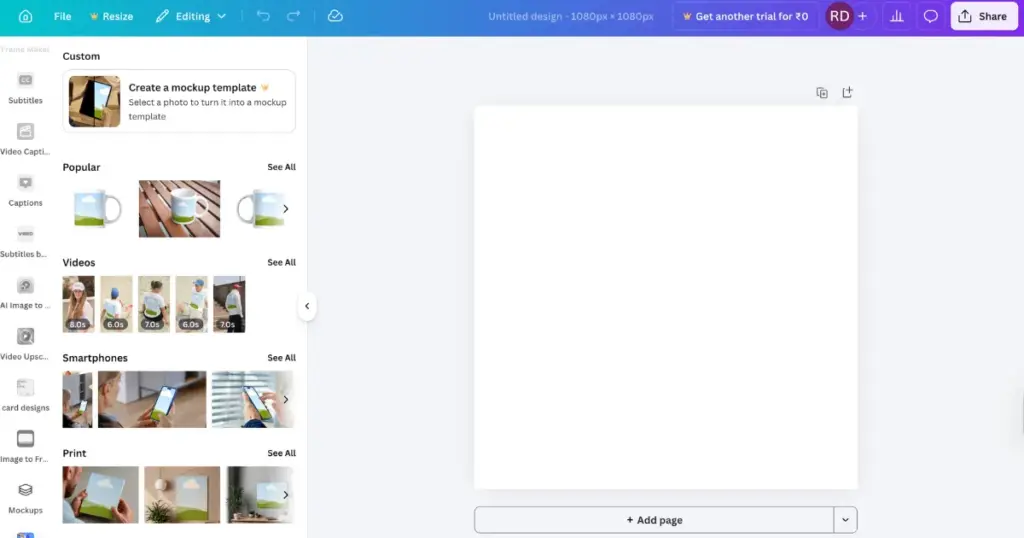
The number of templates is slightly limited, but when it comes to the built-in editor and high-quality templates, users will definitely like it.
You can also create custom mockups using your own product images. The output is generated really well.
Kittl is not just a design tool; it also offers mockups. For beginners, the navigation can feel a bit confusing at first, but otherwise, you get plenty of product templates to choose from.
In the apparel category, templates come with models, and the design naturally wraps around the product. There’s no free plan available, so you’ll need to switch to a paid plan.
If you are a non-designer who wants to create mockups in bulk, you can also explore other platforms or Kittl alternatives.
MediaModifier is a Mockuuups Studio alternative that offers more than 15,000 templates, a wide variety of devices, and many other features.
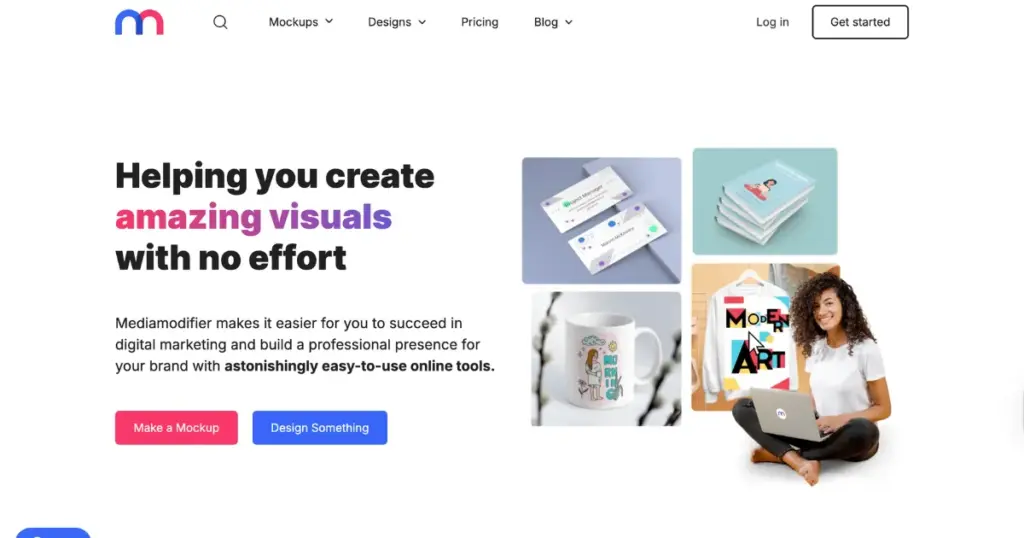
In the Technology section, it has one of the largest collections of devices, including e-readers, multi-device setups, TVs, iPhones, MacBooks, and more. However, it does not offer video mockups, seasonal themes, or 3D mockups.
For customization, you can adjust highlights, shadows, background scenes, and colors, as well as product colors. It is advertised as free, but in reality, you need to buy a paid plan to create any mockup.
On MockUPhone, you’ll only see devices, including the latest models. The device sizes are 100% accurate. This platform is an outstanding alternative to Mockuuups Studio and is one of the best options for creating device mockups.
It’s completely free and lets you download PNG files without any watermark, along with results in three different orientations. If you want to showcase screenshots or app screens, it’s hard to find a better platform than this.
The output comes as a ZIP file, which includes three different images in different orientations.
On this blog, we discussed 8 alternatives, including their standout features and pricing plans. But if we had to choose one, we would pick Mockey. Let’s understand through the table why Mockey is the best alternative to Mockuuups Studio.
| Features/Tools | Mockuuups Studio | Mockey AI |
| Number of mockup templates | 5000+ | 30,000+ |
| Products | 10 | 60 |
| Video mockups | No | Yes |
| 3D mockups | No | Yes |
| Seasonal theme | No | Yes |
| A free plan | Yes | Yes |
| Animation | No | Yes |
| Figma plugin | Yes | Yes |
| User-friendly | Excellent | Excellent |
| Best use case | Website or app presentation | POD, e-commerce, product mockups |
If you’re looking for a free alternative to Mockuuups Studio that includes device mockups, a Figma plugin, and a built-in editor, then Mockey is the best platform you should check out.
Mockuuups Studio is good for beginners who need a Figma plugin, only device mockups, and a genuinely free plan. However, if you want a wider range of products, video mockups, and a large number of templates, you can choose Mockey as an alternative.
Mockey is the best mockup generator for creating animated mockups. It allows you to use prompts to describe scenes, which even beginners can easily use. You can create animations in seconds and download them in MP4 format.

Sangram Sahoo
I’m a content writer with 4 years of experience. I specialize in creating practical content around mockups, print-on-demand, apparel, and e-commerce design.
