1000+ Free Banner Mockups with No Watermark
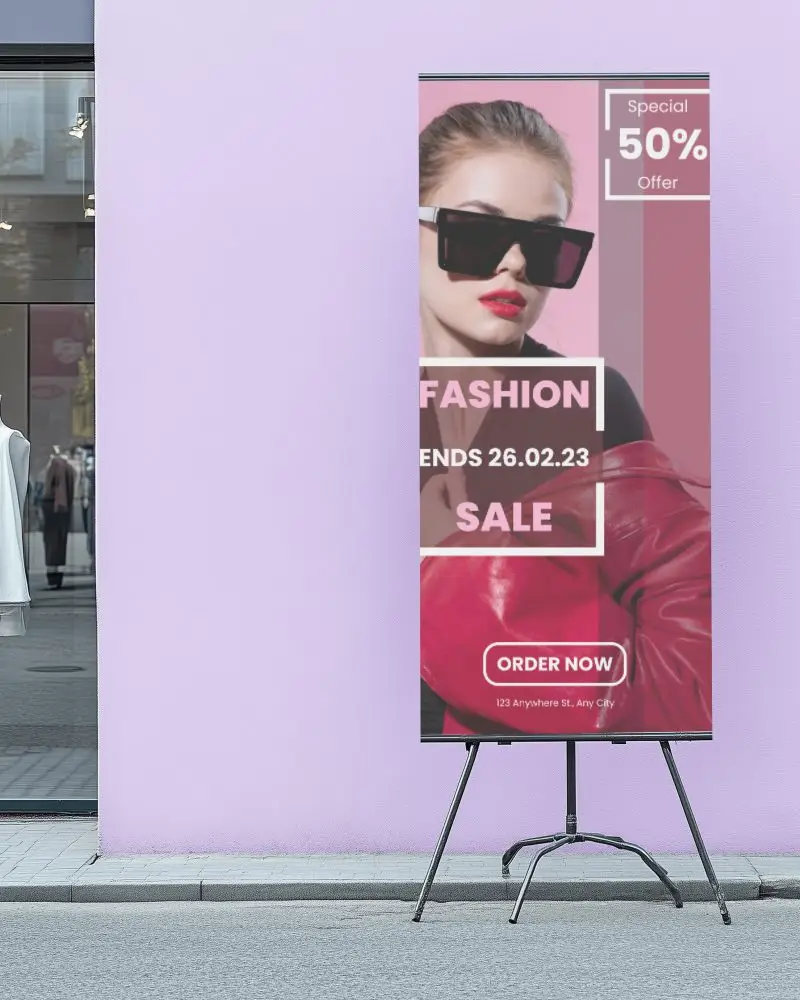
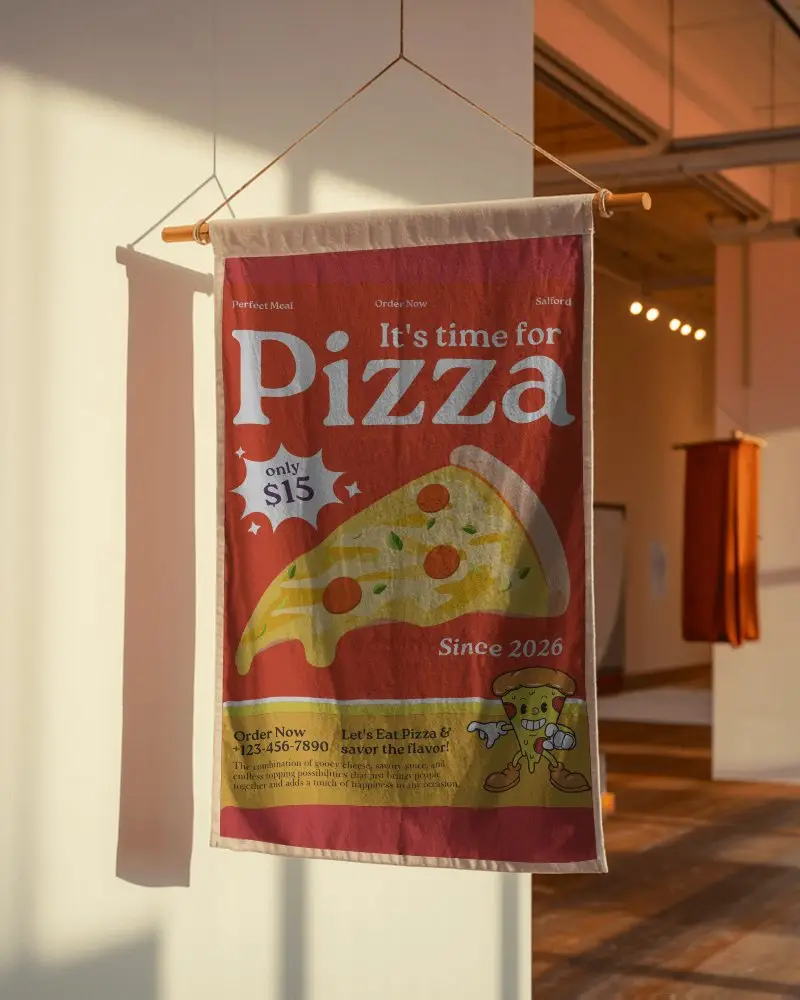
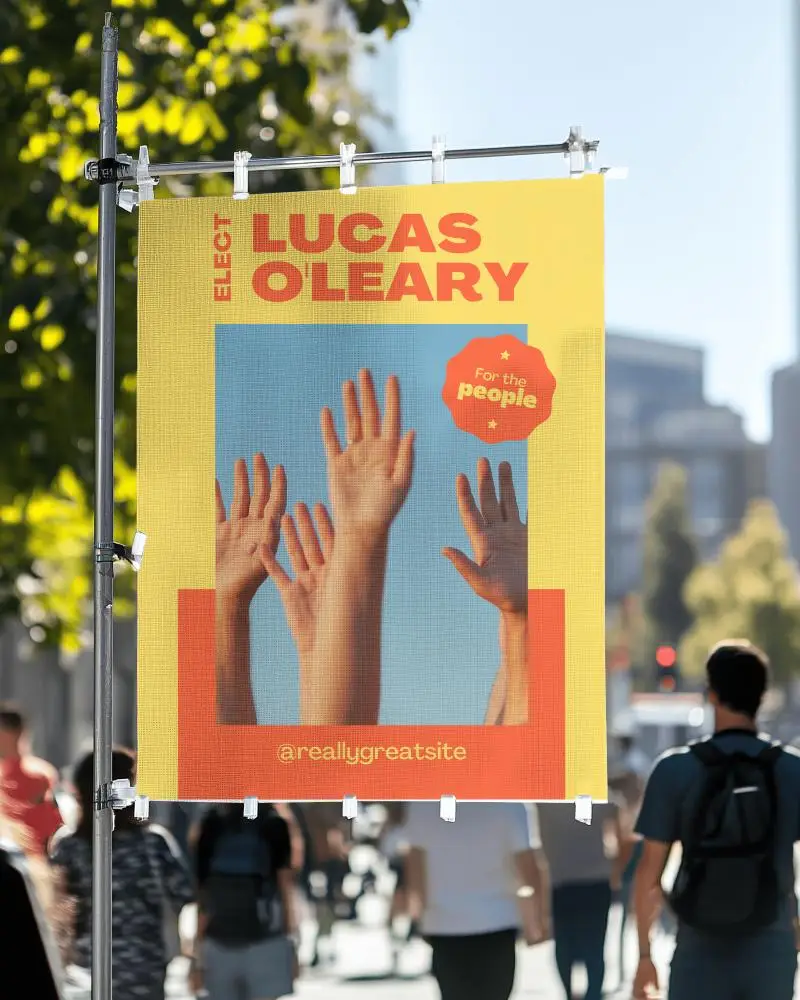
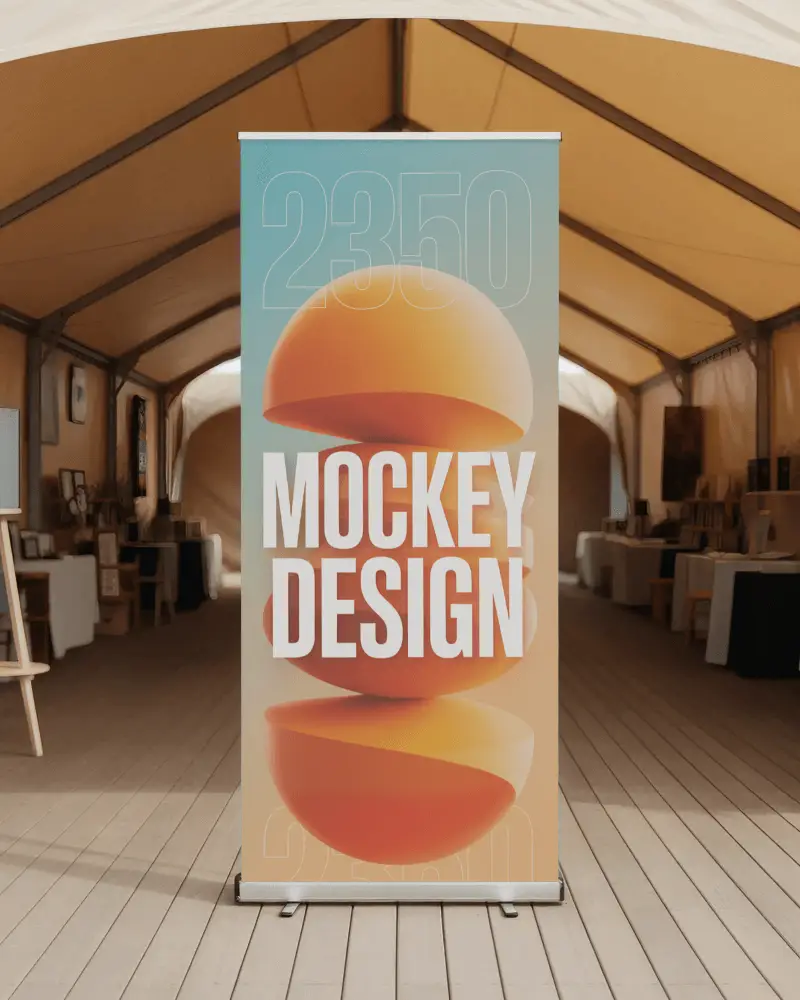
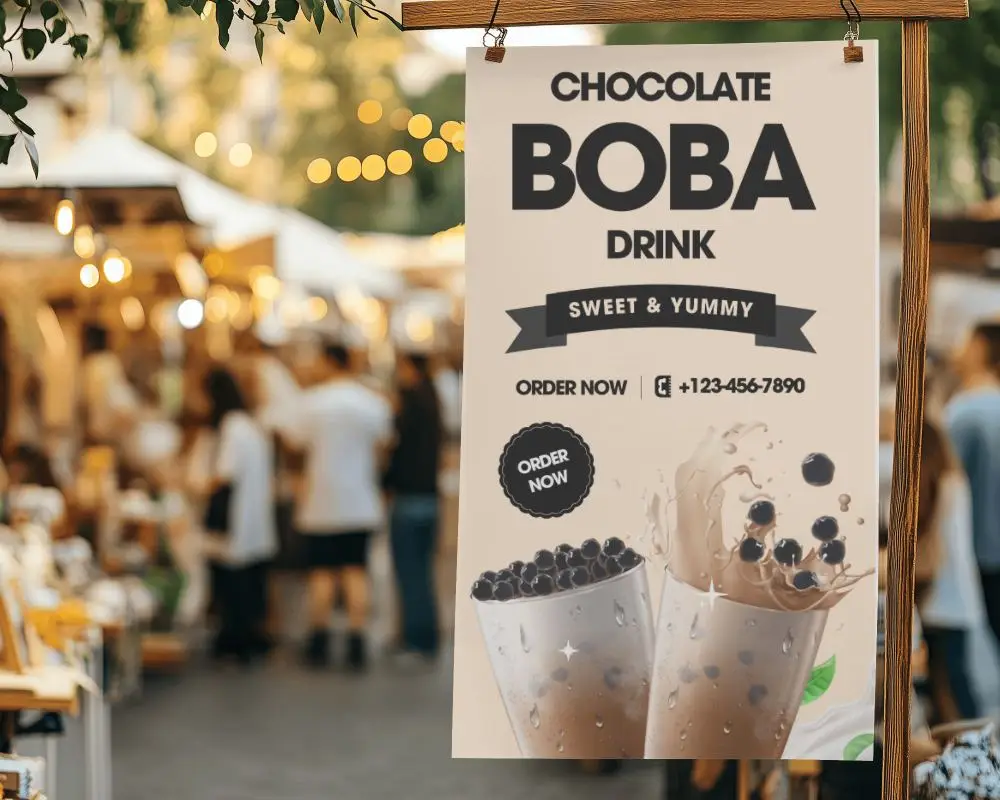
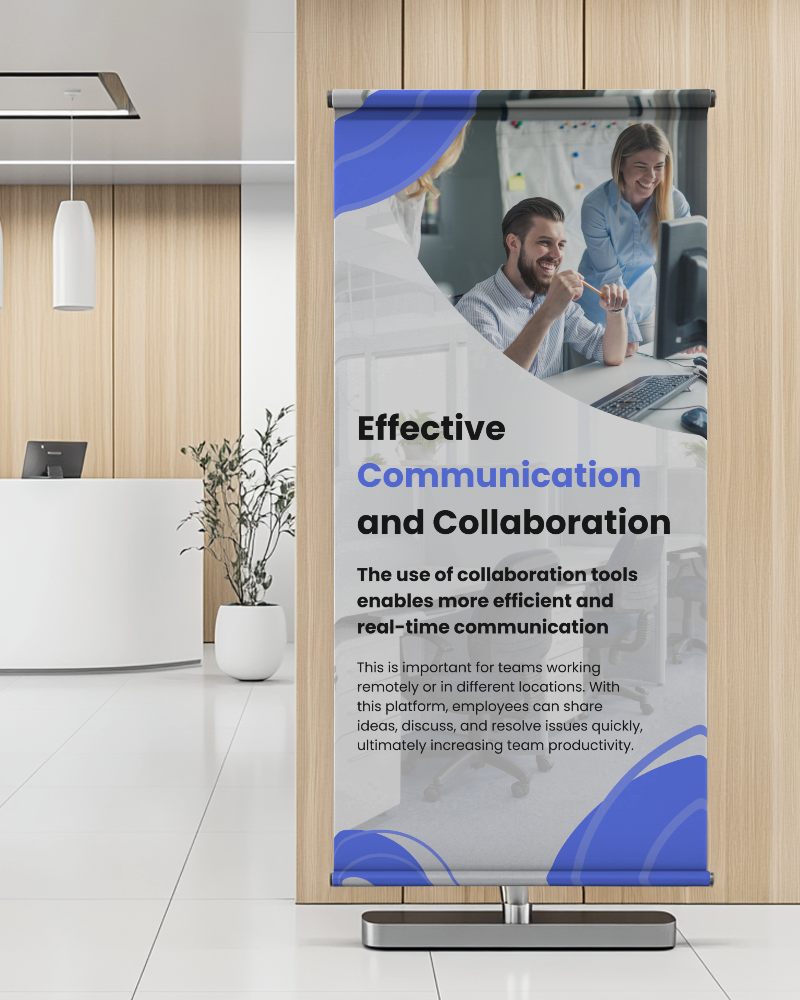
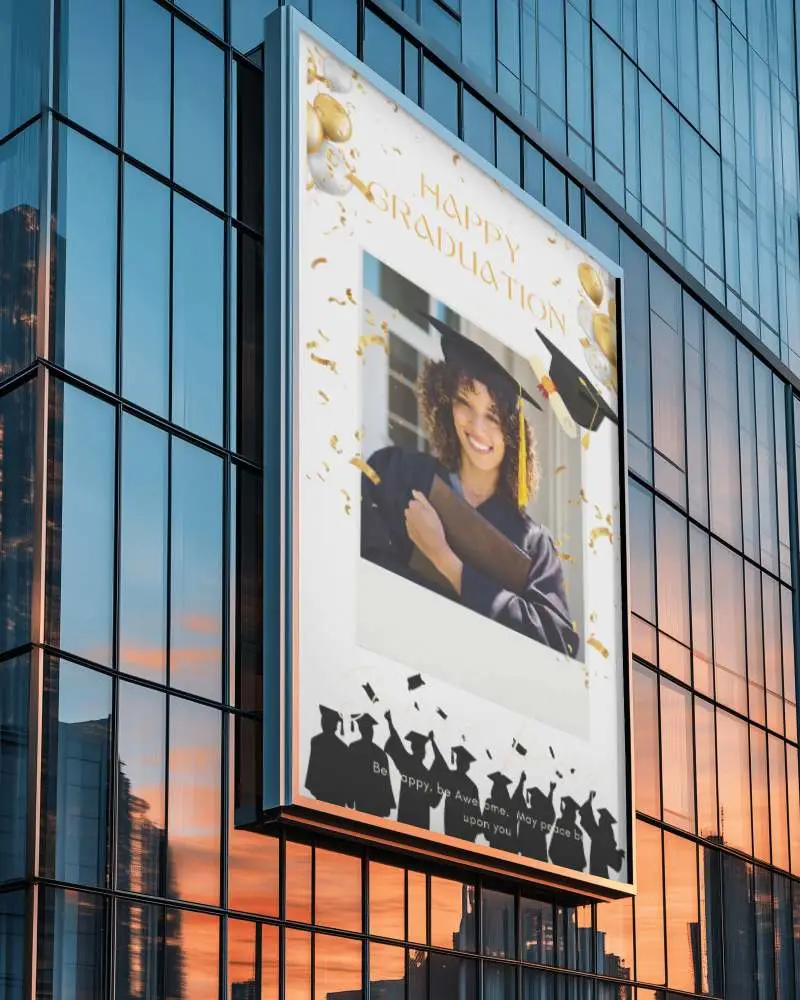
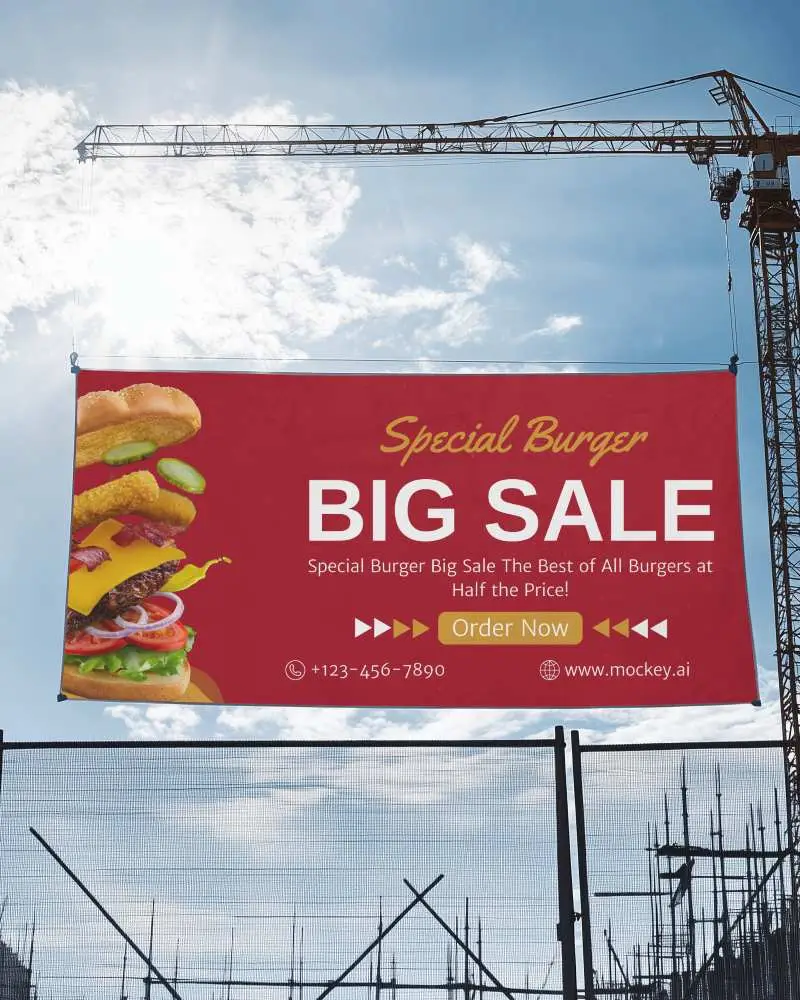
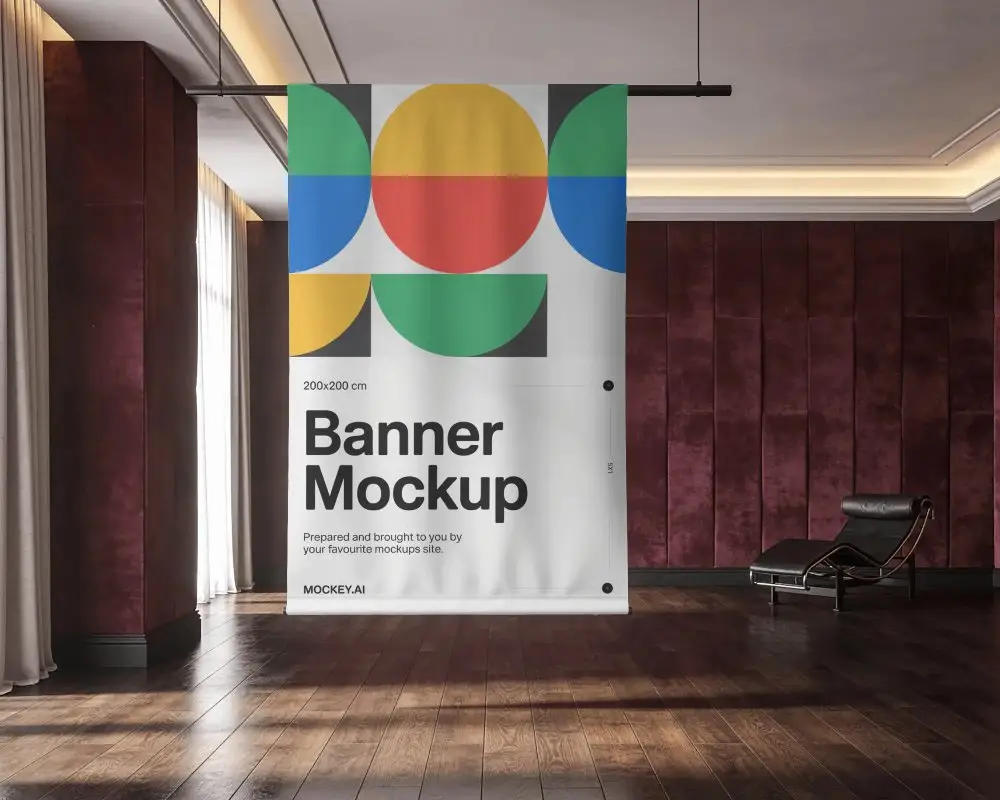
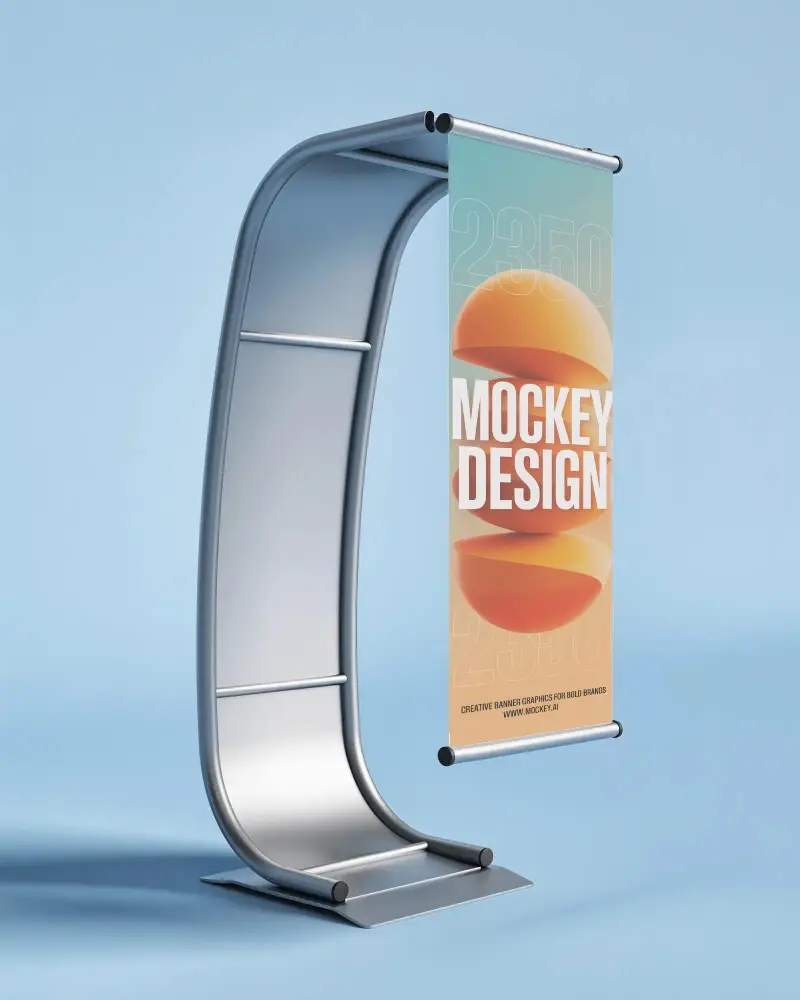
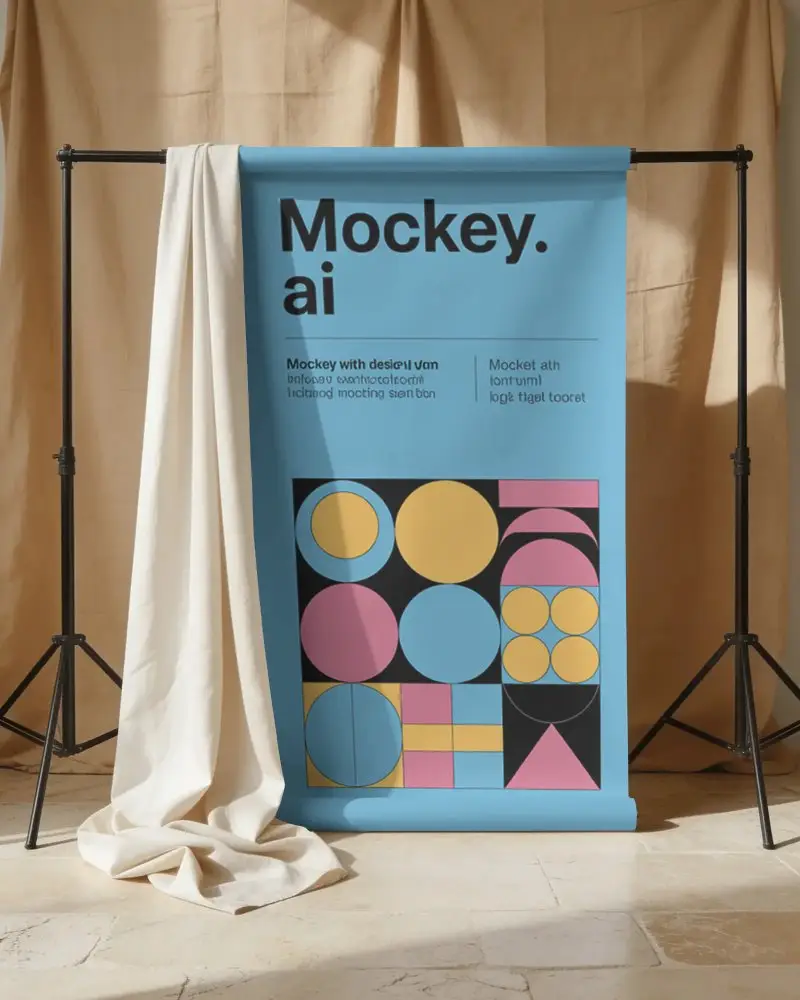
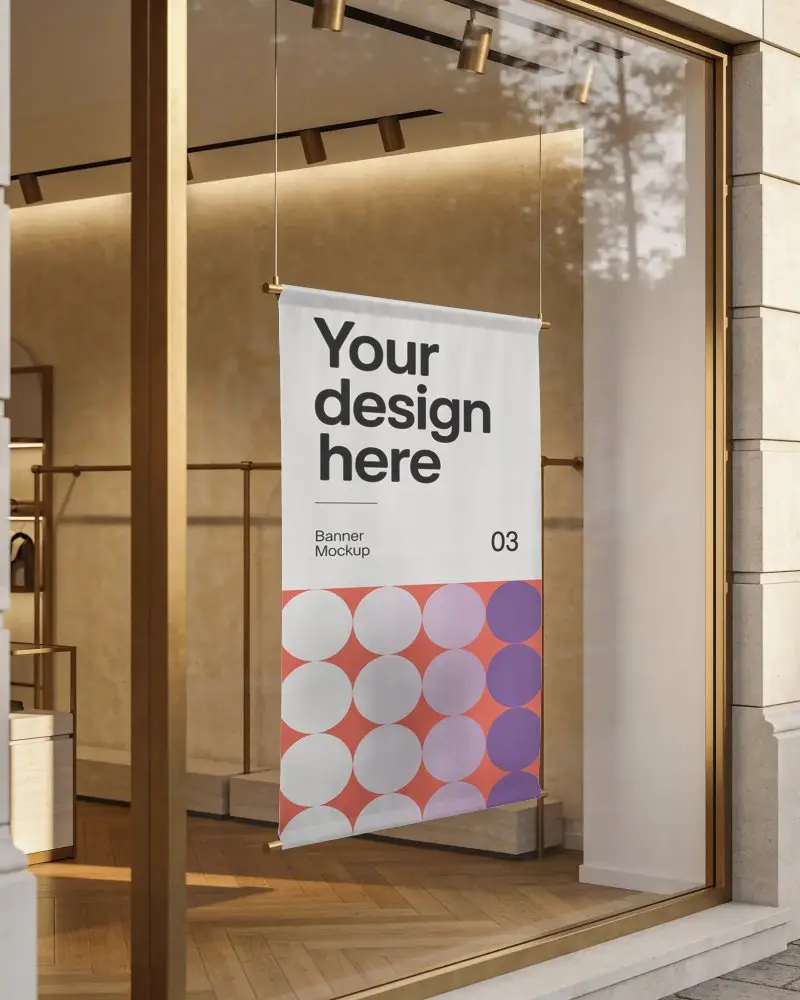
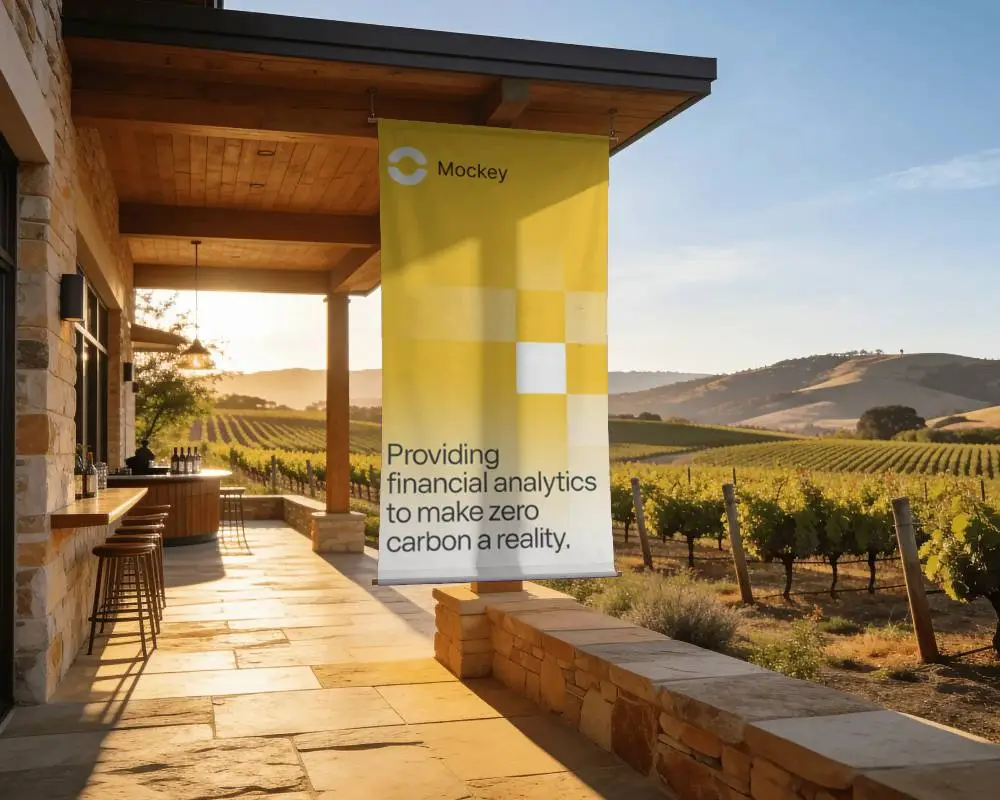
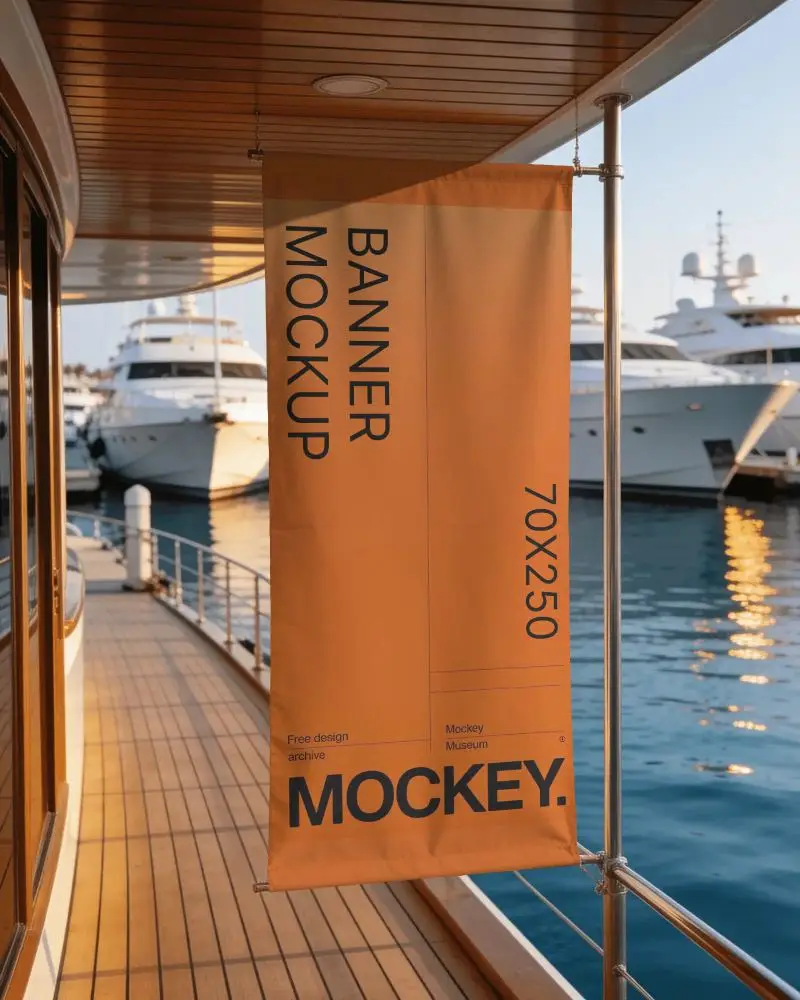
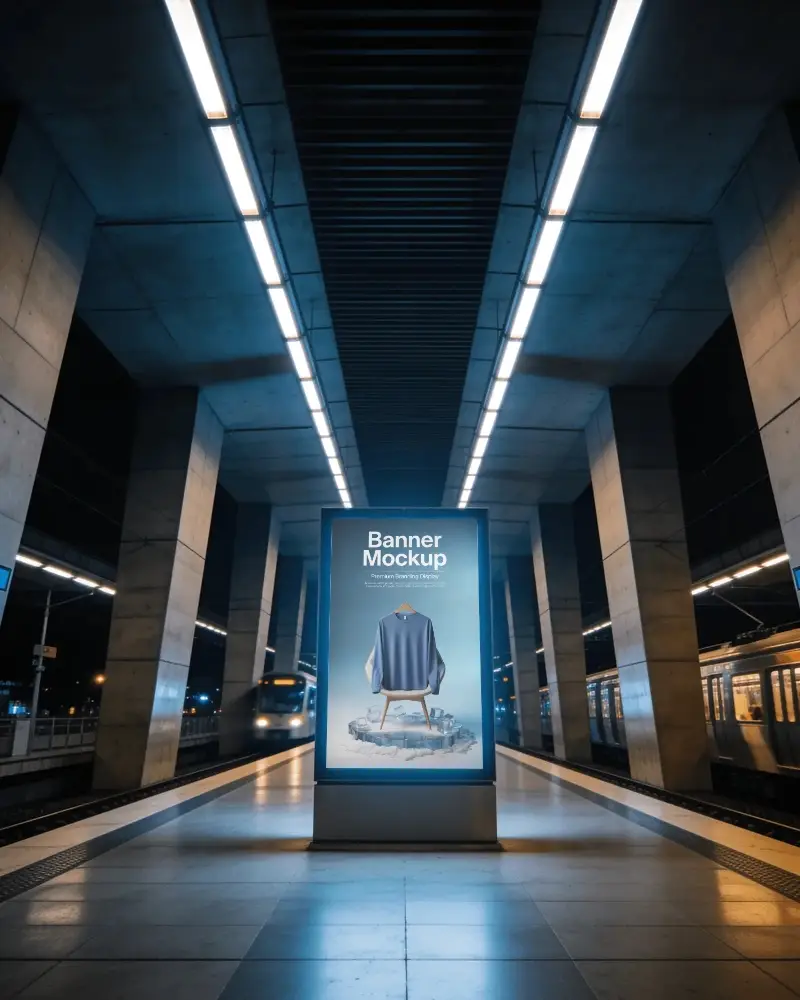
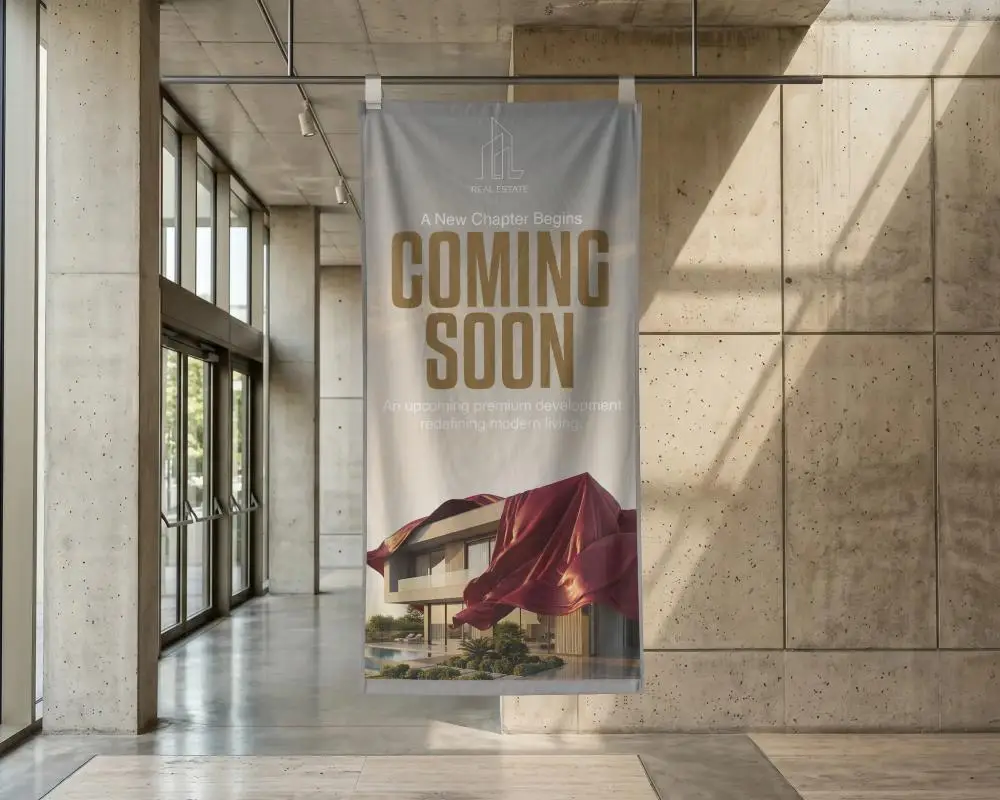
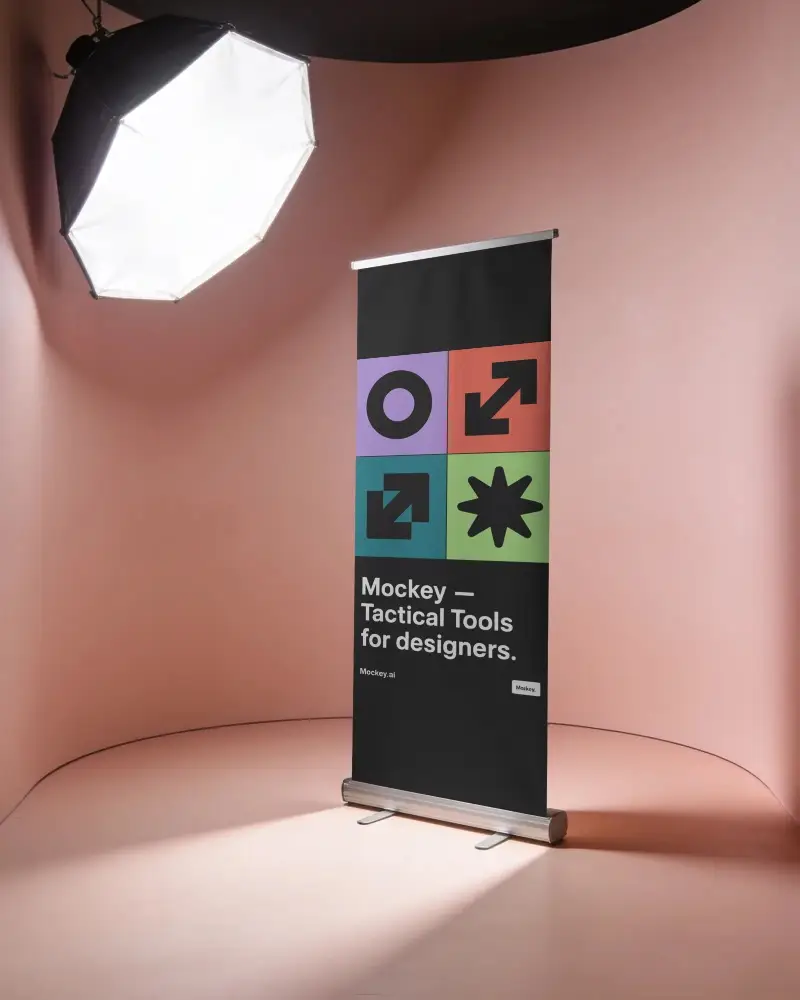
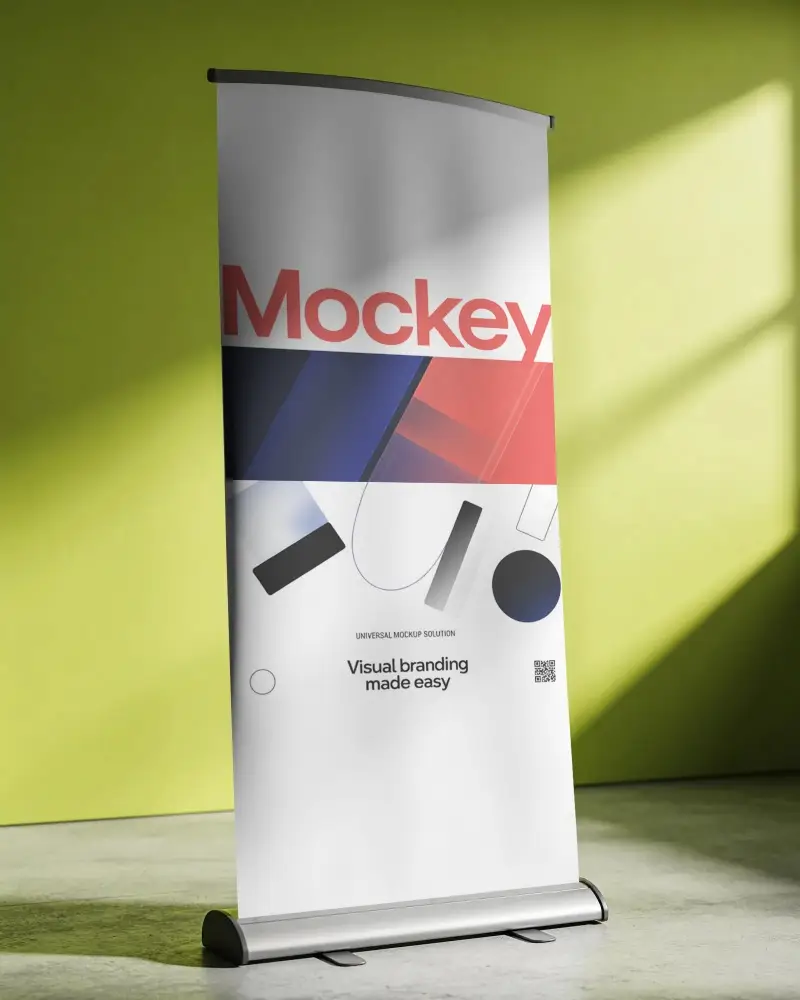
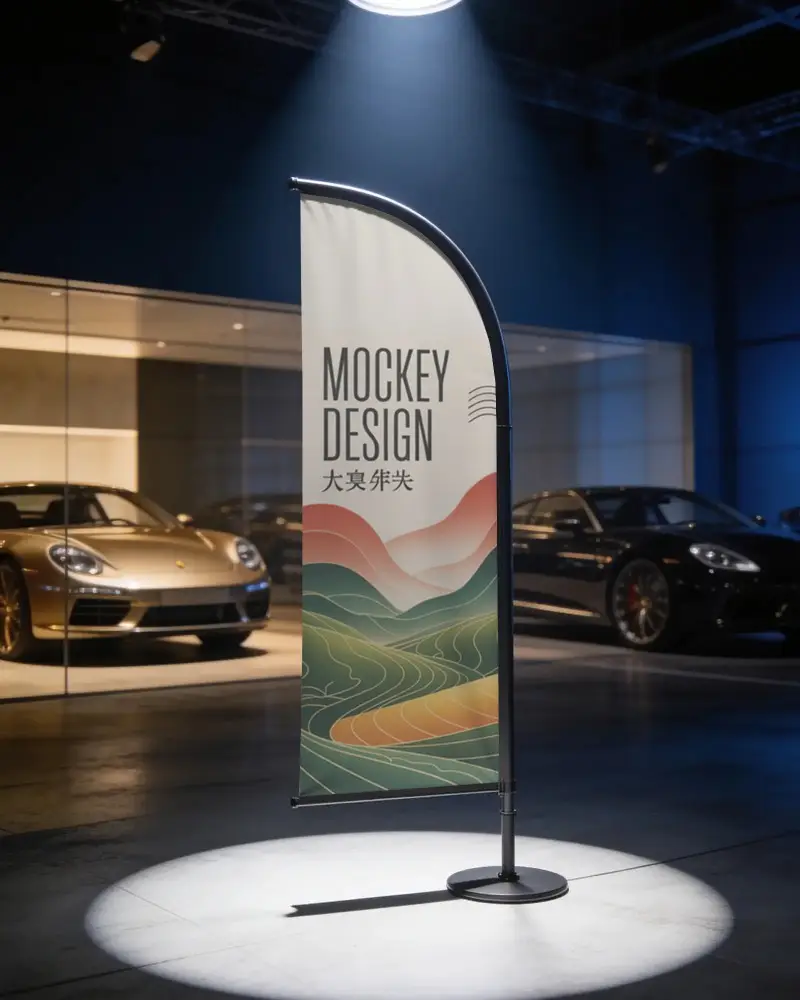
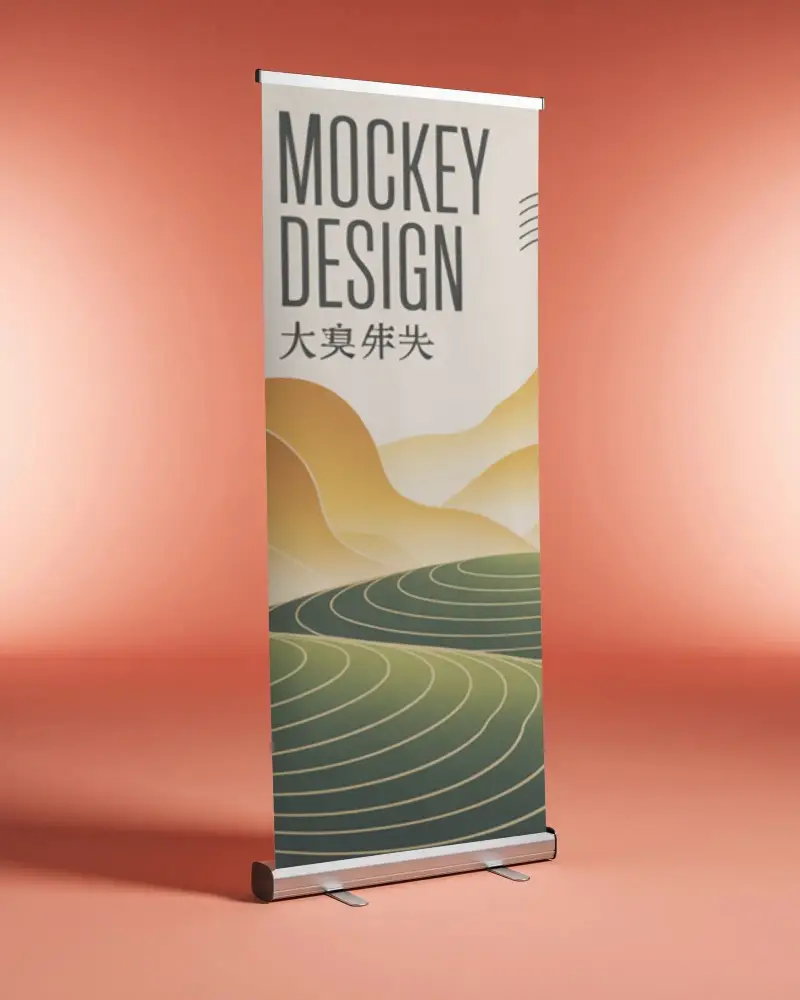
Browse 1000+ free banner mockups across every style, from roll-up stands and street poles to hanging fabric and street displays. Find the right look for your storefront, event, campaign, or outdoor promotion, all in one place.
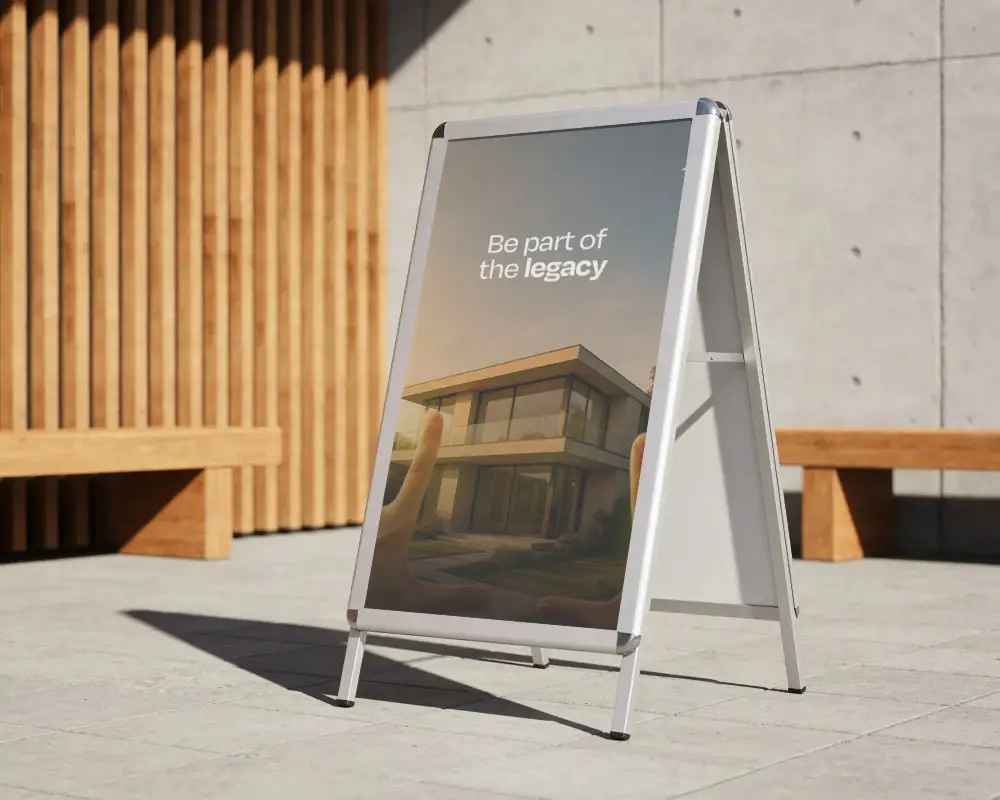
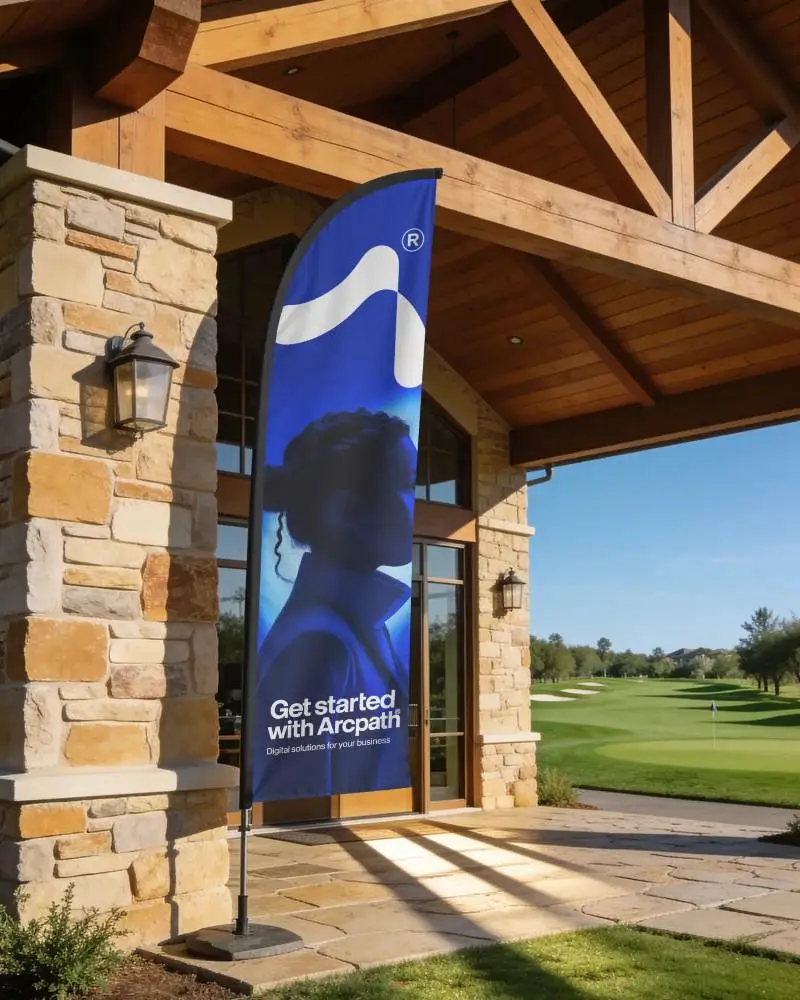
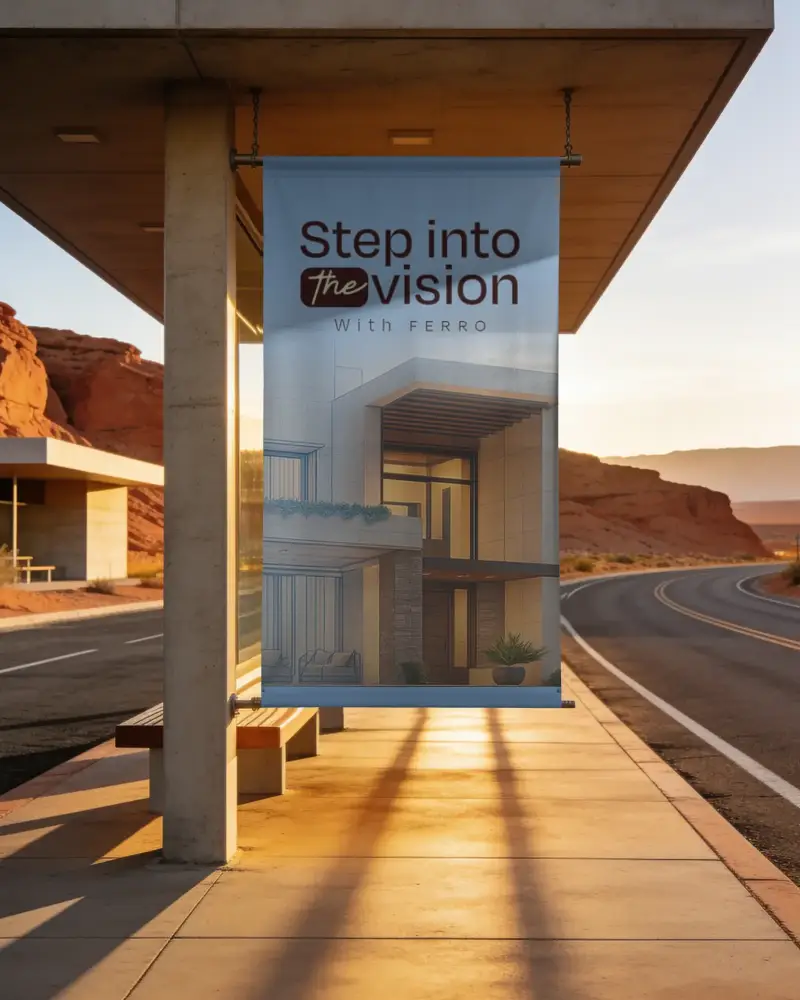
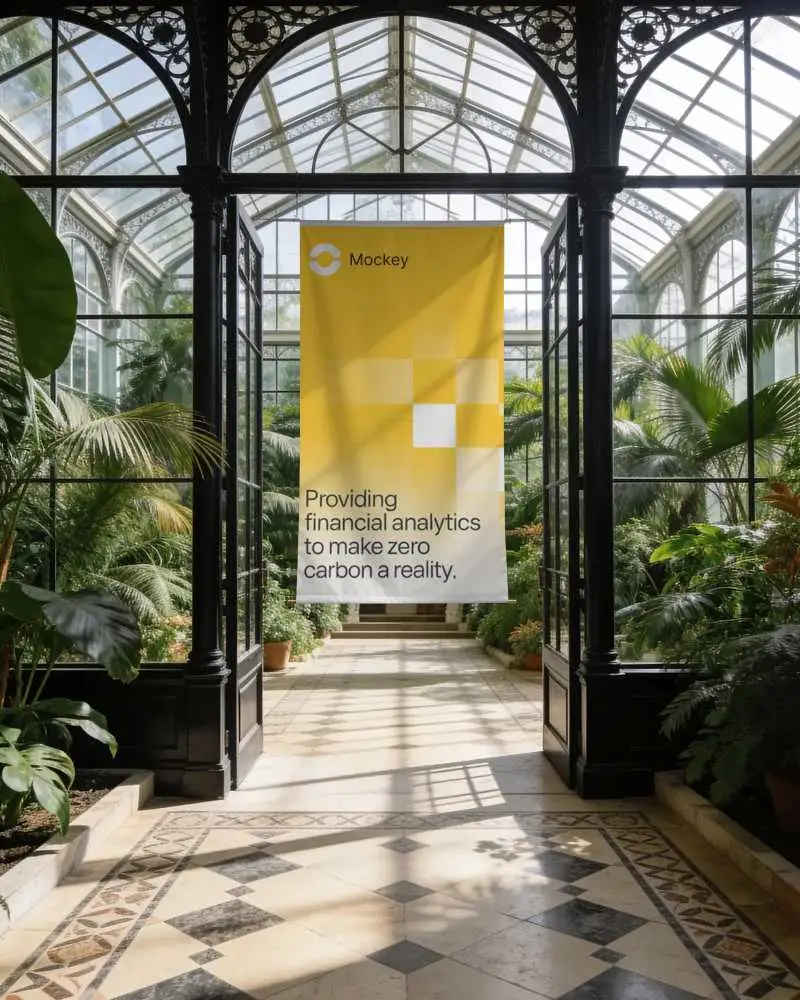
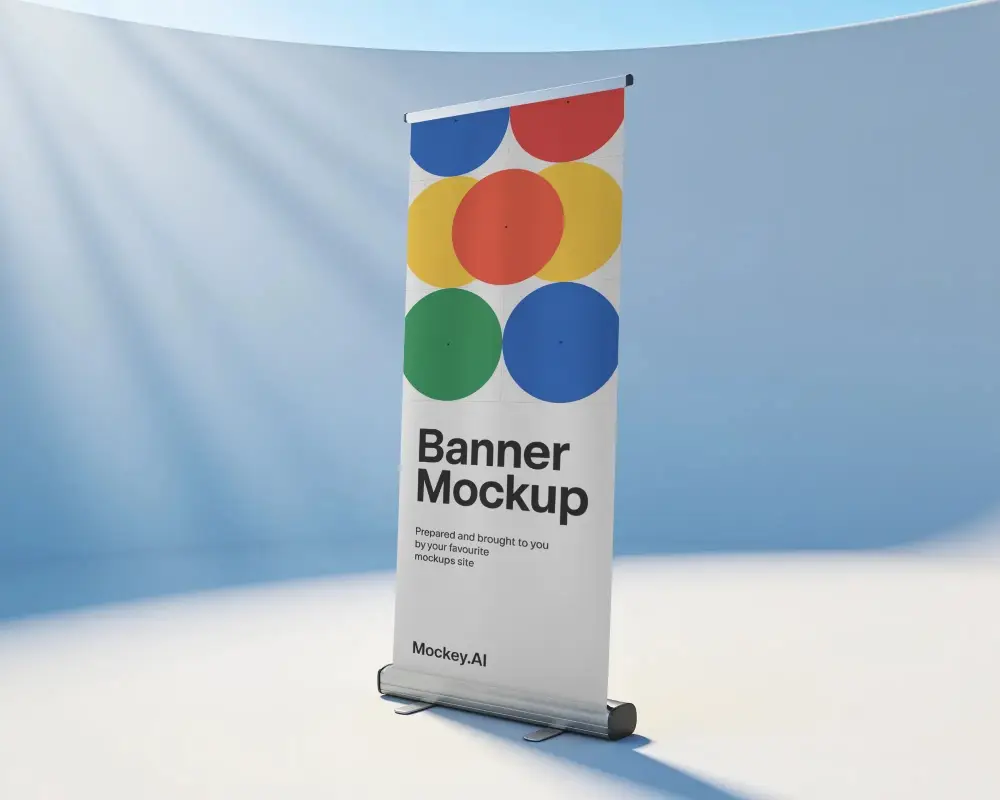
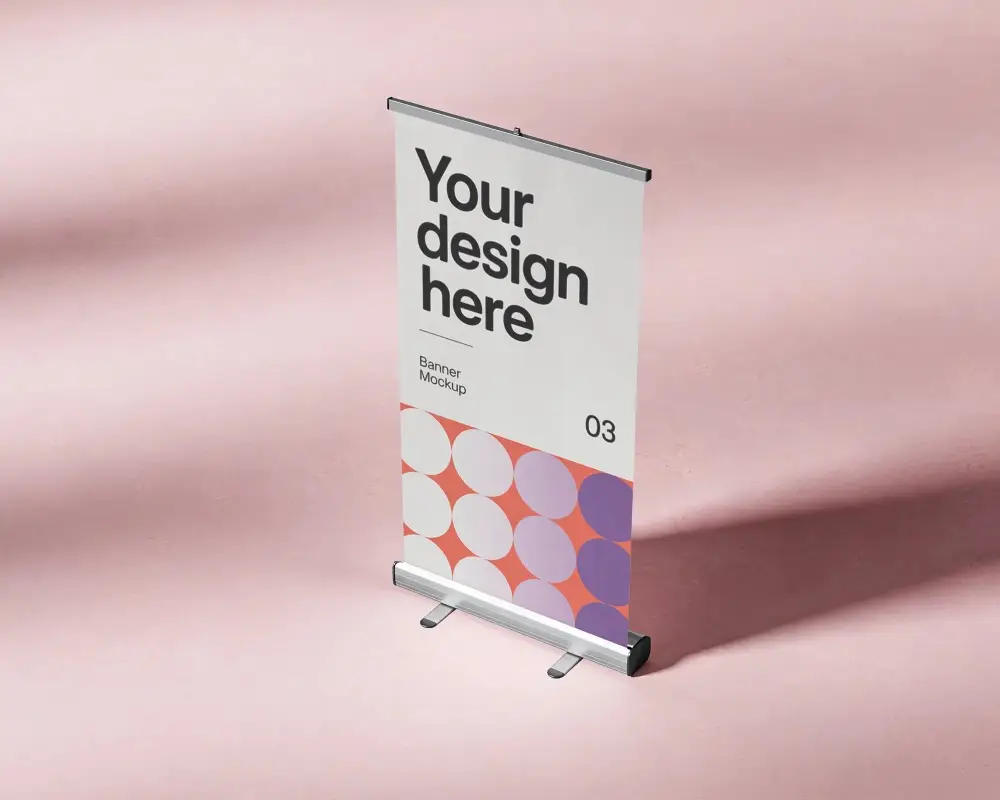
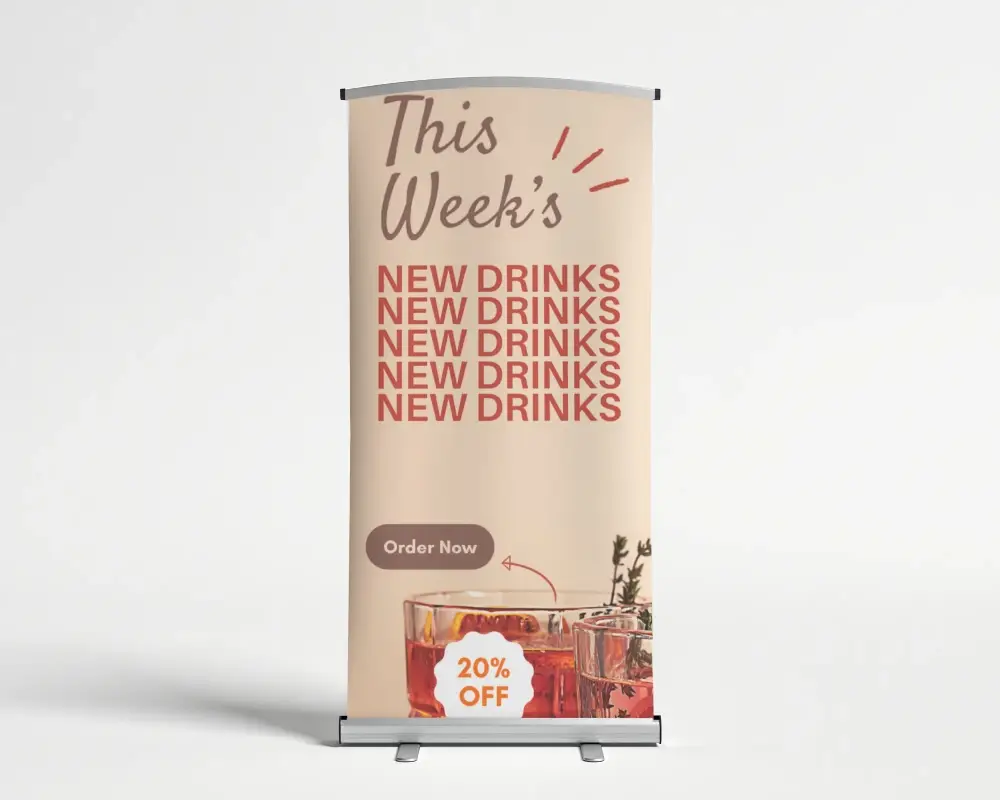
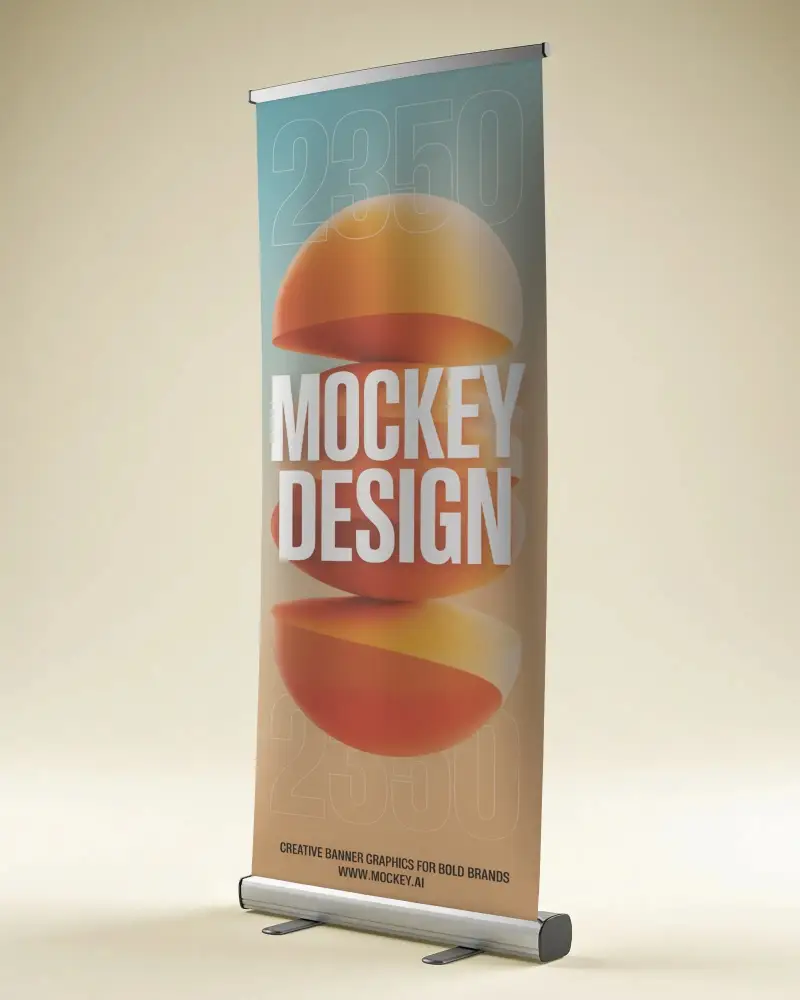
How to Make a Banner Mockup with Mockey AI
To make a banner mockup:
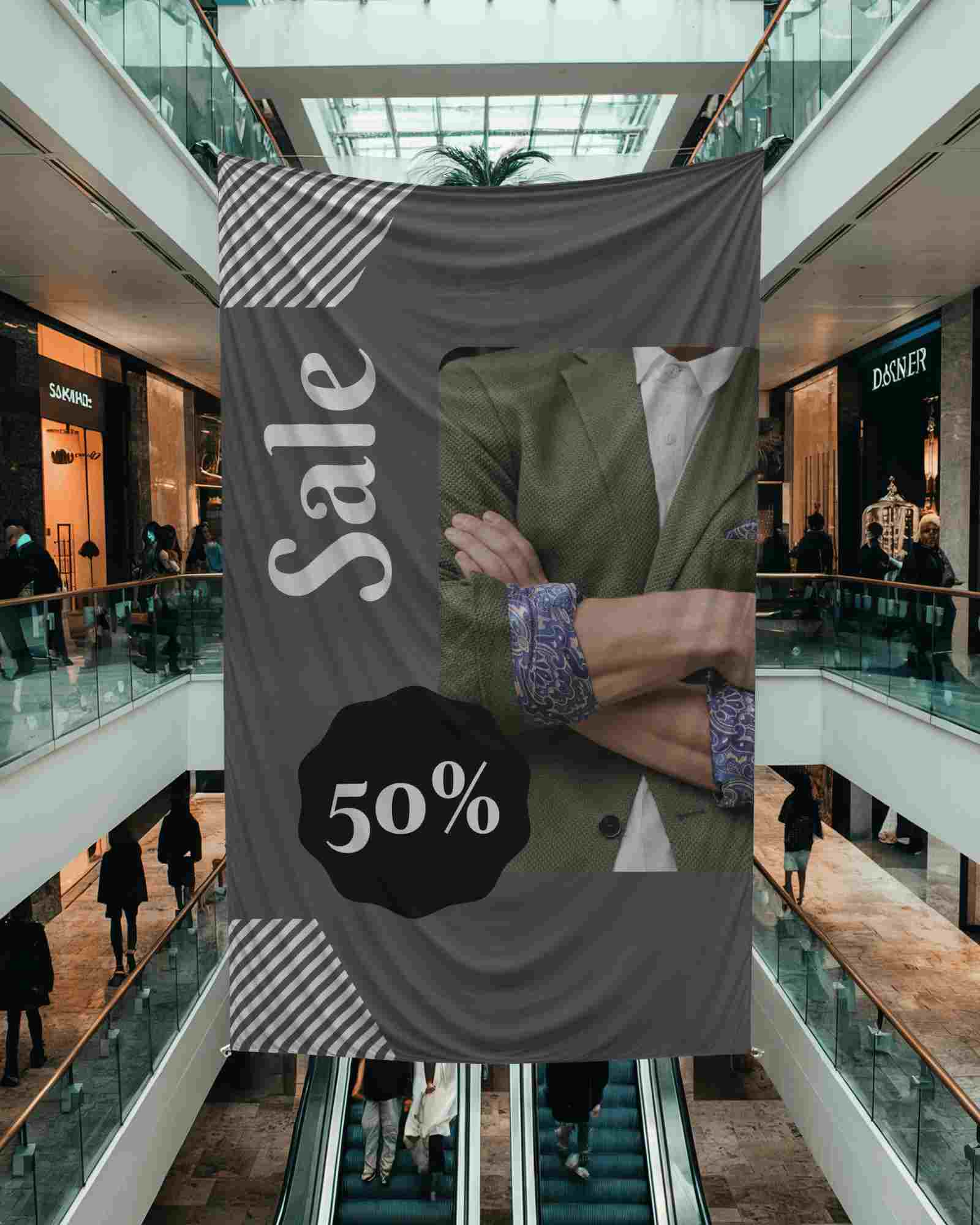
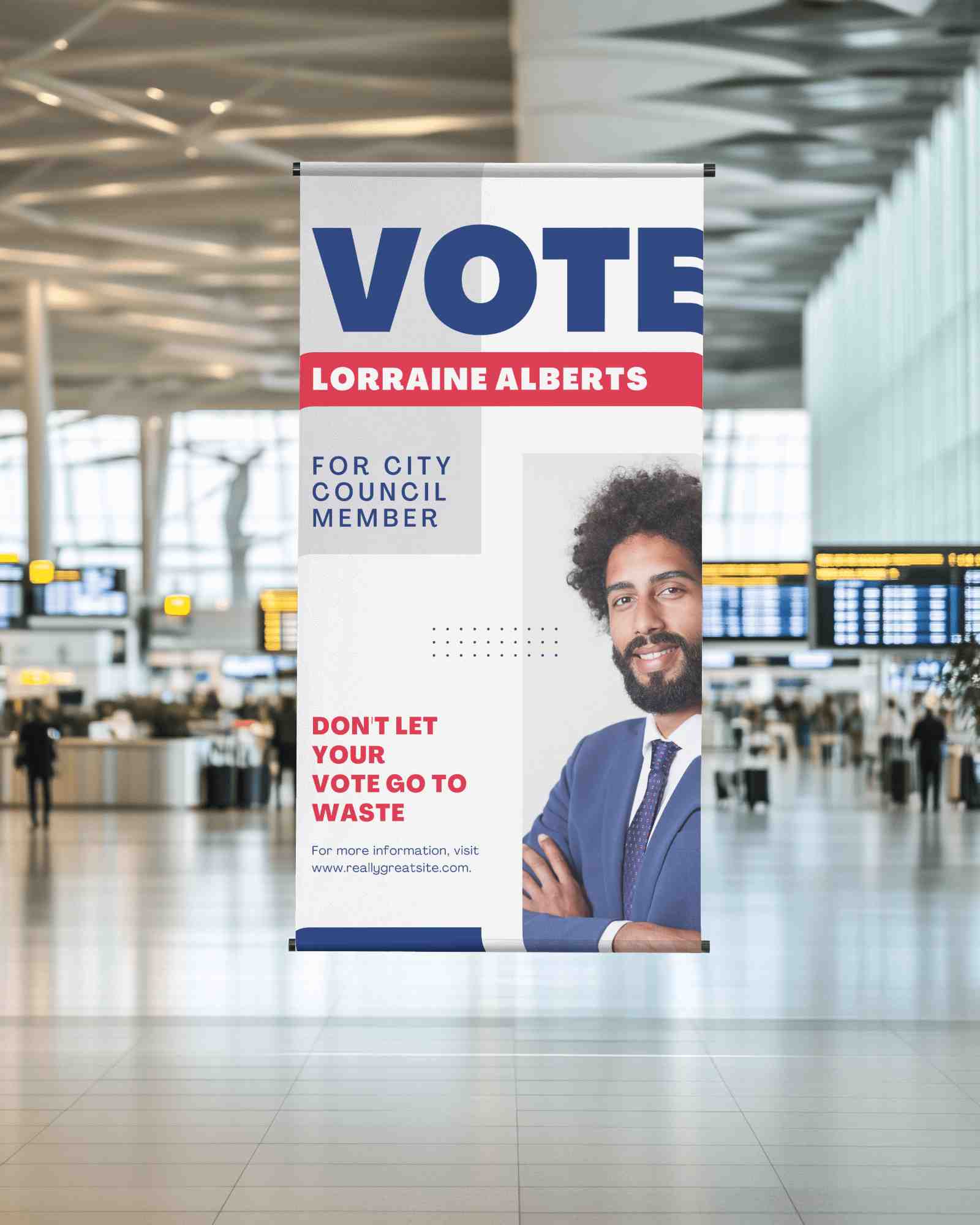
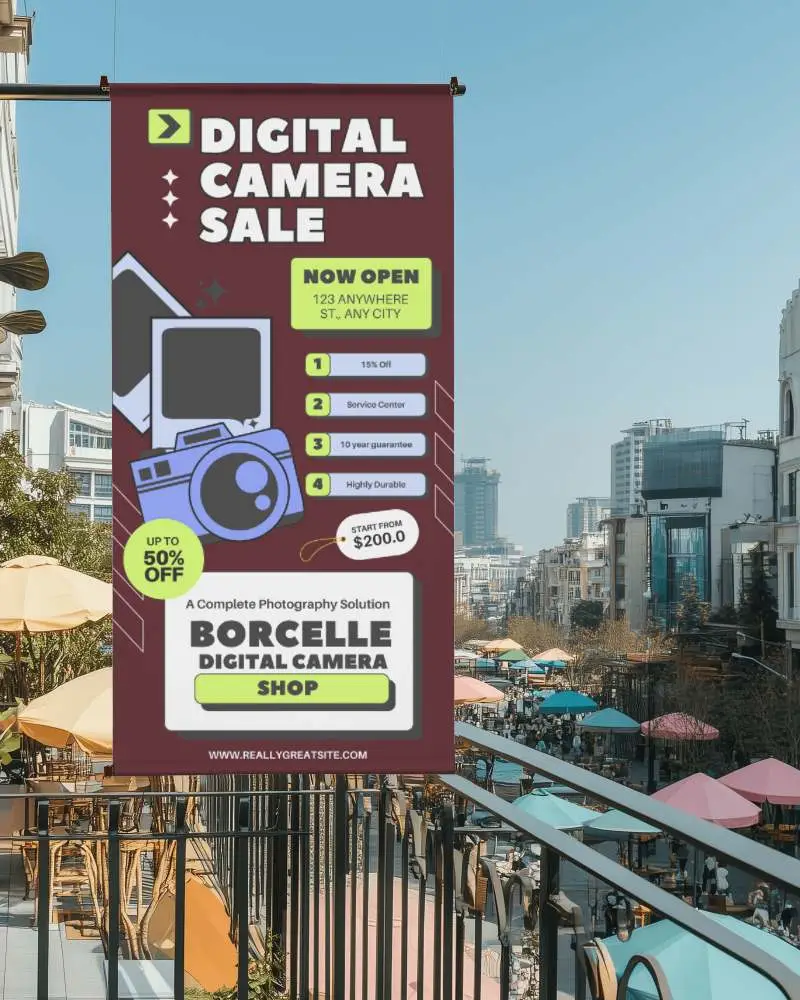
- Step 1: Choose from pole, roll-up, hanging, street, backdrop, and more styles in the library.
- Step 2: Upload the design as per the aspect ratio, change the banner color, and more.
- Step 3: Save the banner mockup in high-quality.


FAQs on banner Mockups
What is a banner mockup?
A banner mockup is a realistic preview that shows how a banner design will look once it's printed and placed in a storefront, street pole, or event backdrop scene.
What types of banner mockups are available in this collection?
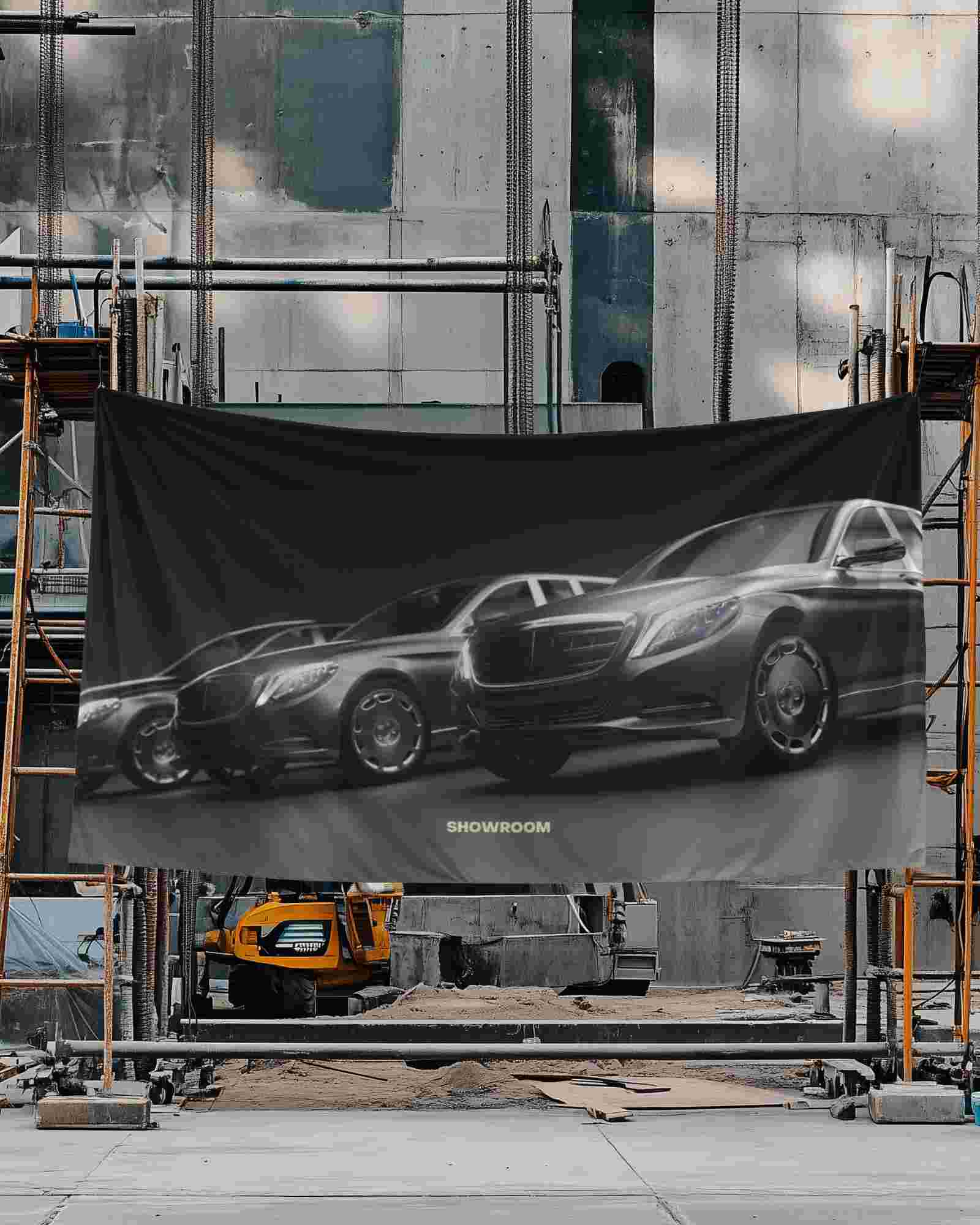
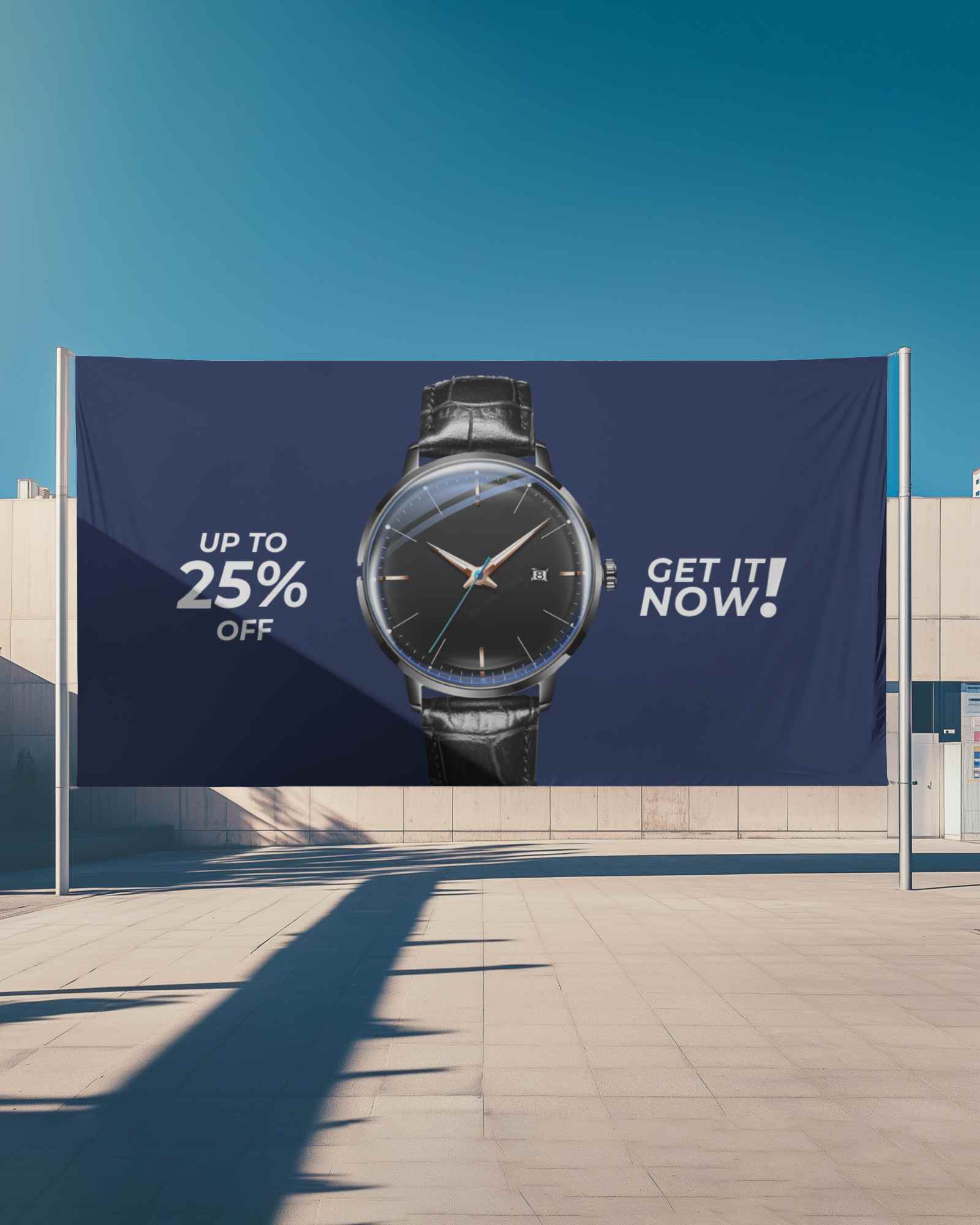
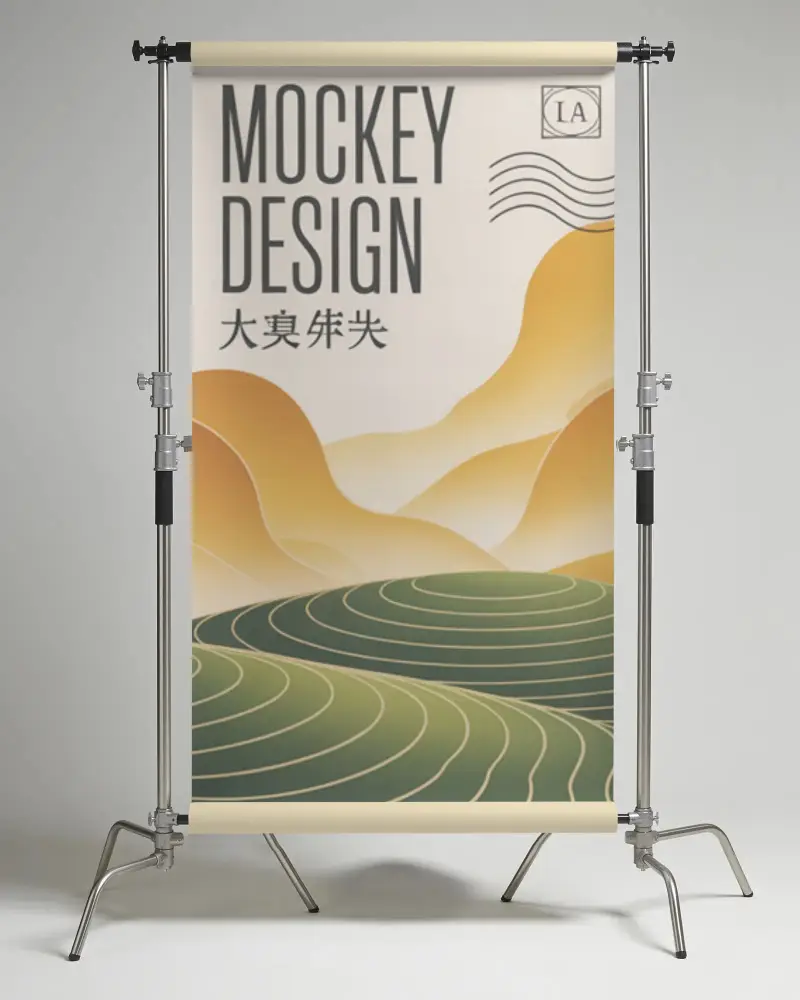
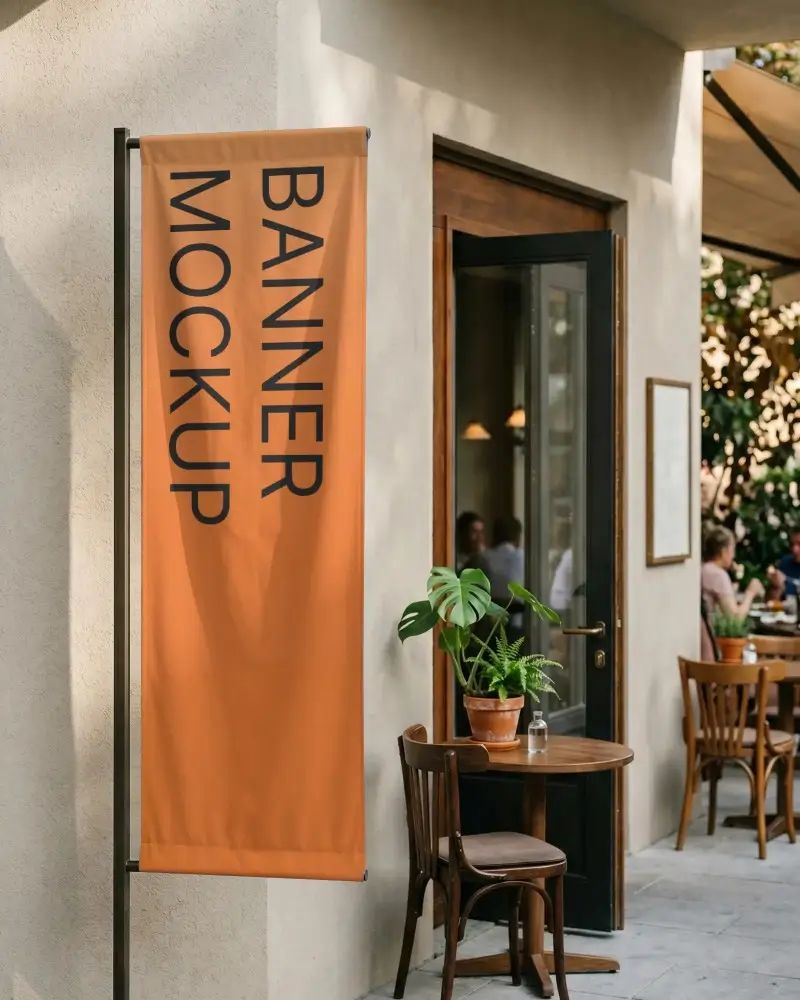
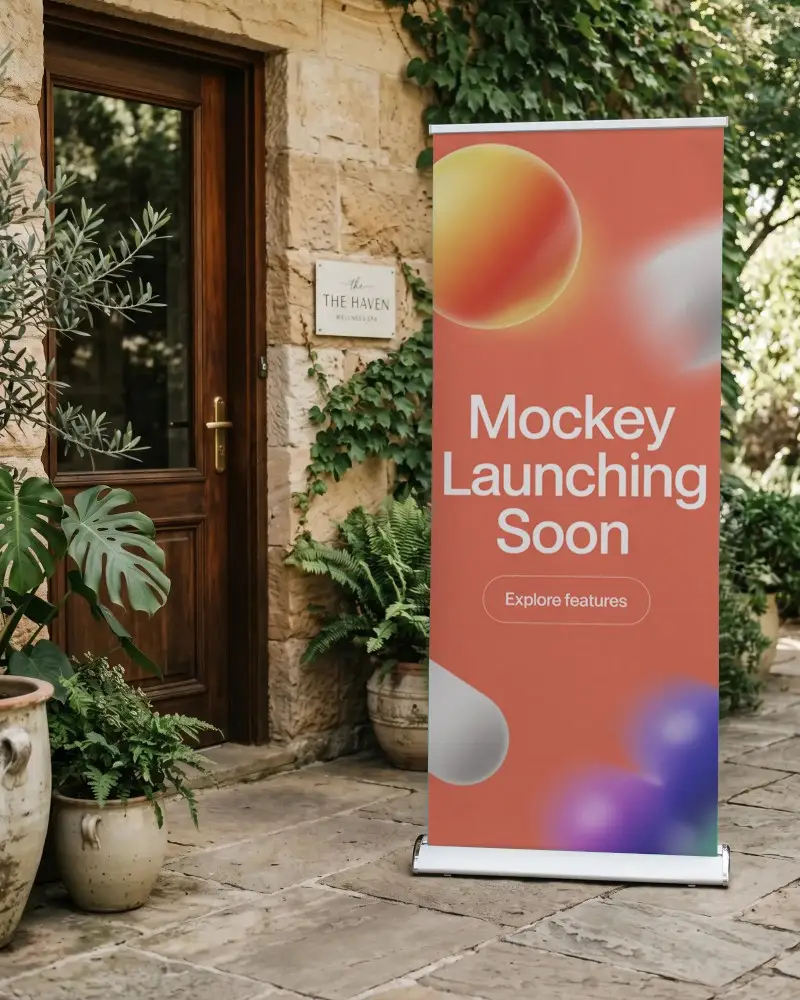
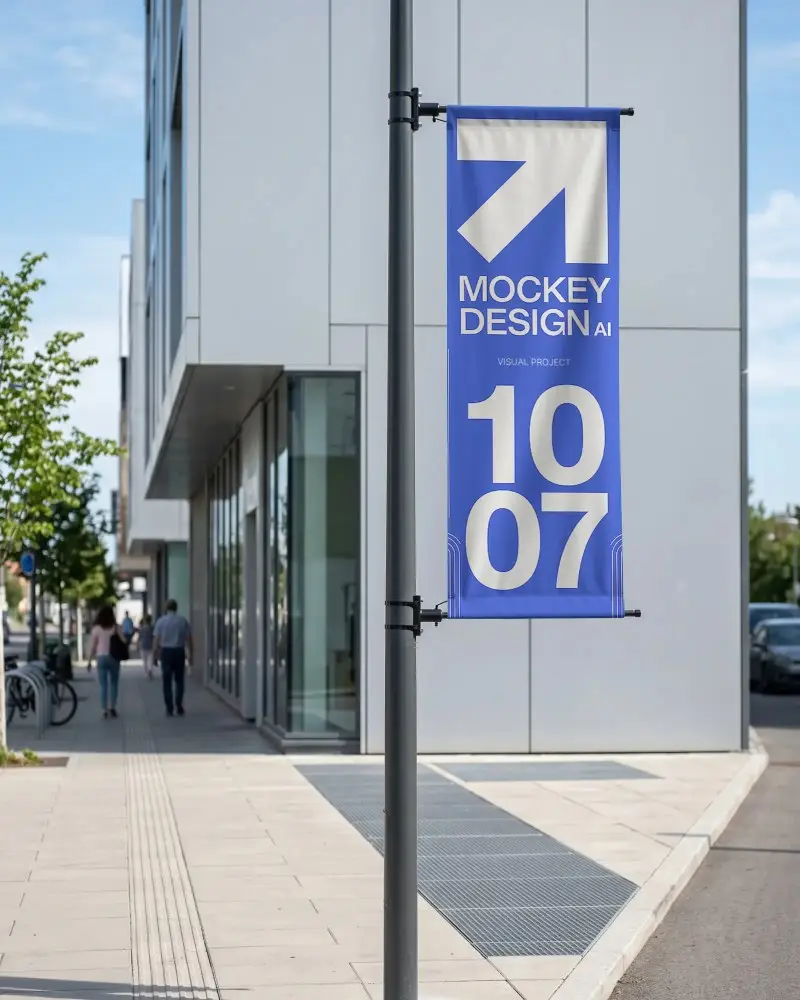
This collection covers hanging, vertical, backdrop, indoor, roll-up, street, pole, horizontal, flag, and outdoor banners.
Are these banner mockups realistic?
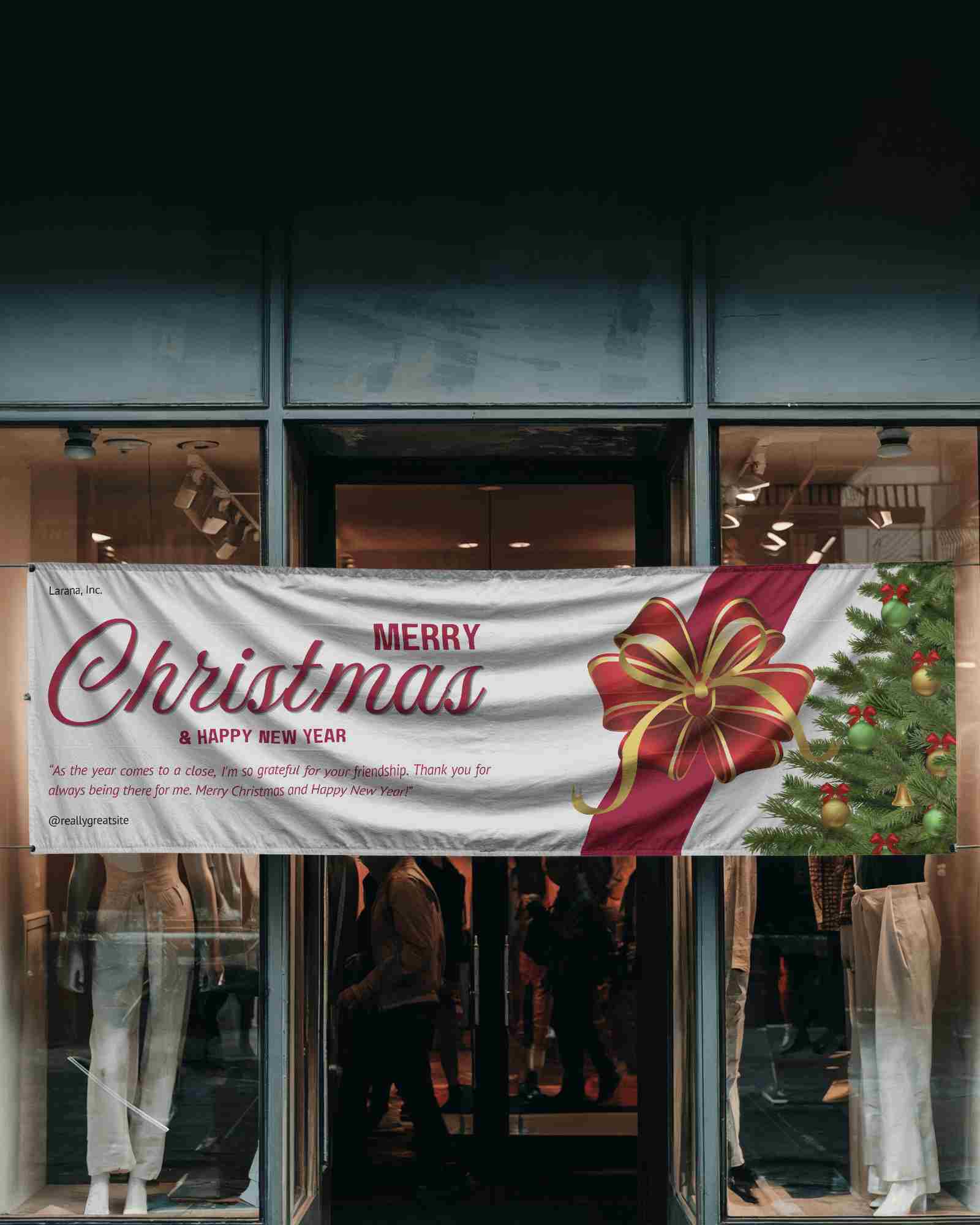
Yes. You can see small details like folds, wrinkles, shadows, and natural lighting on the banners. Your design also follows the shape of the banner, so it doesn't look flat.
Can I add my own design to these banner mockups?
If you want to place your artwork on a banner and see how it looks in different environments, you can use Mockey's banner mockup generator. Upload your design, choose a banner style, and preview it on realistic banner mockups before downloading the final result.
Can I find banner mockups for both indoor and outdoor use?
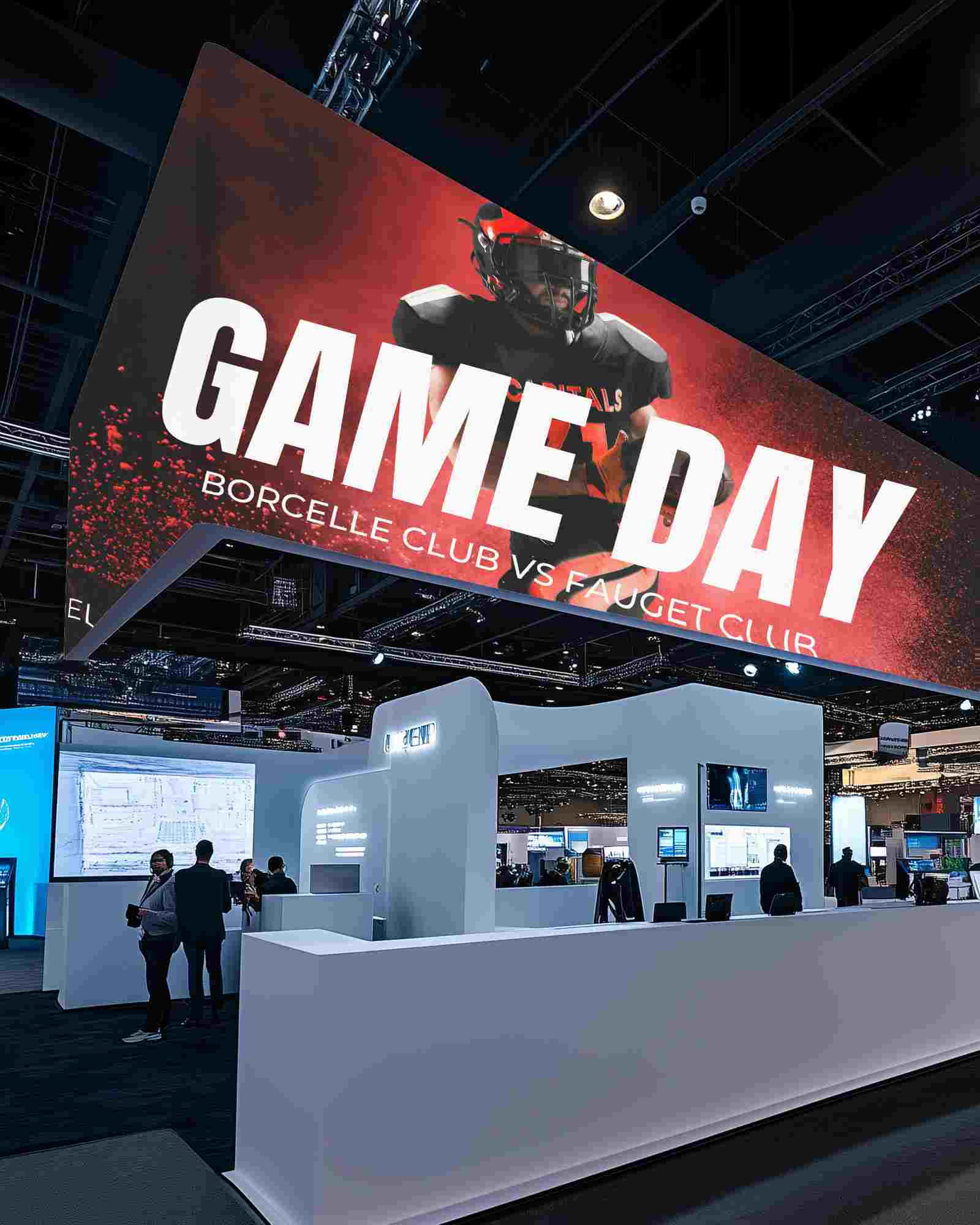
The collection shows indoor scenes like exhibition halls and retail stores, as well as outdoor scenes like streets, building facades, and event spaces.
Which banner mockup is best for events?
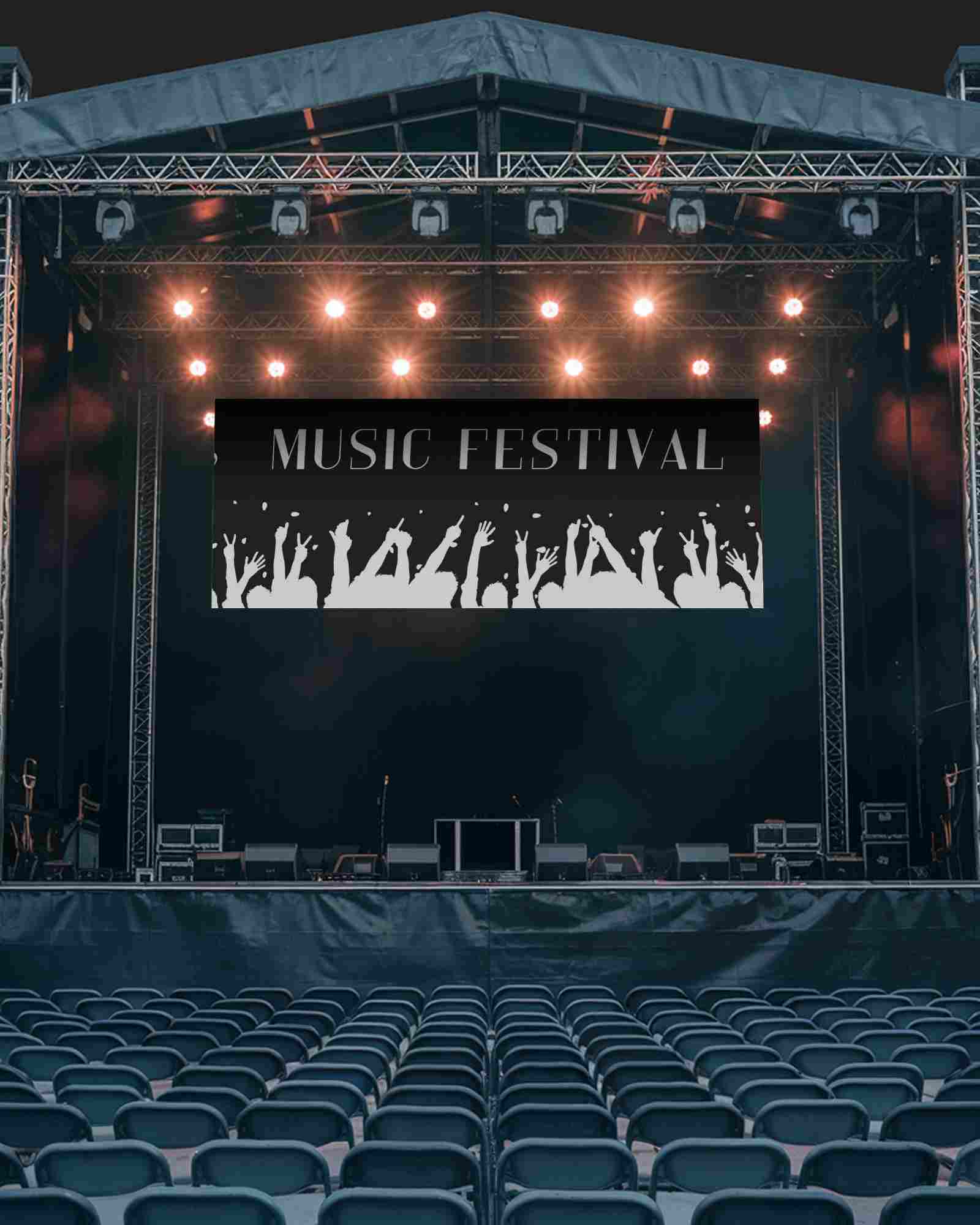
Backdrop stands, roll-up banners, and fence banners are best for events, trade shows, and exhibitions.
