Free Social Media Banner Mockup for Social Media, Event & Advertising
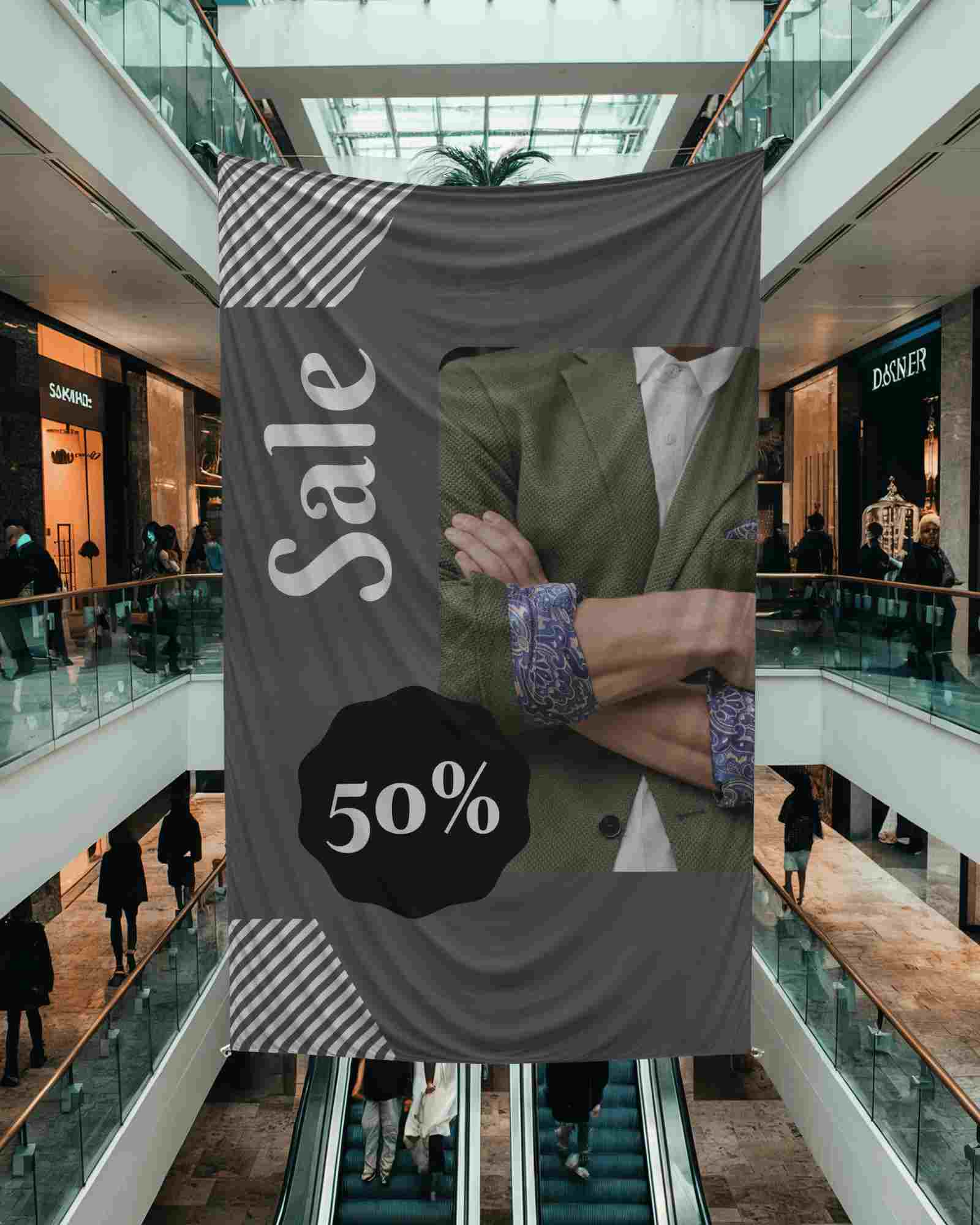
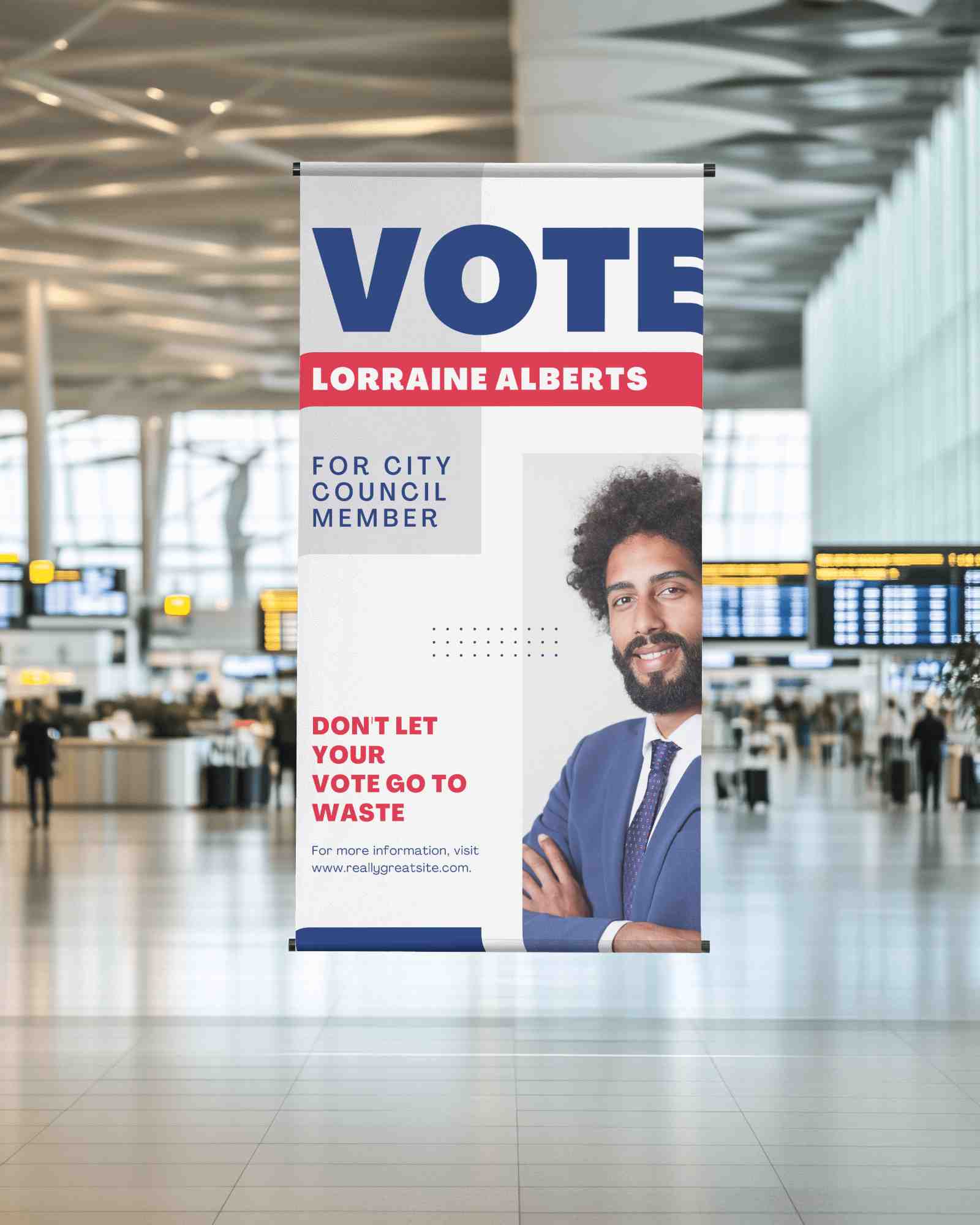
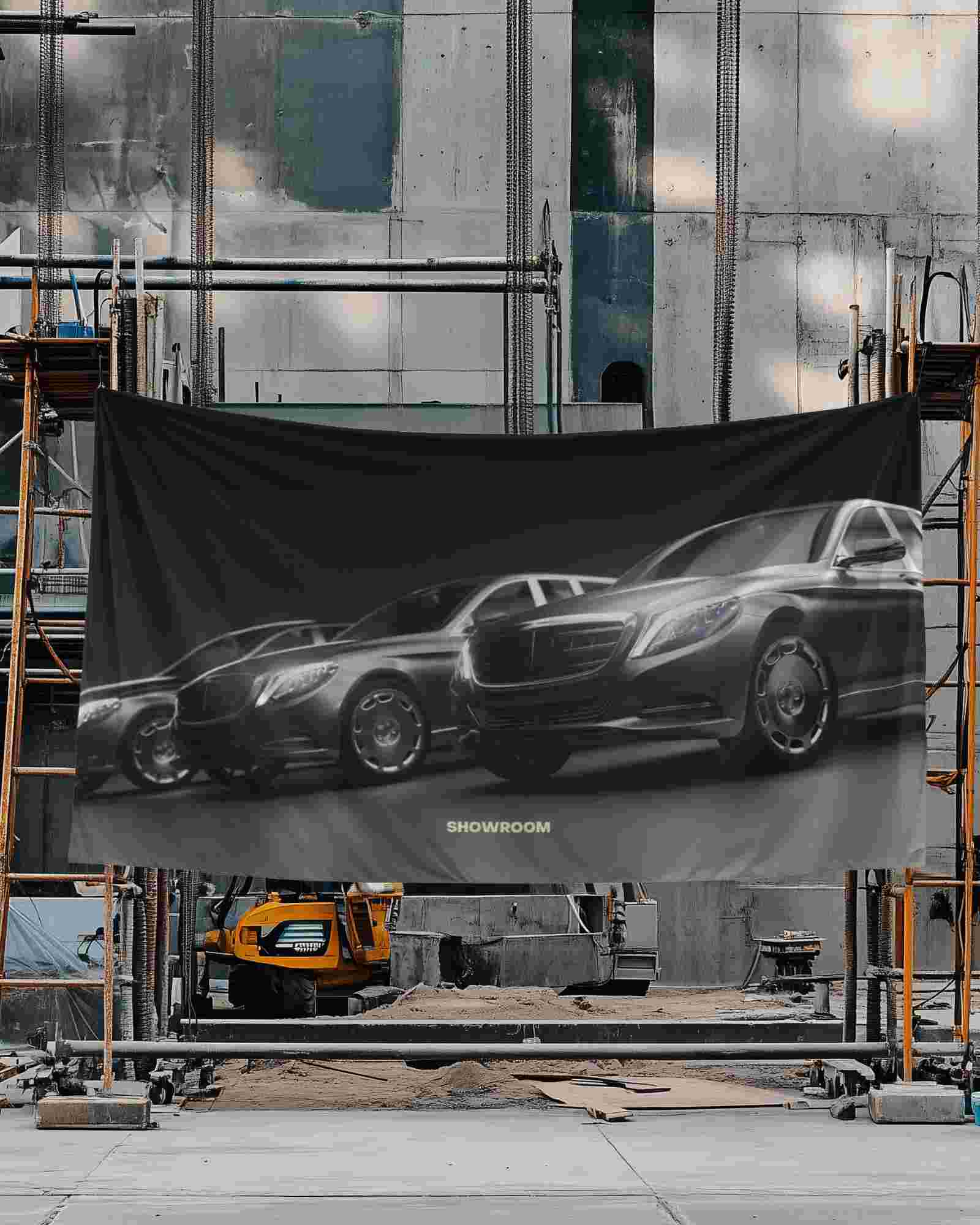
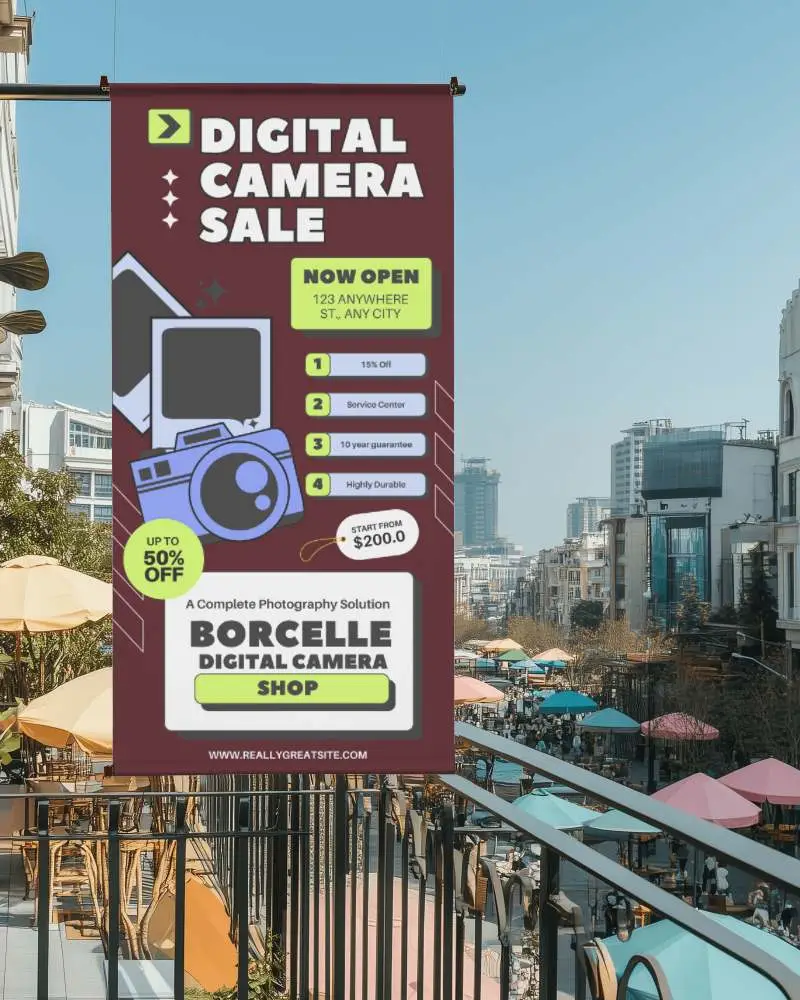
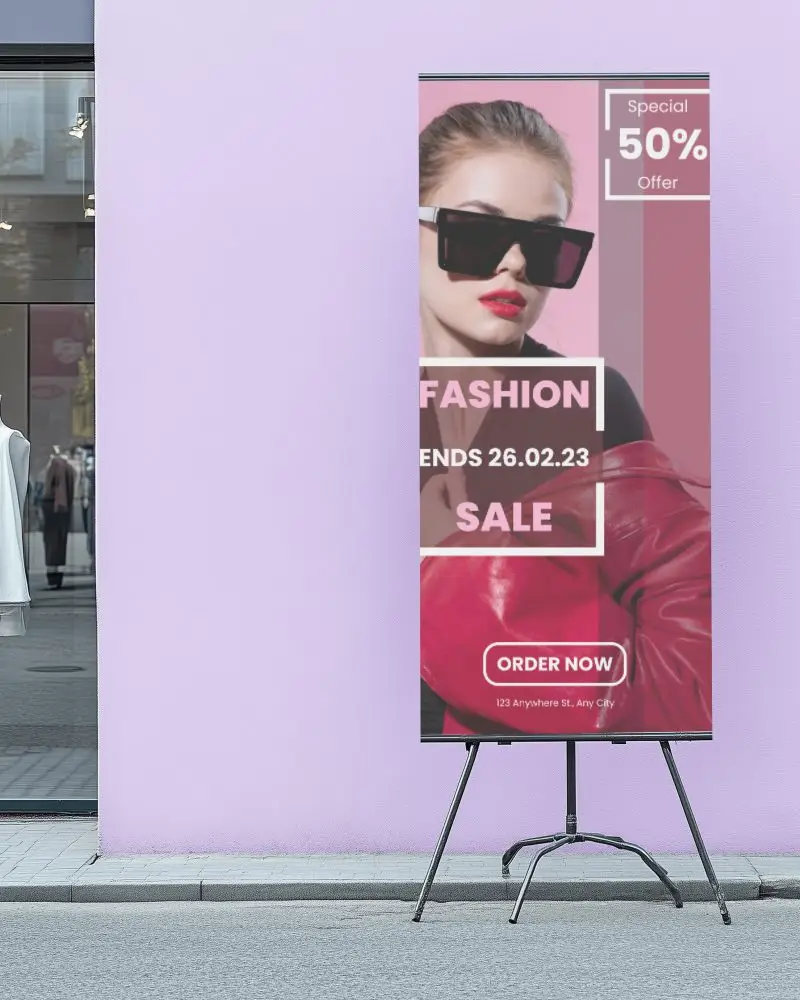
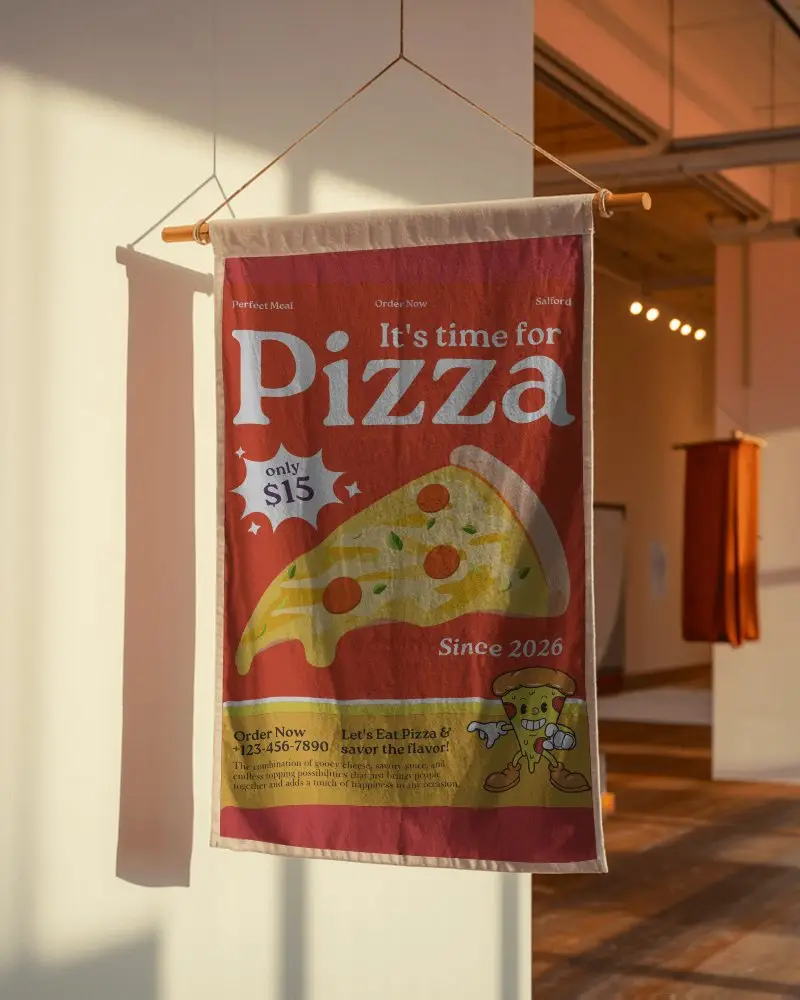
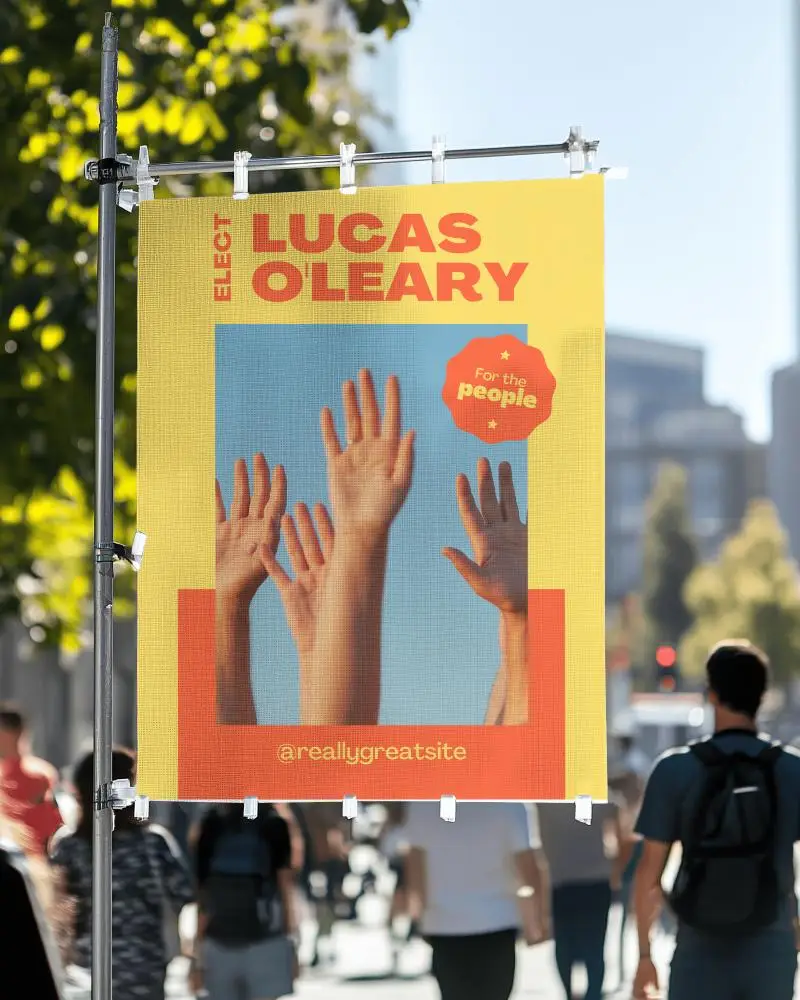
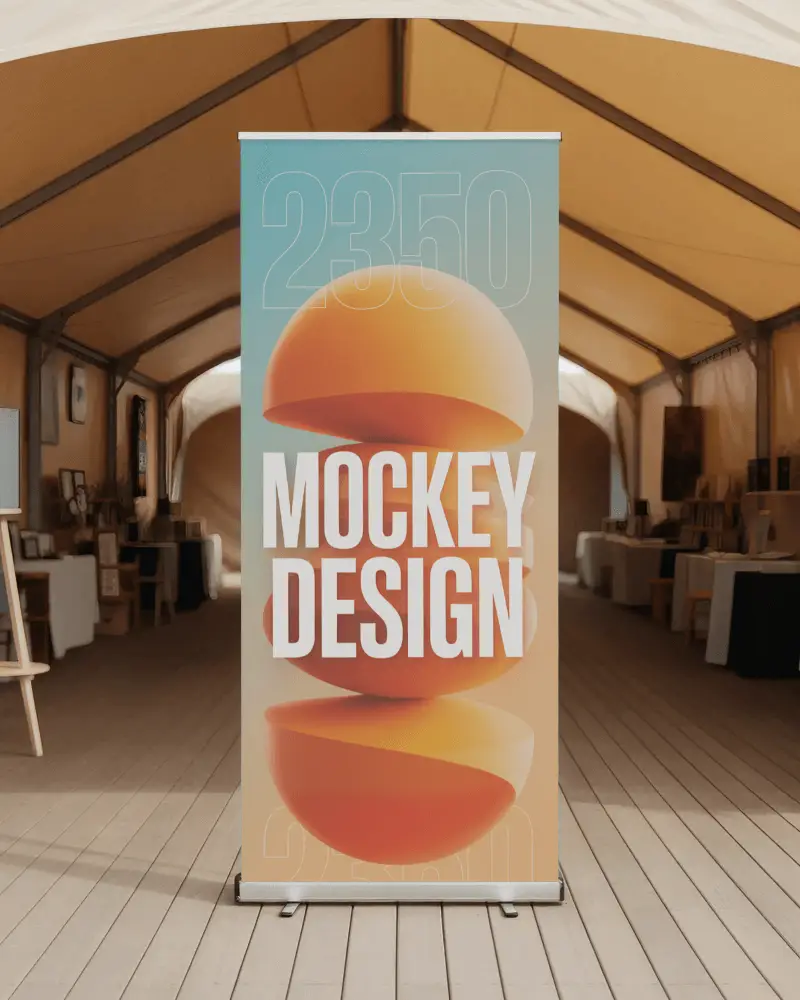
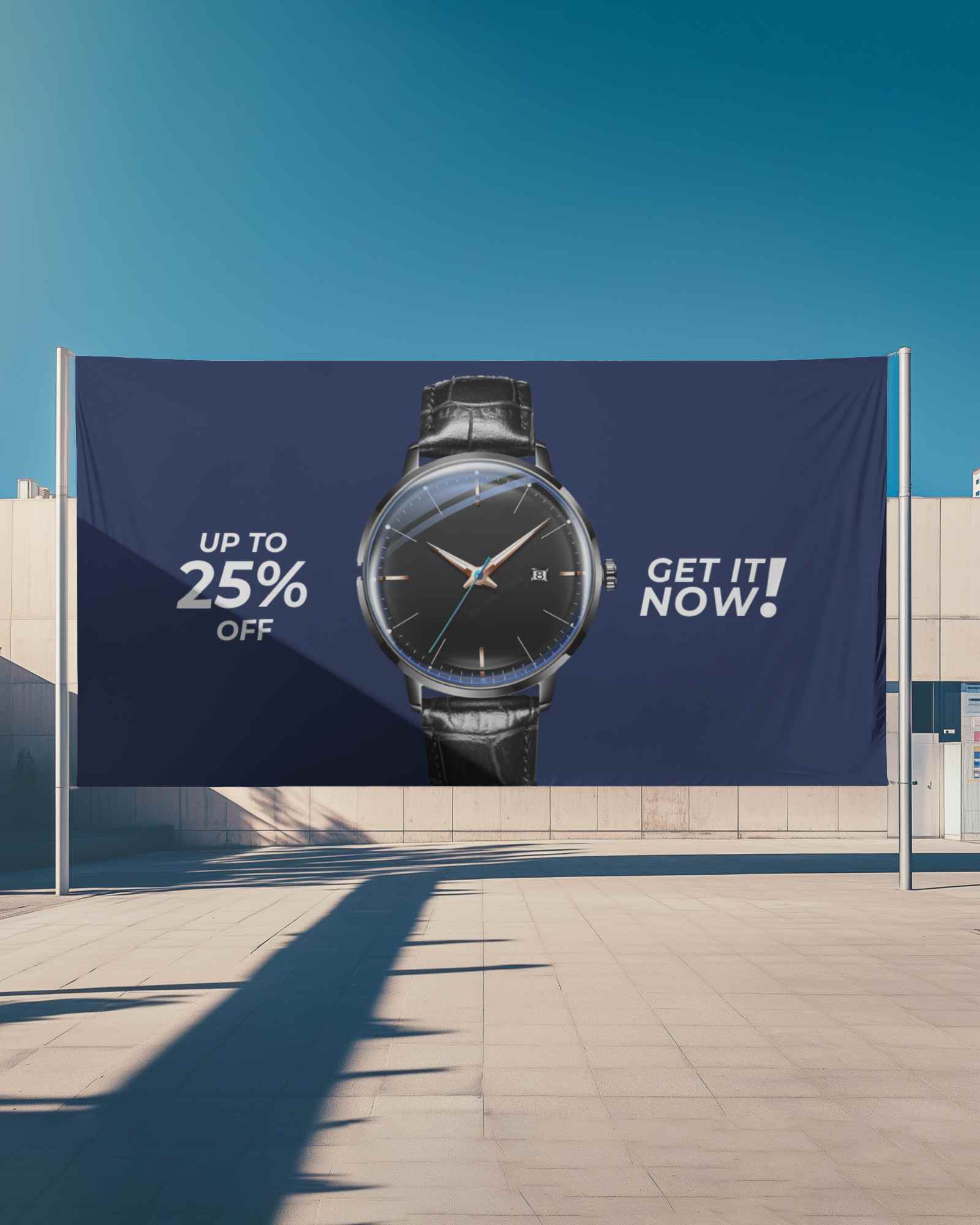
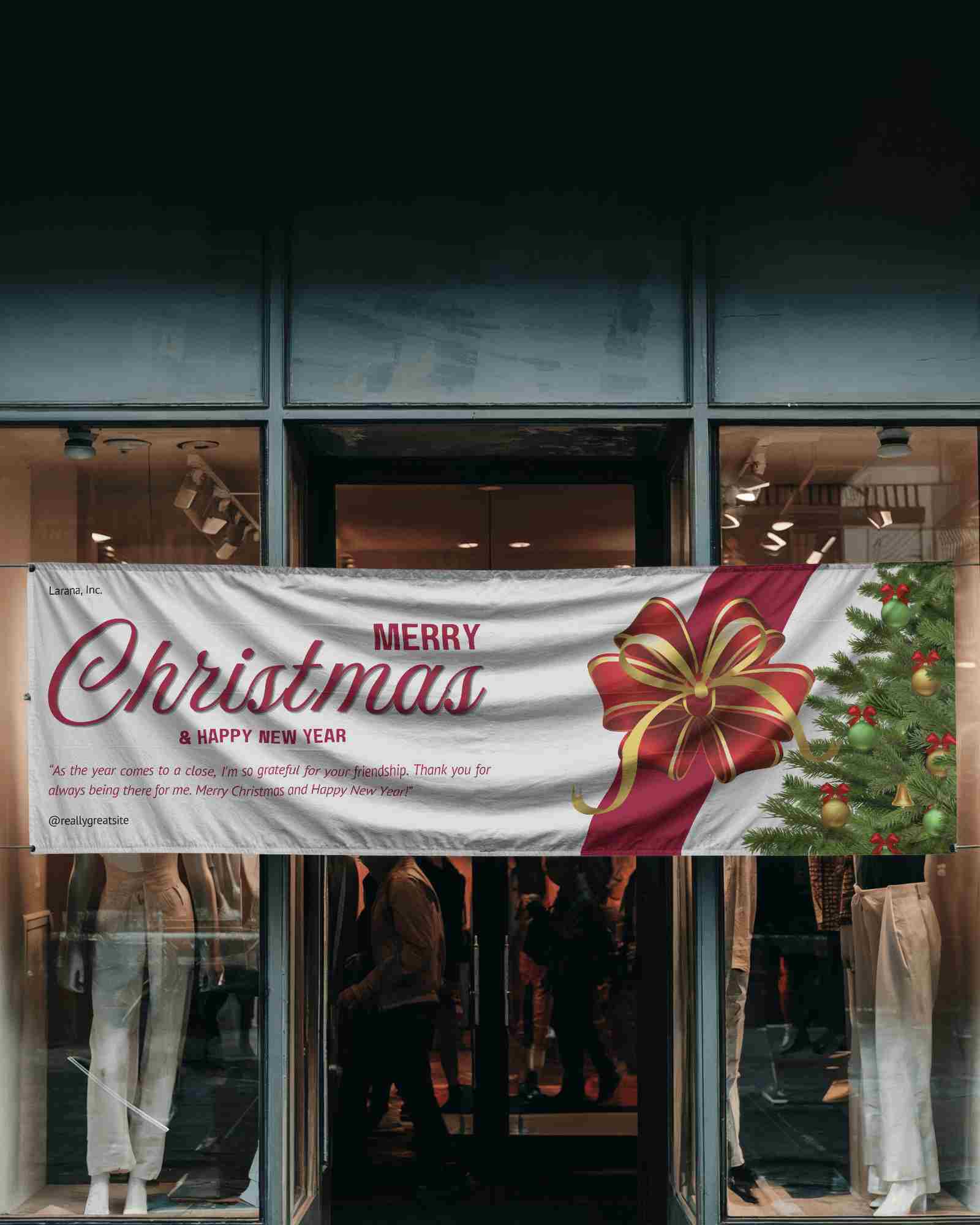
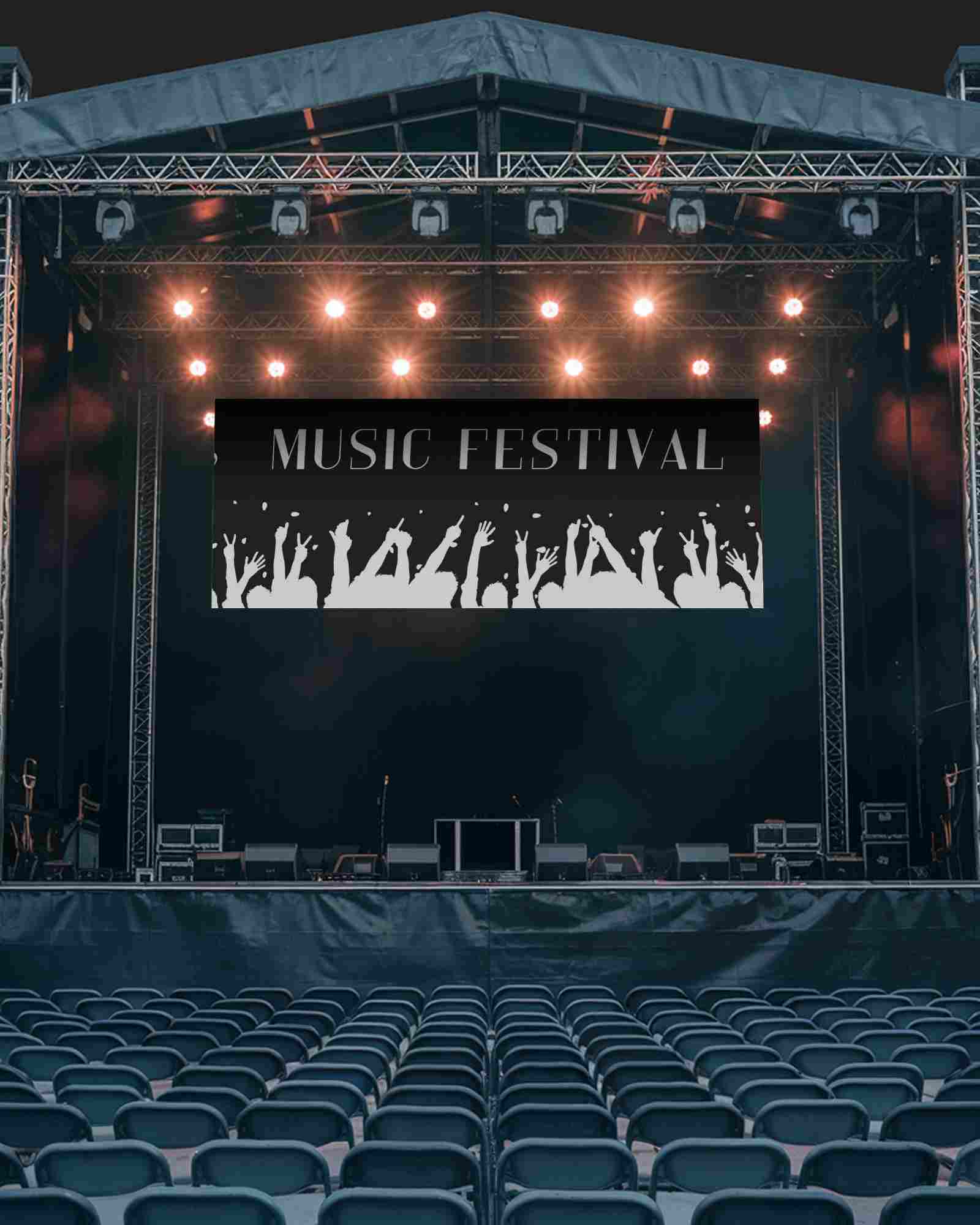
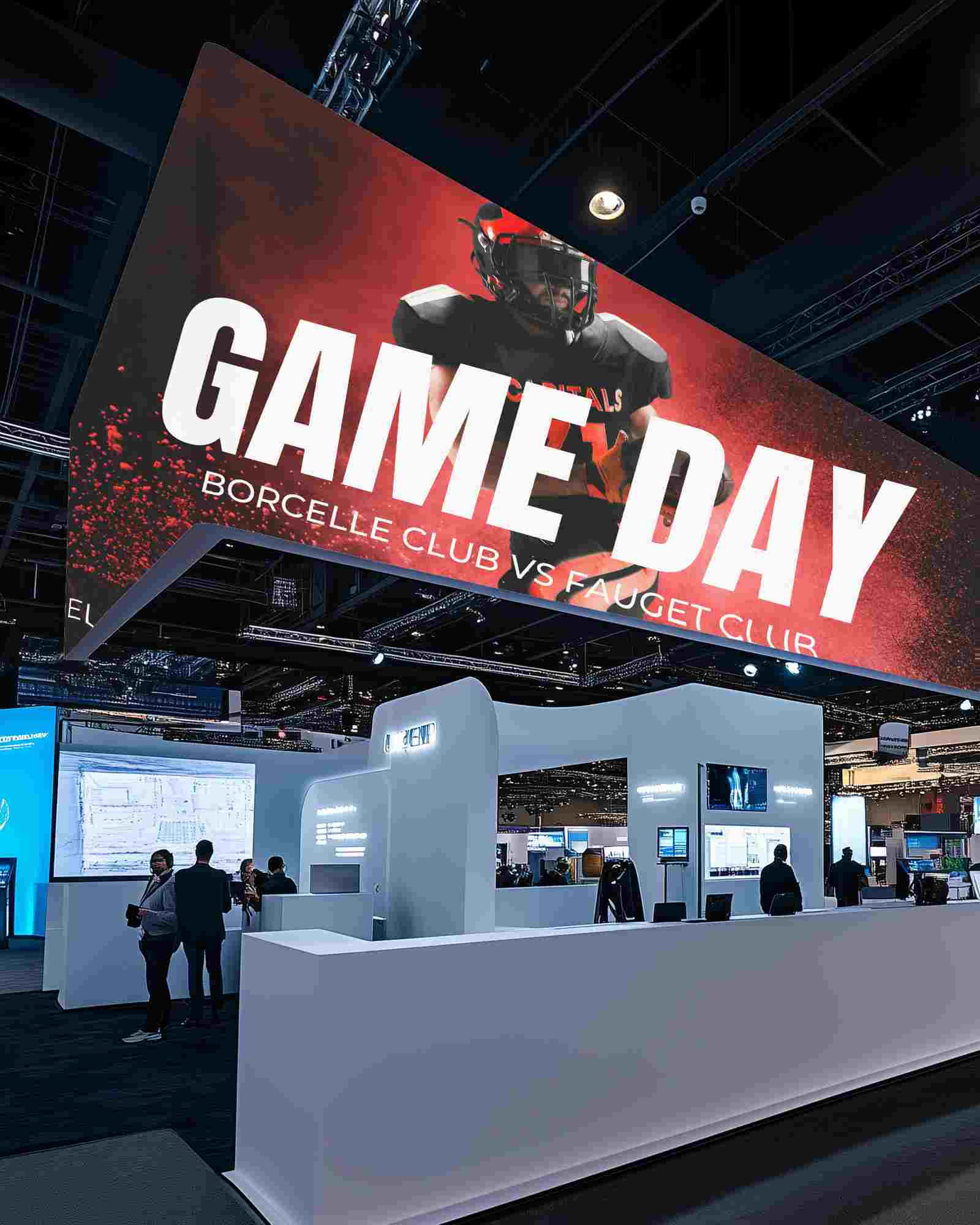
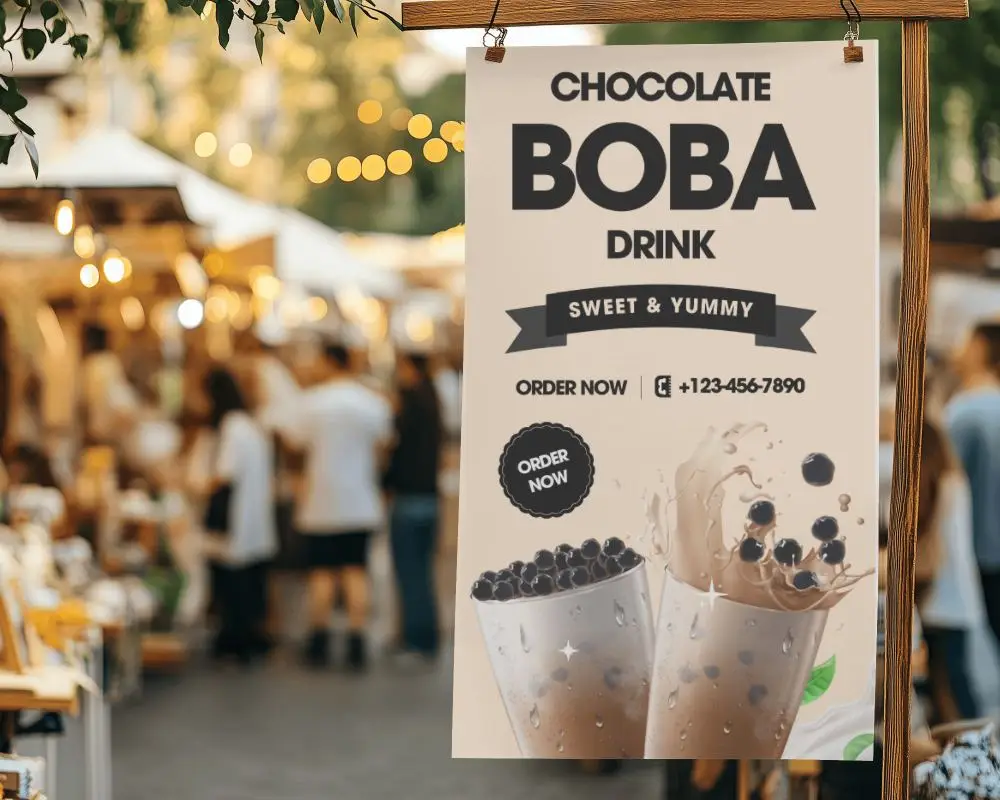
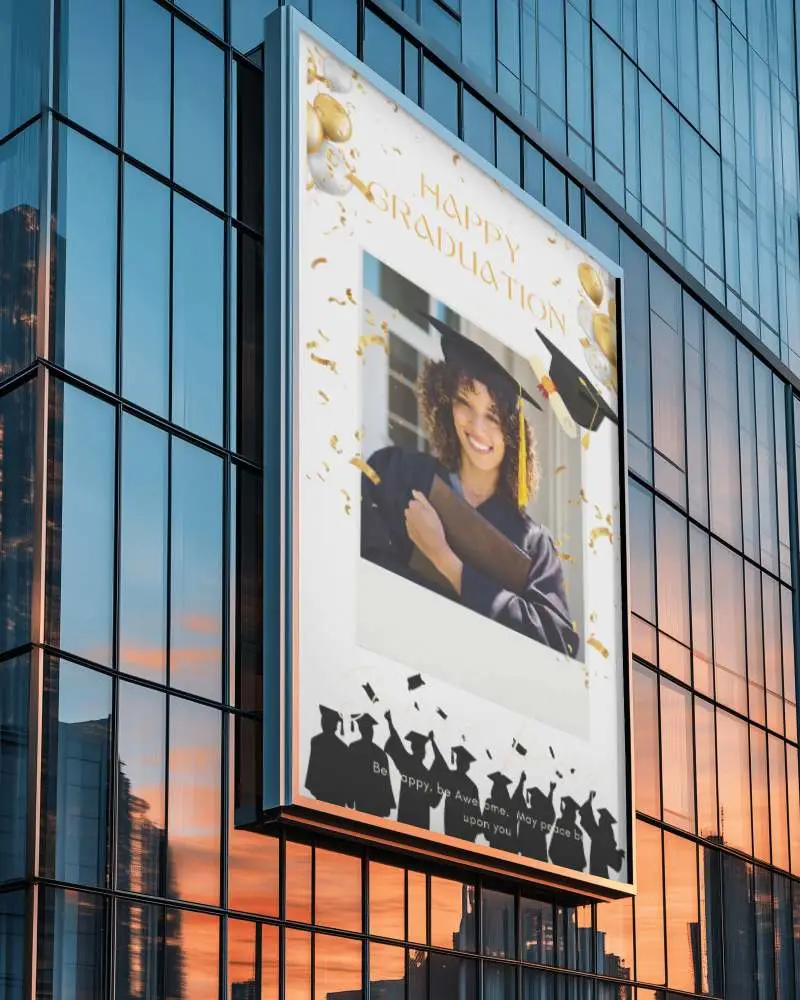
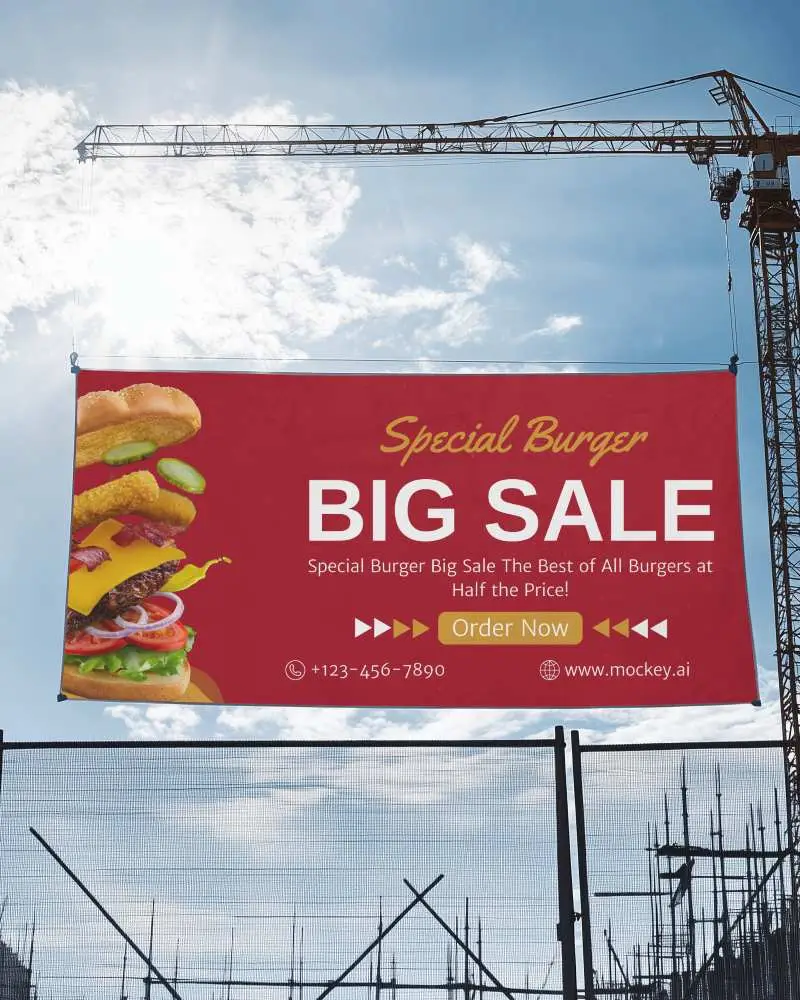
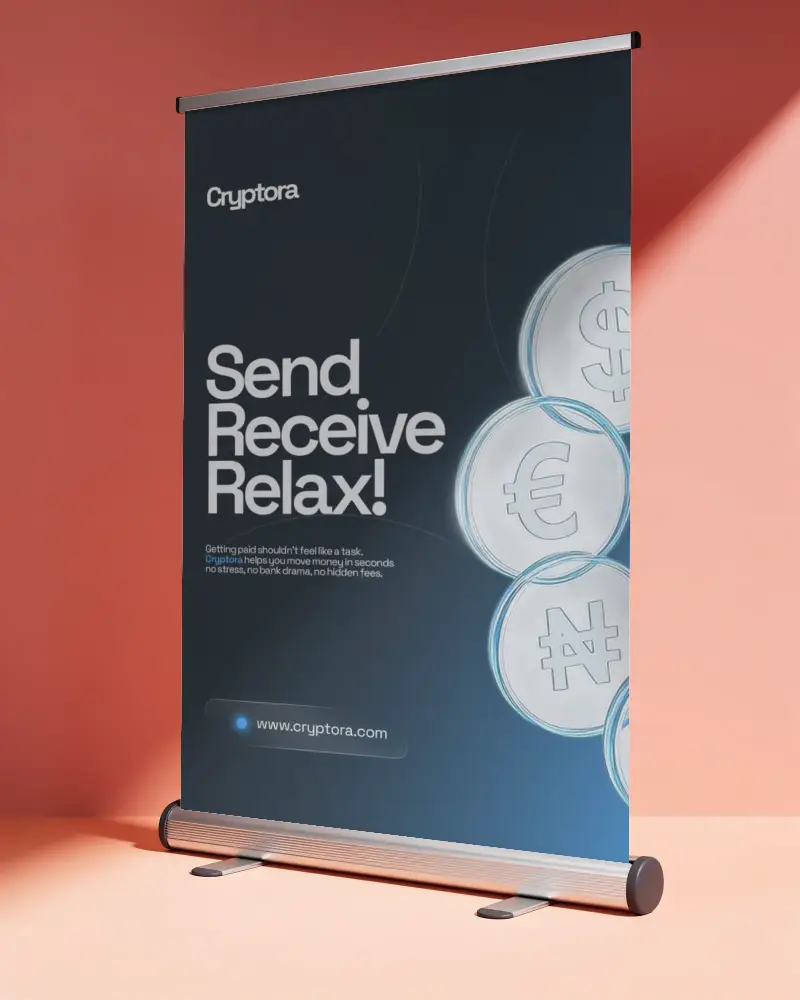
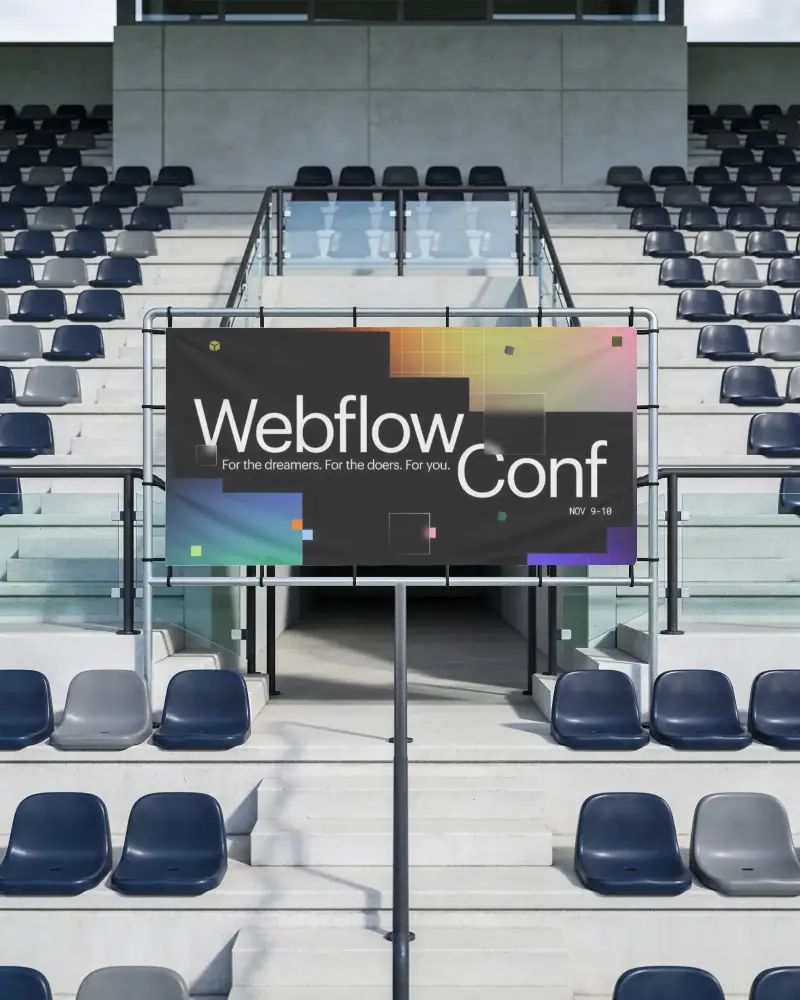
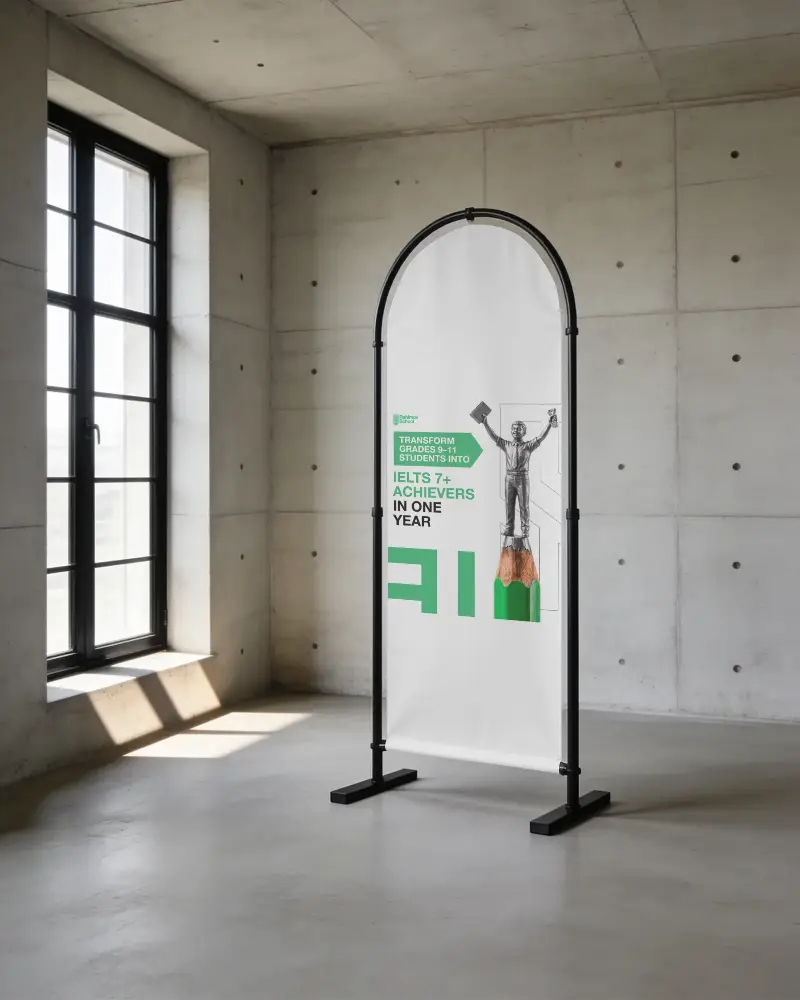
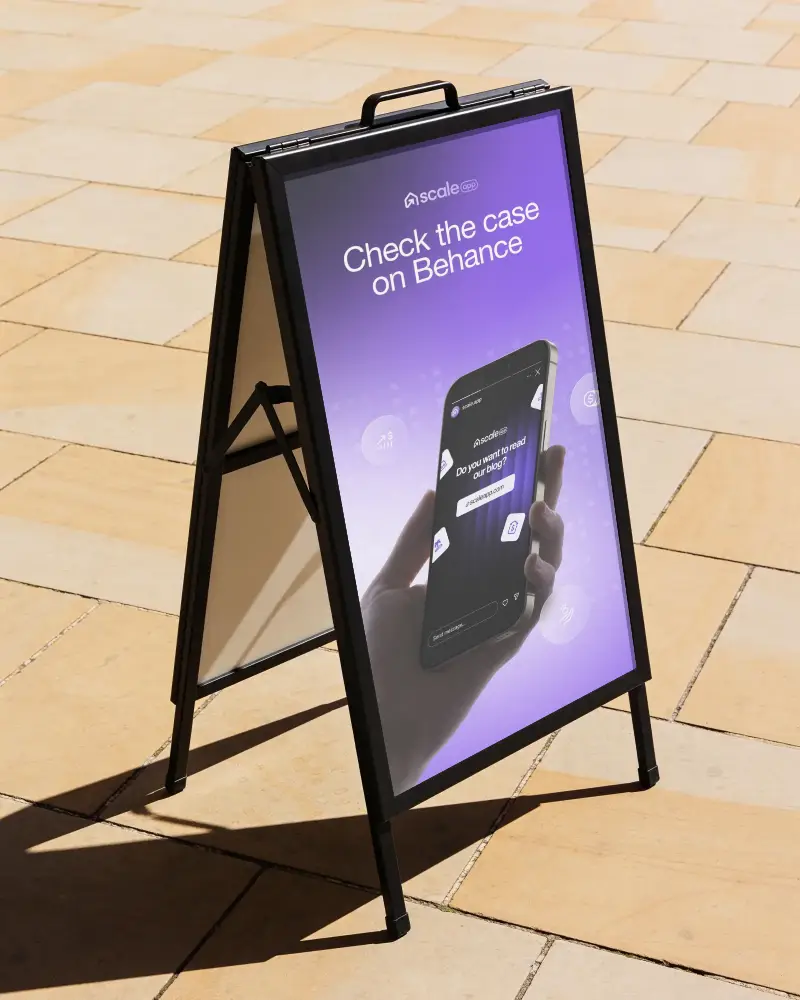
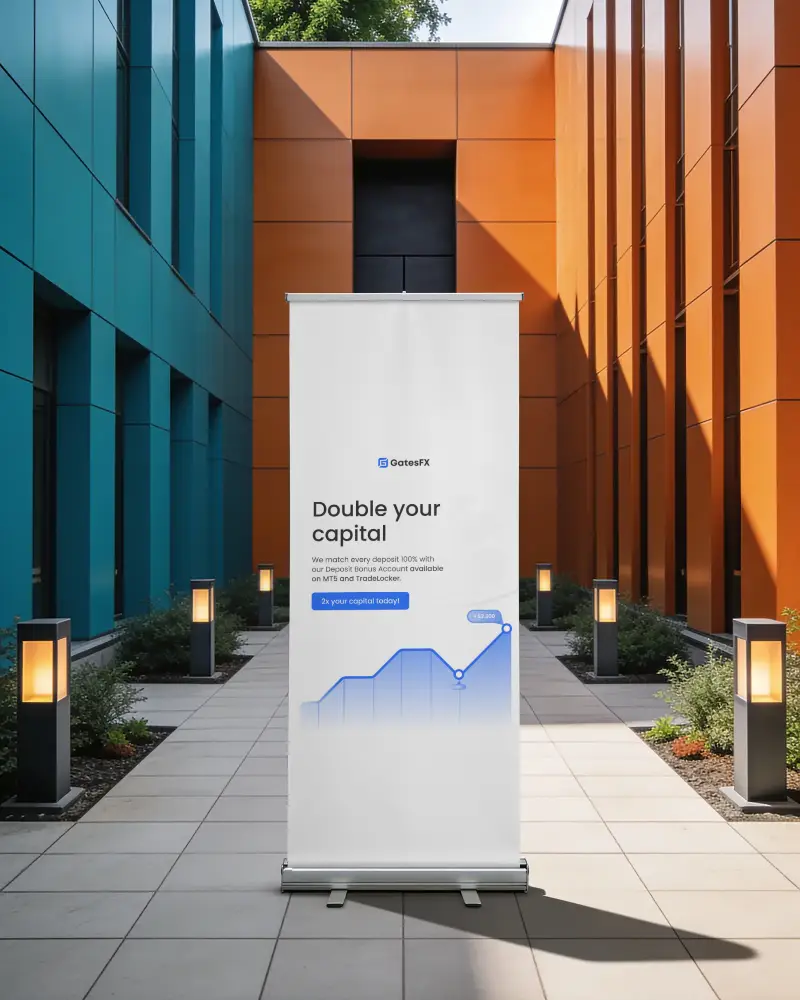
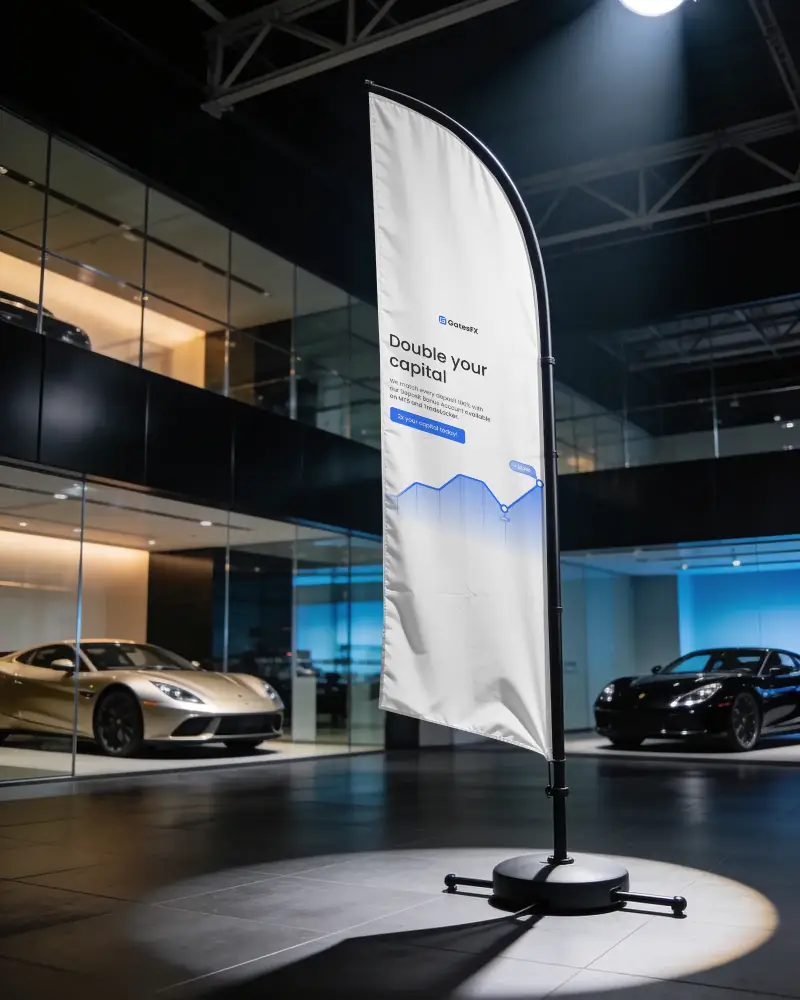
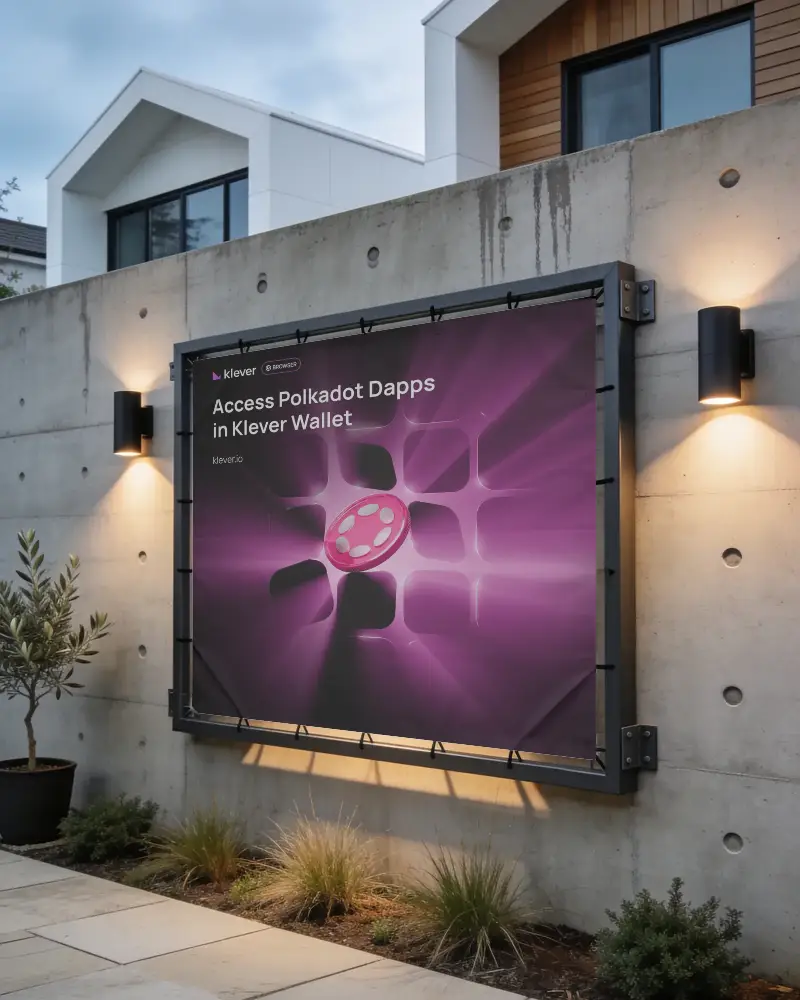
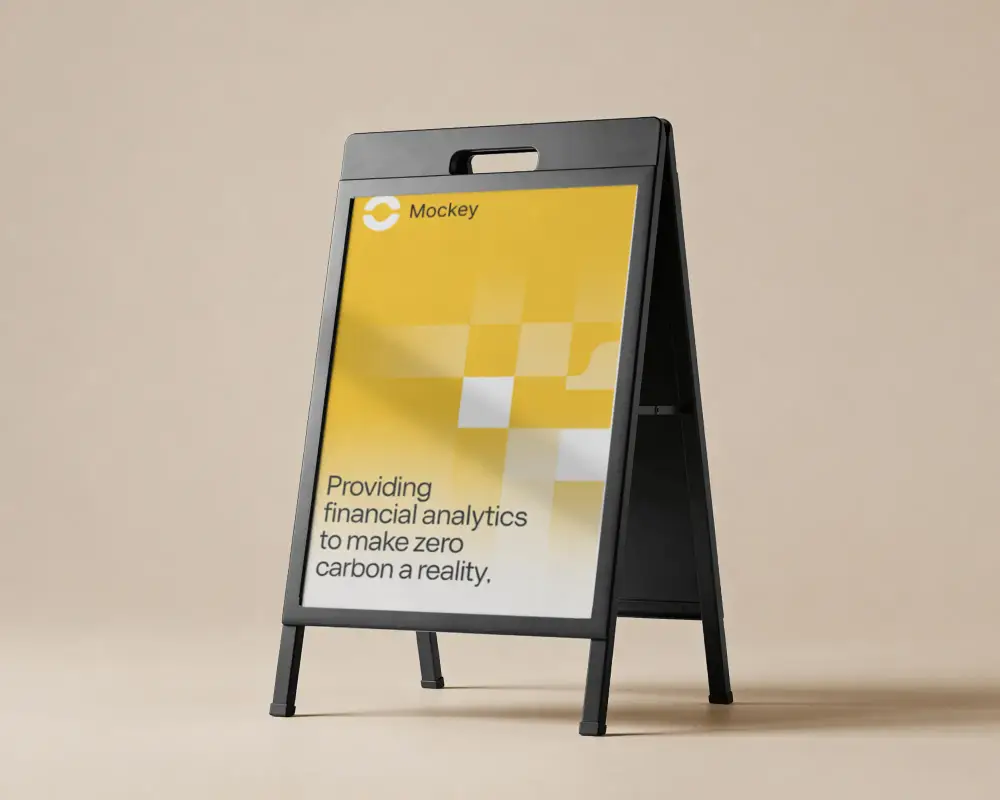
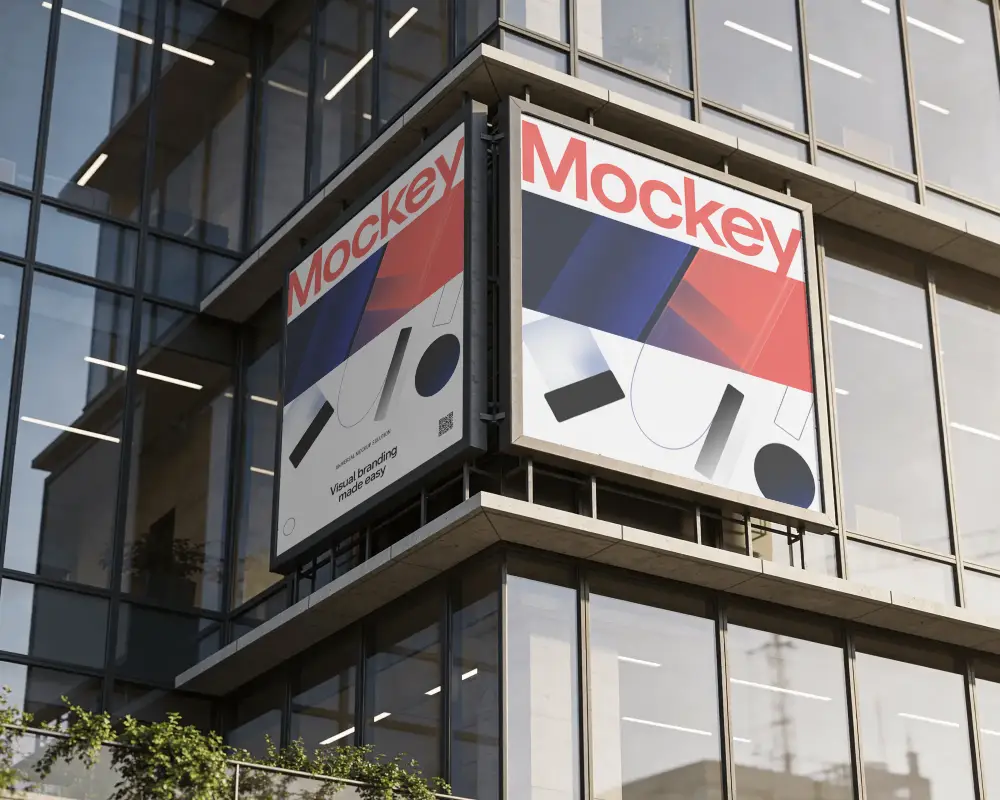
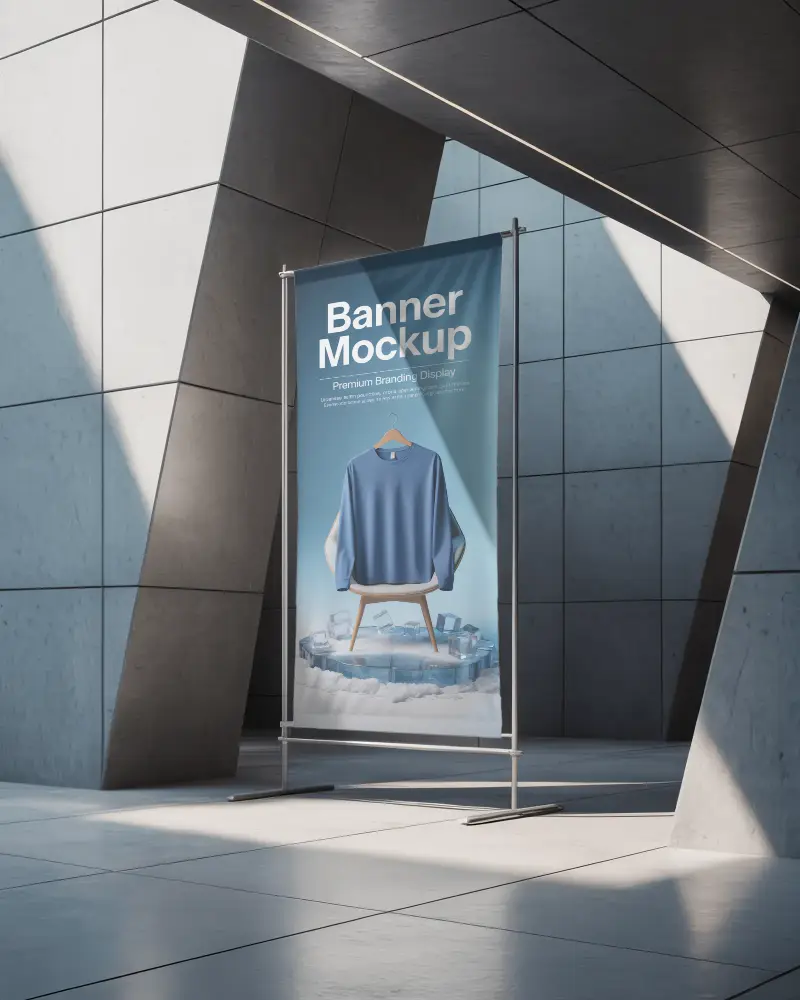
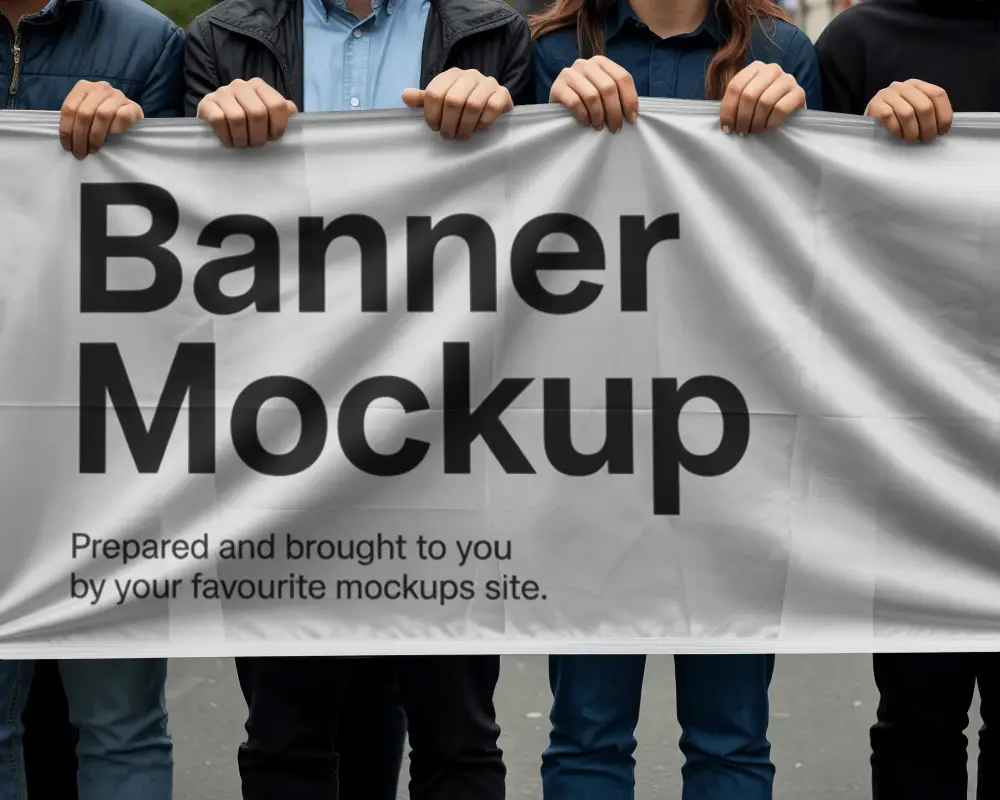
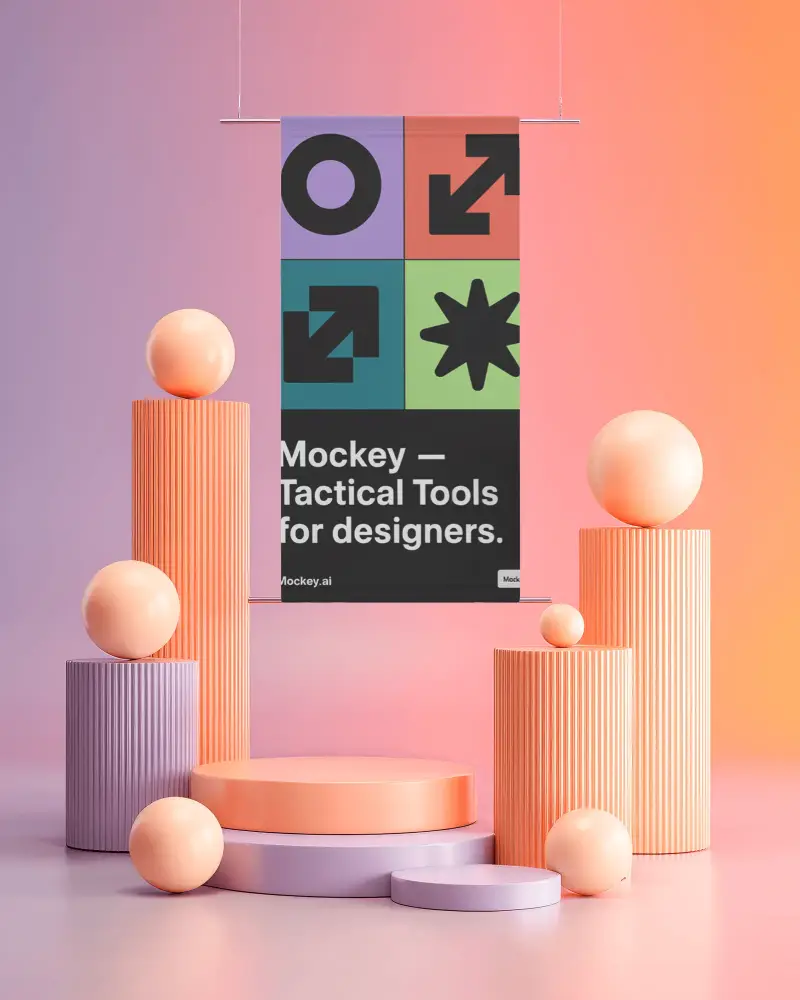
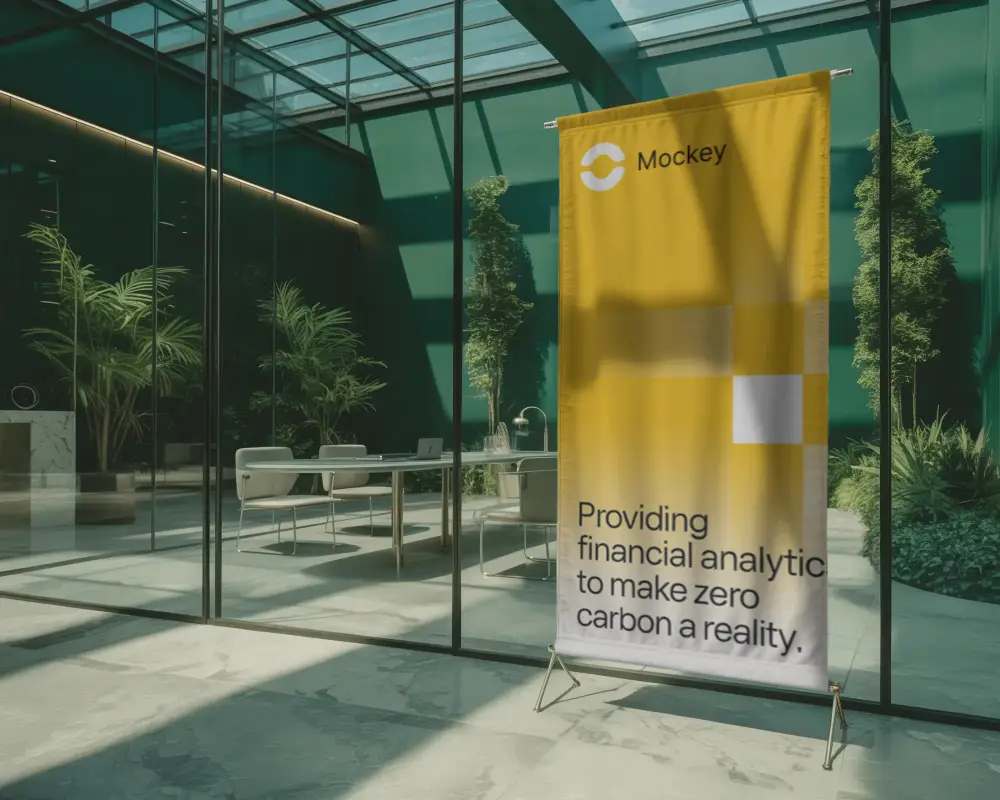
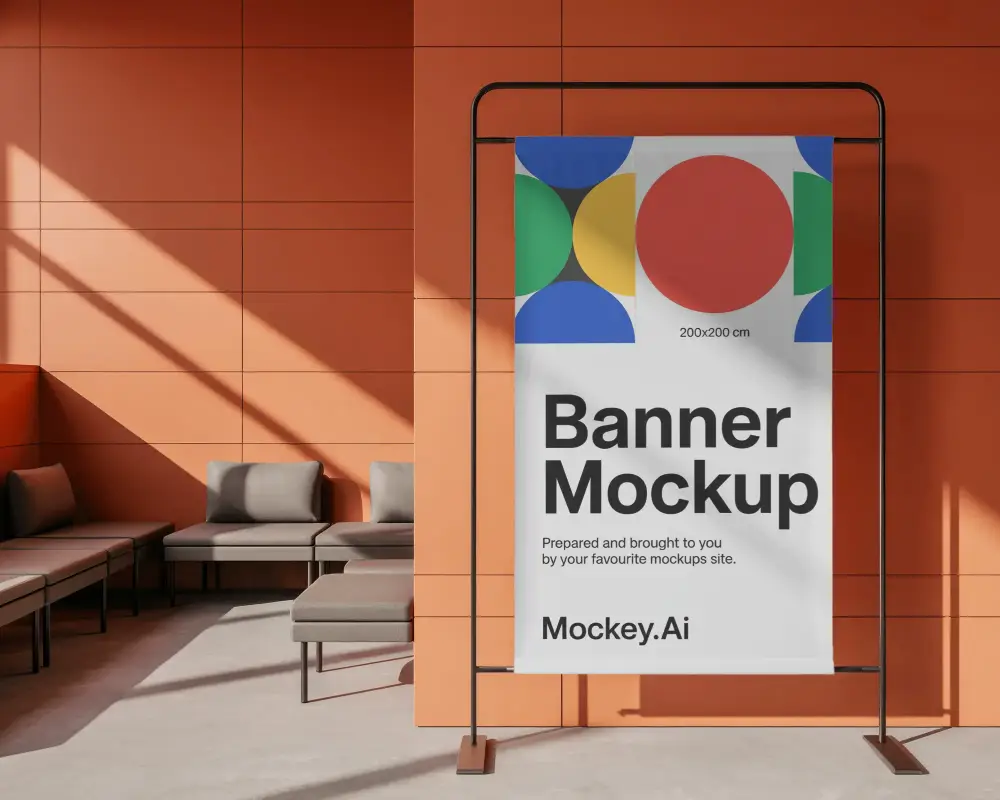
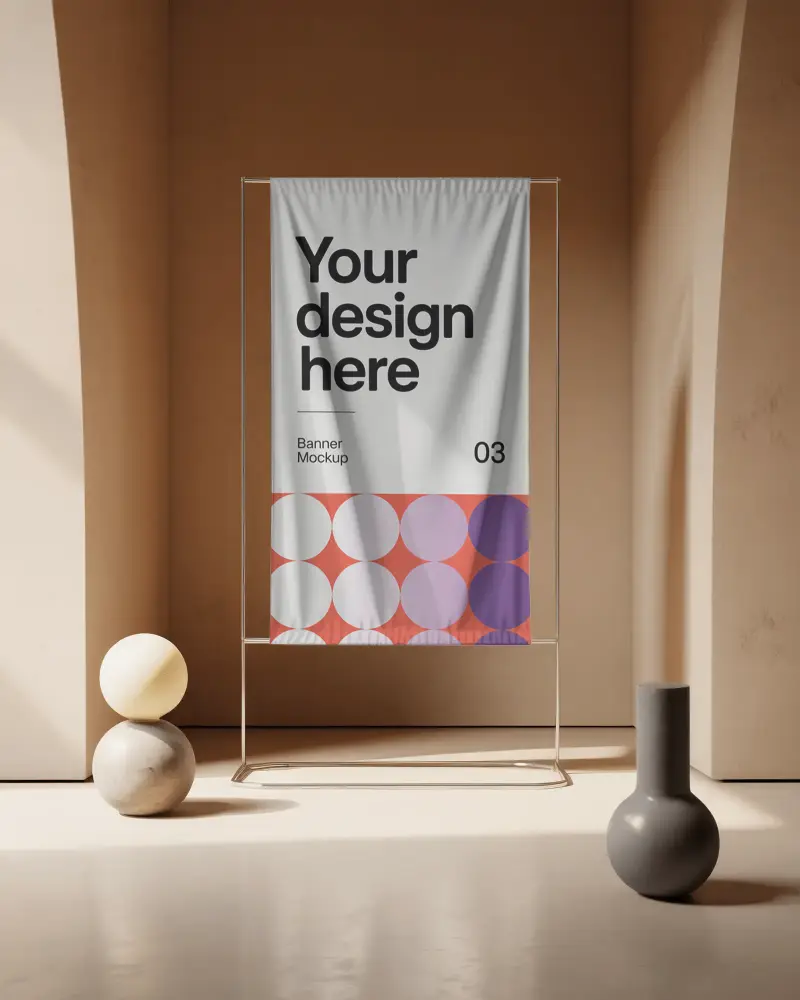
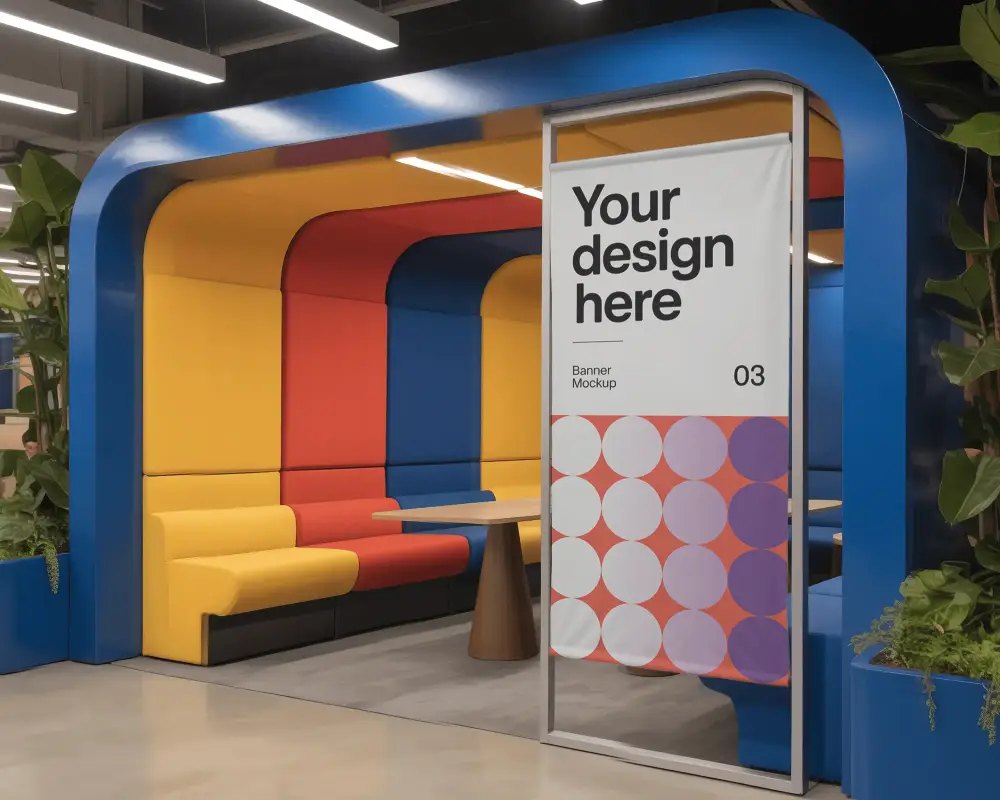
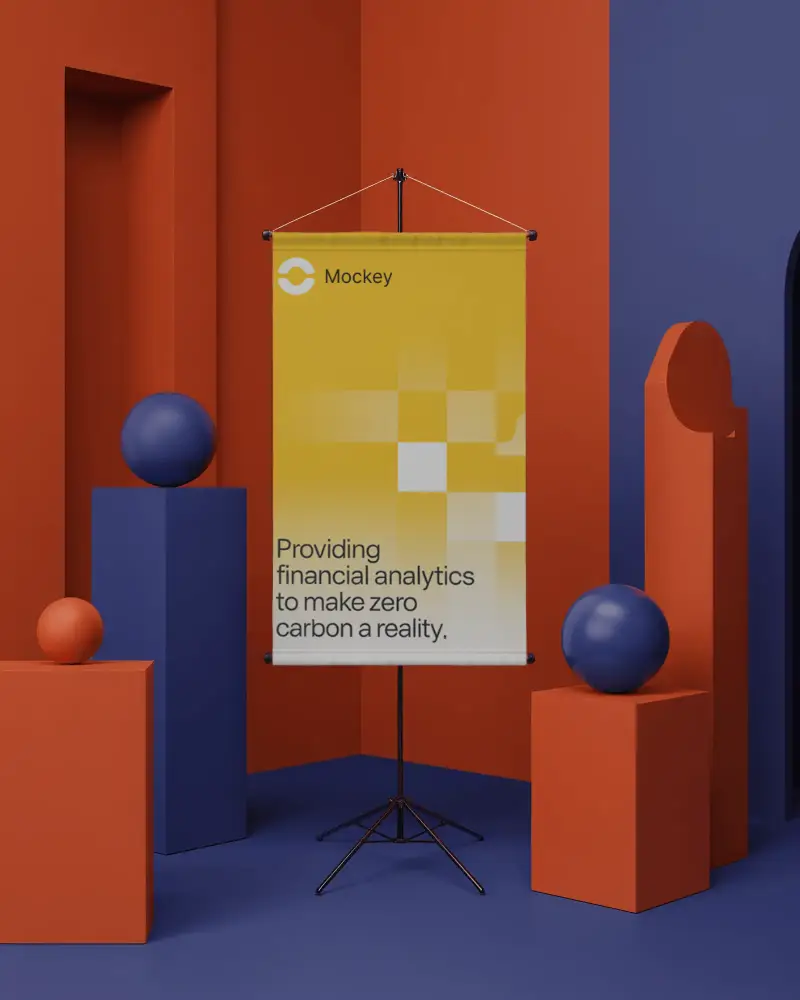
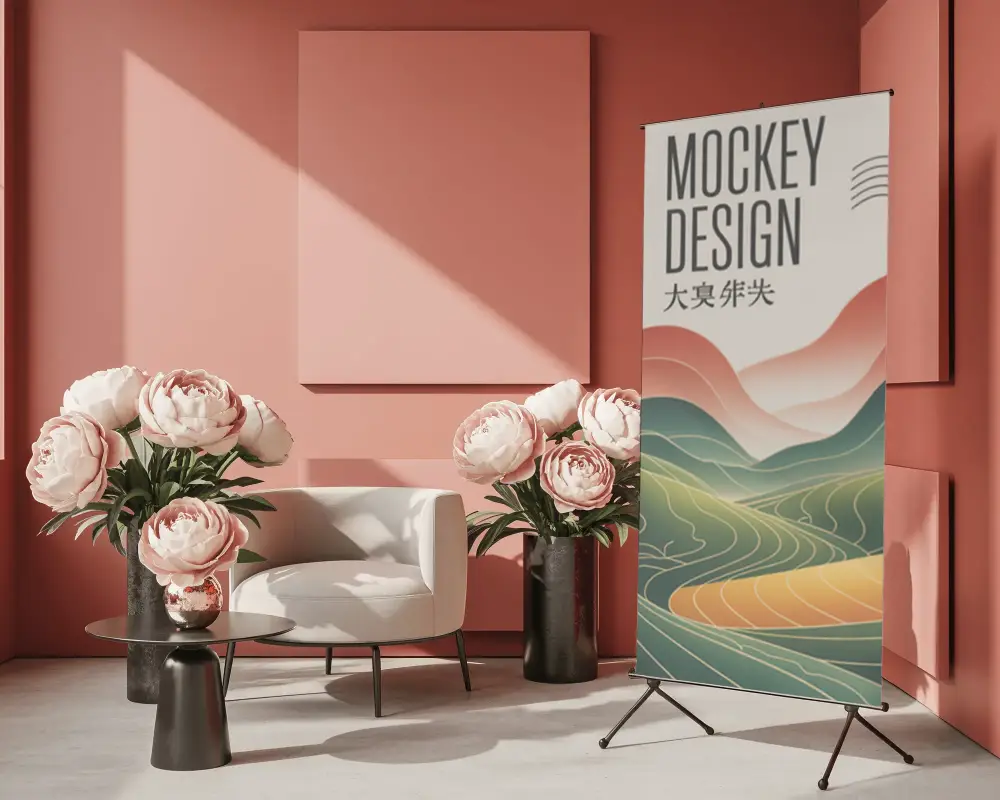
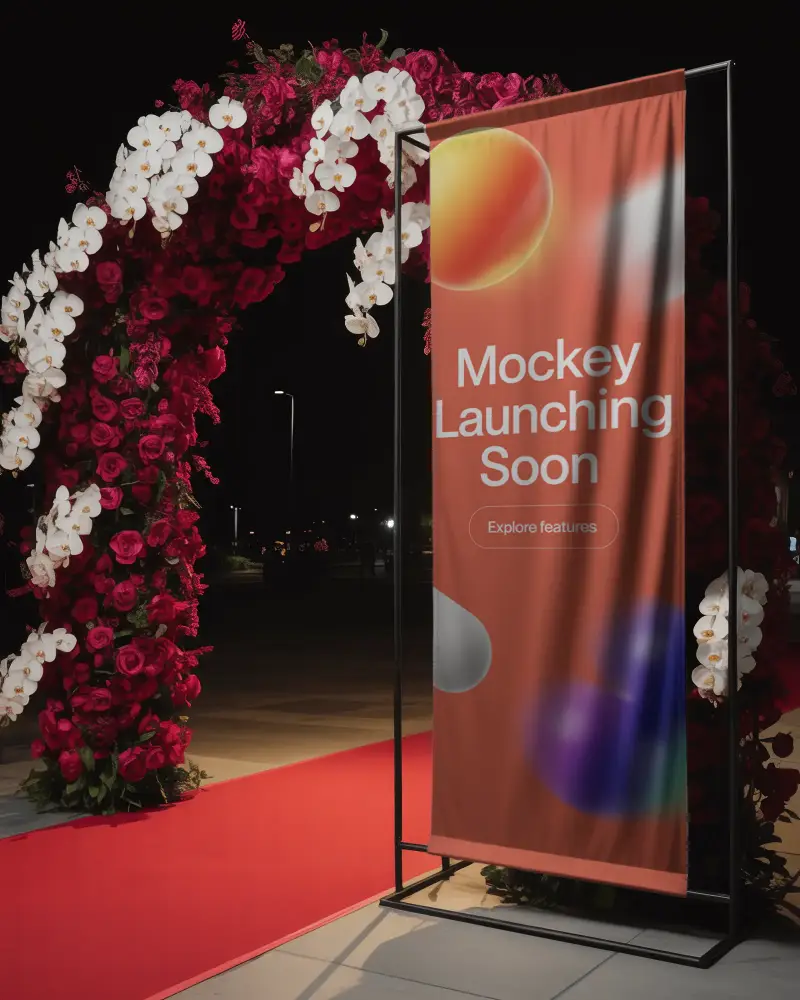
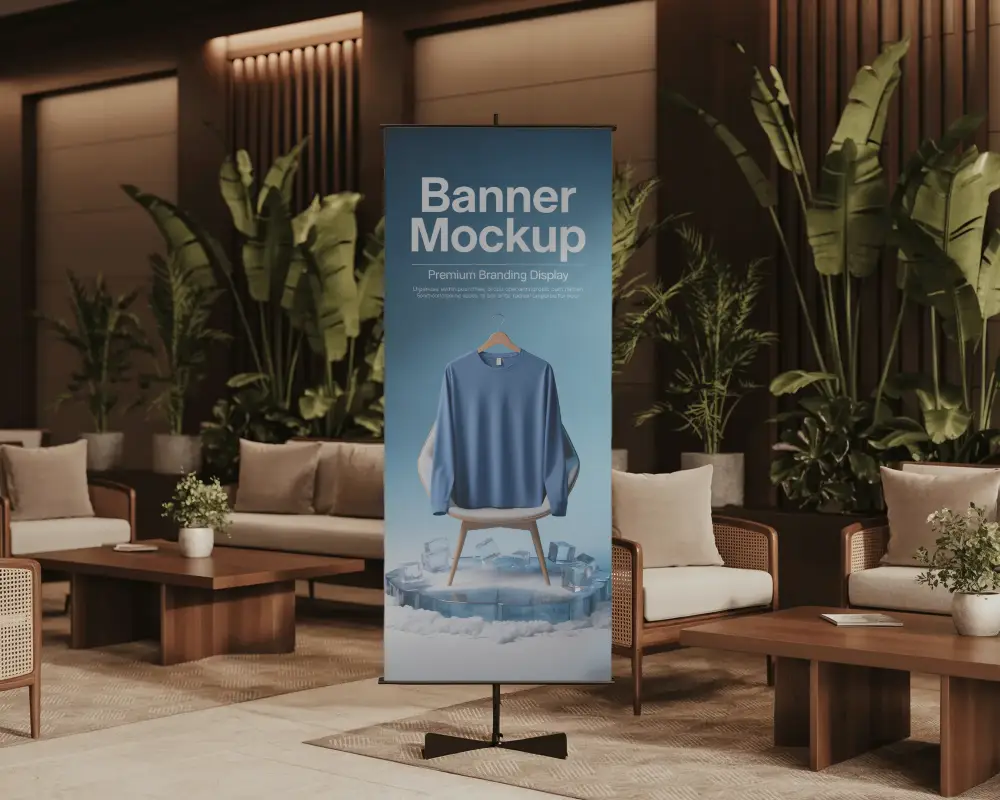
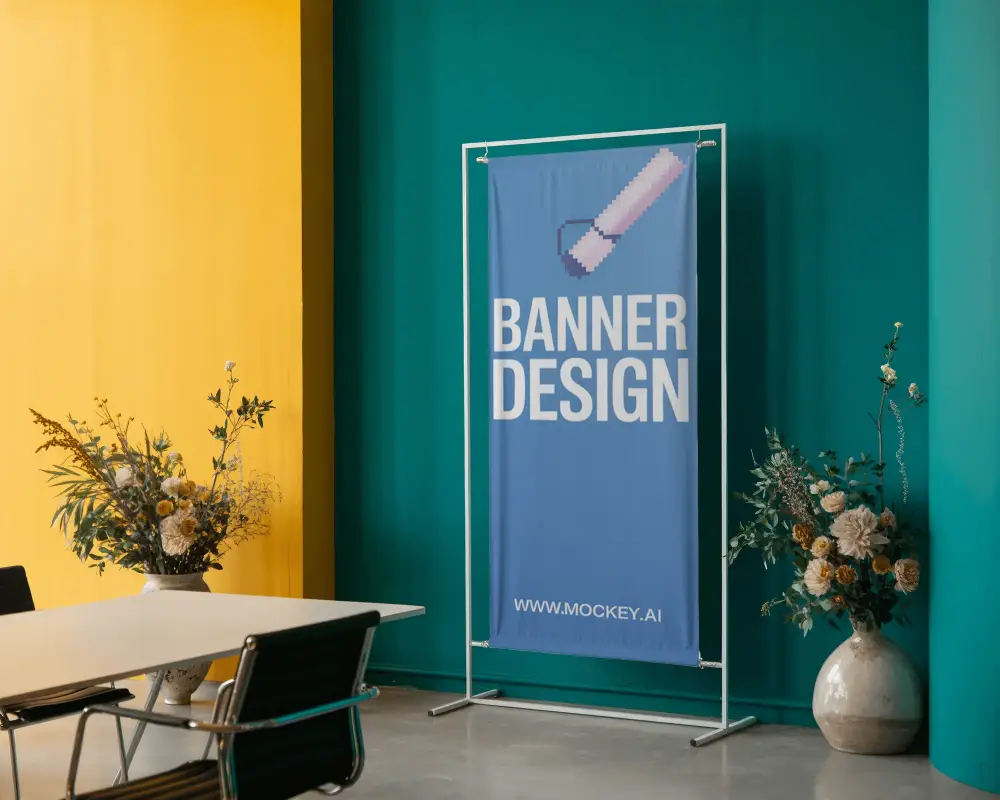
If you're looking to present your banner designs in a more impactful way, Social Media Banner mockups are the perfect solution. They help transform simple graphics into realistic presentations that clients and audiences can instantly relate to. With Mockey AI, you can create high-quality mockups that are easy to customize and designed to fit a wide range of branding and advertising needs.

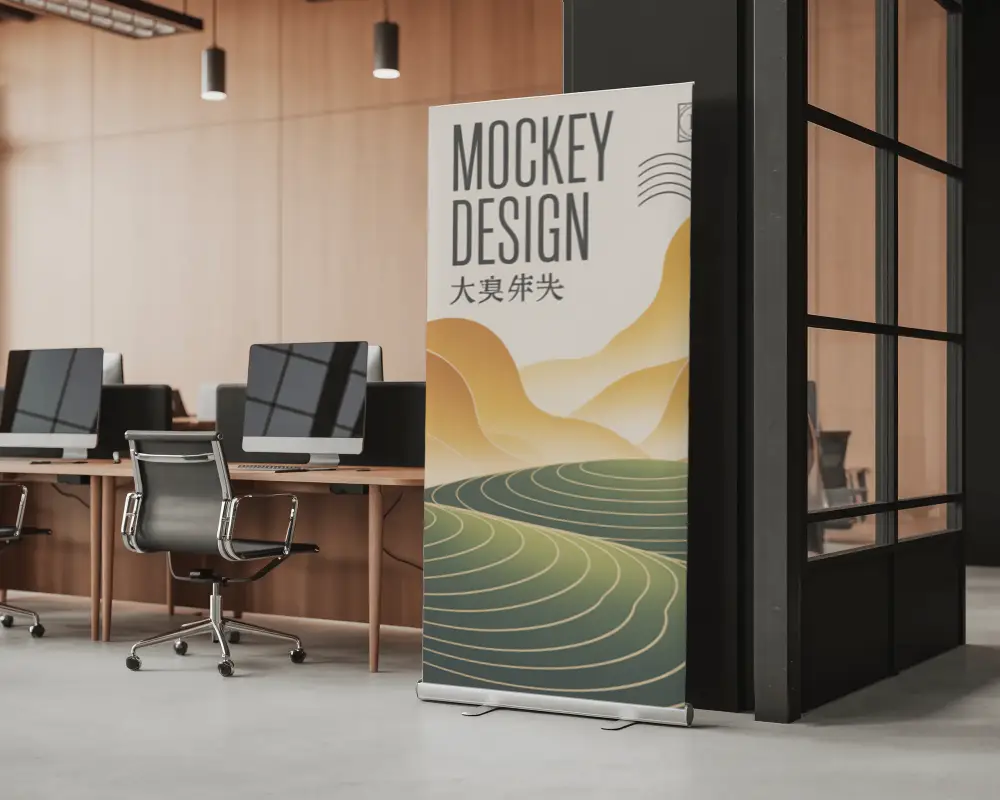
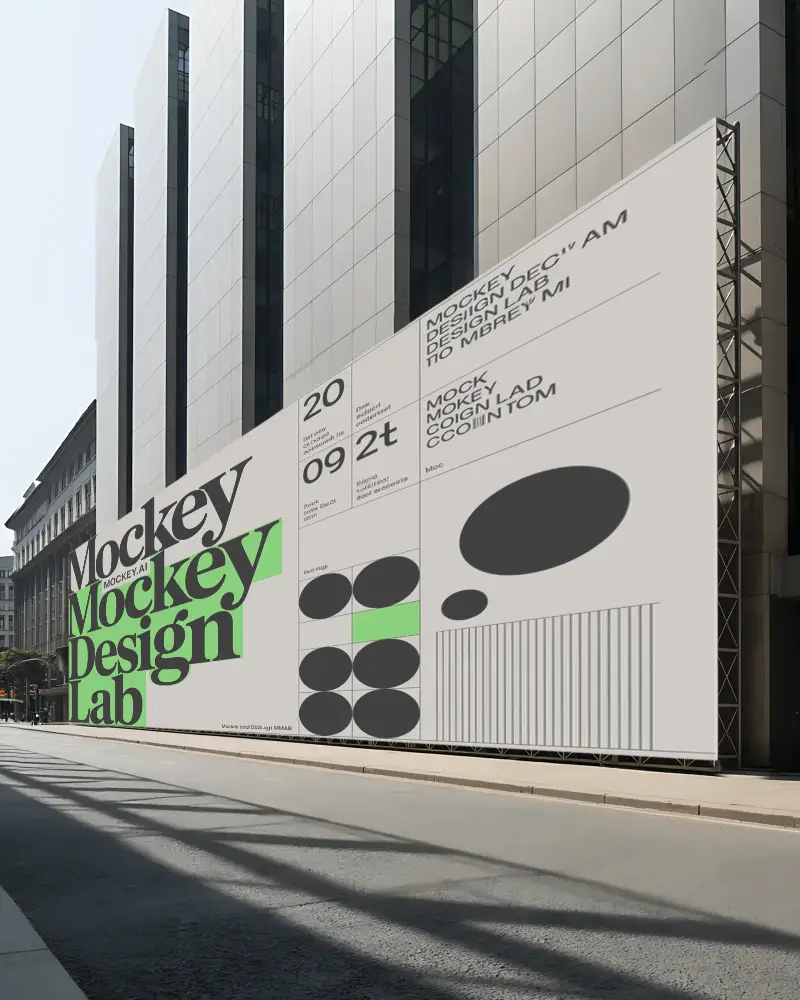
How to Make Social Media Banner Mockup with Mockey
Follow the steps to create Social Media Banner Mockups in Mockey AI
- Step 1: Click Mockups, then look for the Social Media Banner category in the print section
- Step 2: Then click Upload Design and pick your Social Media Banner template
- Step 3: Customize and export it by hitting the Download button for free without any watermark.


FAQs on Social Media Banner Mockups
What is a Social Media Banner mockup?
A Social Media Banner mockup is like a pretend picture that shows what a banner will look like when it's made. It helps designers see how the banner will look in real life, making it easier to show to others
Why create a Social Media Banner mockup?
Making a Social Media Banner mockup helps us see what our design looks like. It helps everyone on the team talk and agree on it. We can make changes before it’s made for real, and it shows us how people might like it. This makes our marketing better and saves us money.
Why Use Mockey’s Social Media Banner Mockup?
Mockey’s Banner Mockup helps you make pretty mockups fast. It has more than 500 templates you can customize, lets you download as many as you want with no watermarks, and is easy to use.
Can I customize the Social Media Banner mockups on Mockey.ai?
Yes, you can personalize banner designs on Mockey.ai. It has over 500 templates where you can upload your own image and change parts of it to make it your own.
Do I need any design software to use Mockey.ai?
You don’t need any special design software to use Mockey.ai. Just upload your design in PNG or JPG format, edit it easily with the platform's simple tools, and download your finished mockup without watermarks.
What file formats can I download my Social Media Banner mockup in?
You can download your Social Media Banner design from Mockey.ai as JPG or PNG files. It comes in three sizes: 400x500 px, 800x1000 px, and 1600x2000 px, so you can use it on different platforms easily.
How do I access the free Social Media Banner mockups on Mockey.ai?
To download free Social Media Banner mockups on Mockey.ai, visit the website, go to the Mockups tab, and choose Banner under the Print section. Select a template, upload your image, make your customizations, and click Download to save your banner without a watermark.
Is this Social Media Banner mockup free?
You can download the Social Media Banner mockup for free from Mockey AI. You can use it for your own productivity. It looks really nice, and you can customize it without using Photoshop CS6.
